


burp-ai-agent
Burp Suite extension that adds built-in MCP tooling, AI-assisted analysis, privacy controls, passive and active scanning and more
Stars: 588
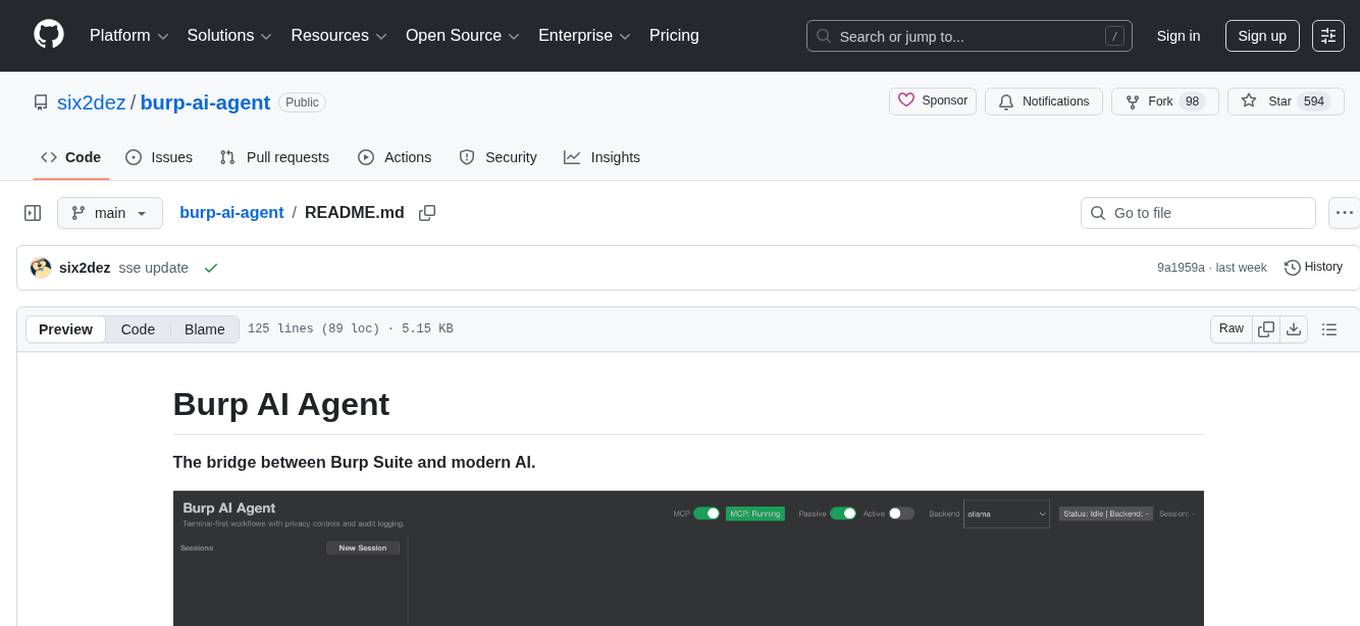
Burp AI Agent is an extension for Burp Suite that integrates AI into your security workflow. It provides 7 AI backends, 53+ MCP tools, and 62 vulnerability classes. Users can configure privacy modes, perform audit logging, and connect external AI agents via MCP. The tool allows passive and active AI scanners to find vulnerabilities while users focus on manual testing. It requires Burp Suite, Java 21, and at least one AI backend configured.
README:
The bridge between Burp Suite and modern AI.

Burp AI Agent is an extension for Burp Suite that integrates AI into your security workflow. Use local models or cloud providers, connect external AI agents via MCP, and let passive/active scanners find vulnerabilities while you focus on manual testing.
- 7 AI Backends — Ollama, LM Studio, Generic OpenAI-compatible, Gemini CLI, Claude CLI, Codex CLI, OpenCode CLI.
- 53+ MCP Tools — Let Claude Desktop (or any MCP client) drive Burp autonomously.
- 62 Vulnerability Classes — Passive and Active AI scanners across injection, auth, crypto, and more.
- 3 Privacy Modes — STRICT / BALANCED / OFF. Redact sensitive data before it leaves Burp.
- Audit Logging — JSONL with SHA-256 integrity hashing for compliance.
Download the latest JAR from Releases, or build from source (Java 21):
git clone https://github.com/six2dez/burp-ai-agent.git
cd burp-ai-agent
JAVA_HOME=/path/to/jdk-21 ./gradlew clean shadowJar
# Output: build/libs/Burp-AI-Agent-<version>.jar- Open Burp Suite (Community or Professional).
- Go to Extensions > Installed > Add.
- Select Java as extension type and choose the
.jarfile.

The extension auto-installs the bundled profiles into ~/.burp-ai-agent/AGENTS/ on first run.
Drop additional *.md files in that directory to add custom profiles.
Open the AI Agent tab and go to Settings. Pick a backend:
| Backend | Type | Setup |
|---|---|---|
| Ollama | Local HTTP | Install Ollama, run ollama serve, pull a model (ollama pull llama3.1). |
| LM Studio | Local HTTP | Install LM Studio, load a model, start the server. |
| Generic OpenAI-compatible | HTTP | Provide a base URL and model for any OpenAI-compatible provider. |
| Gemini CLI | Cloud CLI | Install gemini, run gemini auth login. |
| Claude CLI | Cloud CLI | Install claude, set ANTHROPIC_API_KEY or run claude login. |
| Codex CLI | Cloud CLI | Install codex, set OPENAI_API_KEY. |
| OpenCode CLI | Cloud CLI | Install opencode, configure provider credentials. |
- Browse a target through Burp Proxy.
- Right-click any request in Proxy > HTTP History.
- Select Extensions > Burp AI Agent > Analyze this request.
- A chat session opens with the AI analysis.

Enable the MCP server in Settings > MCP Server and add this to your Claude Desktop config:
macOS: ~/Library/Application Support/Claude/claude_desktop_config.json
Windows: %APPDATA%\Claude\claude_desktop_config.json
{
  "mcpServers": {
    "burp-ai-agent": {
      "command": "npx",
      "args": [
        "-y",
        "supergateway",
        "--sse",
        "http://127.0.0.1:9876/sse"
      ]
    }
  }
}
Requires Node.js 18+. If you enable External Access, the MCP client must send
Authorization: Bearer <token>on every request.
Full documentation is available at burp-ai-agent.six2dez.com.
- Installation
- Quick Start
- UI Tour
- Agent Profiles
- Passive Scanner
- Active Scanner
- MCP Overview
- Privacy Modes
- Settings Reference
- Troubleshooting
- Burp Suite Community or Professional (2023.12+)
- Java 21 (bundled with modern Burp for runtime; required separately for building from source)
- At least one AI backend configured (see table above)
This project is licensed under the MIT License.
Usage of Burp AI Agent for attacking targets without prior consent is illegal. It is the user's responsibility to obey all applicable laws. The developers assume no liability for misuse or damage caused by this tool. Use responsibly.
Issues and pull requests are welcome. See CONTRIBUTING.md for development setup and guidelines, or the Developer docs for architecture details.
For Tasks:
Click tags to check more tools for each tasksFor Jobs:
Alternative AI tools for burp-ai-agent
Similar Open Source Tools
burp-ai-agent
Burp AI Agent is an extension for Burp Suite that integrates AI into your security workflow. It provides 7 AI backends, 53+ MCP tools, and 62 vulnerability classes. Users can configure privacy modes, perform audit logging, and connect external AI agents via MCP. The tool allows passive and active AI scanners to find vulnerabilities while users focus on manual testing. It requires Burp Suite, Java 21, and at least one AI backend configured.
explain-openclaw
Explain OpenClaw is a comprehensive documentation repository for the OpenClaw framework, a self-hosted AI assistant platform. It covers various aspects such as plain English explanations, technical architecture, deployment scenarios, privacy and safety measures, security audits, worst-case security scenarios, optimizations, and AI model comparisons. The repository serves as a living knowledge base with beginner-friendly explanations and detailed technical insights for contributors.
sandboxed.sh
sandboxed.sh is a self-hosted cloud orchestrator for AI coding agents that provides isolated Linux workspaces with Claude Code, OpenCode & Amp runtimes. It allows users to hand off entire development cycles, run multi-day operations unattended, and keep sensitive data local by analyzing data against scientific literature. The tool features dual runtime support, mission control for remote agent management, isolated workspaces, a git-backed library, MCP registry, and multi-platform support with a web dashboard and iOS app.
tingly-box
Tingly Box is a tool that helps in deciding which model to call, compressing context, and routing requests efficiently. It offers secure, reliable, and customizable functional extensions. With features like unified API, smart routing, context compression, auto API translation, blazing fast performance, flexible authentication, visual control panel, and client-side usage stats, Tingly Box provides a comprehensive solution for managing AI models and tokens. It supports integration with various IDEs, CLI tools, SDKs, and AI applications, making it versatile and easy to use. The tool also allows seamless integration with OAuth providers like Claude Code, enabling users to utilize existing quotas in OpenAI-compatible tools. Tingly Box aims to simplify AI model management and usage by providing a single endpoint for multiple providers with minimal configuration, promoting seamless integration with SDKs and CLI tools.
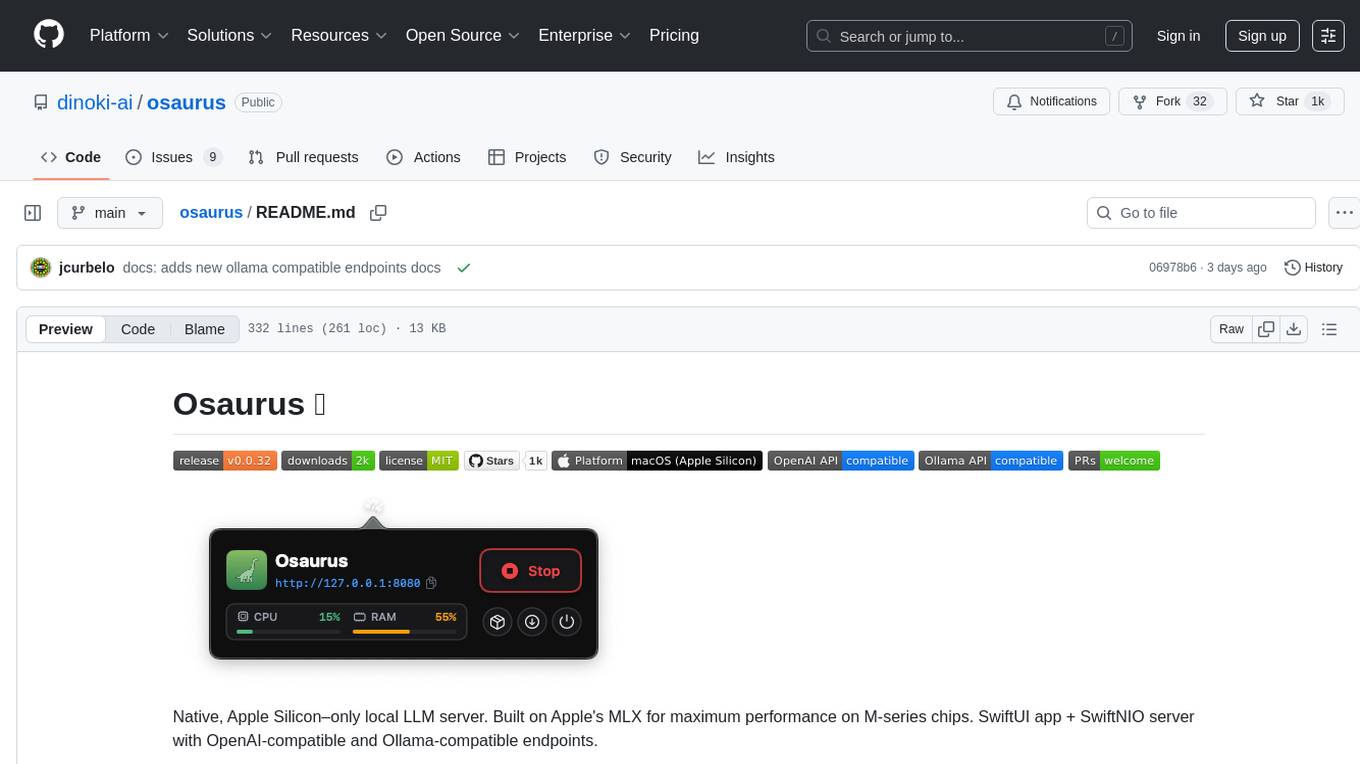
osaurus
Osaurus is a native, Apple Silicon-only local LLM server built on Apple's MLX for maximum performance on M‑series chips. It is a SwiftUI app + SwiftNIO server with OpenAI‑compatible and Ollama‑compatible endpoints. The tool supports native MLX text generation, model management, streaming and non‑streaming chat completions, OpenAI‑compatible function calling, real-time system resource monitoring, and path normalization for API compatibility. Osaurus is designed for macOS 15.5+ and Apple Silicon (M1 or newer) with Xcode 16.4+ required for building from source.
handit.ai
Handit.ai is an autonomous engineer tool designed to fix AI failures 24/7. It catches failures, writes fixes, tests them, and ships PRs automatically. It monitors AI applications, detects issues, generates fixes, tests them against real data, and ships them as pull requests—all automatically. Users can write JavaScript, TypeScript, Python, and more, and the tool automates what used to require manual debugging and firefighting.
agentfield
AgentField is an open-source control plane designed for autonomous AI agents, providing infrastructure for agents to make decisions beyond chatbots. It offers features like scaling infrastructure, routing & discovery, async execution, durable state, observability, trust infrastructure with cryptographic identity, verifiable credentials, and policy enforcement. Users can write agents in Python, Go, TypeScript, or interact via REST APIs. The tool enables the creation of AI backends that reason autonomously within defined boundaries, offering predictability and flexibility. AgentField aims to bridge the gap between AI frameworks and production-ready infrastructure for AI agents.
airunner
AI Runner is a multi-modal AI interface that allows users to run open-source large language models and AI image generators on their own hardware. The tool provides features such as voice-based chatbot conversations, text-to-speech, speech-to-text, vision-to-text, text generation with large language models, image generation capabilities, image manipulation tools, utility functions, and more. It aims to provide a stable and user-friendly experience with security updates, a new UI, and a streamlined installation process. The application is designed to run offline on users' hardware without relying on a web server, offering a smooth and responsive user experience.

ClaudeBar
ClaudeBar is a macOS menu bar application that monitors AI coding assistant usage quotas. It allows users to keep track of their usage of Claude, Codex, Gemini, GitHub Copilot, Antigravity, and Z.ai at a glance. The application offers multi-provider support, real-time quota tracking, multiple themes, visual status indicators, system notifications, auto-refresh feature, and keyboard shortcuts for quick access. Users can customize monitoring by toggling individual providers on/off and receive alerts when quota status changes. The tool requires macOS 15+, Swift 6.2+, and CLI tools installed for the providers to be monitored.
MassGen
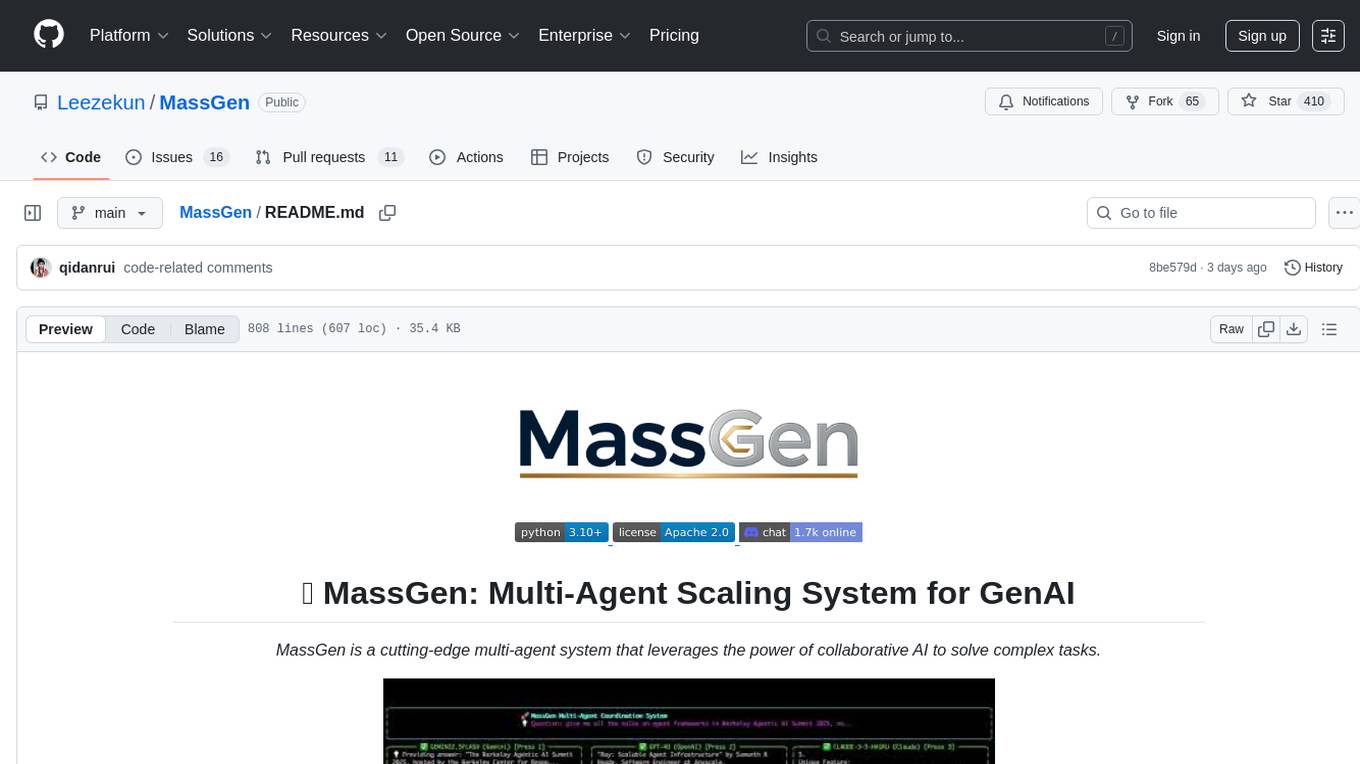
MassGen is a cutting-edge multi-agent system that leverages the power of collaborative AI to solve complex tasks. It assigns a task to multiple AI agents who work in parallel, observe each other's progress, and refine their approaches to converge on the best solution to deliver a comprehensive and high-quality result. The system operates through an architecture designed for seamless multi-agent collaboration, with key features including cross-model/agent synergy, parallel processing, intelligence sharing, consensus building, and live visualization. Users can install the system, configure API settings, and run MassGen for various tasks such as question answering, creative writing, research, development & coding tasks, and web automation & browser tasks. The roadmap includes plans for advanced agent collaboration, expanded model, tool & agent integration, improved performance & scalability, enhanced developer experience, and a web interface.
mcp-rubber-duck
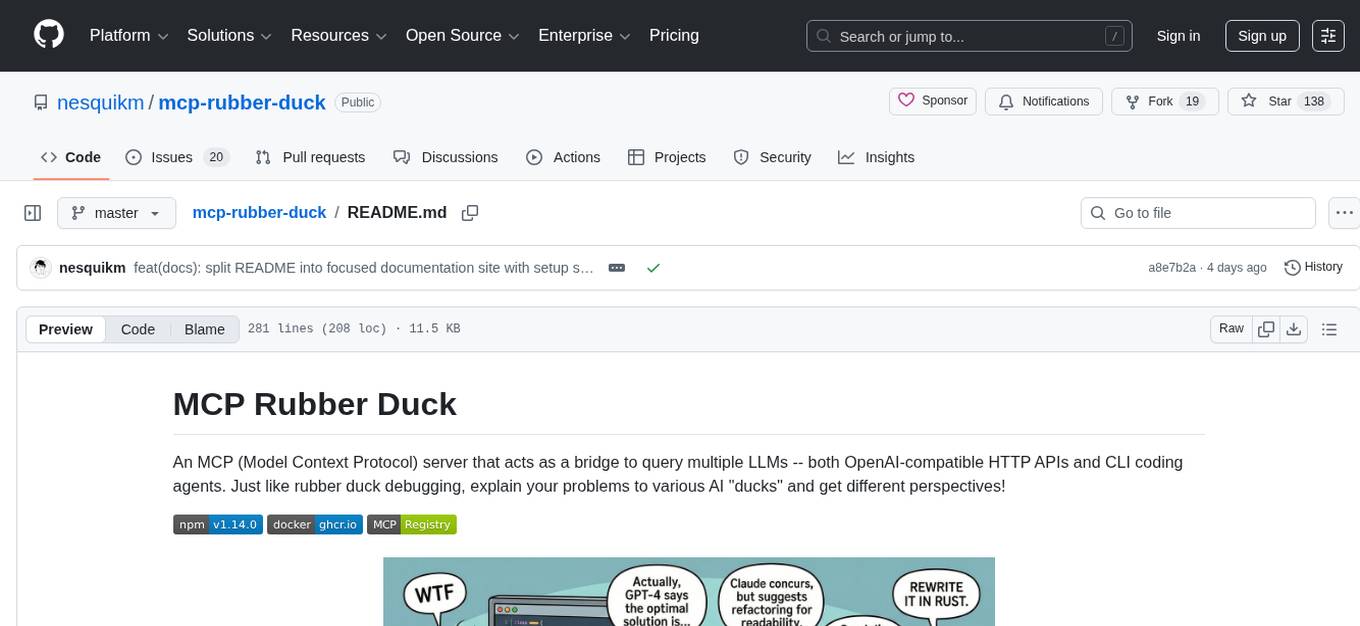
MCP Rubber Duck is a Model Context Protocol server that acts as a bridge to query multiple LLMs, including OpenAI-compatible HTTP APIs and CLI coding agents. Users can explain their problems to various AI 'ducks' to get different perspectives. The tool offers features like universal OpenAI compatibility, CLI agent support, conversation management, multi-duck querying, consensus voting, LLM-as-Judge evaluation, structured debates, health monitoring, usage tracking, and more. It supports various HTTP providers like OpenAI, Google Gemini, Anthropic, Groq, Together AI, Perplexity, and CLI providers like Claude Code, Codex, Gemini CLI, Grok, Aider, and custom agents. Users can install the tool globally, configure it using environment variables, and access interactive UIs for comparing ducks, voting, debating, and usage statistics. The tool provides multiple tools for asking questions, chatting, clearing conversations, listing ducks, comparing responses, voting, judging, iterating, debating, and more. It also offers prompt templates for different analysis purposes and extensive documentation for setup, configuration, tools, prompts, CLI providers, MCP Bridge, guardrails, Docker deployment, troubleshooting, contributing, license, acknowledgments, changelog, registry & directory, and support.
zotero-mcp
Zotero MCP is an open-source project that integrates AI capabilities with Zotero using the Model Context Protocol. It consists of a Zotero plugin and an MCP server, enabling AI assistants to search, retrieve, and cite references from Zotero library. The project features a unified architecture with an integrated MCP server, eliminating the need for a separate server process. It provides features like intelligent search, detailed reference information, filtering by tags and identifiers, aiding in academic tasks such as literature reviews and citation management.

llamafarm
LlamaFarm is a comprehensive AI framework that empowers users to build powerful AI applications locally, with full control over costs and deployment options. It provides modular components for RAG systems, vector databases, model management, prompt engineering, and fine-tuning. Users can create differentiated AI products without needing extensive ML expertise, using simple CLI commands and YAML configs. The framework supports local-first development, production-ready components, strategy-based configuration, and deployment anywhere from laptops to the cloud.
mcp-ts-template
The MCP TypeScript Server Template is a production-grade framework for building powerful and scalable Model Context Protocol servers with TypeScript. It features built-in observability, declarative tooling, robust error handling, and a modular, DI-driven architecture. The template is designed to be AI-agent-friendly, providing detailed rules and guidance for developers to adhere to best practices. It enforces architectural principles like 'Logic Throws, Handler Catches' pattern, full-stack observability, declarative components, and dependency injection for decoupling. The project structure includes directories for configuration, container setup, server resources, services, storage, utilities, tests, and more. Configuration is done via environment variables, and key scripts are available for development, testing, and publishing to the MCP Registry.
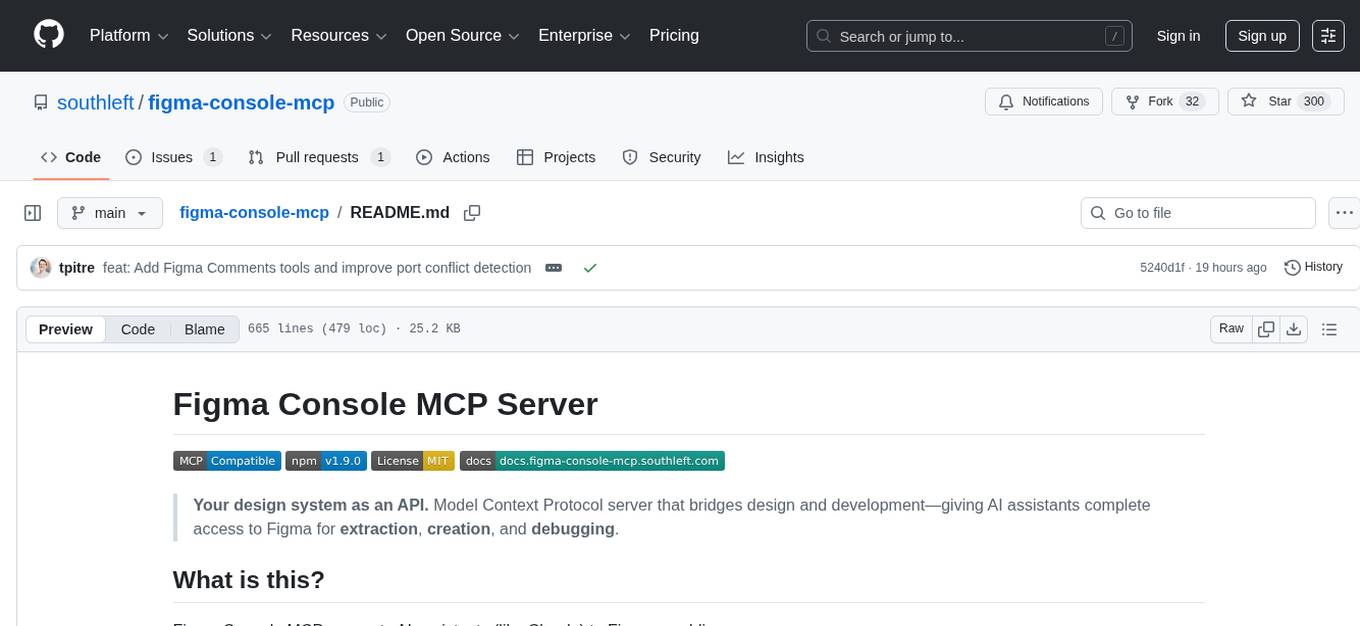
figma-console-mcp
Figma Console MCP is a Model Context Protocol server that bridges design and development, giving AI assistants complete access to Figma for extraction, creation, and debugging. It connects AI assistants like Claude to Figma, enabling plugin debugging, visual debugging, design system extraction, design creation, variable management, real-time monitoring, and three installation methods. The server offers 53+ tools for NPX and Local Git setups, while Remote SSE provides read-only access with 16 tools. Users can create and modify designs with AI, contribute to projects, or explore design data. The server supports authentication via personal access tokens and OAuth, and offers tools for navigation, console debugging, visual debugging, design system extraction, design creation, design-code parity, variable management, and AI-assisted design creation.
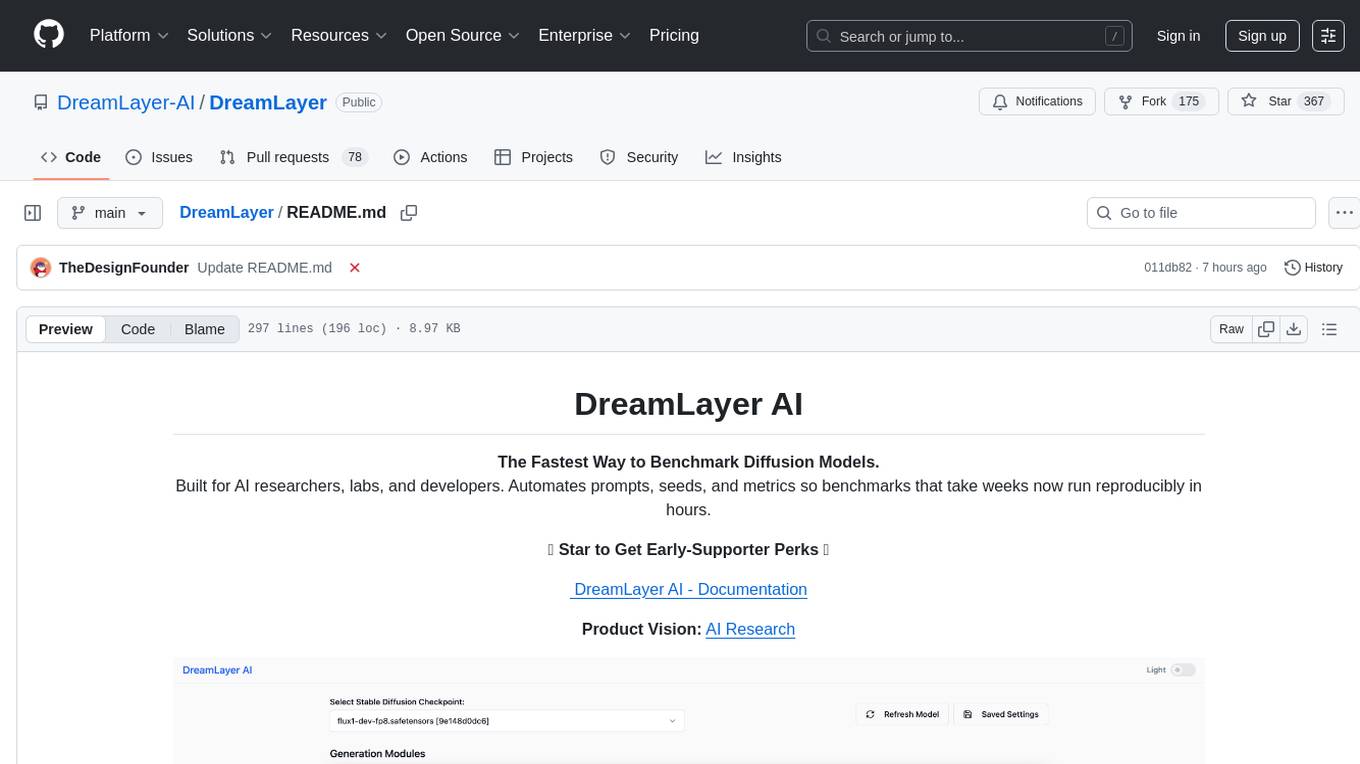
DreamLayer
DreamLayer AI is an open-source Stable Diffusion WebUI designed for AI researchers, labs, and developers. It automates prompts, seeds, and metrics for benchmarking models, datasets, and samplers, enabling reproducible evaluations across multiple seeds and configurations. The tool integrates custom metrics and evaluation pipelines, providing a streamlined workflow for AI research. With features like automated benchmarking, reproducibility, built-in metrics, multi-modal readiness, and researcher-friendly interface, DreamLayer AI aims to simplify and accelerate the model evaluation process.
For similar tasks
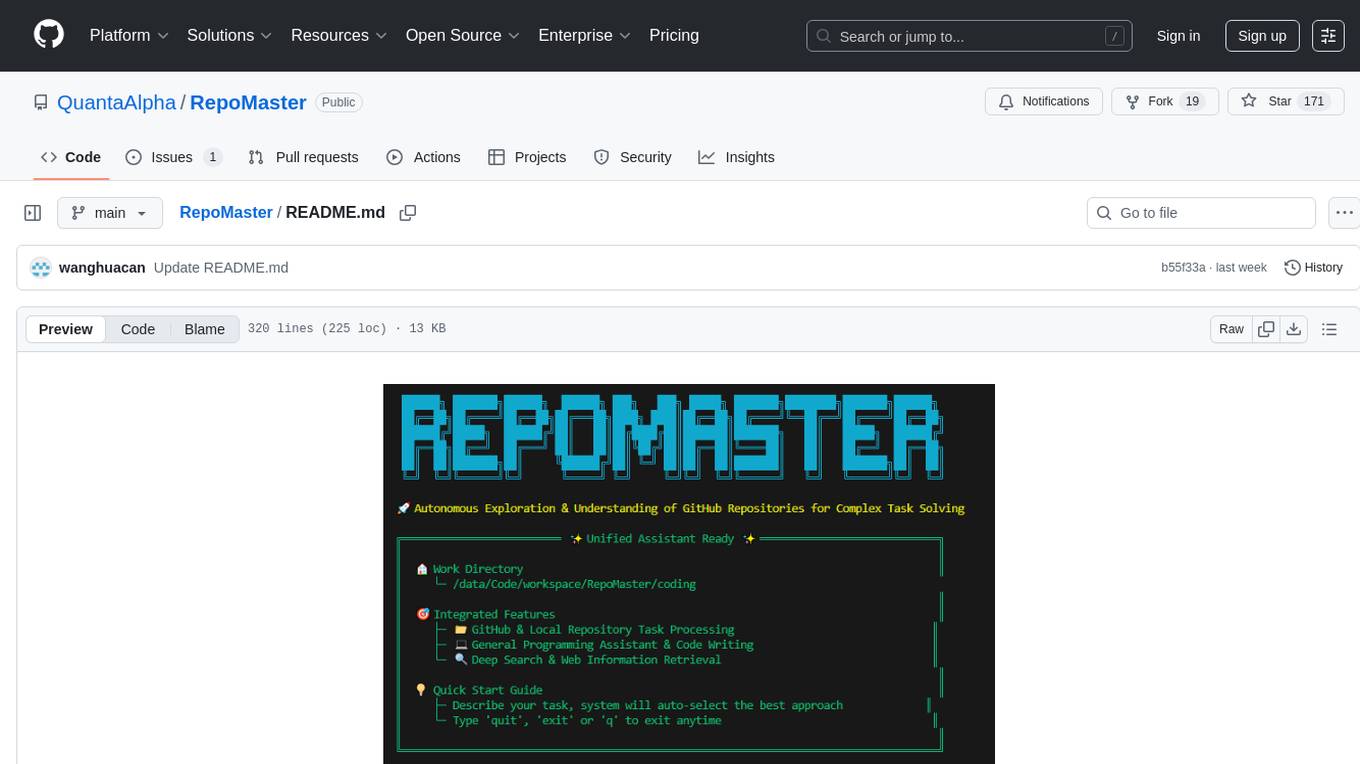
RepoMaster
RepoMaster is an AI agent that leverages GitHub repositories to solve complex real-world tasks. It transforms how coding tasks are solved by automatically finding the right GitHub tools and making them work together seamlessly. Users can describe their tasks, and RepoMaster's AI analysis leads to auto discovery and smart execution, resulting in perfect outcomes. The tool provides a web interface for beginners and a command-line interface for advanced users, along with specialized agents for deep search, general assistance, and repository tasks.
burp-ai-agent
Burp AI Agent is an extension for Burp Suite that integrates AI into your security workflow. It provides 7 AI backends, 53+ MCP tools, and 62 vulnerability classes. Users can configure privacy modes, perform audit logging, and connect external AI agents via MCP. The tool allows passive and active AI scanners to find vulnerabilities while users focus on manual testing. It requires Burp Suite, Java 21, and at least one AI backend configured.
For similar jobs
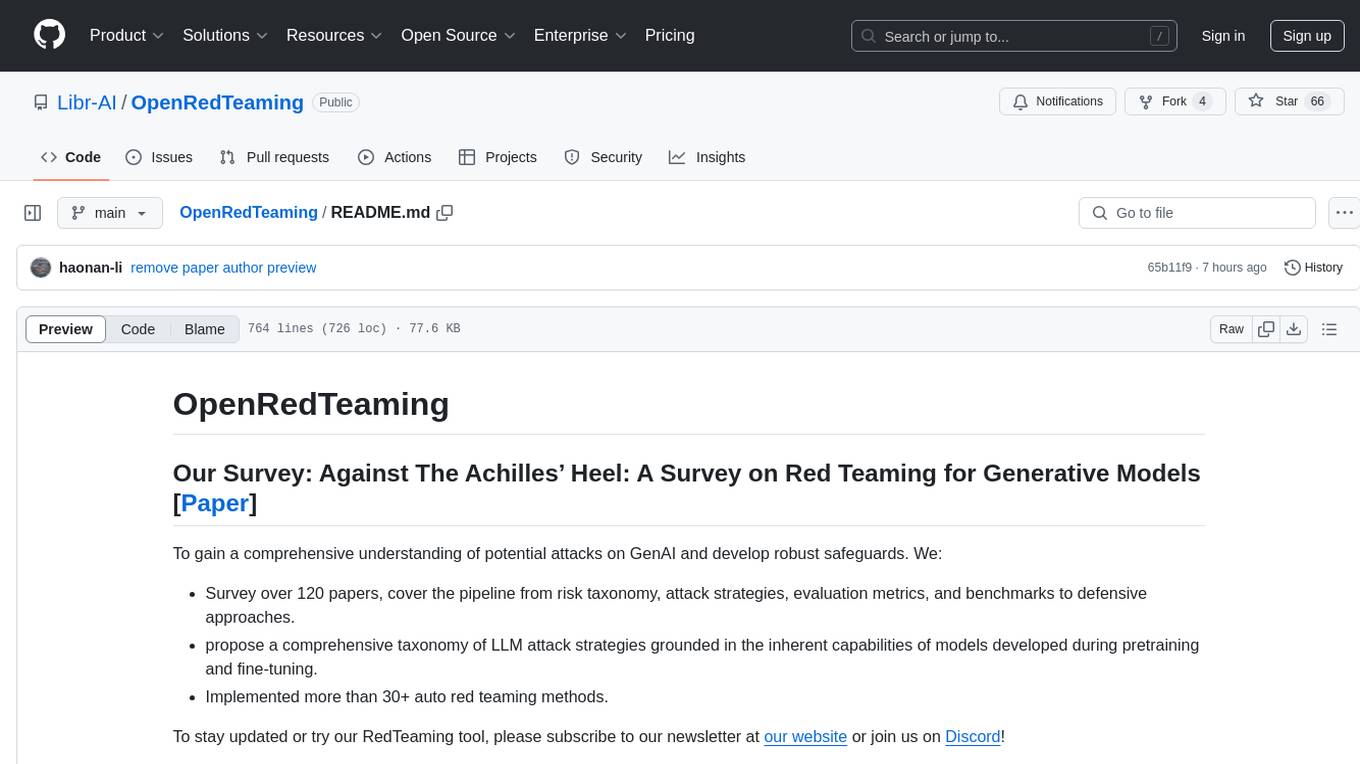
OpenRedTeaming
OpenRedTeaming is a repository focused on red teaming for generative models, specifically large language models (LLMs). The repository provides a comprehensive survey on potential attacks on GenAI and robust safeguards. It covers attack strategies, evaluation metrics, benchmarks, and defensive approaches. The repository also implements over 30 auto red teaming methods. It includes surveys, taxonomies, attack strategies, and risks related to LLMs. The goal is to understand vulnerabilities and develop defenses against adversarial attacks on large language models.
burp-ai-agent
Burp AI Agent is an extension for Burp Suite that integrates AI into your security workflow. It provides 7 AI backends, 53+ MCP tools, and 62 vulnerability classes. Users can configure privacy modes, perform audit logging, and connect external AI agents via MCP. The tool allows passive and active AI scanners to find vulnerabilities while users focus on manual testing. It requires Burp Suite, Java 21, and at least one AI backend configured.
last_layer
last_layer is a security library designed to protect LLM applications from prompt injection attacks, jailbreaks, and exploits. It acts as a robust filtering layer to scrutinize prompts before they are processed by LLMs, ensuring that only safe and appropriate content is allowed through. The tool offers ultra-fast scanning with low latency, privacy-focused operation without tracking or network calls, compatibility with serverless platforms, advanced threat detection mechanisms, and regular updates to adapt to evolving security challenges. It significantly reduces the risk of prompt-based attacks and exploits but cannot guarantee complete protection against all possible threats.
aircrack-ng
Aircrack-ng is a comprehensive suite of tools designed to evaluate the security of WiFi networks. It covers various aspects of WiFi security, including monitoring, attacking (replay attacks, deauthentication, fake access points), testing WiFi cards and driver capabilities, and cracking WEP and WPA PSK. The tools are command line-based, allowing for extensive scripting and have been utilized by many GUIs. Aircrack-ng primarily works on Linux but also supports Windows, macOS, FreeBSD, OpenBSD, NetBSD, Solaris, and eComStation 2.
reverse-engineering-assistant
ReVA (Reverse Engineering Assistant) is a project aimed at building a disassembler agnostic AI assistant for reverse engineering tasks. It utilizes a tool-driven approach, providing small tools to the user to empower them in completing complex tasks. The assistant is designed to accept various inputs, guide the user in correcting mistakes, and provide additional context to encourage exploration. Users can ask questions, perform tasks like decompilation, class diagram generation, variable renaming, and more. ReVA supports different language models for online and local inference, with easy configuration options. The workflow involves opening the RE tool and program, then starting a chat session to interact with the assistant. Installation includes setting up the Python component, running the chat tool, and configuring the Ghidra extension for seamless integration. ReVA aims to enhance the reverse engineering process by breaking down actions into small parts, including the user's thoughts in the output, and providing support for monitoring and adjusting prompts.
AutoAudit
AutoAudit is an open-source large language model specifically designed for the field of network security. It aims to provide powerful natural language processing capabilities for security auditing and network defense, including analyzing malicious code, detecting network attacks, and predicting security vulnerabilities. By coupling AutoAudit with ClamAV, a security scanning platform has been created for practical security audit applications. The tool is intended to assist security professionals with accurate and fast analysis and predictions to combat evolving network threats.
aif
Arno's Iptables Firewall (AIF) is a single- & multi-homed firewall script with DSL/ADSL support. It is a free software distributed under the GNU GPL License. The script provides a comprehensive set of configuration files and plugins for setting up and managing firewall rules, including support for NAT, load balancing, and multirouting. It offers detailed instructions for installation and configuration, emphasizing security best practices and caution when modifying settings. The script is designed to protect against hostile attacks by blocking all incoming traffic by default and allowing users to configure specific rules for open ports and network interfaces.
watchtower
AIShield Watchtower is a tool designed to fortify the security of AI/ML models and Jupyter notebooks by automating model and notebook discoveries, conducting vulnerability scans, and categorizing risks into 'low,' 'medium,' 'high,' and 'critical' levels. It supports scanning of public GitHub repositories, Hugging Face repositories, AWS S3 buckets, and local systems. The tool generates comprehensive reports, offers a user-friendly interface, and aligns with industry standards like OWASP, MITRE, and CWE. It aims to address the security blind spots surrounding Jupyter notebooks and AI models, providing organizations with a tailored approach to enhancing their security efforts.