


sandboxed.sh
Self-hosted orchestrator for AI autonomous agents. Run Claude Code & Open Code in isolated linux workspaces. Manage your skills, configs and encrypted secrets with a git repo.
Stars: 210
sandboxed.sh is a self-hosted cloud orchestrator for AI coding agents that provides isolated Linux workspaces with Claude Code, OpenCode & Amp runtimes. It allows users to hand off entire development cycles, run multi-day operations unattended, and keep sensitive data local by analyzing data against scientific literature. The tool features dual runtime support, mission control for remote agent management, isolated workspaces, a git-backed library, MCP registry, and multi-platform support with a web dashboard and iOS app.
README:

Self-hosted cloud orchestrator for AI coding agents
Isolated Linux workspaces with Claude Code, OpenCode & Amp runtimes
Formerly known as "Sandboxed.sh"
Website · Discord · Vision · Features · Ecosystem · Screenshots · Getting Started

Ready to deploy? Jump to the installation comparison, or go straight to the Docker guide / native guide.
What if you could:
Hand off entire dev cycles. Point an agent at a GitHub issue, let it write code, test by launching desktop applicatons, and open a PR when tests pass. You review the diff, not the process.
Run multi-day operations unattended. Give an agent SSH access to your home GPU through a VPN. It reads Nvidia docs, sets up training, fine-tunes models while you sleep.
Keep sensitive data local. Analyze your sequenced DNA against scientific literature. Local inference, isolated containers, nothing leaves your machines.
- Dual Runtime Support: Run Claude Code or OpenCode agents in the same infrastructure
- Mission Control: Start, stop, and monitor agents remotely with real-time streaming
- Isolated Workspaces: Containerized Linux environments (systemd-nspawn) with per-mission directories
- Git-backed Library: Skills, tools, rules, agents, and MCPs versioned in a single repo
- MCP Registry (optional): Extra tool servers (desktop/playwright/etc.) when needed
- Multi-platform: Web dashboard (Next.js) and iOS app (SwiftUI) with Picture-in-Picture
sandboxed.sh orchestrates multiple AI coding agent runtimes:
-
Claude Code: Anthropic's
official coding agent with native skills support (
.claude/skills/) - OpenCode: Open-source alternative via oh-my-opencode
- Amp: Sourcegraph's frontier coding agent with multi-model support
Each runtime executes inside isolated workspaces, so bash commands and file operations are scoped correctly. sandboxed.sh handles orchestration, workspace isolation, and Library-based configuration management.

Real-time monitoring with CPU, memory, network graphs and mission timeline

Git-backed Library with skills, commands, rules, and inline editing

MCP server management with runtime status and Library integration
| Docker (recommended) | Native (bare metal) | |
|---|---|---|
| Best for | Getting started, macOS users, quick deployment | Production servers, maximum performance |
| Platform | Any OS with Docker | Ubuntu 24.04 LTS |
| Setup time | ~5 minutes | ~30 minutes |
| Container workspaces | Yes (with privileged: true) |
Yes (native systemd-nspawn) |
| Desktop automation | Yes (headless Xvfb inside Docker) | Yes (native X11 or Xvfb) |
| Performance | Good (slight overhead on macOS) | Best (native Linux) |
| Updates |
docker compose pull / rebuild |
Git pull + cargo build, or one-click from dashboard |
git clone https://github.com/Th0rgal/sandboxed.sh.git
cd sandboxed-sh
cp .env.example .env
# Edit .env with your settings
docker compose up -d
Open http://localhost:3000 — that's it.
For container workspace isolation (recommended), uncomment privileged: true in
docker-compose.yml.
For production servers running Ubuntu 24.04 with maximum performance and native systemd-nspawn isolation.
→ Full native installation guide
After installation, follow the Getting Started Guide for:
- Configuring your backend connection
- Setting up your library repository
- Exploring skills and tools
- Creating your first mission
Point your coding agent at the installation guide and let it handle the deployment:
"Deploy Sandboxed.sh on my server at
1.2.3.4with domainagent.example.com"
Enable pre-push formatting checks to catch CI failures locally:
git config core.hooksPath .githooksThis runs cargo fmt --check before each push. If formatting issues are found,
run cargo fmt --all to fix them.
Work in Progress — This project is under active development. Contributions and feedback welcome.
MIT
For Tasks:
Click tags to check more tools for each tasksFor Jobs:
Alternative AI tools for sandboxed.sh
Similar Open Source Tools
For similar tasks

Azure-Analytics-and-AI-Engagement
The Azure-Analytics-and-AI-Engagement repository provides packaged Industry Scenario DREAM Demos with ARM templates (Containing a demo web application, Power BI reports, Synapse resources, AML Notebooks etc.) that can be deployed in a customer’s subscription using the CAPE tool within a matter of few hours. Partners can also deploy DREAM Demos in their own subscriptions using DPoC.
sorrentum
Sorrentum is an open-source project that aims to combine open-source development, startups, and brilliant students to build machine learning, AI, and Web3 / DeFi protocols geared towards finance and economics. The project provides opportunities for internships, research assistantships, and development grants, as well as the chance to work on cutting-edge problems, learn about startups, write academic papers, and get internships and full-time positions at companies working on Sorrentum applications.

tidb
TiDB is an open-source distributed SQL database that supports Hybrid Transactional and Analytical Processing (HTAP) workloads. It is MySQL compatible and features horizontal scalability, strong consistency, and high availability.

zep-python
Zep is an open-source platform for building and deploying large language model (LLM) applications. It provides a suite of tools and services that make it easy to integrate LLMs into your applications, including chat history memory, embedding, vector search, and data enrichment. Zep is designed to be scalable, reliable, and easy to use, making it a great choice for developers who want to build LLM-powered applications quickly and easily.
telemetry-airflow
This repository codifies the Airflow cluster that is deployed at workflow.telemetry.mozilla.org (behind SSO) and commonly referred to as "WTMO" or simply "Airflow". Some links relevant to users and developers of WTMO: * The `dags` directory in this repository contains some custom DAG definitions * Many of the DAGs registered with WTMO don't live in this repository, but are instead generated from ETL task definitions in bigquery-etl * The Data SRE team maintains a WTMO Developer Guide (behind SSO)
mojo
Mojo is a new programming language that bridges the gap between research and production by combining Python syntax and ecosystem with systems programming and metaprogramming features. Mojo is still young, but it is designed to become a superset of Python over time.

pandas-ai
PandasAI is a Python library that makes it easy to ask questions to your data in natural language. It helps you to explore, clean, and analyze your data using generative AI.

databend
Databend is an open-source cloud data warehouse that serves as a cost-effective alternative to Snowflake. With its focus on fast query execution and data ingestion, it's designed for complex analysis of the world's largest datasets.
For similar jobs

AirGo
AirGo is a front and rear end separation, multi user, multi protocol proxy service management system, simple and easy to use. It supports vless, vmess, shadowsocks, and hysteria2.
mosec
Mosec is a high-performance and flexible model serving framework for building ML model-enabled backend and microservices. It bridges the gap between any machine learning models you just trained and the efficient online service API. * **Highly performant** : web layer and task coordination built with Rust 🦀, which offers blazing speed in addition to efficient CPU utilization powered by async I/O * **Ease of use** : user interface purely in Python 🐍, by which users can serve their models in an ML framework-agnostic manner using the same code as they do for offline testing * **Dynamic batching** : aggregate requests from different users for batched inference and distribute results back * **Pipelined stages** : spawn multiple processes for pipelined stages to handle CPU/GPU/IO mixed workloads * **Cloud friendly** : designed to run in the cloud, with the model warmup, graceful shutdown, and Prometheus monitoring metrics, easily managed by Kubernetes or any container orchestration systems * **Do one thing well** : focus on the online serving part, users can pay attention to the model optimization and business logic
llm-code-interpreter
The 'llm-code-interpreter' repository is a deprecated plugin that provides a code interpreter on steroids for ChatGPT by E2B. It gives ChatGPT access to a sandboxed cloud environment with capabilities like running any code, accessing Linux OS, installing programs, using filesystem, running processes, and accessing the internet. The plugin exposes commands to run shell commands, read files, and write files, enabling various possibilities such as running different languages, installing programs, starting servers, deploying websites, and more. It is powered by the E2B API and is designed for agents to freely experiment within a sandboxed environment.

pezzo
Pezzo is a fully cloud-native and open-source LLMOps platform that allows users to observe and monitor AI operations, troubleshoot issues, save costs and latency, collaborate, manage prompts, and deliver AI changes instantly. It supports various clients for prompt management, observability, and caching. Users can run the full Pezzo stack locally using Docker Compose, with prerequisites including Node.js 18+, Docker, and a GraphQL Language Feature Support VSCode Extension. Contributions are welcome, and the source code is available under the Apache 2.0 License.
learn-generative-ai
Learn Cloud Applied Generative AI Engineering (GenEng) is a course focusing on the application of generative AI technologies in various industries. The course covers topics such as the economic impact of generative AI, the role of developers in adopting and integrating generative AI technologies, and the future trends in generative AI. Students will learn about tools like OpenAI API, LangChain, and Pinecone, and how to build and deploy Large Language Models (LLMs) for different applications. The course also explores the convergence of generative AI with Web 3.0 and its potential implications for decentralized intelligence.
gcloud-aio
This repository contains shared codebase for two projects: gcloud-aio and gcloud-rest. gcloud-aio is built for Python 3's asyncio, while gcloud-rest is a threadsafe requests-based implementation. It provides clients for Google Cloud services like Auth, BigQuery, Datastore, KMS, PubSub, Storage, and Task Queue. Users can install the library using pip and refer to the documentation for usage details. Developers can contribute to the project by following the contribution guide.
fluid
Fluid is an open source Kubernetes-native Distributed Dataset Orchestrator and Accelerator for data-intensive applications, such as big data and AI applications. It implements dataset abstraction, scalable cache runtime, automated data operations, elasticity and scheduling, and is runtime platform agnostic. Key concepts include Dataset and Runtime. Prerequisites include Kubernetes version > 1.16, Golang 1.18+, and Helm 3. The tool offers features like accelerating remote file accessing, machine learning, accelerating PVC, preloading dataset, and on-the-fly dataset cache scaling. Contributions are welcomed, and the project is under the Apache 2.0 license with a vendor-neutral approach.
aiges
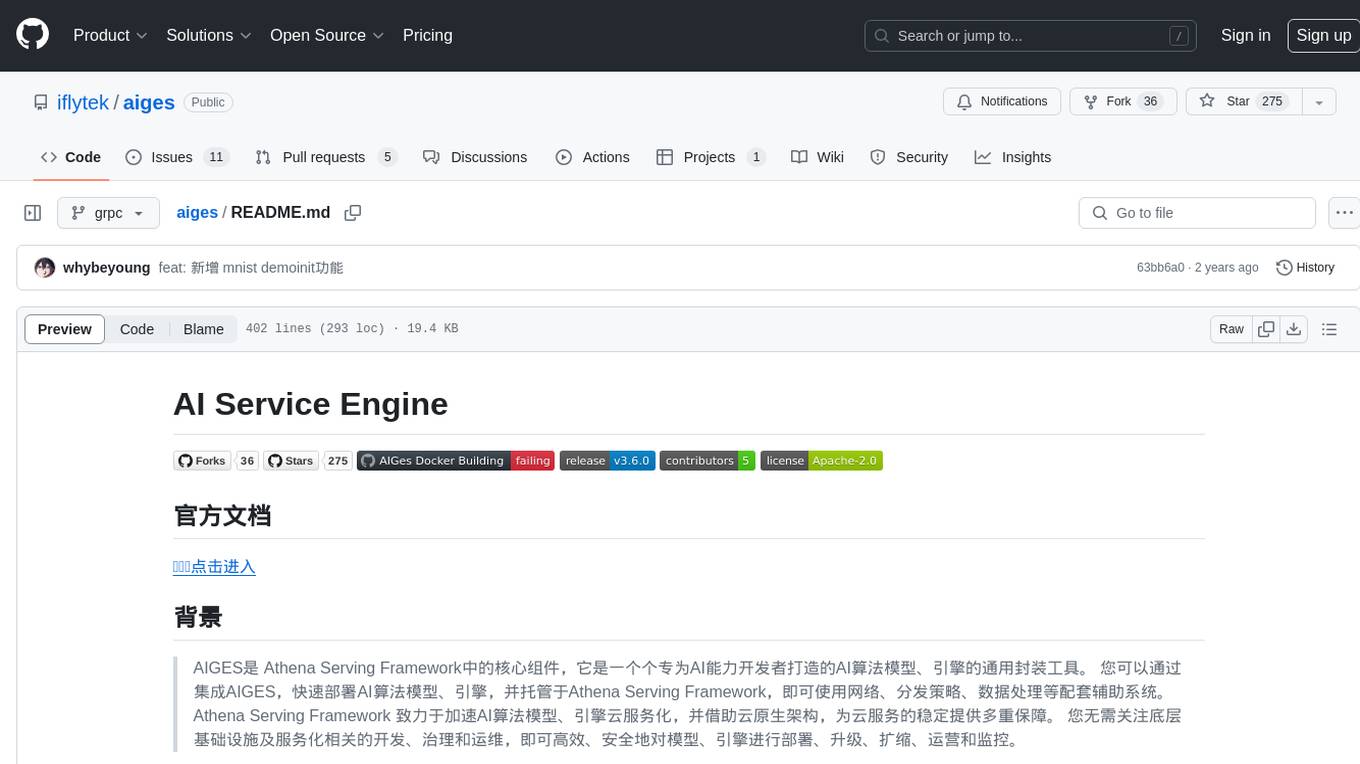
AIGES is a core component of the Athena Serving Framework, designed as a universal encapsulation tool for AI developers to deploy AI algorithm models and engines quickly. By integrating AIGES, you can deploy AI algorithm models and engines rapidly and host them on the Athena Serving Framework, utilizing supporting auxiliary systems for networking, distribution strategies, data processing, etc. The Athena Serving Framework aims to accelerate the cloud service of AI algorithm models and engines, providing multiple guarantees for cloud service stability through cloud-native architecture. You can efficiently and securely deploy, upgrade, scale, operate, and monitor models and engines without focusing on underlying infrastructure and service-related development, governance, and operations.