


mcp-ts-template
TypeScript template for building Model Context Protocol (MCP) servers. Ships with declarative tools/resources, pluggable auth, multi-backend storage, OpenTelemetry observability, and first-class support for both local and edge (Cloudflare Workers) runtimes.
Stars: 116
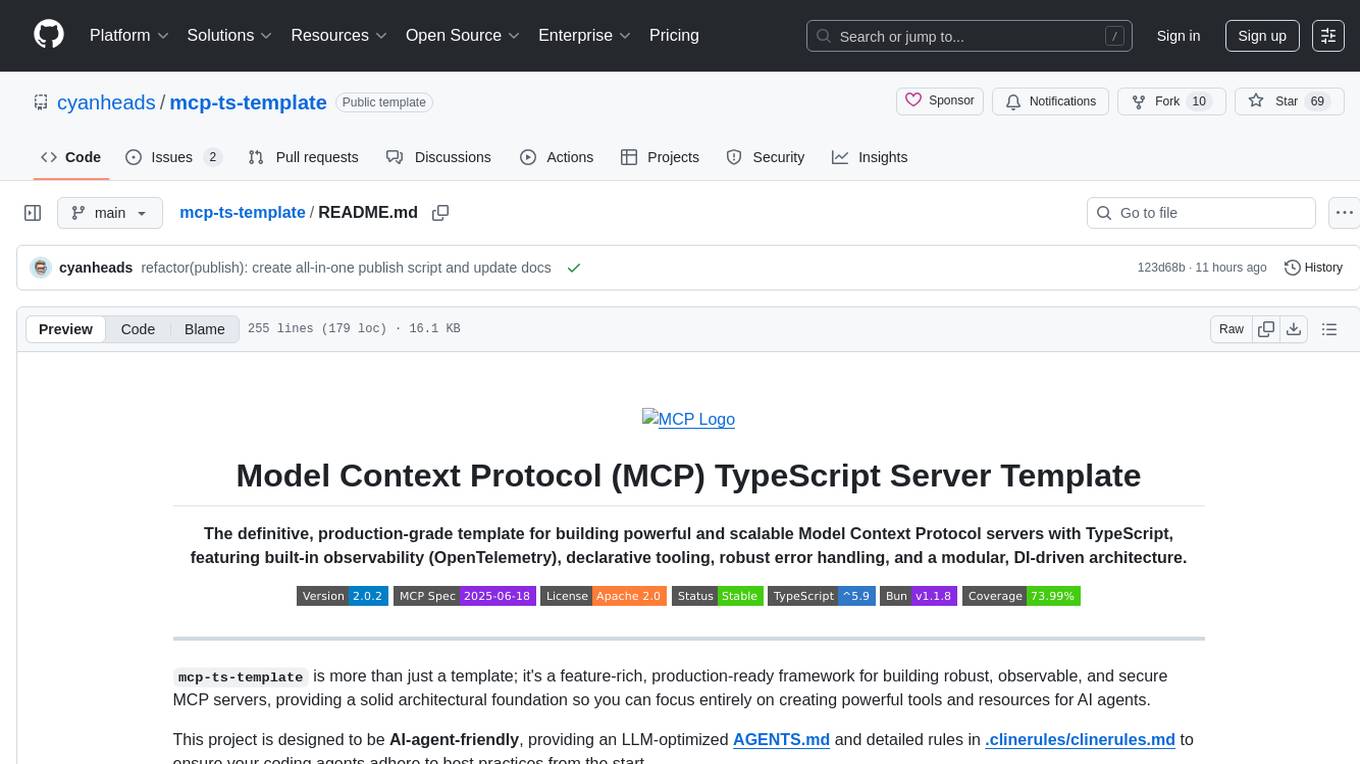
The MCP TypeScript Server Template is a production-grade framework for building powerful and scalable Model Context Protocol servers with TypeScript. It features built-in observability, declarative tooling, robust error handling, and a modular, DI-driven architecture. The template is designed to be AI-agent-friendly, providing detailed rules and guidance for developers to adhere to best practices. It enforces architectural principles like 'Logic Throws, Handler Catches' pattern, full-stack observability, declarative components, and dependency injection for decoupling. The project structure includes directories for configuration, container setup, server resources, services, storage, utilities, tests, and more. Configuration is done via environment variables, and key scripts are available for development, testing, and publishing to the MCP Registry.
README:
TypeScript template for building Model Context Protocol (MCP) servers. Ships with declarative tools/resources, pluggable auth, multi-backend storage, OpenTelemetry observability, and first-class support for both local and edge (Cloudflare Workers) runtimes.








- Declarative Tools & Resources: Define capabilities in single, self-contained files. The framework handles registration and execution.
- Elicitation Support: Tools can interactively prompt the user for missing parameters during execution, streamlining user workflows.
-
Robust Error Handling: A unified
McpErrorsystem ensures consistent, structured error responses across the server. -
Pluggable Authentication: Secure your server with zero-fuss support for
none,jwt, oroauthmodes. -
Abstracted Storage: Swap storage backends (
in-memory,filesystem,Supabase,Cloudflare D1/KV/R2) without changing business logic. Features secure opaque cursor pagination, parallel batch operations, and comprehensive validation. - Full-Stack Observability: Get deep insights with structured logging (Pino) and optional, auto-instrumented OpenTelemetry for traces and metrics.
-
Dependency Injection: Custom typed DI container with
Token<T>phantom branding — zero external dependencies, fully type-safe resolution. - Service Integrations: Pluggable services for external APIs, including LLM providers (OpenRouter) and text-to-speech (ElevenLabs).
- Rich Built-in Utility Suite: Helpers for parsing (PDF, YAML, CSV, frontmatter), formatting (diffs, tables, trees, markdown), scheduling, security, and more.
- Edge-Ready: Write code once and run it seamlessly on your local machine or at the edge on Cloudflare Workers.
This template follows a modular, domain-driven architecture with clear separation of concerns:
┌─────────────────────────────────────────────────────────┐
│              MCP Client (Claude Code, ChatGPT, etc.)    │
└────────────────────┬────────────────────────────────────┘
                     │ JSON-RPC 2.0
                     ▼
┌─────────────────────────────────────────────────────────┐
│           MCP Server (Tools, Resources)                 │
│           📖 [MCP Server Guide](src/mcp-server/)        │
└────────────────────┬────────────────────────────────────┘
                     │ Dependency Injection
                     ▼
┌─────────────────────────────────────────────────────────┐
│          Dependency Injection Container                 │
│              📦 [Container Guide](src/container/)       │
└────────────────────┬────────────────────────────────────┘
                     │
        ┌────────────┼────────────┐
        ▼            ▼            ▼
 ┌──────────┐   ┌──────────┐   ┌──────────┐
 │ Services │   │ Storage  │   │ Utilities│
 │ 🔌 [→]   │   │ 💾 [→]   │   │ 🛠️ [→]   │
 └──────────┘   └──────────┘   └──────────┘

[→]: src/services/    [→]: src/storage/    [→]: src/utils/
Key Modules:
- MCP Server - Tools, resources, prompts, and transport layer implementations
- Container - Typed dependency injection container with zero external dependencies
- Services - External service integrations (LLM, Speech, Graph) with pluggable providers
- Storage - Abstracted persistence layer with multiple backend support
- Utilities - Cross-cutting concerns (logging, security, parsing, telemetry)
💡 Tip: Each module has its own comprehensive README with architecture diagrams, usage examples, and best practices. Click the links above to dive deeper!
This template includes working examples to get you started.
| Tool | Description |
|---|---|
template_echo_message |
Echoes a message back with optional formatting and repetition. |
template_cat_fact |
Fetches a random cat fact from an external API. |
template_madlibs_elicitation |
Demonstrates elicitation by asking for words to complete a story. |
template_code_review_sampling |
Uses the LLM service to perform a simulated code review. |
template_image_test |
Returns a test image as a base64-encoded data URI. |
template_async_countdown |
Demonstrates MCP Tasks API with an async countdown timer (experimental). |
template_data_explorer |
Generates sample sales data with an interactive explorer UI (MCP Apps). |
| Resource | URI | Description |
|---|---|---|
echo |
echo://{message} |
A simple resource that echoes back a message. |
data-explorer-ui |
ui://template-data-explorer/app.html |
Interactive HTML app for the data explorer tool (MCP Apps). |
| Prompt | Description |
|---|---|
code-review |
A structured prompt for guiding an LLM to perform a code review. |
Add the following to your MCP client configuration file.
{
  "mcpServers": {
    "mcp-ts-template": {
      "type": "stdio",
      "command": "bunx",
      "args": ["mcp-ts-template@latest"],
      "env": {
        "MCP_TRANSPORT_TYPE": "stdio",
        "MCP_LOG_LEVEL": "info",
        "STORAGE_PROVIDER_TYPE": "filesystem",
        "STORAGE_FILESYSTEM_PATH": "/path/to/your/storage"
      }
    }
  }
}- Bun v1.2.21 or higher.
- Clone the repository:
git clone https://github.com/cyanheads/mcp-ts-template.git- Navigate into the directory:
cd mcp-ts-template- Install dependencies:
bun installAll configuration is centralized and validated at startup in src/config/index.ts. Key environment variables in your .env file include:
| Variable | Description | Default |
|---|---|---|
MCP_TRANSPORT_TYPE |
The transport to use: stdio or http. |
stdio |
MCP_HTTP_PORT |
The port for the HTTP server. | 3010 |
MCP_HTTP_HOST |
The hostname for the HTTP server. | 127.0.0.1 |
MCP_LOG_LEVEL |
Logging level (fatal, error, warn, info, debug, trace, silent). |
debug |
MCP_AUTH_MODE |
Authentication mode: none, jwt, or oauth. |
none |
MCP_AUTH_SECRET_KEY |
Required for jwt auth mode. A 32+ character secret. |
(none) |
OAUTH_ISSUER_URL |
Required for oauth auth mode. URL of the OIDC provider. |
(none) |
STORAGE_PROVIDER_TYPE |
Storage backend: in-memory, filesystem, supabase, cloudflare-d1, cloudflare-kv, cloudflare-r2. |
in-memory |
STORAGE_FILESYSTEM_PATH |
Path to the storage directory (for filesystem provider). |
./.storage |
SUPABASE_URL |
Required for supabase storage. Your Supabase project URL. |
(none) |
SUPABASE_ANON_KEY |
Required for supabase storage. Your Supabase anon key. |
(none) |
OTEL_ENABLED |
Set to true to enable OpenTelemetry. |
false |
OPENROUTER_API_KEY |
API key for OpenRouter LLM service. | (none) |
-
Modes:
none(default),jwt(requiresMCP_AUTH_SECRET_KEY), oroauth(requiresOAUTH_ISSUER_URLandOAUTH_AUDIENCE). -
Enforcement: Wrap your tool/resource
logicfunctions withwithToolAuth([...])orwithResourceAuth([...])to enforce scope checks. Scope checks are bypassed for developer convenience when auth mode isnone.
-
Service: A DI-managed
StorageServiceprovides a consistent API for persistence. Never accessfsor other storage SDKs directly from tool logic. -
Providers: The default is
in-memory. Node-only providers includefilesystem. Edge-compatible providers includesupabase,cloudflare-kv, andcloudflare-r2. -
Multi-Tenancy: The
StorageServicerequirescontext.tenantId. This is automatically propagated from thetidclaim in a JWT when auth is enabled. -
Advanced Features:
- Secure Pagination: Opaque cursors with tenant ID binding prevent cross-tenant attacks
-
Batch Operations: Parallel execution for
getMany(),setMany(),deleteMany() - TTL Support: Time-to-live with proper expiration handling across all providers
- Comprehensive Validation: Centralized input validation for tenant IDs, keys, and options
-
Structured Logging: Pino is integrated out-of-the-box. All logs are JSON and include the
RequestContext. -
OpenTelemetry: Disabled by default. Enable with
OTEL_ENABLED=trueand configure OTLP endpoints. Traces, metrics (duration, payload sizes), and errors are automatically captured for every tool call.
-
Build and run the production version:
# One-time build
bun rebuild

# Run the built server
bun start:http
# or
bun start:stdio
-
Run checks and tests:
bun devcheck # Lints, formats, type-checks, and more
bun run test # Runs the test suite (Do not use 'bun test' directly as it may not work correctly)
- Build the Worker bundle:
bun build:worker- Run locally with Wrangler:
bun deploy:dev- Deploy to Cloudflare:
bun deploy:prodNote: The
wrangler.tomlfile is pre-configured to enablenodejs_compatfor best results.
| Directory | Purpose & Contents | Guide |
|---|---|---|
src/mcp-server/tools/definitions |
Your tool definitions (*.tool.ts). This is where you add new capabilities. |
📖 MCP Guide |
src/mcp-server/resources/definitions |
Your resource definitions (*.resource.ts). This is where you add new data sources. |
📖 MCP Guide |
src/mcp-server/transports |
Implementations for HTTP and STDIO transports, including auth middleware. | 📖 MCP Guide |
src/storage |
The StorageService abstraction and all storage provider implementations. |
💾 Storage Guide |
src/services |
Integrations with external services (e.g., the default OpenRouter LLM provider). | 🔌 Services Guide |
src/container |
Dependency injection container registrations and tokens. | 📦 Container Guide |
src/utils |
Core utilities for logging, error handling, performance, security, and telemetry. | |
src/config |
Environment variable parsing and validation with Zod. | |
tests/ |
Unit and integration tests, mirroring the src/ directory structure. |
Each major module includes comprehensive documentation with architecture diagrams, usage examples, and best practices:
-
MCP Server Guide - Complete guide to building MCP tools and resources
- Creating tools with declarative definitions
- Resource development with URI templates
- Authentication and authorization
- Transport layer (HTTP/stdio) configuration
- SDK context and client interaction
- Response formatting and error handling
-
Container Guide - Typed dependency injection container
- Understanding DI tokens and registration
- Service lifetimes (singleton, transient, instance)
- Constructor injection patterns
- Testing with mocked dependencies
- Adding new services to the container
-
Services Guide - External service integration patterns
- LLM provider integration (OpenRouter)
- Speech services (TTS/STT with ElevenLabs, Whisper)
- Creating custom service providers
- Health checks and error handling
-
Storage Guide - Abstracted persistence layer
- Storage provider implementations
- Multi-tenancy and tenant isolation
- Secure cursor-based pagination
- Batch operations and TTL support
- Provider-specific setup guides
- AGENTS.md - Strict development rules for AI agents
- CHANGELOG.md - Version history and breaking changes
- docs/tree.md - Complete visual directory structure
- docs/publishing-mcp-server-registry.md - Publishing guide for MCP Registry
For a strict set of rules when using this template with an AI agent, please refer to AGENTS.md. Key principles include:
-
Logic Throws, Handlers Catch: Never use
try/catchin your tool/resourcelogic. Throw anMcpErrorinstead. -
Use Elicitation for Missing Input: If a tool requires user input that wasn't provided, use the
elicitInputfunction from theSdkContextto ask the user for it. -
Pass the Context: Always pass the
RequestContextobject through your call stack. -
Use the Barrel Exports: Register new tools and resources only in the
index.tsbarrel files.
-
Does this work with both STDIO and Streamable HTTP?
- Yes. Both transports are first-class citizens. Use
bun run dev:stdioorbun run dev:http.
- Yes. Both transports are first-class citizens. Use
-
Can I deploy this to the edge?
- Yes. The template is designed for Cloudflare Workers. Run
bun run build:workerand deploy with Wrangler.
- Yes. The template is designed for Cloudflare Workers. Run
-
Do I have to use OpenTelemetry?
- No, it is disabled by default. Enable it by setting
OTEL_ENABLED=truein your.envfile.
- No, it is disabled by default. Enable it by setting
-
How do I publish my server to the MCP Registry?
- Follow the step-by-step guide in
docs/publishing-mcp-server-registry.md.
- Follow the step-by-step guide in
Issues and pull requests are welcome! If you plan to contribute, please run the local checks and tests before submitting your PR.
bun run devcheck
bun testThis project is licensed under the Apache 2.0 License. See the LICENSE file for details.
For Tasks:
Click tags to check more tools for each tasksFor Jobs:
Alternative AI tools for mcp-ts-template
Similar Open Source Tools
mcp-ts-template
The MCP TypeScript Server Template is a production-grade framework for building powerful and scalable Model Context Protocol servers with TypeScript. It features built-in observability, declarative tooling, robust error handling, and a modular, DI-driven architecture. The template is designed to be AI-agent-friendly, providing detailed rules and guidance for developers to adhere to best practices. It enforces architectural principles like 'Logic Throws, Handler Catches' pattern, full-stack observability, declarative components, and dependency injection for decoupling. The project structure includes directories for configuration, container setup, server resources, services, storage, utilities, tests, and more. Configuration is done via environment variables, and key scripts are available for development, testing, and publishing to the MCP Registry.
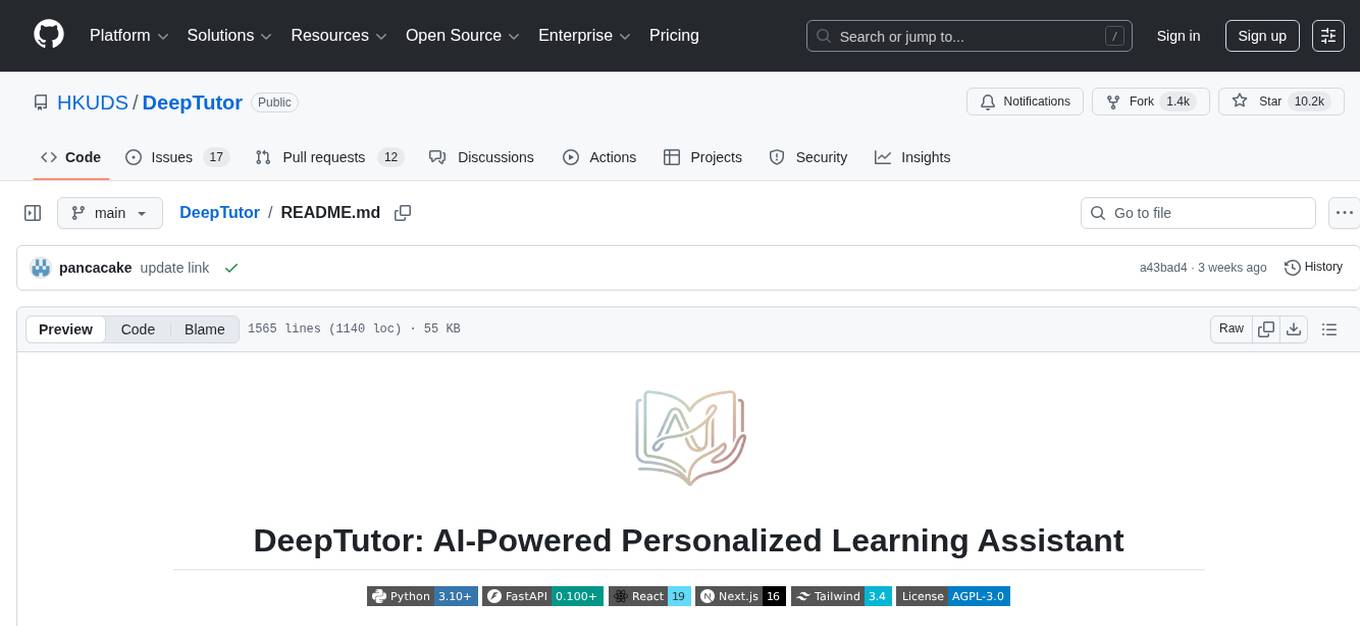
DeepTutor
DeepTutor is an AI-powered personalized learning assistant that offers a suite of modules for massive document knowledge Q&A, interactive learning visualization, knowledge reinforcement with practice exercise generation, deep research, and idea generation. The tool supports multi-agent collaboration, dynamic topic queues, and structured outputs for various tasks. It provides a unified system entry for activity tracking, knowledge base management, and system status monitoring. DeepTutor is designed to streamline learning and research processes by leveraging AI technologies and interactive features.
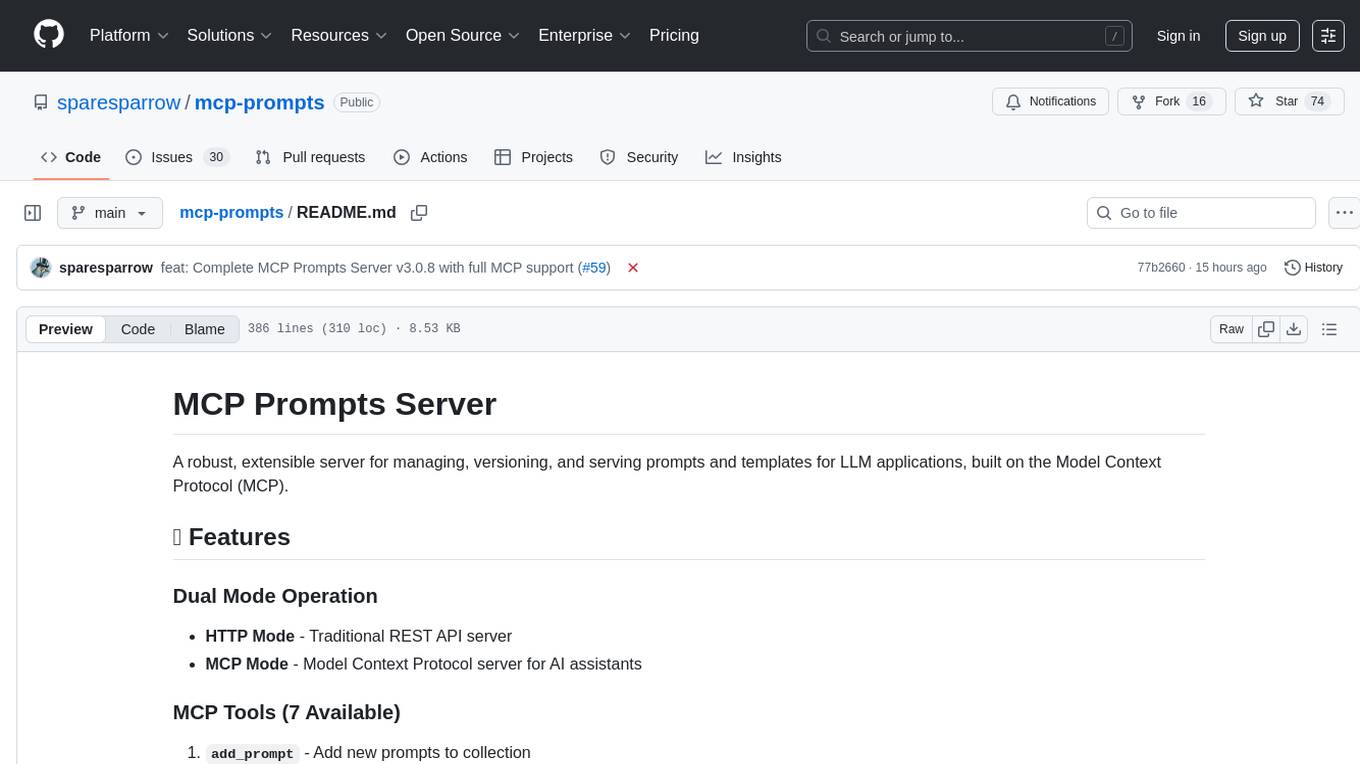
mcp-prompts
mcp-prompts is a Python library that provides a collection of prompts for generating creative writing ideas. It includes a variety of prompts such as story starters, character development, plot twists, and more. The library is designed to inspire writers and help them overcome writer's block by offering unique and engaging prompts to spark creativity. With mcp-prompts, users can access a wide range of writing prompts to kickstart their imagination and enhance their storytelling skills.
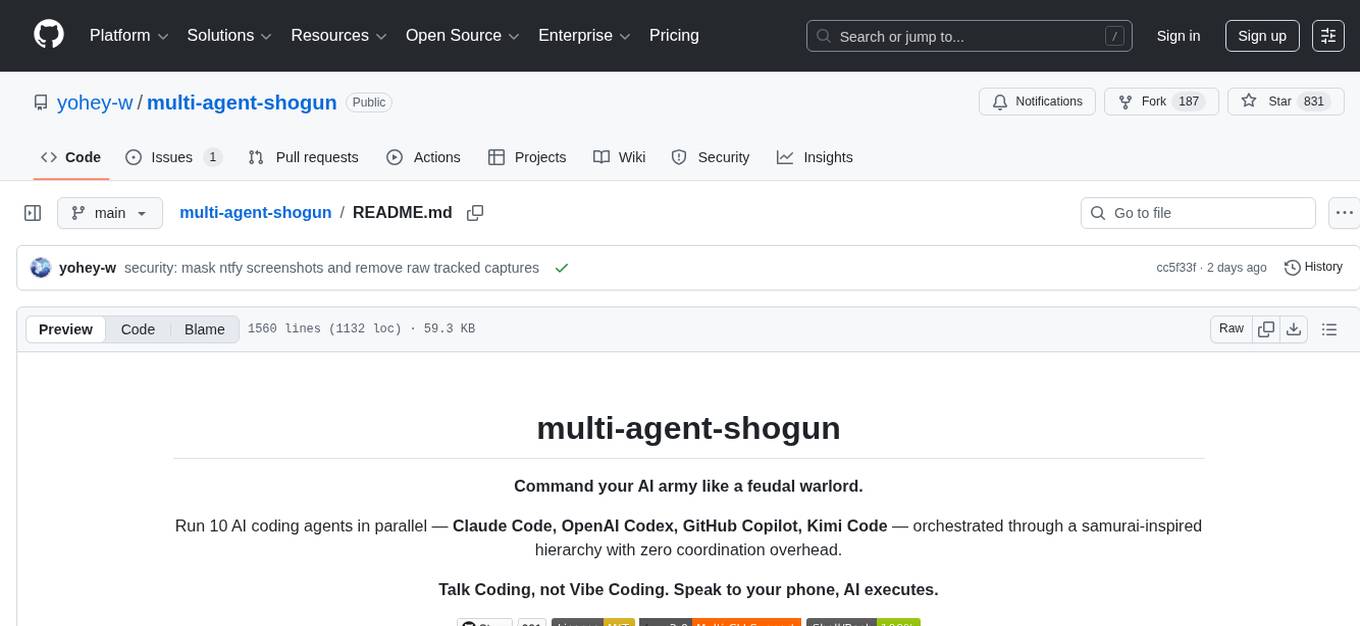
multi-agent-shogun
multi-agent-shogun is a system that runs multiple AI coding CLI instances simultaneously, orchestrating them like a feudal Japanese army. It supports Claude Code, OpenAI Codex, GitHub Copilot, and Kimi Code. The system allows you to command your AI army with zero coordination cost, enabling parallel execution, non-blocking workflow, cross-session memory, event-driven communication, and full transparency. It also features skills discovery, phone notifications, pane border task display, shout mode, and multi-CLI support.
mcp-fusion
MCP Fusion is a Model-View-Agent framework for the Model Context Protocol, providing structured perception for AI agents with validated data, domain rules, UI blocks, and action affordances in every response. It introduces the MVA pattern, where a Presenter layer sits between data and the AI agent, ensuring consistent, validated, contextually-rich data across the API surface. The tool facilitates schema validation, system rules, UI blocks, cognitive guardrails, and action affordances for domain entities. It offers tools for defining actions, prompts, middleware, error handling, type-safe clients, observability, streaming progress, and more, all integrated with the Model Context Protocol SDK and Zod for type safety and validation.
Antigravity-Workflow-System
Antigravity Workflow System is a structured workflow framework for Agentic AI assistants, addressing core pain points of the Vibe Coding era. It enforces architecture design first, tackles issues like architecture drift, spaghetti code, context amnesia, and lack of planning. The system includes workflows like `/genesis`, `/scout`, `/design-system`, `/challenge`, `/blueprint`, `/forge`, `/change`, `/explore`, and `/craft`, emphasizing versioned architecture, deep thinking first, and filesystem as memory. It requires the Antigravity environment with `.agent/workflows/` support and Sequential Thinking MCP Server for deep reasoning. Users can invoke workflows using the Slash Protocol or Intent Protocol, with a defined project structure under `.agent/` directory. Contributions are encouraged, and the system is licensed under MIT.
sandbox
AIO Sandbox is an all-in-one agent sandbox environment that combines Browser, Shell, File, MCP operations, and VSCode Server in a single Docker container. It provides a unified, secure execution environment for AI agents and developers, with features like unified file system, multiple interfaces, secure execution, zero configuration, and agent-ready MCP-compatible APIs. The tool allows users to run shell commands, perform file operations, automate browser tasks, and integrate with various development tools and services.
easyclaw
EasyClaw is a desktop application that simplifies the usage of OpenClaw, a powerful agent runtime, by providing a user-friendly interface for non-programmers. Users can write rules in plain language, configure multiple LLM providers and messaging channels, manage API keys, and interact with the agent through a local web panel. The application ensures data privacy by keeping all information on the user's machine and offers features like natural language rules, multi-provider LLM support, Gemini CLI OAuth, proxy support, messaging integration, token tracking, speech-to-text, file permissions control, and more. EasyClaw aims to lower the barrier of entry for utilizing OpenClaw by providing a user-friendly cockpit for managing the engine.
lihil
Lihil is a performant, productive, and professional web framework designed to make Python the mainstream programming language for web development. It is 100% test covered and strictly typed, offering fast performance, ergonomic API, and built-in solutions for common problems. Lihil is suitable for enterprise web development, delivering robust and scalable solutions with best practices in microservice architecture and related patterns. It features dependency injection, OpenAPI docs generation, error response generation, data validation, message system, testability, and strong support for AI features. Lihil is ASGI compatible and uses starlette as its ASGI toolkit, ensuring compatibility with starlette classes and middlewares. The framework follows semantic versioning and has a roadmap for future enhancements and features.
cordum
Cordum is a control plane for AI agents designed to close the Trust Gap by providing safety, observability, and control features. It allows teams to deploy autonomous agents with built-in governance mechanisms, including safety policies, workflow orchestration, job routing, observability, and human-in-the-loop approvals. The tool aims to address the challenges of deploying AI agents in production by offering visibility, safety rails, audit trails, and approval mechanisms for sensitive operations.
thepopebot
thepopebot is a self-evolving agent that operates through git commits, utilizing free cloud computing time from GitHub accounts. It modifies its own code through pull requests, ensuring auditability and reversibility. Users interact with the bot via web chat or Telegram, creating job branches that trigger Docker containers to perform tasks and open pull requests. Auto-merge handles the completion process, providing notifications upon task completion.
frankenterm
A swarm-native terminal platform designed to replace legacy terminal workflows for massive AI agent orchestration. `ft` is a full terminal platform for agent swarms with first-class observability, deterministic eventing, policy-gated automation, and machine-native control surfaces. It offers perfect observability, intelligent detection, event-driven automation, Robot Mode API, lexical + hybrid search, and a policy engine for safe multi-agent control. The platform is actively expanding with concepts learned from Ghostty and Zellij, purpose-built subsystems for agent swarms, and integrations from other projects like `/dp/asupersync`, `/dp/frankensqlite`, and `/frankentui`.
VT.ai
VT.ai is a multimodal AI platform that offers dynamic conversation routing with SemanticRouter, multi-modal interactions (text/image/audio), an assistant framework with code interpretation, real-time response streaming, cross-provider model switching, and local model support with Ollama integration. It supports various AI providers such as OpenAI, Anthropic, Google Gemini, Groq, Cohere, and OpenRouter, providing a wide range of core capabilities for AI orchestration.
nono
nono is a secure, kernel-enforced capability shell for running AI agents and any POSIX style process. It leverages OS security primitives to create an environment where unauthorized operations are structurally impossible. It provides protections against destructive commands and securely stores API keys, tokens, and secrets. The tool is agent-agnostic, works with any AI agent or process, and blocks dangerous commands by default. It follows a capability-based security model with defense-in-depth, ensuring secure execution of commands and protecting sensitive data.
httpjail
httpjail is a cross-platform tool designed for monitoring and restricting HTTP/HTTPS requests from processes using network isolation and transparent proxy interception. It provides process-level network isolation, HTTP/HTTPS interception with TLS certificate injection, script-based and JavaScript evaluation for custom request logic, request logging, default deny behavior, and zero-configuration setup. The tool operates on Linux and macOS, creating an isolated network environment for target processes and intercepting all HTTP/HTTPS traffic through a transparent proxy enforcing user-defined rules.
For similar tasks
mcp-ts-template
The MCP TypeScript Server Template is a production-grade framework for building powerful and scalable Model Context Protocol servers with TypeScript. It features built-in observability, declarative tooling, robust error handling, and a modular, DI-driven architecture. The template is designed to be AI-agent-friendly, providing detailed rules and guidance for developers to adhere to best practices. It enforces architectural principles like 'Logic Throws, Handler Catches' pattern, full-stack observability, declarative components, and dependency injection for decoupling. The project structure includes directories for configuration, container setup, server resources, services, storage, utilities, tests, and more. Configuration is done via environment variables, and key scripts are available for development, testing, and publishing to the MCP Registry.
XLearning
XLearning is a scheduling platform for big data and artificial intelligence, supporting various machine learning and deep learning frameworks. It runs on Hadoop Yarn and integrates frameworks like TensorFlow, MXNet, Caffe, Theano, PyTorch, Keras, XGBoost. XLearning offers scalability, compatibility, multiple deep learning framework support, unified data management based on HDFS, visualization display, and compatibility with code at native frameworks. It provides functions for data input/output strategies, container management, TensorBoard service, and resource usage metrics display. XLearning requires JDK >= 1.7 and Maven >= 3.3 for compilation, and deployment on CentOS 7.2 with Java >= 1.7 and Hadoop 2.6, 2.7, 2.8.
parllama
PAR LLAMA is a Text UI application for managing and using LLMs, designed with Textual and Rich and PAR AI Core. It runs on major OS's including Windows, Windows WSL, Mac, and Linux. Supports Dark and Light mode, custom themes, and various workflows like Ollama chat, image chat, and OpenAI provider chat. Offers features like custom prompts, themes, environment variables configuration, and remote instance connection. Suitable for managing and using LLMs efficiently.
receipt-ocr
An efficient OCR engine for receipt image processing, providing a comprehensive solution for Optical Character Recognition (OCR) on receipt images. The repository includes a dedicated Tesseract OCR module and a general receipt processing package using LLMs. Users can extract structured data from receipts, configure environment variables for multiple LLM providers, process receipts using CLI or programmatically in Python, and run the OCR engine as a Docker web service. The project also offers direct OCR capabilities using Tesseract and provides troubleshooting tips, contribution guidelines, and license information under the MIT license.
For similar jobs
llmops-promptflow-template
LLMOps with Prompt flow is a template and guidance for building LLM-infused apps using Prompt flow. It provides centralized code hosting, lifecycle management, variant and hyperparameter experimentation, A/B deployment, many-to-many dataset/flow relationships, multiple deployment targets, comprehensive reporting, BYOF capabilities, configuration-based development, local prompt experimentation and evaluation, endpoint testing, and optional Human-in-loop validation. The tool is customizable to suit various application needs.
azure-search-vector-samples
This repository provides code samples in Python, C#, REST, and JavaScript for vector support in Azure AI Search. It includes demos for various languages showcasing vectorization of data, creating indexes, and querying vector data. Additionally, it offers tools like Azure AI Search Lab for experimenting with AI-enabled search scenarios in Azure and templates for deploying custom chat-with-your-data solutions. The repository also features documentation on vector search, hybrid search, creating and querying vector indexes, and REST API references for Azure AI Search and Azure OpenAI Service.
geti-sdk
The Intel® Geti™ SDK is a python package that enables teams to rapidly develop AI models by easing the complexities of model development and enhancing collaboration between teams. It provides tools to interact with an Intel® Geti™ server via the REST API, allowing for project creation, downloading, uploading, deploying for local inference with OpenVINO, setting project and model configuration, launching and monitoring training jobs, and media upload and prediction. The SDK also includes tutorial-style Jupyter notebooks demonstrating its usage.
booster
Booster is a powerful inference accelerator designed for scaling large language models within production environments or for experimental purposes. It is built with performance and scaling in mind, supporting various CPUs and GPUs, including Nvidia CUDA, Apple Metal, and OpenCL cards. The tool can split large models across multiple GPUs, offering fast inference on machines with beefy GPUs. It supports both regular FP16/FP32 models and quantised versions, along with popular LLM architectures. Additionally, Booster features proprietary Janus Sampling for code generation and non-English languages.
xFasterTransformer
xFasterTransformer is an optimized solution for Large Language Models (LLMs) on the X86 platform, providing high performance and scalability for inference on mainstream LLM models. It offers C++ and Python APIs for easy integration, along with example codes and benchmark scripts. Users can prepare models in a different format, convert them, and use the APIs for tasks like encoding input prompts, generating token ids, and serving inference requests. The tool supports various data types and models, and can run in single or multi-rank modes using MPI. A web demo based on Gradio is available for popular LLM models like ChatGLM and Llama2. Benchmark scripts help evaluate model inference performance quickly, and MLServer enables serving with REST and gRPC interfaces.
amazon-transcribe-live-call-analytics
The Amazon Transcribe Live Call Analytics (LCA) with Agent Assist Sample Solution is designed to help contact centers assess and optimize caller experiences in real time. It leverages Amazon machine learning services like Amazon Transcribe, Amazon Comprehend, and Amazon SageMaker to transcribe and extract insights from contact center audio. The solution provides real-time supervisor and agent assist features, integrates with existing contact centers, and offers a scalable, cost-effective approach to improve customer interactions. The end-to-end architecture includes features like live call transcription, call summarization, AI-powered agent assistance, and real-time analytics. The solution is event-driven, ensuring low latency and seamless processing flow from ingested speech to live webpage updates.
ai-lab-recipes
This repository contains recipes for building and running containerized AI and LLM applications with Podman. It provides model servers that serve machine-learning models via an API, allowing developers to quickly prototype new AI applications locally. The recipes include components like model servers and AI applications for tasks such as chat, summarization, object detection, etc. Images for sample applications and models are available in `quay.io`, and bootable containers for AI training on Linux OS are enabled.
XLearning
XLearning is a scheduling platform for big data and artificial intelligence, supporting various machine learning and deep learning frameworks. It runs on Hadoop Yarn and integrates frameworks like TensorFlow, MXNet, Caffe, Theano, PyTorch, Keras, XGBoost. XLearning offers scalability, compatibility, multiple deep learning framework support, unified data management based on HDFS, visualization display, and compatibility with code at native frameworks. It provides functions for data input/output strategies, container management, TensorBoard service, and resource usage metrics display. XLearning requires JDK >= 1.7 and Maven >= 3.3 for compilation, and deployment on CentOS 7.2 with Java >= 1.7 and Hadoop 2.6, 2.7, 2.8.