


Lumina-Note
Lumina Note - A modern Markdown note-taking app with live preview, bidirectional links, and AI assistant
Stars: 470
Lumina Note is a local-first AI note-taking app designed to help users write, connect, and evolve knowledge with AI capabilities while ensuring data ownership. It offers a knowledge-centered workflow with features like Markdown editor, WikiLinks, and graph view. The app includes AI workspace modes such as Chat, Agent, Deep Research, and Codex, along with support for multiple model providers. Users can benefit from bidirectional links, LaTeX support, graph visualization, PDF reader with annotations, real-time voice input, and plugin ecosystem for extended functionalities. Lumina Note is built on Tauri v2 framework with a tech stack including React 18, TypeScript, Tailwind CSS, and SQLite for vector storage.
README:

Local-first AI note-taking app
Your notes stay on your device. Lumina Note helps you write, connect, and evolve knowledge with AI, while keeping data ownership in your hands.



- Local-first by design: your vault is local, and you decide what to send to model providers.
- Knowledge-centered workflow: Markdown editor, WikiLinks, and graph view work together naturally.
- AI that can actually act: Chat, Agent, Deep Research, and Codex mode support real editing and retrieval tasks.
Get the latest build from Releases:
| Platform | Package |
|---|---|
| Windows |
.msi / .exe
|
| macOS (Intel) | x64.dmg |
| macOS (Apple Silicon) | aarch64.dmg |


- Modes:
Chat/Agent/Deep Research/Codex(embedded VS Code extension in sidebar) - Multi-provider support: OpenAI / Anthropic (Claude) / DeepSeek / Gemini / Moonshot / Groq / OpenRouter / Ollama
- Local semantic retrieval (RAG) from your vault
- Markdown source / live preview / reading modes
- Bidirectional links with
[[WikiLinks]] - LaTeX, Mermaid, code highlighting
- Graph visualization for relationships across notes
- Built-in PDF reader with highlight, underline, and annotations
- Save annotation results as Markdown
- Send selected content directly to AI context
- Bilibili video notes (danmaku timestamp sync)
- Real-time voice input
- Database views (table / kanban)
- WebDAV sync
- Flashcard review
- 15 themes
- Load plugins from workspace / user / built-in directories
- Runtime permission model for plugin capabilities
- Slash command extension API
- Developer guide:
docs/plugin-ecosystem.md
- Install Lumina Note from Releases.
- Choose a local folder as your vault on first launch.
- Configure model provider + API key in the right AI panel.
- Create your first note and start linking with
[[WikiLinks]].
- English:
docs/user-flow.md - 简体中文:
docs/user-flow.zh-CN.md - 日本語:
docs/user-flow.ja.md
- English:
docs/self-host.md - 简体中文:
docs/self-host.zh-CN.md
Requirements:
- Node.js 20+ (recommended 20.11.1)
- Rust 1.70+
git clone https://github.com/blueberrycongee/Lumina-Note.git
cd Lumina-Note
npm install
npm run tauri dev- Framework: Tauri v2 (Rust + WebView)
- Frontend: React 18, TypeScript, Tailwind CSS
- Editor: CodeMirror 6
- State: Zustand
- Vector storage: SQLite
- Editor core: codemirror-live-markdown
- Rust orchestration runtime: forge
For Tasks:
Click tags to check more tools for each tasksFor Jobs:
Alternative AI tools for Lumina-Note
Similar Open Source Tools
Lumina-Note
Lumina Note is a local-first AI note-taking app designed to help users write, connect, and evolve knowledge with AI capabilities while ensuring data ownership. It offers a knowledge-centered workflow with features like Markdown editor, WikiLinks, and graph view. The app includes AI workspace modes such as Chat, Agent, Deep Research, and Codex, along with support for multiple model providers. Users can benefit from bidirectional links, LaTeX support, graph visualization, PDF reader with annotations, real-time voice input, and plugin ecosystem for extended functionalities. Lumina Note is built on Tauri v2 framework with a tech stack including React 18, TypeScript, Tailwind CSS, and SQLite for vector storage.
local-deep-research
Local Deep Research is a powerful AI-powered research assistant that performs deep, iterative analysis using multiple LLMs and web searches. It can be run locally for privacy or configured to use cloud-based LLMs for enhanced capabilities. The tool offers advanced research capabilities, flexible LLM support, rich output options, privacy-focused operation, enhanced search integration, and academic & scientific integration. It also provides a web interface, command line interface, and supports multiple LLM providers and search engines. Users can configure AI models, search engines, and research parameters for customized research experiences.
R2R
R2R (RAG to Riches) is a fast and efficient framework for serving high-quality Retrieval-Augmented Generation (RAG) to end users. The framework is designed with customizable pipelines and a feature-rich FastAPI implementation, enabling developers to quickly deploy and scale RAG-based applications. R2R was conceived to bridge the gap between local LLM experimentation and scalable production solutions. **R2R is to LangChain/LlamaIndex what NextJS is to React**. A JavaScript client for R2R deployments can be found here. ### Key Features * **🚀 Deploy** : Instantly launch production-ready RAG pipelines with streaming capabilities. * **🧩 Customize** : Tailor your pipeline with intuitive configuration files. * **🔌 Extend** : Enhance your pipeline with custom code integrations. * **⚖️ Autoscale** : Scale your pipeline effortlessly in the cloud using SciPhi. * **🤖 OSS** : Benefit from a framework developed by the open-source community, designed to simplify RAG deployment.

ClaudeBar
ClaudeBar is a macOS menu bar application that monitors AI coding assistant usage quotas. It allows users to keep track of their usage of Claude, Codex, Gemini, GitHub Copilot, Antigravity, and Z.ai at a glance. The application offers multi-provider support, real-time quota tracking, multiple themes, visual status indicators, system notifications, auto-refresh feature, and keyboard shortcuts for quick access. Users can customize monitoring by toggling individual providers on/off and receive alerts when quota status changes. The tool requires macOS 15+, Swift 6.2+, and CLI tools installed for the providers to be monitored.
conduit
Conduit is an open-source, cross-platform mobile application for Open-WebUI, providing a native mobile experience for interacting with your self-hosted AI infrastructure. It supports real-time chat, model selection, conversation management, markdown rendering, theme support, voice input, file uploads, multi-modal support, secure storage, folder management, and tools invocation. Conduit offers multiple authentication flows and follows a clean architecture pattern with Riverpod for state management, Dio for HTTP networking, WebSocket for real-time streaming, and Flutter Secure Storage for credential management.
jan
Jan is an open-source ChatGPT alternative that runs 100% offline on your computer. It supports universal architectures, including Nvidia GPUs, Apple M-series, Apple Intel, Linux Debian, and Windows x64. Jan is currently in development, so expect breaking changes and bugs. It is lightweight and embeddable, and can be used on its own within your own projects.
ChatGPT-Next-Web
ChatGPT Next Web is a well-designed cross-platform ChatGPT web UI tool that supports Claude, GPT4, and Gemini Pro models. It allows users to deploy their private ChatGPT applications with ease. The tool offers features like one-click deployment, compact client for Linux/Windows/MacOS, compatibility with self-deployed LLMs, privacy-first approach with local data storage, markdown support, responsive design, fast loading speed, prompt templates, awesome prompts, chat history compression, multilingual support, and more.
mistral.rs
Mistral.rs is a fast LLM inference platform written in Rust. We support inference on a variety of devices, quantization, and easy-to-use application with an Open-AI API compatible HTTP server and Python bindings.
BrowserAI
BrowserAI is a tool that allows users to run large language models (LLMs) directly in the browser, providing a simple, fast, and open-source solution. It prioritizes privacy by processing data locally, is cost-effective with no server costs, works offline after initial download, and offers WebGPU acceleration for high performance. It is developer-friendly with a simple API, supports multiple engines, and comes with pre-configured models for easy use. Ideal for web developers, companies needing privacy-conscious AI solutions, researchers experimenting with browser-based AI, and hobbyists exploring AI without infrastructure overhead.
Edit-Banana
Edit Banana is a universal content re-editor that allows users to transform fixed content into fully manipulatable assets. Powered by SAM 3 and multimodal large models, it enables high-fidelity reconstruction while preserving original diagram details and logical relationships. The platform offers advanced segmentation, fixed multi-round VLM scanning, high-quality OCR, user system with credits, multi-user concurrency, and a web interface. Users can upload images or PDFs to get editable DrawIO (XML) or PPTX files in seconds. The project structure includes components for segmentation, text extraction, frontend, models, and scripts, with detailed installation and setup instructions provided. The tool is open-source under the Apache License 2.0, allowing commercial use and secondary development.
agentscope
AgentScope is an agent-oriented programming tool for building LLM (Large Language Model) applications. It provides transparent development, realtime steering, agentic tools management, model agnostic programming, LEGO-style agent building, multi-agent support, and high customizability. The tool supports async invocation, reasoning models, streaming returns, async/sync tool functions, user interruption, group-wise tools management, streamable transport, stateful/stateless mode MCP client, distributed and parallel evaluation, multi-agent conversation management, and fine-grained MCP control. AgentScope Studio enables tracing and visualization of agent applications. The tool is highly customizable and encourages customization at various levels.
gemini-voyager
Gemini Voyager is a browser extension designed to enhance the user experience of Google Gemini by providing features such as folder organization, prompt vault, cloud sync, timeline navigation, chat export, Mermaid rendering, markdown fixing, and various power tools. It aims to help users keep their AI conversations organized, accessible, and productive. The extension is available on multiple browsers and supports manual installation and development builds. Users can also support the project by buying the developer a coffee or sponsoring via different platforms.
zotero-mcp
Zotero MCP is an open-source project that integrates AI capabilities with Zotero using the Model Context Protocol. It consists of a Zotero plugin and an MCP server, enabling AI assistants to search, retrieve, and cite references from Zotero library. The project features a unified architecture with an integrated MCP server, eliminating the need for a separate server process. It provides features like intelligent search, detailed reference information, filtering by tags and identifiers, aiding in academic tasks such as literature reviews and citation management.
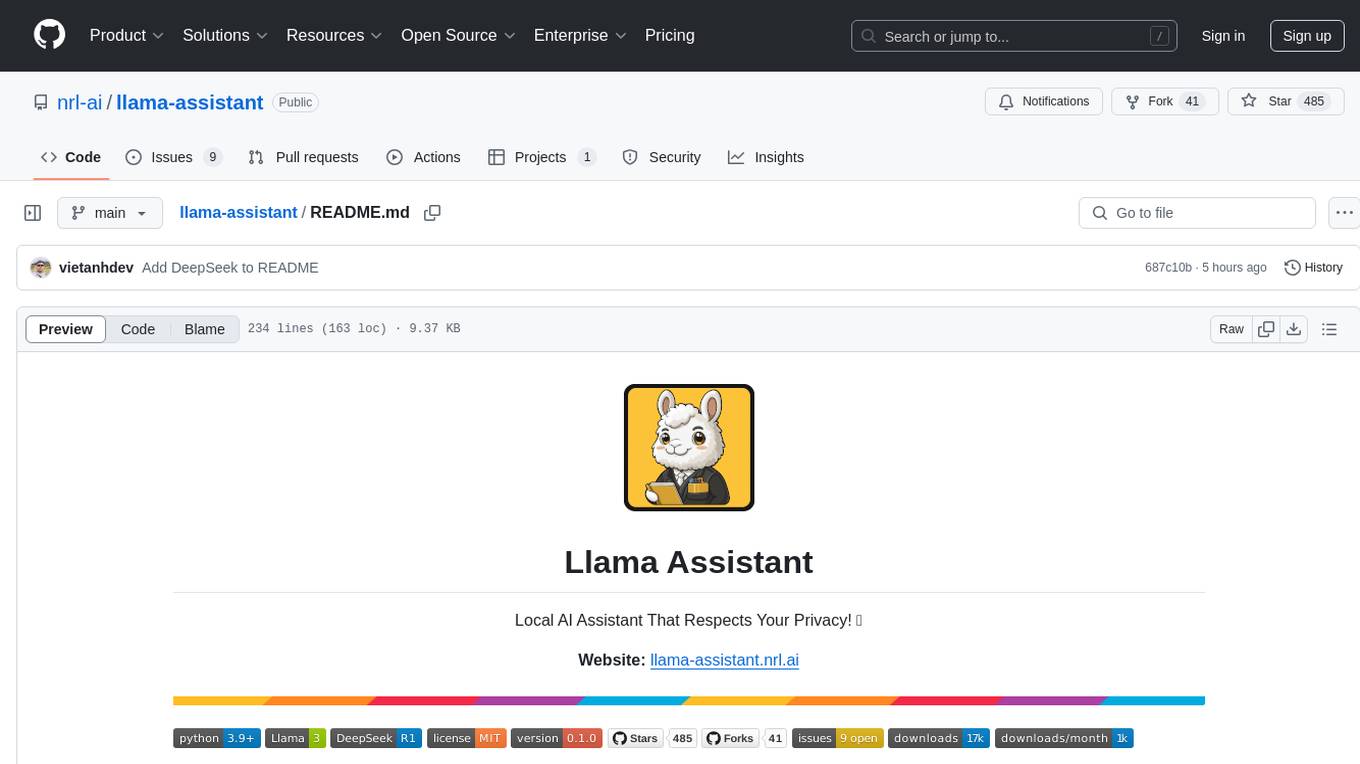
llama-assistant
Llama Assistant is a local AI assistant that respects your privacy. It is an AI-powered assistant that can recognize your voice, process natural language, and perform various actions based on your commands. It can help with tasks like summarizing text, rephrasing sentences, answering questions, writing emails, and more. The assistant runs offline on your local machine, ensuring privacy by not sending data to external servers. It supports voice recognition, natural language processing, and customizable UI with adjustable transparency. The project is a work in progress with new features being added regularly.
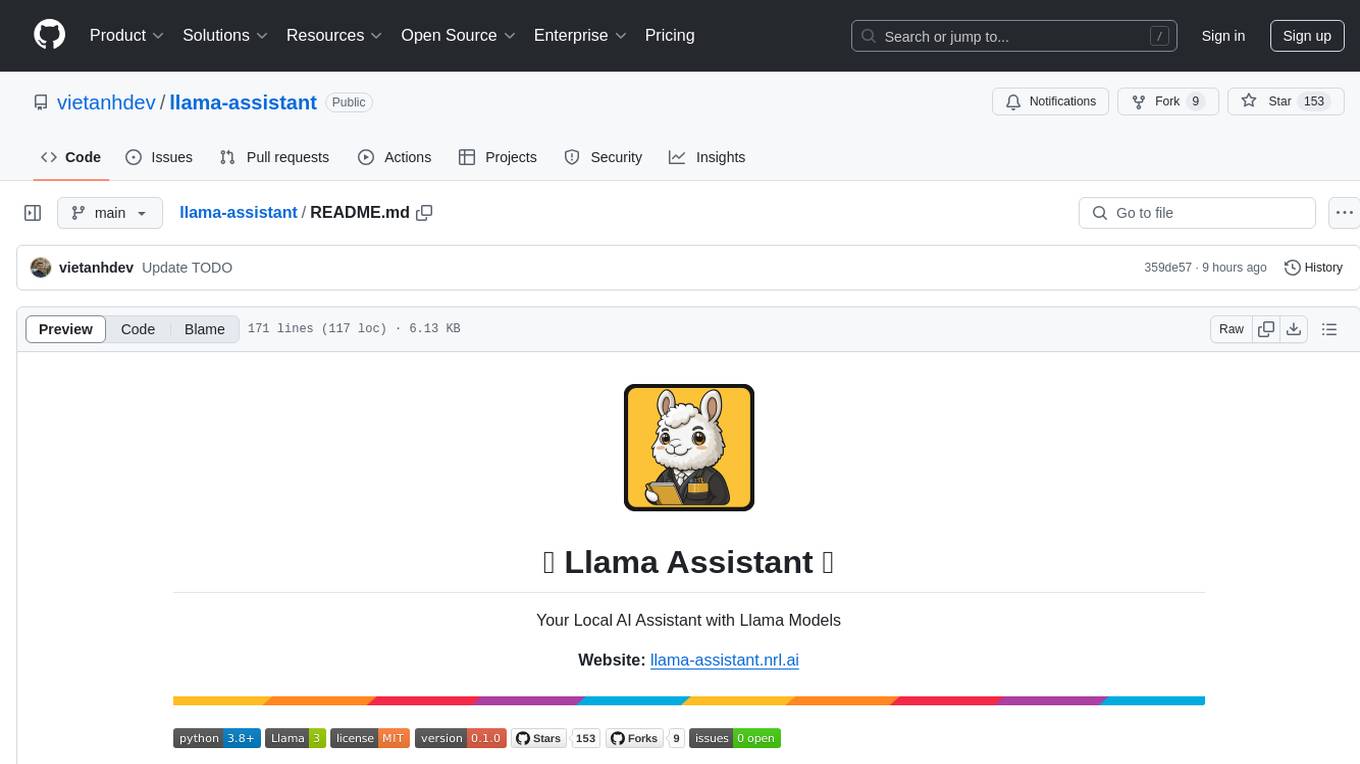
llama-assistant
Llama Assistant is an AI-powered assistant that helps with daily tasks, such as voice recognition, natural language processing, summarizing text, rephrasing sentences, answering questions, and more. It runs offline on your local machine, ensuring privacy by not sending data to external servers. The project is a work in progress with regular feature additions.
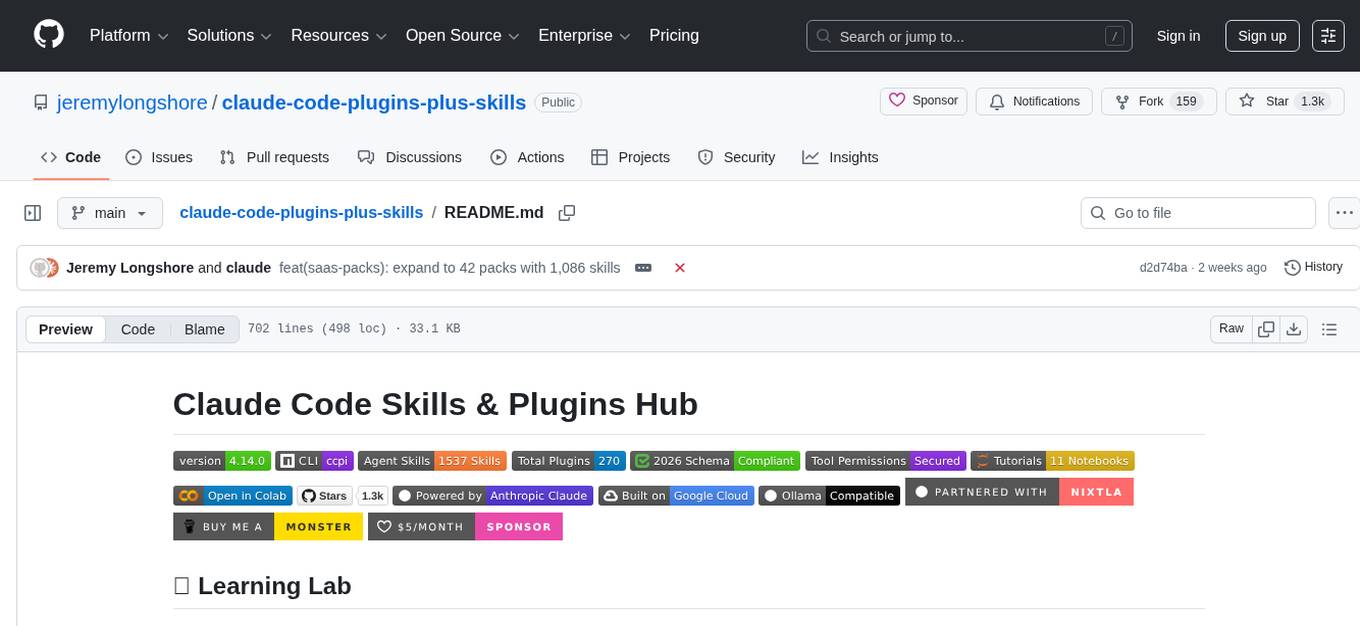
claude-code-plugins-plus-skills
Claude Code Skills & Plugins Hub is a comprehensive marketplace for agent skills and plugins, offering 1537 production-ready agent skills and 270 total plugins. It provides a learning lab with guides, diagrams, and examples for building production agent workflows. The package manager CLI allows users to discover, install, and manage plugins from their terminal, with features like searching, listing, installing, updating, and validating plugins. The marketplace is not on GitHub Marketplace and does not support built-in monetization. It is community-driven, actively maintained, and focuses on quality over quantity, aiming to be the definitive resource for Claude Code plugins.
For similar tasks
Lumina-Note
Lumina Note is a local-first AI note-taking app designed to help users write, connect, and evolve knowledge with AI capabilities while ensuring data ownership. It offers a knowledge-centered workflow with features like Markdown editor, WikiLinks, and graph view. The app includes AI workspace modes such as Chat, Agent, Deep Research, and Codex, along with support for multiple model providers. Users can benefit from bidirectional links, LaTeX support, graph visualization, PDF reader with annotations, real-time voice input, and plugin ecosystem for extended functionalities. Lumina Note is built on Tauri v2 framework with a tech stack including React 18, TypeScript, Tailwind CSS, and SQLite for vector storage.
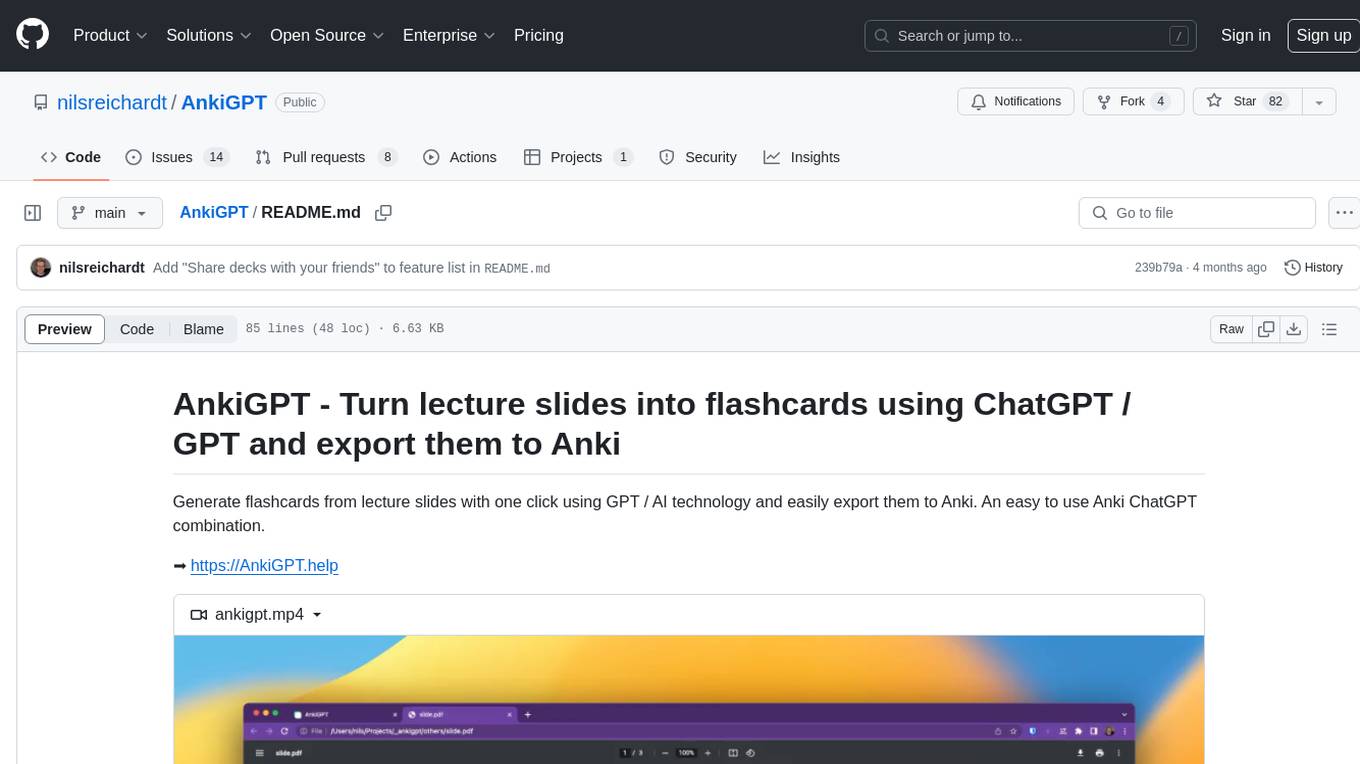
AnkiGPT
AnkiGPT is a tool that leverages GPT-3.5 or GPT-4 by OpenAI to generate flashcards from lecture slides or text input. Users can easily export the generated flashcards to Anki for effective learning. The tool allows users to edit, delete, and share flashcards, as well as generate mnemonics. AnkiGPT supports nearly all languages and ensures user privacy by not using submitted content for AI training. While powerful, the tool has limitations such as occasional errors in generated flashcards and challenges with mathematical equations. AnkiGPT is designed specifically for Anki flashcard app integration and encourages users to review and verify flashcard information for accuracy.
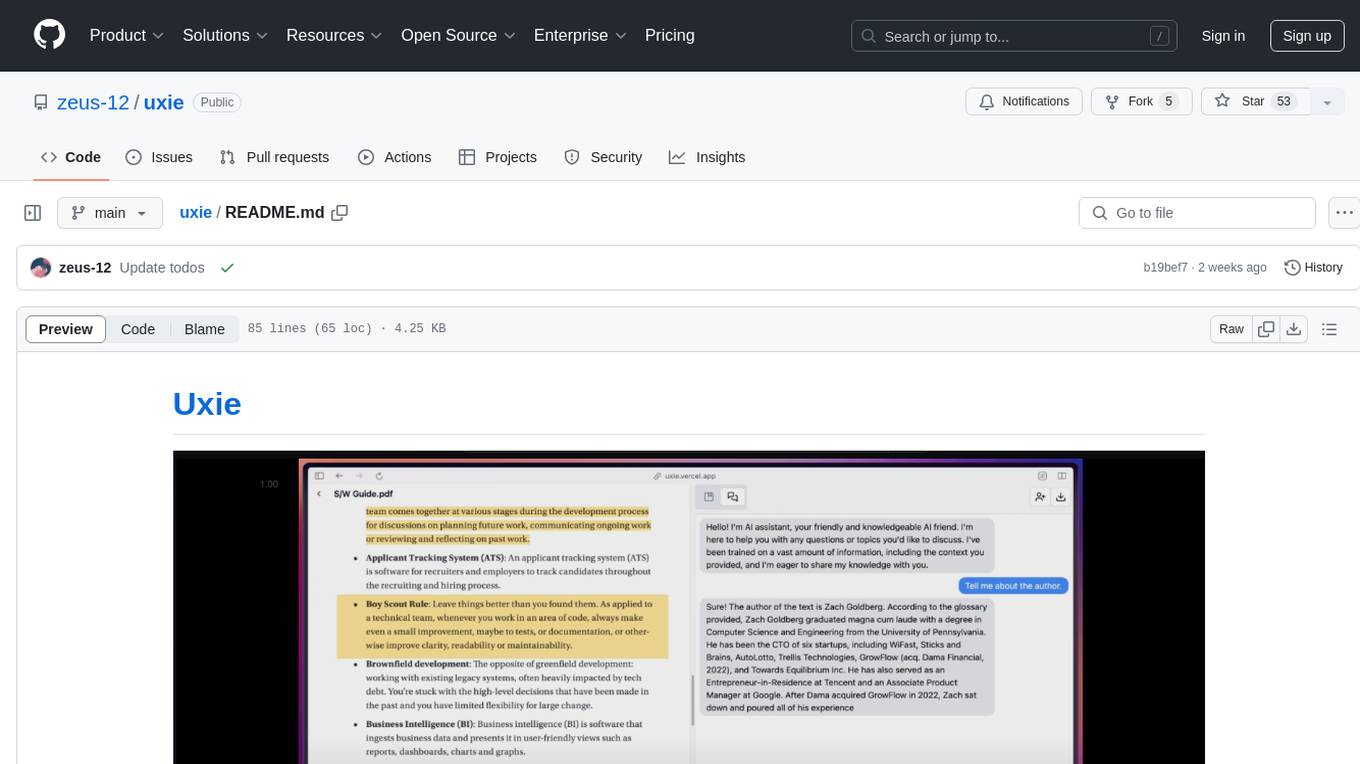
uxie
Uxie is a PDF reader app designed to revolutionize the learning experience. It offers features such as annotation, note-taking, collaboration tools, integration with LLM for enhanced learning, and flashcard generation with LLM feedback. Built using Nextjs, tRPC, Zod, TypeScript, Tailwind CSS, React Query, React Hook Form, Supabase, Prisma, and various other tools. Users can take notes, summarize PDFs, chat and collaborate with others, create custom blocks in the editor, and use AI-powered text autocompletion. The tool allows users to craft simple flashcards, test knowledge, answer questions, and receive instant feedback through AI evaluation.

vocabulary-book-by-deepseek
Vocabulary Book by DeepSeek is a manual for CET-4, postgraduate entrance examination, and TOEFL vocabulary, providing word meanings, roots, example sentences, mnemonic aids, and mnemonic images. The project uses Cline + DeepSeek-R1-16b for over 80% of the code to automatically encode the vocabulary manual. The generated manual includes vocabulary from A to Z for CET-4, CET-6, postgraduate entrance examination, and TOEFL, along with features to generate Anki cards and PDFs. The tool also allows for the creation of mnemonic images for each word and articles.
anki_packager
anki_packager is an intelligent tool for generating high-quality Anki flashcards for English vocabulary. It integrates multiple curated dictionaries, provides automated learning experiences, supports various features like Google TTS pronunciation and AI models for word summarization and story generation, offers convenient data import from other sources, ensures a good command-line interface, and can be run using Docker. Each flashcard includes detailed learning resources such as definitions, tenses, AI-generated roots for mnemonic aids, phrases, example sentences, word differentiations, and English explanations with AI-generated stories.
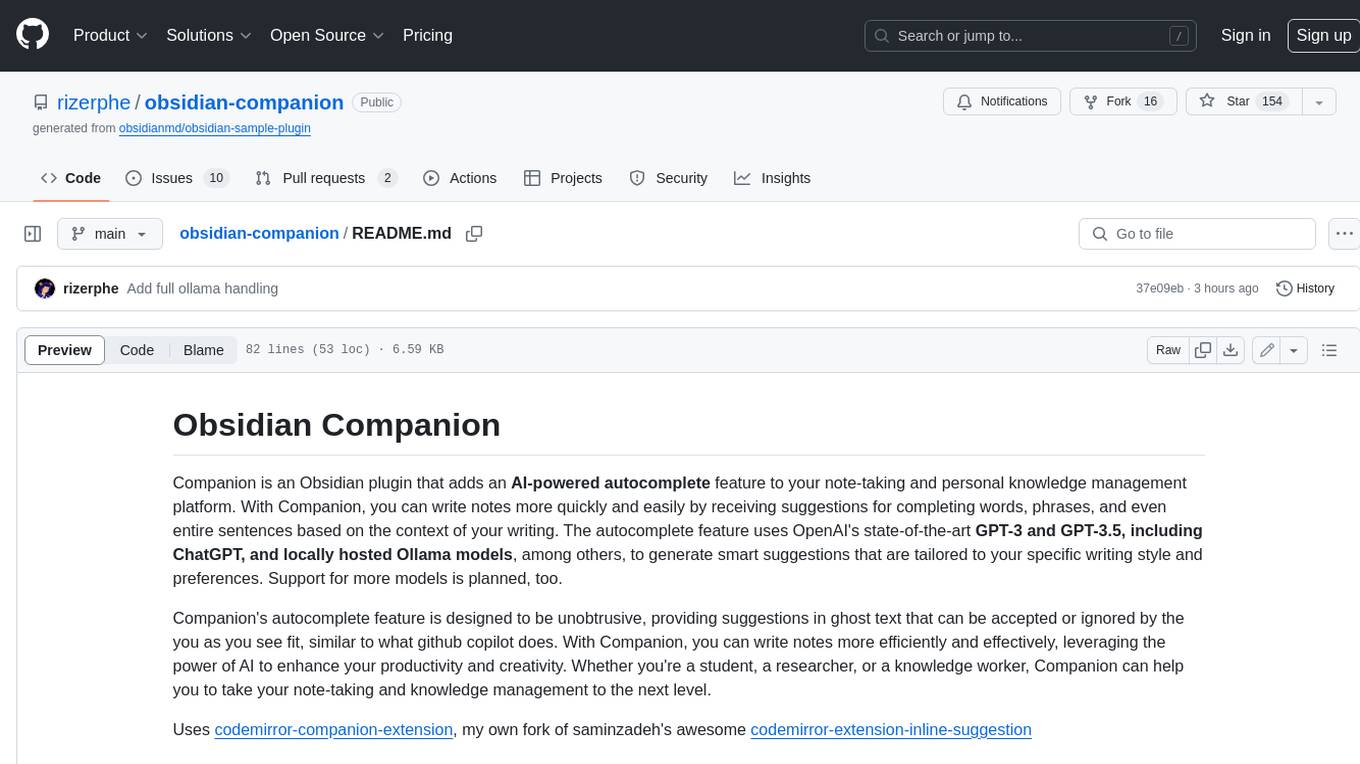
obsidian-companion
Companion is an Obsidian plugin that adds an AI-powered autocomplete feature to your note-taking and personal knowledge management platform. With Companion, you can write notes more quickly and easily by receiving suggestions for completing words, phrases, and even entire sentences based on the context of your writing. The autocomplete feature uses OpenAI's state-of-the-art GPT-3 and GPT-3.5, including ChatGPT, and locally hosted Ollama models, among others, to generate smart suggestions that are tailored to your specific writing style and preferences. Support for more models is planned, too.
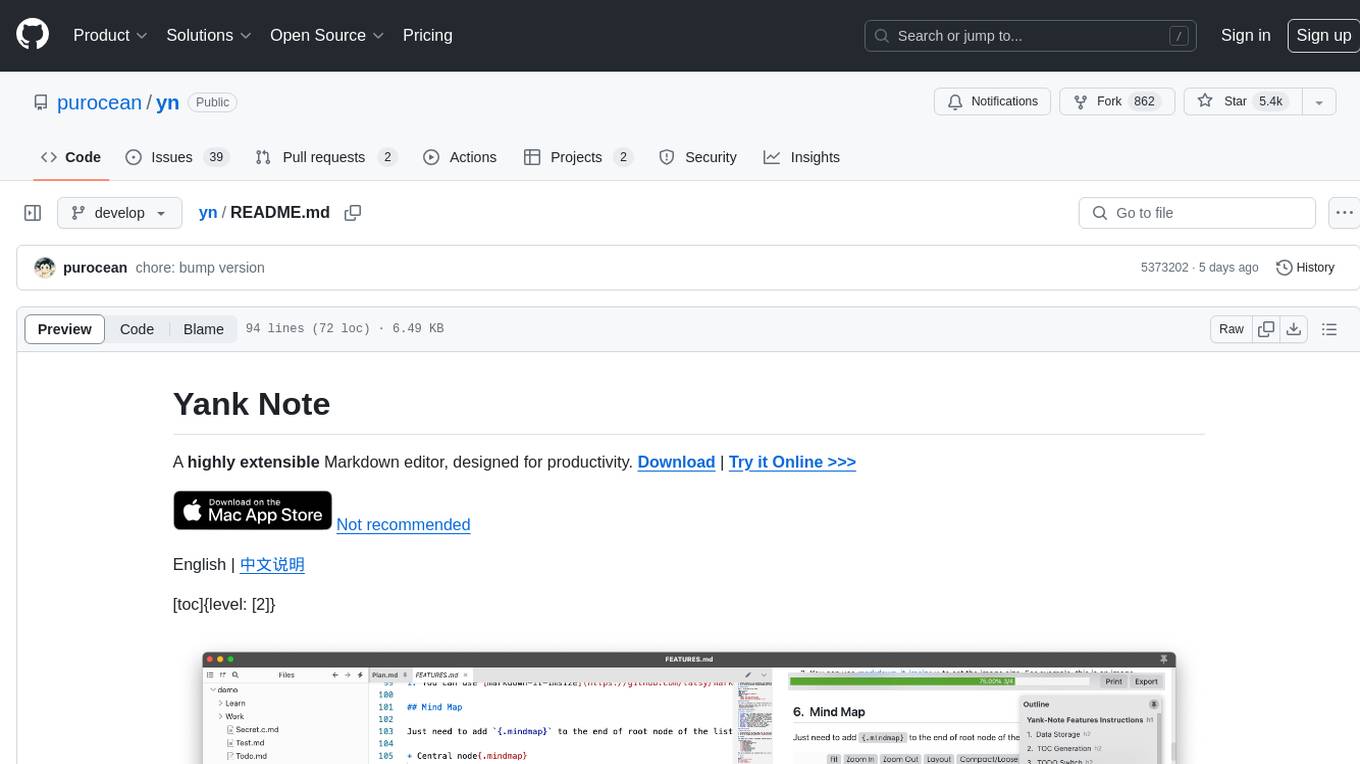
yn
Yank Note is a highly extensible Markdown editor designed for productivity. It offers features like easy-to-use interface, powerful support for version control and various embedded content, high compatibility with local Markdown files, plug-in extension support, and encryption for saving private files. Users can write their own plug-ins to expand the editor's functionality. However, for more extendability, security protection is sacrificed. The tool supports sync scrolling, outline navigation, version control, encryption, auto-save, editing assistance, image pasting, attachment embedding, code running, to-do list management, quick file opening, integrated terminal, Katex expression, GitHub-style Markdown, multiple data locations, external link conversion, HTML resolving, multiple formats export, TOC generation, table cell editing, title link copying, embedded applets, various graphics embedding, mind map display, custom container support, macro replacement, image hosting service, OpenAI auto completion, and custom plug-ins development.
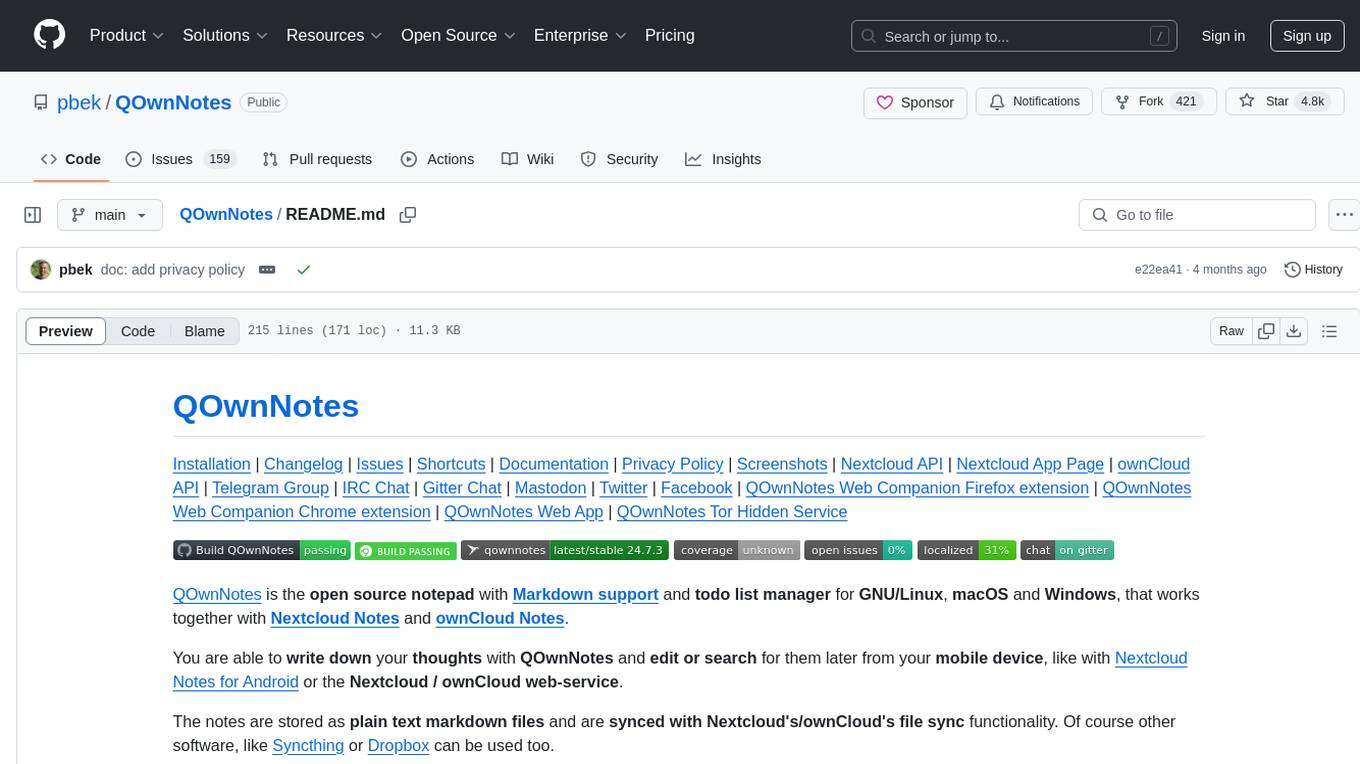
QOwnNotes
QOwnNotes is an open source notepad with Markdown support and todo list manager for GNU/Linux, macOS, and Windows. It allows you to write down thoughts, edit, and search for them later from mobile devices. Notes are stored as plain text markdown files and synced with Nextcloud's/ownCloud's file sync functionality. QOwnNotes offers features like multiple note folders, restoration of older versions and trashed notes, sub-string searching, customizable keyboard shortcuts, markdown highlighting, spellchecking, tabbing support, scripting support, encryption of notes, dark mode theme support, and more. It supports hierarchical note tagging, note subfolders, sharing notes on Nextcloud/ownCloud server, portable mode, Vim mode, distraction-free mode, full-screen mode, typewriter mode, Evernote and Joplin import, and is available in over 60 languages.
For similar jobs
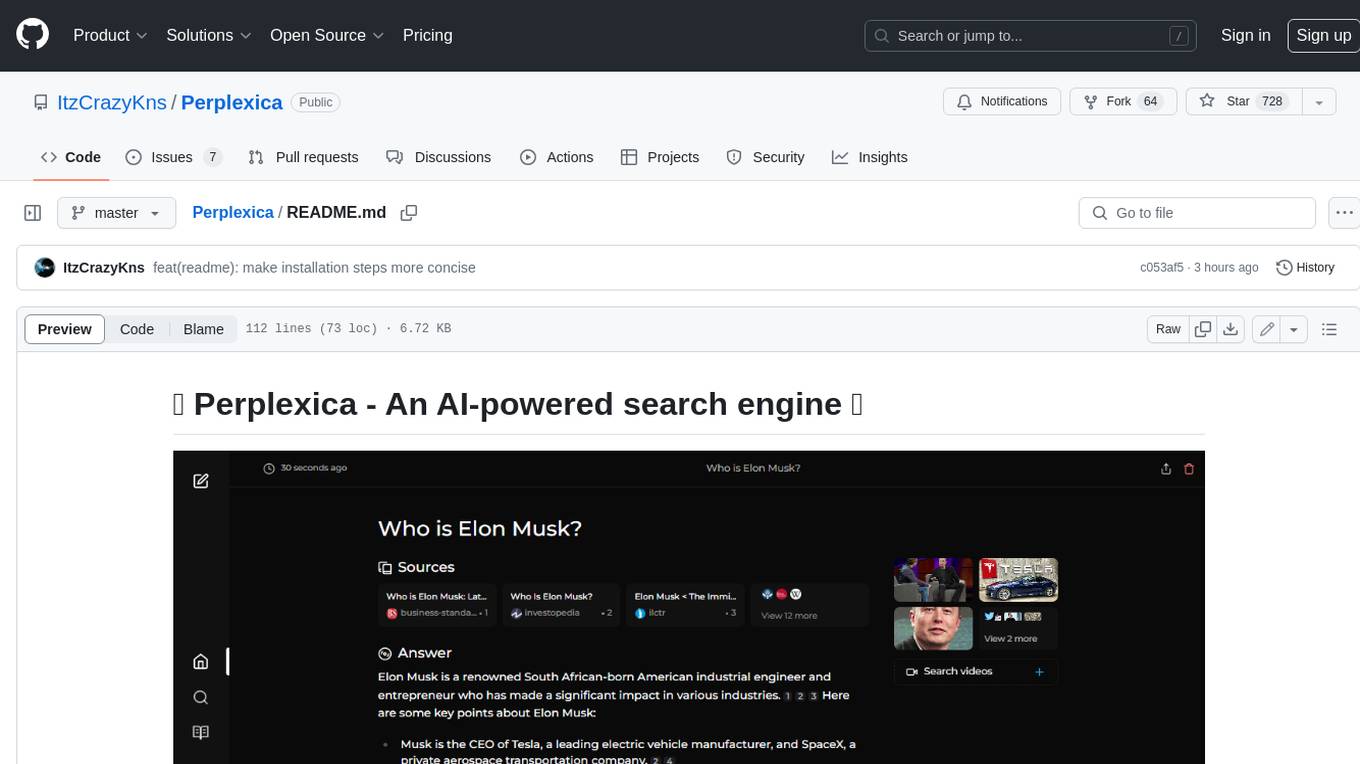
Perplexica
Perplexica is an open-source AI-powered search engine that utilizes advanced machine learning algorithms to provide clear answers with sources cited. It offers various modes like Copilot Mode, Normal Mode, and Focus Modes for specific types of questions. Perplexica ensures up-to-date information by using SearxNG metasearch engine. It also features image and video search capabilities and upcoming features include finalizing Copilot Mode and adding Discover and History Saving features.
KULLM
KULLM (구름) is a Korean Large Language Model developed by Korea University NLP & AI Lab and HIAI Research Institute. It is based on the upstage/SOLAR-10.7B-v1.0 model and has been fine-tuned for instruction. The model has been trained on 8×A100 GPUs and is capable of generating responses in Korean language. KULLM exhibits hallucination and repetition phenomena due to its decoding strategy. Users should be cautious as the model may produce inaccurate or harmful results. Performance may vary in benchmarks without a fixed system prompt.
MMMU
MMMU is a benchmark designed to evaluate multimodal models on college-level subject knowledge tasks, covering 30 subjects and 183 subfields with 11.5K questions. It focuses on advanced perception and reasoning with domain-specific knowledge, challenging models to perform tasks akin to those faced by experts. The evaluation of various models highlights substantial challenges, with room for improvement to stimulate the community towards expert artificial general intelligence (AGI).
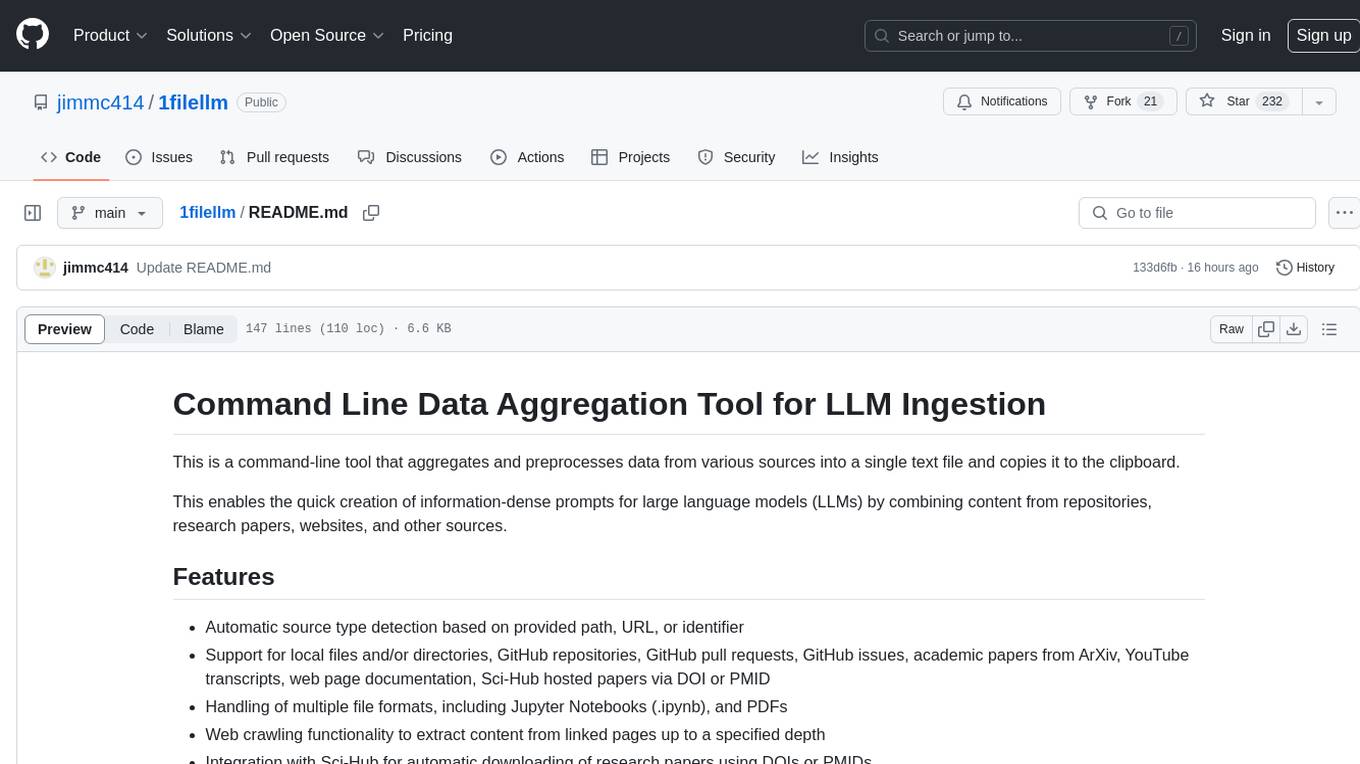
1filellm
1filellm is a command-line data aggregation tool designed for LLM ingestion. It aggregates and preprocesses data from various sources into a single text file, facilitating the creation of information-dense prompts for large language models. The tool supports automatic source type detection, handling of multiple file formats, web crawling functionality, integration with Sci-Hub for research paper downloads, text preprocessing, and token count reporting. Users can input local files, directories, GitHub repositories, pull requests, issues, ArXiv papers, YouTube transcripts, web pages, Sci-Hub papers via DOI or PMID. The tool provides uncompressed and compressed text outputs, with the uncompressed text automatically copied to the clipboard for easy pasting into LLMs.
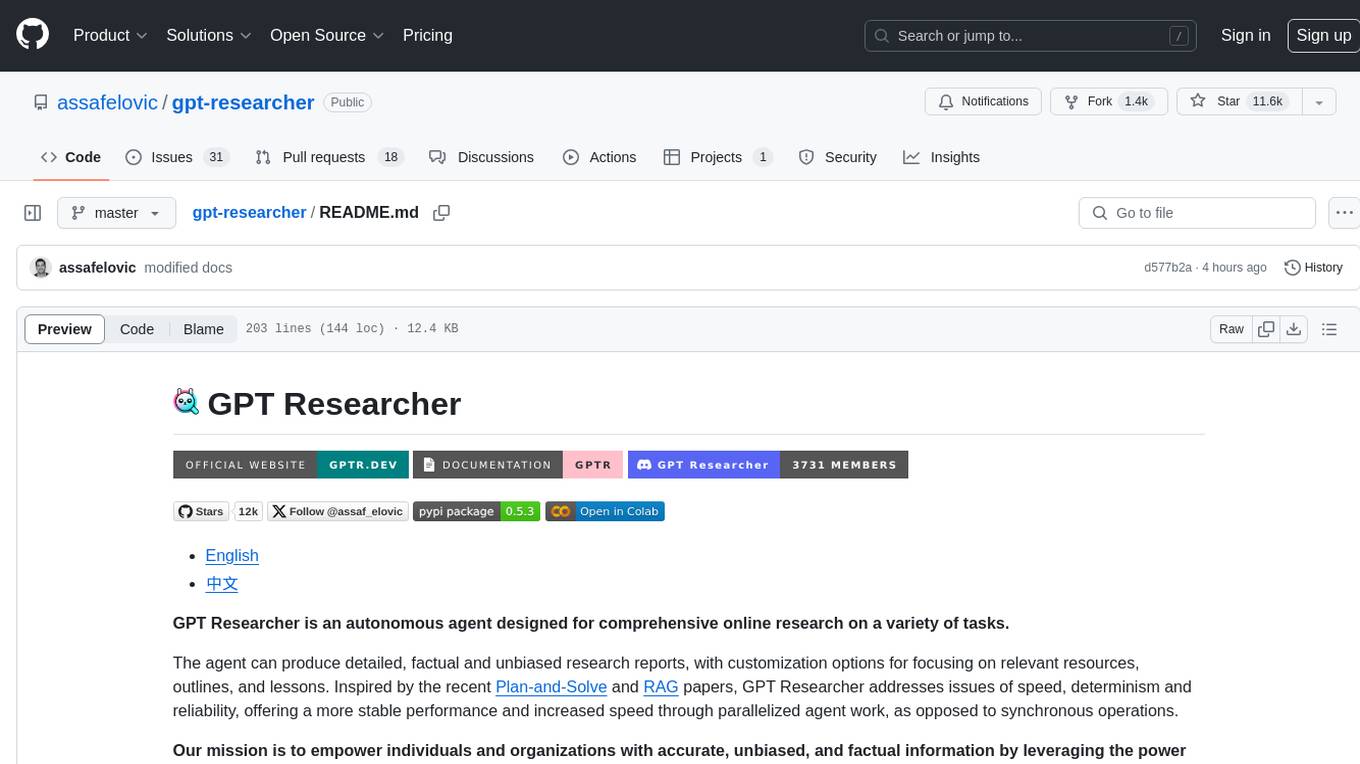
gpt-researcher
GPT Researcher is an autonomous agent designed for comprehensive online research on a variety of tasks. It can produce detailed, factual, and unbiased research reports with customization options. The tool addresses issues of speed, determinism, and reliability by leveraging parallelized agent work. The main idea involves running 'planner' and 'execution' agents to generate research questions, seek related information, and create research reports. GPT Researcher optimizes costs and completes tasks in around 3 minutes. Features include generating long research reports, aggregating web sources, an easy-to-use web interface, scraping web sources, and exporting reports to various formats.
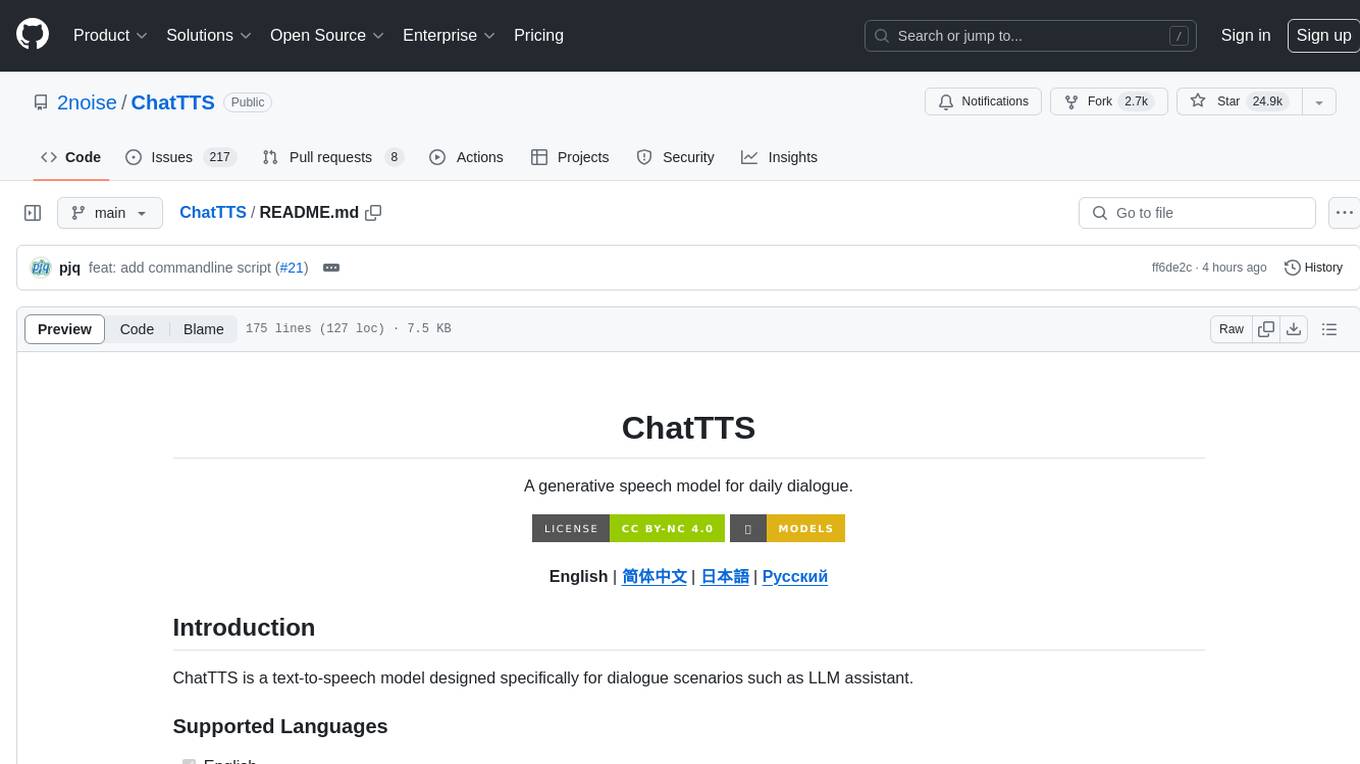
ChatTTS
ChatTTS is a generative speech model optimized for dialogue scenarios, providing natural and expressive speech synthesis with fine-grained control over prosodic features. It supports multiple speakers and surpasses most open-source TTS models in terms of prosody. The model is trained with 100,000+ hours of Chinese and English audio data, and the open-source version on HuggingFace is a 40,000-hour pre-trained model without SFT. The roadmap includes open-sourcing additional features like VQ encoder, multi-emotion control, and streaming audio generation. The tool is intended for academic and research use only, with precautions taken to limit potential misuse.
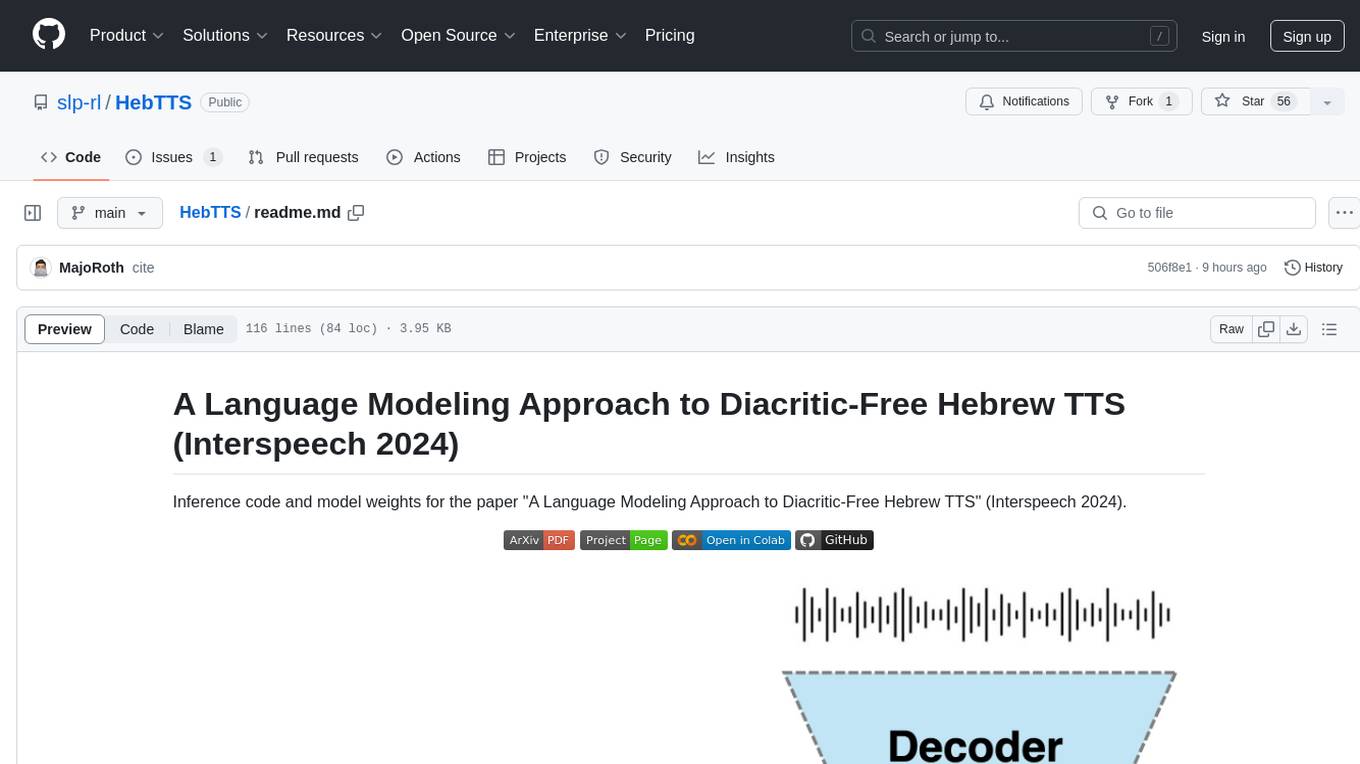
HebTTS
HebTTS is a language modeling approach to diacritic-free Hebrew text-to-speech (TTS) system. It addresses the challenge of accurately mapping text to speech in Hebrew by proposing a language model that operates on discrete speech representations and is conditioned on a word-piece tokenizer. The system is optimized using weakly supervised recordings and outperforms diacritic-based Hebrew TTS systems in terms of content preservation and naturalness of generated speech.
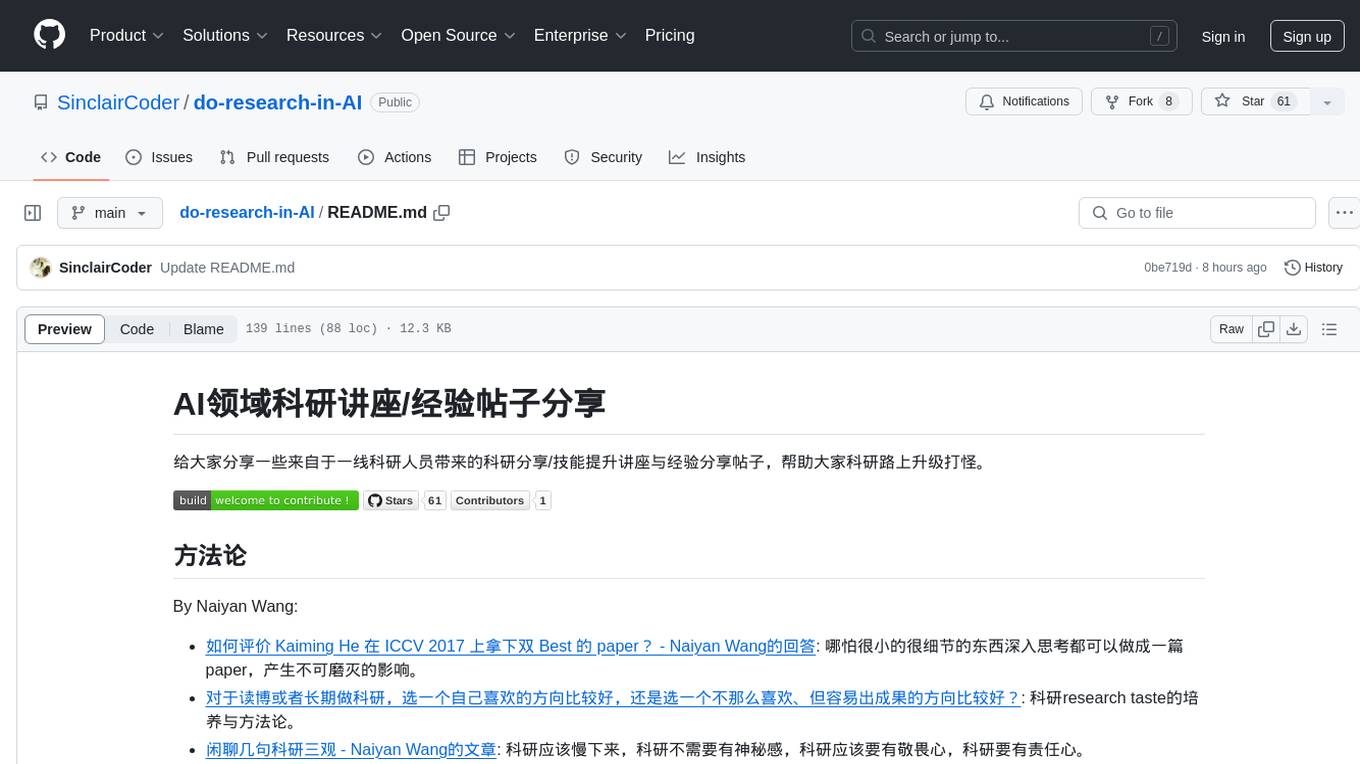
do-research-in-AI
This repository is a collection of research lectures and experience sharing posts from frontline researchers in the field of AI. It aims to help individuals upgrade their research skills and knowledge through insightful talks and experiences shared by experts. The content covers various topics such as evaluating research papers, choosing research directions, research methodologies, and tips for writing high-quality scientific papers. The repository also includes discussions on academic career paths, research ethics, and the emotional aspects of research work. Overall, it serves as a valuable resource for individuals interested in advancing their research capabilities in the field of AI.