


QOwnNotes
QOwnNotes is a plain-text file notepad and todo-list manager with Markdown support and Nextcloud / ownCloud integration.
Stars: 5296
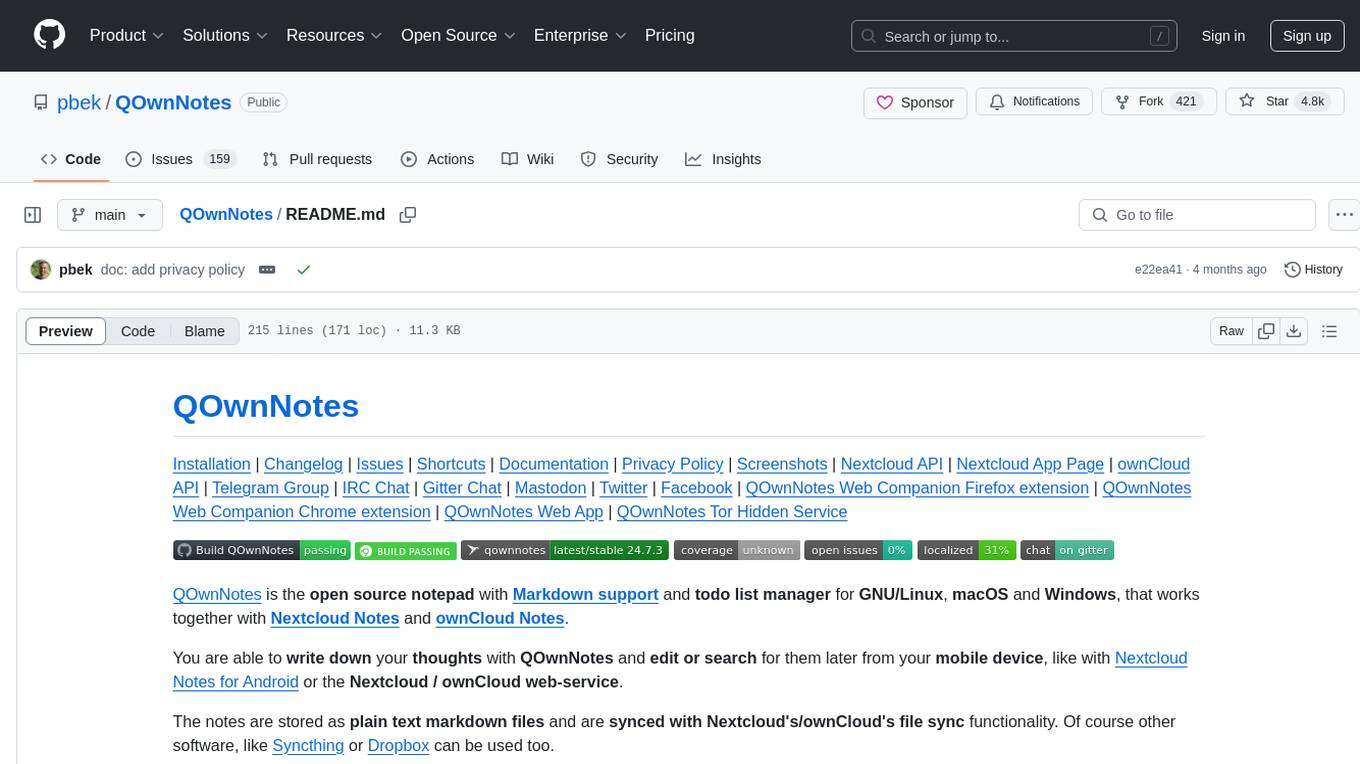
QOwnNotes is an open source notepad with Markdown support and todo list manager for GNU/Linux, macOS, and Windows. It allows you to write down thoughts, edit, and search for them later from mobile devices. Notes are stored as plain text markdown files and synced with Nextcloud's/ownCloud's file sync functionality. QOwnNotes offers features like multiple note folders, restoration of older versions and trashed notes, sub-string searching, customizable keyboard shortcuts, markdown highlighting, spellchecking, tabbing support, scripting support, encryption of notes, dark mode theme support, and more. It supports hierarchical note tagging, note subfolders, sharing notes on Nextcloud/ownCloud server, portable mode, Vim mode, distraction-free mode, full-screen mode, typewriter mode, Evernote and Joplin import, and is available in over 60 languages.
README:
Installation | Changelog | Issues | Shortcuts | Documentation | Privacy Policy | Screenshots | Nextcloud API | Nextcloud App Page | ownCloud API | Telegram Group | IRC Chat | Gitter Chat | Mastodon | Twitter | Facebook | QOwnNotes Web Companion Firefox extension | QOwnNotes Web Companion Chrome extension | QOwnNotes Web App | QOwnNotes Tor Hidden Service






QOwnNotes is the open source notepad with Markdown support and todo list manager for GNU/Linux, macOS and Windows, that works together with Nextcloud Notes and ownCloud Notes.
You are able to write down your thoughts with QOwnNotes and edit or search for them later from your mobile device, like with Nextcloud Notes for Android or the Nextcloud / ownCloud web-service.
The notes are stored as plain text markdown files and are synced with Nextcloud's/ownCloud's file sync functionality. Of course other software, like Syncthing or Dropbox can be used too.
If you like the concept of having notes accessible in plain text files, like it is done in the Nextcloud / ownCloud notes apps to gain a maximum of freedom then QOwnNotes is for you.
Visit the project page here: QOwnNotes project page
To manage your todo lists in the web and on your mobile devices, you need to install the Tasks backend on Nextcloud or ownCloud.
To get more on-line features for your notes, like versioning and trash access, you might also want to install the QOwnNotesAPI app on your server.
To access your ownCloud notes from your mobile device you may want to get one of these:
- For Android and OwnCloud: MyOwnNotes
- For Android and Nextcloud: Notes
- For iOS: CloudNotes
On Android you could also use any sync-tool like Synchronize Ultimate or FolderSync to sync your note files and use software like neutriNotes or Markor to edit your notes.
On iOS Notebooks may also work well (syncing notes via WebDAV).

You can visit the QOwnNotes project page for more screenshots.
- written in C++ and optimized for low resource consumption (no CPU and memory-hungry Electron app)
- multiple note folders can be used
- you can use your existing text or markdown files, no need for an import most of the time
- older versions of your notes can be restored from your Nextcloud / ownCloud server (install QOwnNotesAPI on your server)
-
trashed notes can be restored from your Nextcloud / ownCloud server
(install QOwnNotesAPI on your server)
- there also is a local trash
- sub-string searching of notes is possible and search results are highlighted in the notes
- application can be operated with customizable keyboard shortcuts
- external changes of note files are watched (notes or note list are reloaded)
- differences between current note and externally changed note are shown in a dialog
- markdown highlighting of notes and a markdown preview
- spellchecking support
- tabbing support for editing notes
- scripting support and an online script repository where you can install scripts inside the application
- implementation of the OpenAI completion API to be used in scripts
-
QOwnNotes Web Companion browser extension
to a add notes from the selected text and other features
- visit the Chrome Web Store page to install the app on Google Chrome
- visit the Firefox Add-ons page to install the app on Mozilla Firefox
- notes are getting their name from the first line of the note text (just like
in the Nextcloud / ownCloud notes web-application) and the note text files are
automatically renamed, if the first line changes
- this feature can also be turned off, and you can use any filename you like
- manage your Nextcloud / ownCloud todo lists (ownCloud tasks or Tasks Plus / Calendar Plus)
- create Nextcloud Deck cards and link to them in your notes
- encryption of notes (AES-256 is built in, or you can use custom encryption methods like Keybase.io (encryption-keybase.qml) or PGP (encryption-pgp.qml))
- dark mode theme support
- all panels can be placed wherever you want, they can even float or stack (fully dockable)
- toolbars are fully customizable
- support for freedesktop theme icons, so you can use QOwnNotes with your native desktop icons and with your favorite dark desktop theme QOwnNotes supports Freedesktop icon themes
- support for hierarchical note tagging and note subfolders
- support for sharing notes on your Nextcloud / ownCloud server
- portable mode for carrying QOwnNotes around on USB sticks
- Vim mode
- distraction free mode, full-screen mode, typewriter mode
- Evernote (now with large files) and Joplin import
- QOwnNotes is available in over 60 different languages like English, German, French, Polish, Chinese, Japanese, Russian, Portuguese, Hungarian, Dutch and Spanish

Please visit Installation for all the ways to install QOwnNotes.
To get the most current features you can build the application from the source code. Download the latest source here: QOwnNotes Source on GitHub as ZIP
Alternatively you can also check out the code directly from the git repository:
git clone https://github.com/pbek/QOwnNotes.git -b release --depth=1
cd QOwnNotes
git submodule update --init
Then download Qt Creator, you will also
need the packages qtwebsockets to build QOwnNotes with Qt6
(only qtwebsockets for Qt5). If you build under Windows, you want to stick to
MinGw 64-bit.
Afterward open the project file src/QOwnNotes.pro and click on
Build / Build Project QOwnNotes.
Or you can build it directly in your terminal:
cd src

# build binary translation files if you want another language than English
lrelease QOwnNotes.pro

# prepare build process and build the application
qmake
make -j4If you are going to work with the code, then you can do the following instead of the above:
cd src
qmake CONFIG+=DEV_MODE CONFIG+=debug ..
make -j4
The DEV_MODE variable enabled higher warning levels + precompiled headers.
Please feel free to contribute source code to this project, make suggestions or report troubles on the QOwnNotes issues page!
You can also visit QOwnNotes on GitHub.
- A desktop operating system, that supports Qt
- Qt 5.5+ / Qt 6.0+
- gcc 4.8+
This SOFTWARE PRODUCT is provided by THE PROVIDER "as is" and "with all faults." THE PROVIDER makes no representations or warranties of any kind concerning the safety, suitability, lack of viruses, inaccuracies, typographical errors, or other harmful components of this SOFTWARE PRODUCT.
There are inherent dangers in the use of any software, and you are solely responsible for determining whether this SOFTWARE PRODUCT is compatible with your equipment and other software installed on your equipment. You are also solely responsible for the protection of your equipment and backup of your data, and THE PROVIDER will not be liable for any damages you may suffer in connection with using, modifying, or distributing this SOFTWARE PRODUCT.
For Tasks:
Click tags to check more tools for each tasksFor Jobs:
Alternative AI tools for QOwnNotes
Similar Open Source Tools
QOwnNotes
QOwnNotes is an open source notepad with Markdown support and todo list manager for GNU/Linux, macOS, and Windows. It allows you to write down thoughts, edit, and search for them later from mobile devices. Notes are stored as plain text markdown files and synced with Nextcloud's/ownCloud's file sync functionality. QOwnNotes offers features like multiple note folders, restoration of older versions and trashed notes, sub-string searching, customizable keyboard shortcuts, markdown highlighting, spellchecking, tabbing support, scripting support, encryption of notes, dark mode theme support, and more. It supports hierarchical note tagging, note subfolders, sharing notes on Nextcloud/ownCloud server, portable mode, Vim mode, distraction-free mode, full-screen mode, typewriter mode, Evernote and Joplin import, and is available in over 60 languages.
WritingTools
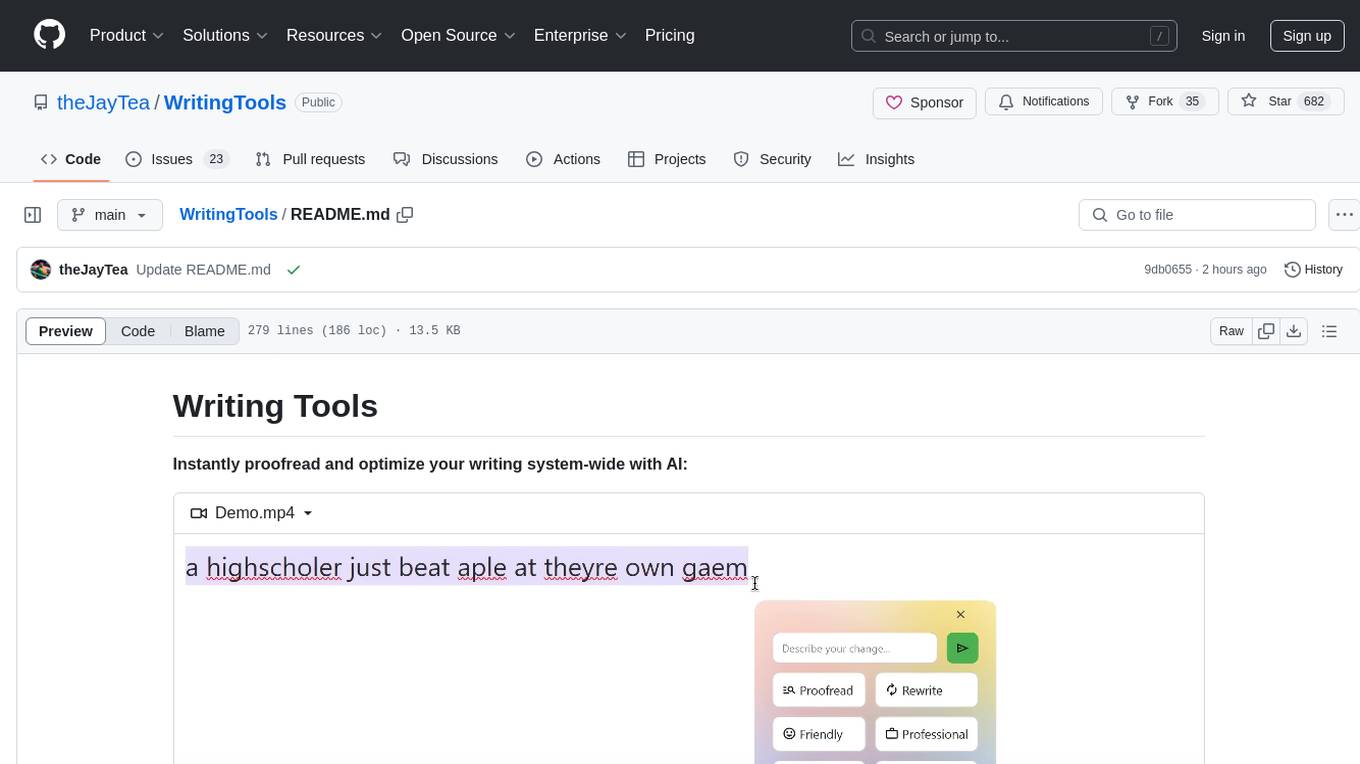
Writing Tools is an Apple Intelligence-inspired application for Windows, Linux, and macOS that supercharges your writing with an AI LLM. It allows users to instantly proofread, optimize text, and summarize content from webpages, YouTube videos, documents, etc. The tool is privacy-focused, open-source, and supports multiple languages. It offers powerful features like grammar correction, content summarization, and LLM chat mode, making it a versatile writing assistant for various tasks.
AIOStreams
AIOStreams is a versatile tool that combines streams from various addons into one platform, offering extensive customization options. Users can change result formats, filter results by various criteria, remove duplicates, prioritize services, sort results, specify size limits, and more. The tool scrapes results from selected addons, applies user configurations, and presents the results in a unified manner. It simplifies the process of finding and accessing desired content from multiple sources, enhancing user experience and efficiency.
pocketpal-ai
PocketPal AI is a versatile virtual assistant tool designed to streamline daily tasks and enhance productivity. It leverages artificial intelligence technology to provide personalized assistance in managing schedules, organizing information, setting reminders, and more. With its intuitive interface and smart features, PocketPal AI aims to simplify users' lives by automating routine activities and offering proactive suggestions for optimal time management and task prioritization.
uxie
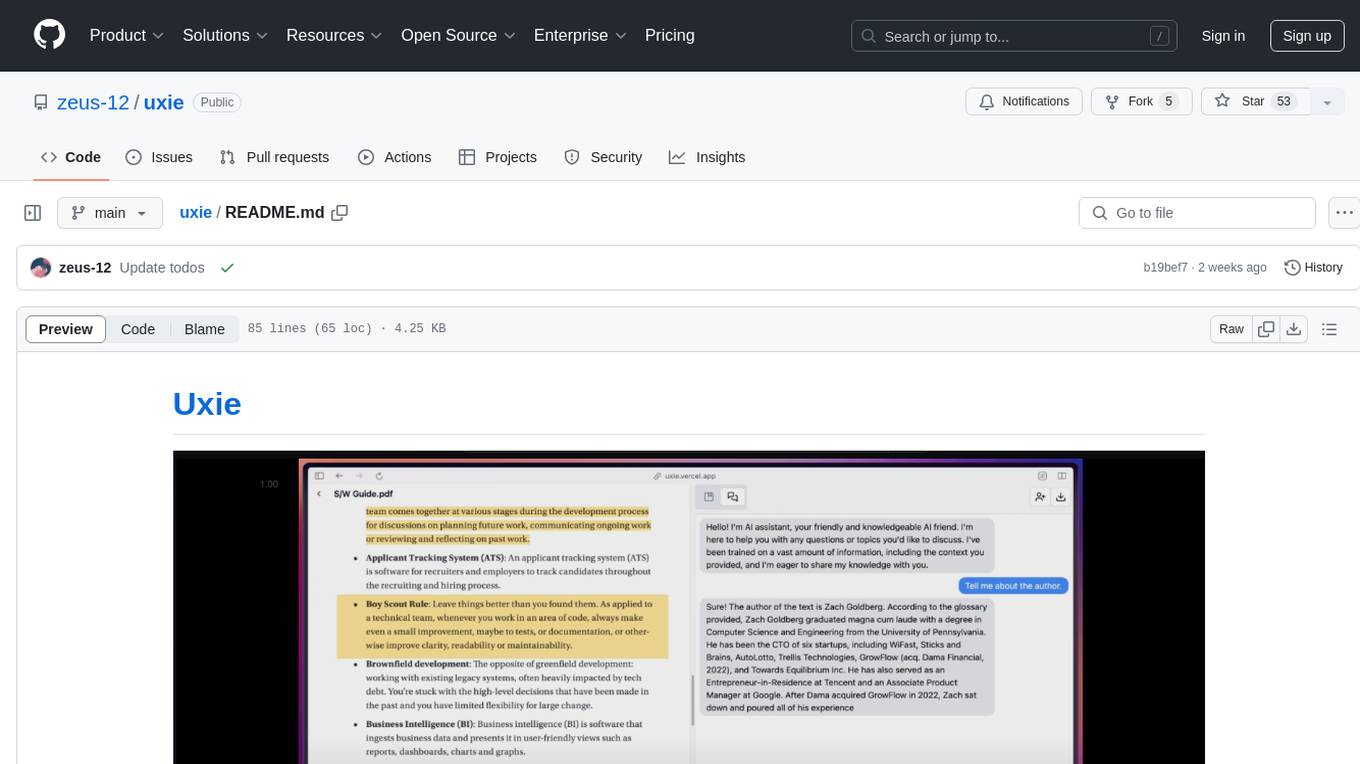
Uxie is a PDF reader app designed to revolutionize the learning experience. It offers features such as annotation, note-taking, collaboration tools, integration with LLM for enhanced learning, and flashcard generation with LLM feedback. Built using Nextjs, tRPC, Zod, TypeScript, Tailwind CSS, React Query, React Hook Form, Supabase, Prisma, and various other tools. Users can take notes, summarize PDFs, chat and collaborate with others, create custom blocks in the editor, and use AI-powered text autocompletion. The tool allows users to craft simple flashcards, test knowledge, answer questions, and receive instant feedback through AI evaluation.
whispering-ui
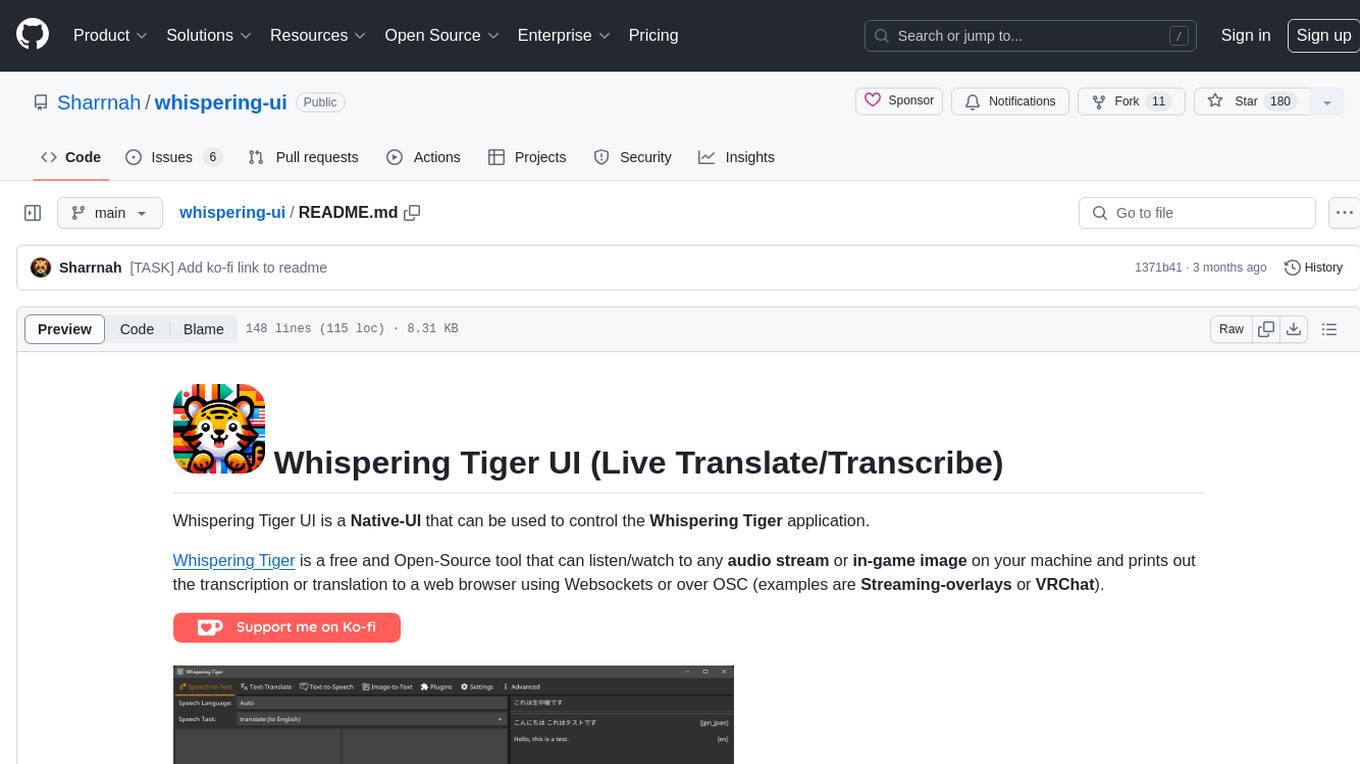
Whispering Tiger UI is a Native-UI tool designed to control the Whispering Tiger application, a free and Open-Source tool that can listen/watch to audio streams or in-game images on your machine and provide transcription or translation to a web browser using Websockets or over OSC. It features a Native-UI for Windows, easy access to all Whispering Tiger features including transcription, translation, text-to-speech, and in-game image recognition. The tool supports loopback audio device, configuration saving/loading, plugin support for additional features, and auto-update functionality. Users can create profiles, configure audio devices, select A.I. devices for speech-to-text, and install/manage plugins for extended functionality.
obsidian-systemsculpt-ai
SystemSculpt AI is a comprehensive AI-powered plugin for Obsidian, integrating advanced AI capabilities into note-taking, task management, knowledge organization, and content creation. It offers modules for brain integration, chat conversations, audio recording and transcription, note templates, and task generation and management. Users can customize settings, utilize AI services like OpenAI and Groq, and access documentation for detailed guidance. The plugin prioritizes data privacy by storing sensitive information locally and offering the option to use local AI models for enhanced privacy.
nanobrowser
Nanobrowser is an open-source AI web automation tool that runs in your browser. It is a free alternative to OpenAI Operator with flexible LLM options and a multi-agent system. Nanobrowser offers premium web automation capabilities while keeping users in complete control, with features like a multi-agent system, interactive side panel, task automation, follow-up questions, and multiple LLM support. Users can easily download and install Nanobrowser as a Chrome extension, configure agent models, and accomplish tasks such as news summary, GitHub research, and shopping research with just a sentence. The tool uses a specialized multi-agent system powered by large language models to understand and execute complex web tasks. Nanobrowser is actively developed with plans to expand LLM support, implement security measures, optimize memory usage, enable session replay, and develop specialized agents for domain-specific tasks. Contributions from the community are welcome to improve Nanobrowser and build the future of web automation.
word-GPT-Plus
Word GPT Plus seamlessly integrates AI models into Microsoft Word, allowing users to generate, translate, summarize, and polish text directly within their documents. The tool supports multiple AI models, offers built-in templates for various text-related tasks, and provides customization options for user preferences. Users can install the tool through a hosted service, Docker deployment, or self-hosting, and can easily fill in API keys to access different AI services. Word GPT Plus enhances writing workflows by providing AI-powered assistance without leaving the Word environment.
SAM
SAM is a native macOS AI assistant built with Swift and SwiftUI, designed for non-developers who want powerful tools in their everyday life. It provides real assistance, smart memory, voice control, image generation, and custom AI model training. SAM keeps your data on your Mac, supports multiple AI providers, and offers features for documents, creativity, writing, organization, learning, and more. It is privacy-focused, user-friendly, and accessible from various devices. SAM stands out with its privacy-first approach, intelligent memory, task execution capabilities, powerful tools, image generation features, custom AI model training, and flexible AI provider support.
chatbox
Chatbox is a desktop client for ChatGPT, Claude, and other LLMs, providing features like local data storage, multiple LLM provider support, image generation, enhanced prompting, keyboard shortcuts, and more. It offers a user-friendly interface with dark theme, team collaboration, cross-platform availability, web version access, iOS & Android apps, multilingual support, and ongoing feature enhancements. Developed for prompt and API debugging, it has gained popularity for daily chatting and professional role-playing with AI assistance.
mikupad
mikupad is a lightweight and efficient language model front-end powered by ReactJS, all packed into a single HTML file. Inspired by the likes of NovelAI, it provides a simple yet powerful interface for generating text with the help of various backends.
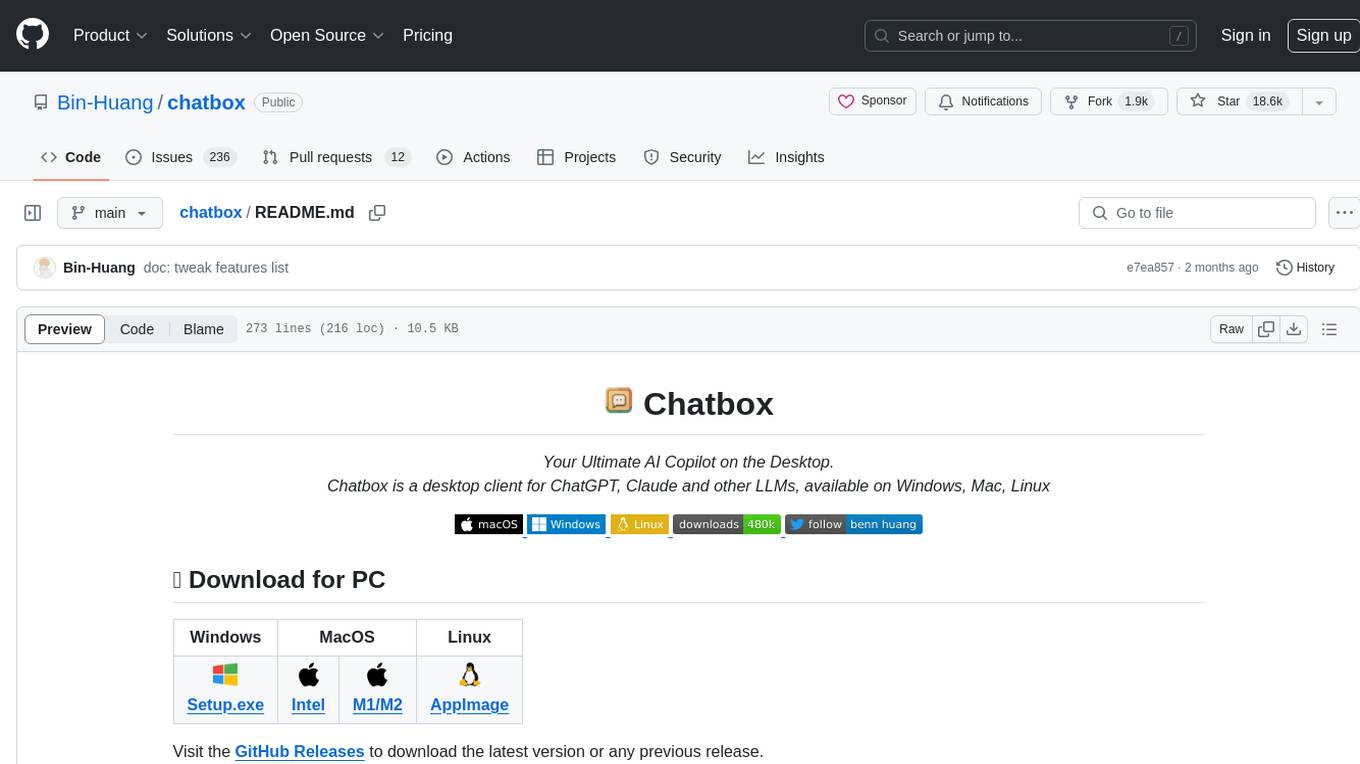
chatbox
Chatbox is a desktop client for ChatGPT, Claude, and other LLMs, providing a user-friendly interface for AI copilot assistance on Windows, Mac, and Linux. It offers features like local data storage, multiple LLM provider support, image generation with Dall-E-3, enhanced prompting, keyboard shortcuts, and more. Users can collaborate, access the tool on various platforms, and enjoy multilingual support. Chatbox is constantly evolving with new features to enhance the user experience.
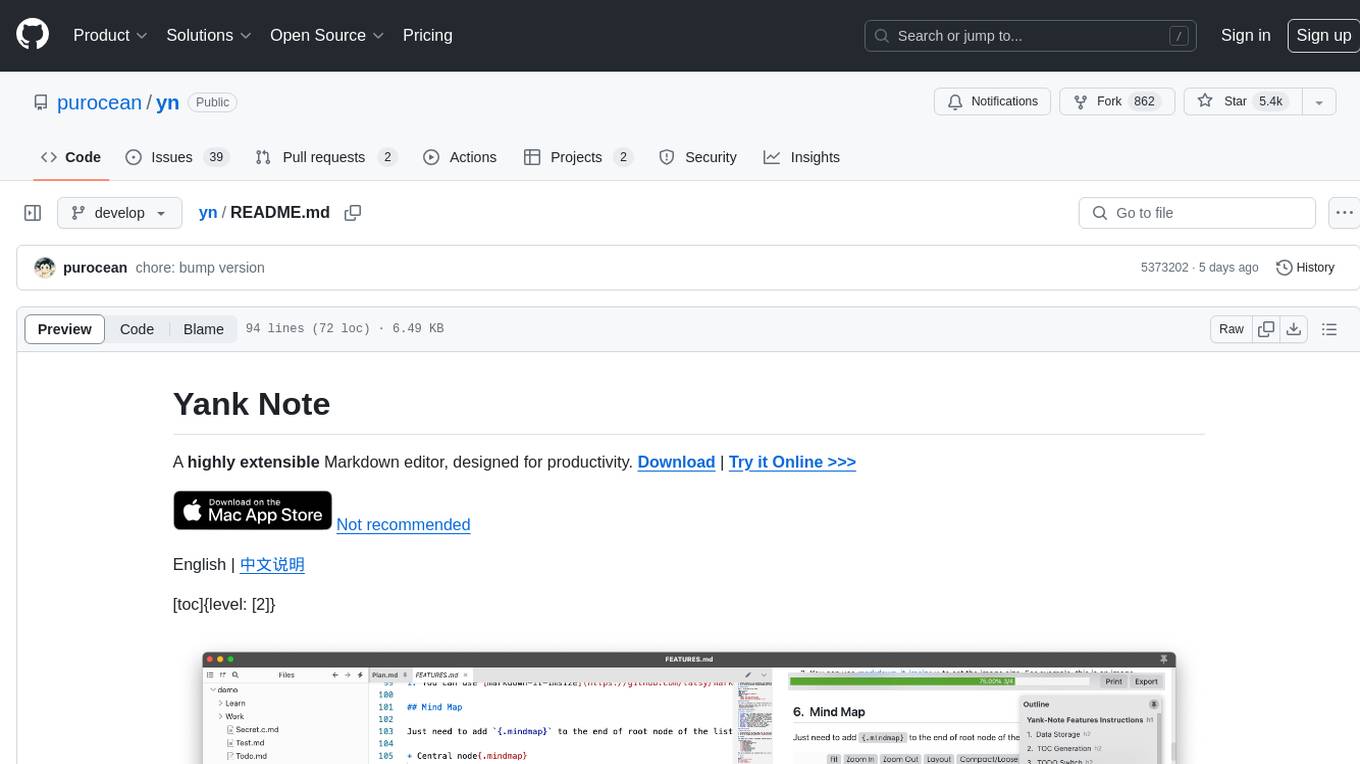
yn
Yank Note is a highly extensible Markdown editor designed for productivity. It offers features like easy-to-use interface, powerful support for version control and various embedded content, high compatibility with local Markdown files, plug-in extension support, and encryption for saving private files. Users can write their own plug-ins to expand the editor's functionality. However, for more extendability, security protection is sacrificed. The tool supports sync scrolling, outline navigation, version control, encryption, auto-save, editing assistance, image pasting, attachment embedding, code running, to-do list management, quick file opening, integrated terminal, Katex expression, GitHub-style Markdown, multiple data locations, external link conversion, HTML resolving, multiple formats export, TOC generation, table cell editing, title link copying, embedded applets, various graphics embedding, mind map display, custom container support, macro replacement, image hosting service, OpenAI auto completion, and custom plug-ins development.
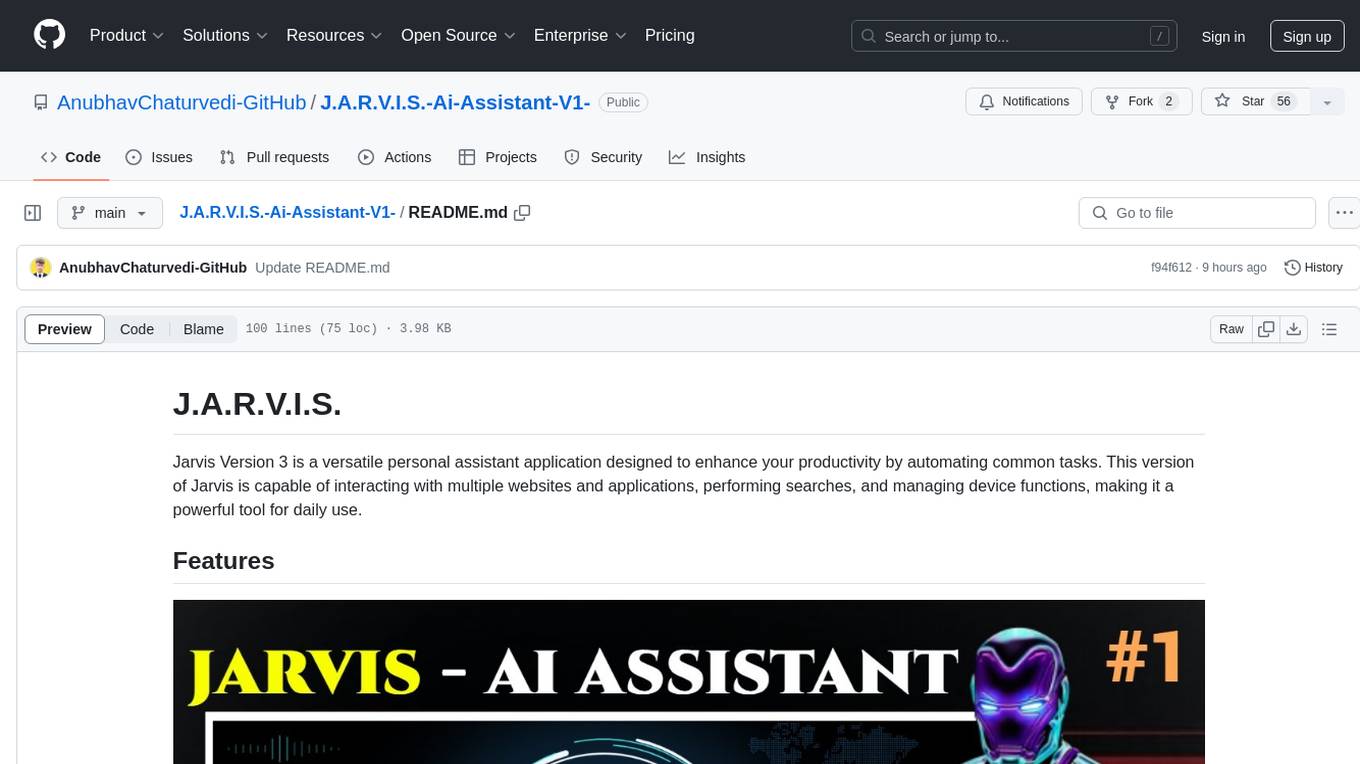
J.A.R.V.I.S.-Ai-Assistant-V1-
Jarvis Version 3 is a versatile personal assistant application designed to enhance productivity by automating common tasks. It can interact with websites and applications, perform searches, manage device functions, and control music. Users can give commands to open websites, search on Google or YouTube, scroll pages, manage applications, check time, internet speed, battery percentage, battery alerts, charging status, play music, and synchronize clapping with music. The tool offers features for web navigation, search functionality, scrolling, application management, device management, and music control.
AudioMuse-AI
AudioMuse-AI is a deep learning-based tool for audio analysis and music generation. It provides a user-friendly interface for processing audio data and generating music compositions. The tool utilizes state-of-the-art machine learning algorithms to analyze audio signals and extract meaningful features for music generation. With AudioMuse-AI, users can explore the possibilities of AI in music creation and experiment with different styles and genres. Whether you are a music enthusiast, a researcher, or a developer, AudioMuse-AI offers a versatile platform for audio analysis and music generation.
For similar tasks
QOwnNotes
QOwnNotes is an open source notepad with Markdown support and todo list manager for GNU/Linux, macOS, and Windows. It allows you to write down thoughts, edit, and search for them later from mobile devices. Notes are stored as plain text markdown files and synced with Nextcloud's/ownCloud's file sync functionality. QOwnNotes offers features like multiple note folders, restoration of older versions and trashed notes, sub-string searching, customizable keyboard shortcuts, markdown highlighting, spellchecking, tabbing support, scripting support, encryption of notes, dark mode theme support, and more. It supports hierarchical note tagging, note subfolders, sharing notes on Nextcloud/ownCloud server, portable mode, Vim mode, distraction-free mode, full-screen mode, typewriter mode, Evernote and Joplin import, and is available in over 60 languages.
reor
Reor is an AI-powered desktop note-taking app that automatically links related notes, answers questions on your notes, and provides semantic search. Everything is stored locally and you can edit your notes with an Obsidian-like markdown editor. The hypothesis of the project is that AI tools for thought should run models locally by default. Reor stands on the shoulders of the giants Ollama, Transformers.js & LanceDB to enable both LLMs and embedding models to run locally. Connecting to OpenAI or OpenAI-compatible APIs like Oobabooga is also supported.
hoarder
A self-hostable bookmark-everything app with a touch of AI for data hoarders. Features include bookmarking links, taking notes, storing images, automatic fetching for link details, full-text search, AI-based automatic tagging, Chrome and Firefox plugins, iOS and Android apps, dark mode support, and self-hosting. Built to address the need for archiving and previewing links with automatic tagging. Developed by a systems engineer to stay connected with web development and cater to personal use cases.
blinko
Blinko is an innovative open-source project designed for individuals who want to quickly capture and organize their fleeting thoughts. It allows users to seamlessly jot down ideas the moment they strike, ensuring that no spark of creativity is lost. With advanced AI-powered note retrieval, data ownership, efficient and fast capturing, lightweight architecture, and open collaboration, Blinko offers a comprehensive solution for managing and accessing notes.
blinko
Blinko is an innovative open-source project designed for individuals who want to quickly capture and organize their fleeting thoughts. It allows users to seamlessly jot down ideas, ensuring no spark of creativity is lost. With AI-enhanced note retrieval, data ownership, efficient and fast note-taking, lightweight architecture, and open collaboration, Blinko offers a robust platform for managing and accessing notes effortlessly.
obsidian-companion
Companion is an Obsidian plugin that adds an AI-powered autocomplete feature to your note-taking and personal knowledge management platform. With Companion, you can write notes more quickly and easily by receiving suggestions for completing words, phrases, and even entire sentences based on the context of your writing. The autocomplete feature uses OpenAI's state-of-the-art GPT-3 and GPT-3.5, including ChatGPT, and locally hosted Ollama models, among others, to generate smart suggestions that are tailored to your specific writing style and preferences. Support for more models is planned, too.
yn
Yank Note is a highly extensible Markdown editor designed for productivity. It offers features like easy-to-use interface, powerful support for version control and various embedded content, high compatibility with local Markdown files, plug-in extension support, and encryption for saving private files. Users can write their own plug-ins to expand the editor's functionality. However, for more extendability, security protection is sacrificed. The tool supports sync scrolling, outline navigation, version control, encryption, auto-save, editing assistance, image pasting, attachment embedding, code running, to-do list management, quick file opening, integrated terminal, Katex expression, GitHub-style Markdown, multiple data locations, external link conversion, HTML resolving, multiple formats export, TOC generation, table cell editing, title link copying, embedded applets, various graphics embedding, mind map display, custom container support, macro replacement, image hosting service, OpenAI auto completion, and custom plug-ins development.
Kori
Kori is a unified note-taking app with AI capabilities, providing a consistent experience across Android, iOS, Windows, macOS, and Linux. It supports various formats like Drawing, Markdown, TXT, LaTeX, Mermaid diagrams, and Todo.txt lists. Users can benefit from AI co-writing features, note outline generation, find and replace, note templates, local media support, and export options. The app follows Material Design 3 guidelines, offers comprehensive mouse and keyboard support, and is optimized for different screen sizes and orientations.
For similar jobs

LLMStack
LLMStack is a no-code platform for building generative AI agents, workflows, and chatbots. It allows users to connect their own data, internal tools, and GPT-powered models without any coding experience. LLMStack can be deployed to the cloud or on-premise and can be accessed via HTTP API or triggered from Slack or Discord.
daily-poetry-image
Daily Chinese ancient poetry and AI-generated images powered by Bing DALL-E-3. GitHub Action triggers the process automatically. Poetry is provided by Today's Poem API. The website is built with Astro.

exif-photo-blog
EXIF Photo Blog is a full-stack photo blog application built with Next.js, Vercel, and Postgres. It features built-in authentication, photo upload with EXIF extraction, photo organization by tag, infinite scroll, light/dark mode, automatic OG image generation, a CMD-K menu with photo search, experimental support for AI-generated descriptions, and support for Fujifilm simulations. The application is easy to deploy to Vercel with just a few clicks and can be customized with a variety of environment variables.
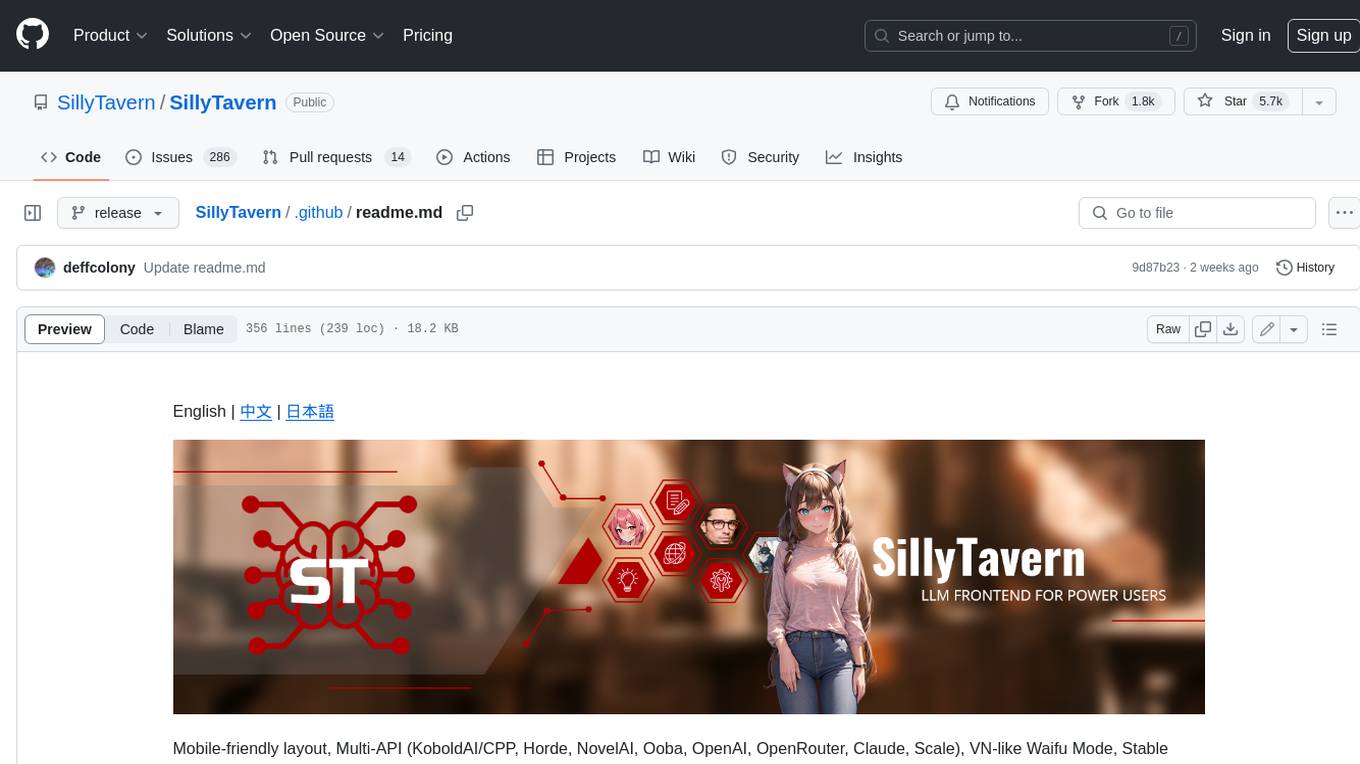
SillyTavern
SillyTavern is a user interface you can install on your computer (and Android phones) that allows you to interact with text generation AIs and chat/roleplay with characters you or the community create. SillyTavern is a fork of TavernAI 1.2.8 which is under more active development and has added many major features. At this point, they can be thought of as completely independent programs.
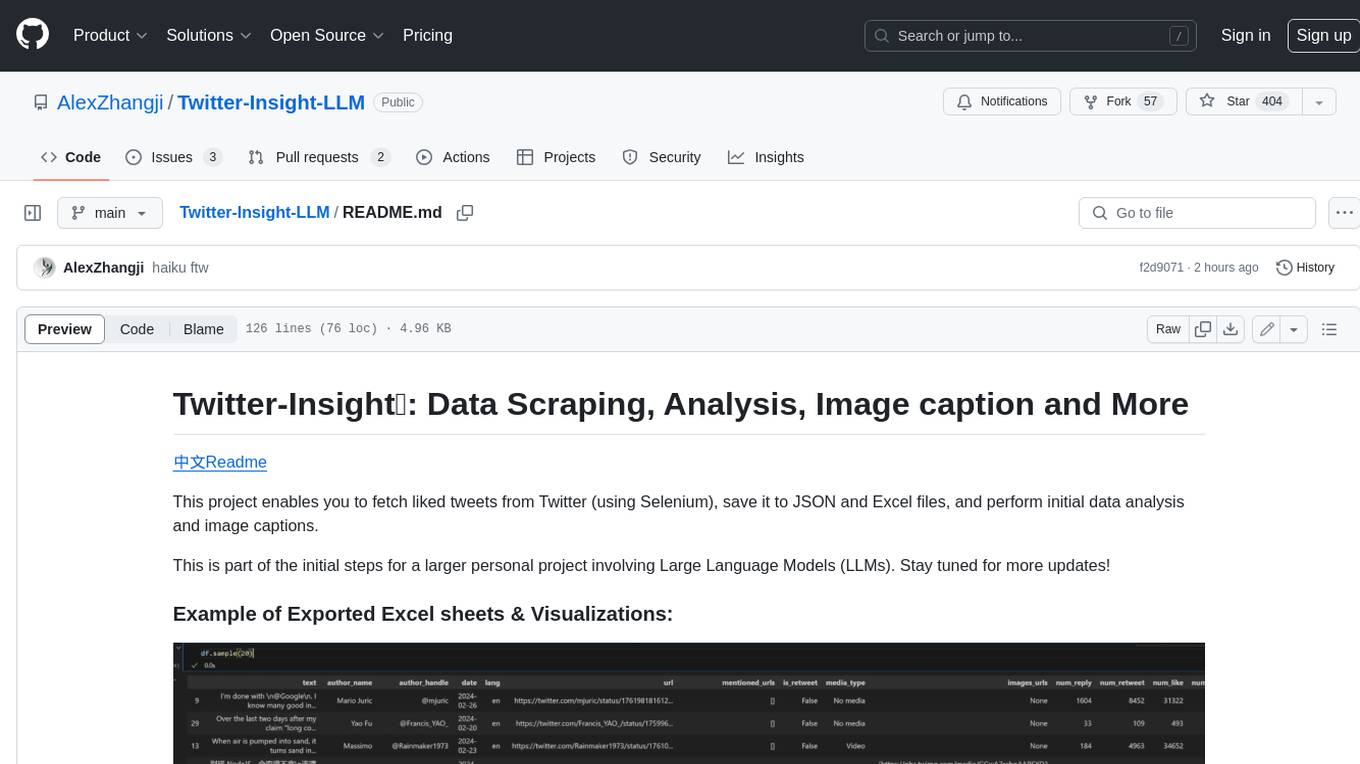
Twitter-Insight-LLM
This project enables you to fetch liked tweets from Twitter (using Selenium), save it to JSON and Excel files, and perform initial data analysis and image captions. This is part of the initial steps for a larger personal project involving Large Language Models (LLMs).
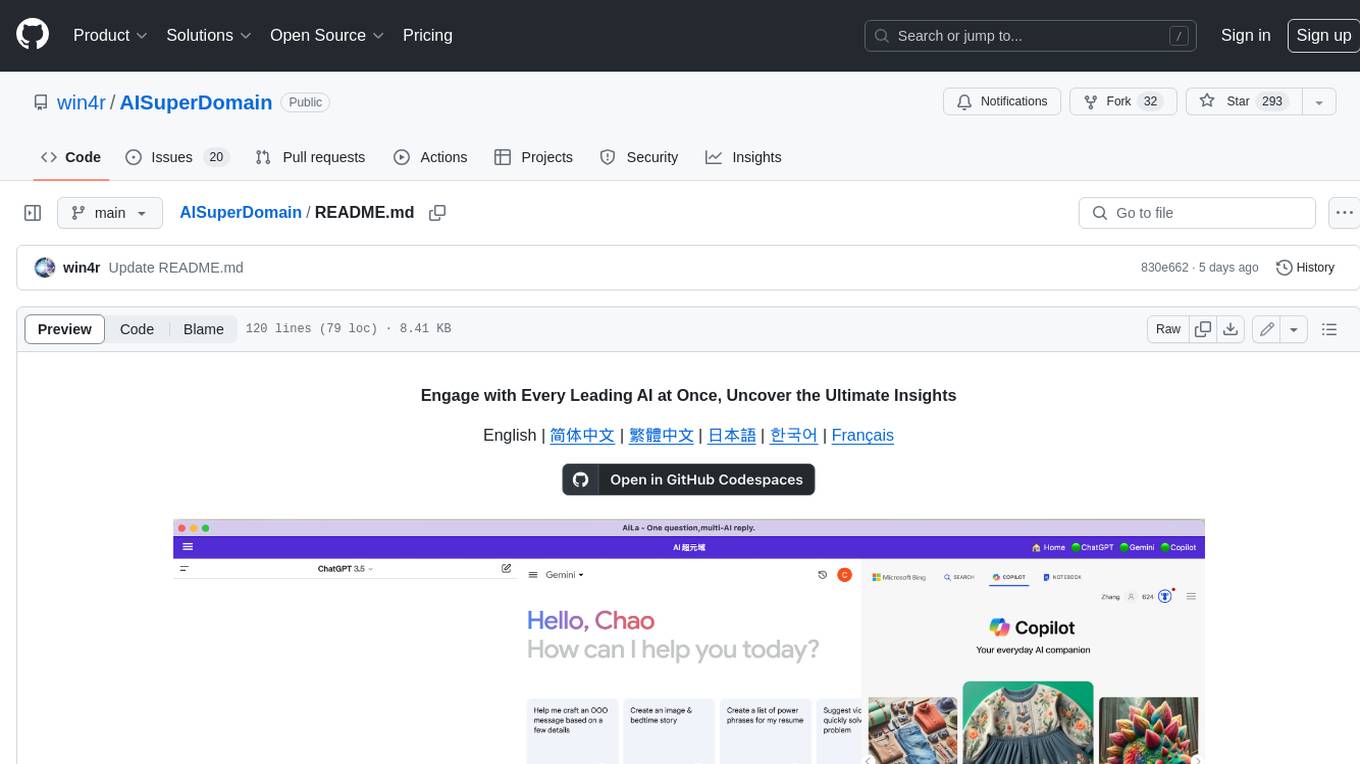
AISuperDomain
Aila Desktop Application is a powerful tool that integrates multiple leading AI models into a single desktop application. It allows users to interact with various AI models simultaneously, providing diverse responses and insights to their inquiries. With its user-friendly interface and customizable features, Aila empowers users to engage with AI seamlessly and efficiently. Whether you're a researcher, student, or professional, Aila can enhance your AI interactions and streamline your workflow.
ChatGPT-On-CS
This project is an intelligent dialogue customer service tool based on a large model, which supports access to platforms such as WeChat, Qianniu, Bilibili, Douyin Enterprise, Douyin, Doudian, Weibo chat, Xiaohongshu professional account operation, Xiaohongshu, Zhihu, etc. You can choose GPT3.5/GPT4.0/ Lazy Treasure Box (more platforms will be supported in the future), which can process text, voice and pictures, and access external resources such as operating systems and the Internet through plug-ins, and support enterprise AI applications customized based on their own knowledge base.
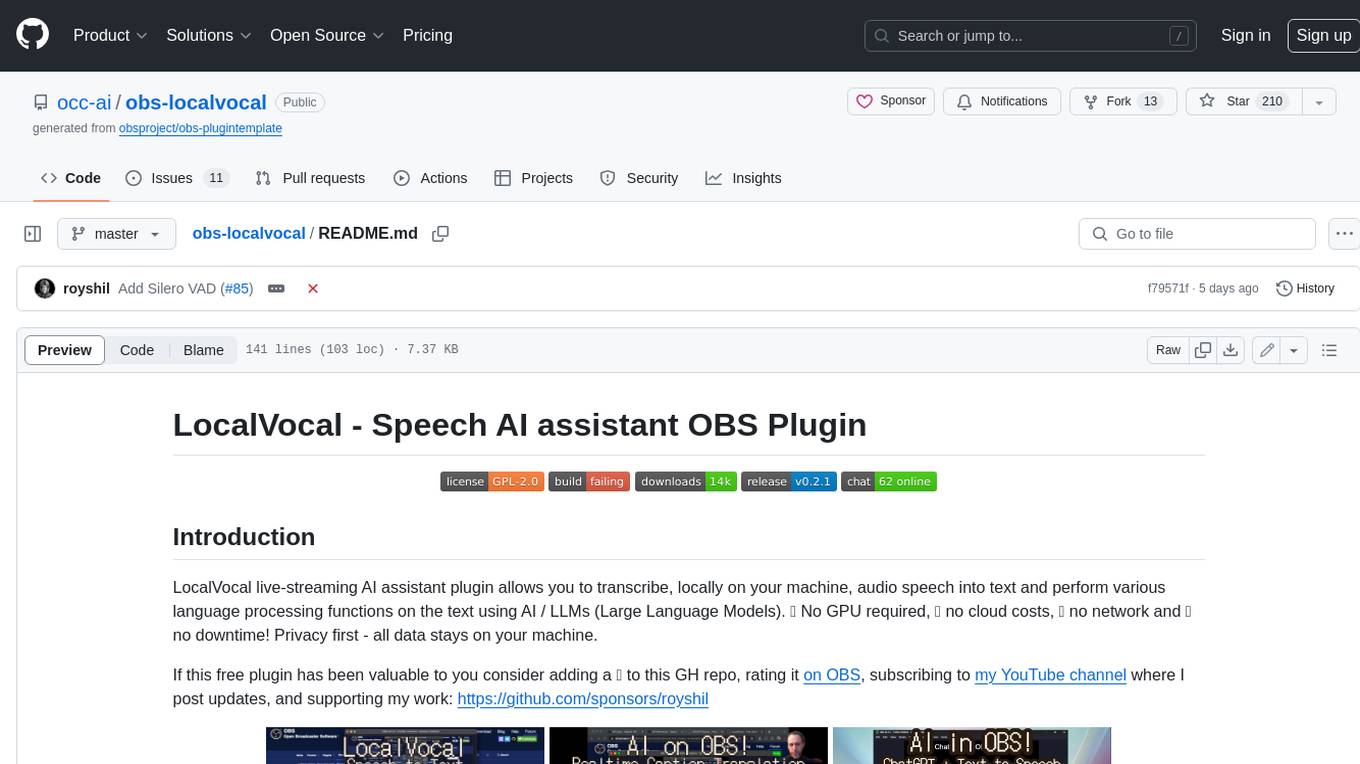
obs-localvocal
LocalVocal is a live-streaming AI assistant plugin for OBS that allows you to transcribe audio speech into text and perform various language processing functions on the text using AI / LLMs (Large Language Models). It's privacy-first, with all data staying on your machine, and requires no GPU, cloud costs, network, or downtime.