


Edit-Banana
Edit Banana: A framework for converting statistical formats into editable.
Stars: 1390
Edit Banana is a universal content re-editor that allows users to transform fixed content into fully manipulatable assets. Powered by SAM 3 and multimodal large models, it enables high-fidelity reconstruction while preserving original diagram details and logical relationships. The platform offers advanced segmentation, fixed multi-round VLM scanning, high-quality OCR, user system with credits, multi-user concurrency, and a web interface. Users can upload images or PDFs to get editable DrawIO (XML) or PPTX files in seconds. The project structure includes components for segmentation, text extraction, frontend, models, and scripts, with detailed installation and setup instructions provided. The tool is open-source under the Apache License 2.0, allowing commercial use and secondary development.
README:

Break free from static formats. Our platform empowers you to transform fixed content into fully manipulatable assets. Powered by SAM 3 and multimodal large models, it enables high-fidelity reconstruction that preserves the original diagram details and logical relationships.





👆 Click above or https://editbanana.anxin6.cn/ to try Edit Banana online! Upload an image or pdf, get editable DrawIO (XML) or PPTX in seconds. Please note: Our GitHub repository currently trails behind our web-based service. For the most up-to-date features and performance, we recommend using our web platform.
To demonstrate the high-fidelity conversion effect, we provides one-to-one comparisons between 3 scenarios of "original static formats" and "editable reconstruction results". All elements can be individually dragged, styled, and modified.
| Example No. | Original Static Diagram (Input · Non-editable) | DrawIO Reconstruction Result (Output · Fully Editable) |
|---|---|---|
| Example 1: Basic Flowchart |  |
 |
| Example 2: Multi-level Architecture Diagram |  |
 |
| Example 3: Technical Schematic |  |
 |
| Example 4: Scientific Formula Diagram |  |
 |
✨ Conversion Highlights:
- Preserves the layout logic, color matching, and element hierarchy of the original diagram
- 1:1 restoration of shape stroke/fill and arrow styles (dashed lines/thickness)
- Accurate text recognition, supporting direct subsequent editing and format adjustment
- All elements are independently selectable, supporting native DrawIO template replacement and layout optimization
- Advanced Segmentation: Using our fine-tuned SAM 3 (Segment Anything Model 3) for segmentation of diagram elements.
- Fixed Multi-Round VLM Scanning: An extraction process guided by Multimodal LLMs (Qwen-VL/GPT-4V).
-
High-Quality OCR:
- Azure Document Intelligence for precise text localization.
- Fallback Mechanism: Automatically switches to VLM-based end-to-end OCR if Azure services are unreachable.
- Mistral Vision/MLLM for correcting text and converting mathematical formulas to LaTeX ($\int f(x) dx$).
- Crop-Guided Strategy: Extracts text/formula regions and sends high-res crops to LLMs for pixel-perfect recognition.
-
User System:
- Registration: New users receive 10 free credits.
- Credit System: Pay-per-use model prevents resource abuse.
- Multi-User Concurrency: Built-in support for concurrent user sessions using a Global Lock mechanism for thread-safe GPU access and an LRU Cache (Least Recently Used) to persist image embeddings across requests, ensuring high performance and stability.
- Web Interface: A React-based frontend + FastAPI backend for easy uploading and editing.
- Input: Image (PNG/JPG) or PDF.
- Segmentation (SAM3): Using our fine-tuned SAM3 mask decoder.
-
Text Extraction (Parallel):
- Azure OCR detects text bounding boxes.
- High-res crops of text regions are sent to Mistral/LLM.
- Latex conversion for formulas.
- XML/PPTX Generation: Merging spatial data from our fine-tuned SAM3 and Text OCR.
sam3_workflow/
├── config/                 # Configuration files
├── flowchart_text/         # OCR & Text Extraction Module
│   ├── src/                # OCR Source Code (Azure, Mistral, Alignment)
│   └── main.py             # OCR Entry point
├── frontend/               # React Web Application
├── input/                  # [Manual] Input images directory
├── models/                 # [Manual] Model weights (SAM3)
├── output/                 # [Manual] Results directory
├── sam3/                   # SAM3 Model Library
├── scripts/                # Utility Scripts
│   └── merge_xml.py        # XML Merging & Orchestration
├── main.py                 # CLI Entry point (Modular Pipeline)
├── server_pa.py            # FastAPI Backend Server (Service-based)
└── requirements.txt        # Python dependencies
Follow these steps to set up the project locally.
- Python 3.10+
- Node.js & npm (for the frontend)
- CUDA-capable GPU (Highly recommended)
git clone https://github.com/BIT-DataLab/Edit-Banana.git
cd Image2DrawIOAfter cloning, you must manually create the following resource directories (ignored by Git):
# Create input/output directories
mkdir -p input
mkdir -p output
mkdir -p sam3_outputDownload the required models and place them in the correct paths:
| Model | Download | Target Path |
|---|---|---|
| SAM 3 | https://modelscope.cn/models/facebook/sam3 |
models/sam3.pt (or as configured) |
Note: For SAM 3 (or the specific segmentation checkpoint used), place the
.ptfile inmodels/and updateconfig.yaml.
Backend:
pip install -r requirements.txtFrontend:
cd frontend
npm install
cd ..-
Config File: Copy the example config.
cp config/config.yaml.example config/config.yaml
-
Environment Variables: Create a
.envfile in the root directory.AZURE_ENDPOINT=your_azure_endpoint AZURE_API_KEY=your_azure_key # Add other keys as needed
Start the Backend:
python server_pa.py
# Server runs at http://localhost:8000
Start the Frontend:
cd frontend
npm install
npm run dev
# Frontend runs at http://localhost:5173
Open your browser, upload an image, and view the result in the embedded DrawIO editor.
To process a single image:
python main.py -i input/test_diagram.pngThe output XML will be saved in the output/ directory.
Customize the pipeline behavior in config/config.yaml:
- sam3: Adjust score thresholds, NMS (Non-Maximum Suppression) thresholds, max iteration loops.
- paths: Set input/output directories.
- dominant_color: Fine-tune color extraction sensitivity.
| Feature Module | Status | Description |
|---|---|---|
| Core Conversion Pipeline | ✅ Completed | Full pipeline of segmentation, reconstruction and OCR |
| Intelligent Arrow Connection | Automatically associate arrows with target shapes | |
| DrawIO Template Adaptation | 📍 Planned | Support custom template import |
| Batch Export Optimization | 📍 Planned | Batch export to DrawIO files (.drawio) |
| Local LLM Adaptation | 📍 Planned | Support local VLM deployment, independent of APIs |
Contributions of all kinds are welcome (code submissions, bug reports, feature suggestions):
- Fork this repository
- Create a feature branch (
git checkout -b feature/xxx) - Commit your changes (
git commit -m 'feat: add xxx') - Push to the branch (
git push origin feature/xxx) - Open a Pull Request
Bug Reports: Issues Feature Suggestions: Discussions
Welcome to join our WeChat group to discuss and exchange ideas! Scan the QR code below to join:

Scan to join the Edit Banana community
💡 If the QR code has expired, please submit an Issue to request an updated one.
Thanks to all developers who have contributed to the project and promoted its iteration!
| Name/ID | |
|---|---|
| Chai Chengliang | [email protected] |
| Zhang Chi | [email protected] |
| Deng Qiyan | |
| Rao Sijing | |
| Yi Xiangjian | |
| Li Jianhui | |
| Shen Chaoyuan | |
| Zhang Junkai | |
| Han Junyi | |
| You Zirui | |
| Xu Haochen | |
| An Minghao | |
| Yu Mingjie | |
| Yu Xinjiang | |
| Chen Zhuofan | |
| Li Xiangkun |
This project is open-source under the Apache License 2.0, allowing commercial use and secondary development (with copyright notice retained).
🌟 If this project helps you, please star it to show your support!
(https://www.star-history.com/#bit-datalab/edit-banana&type=date&legend=top-left)
For Tasks:
Click tags to check more tools for each tasksFor Jobs:
Alternative AI tools for Edit-Banana
Similar Open Source Tools
Edit-Banana
Edit Banana is a universal content re-editor that allows users to transform fixed content into fully manipulatable assets. Powered by SAM 3 and multimodal large models, it enables high-fidelity reconstruction while preserving original diagram details and logical relationships. The platform offers advanced segmentation, fixed multi-round VLM scanning, high-quality OCR, user system with credits, multi-user concurrency, and a web interface. Users can upload images or PDFs to get editable DrawIO (XML) or PPTX files in seconds. The project structure includes components for segmentation, text extraction, frontend, models, and scripts, with detailed installation and setup instructions provided. The tool is open-source under the Apache License 2.0, allowing commercial use and secondary development.
axonhub
AxonHub is an all-in-one AI development platform that serves as an AI gateway allowing users to switch between model providers without changing any code. It provides features like vendor lock-in prevention, integration simplification, observability enhancement, and cost control. Users can access any model using any SDK with zero code changes. The platform offers full request tracing, enterprise RBAC, smart load balancing, and real-time cost tracking. AxonHub supports multiple databases, provides a unified API gateway, and offers flexible model management and API key creation for authentication. It also integrates with various AI coding tools and SDKs for seamless usage.

ClaudeBar
ClaudeBar is a macOS menu bar application that monitors AI coding assistant usage quotas. It allows users to keep track of their usage of Claude, Codex, Gemini, GitHub Copilot, Antigravity, and Z.ai at a glance. The application offers multi-provider support, real-time quota tracking, multiple themes, visual status indicators, system notifications, auto-refresh feature, and keyboard shortcuts for quick access. Users can customize monitoring by toggling individual providers on/off and receive alerts when quota status changes. The tool requires macOS 15+, Swift 6.2+, and CLI tools installed for the providers to be monitored.
agentscope
AgentScope is a multi-agent platform designed to empower developers to build multi-agent applications with large-scale models. It features three high-level capabilities: Easy-to-Use, High Robustness, and Actor-Based Distribution. AgentScope provides a list of `ModelWrapper` to support both local model services and third-party model APIs, including OpenAI API, DashScope API, Gemini API, and ollama. It also enables developers to rapidly deploy local model services using libraries such as ollama (CPU inference), Flask + Transformers, Flask + ModelScope, FastChat, and vllm. AgentScope supports various services, including Web Search, Data Query, Retrieval, Code Execution, File Operation, and Text Processing. Example applications include Conversation, Game, and Distribution. AgentScope is released under Apache License 2.0 and welcomes contributions.
bumblecore
BumbleCore is a hands-on large language model training framework that allows complete control over every training detail. It provides manual training loop, customizable model architecture, and support for mainstream open-source models. The framework follows core principles of transparency, flexibility, and efficiency. BumbleCore is suitable for deep learning researchers, algorithm engineers, learners, and enterprise teams looking for customization and control over model training processes.
Lumina-Note
Lumina Note is a local-first AI note-taking app designed to help users write, connect, and evolve knowledge with AI capabilities while ensuring data ownership. It offers a knowledge-centered workflow with features like Markdown editor, WikiLinks, and graph view. The app includes AI workspace modes such as Chat, Agent, Deep Research, and Codex, along with support for multiple model providers. Users can benefit from bidirectional links, LaTeX support, graph visualization, PDF reader with annotations, real-time voice input, and plugin ecosystem for extended functionalities. Lumina Note is built on Tauri v2 framework with a tech stack including React 18, TypeScript, Tailwind CSS, and SQLite for vector storage.
OSA
OSA (Open-Source-Advisor) is a tool designed to improve the quality of scientific open source projects by automating the generation of README files, documentation, CI/CD scripts, and providing advice and recommendations for repositories. It supports various LLMs accessible via API, local servers, or osa_bot hosted on ITMO servers. OSA is currently under development with features like README file generation, documentation generation, automatic implementation of changes, LLM integration, and GitHub Action Workflow generation. It requires Python 3.10 or higher and tokens for GitHub/GitLab/Gitverse and LLM API key. Users can install OSA using PyPi or build from source, and run it using CLI commands or Docker containers.
deepfabric
DeepFabric is a CLI tool and SDK designed for researchers and developers to generate high-quality synthetic datasets at scale using large language models. It leverages a graph and tree-based architecture to create diverse and domain-specific datasets while minimizing redundancy. The tool supports generating Chain of Thought datasets for step-by-step reasoning tasks and offers multi-provider support for using different language models. DeepFabric also allows for automatic dataset upload to Hugging Face Hub and uses YAML configuration files for flexibility in dataset generation.

everything-claude-code
The 'Everything Claude Code' repository is a comprehensive collection of production-ready agents, skills, hooks, commands, rules, and MCP configurations developed over 10+ months. It includes guides for setup, foundations, and philosophy, as well as detailed explanations of various topics such as token optimization, memory persistence, continuous learning, verification loops, parallelization, and subagent orchestration. The repository also provides updates on bug fixes, multi-language rules, installation wizard, PM2 support, OpenCode plugin integration, unified commands and skills, and cross-platform support. It offers a quick start guide for installation, ecosystem tools like Skill Creator and Continuous Learning v2, requirements for CLI version compatibility, key concepts like agents, skills, hooks, and rules, running tests, contributing guidelines, OpenCode support, background information, important notes on context window management and customization, star history chart, and relevant links.
Automodel
Automodel is a Python library for automating the process of building and evaluating machine learning models. It provides a set of tools and utilities to streamline the model development workflow, from data preprocessing to model selection and evaluation. With Automodel, users can easily experiment with different algorithms, hyperparameters, and feature engineering techniques to find the best model for their dataset. The library is designed to be user-friendly and customizable, allowing users to define their own pipelines and workflows. Automodel is suitable for data scientists, machine learning engineers, and anyone looking to quickly build and test machine learning models without the need for manual intervention.
GraphGen
GraphGen is a framework for synthetic data generation guided by knowledge graphs. It enhances supervised fine-tuning for large language models (LLMs) by generating synthetic data based on a fine-grained knowledge graph. The tool identifies knowledge gaps in LLMs, prioritizes generating QA pairs targeting high-value knowledge, incorporates multi-hop neighborhood sampling, and employs style-controlled generation to diversify QA data. Users can use LLaMA-Factory and xtuner for fine-tuning LLMs after data generation.
llm4s
LLM4S provides a simple, robust, and scalable framework for building Large Language Models (LLM) applications in Scala. It aims to leverage Scala's type safety, functional programming, JVM ecosystem, concurrency, and performance advantages to create reliable and maintainable AI-powered applications. The framework supports multi-provider integration, execution environments, error handling, Model Context Protocol (MCP) support, agent frameworks, multimodal generation, and Retrieval-Augmented Generation (RAG) workflows. It also offers observability features like detailed trace logging, monitoring, and analytics for debugging and performance insights.
conduit
Conduit is an open-source, cross-platform mobile application for Open-WebUI, providing a native mobile experience for interacting with your self-hosted AI infrastructure. It supports real-time chat, model selection, conversation management, markdown rendering, theme support, voice input, file uploads, multi-modal support, secure storage, folder management, and tools invocation. Conduit offers multiple authentication flows and follows a clean architecture pattern with Riverpod for state management, Dio for HTTP networking, WebSocket for real-time streaming, and Flutter Secure Storage for credential management.
handit.ai
Handit.ai is an autonomous engineer tool designed to fix AI failures 24/7. It catches failures, writes fixes, tests them, and ships PRs automatically. It monitors AI applications, detects issues, generates fixes, tests them against real data, and ships them as pull requests—all automatically. Users can write JavaScript, TypeScript, Python, and more, and the tool automates what used to require manual debugging and firefighting.
AutoAgents
AutoAgents is a cutting-edge multi-agent framework built in Rust that enables the creation of intelligent, autonomous agents powered by Large Language Models (LLMs) and Ractor. Designed for performance, safety, and scalability. AutoAgents provides a robust foundation for building complex AI systems that can reason, act, and collaborate. With AutoAgents you can create Cloud Native Agents, Edge Native Agents and Hybrid Models as well. It is so extensible that other ML Models can be used to create complex pipelines using Actor Framework.
agentscope
AgentScope is an agent-oriented programming tool for building LLM (Large Language Model) applications. It provides transparent development, realtime steering, agentic tools management, model agnostic programming, LEGO-style agent building, multi-agent support, and high customizability. The tool supports async invocation, reasoning models, streaming returns, async/sync tool functions, user interruption, group-wise tools management, streamable transport, stateful/stateless mode MCP client, distributed and parallel evaluation, multi-agent conversation management, and fine-grained MCP control. AgentScope Studio enables tracing and visualization of agent applications. The tool is highly customizable and encourages customization at various levels.
For similar tasks
Edit-Banana
Edit Banana is a universal content re-editor that allows users to transform fixed content into fully manipulatable assets. Powered by SAM 3 and multimodal large models, it enables high-fidelity reconstruction while preserving original diagram details and logical relationships. The platform offers advanced segmentation, fixed multi-round VLM scanning, high-quality OCR, user system with credits, multi-user concurrency, and a web interface. Users can upload images or PDFs to get editable DrawIO (XML) or PPTX files in seconds. The project structure includes components for segmentation, text extraction, frontend, models, and scripts, with detailed installation and setup instructions provided. The tool is open-source under the Apache License 2.0, allowing commercial use and secondary development.
airunner
AI Runner is a multi-modal AI interface that allows users to run open-source large language models and AI image generators on their own hardware. The tool provides features such as voice-based chatbot conversations, text-to-speech, speech-to-text, vision-to-text, text generation with large language models, image generation capabilities, image manipulation tools, utility functions, and more. It aims to provide a stable and user-friendly experience with security updates, a new UI, and a streamlined installation process. The application is designed to run offline on users' hardware without relying on a web server, offering a smooth and responsive user experience.
tb1
A Telegram bot for accessing Google Gemini, MS Bing, etc. The bot responds to the keywords 'bot' and 'google' to provide information. It can handle voice messages, text files, images, and links. It can generate images based on descriptions, extract text from images, and summarize content. The bot can interact with various AI models and perform tasks like voice control, text-to-speech, and text recognition. It supports long texts, large responses, and file transfers. Users can interact with the bot using voice commands and text. The bot can be customized for different AI providers and has features for both users and administrators.
kazam
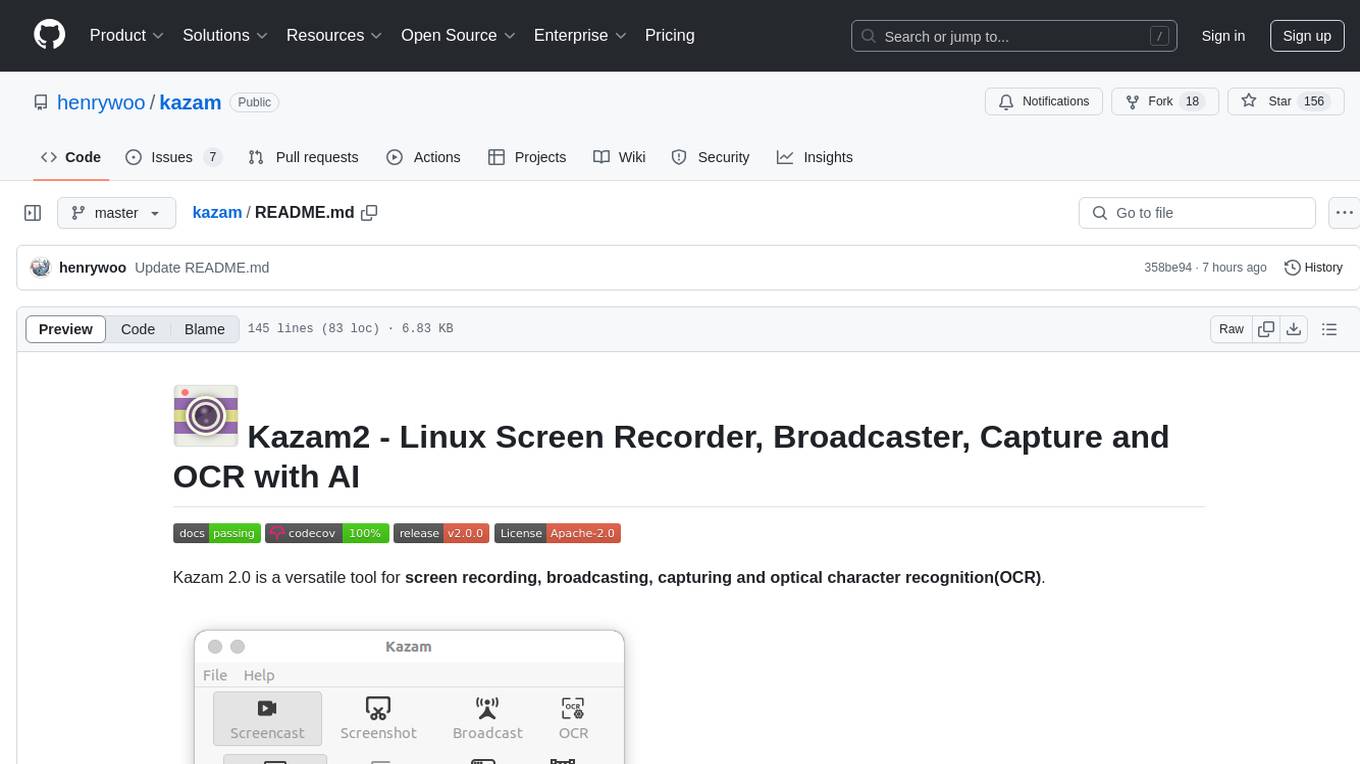
Kazam 2.0 is a versatile tool for screen recording, broadcasting, capturing, and optical character recognition (OCR). It allows users to capture screen content, broadcast live over the internet, extract text from captured content, record audio, and use a web camera for recording. The tool supports full screen, window, and area modes, and offers features like keyboard shortcuts, live broadcasting with Twitch and YouTube, and tips for recording quality. Users can install Kazam on Ubuntu and use it for various recording and broadcasting needs.
For similar jobs

LLMStack
LLMStack is a no-code platform for building generative AI agents, workflows, and chatbots. It allows users to connect their own data, internal tools, and GPT-powered models without any coding experience. LLMStack can be deployed to the cloud or on-premise and can be accessed via HTTP API or triggered from Slack or Discord.
daily-poetry-image
Daily Chinese ancient poetry and AI-generated images powered by Bing DALL-E-3. GitHub Action triggers the process automatically. Poetry is provided by Today's Poem API. The website is built with Astro.

exif-photo-blog
EXIF Photo Blog is a full-stack photo blog application built with Next.js, Vercel, and Postgres. It features built-in authentication, photo upload with EXIF extraction, photo organization by tag, infinite scroll, light/dark mode, automatic OG image generation, a CMD-K menu with photo search, experimental support for AI-generated descriptions, and support for Fujifilm simulations. The application is easy to deploy to Vercel with just a few clicks and can be customized with a variety of environment variables.
SillyTavern
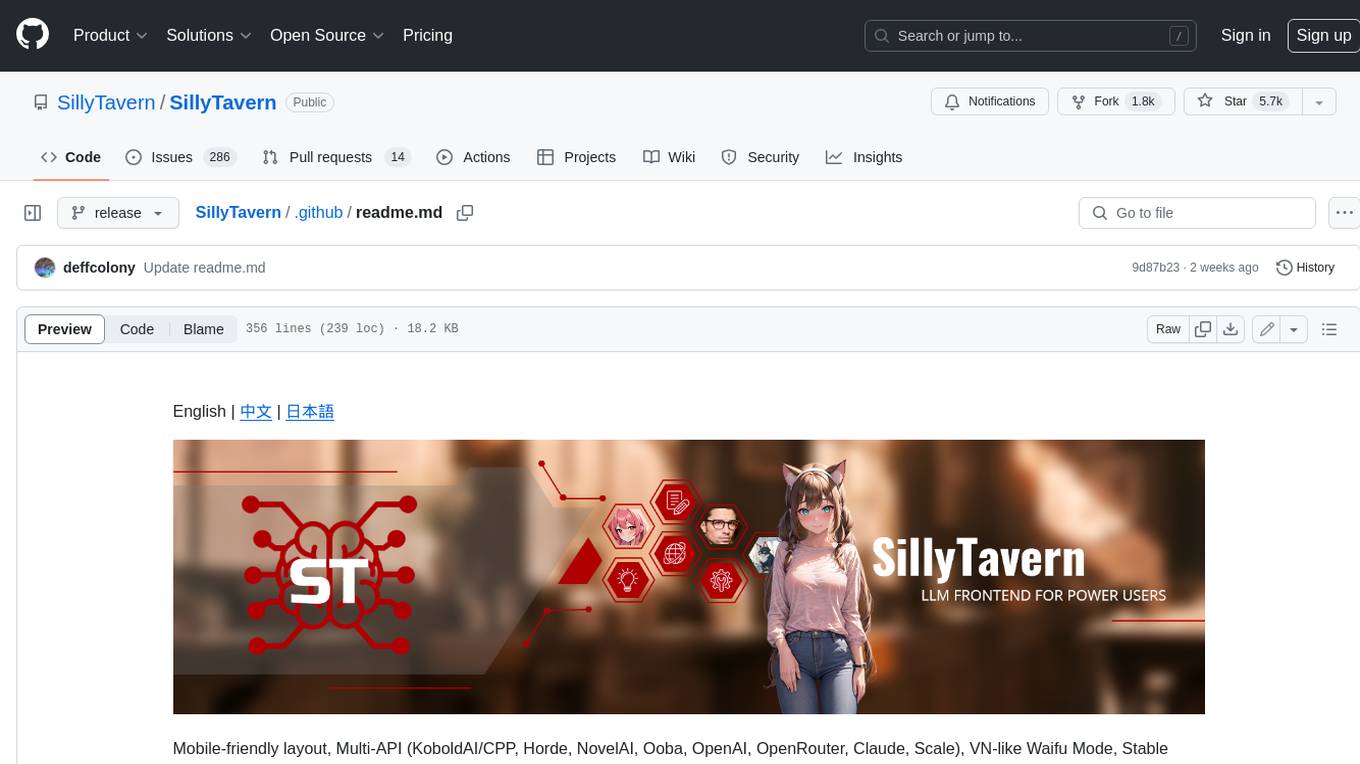
SillyTavern is a user interface you can install on your computer (and Android phones) that allows you to interact with text generation AIs and chat/roleplay with characters you or the community create. SillyTavern is a fork of TavernAI 1.2.8 which is under more active development and has added many major features. At this point, they can be thought of as completely independent programs.
Twitter-Insight-LLM
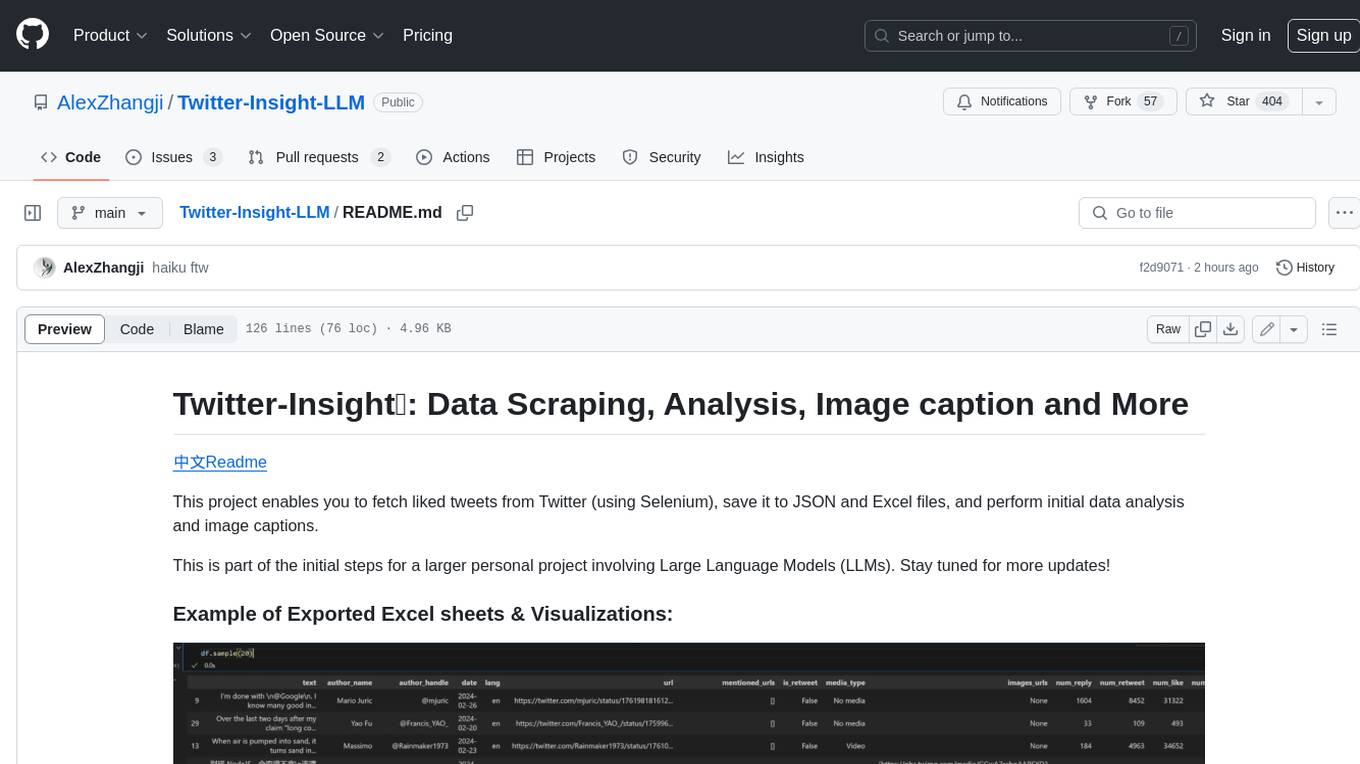
This project enables you to fetch liked tweets from Twitter (using Selenium), save it to JSON and Excel files, and perform initial data analysis and image captions. This is part of the initial steps for a larger personal project involving Large Language Models (LLMs).
AISuperDomain
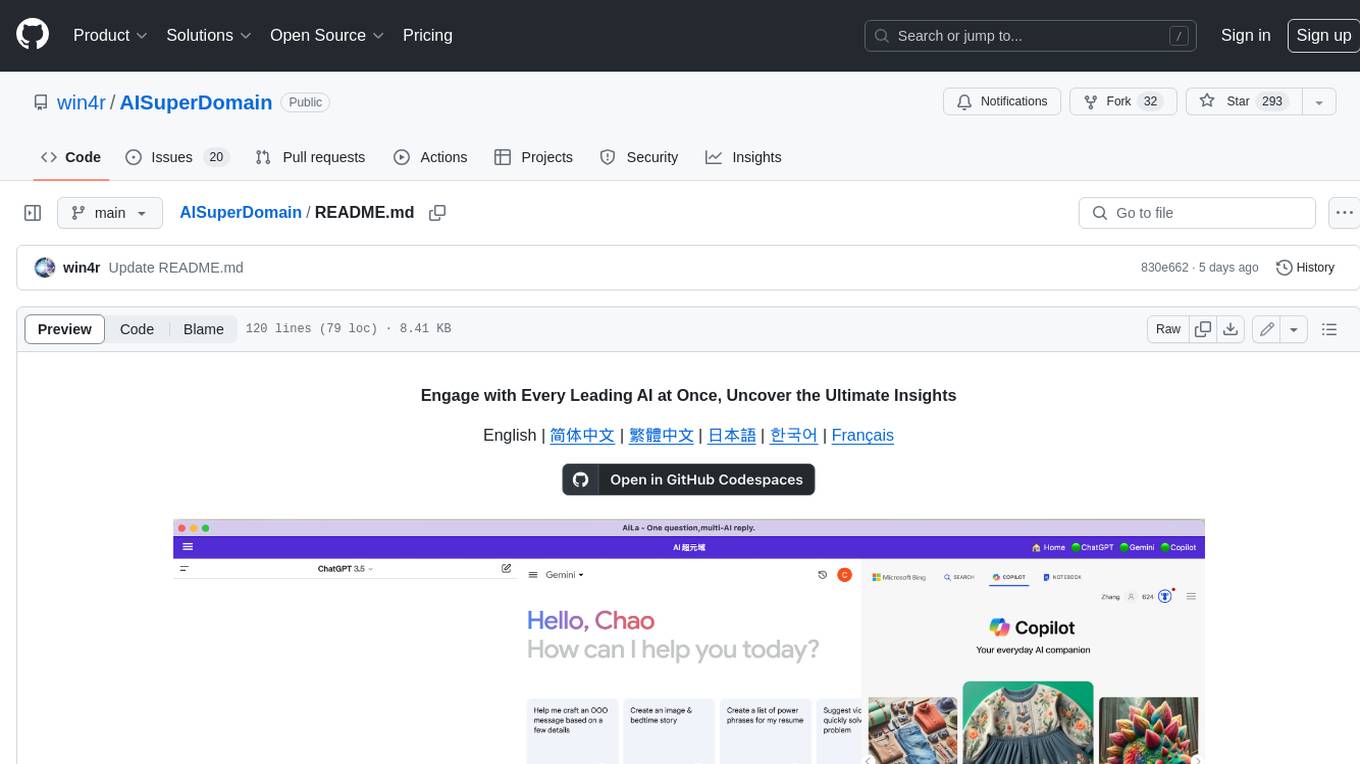
Aila Desktop Application is a powerful tool that integrates multiple leading AI models into a single desktop application. It allows users to interact with various AI models simultaneously, providing diverse responses and insights to their inquiries. With its user-friendly interface and customizable features, Aila empowers users to engage with AI seamlessly and efficiently. Whether you're a researcher, student, or professional, Aila can enhance your AI interactions and streamline your workflow.
ChatGPT-On-CS
This project is an intelligent dialogue customer service tool based on a large model, which supports access to platforms such as WeChat, Qianniu, Bilibili, Douyin Enterprise, Douyin, Doudian, Weibo chat, Xiaohongshu professional account operation, Xiaohongshu, Zhihu, etc. You can choose GPT3.5/GPT4.0/ Lazy Treasure Box (more platforms will be supported in the future), which can process text, voice and pictures, and access external resources such as operating systems and the Internet through plug-ins, and support enterprise AI applications customized based on their own knowledge base.
obs-localvocal
LocalVocal is a live-streaming AI assistant plugin for OBS that allows you to transcribe audio speech into text and perform various language processing functions on the text using AI / LLMs (Large Language Models). It's privacy-first, with all data staying on your machine, and requires no GPU, cloud costs, network, or downtime.