


bumblecore
An LLM training framework built from the ground up, featuring a custom BumbleBee architecture and end-to-end support for multiple open-source models across Pretraining → SFT → RLHF/DPO.
Stars: 59
BumbleCore is a hands-on large language model training framework that allows complete control over every training detail. It provides manual training loop, customizable model architecture, and support for mainstream open-source models. The framework follows core principles of transparency, flexibility, and efficiency. BumbleCore is suitable for deep learning researchers, algorithm engineers, learners, and enterprise teams looking for customization and control over model training processes.
README:

小核心,大轰鸣 | Small Core, Big Buzz
A hands-on large language model training framework built from scratch, giving you complete control over every training detail.
From model architecture to inference, from distributed training to loss computation—everything is at your fingertips.



English | 中文文档
BumbleCore doesn't rely on any high-level Trainer libraries—every core component is built from the ground up:
- Custom data loaders and preprocessing pipelines
- Manual distributed training environment configuration with deep DeepSpeed integration
- Fully controllable forward propagation, backward propagation, and parameter update flow
- Flexible loss function implementation with multi-task learning support
- Manually implemented inference generation mechanisms including Top-p, Top-k sampling, and KV Cache
💡 Why Manual Implementation?
Manual implementation allows you to deeply understand the purpose of every line of code, making debugging, optimization, and innovation easier. Whether researching new training strategies or customizing for specific scenarios, BumbleCore provides maximum flexibility.
The built-in Bumblebee architecture (inspired by Qwen2.5 design) provides highly flexible configuration capabilities:
- Supports parameter scaling from small experimental models to large-scale production models
- Dynamic adjustment of Transformer layers, attention heads, hidden dimensions, and other architectural parameters
- Customizable activation functions, normalization methods, attention mechanisms, and other components
- Covers the complete training process: Pretraining, Supervised Fine-Tuning (SFT), Direct Preference Optimization (DPO)
Use Cases
Want to quickly validate a new model design? Or train a lightweight model for a specific domain? The Bumblebee architecture lets you configure your model and start training in minutes.
- Compatible with open-source models like Qwen, LLaMA, etc.
- Deep DeepSpeed integration supporting ZeRO optimization and mixed precision training
- Supports full training pipeline: pretraining, continual pretraining, instruction fine-tuning, reinforcement learning (RLHF/DPO)
- Built-in memory optimization techniques including gradient accumulation, gradient checkpointing, and activation recomputation
- Modular design for easy extension of new model architectures and training strategies
The following model series have been tested and verified by the author to be compatible with BumbleCore:
| Model Series | Verified Stages | Notes |
|---|---|---|
| Qwen Series | Pretraining, SFT, DPO | ✅ Fully Tested |
| LLaMA Series | Pretraining, SFT, DPO | ✅ Fully Tested |
💡 Note: Other models with similar architectures should be generally compatible. Users are welcome to test and integrate additional models. If you encounter any compatibility issues, please report them in Issues.
BumbleCore follows three core principles:
- Transparency - Every line of code is clearly visible with no black-box operations
- Flexibility - Everything from data to models, training to inference, is customizable
- Efficiency - Fully leverages tools like DeepSpeed to ensure training efficiency
- Deep Learning Researchers: Need deep customization of training processes to validate new algorithms and architectures
- Algorithm Engineers: Want complete control over model training details for performance optimization
- Learners: Want to deeply understand the underlying principles of large language model training
- Enterprise Teams: Need to customize training solutions for specific business scenarios
- Python >= 3.10
- Linux Operating System
1. Clone the Repository
git clone https://github.com/wxhcore/bumblecore.git
cd bumblecore
2. Create Virtual Environment
conda create -n bumblecore_env python=3.10 -y
conda activate bumblecore_env
3. Install Dependencies
Basic installation:
pip install -e .Optional FlashAttention-2 installation:
pip install -e ".[flash-attn]" --no-build-isolationBumbleCore supports different data formats for three training stages. All formats support both JSON and JSONL, with automatic recognition.
| Training Stage | Data Format |
|---|---|
| Pretraining | {"text": "..."} |
| SFT | Alpaca / ShareGPT |
| DPO | Alpaca / ShareGPT (with chosen/rejected) |
SFT Alpaca format:
{
  "instruction": "Explain what machine learning is",
  "input": "",
  "output": "Machine learning is a branch of artificial intelligence..."
}
View Complete Data Format Documentation →
BumbleCore provides multiple model scale configurations from 0.5B to 72B:
| Field | 0.5B | 1.5B | 3B | 7B | 14B | 32B | 72B |
|---|---|---|---|---|---|---|---|
| hidden_size | 896 | 1536 | 2048 | 3584 | 5120 | 5120 | 8192 |
| intermediate_size | 4864 | 8960 | 11008 | 18944 | 13824 | 27648 | 29568 |
| num_attention_heads | 14 | 12 | 16 | 28 | 40 | 40 | 64 |
| num_hidden_layers | 24 | 28 | 36 | 28 | 48 | 64 | 80 |
| num_key_value_heads | 2 | 2 | 2 | 4 | 8 | 8 | 8 |
| tie_word_embeddings | true | true | true | false | false | false | false |
| vocab_size | 151936 | 151936 | 151936 | 152064 | 152064 | 152064 | 152064 |
Configuration file location: ./models/bumblebee/config.json/
View Complete Configuration Parameters Documentation →
BumbleCore supports flexible configuration methods. Here's an example using SFT (Supervised Fine-Tuning).
Configuration priority: Command-line arguments > YAML config file > TrainConfig defaults
deepspeed --include localhost:0,1 src/train.py \
--yaml_config ./configs/sft/sft_full.yamldeepspeed --include localhost:0,1 src/train.py \
--training_stage sft \
--finetuning_type full \
--model_name_or_path <your model path> \
--dataset_path <your dataset path> \
--output_dir <your save path> \
--num_epochs 3.0 \
--learning_rate 5e-5 \
--train_micro_batch_size_per_gpu 4 \
--gradient_accumulation_steps 4 \
--train_model_precision bf16 \
--deepspeed_config_path ./configs/deepspeed/ds_z2_config.jsondeepspeed --include localhost:0,1 src/train.py \
--yaml_config ./configs/sft/sft_lora.yaml \
--learning_rate 1e-4All three methods above can be written as shell scripts for easier management and reuse.
BumbleCore provides pre-configured training scripts in the scripts/ directory.
Usage Steps:
- Edit the script to modify model paths, dataset paths, and other parameters
- Execute the script to start training
bash scripts/sft_full.shProvides a complete tutorial for training a language model from scratch, covering pretraining, supervised fine-tuning, and preference optimization.
| Stage | Dataset | Scale | Output |
|---|---|---|---|
| Pretraining | mini_pretrain_dataset | 1B tokens | Base model |
| Supervised Fine-tuning | alpaca_gpt4_zh | 42.7K samples | Instruction model |
| Preference Optimization | DPO-En-Zh-20k | 10K samples (zh) | Aligned model |
View Complete Experiment Tutorial →
After training with LoRA, you can merge LoRA weights back into the base model to generate complete model files.
# Edit tools/run_merge_lora.sh to modify model path parameters then execute
bash tools/run_merge_lora.shAfter training, BumbleCore provides flexible inference methods supporting both YAML configuration and command-line arguments.
Configuration file: configs/inference/chat.yaml
bash scripts/chat.shConfiguration file: configs/inference/bumblechat.yaml
bash scripts/bumblechat.sh
After the service starts, it supports OpenAI-compatible API calls:
from openai import OpenAI

client = OpenAI(
    base_url="<your service API address>/v1",
    api_key="dummy"
)

response = client.chat.completions.create(
    model="bumblebee",
    messages=[
        {"role": "user", "content": "Hello, please introduce yourself"}
    ],
    temperature=0.7,
    max_completion_tokens=2048
)

print(response.choices[0].message.content)
For Tasks:
Click tags to check more tools for each tasksFor Jobs:
Alternative AI tools for bumblecore
Similar Open Source Tools
For similar tasks
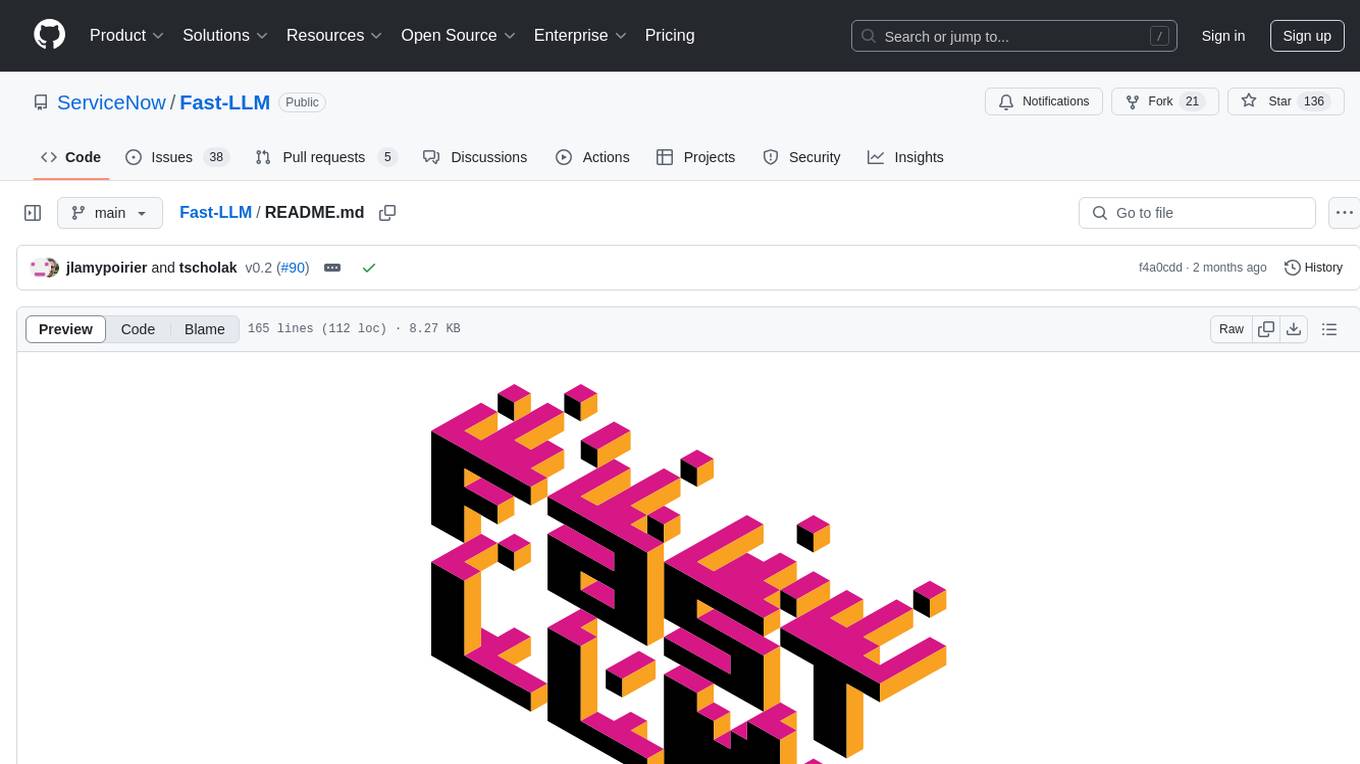
Fast-LLM
Fast-LLM is an open-source library designed for training large language models with exceptional speed, scalability, and flexibility. Built on PyTorch and Triton, it offers optimized kernel efficiency, reduced overheads, and memory usage, making it suitable for training models of all sizes. The library supports distributed training across multiple GPUs and nodes, offers flexibility in model architectures, and is easy to use with pre-built Docker images and simple configuration. Fast-LLM is licensed under Apache 2.0, developed transparently on GitHub, and encourages contributions and collaboration from the community.
bumblecore
BumbleCore is a hands-on large language model training framework that allows complete control over every training detail. It provides manual training loop, customizable model architecture, and support for mainstream open-source models. The framework follows core principles of transparency, flexibility, and efficiency. BumbleCore is suitable for deep learning researchers, algorithm engineers, learners, and enterprise teams looking for customization and control over model training processes.
dstack
Dstack is an open-source orchestration engine for running AI workloads in any cloud. It supports a wide range of cloud providers (such as AWS, GCP, Azure, Lambda, TensorDock, Vast.ai, CUDO, RunPod, etc.) as well as on-premises infrastructure. With Dstack, you can easily set up and manage dev environments, tasks, services, and pools for your AI workloads.
one-click-llms
The one-click-llms repository provides templates for quickly setting up an API for language models. It includes advanced inferencing scripts for function calling and offers various models for text generation and fine-tuning tasks. Users can choose between Runpod and Vast.AI for different GPU configurations, with recommendations for optimal performance. The repository also supports Trelis Research and offers templates for different model sizes and types, including multi-modal APIs and chat models.

starcoder2-self-align
StarCoder2-Instruct is an open-source pipeline that introduces StarCoder2-15B-Instruct-v0.1, a self-aligned code Large Language Model (LLM) trained with a fully permissive and transparent pipeline. It generates instruction-response pairs to fine-tune StarCoder-15B without human annotations or data from proprietary LLMs. The tool is primarily finetuned for Python code generation tasks that can be verified through execution, with potential biases and limitations. Users can provide response prefixes or one-shot examples to guide the model's output. The model may have limitations with other programming languages and out-of-domain coding tasks.
enhance_llm
The enhance_llm repository contains three main parts: 1. Vector model domain fine-tuning based on llama_index and qwen fine-tuning BGE vector model. 2. Large model domain fine-tuning based on PEFT fine-tuning qwen1.5-7b-chat, with sft and dpo. 3. High-order retrieval enhanced generation (RAG) system based on the above domain work, implementing a two-stage RAG system. It includes query rewriting, recall reordering, retrieval reordering, multi-turn dialogue, and more. The repository also provides hardware and environment configurations along with star history and licensing information.
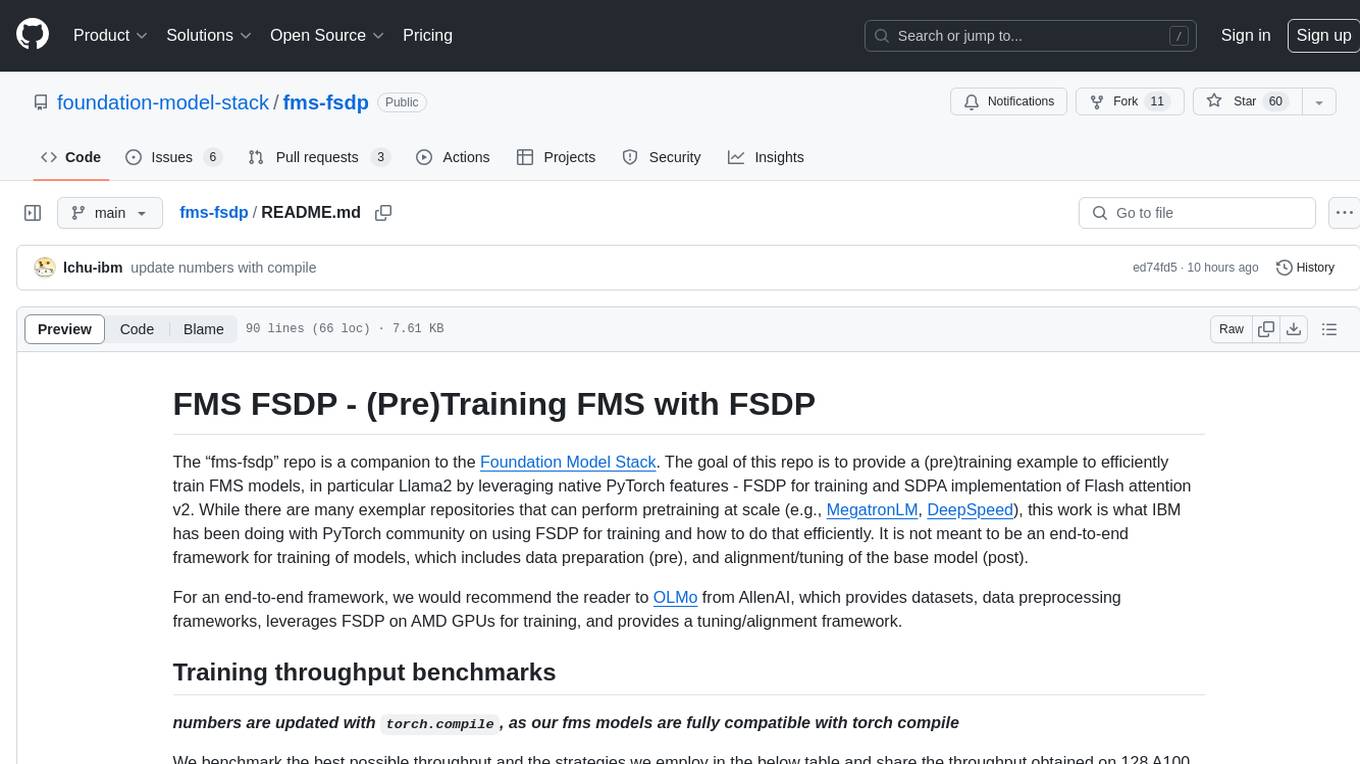
fms-fsdp
The 'fms-fsdp' repository is a companion to the Foundation Model Stack, providing a (pre)training example to efficiently train FMS models, specifically Llama2, using native PyTorch features like FSDP for training and SDPA implementation of Flash attention v2. It focuses on leveraging FSDP for training efficiently, not as an end-to-end framework. The repo benchmarks training throughput on different GPUs, shares strategies, and provides installation and training instructions. It trained a model on IBM curated data achieving high efficiency and performance metrics.
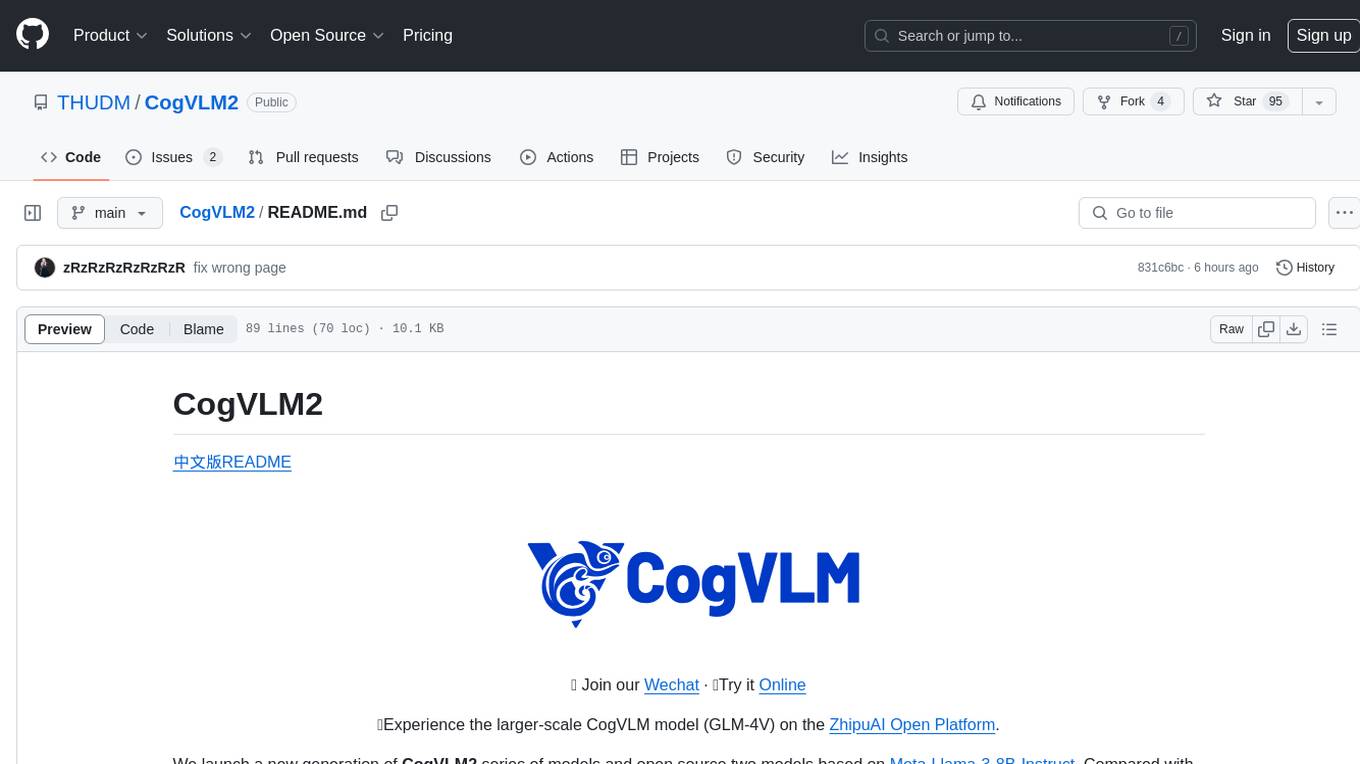
CogVLM2
CogVLM2 is a new generation of open source models that offer significant improvements in benchmarks such as TextVQA and DocVQA. It supports 8K content length, image resolution up to 1344 * 1344, and both Chinese and English languages. The project provides basic calling methods, fine-tuning examples, and OpenAI API format calling examples to help developers quickly get started with the model.
For similar jobs
Interview-for-Algorithm-Engineer
This repository provides a collection of interview questions and answers for algorithm engineers. The questions are organized by topic, and each question includes a detailed explanation of the answer. This repository is a valuable resource for anyone preparing for an algorithm engineering interview.
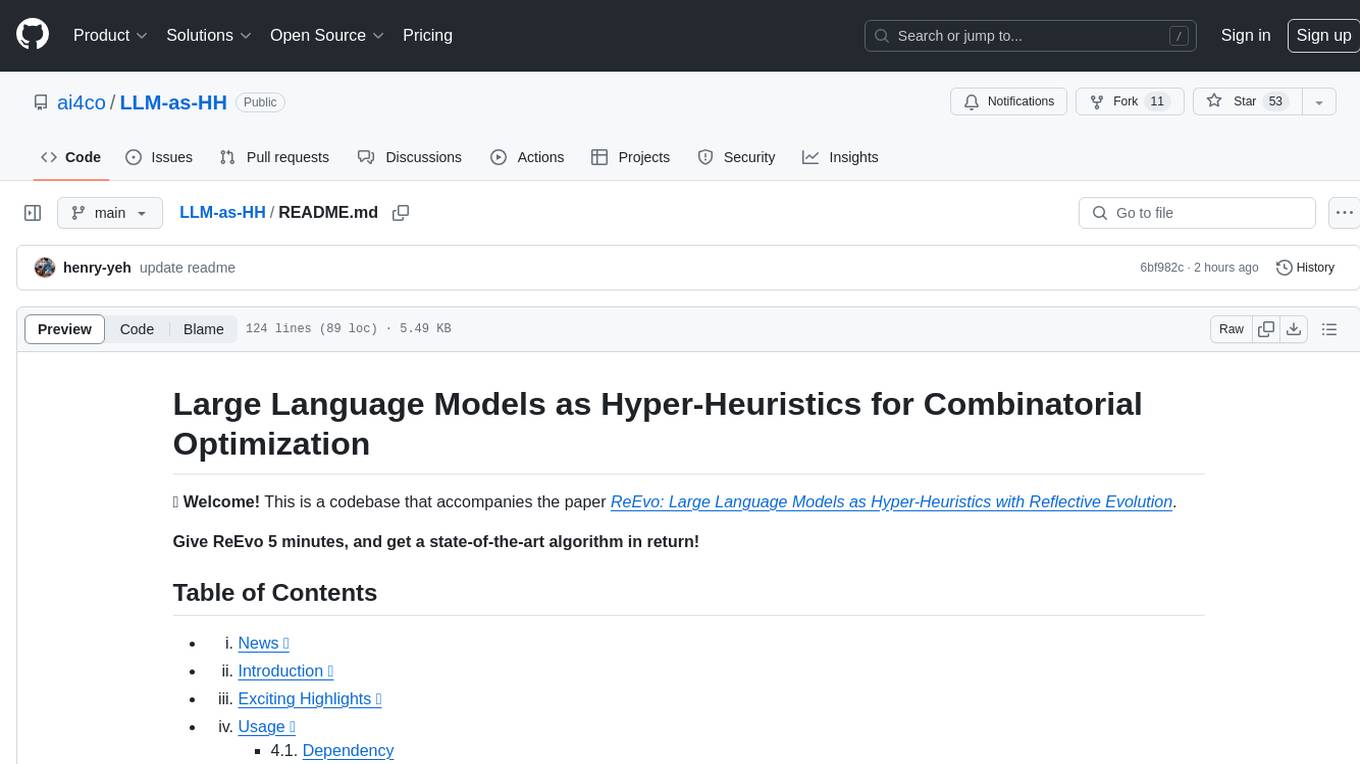
LLM-as-HH
LLM-as-HH is a codebase that accompanies the paper ReEvo: Large Language Models as Hyper-Heuristics with Reflective Evolution. It introduces Language Hyper-Heuristics (LHHs) that leverage LLMs for heuristic generation with minimal manual intervention and open-ended heuristic spaces. Reflective Evolution (ReEvo) is presented as a searching framework that emulates the reflective design approach of human experts while surpassing human capabilities with scalable LLM inference, Internet-scale domain knowledge, and powerful evolutionary search. The tool can improve various algorithms on problems like Traveling Salesman Problem, Capacitated Vehicle Routing Problem, Orienteering Problem, Multiple Knapsack Problems, Bin Packing Problem, and Decap Placement Problem in both black-box and white-box settings.

universal
The Universal Numbers Library is a header-only C++ template library designed for universal number arithmetic, offering alternatives to native integer and floating-point for mixed-precision algorithm development and optimization. It tailors arithmetic types to the application's precision and dynamic range, enabling improved application performance and energy efficiency. The library provides fast implementations of special IEEE-754 formats like quarter precision, half-precision, and quad precision, as well as vendor-specific extensions. It supports static and elastic integers, decimals, fixed-points, rationals, linear floats, tapered floats, logarithmic, interval, and adaptive-precision integers, rationals, and floats. The library is suitable for AI, DSP, HPC, and HFT algorithms.
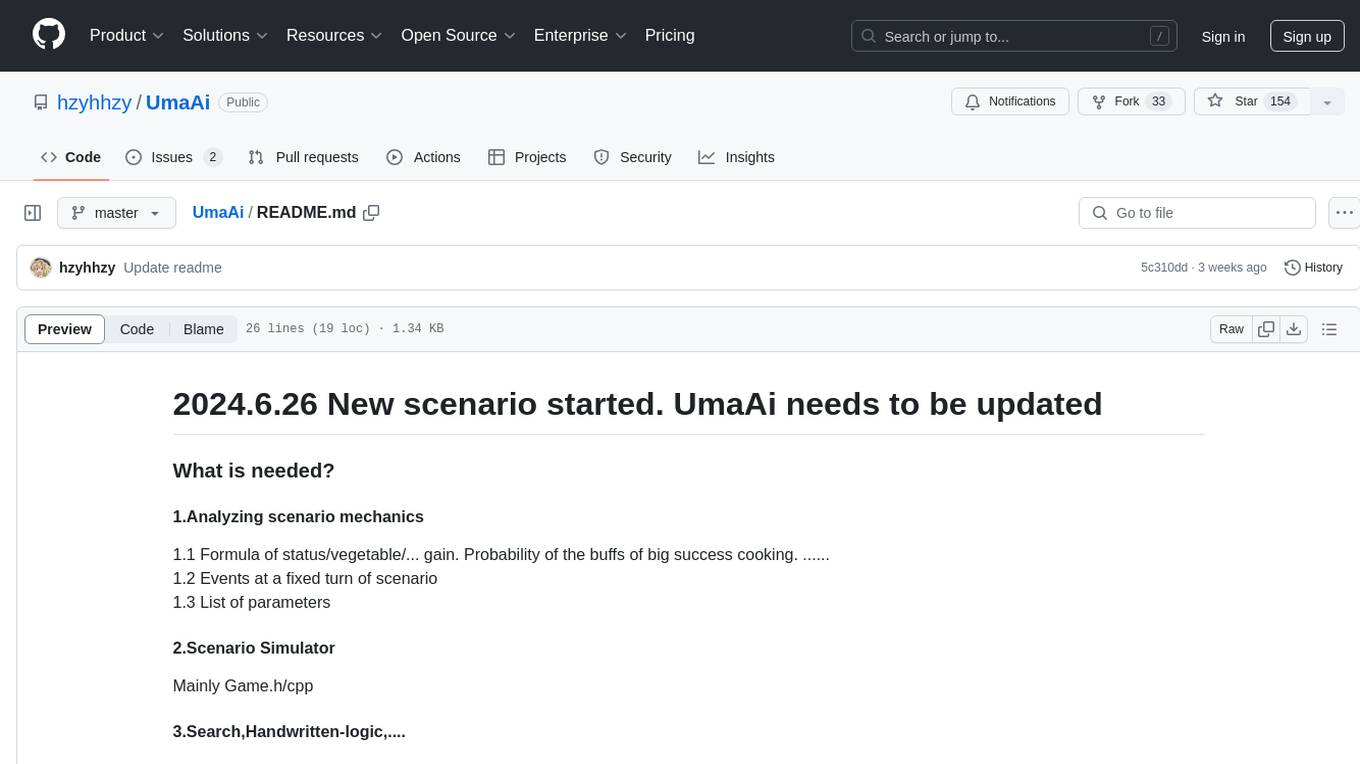
UmaAi
UmaAi is a tool designed for algorithm learning purposes, specifically focused on analyzing scenario mechanics in a game. It provides functionalities such as simulating scenarios, searching, handwritten-logic, and OCR integration. The tool allows users to modify settings in config.h for evaluating cardset strength, simulating games, and understanding game mechanisms through the source code. It emphasizes that it should not be used for illegal purposes and is intended for educational use only.
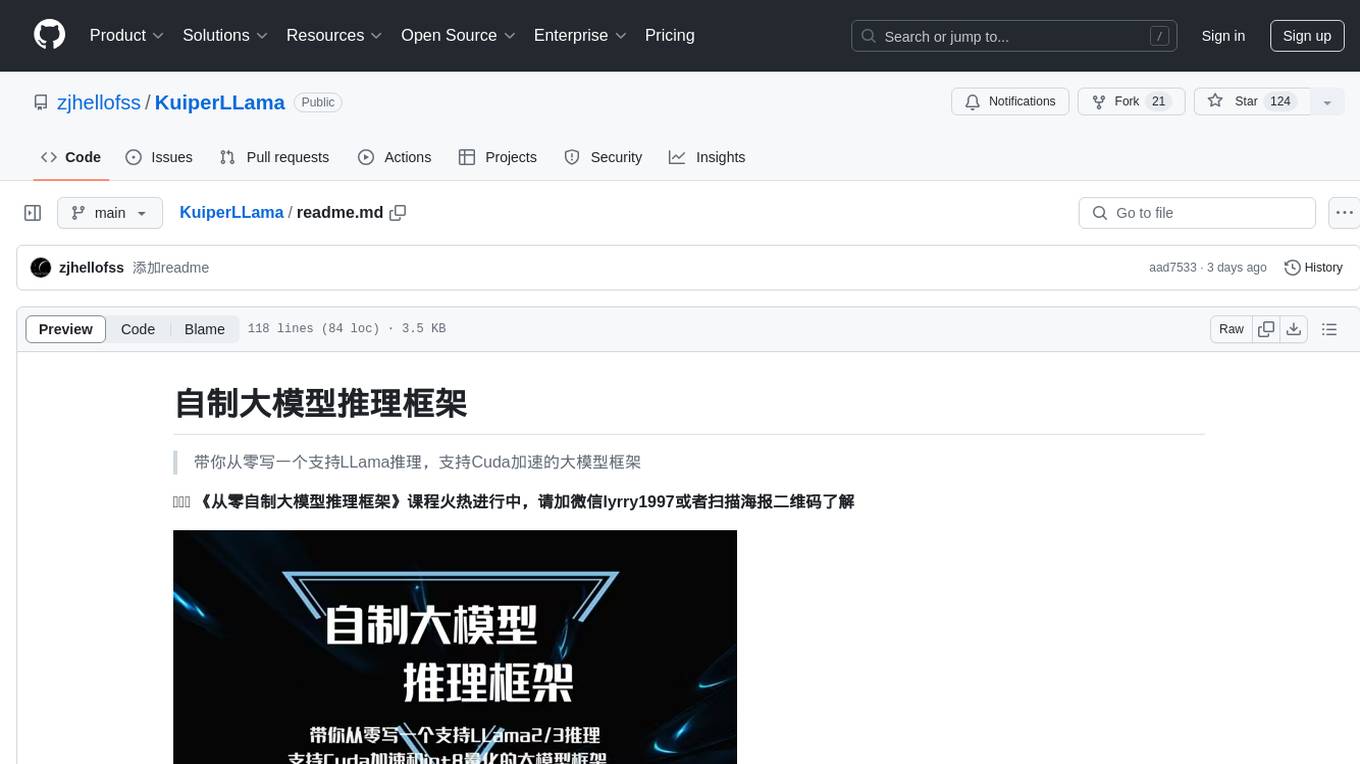
KuiperLLama
KuiperLLama is a custom large model inference framework that guides users in building a LLama-supported inference framework with Cuda acceleration from scratch. The framework includes modules for architecture design, LLama2 model support, model quantization, Cuda basics, operator implementation, and fun tasks like text generation and storytelling. It also covers learning other commercial inference frameworks for comprehensive understanding. The project provides detailed tutorials and resources for developing and optimizing large models for efficient inference.
Awesome-RoadMaps-and-Interviews
Awesome RoadMaps and Interviews is a comprehensive repository that aims to provide guidance for technical interviews and career development in the ITCS field. It covers a wide range of topics including interview strategies, technical knowledge, and practical insights gained from years of interviewing experience. The repository emphasizes the importance of combining theoretical knowledge with practical application, and encourages users to expand their interview preparation beyond just algorithms. It also offers resources for enhancing knowledge breadth, depth, and programming skills through curated roadmaps, mind maps, cheat sheets, and coding snippets. The content is structured to help individuals navigate various technical roles and technologies, fostering continuous learning and professional growth.
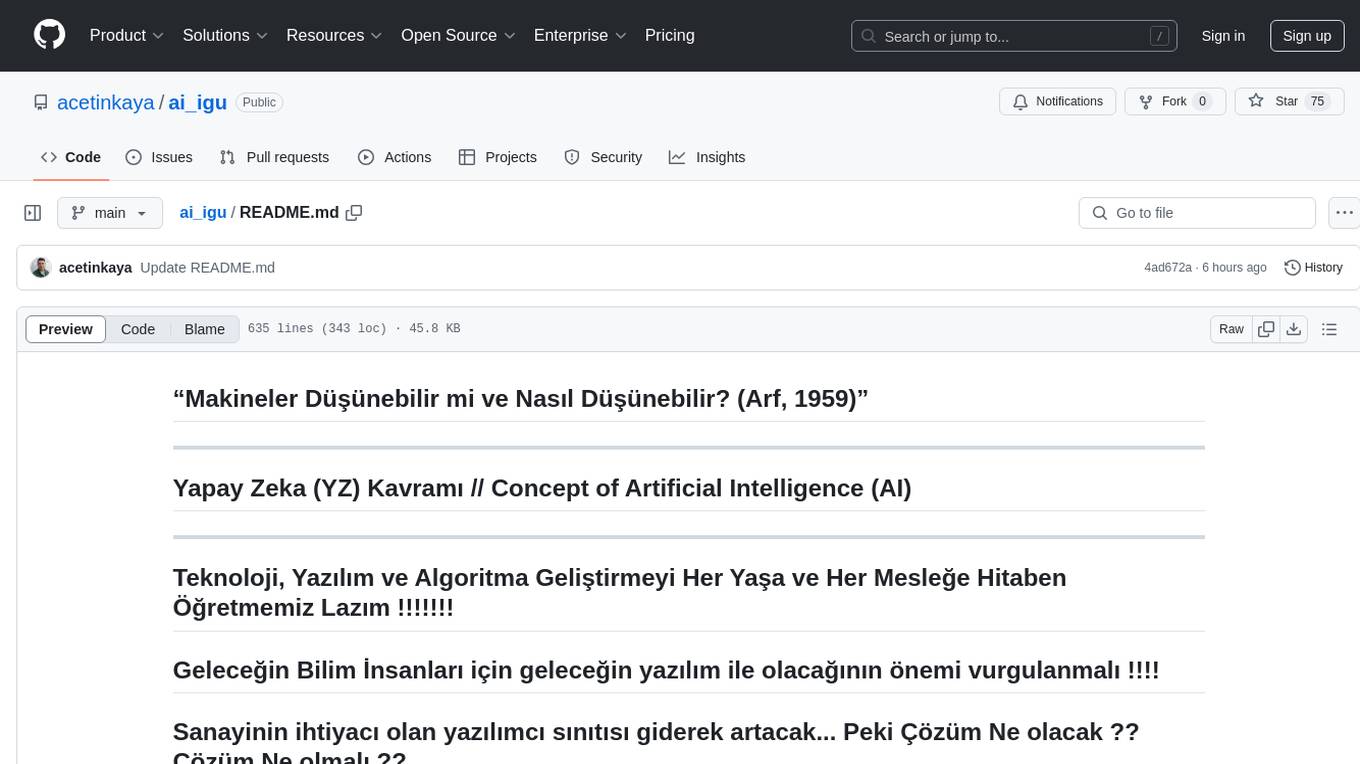
ai_igu
AI-IGU is a GitHub repository focused on Artificial Intelligence (AI) concepts, technology, software development, and algorithm improvement for all ages and professions. It emphasizes the importance of future software for future scientists and the increasing need for software developers in the industry. The repository covers various topics related to AI, including machine learning, deep learning, data mining, data science, big data, and more. It provides educational materials, practical examples, and hands-on projects to enhance software development skills and create awareness in the field of AI.
llm4ad
LLM4AD is an open-source Python-based platform leveraging Large Language Models (LLMs) for Automatic Algorithm Design (AD). It provides unified interfaces for methods, tasks, and LLMs, along with features like evaluation acceleration, secure evaluation, logs, GUI support, and more. The platform was originally developed for optimization tasks but is versatile enough to be used in other areas such as machine learning, science discovery, game theory, and engineering design. It offers various search methods and algorithm design tasks across different domains. LLM4AD supports remote LLM API, local HuggingFace LLM deployment, and custom LLM interfaces. The project is licensed under the MIT License and welcomes contributions, collaborations, and issue reports.