


axonhub
⚡️ Open-source AI Gateway — Use any SDK to call 100+ LLMs. Built-in failover, load balancing, cost control & end-to-end tracing.
Stars: 1801
AxonHub is an all-in-one AI development platform that serves as an AI gateway allowing users to switch between model providers without changing any code. It provides features like vendor lock-in prevention, integration simplification, observability enhancement, and cost control. Users can access any model using any SDK with zero code changes. The platform offers full request tracing, enterprise RBAC, smart load balancing, and real-time cost tracking. AxonHub supports multiple databases, provides a unified API gateway, and offers flexible model management and API key creation for authentication. It also integrates with various AI coding tools and SDKs for seamless usage.
README:



| Provider | Plan | Description | Links |
|---|---|---|---|
| Zhipu AI | GLM CODING PLAN | You've been invited to join the GLM Coding Plan! Enjoy full support for Claude Code, Cline, and 10+ top coding tools — starting at just $3/month. Subscribe now and grab the limited-time deal! | English / 中文 |
| Volcengine | CODING PLAN | Ark Coding Plan supports Doubao, GLM, DeepSeek, Kimi and other models. Compatible with unlimited tools. Subscribe now for an extra 10% off — as low as $1.2/month. The more you subscribe, the more you save! | Link / Code: LXKDZK3W |
AxonHub is the AI gateway that lets you switch between model providers without changing a single line of code.
Whether you're using OpenAI SDK, Anthropic SDK, or any AI SDK, AxonHub transparently translates your requests to work with any supported model provider. No refactoring, no SDK swaps—just change a configuration and you're done.
What it solves:
- 🔒 Vendor lock-in - Switch from GPT-4 to Claude or Gemini instantly
- 🔧 Integration complexity - One API format for 10+ providers
- 📊 Observability gap - Complete request tracing out of the box
- 💸 Cost control - Real-time usage tracking and budget management

| Feature | What You Get |
|---|---|
| 🔄 Any SDK → Any Model | Use OpenAI SDK to call Claude, or Anthropic SDK to call GPT. Zero code changes. |
| 🔍 Full Request Tracing | Complete request timelines with thread-aware observability. Debug faster. |
| 🔐 Enterprise RBAC | Fine-grained access control, usage quotas, and data isolation. |
| ⚡ Smart Load Balancing | Auto failover in <100ms. Always route to the healthiest channel. |
| 💰 Real-time Cost Tracking | Per-request cost breakdown. Input, output, cache tokens—all tracked. |
For detailed technical documentation, API references, architecture design, and more, please visit


Try AxonHub live at our demo instance!
Note:The demo instance currently configures Zhipu and OpenRouter free models.
- Email: [email protected]
- Password: 12345678
Here are some screenshots of AxonHub in action:

System Dashboard |

Channel Management |

Model Price |

Models |

Trace Viewer |

Request Monitoring |
| API Type | Status | Description | Document |
|---|---|---|---|
| Text Generation | ✅ Done | Conversational interface | OpenAI API, Anthropic API, Gemini API |
| Image Generation | ✅ Done | Image generation | Image Generation |
| Rerank | ✅ Done | Results ranking | Rerank API |
| Embedding | ✅ Done | Vector embedding generation | Embedding API |
| Realtime | 📝 Todo | Live conversation capabilities | - |
| Provider | Status | Supported Models | Compatible APIs |
|---|---|---|---|
| OpenAI | ✅ Done | GPT-4, GPT-4o, GPT-5, etc. | OpenAI, Anthropic, Gemini, Embedding, Image Generation |
| Anthropic | ✅ Done | Claude 3.5, Claude 3.0, etc. | OpenAI, Anthropic, Gemini |
| Zhipu AI | ✅ Done | GLM-4.5, GLM-4.5-air, etc. | OpenAI, Anthropic, Gemini |
| Moonshot AI (Kimi) | ✅ Done | kimi-k2, etc. | OpenAI, Anthropic, Gemini |
| DeepSeek | ✅ Done | DeepSeek-V3.1, etc. | OpenAI, Anthropic, Gemini |
| ByteDance Doubao | ✅ Done | doubao-1.6, etc. | OpenAI, Anthropic, Gemini, Image Generation |
| Gemini | ✅ Done | Gemini 2.5, etc. | OpenAI, Anthropic, Gemini, Image Generation |
| Jina AI | ✅ Done | Embeddings, Reranker, etc. | Jina Embedding, Jina Rerank |
| OpenRouter | ✅ Done | Various models | OpenAI, Anthropic, Gemini, Image Generation |
| ZAI | ✅ Done | - | Image Generation |
| AWS Bedrock | 🔄 Testing | Claude on AWS | OpenAI, Anthropic, Gemini |
| Google Cloud | 🔄 Testing | Claude on GCP | OpenAI, Anthropic, Gemini |
# Download and extract (macOS ARM64 example)
curl -sSL https://github.com/looplj/axonhub/releases/latest/download/axonhub_darwin_arm64.tar.gz | tar xz
cd axonhub_*

# Run with SQLite (default)
./axonhub

# Open http://localhost:8090
# Default login: [email protected] / admin
That's it! Now configure your first AI channel and start calling models through AxonHub.
Your existing code works without any changes. Just point your SDK to AxonHub:
from openai import OpenAI

client = OpenAI(
    base_url="http://localhost:8090/v1",  # Point to AxonHub
    api_key="your-axonhub-api-key"        # Use AxonHub API key
)

# Call Claude using OpenAI SDK!
response = client.chat.completions.create(
    model="claude-3-5-sonnet",  # Or gpt-4, gemini-pro, deepseek-chat...
    messages=[{"role": "user", "content": "Hello!"}]
)
Switch models by changing one line: model="gpt-4" → model="claude-3-5-sonnet". No SDK changes needed.
Deploy AxonHub with 1-click on Render for free.

Perfect for individual developers and small teams. No complex configuration required.
-
Download the latest release from GitHub Releases
- Choose the appropriate version for your operating system:
-
Extract and run
# Extract the downloaded file
unzip axonhub_*.zip
cd axonhub_*

# Add execution permissions (only for Linux/macOS)
chmod +x axonhub

# Run directly - default SQLite database

# Install AxonHub to system
sudo ./install.sh

# Start AxonHub service
./start.sh

# Stop AxonHub service
./stop.sh
-
Access the application
http://localhost:8090
For production environments, high availability, and enterprise deployments.
AxonHub supports multiple databases to meet different scale deployment needs:
| Database | Supported Versions | Recommended Scenario | Auto Migration | Links |
|---|---|---|---|---|
| TiDB Cloud | Starter | Serverless, Free tier, Auto Scale | ✅ Supported | TiDB Cloud |
| TiDB Cloud | Dedicated | Distributed deployment, large scale | ✅ Supported | TiDB Cloud |
| TiDB | V8.0+ | Distributed deployment, large scale | ✅ Supported | TiDB |
| Neon DB | - | Serverless, Free tier, Auto Scale | ✅ Supported | Neon DB |
| PostgreSQL | 15+ | Production environment, medium-large deployments | ✅ Supported | PostgreSQL |
| MySQL | 8.0+ | Production environment, medium-large deployments | ✅ Supported | MySQL |
| SQLite | 3.0+ | Development environment, small deployments | ✅ Supported | SQLite |
AxonHub uses YAML configuration files with environment variable override support:
# config.yml
server:
  port: 8090
  name: "AxonHub"
  debug: false

db:
  dialect: "tidb"
  dsn: "<USER>.root:<PASSWORD>@tcp(gateway01.us-west-2.prod.aws.tidbcloud.com:4000)/axonhub?tls=true&parseTime=true&multiStatements=true&charset=utf8mb4"

log:
  level: "info"
  encoding: "json"
Environment variables:
AXONHUB_SERVER_PORT=8090
AXONHUB_DB_DIALECT="tidb"
AXONHUB_DB_DSN="<USER>.root:<PASSWORD>@tcp(gateway01.us-west-2.prod.aws.tidbcloud.com:4000)/axonhub?tls=true&parseTime=true&multiStatements=true&charset=utf8mb4"
AXONHUB_LOG_LEVEL=info
For detailed configuration instructions, please refer to configuration documentation.
# Clone project
git clone https://github.com/looplj/axonhub.git
cd axonhub

# Set environment variables
export AXONHUB_DB_DIALECT="tidb"
export AXONHUB_DB_DSN="<USER>.root:<PASSWORD>@tcp(gateway01.us-west-2.prod.aws.tidbcloud.com:4000)/axonhub?tls=true&parseTime=true&multiStatements=true&charset=utf8mb4"

# Start services
docker-compose up -d

# Check status
docker-compose psDeploy AxonHub on Kubernetes using the official Helm chart:
# Quick installation
git clone https://github.com/looplj/axonhub.git
cd axonhub
helm install axonhub ./deploy/helm

# Production deployment
helm install axonhub ./deploy/helm -f ./deploy/helm/values-production.yaml

# Access AxonHub
kubectl port-forward svc/axonhub 8090:8090
# Visit http://localhost:8090
Key Configuration Options:
| Parameter | Description | Default |
|---|---|---|
axonhub.replicaCount |
Replicas | 1 |
axonhub.dbPassword |
DB password | axonhub_password |
postgresql.enabled |
Embedded PostgreSQL | true |
ingress.enabled |
Enable ingress | false |
persistence.enabled |
Data persistence | false |
For detailed configuration and troubleshooting, see Helm Chart Documentation.
Download the latest release from GitHub Releases
# Extract and run
unzip axonhub_*.zip
cd axonhub_*

# Set environment variables
export AXONHUB_DB_DIALECT="tidb"
export AXONHUB_DB_DSN="<USER>.root:<PASSWORD>@tcp(gateway01.us-west-2.prod.aws.tidbcloud.com:4000)/axonhub?tls=true&parseTime=true&multiStatements=true&charset=utf8mb4"

sudo ./install.sh

# Configuration file check
axonhub config check

# Start service
#  For simplicity, we recommend managing AxonHub with the helper scripts:

# Start
./start.sh

# Stop
./stop.shAxonHub provides a unified API gateway that supports both OpenAI Chat Completions and Anthropic Messages APIs. This means you can:
- Use OpenAI API to call Anthropic models - Keep using your OpenAI SDK while accessing Claude models
- Use Anthropic API to call OpenAI models - Use Anthropic's native API format with GPT models
- Use Gemini API to call OpenAI models - Use Gemini's native API format with GPT models
- Automatic API translation - AxonHub handles format conversion automatically
- Zero code changes - Your existing OpenAI or Anthropic client code continues to work
-
Access Management Interface
http://localhost:8090 -
Configure AI Providers
- Add API keys in the management interface
- Test connections to ensure correct configuration
-
Create Users and Roles
- Set up permission management
- Assign appropriate access permissions
Configure AI provider channels in the management interface. For detailed information on channel configuration, including model mappings, parameter overrides, and troubleshooting, see the Channel Configuration Guide.
AxonHub provides a flexible model management system that supports mapping abstract models to specific channels and model implementations through Model Associations. This enables:
-
Unified Model Interface - Use abstract model IDs (e.g.,
gpt-4,claude-3-opus) instead of channel-specific names - Intelligent Channel Selection - Automatically route requests to optimal channels based on association rules and load balancing
- Flexible Mapping Strategies - Support for precise channel-model matching, regex patterns, and tag-based selection
- Priority-based Fallback - Configure multiple associations with priorities for automatic failover
For comprehensive information on model management, including association types, configuration examples, and best practices, see the Model Management Guide.
Create API keys to authenticate your applications with AxonHub. Each API key can be configured with multiple profiles that define:
- Model Mappings - Transform user-requested models to actual available models using exact match or regex patterns
- Channel Restrictions - Limit which channels an API key can use by channel IDs or tags
- Model Access Control - Control which models are accessible through a specific profile
- Profile Switching - Change behavior on-the-fly by activating different profiles
For detailed information on API key profiles, including configuration examples, validation rules, and best practices, see the API Key Profile Guide.
See the dedicated guides for detailed setup steps, troubleshooting, and tips on combining these tools with AxonHub model profiles:
For detailed SDK usage examples and code samples, please refer to the API documentation:
For detailed development instructions, architecture design, and contribution guidelines, please see docs/en/guides/development.md.
- 🙏 musistudio/llms - LLM transformation framework, source of inspiration
- 🎨 satnaing/shadcn-admin - Admin interface template
- 🔧 99designs/gqlgen - GraphQL code generation
- 🌐 gin-gonic/gin - HTTP framework
- 🗄️ ent/ent - ORM framework
- 🔧 air-verse/air - Auto reload Go service
- ☁️ Render - Free cloud deployment platform for hosting our demo
- 🗃️ TiDB Cloud - Serverless database platform for demo deployment
This project is licensed under multiple licenses (Apache-2.0 and LGPL-3.0). See LICENSE file for the detailed licensing overview and terms.
AxonHub - All-in-one AI Development Platform, making AI development simpler
🏠 Homepage • 📚 Documentation • 🐛 Issue Feedback
Built with ❤️ by the AxonHub team
For Tasks:
Click tags to check more tools for each tasksFor Jobs:
Alternative AI tools for axonhub
Similar Open Source Tools
axonhub
AxonHub is an all-in-one AI development platform that serves as an AI gateway allowing users to switch between model providers without changing any code. It provides features like vendor lock-in prevention, integration simplification, observability enhancement, and cost control. Users can access any model using any SDK with zero code changes. The platform offers full request tracing, enterprise RBAC, smart load balancing, and real-time cost tracking. AxonHub supports multiple databases, provides a unified API gateway, and offers flexible model management and API key creation for authentication. It also integrates with various AI coding tools and SDKs for seamless usage.

motia
Motia is an AI agent framework designed for software engineers to create, test, and deploy production-ready AI agents quickly. It provides a code-first approach, allowing developers to write agent logic in familiar languages and visualize execution in real-time. With Motia, developers can focus on business logic rather than infrastructure, offering zero infrastructure headaches, multi-language support, composable steps, built-in observability, instant APIs, and full control over AI logic. Ideal for building sophisticated agents and intelligent automations, Motia's event-driven architecture and modular steps enable the creation of GenAI-powered workflows, decision-making systems, and data processing pipelines.
monoscope
Monoscope is an open-source monitoring and observability platform that uses artificial intelligence to understand and monitor systems automatically. It allows users to ingest and explore logs, traces, and metrics in S3 buckets, query in natural language via LLMs, and create AI agents to detect anomalies. Key capabilities include universal data ingestion, AI-powered understanding, natural language interface, cost-effective storage, and zero configuration. Monoscope is designed to reduce alert fatigue, catch issues before they impact users, and provide visibility across complex systems.

everything-claude-code
The 'Everything Claude Code' repository is a comprehensive collection of production-ready agents, skills, hooks, commands, rules, and MCP configurations developed over 10+ months. It includes guides for setup, foundations, and philosophy, as well as detailed explanations of various topics such as token optimization, memory persistence, continuous learning, verification loops, parallelization, and subagent orchestration. The repository also provides updates on bug fixes, multi-language rules, installation wizard, PM2 support, OpenCode plugin integration, unified commands and skills, and cross-platform support. It offers a quick start guide for installation, ecosystem tools like Skill Creator and Continuous Learning v2, requirements for CLI version compatibility, key concepts like agents, skills, hooks, and rules, running tests, contributing guidelines, OpenCode support, background information, important notes on context window management and customization, star history chart, and relevant links.
deepfabric
DeepFabric is a CLI tool and SDK designed for researchers and developers to generate high-quality synthetic datasets at scale using large language models. It leverages a graph and tree-based architecture to create diverse and domain-specific datasets while minimizing redundancy. The tool supports generating Chain of Thought datasets for step-by-step reasoning tasks and offers multi-provider support for using different language models. DeepFabric also allows for automatic dataset upload to Hugging Face Hub and uses YAML configuration files for flexibility in dataset generation.
new-api
New API is a next-generation large model gateway and AI asset management system that provides a wide range of features, including a new UI interface, multi-language support, online recharge function, key query for usage quota, compatibility with the original One API database, model charging by usage count, channel weighted randomization, data dashboard, token grouping and model restrictions, support for various authorization login methods, support for Rerank models, OpenAI Realtime API, Claude Messages format, reasoning effort setting, content reasoning, user-specific model rate limiting, request format conversion, cache billing support, and various model support such as gpts, Midjourney-Proxy, Suno API, custom channels, Rerank models, Claude Messages format, Dify, and more.
eko
Eko is a lightweight and flexible command-line tool for managing environment variables in your projects. It allows you to easily set, get, and delete environment variables for different environments, making it simple to manage configurations across development, staging, and production environments. With Eko, you can streamline your workflow and ensure consistency in your application settings without the need for complex setup or configuration files.
Edit-Banana
Edit Banana is a universal content re-editor that allows users to transform fixed content into fully manipulatable assets. Powered by SAM 3 and multimodal large models, it enables high-fidelity reconstruction while preserving original diagram details and logical relationships. The platform offers advanced segmentation, fixed multi-round VLM scanning, high-quality OCR, user system with credits, multi-user concurrency, and a web interface. Users can upload images or PDFs to get editable DrawIO (XML) or PPTX files in seconds. The project structure includes components for segmentation, text extraction, frontend, models, and scripts, with detailed installation and setup instructions provided. The tool is open-source under the Apache License 2.0, allowing commercial use and secondary development.
agentscope
AgentScope is a multi-agent platform designed to empower developers to build multi-agent applications with large-scale models. It features three high-level capabilities: Easy-to-Use, High Robustness, and Actor-Based Distribution. AgentScope provides a list of `ModelWrapper` to support both local model services and third-party model APIs, including OpenAI API, DashScope API, Gemini API, and ollama. It also enables developers to rapidly deploy local model services using libraries such as ollama (CPU inference), Flask + Transformers, Flask + ModelScope, FastChat, and vllm. AgentScope supports various services, including Web Search, Data Query, Retrieval, Code Execution, File Operation, and Text Processing. Example applications include Conversation, Game, and Distribution. AgentScope is released under Apache License 2.0 and welcomes contributions.
bumblecore
BumbleCore is a hands-on large language model training framework that allows complete control over every training detail. It provides manual training loop, customizable model architecture, and support for mainstream open-source models. The framework follows core principles of transparency, flexibility, and efficiency. BumbleCore is suitable for deep learning researchers, algorithm engineers, learners, and enterprise teams looking for customization and control over model training processes.
terminator
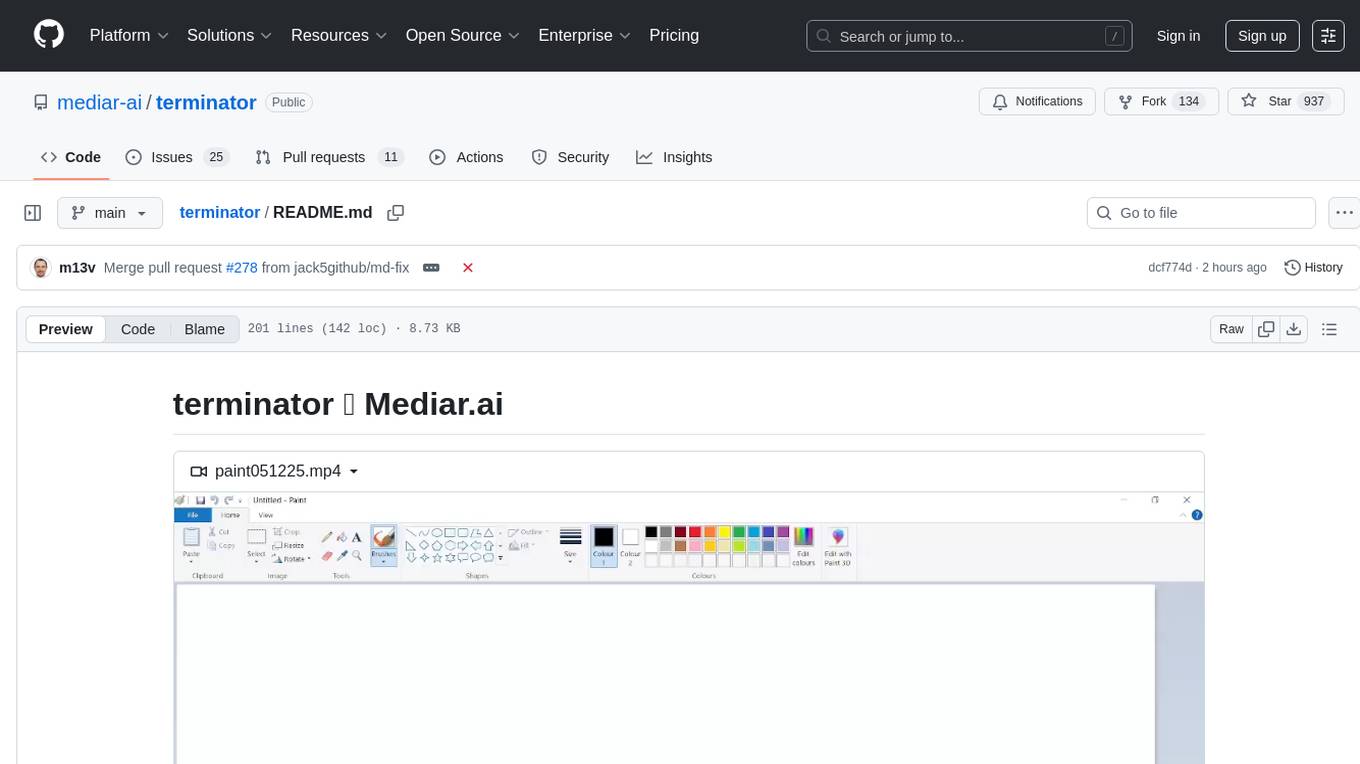
Terminator is an AI-powered desktop automation tool that is open source, MIT-licensed, and cross-platform. It works across all apps and browsers, inspired by GitHub Actions & Playwright. It is 100x faster than generic AI agents, with over 95% success rate and no vendor lock-in. Users can create automations that work across any desktop app or browser, achieve high success rates without costly consultant armies, and pre-train workflows as deterministic code.
sktime
sktime is a Python library for time series analysis that provides a unified interface for various time series learning tasks such as classification, regression, clustering, annotation, and forecasting. It offers time series algorithms and tools compatible with scikit-learn for building, tuning, and validating time series models. sktime aims to enhance the interoperability and usability of the time series analysis ecosystem by empowering users to apply algorithms across different tasks and providing interfaces to related libraries like scikit-learn, statsmodels, tsfresh, PyOD, and fbprophet.
ai-dev-kit
The AI Dev Kit is a comprehensive toolkit designed to enhance AI-driven development on Databricks. It provides trusted sources for AI coding assistants like Claude Code and Cursor to build faster and smarter on Databricks. The kit includes features such as Spark Declarative Pipelines, Databricks Jobs, AI/BI Dashboards, Unity Catalog, Genie Spaces, Knowledge Assistants, MLflow Experiments, Model Serving, Databricks Apps, and more. Users can choose from different adventures like installing the kit, using the visual builder app, teaching AI assistants Databricks patterns, executing Databricks actions, or building custom integrations with the core library. The kit also includes components like databricks-tools-core, databricks-mcp-server, databricks-skills, databricks-builder-app, and ai-dev-project.

ClaudeBar
ClaudeBar is a macOS menu bar application that monitors AI coding assistant usage quotas. It allows users to keep track of their usage of Claude, Codex, Gemini, GitHub Copilot, Antigravity, and Z.ai at a glance. The application offers multi-provider support, real-time quota tracking, multiple themes, visual status indicators, system notifications, auto-refresh feature, and keyboard shortcuts for quick access. Users can customize monitoring by toggling individual providers on/off and receive alerts when quota status changes. The tool requires macOS 15+, Swift 6.2+, and CLI tools installed for the providers to be monitored.
langtrace
Langtrace is an open source observability software that lets you capture, debug, and analyze traces and metrics from all your applications that leverage LLM APIs, Vector Databases, and LLM-based Frameworks. It supports Open Telemetry Standards (OTEL), and the traces generated adhere to these standards. Langtrace offers both a managed SaaS version (Langtrace Cloud) and a self-hosted option. The SDKs for both Typescript/Javascript and Python are available, making it easy to integrate Langtrace into your applications. Langtrace automatically captures traces from various vendors, including OpenAI, Anthropic, Azure OpenAI, Langchain, LlamaIndex, Pinecone, and ChromaDB.
LocalAI
LocalAI is a free and open-source OpenAI alternative that acts as a drop-in replacement REST API compatible with OpenAI (Elevenlabs, Anthropic, etc.) API specifications for local AI inferencing. It allows users to run LLMs, generate images, audio, and more locally or on-premises with consumer-grade hardware, supporting multiple model families and not requiring a GPU. LocalAI offers features such as text generation with GPTs, text-to-audio, audio-to-text transcription, image generation with stable diffusion, OpenAI functions, embeddings generation for vector databases, constrained grammars, downloading models directly from Huggingface, and a Vision API. It provides a detailed step-by-step introduction in its Getting Started guide and supports community integrations such as custom containers, WebUIs, model galleries, and various bots for Discord, Slack, and Telegram. LocalAI also offers resources like an LLM fine-tuning guide, instructions for local building and Kubernetes installation, projects integrating LocalAI, and a how-tos section curated by the community. It encourages users to cite the repository when utilizing it in downstream projects and acknowledges the contributions of various software from the community.
For similar tasks
UnionLLM
UnionLLM is a lightweight open-source Python toolkit that provides a unified way to access various domestic and foreign large language models and Agent orchestration tools compatible with OpenAI. It aims to connect various large language models in a unified and easily extensible way, making it more convenient to use multiple large language models. UnionLLM currently supports various domestic large language models and Agent orchestration tools, as well as over 100 models through LiteLLM, including models from major overseas language model developers and cloud service providers. It simplifies the process of calling different models by providing a consistent interface and expanding the returned information to include context for knowledge base retrieval.
axonhub
AxonHub is an all-in-one AI development platform that serves as an AI gateway allowing users to switch between model providers without changing any code. It provides features like vendor lock-in prevention, integration simplification, observability enhancement, and cost control. Users can access any model using any SDK with zero code changes. The platform offers full request tracing, enterprise RBAC, smart load balancing, and real-time cost tracking. AxonHub supports multiple databases, provides a unified API gateway, and offers flexible model management and API key creation for authentication. It also integrates with various AI coding tools and SDKs for seamless usage.

BricksLLM
BricksLLM is a cloud native AI gateway written in Go. Currently, it provides native support for OpenAI, Anthropic, Azure OpenAI and vLLM. BricksLLM aims to provide enterprise level infrastructure that can power any LLM production use cases. Here are some use cases for BricksLLM: * Set LLM usage limits for users on different pricing tiers * Track LLM usage on a per user and per organization basis * Block or redact requests containing PIIs * Improve LLM reliability with failovers, retries and caching * Distribute API keys with rate limits and cost limits for internal development/production use cases * Distribute API keys with rate limits and cost limits for students
dify-plus
Dify-Plus is a project that extends and adds management center functionality to the original Dify project. It includes features such as user quota management, key quota settings, web page login authentication, and more. The project aims to address pain points in enterprise scenarios and is open for collaboration and discussion with the community.
tingly-box
Tingly Box is a tool that helps in deciding which model to call, compressing context, and routing requests efficiently. It offers secure, reliable, and customizable functional extensions. With features like unified API, smart routing, context compression, auto API translation, blazing fast performance, flexible authentication, visual control panel, and client-side usage stats, Tingly Box provides a comprehensive solution for managing AI models and tokens. It supports integration with various IDEs, CLI tools, SDKs, and AI applications, making it versatile and easy to use. The tool also allows seamless integration with OAuth providers like Claude Code, enabling users to utilize existing quotas in OpenAI-compatible tools. Tingly Box aims to simplify AI model management and usage by providing a single endpoint for multiple providers with minimal configuration, promoting seamless integration with SDKs and CLI tools.
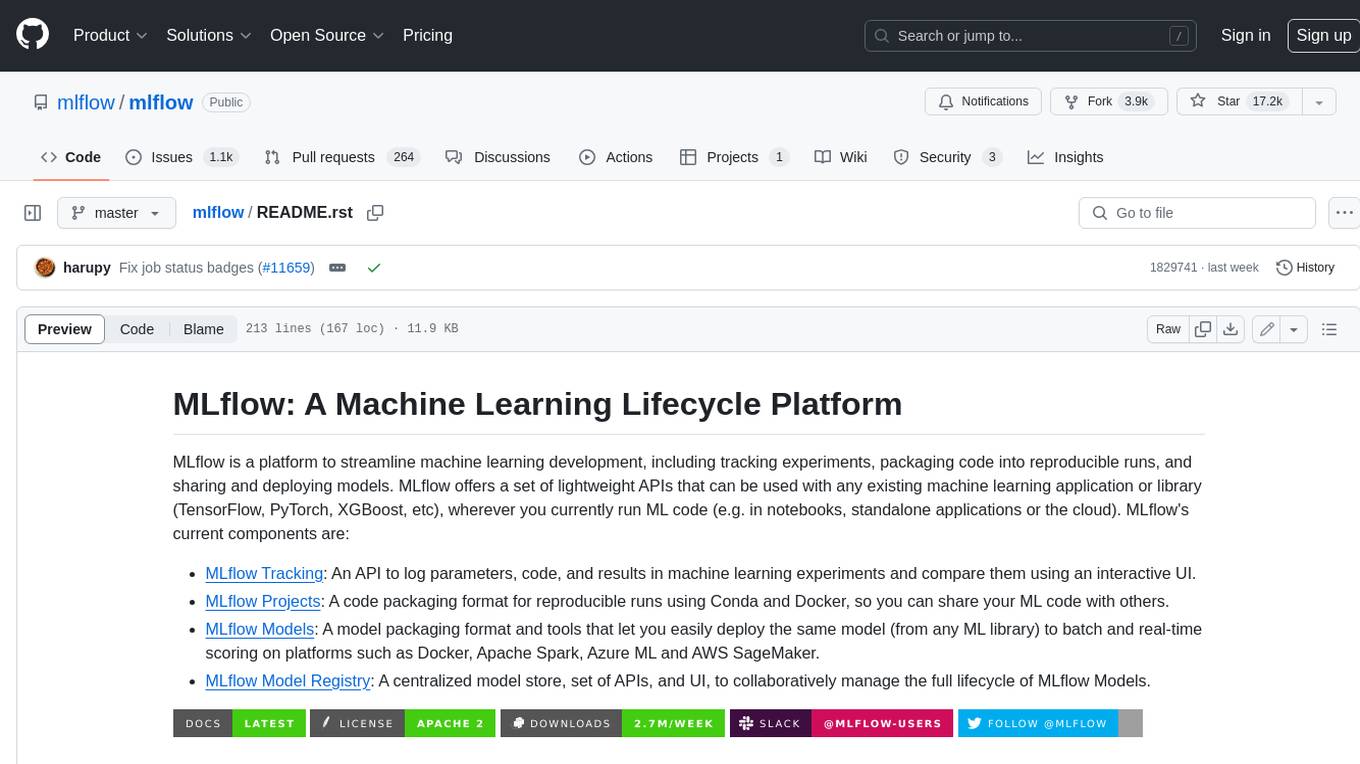
mlflow
MLflow is a platform to streamline machine learning development, including tracking experiments, packaging code into reproducible runs, and sharing and deploying models. MLflow offers a set of lightweight APIs that can be used with any existing machine learning application or library (TensorFlow, PyTorch, XGBoost, etc), wherever you currently run ML code (e.g. in notebooks, standalone applications or the cloud). MLflow's current components are:
* `MLflow Tracking
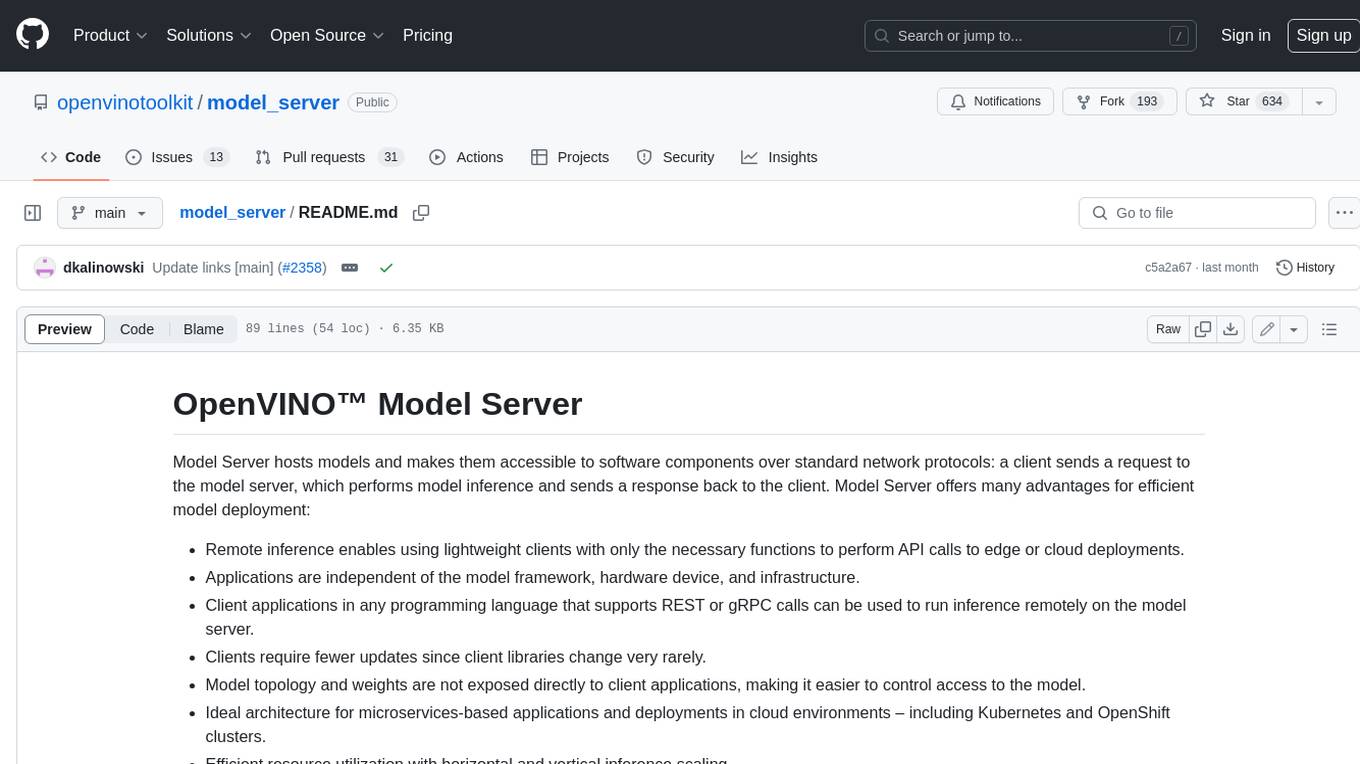
model_server
OpenVINO™ Model Server (OVMS) is a high-performance system for serving models. Implemented in C++ for scalability and optimized for deployment on Intel architectures, the model server uses the same architecture and API as TensorFlow Serving and KServe while applying OpenVINO for inference execution. Inference service is provided via gRPC or REST API, making deploying new algorithms and AI experiments easy.
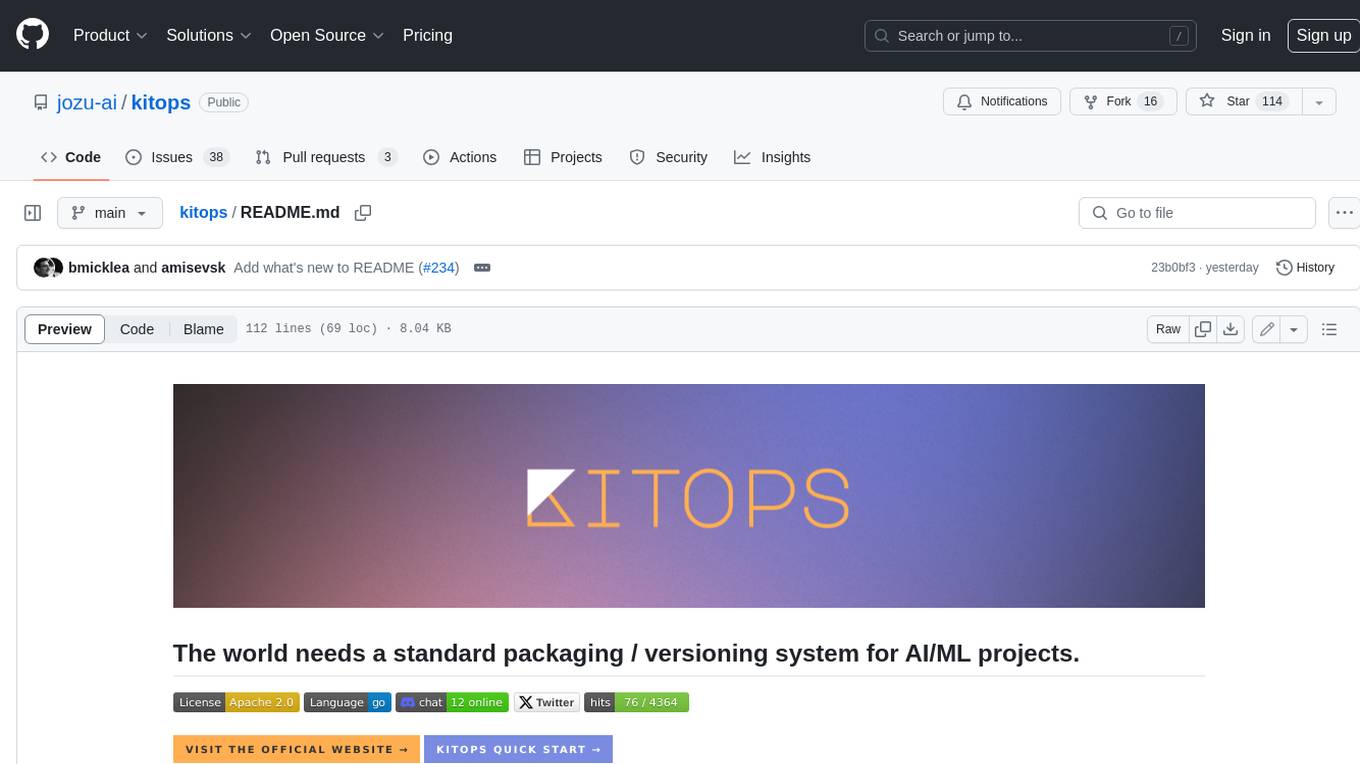
kitops
KitOps is a packaging and versioning system for AI/ML projects that uses open standards so it works with the AI/ML, development, and DevOps tools you are already using. KitOps simplifies the handoffs between data scientists, application developers, and SREs working with LLMs and other AI/ML models. KitOps' ModelKits are a standards-based package for models, their dependencies, configurations, and codebases. ModelKits are portable, reproducible, and work with the tools you already use.
For similar jobs

promptflow
**Prompt flow** is a suite of development tools designed to streamline the end-to-end development cycle of LLM-based AI applications, from ideation, prototyping, testing, evaluation to production deployment and monitoring. It makes prompt engineering much easier and enables you to build LLM apps with production quality.

deepeval
DeepEval is a simple-to-use, open-source LLM evaluation framework specialized for unit testing LLM outputs. It incorporates various metrics such as G-Eval, hallucination, answer relevancy, RAGAS, etc., and runs locally on your machine for evaluation. It provides a wide range of ready-to-use evaluation metrics, allows for creating custom metrics, integrates with any CI/CD environment, and enables benchmarking LLMs on popular benchmarks. DeepEval is designed for evaluating RAG and fine-tuning applications, helping users optimize hyperparameters, prevent prompt drifting, and transition from OpenAI to hosting their own Llama2 with confidence.

MegaDetector
MegaDetector is an AI model that identifies animals, people, and vehicles in camera trap images (which also makes it useful for eliminating blank images). This model is trained on several million images from a variety of ecosystems. MegaDetector is just one of many tools that aims to make conservation biologists more efficient with AI. If you want to learn about other ways to use AI to accelerate camera trap workflows, check out our of the field, affectionately titled "Everything I know about machine learning and camera traps".

leapfrogai
LeapfrogAI is a self-hosted AI platform designed to be deployed in air-gapped resource-constrained environments. It brings sophisticated AI solutions to these environments by hosting all the necessary components of an AI stack, including vector databases, model backends, API, and UI. LeapfrogAI's API closely matches that of OpenAI, allowing tools built for OpenAI/ChatGPT to function seamlessly with a LeapfrogAI backend. It provides several backends for various use cases, including llama-cpp-python, whisper, text-embeddings, and vllm. LeapfrogAI leverages Chainguard's apko to harden base python images, ensuring the latest supported Python versions are used by the other components of the stack. The LeapfrogAI SDK provides a standard set of protobuffs and python utilities for implementing backends and gRPC. LeapfrogAI offers UI options for common use-cases like chat, summarization, and transcription. It can be deployed and run locally via UDS and Kubernetes, built out using Zarf packages. LeapfrogAI is supported by a community of users and contributors, including Defense Unicorns, Beast Code, Chainguard, Exovera, Hypergiant, Pulze, SOSi, United States Navy, United States Air Force, and United States Space Force.

llava-docker
This Docker image for LLaVA (Large Language and Vision Assistant) provides a convenient way to run LLaVA locally or on RunPod. LLaVA is a powerful AI tool that combines natural language processing and computer vision capabilities. With this Docker image, you can easily access LLaVA's functionalities for various tasks, including image captioning, visual question answering, text summarization, and more. The image comes pre-installed with LLaVA v1.2.0, Torch 2.1.2, xformers 0.0.23.post1, and other necessary dependencies. You can customize the model used by setting the MODEL environment variable. The image also includes a Jupyter Lab environment for interactive development and exploration. Overall, this Docker image offers a comprehensive and user-friendly platform for leveraging LLaVA's capabilities.

carrot
The 'carrot' repository on GitHub provides a list of free and user-friendly ChatGPT mirror sites for easy access. The repository includes sponsored sites offering various GPT models and services. Users can find and share sites, report errors, and access stable and recommended sites for ChatGPT usage. The repository also includes a detailed list of ChatGPT sites, their features, and accessibility options, making it a valuable resource for ChatGPT users seeking free and unlimited GPT services.

TrustLLM
TrustLLM is a comprehensive study of trustworthiness in LLMs, including principles for different dimensions of trustworthiness, established benchmark, evaluation, and analysis of trustworthiness for mainstream LLMs, and discussion of open challenges and future directions. Specifically, we first propose a set of principles for trustworthy LLMs that span eight different dimensions. Based on these principles, we further establish a benchmark across six dimensions including truthfulness, safety, fairness, robustness, privacy, and machine ethics. We then present a study evaluating 16 mainstream LLMs in TrustLLM, consisting of over 30 datasets. The document explains how to use the trustllm python package to help you assess the performance of your LLM in trustworthiness more quickly. For more details about TrustLLM, please refer to project website.

AI-YinMei
AI-YinMei is an AI virtual anchor Vtuber development tool (N card version). It supports fastgpt knowledge base chat dialogue, a complete set of solutions for LLM large language models: [fastgpt] + [one-api] + [Xinference], supports docking bilibili live broadcast barrage reply and entering live broadcast welcome speech, supports Microsoft edge-tts speech synthesis, supports Bert-VITS2 speech synthesis, supports GPT-SoVITS speech synthesis, supports expression control Vtuber Studio, supports painting stable-diffusion-webui output OBS live broadcast room, supports painting picture pornography public-NSFW-y-distinguish, supports search and image search service duckduckgo (requires magic Internet access), supports image search service Baidu image search (no magic Internet access), supports AI reply chat box [html plug-in], supports AI singing Auto-Convert-Music, supports playlist [html plug-in], supports dancing function, supports expression video playback, supports head touching action, supports gift smashing action, supports singing automatic start dancing function, chat and singing automatic cycle swing action, supports multi scene switching, background music switching, day and night automatic switching scene, supports open singing and painting, let AI automatically judge the content.