


ai-dev-kit
Databricks Toolkit for Coding Agents provided by Field Engineering
Stars: 211
The AI Dev Kit is a comprehensive toolkit designed to enhance AI-driven development on Databricks. It provides trusted sources for AI coding assistants like Claude Code and Cursor to build faster and smarter on Databricks. The kit includes features such as Spark Declarative Pipelines, Databricks Jobs, AI/BI Dashboards, Unity Catalog, Genie Spaces, Knowledge Assistants, MLflow Experiments, Model Serving, Databricks Apps, and more. Users can choose from different adventures like installing the kit, using the visual builder app, teaching AI assistants Databricks patterns, executing Databricks actions, or building custom integrations with the core library. The kit also includes components like databricks-tools-core, databricks-mcp-server, databricks-skills, databricks-builder-app, and ai-dev-project.
README:

AI-Driven Development (vibe coding) on Databricks just got a whole lot better. The AI Dev Kit gives your AI coding assistant (Claude Code, Cursor, Windsurf, etc.) the trusted sources it needs to build faster and smarter on Databricks.

- Spark Declarative Pipelines (streaming tables, CDC, SCD Type 2, Auto Loader)
- Databricks Jobs (scheduled workflows, multi-task DAGs)
- AI/BI Dashboards (visualizations, KPIs, analytics)
- Unity Catalog (tables, volumes, governance)
- Genie Spaces (natural language data exploration)
- Knowledge Assistants (RAG-based document Q&A)
- MLflow Experiments (evaluation, scoring, traces)
- Model Serving (deploy ML models and AI agents to endpoints)
- Databricks Apps (full-stack web applications)
- ...and more
| Adventure | Best For | Start Here |
|---|---|---|
| ⭐ Install ai-dev-kit | Start here! Follow quick install instructions to add to your existing project folder | Quick Start (install) |
| Starter Project | Starter project for Claude Code + full Databricks integration | ai-dev-project/ |
| Visual Builder | Web-based UI for Databricks development | databricks-builder-app/ |
| Skills Only | Teaching your AI Databricks patterns (no actions) | Install skills |
| MCP Tools Only | Just executable actions (no guidance) | Register MCP server |
| Core Library | Building custom integrations (LangChain, OpenAI, etc.) | pip install |
- uv - Python package manager
- Databricks CLI - Command line interface for Databricks
- AI coding environment
By default this will install at a project level rather than a user level. This is often a good fit, but requires you to run your client from the exact directory that was used for the install.
Note: Project configuration files can be re-used in other projects. You find these configs under .claude or .cursor
- Open terminal
- Navigate to a local project directory (the root folder you will open with Cursor or Claude Code)
- Run
curl -sL https://raw.githubusercontent.com/databricks-solutions/ai-dev-kit/main/install.sh | bash - Respond to interactive prompts and follow next steps.
- Note: Cursor and Co-pilot require updating settings manually after install.
- Open powershell terminal (requires
gitinstalled) - Navigate to a local project directory (the root folder you will open with Cursor or Claude Code)
- Run
irm https://raw.githubusercontent.com/databricks-solutions/ai-dev-kit/main/install.ps1 | iex
If you prefer to clone the repo and start building, use the starter project.:
git clone https://github.com/databricks-solutions/ai-dev-kit.git
cd ai-dev-kit/ai-dev-project
./setup.sh
claude
This installs skills + MCP tools and opens Claude Code ready to build on Databricks.
Full-stack web application with chat UI for Databricks development:
cd ai-dev-kit/databricks-builder-app
./setup.sh
# Follow instructions to start the appJust want to teach your local AI assistant Databricks patterns?
cd ai-dev-kit
./databricks-skills/install_skills.sh
Just want to teach your workspace AI assistant Databricks patterns?
cd ai-dev-kit
./databricks-skills/install_to_dbx_assistant.sh --profile <databricks cli profile>
Skills include: Spark Declarative Pipelines, Asset Bundles, MLflow Evaluation, Model Serving, Synthetic Data Generation, and more.
Just want executable Databricks actions?
cd ai-dev-kit
./databricks-mcp-server/setup.sh

# Register with Claude Code
claude mcp add-json databricks "{
  \"command\": \"$(pwd)/.venv/bin/python\",
  \"args\": [\"$(pwd)/run_server.py\"]
}"Use databricks-tools-core directly in your Python projects:
from databricks_tools_core.sql import execute_sql

results = execute_sql("SELECT * FROM my_catalog.schema.table LIMIT 10")
Works with LangChain, OpenAI Agents SDK, or any Python framework. See databricks-tools-core/ for details.
| Component | Description |
|---|---|
databricks-tools-core/ |
Python library with high-level Databricks functions |
databricks-mcp-server/ |
MCP server exposing 50+ tools for AI assistants |
databricks-skills/ |
15 markdown skills teaching Databricks patterns |
databricks-builder-app/ |
Full-stack web app with Claude Code integration |
ai-dev-project/ |
Starter template for new projects |
(c) 2026 Databricks, Inc. All rights reserved.
The source in this project is provided subject to the Databricks License. See LICENSE.md for details.
Third-Party Licenses
| Package | Version | License | Project URL |
|---|---|---|---|
| fastmcp | ≥0.1.0 | MIT | https://github.com/jlowin/fastmcp |
| mcp | ≥1.0.0 | MIT | https://github.com/modelcontextprotocol/python-sdk |
| sqlglot | ≥20.0.0 | MIT | https://github.com/tobymao/sqlglot |
| sqlfluff | ≥3.0.0 | MIT | https://github.com/sqlfluff/sqlfluff |
| litellm | ≥1.0.0 | MIT | https://github.com/BerriAI/litellm |
| pymupdf | ≥1.24.0 | AGPL-3.0 | https://github.com/pymupdf/PyMuPDF |
| claude-agent-sdk | ≥0.1.19 | MIT | https://github.com/anthropics/claude-code |
| fastapi | ≥0.115.8 | MIT | https://github.com/fastapi/fastapi |
| uvicorn | ≥0.34.0 | BSD-3-Clause | https://github.com/encode/uvicorn |
| httpx | ≥0.28.0 | BSD-3-Clause | https://github.com/encode/httpx |
| sqlalchemy | ≥2.0.41 | MIT | https://github.com/sqlalchemy/sqlalchemy |
| alembic | ≥1.16.1 | MIT | https://github.com/sqlalchemy/alembic |
| asyncpg | ≥0.30.0 | Apache-2.0 | https://github.com/MagicStack/asyncpg |
| greenlet | ≥3.0.0 | MIT | https://github.com/python-greenlet/greenlet |
| psycopg2-binary | ≥2.9.11 | LGPL-3.0 | https://github.com/psycopg/psycopg2 |
MCP Databricks Command Execution API from databricks-exec-code by Natyra Bajraktari and Henryk Borzymowski.
For Tasks:
Click tags to check more tools for each tasksFor Jobs:
Alternative AI tools for ai-dev-kit
Similar Open Source Tools
ai-dev-kit
The AI Dev Kit is a comprehensive toolkit designed to enhance AI-driven development on Databricks. It provides trusted sources for AI coding assistants like Claude Code and Cursor to build faster and smarter on Databricks. The kit includes features such as Spark Declarative Pipelines, Databricks Jobs, AI/BI Dashboards, Unity Catalog, Genie Spaces, Knowledge Assistants, MLflow Experiments, Model Serving, Databricks Apps, and more. Users can choose from different adventures like installing the kit, using the visual builder app, teaching AI assistants Databricks patterns, executing Databricks actions, or building custom integrations with the core library. The kit also includes components like databricks-tools-core, databricks-mcp-server, databricks-skills, databricks-builder-app, and ai-dev-project.

everything-claude-code
The 'Everything Claude Code' repository is a comprehensive collection of production-ready agents, skills, hooks, commands, rules, and MCP configurations developed over 10+ months. It includes guides for setup, foundations, and philosophy, as well as detailed explanations of various topics such as token optimization, memory persistence, continuous learning, verification loops, parallelization, and subagent orchestration. The repository also provides updates on bug fixes, multi-language rules, installation wizard, PM2 support, OpenCode plugin integration, unified commands and skills, and cross-platform support. It offers a quick start guide for installation, ecosystem tools like Skill Creator and Continuous Learning v2, requirements for CLI version compatibility, key concepts like agents, skills, hooks, and rules, running tests, contributing guidelines, OpenCode support, background information, important notes on context window management and customization, star history chart, and relevant links.
agentscope
AgentScope is a multi-agent platform designed to empower developers to build multi-agent applications with large-scale models. It features three high-level capabilities: Easy-to-Use, High Robustness, and Actor-Based Distribution. AgentScope provides a list of `ModelWrapper` to support both local model services and third-party model APIs, including OpenAI API, DashScope API, Gemini API, and ollama. It also enables developers to rapidly deploy local model services using libraries such as ollama (CPU inference), Flask + Transformers, Flask + ModelScope, FastChat, and vllm. AgentScope supports various services, including Web Search, Data Query, Retrieval, Code Execution, File Operation, and Text Processing. Example applications include Conversation, Game, and Distribution. AgentScope is released under Apache License 2.0 and welcomes contributions.
axonhub
AxonHub is an all-in-one AI development platform that serves as an AI gateway allowing users to switch between model providers without changing any code. It provides features like vendor lock-in prevention, integration simplification, observability enhancement, and cost control. Users can access any model using any SDK with zero code changes. The platform offers full request tracing, enterprise RBAC, smart load balancing, and real-time cost tracking. AxonHub supports multiple databases, provides a unified API gateway, and offers flexible model management and API key creation for authentication. It also integrates with various AI coding tools and SDKs for seamless usage.
new-api
New API is a next-generation large model gateway and AI asset management system that provides a wide range of features, including a new UI interface, multi-language support, online recharge function, key query for usage quota, compatibility with the original One API database, model charging by usage count, channel weighted randomization, data dashboard, token grouping and model restrictions, support for various authorization login methods, support for Rerank models, OpenAI Realtime API, Claude Messages format, reasoning effort setting, content reasoning, user-specific model rate limiting, request format conversion, cache billing support, and various model support such as gpts, Midjourney-Proxy, Suno API, custom channels, Rerank models, Claude Messages format, Dify, and more.
sf-skills
sf-skills is a collection of reusable skills for Agentic Salesforce Development, enabling AI-powered code generation, validation, testing, debugging, and deployment. It includes skills for development, quality, foundation, integration, AI & automation, DevOps & tooling. The installation process is newbie-friendly and includes an installer script for various CLIs. The skills are compatible with platforms like Claude Code, OpenCode, Codex, Gemini, Amp, Droid, Cursor, and Agentforce Vibes. The repository is community-driven and aims to strengthen the Salesforce ecosystem.
MaixPy
MaixPy is a Python SDK that enables users to easily create AI vision projects on edge devices. It provides a user-friendly API for accessing NPU, making it suitable for AI Algorithm Engineers, STEM teachers, Makers, Engineers, Students, Enterprises, and Contestants. The tool supports Python programming, MaixVision Workstation, AI vision, video streaming, voice recognition, and peripheral usage. It also offers an online AI training platform called MaixHub. MaixPy is designed for new hardware platforms like MaixCAM, offering improved performance and features compared to older versions. The ecosystem includes hardware, software, tools, documentation, and a cloud platform.
terminator
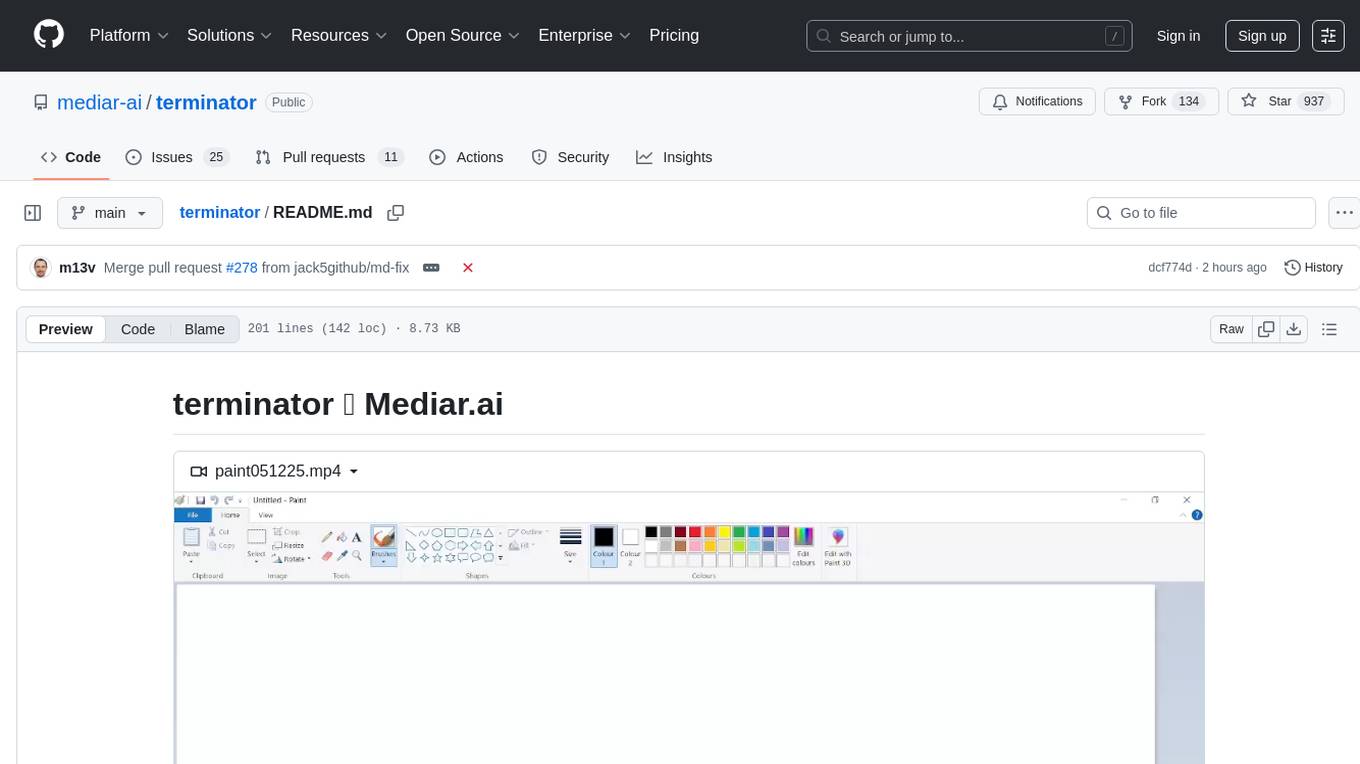
Terminator is an AI-powered desktop automation tool that is open source, MIT-licensed, and cross-platform. It works across all apps and browsers, inspired by GitHub Actions & Playwright. It is 100x faster than generic AI agents, with over 95% success rate and no vendor lock-in. Users can create automations that work across any desktop app or browser, achieve high success rates without costly consultant armies, and pre-train workflows as deterministic code.
pai-opencode
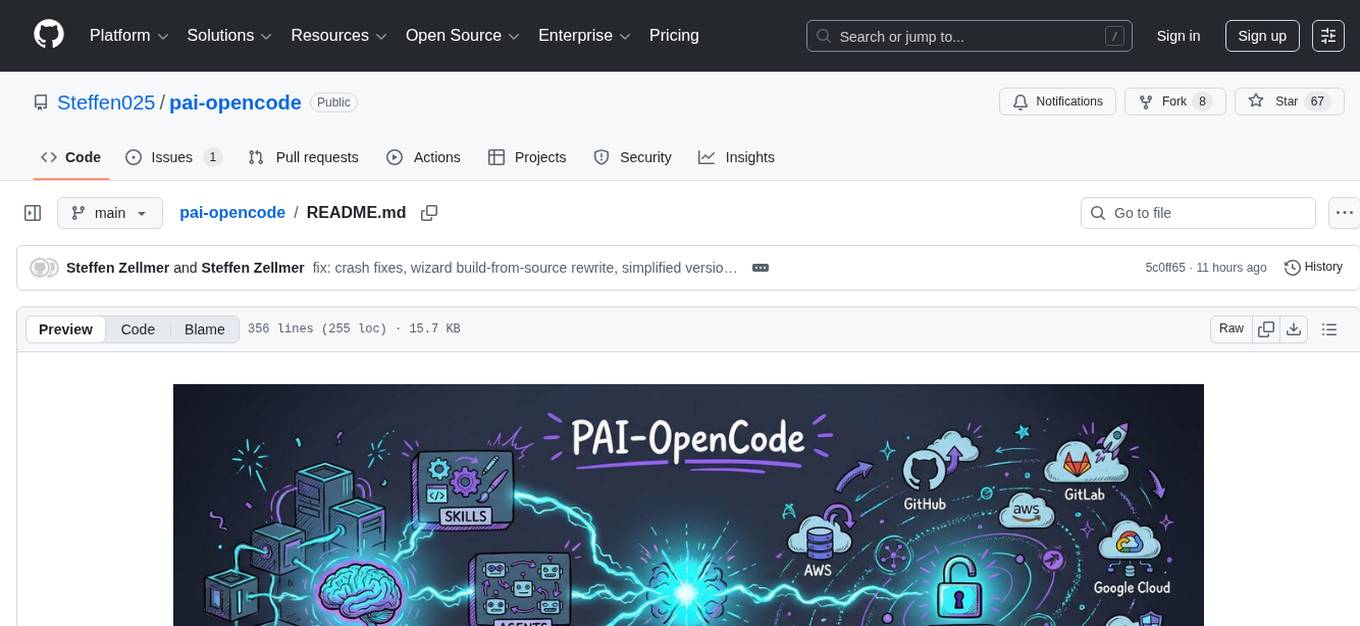
PAI-OpenCode is a complete port of Daniel Miessler's Personal AI Infrastructure (PAI) to OpenCode, an open-source, provider-agnostic AI coding assistant. It brings modular capabilities, dynamic multi-agent orchestration, session history, and lifecycle automation to personalize AI assistants for users. With support for 75+ AI providers, PAI-OpenCode offers dynamic per-task model routing, full PAI infrastructure, real-time session sharing, and multiple client options. The tool optimizes cost and quality with a 3-tier model strategy and a 3-tier research system, allowing users to switch presets for different routing strategies. PAI-OpenCode's architecture preserves PAI's design while adapting to OpenCode, documented through Architecture Decision Records (ADRs).
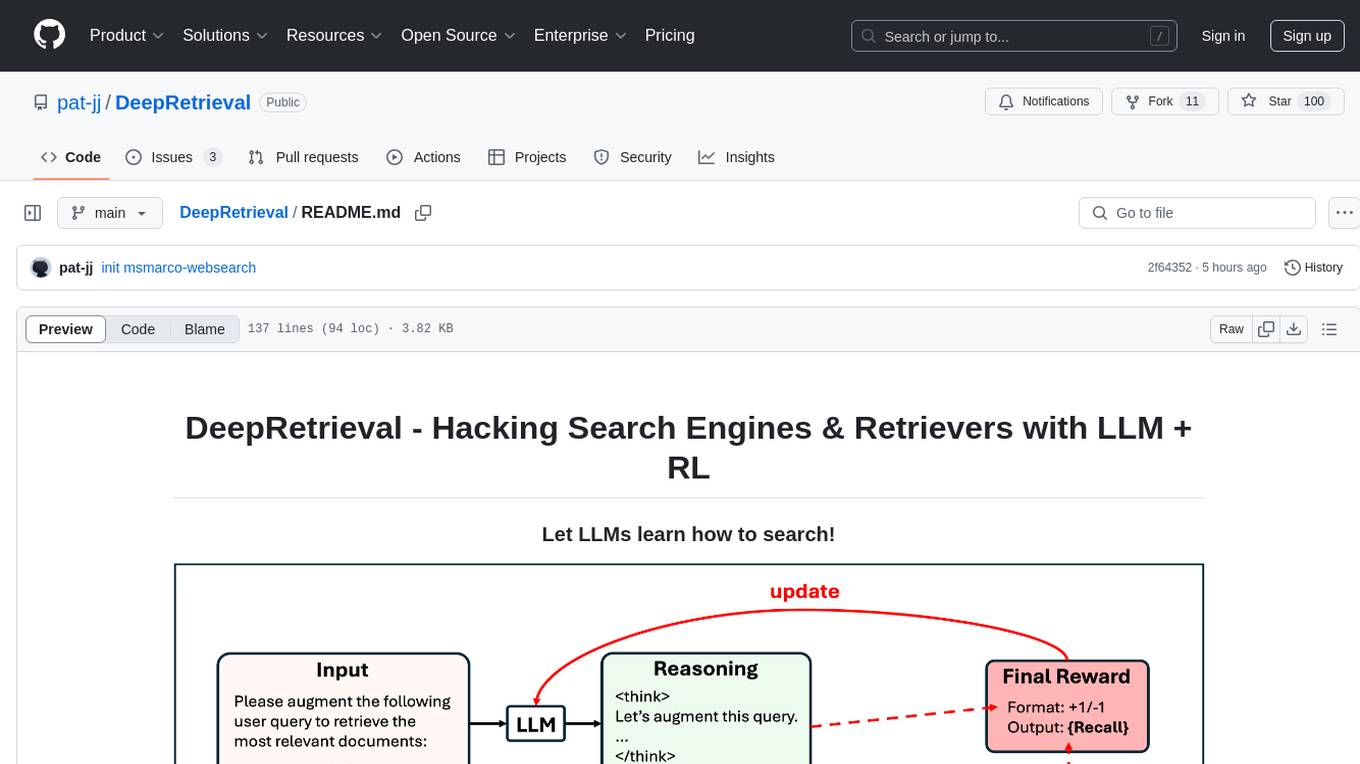
DeepRetrieval
DeepRetrieval is a tool designed to enhance search engines and retrievers using Large Language Models (LLMs) and Reinforcement Learning (RL). It allows LLMs to learn how to search effectively by integrating with search engine APIs and customizing reward functions. The tool provides functionalities for data preparation, training, evaluation, and monitoring search performance. DeepRetrieval aims to improve information retrieval tasks by leveraging advanced AI techniques.
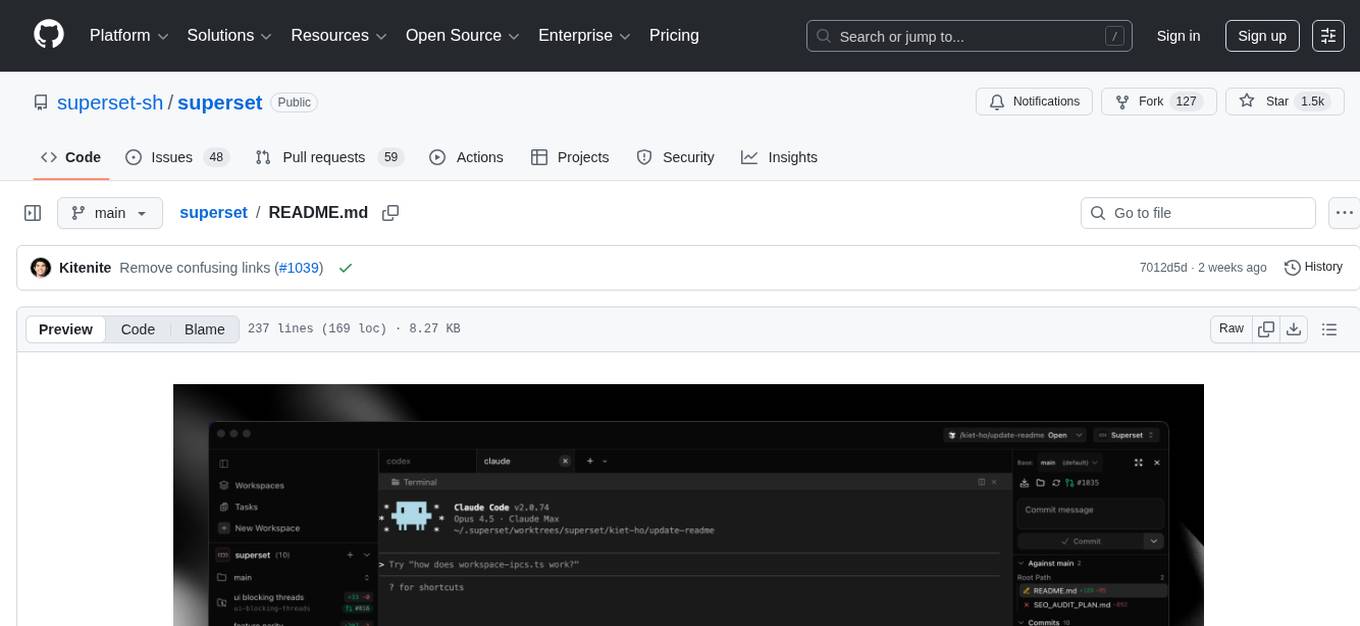
superset
Superset is a turbocharged terminal that allows users to run multiple CLI coding agents simultaneously, isolate tasks in separate worktrees, monitor agent status, review changes quickly, and enhance development workflow. It supports any CLI-based coding agent and offers features like parallel execution, worktree isolation, agent monitoring, built-in diff viewer, workspace presets, universal compatibility, quick context switching, and IDE integration. Users can customize keyboard shortcuts, configure workspace setup, and teardown, and contribute to the project. The tech stack includes Electron, React, TailwindCSS, Bun, Turborepo, Vite, Biome, Drizzle ORM, Neon, and tRPC. The community provides support through Discord, Twitter, GitHub Issues, and GitHub Discussions.
ai
The react-native-ai repository allows users to run Large Language Models (LLM) locally in a React Native app using the Universal MLC LLM Engine with compatibility for Vercel AI SDK. Please note that this project is experimental and not ready for production. The repository is licensed under MIT and was created with create-react-native-library.
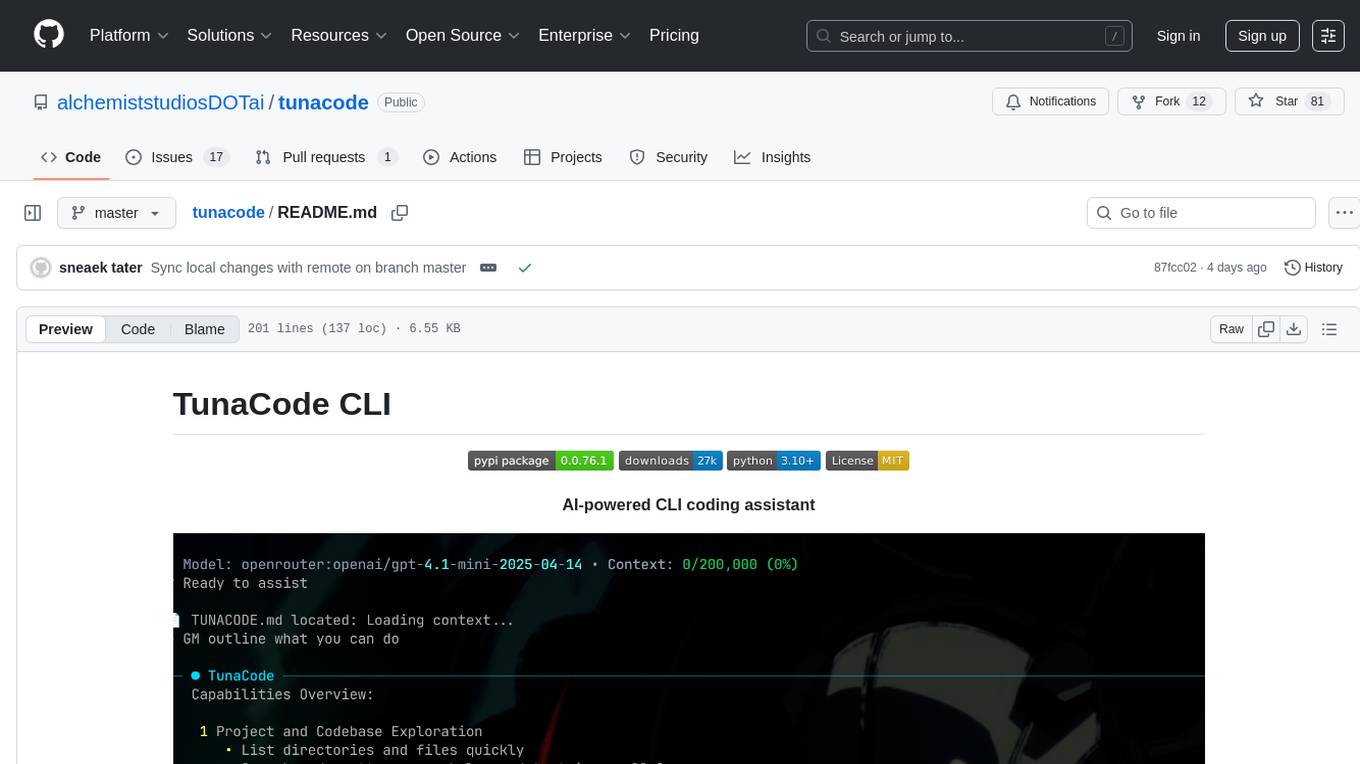
tunacode
TunaCode CLI is an AI-powered coding assistant that provides a command-line interface for developers to enhance their coding experience. It offers features like model selection, parallel execution for faster file operations, and various commands for code management. The tool aims to improve coding efficiency and provide a seamless coding environment for developers.
auto-dev
AutoDev is an AI-powered coding wizard that supports multiple languages, including Java, Kotlin, JavaScript/TypeScript, Rust, Python, Golang, C/C++/OC, and more. It offers a range of features, including auto development mode, copilot mode, chat with AI, customization options, SDLC support, custom AI agent integration, and language features such as language support, extensions, and a DevIns language for AI agent development. AutoDev is designed to assist developers with tasks such as auto code generation, bug detection, code explanation, exception tracing, commit message generation, code review content generation, smart refactoring, Dockerfile generation, CI/CD config file generation, and custom shell/command generation. It also provides a built-in LLM fine-tune model and supports UnitEval for LLM result evaluation and UnitGen for code-LLM fine-tune data generation.
Awesome-AI-GPTs
Awesome AI GPTs is an open repository that collects resources and fun ways to use OpenAI GPTs. It includes databases, search tools, open-source projects, articles, attack and defense strategies, installation of custom plugins, knowledge bases, and community interactions related to GPTs. Users can find curated lists, leaked prompts, and various GPT applications in this repository. The project aims to empower users with AI capabilities and foster collaboration in the AI community.
MooER
MooER (摩耳) is an LLM-based speech recognition and translation model developed by Moore Threads. It allows users to transcribe speech into text (ASR) and translate speech into other languages (AST) in an end-to-end manner. The model was trained using 5K hours of data and is now also available with an 80K hours version. MooER is the first LLM-based speech model trained and inferred using domestic GPUs. The repository includes pretrained models, inference code, and a Gradio demo for a better user experience.
For similar tasks
instill-core
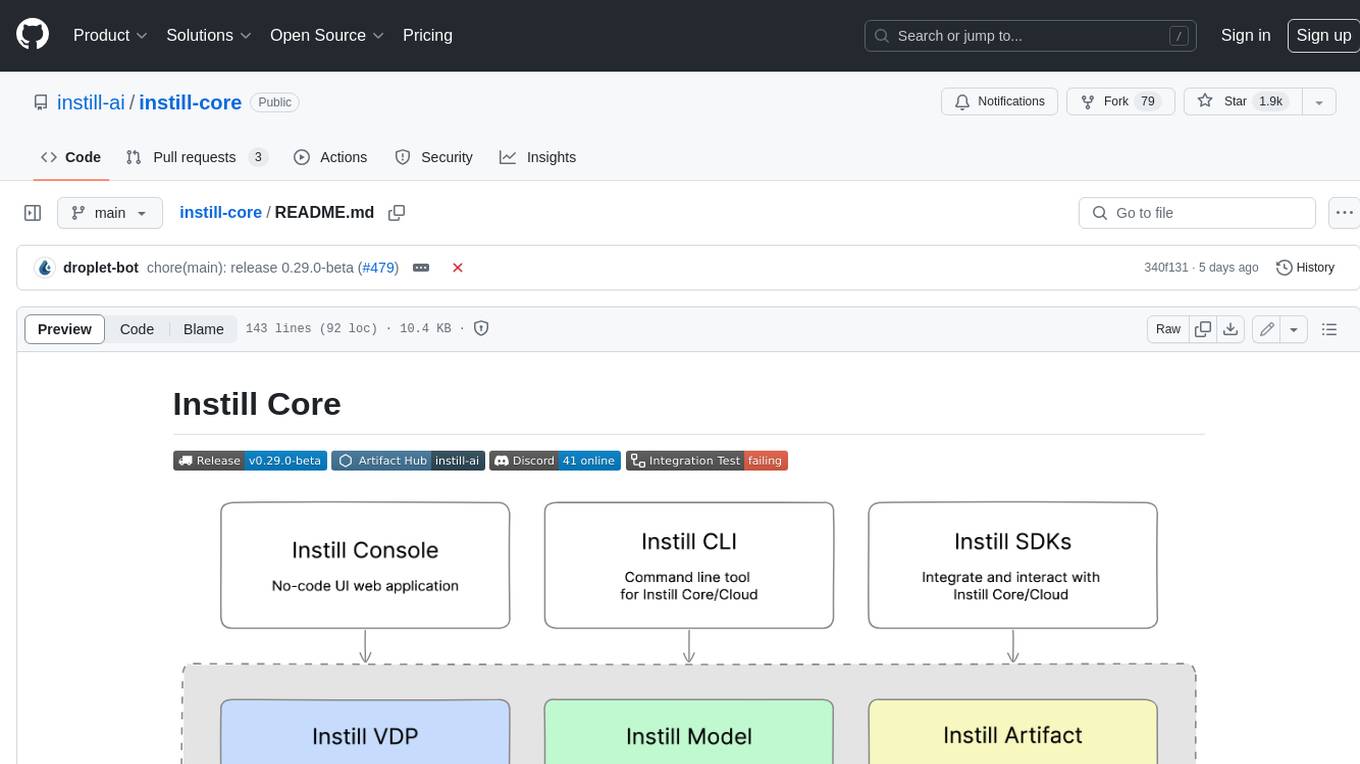
Instill Core is an open-source orchestrator comprising a collection of source-available projects designed to streamline every aspect of building versatile AI features with unstructured data. It includes Instill VDP (Versatile Data Pipeline) for unstructured data, AI, and pipeline orchestration, Instill Model for scalable MLOps and LLMOps for open-source or custom AI models, and Instill Artifact for unified unstructured data management. Instill Core can be used for tasks such as building, testing, and sharing pipelines, importing, serving, fine-tuning, and monitoring ML models, and transforming documents, images, audio, and video into a unified AI-ready format.
fastRAG
fastRAG is a research framework designed to build and explore efficient retrieval-augmented generative models. It incorporates state-of-the-art Large Language Models (LLMs) and Information Retrieval to empower researchers and developers with a comprehensive tool-set for advancing retrieval augmented generation. The framework is optimized for Intel hardware, customizable, and includes key features such as optimized RAG pipelines, efficient components, and RAG-efficient components like ColBERT and Fusion-in-Decoder (FiD). fastRAG supports various unique components and backends for running LLMs, making it a versatile tool for research and development in the field of retrieval-augmented generation.
ai-on-openshift
AI on OpenShift is a site providing installation recipes, patterns, and demos for AI/ML tools and applications used in Data Science and Data Engineering projects running on OpenShift. It serves as a comprehensive resource for developers looking to deploy AI solutions on the OpenShift platform.
sematic
Sematic is an open-source ML development platform that allows ML Engineers and Data Scientists to write complex end-to-end pipelines with Python. It can be executed locally, on a cloud VM, or on a Kubernetes cluster. Sematic enables chaining data processing jobs with model training into reproducible pipelines that can be monitored and visualized in a web dashboard. It offers features like easy onboarding, local-to-cloud parity, end-to-end traceability, access to heterogeneous compute resources, and reproducibility.
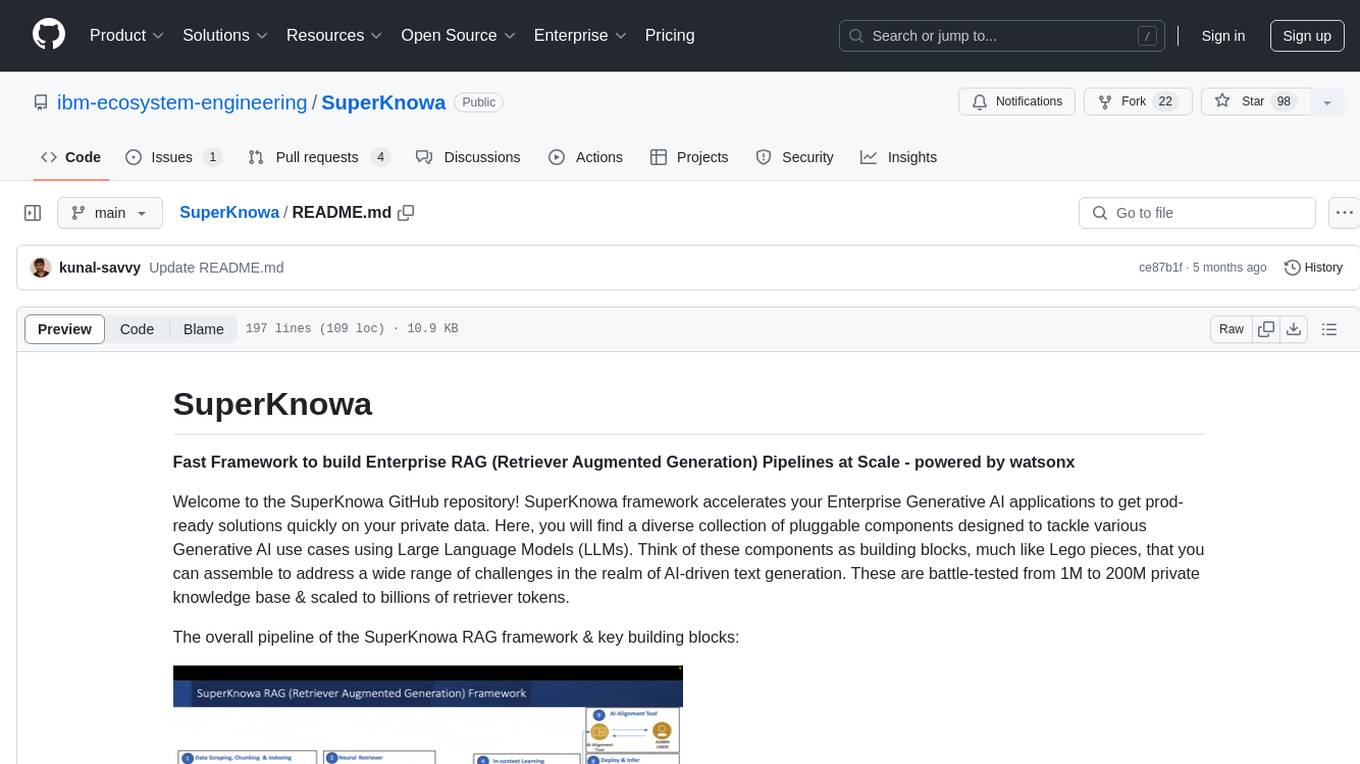
SuperKnowa
SuperKnowa is a fast framework to build Enterprise RAG (Retriever Augmented Generation) Pipelines at Scale, powered by watsonx. It accelerates Enterprise Generative AI applications to get prod-ready solutions quickly on private data. The framework provides pluggable components for tackling various Generative AI use cases using Large Language Models (LLMs), allowing users to assemble building blocks to address challenges in AI-driven text generation. SuperKnowa is battle-tested from 1M to 200M private knowledge base & scaled to billions of retriever tokens.
ZetaForge
ZetaForge is an open-source AI platform designed for rapid development of advanced AI and AGI pipelines. It allows users to assemble reusable, customizable, and containerized Blocks into highly visual AI Pipelines, enabling rapid experimentation and collaboration. With ZetaForge, users can work with AI technologies in any programming language, easily modify and update AI pipelines, dive into the code whenever needed, utilize community-driven blocks and pipelines, and share their own creations. The platform aims to accelerate the development and deployment of advanced AI solutions through its user-friendly interface and community support.
AdalFlow
AdalFlow is a library designed to help developers build and optimize Large Language Model (LLM) task pipelines. It follows a design pattern similar to PyTorch, offering a light, modular, and robust codebase. Named in honor of Ada Lovelace, AdalFlow aims to inspire more women to enter the AI field. The library is tailored for various GenAI applications like chatbots, translation, summarization, code generation, and autonomous agents, as well as classical NLP tasks such as text classification and named entity recognition. AdalFlow emphasizes modularity, robustness, and readability to support users in customizing and iterating code for their specific use cases.
data-prep-kit
Data Prep Kit is a community project aimed at democratizing and speeding up unstructured data preparation for LLM app developers. It provides high-level APIs and modules for transforming data (code, language, speech, visual) to optimize LLM performance across different use cases. The toolkit supports Python, Ray, Spark, and Kubeflow Pipelines runtimes, offering scalability from laptop to datacenter-scale processing. Developers can contribute new custom modules and leverage the data processing library for building data pipelines. Automation features include workflow automation with Kubeflow Pipelines for transform execution.
For similar jobs

promptflow
**Prompt flow** is a suite of development tools designed to streamline the end-to-end development cycle of LLM-based AI applications, from ideation, prototyping, testing, evaluation to production deployment and monitoring. It makes prompt engineering much easier and enables you to build LLM apps with production quality.

deepeval
DeepEval is a simple-to-use, open-source LLM evaluation framework specialized for unit testing LLM outputs. It incorporates various metrics such as G-Eval, hallucination, answer relevancy, RAGAS, etc., and runs locally on your machine for evaluation. It provides a wide range of ready-to-use evaluation metrics, allows for creating custom metrics, integrates with any CI/CD environment, and enables benchmarking LLMs on popular benchmarks. DeepEval is designed for evaluating RAG and fine-tuning applications, helping users optimize hyperparameters, prevent prompt drifting, and transition from OpenAI to hosting their own Llama2 with confidence.

MegaDetector
MegaDetector is an AI model that identifies animals, people, and vehicles in camera trap images (which also makes it useful for eliminating blank images). This model is trained on several million images from a variety of ecosystems. MegaDetector is just one of many tools that aims to make conservation biologists more efficient with AI. If you want to learn about other ways to use AI to accelerate camera trap workflows, check out our of the field, affectionately titled "Everything I know about machine learning and camera traps".

leapfrogai
LeapfrogAI is a self-hosted AI platform designed to be deployed in air-gapped resource-constrained environments. It brings sophisticated AI solutions to these environments by hosting all the necessary components of an AI stack, including vector databases, model backends, API, and UI. LeapfrogAI's API closely matches that of OpenAI, allowing tools built for OpenAI/ChatGPT to function seamlessly with a LeapfrogAI backend. It provides several backends for various use cases, including llama-cpp-python, whisper, text-embeddings, and vllm. LeapfrogAI leverages Chainguard's apko to harden base python images, ensuring the latest supported Python versions are used by the other components of the stack. The LeapfrogAI SDK provides a standard set of protobuffs and python utilities for implementing backends and gRPC. LeapfrogAI offers UI options for common use-cases like chat, summarization, and transcription. It can be deployed and run locally via UDS and Kubernetes, built out using Zarf packages. LeapfrogAI is supported by a community of users and contributors, including Defense Unicorns, Beast Code, Chainguard, Exovera, Hypergiant, Pulze, SOSi, United States Navy, United States Air Force, and United States Space Force.

llava-docker
This Docker image for LLaVA (Large Language and Vision Assistant) provides a convenient way to run LLaVA locally or on RunPod. LLaVA is a powerful AI tool that combines natural language processing and computer vision capabilities. With this Docker image, you can easily access LLaVA's functionalities for various tasks, including image captioning, visual question answering, text summarization, and more. The image comes pre-installed with LLaVA v1.2.0, Torch 2.1.2, xformers 0.0.23.post1, and other necessary dependencies. You can customize the model used by setting the MODEL environment variable. The image also includes a Jupyter Lab environment for interactive development and exploration. Overall, this Docker image offers a comprehensive and user-friendly platform for leveraging LLaVA's capabilities.

carrot
The 'carrot' repository on GitHub provides a list of free and user-friendly ChatGPT mirror sites for easy access. The repository includes sponsored sites offering various GPT models and services. Users can find and share sites, report errors, and access stable and recommended sites for ChatGPT usage. The repository also includes a detailed list of ChatGPT sites, their features, and accessibility options, making it a valuable resource for ChatGPT users seeking free and unlimited GPT services.

TrustLLM
TrustLLM is a comprehensive study of trustworthiness in LLMs, including principles for different dimensions of trustworthiness, established benchmark, evaluation, and analysis of trustworthiness for mainstream LLMs, and discussion of open challenges and future directions. Specifically, we first propose a set of principles for trustworthy LLMs that span eight different dimensions. Based on these principles, we further establish a benchmark across six dimensions including truthfulness, safety, fairness, robustness, privacy, and machine ethics. We then present a study evaluating 16 mainstream LLMs in TrustLLM, consisting of over 30 datasets. The document explains how to use the trustllm python package to help you assess the performance of your LLM in trustworthiness more quickly. For more details about TrustLLM, please refer to project website.

AI-YinMei
AI-YinMei is an AI virtual anchor Vtuber development tool (N card version). It supports fastgpt knowledge base chat dialogue, a complete set of solutions for LLM large language models: [fastgpt] + [one-api] + [Xinference], supports docking bilibili live broadcast barrage reply and entering live broadcast welcome speech, supports Microsoft edge-tts speech synthesis, supports Bert-VITS2 speech synthesis, supports GPT-SoVITS speech synthesis, supports expression control Vtuber Studio, supports painting stable-diffusion-webui output OBS live broadcast room, supports painting picture pornography public-NSFW-y-distinguish, supports search and image search service duckduckgo (requires magic Internet access), supports image search service Baidu image search (no magic Internet access), supports AI reply chat box [html plug-in], supports AI singing Auto-Convert-Music, supports playlist [html plug-in], supports dancing function, supports expression video playback, supports head touching action, supports gift smashing action, supports singing automatic start dancing function, chat and singing automatic cycle swing action, supports multi scene switching, background music switching, day and night automatic switching scene, supports open singing and painting, let AI automatically judge the content.