


transformerlab-app
The open source research environment for AI researchers to seamlessly train, evaluate, and scale models from local hardware to GPU clusters.
Stars: 4804
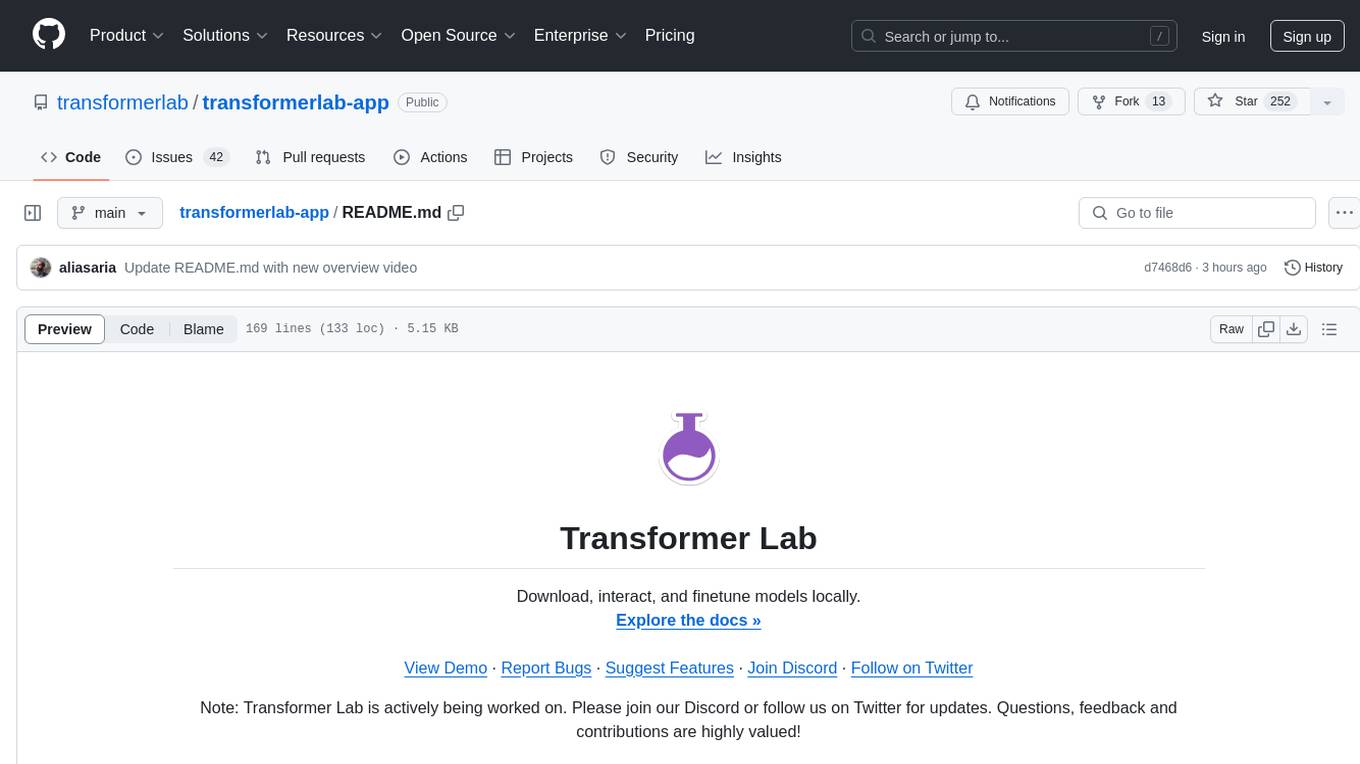
Transformer Lab is an app that allows users to experiment with Large Language Models by providing features such as one-click download of popular models, finetuning across different hardware, RLHF and Preference Optimization, working with LLMs across different operating systems, chatting with models, using different inference engines, evaluating models, building datasets for training, calculating embeddings, providing a full REST API, running in the cloud, converting models across platforms, supporting plugins, embedded Monaco code editor, prompt editing, inference logs, all through a simple cross-platform GUI.
README:

Designed for ML Researchers. Local, on-prem, or in the cloud. Open source.




⬇️ Install for Individuals · 🏢 Install for Teams · 📖 Documentation · 🎬 Demo · 💬 Discord


Transformer Lab is an open-source machine learning platform that unifies the fragmented AI tooling landscape into a single, elegant interface. It is available in two editions:
|
Perfect for researchers and hobbyists working on a single machine.
|
Built for research labs scaling across GPU clusters.
|
🧠 Foundation Models & LLMs
- Universal Support: Download and run Llama 3, DeepSeek, Mistral, Qwen, Phi, and more.
- Inference Engines: Support for MLX, vLLM, Ollama, and HuggingFace Transformers.
- Format Conversion: Seamlessly convert between HuggingFace, GGUF, and MLX formats.
- Chat Interface: Multi-turn chat, batched querying, and function calling support.
🎓 Training & Fine-tuning
- Unified Interface: Train on local hardware or submit tasks to remote clusters using the same UI.
- Methods: Full fine-tuning, LoRA/QLoRA, RLHF (DPO, ORPO, SIMPO), and Reward Modeling.
- Hardware Agnostic: Optimized trainers for Apple Silicon (MLX), NVIDIA (CUDA), and AMD (ROCm).
- Hyperparameter Sweeps: Define parameter ranges in YAML and automatically schedule grid searches.
🎨 Diffusion & Image Generation
- Generation: Text-to-Image, Image-to-Image, and Inpainting using Stable Diffusion and Flux.
- Advanced Control: Full support for ControlNets and IP-Adapters.
- Training: Train custom LoRA adaptors on your own image datasets.
- Dataset Management: Auto-caption images using WD14 taggers.
📊 Evaluation & Analytics
- LLM-as-a-Judge: Use local or remote models to score outputs on bias, toxicity, and faithfulness.
- Benchmarks: Built-in support for EleutherAI LM Evaluation Harness (MMLU, HellaSwag, GSM8K, etc.).
- Red Teaming: Automated vulnerability testing for PII leakage, prompt injection, and safety.
🔌 Plugins & Extensibility
- Plugin System: Extend functionality with a robust Python plugin architecture.
-
Lab SDK: Integrate your existing Python training scripts (
import lab) to get automatic logging, progress bars, and artifact tracking. - CLI: Power-user command line tool for submitting tasks and monitoring jobs without a browser.
🗣️ Audio Generation
- Text-to-Speech: Generate speech using Kokoro, Bark, and other state-of-the-art models.
- Training: Fine-tune TTS models on custom voice datasets.
curl https://lab.cloud/install.sh | bashcd ~/.transformerlab/src
./run.shOpen your browser to http://localhost:8338.
| Platform | Requirements |
|---|---|
| macOS | Apple Silicon (M1/M2/M3/M4) |
| Linux | NVIDIA or AMD GPU |
| Windows | NVIDIA GPU via WSL2 (setup guide) |
Transformer Lab for Teams runs as an overlay on your existing infrastructure. It does not replace your scheduler; it acts as a modern control plane for it.
To configure Transformer Lab to talk to Slurm or SkyPilot:
- Follow the Teams Install Guide.
- Configure your compute providers in the Team Settings.
- Use the CLI (
lab) or Web UI to queue tasks across your cluster.
Frontend
# Requires Node.js v22
npm install
npm start
Backend (API)
cd api
./install.sh   # Sets up Conda env + Python deps
./run.sh       # Start the API server
Lab SDK
pip install transformerlabWe are an open-source initiative backed by builders who care about the future of AI research. We welcome contributions! Please check our issues for open tasks.
AGPL-3.0 · See LICENSE for details.
@software{transformerlab,
  author = {Asaria, Ali and Salomone, Tony},
  title = {Transformer Lab: The Operating System for AI Research},
  year = 2023,
  url = {https://github.com/transformerlab/transformerlab-app}
}



Built with ❤️ by Transformer Lab in Canada 🇨🇦
For Tasks:
Click tags to check more tools for each tasksFor Jobs:
Alternative AI tools for transformerlab-app
Similar Open Source Tools
transformerlab-app
Transformer Lab is an app that allows users to experiment with Large Language Models by providing features such as one-click download of popular models, finetuning across different hardware, RLHF and Preference Optimization, working with LLMs across different operating systems, chatting with models, using different inference engines, evaluating models, building datasets for training, calculating embeddings, providing a full REST API, running in the cloud, converting models across platforms, supporting plugins, embedded Monaco code editor, prompt editing, inference logs, all through a simple cross-platform GUI.
AionUi
AionUi is a user interface library for building modern and responsive web applications. It provides a set of customizable components and styles to create visually appealing user interfaces. With AionUi, developers can easily design and implement interactive web interfaces that are both functional and aesthetically pleasing. The library is built using the latest web technologies and follows best practices for performance and accessibility. Whether you are working on a personal project or a professional application, AionUi can help you streamline the UI development process and deliver a seamless user experience.
executorch
ExecuTorch is an end-to-end solution for enabling on-device inference capabilities across mobile and edge devices including wearables, embedded devices and microcontrollers. It is part of the PyTorch Edge ecosystem and enables efficient deployment of PyTorch models to edge devices. Key value propositions of ExecuTorch are: * **Portability:** Compatibility with a wide variety of computing platforms, from high-end mobile phones to highly constrained embedded systems and microcontrollers. * **Productivity:** Enabling developers to use the same toolchains and SDK from PyTorch model authoring and conversion, to debugging and deployment to a wide variety of platforms. * **Performance:** Providing end users with a seamless and high-performance experience due to a lightweight runtime and utilizing full hardware capabilities such as CPUs, NPUs, and DSPs.
nodetool
NodeTool is a platform designed for AI enthusiasts, developers, and creators, providing a visual interface to access a variety of AI tools and models. It simplifies access to advanced AI technologies, offering resources for content creation, data analysis, automation, and more. With features like a visual editor, seamless integration with leading AI platforms, model manager, and API integration, NodeTool caters to both newcomers and experienced users in the AI field.
VisioFirm
VisioFirm is an open-source, AI-powered image annotation tool designed to accelerate labeling for computer vision tasks like classification, object detection, oriented bounding boxes (OBB), segmentation and video annotation. Built for speed and simplicity, it leverages state-of-the-art models for semi-automated pre-annotations, allowing you to focus on refining rather than starting from scratch. Whether you're preparing datasets for YOLO, SAM, or custom models, VisioFirm streamlines your workflow with an intuitive web interface and powerful backend. Perfect for researchers, data scientists, and ML engineers handling large image datasets—get high-quality annotations in minutes, not hours!
jan
Jan is an open-source ChatGPT alternative that runs 100% offline on your computer. It supports universal architectures, including Nvidia GPUs, Apple M-series, Apple Intel, Linux Debian, and Windows x64. Jan is currently in development, so expect breaking changes and bugs. It is lightweight and embeddable, and can be used on its own within your own projects.

llamafarm
LlamaFarm is a comprehensive AI framework that empowers users to build powerful AI applications locally, with full control over costs and deployment options. It provides modular components for RAG systems, vector databases, model management, prompt engineering, and fine-tuning. Users can create differentiated AI products without needing extensive ML expertise, using simple CLI commands and YAML configs. The framework supports local-first development, production-ready components, strategy-based configuration, and deployment anywhere from laptops to the cloud.

layra
LAYRA is the world's first visual-native AI automation engine that sees documents like a human, preserves layout and graphical elements, and executes arbitrarily complex workflows with full Python control. It empowers users to build next-generation intelligent systems with no limits or compromises. Built for Enterprise-Grade deployment, LAYRA features a modern frontend, high-performance backend, decoupled service architecture, visual-native multimodal document understanding, and a powerful workflow engine.
neuropilot
NeuroPilot is an open-source AI-powered education platform that transforms study materials into interactive learning resources. It provides tools like contextual chat, smart notes, flashcards, quizzes, and AI podcasts. Supported by various AI models and embedding providers, it offers features like WebSocket streaming, JSON or vector database support, file-based storage, and configurable multi-provider setup for LLMs and TTS engines. The technology stack includes Node.js, TypeScript, Vite, React, TailwindCSS, JSON database, multiple LLM providers, and Docker for deployment. Users can contribute to the project by integrating AI models, adding mobile app support, improving performance, enhancing accessibility features, and creating documentation and tutorials.
tensorzero
TensorZero is an open-source platform that helps LLM applications graduate from API wrappers into defensible AI products. It enables a data & learning flywheel for LLMs by unifying inference, observability, optimization, and experimentation. The platform includes a high-performance model gateway, structured schema-based inference, observability, experimentation, and data warehouse for analytics. TensorZero Recipes optimize prompts and models, and the platform supports experimentation features and GitOps orchestration for deployment.
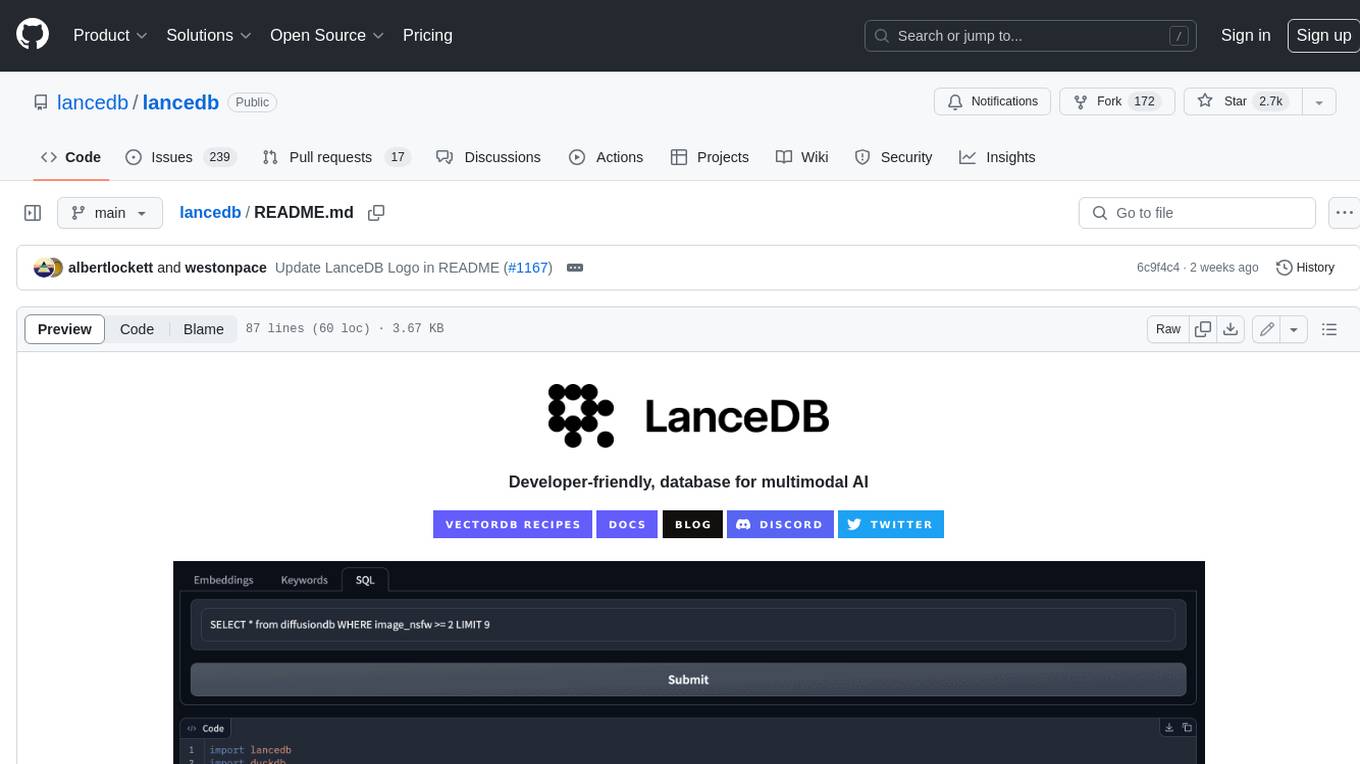
lancedb
LanceDB is an open-source database for vector-search built with persistent storage, which greatly simplifies retrieval, filtering, and management of embeddings. The key features of LanceDB include: Production-scale vector search with no servers to manage. Store, query, and filter vectors, metadata, and multi-modal data (text, images, videos, point clouds, and more). Support for vector similarity search, full-text search, and SQL. Native Python and Javascript/Typescript support. Zero-copy, automatic versioning, manage versions of your data without needing extra infrastructure. GPU support in building vector index(*). Ecosystem integrations with LangChain 🦜️🔗, LlamaIndex 🦙, Apache-Arrow, Pandas, Polars, DuckDB, and more on the way. LanceDB's core is written in Rust 🦀 and is built using Lance, an open-source columnar format designed for performant ML workloads.
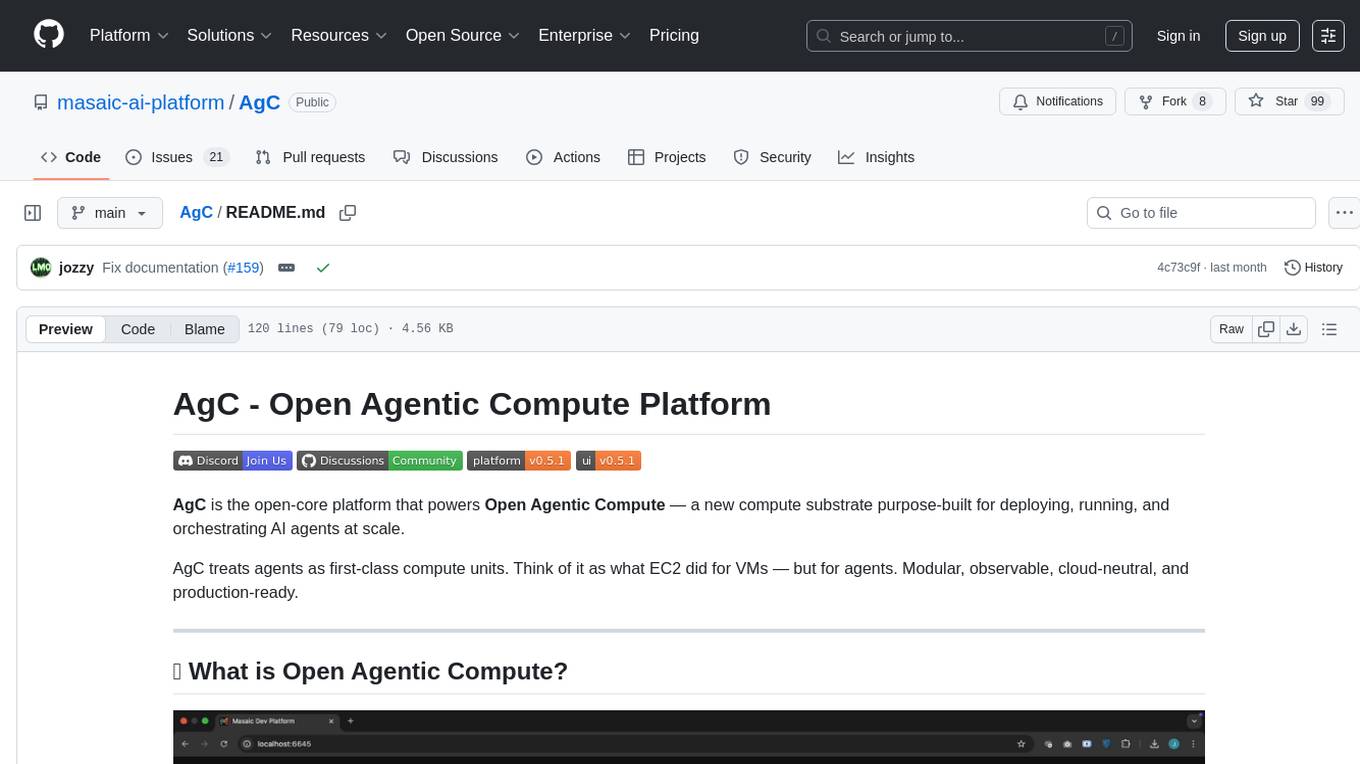
AgC
AgC is an open-core platform designed for deploying, running, and orchestrating AI agents at scale. It treats agents as first-class compute units, providing a modular, observable, cloud-neutral, and production-ready environment. Open Agentic Compute empowers developers and organizations to run agents like cloud-native workloads without lock-in.
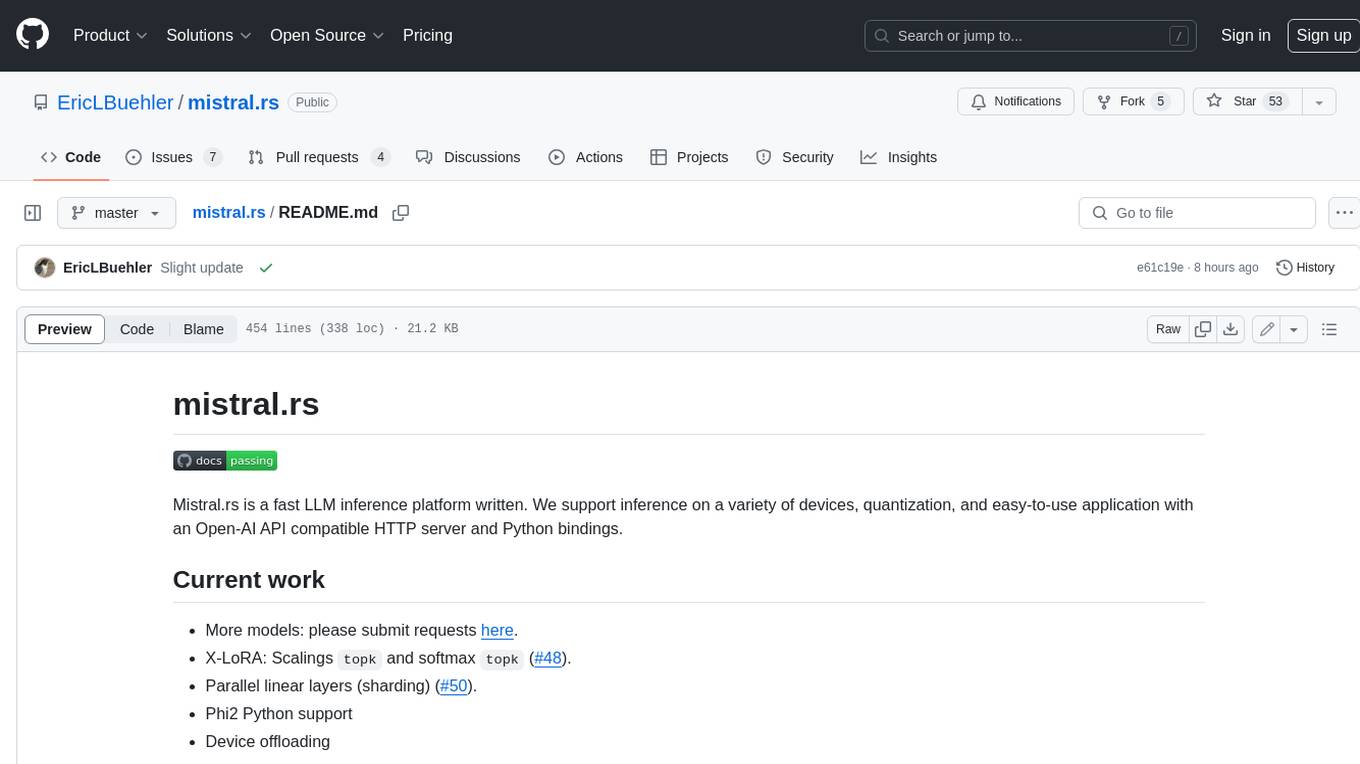
mistral.rs
Mistral.rs is a fast LLM inference platform written in Rust. We support inference on a variety of devices, quantization, and easy-to-use application with an Open-AI API compatible HTTP server and Python bindings.
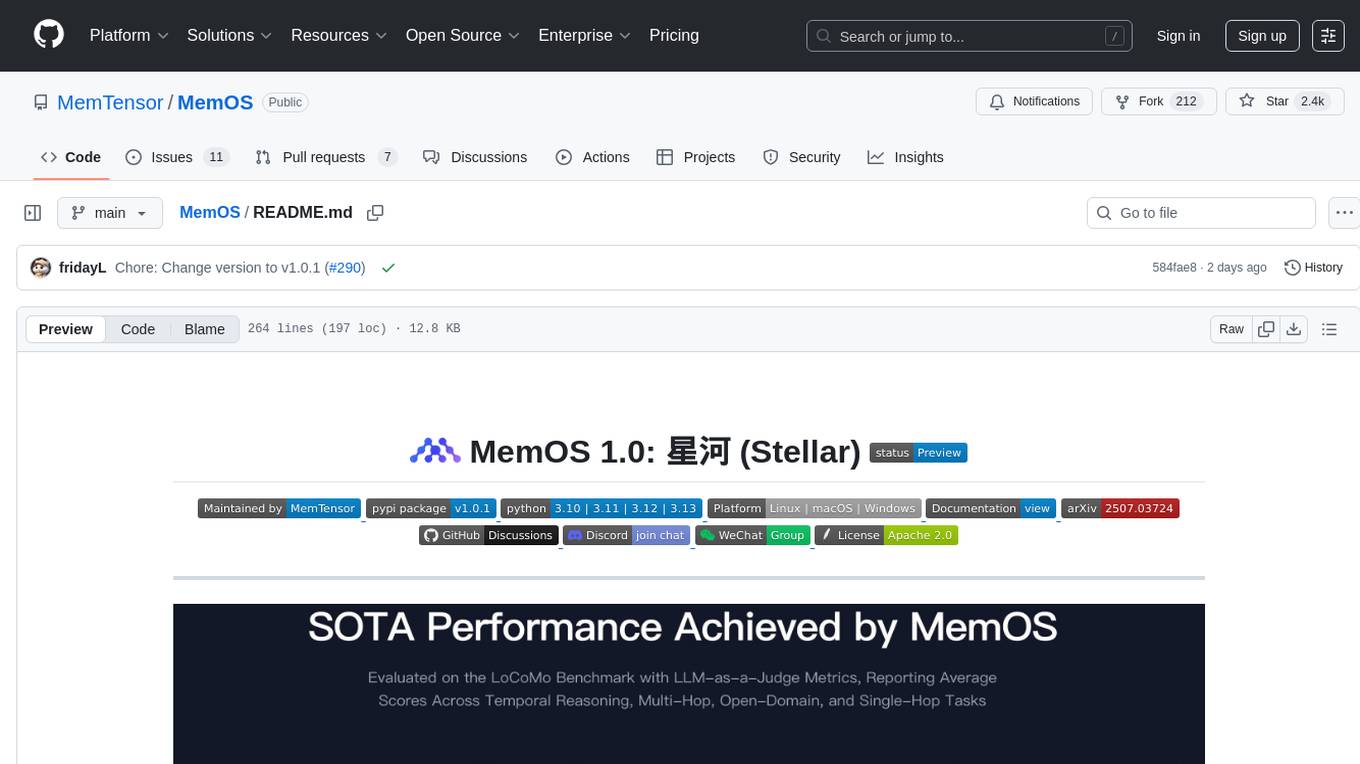
MemOS
MemOS is an operating system for Large Language Models (LLMs) that enhances them with long-term memory capabilities. It allows LLMs to store, retrieve, and manage information, enabling more context-aware, consistent, and personalized interactions. MemOS provides Memory-Augmented Generation (MAG) with a unified API for memory operations, a Modular Memory Architecture (MemCube) for easy integration and management of different memory types, and multiple memory types including Textual Memory, Activation Memory, and Parametric Memory. It is extensible, allowing users to customize memory modules, data sources, and LLM integrations. MemOS demonstrates significant improvements over baseline memory solutions in multiple reasoning tasks, with a notable improvement in temporal reasoning accuracy compared to the OpenAI baseline.
chipper
Chipper provides a web interface, CLI, and architecture for pipelines, document chunking, web scraping, and query workflows. It is built with Haystack, Ollama, Hugging Face, Docker, Tailwind, and ElasticSearch, running locally or as a Dockerized service. Originally created to assist in creative writing, it now offers features like local Ollama and Hugging Face API, ElasticSearch embeddings, document splitting, web scraping, audio transcription, user-friendly CLI, and Docker deployment. The project aims to be educational, beginner-friendly, and a playground for AI exploration and innovation.
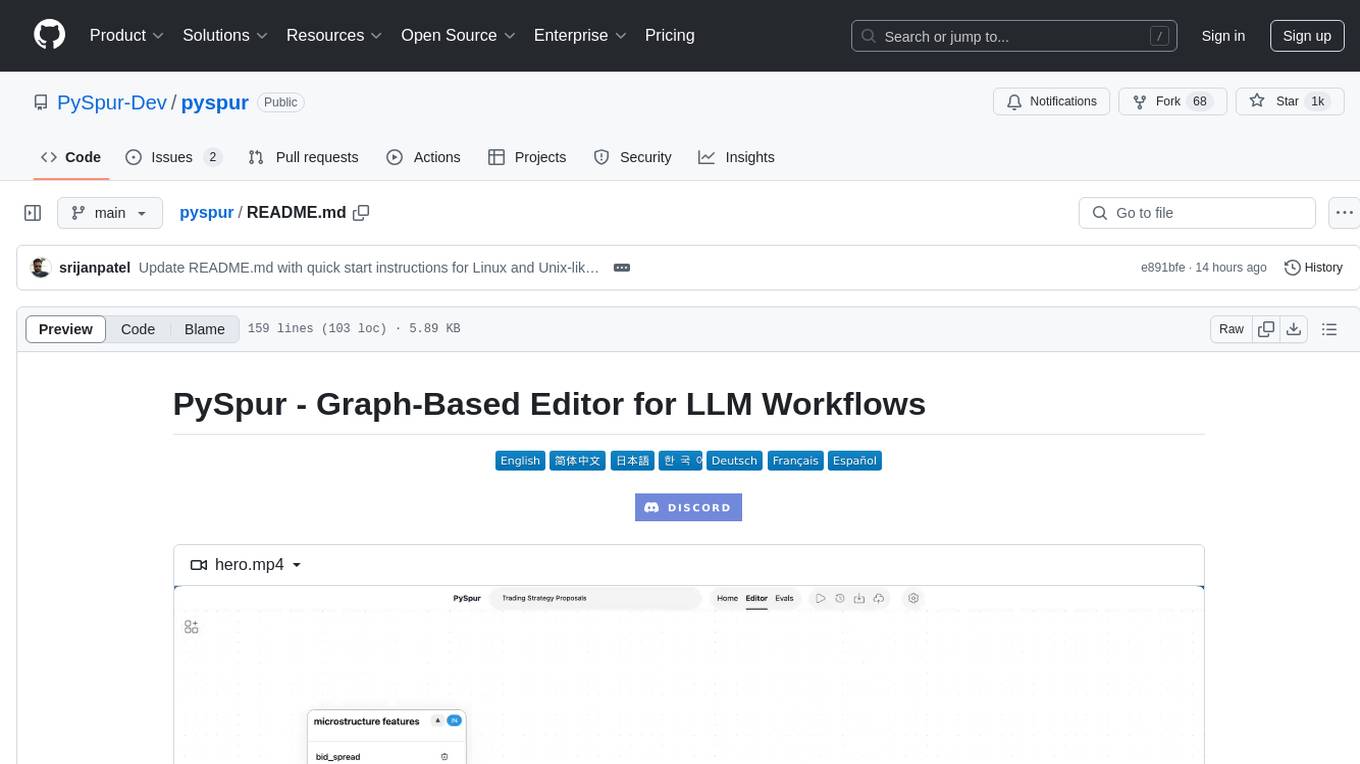
pyspur
PySpur is a graph-based editor designed for LLM (Large Language Models) workflows. It offers modular building blocks, node-level debugging, and performance evaluation. The tool is easy to hack, supports JSON configs for workflow graphs, and is lightweight with minimal dependencies. Users can quickly set up PySpur by cloning the repository, creating a .env file, starting docker services, and accessing the portal. PySpur can also work with local models served using Ollama, with steps provided for configuration. The roadmap includes features like canvas, async/batch execution, support for Ollama, new nodes, pipeline optimization, templates, code compilation, multimodal support, and more.
For similar tasks
starwhale
Starwhale is an MLOps/LLMOps platform that brings efficiency and standardization to machine learning operations. It streamlines the model development lifecycle, enabling teams to optimize workflows around key areas like model building, evaluation, release, and fine-tuning. Starwhale abstracts Model, Runtime, and Dataset as first-class citizens, providing tailored capabilities for common workflow scenarios including Models Evaluation, Live Demo, and LLM Fine-tuning. It is an open-source platform designed for clarity and ease of use, empowering developers to build customized MLOps features tailored to their needs.
transformerlab-app
Transformer Lab is an app that allows users to experiment with Large Language Models by providing features such as one-click download of popular models, finetuning across different hardware, RLHF and Preference Optimization, working with LLMs across different operating systems, chatting with models, using different inference engines, evaluating models, building datasets for training, calculating embeddings, providing a full REST API, running in the cloud, converting models across platforms, supporting plugins, embedded Monaco code editor, prompt editing, inference logs, all through a simple cross-platform GUI.
RD-Agent
RD-Agent is a tool designed to automate critical aspects of industrial R&D processes, focusing on data-driven scenarios to streamline model and data development. It aims to propose new ideas ('R') and implement them ('D') automatically, leading to solutions of significant industrial value. The tool supports scenarios like Automated Quantitative Trading, Data Mining Agent, Research Copilot, and more, with a framework to push the boundaries of research in data science. Users can create a Conda environment, install the RDAgent package from PyPI, configure GPT model, and run various applications for tasks like quantitative trading, model evolution, medical prediction, and more. The tool is intended to enhance R&D processes and boost productivity in industrial settings.
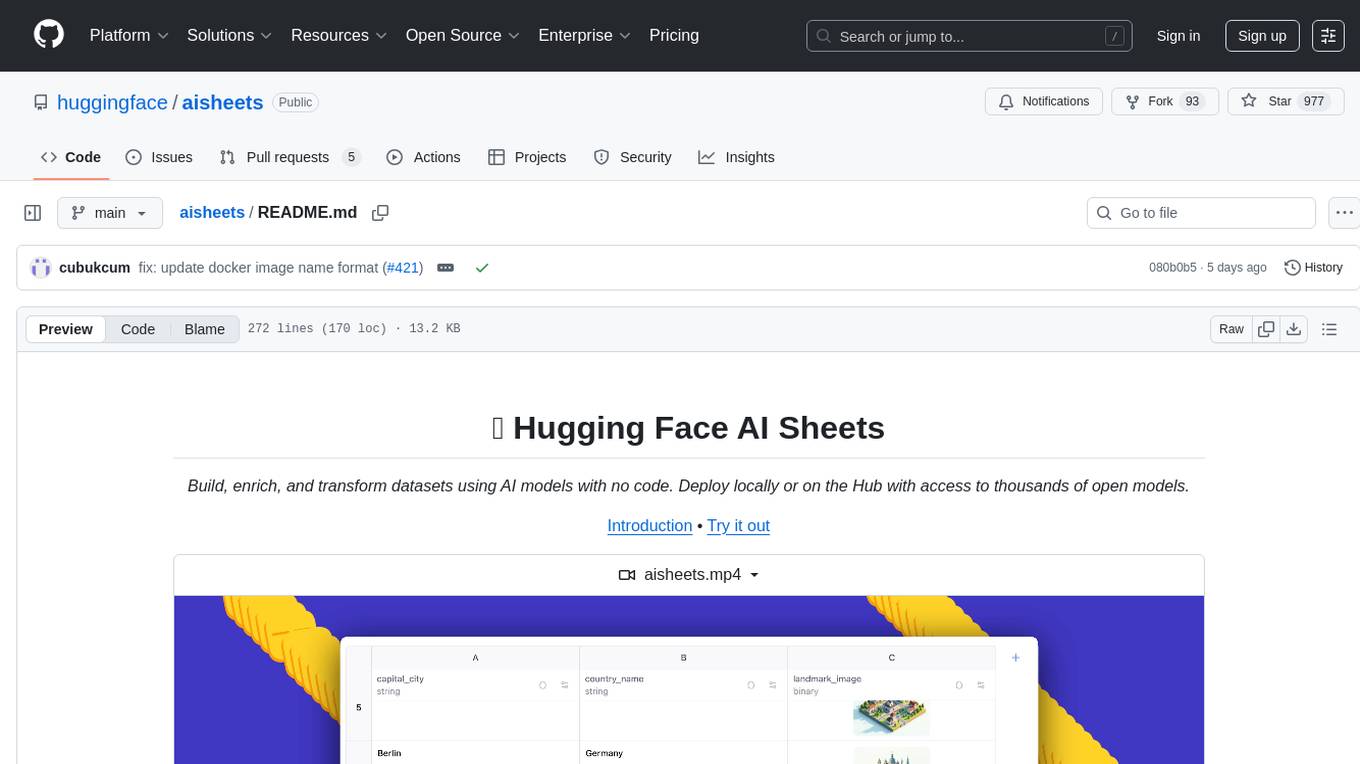
aisheets
Hugging Face AI Sheets is an open-source tool for building, enriching, and transforming datasets using AI models with no code. It can be deployed locally or on the Hub, providing access to thousands of open models. Users can easily generate datasets, run data generation scripts, and customize inference endpoints for text generation. The tool supports custom LLMs and offers advanced configuration options for authentication, inference, and miscellaneous settings. With AI Sheets, users can leverage the power of AI models without writing any code, making dataset management and transformation efficient and accessible.
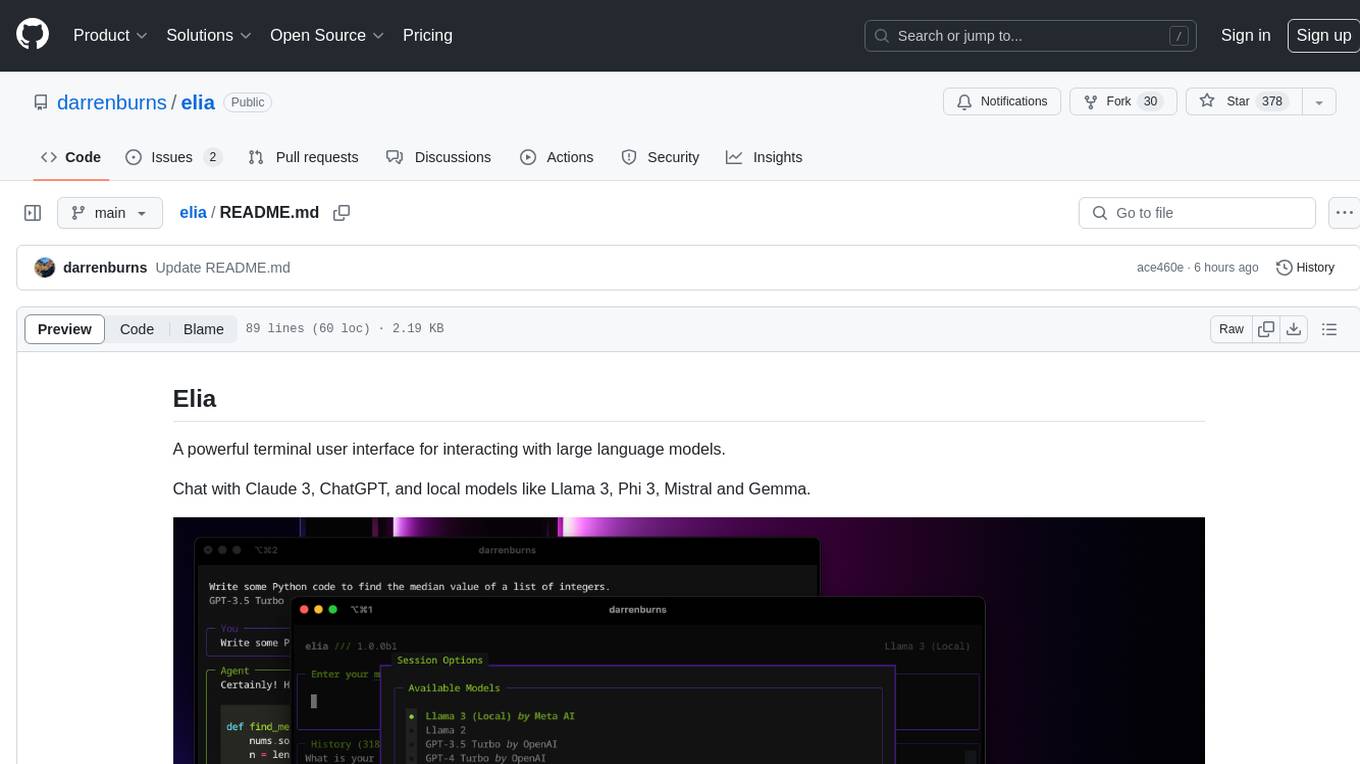
elia
Elia is a powerful terminal user interface designed for interacting with large language models. It allows users to chat with models like Claude 3, ChatGPT, Llama 3, Phi 3, Mistral, and Gemma. Conversations are stored locally in a SQLite database, ensuring privacy. Users can run local models through 'ollama' without data leaving their machine. Elia offers easy installation with pipx and supports various environment variables for different models. It provides a quick start to launch chats and manage local models. Configuration options are available to customize default models, system prompts, and add new models. Users can import conversations from ChatGPT and wipe the database when needed. Elia aims to enhance user experience in interacting with language models through a user-friendly interface.
mistral-inference
Mistral Inference repository contains minimal code to run 7B, 8x7B, and 8x22B models. It provides model download links, installation instructions, and usage guidelines for running models via CLI or Python. The repository also includes information on guardrailing, model platforms, deployment, and references. Users can interact with models through commands like mistral-demo, mistral-chat, and mistral-common. Mistral AI models support function calling and chat interactions for tasks like testing models, chatting with models, and using Codestral as a coding assistant. The repository offers detailed documentation and links to blogs for further information.
LLMFlex
LLMFlex is a python package designed for developing AI applications with local Large Language Models (LLMs). It provides classes to load LLM models, embedding models, and vector databases to create AI-powered solutions with prompt engineering and RAG techniques. The package supports multiple LLMs with different generation configurations, embedding toolkits, vector databases, chat memories, prompt templates, custom tools, and a chatbot frontend interface. Users can easily create LLMs, load embeddings toolkit, use tools, chat with models in a Streamlit web app, and serve an OpenAI API with a GGUF model. LLMFlex aims to offer a simple interface for developers to work with LLMs and build private AI solutions using local resources.
minimal-chat
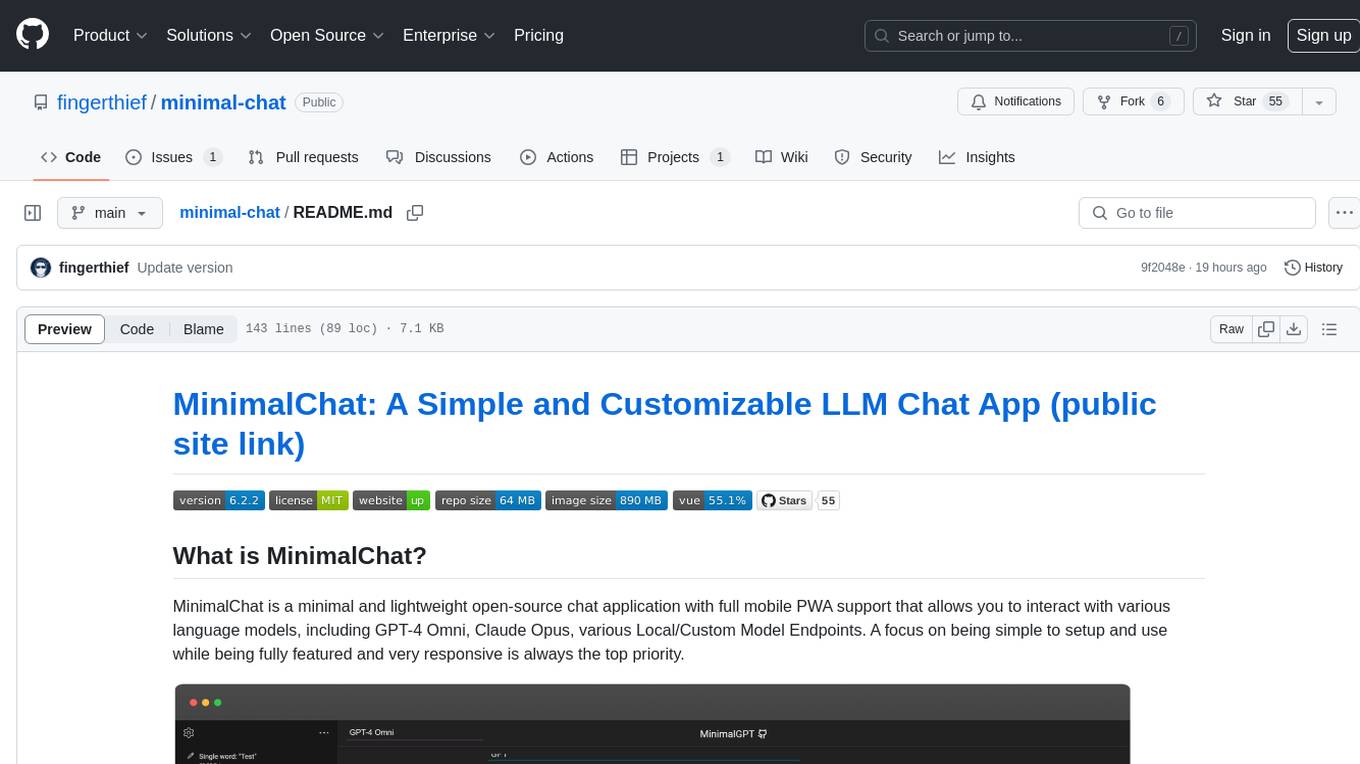
MinimalChat is a minimal and lightweight open-source chat application with full mobile PWA support that allows users to interact with various language models, including GPT-4 Omni, Claude Opus, and various Local/Custom Model Endpoints. It focuses on simplicity in setup and usage while being fully featured and highly responsive. The application supports features like fully voiced conversational interactions, multiple language models, markdown support, code syntax highlighting, DALL-E 3 integration, conversation importing/exporting, and responsive layout for mobile use.
For similar jobs

weave
Weave is a toolkit for developing Generative AI applications, built by Weights & Biases. With Weave, you can log and debug language model inputs, outputs, and traces; build rigorous, apples-to-apples evaluations for language model use cases; and organize all the information generated across the LLM workflow, from experimentation to evaluations to production. Weave aims to bring rigor, best-practices, and composability to the inherently experimental process of developing Generative AI software, without introducing cognitive overhead.

LLMStack
LLMStack is a no-code platform for building generative AI agents, workflows, and chatbots. It allows users to connect their own data, internal tools, and GPT-powered models without any coding experience. LLMStack can be deployed to the cloud or on-premise and can be accessed via HTTP API or triggered from Slack or Discord.

VisionCraft
The VisionCraft API is a free API for using over 100 different AI models. From images to sound.

kaito
Kaito is an operator that automates the AI/ML inference model deployment in a Kubernetes cluster. It manages large model files using container images, avoids tuning deployment parameters to fit GPU hardware by providing preset configurations, auto-provisions GPU nodes based on model requirements, and hosts large model images in the public Microsoft Container Registry (MCR) if the license allows. Using Kaito, the workflow of onboarding large AI inference models in Kubernetes is largely simplified.

PyRIT
PyRIT is an open access automation framework designed to empower security professionals and ML engineers to red team foundation models and their applications. It automates AI Red Teaming tasks to allow operators to focus on more complicated and time-consuming tasks and can also identify security harms such as misuse (e.g., malware generation, jailbreaking), and privacy harms (e.g., identity theft). The goal is to allow researchers to have a baseline of how well their model and entire inference pipeline is doing against different harm categories and to be able to compare that baseline to future iterations of their model. This allows them to have empirical data on how well their model is doing today, and detect any degradation of performance based on future improvements.

tabby
Tabby is a self-hosted AI coding assistant, offering an open-source and on-premises alternative to GitHub Copilot. It boasts several key features: * Self-contained, with no need for a DBMS or cloud service. * OpenAPI interface, easy to integrate with existing infrastructure (e.g Cloud IDE). * Supports consumer-grade GPUs.

spear
SPEAR (Simulator for Photorealistic Embodied AI Research) is a powerful tool for training embodied agents. It features 300 unique virtual indoor environments with 2,566 unique rooms and 17,234 unique objects that can be manipulated individually. Each environment is designed by a professional artist and features detailed geometry, photorealistic materials, and a unique floor plan and object layout. SPEAR is implemented as Unreal Engine assets and provides an OpenAI Gym interface for interacting with the environments via Python.

Magick
Magick is a groundbreaking visual AIDE (Artificial Intelligence Development Environment) for no-code data pipelines and multimodal agents. Magick can connect to other services and comes with nodes and templates well-suited for intelligent agents, chatbots, complex reasoning systems and realistic characters.