


unity-mcp
A Unity MCP server that allows MCP clients like Claude Desktop or Cursor to perform Unity Editor actions.
Stars: 3239
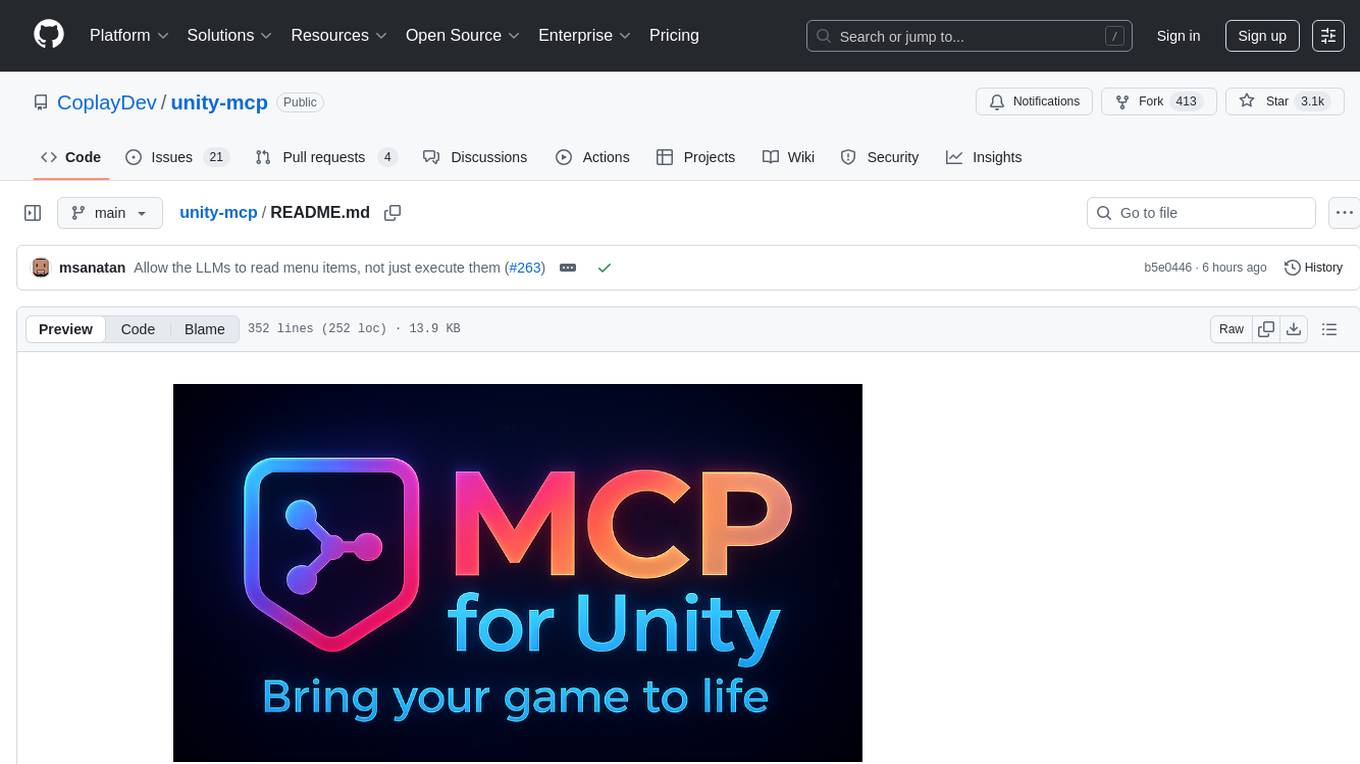
MCP for Unity is a tool that acts as a bridge, enabling AI assistants to interact with the Unity Editor via a local MCP Client. Users can instruct their LLM to manage assets, scenes, scripts, and automate tasks within Unity. The tool offers natural language control, powerful tools for asset management, scene manipulation, and automation of workflows. It is extensible and designed to work with various MCP Clients, providing a range of functions for precise text edits, script management, GameObject operations, and more.
README:
Proudly sponsored and maintained by Coplay -- the best AI assistant for Unity. Read the backstory here.







Create your Unity apps with LLMs!
MCP for Unity acts as a bridge, allowing AI assistants (like Claude, Cursor) to interact directly with your Unity Editor via a local MCP (Model Context Protocol) Client. Give your LLM tools to manage assets, control scenes, edit scripts, and automate tasks within Unity.
💬 Join Our Discord
Get help, share ideas, and collaborate with other MCP for Unity developers!
- 🗣️ Natural Language Control: Instruct your LLM to perform Unity tasks.
- 🛠️ Powerful Tools: Manage assets, scenes, materials, scripts, and editor functions.
- 🤖 Automation: Automate repetitive Unity workflows.
- 🧩 Extensible: Designed to work with various MCP Clients.
Available Tools
Your LLM can use functions like:
-
read_console: Gets messages from or clears the console. -
manage_script: Manages C# scripts (create, read, update, delete). -
manage_editor: Controls and queries the editor's state and settings. -
manage_scene: Manages scenes (load, save, create, get hierarchy, etc.). -
manage_asset: Performs asset operations (import, create, modify, delete, etc.). -
manage_shader: Performs shader CRUD operations (create, read, modify, delete). -
manage_gameobject: Manages GameObjects: create, modify, delete, find, and component operations. -
manage_menu_item: List Unity Editor menu items; and check for their existence or execute them (e.g., execute "File/Save Project"). -
apply_text_edits: Precise text edits with precondition hashes and atomic multi-edit batches. -
script_apply_edits: Structured C# method/class edits (insert/replace/delete) with safer boundaries. -
validate_script: Fast validation (basic/standard) to catch syntax/structure issues before/after writes.
MCP for Unity connects your tools using two components:
- MCP for Unity Bridge: A Unity package running inside the Editor. (Installed via Package Manager).
- MCP for Unity Server: A Python server that runs locally, communicating between the Unity Bridge and your MCP Client. (Installed automatically by the package on first run or via Auto-Setup; manual setup is available as a fallback).
-
Python: Version 3.12 or newer. Download Python
-
Unity Hub & Editor: Version 2021.3 LTS or newer. Download Unity
-
uv (Python toolchain manager):
# macOS / Linux
curl -LsSf https://astral.sh/uv/install.sh | sh

# Windows (PowerShell)
winget install --id=astral-sh.uv  -e

# Docs: https://docs.astral.sh/uv/getting-started/installation/
-
An MCP Client: : Claude Desktop | Claude Code | Cursor | Visual Studio Code Copilot | Windsurf | Others work with manual config
-
[Optional] Roslyn for Advanced Script Validation
For Strict validation level that catches undefined namespaces, types, and methods:
Method 1: NuGet for Unity (Recommended)
- Install NuGetForUnity
- Go to
Window > NuGet Package Manager - Search for
Microsoft.CodeAnalysis.CSharp, select version 3.11.0 and install the package - Go to
Player Settings > Scripting Define Symbols - Add
USE_ROSLYN - Restart Unity
Method 2: Manual DLL Installation
- Download Microsoft.CodeAnalysis.CSharp.dll and dependencies from NuGet
- Place DLLs in
Assets/Plugins/folder - Ensure .NET compatibility settings are correct
- Add
USE_ROSLYNto Scripting Define Symbols - Restart Unity
Note: Without Roslyn, script validation falls back to basic structural checks. Roslyn enables full C# compiler diagnostics with precise error reporting.
- Open your Unity project.
- Go to
Window > Package Manager. - Click
+->Add package from git URL.... - Enter:
https://github.com/CoplayDev/unity-mcp.git?path=/UnityMcpBridge - Click
Add. - The MCP server is installed automatically by the package on first run or via Auto-Setup. If that fails, use Manual Configuration (below).
- Install the OpenUPM CLI
- Open a terminal (PowerShell, Terminal, etc.) and navigate to your Unity project directory
- Run
openupm add com.coplaydev.unity-mcp
Note: If you installed the MCP Server before Coplay's maintenance, you will need to uninstall the old package before re-installing the new one.
Connect your MCP Client (Claude, Cursor, etc.) to the Python server set up in Step 1 (auto) or via Manual Configuration (below).
Option A: Auto-Setup (Recommended for Claude/Cursor/VSC Copilot)
- In Unity, go to
Window > MCP for Unity. - Click
Auto-Setup. - Look for a green status indicator 🟢 and "Connected ✓". (This attempts to modify the MCP Client's config file automatically).
Client-specific troubleshooting
-
VSCode: uses
Code/User/mcp.jsonwith top-levelservers.unityMCPand"type": "stdio". On Windows, MCP for Unity writes an absoluteuv.exe(prefers WinGet Links shim) to avoid PATH issues. -
Cursor / Windsurf (help link): if
uvis missing, the MCP for Unity window shows "uv Not Found" with a quick [HELP] link and a "ChooseuvInstall Location" button. -
Claude Code (help link): if
claudeisn't found, the window shows "Claude Not Found" with [HELP] and a "Choose Claude Location" button. Unregister now updates the UI immediately.
Option B: Manual Configuration
If Auto-Setup fails or you use a different client:
-
Find your MCP Client's configuration file. (Check client documentation).
-
Claude Example (macOS):
~/Library/Application Support/Claude/claude_desktop_config.json -
Claude Example (Windows):
%APPDATA%\Claude\claude_desktop_config.json
-
Claude Example (macOS):
-
Edit the file to add/update the
mcpServerssection, using the exact paths from Step 1.
Click for Client-Specific JSON Configuration Snippets...
Claude Code
If you're using Claude Code, you can register the MCP server using the below commands: 🚨make sure to run these from your Unity project's home directory🚨
macOS:
claude mcp add UnityMCP -- uv --directory /Users/USERNAME/Library/AppSupport/UnityMCP/UnityMcpServer/src run server.pyWindows:
claude mcp add UnityMCP -- "C:/Users/USERNAME/AppData/Local/Microsoft/WinGet/Links/uv.exe" --directory "C:/Users/USERNAME/AppData/Local/UnityMCP/UnityMcpServer/src" run server.pyVSCode (all OS)
{
  "servers": {
    "unityMCP": {
      "command": "uv",
      "args": ["--directory","<ABSOLUTE_PATH_TO>/UnityMcpServer/src","run","server.py"],
      "type": "stdio"
    }
  }
}
On Windows, set command to the absolute shim, e.g. C:\\Users\\YOU\\AppData\\Local\\Microsoft\\WinGet\\Links\\uv.exe.
Windows:
{
  "mcpServers": {
    "UnityMCP": {
      "command": "uv",
      "args": [
        "run",
        "--directory",
        "C:\\Users\\YOUR_USERNAME\\AppData\\Local\\UnityMCP\\UnityMcpServer\\src",
        "server.py"
      ]
    }
    // ... other servers might be here ...
  }
}
(Remember to replace YOUR_USERNAME and use double backslashes \)
macOS:
{
  "mcpServers": {
    "UnityMCP": {
      "command": "uv",
      "args": [
        "run",
        "--directory",
        "/Users/YOUR_USERNAME/Library/AppSupport/UnityMCP/UnityMcpServer/src",
        "server.py"
      ]
    }
    // ... other servers might be here ...
  }
}
(Replace YOUR_USERNAME. Note: AppSupport is a symlink to "Application Support" to avoid quoting issues)
Linux:
{
  "mcpServers": {
    "UnityMCP": {
      "command": "uv",
      "args": [
        "run",
        "--directory",
        "/home/YOUR_USERNAME/.local/share/UnityMCP/UnityMcpServer/src",
        "server.py"
      ]
    }
    // ... other servers might be here ...
  }
}
(Replace YOUR_USERNAME)
-
Open your Unity Project. The MCP for Unity package should connect automatically. Check status via Window > MCP for Unity.
-
Start your MCP Client (Claude, Cursor, etc.). It should automatically launch the MCP for Unity Server (Python) using the configuration from Installation Step 2.
-
Interact! Unity tools should now be available in your MCP Client.
Example Prompt:
Create a 3D player controller,Create a tic-tac-toe game in 3D,Create a cool shader and apply to a cube.
If you're contributing to MCP for Unity or want to test core changes, we have development tools to streamline your workflow:
- Development Deployment Scripts: Quickly deploy and test your changes to MCP for Unity Bridge and Python Server
- Automatic Backup System: Safe testing with easy rollback capabilities
- Hot Reload Workflow: Fast iteration cycle for core development
📖 See README-DEV.md for complete development setup and workflow documentation.
Help make MCP for Unity better!
- Fork the main repository.
-
Create a branch (
feature/your-ideaorbugfix/your-fix). - Make changes.
- Commit (feat: Add cool new feature).
- Push your branch.
- Open a Pull Request against the main branch.
Unity MCP includes privacy-focused, anonymous telemetry to help us improve the product. We collect usage analytics and performance data, but never your code, project names, or personal information.
- 🔒 Anonymous: Random UUIDs only, no personal data
-
🚫 Easy opt-out: Set
DISABLE_TELEMETRY=trueenvironment variable - 📖 Transparent: See TELEMETRY.md for full details
Your privacy matters to us. All telemetry is optional and designed to respect your workflow.
Click to view common issues and fixes...
-
Unity Bridge Not Running/Connecting:
- Ensure Unity Editor is open.
- Check the status window: Window > MCP for Unity.
- Restart Unity.
-
MCP Client Not Connecting / Server Not Starting:
-
Verify Server Path: Double-check the --directory path in your MCP Client's JSON config. It must exactly match the installation location:
-
Windows:
%USERPROFILE%\AppData\Local\UnityMCP\UnityMcpServer\src -
macOS:
~/Library/AppSupport/UnityMCP/UnityMcpServer\src -
Linux:
~/.local/share/UnityMCP/UnityMcpServer\src
-
Windows:
-
Verify uv: Make sure
uvis installed and working (uv --version). -
Run Manually: Try running the server directly from the terminal to see errors:
cd /path/to/your/UnityMCP/UnityMcpServer/src
uv run server.py
-
Verify Server Path: Double-check the --directory path in your MCP Client's JSON config. It must exactly match the installation location:
-
Auto-Configure Failed:
- Use the Manual Configuration steps. Auto-configure might lack permissions to write to the MCP client's config file.
Still stuck? Open an Issue or Join the Discord!
MIT License. See LICENSE file.

For Tasks:
Click tags to check more tools for each tasksFor Jobs:
Alternative AI tools for unity-mcp
Similar Open Source Tools
unity-mcp
MCP for Unity is a tool that acts as a bridge, enabling AI assistants to interact with the Unity Editor via a local MCP Client. Users can instruct their LLM to manage assets, scenes, scripts, and automate tasks within Unity. The tool offers natural language control, powerful tools for asset management, scene manipulation, and automation of workflows. It is extensible and designed to work with various MCP Clients, providing a range of functions for precise text edits, script management, GameObject operations, and more.
aider-desk
AiderDesk is a desktop application that enhances coding workflow by leveraging AI capabilities. It offers an intuitive GUI, project management, IDE integration, MCP support, settings management, cost tracking, structured messages, visual file management, model switching, code diff viewer, one-click reverts, and easy sharing. Users can install it by downloading the latest release and running the executable. AiderDesk also supports Python version detection and auto update disabling. It includes features like multiple project management, context file management, model switching, chat mode selection, question answering, cost tracking, MCP server integration, and MCP support for external tools and context. Development setup involves cloning the repository, installing dependencies, running in development mode, and building executables for different platforms. Contributions from the community are welcome following specific guidelines.
uLoopMCP
uLoopMCP is a Unity integration tool designed to let AI drive your Unity project forward with minimal human intervention. It provides a 'self-hosted development loop' where an AI can compile, run tests, inspect logs, and fix issues using tools like compile, run-tests, get-logs, and clear-console. It also allows AI to operate the Unity Editor itself—creating objects, calling menu items, inspecting scenes, and refining UI layouts from screenshots via tools like execute-dynamic-code, execute-menu-item, and capture-window. The tool enables AI-driven development loops to run autonomously inside existing Unity projects.
rkllama
RKLLama is a server and client tool designed for running and interacting with LLM models optimized for Rockchip RK3588(S) and RK3576 platforms. It allows models to run on the NPU, with features such as running models on NPU, partial Ollama API compatibility, pulling models from Huggingface, API REST with documentation, dynamic loading/unloading of models, inference requests with streaming modes, simplified model naming, CPU model auto-detection, and optional debug mode. The tool supports Python 3.8 to 3.12 and has been tested on Orange Pi 5 Pro and Orange Pi 5 Plus with specific OS versions.
Groqqle
Groqqle 2.1 is a revolutionary, free AI web search and API that instantly returns ORIGINAL content derived from source articles, websites, videos, and even foreign language sources, for ANY target market of ANY reading comprehension level! It combines the power of large language models with advanced web and news search capabilities, offering a user-friendly web interface, a robust API, and now a powerful Groqqle_web_tool for seamless integration into your projects. Developers can instantly incorporate Groqqle into their applications, providing a powerful tool for content generation, research, and analysis across various domains and languages.
docs-mcp-server
The docs-mcp-server repository contains the server-side code for the documentation management system. It provides functionalities for managing, storing, and retrieving documentation files. Users can upload, update, and delete documents through the server. The server also supports user authentication and authorization to ensure secure access to the documentation system. Additionally, the server includes APIs for integrating with other systems and tools, making it a versatile solution for managing documentation in various projects and organizations.
CyberStrikeAI
CyberStrikeAI is an AI-native security testing platform built in Go that integrates 100+ security tools, an intelligent orchestration engine, role-based testing with predefined security roles, a skills system with specialized testing skills, and comprehensive lifecycle management capabilities. It enables end-to-end automation from conversational commands to vulnerability discovery, attack-chain analysis, knowledge retrieval, and result visualization, delivering an auditable, traceable, and collaborative testing environment for security teams. The platform features an AI decision engine with OpenAI-compatible models, native MCP implementation with various transports, prebuilt tool recipes, large-result pagination, attack-chain graph, password-protected web UI, knowledge base with vector search, vulnerability management, batch task management, role-based testing, and skills system.
openai-edge-tts
This project provides a local, OpenAI-compatible text-to-speech (TTS) API using `edge-tts`. It emulates the OpenAI TTS endpoint (`/v1/audio/speech`), enabling users to generate speech from text with various voice options and playback speeds, just like the OpenAI API. `edge-tts` uses Microsoft Edge's online text-to-speech service, making it completely free. The project supports multiple audio formats, adjustable playback speed, and voice selection options, providing a flexible and customizable TTS solution for users.
tingly-box
Tingly Box is a tool that helps in deciding which model to call, compressing context, and routing requests efficiently. It offers secure, reliable, and customizable functional extensions. With features like unified API, smart routing, context compression, auto API translation, blazing fast performance, flexible authentication, visual control panel, and client-side usage stats, Tingly Box provides a comprehensive solution for managing AI models and tokens. It supports integration with various IDEs, CLI tools, SDKs, and AI applications, making it versatile and easy to use. The tool also allows seamless integration with OAuth providers like Claude Code, enabling users to utilize existing quotas in OpenAI-compatible tools. Tingly Box aims to simplify AI model management and usage by providing a single endpoint for multiple providers with minimal configuration, promoting seamless integration with SDKs and CLI tools.
text-extract-api
The text-extract-api is a powerful tool that allows users to convert images, PDFs, or Office documents to Markdown text or JSON structured documents with high accuracy. It is built using FastAPI and utilizes Celery for asynchronous task processing, with Redis for caching OCR results. The tool provides features such as PDF/Office to Markdown and JSON conversion, improving OCR results with LLama, removing Personally Identifiable Information from documents, distributed queue processing, caching using Redis, switchable storage strategies, and a CLI tool for task management. Users can run the tool locally or on cloud services, with support for GPU processing. The tool also offers an online demo for testing purposes.
Visionatrix
Visionatrix is a project aimed at providing easy use of ComfyUI workflows. It offers simplified setup and update processes, a minimalistic UI for daily workflow use, stable workflows with versioning and update support, scalability for multiple instances and task workers, multiple user support with integration of different user backends, LLM power for integration with Ollama/Gemini, and seamless integration as a service with backend endpoints and webhook support. The project is approaching version 1.0 release and welcomes new ideas for further implementation.
open-edison
OpenEdison is a secure MCP control panel that connects AI to data/software with additional security controls to reduce data exfiltration risks. It helps address the lethal trifecta problem by providing visibility, monitoring potential threats, and alerting on data interactions. The tool offers features like data leak monitoring, controlled execution, easy configuration, visibility into agent interactions, a simple API, and Docker support. It integrates with LangGraph, LangChain, and plain Python agents for observability and policy enforcement. OpenEdison helps gain observability, control, and policy enforcement for AI interactions with systems of records, existing company software, and data to reduce risks of AI-caused data leakage.

LEANN
LEANN is an innovative vector database that democratizes personal AI, transforming your laptop into a powerful RAG system that can index and search through millions of documents using 97% less storage than traditional solutions without accuracy loss. It achieves this through graph-based selective recomputation and high-degree preserving pruning, computing embeddings on-demand instead of storing them all. LEANN allows semantic search of file system, emails, browser history, chat history, codebase, or external knowledge bases on your laptop with zero cloud costs and complete privacy. It is a drop-in semantic search MCP service fully compatible with Claude Code, enabling intelligent retrieval without changing your workflow.
nanocoder
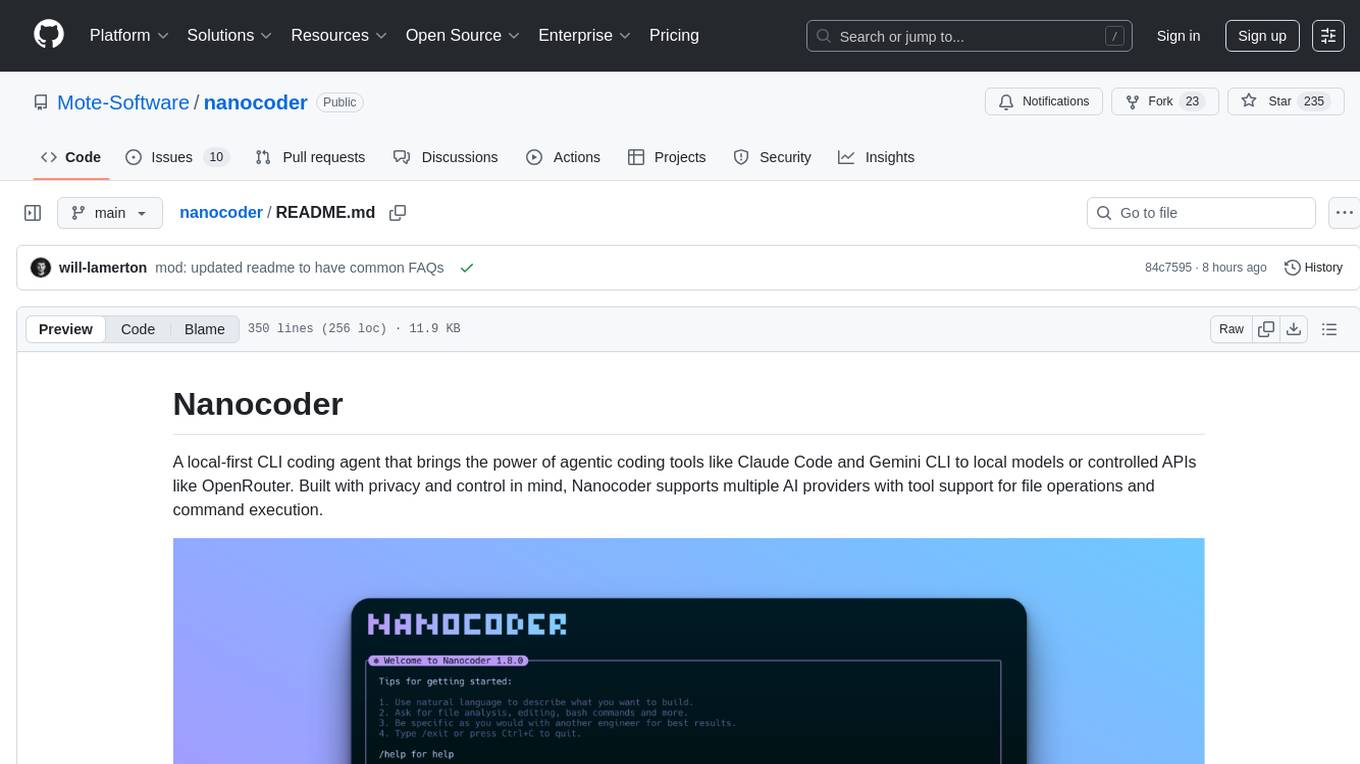
Nanocoder is a local-first CLI coding agent that supports multiple AI providers with tool support for file operations and command execution. It focuses on privacy and control, allowing users to code locally with AI tools. The tool is designed to bring the power of agentic coding tools to local models or controlled APIs like OpenRouter, promoting community-led development and inclusive collaboration in the AI coding space.

ebook2audiobook
ebook2audiobook is a CPU/GPU converter tool that converts eBooks to audiobooks with chapters and metadata using tools like Calibre, ffmpeg, XTTSv2, and Fairseq. It supports voice cloning and a wide range of languages. The tool is designed to run on 4GB RAM and provides a new v2.0 Web GUI interface for user-friendly interaction. Users can convert eBooks to text format, split eBooks into chapters, and utilize high-quality text-to-speech functionalities. Supported languages include Arabic, Chinese, English, French, German, Hindi, and many more. The tool can be used for legal, non-DRM eBooks only and should be used responsibly in compliance with applicable laws.
probe
Probe is an AI-friendly, fully local, semantic code search tool designed to power the next generation of AI coding assistants. It combines the speed of ripgrep with the code-aware parsing of tree-sitter to deliver precise results with complete code blocks, making it perfect for large codebases and AI-driven development workflows. Probe supports various features like AI-friendly code extraction, fully local operation without external APIs, fast scanning of large codebases, accurate code structure parsing, re-rankers and NLP methods for better search results, multi-language support, interactive AI chat mode, and flexibility to run as a CLI tool, MCP server, or interactive AI chat.
For similar tasks
unity-mcp
MCP for Unity is a tool that acts as a bridge, enabling AI assistants to interact with the Unity Editor via a local MCP Client. Users can instruct their LLM to manage assets, scenes, scripts, and automate tasks within Unity. The tool offers natural language control, powerful tools for asset management, scene manipulation, and automation of workflows. It is extensible and designed to work with various MCP Clients, providing a range of functions for precise text edits, script management, GameObject operations, and more.
For similar jobs

promptflow
**Prompt flow** is a suite of development tools designed to streamline the end-to-end development cycle of LLM-based AI applications, from ideation, prototyping, testing, evaluation to production deployment and monitoring. It makes prompt engineering much easier and enables you to build LLM apps with production quality.

deepeval
DeepEval is a simple-to-use, open-source LLM evaluation framework specialized for unit testing LLM outputs. It incorporates various metrics such as G-Eval, hallucination, answer relevancy, RAGAS, etc., and runs locally on your machine for evaluation. It provides a wide range of ready-to-use evaluation metrics, allows for creating custom metrics, integrates with any CI/CD environment, and enables benchmarking LLMs on popular benchmarks. DeepEval is designed for evaluating RAG and fine-tuning applications, helping users optimize hyperparameters, prevent prompt drifting, and transition from OpenAI to hosting their own Llama2 with confidence.

MegaDetector
MegaDetector is an AI model that identifies animals, people, and vehicles in camera trap images (which also makes it useful for eliminating blank images). This model is trained on several million images from a variety of ecosystems. MegaDetector is just one of many tools that aims to make conservation biologists more efficient with AI. If you want to learn about other ways to use AI to accelerate camera trap workflows, check out our of the field, affectionately titled "Everything I know about machine learning and camera traps".

leapfrogai
LeapfrogAI is a self-hosted AI platform designed to be deployed in air-gapped resource-constrained environments. It brings sophisticated AI solutions to these environments by hosting all the necessary components of an AI stack, including vector databases, model backends, API, and UI. LeapfrogAI's API closely matches that of OpenAI, allowing tools built for OpenAI/ChatGPT to function seamlessly with a LeapfrogAI backend. It provides several backends for various use cases, including llama-cpp-python, whisper, text-embeddings, and vllm. LeapfrogAI leverages Chainguard's apko to harden base python images, ensuring the latest supported Python versions are used by the other components of the stack. The LeapfrogAI SDK provides a standard set of protobuffs and python utilities for implementing backends and gRPC. LeapfrogAI offers UI options for common use-cases like chat, summarization, and transcription. It can be deployed and run locally via UDS and Kubernetes, built out using Zarf packages. LeapfrogAI is supported by a community of users and contributors, including Defense Unicorns, Beast Code, Chainguard, Exovera, Hypergiant, Pulze, SOSi, United States Navy, United States Air Force, and United States Space Force.

llava-docker
This Docker image for LLaVA (Large Language and Vision Assistant) provides a convenient way to run LLaVA locally or on RunPod. LLaVA is a powerful AI tool that combines natural language processing and computer vision capabilities. With this Docker image, you can easily access LLaVA's functionalities for various tasks, including image captioning, visual question answering, text summarization, and more. The image comes pre-installed with LLaVA v1.2.0, Torch 2.1.2, xformers 0.0.23.post1, and other necessary dependencies. You can customize the model used by setting the MODEL environment variable. The image also includes a Jupyter Lab environment for interactive development and exploration. Overall, this Docker image offers a comprehensive and user-friendly platform for leveraging LLaVA's capabilities.

carrot
The 'carrot' repository on GitHub provides a list of free and user-friendly ChatGPT mirror sites for easy access. The repository includes sponsored sites offering various GPT models and services. Users can find and share sites, report errors, and access stable and recommended sites for ChatGPT usage. The repository also includes a detailed list of ChatGPT sites, their features, and accessibility options, making it a valuable resource for ChatGPT users seeking free and unlimited GPT services.

TrustLLM
TrustLLM is a comprehensive study of trustworthiness in LLMs, including principles for different dimensions of trustworthiness, established benchmark, evaluation, and analysis of trustworthiness for mainstream LLMs, and discussion of open challenges and future directions. Specifically, we first propose a set of principles for trustworthy LLMs that span eight different dimensions. Based on these principles, we further establish a benchmark across six dimensions including truthfulness, safety, fairness, robustness, privacy, and machine ethics. We then present a study evaluating 16 mainstream LLMs in TrustLLM, consisting of over 30 datasets. The document explains how to use the trustllm python package to help you assess the performance of your LLM in trustworthiness more quickly. For more details about TrustLLM, please refer to project website.

AI-YinMei
AI-YinMei is an AI virtual anchor Vtuber development tool (N card version). It supports fastgpt knowledge base chat dialogue, a complete set of solutions for LLM large language models: [fastgpt] + [one-api] + [Xinference], supports docking bilibili live broadcast barrage reply and entering live broadcast welcome speech, supports Microsoft edge-tts speech synthesis, supports Bert-VITS2 speech synthesis, supports GPT-SoVITS speech synthesis, supports expression control Vtuber Studio, supports painting stable-diffusion-webui output OBS live broadcast room, supports painting picture pornography public-NSFW-y-distinguish, supports search and image search service duckduckgo (requires magic Internet access), supports image search service Baidu image search (no magic Internet access), supports AI reply chat box [html plug-in], supports AI singing Auto-Convert-Music, supports playlist [html plug-in], supports dancing function, supports expression video playback, supports head touching action, supports gift smashing action, supports singing automatic start dancing function, chat and singing automatic cycle swing action, supports multi scene switching, background music switching, day and night automatic switching scene, supports open singing and painting, let AI automatically judge the content.