


twick
AI-powered video editor SDK built with React. Features canvas timeline, drag-and-drop editing, AI captions, and serverless MP4 export. Perfect for building custom video apps.
Stars: 374
Twick is a comprehensive video editing toolkit built with modern web technologies. It is a monorepo containing multiple packages for video and image manipulation. The repository includes core utilities for media handling, a React-based canvas library for video and image editing, a video visualization and animation toolkit, a React component for video playback and control, timeline management and editing capabilities, a React-based video editor, and example implementations and usage demonstrations. Twick provides detailed API documentation and module information for developers. It offers easy integration with existing projects and allows users to build videos using the Twick Studio. The project follows a comprehensive style guide for naming conventions and code style across all packages.
README:
Twick is an open-source React Video Editor Library & SDK featuring AI caption generation, timeline editing, canvas tools, and MP4 export for building custom video applications.
Twick enables developers to build professional video editing experiences with AI-powered caption generation, real-time timeline editing, and serverless video rendering. It combines React-based canvas tools, AI caption generation using Google Vertex AI (Gemini), and cloud-native MP4 export—all in TypeScript. Whether you're building a video SaaS, content creation platform, or automated video pipeline, Twick provides the React video editor components you need to ship fast.
Key features:
- AI caption generation
- React timeline editor
- Canvas-based video editing
- Client-side rendering
- Serverless MP4 export
- Open-source video SDK


The fastest way to reach the maintainers, ask implementation questions, discuss ideas, and share feedback:

We actively monitor Discord for:
- Integration help (React, Next.js, Node, cloud functions)
- Bug reports and troubleshooting
- Feature requests and roadmap feedback
Twick is a modular React video editor library and cloud toolchain that helps you:
- Build timeline-based editors with React
- Add AI captions and transcripts to any video
- Render MP4s using browser WebCodecs or server-side FFmpeg
- Integrate video editing into SaaS products, internal tools, or automation pipelines
- React / Frontend engineers building video editing or timeline UIs
- AI / ML teams adding transcription, captioning, or video automation
- Product / Indie founders shipping video products without building video infra from scratch
- Platform teams standardizing video processing across services
Not a fit: non-technical creators looking for a ready-made consumer editor. Twick is a developer SDK.
Twick Studio (full editor UI) — Professional React-based video editor with timeline, canvas, and export.

AI Caption Generator — Paste a video URL, get AI-generated captions and timed tracks.

-
@twick/studio– All-in-one, production-ready React video editor UI -
@twick/canvas– Fabric.js-based canvas tools for video/image editing -
@twick/timeline– Timeline model, tracks, operations, and undo/redo -
@twick/live-player– Video playback synchronized with timeline state -
@twick/browser-render– WebCodecs-based browser MP4 rendering (uses@twick/ffmpeg-webfor audio muxing) -
@twick/ffmpeg-web– FFmpeg.wasm wrapper for webpack, Next.js, CRA, and Vite (used by@twick/browser-render) -
@twick/render-server– Node + Puppeteer + FFmpeg rendering server -
@twick/cloud-transcript– AI transcription to JSON captions -
@twick/cloud-caption-video– Fully automated caption project generation from a video URL -
@twick/cloud-export-video– Serverless MP4 export via AWS Lambda containers -
@twick/mcp-agent– MCP agent for Claude Desktop + Twick Studio workflows
See the full documentation for detailed APIs and examples.
Clone and run the demos locally. Two example apps are included:
Vite (recommended) – packages/examples
Uses the @twick/browser-render Vite plugin so FFmpeg and WASM assets are copied to public/ automatically.
git clone https://github.com/ncounterspecialist/twick.git
cd twick

pnpm install
pnpm build
pnpm --filter=@twick/examples preview
Then open http://localhost:4173 (or the port shown) in your browser.
Create React App – packages/examples-cra
Uses a copy script before start/build so the same assets are available without Vite.
pnpm install
pnpm --filter=@twick/examples-cra build
pnpm --filter=@twick/examples-cra start
Both run smoothly with no manual copying of FFmpeg or WASM files.
Running the examples
| App | Path | Command to run |
|---|---|---|
| Vite | packages/examples |
pnpm --filter=@twick/examples dev or pnpm --filter=@twick/examples preview (after build) |
| Create React App | packages/examples-cra |
pnpm --filter=@twick/examples-cra start (prestart copies assets automatically) |
The Vite examples use twickBrowserRenderPlugin() in vite.config.ts; the CRA examples use prestart/prebuild to run @twick/browser-render/scripts/copy-public-assets.js. In both cases, FFmpeg and WASM files are handled for you.
Install the main editor studio package (it pulls in the required timeline and player dependencies):
npm install --save @twick/studio
# or
pnpm add @twick/studio
Minimal integration:
import { LivePlayerProvider } from "@twick/live-player";
import { TwickStudio } from "@twick/studio";
import { TimelineProvider, INITIAL_TIMELINE_DATA } from "@twick/timeline";
import "@twick/studio/dist/studio.css";

export default function App() {
  return (
    <LivePlayerProvider>
      <TimelineProvider
        initialData={INITIAL_TIMELINE_DATA}
        contextId="studio-demo"
      >
        <TwickStudio
          studioConfig={{
            videoProps: {
              width: 720,
              height: 1280,
            },
          }}
        />
      </TimelineProvider>
    </LivePlayerProvider>
  );
}
For Next.js or more advanced setups, refer to the docs.
Storage upload (S3 / GCS) – To let users upload media from Studio panels to cloud storage, set studioConfig.uploadConfig with uploadApiUrl and provider ("s3" or "gcs"). Configure backend env (S3: file-uploader vars; GCS: GOOGLE_CLOUD_* / gc.utils) and apply CORS to your bucket. See AI_Builder.md and packages/cloud-functions/cors/.
Twick supports two primary export paths:
-
Browser rendering (
@twick/browser-render)- Client-side export using WebCodecs API for video encoding + FFmpeg.wasm for audio/video muxing
- Best for short clips, previews, prototypes, and environments without backend infra
-
Server rendering (
@twick/render-server)- Node-based rendering with Puppeteer + FFmpeg
- Best for production workloads, long videos, and full audio support
High-level guidance:
-
Development / prototyping: start with
@twick/browser-render -
Production: use
@twick/render-server(or@twick/cloud-export-videoon AWS Lambda)
See the individual package READMEs for full examples and configuration.
Installation
npm install @twick/browser-render
# or
pnpm add @twick/browser-render
React hook usage with Twick Studio
import { useBrowserRenderer, type BrowserRenderConfig } from "@twick/browser-render";
import { TwickStudio, LivePlayerProvider, TimelineProvider, INITIAL_TIMELINE_DATA } from "@twick/studio";
import "@twick/studio/dist/studio.css";
import { useState } from "react";

export default function VideoEditor() {
  const { render, progress, isRendering, error, reset } = useBrowserRenderer({
    width: 720,
    height: 1280,
    includeAudio: true,
    autoDownload: true,
  });

  const [showSuccess, setShowSuccess] = useState(false);

  const onExportVideo = async (project, videoSettings) => {
    try {
      const variables = {
        input: {
          ...project,
          properties: {
            width: videoSettings.resolution.width || 720,
            height: videoSettings.resolution.height || 1280,
            fps: videoSettings.fps || 30,
          },
        },
      } as BrowserRenderConfig["variables"];

      const videoBlob = await render(variables);

      if (videoBlob) {
        setShowSuccess(true);
        return { status: true, message: "Video exported successfully!" };
      }
    } catch (err: any) {
      return { status: false, message: err.message };
    }
  };

  return (
    <LivePlayerProvider>
      <TimelineProvider initialData={INITIAL_TIMELINE_DATA} contextId="studio">
        <TwickStudio
          studioConfig={{
            exportVideo: onExportVideo,
            videoProps: { width: 720, height: 1280 },
          }}
        />

        {/* Progress Overlay */}
        {isRendering && (
          <div className="rendering-overlay">
            <div>Rendering... {Math.round(progress * 100)}%</div>
            <progress value={progress} max={1} />
          </div>
        )}

        {/* Error Display */}
        {error && (
          <div className="error-message">
            {error.message}
            <button onClick={reset}>Close</button>
          </div>
        )}
      </TimelineProvider>
    </LivePlayerProvider>
  );
}
Public assets (FFmpeg, WASM) – run smoothly
Browser rendering uses @twick/ffmpeg-web for FFmpeg-based audio muxing. FFmpeg core and mp4-wasm are loaded from your app’s same-origin paths first, then from CDN if not found, so you often don’t need to copy anything:
-
Vite – Add the plugin to copy assets on dev/build (recommended for offline or custom paths):
// vite.config.ts
import { twickBrowserRenderPlugin } from '@twick/browser-render/vite-plugin-ffmpeg';
export default defineConfig({ plugins: [twickBrowserRenderPlugin(), /* ... */] });
-
Create React App or other bundlers – Optional: run the copy script before
start/buildto serve assets from your app instead of CDN:"prestart": "node node_modules/@twick/browser-render/scripts/copy-public-assets.js", "prebuild": "node node_modules/@twick/browser-render/scripts/copy-public-assets.js"
See the @twick/browser-render README for manual setup and troubleshooting.
Limitations (summary)
- Requires WebCodecs (Chrome / Edge; not Firefox / Safari)
- Audio/video muxing uses FFmpeg.wasm via
@twick/ffmpeg-web(same-origin or CDN; plugin or copy script optional for offline) - Limited by client device resources and memory
- Long or complex renders are better handled on the server
For full details, see the @twick/browser-render README.
Installation
npm install @twick/render-server
# or
pnpm add @twick/render-server
Quick start – scaffold a server
npx @twick/render-server init
cd twick-render-server
npm install
npm run dev
This creates an Express server with:
-
POST /api/render-video– render Twick projects to MP4 -
GET /download/:filename– download rendered videos (with rate limiting)
Programmatic usage
import { renderTwickVideo } from "@twick/render-server";

const videoPath = await renderTwickVideo(
  {
    input: {
      properties: {
        width: 1920,
        height: 1080,
        fps: 30,
      },
      tracks: [
        {
          id: "track-1",
          type: "element",
          elements: [
            {
              id: "text-1",
              type: "text",
              s: 0,
              e: 5,
              props: {
                text: "Hello World",
                fill: "#FFFFFF",
              },
            },
          ],
        },
      ],
    },
  },
  {
    outFile: "output.mp4",
    quality: "high",
    outDir: "./videos",
  }
);

console.log("Video rendered:", videoPath);
Integrate server export with Twick Studio
import { TwickStudio, LivePlayerProvider, TimelineProvider } from "@twick/studio";

export default function VideoEditor() {
  const onExportVideo = async (project, videoSettings) => {
    try {
      const response = await fetch("http://localhost:3001/api/render-video", {
        method: "POST",
        headers: { "Content-Type": "application/json" },
        body: JSON.stringify({
          variables: {
            input: {
              ...project,
              properties: {
                width: videoSettings.resolution.width,
                height: videoSettings.resolution.height,
                fps: videoSettings.fps,
              },
            },
          },
          settings: {
            outFile: `video-${Date.now()}.mp4`,
            quality: "high",
          },
        }),
      });

      const result = await response.json();

      if (result.success) {
        window.open(result.downloadUrl, "_blank");
        return { status: true, message: "Video exported successfully!" };
      }
    } catch (err: any) {
      return { status: false, message: err.message };
    }
  };

  return (
    <LivePlayerProvider>
      <TimelineProvider contextId="studio">
        <TwickStudio
          studioConfig={{
            exportVideo: onExportVideo,
            videoProps: { width: 1920, height: 1080 },
          }}
        />
      </TimelineProvider>
    </LivePlayerProvider>
  );
}
Server requirements (summary)
- Node.js 20+
- FFmpeg installed
- Linux or macOS (Windows not supported)
- 2 GB RAM minimum (4 GB+ recommended for HD)
For full details, see the @twick/render-server README.
-
Main docs & API reference:
-
In-action guides and examples:
-
Troubleshooting:
-
Discord (primary support channel) – talk directly to the maintainers, share ideas, and get real-time help:
Join the Twick Discord -
GitHub Issues – bug reports, feature requests, and roadmap discussion.
See the Contributing guide for how to report a bug or request a feature (including what to include and which issue template to use).
If you are evaluating Twick for a production product and need architectural guidance, please start in Discord – we’re happy to discuss design options and trade-offs.
Each package can be developed independently:
# Build a specific package
pnpm build:media-utils

# Run development server
pnpm dev
For contribution guidelines—including how to report bugs, request features, and submit pull requests—see the Contributing guide.
This React Video Editor SDK is licensed under the Sustainable Use License (SUL) v1.0.
- Free for commercial and non-commercial application use
- Can be modified and self-hosted
- Cannot be sold, rebranded, or redistributed as a standalone SDK or developer tool
For resale or SaaS redistribution of this library, please contact [email protected].
Full terms: see License.
{
  "@context": "https://schema.org",
  "@type": "SoftwareApplication",
  "name": "Twick - React Video Editor SDK",
  "description": "Open-source React Video Editor Library with AI Caption Generation, Timeline Editing, Canvas Tools & MP4 Export for building custom video applications",
  "applicationCategory": "DeveloperApplication",
  "operatingSystem": "Web, Linux, macOS, Windows",
  "offers": {
    "@type": "Offer",
    "price": "0",
    "priceCurrency": "USD"
  },
  "keywords": "React Video Editor, Video Editor SDK, AI Caption Generation, React Video Editor Library, Timeline Editor, Canvas Video Editing, MP4 Export, Video Editing Library, React Canvas, Serverless Video Rendering, AI Caption Generation, Video Transcription, Open Source Video Editor",
  "softwareVersion": "0.15.0",
  "url": "https://github.com/ncounterspecialist/twick",
  "codeRepository": "https://github.com/ncounterspecialist/twick",
  "programmingLanguage": "TypeScript, JavaScript, React",
  "author": {
    "@type": "Organization",
    "name": "Twick"
  },
  "license": "https://github.com/ncounterspecialist/twick/blob/main/LICENSE.md",
  "documentation": "https://ncounterspecialist.github.io/twick",
  "downloadUrl": "https://www.npmjs.com/package/@twick/studio",
  "softwareHelp": "https://ncounterspecialist.github.io/twick/docs/in-action",
  "featureList": [
    "React Video Editor SDK",
    "AI Caption Generation with Google Vertex AI (Gemini)",
    "Timeline-based video editing",
    "Canvas tools for video manipulation",
    "Serverless MP4 export with AWS Lambda",
    "Real-time video preview",
    "Automated caption generation",
    "Video transcription API",
    "React components for video editing",
    "Open-source video editor library"
  ],
  "screenshot": "https://development.d1vtsw7m0lx01h.amplifyapp.com",
  "discussionUrl": "https://discord.gg/DQ4f9TyGW8"
}
Built for developers shipping video products. Star this repo to follow updates on the Twick React video editor SDK with AI caption generation.
For Tasks:
Click tags to check more tools for each tasksFor Jobs:
Alternative AI tools for twick
Similar Open Source Tools
twick
Twick is a comprehensive video editing toolkit built with modern web technologies. It is a monorepo containing multiple packages for video and image manipulation. The repository includes core utilities for media handling, a React-based canvas library for video and image editing, a video visualization and animation toolkit, a React component for video playback and control, timeline management and editing capabilities, a React-based video editor, and example implementations and usage demonstrations. Twick provides detailed API documentation and module information for developers. It offers easy integration with existing projects and allows users to build videos using the Twick Studio. The project follows a comprehensive style guide for naming conventions and code style across all packages.
lingo.dev
Replexica AI automates software localization end-to-end, producing authentic translations instantly across 60+ languages. Teams can do localization 100x faster with state-of-the-art quality, reaching more paying customers worldwide. The tool offers a GitHub Action for CI/CD automation and supports various formats like JSON, YAML, CSV, and Markdown. With lightning-fast AI localization, auto-updates, native quality translations, developer-friendly CLI, and scalability for startups and enterprise teams, Replexica is a top choice for efficient and effective software localization.
browser4
Browser4 is a lightning-fast, coroutine-safe browser designed for AI integration with large language models. It offers ultra-fast automation, deep web understanding, and powerful data extraction APIs. Users can automate the browser, extract data at scale, and perform tasks like summarizing products, extracting product details, and finding specific links. The tool is developer-friendly, supports AI-powered automation, and provides advanced features like X-SQL for precise data extraction. It also offers RPA capabilities, browser control, and complex data extraction with X-SQL. Browser4 is suitable for web scraping, data extraction, automation, and AI integration tasks.
OpenMemory
OpenMemory is a cognitive memory engine for AI agents, providing real long-term memory capabilities beyond simple embeddings. It is self-hosted and supports Python + Node SDKs, with integrations for various tools like LangChain, CrewAI, AutoGen, and more. Users can ingest data from sources like GitHub, Notion, Google Drive, and others directly into memory. OpenMemory offers explainable traces for recalled information and supports multi-sector memory, temporal reasoning, decay engine, waypoint graph, and more. It aims to provide a true memory system rather than just a vector database with marketing copy, enabling users to build agents, copilots, journaling systems, and coding assistants that can remember and reason effectively.
alexandria-audiobook
Alexandria Audiobook Generator is a tool that transforms any book or novel into a fully-voiced audiobook using AI-powered script annotation and text-to-speech. It features a built-in Qwen3-TTS engine with batch processing and a browser-based editor for fine-tuning every line before final export. The tool offers AI-powered pipeline for automatic script annotation, smart chunking, and context preservation. It also provides voice generation capabilities with built-in TTS engine, multi-language support, custom voices, voice cloning, and LoRA voice training. The web UI editor allows users to edit, preview, and export the audiobook. Export options include combined audiobook, individual voicelines, and Audacity export for DAW editing.
unity-mcp
MCP for Unity is a tool that acts as a bridge, enabling AI assistants to interact with the Unity Editor via a local MCP Client. Users can instruct their LLM to manage assets, scenes, scripts, and automate tasks within Unity. The tool offers natural language control, powerful tools for asset management, scene manipulation, and automation of workflows. It is extensible and designed to work with various MCP Clients, providing a range of functions for precise text edits, script management, GameObject operations, and more.
logicstamp-context
LogicStamp Context is a static analyzer that extracts deterministic component contracts from TypeScript codebases, providing structured architectural context for AI coding assistants. It helps AI assistants understand architecture by extracting props, hooks, and dependencies without implementation noise. The tool works with React, Next.js, Vue, Express, and NestJS, and is compatible with various AI assistants like Claude, Cursor, and MCP agents. It offers features like watch mode for real-time updates, breaking change detection, and dependency graph creation. LogicStamp Context is a security-first tool that protects sensitive data, runs locally, and is non-opinionated about architectural decisions.
mcp-documentation-server
The mcp-documentation-server is a lightweight server application designed to serve documentation files for projects. It provides a simple and efficient way to host and access project documentation, making it easy for team members and stakeholders to find and reference important information. The server supports various file formats, such as markdown and HTML, and allows for easy navigation through the documentation. With mcp-documentation-server, teams can streamline their documentation process and ensure that project information is easily accessible to all involved parties.
polyfire-js
Polyfire is an all-in-one managed backend for AI apps that allows users to build AI apps directly from the frontend, eliminating the need for a separate backend. It simplifies the process by providing most backend services in just a few lines of code. With Polyfire, users can easily create chatbots, transcribe audio files to text, generate simple text, create a long-term memory, and generate images with Dall-E. The tool also offers starter guides and tutorials to help users get started quickly and efficiently.
Acontext
Acontext is a context data platform designed for production AI agents, offering unified storage, built-in context management, and observability features. It helps agents scale from local demos to production without the need to rebuild context infrastructure. The platform provides solutions for challenges like scattered context data, long-running agents requiring context management, and tracking states from multi-modal agents. Acontext offers core features such as context storage, session management, disk storage, agent skills management, and sandbox for code execution and analysis. Users can connect to Acontext, install SDKs, initialize clients, store and retrieve messages, perform context engineering, and utilize agent storage tools. The platform also supports building agents using end-to-end scripts in Python and Typescript, with various templates available. Acontext's architecture includes client layer, backend with API and core components, infrastructure with PostgreSQL, S3, Redis, and RabbitMQ, and a web dashboard. Join the Acontext community on Discord and follow updates on GitHub.
ai-counsel
AI Counsel is a true deliberative consensus MCP server where AI models engage in actual debate, refine positions across multiple rounds, and converge with voting and confidence levels. It features two modes (quick and conference), mixed adapters (CLI tools and HTTP services), auto-convergence, structured voting, semantic grouping, model-controlled stopping, evidence-based deliberation, local model support, data privacy, context injection, semantic search, fault tolerance, and full transcripts. Users can run local and cloud models to deliberate on various questions, ground decisions in reality by querying code and files, and query past decisions for analysis. The tool is designed for critical technical decisions requiring multi-model deliberation and consensus building.
BrowserAI
BrowserAI is a production-ready tool that allows users to run AI models directly in the browser, offering simplicity, speed, privacy, and open-source capabilities. It provides WebGPU acceleration for fast inference, zero server costs, offline capability, and developer-friendly features. Perfect for web developers, companies seeking privacy-conscious AI solutions, researchers experimenting with browser-based AI, and hobbyists exploring AI without infrastructure overhead. The tool supports various AI tasks like text generation, speech recognition, and text-to-speech, with pre-configured popular models ready to use. It offers a simple SDK with multiple engine support and seamless switching between MLC and Transformers engines.
asktube
AskTube is an AI-powered YouTube video summarizer and QA assistant that utilizes Retrieval Augmented Generation (RAG) technology. It offers a comprehensive solution with Q&A functionality and aims to provide a user-friendly experience for local machine usage. The project integrates various technologies including Python, JS, Sanic, Peewee, Pytubefix, Sentence Transformers, Sqlite, Chroma, and NuxtJs/DaisyUI. AskTube supports multiple providers for analysis, AI services, and speech-to-text conversion. The tool is designed to extract data from YouTube URLs, store embedding chapter subtitles, and facilitate interactive Q&A sessions with enriched questions. It is not intended for production use but rather for end-users on their local machines.
mcp-ui
mcp-ui is a collection of SDKs that bring interactive web components to the Model Context Protocol (MCP). It allows servers to define reusable UI snippets, render them securely in the client, and react to their actions in the MCP host environment. The SDKs include @mcp-ui/server (TypeScript) for generating UI resources on the server, @mcp-ui/client (TypeScript) for rendering UI components on the client, and mcp_ui_server (Ruby) for generating UI resources in a Ruby environment. The project is an experimental community playground for MCP UI ideas, with rapid iteration and enhancements.
node-sdk
The ChatBotKit Node SDK is a JavaScript-based platform for building conversational AI bots and agents. It offers easy setup, serverless compatibility, modern framework support, customizability, and multi-platform deployment. With capabilities like multi-modal and multi-language support, conversation management, chat history review, custom datasets, and various integrations, this SDK enables users to create advanced chatbots for websites, mobile apps, and messaging platforms.
trpc-agent-go
A powerful Go framework for building intelligent agent systems with large language models (LLMs), hierarchical planners, memory, telemetry, and a rich tool ecosystem. tRPC-Agent-Go enables the creation of autonomous or semi-autonomous agents that reason, call tools, collaborate with sub-agents, and maintain long-term state. The framework provides detailed documentation, examples, and tools for accelerating the development of AI applications.
For similar tasks
cog-comfyui
Cog-comfyui allows users to run ComfyUI workflows on Replicate. ComfyUI is a visual programming tool for creating and sharing generative art workflows. With cog-comfyui, users can access a variety of pre-trained models and custom nodes to create their own unique artworks. The tool is easy to use and does not require any coding experience. Users simply need to upload their API JSON file and any necessary input files, and then click the "Run" button. Cog-comfyui will then generate the output image or video file.
deforum-comfy-nodes
Deforum for ComfyUI is an integration tool designed to enhance the user experience of using ComfyUI. It provides custom nodes that can be added to ComfyUI to improve functionality and workflow. Users can easily install Deforum for ComfyUI by cloning the repository and following the provided instructions. The tool is compatible with Python v3.10 and is recommended to be used within a virtual environment. Contributions to the tool are welcome, and users can join the Discord community for support and discussions.
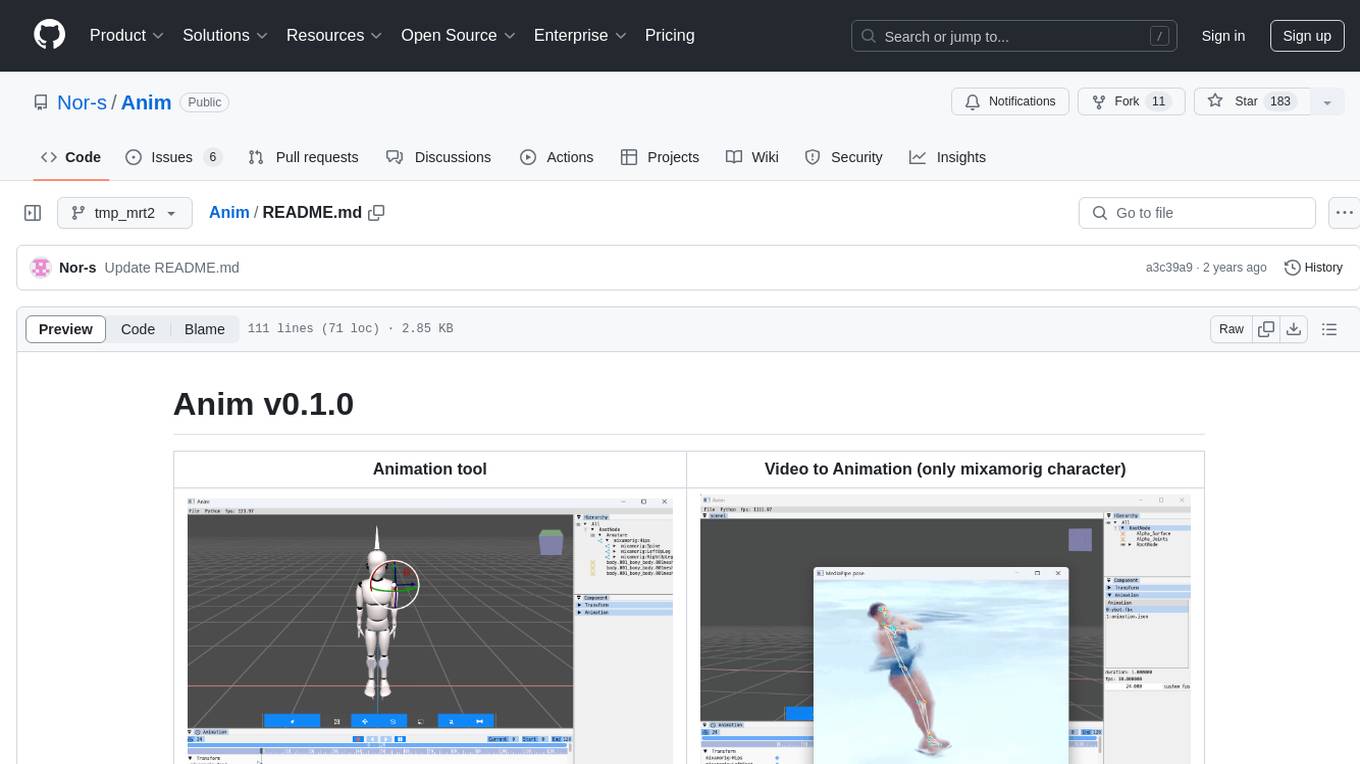
Anim
Anim v0.1.0 is an animation tool that allows users to convert videos to animations using mixamorig characters. It features FK animation editing, object selection, embedded Python support (only on Windows), and the ability to export to glTF and FBX formats. Users can also utilize Mediapipe to create animations. The tool is designed to assist users in creating animations with ease and flexibility.
next-money
Next Money Stripe Starter is a SaaS Starter project that empowers your next project with a stack of Next.js, Prisma, Supabase, Clerk Auth, Resend, React Email, Shadcn/ui, and Stripe. It seamlessly integrates these technologies to accelerate your development and SaaS journey. The project includes frameworks, platforms, UI components, hooks and utilities, code quality tools, and miscellaneous features to enhance the development experience. Created by @koyaguo in 2023 and released under the MIT license.
aitviewer
A set of tools to visualize and interact with sequences of 3D data with cross-platform support on Windows, Linux, and macOS. It provides a native Python interface for loading and displaying SMPL[-H/-X], MANO, FLAME, STAR, and SUPR sequences in an interactive viewer. Users can render 3D data on top of images, edit SMPL sequences and poses, export screenshots and videos, and utilize a high-performance ModernGL-based rendering pipeline. The tool is designed for easy use and hacking, with features like headless mode, remote mode, animatable camera paths, and a built-in extensible GUI.
twick
Twick is a comprehensive video editing toolkit built with modern web technologies. It is a monorepo containing multiple packages for video and image manipulation. The repository includes core utilities for media handling, a React-based canvas library for video and image editing, a video visualization and animation toolkit, a React component for video playback and control, timeline management and editing capabilities, a React-based video editor, and example implementations and usage demonstrations. Twick provides detailed API documentation and module information for developers. It offers easy integration with existing projects and allows users to build videos using the Twick Studio. The project follows a comprehensive style guide for naming conventions and code style across all packages.
NanoBanana-AI-Pose-Transfer
NanoBanana-AI-Pose-Transfer is a lightweight tool for transferring poses between images using artificial intelligence. It leverages advanced AI algorithms to accurately map and transfer poses from a source image to a target image. This tool is designed to be user-friendly and efficient, allowing users to easily manipulate and transfer poses for various applications such as image editing, animation, and virtual reality. With NanoBanana-AI-Pose-Transfer, users can seamlessly transfer poses between images with high precision and quality.
wunjo.wladradchenko.ru
Wunjo AI is a comprehensive tool that empowers users to explore the realm of speech synthesis, deepfake animations, video-to-video transformations, and more. Its user-friendly interface and privacy-first approach make it accessible to both beginners and professionals alike. With Wunjo AI, you can effortlessly convert text into human-like speech, clone voices from audio files, create multi-dialogues with distinct voice profiles, and perform real-time speech recognition. Additionally, you can animate faces using just one photo combined with audio, swap faces in videos, GIFs, and photos, and even remove unwanted objects or enhance the quality of your deepfakes using the AI Retouch Tool. Wunjo AI is an all-in-one solution for your voice and visual AI needs, offering endless possibilities for creativity and expression.
For similar jobs

LLMStack
LLMStack is a no-code platform for building generative AI agents, workflows, and chatbots. It allows users to connect their own data, internal tools, and GPT-powered models without any coding experience. LLMStack can be deployed to the cloud or on-premise and can be accessed via HTTP API or triggered from Slack or Discord.
daily-poetry-image
Daily Chinese ancient poetry and AI-generated images powered by Bing DALL-E-3. GitHub Action triggers the process automatically. Poetry is provided by Today's Poem API. The website is built with Astro.

exif-photo-blog
EXIF Photo Blog is a full-stack photo blog application built with Next.js, Vercel, and Postgres. It features built-in authentication, photo upload with EXIF extraction, photo organization by tag, infinite scroll, light/dark mode, automatic OG image generation, a CMD-K menu with photo search, experimental support for AI-generated descriptions, and support for Fujifilm simulations. The application is easy to deploy to Vercel with just a few clicks and can be customized with a variety of environment variables.
SillyTavern
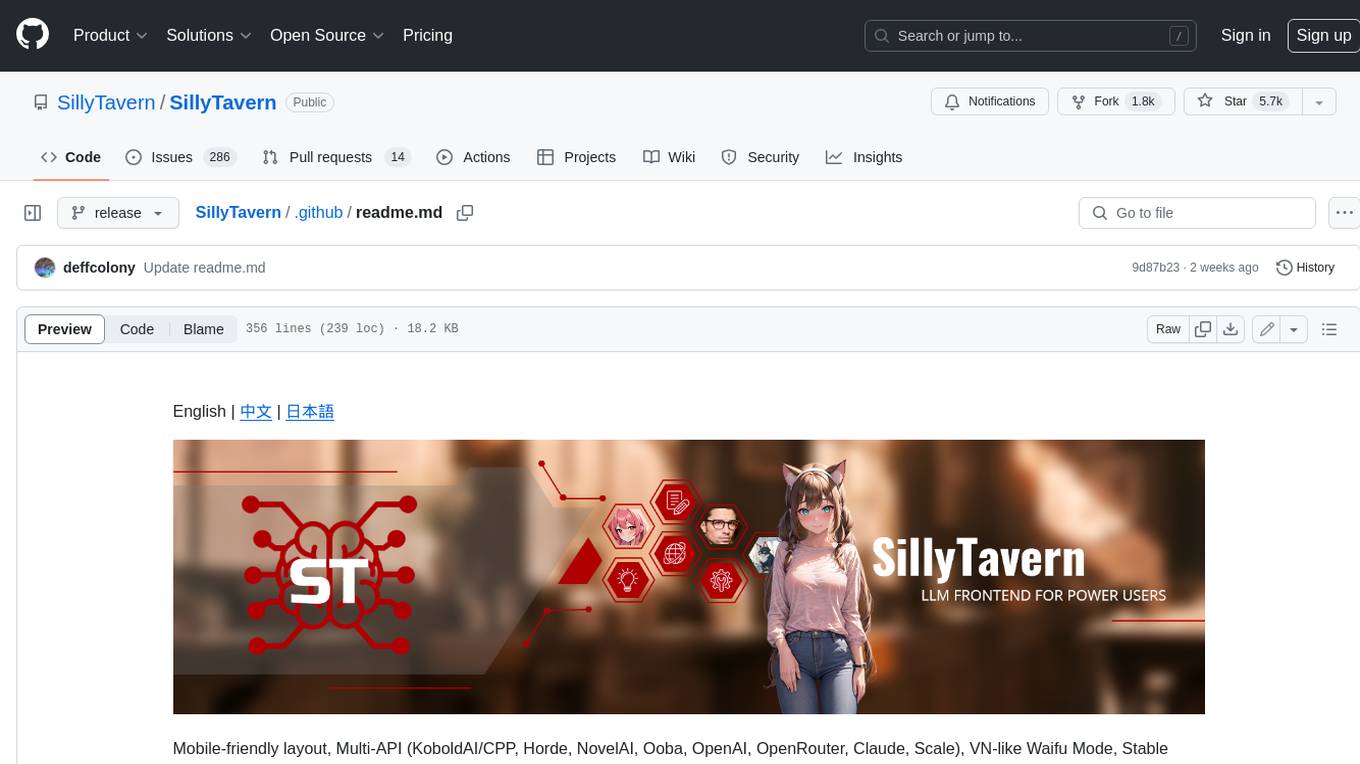
SillyTavern is a user interface you can install on your computer (and Android phones) that allows you to interact with text generation AIs and chat/roleplay with characters you or the community create. SillyTavern is a fork of TavernAI 1.2.8 which is under more active development and has added many major features. At this point, they can be thought of as completely independent programs.
Twitter-Insight-LLM
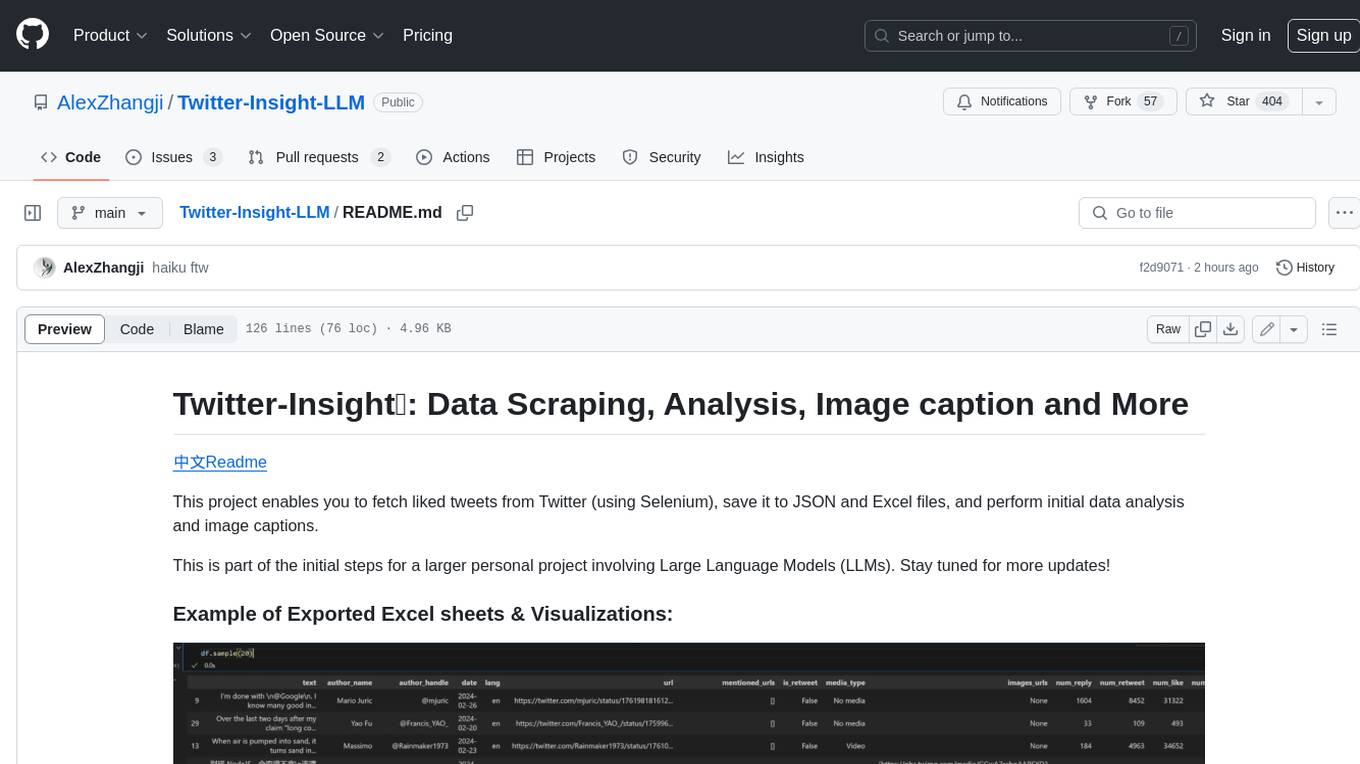
This project enables you to fetch liked tweets from Twitter (using Selenium), save it to JSON and Excel files, and perform initial data analysis and image captions. This is part of the initial steps for a larger personal project involving Large Language Models (LLMs).
AISuperDomain
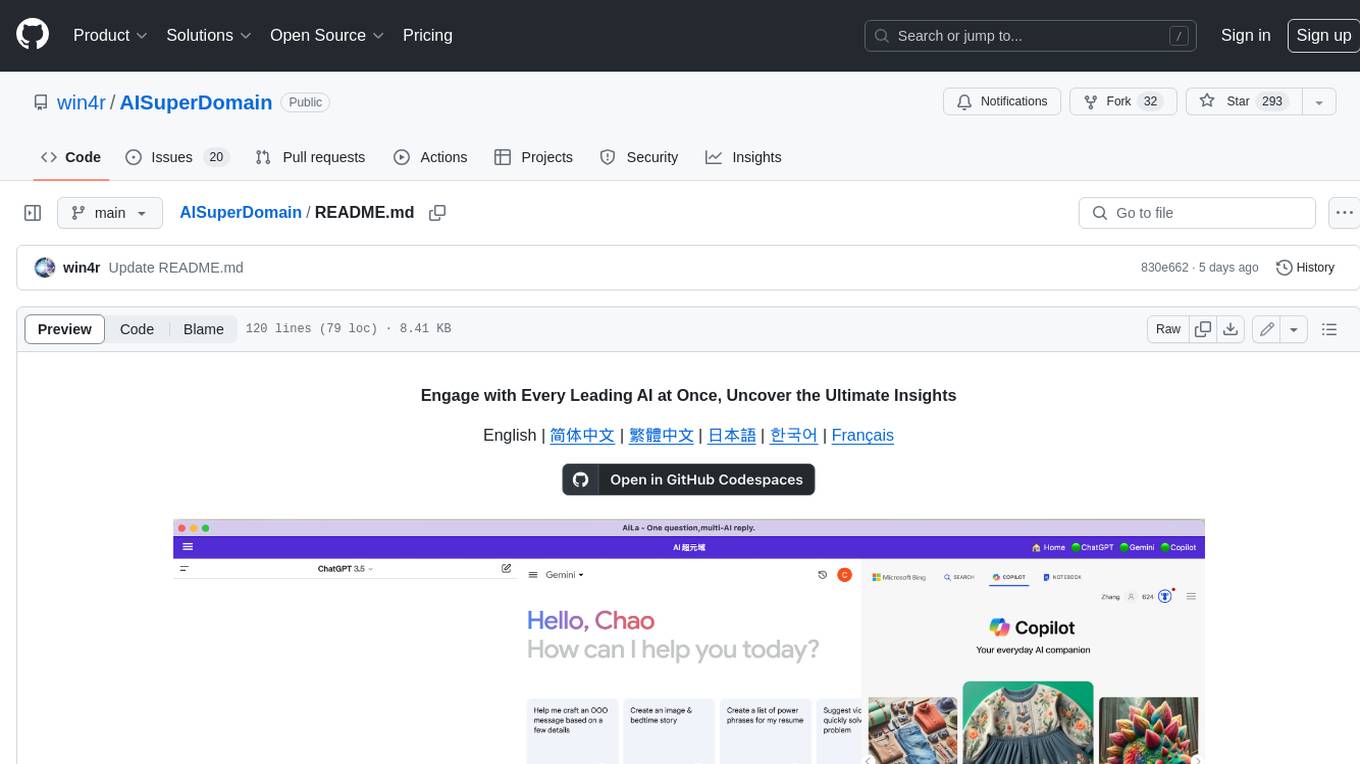
Aila Desktop Application is a powerful tool that integrates multiple leading AI models into a single desktop application. It allows users to interact with various AI models simultaneously, providing diverse responses and insights to their inquiries. With its user-friendly interface and customizable features, Aila empowers users to engage with AI seamlessly and efficiently. Whether you're a researcher, student, or professional, Aila can enhance your AI interactions and streamline your workflow.
ChatGPT-On-CS
This project is an intelligent dialogue customer service tool based on a large model, which supports access to platforms such as WeChat, Qianniu, Bilibili, Douyin Enterprise, Douyin, Doudian, Weibo chat, Xiaohongshu professional account operation, Xiaohongshu, Zhihu, etc. You can choose GPT3.5/GPT4.0/ Lazy Treasure Box (more platforms will be supported in the future), which can process text, voice and pictures, and access external resources such as operating systems and the Internet through plug-ins, and support enterprise AI applications customized based on their own knowledge base.
obs-localvocal
LocalVocal is a live-streaming AI assistant plugin for OBS that allows you to transcribe audio speech into text and perform various language processing functions on the text using AI / LLMs (Large Language Models). It's privacy-first, with all data staying on your machine, and requires no GPU, cloud costs, network, or downtime.