


claude-code-settings
Best Practices for Claude Code and Codex CLI Configuration
Stars: 84
A repository collecting best practices for Claude Code settings and customization. It provides configuration files for customizing Claude Code's behavior and building an efficient development environment. The repository includes custom agents and skills for specific domains, interactive development workflow features, efficient development rules, and team workflow with Codex MCP. Users can leverage the provided configuration files and tools to enhance their development process and improve code quality.
README:
English | 日本語
A repository collecting best practices for Claude Code settings and customization. We will continue to update and improve this repository to make it even better.
Note: Some settings in this repository are specifically configured for Japanese users. Please use LLM to translate and adapt them appropriately to your environment.
The configuration files in this repository are designed to be placed under ~/.claude/ directory. By placing these configuration files in the appropriate locations, you can customize Claude Code's behavior and build an efficient development environment.
claude-code-settings/
├── .mcp.json          # MCP servers configuration file
├── .textlintrc.json   # textlint configuration file
├── CLAUDE.md          # Global user guidelines for ~/.claude/ placement
├── LICENSE            # MIT License file
├── README.md          # This file (English)
├── README_ja.md       # Japanese version
├── agents/            # Custom agent definitions
│   ├── backend-design-expert.md           # Backend/API design expert
│   ├── backend-implementation-engineer.md # Hono + TypeScript backend implementation
│   ├── frontend-design-expert.md          # Frontend design reviewer
│   └── frontend-implementation-engineer.md # Svelte 5 + SvelteKit implementation
├── settings.json      # Claude Code configuration file
├── skills/            # Skill definitions
│   ├── bug-investigation/
│   │   └── SKILL.md   # Bug investigation and analysis skill
│   ├── code-review/
│   │   └── SKILL.md   # Comprehensive code review skill (PR review + self-review + quality check)
│   ├── codex-consult/
│   │   └── SKILL.md   # Codex MCP delegation skill for implementation/review/testing
│   ├── design-principles/
│   │   └── SKILL.md   # Design system enforcement skill
│   ├── humanize-text/
│   │   └── SKILL.md   # AI-written Japanese text humanization skill
│   └── kill-dev-process/
│       └── SKILL.md   # Dev process cleanup skill
└── symlinks/          # External tools config files as symbolic links
    ├── claude.json    # Claude Code user stats and settings cache
    ├── ccmanager/     # → ~/.config/ccmanager (CCManager configuration)
    │   ├── config.json     # CCManager settings and command presets
    │   └── init_worktree.sh # Worktree post-creation hook script
    └── codex/         # → ~/.codex (Codex MCP configuration)
        ├── AGENTS.md  # Codex project guidelines
        ├── config.toml # Codex CLI configuration
        └── skills/    # Codex skills (synced from Claude Code skills)
            ├── bug-investigation/
            ├── code-review/
            ├── design-principles/
            ├── humanize-text/
            └── kill-dev-process/
The symlinks/ folder contains configuration files for various external tools related to Claude Code. Since Claude Code is frequently updated and configuration changes are common, having all configuration files centralized in one folder makes editing much easier. Even if related files are normally placed outside the ~/.claude/ directory, it's convenient to place them here as symbolic links for unified management.
In actual environments, these files are placed as symbolic links in specified locations.
# Link Claude Code configuration
ln -s /path/to/settings.json ~/.claude/settings.json

# Link ccmanager configuration
ln -s ~/.config/ccmanager ~/.claude/symlinks/ccmanager

# Link Codex configuration
ln -s ~/.codex ~/.claude/symlinks/codex
This allows configuration changes to be managed in the repository and shared across multiple environments.
The codex/ symlink contains Codex CLI configuration for use with Codex MCP:
-
config.toml- Codex CLI settings including model selection, sandbox mode, MCP servers, and model providers -
AGENTS.md- Project guidelines that Codex follows (similar to CLAUDE.md but without Claude Code-specific rules like team formation) -
skills/- Codex-compatible versions of Claude Code skills (bug-investigation, code-review, design-principles, humanize-text, kill-dev-process)
This repository provides specialized agents and skills to enhance Claude Code's capabilities:
Agents - Specialized agents for specific domains:
- Backend/API design and implementation expertise
- Frontend development and design review
Skills - User-invocable commands for common tasks:
- Code review with implementation guidelines
- Codex MCP delegation for implementation, review, and testing
- Design system enforcement
- Bug investigation with root cause analysis
- AI-written Japanese text humanization
- Dev process cleanup
Leverage Claude Code's built-in Plan Mode and AskUserQuestion features to:
- Clarify requirements through interactive dialogue
- Create detailed implementation plans before coding
- Ensure alignment with user intent throughout development
- Systematically approach complex tasks
This interactive approach ensures specifications are clear before implementation begins.
- Utilize parallel processing: Multiple independent processes are executed simultaneously
- Think in English, respond in Japanese: Internal processing in English, user responses in Japanese
- Leverage Context7 MCP: Always reference the latest library information
- Thorough verification: Always verify with Read after Write/Edit
Agent teams follow a structured formation:
- Lead + Reviewer: Claude Code agents handling design and review
-
Implementer + Tester: Claude Code agents delegating to Codex MCP via
/codex-consultskill
This separation of concerns ensures quality through independent review and implementation roles.
Defines global user guidelines. Contains the following content:
- Top-Level Rules: Basic operational rules including MCP usage, testing requirements, and team workflows
- Always use Context7 MCP for library information
- Use LSP for accurate code navigation and analysis
- Verify frontend functionality with Playwright MCP or Chrome DevTools MCP
- Use Chrome DevTools MCP for console log checking
- Use AskUserQuestion for decision-making
- Create temporary design notes in
.tmp - Respond critically without pandering, but not forcefully
- Always launch the task management system for tasks
- Team formation: Lead + Reviewer (Claude Code agents) and Implementer + Tester (Codex MCP via
/codex-consult)
Defines MCP (Model Context Protocol) servers available for use:
| Server | Description |
|---|---|
| context7 | Up-to-date documentation and code examples for libraries |
| playwright | Browser automation and testing |
| chrome-devtools | Chrome DevTools integration for console logs and debugging |
| codex | Codex MCP for delegating implementation, review, and testing tasks |
Configuration file that controls Claude Code behavior:
{
  "DISABLE_TELEMETRY": "1",                         // Disable telemetry
  "DISABLE_ERROR_REPORTING": "1",                   // Disable error reporting
  "DISABLE_BUG_COMMAND": "1",                       // Disable bug command
  "API_TIMEOUT_MS": "600000",                       // API timeout (10 minutes)
  "DISABLE_AUTOUPDATER": "0",                       // Auto-updater setting
  "CLAUDE_CODE_ENABLE_TELEMETRY": "0",              // Claude Code telemetry
  "CLAUDE_CODE_DISABLE_NONESSENTIAL_TRAFFIC": "1",  // Disable non-essential traffic
  "CLAUDE_CODE_EXPERIMENTAL_AGENT_TEAMS": "1"       // Enable experimental agent teams
}allow (allowlist):
- File reading:
Read(**) - Writing to specific directories:
Write(src/**),Write(docs/**),Write(.tmp/**) - Package management:
pnpm install,pnpm run test,pnpm run build - File operations:
rm - Basic shell commands:
ls,cat,head,tail,pwd,find,tree,mkdir,mv - Docker operations:
docker compose up -d --build - macOS notifications:
osascript -e
deny (blocklist):
- Dangerous commands:
sudo,rm,rm -rf - Git operations:
git push,git commit,git reset,git rebase,git rm,git clean - Security related: Reading
.env.*files,id_rsa,id_ed25519, tokens, keys - Writing sensitive files:
.env*,**/secrets/** - Network operations:
curl,wget,nc - Package removal:
npm uninstall,npm remove - Direct database operations:
psql,mysql - Specific Serena MCP tools:
create_text_file,delete_lines,execute_shell_command,replace_lines,replace_regex
Note:
rmappears in both allow and deny lists. Since deny takes precedence,rmcommands require explicit approval.
PostToolUse (Automatic processing after tool use)
- Automatic Prettier formatting when editing JS/TS/JSON/TSX files
Notification (Notification settings - macOS)
- Display notifications with custom messages and titles using macOS notification system
Stop (Processing when work is completed)
- Display "作業が完了しました" (Work completed) notification
Controls which MCP servers defined in .mcp.json are activated. Note that serena is defined at the project level (not in the global .mcp.json), while codex in .mcp.json is activated via enableAllProjectMcpServers: true.
- context7 - Up-to-date documentation and code examples for libraries
- playwright - Browser automation and testing
- serena - Semantic code analysis and intelligent code navigation
- chrome-devtools - Chrome DevTools integration
-
cleanupPeriodDays: 20 - Cleanup period for old data -
enableAllProjectMcpServers: true - Enable all project-specific MCP servers -
language: "Japanese" - Interface language -
alwaysThinkingEnabled: true - Always show thinking process -
enabledPlugins: LSP plugins for enhanced code intelligence (rust-analyzer, typescript, pyright)
Custom agents provide specialized capabilities for specific development tasks. These agents are automatically available when using Claude Code and can be invoked through the Task tool.
| Agent | Description |
|---|---|
backend-design-expert |
Code-agnostic backend/API expert for specification-first design and operational correctness |
backend-implementation-engineer |
Implements backend HTTP APIs using Hono + TypeScript with clean architecture |
frontend-design-expert |
Code-agnostic frontend reviewer for SPA/SSR apps, audits architecture and performance |
frontend-implementation-engineer |
Implements production-ready web apps using Svelte 5 + SvelteKit + TypeScript |
Claude Code provides official LSP (Language Server Protocol) plugins for enhanced code intelligence. These are configured in settings.json under enabledPlugins.
| Plugin | Description |
|---|---|
rust-analyzer-lsp |
Rust language server for code navigation and analysis |
typescript-lsp |
TypeScript/JavaScript language server |
pyright-lsp |
Python language server for type checking and analysis |
Skills are user-invocable commands that can be called directly using the /skill-name syntax.
| Skill | Description |
|---|---|
/bug-investigation |
Systematically investigate bugs with root cause analysis and fix proposals |
/code-review |
Comprehensive code review combining PR review, self-review, and quality checks |
/codex-consult |
Delegate tasks to Codex MCP for implementation, review, testing, or design consultation |
/design-principles |
Enforce precise, minimal design system inspired by Linear, Notion, and Stripe |
/humanize-text |
Transform AI-written Japanese text into natural, human-like Japanese |
/kill-dev-process |
Kill orphaned dev servers, browsers, and port-hogging processes |
You can quickly download and set up the configuration files using curl without cloning the repository.
WARNING: This will overwrite existing files!
If you have already customized files such as
~/.claude/CLAUDE.md,~/.claude/settings.json, or any files in~/.claude/agents/or~/.claude/skills/, they will be overwritten and your custom settings will be lost.Before running these commands:
- Back up your existing
~/.claude/directory:cp -r ~/.claude ~/.claude.backup- Or selectively download only the files you need
# Create necessary directories
mkdir -p ~/.claude/agents
mkdir -p ~/.claude/skills/{bug-investigation,code-review,codex-consult,design-principles,humanize-text,kill-dev-process}

# Download main configuration files
curl -o ~/.claude/CLAUDE.md \
  https://raw.githubusercontent.com/nokonoko1203/claude-code-settings/main/CLAUDE.md
curl -o ~/.claude/settings.json \
  https://raw.githubusercontent.com/nokonoko1203/claude-code-settings/main/settings.json
curl -o ~/.claude/.mcp.json \
  https://raw.githubusercontent.com/nokonoko1203/claude-code-settings/main/.mcp.json

# Download agents
curl -o ~/.claude/agents/backend-design-expert.md \
  https://raw.githubusercontent.com/nokonoko1203/claude-code-settings/main/agents/backend-design-expert.md
curl -o ~/.claude/agents/backend-implementation-engineer.md \
  https://raw.githubusercontent.com/nokonoko1203/claude-code-settings/main/agents/backend-implementation-engineer.md
curl -o ~/.claude/agents/frontend-design-expert.md \
  https://raw.githubusercontent.com/nokonoko1203/claude-code-settings/main/agents/frontend-design-expert.md
curl -o ~/.claude/agents/frontend-implementation-engineer.md \
  https://raw.githubusercontent.com/nokonoko1203/claude-code-settings/main/agents/frontend-implementation-engineer.md

# Download skills
curl -o ~/.claude/skills/bug-investigation/SKILL.md \
  https://raw.githubusercontent.com/nokonoko1203/claude-code-settings/main/skills/bug-investigation/SKILL.md
curl -o ~/.claude/skills/code-review/SKILL.md \
  https://raw.githubusercontent.com/nokonoko1203/claude-code-settings/main/skills/code-review/SKILL.md
curl -o ~/.claude/skills/codex-consult/SKILL.md \
  https://raw.githubusercontent.com/nokonoko1203/claude-code-settings/main/skills/codex-consult/SKILL.md
curl -o ~/.claude/skills/design-principles/SKILL.md \
  https://raw.githubusercontent.com/nokonoko1203/claude-code-settings/main/skills/design-principles/SKILL.md
curl -o ~/.claude/skills/humanize-text/SKILL.md \
  https://raw.githubusercontent.com/nokonoko1203/claude-code-settings/main/skills/humanize-text/SKILL.md
curl -o ~/.claude/skills/kill-dev-process/SKILL.md \
https://raw.githubusercontent.com/nokonoko1203/claude-code-settings/main/skills/kill-dev-process/SKILL.mdIf you only want specific files, you can download them individually:
# Example: Download only the CLAUDE.md
mkdir -p ~/.claude
curl -o ~/.claude/CLAUDE.md \
  https://raw.githubusercontent.com/nokonoko1203/claude-code-settings/main/CLAUDE.md

# Example: Download only a specific skill
mkdir -p ~/.claude/skills/code-review
curl -o ~/.claude/skills/code-review/SKILL.md \
https://raw.githubusercontent.com/nokonoko1203/claude-code-settings/main/skills/code-review/SKILL.mdThis project is released under the MIT License.
For Tasks:
Click tags to check more tools for each tasksFor Jobs:
Alternative AI tools for claude-code-settings
Similar Open Source Tools
For similar tasks
claude-code-settings
A repository collecting best practices for Claude Code settings and customization. It provides configuration files for customizing Claude Code's behavior and building an efficient development environment. The repository includes custom agents and skills for specific domains, interactive development workflow features, efficient development rules, and team workflow with Codex MCP. Users can leverage the provided configuration files and tools to enhance their development process and improve code quality.
LeanCopilot
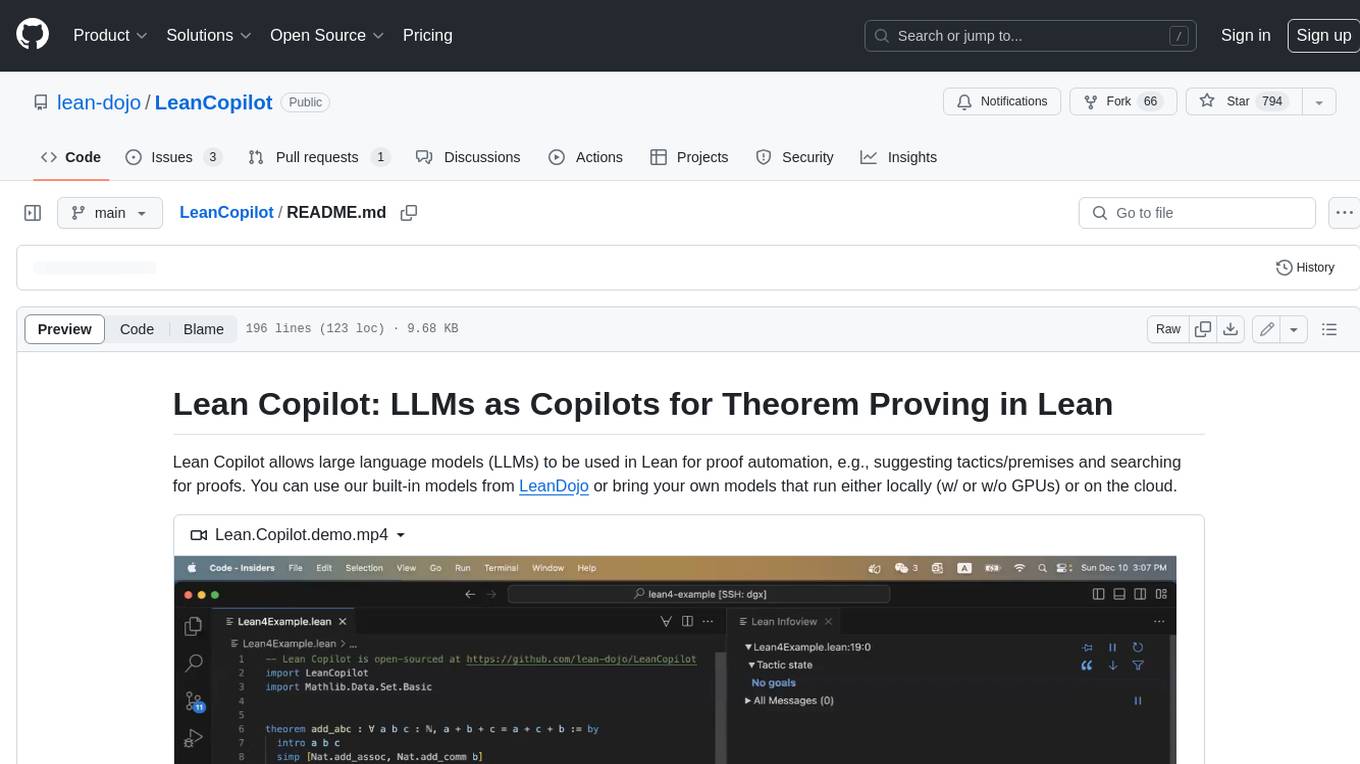
Lean Copilot is a tool that enables the use of large language models (LLMs) in Lean for proof automation. It provides features such as suggesting tactics/premises, searching for proofs, and running inference of LLMs. Users can utilize built-in models from LeanDojo or bring their own models to run locally or on the cloud. The tool supports platforms like Linux, macOS, and Windows WSL, with optional CUDA and cuDNN for GPU acceleration. Advanced users can customize behavior using Tactic APIs and Model APIs. Lean Copilot also allows users to bring their own models through ExternalGenerator or ExternalEncoder. The tool comes with caveats such as occasional crashes and issues with premise selection and proof search. Users can get in touch through GitHub Discussions for questions, bug reports, feature requests, and suggestions. The tool is designed to enhance theorem proving in Lean using LLMs.
langflow
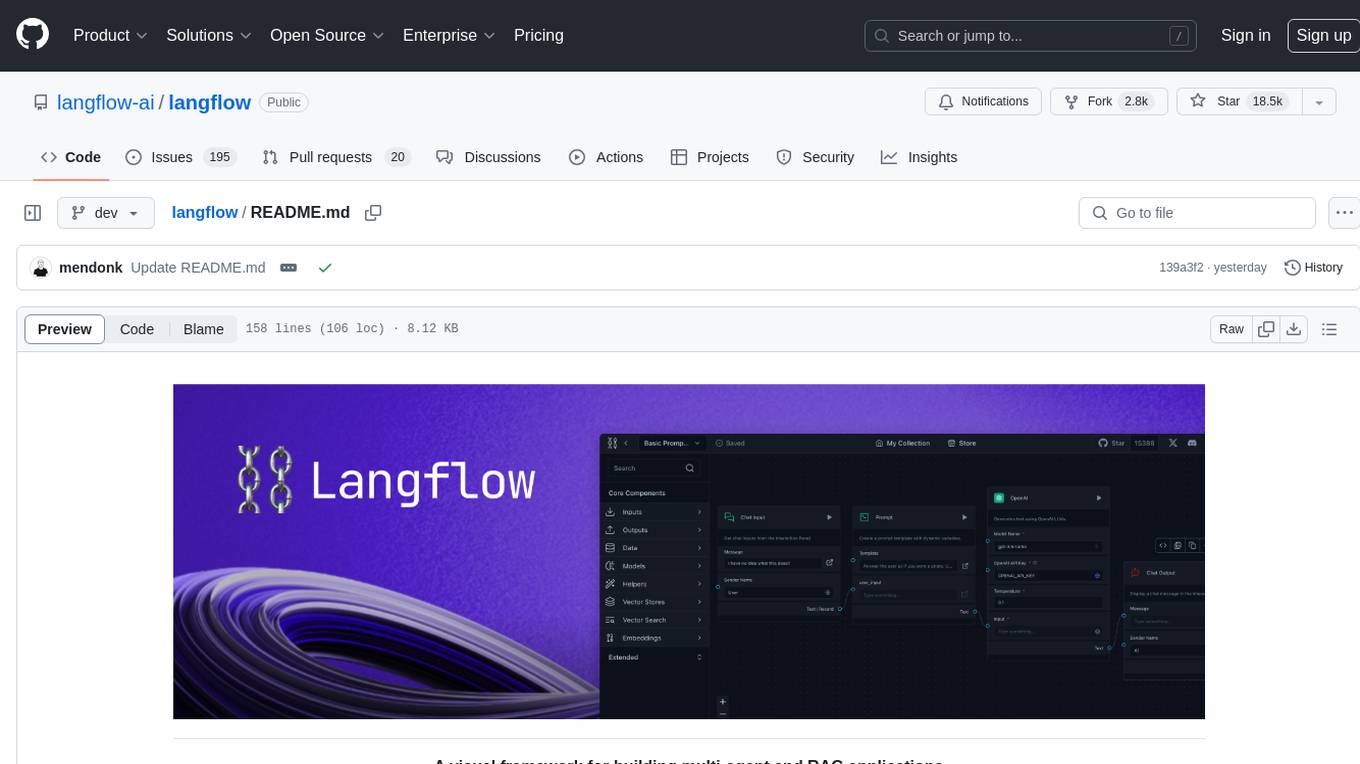
Langflow is an open-source Python-powered visual framework designed for building multi-agent and RAG applications. It is fully customizable, language model agnostic, and vector store agnostic. Users can easily create flows by dragging components onto the canvas, connect them, and export the flow as a JSON file. Langflow also provides a command-line interface (CLI) for easy management and configuration, allowing users to customize the behavior of Langflow for development or specialized deployment scenarios. The tool can be deployed on various platforms such as Google Cloud Platform, Railway, and Render. Contributors are welcome to enhance the project on GitHub by following the contributing guidelines.
TypeGPT
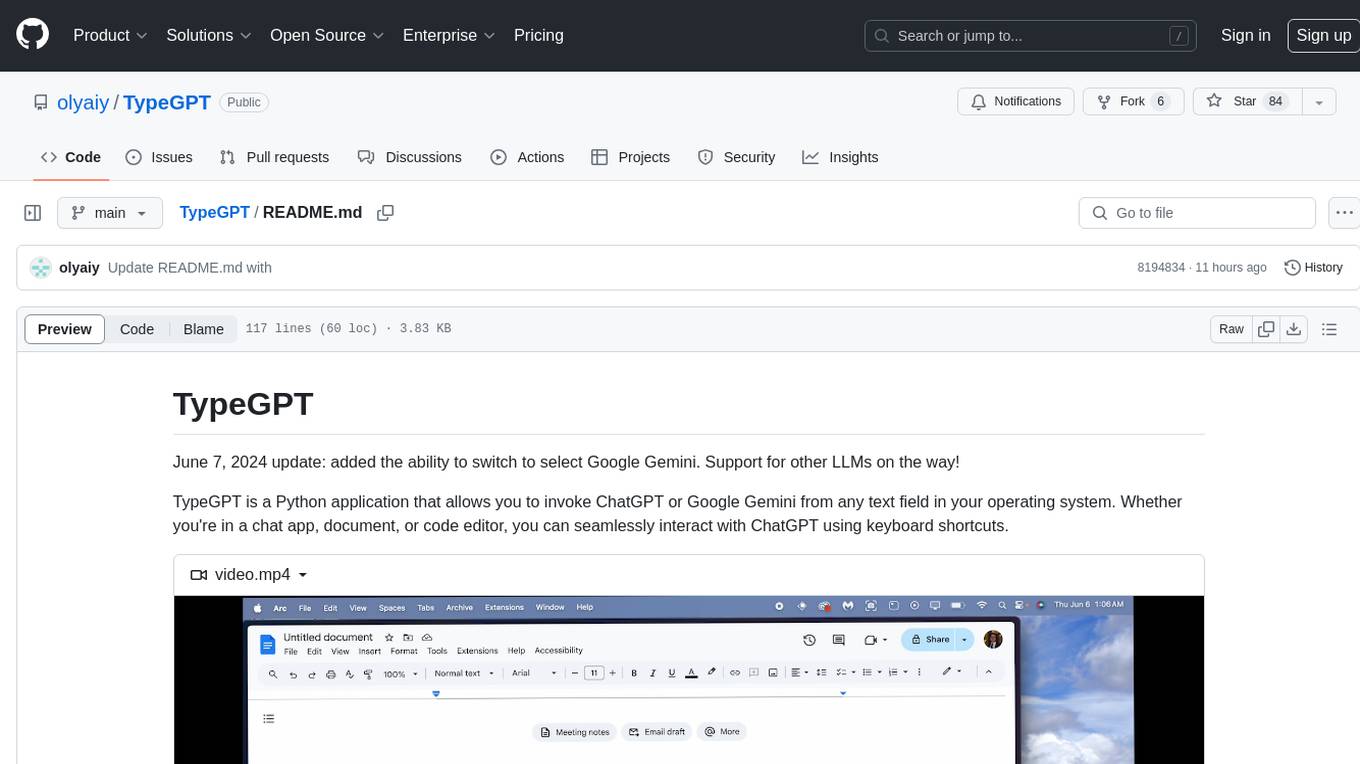
TypeGPT is a Python application that enables users to interact with ChatGPT or Google Gemini from any text field in their operating system using keyboard shortcuts. It provides global accessibility, keyboard shortcuts for communication, and clipboard integration for larger text inputs. Users need to have Python 3.x installed along with specific packages and API keys from OpenAI for ChatGPT access. The tool allows users to run the program normally or in the background, manage processes, and stop the program. Users can use keyboard shortcuts like `/ask`, `/see`, `/stop`, `/chatgpt`, `/gemini`, `/check`, and `Shift + Cmd + Enter` to interact with the application in any text field. Customization options are available by modifying files like `keys.txt` and `system_prompt.txt`. Contributions are welcome, and future plans include adding support for other APIs and a user-friendly GUI.
HookPHP
HookPHP is an open-source project that provides a PHP extension for hooking into various aspects of PHP applications. It allows developers to easily extend and customize the behavior of their PHP applications by providing hooks at key points in the execution flow. With HookPHP, developers can efficiently add custom functionality, modify existing behavior, and enhance the overall performance of their PHP applications. The project is licensed under the MIT license, making it accessible for developers to use and contribute to.
flutter_gemma
Flutter Gemma is a family of lightweight, state-of-the art open models that bring the power of Google's Gemma language models directly to Flutter applications. It allows for local execution on user devices, supports both iOS and Android platforms, and offers LoRA support for tailored AI behavior. The tool provides a simple interface for integrating Gemma models into Flutter projects, enabling advanced AI capabilities without relying on external servers. Users can easily download pre-trained Gemma models, fine-tune them for specific use cases, and customize behavior using LoRA weights. The tool supports model and LoRA weight management, model initialization, response generation, and chat scenarios, with considerations for model size, LoRA weights, and production app deployment.
tiledesk-chatbot
Tiledesk Chatbot Engine is a Node.js-based framework for creating and managing interactive chatbots. It is designed to work seamlessly with the Tiledesk Design Studio, allowing easy design and customization of chatbot behavior. The engine is scalable, performant, and encourages collaboration and innovation through its open-source nature under the MIT license.
clippinator
Clippinator is a code assistant tool that helps users develop code autonomously by planning, writing, debugging, and testing projects. It consists of agents based on GPT-4 that work together to assist the user in coding tasks. The main agent, Taskmaster, delegates tasks to specialized subagents like Architect, Writer, Frontender, Editor, QA, and Devops. The tool provides project architecture, tools for file and terminal operations, browser automation with Selenium, linting capabilities, CI integration, and memory management. Users can interact with the tool to provide feedback and guide the coding process, making it a powerful tool when combined with human intervention.
For similar jobs
aiomcache
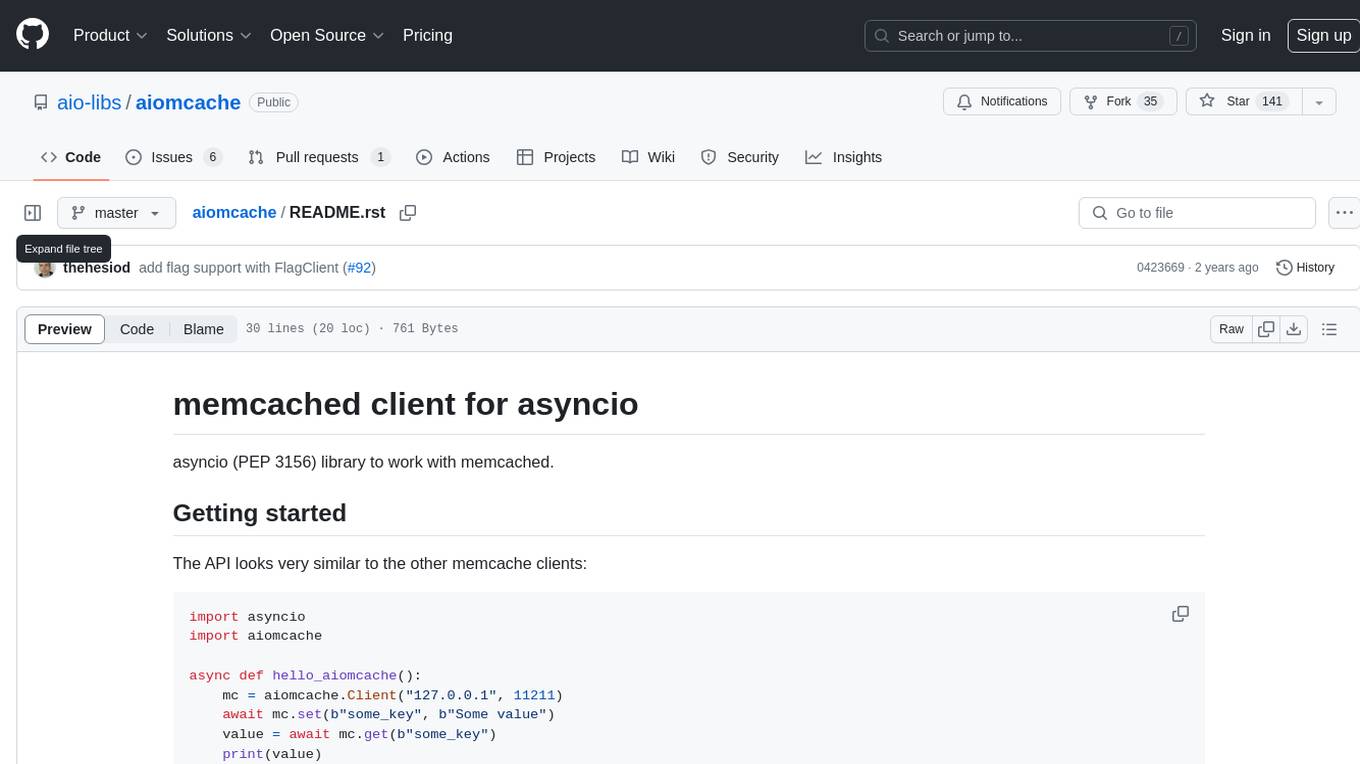
aiomcache is a Python library that provides an asyncio (PEP 3156) interface to work with memcached. It allows users to interact with memcached servers asynchronously, making it suitable for high-performance applications that require non-blocking I/O operations. The library offers similar functionality to other memcache clients and includes features like setting and getting values, multi-get operations, and deleting keys. Version 0.8 introduces the `FlagClient` class, which enables users to register callbacks for setting or processing flags, providing additional flexibility and customization options for working with memcached servers.
aiolimiter
An efficient implementation of a rate limiter for asyncio using the Leaky bucket algorithm, providing precise control over the rate a code section can be entered. It allows for limiting the number of concurrent entries within a specified time window, ensuring that a section of code is executed a maximum number of times in that period.
bee
Bee is an easy and high efficiency ORM framework that simplifies database operations by providing a simple interface and eliminating the need to write separate DAO code. It supports various features such as automatic filtering of properties, partial field queries, native statement pagination, JSON format results, sharding, multiple database support, and more. Bee also offers powerful functionalities like dynamic query conditions, transactions, complex queries, MongoDB ORM, cache management, and additional tools for generating distributed primary keys, reading Excel files, and more. The newest versions introduce enhancements like placeholder precompilation, default date sharding, ElasticSearch ORM support, and improved query capabilities.
claude-api
claude-api is a web conversation library for ClaudeAI implemented in GoLang. It provides functionalities to interact with ClaudeAI for web-based conversations. Users can easily integrate this library into their Go projects to enable chatbot capabilities and handle conversations with ClaudeAI. The library includes features for sending messages, receiving responses, and managing chat sessions, making it a valuable tool for developers looking to incorporate AI-powered chatbots into their applications.
aide
Aide is a code-first API documentation and utility library for Rust, along with other related utility crates for web-servers. It provides tools for creating API documentation and handling JSON request validation. The repository contains multiple crates that offer drop-in replacements for existing libraries, ensuring compatibility with Aide. Contributions are welcome, and the code is dual licensed under MIT and Apache-2.0. If Aide does not meet your requirements, you can explore similar libraries like paperclip, utoipa, and okapi.
amadeus-java
Amadeus Java SDK provides a rich set of APIs for the travel industry, allowing developers to access various functionalities such as flight search, booking, airport information, and more. The SDK simplifies interaction with the Amadeus API by providing self-contained code examples and detailed documentation. Developers can easily make API calls, handle responses, and utilize features like pagination and logging. The SDK supports various endpoints for tasks like flight search, booking management, airport information retrieval, and travel analytics. It also offers functionalities for hotel search, booking, and sentiment analysis. Overall, the Amadeus Java SDK is a comprehensive tool for integrating Amadeus APIs into Java applications.
rig
Rig is a Rust library designed for building scalable, modular, and user-friendly applications powered by large language models (LLMs). It provides full support for LLM completion and embedding workflows, offers simple yet powerful abstractions for LLM providers like OpenAI and Cohere, as well as vector stores such as MongoDB and in-memory storage. With Rig, users can easily integrate LLMs into their applications with minimal boilerplate code.
celery-aio-pool
Celery AsyncIO Pool is a free software tool licensed under GNU Affero General Public License v3+. It provides an AsyncIO worker pool for Celery, enabling users to leverage the power of AsyncIO in their Celery applications. The tool allows for easy installation using Poetry, pip, or directly from GitHub. Users can configure Celery to use the AsyncIO pool provided by celery-aio-pool, or they can wait for the upcoming support for out-of-tree worker pools in Celery 5.3. The tool is actively maintained and welcomes contributions from the community.