


clawfeed
ClawFeed — AI-powered news digest with structured summaries from Twitter/RSS feeds and web dashboard
Stars: 146
ClawFeed is an AI-powered news digest tool that curates content from various sources like Twitter, RSS, HackerNews, and Reddit to provide structured summaries at different frequencies. Users can customize content filtering, bookmark articles for deep analysis, and follow/unfollow suggestions. It supports multi-language UI, dark/light mode, and Google OAuth for multi-user support. The tool can be installed as a standalone application or integrated with OpenClaw and Zylos skills for automated digest generation and dashboard management. With features like source packs, API endpoints for digests, bookmarks, sources, and feeds, ClawFeed offers a comprehensive solution for staying informed with minimal effort.
README:
Stop scrolling. Start knowing.



Live Demo: https://clawfeed.kevinhe.io
AI-powered news digest that curates thousands of sources down to the highlights that matter. Generates structured summaries (4H/daily/weekly/monthly) from Twitter, RSS, and more. Works standalone or as an OpenClaw / Zylos skill.

- 📰 Multi-frequency digests — 4-hourly, daily, weekly, monthly summaries
- 📡 Sources system — Add Twitter feeds, RSS, HackerNews, Reddit, GitHub Trending, and more
- 📦 Source Packs — Share curated source bundles with the community
- 📌 Mark & Deep Dive — Bookmark content for AI-powered deep analysis
- 🎯 Smart curation — Configurable rules for content filtering and noise reduction
- 👀 Follow/Unfollow suggestions — Based on feed quality analysis
- 📢 Feed output — Subscribe to any user's digest via RSS or JSON Feed
- 🌐 Multi-language — English and Chinese UI
- 🌙 Dark/Light mode — Theme toggle with localStorage persistence
- 🖥️ Web dashboard — SPA for browsing and managing digests
- 💾 SQLite storage — Fast, portable, zero-config database
- 🔐 Google OAuth — Multi-user support with personal bookmarks and sources
clawhub install clawfeedcd ~/.openclaw/skills/
git clone https://github.com/kevinho/clawfeed.gitOpenClaw auto-detects SKILL.md and loads the skill. The agent can then generate digests via cron, serve the dashboard, and handle bookmark commands.
cd ~/.zylos/skills/
git clone https://github.com/kevinho/clawfeed.gitgit clone https://github.com/kevinho/clawfeed.git
cd clawfeed
npm install# 1. Copy and edit environment config
cp .env.example .env
# Edit .env with your settings
# 2. Start the API server
npm start
# → API running on http://127.0.0.1:8767Create a .env file in the project root:
| Variable | Description | Required | Default |
|---|---|---|---|
GOOGLE_CLIENT_ID |
Google OAuth client ID | No* | - |
GOOGLE_CLIENT_SECRET |
Google OAuth client secret | No* | - |
SESSION_SECRET |
Session encryption key | No* | - |
API_KEY |
API key for digest creation | No | - |
DIGEST_PORT |
Server port | No | 8767 |
ALLOWED_ORIGINS |
Allowed origins for CORS | No | localhost |
*Required for authentication features. Without OAuth, the app runs in read-only mode.
To enable Google OAuth login:
- Go to Google Cloud Console
- Create a new project or select existing one
- Enable the Google+ API
- Create OAuth 2.0 credentials
- Add your domain to authorized origins
- Add callback URL:
https://yourdomain.com/api/auth/callback - Set credentials in
.env
All endpoints prefixed with /api/.
| Method | Endpoint | Description | Auth |
|---|---|---|---|
GET |
/api/digests |
List digests ?type=4h&limit=20&offset=0
|
- |
GET |
/api/digests/:id |
Get single digest | - |
POST |
/api/digests |
Create digest | API Key |
| Method | Endpoint | Description | Auth |
|---|---|---|---|
GET |
/api/auth/config |
Auth availability check | - |
GET |
/api/auth/google |
Start OAuth flow | - |
GET |
/api/auth/callback |
OAuth callback | - |
GET |
/api/auth/me |
Current user info | Yes |
POST |
/api/auth/logout |
Logout | Yes |
| Method | Endpoint | Description | Auth |
|---|---|---|---|
GET |
/api/marks |
List bookmarks | Yes |
POST |
/api/marks |
Add bookmark { url, title?, note? }
|
Yes |
DELETE |
/api/marks/:id |
Remove bookmark | Yes |
| Method | Endpoint | Description | Auth |
|---|---|---|---|
GET |
/api/sources |
List user's sources | Yes |
POST |
/api/sources |
Create source { name, type, config }
|
Yes |
PUT |
/api/sources/:id |
Update source | Yes |
DELETE |
/api/sources/:id |
Soft-delete source | Yes |
GET |
/api/sources/detect |
Auto-detect source type from URL | Yes |
| Method | Endpoint | Description | Auth |
|---|---|---|---|
GET |
/api/packs |
Browse public packs | - |
POST |
/api/packs |
Create pack from your sources | Yes |
POST |
/api/packs/:id/install |
Install pack (subscribe to its sources) | Yes |
| Method | Endpoint | Description | Auth |
|---|---|---|---|
GET |
/feed/:slug |
User's digest feed (HTML) | - |
GET |
/feed/:slug.json |
JSON Feed format | - |
GET |
/feed/:slug.rss |
RSS format | - |
| Method | Endpoint | Description | Auth |
|---|---|---|---|
GET |
/api/changelog |
Changelog ?lang=zh|en
|
- |
GET |
/api/roadmap |
Roadmap ?lang=zh|en
|
- |
Example Caddy configuration:
handle /digest/api/* {
    uri strip_prefix /digest/api
    reverse_proxy localhost:8767
}
handle_path /digest/* {
    root * /path/to/clawfeed/web
    file_server
}-
Curation rules: Edit
templates/curation-rules.mdto control content filtering -
Digest format: Edit
templates/digest-prompt.mdto customize AI output format
| Type | Example | Description |
|---|---|---|
twitter_feed |
@karpathy |
Twitter/X user feed |
twitter_list |
List URL | Twitter list |
rss |
Any RSS/Atom URL | RSS feed |
hackernews |
HN Front Page | Hacker News |
reddit |
/r/MachineLearning |
Subreddit |
github_trending |
language=python |
GitHub trending repos |
website |
Any URL | Website scraping |
digest_feed |
ClawFeed user slug | Another user's digest |
custom_api |
JSON endpoint | Custom API |
npm run dev # Start with --watch for auto-reloadcd test
./setup.sh # Create test users
./e2e.sh # Run 66 E2E tests
./teardown.sh # Clean upSee docs/ARCHITECTURE.md for multi-tenant design and scale analysis.
See ROADMAP.md or the in-app roadmap page.
- Fork the repository
- Create your feature branch (
git checkout -b feature/amazing-feature) - Commit your changes (
git commit -m 'Add some amazing feature') - Push to the branch (
git push origin feature/amazing-feature) - Open a Pull Request
MIT License — see LICENSE for details.
Copyright 2026 Kevin He
For Tasks:
Click tags to check more tools for each tasksFor Jobs:
Alternative AI tools for clawfeed
Similar Open Source Tools
clawfeed
ClawFeed is an AI-powered news digest tool that curates content from various sources like Twitter, RSS, HackerNews, and Reddit to provide structured summaries at different frequencies. Users can customize content filtering, bookmark articles for deep analysis, and follow/unfollow suggestions. It supports multi-language UI, dark/light mode, and Google OAuth for multi-user support. The tool can be installed as a standalone application or integrated with OpenClaw and Zylos skills for automated digest generation and dashboard management. With features like source packs, API endpoints for digests, bookmarks, sources, and feeds, ClawFeed offers a comprehensive solution for staying informed with minimal effort.
clawhost
ClawHost is an open-source, self-hostable cloud hosting platform that simplifies deploying OpenClaw on a dedicated VPS. It automates server provisioning, DNS, SSL, and firewall setup, allowing users to focus on using AI. The platform offers features like one-click deploy, multi-cloud support, dedicated VPS, agent playground, chat interface, skills marketplace, diagnostics, file management, automatic SSL, DNS management, SSH key management, persistent storage, multi-authentication, billing integration, export & backup, and cross-platform support. It is fully open source and built with TypeScript using Turborepo and pnpm.
clother
Clother is a command-line tool that allows users to switch between different Claude Code providers instantly. It provides launchers for various cloud, open router, China endpoints, local, and custom providers, enabling users to configure, list profiles, test connectivity, check installation status, and uninstall. Users can also change the default model for each provider and troubleshoot common issues. Clother simplifies the management of API keys and installation directories, supporting macOS, Linux, and Windows (WSL) platforms. It is designed to streamline the workflow of interacting with different AI models and services.
pup
Pup is a Go-based command-line wrapper designed for easy interaction with Datadog APIs. It provides a fast, cross-platform binary with support for OAuth2 authentication and traditional API key authentication. The tool offers simple commands for common Datadog operations, structured JSON output for parsing and automation, and dynamic client registration with unique OAuth credentials per installation. Pup currently implements 38 out of 85+ available Datadog APIs, covering core observability, monitoring & alerting, security & compliance, infrastructure & cloud, incident & operations, CI/CD & development, organization & access, and platform & configuration domains. Users can easily install Pup via Homebrew, Go Install, or manual download, and authenticate using OAuth2 or API key methods. The tool supports various commands for tasks such as testing connection, managing monitors, querying metrics, handling dashboards, working with SLOs, and handling incidents.
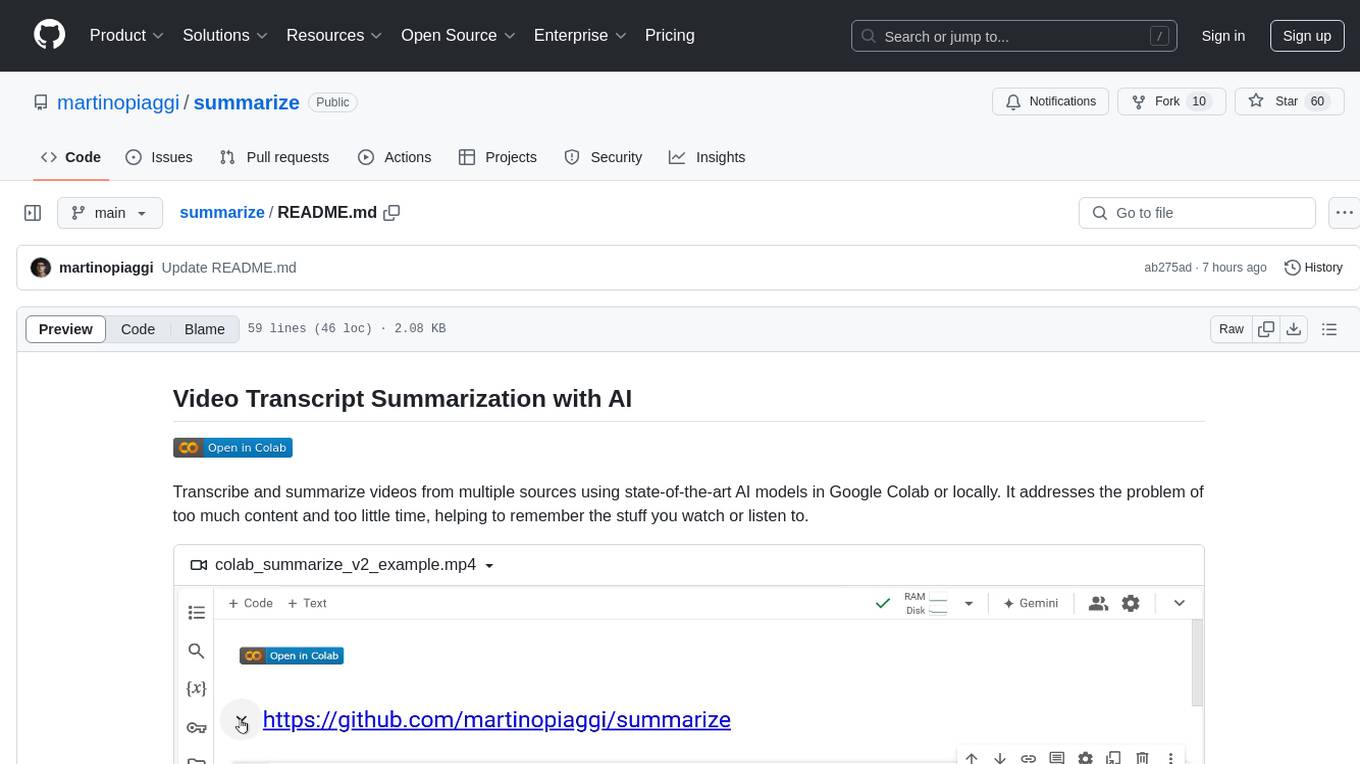
summarize
The 'summarize' tool is designed to transcribe and summarize videos from various sources using AI models. It helps users efficiently summarize lengthy videos, take notes, and extract key insights by providing timestamps, original transcripts, and support for auto-generated captions. Users can utilize different AI models via Groq, OpenAI, or custom local models to generate grammatically correct video transcripts and extract wisdom from video content. The tool simplifies the process of summarizing video content, making it easier to remember and reference important information.
apidash
API Dash is an open-source cross-platform API Client that allows users to easily create and customize API requests, visually inspect responses, and generate API integration code. It supports various HTTP methods, GraphQL requests, and multimedia API responses. Users can organize requests in collections, preview data in different formats, and generate code for multiple languages. The tool also offers dark mode support, data persistence, and various customization options.
cli
Firecrawl CLI is a command-line interface tool that allows users to scrape, crawl, and extract data from any website directly from the terminal. It provides various commands for tasks such as scraping single URLs, searching the web, mapping URLs on a website, crawling entire websites, checking credit usage, running AI-powered web data extraction, launching browser sandbox sessions, configuring settings, and viewing current configuration. The tool offers options for authentication, output handling, tips & tricks, CI/CD usage, and telemetry. Users can interact with the tool to perform web scraping tasks efficiently and effectively.
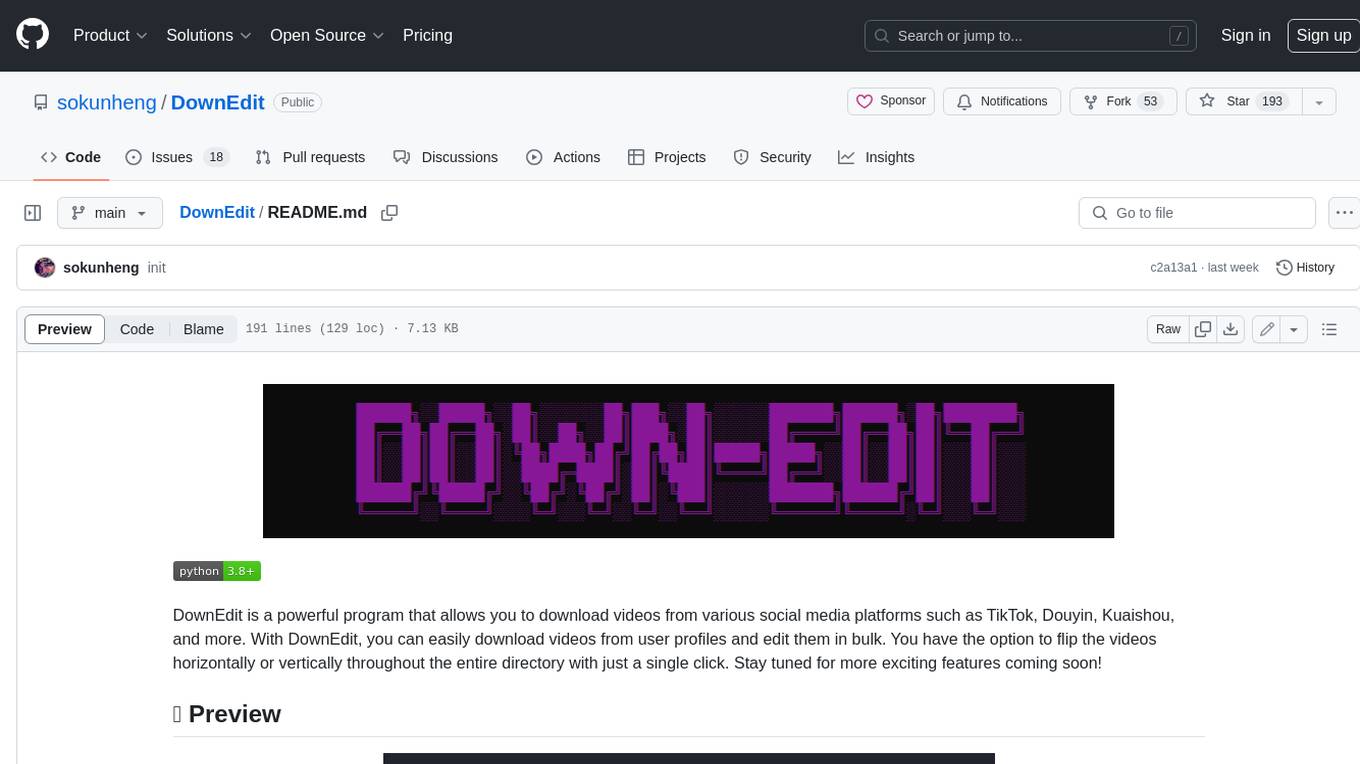
DownEdit
DownEdit is a powerful program that allows you to download videos from various social media platforms such as TikTok, Douyin, Kuaishou, and more. With DownEdit, you can easily download videos from user profiles and edit them in bulk. You have the option to flip the videos horizontally or vertically throughout the entire directory with just a single click. Stay tuned for more exciting features coming soon!
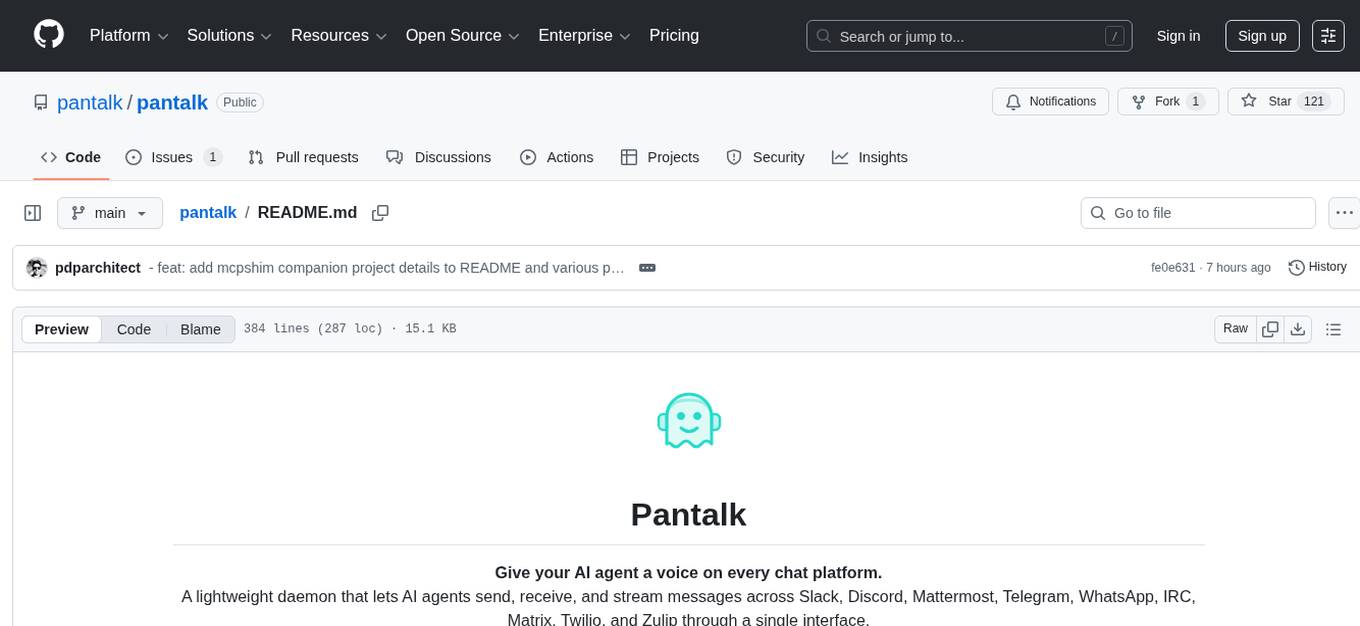
pantalk
Pantalk is a lightweight daemon that provides a single interface for AI agents to send, receive, and stream messages across various chat platforms such as Slack, Discord, Mattermost, Telegram, WhatsApp, IRC, Matrix, Twilio, and Zulip. It simplifies the integration process by handling authentication, sessions, and message history, allowing AI agents to communicate seamlessly with humans on different platforms through simple CLI commands or a Unix domain socket with a JSON protocol.
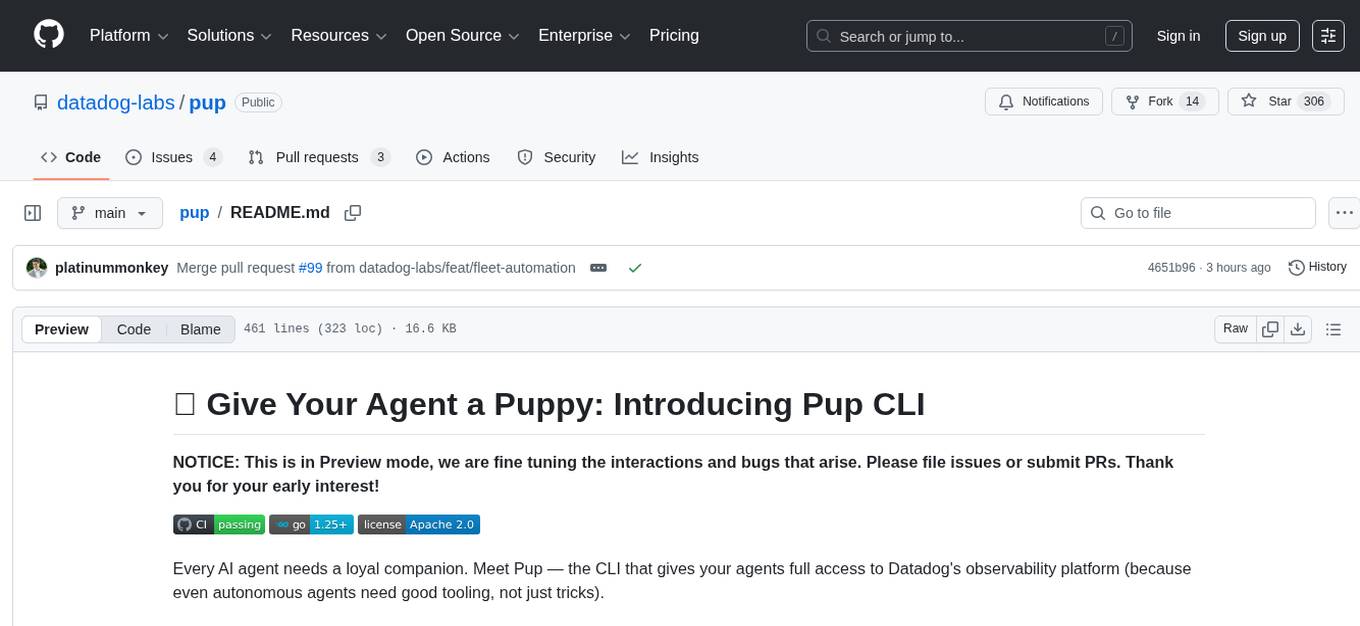
pup
Pup is a CLI tool designed to give AI agents access to Datadog's observability platform. It offers over 200 commands across 33 Datadog products, allowing agents to fetch metrics, identify errors, and track issues efficiently. Pup ensures that AI agents have the necessary tooling to perform tasks seamlessly, making Datadog the preferred choice for AI-native workflows. With features like self-discoverable commands, structured JSON/YAML output, OAuth2 + PKCE for secure access, and comprehensive API coverage, Pup empowers AI agents to monitor, log, analyze metrics, and enhance security effortlessly.
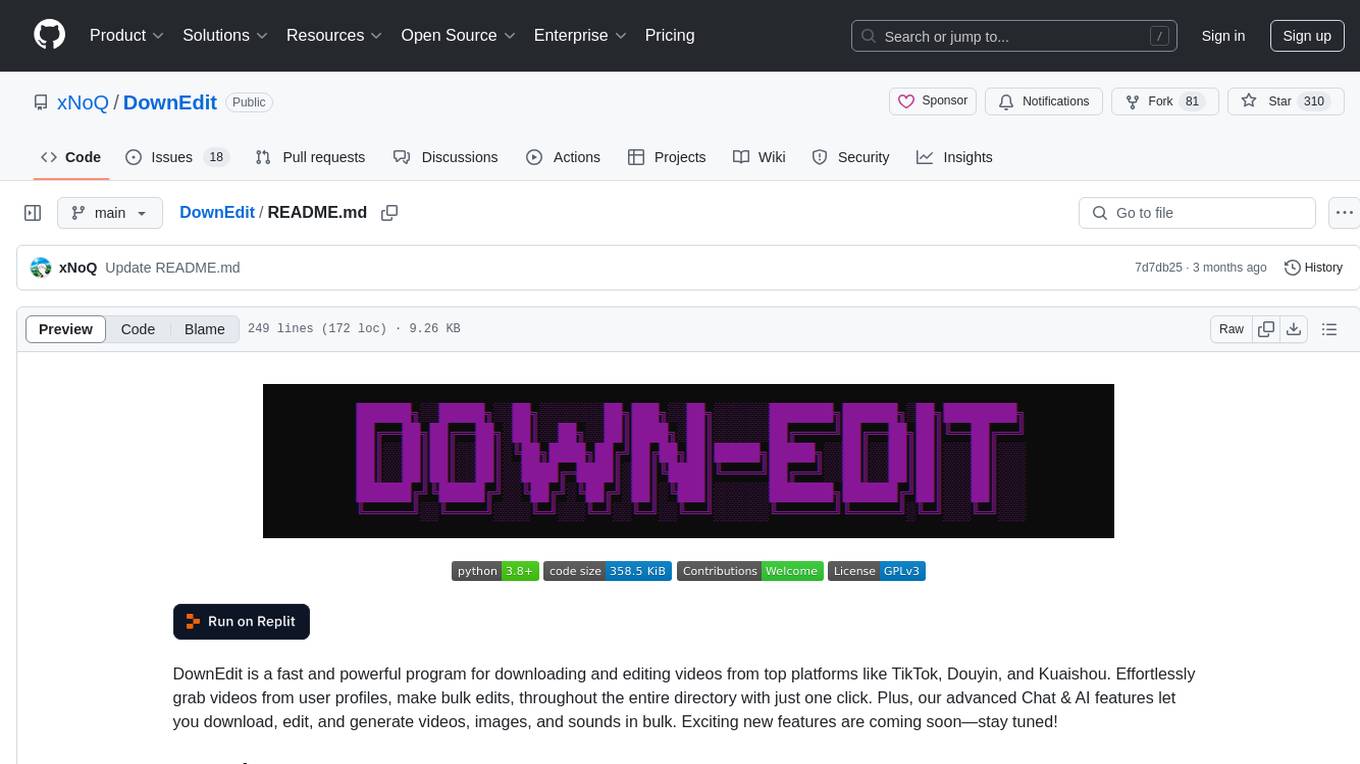
DownEdit
DownEdit is a fast and powerful program for downloading and editing videos from platforms like TikTok, Douyin, and Kuaishou. It allows users to effortlessly grab videos, make bulk edits, and utilize advanced AI features for generating videos, images, and sounds in bulk. The tool offers features like video, photo, and sound editing, downloading videos without watermarks, bulk AI generation, and AI editing for content enhancement.
shodh-memory
Shodh-Memory is a cognitive memory system designed for AI agents to persist memory across sessions, learn from experience, and run entirely offline. It features Hebbian learning, activation decay, and semantic consolidation, packed into a single ~17MB binary. Users can deploy it on cloud, edge devices, or air-gapped systems to enhance the memory capabilities of AI agents.
chonkie
Chonkie is a feature-rich, easy-to-use, fast, lightweight, and wide-support chunking library designed to efficiently split texts into chunks. It integrates with various tokenizers, embedding models, and APIs, supporting 56 languages and offering cloud-ready functionality. Chonkie provides a modular pipeline approach called CHOMP for text processing, chunking, post-processing, and exporting. With multiple chunkers, refineries, porters, and handshakes, Chonkie offers a comprehensive solution for text chunking needs. It includes 24+ integrations, 3+ LLM providers, 2+ refineries, 2+ porters, and 4+ vector database connections, making it a versatile tool for text processing and analysis.
DownEdit
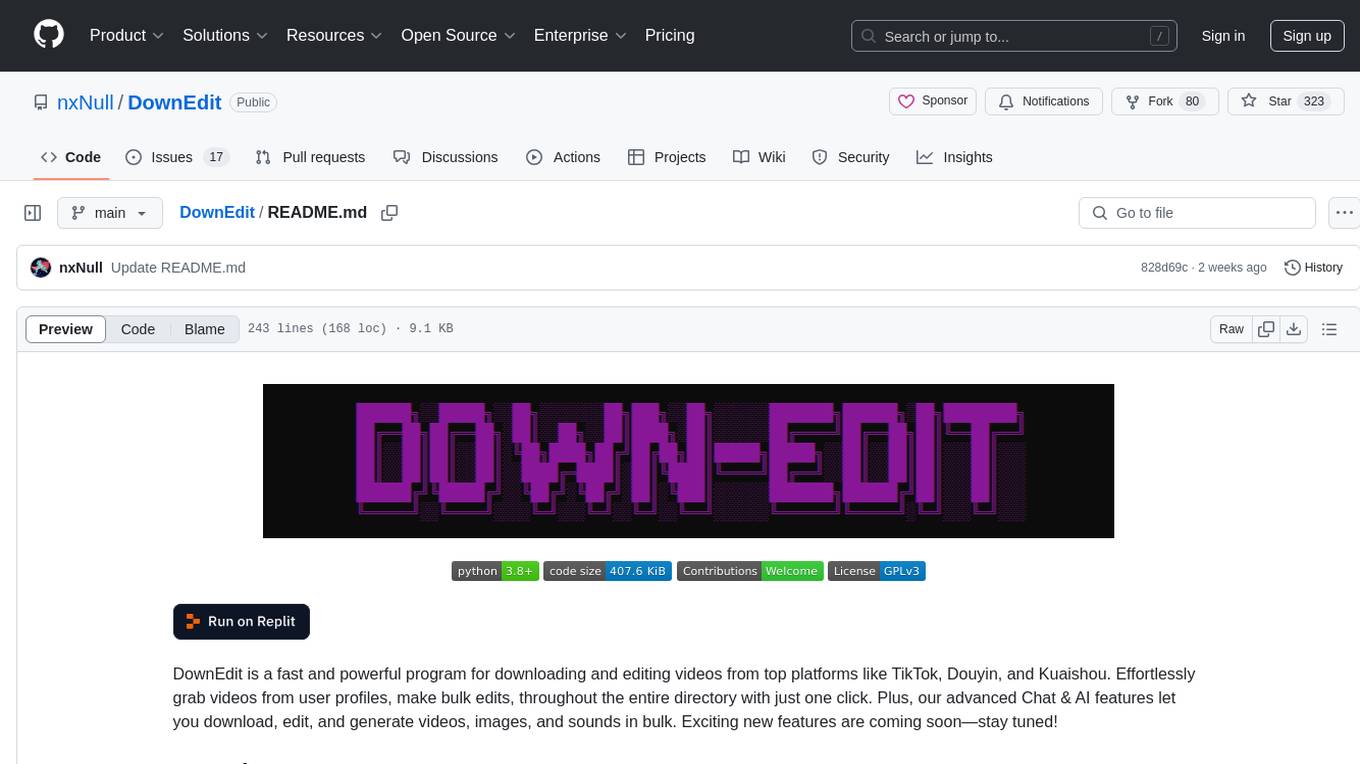
DownEdit is a fast and powerful program for downloading and editing videos from top platforms like TikTok, Douyin, and Kuaishou. Effortlessly grab videos from user profiles, make bulk edits throughout the entire directory with just one click. Advanced Chat & AI features let you download, edit, and generate videos, images, and sounds in bulk. Exciting new features are coming soon—stay tuned!
code-cli
Autohand Code CLI is an autonomous coding agent in CLI form that uses the ReAct pattern to understand, plan, and execute code changes. It is designed for seamless coding experience without context switching or copy-pasting. The tool is fast, intuitive, and extensible with modular skills. It can be used to automate coding tasks, enforce code quality, and speed up development. Autohand can be integrated into team workflows and CI/CD pipelines to enhance productivity and efficiency.
PraisonAI
Praison AI is a low-code, centralised framework that simplifies the creation and orchestration of multi-agent systems for various LLM applications. It emphasizes ease of use, customization, and human-agent interaction. The tool leverages AutoGen and CrewAI frameworks to facilitate the development of AI-generated scripts and movie concepts. Users can easily create, run, test, and deploy agents for scriptwriting and movie concept development. Praison AI also provides options for full automatic mode and integration with OpenAI models for enhanced AI capabilities.
For similar tasks
Awesome-Segment-Anything
Awesome-Segment-Anything is a powerful tool for segmenting and extracting information from various types of data. It provides a user-friendly interface to easily define segmentation rules and apply them to text, images, and other data formats. The tool supports both supervised and unsupervised segmentation methods, allowing users to customize the segmentation process based on their specific needs. With its versatile functionality and intuitive design, Awesome-Segment-Anything is ideal for data analysts, researchers, content creators, and anyone looking to efficiently extract valuable insights from complex datasets.
Time-LLM
Time-LLM is a reprogramming framework that repurposes large language models (LLMs) for time series forecasting. It allows users to treat time series analysis as a 'language task' and effectively leverage pre-trained LLMs for forecasting. The framework involves reprogramming time series data into text representations and providing declarative prompts to guide the LLM reasoning process. Time-LLM supports various backbone models such as Llama-7B, GPT-2, and BERT, offering flexibility in model selection. The tool provides a general framework for repurposing language models for time series forecasting tasks.
crewAI
CrewAI is a cutting-edge framework designed to orchestrate role-playing autonomous AI agents. By fostering collaborative intelligence, CrewAI empowers agents to work together seamlessly, tackling complex tasks. It enables AI agents to assume roles, share goals, and operate in a cohesive unit, much like a well-oiled crew. Whether you're building a smart assistant platform, an automated customer service ensemble, or a multi-agent research team, CrewAI provides the backbone for sophisticated multi-agent interactions. With features like role-based agent design, autonomous inter-agent delegation, flexible task management, and support for various LLMs, CrewAI offers a dynamic and adaptable solution for both development and production workflows.
Transformers_And_LLM_Are_What_You_Dont_Need
Transformers_And_LLM_Are_What_You_Dont_Need is a repository that explores the limitations of transformers in time series forecasting. It contains a collection of papers, articles, and theses discussing the effectiveness of transformers and LLMs in this domain. The repository aims to provide insights into why transformers may not be the best choice for time series forecasting tasks.
pytorch-forecasting
PyTorch Forecasting is a PyTorch-based package for time series forecasting with state-of-the-art network architectures. It offers a high-level API for training networks on pandas data frames and utilizes PyTorch Lightning for scalable training on GPUs and CPUs. The package aims to simplify time series forecasting with neural networks by providing a flexible API for professionals and default settings for beginners. It includes a timeseries dataset class, base model class, multiple neural network architectures, multi-horizon timeseries metrics, and hyperparameter tuning with optuna. PyTorch Forecasting is built on pytorch-lightning for easy training on various hardware configurations.
spider
Spider is a high-performance web crawler and indexer designed to handle data curation workloads efficiently. It offers features such as concurrency, streaming, decentralization, headless Chrome rendering, HTTP proxies, cron jobs, subscriptions, smart mode, blacklisting, whitelisting, budgeting depth, dynamic AI prompt scripting, CSS scraping, and more. Users can easily get started with the Spider Cloud hosted service or set up local installations with spider-cli. The tool supports integration with Node.js and Python for additional flexibility. With a focus on speed and scalability, Spider is ideal for extracting and organizing data from the web.
AI_for_Science_paper_collection
AI for Science paper collection is an initiative by AI for Science Community to collect and categorize papers in AI for Science areas by subjects, years, venues, and keywords. The repository contains `.csv` files with paper lists labeled by keys such as `Title`, `Conference`, `Type`, `Application`, `MLTech`, `OpenReviewLink`. It covers top conferences like ICML, NeurIPS, and ICLR. Volunteers can contribute by updating existing `.csv` files or adding new ones for uncovered conferences/years. The initiative aims to track the increasing trend of AI for Science papers and analyze trends in different applications.
pytorch-forecasting
PyTorch Forecasting is a PyTorch-based package designed for state-of-the-art timeseries forecasting using deep learning architectures. It offers a high-level API and leverages PyTorch Lightning for efficient training on GPU or CPU with automatic logging. The package aims to simplify timeseries forecasting tasks by providing a flexible API for professionals and user-friendly defaults for beginners. It includes features such as a timeseries dataset class for handling data transformations, missing values, and subsampling, various neural network architectures optimized for real-world deployment, multi-horizon timeseries metrics, and hyperparameter tuning with optuna. Built on pytorch-lightning, it supports training on CPUs, single GPUs, and multiple GPUs out-of-the-box.
For similar jobs
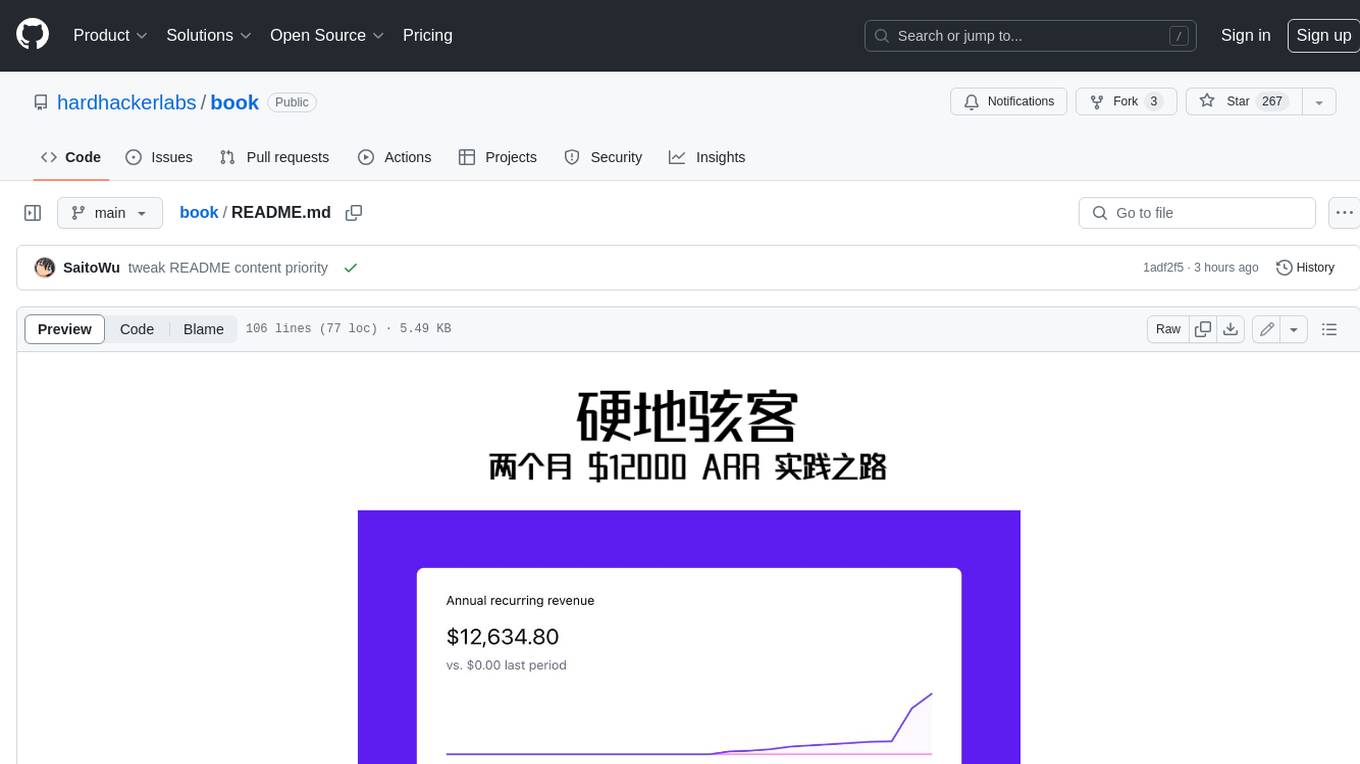
book
Podwise is an AI knowledge management app designed specifically for podcast listeners. With the Podwise platform, you only need to follow your favorite podcasts, such as "Hardcore Hackers". When a program is released, Podwise will use AI to transcribe, extract, summarize, and analyze the podcast content, helping you to break down the hard-core podcast knowledge. At the same time, it is connected to platforms such as Notion, Obsidian, Logseq, and Readwise, embedded in your knowledge management workflow, and integrated with content from other channels including news, newsletters, and blogs, helping you to improve your second brain 🧠.
extractor
Extractor is an AI-powered data extraction library for Laravel that leverages OpenAI's capabilities to effortlessly extract structured data from various sources, including images, PDFs, and emails. It features a convenient wrapper around OpenAI Chat and Completion endpoints, supports multiple input formats, includes a flexible Field Extractor for arbitrary data extraction, and integrates with Textract for OCR functionality. Extractor utilizes JSON Mode from the latest GPT-3.5 and GPT-4 models, providing accurate and efficient data extraction.
Scrapegraph-ai
ScrapeGraphAI is a Python library that uses Large Language Models (LLMs) and direct graph logic to create web scraping pipelines for websites, documents, and XML files. It allows users to extract specific information from web pages by providing a prompt describing the desired data. ScrapeGraphAI supports various LLMs, including Ollama, OpenAI, Gemini, and Docker, enabling users to choose the most suitable model for their needs. The library provides a user-friendly interface through its `SmartScraper` class, which simplifies the process of building and executing scraping pipelines. ScrapeGraphAI is open-source and available on GitHub, with extensive documentation and examples to guide users. It is particularly useful for researchers and data scientists who need to extract structured data from web pages for analysis and exploration.
databerry
Chaindesk is a no-code platform that allows users to easily set up a semantic search system for personal data without technical knowledge. It supports loading data from various sources such as raw text, web pages, files (Word, Excel, PowerPoint, PDF, Markdown, Plain Text), and upcoming support for web sites, Notion, and Airtable. The platform offers a user-friendly interface for managing datastores, querying data via a secure API endpoint, and auto-generating ChatGPT Plugins for each datastore. Chaindesk utilizes a Vector Database (Qdrant), Openai's text-embedding-ada-002 for embeddings, and has a chunk size of 1024 tokens. The technology stack includes Next.js, Joy UI, LangchainJS, PostgreSQL, Prisma, and Qdrant, inspired by the ChatGPT Retrieval Plugin.

auto-news
Auto-News is an automatic news aggregator tool that utilizes Large Language Models (LLM) to pull information from various sources such as Tweets, RSS feeds, YouTube videos, web articles, Reddit, and journal notes. The tool aims to help users efficiently read and filter content based on personal interests, providing a unified reading experience and organizing information effectively. It features feed aggregation with summarization, transcript generation for videos and articles, noise reduction, task organization, and deep dive topic exploration. The tool supports multiple LLM backends, offers weekly top-k aggregations, and can be deployed on Linux/MacOS using docker-compose or Kubernetes.
SemanticFinder
SemanticFinder is a frontend-only live semantic search tool that calculates embeddings and cosine similarity client-side using transformers.js and SOTA embedding models from Huggingface. It allows users to search through large texts like books with pre-indexed examples, customize search parameters, and offers data privacy by keeping input text in the browser. The tool can be used for basic search tasks, analyzing texts for recurring themes, and has potential integrations with various applications like wikis, chat apps, and personal history search. It also provides options for building browser extensions and future ideas for further enhancements and integrations.
1filellm
1filellm is a command-line data aggregation tool designed for LLM ingestion. It aggregates and preprocesses data from various sources into a single text file, facilitating the creation of information-dense prompts for large language models. The tool supports automatic source type detection, handling of multiple file formats, web crawling functionality, integration with Sci-Hub for research paper downloads, text preprocessing, and token count reporting. Users can input local files, directories, GitHub repositories, pull requests, issues, ArXiv papers, YouTube transcripts, web pages, Sci-Hub papers via DOI or PMID. The tool provides uncompressed and compressed text outputs, with the uncompressed text automatically copied to the clipboard for easy pasting into LLMs.
Agently-Daily-News-Collector
Agently Daily News Collector is an open-source project showcasing a workflow powered by the Agent ly AI application development framework. It allows users to generate news collections on various topics by inputting the field topic. The AI agents automatically perform the necessary tasks to generate a high-quality news collection saved in a markdown file. Users can edit settings in the YAML file, install Python and required packages, input their topic idea, and wait for the news collection to be generated. The process involves tasks like outlining, searching, summarizing, and preparing column data. The project dependencies include Agently AI Development Framework, duckduckgo-search, BeautifulSoup4, and PyYAM.