


clawhost
One-click cloud hosting for OpenClaw AI agents.
Stars: 179
ClawHost is an open-source, self-hostable cloud hosting platform that simplifies deploying OpenClaw on a dedicated VPS. It automates server provisioning, DNS, SSL, and firewall setup, allowing users to focus on using AI. The platform offers features like one-click deploy, multi-cloud support, dedicated VPS, agent playground, chat interface, skills marketplace, diagnostics, file management, automatic SSL, DNS management, SSH key management, persistent storage, multi-authentication, billing integration, export & backup, and cross-platform support. It is fully open source and built with TypeScript using Turborepo and pnpm.
README:

Deploy OpenClaw on your own VPS with one click.
Full privacy, dedicated resources, no shared infrastructure.
Website · Blog · Self-Host Guide



ClawHost is an open-source, self-hostable cloud hosting platform that lets anyone deploy OpenClaw on a dedicated VPS in under a minute. It handles server provisioning, DNS, SSL, firewall configuration, and OpenClaw installation automatically — so you can focus on using AI, not managing infrastructure.
- One-Click Deploy — Select a provider, pick a plan, pay, and OpenClaw is live within minutes
- Multi-Cloud — Choose between Hetzner, DigitalOcean, and Vultr as your cloud provider
- Dedicated VPS — Real servers with full root access, not shared containers
- Agent Playground — Visual canvas for managing AI agents with drag-and-drop workflows
- Chat Interface — Real-time WebSocket chat with your OpenClaw agents
- Channel Integrations — Connect Telegram, Discord, Slack, Signal, and WhatsApp
- Skills & ClawHub — Browse, install, and manage skills from the ClawHub marketplace
- Diagnostics & Logs — Monitor server health, view logs, and repair instances
- File & Env Management — Edit configuration files and environment variables remotely
- Automatic SSL — HTTPS via Let's Encrypt, configured automatically
- DNS Management — Automatic subdomain creation via Cloudflare
- SSH Key Management — Store and assign keys for passwordless access across all providers
- Persistent Storage — Attach additional volumes to any instance
- Multi-Auth — Sign in with OTP email, Google, or GitHub
- Billing Built-In — Polar.sh integration for subscriptions, invoicing, and billing portal
- Export & Backup — Export claw configurations for backup and migration
- Cross-Platform — Web, mobile (iOS/Android), and desktop (macOS/Linux) apps
- Fully Open Source — MIT licensed, self-host the entire platform yourself
ClawHost is a TypeScript monorepo built with Turborepo and managed with pnpm.
clawhost/
├── apps/
│   ├── api/                 # Hono.js backend API
│   ├── web/                 # React + Vite frontend
│   ├── mobile/              # React Native + Expo mobile app
│   └── clawhostgo/          # Electron desktop app
├── packages/
│   ├── shared/              # @openclaw/shared — HTTP client utility
│   └── i18n/                # @openclaw/i18n — Internationalization
├── scripts/
│   ├── cloud-init.yaml      # Server initialization template
│   └── configure-polar-portal.ts  # Polar portal configuration
├── turbo.json               # Turborepo build orchestration
└── pnpm-workspace.yaml      # Workspace definition
| Layer | Technology |
|---|---|
| API Framework | Hono on Node.js |
| Database | PostgreSQL (Neon) with Drizzle ORM |
| Authentication | Firebase (OTP email, Google, GitHub) |
| Server Provisioning | Hetzner Cloud, DigitalOcean, Vultr |
| Remote Management | SSH2 for remote command execution, file management, and diagnostics |
| DNS | Cloudflare API |
| Billing | Polar.sh |
| Resend with React Email | |
| Frontend | React 18 + Vite |
| UI Components | shadcn/ui + Radix UI + Tailwind CSS |
| Visual Canvas | React Flow with Dagre layout |
| Code Editor | CodeMirror via @uiw/react-codemirror |
| State Management | Zustand |
| Data Fetching | TanStack React Query |
| Icons | Phosphor Icons |
| Animations | Framer Motion |
| Blog | MDX with frontmatter |
| Mobile | React Native + Expo |
| Desktop | Electron with Electron Forge |
| Monorepo | Turborepo + pnpm |
| Table | Purpose |
|---|---|
users |
Firebase-authenticated users with Polar customer IDs and auth methods |
claws |
Cloud server instances across all providers (status, IP, subdomain, etc) |
pendingClaws |
Temporary storage for in-progress checkout sessions |
sshKeys |
SSH public keys with per-provider key IDs |
volumes |
Persistent storage volumes attached to claws |
otpCodes |
OTP authentication codes with expiration and attempt tracking |
rateLimits |
Rate limiting for authentication endpoints |
clawExports |
Export/backup records with file metadata |
- Node.js 20+
- pnpm 9.14+
- PostgreSQL database (Neon, Supabase, or self-hosted)
| Service | Purpose | What You Need |
|---|---|---|
| Hetzner Cloud | Server provisioning | API Token (Read & Write) |
| DigitalOcean | Server provisioning | API Token |
| Vultr | Server provisioning | API Key |
| Firebase | Authentication | Project credentials + Service account |
| Cloudflare | DNS management | API Token + Zone ID |
| Polar.sh | Billing & subscriptions | API credentials + Webhook secret |
| Resend | Transactional email | API Key |
At least one cloud provider is required. You can configure one, two, or all three.
git clone https://github.com/bfzli/clawhost.git
cd clawhost
pnpm installAPI — create apps/api/.env:
# Database
DATABASE_URL=postgresql://user:password@host:5432/database?sslmode=require

# Firebase Admin SDK
FIREBASE_PROJECT_ID=your-project-id
FIREBASE_CLIENT_EMAIL=firebase-adminsdk-xxxxx@your-project.iam.gserviceaccount.com
FIREBASE_PRIVATE_KEY="-----BEGIN PRIVATE KEY-----\n...\n-----END PRIVATE KEY-----\n"

# Cloud Providers (at least one required)
HETZNER_API_TOKEN=your-hetzner-api-token
DIGITALOCEAN_API_TOKEN=your-digitalocean-api-token
VULTR_API_TOKEN=your-vultr-api-token

# Cloudflare DNS
CLOUDFLARE_API_TOKEN=your-cloudflare-api-token
CLOUDFLARE_ZONE_ID=your-zone-id

# Polar (payments)
POLAR_ACCESS_TOKEN=your-polar-access-token
POLAR_ORGANIZATION_ID=your-polar-org-id
POLAR_WEBHOOK_SECRET=your-polar-webhook-secret

# Resend (email)
RESEND_API_KEY=your-resend-api-key
FROM_EMAIL=OpenClaw <[email protected]>

# Server
PORT=2222
CLIENT=localhost:1111
Web — create apps/web/.env:
# API
VITE_API_URL=/api

# Firebase Client SDK
VITE_FIREBASE_API_KEY=AIza...
VITE_FIREBASE_AUTH_DOMAIN=your-project.firebaseapp.com
VITE_FIREBASE_PROJECT_ID=your-project-id
VITE_FIREBASE_STORAGE_BUCKET=your-project.appspot.com
VITE_FIREBASE_MESSAGING_SENDER_ID=123456789
VITE_FIREBASE_APP_ID=1:123456789:web:abc123Hetzner Cloud
- Go to Hetzner Cloud Console
- Create a new project or select an existing one
- Navigate to Security > API Tokens
- Generate a token with Read & Write permissions
- Copy to
HETZNER_API_TOKEN
DigitalOcean
- Go to DigitalOcean Cloud Console
- Navigate to API > Tokens
- Generate a personal access token with read and write scopes
- Copy to
DIGITALOCEAN_API_TOKEN
Vultr
- Go to Vultr Dashboard
- Navigate to Account > API
- Enable the API and copy your API key
- Copy to
VULTR_API_TOKEN
Firebase
- Go to Firebase Console
- Create a new project
- Enable Authentication > Sign-in method > Email/Password (required for OTP login)
- Add your domain to Authorized domains
- For the web app: Project Settings > General > Your apps > Add a web app and copy config
- For the API: Project Settings > Service accounts > Generate a new private key
Google Sign-In:
- In Authentication > Sign-in method, enable Google
- Set a project support email
GitHub Sign-In:
- Create an OAuth App on GitHub Developer Settings
- Set the Authorization callback URL to your Firebase callback URL (found in Firebase Console under the GitHub provider setup)
- In Authentication > Sign-in method, enable GitHub and paste the Client ID and Client Secret from your GitHub OAuth App
All three sign-in methods (OTP, Google, GitHub) are always displayed in the UI, so all three must be configured in Firebase for a working setup. Users can also link/unlink Google and GitHub accounts from their Account settings page.
Cloudflare
- Go to Cloudflare Dashboard
- Add your domain or select an existing one
- Copy the Zone ID from the domain overview page
- Create an API token with Zone:DNS:Edit permission
- Copy Zone ID and API Token to your
.env
Polar.sh
- Go to Polar.sh
- Create an organization and set up your products/subscriptions
- Generate an access token and copy to
POLAR_ACCESS_TOKEN - Copy your organization ID to
POLAR_ORGANIZATION_ID - Configure webhook to point to your API's
/api/webhooks/polarendpoint - Copy the webhook secret to
POLAR_WEBHOOK_SECRET
pnpm --filter api db:migratepnpm devThis starts both apps:
| App | URL |
|---|---|
| Web | http://localhost:1111 |
| API | http://localhost:2222 |
The web dev server proxies /api requests to the API server automatically.
| Command | Description |
|---|---|
pnpm dev |
Start all apps in development mode |
pnpm dev:web |
Start web app only |
pnpm dev:api |
Start API only |
pnpm dev:mobile |
Start mobile app (Expo) |
pnpm dev:desktop |
Start desktop app (Electron) |
pnpm build |
Build all apps for production |
pnpm lint |
Run ESLint across the monorepo |
pnpm lint:fix |
Auto-fix ESLint issues |
pnpm format |
Format all files with Prettier |
pnpm format:check |
Check formatting without writing |
pnpm check |
Run TypeScript type-check + ESLint for all apps |
| Command | Description |
|---|---|
pnpm --filter api db:generate |
Generate a new migration after schema changes |
pnpm --filter api db:migrate |
Apply pending migrations |
pnpm --filter api db:studio |
Open Drizzle Studio (database GUI) |
pnpm --filter api email:dev # Preview email templates at localhost:3333| Method | Endpoint | Description |
|---|---|---|
POST |
/api/auth/send-otp |
Send OTP code via email |
POST |
/api/auth/verify-otp |
Verify OTP and get Firebase token |
GET |
/api/plans |
List available server plans |
GET |
/api/plans/locations |
List available regions |
GET |
/api/plans/volume-pricing |
Get volume pricing |
GET |
/api/plans/availability |
Check plan availability |
Claws (Server Instances)
| Method | Endpoint | Description |
|---|---|---|
GET |
/api/claws |
List user's claws |
GET |
/api/claws/:id |
Get a specific claw |
POST |
/api/claws |
Create a claw (direct) |
POST |
/api/claws/purchase |
Initiate paid claw purchase |
POST |
/api/claws/:id/sync |
Sync claw with cloud provider |
POST |
/api/claws/:id/start |
Start a claw |
POST |
/api/claws/:id/stop |
Stop a claw |
POST |
/api/claws/:id/restart |
Restart a claw |
POST |
/api/claws/:id/cancel-deletion |
Cancel scheduled deletion |
DELETE |
/api/claws/:id |
Delete a claw |
GET |
/api/claws/:id/export |
Export claw configuration |
POST |
/api/claws/:id/version |
Get OpenClaw version |
Claw Diagnostics
| Method | Endpoint | Description |
|---|---|---|
POST |
/api/claws/:id/diagnostics/status |
Get server diagnostics |
POST |
/api/claws/:id/diagnostics/logs |
Get server logs |
Claw Agents
| Method | Endpoint | Description |
|---|---|---|
POST |
/api/claws/:id/agents |
List agents |
POST |
/api/claws/:id/agents/create |
Create a new agent |
POST |
/api/claws/:id/agents/delete |
Delete an agent |
POST |
/api/claws/:id/agent-config |
Get agent configuration |
PUT |
/api/claws/:id/agent-config |
Update agent configuration |
Claw Channels
| Method | Endpoint | Description |
|---|---|---|
POST |
/api/claws/:id/channels |
Get configured channels |
PUT |
/api/claws/:id/channels |
Update channel configuration |
Claw Skills
| Method | Endpoint | Description |
|---|---|---|
POST |
/api/claws/:id/skills |
Get claw skills |
PUT |
/api/claws/:id/skills |
Update claw skills |
POST |
/api/claws/:id/agents/:agentId/skills |
Get agent-specific skills |
PUT |
/api/claws/:id/agents/:agentId/skills |
Update agent-specific skills |
ClawHub (Skills Marketplace)
| Method | Endpoint | Description |
|---|---|---|
POST |
/api/claws/:id/clawhub/search |
Search ClawHub skills |
POST |
/api/claws/:id/clawhub/installed |
List installed skills |
POST |
/api/claws/:id/clawhub/install |
Install a skill |
POST |
/api/claws/:id/clawhub/remove |
Remove a skill |
POST |
/api/claws/:id/clawhub/update |
Update a skill |
POST |
/api/claws/:id/clawhub/updates |
Check for available updates |
Claw Files & Environment
| Method | Endpoint | Description |
|---|---|---|
POST |
/api/claws/:id/files |
List files on instance |
POST |
/api/claws/:id/files/read |
Read a file |
PUT |
/api/claws/:id/files |
Update a file |
GET |
/api/claws/:id/env |
Get environment variables |
PUT |
/api/claws/:id/env |
Update environment variables |
Admin Endpoints
| Method | Endpoint | Description |
|---|---|---|
GET |
/api/claws/admin |
List all claws (admin only) |
POST |
/api/claws/:id/hard-delete |
Permanently delete (admin only) |
POST |
/api/claws/:id/diagnostics/repair |
Repair instance (admin only) |
POST |
/api/claws/:id/reinstall |
Reinstall OS (admin only) |
SSH Keys
| Method | Endpoint | Description |
|---|---|---|
GET |
/api/ssh-keys |
List SSH keys |
POST |
/api/ssh-keys |
Add an SSH key |
DELETE |
/api/ssh-keys/:id |
Delete an SSH key |
Users
| Method | Endpoint | Description |
|---|---|---|
GET |
/api/users/me |
Get current user profile |
PUT |
/api/users/me |
Update profile |
GET |
/api/users/me/stats |
Get user stats |
GET |
/api/users/me/billing |
Get billing history |
GET |
/api/users/me/billing/:orderId/invoice |
Get invoice for an order |
POST |
/api/users/me/billing/portal |
Open Polar billing portal |
POST |
/api/users/me/auth/:method |
Connect auth method (Google/GitHub) |
DELETE |
/api/users/me/auth/:method |
Disconnect auth method |
| Method | Endpoint | Description |
|---|---|---|
POST |
/api/webhooks/polar |
Polar payment webhook |
The web app builds to apps/web/dist/ as a static SPA with pre-rendered pages and a generated sitemap. Deploy to any static hosting provider:
-
Vercel (includes
vercel.jsonwith SPA rewrites) - Cloudflare Pages
- Netlify
- Nginx / Apache
pnpm buildThe API runs as a Hono.js application on Node.js:
cd apps/api
pnpm build
pnpm start # Starts on port 2222When a user deploys a new claw, the platform:
- Creates a checkout — Initiates a Polar.sh subscription for the selected plan
- Provisions a server — Spins up a VPS on the chosen cloud provider (Hetzner, DigitalOcean, or Vultr)
- Runs cloud-init — Automatically installs Node.js, OpenClaw, Nginx, SSL, and firewall
- Configures DNS — Creates a Cloudflare subdomain pointing to the server IP
- Delivers access — User gets a subdomain URL, root password, and SSH access
The scripts/cloud-init.yaml template configures every new instance with:
- Node.js 22 runtime
- OpenClaw (installed globally via npm)
- Nginx reverse proxy with WebSocket support
- Let's Encrypt SSL certificates
- UFW firewall (ports 22, 80, 443)
- systemd service for automatic OpenClaw startup
Once provisioned, users can manage their claws through the dashboard — configuring agents, channels, skills, environment variables, and files all remotely via SSH.
Instances get subdomains like abc1234.yourdomain.com. To use your own domain, update the Cloudflare zone configuration and the cloud-init template.
The default pricing markup on cloud provider base prices is configurable in the plans controller.
Modify scripts/cloud-init.yaml to customize what gets installed on new instances — add packages, change Node.js version, or configure additional services.
All UI text is managed through @openclaw/i18n. Translation strings live in packages/i18n/src/langs/en.ts, organized by category (common, nav, auth, dashboard, landing, etc.).
SSL certificates not working
Instances may take 1-2 minutes for SSL certificates to provision after the server boots. The cloud-init script includes retry logic for certificate generation. Ensure ports 80 and 443 are open.
DNS not resolving
New subdomains may take 1-5 minutes to propagate through Cloudflare. Check that your Cloudflare API token has Zone:DNS:Edit permission and the Zone ID is correct.
Firebase auth not working
- Verify your domain is listed in Firebase Authorized domains
- Confirm Email/Password sign-in is enabled under Authentication > Sign-in method
- If using Google/GitHub auth, ensure those providers are configured
- Double-check that all
VITE_FIREBASE_*values match your Firebase project
Database connection errors
- Verify
DATABASE_URLis correct and includes?sslmode=requirefor hosted databases - Run
pnpm --filter api db:migrateto apply any pending migrations - Use
pnpm --filter api db:studioto inspect the database directly
Contributions are welcome! Please open an issue first to discuss what you'd like to change.
- Fork the repository
- Create your feature branch (
git checkout -b feature/my-feature) - Make your changes following the project's code conventions
- Run
pnpm checkto verify TypeScript and linting pass - Run
pnpm formatto ensure formatting is correct - Commit and push your changes
- Open a pull request
MIT License — see LICENSE for details.
For Tasks:
Click tags to check more tools for each tasksFor Jobs:
Alternative AI tools for clawhost
Similar Open Source Tools
clawhost
ClawHost is an open-source, self-hostable cloud hosting platform that simplifies deploying OpenClaw on a dedicated VPS. It automates server provisioning, DNS, SSL, and firewall setup, allowing users to focus on using AI. The platform offers features like one-click deploy, multi-cloud support, dedicated VPS, agent playground, chat interface, skills marketplace, diagnostics, file management, automatic SSL, DNS management, SSH key management, persistent storage, multi-authentication, billing integration, export & backup, and cross-platform support. It is fully open source and built with TypeScript using Turborepo and pnpm.
clawfeed
ClawFeed is an AI-powered news digest tool that curates content from various sources like Twitter, RSS, HackerNews, and Reddit to provide structured summaries at different frequencies. Users can customize content filtering, bookmark articles for deep analysis, and follow/unfollow suggestions. It supports multi-language UI, dark/light mode, and Google OAuth for multi-user support. The tool can be installed as a standalone application or integrated with OpenClaw and Zylos skills for automated digest generation and dashboard management. With features like source packs, API endpoints for digests, bookmarks, sources, and feeds, ClawFeed offers a comprehensive solution for staying informed with minimal effort.
pantalk
Pantalk is a lightweight daemon that provides a single interface for AI agents to send, receive, and stream messages across various chat platforms such as Slack, Discord, Mattermost, Telegram, WhatsApp, IRC, Matrix, Twilio, and Zulip. It simplifies the integration process by handling authentication, sessions, and message history, allowing AI agents to communicate seamlessly with humans on different platforms through simple CLI commands or a Unix domain socket with a JSON protocol.
goclaw
GoClaw is a multi-agent AI gateway that connects LLMs to your tools, channels, and data. It orchestrates agent teams, inter-agent delegation, and quality-gated workflows across 11+ LLM providers with full multi-tenant isolation. It is a Go port of OpenClaw with enhanced security, multi-tenant PostgreSQL, and production-grade observability. GoClaw's unique strengths include multi-tenant PostgreSQL, agent teams, conversation handoff, evaluate-loop quality gates, runtime custom tools via API, and MCP protocol support.
neurolink
NeuroLink is an Enterprise AI SDK for Production Applications that serves as a universal AI integration platform unifying 13 major AI providers and 100+ models under one consistent API. It offers production-ready tooling, including a TypeScript SDK and a professional CLI, for teams to quickly build, operate, and iterate on AI features. NeuroLink enables switching providers with a single parameter change, provides 64+ built-in tools and MCP servers, supports enterprise features like Redis memory and multi-provider failover, and optimizes costs automatically with intelligent routing. It is designed for the future of AI with edge-first execution and continuous streaming architectures.
sf-skills
sf-skills is a collection of reusable skills for Agentic Salesforce Development, enabling AI-powered code generation, validation, testing, debugging, and deployment. It includes skills for development, quality, foundation, integration, AI & automation, DevOps & tooling. The installation process is newbie-friendly and includes an installer script for various CLIs. The skills are compatible with platforms like Claude Code, OpenCode, Codex, Gemini, Amp, Droid, Cursor, and Agentforce Vibes. The repository is community-driven and aims to strengthen the Salesforce ecosystem.
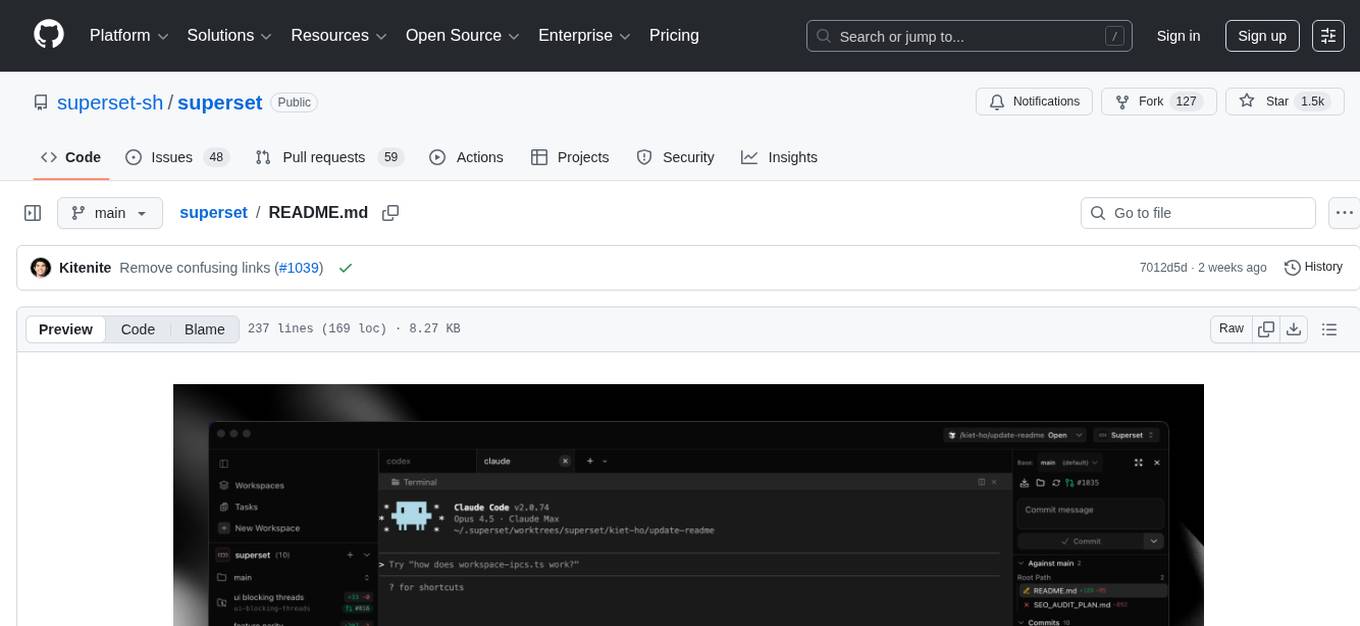
superset
Superset is a turbocharged terminal that allows users to run multiple CLI coding agents simultaneously, isolate tasks in separate worktrees, monitor agent status, review changes quickly, and enhance development workflow. It supports any CLI-based coding agent and offers features like parallel execution, worktree isolation, agent monitoring, built-in diff viewer, workspace presets, universal compatibility, quick context switching, and IDE integration. Users can customize keyboard shortcuts, configure workspace setup, and teardown, and contribute to the project. The tech stack includes Electron, React, TailwindCSS, Bun, Turborepo, Vite, Biome, Drizzle ORM, Neon, and tRPC. The community provides support through Discord, Twitter, GitHub Issues, and GitHub Discussions.
new-api
New API is a next-generation large model gateway and AI asset management system that provides a wide range of features, including a new UI interface, multi-language support, online recharge function, key query for usage quota, compatibility with the original One API database, model charging by usage count, channel weighted randomization, data dashboard, token grouping and model restrictions, support for various authorization login methods, support for Rerank models, OpenAI Realtime API, Claude Messages format, reasoning effort setting, content reasoning, user-specific model rate limiting, request format conversion, cache billing support, and various model support such as gpts, Midjourney-Proxy, Suno API, custom channels, Rerank models, Claude Messages format, Dify, and more.
shodh-memory
Shodh-Memory is a cognitive memory system designed for AI agents to persist memory across sessions, learn from experience, and run entirely offline. It features Hebbian learning, activation decay, and semantic consolidation, packed into a single ~17MB binary. Users can deploy it on cloud, edge devices, or air-gapped systems to enhance the memory capabilities of AI agents.
ai-dev-kit
The AI Dev Kit is a comprehensive toolkit designed to enhance AI-driven development on Databricks. It provides trusted sources for AI coding assistants like Claude Code and Cursor to build faster and smarter on Databricks. The kit includes features such as Spark Declarative Pipelines, Databricks Jobs, AI/BI Dashboards, Unity Catalog, Genie Spaces, Knowledge Assistants, MLflow Experiments, Model Serving, Databricks Apps, and more. Users can choose from different adventures like installing the kit, using the visual builder app, teaching AI assistants Databricks patterns, executing Databricks actions, or building custom integrations with the core library. The kit also includes components like databricks-tools-core, databricks-mcp-server, databricks-skills, databricks-builder-app, and ai-dev-project.
ReGraph
ReGraph is a decentralized AI compute marketplace that connects hardware providers with developers who need inference and training resources. It democratizes access to AI computing power by creating a global network of distributed compute nodes. It is cost-effective, decentralized, easy to integrate, supports multiple models, and offers pay-as-you-go pricing.
pup
Pup is a Go-based command-line wrapper designed for easy interaction with Datadog APIs. It provides a fast, cross-platform binary with support for OAuth2 authentication and traditional API key authentication. The tool offers simple commands for common Datadog operations, structured JSON output for parsing and automation, and dynamic client registration with unique OAuth credentials per installation. Pup currently implements 38 out of 85+ available Datadog APIs, covering core observability, monitoring & alerting, security & compliance, infrastructure & cloud, incident & operations, CI/CD & development, organization & access, and platform & configuration domains. Users can easily install Pup via Homebrew, Go Install, or manual download, and authenticate using OAuth2 or API key methods. The tool supports various commands for tasks such as testing connection, managing monitors, querying metrics, handling dashboards, working with SLOs, and handling incidents.
DownEdit
DownEdit is a powerful program that allows you to download videos from various social media platforms such as TikTok, Douyin, Kuaishou, and more. With DownEdit, you can easily download videos from user profiles and edit them in bulk. You have the option to flip the videos horizontally or vertically throughout the entire directory with just a single click. Stay tuned for more exciting features coming soon!
DownEdit
DownEdit is a fast and powerful program for downloading and editing videos from platforms like TikTok, Douyin, and Kuaishou. It allows users to effortlessly grab videos, make bulk edits, and utilize advanced AI features for generating videos, images, and sounds in bulk. The tool offers features like video, photo, and sound editing, downloading videos without watermarks, bulk AI generation, and AI editing for content enhancement.
DownEdit
DownEdit is a fast and powerful program for downloading and editing videos from top platforms like TikTok, Douyin, and Kuaishou. Effortlessly grab videos from user profiles, make bulk edits throughout the entire directory with just one click. Advanced Chat & AI features let you download, edit, and generate videos, images, and sounds in bulk. Exciting new features are coming soon—stay tuned!
skylos
Skylos is a privacy-first SAST tool for Python, TypeScript, and Go that bridges the gap between traditional static analysis and AI agents. It detects dead code, security vulnerabilities (SQLi, SSRF, Secrets), and code quality issues with high precision. Skylos uses a hybrid engine (AST + optional Local/Cloud LLM) to eliminate false positives, verify via runtime, find logic bugs, and provide context-aware audits. It offers automated fixes, end-to-end remediation, and 100% local privacy. The tool supports taint analysis, secrets detection, vulnerability checks, dead code detection and cleanup, agentic AI and hybrid analysis, codebase optimization, operational governance, and runtime verification.
For similar tasks
clawhost
ClawHost is an open-source, self-hostable cloud hosting platform that simplifies deploying OpenClaw on a dedicated VPS. It automates server provisioning, DNS, SSL, and firewall setup, allowing users to focus on using AI. The platform offers features like one-click deploy, multi-cloud support, dedicated VPS, agent playground, chat interface, skills marketplace, diagnostics, file management, automatic SSL, DNS management, SSH key management, persistent storage, multi-authentication, billing integration, export & backup, and cross-platform support. It is fully open source and built with TypeScript using Turborepo and pnpm.
ai2apps
AI2Apps is a visual IDE for building LLM-based AI agent applications, enabling developers to efficiently create AI agents through drag-and-drop, with features like design-to-development for rapid prototyping, direct packaging of agents into apps, powerful debugging capabilities, enhanced user interaction, efficient team collaboration, flexible deployment, multilingual support, simplified product maintenance, and extensibility through plugins.
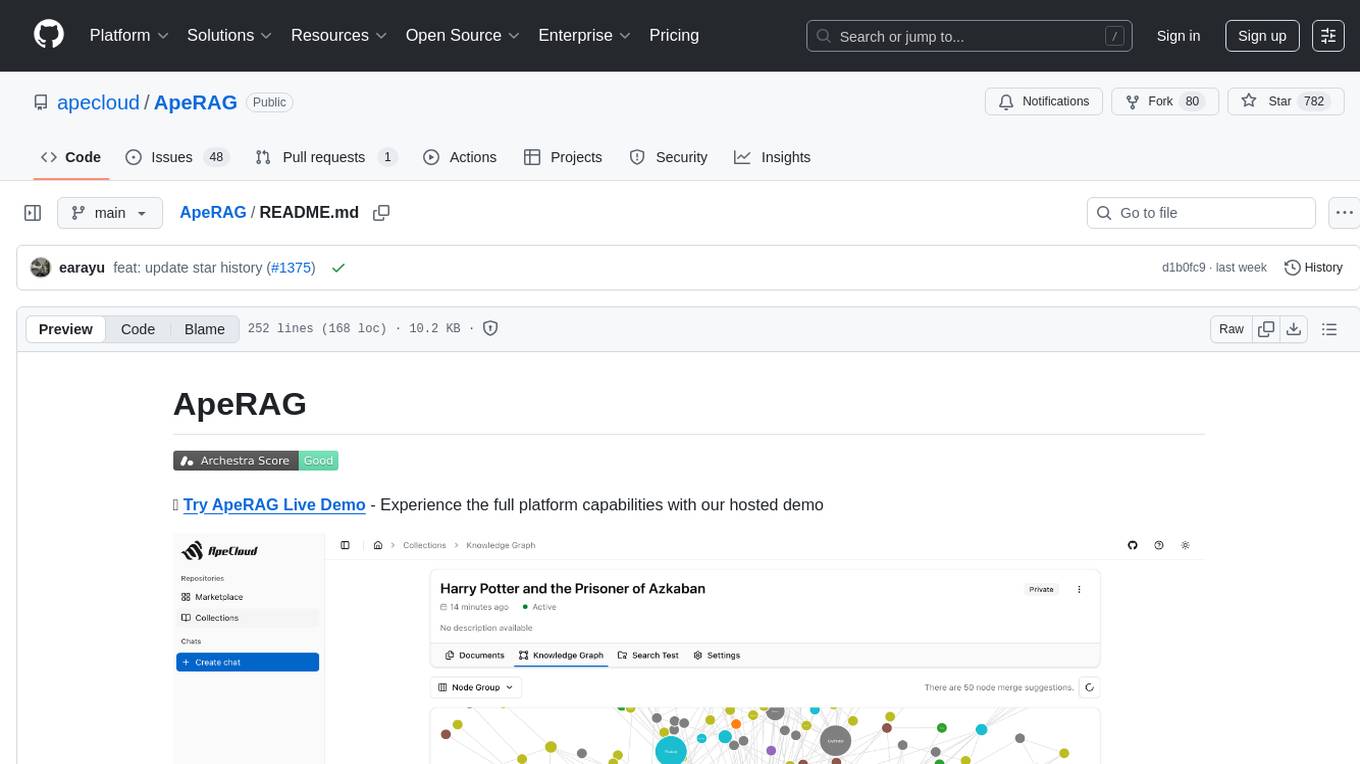
ApeRAG
ApeRAG is a production-ready platform for Retrieval-Augmented Generation (RAG) that combines Graph RAG, vector search, and full-text search with advanced AI agents. It is ideal for building Knowledge Graphs, Context Engineering, and deploying intelligent AI agents for autonomous search and reasoning across knowledge bases. The platform offers features like advanced index types, intelligent AI agents with MCP support, enhanced Graph RAG with entity normalization, multimodal processing, hybrid retrieval engine, MinerU integration for document parsing, production-grade deployment with Kubernetes, enterprise management features, MCP integration, and developer-friendly tools for customization and contribution.
topsha
LocalTopSH is an AI Agent Framework designed for companies and developers who require 100% on-premise AI agents with data privacy. It supports various OpenAI-compatible LLM backends and offers production-ready security features. The framework allows simple deployment using Docker compose and ensures that data stays within the user's network, providing full control and compliance. With cost-effective scaling options and compatibility in regions with restrictions, LocalTopSH is a versatile solution for deploying AI agents on self-hosted infrastructure.
k8s-operator
OpenClaw Kubernetes Operator is a platform for self-hosting AI agents on Kubernetes with production-grade security, observability, and lifecycle management. It allows users to run OpenClaw AI agents on their own infrastructure, managing inboxes, calendars, smart homes, and more through various integrations. The operator encodes network isolation, secret management, persistent storage, health monitoring, optional browser automation, and config rollouts into a single custom resource 'OpenClawInstance'. It manages a stack of Kubernetes resources ensuring security, monitoring, and self-healing. Features include declarative configuration, security hardening, built-in metrics, provider-agnostic config, config modes, skill installation, auto-update, backup/restore, workspace seeding, gateway auth, Tailscale integration, self-configuration, extensibility, cloud-native features, and more.
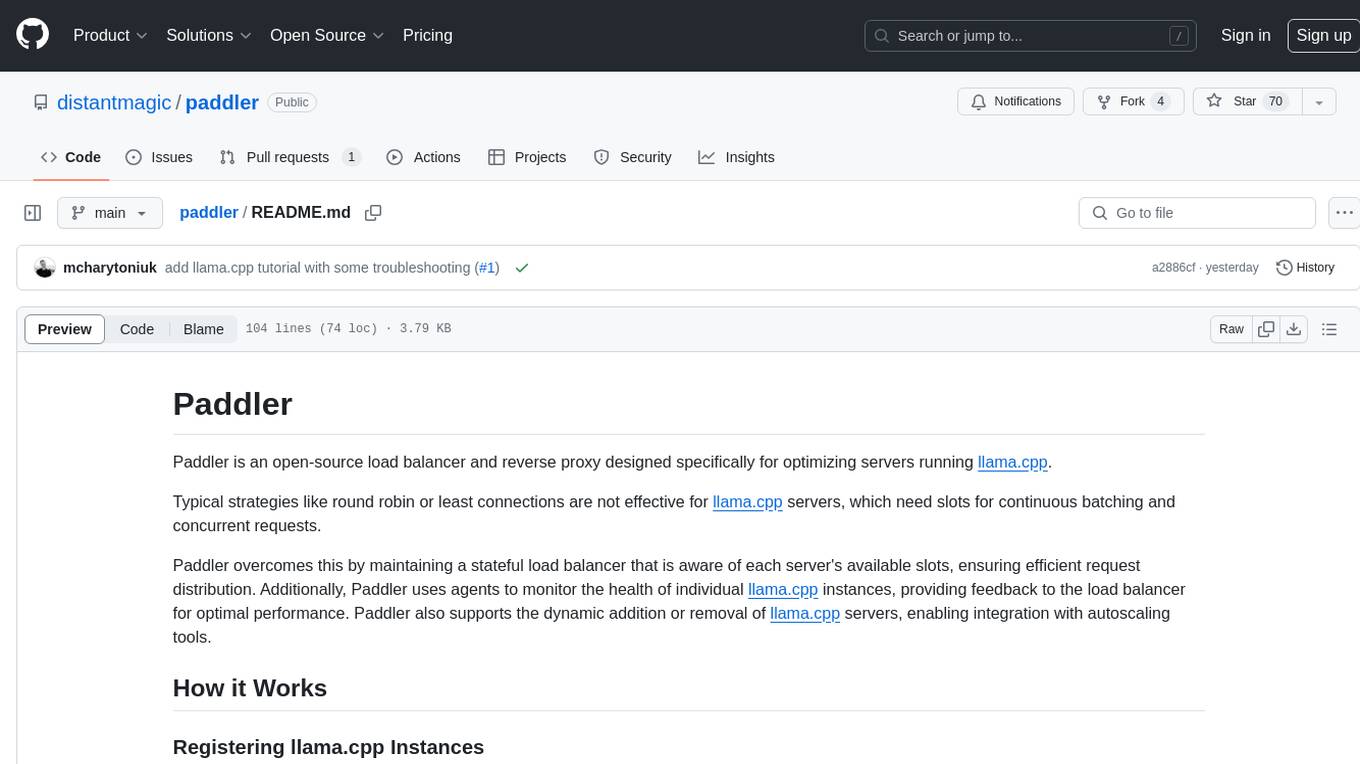
paddler
Paddler is an open-source load balancer and reverse proxy designed specifically for optimizing servers running llama.cpp. It overcomes typical load balancing challenges by maintaining a stateful load balancer that is aware of each server's available slots, ensuring efficient request distribution. Paddler also supports dynamic addition or removal of servers, enabling integration with autoscaling tools.
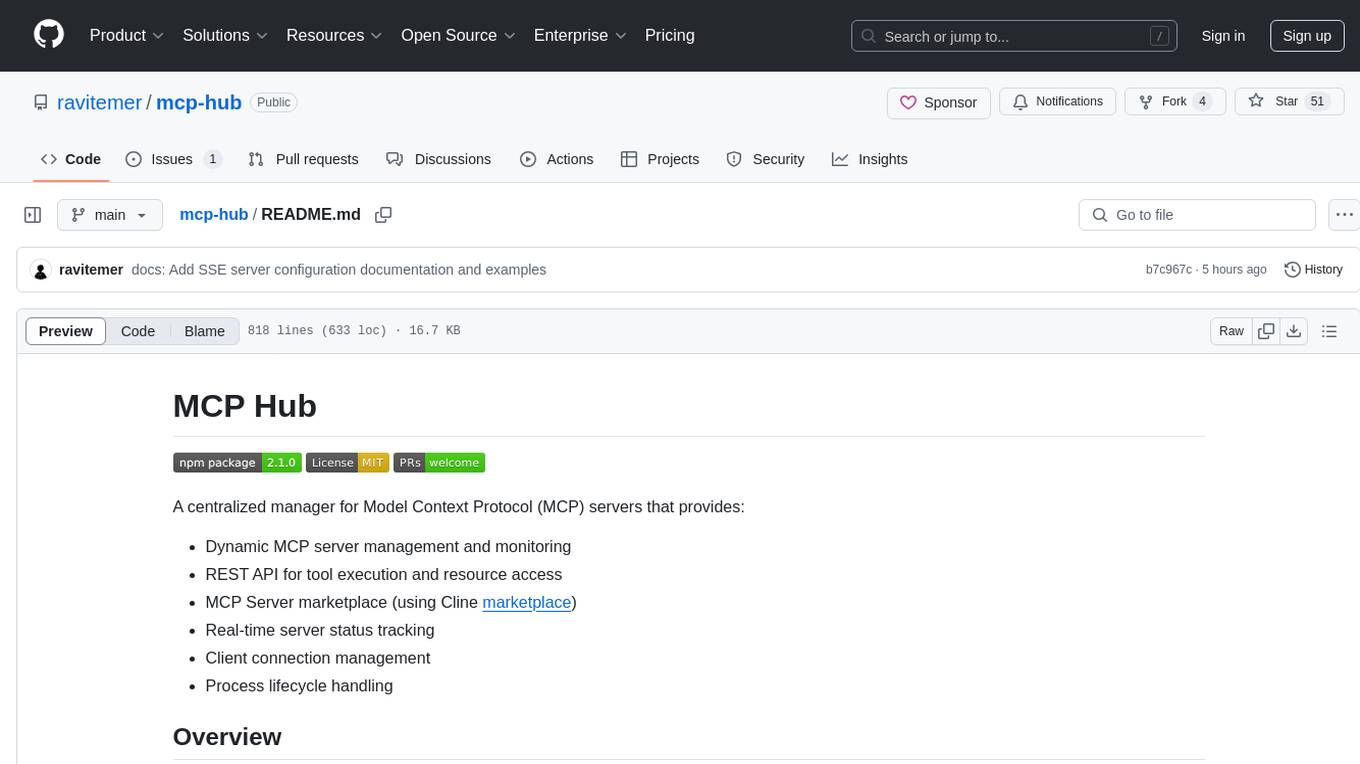
mcp-hub
MCP Hub is a centralized manager for Model Context Protocol (MCP) servers, offering dynamic server management and monitoring, REST API for tool execution and resource access, MCP Server marketplace integration, real-time server status tracking, client connection management, and process lifecycle handling. It acts as a central management server connecting to and managing multiple MCP servers, providing unified API endpoints for client access, handling server lifecycle and health monitoring, and routing requests between clients and MCP servers.
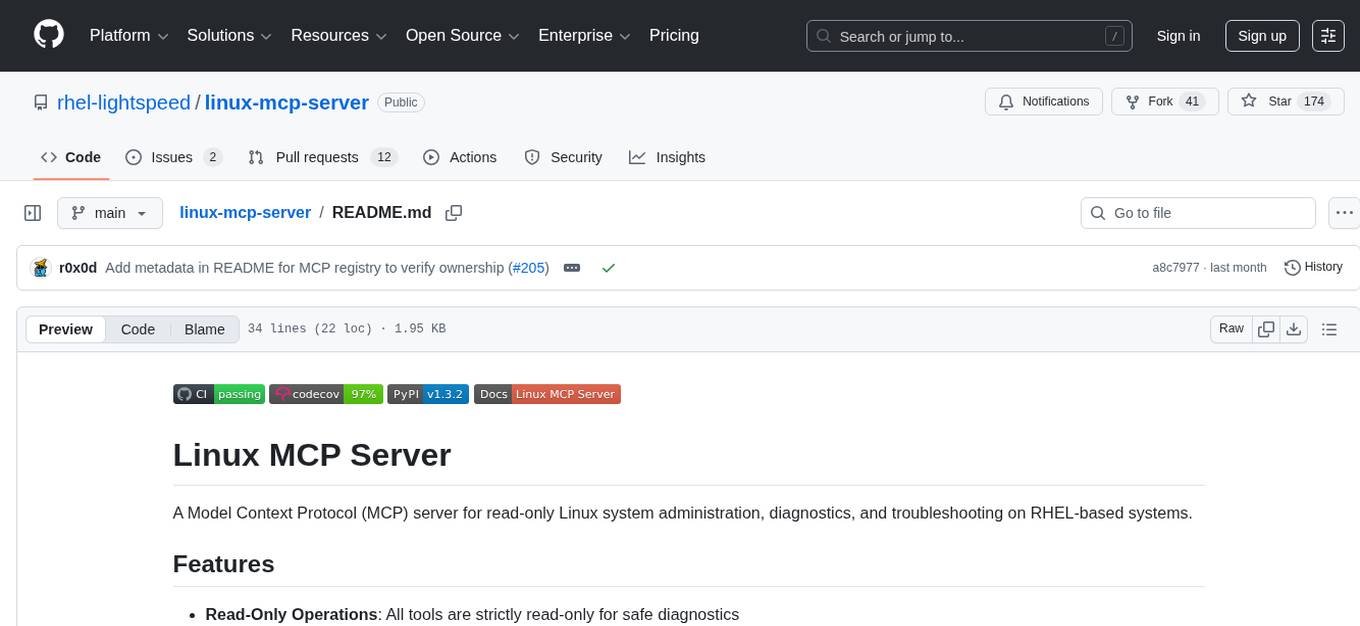
linux-mcp-server
Linux MCP Server is a powerful tool for managing multiple Linux servers from a central location. It provides a user-friendly interface to monitor server health, deploy updates, and automate routine tasks across a network of servers. With Linux MCP Server, system administrators can efficiently manage server configurations, troubleshoot issues, and ensure the security of their infrastructure.
For similar jobs

sweep
Sweep is an AI junior developer that turns bugs and feature requests into code changes. It automatically handles developer experience improvements like adding type hints and improving test coverage.

teams-ai
The Teams AI Library is a software development kit (SDK) that helps developers create bots that can interact with Teams and Microsoft 365 applications. It is built on top of the Bot Framework SDK and simplifies the process of developing bots that interact with Teams' artificial intelligence capabilities. The SDK is available for JavaScript/TypeScript, .NET, and Python.

ai-guide
This guide is dedicated to Large Language Models (LLMs) that you can run on your home computer. It assumes your PC is a lower-end, non-gaming setup.

classifai
Supercharge WordPress Content Workflows and Engagement with Artificial Intelligence. Tap into leading cloud-based services like OpenAI, Microsoft Azure AI, Google Gemini and IBM Watson to augment your WordPress-powered websites. Publish content faster while improving SEO performance and increasing audience engagement. ClassifAI integrates Artificial Intelligence and Machine Learning technologies to lighten your workload and eliminate tedious tasks, giving you more time to create original content that matters.

chatbot-ui
Chatbot UI is an open-source AI chat app that allows users to create and deploy their own AI chatbots. It is easy to use and can be customized to fit any need. Chatbot UI is perfect for businesses, developers, and anyone who wants to create a chatbot.

BricksLLM
BricksLLM is a cloud native AI gateway written in Go. Currently, it provides native support for OpenAI, Anthropic, Azure OpenAI and vLLM. BricksLLM aims to provide enterprise level infrastructure that can power any LLM production use cases. Here are some use cases for BricksLLM: * Set LLM usage limits for users on different pricing tiers * Track LLM usage on a per user and per organization basis * Block or redact requests containing PIIs * Improve LLM reliability with failovers, retries and caching * Distribute API keys with rate limits and cost limits for internal development/production use cases * Distribute API keys with rate limits and cost limits for students

uAgents
uAgents is a Python library developed by Fetch.ai that allows for the creation of autonomous AI agents. These agents can perform various tasks on a schedule or take action on various events. uAgents are easy to create and manage, and they are connected to a fast-growing network of other uAgents. They are also secure, with cryptographically secured messages and wallets.

griptape
Griptape is a modular Python framework for building AI-powered applications that securely connect to your enterprise data and APIs. It offers developers the ability to maintain control and flexibility at every step. Griptape's core components include Structures (Agents, Pipelines, and Workflows), Tasks, Tools, Memory (Conversation Memory, Task Memory, and Meta Memory), Drivers (Prompt and Embedding Drivers, Vector Store Drivers, Image Generation Drivers, Image Query Drivers, SQL Drivers, Web Scraper Drivers, and Conversation Memory Drivers), Engines (Query Engines, Extraction Engines, Summary Engines, Image Generation Engines, and Image Query Engines), and additional components (Rulesets, Loaders, Artifacts, Chunkers, and Tokenizers). Griptape enables developers to create AI-powered applications with ease and efficiency.