


shodh-memory
Cognitive brain for Claude, AI agents & edge devices — learns with use, runs offline, single binary. Neuroscience-grounded 3-tier architecture with Hebbian learning.
Stars: 74
Shodh-Memory is a cognitive memory system designed for AI agents to persist memory across sessions, learn from experience, and run entirely offline. It features Hebbian learning, activation decay, and semantic consolidation, packed into a single ~17MB binary. Users can deploy it on cloud, edge devices, or air-gapped systems to enhance the memory capabilities of AI agents.
README:







Persistent memory for AI agents. Single binary. Local-first. Runs offline.
For AI Agents — Claude, Cursor, GPT, LangChain, AutoGPT, robotic systems, or your custom agents. Give them memory that persists across sessions, learns from experience, and runs entirely on your hardware.
We built this because AI agents forget everything between sessions. They make the same mistakes, ask the same questions, lose context constantly.
Shodh-Memory fixes that. It's a cognitive memory system—Hebbian learning, activation decay, semantic consolidation—packed into a single ~17MB binary that runs offline. Deploy on cloud, edge devices, or air-gapped systems.
Choose your platform:
| Platform | Install | Documentation |
|---|---|---|
| Claude / Cursor | claude mcp add shodh-memory -- npx -y @shodh/memory-mcp |
MCP Setup |
| Python | pip install shodh-memory |
Python Docs |
| Rust | cargo add shodh-memory |
Rust Docs |
| npm (MCP) | npx -y @shodh/memory-mcp |
npm Docs |
shodh-tui
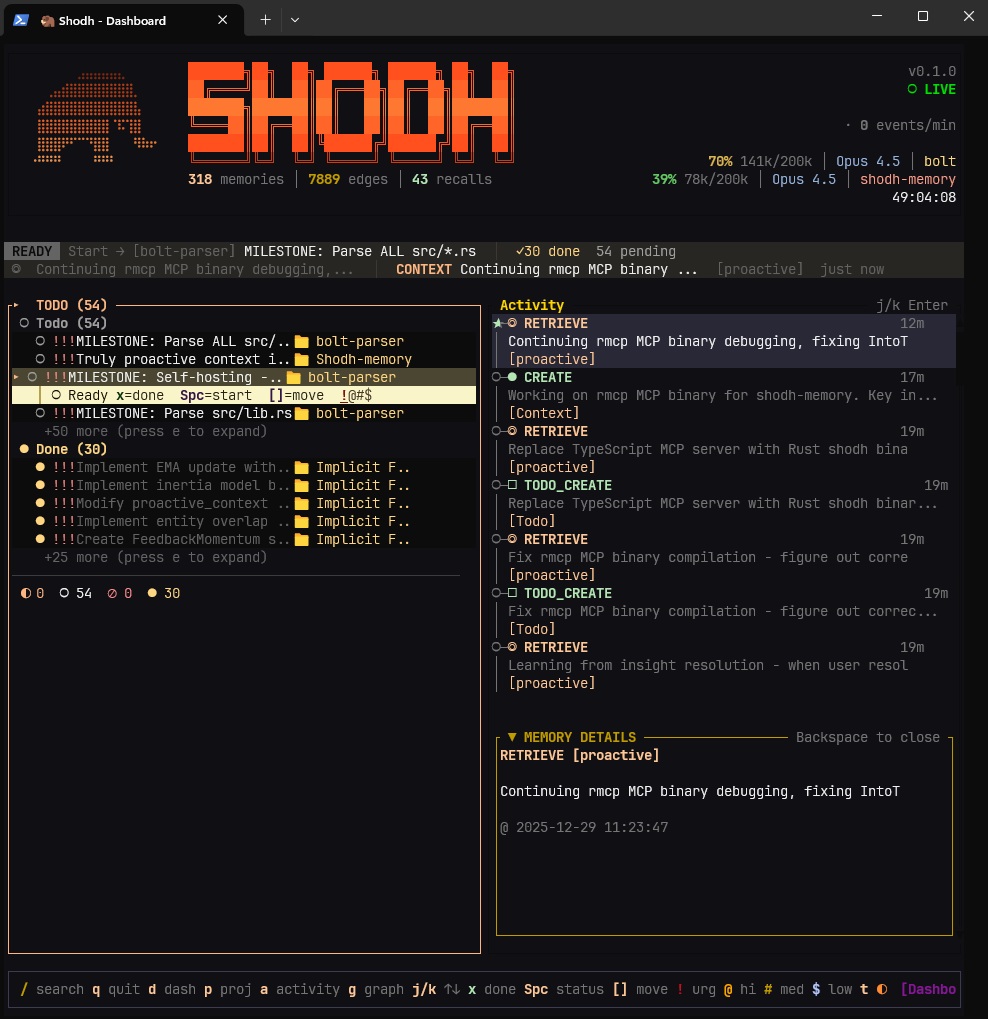
Real-time activity feed, memory tiers, and detailed inspection
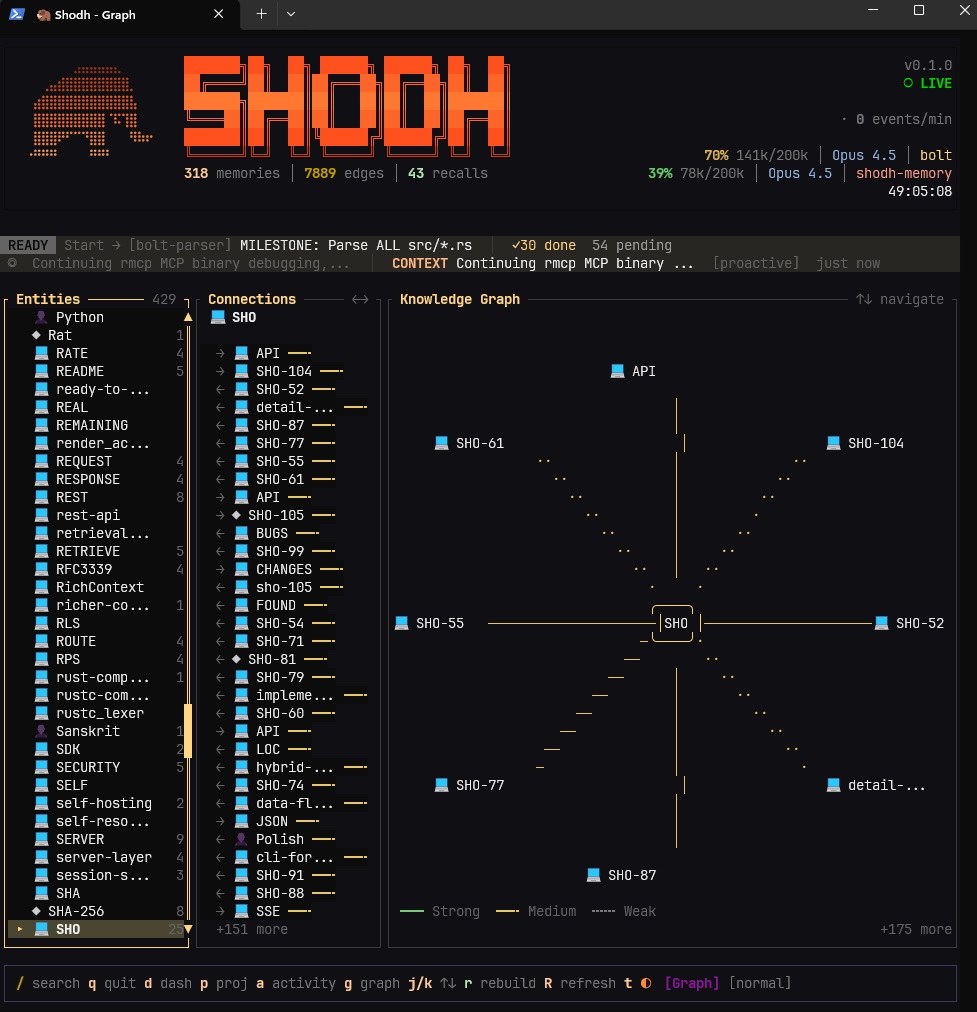
Knowledge graph visualization — entity connections across memories
Keyboard shortcuts: Tab switch panels · j/k navigate · Enter select · / search · q quit
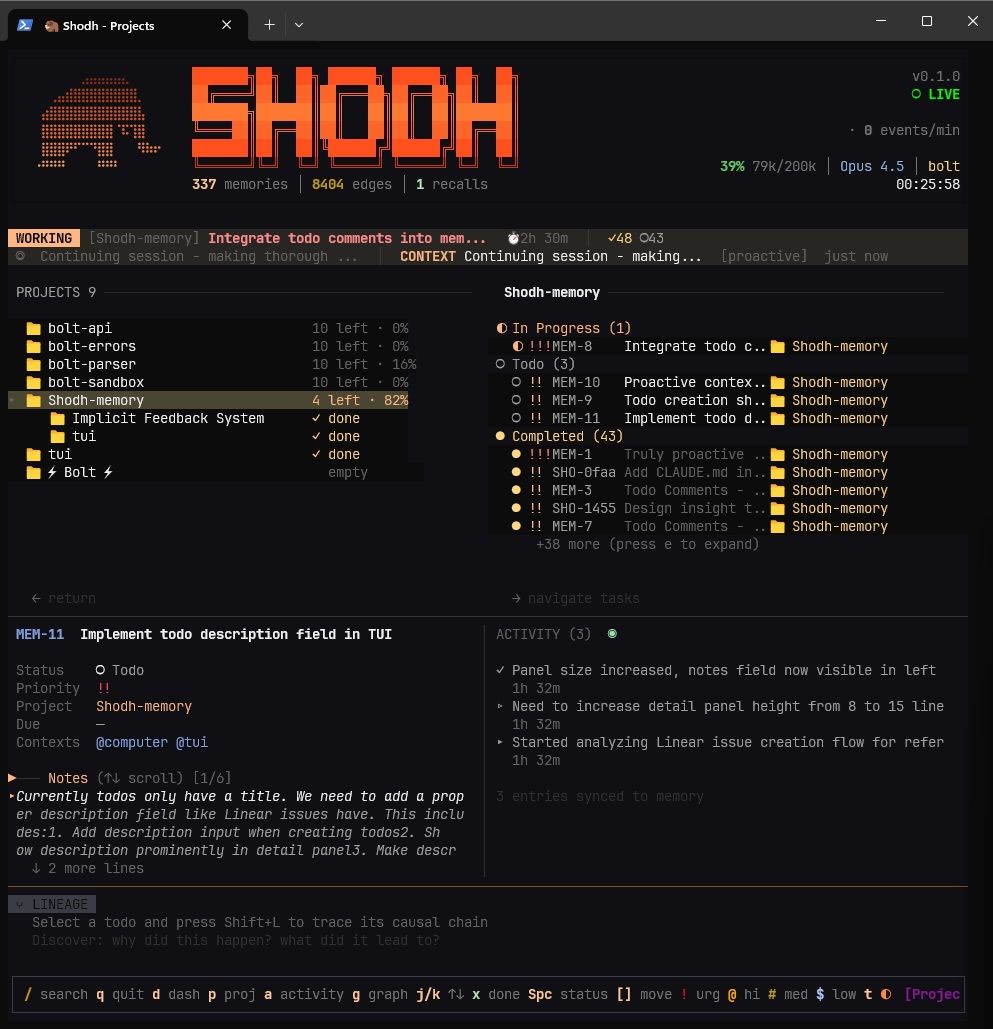
Projects and todos with GTD workflow — contexts, priorities, due dates
Built-in task management following GTD (Getting Things Done) methodology:
# Add todos with context, projects, and priorities
memory.add_todo("Fix authentication bug", project="Backend", priority="high", contexts=["@computer"])

# List by project or context
todos = memory.list_todos(project="Backend", status=["todo", "in_progress"])

# Complete tasks (auto-creates next occurrence for recurring)
memory.complete_todo("SHO-abc123")
MCP Tools for Claude/Cursor:
-
add_todo— Create tasks with projects, contexts, priorities, due dates -
list_todos— Filter by status, project, context, due date -
complete_todo— Mark done, auto-advances recurring tasks -
add_project/list_projects— Organize work into projects
Experiences flow through three tiers based on Cowan's working memory model:
Working Memory ──overflow──▶ Session Memory ──importance──▶ Long-Term Memory
   (100 items)                  (500 MB)                      (RocksDB)
Cognitive Processing:
- Hebbian learning — Co-retrieved memories form stronger connections
- Activation decay — Unused memories fade: A(t) = A₀ · e^(-λt)
- Long-term potentiation — Frequently-used connections become permanent
- Entity extraction — TinyBERT NER identifies people, orgs, locations
- Spreading activation — Queries activate related memories through the graph
- Memory replay — Important memories replay during maintenance (like sleep)
The MCP client connects to a shodh-memory server. Follow these steps:
Step 1: Start the server
Download from GitHub Releases or use Docker:
# Option A: Direct download (Linux/macOS)
curl -L https://github.com/varun29ankuS/shodh-memory/releases/latest/download/shodh-memory-linux-x64.tar.gz | tar -xz
./shodh-memory

# Option B: Docker
docker run -d -p 3030:3030 -e SHODH_HOST=0.0.0.0 -v shodh-data:/data roshera/shodh-memory
Wait for "Server ready!" message before proceeding.
Step 2: Generate an API key
The API key is locally generated — you create your own. This is for local client-server authentication, not a cloud service credential:
# Generate a random key
openssl rand -hex 32
# Example output: a1b2c3d4e5f6...
Set this key on your server via SHODH_DEV_API_KEY environment variable.
Step 3: Configure the MCP client
Claude Code (CLI):
claude mcp add shodh-memory -- npx -y @shodh/memory-mcpClaude Desktop / Cursor config:
{
  "mcpServers": {
    "shodh-memory": {
      "command": "npx",
      "args": ["-y", "@shodh/memory-mcp"],
      "env": {
        "SHODH_API_KEY": "your-generated-key-from-step-2"
      }
    }
  }
}
Step 4: Verify connection
curl http://localhost:3030/health
# Should return: {"status":"ok"}
Key MCP Tools:
-
remember— Store memories with types (Observation, Decision, Learning, etc.) -
recall— Semantic/associative/hybrid search across memories -
proactive_context— Auto-surface relevant memories for current context -
add_todo/list_todos— GTD task management -
context_summary— Quick overview of recent learnings and decisions
Config file locations:
| Editor | Path |
|---|---|
| Claude Desktop (macOS) | ~/Library/Application Support/Claude/claude_desktop_config.json |
| Claude Desktop (Windows) | %APPDATA%\Claude\claude_desktop_config.json |
| Cursor | ~/.cursor/mcp.json |
pip install shodh-memoryfrom shodh_memory import Memory
memory = Memory(storage_path="./my_data")
memory.remember("User prefers dark mode", memory_type="Decision")
results = memory.recall("user preferences", limit=5)[dependencies]
shodh-memory = "0.1"use shodh_memory::{MemorySystem, MemoryConfig};
let memory = MemorySystem::new(MemoryConfig::default())?;
memory.remember("user-1", "User prefers dark mode", MemoryType::Decision, vec![])?;
let results = memory.recall("user-1", "user preferences", 5)?;The server exposes a REST API on http://localhost:3030. All /api/* endpoints require the X-API-Key header.
| Method | Endpoint | Description |
|---|---|---|
| POST | /api/remember |
Store a memory |
| POST | /api/remember/batch |
Store multiple memories |
| POST | /api/recall |
Semantic search |
| POST | /api/recall/tags |
Search by tags |
| POST | /api/proactive_context |
Context-aware retrieval |
| POST | /api/context_summary |
Get condensed summary |
| GET | /api/memory/{id} |
Get memory by ID |
| DELETE | /api/memory/{id} |
Delete memory |
| POST | /api/memories |
List with filters |
| POST | /api/reinforce |
Hebbian feedback |
| Method | Endpoint | Description |
|---|---|---|
| POST | /api/todos |
List todos |
| POST | /api/todos/add |
Create todo |
| POST | /api/todos/update |
Update todo |
| POST | /api/todos/complete |
Mark complete |
| POST | /api/todos/delete |
Delete todo |
| GET | /api/todos/{id} |
Get todo by ID |
| GET | /api/todos/{id}/subtasks |
List subtasks |
| POST | /api/todos/stats |
Get statistics |
| Method | Endpoint | Description |
|---|---|---|
| GET | /api/projects |
List projects |
| POST | /api/projects/add |
Create project |
| GET | /api/projects/{id} |
Get project by ID |
| POST | /api/projects/delete |
Delete project |
| Method | Endpoint | Description |
|---|---|---|
| GET | /health |
Health check |
| GET | /metrics |
Prometheus metrics |
| GET | /api/context/status |
Context window status |
Example: Store a memory
curl -X POST http://localhost:3030/api/remember \
  -H "Content-Type: application/json" \
  -H "X-API-Key: your-api-key" \
  -d '{
    "user_id": "user-1",
    "content": "User prefers dark mode",
    "memory_type": "Decision",
    "tags": ["preferences", "ui"]
  }'
Example: Semantic search
curl -X POST http://localhost:3030/api/recall \
  -H "Content-Type: application/json" \
  -H "X-API-Key: your-api-key" \
  -d '{
    "user_id": "user-1",
    "query": "user preferences",
    "limit": 5
  }'
Example: Create todo
curl -X POST http://localhost:3030/api/todos/add \
  -H "Content-Type: application/json" \
  -H "X-API-Key: your-api-key" \
  -d '{
    "user_id": "user-1",
    "content": "Fix authentication bug",
    "project": "Backend",
    "priority": "high",
    "contexts": ["@computer"]
}'| Operation | Latency |
|---|---|
| Store memory | 55-60ms |
| Semantic search | 34-58ms |
| Tag search | ~1ms |
| Entity lookup | 763ns |
| Graph traversal (3-hop) | 30µs |
| Shodh-Memory | Mem0 | Cognee | |
|---|---|---|---|
| Deployment | Single 17MB binary | Cloud API | Neo4j + Vector DB |
| Offline | 100% | No | Partial |
| Learning | Hebbian + decay + LTP | Vector similarity | Knowledge graphs |
| Latency | Sub-millisecond | Network-bound | Database-bound |
| Platform | Status |
|---|---|
| Linux x86_64 | Supported |
| Linux ARM64 | Supported |
| macOS ARM64 (Apple Silicon) | Supported |
| macOS x86_64 (Intel) | Supported |
| Windows x86_64 | Supported |
Shodh-Memory is designed for single-machine deployments where multiple AI agents share a common memory store. For production use:
Internet → Reverse Proxy (TLS + Auth) → Shodh-Memory (localhost:3030)
TLS/HTTPS: The server does not handle TLS directly. For network deployments, place it behind a reverse proxy (Nginx, Caddy, Traefik, Cloudflare Tunnel) that handles TLS termination.
Authentication: All data endpoints require API key authentication via X-API-Key header. Health and metrics endpoints are public for monitoring.
Network Binding: By default, the server binds to 127.0.0.1 (localhost only). Set SHODH_HOST=0.0.0.0 only when behind an authenticated reverse proxy.
# Required for production
SHODH_ENV=production              # Enables production mode (stricter validation)
SHODH_API_KEYS=key1,key2,key3     # Comma-separated API keys

# Optional
SHODH_HOST=127.0.0.1              # Bind address (default: localhost)
SHODH_PORT=3030                   # Port (default: 3030)
SHODH_MEMORY_PATH=/var/lib/shodh  # Data directory
SHODH_REQUEST_TIMEOUT=60          # Request timeout in seconds
SHODH_MAX_CONCURRENT=200          # Max concurrent requests
SHODH_CORS_ORIGINS=https://app.example.com # Allowed CORS originsserver {
listen 443 ssl;
server_name memory.example.com;
ssl_certificate /etc/letsencrypt/live/memory.example.com/fullchain.pem;
ssl_certificate_key /etc/letsencrypt/live/memory.example.com/privkey.pem;
location / {
proxy_pass http://127.0.0.1:3030;
proxy_set_header Host $host;
proxy_set_header X-Real-IP $remote_addr;
proxy_set_header X-Forwarded-For $proxy_add_x_forwarded_for;
proxy_set_header X-Forwarded-Proto $scheme;
}
}memory.example.com {
reverse_proxy localhost:3030
}version: '3.8'
services:
shodh-memory:
image: roshera/shodh-memory:latest
environment:
- SHODH_ENV=production
- SHODH_HOST=0.0.0.0
- SHODH_API_KEYS=${SHODH_API_KEYS}
volumes:
- shodh-data:/data
networks:
- internal
caddy:
image: caddy:latest
ports:
- "443:443"
volumes:
- ./Caddyfile:/etc/caddy/Caddyfile
networks:
- internal
volumes:
shodh-data:
networks:
internal:| Project | Description | Author |
|---|---|---|
| SHODH on Cloudflare | Edge-native implementation on Cloudflare Workers with D1, Vectorize, and Workers AI | @doobidoo |
Have an implementation? Open a discussion to get it listed.
[1] Cowan, N. (2010). The Magical Mystery Four: How is Working Memory Capacity Limited, and Why? Current Directions in Psychological Science.
[2] Magee, J.C., & Grienberger, C. (2020). Synaptic Plasticity Forms and Functions. Annual Review of Neuroscience.
[3] Subramanya, S.J., et al. (2019). DiskANN: Fast Accurate Billion-point Nearest Neighbor Search. NeurIPS 2019.
Apache 2.0
MCP Registry · PyPI · npm · crates.io · Docs
For Tasks:
Click tags to check more tools for each tasksFor Jobs:
Alternative AI tools for shodh-memory
Similar Open Source Tools
shodh-memory
Shodh-Memory is a cognitive memory system designed for AI agents to persist memory across sessions, learn from experience, and run entirely offline. It features Hebbian learning, activation decay, and semantic consolidation, packed into a single ~17MB binary. Users can deploy it on cloud, edge devices, or air-gapped systems to enhance the memory capabilities of AI agents.
PraisonAI
Praison AI is a low-code, centralised framework that simplifies the creation and orchestration of multi-agent systems for various LLM applications. It emphasizes ease of use, customization, and human-agent interaction. The tool leverages AutoGen and CrewAI frameworks to facilitate the development of AI-generated scripts and movie concepts. Users can easily create, run, test, and deploy agents for scriptwriting and movie concept development. Praison AI also provides options for full automatic mode and integration with OpenAI models for enhanced AI capabilities.
llm.nvim
llm.nvim is a universal plugin for a large language model (LLM) designed to enable users to interact with LLM within neovim. Users can customize various LLMs such as gpt, glm, kimi, and local LLM. The plugin provides tools for optimizing code, comparing code, translating text, and more. It also supports integration with free models from Cloudflare, Github models, siliconflow, and others. Users can customize tools, chat with LLM, quickly translate text, and explain code snippets. The plugin offers a flexible window interface for easy interaction and customization.
AnyCrawl
AnyCrawl is a high-performance crawling and scraping toolkit designed for SERP crawling, web scraping, site crawling, and batch tasks. It offers multi-threading and multi-process capabilities for high performance. The tool also provides AI extraction for structured data extraction from pages, making it LLM-friendly and easy to integrate and use.
gpt-load
GPT-Load is a high-performance, enterprise-grade AI API transparent proxy service designed for enterprises and developers needing to integrate multiple AI services. Built with Go, it features intelligent key management, load balancing, and comprehensive monitoring capabilities for high-concurrency production environments. The tool serves as a transparent proxy service, preserving native API formats of various AI service providers like OpenAI, Google Gemini, and Anthropic Claude. It supports dynamic configuration, distributed leader-follower deployment, and a Vue 3-based web management interface. GPT-Load is production-ready with features like dual authentication, graceful shutdown, and error recovery.

BricksLLM
BricksLLM is a cloud native AI gateway written in Go. Currently, it provides native support for OpenAI, Anthropic, Azure OpenAI and vLLM. BricksLLM aims to provide enterprise level infrastructure that can power any LLM production use cases. Here are some use cases for BricksLLM: * Set LLM usage limits for users on different pricing tiers * Track LLM usage on a per user and per organization basis * Block or redact requests containing PIIs * Improve LLM reliability with failovers, retries and caching * Distribute API keys with rate limits and cost limits for internal development/production use cases * Distribute API keys with rate limits and cost limits for students
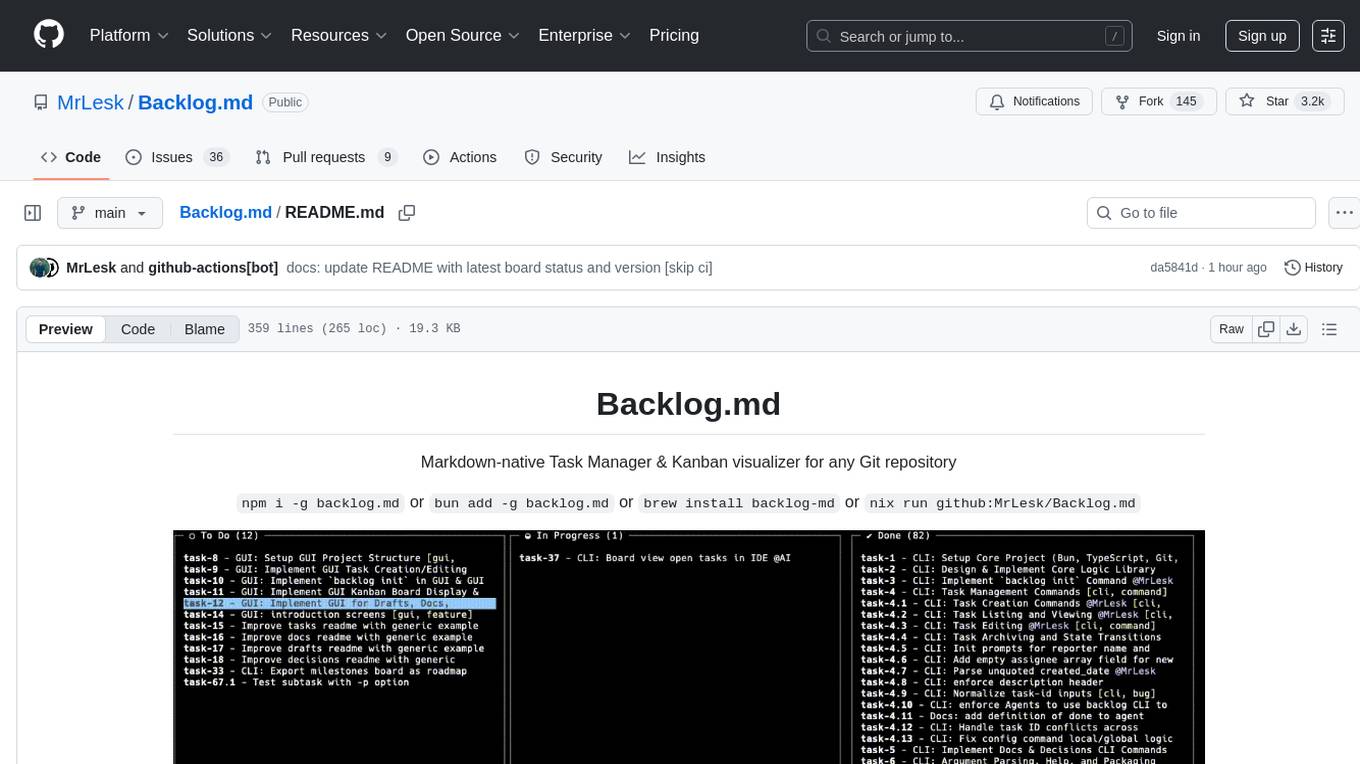
Backlog.md
Backlog.md is a Markdown-native Task Manager & Kanban visualizer for any Git repository. It turns any folder with a Git repo into a self-contained project board powered by plain Markdown files and a zero-config CLI. Features include managing tasks as plain .md files, private & offline usage, instant terminal Kanban visualization, board export, modern web interface, AI-ready CLI, rich query commands, cross-platform support, and MIT-licensed open-source. Users can create tasks, view board, assign tasks to AI, manage documentation, make decisions, and configure settings easily.
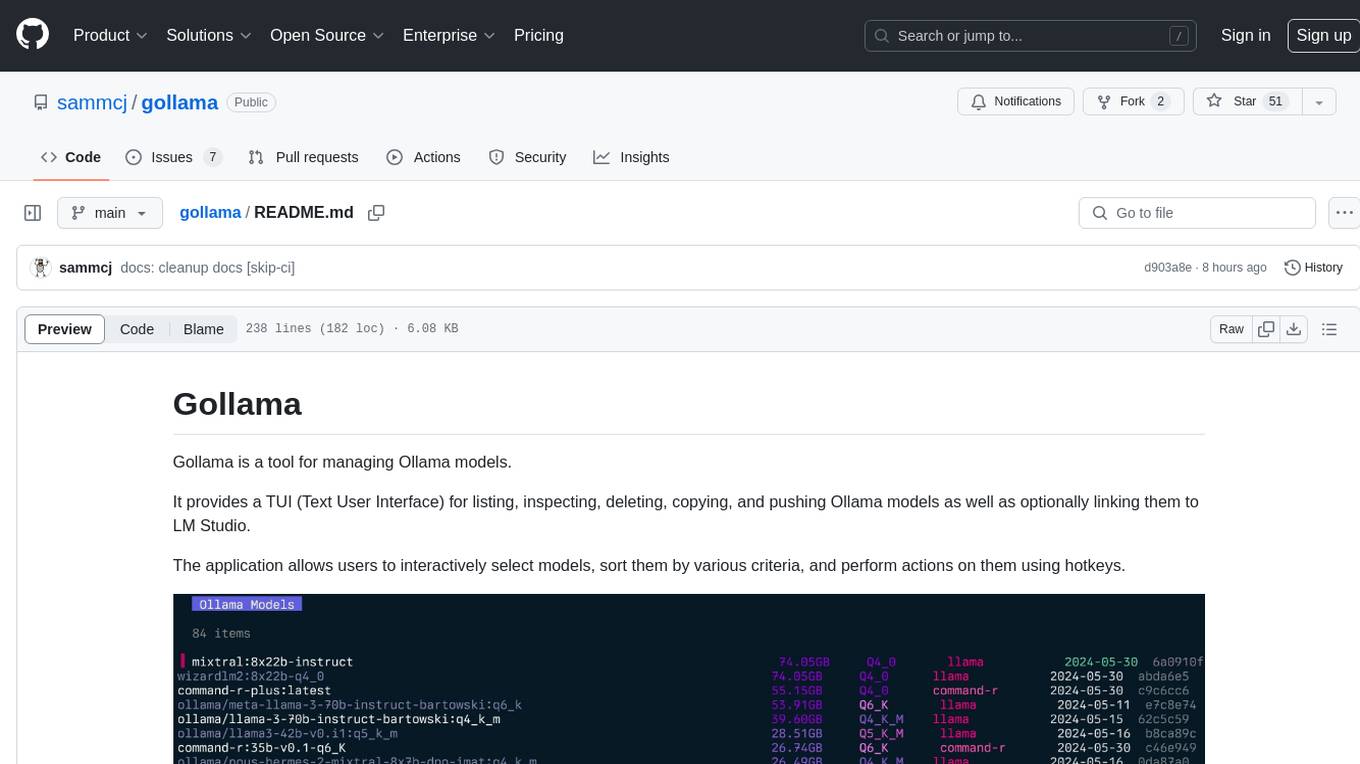
gollama
Gollama is a tool designed for managing Ollama models through a Text User Interface (TUI). Users can list, inspect, delete, copy, and push Ollama models, as well as link them to LM Studio. The application offers interactive model selection, sorting by various criteria, and actions using hotkeys. It provides features like sorting and filtering capabilities, displaying model metadata, model linking, copying, pushing, and more. Gollama aims to be user-friendly and useful for managing models, especially for cleaning up old models.
sf-skills
sf-skills is a collection of reusable skills for Agentic Salesforce Development, enabling AI-powered code generation, validation, testing, debugging, and deployment. It includes skills for development, quality, foundation, integration, AI & automation, DevOps & tooling. The installation process is newbie-friendly and includes an installer script for various CLIs. The skills are compatible with platforms like Claude Code, OpenCode, Codex, Gemini, Amp, Droid, Cursor, and Agentforce Vibes. The repository is community-driven and aims to strengthen the Salesforce ecosystem.

dexto
Dexto is a lightweight runtime for creating and running AI agents that turn natural language into real-world actions. It serves as the missing intelligence layer for building AI applications, standalone chatbots, or as the reasoning engine inside larger products. Dexto features a powerful CLI and Web UI for running AI agents, supports multiple interfaces, allows hot-swapping of LLMs from various providers, connects to remote tool servers via the Model Context Protocol, is config-driven with version-controlled YAML, offers production-ready core features, extensibility for custom services, and enables multi-agent collaboration via MCP and A2A.
augustus
Augustus is a Go-based LLM vulnerability scanner designed for security professionals to test large language models against a wide range of adversarial attacks. It integrates with 28 LLM providers, covers 210+ adversarial attacks including prompt injection, jailbreaks, encoding exploits, and data extraction, and produces actionable vulnerability reports. The tool is built for production security testing with features like concurrent scanning, rate limiting, retry logic, and timeout handling out of the box.
pipelock
Pipelock is an all-in-one security harness designed for AI agents, offering control over network egress, detection of credential exfiltration, scanning for prompt injection, and monitoring workspace integrity. It utilizes capability separation to restrict the agent process with secrets and employs a separate fetch proxy for web browsing. The tool runs a 7-layer scanner pipeline on every request to ensure security. Pipelock is suitable for users running AI agents like Claude Code, OpenHands, or any AI agent with shell access and API keys.
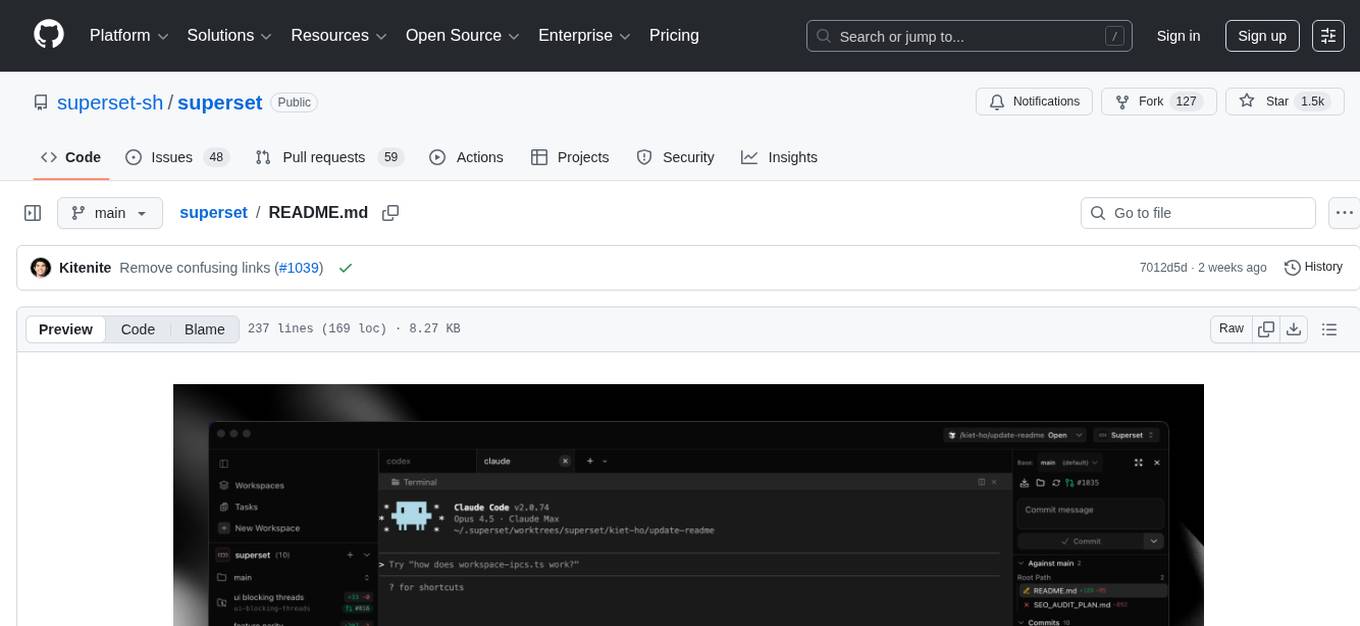
superset
Superset is a turbocharged terminal that allows users to run multiple CLI coding agents simultaneously, isolate tasks in separate worktrees, monitor agent status, review changes quickly, and enhance development workflow. It supports any CLI-based coding agent and offers features like parallel execution, worktree isolation, agent monitoring, built-in diff viewer, workspace presets, universal compatibility, quick context switching, and IDE integration. Users can customize keyboard shortcuts, configure workspace setup, and teardown, and contribute to the project. The tech stack includes Electron, React, TailwindCSS, Bun, Turborepo, Vite, Biome, Drizzle ORM, Neon, and tRPC. The community provides support through Discord, Twitter, GitHub Issues, and GitHub Discussions.
api-for-open-llm
This project provides a unified backend interface for open large language models (LLMs), offering a consistent experience with OpenAI's ChatGPT API. It supports various open-source LLMs, enabling developers to seamlessly integrate them into their applications. The interface features streaming responses, text embedding capabilities, and support for LangChain, a tool for developing LLM-based applications. By modifying environment variables, developers can easily use open-source models as alternatives to ChatGPT, providing a cost-effective and customizable solution for various use cases.
google_workspace_mcp
The Google Workspace MCP Server is a production-ready server that integrates major Google Workspace services with AI assistants. It supports single-user and multi-user authentication via OAuth 2.1, making it a powerful backend for custom applications. Built with FastMCP for optimal performance, it features advanced authentication handling, service caching, and streamlined development patterns. The server provides full natural language control over Google Calendar, Drive, Gmail, Docs, Sheets, Slides, Forms, Tasks, and Chat through all MCP clients, AI assistants, and developer tools. It supports free Google accounts and Google Workspace plans with expanded app options like Chat & Spaces. The server also offers private cloud instance options.
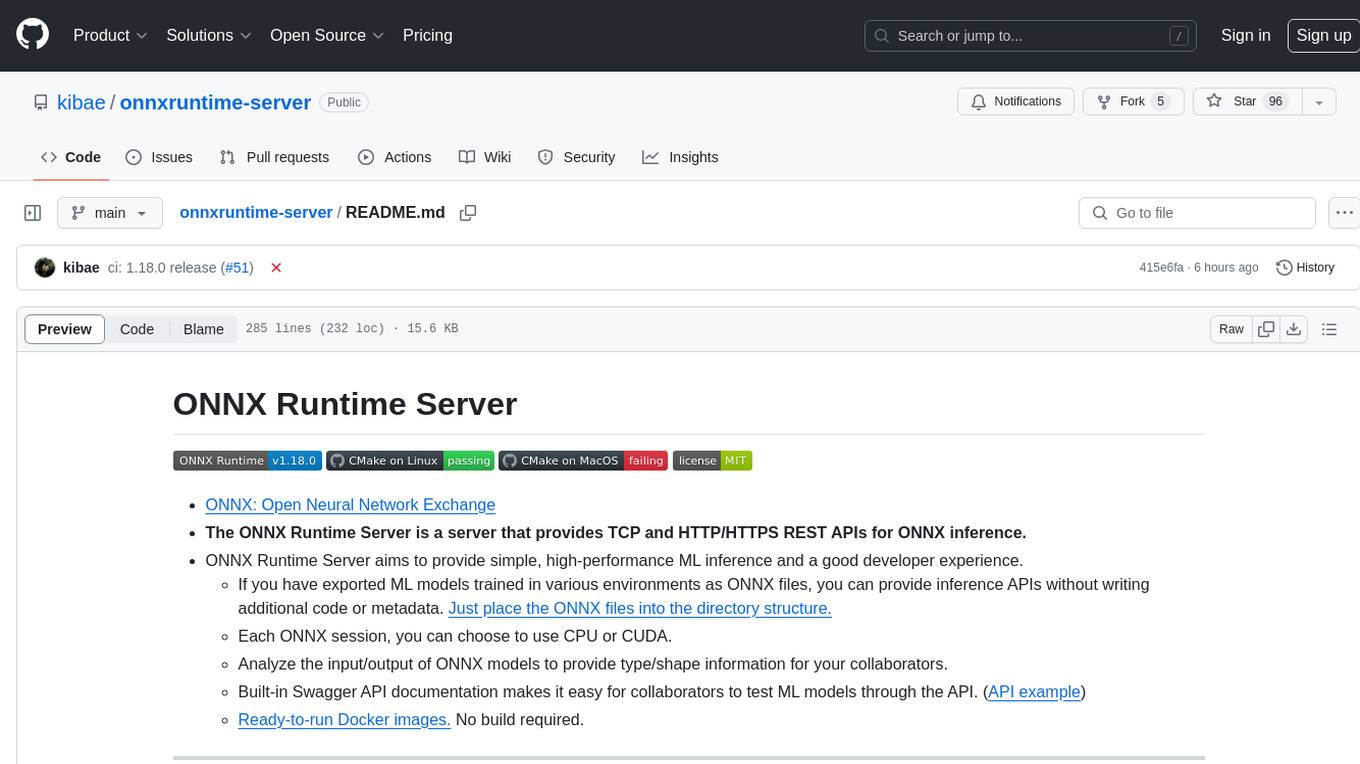
onnxruntime-server
ONNX Runtime Server is a server that provides TCP and HTTP/HTTPS REST APIs for ONNX inference. It aims to offer simple, high-performance ML inference and a good developer experience. Users can provide inference APIs for ONNX models without writing additional code by placing the models in the directory structure. Each session can choose between CPU or CUDA, analyze input/output, and provide Swagger API documentation for easy testing. Ready-to-run Docker images are available, making it convenient to deploy the server.
For similar tasks
shodh-memory
Shodh-Memory is a cognitive memory system designed for AI agents to persist memory across sessions, learn from experience, and run entirely offline. It features Hebbian learning, activation decay, and semantic consolidation, packed into a single ~17MB binary. Users can deploy it on cloud, edge devices, or air-gapped systems to enhance the memory capabilities of AI agents.
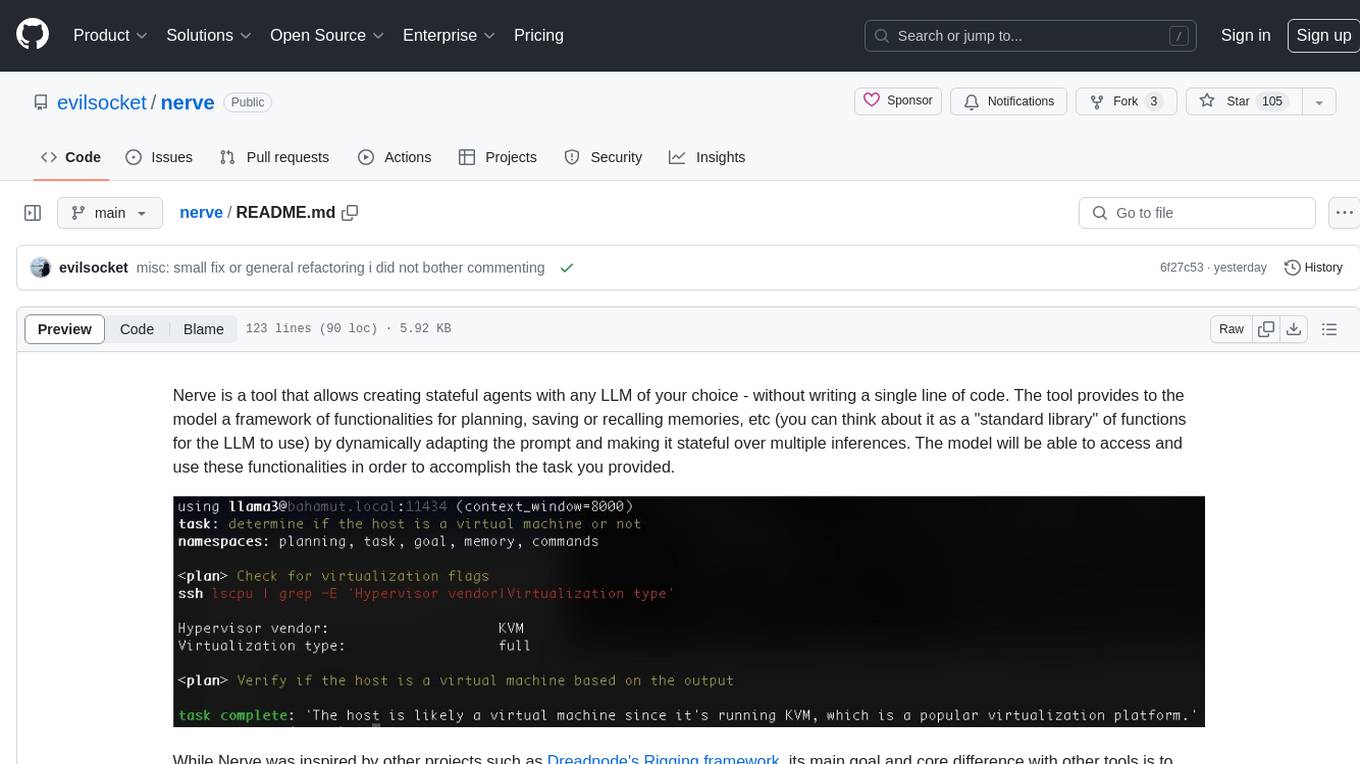
nerve
Nerve is a tool that allows creating stateful agents with any LLM of your choice without writing code. It provides a framework of functionalities for planning, saving, or recalling memories by dynamically adapting the prompt. Nerve is experimental and subject to changes. It is valuable for learning and experimenting but not recommended for production environments. The tool aims to instrument smart agents without code, inspired by projects like Dreadnode's Rigging framework.
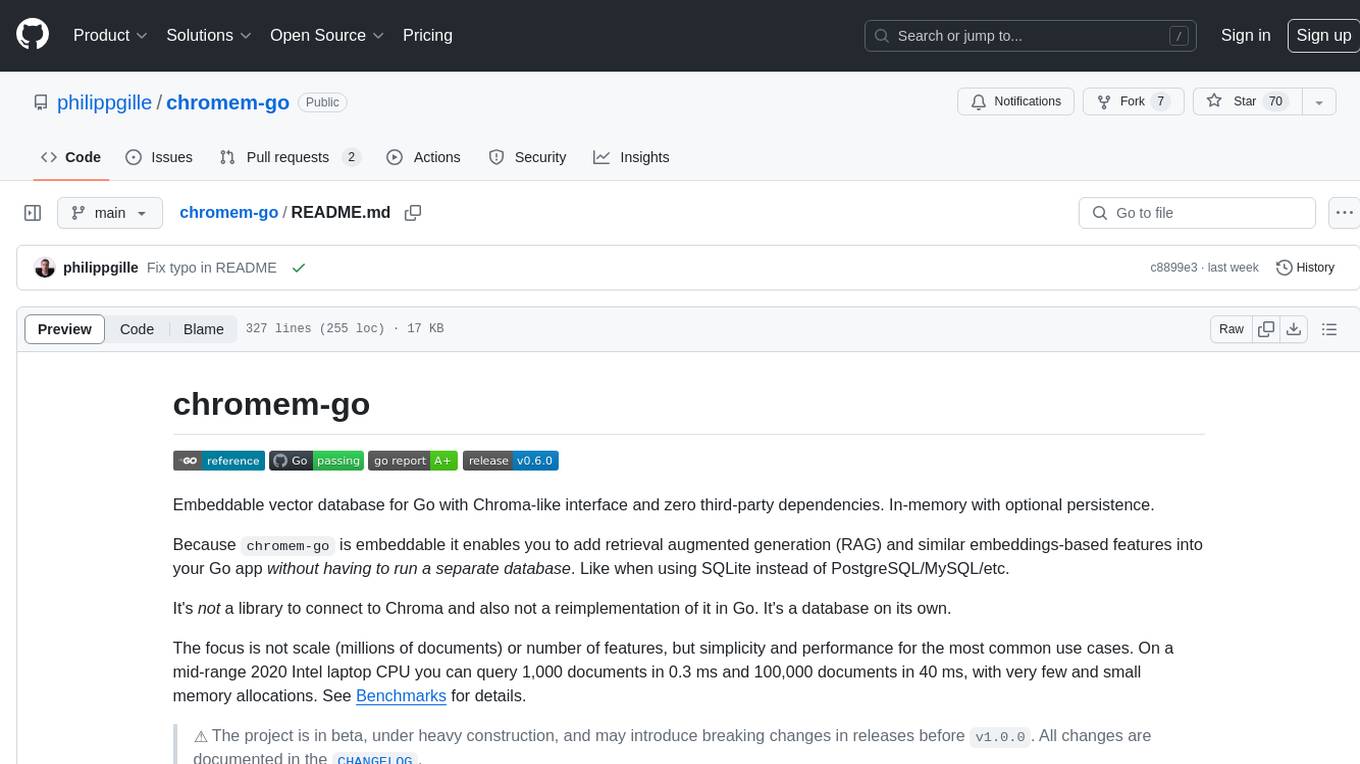
chromem-go
chromem-go is an embeddable vector database for Go with a Chroma-like interface and zero third-party dependencies. It enables retrieval augmented generation (RAG) and similar embeddings-based features in Go apps without the need for a separate database. The focus is on simplicity and performance for common use cases, allowing querying of documents with minimal memory allocations. The project is in beta and may introduce breaking changes before v1.0.0.
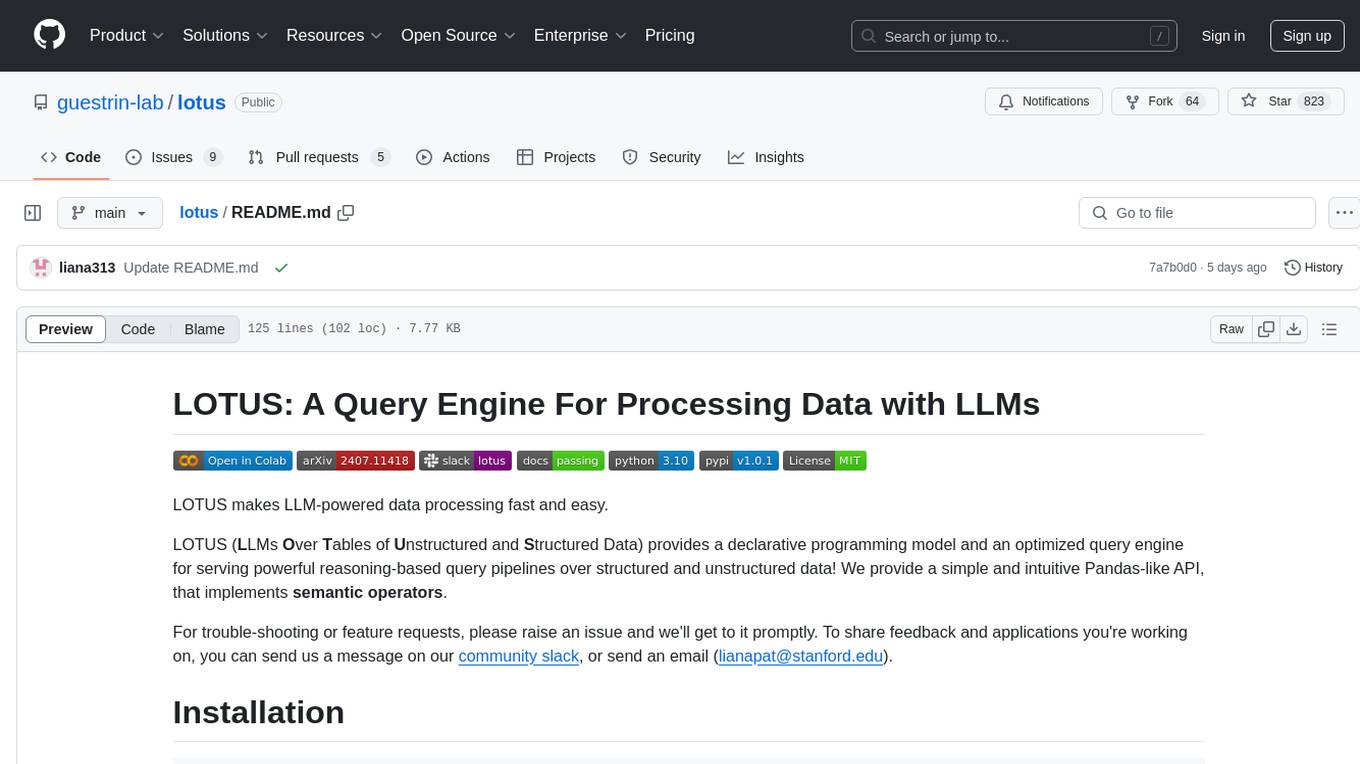
lotus
LOTUS (LLMs Over Tables of Unstructured and Structured Data) is a query engine that provides a declarative programming model and an optimized query engine for reasoning-based query pipelines over structured and unstructured data. It offers a simple and intuitive Pandas-like API with semantic operators for fast and easy LLM-powered data processing. The tool implements a semantic operator programming model, allowing users to write AI-based pipelines with high-level logic and leaving the rest of the work to the query engine. LOTUS supports various semantic operators like sem_map, sem_filter, sem_extract, sem_agg, sem_topk, sem_join, sem_sim_join, and sem_search, enabling users to perform tasks like mapping records, filtering data, aggregating records, and more. The tool also supports different model classes such as LM, RM, and Reranker for language modeling, retrieval, and reranking tasks respectively.
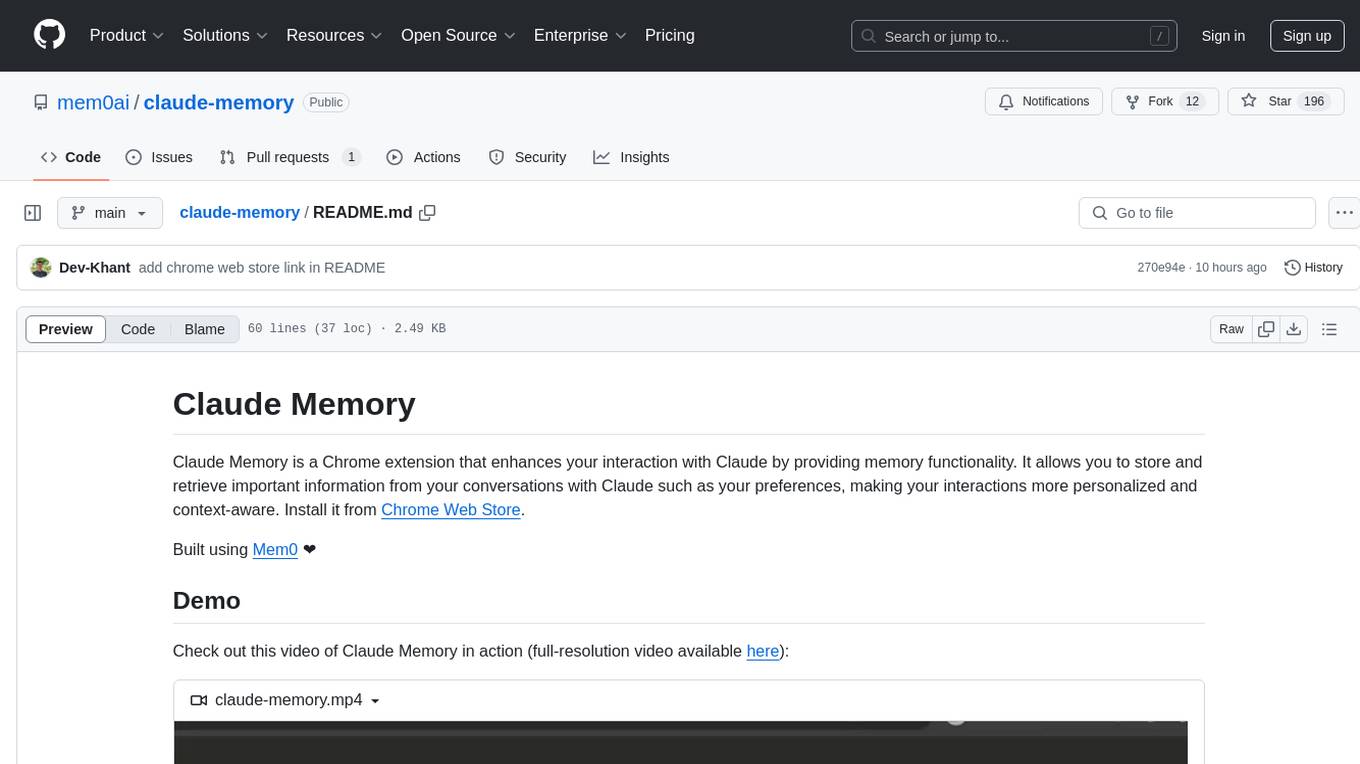
claude-memory
Claude Memory is a Chrome extension that enhances interactions with Claude by storing and retrieving important information from conversations, making interactions personalized and context-aware. It allows users to easily manage and organize stored information, with seamless integration with the Claude AI interface.
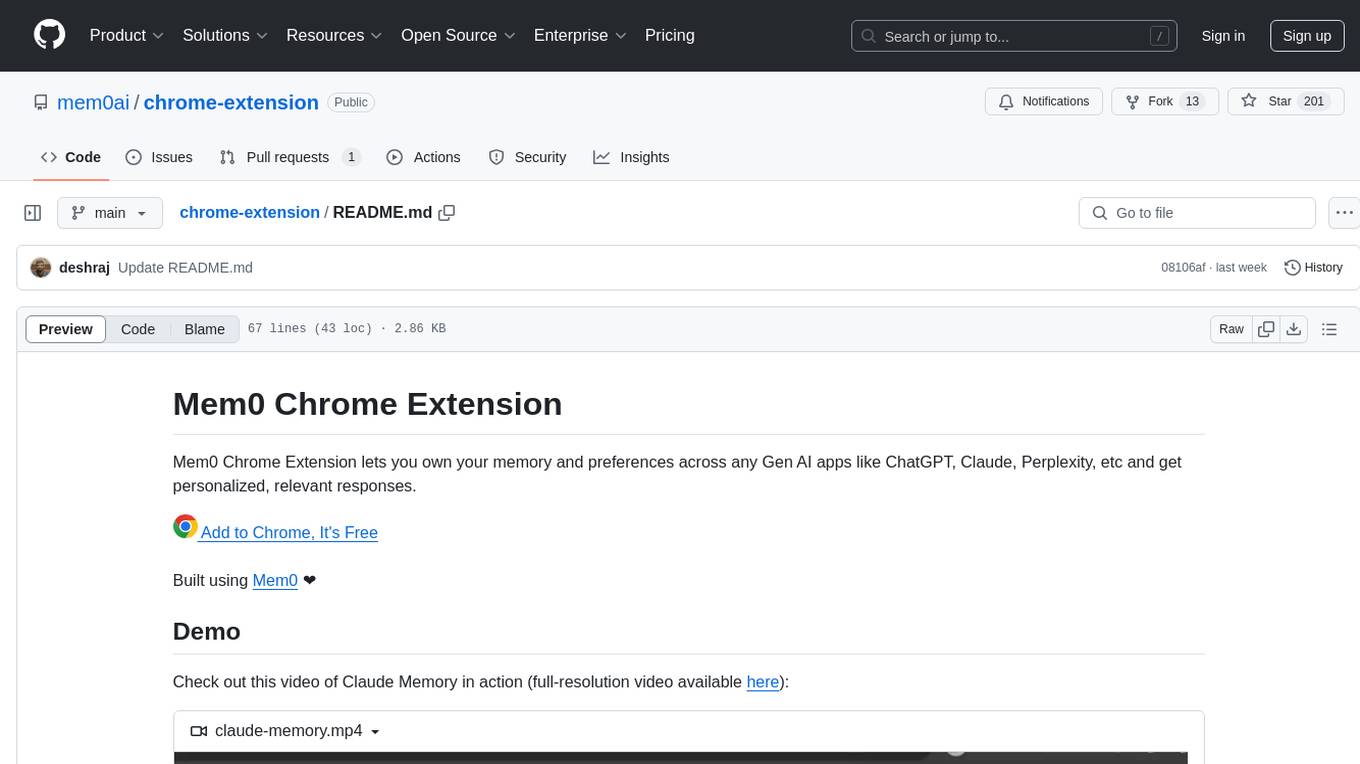
chrome-extension
Mem0 Chrome Extension lets you own your memory and preferences across any Gen AI apps like ChatGPT, Claude, Perplexity, etc and get personalized, relevant responses. It allows users to store memories from conversations, retrieve relevant memories during chats, manage and organize stored information, and seamlessly integrate with the Claude AI interface. The extension requires an API key and user ID for connecting to the Mem0 API, and it stores this information locally in the browser. Users can troubleshoot common issues, and contributions to improve the extension are welcome under the MIT License.
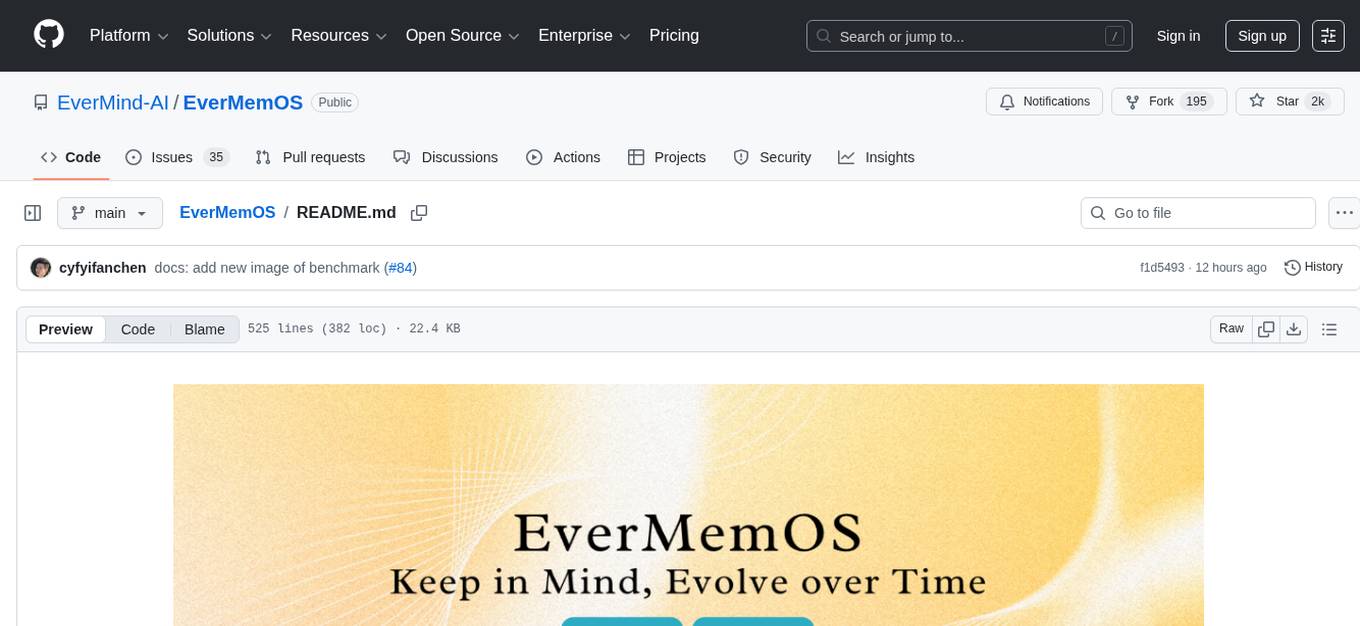
EverMemOS
EverMemOS is an AI memory system that enables AI to not only remember past events but also understand the meaning behind memories and use them to guide decisions. It achieves 93% reasoning accuracy on the LoCoMo benchmark by providing long-term memory capabilities for conversational AI agents through structured extraction, intelligent retrieval, and progressive profile building. The tool is production-ready with support for Milvus vector DB, Elasticsearch, MongoDB, and Redis, and offers easy integration via a simple REST API. Users can store and retrieve memories using Python code and benefit from features like multi-modal memory storage, smart retrieval mechanisms, and advanced techniques for memory management.
For similar jobs

sweep
Sweep is an AI junior developer that turns bugs and feature requests into code changes. It automatically handles developer experience improvements like adding type hints and improving test coverage.

teams-ai
The Teams AI Library is a software development kit (SDK) that helps developers create bots that can interact with Teams and Microsoft 365 applications. It is built on top of the Bot Framework SDK and simplifies the process of developing bots that interact with Teams' artificial intelligence capabilities. The SDK is available for JavaScript/TypeScript, .NET, and Python.

ai-guide
This guide is dedicated to Large Language Models (LLMs) that you can run on your home computer. It assumes your PC is a lower-end, non-gaming setup.

classifai
Supercharge WordPress Content Workflows and Engagement with Artificial Intelligence. Tap into leading cloud-based services like OpenAI, Microsoft Azure AI, Google Gemini and IBM Watson to augment your WordPress-powered websites. Publish content faster while improving SEO performance and increasing audience engagement. ClassifAI integrates Artificial Intelligence and Machine Learning technologies to lighten your workload and eliminate tedious tasks, giving you more time to create original content that matters.

chatbot-ui
Chatbot UI is an open-source AI chat app that allows users to create and deploy their own AI chatbots. It is easy to use and can be customized to fit any need. Chatbot UI is perfect for businesses, developers, and anyone who wants to create a chatbot.
BricksLLM
BricksLLM is a cloud native AI gateway written in Go. Currently, it provides native support for OpenAI, Anthropic, Azure OpenAI and vLLM. BricksLLM aims to provide enterprise level infrastructure that can power any LLM production use cases. Here are some use cases for BricksLLM: * Set LLM usage limits for users on different pricing tiers * Track LLM usage on a per user and per organization basis * Block or redact requests containing PIIs * Improve LLM reliability with failovers, retries and caching * Distribute API keys with rate limits and cost limits for internal development/production use cases * Distribute API keys with rate limits and cost limits for students

uAgents
uAgents is a Python library developed by Fetch.ai that allows for the creation of autonomous AI agents. These agents can perform various tasks on a schedule or take action on various events. uAgents are easy to create and manage, and they are connected to a fast-growing network of other uAgents. They are also secure, with cryptographically secured messages and wallets.

griptape
Griptape is a modular Python framework for building AI-powered applications that securely connect to your enterprise data and APIs. It offers developers the ability to maintain control and flexibility at every step. Griptape's core components include Structures (Agents, Pipelines, and Workflows), Tasks, Tools, Memory (Conversation Memory, Task Memory, and Meta Memory), Drivers (Prompt and Embedding Drivers, Vector Store Drivers, Image Generation Drivers, Image Query Drivers, SQL Drivers, Web Scraper Drivers, and Conversation Memory Drivers), Engines (Query Engines, Extraction Engines, Summary Engines, Image Generation Engines, and Image Query Engines), and additional components (Rulesets, Loaders, Artifacts, Chunkers, and Tokenizers). Griptape enables developers to create AI-powered applications with ease and efficiency.