


cli
CLI tool and Agent Skill for Firecrawl - scrape, crawl, and extract LLM-ready data from websites
Stars: 94
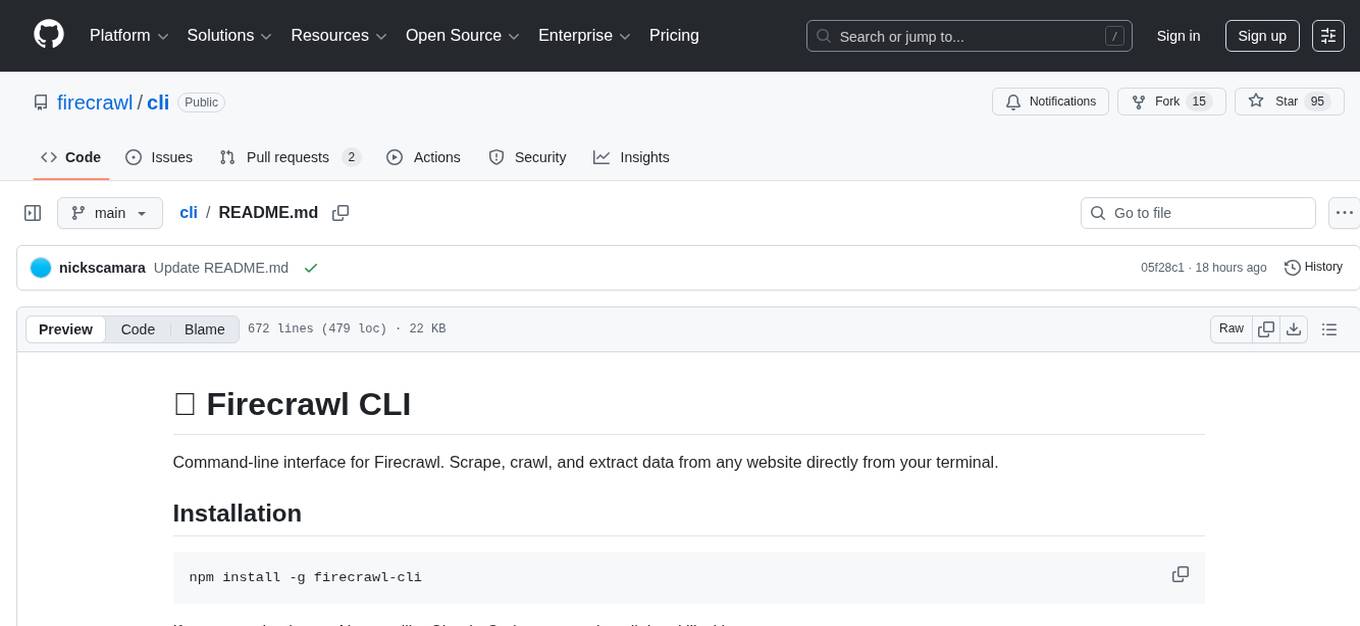
Firecrawl CLI is a command-line interface tool that allows users to scrape, crawl, and extract data from any website directly from the terminal. It provides various commands for tasks such as scraping single URLs, searching the web, mapping URLs on a website, crawling entire websites, checking credit usage, running AI-powered web data extraction, launching browser sandbox sessions, configuring settings, and viewing current configuration. The tool offers options for authentication, output handling, tips & tricks, CI/CD usage, and telemetry. Users can interact with the tool to perform web scraping tasks efficiently and effectively.
README:
Command-line interface for Firecrawl. Scrape, crawl, and extract data from any website directly from your terminal.
npm install -g firecrawl-cliIf you are using in any AI agent like Claude Code, you can install the skill with:
npx skills add firecrawl/cliJust run a command - the CLI will prompt you to authenticate if needed:
firecrawl https://example.comOn first run, you'll be prompted to authenticate:
  🔥 firecrawl cli
  Turn websites into LLM-ready data

Welcome! To get started, authenticate with your Firecrawl account.

  1. Login with browser (recommended)
  2. Enter API key manually

Tip: You can also set FIRECRAWL_API_KEY environment variable

Enter choice [1/2]:
# Interactive (prompts automatically when needed)
firecrawl

# Browser login
firecrawl login

# Direct API key
firecrawl login --api-key fc-your-api-key

# Environment variable
export FIRECRAWL_API_KEY=fc-your-api-key

# Per-command API key
firecrawl scrape https://example.com --api-key fc-your-api-keyFor self-hosted Firecrawl instances or local development, use the --api-url option:
# Use a local Firecrawl instance (no API key required)
firecrawl --api-url http://localhost:3002 scrape https://example.com

# Or set via environment variable
export FIRECRAWL_API_URL=http://localhost:3002
firecrawl scrape https://example.com

# Self-hosted with API key
firecrawl --api-url https://firecrawl.mycompany.com --api-key fc-xxx scrape https://example.com
When using a custom API URL (anything other than https://api.firecrawl.dev), authentication is automatically skipped, allowing you to use local instances without an API key.
Extract content from any webpage in various formats.
# Basic usage (outputs markdown)
firecrawl https://example.com
firecrawl scrape https://example.com

# Get raw HTML
firecrawl https://example.com --html
firecrawl https://example.com -H

# Multiple formats (outputs JSON)
firecrawl https://example.com --format markdown,links,images

# Save to file
firecrawl https://example.com -o output.md
firecrawl https://example.com --format json -o data.json --pretty| Option | Description |
|---|---|
-f, --format <formats> |
Output format(s), comma-separated |
-H, --html |
Shortcut for --format html
|
-S, --summary |
Shortcut for --format summary
|
--only-main-content |
Extract only main content (removes navs, footers, etc.) |
--wait-for <ms> |
Wait time before scraping (for JS-rendered content) |
--screenshot |
Take a screenshot |
--include-tags <tags> |
Only include specific HTML tags |
--exclude-tags <tags> |
Exclude specific HTML tags |
--max-age <milliseconds> |
Maximum age of cached content in milliseconds |
-o, --output <path> |
Save output to file |
--json |
Output as JSON format |
--pretty |
Pretty print JSON output |
--timing |
Show request timing info |
| Format | Description |
|---|---|
markdown |
Clean markdown (default) |
html |
Cleaned HTML |
rawHtml |
Original HTML |
links |
All links on the page |
images |
All images on the page |
screenshot |
Screenshot as base64 |
summary |
AI-generated summary |
json |
Structured JSON extraction |
changeTracking |
Track changes on the page |
attributes |
Page attributes and metadata |
branding |
Brand identity extraction |
# Extract only main content as markdown
firecrawl https://blog.example.com --only-main-content

# Wait for JS to render, then scrape
firecrawl https://spa-app.com --wait-for 3000

# Get all links from a page
firecrawl https://example.com --format links

# Screenshot + markdown
firecrawl https://example.com --format markdown --screenshot

# Extract specific elements only
firecrawl https://example.com --include-tags article,main

# Exclude navigation and ads
firecrawl https://example.com --exclude-tags nav,aside,.adSearch the web and optionally scrape content from search results.
# Basic search
firecrawl search "firecrawl web scraping"

# Limit results
firecrawl search "AI news" --limit 10

# Search news sources
firecrawl search "tech startups" --sources news

# Search images
firecrawl search "landscape photography" --sources images

# Multiple sources
firecrawl search "machine learning" --sources web,news,images

# Filter by category (GitHub, research papers, PDFs)
firecrawl search "web scraping python" --categories github
firecrawl search "transformer architecture" --categories research
firecrawl search "machine learning" --categories github,research

# Time-based search
firecrawl search "AI announcements" --tbs qdr:d   # Past day
firecrawl search "tech news" --tbs qdr:w          # Past week

# Location-based search
firecrawl search "restaurants" --location "San Francisco,California,United States"
firecrawl search "local news" --country DE

# Search and scrape results
firecrawl search "firecrawl tutorials" --scrape
firecrawl search "API documentation" --scrape --scrape-formats markdown,links

# Output as pretty JSON
firecrawl search "web scraping"| Option | Description |
|---|---|
--limit <n> |
Maximum results (default: 5, max: 100) |
--sources <sources> |
Comma-separated: web, images, news (default: web) |
--categories <categories> |
Comma-separated: github, research, pdf
|
--tbs <value> |
Time filter: qdr:h (hour), qdr:d (day), qdr:w (week), qdr:m (month), qdr:y (year) |
--location <location> |
Geo-targeting (e.g., "Germany", "San Francisco,California,United States") |
--country <code> |
ISO country code (default: US) |
--timeout <ms> |
Timeout in milliseconds (default: 60000) |
--ignore-invalid-urls |
Exclude URLs invalid for other Firecrawl endpoints |
--scrape |
Enable scraping of search results |
--scrape-formats <formats> |
Scrape formats when --scrape enabled (default: markdown) |
--only-main-content |
Include only main content when scraping (default: true) |
-o, --output <path> |
Save to file |
--json |
Output as compact JSON |
# Research a topic with recent results
firecrawl search "React Server Components" --tbs qdr:m --limit 10

# Find GitHub repositories
firecrawl search "web scraping library" --categories github --limit 20

# Search and get full content
firecrawl search "firecrawl documentation" --scrape --scrape-formats markdown --json -o results.json

# Find research papers
firecrawl search "large language models" --categories research --json

# Search with location targeting
firecrawl search "best coffee shops" --location "Berlin,Germany" --country DE

# Get news from the past week
firecrawl search "AI startups funding" --sources news --tbs qdr:w --limit 15Quickly discover all URLs on a website without scraping content.
# List all URLs (one per line)
firecrawl map https://example.com

# Output as JSON
firecrawl map https://example.com --json

# Search for specific URLs
firecrawl map https://example.com --search "blog"

# Limit results
firecrawl map https://example.com --limit 500| Option | Description |
|---|---|
--limit <n> |
Maximum URLs to discover |
--search <query> |
Filter URLs by search query |
--sitemap <mode> |
include, skip, or only
|
--include-subdomains |
Include subdomains |
--ignore-query-parameters |
Dedupe URLs with different params |
--timeout <seconds> |
Request timeout |
--json |
Output as JSON |
-o, --output <path> |
Save to file |
# Find all product pages
firecrawl map https://shop.example.com --search "product"

# Get sitemap URLs only
firecrawl map https://example.com --sitemap only

# Save URL list to file
firecrawl map https://example.com -o urls.txt

# Include subdomains
firecrawl map https://example.com --include-subdomains --limit 1000Crawl multiple pages from a website.
# Start a crawl (returns job ID)
firecrawl crawl https://example.com

# Wait for crawl to complete
firecrawl crawl https://example.com --wait

# With progress indicator
firecrawl crawl https://example.com --wait --progress

# Check crawl status
firecrawl crawl <job-id>

# Limit pages
firecrawl crawl https://example.com --limit 100 --max-depth 3| Option | Description |
|---|---|
--wait |
Wait for crawl to complete |
--progress |
Show progress while waiting |
--limit <n> |
Maximum pages to crawl |
--max-depth <n> |
Maximum crawl depth |
--include-paths <paths> |
Only crawl matching paths |
--exclude-paths <paths> |
Skip matching paths |
--sitemap <mode> |
include, skip, or only
|
--allow-subdomains |
Include subdomains |
--allow-external-links |
Follow external links |
--crawl-entire-domain |
Crawl entire domain |
--ignore-query-parameters |
Treat URLs with different params as same |
--delay <ms> |
Delay between requests |
--max-concurrency <n> |
Max concurrent requests |
--timeout <seconds> |
Timeout when waiting |
--poll-interval <seconds> |
Status check interval |
# Crawl blog section only
firecrawl crawl https://example.com --include-paths /blog,/posts

# Exclude admin pages
firecrawl crawl https://example.com --exclude-paths /admin,/login

# Crawl with rate limiting
firecrawl crawl https://example.com --delay 1000 --max-concurrency 2

# Deep crawl with high limit
firecrawl crawl https://example.com --limit 1000 --max-depth 10 --wait --progress

# Save results
firecrawl crawl https://example.com --wait -o crawl-results.json --pretty# Show credit usage
firecrawl credit-usage
# Output as JSON
firecrawl credit-usage --json --prettyRun an AI agent that autonomously browses and extracts structured data from the web based on natural language prompts.
Note: Agent tasks typically take 2 to 5 minutes to complete, and sometimes longer for complex extractions. Use sparingly and consider
--max-creditsto limit costs.
# Basic usage (returns job ID immediately)
firecrawl agent "Find the pricing plans for Firecrawl"

# Wait for completion
firecrawl agent "Extract all product names and prices from this store" --wait

# Focus on specific URLs
firecrawl agent "Get the main features listed" --urls https://example.com/features

# Use structured output with JSON schema
firecrawl agent "Extract company info" --schema '{"type":"object","properties":{"name":{"type":"string"},"employees":{"type":"number"}}}'

# Load schema from file
firecrawl agent "Extract product data" --schema-file ./product-schema.json --wait

# Check status of an existing job
firecrawl agent <job-id>
firecrawl agent <job-id> --wait| Option | Description |
|---|---|
--urls <urls> |
Comma-separated URLs to focus extraction on |
--model <model> |
spark-1-mini (default, cheaper) or spark-1-pro (accurate) |
--schema <json> |
JSON schema for structured output (inline JSON string) |
--schema-file <path> |
Path to JSON schema file for structured output |
--max-credits <number> |
Maximum credits to spend (job fails if exceeded) |
--status |
Check status of existing agent job |
--wait |
Wait for agent to complete before returning results |
--poll-interval <seconds> |
Polling interval in seconds when waiting (default: 5) |
--timeout <seconds> |
Timeout in seconds when waiting (default: no timeout) |
-o, --output <path> |
Save output to file |
--json |
Output as JSON format |
--pretty |
Pretty print JSON output |
# Research task with timeout
firecrawl agent "Find the top 5 competitors of Notion and their pricing" --wait --timeout 300

# Extract data with cost limit
firecrawl agent "Get all blog post titles and dates" --urls https://blog.example.com --max-credits 100 --wait

# Use higher accuracy model for complex extraction
firecrawl agent "Extract detailed technical specifications" --model spark-1-pro --wait --pretty

# Save structured results to file
firecrawl agent "Extract contact information" --schema-file ./contact-schema.json --wait -o contacts.json --pretty

# Check job status without waiting
firecrawl agent abc123-def456-... --json

# Poll a running job until completion
firecrawl agent abc123-def456-... --wait --poll-interval 10Launch and control cloud browser sessions. By default, commands are sent to agent-browser (pre-installed in every sandbox). Use --python or --node to run Playwright code directly instead.
# 1. Launch a session
firecrawl browser launch --stream

# 2. Execute agent-browser commands (default)
firecrawl browser execute "open https://example.com"
firecrawl browser execute "snapshot"
firecrawl browser execute "click @e5"
firecrawl browser execute "scrape"

# 3. Execute Playwright Python or JavaScript
firecrawl browser execute --python "await page.goto('https://example.com'); print(await page.title())"
firecrawl browser execute --node "await page.goto('https://example.com'); await page.title()"

# 4. List sessions
firecrawl browser list

# 5. Close
firecrawl browser close| Option | Description |
|---|---|
--ttl <seconds> |
Total session TTL in seconds (default: 300) |
--ttl-inactivity <seconds> |
Inactivity TTL in seconds |
--stream |
Enable live view streaming |
-o, --output <path> |
Save output to file |
--json |
Output as JSON format |
| Option | Description |
|---|---|
--python |
Execute as Playwright Python code |
--node |
Execute as Playwright JavaScript code |
--bash |
Execute bash commands in the sandbox (agent-browser pre-installed) |
--session <id> |
Target a specific session (auto-saved on launch) |
-o, --output <path> |
Save output to file |
--json |
Output as JSON format |
By default (no flag), commands are sent to agent-browser. --python, --node, and --bash are mutually exclusive.
# agent-browser commands (default mode)
firecrawl browser execute "open https://example.com"
firecrawl browser execute "snapshot"
firecrawl browser execute "click @e5"
firecrawl browser execute "fill @e3 'search query'"
firecrawl browser execute "scrape"

# Playwright Python
firecrawl browser execute --python "await page.goto('https://example.com'); print(await page.title())"

# Playwright JavaScript
firecrawl browser execute --node "await page.goto('https://example.com'); await page.title()"

# Bash (arbitrary commands in the sandbox)
firecrawl browser execute --bash "ls /tmp"

# Launch with extended TTL
firecrawl browser launch --ttl 900 --ttl-inactivity 120

# JSON output
firecrawl browser execute --json "snapshot"# Configure with custom API URL
firecrawl config --api-url https://firecrawl.mycompany.com
firecrawl config --api-url http://localhost:3002 --api-key fc-xxx# View current configuration and authentication status
firecrawl view-configShows authentication status and stored credentials location.
# Login
firecrawl login
firecrawl login --method browser
firecrawl login --method manual
firecrawl login --api-key fc-xxx

# Login to self-hosted instance
firecrawl login --api-url https://firecrawl.mycompany.com
firecrawl login --api-url http://localhost:3002 --api-key fc-xxx

# Logout
firecrawl logoutThese options work with any command:
| Option | Description |
|---|---|
--status |
Show version, auth, concurrency, and credits |
-k, --api-key <key> |
Use specific API key |
--api-url <url> |
Use custom API URL (for self-hosted/local development) |
-V, --version |
Show version |
-h, --help |
Show help |
firecrawl --status 🔥 firecrawl cli v1.4.0
● Authenticated via stored credentials
Concurrency: 0/100 jobs (parallel scrape limit)
Credits: 500,000 / 1,000,000 (50% left this cycle)
# Output to stdout (default)
firecrawl https://example.com

# Pipe to another command
firecrawl https://example.com | head -50

# Save to file
firecrawl https://example.com -o output.md

# JSON output
firecrawl https://example.com --format links --pretty- Single format: Outputs raw content (markdown text, HTML, etc.)
- Multiple formats: Outputs JSON with all requested data
# Raw markdown output
firecrawl https://example.com --format markdown

# JSON output with multiple formats
firecrawl https://example.com --format markdown,links,images# Using a loop
for url in https://example.com/page1 https://example.com/page2; do
firecrawl "$url" -o "$(echo $url | sed 's/[^a-zA-Z0-9]/_/g').md"
done
# From a file
cat urls.txt | xargs -I {} firecrawl {} -o {}.md# Extract links and process with jq
firecrawl https://example.com --format links | jq '.links[].url'
# Convert to PDF (with pandoc)
firecrawl https://example.com | pandoc -o document.pdf
# Search within scraped content
firecrawl https://example.com | grep -i "keyword"# Set API key via environment
export FIRECRAWL_API_KEY=${{ secrets.FIRECRAWL_API_KEY }}
firecrawl crawl https://docs.example.com --wait -o docs.json
# Use self-hosted instance
export FIRECRAWL_API_URL=${{ secrets.FIRECRAWL_API_URL }}
firecrawl scrape https://example.com -o output.mdThe CLI collects anonymous usage data during authentication to help improve the product:
- CLI version, OS, and Node.js version
- Detect development tools (e.g., Cursor, VS Code, Claude Code)
No command data, URLs, or file contents are collected via the CLI.
To disable telemetry, set the environment variable:
export FIRECRAWL_NO_TELEMETRY=1For more details, visit the Firecrawl Documentation.
For Tasks:
Click tags to check more tools for each tasksFor Jobs:
Alternative AI tools for cli
Similar Open Source Tools
cli
Firecrawl CLI is a command-line interface tool that allows users to scrape, crawl, and extract data from any website directly from the terminal. It provides various commands for tasks such as scraping single URLs, searching the web, mapping URLs on a website, crawling entire websites, checking credit usage, running AI-powered web data extraction, launching browser sandbox sessions, configuring settings, and viewing current configuration. The tool offers options for authentication, output handling, tips & tricks, CI/CD usage, and telemetry. Users can interact with the tool to perform web scraping tasks efficiently and effectively.
summarize
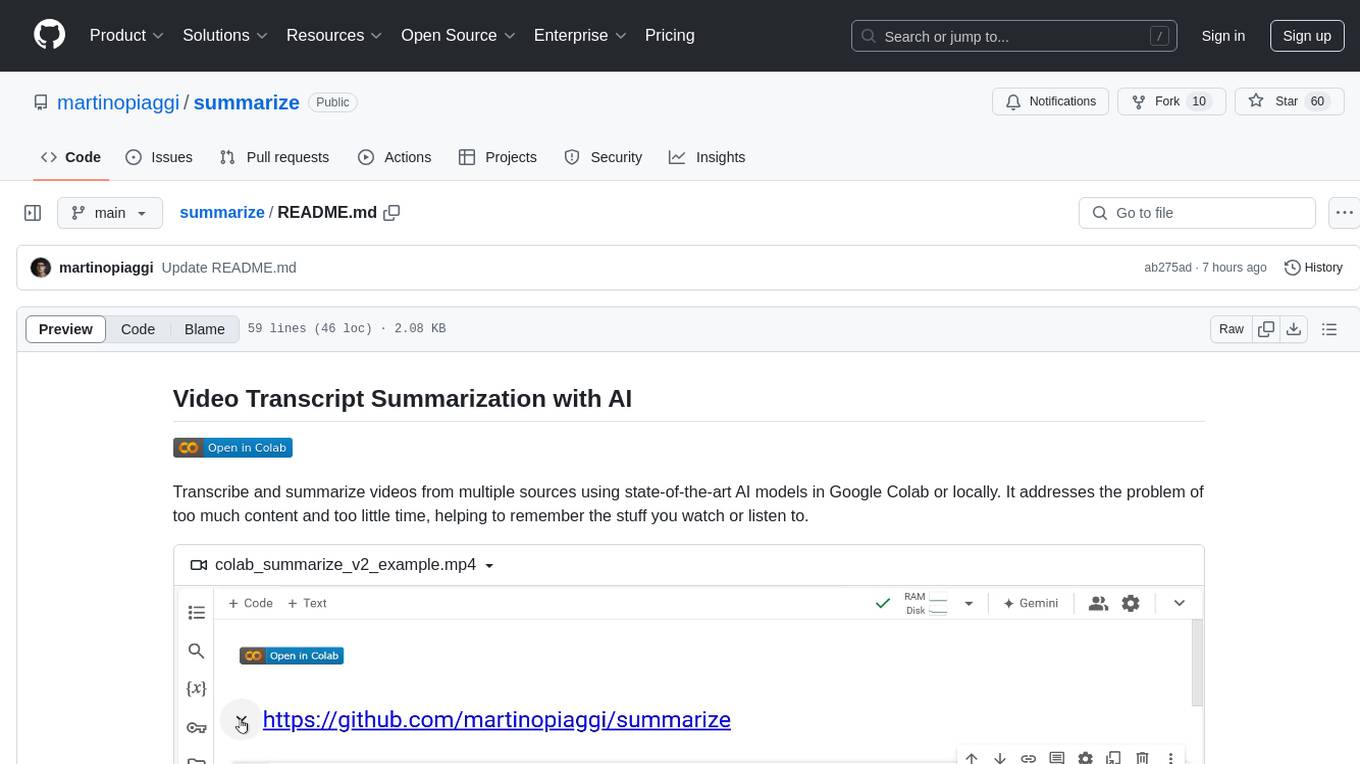
The 'summarize' tool is designed to transcribe and summarize videos from various sources using AI models. It helps users efficiently summarize lengthy videos, take notes, and extract key insights by providing timestamps, original transcripts, and support for auto-generated captions. Users can utilize different AI models via Groq, OpenAI, or custom local models to generate grammatically correct video transcripts and extract wisdom from video content. The tool simplifies the process of summarizing video content, making it easier to remember and reference important information.
code-cli
Autohand Code CLI is an autonomous coding agent in CLI form that uses the ReAct pattern to understand, plan, and execute code changes. It is designed for seamless coding experience without context switching or copy-pasting. The tool is fast, intuitive, and extensible with modular skills. It can be used to automate coding tasks, enforce code quality, and speed up development. Autohand can be integrated into team workflows and CI/CD pipelines to enhance productivity and efficiency.
aicommit2
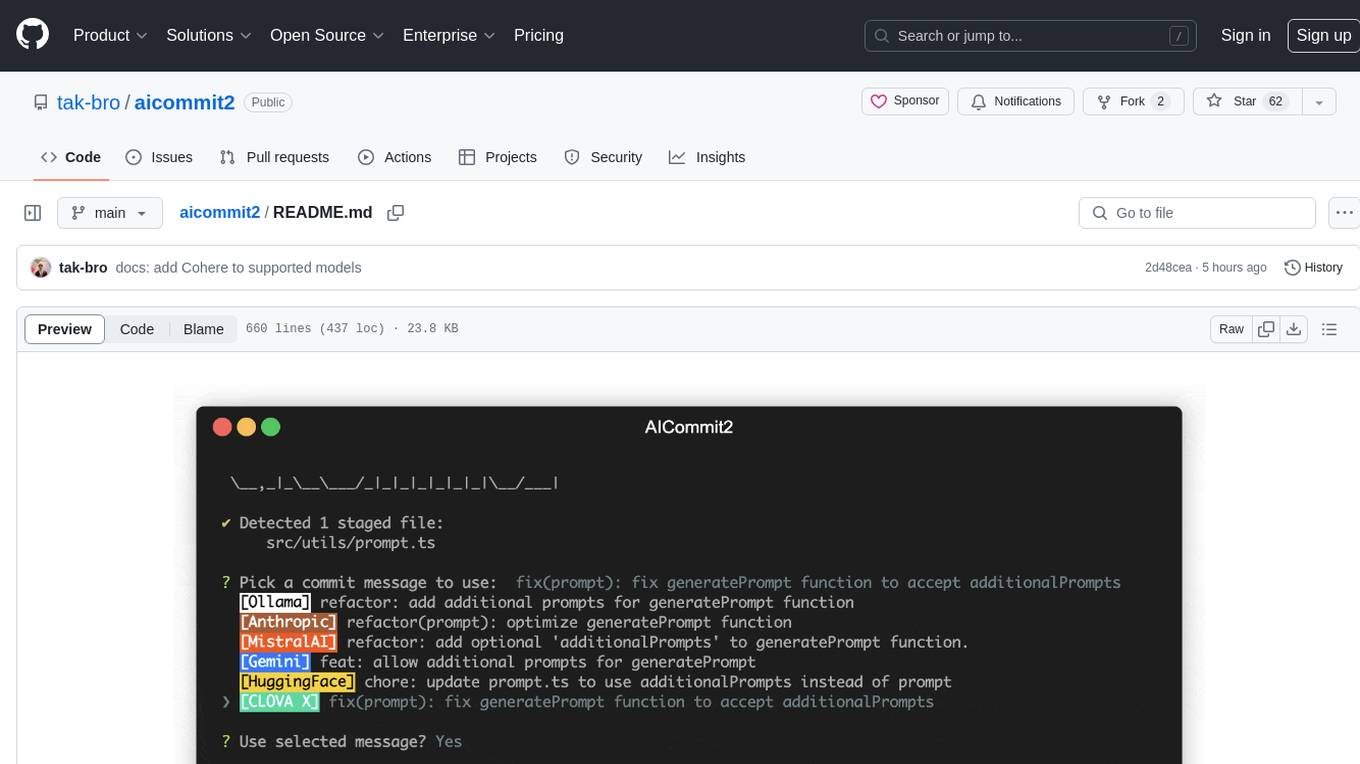
AICommit2 is a Reactive CLI tool that streamlines interactions with various AI providers such as OpenAI, Anthropic Claude, Gemini, Mistral AI, Cohere, and unofficial providers like Huggingface and Clova X. Users can request multiple AI simultaneously to generate git commit messages without waiting for all AI responses. The tool runs 'git diff' to grab code changes, sends them to configured AI, and returns the AI-generated commit message. Users can set API keys or Cookies for different providers and configure options like locale, generate number of messages, commit type, proxy, timeout, max-length, and more. AICommit2 can be used both locally with Ollama and remotely with supported providers, offering flexibility and efficiency in generating commit messages.
opencode.nvim
opencode.nvim is a tool that integrates the opencode AI assistant with Neovim, allowing users to streamline editor-aware research, reviews, and requests. It provides features such as connecting to opencode instances, sharing editor context, input prompts with completions, executing commands, and monitoring state via statusline component. Users can define their own prompts, reload edited buffers in real-time, and forward Server-Sent-Events for automation. The tool offers sensible defaults with flexible configuration and API to fit various workflows, supporting ranges and dot-repeat in a Vim-like manner.

BricksLLM
BricksLLM is a cloud native AI gateway written in Go. Currently, it provides native support for OpenAI, Anthropic, Azure OpenAI and vLLM. BricksLLM aims to provide enterprise level infrastructure that can power any LLM production use cases. Here are some use cases for BricksLLM: * Set LLM usage limits for users on different pricing tiers * Track LLM usage on a per user and per organization basis * Block or redact requests containing PIIs * Improve LLM reliability with failovers, retries and caching * Distribute API keys with rate limits and cost limits for internal development/production use cases * Distribute API keys with rate limits and cost limits for students
fittencode.nvim
Fitten Code AI Programming Assistant for Neovim provides fast completion using AI, asynchronous I/O, and support for various actions like document code, edit code, explain code, find bugs, generate unit test, implement features, optimize code, refactor code, start chat, and more. It offers features like accepting suggestions with Tab, accepting line with Ctrl + Down, accepting word with Ctrl + Right, undoing accepted text, automatic scrolling, and multiple HTTP/REST backends. It can run as a coc.nvim source or nvim-cmp source.
shodh-memory
Shodh-Memory is a cognitive memory system designed for AI agents to persist memory across sessions, learn from experience, and run entirely offline. It features Hebbian learning, activation decay, and semantic consolidation, packed into a single ~17MB binary. Users can deploy it on cloud, edge devices, or air-gapped systems to enhance the memory capabilities of AI agents.
aiosmb
aiosmb is a fully asynchronous SMB library written in pure Python, supporting Python 3.7 and above. It offers various authentication methods such as Kerberos, NTLM, SSPI, and NEGOEX. The library supports connections over TCP and QUIC protocols, with proxy support for SOCKS4 and SOCKS5. Users can specify an SMB connection using a URL format, making it easier to authenticate and connect to SMB hosts. The project aims to implement DCERPC features, VSS mountpoint operations, and other enhancements in the future. It is inspired by Impacket and AzureADJoinedMachinePTC projects.
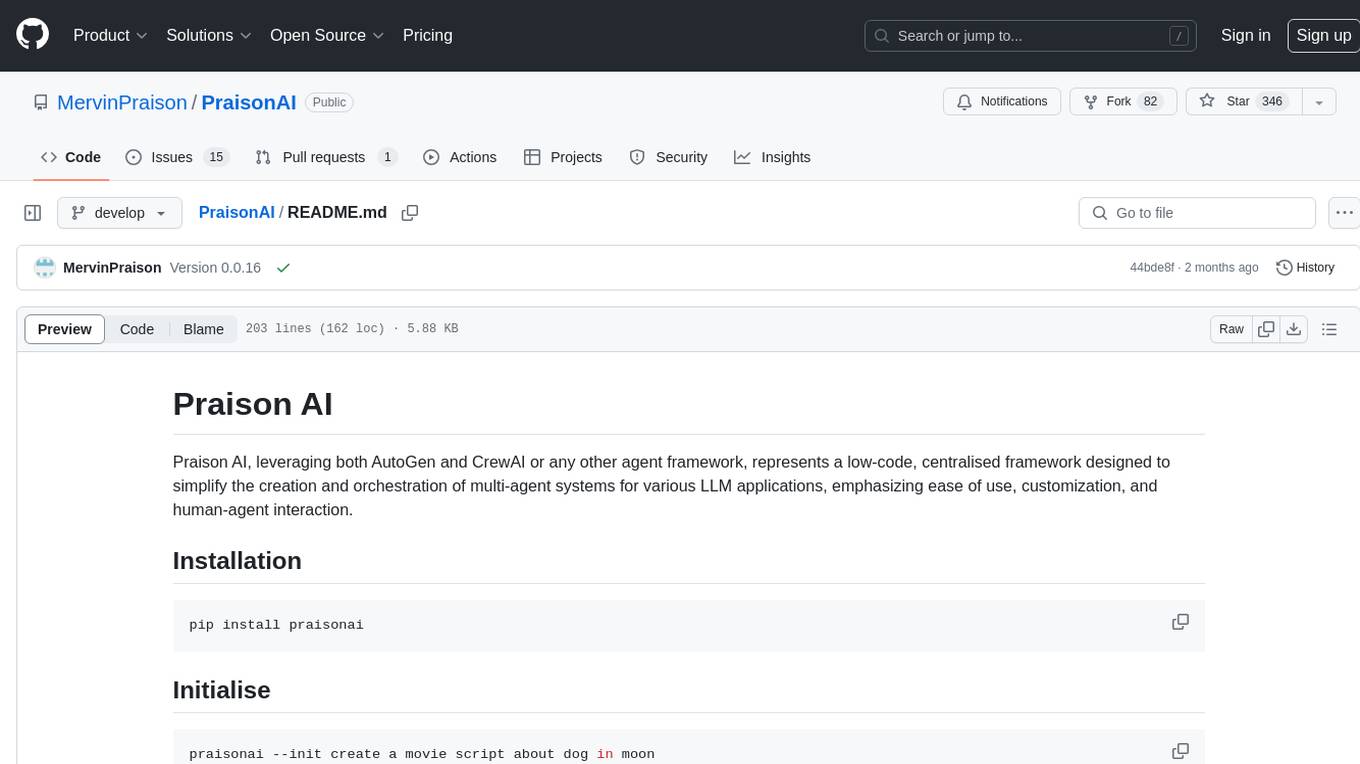
PraisonAI
Praison AI is a low-code, centralised framework that simplifies the creation and orchestration of multi-agent systems for various LLM applications. It emphasizes ease of use, customization, and human-agent interaction. The tool leverages AutoGen and CrewAI frameworks to facilitate the development of AI-generated scripts and movie concepts. Users can easily create, run, test, and deploy agents for scriptwriting and movie concept development. Praison AI also provides options for full automatic mode and integration with OpenAI models for enhanced AI capabilities.
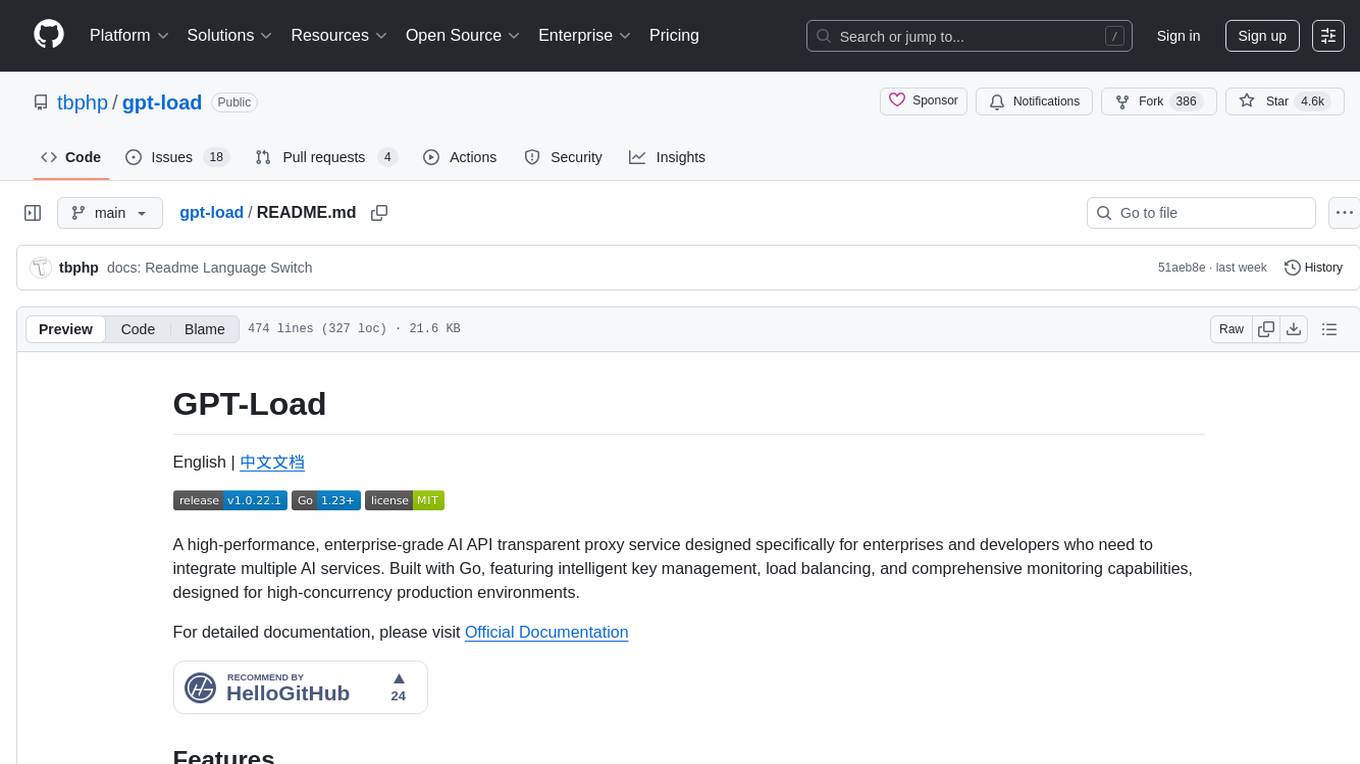
gpt-load
GPT-Load is a high-performance, enterprise-grade AI API transparent proxy service designed for enterprises and developers needing to integrate multiple AI services. Built with Go, it features intelligent key management, load balancing, and comprehensive monitoring capabilities for high-concurrency production environments. The tool serves as a transparent proxy service, preserving native API formats of various AI service providers like OpenAI, Google Gemini, and Anthropic Claude. It supports dynamic configuration, distributed leader-follower deployment, and a Vue 3-based web management interface. GPT-Load is production-ready with features like dual authentication, graceful shutdown, and error recovery.
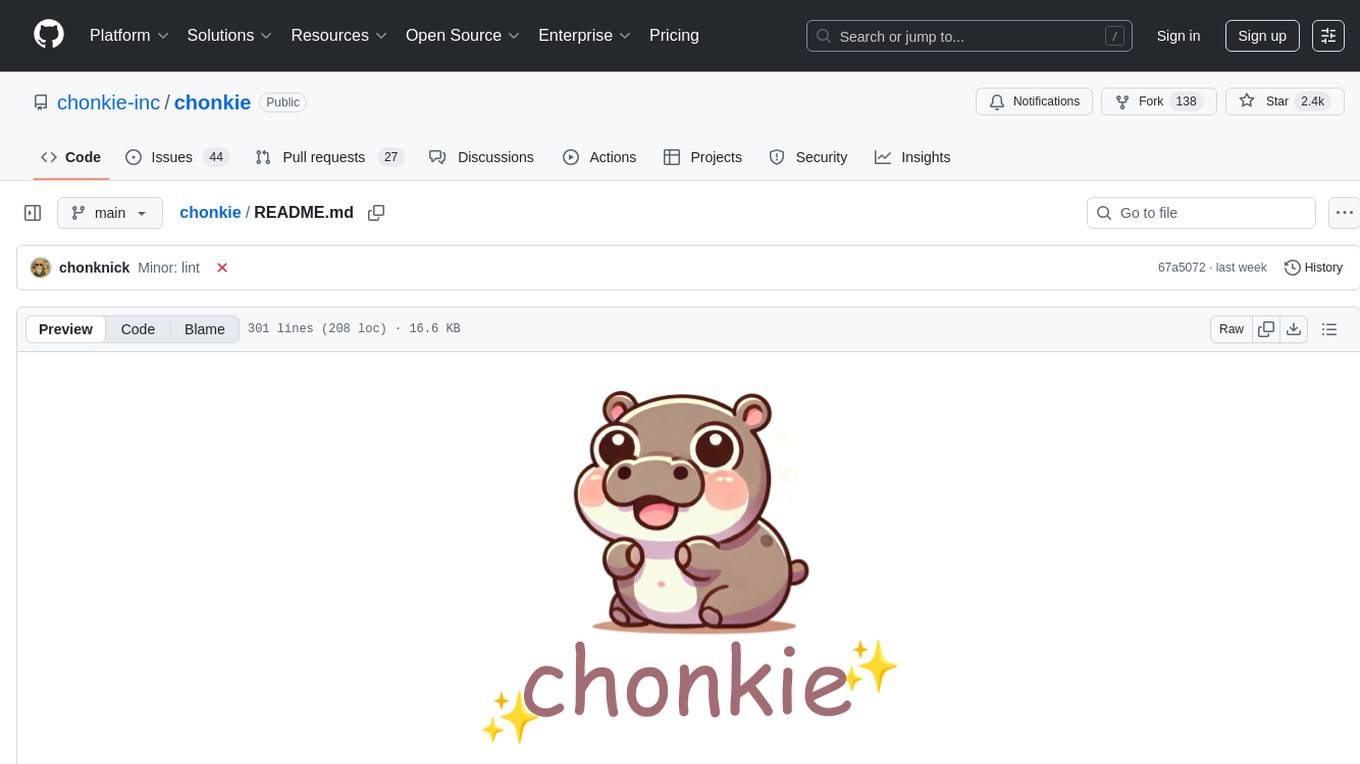
chonkie
Chonkie is a feature-rich, easy-to-use, fast, lightweight, and wide-support chunking library designed to efficiently split texts into chunks. It integrates with various tokenizers, embedding models, and APIs, supporting 56 languages and offering cloud-ready functionality. Chonkie provides a modular pipeline approach called CHOMP for text processing, chunking, post-processing, and exporting. With multiple chunkers, refineries, porters, and handshakes, Chonkie offers a comprehensive solution for text chunking needs. It includes 24+ integrations, 3+ LLM providers, 2+ refineries, 2+ porters, and 4+ vector database connections, making it a versatile tool for text processing and analysis.
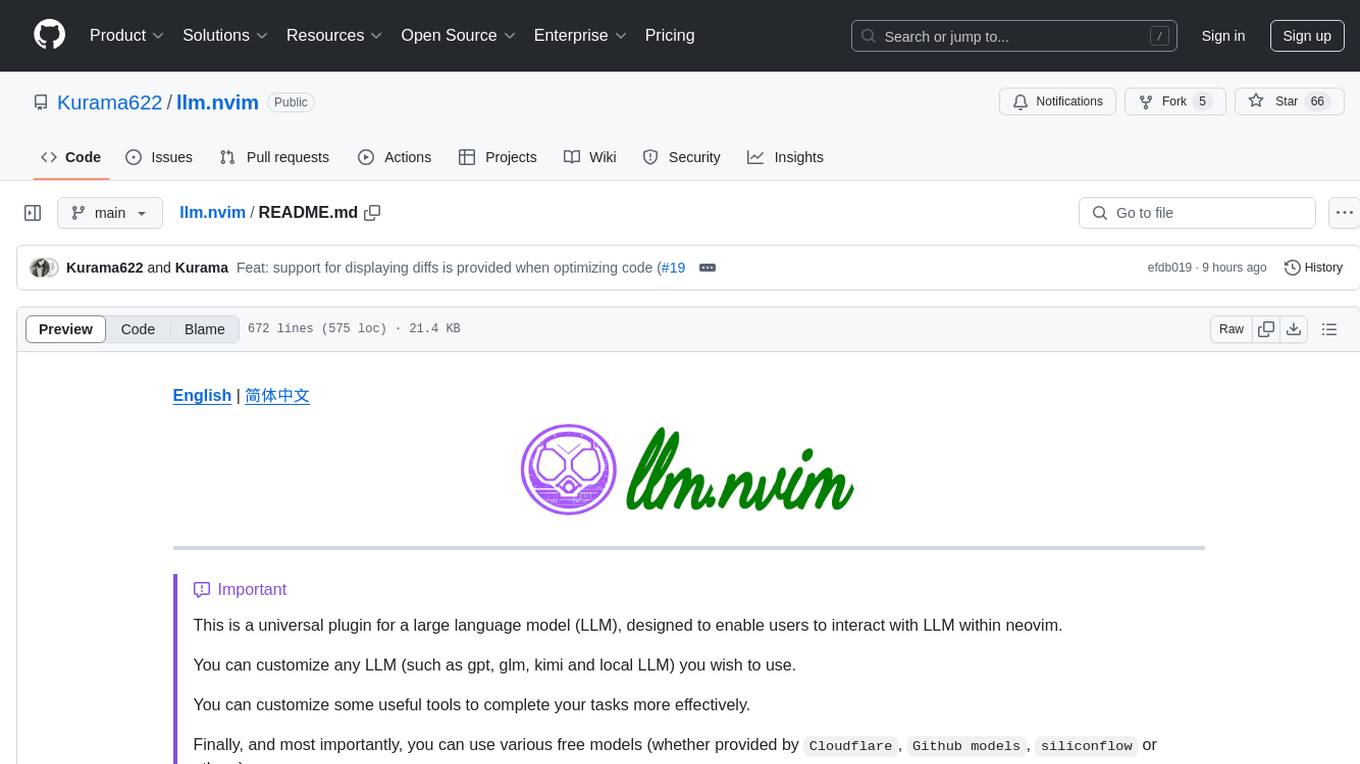
llm.nvim
llm.nvim is a universal plugin for a large language model (LLM) designed to enable users to interact with LLM within neovim. Users can customize various LLMs such as gpt, glm, kimi, and local LLM. The plugin provides tools for optimizing code, comparing code, translating text, and more. It also supports integration with free models from Cloudflare, Github models, siliconflow, and others. Users can customize tools, chat with LLM, quickly translate text, and explain code snippets. The plugin offers a flexible window interface for easy interaction and customization.
scrape-it-now
Scrape It Now is a versatile tool for scraping websites with features like decoupled architecture, CLI functionality, idempotent operations, and content storage options. The tool includes a scraper component for efficient scraping, ad blocking, link detection, markdown extraction, dynamic content loading, and anonymity features. It also offers an indexer component for creating AI search indexes, chunking content, embedding chunks, and enabling semantic search. The tool supports various configurations for Azure services and local storage, providing flexibility and scalability for web scraping and indexing tasks.
pup
Pup is a Go-based command-line wrapper designed for easy interaction with Datadog APIs. It provides a fast, cross-platform binary with support for OAuth2 authentication and traditional API key authentication. The tool offers simple commands for common Datadog operations, structured JSON output for parsing and automation, and dynamic client registration with unique OAuth credentials per installation. Pup currently implements 38 out of 85+ available Datadog APIs, covering core observability, monitoring & alerting, security & compliance, infrastructure & cloud, incident & operations, CI/CD & development, organization & access, and platform & configuration domains. Users can easily install Pup via Homebrew, Go Install, or manual download, and authenticate using OAuth2 or API key methods. The tool supports various commands for tasks such as testing connection, managing monitors, querying metrics, handling dashboards, working with SLOs, and handling incidents.
AnyCrawl
AnyCrawl is a high-performance crawling and scraping toolkit designed for SERP crawling, web scraping, site crawling, and batch tasks. It offers multi-threading and multi-process capabilities for high performance. The tool also provides AI extraction for structured data extraction from pages, making it LLM-friendly and easy to integrate and use.
For similar tasks
cli
Firecrawl CLI is a command-line interface tool that allows users to scrape, crawl, and extract data from any website directly from the terminal. It provides various commands for tasks such as scraping single URLs, searching the web, mapping URLs on a website, crawling entire websites, checking credit usage, running AI-powered web data extraction, launching browser sandbox sessions, configuring settings, and viewing current configuration. The tool offers options for authentication, output handling, tips & tricks, CI/CD usage, and telemetry. Users can interact with the tool to perform web scraping tasks efficiently and effectively.
firecrawl
Firecrawl is an API service that empowers AI applications with clean data from any website. It features advanced scraping, crawling, and data extraction capabilities. The repository is still in development, integrating custom modules into the mono repo. Users can run it locally but it's not fully ready for self-hosted deployment yet. Firecrawl offers powerful capabilities like scraping, crawling, mapping, searching, and extracting structured data from single pages, multiple pages, or entire websites with AI. It supports various formats, actions, and batch scraping. The tool is designed to handle proxies, anti-bot mechanisms, dynamic content, media parsing, change tracking, and more. Firecrawl is available as an open-source project under the AGPL-3.0 license, with additional features offered in the cloud version.
Fabric
Fabric is an open-source framework designed to augment humans using AI by organizing prompts by real-world tasks. It addresses the integration problem of AI by creating and organizing prompts for various tasks. Users can create, collect, and organize AI solutions in a single place for use in their favorite tools. Fabric also serves as a command-line interface for those focused on the terminal. It offers a wide range of features and capabilities, including support for multiple AI providers, internationalization, speech-to-text, AI reasoning, model management, web search, text-to-speech, desktop notifications, and more. The project aims to help humans flourish by leveraging AI technology to solve human problems and enhance creativity.
MiniSearch
MiniSearch is a minimalist search engine with integrated browser-based AI. It is privacy-focused, easy to use, cross-platform, integrated, time-saving, efficient, optimized, and open-source. MiniSearch can be used for a variety of tasks, including searching the web, finding files on your computer, and getting answers to questions. It is a great tool for anyone who wants a fast, private, and easy-to-use search engine.
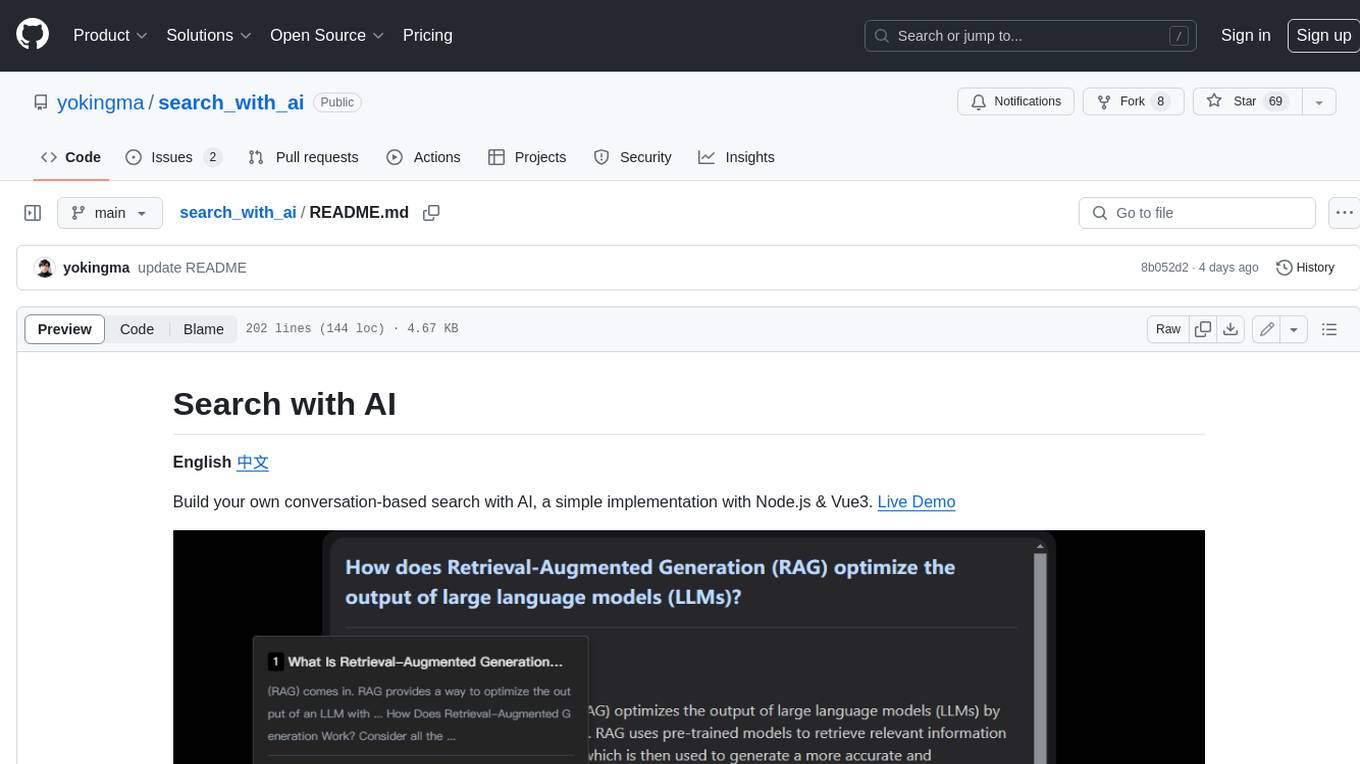
search_with_ai
Build your own conversation-based search with AI, a simple implementation with Node.js & Vue3. Live Demo Features: * Built-in support for LLM: OpenAI, Google, Lepton, Ollama(Free) * Built-in support for search engine: Bing, Sogou, Google, SearXNG(Free) * Customizable pretty UI interface * Support dark mode * Support mobile display * Support local LLM with Ollama * Support i18n * Support Continue Q&A with contexts.
search2ai
S2A allows your large model API to support networking, searching, news, and web page summarization. It currently supports OpenAI, Gemini, and Moonshot (non-streaming). The large model will determine whether to connect to the network based on your input, and it will not connect to the network for searching every time. You don't need to install any plugins or replace keys. You can directly replace the custom address in your commonly used third-party client. You can also deploy it yourself, which will not affect other functions you use, such as drawing and voice.
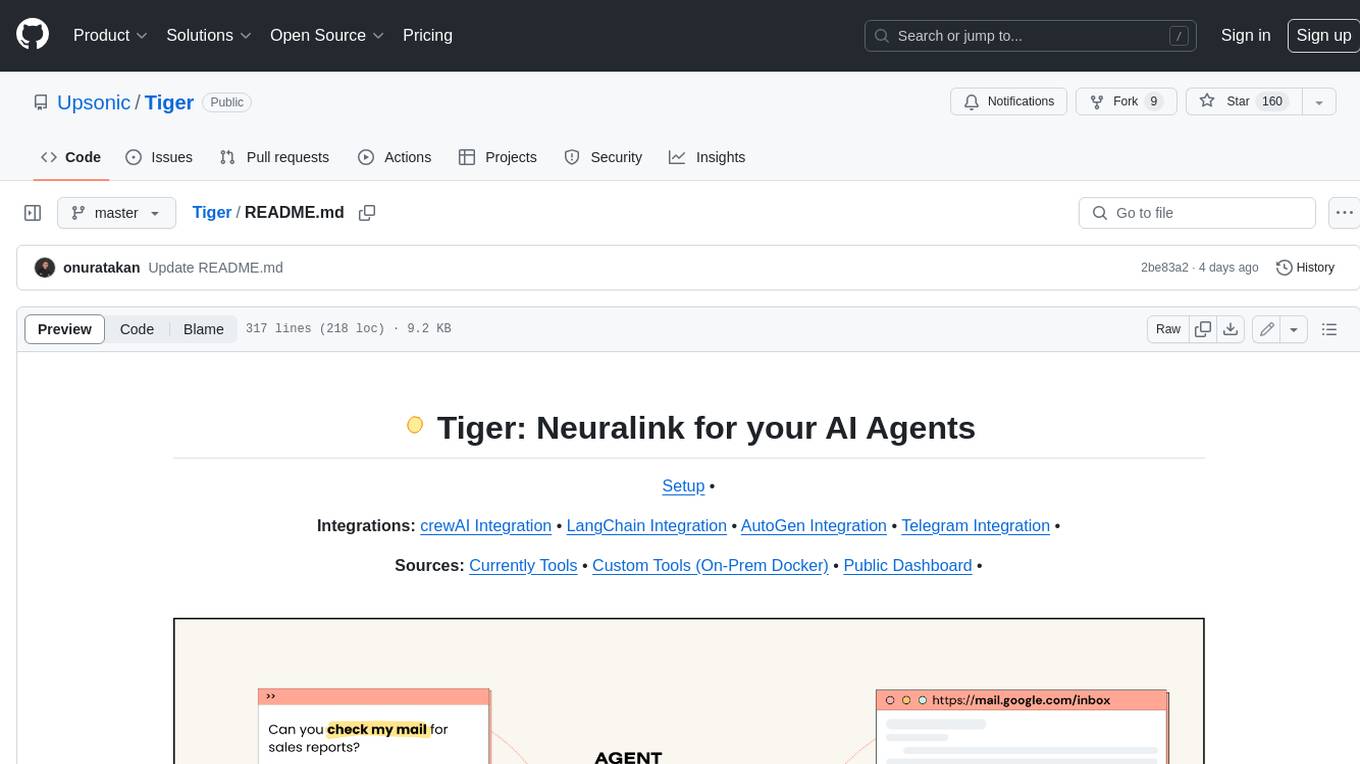
Tiger
Tiger is a community-driven project developing a reusable and integrated tool ecosystem for LLM Agent Revolution. It utilizes Upsonic for isolated tool storage, profiling, and automatic document generation. With Tiger, you can create a customized environment for your agents or leverage the robust and publicly maintained Tiger curated by the community itself.
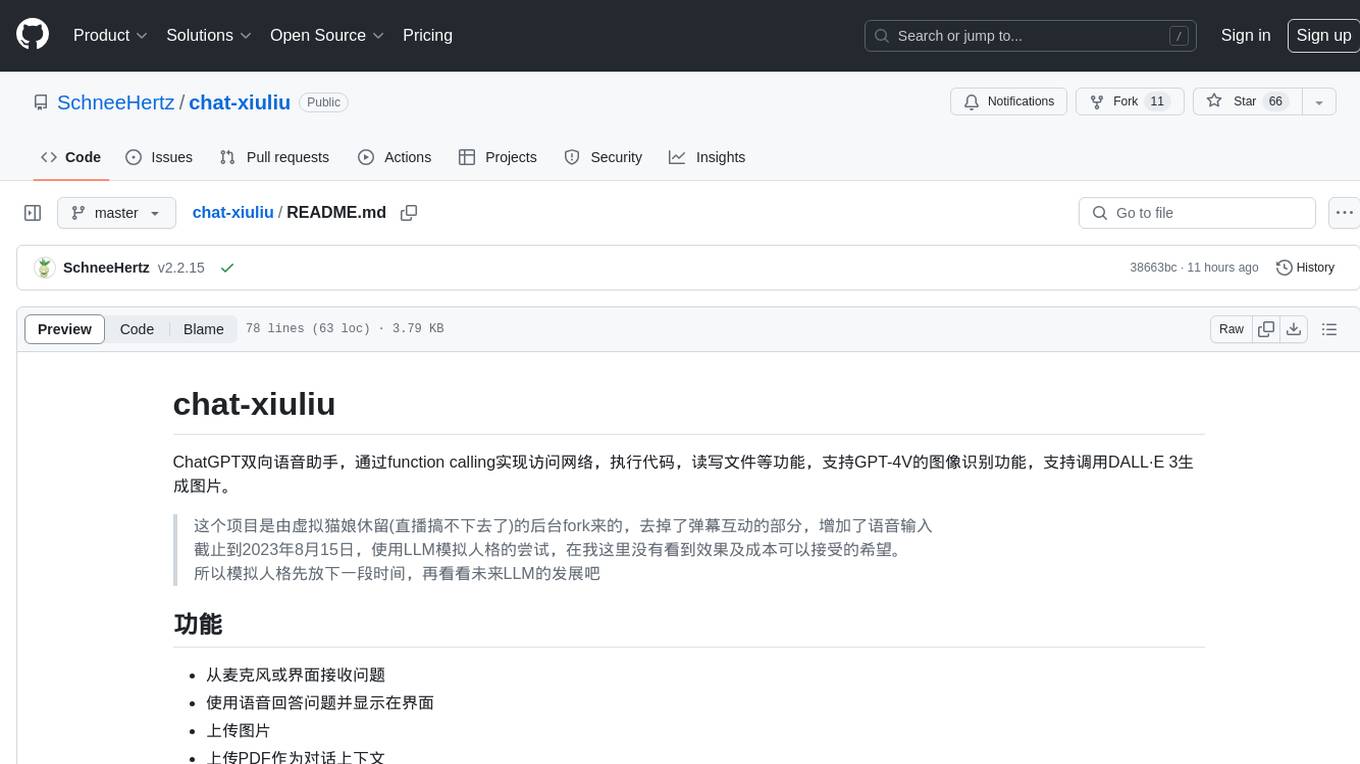
chat-xiuliu
Chat-xiuliu is a bidirectional voice assistant powered by ChatGPT, capable of accessing the internet, executing code, reading/writing files, and supporting GPT-4V's image recognition feature. It can also call DALL·E 3 to generate images. The project is a fork from a background of a virtual cat girl named Xiuliu, with removed live chat interaction and added voice input. It can receive questions from microphone or interface, answer them vocally, upload images and PDFs, process tasks through function calls, remember conversation content, search the web, generate images using DALL·E 3, read/write local files, execute JavaScript code in a sandbox, open local files or web pages, customize the cat girl's speaking style, save conversation screenshots, and support Azure OpenAI and other API endpoints in openai format. It also supports setting proxies and various AI models like GPT-4, GPT-3.5, and DALL·E 3.
For similar jobs

sweep
Sweep is an AI junior developer that turns bugs and feature requests into code changes. It automatically handles developer experience improvements like adding type hints and improving test coverage.

teams-ai
The Teams AI Library is a software development kit (SDK) that helps developers create bots that can interact with Teams and Microsoft 365 applications. It is built on top of the Bot Framework SDK and simplifies the process of developing bots that interact with Teams' artificial intelligence capabilities. The SDK is available for JavaScript/TypeScript, .NET, and Python.

ai-guide
This guide is dedicated to Large Language Models (LLMs) that you can run on your home computer. It assumes your PC is a lower-end, non-gaming setup.

classifai
Supercharge WordPress Content Workflows and Engagement with Artificial Intelligence. Tap into leading cloud-based services like OpenAI, Microsoft Azure AI, Google Gemini and IBM Watson to augment your WordPress-powered websites. Publish content faster while improving SEO performance and increasing audience engagement. ClassifAI integrates Artificial Intelligence and Machine Learning technologies to lighten your workload and eliminate tedious tasks, giving you more time to create original content that matters.

chatbot-ui
Chatbot UI is an open-source AI chat app that allows users to create and deploy their own AI chatbots. It is easy to use and can be customized to fit any need. Chatbot UI is perfect for businesses, developers, and anyone who wants to create a chatbot.
BricksLLM
BricksLLM is a cloud native AI gateway written in Go. Currently, it provides native support for OpenAI, Anthropic, Azure OpenAI and vLLM. BricksLLM aims to provide enterprise level infrastructure that can power any LLM production use cases. Here are some use cases for BricksLLM: * Set LLM usage limits for users on different pricing tiers * Track LLM usage on a per user and per organization basis * Block or redact requests containing PIIs * Improve LLM reliability with failovers, retries and caching * Distribute API keys with rate limits and cost limits for internal development/production use cases * Distribute API keys with rate limits and cost limits for students

uAgents
uAgents is a Python library developed by Fetch.ai that allows for the creation of autonomous AI agents. These agents can perform various tasks on a schedule or take action on various events. uAgents are easy to create and manage, and they are connected to a fast-growing network of other uAgents. They are also secure, with cryptographically secured messages and wallets.

griptape
Griptape is a modular Python framework for building AI-powered applications that securely connect to your enterprise data and APIs. It offers developers the ability to maintain control and flexibility at every step. Griptape's core components include Structures (Agents, Pipelines, and Workflows), Tasks, Tools, Memory (Conversation Memory, Task Memory, and Meta Memory), Drivers (Prompt and Embedding Drivers, Vector Store Drivers, Image Generation Drivers, Image Query Drivers, SQL Drivers, Web Scraper Drivers, and Conversation Memory Drivers), Engines (Query Engines, Extraction Engines, Summary Engines, Image Generation Engines, and Image Query Engines), and additional components (Rulesets, Loaders, Artifacts, Chunkers, and Tokenizers). Griptape enables developers to create AI-powered applications with ease and efficiency.