


firecrawl
🔥 The Web Data API for AI - Turn entire websites into LLM-ready markdown or structured data
Stars: 81884
Firecrawl is an API service that empowers AI applications with clean data from any website. It features advanced scraping, crawling, and data extraction capabilities. The repository is still in development, integrating custom modules into the mono repo. Users can run it locally but it's not fully ready for self-hosted deployment yet. Firecrawl offers powerful capabilities like scraping, crawling, mapping, searching, and extracting structured data from single pages, multiple pages, or entire websites with AI. It supports various formats, actions, and batch scraping. The tool is designed to handle proxies, anti-bot mechanisms, dynamic content, media parsing, change tracking, and more. Firecrawl is available as an open-source project under the AGPL-3.0 license, with additional features offered in the cloud version.
README:








Turn websites into LLM-ready data.
Firecrawl is an API that scrapes, crawls, and extracts structured data from any website, powering AI agents and apps with real-time context from the web.
Looking for our MCP? Check out the repo here.
This repository is in development, and we're still integrating custom modules into the mono repo. It's not fully ready for self-hosted deployment yet, but you can run it locally.
Pst. Hey, you, join our stargazers :)

- LLM-ready output: Clean markdown, structured JSON, screenshots, HTML, and more
- Industry-leading reliability: >80% coverage on benchmark evaluations, outperforming every other provider tested
- Handles the hard stuff: Proxies, JavaScript rendering, and dynamic content that breaks other scrapers
- Customization: Exclude tags, crawl behind auth walls, max depth, and more
- Media parsing: Automatic text extraction from PDFs, DOCX, and images
- Actions: Click, scroll, input, wait, and more before extracting
- Batch processing: Scrape thousands of URLs asynchronously
- Change tracking: Monitor website content changes over time
Sign up at firecrawl.dev to get your API key and start extracting data in seconds. Try the playground to test it out.
curl -X POST 'https://api.firecrawl.dev/v2/scrape' \
  -H 'Authorization: Bearer fc-YOUR_API_KEY' \
  -H 'Content-Type: application/json' \
  -d '{"url": "https://example.com"}'
Response:
{
  "success": true,
  "data": {
    "markdown": "# Example Domain\n\nThis domain is for use in illustrative examples...",
    "metadata": {
      "title": "Example Domain",
      "sourceURL": "https://example.com"
    }
  }
}| Feature | Description |
|---|---|
| Scrape | Convert any URL to markdown, HTML, screenshots, or structured JSON |
| Search | Search the web and get full page content from results |
| Agent | Automated data gathering, just describe what you need |
| Crawl | Scrape all URLs of a website with a single request |
| Map | Discover all URLs on a website instantly |
Convert any URL to clean markdown, HTML, or structured data.
curl -X POST 'https://api.firecrawl.dev/v2/scrape' \
  -H 'Authorization: Bearer fc-YOUR_API_KEY' \
  -H 'Content-Type: application/json' \
  -d '{
    "url": "https://docs.firecrawl.dev",
    "formats": ["markdown", "html"]
  }'
Response:
{
  "success": true,
  "data": {
    "markdown": "# Firecrawl Docs\n\nTurn websites into LLM-ready data...",
    "html": "<!DOCTYPE html><html>...",
    "metadata": {
      "title": "Quickstart | Firecrawl",
      "description": "Firecrawl allows you to turn entire websites into LLM-ready markdown",
      "sourceURL": "https://docs.firecrawl.dev",
      "statusCode": 200
    }
  }
}
Extract structured data using a schema:
from firecrawl import Firecrawl
from pydantic import BaseModel

app = Firecrawl(api_key="fc-YOUR_API_KEY")

class CompanyInfo(BaseModel):
    company_mission: str
    is_open_source: bool
    is_in_yc: bool

result = app.scrape(
    'https://firecrawl.dev',
    formats=[{"type": "json", "schema": CompanyInfo.model_json_schema()}]
)

print(result.json){"company_mission": "Turn websites into LLM-ready data", "is_open_source": true, "is_in_yc": true}Or extract with just a prompt (no schema):
result = app.scrape(
    'https://firecrawl.dev',
    formats=[{"type": "json", "prompt": "Extract the company mission"}]
)Available formats: markdown, html, rawHtml, screenshot, links, json, branding
Get a screenshot
doc = app.scrape("https://firecrawl.dev", formats=["screenshot"])
print(doc.screenshot)  # Base64 encoded image
Extract brand identity (colors, fonts, typography)
doc = app.scrape("https://firecrawl.dev", formats=["branding"])
print(doc.branding) # {"colors": {...}, "fonts": [...], "typography": {...}}Click, type, scroll, and more before extracting:
doc = app.scrape(
    url="https://example.com/login",
    formats=["markdown"],
    actions=[
        {"type": "write", "text": "[email protected]"},
        {"type": "press", "key": "Tab"},
        {"type": "write", "text": "password"},
        {"type": "click", "selector": 'button[type="submit"]'},
        {"type": "wait", "milliseconds": 2000},
        {"type": "screenshot"}
    ]
)
Search the web and optionally scrape the results.
curl -X POST 'https://api.firecrawl.dev/v2/search' \
  -H 'Authorization: Bearer fc-YOUR_API_KEY' \
  -H 'Content-Type: application/json' \
  -d '{
    "query": "firecrawl web scraping",
    "limit": 5
  }'
Response:
{
  "success": true,
  "data": {
    "web": [
      {
        "url": "https://www.firecrawl.dev/",
        "title": "Firecrawl - The Web Data API for AI",
        "description": "The web crawling, scraping, and search API for AI.",
        "position": 1
      }
    ],
    "images": [...],
    "news": [...]
  }
}Get the full content of search results:
from firecrawl import Firecrawl

firecrawl = Firecrawl(api_key="fc-YOUR_API_KEY")

results = firecrawl.search(
    "firecrawl web scraping",
    limit=3,
    scrape_options={
        "formats": ["markdown", "links"]
    }
)The easiest way to get data from the web. Describe what you need, and our AI agent searches, navigates, and extracts it. No URLs required.
Agent is the evolution of our /extract endpoint: faster, more reliable, and doesn't require you to know the URLs upfront.
curl -X POST 'https://api.firecrawl.dev/v2/agent' \
  -H 'Authorization: Bearer fc-YOUR_API_KEY' \
  -H 'Content-Type: application/json' \
  -d '{
    "prompt": "Find the pricing plans for Notion"
  }'
Response:
{
  "success": true,
  "data": {
    "result": "Notion offers the following pricing plans:\n\n1. Free - $0/month...\n2. Plus - $10/seat/month...\n3. Business - $18/seat/month...",
    "sources": ["https://www.notion.so/pricing"]
  }
}Use a schema to get structured data:
from firecrawl import Firecrawl
from pydantic import BaseModel, Field
from typing import List, Optional

app = Firecrawl(api_key="fc-YOUR_API_KEY")

class Founder(BaseModel):
    name: str = Field(description="Full name of the founder")
    role: Optional[str] = Field(None, description="Role or position")

class FoundersSchema(BaseModel):
    founders: List[Founder] = Field(description="List of founders")

result = app.agent(
    prompt="Find the founders of Firecrawl",
    schema=FoundersSchema
)

print(result.data)
{
"founders": [
{"name": "Eric Ciarla", "role": "Co-founder"},
{"name": "Nicolas Camara", "role": "Co-founder"},
{"name": "Caleb Peffer", "role": "Co-founder"}
]
}Focus the agent on specific pages:
result = app.agent(
    urls=["https://docs.firecrawl.dev", "https://firecrawl.dev/pricing"],
    prompt="Compare the features and pricing information"
)Choose between two models based on your needs:
| Model | Cost | Best For |
|---|---|---|
spark-1-mini (default) |
60% cheaper | Most tasks |
spark-1-pro |
Standard | Complex research, critical extraction |
result = app.agent(
    prompt="Compare enterprise features across Firecrawl, Apify, and ScrapingBee",
    model="spark-1-pro"
)
When to use Pro:
- Comparing data across multiple websites
- Extracting from sites with complex navigation or auth
- Research tasks where the agent needs to explore multiple paths
- Critical data where accuracy is paramount
Learn more about Spark models in our Agent documentation.
Install the Firecrawl skill to let AI agents like Claude Code, Codex, and OpenCode use Firecrawl automatically:
npx skills add firecrawl/cliRestart your agent after installing. See the Skill + CLI docs for full setup.
Crawl an entire website and get content from all pages.
curl -X POST 'https://api.firecrawl.dev/v2/crawl' \
  -H 'Authorization: Bearer fc-YOUR_API_KEY' \
  -H 'Content-Type: application/json' \
  -d '{
    "url": "https://docs.firecrawl.dev",
    "limit": 100,
    "scrapeOptions": {
      "formats": ["markdown"]
    }
  }'
Returns a job ID:
{
  "success": true,
  "id": "123-456-789",
  "url": "https://api.firecrawl.dev/v2/crawl/123-456-789"
}curl -X GET 'https://api.firecrawl.dev/v2/crawl/123-456-789' \
-H 'Authorization: Bearer fc-YOUR_API_KEY'{
"status": "completed",
"total": 50,
"completed": 50,
"creditsUsed": 50,
"data": [
{
"markdown": "# Page Title\n\nContent...",
"metadata": {"title": "Page Title", "sourceURL": "https://..."}
}
]
}Note: The SDKs handle polling automatically for a better developer experience.
Discover all URLs on a website instantly.
curl -X POST 'https://api.firecrawl.dev/v2/map' \
  -H 'Authorization: Bearer fc-YOUR_API_KEY' \
  -H 'Content-Type: application/json' \
  -d '{"url": "https://firecrawl.dev"}'
Response:
{
  "success": true,
  "links": [
    {"url": "https://firecrawl.dev", "title": "Firecrawl", "description": "Turn websites into LLM-ready data"},
    {"url": "https://firecrawl.dev/pricing", "title": "Pricing", "description": "Firecrawl pricing plans"},
    {"url": "https://firecrawl.dev/blog", "title": "Blog", "description": "Firecrawl blog"}
  ]
}Find specific URLs within a site:
from firecrawl import Firecrawl

app = Firecrawl(api_key="fc-YOUR_API_KEY")

result = app.map("https://firecrawl.dev", search="pricing")
# Returns URLs ordered by relevance to "pricing"Scrape multiple URLs at once:
from firecrawl import Firecrawl

app = Firecrawl(api_key="fc-YOUR_API_KEY")

job = app.batch_scrape([
    "https://firecrawl.dev",
    "https://docs.firecrawl.dev",
    "https://firecrawl.dev/pricing"
], formats=["markdown"])

for doc in job.data:
print(doc.metadata.source_url)Our SDKs provide a convenient way to interact with all Firecrawl features and automatically handle polling for async operations like crawling and batch scraping.
Install the SDK:
pip install firecrawl-pyfrom firecrawl import Firecrawl
app = Firecrawl(api_key="fc-YOUR_API_KEY")
# Scrape a single URL
doc = app.scrape("https://firecrawl.dev", formats=["markdown"])
print(doc.markdown)
# Use the Agent for autonomous data gathering
result = app.agent(prompt="Find the founders of Stripe")
print(result.data)
# Crawl a website (automatically waits for completion)
docs = app.crawl("https://docs.firecrawl.dev", limit=50)
for doc in docs.data:
print(doc.metadata.source_url, doc.markdown[:100])
# Search the web
results = app.search("best web scraping tools 2024", limit=10)
print(results)Install the SDK:
npm install @mendable/firecrawl-jsimport Firecrawl from '@mendable/firecrawl-js';
const app = new Firecrawl({ apiKey: 'fc-YOUR_API_KEY' });
// Scrape a single URL
const doc = await app.scrape('https://firecrawl.dev', { formats: ['markdown'] });
console.log(doc.markdown);
// Use the Agent for autonomous data gathering
const result = await app.agent({ prompt: 'Find the founders of Stripe' });
console.log(result.data);
// Crawl a website (automatically waits for completion)
const docs = await app.crawl('https://docs.firecrawl.dev', { limit: 50 });
docs.data.forEach(doc => {
console.log(doc.metadata.sourceURL, doc.markdown.substring(0, 100));
});
// Search the web
const results = await app.search('best web scraping tools 2024', { limit: 10 });
results.data.web.forEach(result => {
console.log(`${result.title}: ${result.url}`);
});Agents & AI Tools
Platforms
Missing your favorite tool? Open an issue and let us know!
Firecrawl is open source under the AGPL-3.0 license. The cloud version at firecrawl.dev includes additional features:

To run locally, see the Contributing Guide. To self-host, see Self-Hosting Guide.
We love contributions! Please read our Contributing Guide before submitting a pull request.
This project is primarily licensed under the GNU Affero General Public License v3.0 (AGPL-3.0). The SDKs and some UI components are licensed under the MIT License. See the LICENSE files in specific directories for details.
It is the sole responsibility of end users to respect websites' policies when scraping. Users are advised to adhere to applicable privacy policies and terms of use. By default, Firecrawl respects robots.txt directives. By using Firecrawl, you agree to comply with these conditions.
For Tasks:
Click tags to check more tools for each tasksFor Jobs:
Alternative AI tools for firecrawl
Similar Open Source Tools
firecrawl
Firecrawl is an API service that empowers AI applications with clean data from any website. It features advanced scraping, crawling, and data extraction capabilities. The repository is still in development, integrating custom modules into the mono repo. Users can run it locally but it's not fully ready for self-hosted deployment yet. Firecrawl offers powerful capabilities like scraping, crawling, mapping, searching, and extracting structured data from single pages, multiple pages, or entire websites with AI. It supports various formats, actions, and batch scraping. The tool is designed to handle proxies, anti-bot mechanisms, dynamic content, media parsing, change tracking, and more. Firecrawl is available as an open-source project under the AGPL-3.0 license, with additional features offered in the cloud version.
firecrawl
Firecrawl is an API service that takes a URL, crawls it, and converts it into clean markdown. It crawls all accessible subpages and provides clean markdown for each, without requiring a sitemap. The API is easy to use and can be self-hosted. It also integrates with Langchain and Llama Index. The Python SDK makes it easy to crawl and scrape websites in Python code.
Bindu
Bindu is an operating layer for AI agents that provides identity, communication, and payment capabilities. It delivers a production-ready service with a convenient API to connect, authenticate, and orchestrate agents across distributed systems using open protocols: A2A, AP2, and X402. Built with a distributed architecture, Bindu makes it fast to develop and easy to integrate with any AI framework. Transform any agent framework into a fully interoperable service for communication, collaboration, and commerce in the Internet of Agents.
Scrapegraph-ai
ScrapeGraphAI is a Python library that uses Large Language Models (LLMs) and direct graph logic to create web scraping pipelines for websites, documents, and XML files. It allows users to extract specific information from web pages by providing a prompt describing the desired data. ScrapeGraphAI supports various LLMs, including Ollama, OpenAI, Gemini, and Docker, enabling users to choose the most suitable model for their needs. The library provides a user-friendly interface through its `SmartScraper` class, which simplifies the process of building and executing scraping pipelines. ScrapeGraphAI is open-source and available on GitHub, with extensive documentation and examples to guide users. It is particularly useful for researchers and data scientists who need to extract structured data from web pages for analysis and exploration.
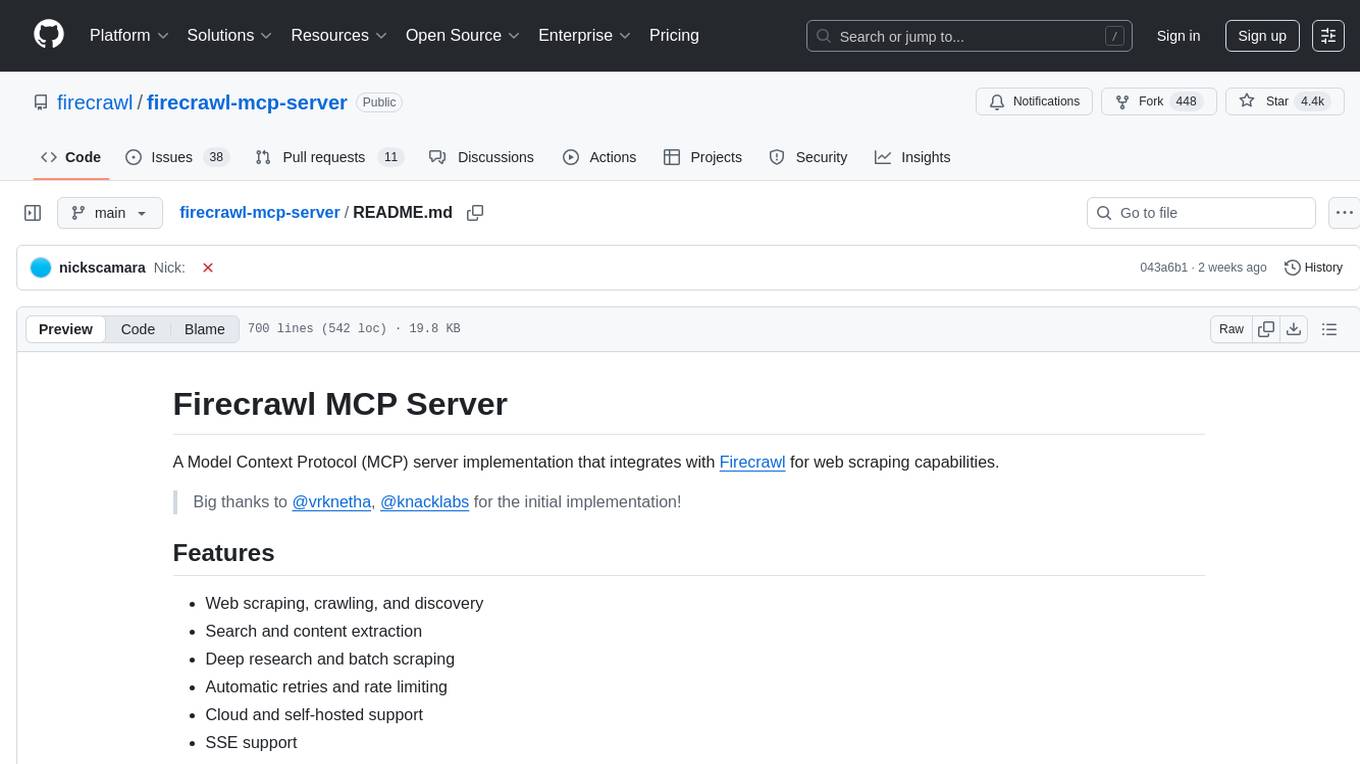
firecrawl-mcp-server
Firecrawl MCP Server is a Model Context Protocol (MCP) server implementation that integrates with Firecrawl for web scraping capabilities. It offers features such as web scraping, crawling, and discovery, search and content extraction, deep research and batch scraping, automatic retries and rate limiting, cloud and self-hosted support, and SSE support. The server can be configured to run with various tools like Cursor, Windsurf, SSE Local Mode, Smithery, and VS Code. It supports environment variables for cloud API and optional configurations for retry settings and credit usage monitoring. The server includes tools for scraping, batch scraping, mapping, searching, crawling, and extracting structured data from web pages. It provides detailed logging and error handling functionalities for robust performance.
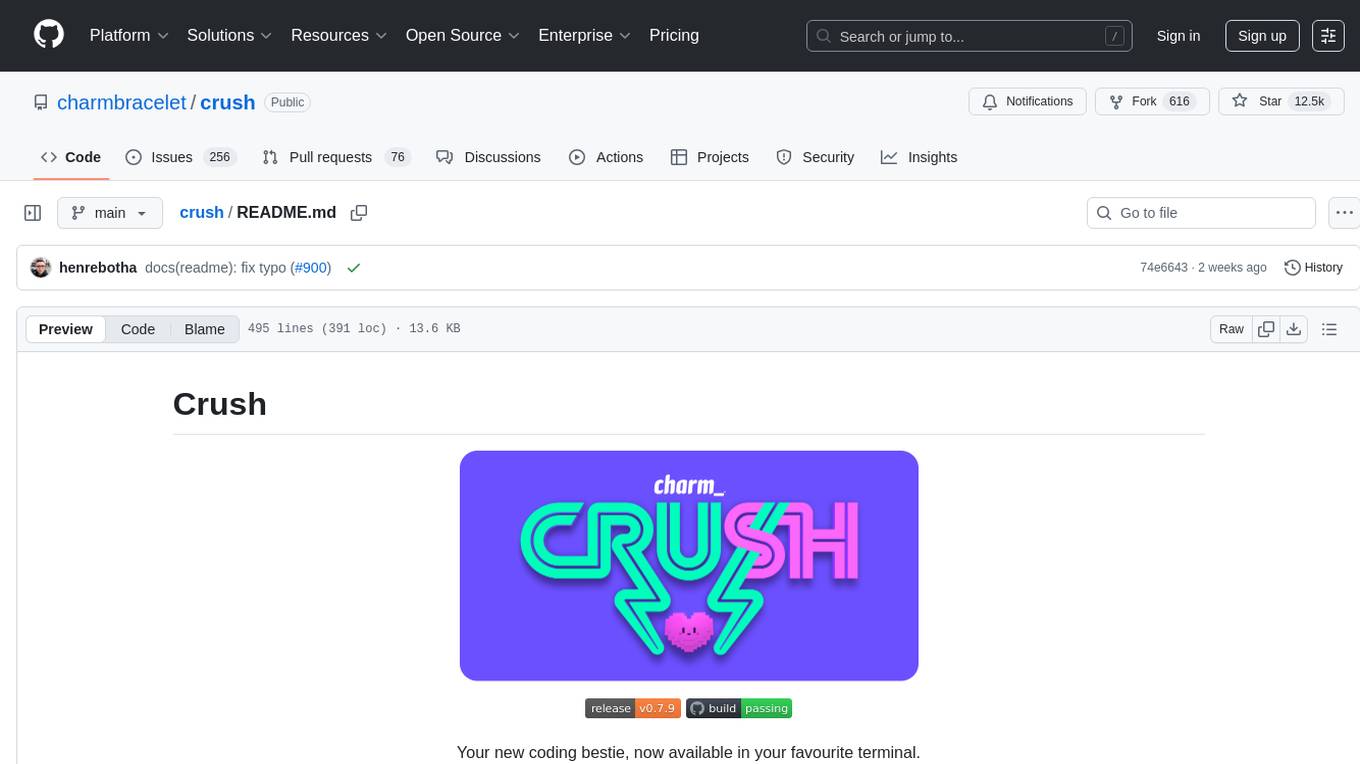
crush
Crush is a versatile tool designed to enhance coding workflows in your terminal. It offers support for multiple LLMs, allows for flexible switching between models, and enables session-based work management. Crush is extensible through MCPs and works across various operating systems. It can be installed using package managers like Homebrew and NPM, or downloaded directly. Crush supports various APIs like Anthropic, OpenAI, Groq, and Google Gemini, and allows for customization through environment variables. The tool can be configured locally or globally, and supports LSPs for additional context. Crush also provides options for ignoring files, allowing tools, and configuring local models. It respects `.gitignore` files and offers logging capabilities for troubleshooting and debugging.
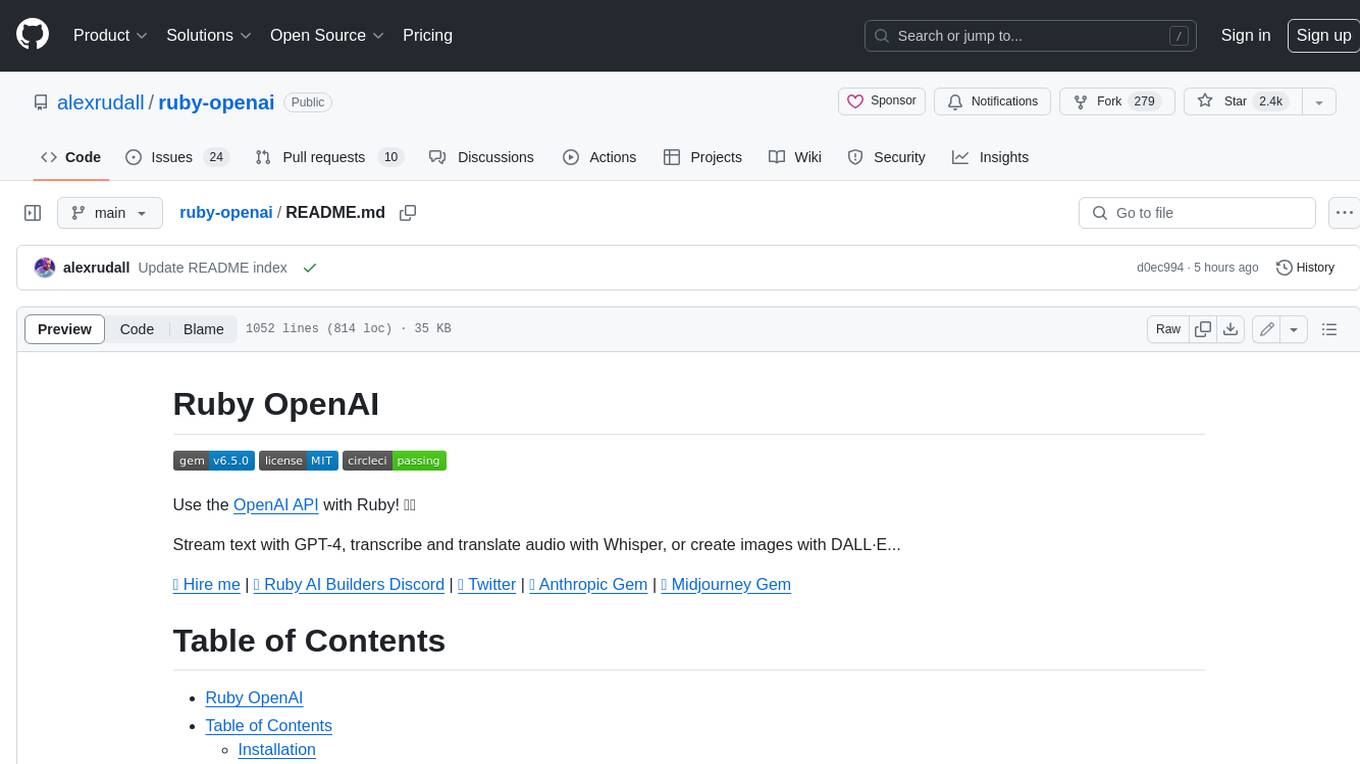
ruby-openai
Use the OpenAI API with Ruby! 🤖🩵 Stream text with GPT-4, transcribe and translate audio with Whisper, or create images with DALL·E... Hire me | 🎮 Ruby AI Builders Discord | 🐦 Twitter | 🧠 Anthropic Gem | 🚂 Midjourney Gem ## Table of Contents * Ruby OpenAI * Table of Contents * Installation * Bundler * Gem install * Usage * Quickstart * With Config * Custom timeout or base URI * Extra Headers per Client * Logging * Errors * Faraday middleware * Azure * Ollama * Counting Tokens * Models * Examples * Chat * Streaming Chat * Vision * JSON Mode * Functions * Edits * Embeddings * Batches * Files * Finetunes * Assistants * Threads and Messages * Runs * Runs involving function tools * Image Generation * DALL·E 2 * DALL·E 3 * Image Edit * Image Variations * Moderations * Whisper * Translate * Transcribe * Speech * Errors * Development * Release * Contributing * License * Code of Conduct
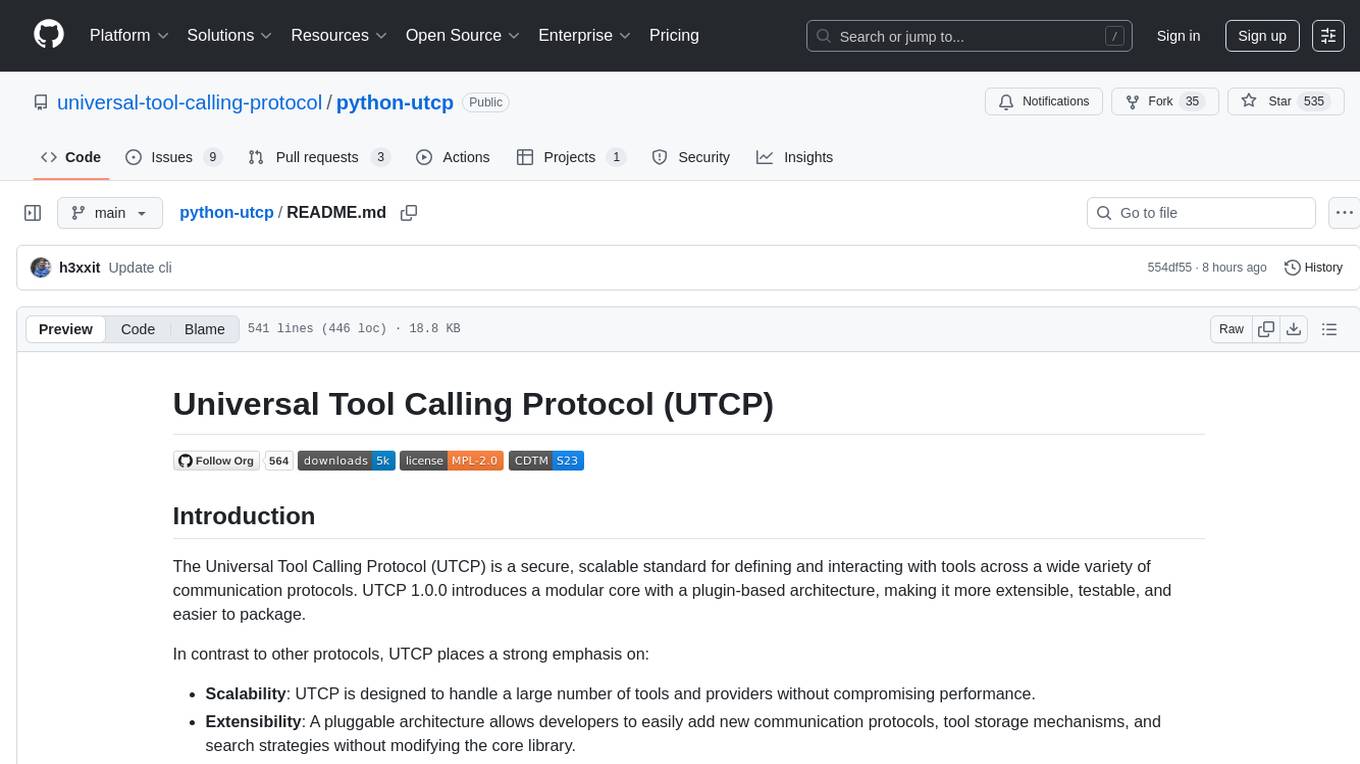
python-utcp
The Universal Tool Calling Protocol (UTCP) is a secure and scalable standard for defining and interacting with tools across various communication protocols. UTCP emphasizes scalability, extensibility, interoperability, and ease of use. It offers a modular core with a plugin-based architecture, making it extensible, testable, and easy to package. The repository contains the complete UTCP Python implementation with core components and protocol-specific plugins for HTTP, CLI, Model Context Protocol, file-based tools, and more.
typst-mcp
Typst MCP Server is an implementation of the Model Context Protocol (MCP) that facilitates interaction between AI models and Typst, a markup-based typesetting system. The server offers tools for converting between LaTeX and Typst, validating Typst syntax, and generating images from Typst code. It provides functions such as listing documentation chapters, retrieving specific chapters, converting LaTeX snippets to Typst, validating Typst syntax, and rendering Typst code to images. The server is designed to assist Language Model Managers (LLMs) in handling Typst-related tasks efficiently and accurately.
AICentral
AI Central is a powerful tool designed to take control of your AI services with minimal overhead. It is built on Asp.Net Core and dotnet 8, offering fast web-server performance. The tool enables advanced Azure APIm scenarios, PII stripping logging to Cosmos DB, token metrics through Open Telemetry, and intelligent routing features. AI Central supports various endpoint selection strategies, proxying asynchronous requests, custom OAuth2 authorization, circuit breakers, rate limiting, and extensibility through plugins. It provides an extensibility model for easy plugin development and offers enriched telemetry and logging capabilities for monitoring and insights.
ollama-ex
Ollama is a powerful tool for running large language models locally or on your own infrastructure. It provides a full implementation of the Ollama API, support for streaming requests, and tool use capability. Users can interact with Ollama in Elixir to generate completions, chat messages, and perform streaming requests. The tool also supports function calling on compatible models, allowing users to define tools with clear descriptions and arguments. Ollama is designed to facilitate natural language processing tasks and enhance user interactions with language models.
functionary
Functionary is a language model that interprets and executes functions/plugins. It determines when to execute functions, whether in parallel or serially, and understands their outputs. Function definitions are given as JSON Schema Objects, similar to OpenAI GPT function calls. It offers documentation and examples on functionary.meetkai.com. The newest model, meetkai/functionary-medium-v3.1, is ranked 2nd in the Berkeley Function-Calling Leaderboard. Functionary supports models with different context lengths and capabilities for function calling and code interpretation. It also provides grammar sampling for accurate function and parameter names. Users can deploy Functionary models serverlessly using Modal.com.
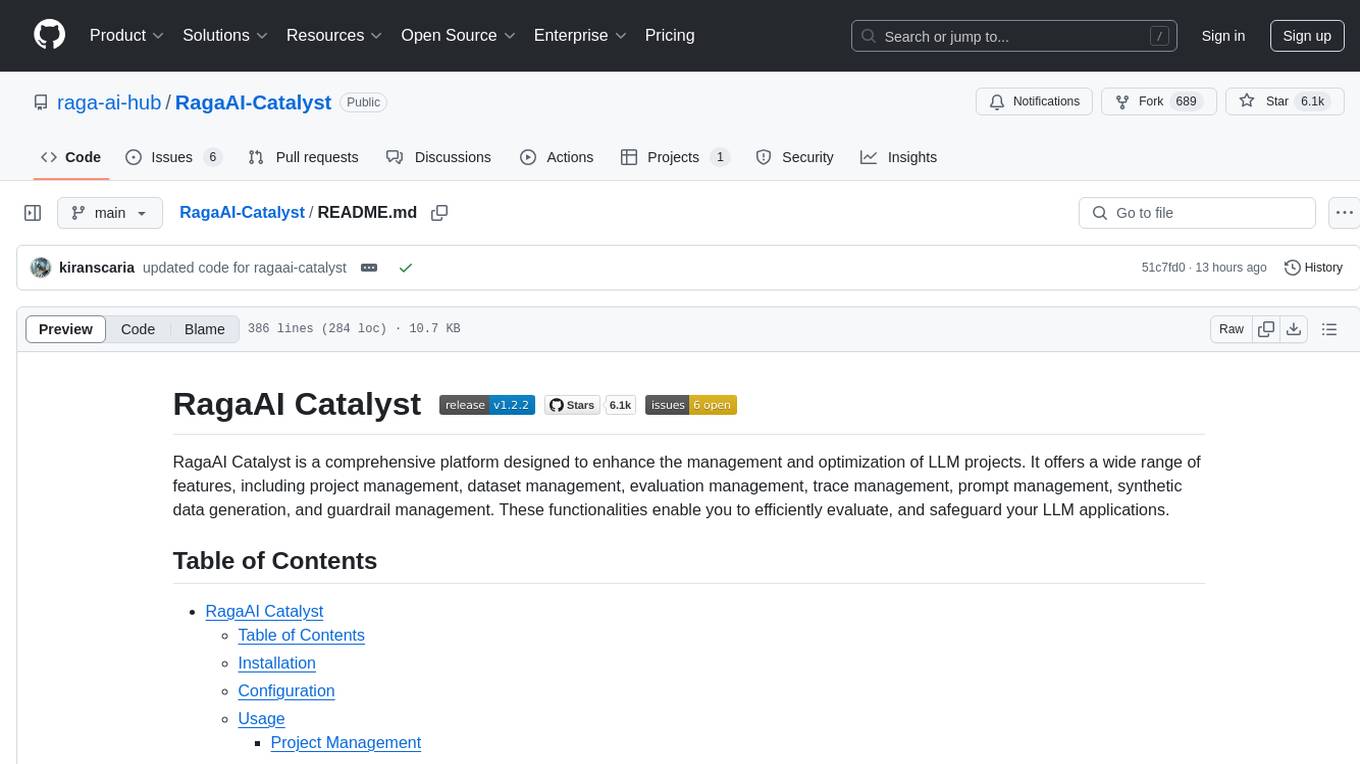
RagaAI-Catalyst
RagaAI Catalyst is a comprehensive platform designed to enhance the management and optimization of LLM projects. It offers features such as project management, dataset management, evaluation management, trace management, prompt management, synthetic data generation, and guardrail management. These functionalities enable efficient evaluation and safeguarding of LLM applications.
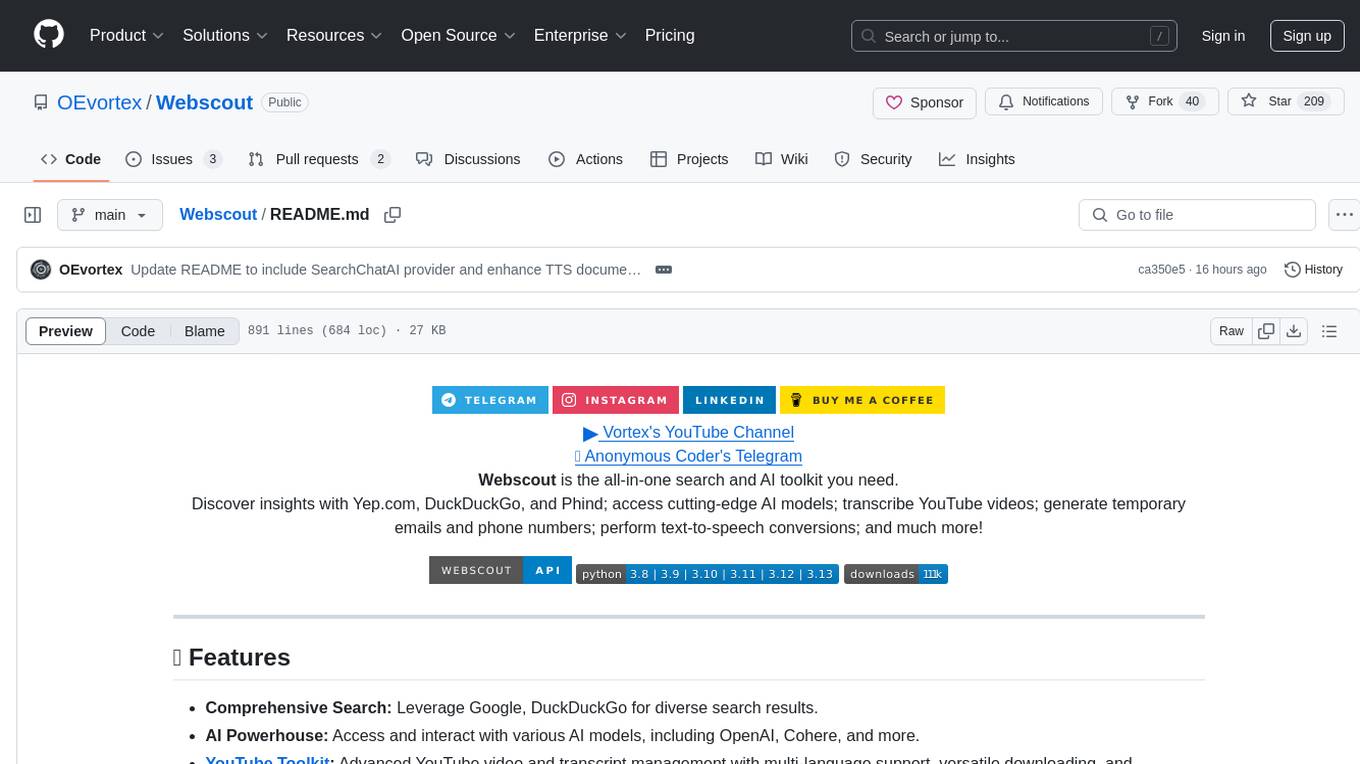
Webscout
Webscout is an all-in-one Python toolkit for web search, AI interaction, digital utilities, and more. It provides access to diverse search engines, cutting-edge AI models, temporary communication tools, media utilities, developer helpers, and powerful CLI interfaces through a unified library. With features like comprehensive search leveraging Google and DuckDuckGo, AI powerhouse for accessing various AI models, YouTube toolkit for video and transcript management, GitAPI for GitHub data extraction, Tempmail & Temp Number for privacy, Text-to-Speech conversion, GGUF conversion & quantization, SwiftCLI for CLI interfaces, LitPrinter for styled console output, LitLogger for logging, LitAgent for user agent generation, Text-to-Image generation, Scout for web parsing and crawling, Awesome Prompts for specialized tasks, Weather Toolkit, and AI Search Providers.
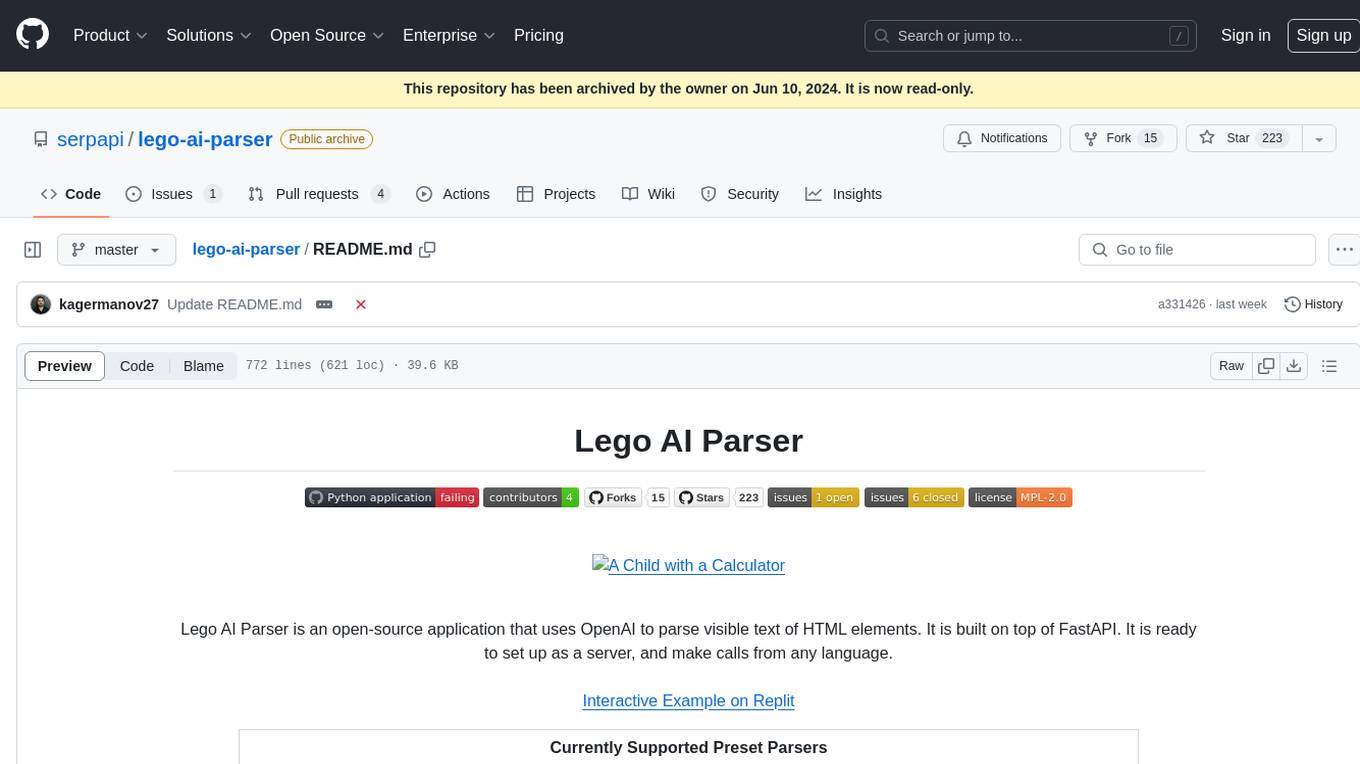
lego-ai-parser
Lego AI Parser is an open-source application that uses OpenAI to parse visible text of HTML elements. It is built on top of FastAPI, ready to set up as a server, and make calls from any language. It supports preset parsers for Google Local Results, Amazon Listings, Etsy Listings, Wayfair Listings, BestBuy Listings, Costco Listings, Macy's Listings, and Nordstrom Listings. Users can also design custom parsers by providing prompts, examples, and details about the OpenAI model under the classifier key.
For similar tasks
firecrawl
Firecrawl is an API service that empowers AI applications with clean data from any website. It features advanced scraping, crawling, and data extraction capabilities. The repository is still in development, integrating custom modules into the mono repo. Users can run it locally but it's not fully ready for self-hosted deployment yet. Firecrawl offers powerful capabilities like scraping, crawling, mapping, searching, and extracting structured data from single pages, multiple pages, or entire websites with AI. It supports various formats, actions, and batch scraping. The tool is designed to handle proxies, anti-bot mechanisms, dynamic content, media parsing, change tracking, and more. Firecrawl is available as an open-source project under the AGPL-3.0 license, with additional features offered in the cloud version.
extractor
Extractor is an AI-powered data extraction library for Laravel that leverages OpenAI's capabilities to effortlessly extract structured data from various sources, including images, PDFs, and emails. It features a convenient wrapper around OpenAI Chat and Completion endpoints, supports multiple input formats, includes a flexible Field Extractor for arbitrary data extraction, and integrates with Textract for OCR functionality. Extractor utilizes JSON Mode from the latest GPT-3.5 and GPT-4 models, providing accurate and efficient data extraction.
NeMo-Guardrails
NeMo Guardrails is an open-source toolkit for easily adding _programmable guardrails_ to LLM-based conversational applications. Guardrails (or "rails" for short) are specific ways of controlling the output of a large language model, such as not talking about politics, responding in a particular way to specific user requests, following a predefined dialog path, using a particular language style, extracting structured data, and more.
kor
Kor is a prototype tool designed to help users extract structured data from text using Language Models (LLMs). It generates prompts, sends them to specified LLMs, and parses the output. The tool works with the parsing approach and is integrated with the LangChain framework. Kor is compatible with pydantic v2 and v1, and schema is typed checked using pydantic. It is primarily used for extracting information from text based on provided reference examples and schema documentation. Kor is designed to work with all good-enough LLMs regardless of their support for function/tool calling or JSON modes.
awesome-llm-json
This repository is an awesome list dedicated to resources for using Large Language Models (LLMs) to generate JSON or other structured outputs. It includes terminology explanations, hosted and local models, Python libraries, blog articles, videos, Jupyter notebooks, and leaderboards related to LLMs and JSON generation. The repository covers various aspects such as function calling, JSON mode, guided generation, and tool usage with different providers and models.
tensorzero
TensorZero is an open-source platform that helps LLM applications graduate from API wrappers into defensible AI products. It enables a data & learning flywheel for LLMs by unifying inference, observability, optimization, and experimentation. The platform includes a high-performance model gateway, structured schema-based inference, observability, experimentation, and data warehouse for analytics. TensorZero Recipes optimize prompts and models, and the platform supports experimentation features and GitOps orchestration for deployment.
stagehand
Stagehand is an AI web browsing framework that simplifies and extends web automation using three simple APIs: act, extract, and observe. It aims to provide a lightweight, configurable framework without complex abstractions, allowing users to automate web tasks reliably. The tool generates Playwright code based on atomic instructions provided by the user, enabling natural language-driven web automation. Stagehand is open source, maintained by the Browserbase team, and supports different models and model providers for flexibility in automation tasks.
azure-ai-document-processing-samples
This repository contains a collection of code samples that demonstrate how to use various Azure AI capabilities to process documents. The samples help engineering teams establish techniques with Azure AI Foundry, Azure OpenAI, Azure AI Document Intelligence, and Azure AI Language services to build solutions for extracting structured data, classifying, and analyzing documents. The techniques simplify custom model training, improve reliability in document processing, and simplify document processing workflows by providing reusable code and patterns that can be easily modified and evaluated for most use cases.
For similar jobs

sweep
Sweep is an AI junior developer that turns bugs and feature requests into code changes. It automatically handles developer experience improvements like adding type hints and improving test coverage.

teams-ai
The Teams AI Library is a software development kit (SDK) that helps developers create bots that can interact with Teams and Microsoft 365 applications. It is built on top of the Bot Framework SDK and simplifies the process of developing bots that interact with Teams' artificial intelligence capabilities. The SDK is available for JavaScript/TypeScript, .NET, and Python.

ai-guide
This guide is dedicated to Large Language Models (LLMs) that you can run on your home computer. It assumes your PC is a lower-end, non-gaming setup.

classifai
Supercharge WordPress Content Workflows and Engagement with Artificial Intelligence. Tap into leading cloud-based services like OpenAI, Microsoft Azure AI, Google Gemini and IBM Watson to augment your WordPress-powered websites. Publish content faster while improving SEO performance and increasing audience engagement. ClassifAI integrates Artificial Intelligence and Machine Learning technologies to lighten your workload and eliminate tedious tasks, giving you more time to create original content that matters.

chatbot-ui
Chatbot UI is an open-source AI chat app that allows users to create and deploy their own AI chatbots. It is easy to use and can be customized to fit any need. Chatbot UI is perfect for businesses, developers, and anyone who wants to create a chatbot.

BricksLLM
BricksLLM is a cloud native AI gateway written in Go. Currently, it provides native support for OpenAI, Anthropic, Azure OpenAI and vLLM. BricksLLM aims to provide enterprise level infrastructure that can power any LLM production use cases. Here are some use cases for BricksLLM: * Set LLM usage limits for users on different pricing tiers * Track LLM usage on a per user and per organization basis * Block or redact requests containing PIIs * Improve LLM reliability with failovers, retries and caching * Distribute API keys with rate limits and cost limits for internal development/production use cases * Distribute API keys with rate limits and cost limits for students

uAgents
uAgents is a Python library developed by Fetch.ai that allows for the creation of autonomous AI agents. These agents can perform various tasks on a schedule or take action on various events. uAgents are easy to create and manage, and they are connected to a fast-growing network of other uAgents. They are also secure, with cryptographically secured messages and wallets.

griptape
Griptape is a modular Python framework for building AI-powered applications that securely connect to your enterprise data and APIs. It offers developers the ability to maintain control and flexibility at every step. Griptape's core components include Structures (Agents, Pipelines, and Workflows), Tasks, Tools, Memory (Conversation Memory, Task Memory, and Meta Memory), Drivers (Prompt and Embedding Drivers, Vector Store Drivers, Image Generation Drivers, Image Query Drivers, SQL Drivers, Web Scraper Drivers, and Conversation Memory Drivers), Engines (Query Engines, Extraction Engines, Summary Engines, Image Generation Engines, and Image Query Engines), and additional components (Rulesets, Loaders, Artifacts, Chunkers, and Tokenizers). Griptape enables developers to create AI-powered applications with ease and efficiency.