


pup
Give your AI agent a Pup — a CLI companion with 200+ commands across 33 Datadog products.
Stars: 304
Pup is a CLI tool designed to give AI agents access to Datadog's observability platform. It offers over 200 commands across 33 Datadog products, allowing agents to fetch metrics, identify errors, and track issues efficiently. Pup ensures that AI agents have the necessary tooling to perform tasks seamlessly, making Datadog the preferred choice for AI-native workflows. With features like self-discoverable commands, structured JSON/YAML output, OAuth2 + PKCE for secure access, and comprehensive API coverage, Pup empowers AI agents to monitor, log, analyze metrics, and enhance security effortlessly.
README:
NOTICE: This is in Preview mode, we are fine tuning the interactions and bugs that arise. Please file issues or submit PRs. Thank you for your early interest!



Every AI agent needs a loyal companion. Meet Pup — the CLI that gives your agents full access to Datadog's observability platform (because even autonomous agents need good tooling, not just tricks).
A comprehensive, AI-agent-ready CLI with 200+ commands across 33 Datadog products. We've unleashed the full power of Datadog's APIs so your agents can fetch metrics, sniff out errors, and track down issues without barking up the wrong API tree.
AI agents are the fastest-growing interface for infrastructure management. Companies like Vercel and AWS are racing to make their platforms agent-accessible, but we're leading the pack. Pup makes Datadog the alpha choice for AI-native workflows with 100% documented API coverage while competitors are still learning basic commands.
- 🐾 Well-trained: Self-discoverable commands (no need to chase documentation)
- 🦮 Obedient: Structured JSON/YAML output for easy parsing
- 🐕🦺 On a leash: OAuth2 + PKCE for scoped access (no more long-lived keys running wild)
- 🐶 Knows all the tricks: Monitors, logs, metrics, RUM, security and more!
# Give your agent credentials (house-training, basically)
pup auth login

# Now they can fetch data like a good pup
pup monitors list --tags="team:api-platform"         # Fetch monitors
pup logs search --query="status:error" --from="1h"   # Sniff out errors
pup metrics query --query="avg:system.cpu.user{*}"   # Track the metrics tail
🐶 TL;DR: We built a comprehensive CLI so AI agents can use Datadog like a pro. Give your agent a pup. They're housetrained, loyal, and know way more tricks than you'd expect.
P.S. No actual puppies were harmed in the making of this CLI. Just a lot of Go code and API endpoints.
Pup implements 38 of 85+ available Datadog APIs (44.7% coverage).
See docs/COMMANDS.md for detailed command reference.
💡 Tip: Use Ctrl/Cmd+F to search for specific APIs. Request features via GitHub Issues.
📊 Core Observability (6/9 implemented)
| API Domain | Status | Pup Commands | Notes |
|---|---|---|---|
| Metrics | ✅ |
metrics search, metrics query, metrics list, metrics get
|
V1 and V2 APIs supported |
| Logs | ✅ |
logs search, logs list, logs aggregate
|
V1 and V2 APIs supported |
| Events | ✅ |
events list, events search, events get
|
Infrastructure event management |
| RUM | ✅ |
rum apps, rum sessions, rum metrics list/get, rum retention-filters list/get
|
Apps, sessions, metrics, retention filters (create/update pending) |
| APM Services | ✅ |
apm services, apm entities, apm dependencies, apm flow-map
|
Services stats, operations, resources; entity queries; dependencies; flow visualization |
| Traces | ❌ | - | Not yet implemented |
| Profiling | ❌ | - | Not yet implemented |
| Session Replay | ❌ | - | Not yet implemented |
| Spans Metrics | ❌ | - | Not yet implemented |
🔔 Monitoring & Alerting (6/9 implemented)
| API Domain | Status | Pup Commands | Notes |
|---|---|---|---|
| Monitors | ✅ |
monitors list, monitors get, monitors delete, monitors search
|
Full CRUD support with advanced search |
| Dashboards | ✅ |
dashboards list, dashboards get, dashboards delete, dashboards url
|
Full management capabilities |
| SLOs | ✅ |
slos list, slos get, slos create, slos update, slos delete, slos corrections
|
Full CRUD plus corrections |
| Synthetics | ✅ |
synthetics tests list, synthetics locations list
|
Test management support |
| Downtimes | ✅ |
downtime list, downtime get, downtime cancel
|
Full downtime management |
| Notebooks | ✅ |
notebooks list, notebooks get, notebooks delete
|
Investigation notebooks supported |
| Dashboard Lists | ❌ | - | Not yet implemented |
| Powerpacks | ❌ | - | Not yet implemented |
| Workflow Automation | ❌ | - | Not yet implemented |
🔒 Security & Compliance (6/9 implemented)
| API Domain | Status | Pup Commands | Notes |
|---|---|---|---|
| Security Monitoring | ✅ |
security rules list, security signals search, security findings search
|
Rules, signals, findings with advanced search |
| Static Analysis | ✅ |
static-analysis ast, static-analysis custom-rulesets, static-analysis sca, static-analysis coverage
|
Code security analysis |
| Audit Logs | ✅ |
audit-logs list, audit-logs search
|
Full audit log search and listing |
| Data Governance | ✅ | data-governance scanner-rules list |
Sensitive data scanner rules |
| Application Security | ❌ | - | Not yet implemented |
| CSM Threats | ❌ | - | Not yet implemented |
| Cloud Security (CSPM) | ❌ | - | Not yet implemented |
| Sensitive Data Scanner | ❌ | - | Not yet implemented |
☁️ Infrastructure & Cloud (6/8 implemented)
| API Domain | Status | Pup Commands | Notes |
|---|---|---|---|
| Infrastructure | ✅ |
infrastructure hosts list, infrastructure hosts get
|
Host inventory management |
| Tags | ✅ |
tags list, tags get, tags add, tags update, tags delete
|
Host tag operations |
| Network | ⏳ |
network flows list, network devices list
|
Placeholder - API endpoints pending |
| Cloud (AWS) | ✅ | cloud aws list |
AWS integration management |
| Cloud (GCP) | ✅ | cloud gcp list |
GCP integration management |
| Cloud (Azure) | ✅ | cloud azure list |
Azure integration management |
| Containers | ❌ | - | Not yet implemented |
| Processes | ❌ | - | Not yet implemented |
🚨 Incident & Operations (6/7 implemented)
| API Domain | Status | Pup Commands | Notes |
|---|---|---|---|
| Incidents | ✅ |
incidents list, incidents get, incidents attachments
|
Incident management with attachment support |
| On-Call (Teams) | ✅ |
on-call teams (CRUD, memberships with roles) |
Full team management system with admin/member roles |
| Case Management | ✅ |
cases (create, search, assign, archive, projects) |
Complete case management with priorities P1-P5 |
| Error Tracking | ✅ |
error-tracking issues search, error-tracking issues get
|
Error issue search and details |
| Service Catalog | ✅ |
service-catalog list, service-catalog get
|
Service registry management |
| Scorecards | ✅ |
scorecards list, scorecards get
|
Service quality scores |
| Incident Services/Teams | ❌ | - | Not yet implemented |
🔧 CI/CD & Development (1/3 implemented)
| API Domain | Status | Pup Commands | Notes |
|---|---|---|---|
| CI Visibility | ✅ |
cicd pipelines list, cicd events list
|
CI/CD pipeline visibility and events |
| Test Optimization | ❌ | - | Not yet implemented |
| DORA Metrics | ❌ | - | Not yet implemented |
👥 Organization & Access (5/6 implemented)
| API Domain | Status | Pup Commands | Notes |
|---|---|---|---|
| Users | ✅ |
users list, users get, users roles
|
User and role management |
| Organizations | ✅ |
organizations get, organizations list
|
Organization settings management |
| API Keys | ✅ |
api-keys list, api-keys get, api-keys create, api-keys delete
|
Full API key CRUD |
| App Keys | ✅ |
app-keys list, app-keys get, app-keys register, app-keys unregister
|
App key registration for Action Connections |
| Service Accounts | ✅ | - | Managed via users commands |
| Roles | ❌ | - | Only list via users |
⚙️ Platform & Configuration (7/9 implemented)
| API Domain | Status | Pup Commands | Notes |
|---|---|---|---|
| Usage Metering | ✅ |
usage summary, usage hourly
|
Usage and billing metrics |
| Cost Management | ✅ |
cost projected, cost attribution, cost by-org
|
Cost attribution by tags and organizations |
| Product Analytics | ✅ | product-analytics events send |
Server-side product analytics events |
| Integrations | ✅ |
integrations slack, integrations pagerduty, integrations webhooks
|
Third-party integrations support |
| Observability Pipelines | ⏳ |
obs-pipelines list, obs-pipelines get
|
Placeholder - API endpoints pending |
| Miscellaneous | ✅ |
misc ip-ranges, misc status
|
IP ranges and status |
| Key Management | ❌ | - | Not yet implemented |
| IP Allowlist | ❌ | - | Not yet implemented |
brew tap datadog-labs/pack
brew install datadog-labs/pack/pupgo install github.com/datadog-labs/pup@latestDownload pre-built binaries from the latest release.
Pup supports two authentication methods. OAuth2 is preferred and will be used automatically if you've logged in.
OAuth2 provides secure, browser-based authentication with automatic token refresh.
# Set your Datadog site (optional)
export DD_SITE="datadoghq.com"  # Defaults to datadoghq.com

# Login via browser
pup auth login

# Use any command - OAuth tokens are used automatically
pup monitors list

# Check status
pup auth status

# Logout
pup auth logout
Token Storage: Tokens are stored securely in your system's keychain (macOS Keychain, Windows Credential Manager, Linux Secret Service). Set DD_TOKEN_STORAGE=file to use file-based storage instead.
Note: OAuth2 requires Dynamic Client Registration (DCR) to be enabled on your Datadog site. If DCR is not available yet, use API key authentication.
See docs/OAUTH2.md for detailed OAuth2 documentation.
If OAuth2 tokens are not available, Pup automatically falls back to API key authentication.
export DD_API_KEY="your-datadog-api-key"
export DD_APP_KEY="your-datadog-application-key"
export DD_SITE="datadoghq.com"  # Optional, defaults to datadoghq.com

# Use any command - API keys are used automatically
pup monitors listFor WASM builds or environments without keychain access, use a pre-obtained bearer token:
export DD_ACCESS_TOKEN="your-oauth-access-token"
export DD_SITE="datadoghq.com"

pup monitors list
API key authentication (DD_API_KEY + DD_APP_KEY) also works in WASM. See the WASM section below.
Pup checks for authentication in this order:
-
DD_ACCESS_TOKEN- Stateless bearer token (highest priority) -
OAuth2 tokens (from
pup auth login) - Used if valid tokens exist -
API keys (from
DD_API_KEYandDD_APP_KEY) - Used if OAuth tokens not available
# OAuth2 login (recommended)
pup auth login

# Check authentication status
pup auth status

# Refresh access token
pup auth refresh

# Logout
pup auth logoutpup test# List all monitors
pup monitors list
# Get specific monitor
pup monitors get 12345678
# Delete monitor
pup monitors delete 12345678 --yes# Search metrics using classic query syntax (v1 API)
pup metrics search --query="avg:system.cpu.user{*}" --from="1h"
# Query time-series data (v2 API)
pup metrics query --query="avg:system.cpu.user{*}" --from="1h"
# List available metrics
pup metrics list --filter="system.*"# List all dashboards
pup dashboards list
# Get dashboard details
pup dashboards get abc-123-def
# Delete dashboard
pup dashboards delete abc-123-def --yes# List all SLOs
pup slos list
# Get SLO details
pup slos get abc-123
# Delete SLO
pup slos delete abc-123 --yes# List all incidents
pup incidents list
# Get incident details
pup incidents get abc-123-def-
-o, --output: Output format (json, table, yaml) - default: json -
-y, --yes: Skip confirmation prompts for destructive operations
-
DD_ACCESS_TOKEN: Bearer token for stateless auth (highest priority) -
DD_API_KEY: Datadog API key (optional if using OAuth2 or DD_ACCESS_TOKEN) -
DD_APP_KEY: Datadog Application key (optional if using OAuth2 or DD_ACCESS_TOKEN) -
DD_SITE: Datadog site (default: datadoghq.com) -
DD_AUTO_APPROVE: Auto-approve destructive operations (true/false) -
DD_TOKEN_STORAGE: Token storage backend (keychain or file, default: auto-detect)
When pup is invoked by an AI coding agent, it automatically switches to agent mode which returns structured JSON responses optimized for machine consumption (including metadata, error details, and hints). Agent mode also auto-approves confirmation prompts.
Agent mode is auto-detected when any of these environment variables are set to 1 or true:
| Variable | Agent |
|---|---|
CLAUDE_CODE or CLAUDECODE
|
Claude Code |
CURSOR_AGENT |
Cursor |
CODEX or OPENAI_CODEX
|
OpenAI Codex |
AIDER |
Aider |
CLINE |
Cline |
WINDSURF_AGENT |
Windsurf |
GITHUB_COPILOT |
GitHub Copilot |
AMAZON_Q or AWS_Q_DEVELOPER
|
Amazon Q |
GEMINI_CODE_ASSIST |
Gemini Code Assist |
SRC_CODY |
Sourcegraph Cody |
FORCE_AGENT_MODE |
Any agent (manual override) |
You can also enable it explicitly with the --agent flag or by setting FORCE_AGENT_MODE=1:
# Auto-detected (e.g., running inside Claude Code)
pup monitors list

# Explicit flag
pup monitors list --agent

# Environment variable override
FORCE_AGENT_MODE=1 pup monitors list
If you are integrating pup into an AI agent workflow, make sure the appropriate environment variable is set so responses are optimized for your agent. Without it, pup defaults to human-friendly output.
Pup compiles to WebAssembly (GOOS=js GOARCH=wasm) for use in browser-like runtimes such as Deno, Bun, and Cloudflare Workers.
GOOS=js GOARCH=wasm go build -o pup.wasm .

# Copy the Go WASM support file
cp "$(go env GOROOT)/lib/wasm/wasm_exec.js" .The WASM build supports stateless authentication — keychain storage and browser-based OAuth login are not available. Use either DD_ACCESS_TOKEN or API keys:
# Option 1: Bearer token
DD_ACCESS_TOKEN="your-token" DD_SITE="datadoghq.com" deno run pup.wasm monitors list

# Option 2: API keys
DD_API_KEY="your-api-key" DD_APP_KEY="your-app-key" deno run pup.wasm monitors list
The pup auth status command works in WASM and reports which credentials are configured. The login, logout, and refresh subcommands return guidance to use DD_ACCESS_TOKEN.
- No local token storage (keychain/file) — use
DD_ACCESS_TOKENor API keys - No browser-based OAuth login flow
- Networking relies on the host runtime's Fetch API
import "./wasm_exec.js";

const go = new Go();
const wasm = await Deno.readFile("pup.wasm");
const result = await WebAssembly.instantiate(wasm, go.importObject);
go.run(result.instance);
Pre-built WASM archives (including wasm_exec.js) are available in GitHub Releases.
# Run tests
go test ./...

# Build
go build -o pup .

# Build WASM
GOOS=js GOARCH=wasm go build -o pup.wasm .

# Run without building
go run main.go monitors listApache License 2.0 - see LICENSE for details.
For detailed documentation, see CLAUDE.md.
For Tasks:
Click tags to check more tools for each tasksFor Jobs:
Alternative AI tools for pup
Similar Open Source Tools
pup
Pup is a CLI tool designed to give AI agents access to Datadog's observability platform. It offers over 200 commands across 33 Datadog products, allowing agents to fetch metrics, identify errors, and track issues efficiently. Pup ensures that AI agents have the necessary tooling to perform tasks seamlessly, making Datadog the preferred choice for AI-native workflows. With features like self-discoverable commands, structured JSON/YAML output, OAuth2 + PKCE for secure access, and comprehensive API coverage, Pup empowers AI agents to monitor, log, analyze metrics, and enhance security effortlessly.
pup
Pup is a Go-based command-line wrapper designed for easy interaction with Datadog APIs. It provides a fast, cross-platform binary with support for OAuth2 authentication and traditional API key authentication. The tool offers simple commands for common Datadog operations, structured JSON output for parsing and automation, and dynamic client registration with unique OAuth credentials per installation. Pup currently implements 38 out of 85+ available Datadog APIs, covering core observability, monitoring & alerting, security & compliance, infrastructure & cloud, incident & operations, CI/CD & development, organization & access, and platform & configuration domains. Users can easily install Pup via Homebrew, Go Install, or manual download, and authenticate using OAuth2 or API key methods. The tool supports various commands for tasks such as testing connection, managing monitors, querying metrics, handling dashboards, working with SLOs, and handling incidents.
code-cli
Autohand Code CLI is an autonomous coding agent in CLI form that uses the ReAct pattern to understand, plan, and execute code changes. It is designed for seamless coding experience without context switching or copy-pasting. The tool is fast, intuitive, and extensible with modular skills. It can be used to automate coding tasks, enforce code quality, and speed up development. Autohand can be integrated into team workflows and CI/CD pipelines to enhance productivity and efficiency.
cli
Firecrawl CLI is a command-line interface tool that allows users to scrape, crawl, and extract data from any website directly from the terminal. It provides various commands for tasks such as scraping single URLs, searching the web, mapping URLs on a website, crawling entire websites, checking credit usage, running AI-powered web data extraction, launching browser sandbox sessions, configuring settings, and viewing current configuration. The tool offers options for authentication, output handling, tips & tricks, CI/CD usage, and telemetry. Users can interact with the tool to perform web scraping tasks efficiently and effectively.
summarize
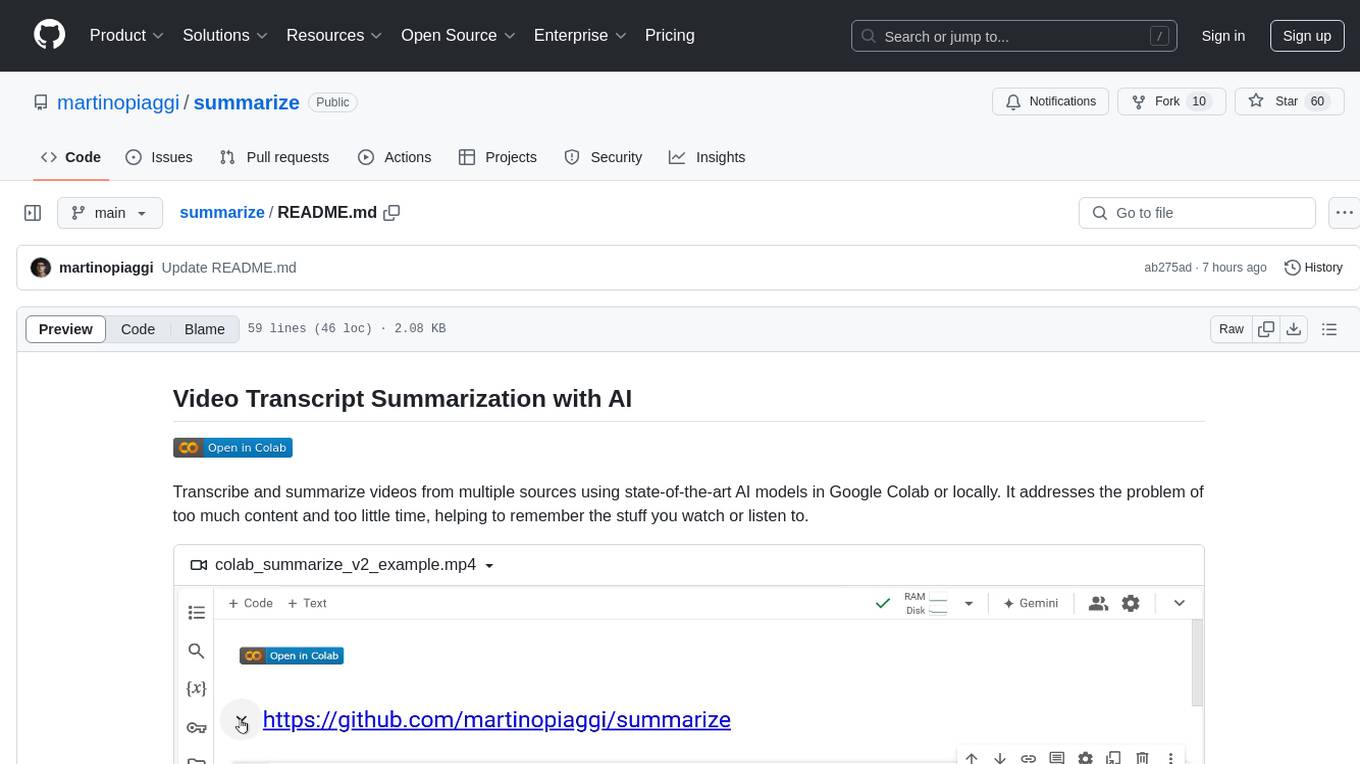
The 'summarize' tool is designed to transcribe and summarize videos from various sources using AI models. It helps users efficiently summarize lengthy videos, take notes, and extract key insights by providing timestamps, original transcripts, and support for auto-generated captions. Users can utilize different AI models via Groq, OpenAI, or custom local models to generate grammatically correct video transcripts and extract wisdom from video content. The tool simplifies the process of summarizing video content, making it easier to remember and reference important information.

BricksLLM
BricksLLM is a cloud native AI gateway written in Go. Currently, it provides native support for OpenAI, Anthropic, Azure OpenAI and vLLM. BricksLLM aims to provide enterprise level infrastructure that can power any LLM production use cases. Here are some use cases for BricksLLM: * Set LLM usage limits for users on different pricing tiers * Track LLM usage on a per user and per organization basis * Block or redact requests containing PIIs * Improve LLM reliability with failovers, retries and caching * Distribute API keys with rate limits and cost limits for internal development/production use cases * Distribute API keys with rate limits and cost limits for students
agentic
Agentic is a standard AI functions/tools library optimized for TypeScript and LLM-based apps, compatible with major AI SDKs. It offers a set of thoroughly tested AI functions that can be used with favorite AI SDKs without writing glue code. The library includes various clients for services like Bing web search, calculator, Clearbit data resolution, Dexa podcast questions, and more. It also provides compound tools like SearchAndCrawl and supports multiple AI SDKs such as OpenAI, Vercel AI SDK, LangChain, LlamaIndex, Firebase Genkit, and Dexa Dexter. The goal is to create minimal clients with strongly-typed TypeScript DX, composable AIFunctions via AIFunctionSet, and compatibility with major TS AI SDKs.
optillm
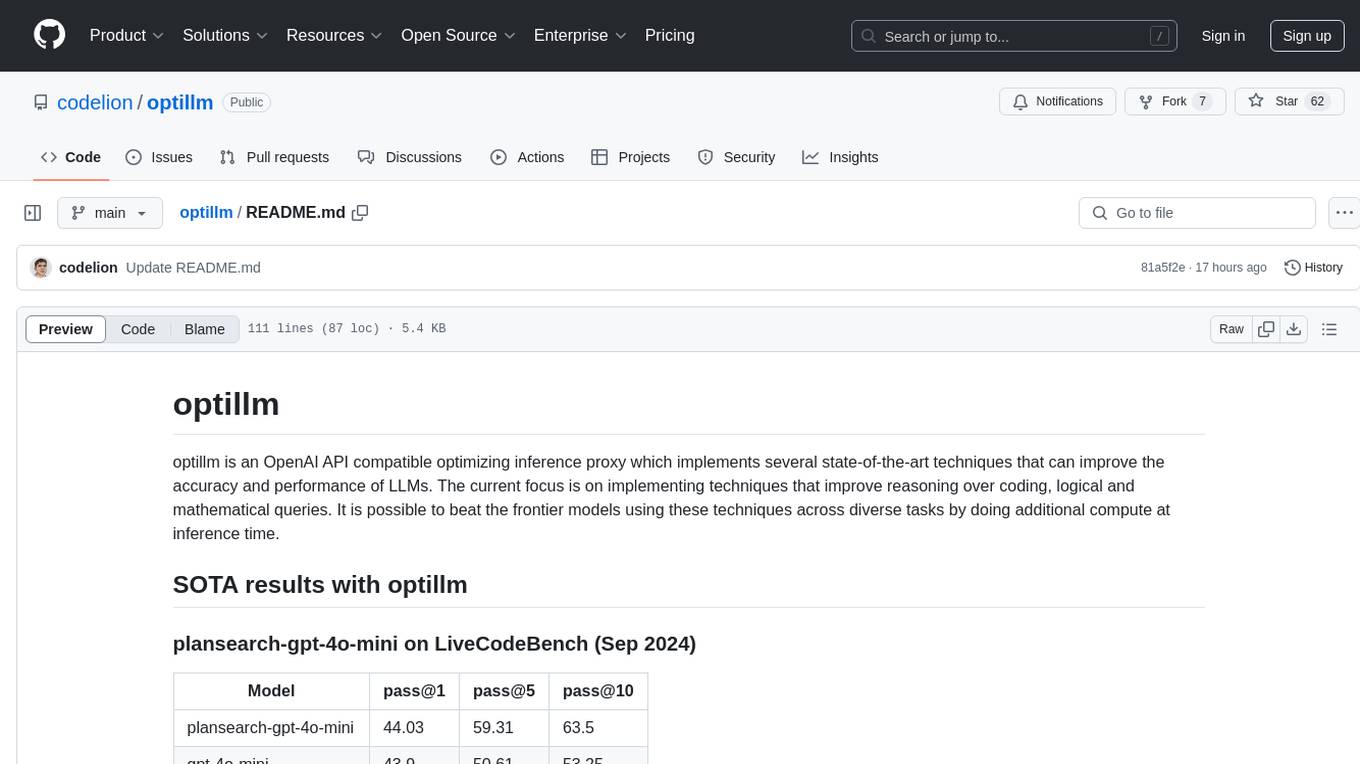
optillm is an OpenAI API compatible optimizing inference proxy implementing state-of-the-art techniques to enhance accuracy and performance of LLMs, focusing on reasoning over coding, logical, and mathematical queries. By leveraging additional compute at inference time, it surpasses frontier models across diverse tasks.
chonkie
Chonkie is a feature-rich, easy-to-use, fast, lightweight, and wide-support chunking library designed to efficiently split texts into chunks. It integrates with various tokenizers, embedding models, and APIs, supporting 56 languages and offering cloud-ready functionality. Chonkie provides a modular pipeline approach called CHOMP for text processing, chunking, post-processing, and exporting. With multiple chunkers, refineries, porters, and handshakes, Chonkie offers a comprehensive solution for text chunking needs. It includes 24+ integrations, 3+ LLM providers, 2+ refineries, 2+ porters, and 4+ vector database connections, making it a versatile tool for text processing and analysis.
vscode-unify-chat-provider
The 'vscode-unify-chat-provider' repository is a tool that integrates multiple LLM API providers into VS Code's GitHub Copilot Chat using the Language Model API. It offers free tier access to mainstream models, perfect compatibility with major LLM API formats, deep adaptation to API features, best performance with built-in parameters, out-of-the-box configuration, import/export support, great UX, and one-click use of various models. The tool simplifies model setup, migration, and configuration for users, providing a seamless experience within VS Code for utilizing different language models.
free-chat
Free Chat is a forked project from chatgpt-demo that allows users to deploy a chat application with various features. It provides branches for different functionalities like token-based message list trimming and usage demonstration of 'promplate'. Users can control the website through environment variables, including setting OpenAI API key, temperature parameter, proxy, base URL, and more. The project welcomes contributions and acknowledges supporters. It is licensed under MIT by Muspi Merol.
llm-checker
LLM Checker is an AI-powered CLI tool that analyzes your hardware to recommend optimal LLM models. It features deterministic scoring across 35+ curated models with hardware-calibrated memory estimation. The tool helps users understand memory bandwidth, VRAM limits, and performance characteristics to choose the right LLM for their hardware. It provides actionable recommendations in seconds by scoring compatible models across four dimensions: Quality, Speed, Fit, and Context. LLM Checker is designed to work on any Node.js 16+ system, with optional SQLite search features for advanced functionality.
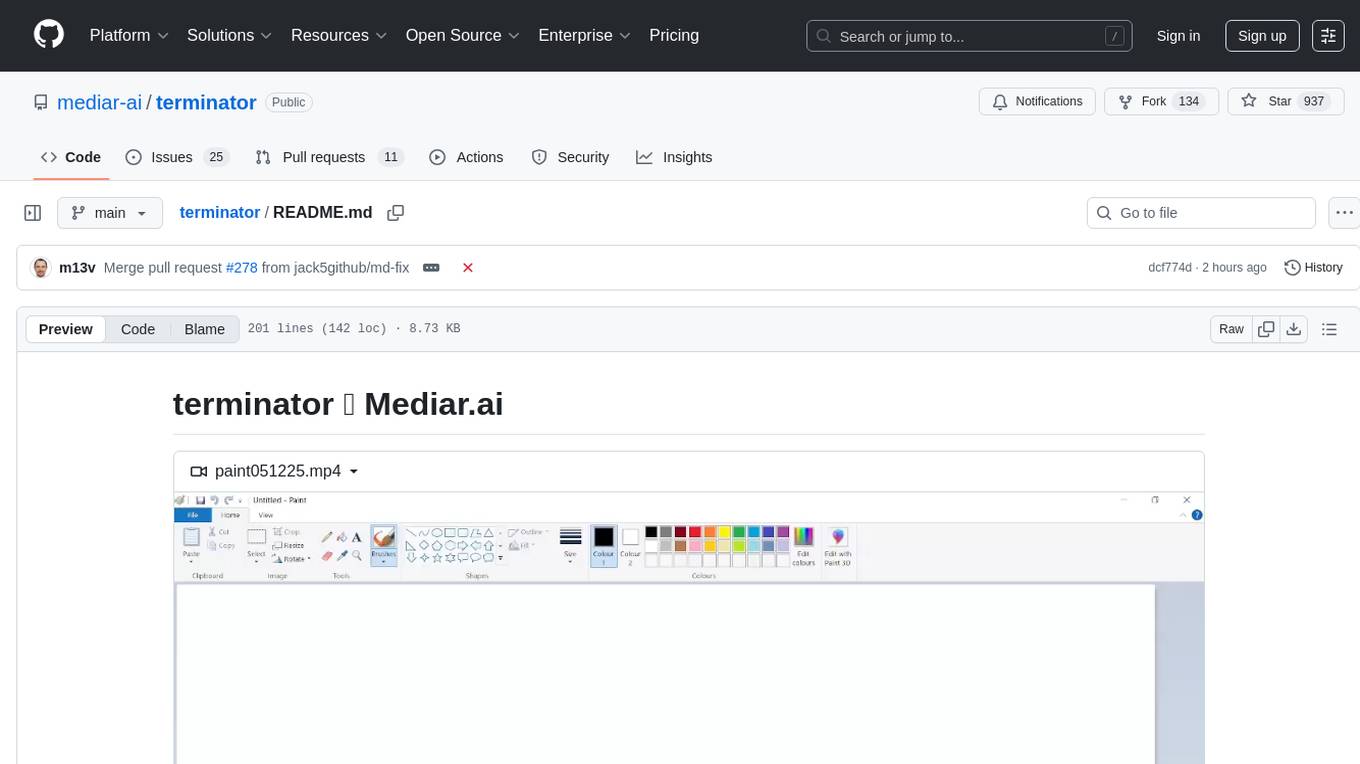
terminator
Terminator is an AI-powered desktop automation tool that is open source, MIT-licensed, and cross-platform. It works across all apps and browsers, inspired by GitHub Actions & Playwright. It is 100x faster than generic AI agents, with over 95% success rate and no vendor lock-in. Users can create automations that work across any desktop app or browser, achieve high success rates without costly consultant armies, and pre-train workflows as deterministic code.

everything-claude-code
The 'Everything Claude Code' repository is a comprehensive collection of production-ready agents, skills, hooks, commands, rules, and MCP configurations developed over 10+ months. It includes guides for setup, foundations, and philosophy, as well as detailed explanations of various topics such as token optimization, memory persistence, continuous learning, verification loops, parallelization, and subagent orchestration. The repository also provides updates on bug fixes, multi-language rules, installation wizard, PM2 support, OpenCode plugin integration, unified commands and skills, and cross-platform support. It offers a quick start guide for installation, ecosystem tools like Skill Creator and Continuous Learning v2, requirements for CLI version compatibility, key concepts like agents, skills, hooks, and rules, running tests, contributing guidelines, OpenCode support, background information, important notes on context window management and customization, star history chart, and relevant links.
shodh-memory
Shodh-Memory is a cognitive memory system designed for AI agents to persist memory across sessions, learn from experience, and run entirely offline. It features Hebbian learning, activation decay, and semantic consolidation, packed into a single ~17MB binary. Users can deploy it on cloud, edge devices, or air-gapped systems to enhance the memory capabilities of AI agents.
agents
Cloudflare Agents is a framework for building intelligent, stateful agents that persist, think, and evolve at the edge of the network. It allows for maintaining persistent state and memory, real-time communication, processing and learning from interactions, autonomous operation at global scale, and hibernating when idle. The project is actively evolving with focus on core agent framework, WebSocket communication, HTTP endpoints, React integration, and basic AI chat capabilities. Future developments include advanced memory systems, WebRTC for audio/video, email integration, evaluation framework, enhanced observability, and self-hosting guide.
For similar tasks
pup
Pup is a CLI tool designed to give AI agents access to Datadog's observability platform. It offers over 200 commands across 33 Datadog products, allowing agents to fetch metrics, identify errors, and track issues efficiently. Pup ensures that AI agents have the necessary tooling to perform tasks seamlessly, making Datadog the preferred choice for AI-native workflows. With features like self-discoverable commands, structured JSON/YAML output, OAuth2 + PKCE for secure access, and comprehensive API coverage, Pup empowers AI agents to monitor, log, analyze metrics, and enhance security effortlessly.
merlinn
Merlinn is an open-source AI-powered on-call engineer that automatically jumps into incidents & alerts, providing useful insights and RCA in real time. It integrates with popular observability tools, lives inside Slack, offers an intuitive UX, and prioritizes security. Users can self-host Merlinn, use it for free, and benefit from automatic RCA, Slack integration, integrations with various tools, intuitive UX, and security features.
free-threaded-compatibility
This repository serves as a platform for coordinating ecosystem-wide work related to free-threading topics in Python. It aims to track, understand, and provide documentation for common issues across multiple libraries. Specific project-related issues should be reported in the respective project's issue tracker. For detailed documentation on free-threading topics, visit py-free-threading.github.io.
For similar jobs
pup
Pup is a CLI tool designed to give AI agents access to Datadog's observability platform. It offers over 200 commands across 33 Datadog products, allowing agents to fetch metrics, identify errors, and track issues efficiently. Pup ensures that AI agents have the necessary tooling to perform tasks seamlessly, making Datadog the preferred choice for AI-native workflows. With features like self-discoverable commands, structured JSON/YAML output, OAuth2 + PKCE for secure access, and comprehensive API coverage, Pup empowers AI agents to monitor, log, analyze metrics, and enhance security effortlessly.
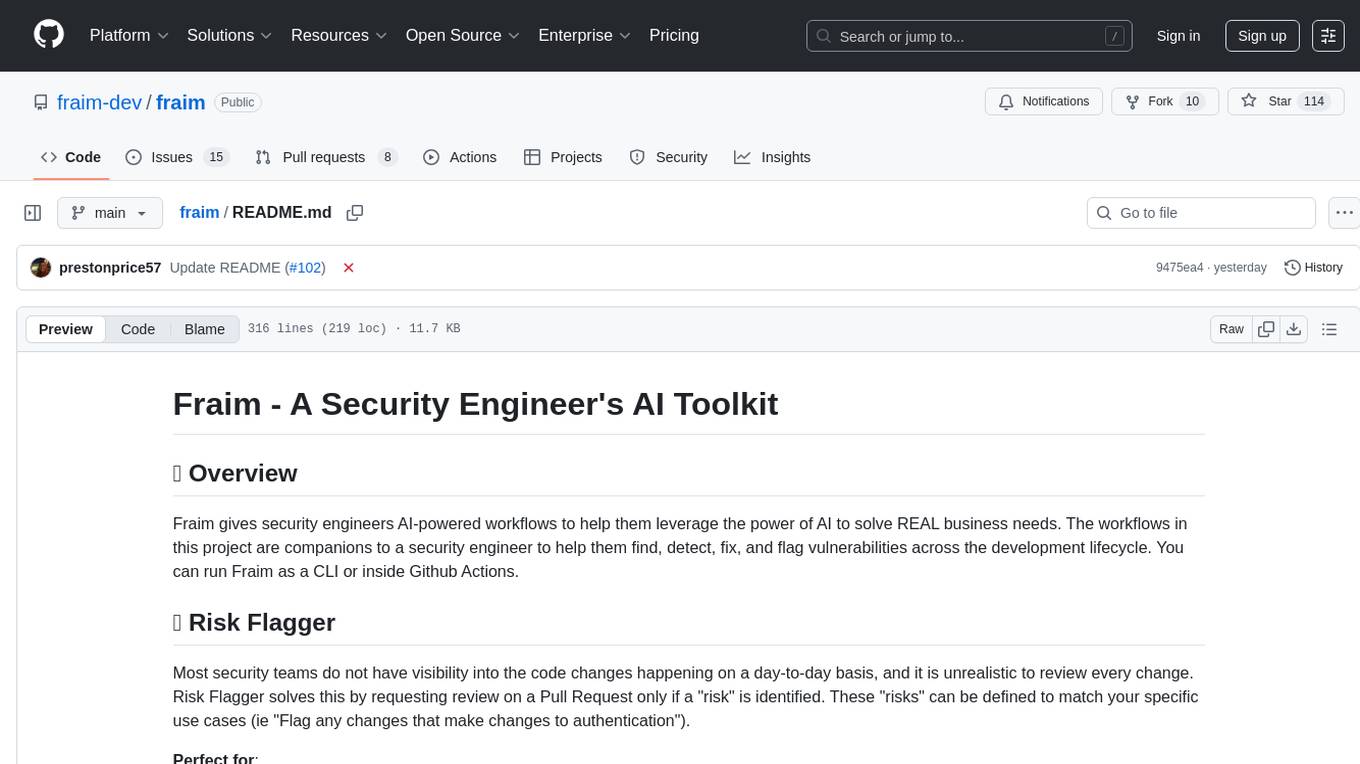
fraim
Fraim is an AI-powered toolkit designed for security engineers to enhance their workflows by leveraging AI capabilities. It offers solutions to find, detect, fix, and flag vulnerabilities throughout the development lifecycle. The toolkit includes features like Risk Flagger for identifying risks in code changes, Code Security Analysis for context-aware vulnerability detection, and Infrastructure as Code Analysis for spotting misconfigurations in cloud environments. Fraim can be run as a CLI tool or integrated into Github Actions, making it a versatile solution for security teams and organizations looking to enhance their security practices with AI technology.
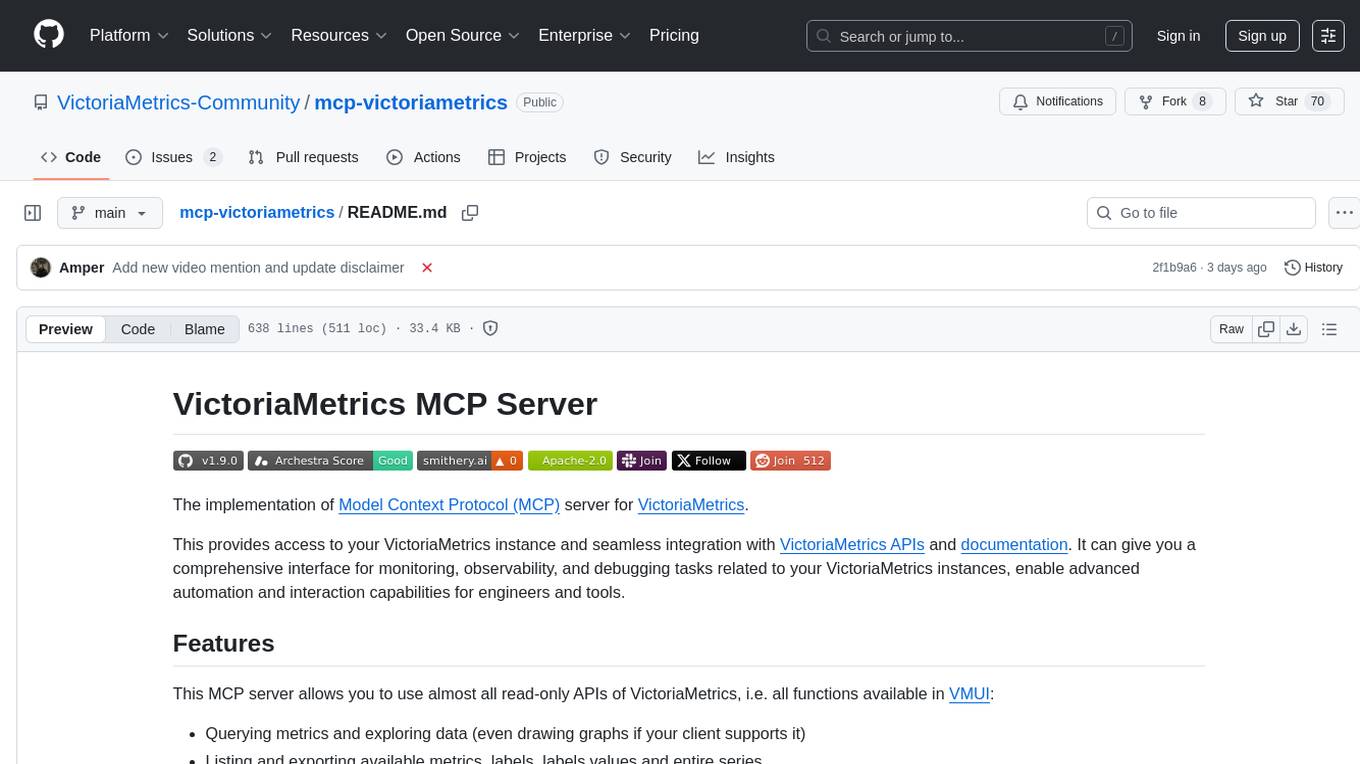
mcp-victoriametrics
The VictoriaMetrics MCP Server is an implementation of Model Context Protocol (MCP) server for VictoriaMetrics. It provides access to your VictoriaMetrics instance and seamless integration with VictoriaMetrics APIs and documentation. The server allows you to use almost all read-only APIs of VictoriaMetrics, enabling monitoring, observability, and debugging tasks related to your VictoriaMetrics instances. It also contains embedded up-to-date documentation and tools for exploring metrics, labels, alerts, and more. The server can be used for advanced automation and interaction capabilities for engineers and tools.
blog
VNTechies Blog is a platform dedicated to sharing open-source resources and providing knowledge and career guidance for the Cloud and DevOps community. The blog encourages contributions and support through donations. All content on the blog and repository is licensed under Creative Commons Attribution-NonCommercial-ShareAlike 4.0 International License.
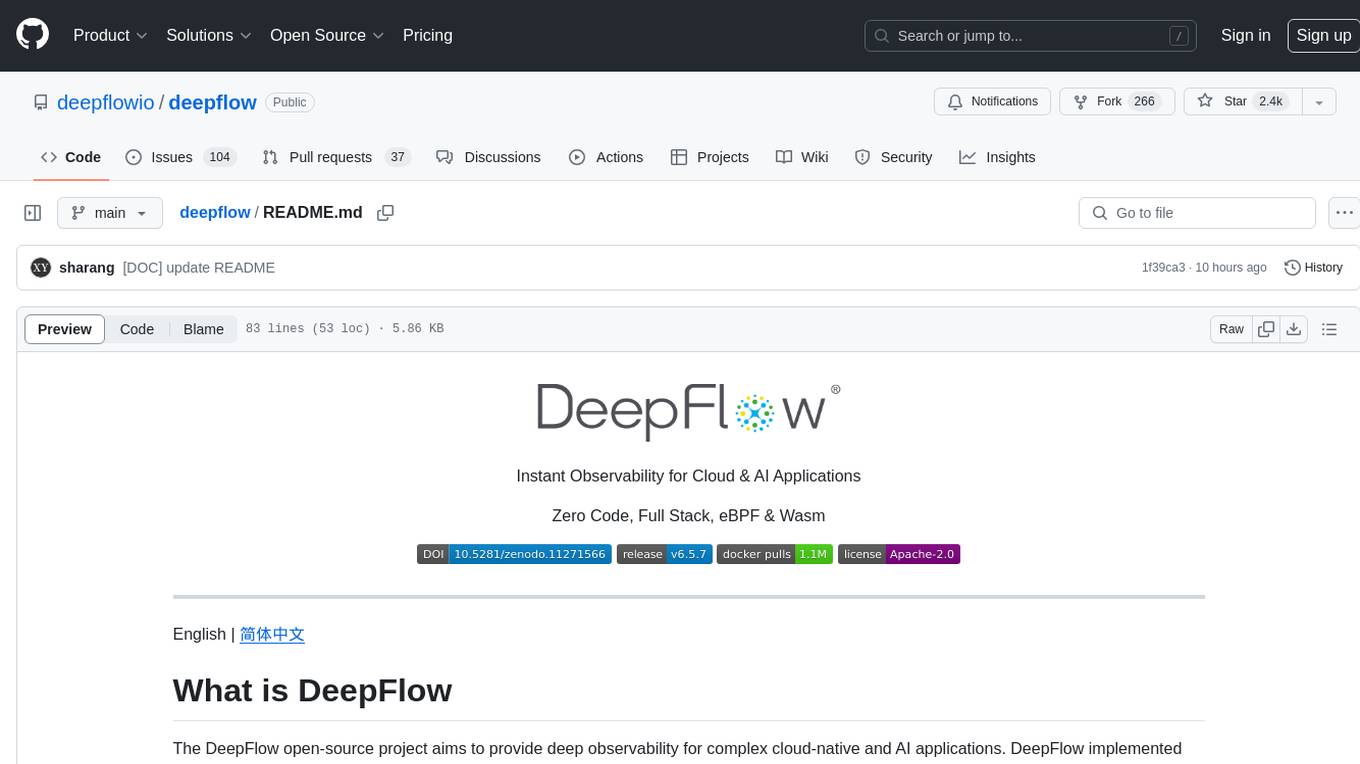
deepflow
DeepFlow is an open-source project that provides deep observability for complex cloud-native and AI applications. It offers Zero Code data collection with eBPF for metrics, distributed tracing, request logs, and function profiling. DeepFlow is integrated with SmartEncoding to achieve Full Stack correlation and efficient access to all observability data. With DeepFlow, cloud-native and AI applications automatically gain deep observability, removing the burden of developers continually instrumenting code and providing monitoring and diagnostic capabilities covering everything from code to infrastructure for DevOps/SRE teams.
holmesgpt
HolmesGPT is an open-source DevOps assistant powered by OpenAI or any tool-calling LLM of your choice. It helps in troubleshooting Kubernetes, incident response, ticket management, automated investigation, and runbook automation in plain English. The tool connects to existing observability data, is compliance-friendly, provides transparent results, supports extensible data sources, runbook automation, and integrates with existing workflows. Users can install HolmesGPT using Brew, prebuilt Docker container, Python Poetry, or Docker. The tool requires an API key for functioning and supports OpenAI, Azure AI, and self-hosted LLMs.
merlinn
Merlinn is an open-source AI-powered on-call engineer that automatically jumps into incidents & alerts, providing useful insights and RCA in real time. It integrates with popular observability tools, lives inside Slack, offers an intuitive UX, and prioritizes security. Users can self-host Merlinn, use it for free, and benefit from automatic RCA, Slack integration, integrations with various tools, intuitive UX, and security features.
bpf-developer-tutorial
This is a development tutorial for eBPF based on CO-RE (Compile Once, Run Everywhere). It provides practical eBPF development practices from beginner to advanced, including basic concepts, code examples, and real-world applications. The tutorial focuses on eBPF examples in observability, networking, security, and more. It aims to help eBPF application developers quickly grasp eBPF development methods and techniques through examples in languages such as C, Go, and Rust. The tutorial is structured with independent eBPF tool examples in each directory, covering topics like kprobes, fentry, opensnoop, uprobe, sigsnoop, execsnoop, exitsnoop, runqlat, hardirqs, and more. The project is based on libbpf and frameworks like libbpf, Cilium, libbpf-rs, and eunomia-bpf for development.