


llm-checker
Advanced CLI tool that scans your hardware and tells you exactly which LLM or sLLM models you can run locally, with full Ollama integration.
Stars: 161
LLM Checker is an AI-powered CLI tool that analyzes your hardware to recommend optimal LLM models. It features deterministic scoring across 35+ curated models with hardware-calibrated memory estimation. The tool helps users understand memory bandwidth, VRAM limits, and performance characteristics to choose the right LLM for their hardware. It provides actionable recommendations in seconds by scoring compatible models across four dimensions: Quality, Speed, Fit, and Context. LLM Checker is designed to work on any Node.js 16+ system, with optional SQLite search features for advanced functionality.
README:

Intelligent Ollama Model Selector
AI-powered CLI that analyzes your hardware and recommends optimal LLM models
Deterministic scoring across 35+ curated models with hardware-calibrated memory estimation




Installation • Quick Start • Commands • Scoring • Hardware
Choosing the right LLM for your hardware is complex. With thousands of model variants, quantization levels, and hardware configurations, finding the optimal model requires understanding memory bandwidth, VRAM limits, and performance characteristics.
LLM Checker solves this. It analyzes your system, scores every compatible model across four dimensions (Quality, Speed, Fit, Context), and delivers actionable recommendations in seconds.
| Feature | Description | |
|---|---|---|
| 35+ | Curated Models | Hand-picked catalog covering all major families and sizes (1B-32B) |
| 4D | Scoring Engine | Quality, Speed, Fit, Context — weighted by use case |
| Multi-GPU | Hardware Detection | Apple Silicon, NVIDIA CUDA, AMD ROCm, Intel Arc, CPU |
| Calibrated | Memory Estimation | Bytes-per-parameter formula validated against real Ollama sizes |
| Zero | Native Dependencies | Pure JavaScript — works on any Node.js 16+ system |
| Optional | SQLite Search | Install sql.js to unlock sync, search, and smart-recommend
|
# Install globally
npm install -g llm-checker

# Or run directly with npx
npx llm-checker hw-detect
Requirements:
- Node.js 16+ (any version: 16, 18, 20, 22, 24)
- Ollama installed for running models
Optional: For database search features (sync, search, smart-recommend):
npm install sql.js# 1. Detect your hardware capabilities
llm-checker hw-detect
# 2. Get full analysis with compatible models
llm-checker check
# 3. Get intelligent recommendations by category
llm-checker recommend
# 4. (Optional) Sync full database and search
llm-checker sync
llm-checker search qwen --use-case coding| Command | Description |
|---|---|
hw-detect |
Detect GPU/CPU capabilities, memory, backends |
check |
Full system analysis with compatible models and recommendations |
recommend |
Intelligent recommendations by category (coding, reasoning, multimodal, etc.) |
installed |
Rank your installed Ollama models by compatibility |
| Command | Description |
|---|---|
sync |
Download the latest model catalog from Ollama registry |
search <query> |
Search models with filters and intelligent scoring |
smart-recommend |
Advanced recommendations using the full scoring engine |
| Command | Description |
|---|---|
ai-check |
AI-powered model evaluation with meta-analysis |
ai-run |
AI-powered model selection and execution |
llm-checker hw-detectSummary:
Apple M4 Pro (24GB Unified Memory)
Tier: MEDIUM HIGH
Max model size: 15GB
Best backend: metal
CPU:
Apple M4 Pro
Cores: 12 (12 physical)
SIMD: NEON
Metal:
GPU Cores: 16
Unified Memory: 24GB
Memory Bandwidth: 273GB/s
llm-checker recommendINTELLIGENT RECOMMENDATIONS BY CATEGORY
Hardware Tier: HIGH | Models Analyzed: 205
Coding:
qwen2.5-coder:14b (14B)
Score: 78/100
Command: ollama pull qwen2.5-coder:14b
Reasoning:
deepseek-r1:14b (14B)
Score: 86/100
Command: ollama pull deepseek-r1:14b
Multimodal:
llama3.2-vision:11b (11B)
Score: 83/100
Command: ollama pull llama3.2-vision:11b
llm-checker search llama -l 5
llm-checker search coding --use-case coding
llm-checker search qwen --quant Q4_K_M --max-size 8| Option | Description |
|---|---|
-l, --limit <n> |
Number of results (default: 10) |
-u, --use-case <type> |
Optimize for: general, coding, chat, reasoning, creative, fast
|
--max-size <gb> |
Maximum model size in GB |
--quant <type> |
Filter by quantization: Q4_K_M, Q8_0, FP16, etc. |
--family <name> |
Filter by model family |
The built-in catalog includes 35+ models from the most popular Ollama families:
| Family | Models | Best For |
|---|---|---|
| Qwen 2.5/3 | 7B, 14B, Coder 7B/14B/32B, VL 3B/7B | Coding, general, vision |
| Llama 3.x | 1B, 3B, 8B, Vision 11B | General, chat, multimodal |
| DeepSeek | R1 8B/14B/32B, Coder V2 16B | Reasoning, coding |
| Phi-4 | 14B | Reasoning, math |
| Gemma 2 | 2B, 9B | General, efficient |
| Mistral | 7B, Nemo 12B | Creative, chat |
| CodeLlama | 7B, 13B | Coding |
| LLaVA | 7B, 13B | Vision |
| Embeddings | nomic-embed-text, mxbai-embed-large, bge-m3, all-minilm | RAG, search |
Models are automatically combined with any locally installed Ollama models for scoring.
Models are evaluated across four dimensions, weighted by use case:
| Dimension | Description |
|---|---|
| Q Quality | Model family reputation + parameter count + quantization penalty |
| S Speed | Estimated tokens/sec based on hardware backend and model size |
| F Fit | Memory utilization efficiency (how well it fits in available RAM) |
| C Context | Context window capability vs. target context length |
Three scoring systems are available, each optimized for different workflows:
Deterministic Selector (primary — used by check and recommend):
| Category | Quality | Speed | Fit | Context |
|---|---|---|---|---|
general |
45% | 35% | 15% | 5% |
coding |
55% | 20% | 15% | 10% |
reasoning |
60% | 10% | 20% | 10% |
multimodal |
50% | 15% | 20% | 15% |
Scoring Engine (used by smart-recommend and search):
| Use Case | Quality | Speed | Fit | Context |
|---|---|---|---|---|
general |
40% | 35% | 15% | 10% |
coding |
55% | 20% | 15% | 10% |
reasoning |
60% | 15% | 10% | 15% |
chat |
40% | 40% | 15% | 5% |
fast |
25% | 55% | 15% | 5% |
quality |
65% | 10% | 15% | 10% |
All weights are centralized in src/models/scoring-config.js.
Memory requirements are calculated using calibrated bytes-per-parameter values:
| Quantization | Bytes/Param | 7B Model | 14B Model | 32B Model |
|---|---|---|---|---|
| Q8_0 | 1.05 | ~8 GB | ~16 GB | ~35 GB |
| Q4_K_M | 0.58 | ~5 GB | ~9 GB | ~20 GB |
| Q3_K | 0.48 | ~4 GB | ~8 GB | ~17 GB |
The selector automatically picks the best quantization that fits your available memory.
Apple Silicon
- M1, M1 Pro, M1 Max, M1 Ultra
- M2, M2 Pro, M2 Max, M2 Ultra
- M3, M3 Pro, M3 Max
- M4, M4 Pro, M4 Max
NVIDIA (CUDA)
- RTX 50 Series (5090, 5080, 5070 Ti, 5070)
- RTX 40 Series (4090, 4080, 4070 Ti, 4070, 4060 Ti, 4060)
- RTX 30 Series (3090 Ti, 3090, 3080 Ti, 3080, 3070 Ti, 3070, 3060 Ti, 3060)
- Data Center (H100, A100, A10, L40, T4)
AMD (ROCm)
- RX 7900 XTX, 7900 XT, 7800 XT, 7700 XT
- RX 6900 XT, 6800 XT, 6800
- Instinct MI300X, MI300A, MI250X, MI210
Intel
- Arc A770, A750, A580, A380
- Integrated Iris Xe, UHD Graphics
CPU Backends
- AVX-512 + AMX (Intel Sapphire Rapids, Emerald Rapids)
- AVX-512 (Intel Ice Lake+, AMD Zen 4)
- AVX2 (Most modern x86 CPUs)
- ARM NEON (Apple Silicon, AWS Graviton, Ampere Altra)
┌─────────────────┐     ┌─────────────────┐     ┌─────────────────┐
│  Hardware       │────>│  Model          │────>│  Deterministic  │
│  Detection      │     │  Catalog (35+)  │     │  Selector       │
└─────────────────┘     └─────────────────┘     └─────────────────┘
        │                       │                       │
   Detects GPU/CPU         JSON catalog +           4D scoring
   Memory / Backend        Installed models         Per-category weights
   Usable memory calc      Auto-dedup               Memory calibration
                                                        │
                                                        v
                                               ┌─────────────────┐
                                               │  Ranked         │
                                               │  Recommendations│
                                               └─────────────────┘
Selector Pipeline:
- Hardware profiling — CPU, GPU, RAM, acceleration backend
- Model pool — Merge catalog + installed Ollama models (deduped)
- Category filter — Keep models relevant to the use case
- Quantization selection — Best quant that fits in memory budget
- 4D scoring — Q, S, F, C with category-specific weights
- Ranking — Top N candidates returned
Detect your hardware:
llm-checker hw-detectGet recommendations for all categories:
llm-checker recommendFull system analysis with compatible models:
llm-checker checkFind the best coding model:
llm-checker recommend --category codingSearch for small, fast models under 5GB:
llm-checker search "7b" --max-size 5 --use-case fastGet high-quality reasoning models:
llm-checker smart-recommend --use-case reasoninggit clone https://github.com/Pavelevich/llm-checker.git
cd llm-checker
npm install
node bin/enhanced_cli.js hw-detectsrc/
models/
deterministic-selector.js # Primary selection algorithm
scoring-config.js # Centralized scoring weights
scoring-engine.js # Advanced scoring (smart-recommend)
catalog.json # Curated model catalog (35+ models)
ai/
multi-objective-selector.js # Multi-objective optimization
ai-check-selector.js # LLM-based evaluation
hardware/
detector.js # Hardware detection
unified-detector.js # Cross-platform detection
data/
model-database.js # SQLite storage (optional)
sync-manager.js # Database sync from Ollama registry
bin/
enhanced_cli.js # CLI entry point
MIT License — see LICENSE for details.
For Tasks:
Click tags to check more tools for each tasksFor Jobs:
Alternative AI tools for llm-checker
Similar Open Source Tools
llm-checker
LLM Checker is an AI-powered CLI tool that analyzes your hardware to recommend optimal LLM models. It features deterministic scoring across 35+ curated models with hardware-calibrated memory estimation. The tool helps users understand memory bandwidth, VRAM limits, and performance characteristics to choose the right LLM for their hardware. It provides actionable recommendations in seconds by scoring compatible models across four dimensions: Quality, Speed, Fit, and Context. LLM Checker is designed to work on any Node.js 16+ system, with optional SQLite search features for advanced functionality.
claude-flow
Claude-Flow is a workflow automation tool designed to streamline and optimize business processes. It provides a user-friendly interface for creating and managing workflows, allowing users to automate repetitive tasks and improve efficiency. With features such as drag-and-drop workflow builder, customizable templates, and integration with popular business tools, Claude-Flow empowers users to automate their workflows without the need for extensive coding knowledge. Whether you are a small business owner looking to streamline your operations or a project manager seeking to automate task assignments, Claude-Flow offers a flexible and scalable solution to meet your workflow automation needs.
cactus
Cactus is an energy-efficient and fast AI inference framework designed for phones, wearables, and resource-constrained arm-based devices. It provides a bottom-up approach with no dependencies, optimizing for budget and mid-range phones. The framework includes Cactus FFI for integration, Cactus Engine for high-level transformer inference, Cactus Graph for unified computation graph, and Cactus Kernels for low-level ARM-specific operations. It is suitable for implementing custom models and scientific computing on mobile devices.
claude-craft
Claude Craft is a comprehensive framework for AI-assisted development with Claude Code, providing standardized rules, agents, and commands across multiple technology stacks. It includes autonomous sprint capabilities, documentation accuracy improvements, CI hardening, and test coverage enhancements. With support for 10 technology stacks, 5 languages, 40 AI agents, 157 slash commands, and various project management features like BMAD v6 framework, Ralph Wiggum loop execution, skills, templates, checklists, and hooks system, Claude Craft offers a robust solution for project development and management. The tool also supports workflow methodology, development tracks, document generation, BMAD v6 project management, quality gates, batch processing, backlog migration, and Claude Code hooks integration.
roam-code
Roam is a tool that builds a semantic graph of your codebase and allows AI agents to query it with one shell command. It pre-indexes your codebase into a semantic graph stored in a local SQLite DB, providing architecture-level graph queries offline, cross-language, and compact. Roam understands functions, modules, tests coverage, and overall architecture structure. It is best suited for agent-assisted coding, large codebases, architecture governance, safe refactoring, and multi-repo projects. Roam is not suitable for real-time type checking, dynamic/runtime analysis, small scripts, or pure text search. It offers speed, dependency-awareness, LLM-optimized output, fully local operation, and CI readiness.
paiml-mcp-agent-toolkit
PAIML MCP Agent Toolkit (PMAT) is a zero-configuration AI context generation system with extreme quality enforcement and Toyota Way standards. It allows users to analyze any codebase instantly through CLI, MCP, or HTTP interfaces. The toolkit provides features such as technical debt analysis, advanced monitoring, metrics aggregation, performance profiling, bottleneck detection, alert system, multi-format export, storage flexibility, and more. It also offers AI-powered intelligence for smart recommendations, polyglot analysis, repository showcase, and integration points. PMAT enforces quality standards like complexity ≤20, zero SATD comments, test coverage >80%, no lint warnings, and synchronized documentation with commits. The toolkit follows Toyota Way development principles for iterative improvement, direct AST traversal, automated quality gates, and zero SATD policy.
sf-skills
sf-skills is a collection of reusable skills for Agentic Salesforce Development, enabling AI-powered code generation, validation, testing, debugging, and deployment. It includes skills for development, quality, foundation, integration, AI & automation, DevOps & tooling. The installation process is newbie-friendly and includes an installer script for various CLIs. The skills are compatible with platforms like Claude Code, OpenCode, Codex, Gemini, Amp, Droid, Cursor, and Agentforce Vibes. The repository is community-driven and aims to strengthen the Salesforce ecosystem.
NornicDB
NornicDB is a high-performance graph database designed for AI agents and knowledge systems. It is Neo4j-compatible, GPU-accelerated, and features memory that evolves. The database automatically discovers and manages relationships in the data, allowing meaning to emerge from the knowledge graph. NornicDB is suitable for AI agent memory, knowledge graphs, RAG systems, session context, and research tools. It offers features like intelligent memory, auto-relationships, performance benchmarks, vector search, Heimdall AI assistant, APOC functions, and various Docker images for different platforms. The tool is built with Neo4j Bolt protocol, Cypher query engine, memory decay system, GPU acceleration, vector search, auto-relationship engine, and more.
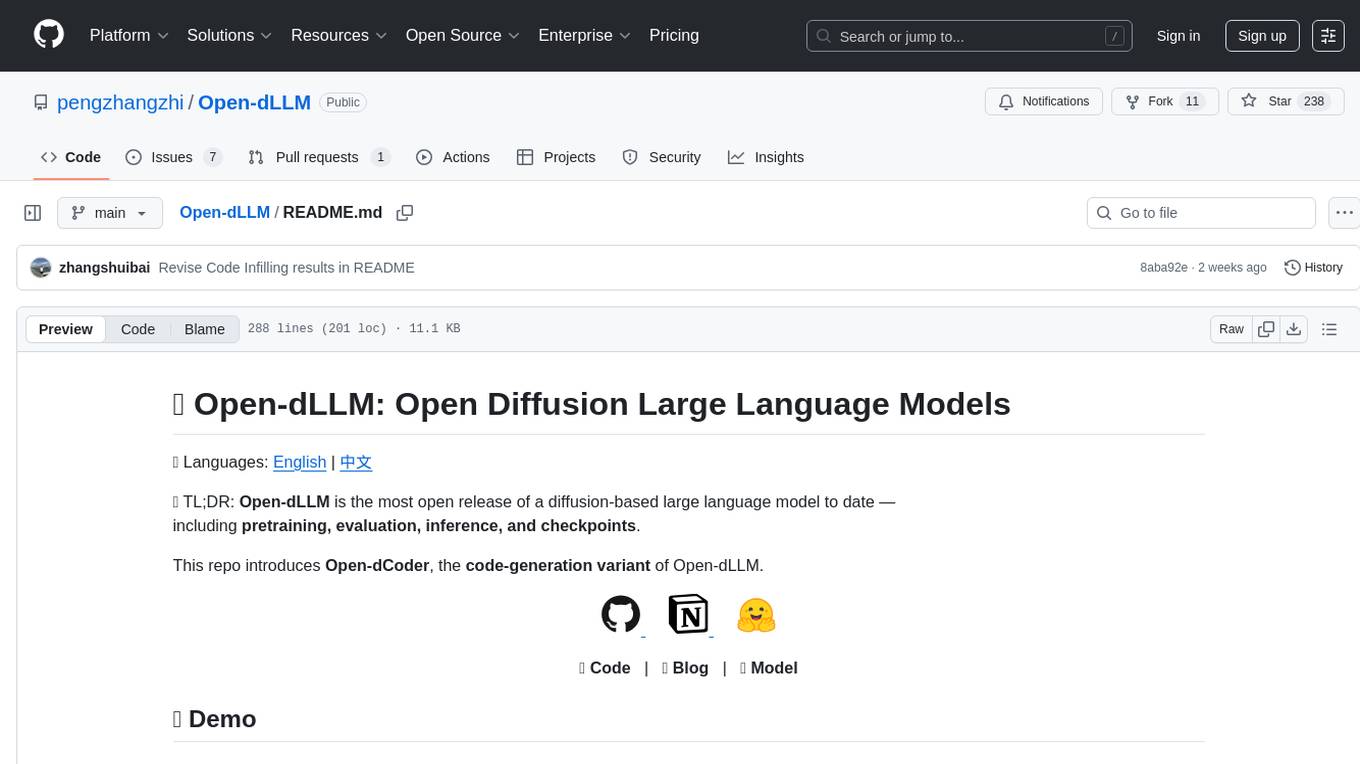
Open-dLLM
Open-dLLM is the most open release of a diffusion-based large language model, providing pretraining, evaluation, inference, and checkpoints. It introduces Open-dCoder, the code-generation variant of Open-dLLM. The repo offers a complete stack for diffusion LLMs, enabling users to go from raw data to training, checkpoints, evaluation, and inference in one place. It includes pretraining pipeline with open datasets, inference scripts for easy sampling and generation, evaluation suite with various metrics, weights and checkpoints on Hugging Face, and transparent configs for full reproducibility.
ReGraph
ReGraph is a decentralized AI compute marketplace that connects hardware providers with developers who need inference and training resources. It democratizes access to AI computing power by creating a global network of distributed compute nodes. It is cost-effective, decentralized, easy to integrate, supports multiple models, and offers pay-as-you-go pricing.
lm-engine
LM Engine is a research-grade, production-ready library for training large language models at scale. It provides support for multiple accelerators including NVIDIA GPUs, Google TPUs, and AWS Trainiums. Key features include multi-accelerator support, advanced distributed training, flexible model architectures, HuggingFace integration, training modes like pretraining and finetuning, custom kernels for high performance, experiment tracking, and efficient checkpointing.
Unreal_mcp
Unreal Engine MCP Server is a comprehensive Model Context Protocol (MCP) server that allows AI assistants to control Unreal Engine through a native C++ Automation Bridge plugin. It is built with TypeScript, C++, and Rust (WebAssembly). The server provides various features for asset management, actor control, editor control, level management, animation & physics, visual effects, sequencer, graph editing, audio, system operations, and more. It offers dynamic type discovery, graceful degradation, on-demand connection, command safety, asset caching, metrics rate limiting, and centralized configuration. Users can install the server using NPX or by cloning and building it. Additionally, the server supports WebAssembly acceleration for computationally intensive operations and provides an optional GraphQL API for complex queries. The repository includes documentation, community resources, and guidelines for contributing.
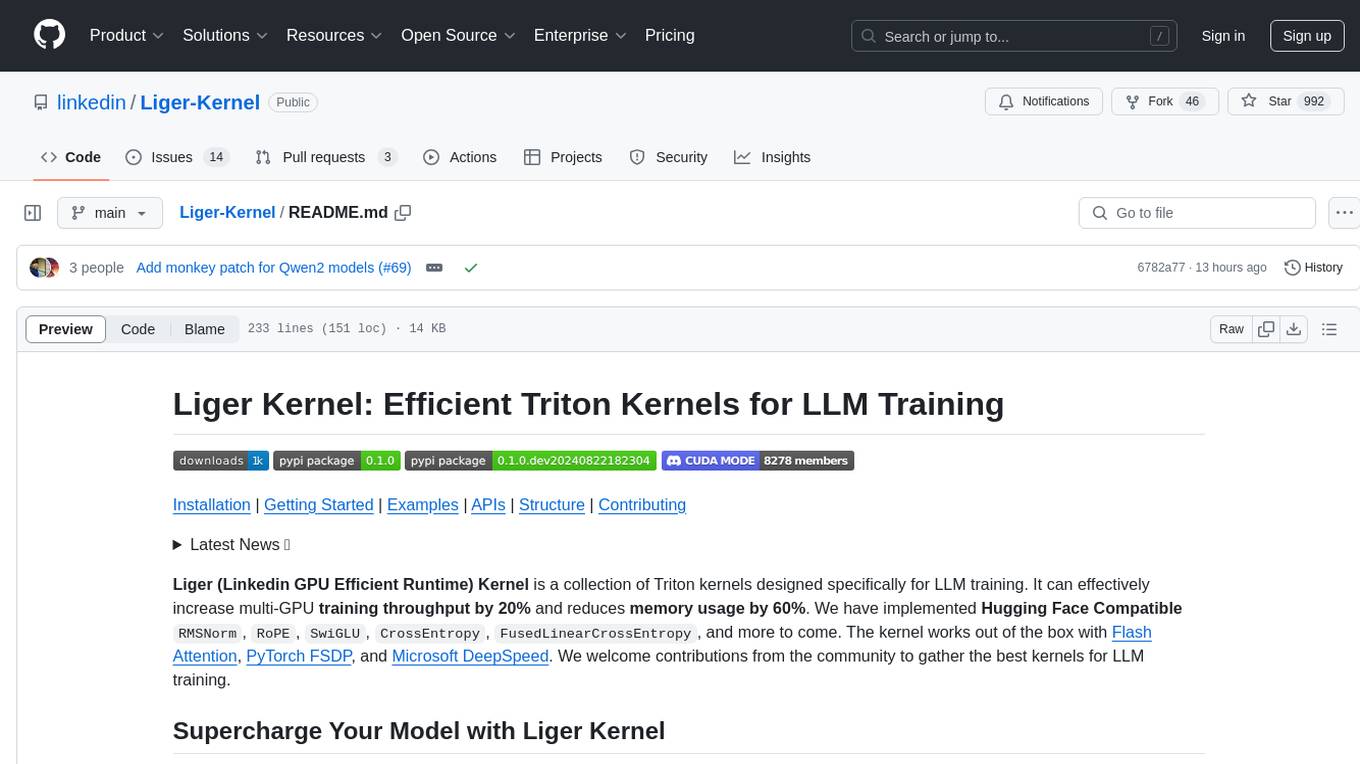
Liger-Kernel
Liger Kernel is a collection of Triton kernels designed for LLM training, increasing training throughput by 20% and reducing memory usage by 60%. It includes Hugging Face Compatible modules like RMSNorm, RoPE, SwiGLU, CrossEntropy, and FusedLinearCrossEntropy. The tool works with Flash Attention, PyTorch FSDP, and Microsoft DeepSpeed, aiming to enhance model efficiency and performance for researchers, ML practitioners, and curious novices.
multi-agent-ralph-loop
Multi-agent RALPH (Reinforcement Learning with Probabilistic Hierarchies) Loop is a framework for multi-agent reinforcement learning research. It provides a flexible and extensible platform for developing and testing multi-agent reinforcement learning algorithms. The framework supports various environments, including grid-world environments, and allows users to easily define custom environments. Multi-agent RALPH Loop is designed to facilitate research in the field of multi-agent reinforcement learning by providing a set of tools and utilities for experimenting with different algorithms and scenarios.
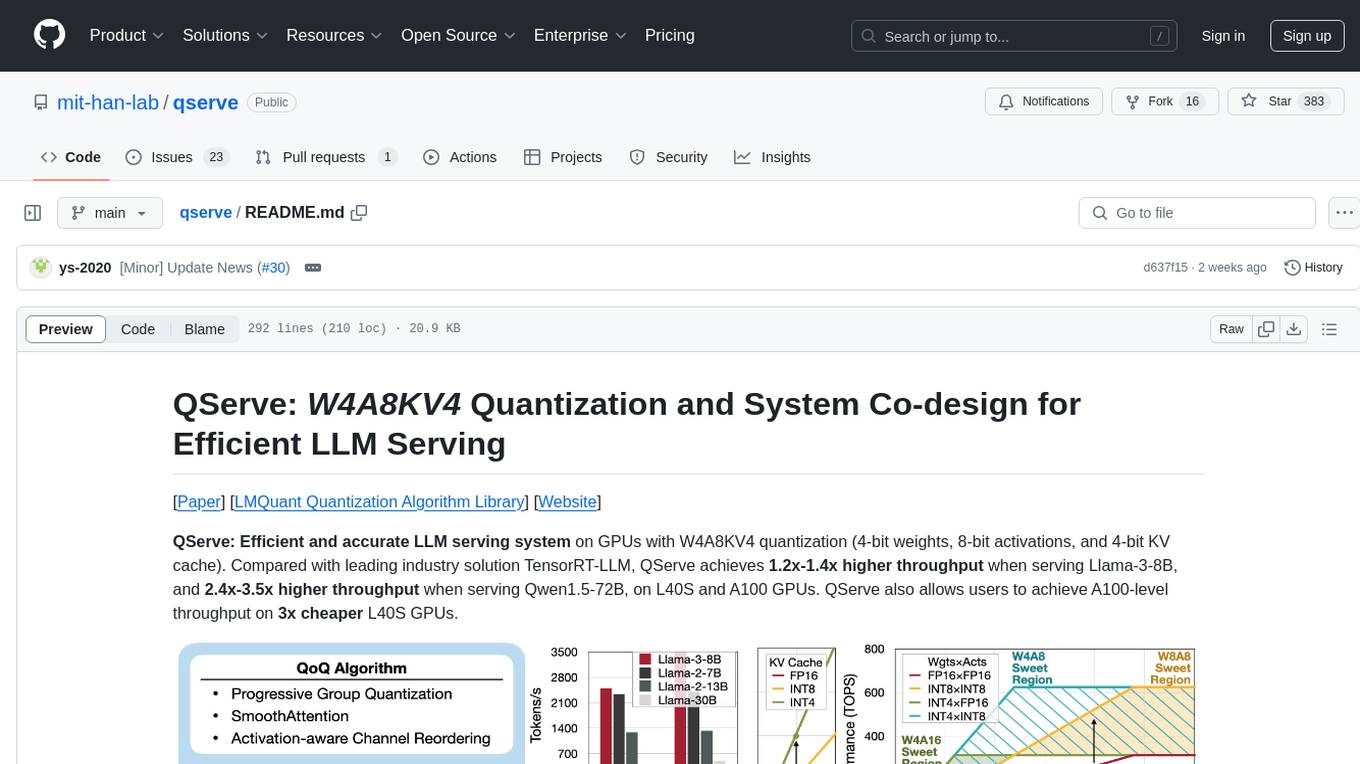
qserve
QServe is a serving system designed for efficient and accurate Large Language Models (LLM) on GPUs with W4A8KV4 quantization. It achieves higher throughput compared to leading industry solutions, allowing users to achieve A100-level throughput on cheaper L40S GPUs. The system introduces the QoQ quantization algorithm with 4-bit weight, 8-bit activation, and 4-bit KV cache, addressing runtime overhead challenges. QServe improves serving throughput for various LLM models by implementing compute-aware weight reordering, register-level parallelism, and fused attention memory-bound techniques.
ai-dev-kit
The AI Dev Kit is a comprehensive toolkit designed to enhance AI-driven development on Databricks. It provides trusted sources for AI coding assistants like Claude Code and Cursor to build faster and smarter on Databricks. The kit includes features such as Spark Declarative Pipelines, Databricks Jobs, AI/BI Dashboards, Unity Catalog, Genie Spaces, Knowledge Assistants, MLflow Experiments, Model Serving, Databricks Apps, and more. Users can choose from different adventures like installing the kit, using the visual builder app, teaching AI assistants Databricks patterns, executing Databricks actions, or building custom integrations with the core library. The kit also includes components like databricks-tools-core, databricks-mcp-server, databricks-skills, databricks-builder-app, and ai-dev-project.
For similar tasks
llm-checker
LLM Checker is an AI-powered CLI tool that analyzes your hardware to recommend optimal LLM models. It features deterministic scoring across 35+ curated models with hardware-calibrated memory estimation. The tool helps users understand memory bandwidth, VRAM limits, and performance characteristics to choose the right LLM for their hardware. It provides actionable recommendations in seconds by scoring compatible models across four dimensions: Quality, Speed, Fit, and Context. LLM Checker is designed to work on any Node.js 16+ system, with optional SQLite search features for advanced functionality.
For similar jobs

sweep
Sweep is an AI junior developer that turns bugs and feature requests into code changes. It automatically handles developer experience improvements like adding type hints and improving test coverage.

teams-ai
The Teams AI Library is a software development kit (SDK) that helps developers create bots that can interact with Teams and Microsoft 365 applications. It is built on top of the Bot Framework SDK and simplifies the process of developing bots that interact with Teams' artificial intelligence capabilities. The SDK is available for JavaScript/TypeScript, .NET, and Python.

ai-guide
This guide is dedicated to Large Language Models (LLMs) that you can run on your home computer. It assumes your PC is a lower-end, non-gaming setup.

classifai
Supercharge WordPress Content Workflows and Engagement with Artificial Intelligence. Tap into leading cloud-based services like OpenAI, Microsoft Azure AI, Google Gemini and IBM Watson to augment your WordPress-powered websites. Publish content faster while improving SEO performance and increasing audience engagement. ClassifAI integrates Artificial Intelligence and Machine Learning technologies to lighten your workload and eliminate tedious tasks, giving you more time to create original content that matters.

chatbot-ui
Chatbot UI is an open-source AI chat app that allows users to create and deploy their own AI chatbots. It is easy to use and can be customized to fit any need. Chatbot UI is perfect for businesses, developers, and anyone who wants to create a chatbot.

BricksLLM
BricksLLM is a cloud native AI gateway written in Go. Currently, it provides native support for OpenAI, Anthropic, Azure OpenAI and vLLM. BricksLLM aims to provide enterprise level infrastructure that can power any LLM production use cases. Here are some use cases for BricksLLM: * Set LLM usage limits for users on different pricing tiers * Track LLM usage on a per user and per organization basis * Block or redact requests containing PIIs * Improve LLM reliability with failovers, retries and caching * Distribute API keys with rate limits and cost limits for internal development/production use cases * Distribute API keys with rate limits and cost limits for students

uAgents
uAgents is a Python library developed by Fetch.ai that allows for the creation of autonomous AI agents. These agents can perform various tasks on a schedule or take action on various events. uAgents are easy to create and manage, and they are connected to a fast-growing network of other uAgents. They are also secure, with cryptographically secured messages and wallets.

griptape
Griptape is a modular Python framework for building AI-powered applications that securely connect to your enterprise data and APIs. It offers developers the ability to maintain control and flexibility at every step. Griptape's core components include Structures (Agents, Pipelines, and Workflows), Tasks, Tools, Memory (Conversation Memory, Task Memory, and Meta Memory), Drivers (Prompt and Embedding Drivers, Vector Store Drivers, Image Generation Drivers, Image Query Drivers, SQL Drivers, Web Scraper Drivers, and Conversation Memory Drivers), Engines (Query Engines, Extraction Engines, Summary Engines, Image Generation Engines, and Image Query Engines), and additional components (Rulesets, Loaders, Artifacts, Chunkers, and Tokenizers). Griptape enables developers to create AI-powered applications with ease and efficiency.