


lm-engine
LM engine is a library for pretraining/finetuning LLMs
Stars: 114
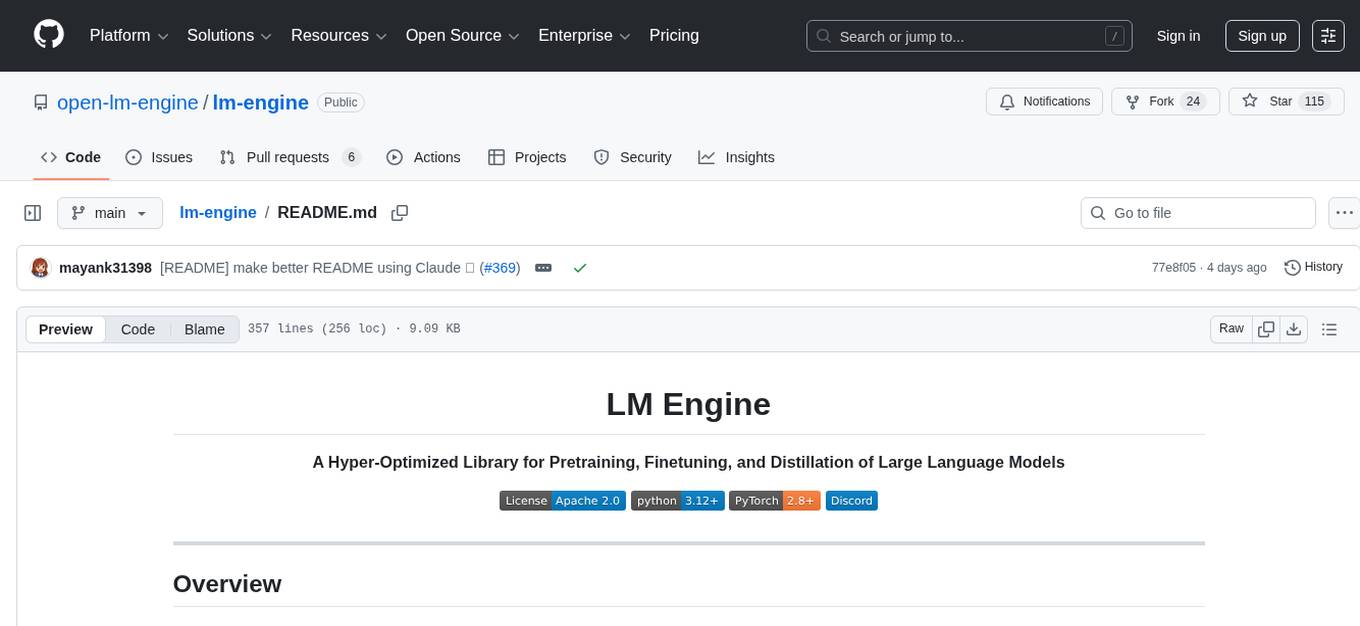
LM Engine is a research-grade, production-ready library for training large language models at scale. It provides support for multiple accelerators including NVIDIA GPUs, Google TPUs, and AWS Trainiums. Key features include multi-accelerator support, advanced distributed training, flexible model architectures, HuggingFace integration, training modes like pretraining and finetuning, custom kernels for high performance, experiment tracking, and efficient checkpointing.
README:
A Hyper-Optimized Library for Pretraining, Finetuning, and Distillation of Large Language Models



LM Engine is a research-grade, production-ready library for training large language models at scale. Built with performance and flexibility in mind, it provides native support for multiple accelerators including NVIDIA GPUs, Google TPUs, and AWS Trainiums.
- 🚀 Multi-Accelerator Support — Train on NVIDIA CUDA GPUs, Google Cloud TPUs, and AWS Trainium
- ⚡ Advanced Distributed Training — FSDP (1 & 2), Tensor Parallelism, Pipeline Parallelism, and ZeRO stages 1-3
- 🔧 Flexible Model Architectures — Transformer variants, MoE, Mamba2, RNNs, and hybrid architectures
- 📦 HuggingFace Integration — Seamless import/export with the HuggingFace ecosystem
- 🎯 Training Modes — Pretraining from scratch, full finetuning, and knowledge distillation
- 🔥 Custom Kernels — High-performance Triton, CUDA, and Pallas kernels via XMA
- 📊 Experiment Tracking — Native Weights & Biases and Aim integration
- 💾 Efficient Checkpointing — Async checkpointing with full state resumability
# Clone the repository
git clone https://github.com/open-lm-engine/lm-engine.git
cd lm-engine

# Install with uv
uv sync --extra cuda  # For NVIDIA GPUs
uv sync --extra tpu # For Google TPUspip install lm-engine
# With optional dependencies
pip install "lm-engine[cuda]" # NVIDIA GPU support
pip install "lm-engine[tpu]" # Google TPU support
pip install "lm-engine[mamba2]" # Mamba2 architecture support
pip install "lm-engine[data]" # Data preprocessing utilities
pip install "lm-engine[dev]" # Development dependencies# Build for TPU
docker build --build-arg EXTRA=tpu -t lm-engine:tpu -f docker/Dockerfile .
# Build for CUDA
docker build --build-arg EXTRA=cuda -t lm-engine:cuda -f docker/Dockerfile .Launch training using a sample pretraining config in configs folder.
# Single GPU
python -m lm_engine.pretrain --config config.yml

# Multi-GPU with torchrun
torchrun --nproc_per_node=8 -m lm_engine.pretrain --config config.yml

# Multi-node
torchrun --nnodes=2 --nproc_per_node=8 --rdzv_backend=c10d \
    --rdzv_endpoint=$MASTER_ADDR:$MASTER_PORT \
-m lm_engine.pretrain --config config.ymlLM Engine provides comprehensive distributed training support:
distributed_args:
  stage: 3  # ZeRO stage (0, 1, 2, or 3)
  fsdp_algorithm: 2  # FSDP-1 or FSDP-2
  zero_topology:
    data_parallel_replication_world_size: 2
data_parallel_sharding_world_size: 4distributed_args:
tensor_parallel_world_size: 4
sequence_parallel: true
use_async_tensor_parallel: truedistributed_args:
pipeline_parallel_world_size: 2
num_pipeline_stages: 4
pipeline_parallel_schedule: "1F1B"distributed_args:
gradient_checkpointing_method: block # or "full"
gradient_checkpointing_args:
checkpoint_every_n_layers: 2from tools.import_from_hf import convert_hf_to_lm_engine
convert_hf_to_lm_engine(
model_name="meta-llama/Llama-3.1-8B",
output_path="./converted-model"
)from tools.export_to_hf import convert_lm_engine_to_hf
convert_lm_engine_to_hf(
checkpoint_path="./checkpoints/step-10000",
output_path="./hf-model",
model_type="llama"
)python -m lm_engine.unshard --config unshard.ymlFull Configuration Options
| Parameter | Type | Default | Description |
|---|---|---|---|
num_training_steps |
int | required | Total training steps |
micro_batch_size |
int | required | Batch size per device |
gradient_accumulation_steps |
int | 1 | Gradient accumulation steps |
gradient_clipping |
float | 1.0 | Max gradient norm |
eval_during_training |
bool | true | Enable validation |
eval_interval |
int | — | Steps between evaluations |
| Parameter | Type | Default | Description |
|---|---|---|---|
class_name |
str | "TorchAdamW" | Optimizer class |
lr |
float | 1e-5 | Learning rate |
weight_decay |
float | 0.1 | Weight decay |
betas |
list | [0.9, 0.95] | Adam betas |
| Parameter | Type | Default | Description |
|---|---|---|---|
lr_decay_style |
str | "cosine" | Decay schedule (linear, cosine, exponential) |
num_warmup_steps |
int | 200 | Warmup steps |
num_decay_steps |
int | — | Decay steps (defaults to remaining) |
lr_decay_factor |
float | 0.1 | Final LR ratio |
| Parameter | Type | Default | Description |
|---|---|---|---|
dtype |
str | "fp32" | Training dtype (fp32, bf16, fp16) |
# See scripts/gcp-tpu/ for TPU-specific launch scripts
./scripts/gcp-tpu/launch.sh --config config.yml --tpu-name my-tpu-v4# See scripts/aws-trainium/ for Trainium launch scripts
./scripts/aws-trainium/launch.sh --config config.yml# See scripts/gke/ for Kubernetes manifests
kubectl apply -f scripts/gke/training-job.ymlJoin the Discord server to discuss LLM architecture research, distributed training, and contribute to the project!
If you use LM Engine in your research, please cite:
@software{mishra2024lmengine,
  title = {LM Engine: A Hyper-Optimized Library for Pretraining and Finetuning},
  author = {Mishra, Mayank},
  year = {2024},
  url = {https://github.com/open-lm-engine/lm-engine}
}LM Engine is released under the Apache 2.0 License.
Built with ❤️ by Mayank Mishra
For Tasks:
Click tags to check more tools for each tasksFor Jobs:
Alternative AI tools for lm-engine
Similar Open Source Tools
lm-engine
LM Engine is a research-grade, production-ready library for training large language models at scale. It provides support for multiple accelerators including NVIDIA GPUs, Google TPUs, and AWS Trainiums. Key features include multi-accelerator support, advanced distributed training, flexible model architectures, HuggingFace integration, training modes like pretraining and finetuning, custom kernels for high performance, experiment tracking, and efficient checkpointing.
sf-skills
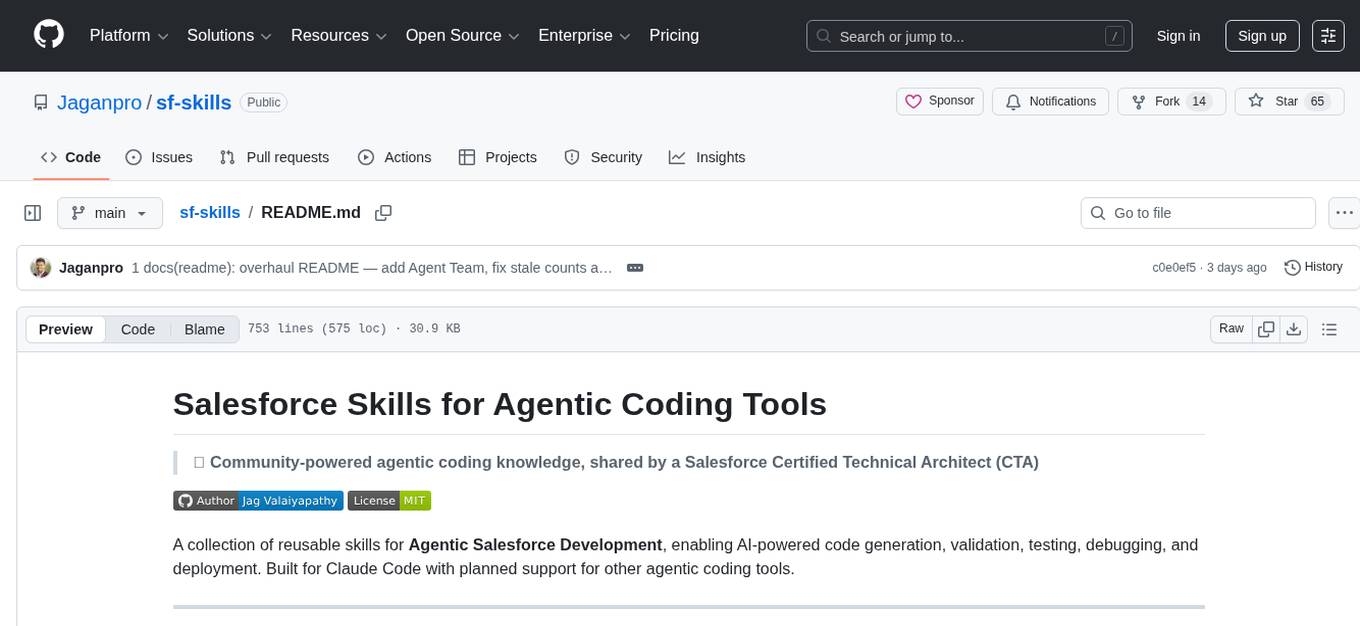
sf-skills is a collection of reusable skills for Agentic Salesforce Development, enabling AI-powered code generation, validation, testing, debugging, and deployment. It includes skills for development, quality, foundation, integration, AI & automation, DevOps & tooling. The installation process is newbie-friendly and includes an installer script for various CLIs. The skills are compatible with platforms like Claude Code, OpenCode, Codex, Gemini, Amp, Droid, Cursor, and Agentforce Vibes. The repository is community-driven and aims to strengthen the Salesforce ecosystem.
tunacode
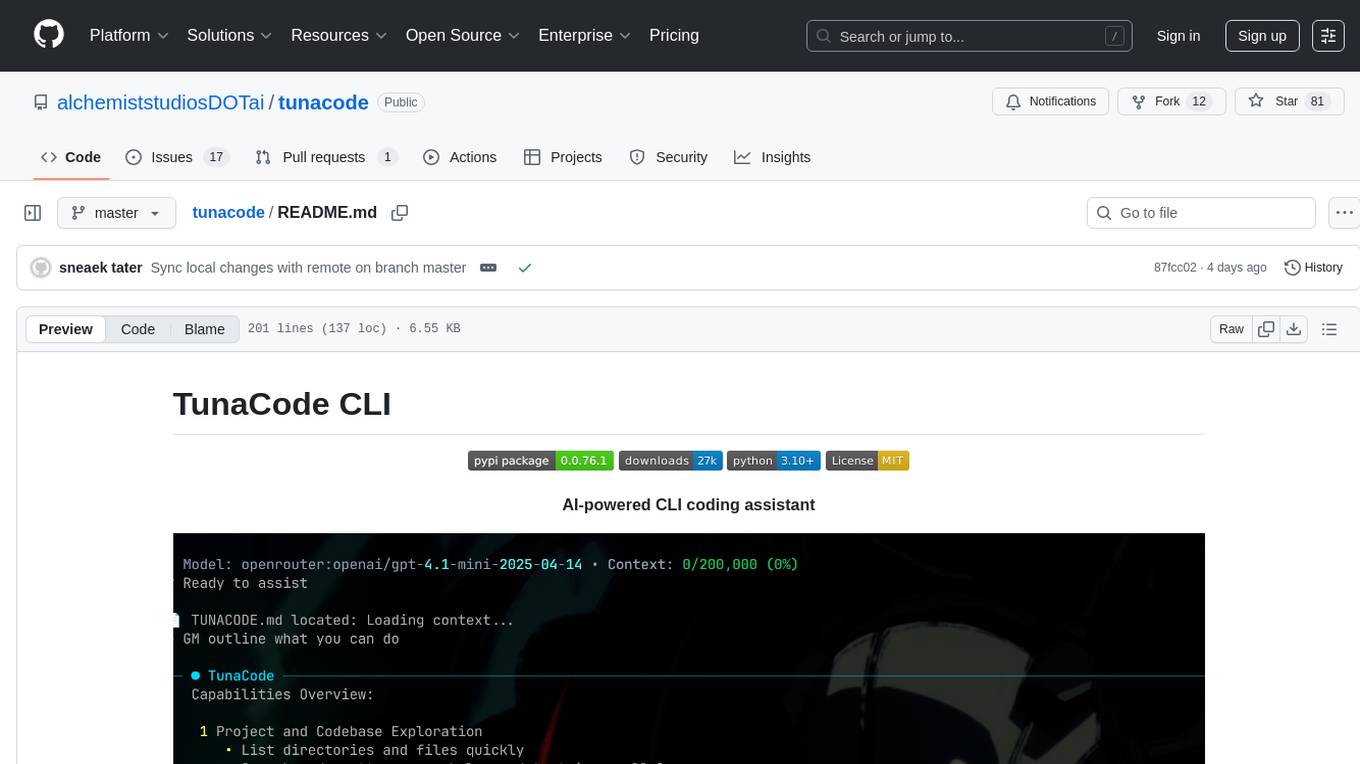
TunaCode CLI is an AI-powered coding assistant that provides a command-line interface for developers to enhance their coding experience. It offers features like model selection, parallel execution for faster file operations, and various commands for code management. The tool aims to improve coding efficiency and provide a seamless coding environment for developers.
api-for-open-llm
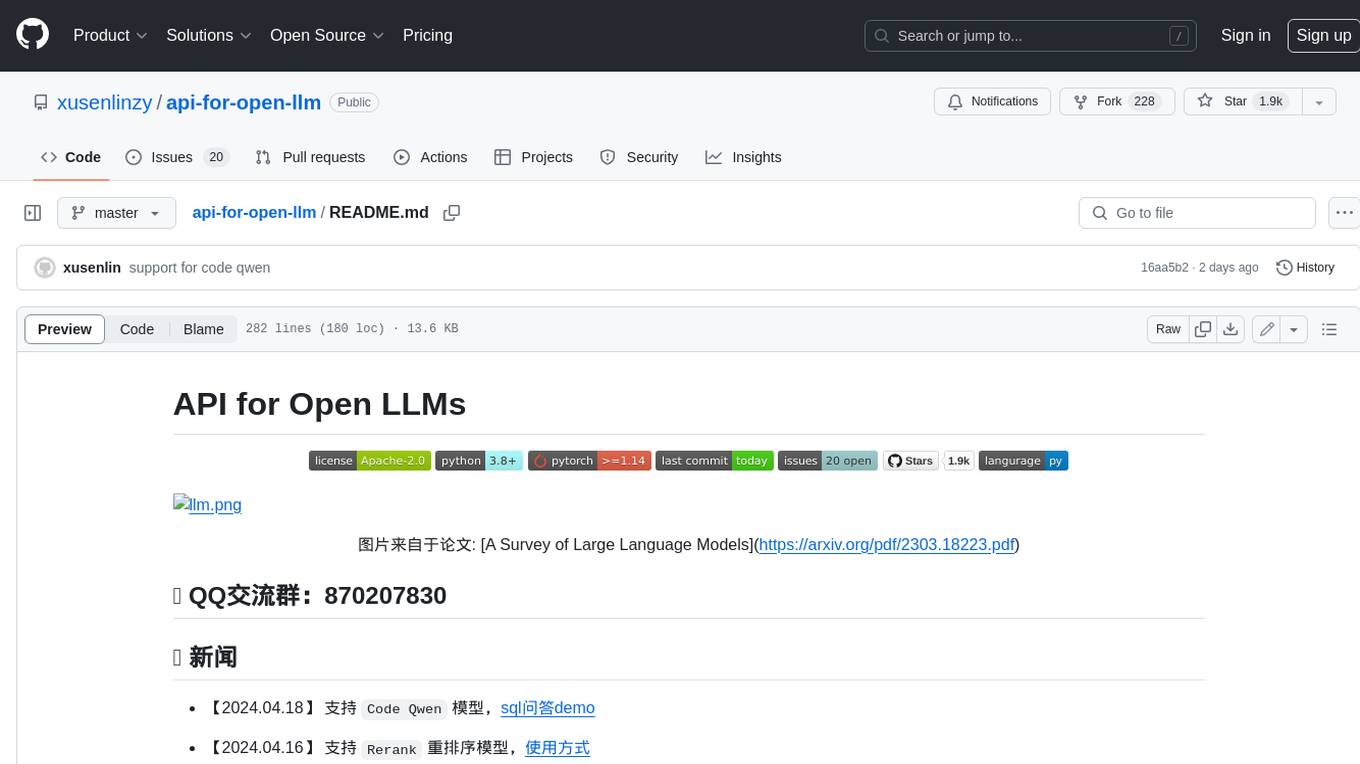
This project provides a unified backend interface for open large language models (LLMs), offering a consistent experience with OpenAI's ChatGPT API. It supports various open-source LLMs, enabling developers to seamlessly integrate them into their applications. The interface features streaming responses, text embedding capabilities, and support for LangChain, a tool for developing LLM-based applications. By modifying environment variables, developers can easily use open-source models as alternatives to ChatGPT, providing a cost-effective and customizable solution for various use cases.
augustus
Augustus is a Go-based LLM vulnerability scanner designed for security professionals to test large language models against a wide range of adversarial attacks. It integrates with 28 LLM providers, covers 210+ adversarial attacks including prompt injection, jailbreaks, encoding exploits, and data extraction, and produces actionable vulnerability reports. The tool is built for production security testing with features like concurrent scanning, rate limiting, retry logic, and timeout handling out of the box.
claude-craft
Claude Craft is a comprehensive framework for AI-assisted development with Claude Code, providing standardized rules, agents, and commands across multiple technology stacks. It includes autonomous sprint capabilities, documentation accuracy improvements, CI hardening, and test coverage enhancements. With support for 10 technology stacks, 5 languages, 40 AI agents, 157 slash commands, and various project management features like BMAD v6 framework, Ralph Wiggum loop execution, skills, templates, checklists, and hooks system, Claude Craft offers a robust solution for project development and management. The tool also supports workflow methodology, development tracks, document generation, BMAD v6 project management, quality gates, batch processing, backlog migration, and Claude Code hooks integration.

dexto
Dexto is a lightweight runtime for creating and running AI agents that turn natural language into real-world actions. It serves as the missing intelligence layer for building AI applications, standalone chatbots, or as the reasoning engine inside larger products. Dexto features a powerful CLI and Web UI for running AI agents, supports multiple interfaces, allows hot-swapping of LLMs from various providers, connects to remote tool servers via the Model Context Protocol, is config-driven with version-controlled YAML, offers production-ready core features, extensibility for custom services, and enables multi-agent collaboration via MCP and A2A.
z-ai-sdk-python
Z.ai Open Platform Python SDK is the official Python SDK for Z.ai's large model open interface, providing developers with easy access to Z.ai's open APIs. The SDK offers core features like chat completions, embeddings, video generation, audio processing, assistant API, and advanced tools. It supports various functionalities such as speech transcription, text-to-video generation, image understanding, and structured conversation handling. Developers can customize client behavior, configure API keys, and handle errors efficiently. The SDK is designed to simplify AI interactions and enhance AI capabilities for developers.
kubectl-mcp-server
Control your entire Kubernetes infrastructure through natural language conversations with AI. Talk to your clusters like you talk to a DevOps expert. Debug crashed pods, optimize costs, deploy applications, audit security, manage Helm charts, and visualize dashboards—all through natural language. The tool provides 253 powerful tools, 8 workflow prompts, 8 data resources, and works with all major AI assistants. It offers AI-powered diagnostics, built-in cost optimization, enterprise-ready features, zero learning curve, universal compatibility, visual insights, and production-grade deployment options. From debugging crashed pods to optimizing cluster costs, kubectl-mcp-server is your AI-powered DevOps companion.
flyte-sdk
Flyte 2 SDK is a pure Python tool for type-safe, distributed orchestration of agents, ML pipelines, and more. It allows users to write data pipelines, ML training jobs, and distributed compute in Python without any DSL constraints. With features like async-first parallelism and fine-grained observability, Flyte 2 offers a seamless workflow experience. Users can leverage core concepts like TaskEnvironments for container configuration, pure Python workflows for flexibility, and async parallelism for distributed execution. Advanced features include sub-task observability with tracing and remote task execution. The tool also provides native Jupyter integration for running and monitoring workflows directly from notebooks. Configuration and deployment are made easy with configuration files and commands for deploying and running workflows. Flyte 2 is licensed under the Apache 2.0 License.
code-cli
Autohand Code CLI is an autonomous coding agent in CLI form that uses the ReAct pattern to understand, plan, and execute code changes. It is designed for seamless coding experience without context switching or copy-pasting. The tool is fast, intuitive, and extensible with modular skills. It can be used to automate coding tasks, enforce code quality, and speed up development. Autohand can be integrated into team workflows and CI/CD pipelines to enhance productivity and efficiency.
mcp-context-forge
MCP Context Forge is a powerful tool for generating context-aware data for machine learning models. It provides functionalities to create diverse datasets with contextual information, enhancing the performance of AI algorithms. The tool supports various data formats and allows users to customize the context generation process easily. With MCP Context Forge, users can efficiently prepare training data for tasks requiring contextual understanding, such as sentiment analysis, recommendation systems, and natural language processing.
superset
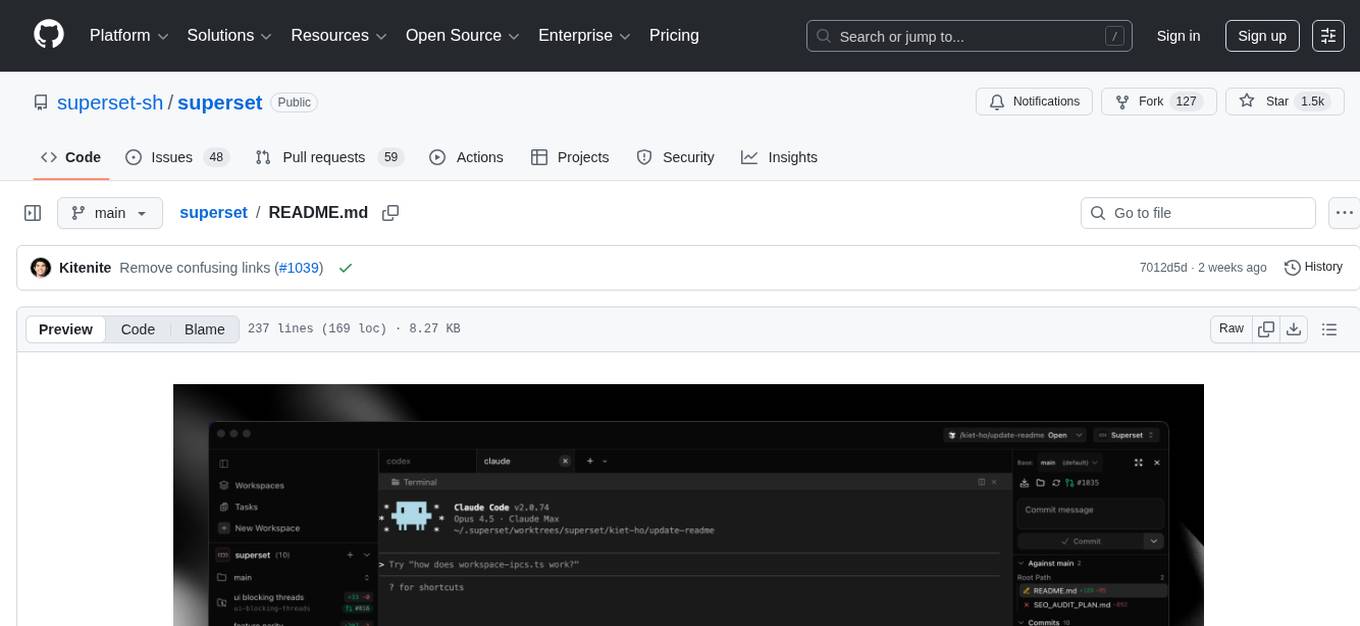
Superset is a turbocharged terminal that allows users to run multiple CLI coding agents simultaneously, isolate tasks in separate worktrees, monitor agent status, review changes quickly, and enhance development workflow. It supports any CLI-based coding agent and offers features like parallel execution, worktree isolation, agent monitoring, built-in diff viewer, workspace presets, universal compatibility, quick context switching, and IDE integration. Users can customize keyboard shortcuts, configure workspace setup, and teardown, and contribute to the project. The tech stack includes Electron, React, TailwindCSS, Bun, Turborepo, Vite, Biome, Drizzle ORM, Neon, and tRPC. The community provides support through Discord, Twitter, GitHub Issues, and GitHub Discussions.
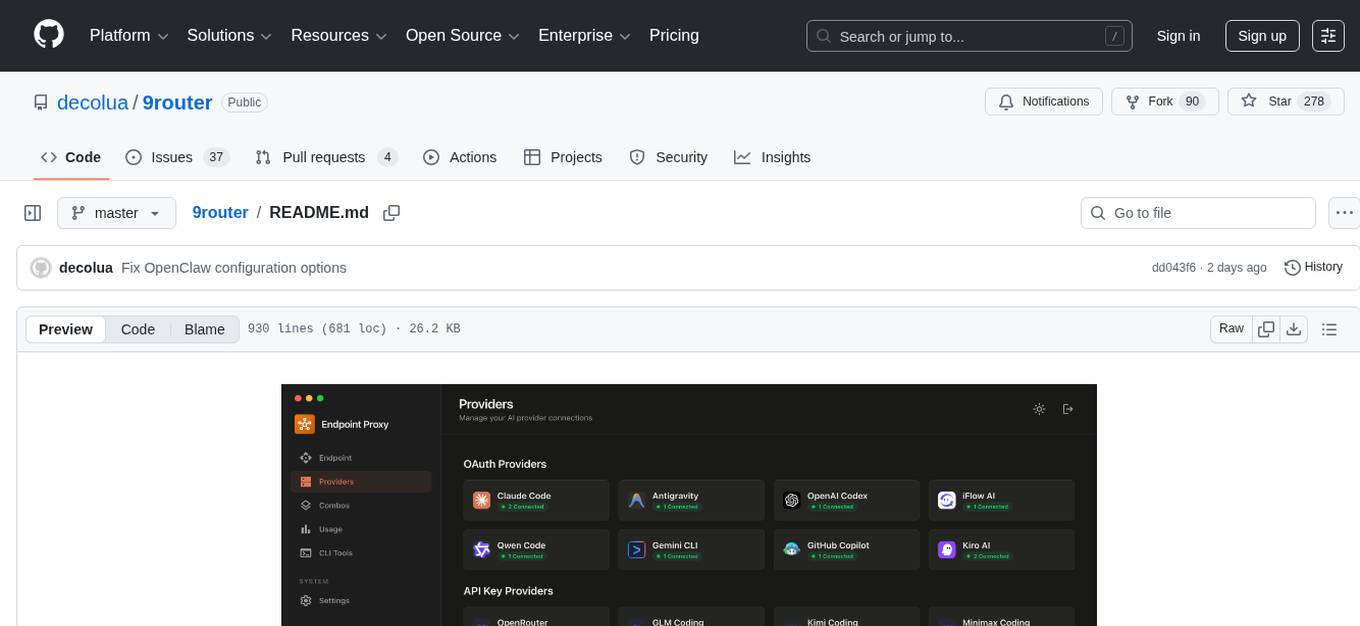
9router
9Router is a free AI router tool designed to help developers maximize their AI subscriptions, auto-route to free and cheap AI models with smart fallback, and avoid hitting limits and wasting money. It offers features like real-time quota tracking, format translation between OpenAI, Claude, and Gemini, multi-account support, auto token refresh, custom model combinations, request logging, cloud sync, usage analytics, and flexible deployment options. The tool supports various providers like Claude Code, Codex, Gemini CLI, GitHub Copilot, GLM, MiniMax, iFlow, Qwen, and Kiro, and allows users to create combos for different scenarios. Users can connect to the tool via CLI tools like Cursor, Claude Code, Codex, OpenClaw, and Cline, and deploy it on VPS, Docker, or Cloudflare Workers.
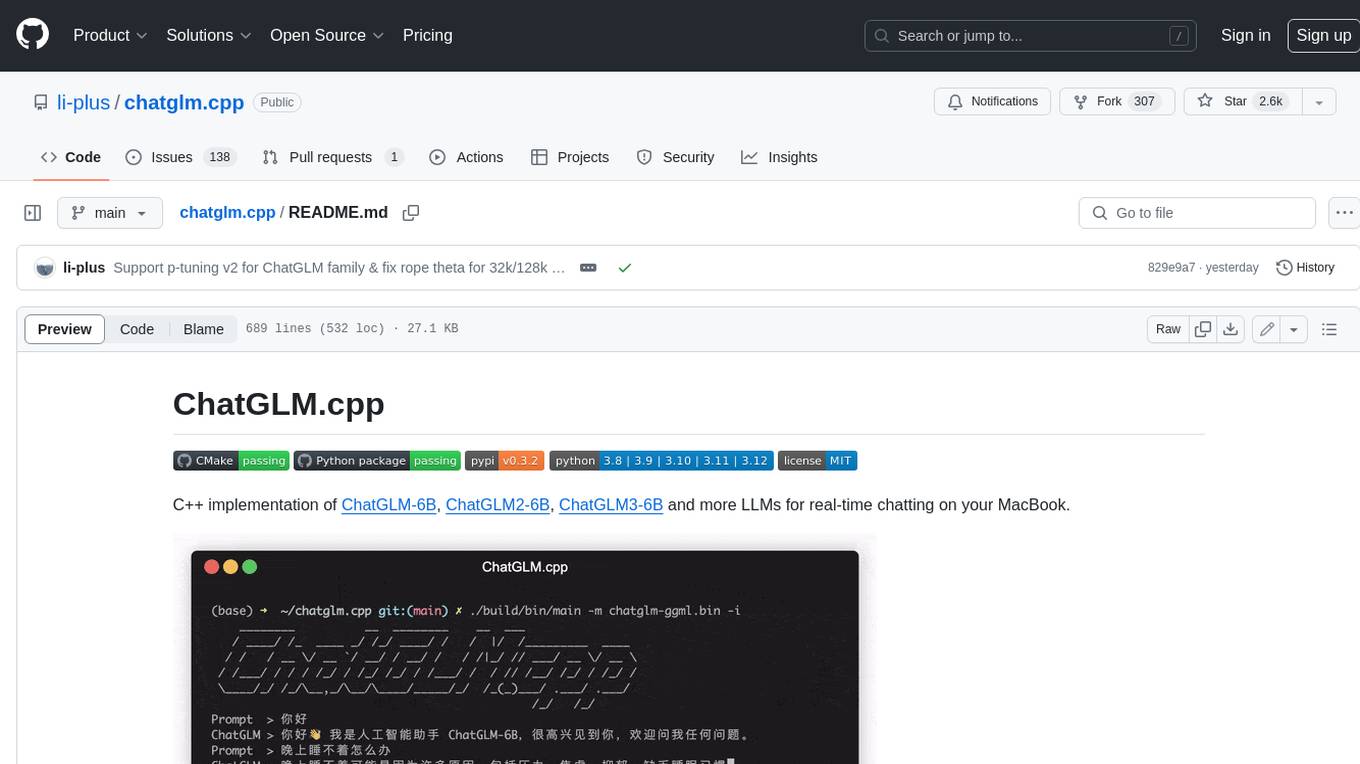
chatglm.cpp
ChatGLM.cpp is a C++ implementation of ChatGLM-6B, ChatGLM2-6B, ChatGLM3-6B and more LLMs for real-time chatting on your MacBook. It is based on ggml, working in the same way as llama.cpp. ChatGLM.cpp features accelerated memory-efficient CPU inference with int4/int8 quantization, optimized KV cache and parallel computing. It also supports P-Tuning v2 and LoRA finetuned models, streaming generation with typewriter effect, Python binding, web demo, api servers and more possibilities.
AnyCrawl
AnyCrawl is a high-performance crawling and scraping toolkit designed for SERP crawling, web scraping, site crawling, and batch tasks. It offers multi-threading and multi-process capabilities for high performance. The tool also provides AI extraction for structured data extraction from pages, making it LLM-friendly and easy to integrate and use.
For similar tasks
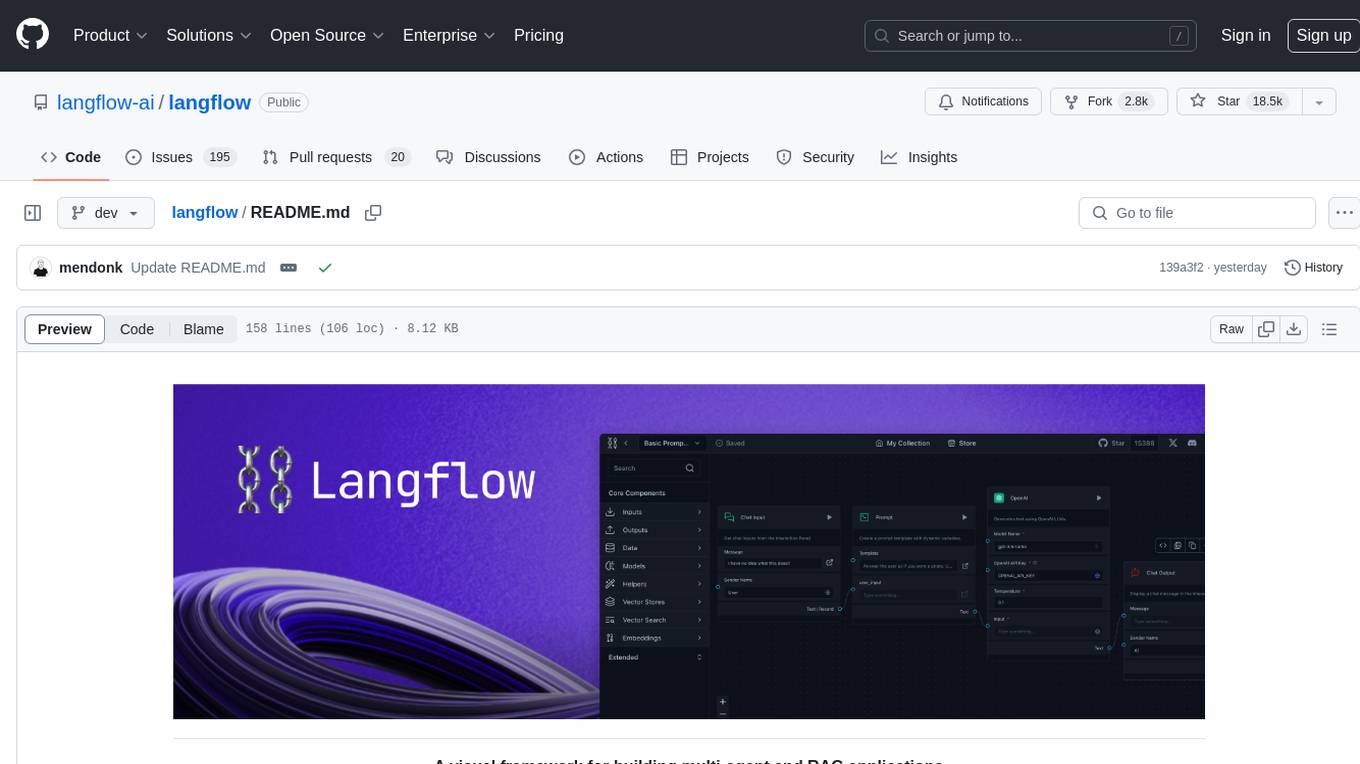
langflow
Langflow is an open-source Python-powered visual framework designed for building multi-agent and RAG applications. It is fully customizable, language model agnostic, and vector store agnostic. Users can easily create flows by dragging components onto the canvas, connect them, and export the flow as a JSON file. Langflow also provides a command-line interface (CLI) for easy management and configuration, allowing users to customize the behavior of Langflow for development or specialized deployment scenarios. The tool can be deployed on various platforms such as Google Cloud Platform, Railway, and Render. Contributors are welcome to enhance the project on GitHub by following the contributing guidelines.
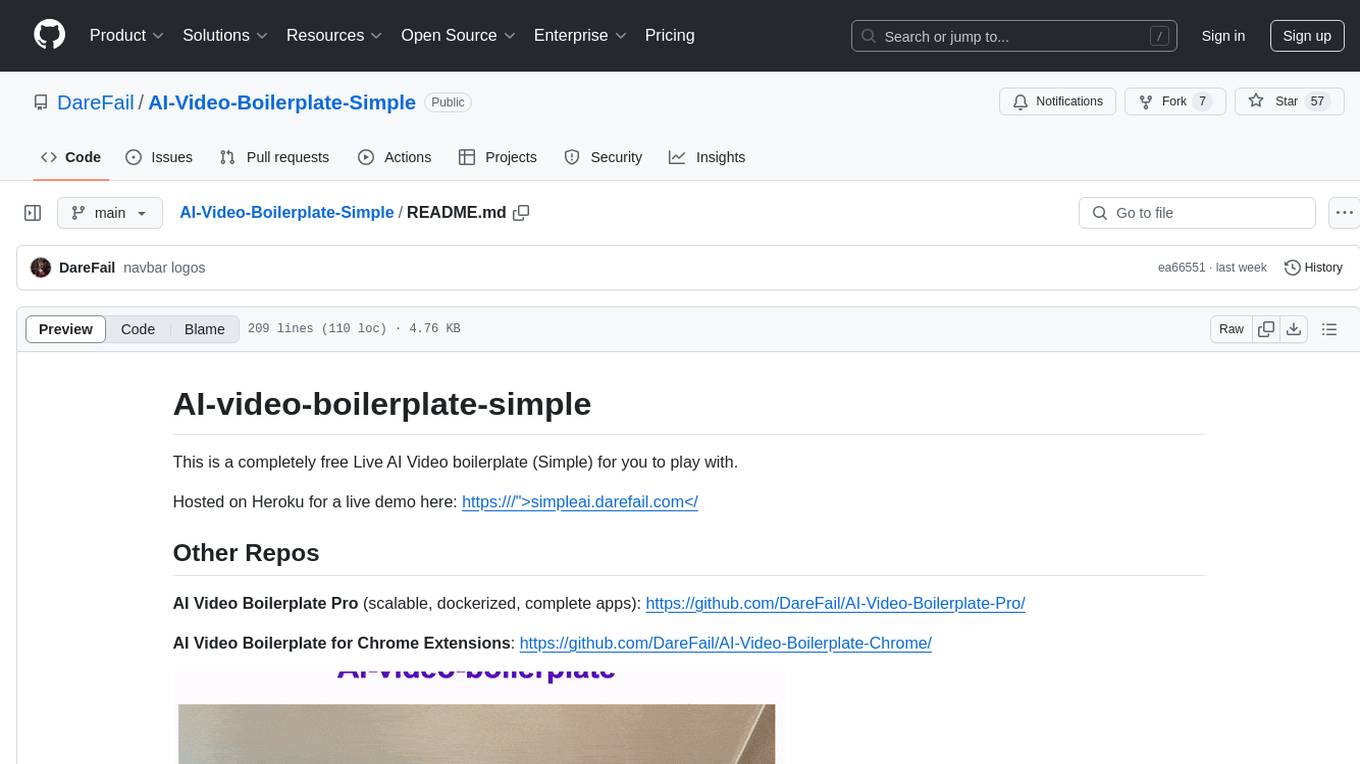
AI-Video-Boilerplate-Simple
AI-video-boilerplate-simple is a free Live AI Video boilerplate for testing out live video AI experiments. It includes a simple Flask server that serves files, supports live video from various sources, and integrates with Roboflow for AI vision. Users can use this template for projects, research, business ideas, and homework. It is lightweight and can be deployed on popular cloud platforms like Replit, Vercel, Digital Ocean, or Heroku.
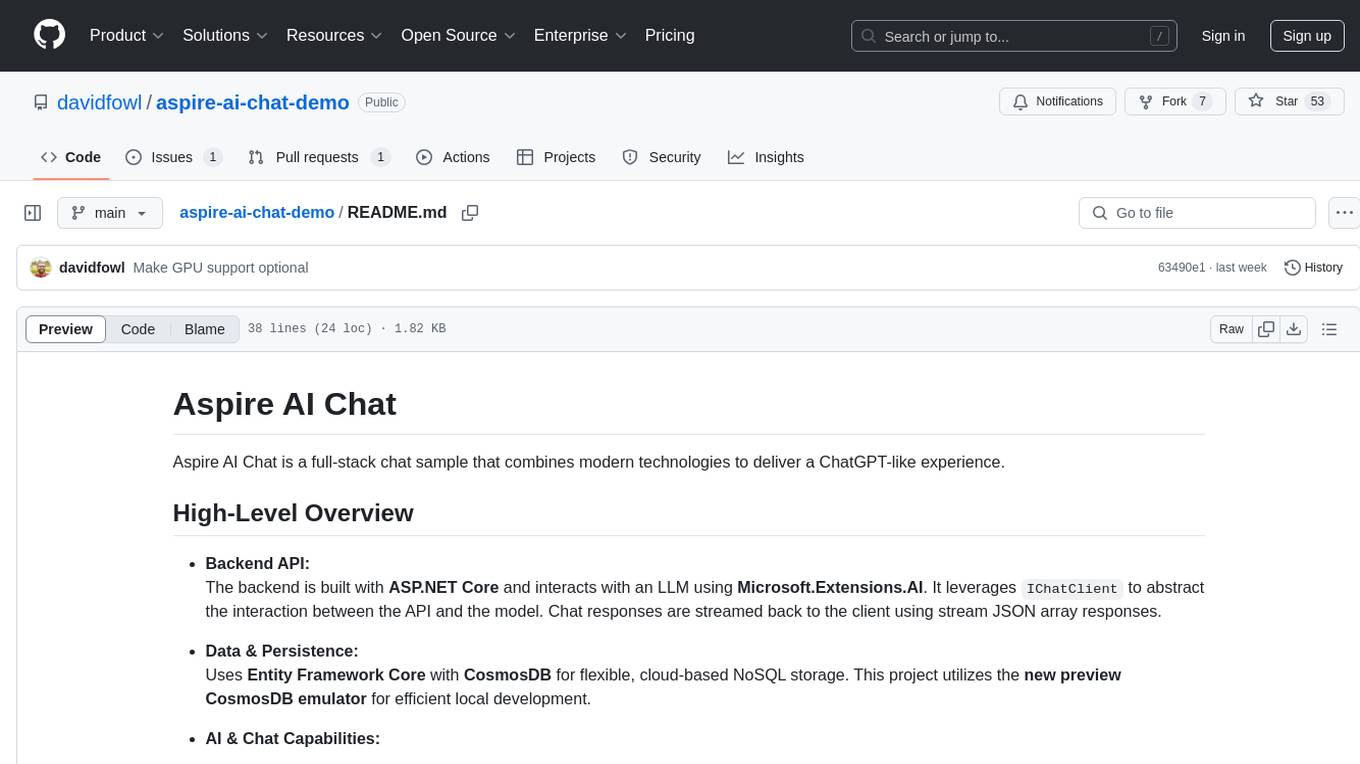
aspire-ai-chat-demo
Aspire AI Chat is a full-stack chat sample that combines modern technologies to deliver a ChatGPT-like experience. The backend API is built with ASP.NET Core and interacts with an LLM using Microsoft.Extensions.AI. It uses Entity Framework Core with CosmosDB for flexible, cloud-based NoSQL storage. The AI capabilities include using Ollama for local inference and switching to Azure OpenAI in production. The frontend UI is built with React, offering a modern and interactive chat experience.
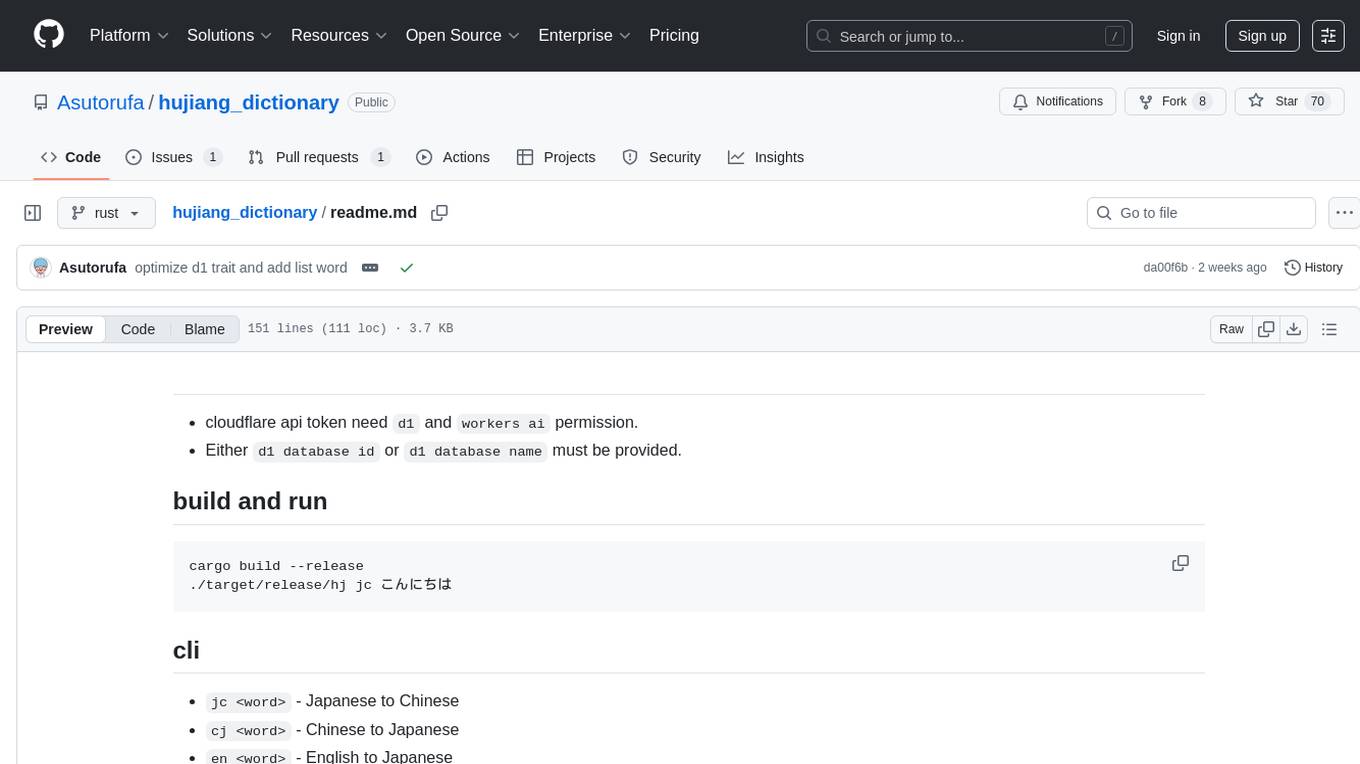
hujiang_dictionary
Hujiang Dictionary is a tool that provides translation services between Japanese, Chinese, and English. It supports various translation modes such as Japanese to Chinese, Chinese to Japanese, English to Japanese, and more. The tool utilizes cloud services like Telegram, Lambda, and Cloudflare Workers for different deployment options. Users can interact with the tool via a command-line interface (CLI) to perform translations and access online resources like weblio and Google Translate. Additionally, the tool offers a Telegram bot for users to access translation services conveniently. The tool also supports setting up and managing databases for storing translation data.
lm-engine
LM Engine is a research-grade, production-ready library for training large language models at scale. It provides support for multiple accelerators including NVIDIA GPUs, Google TPUs, and AWS Trainiums. Key features include multi-accelerator support, advanced distributed training, flexible model architectures, HuggingFace integration, training modes like pretraining and finetuning, custom kernels for high performance, experiment tracking, and efficient checkpointing.
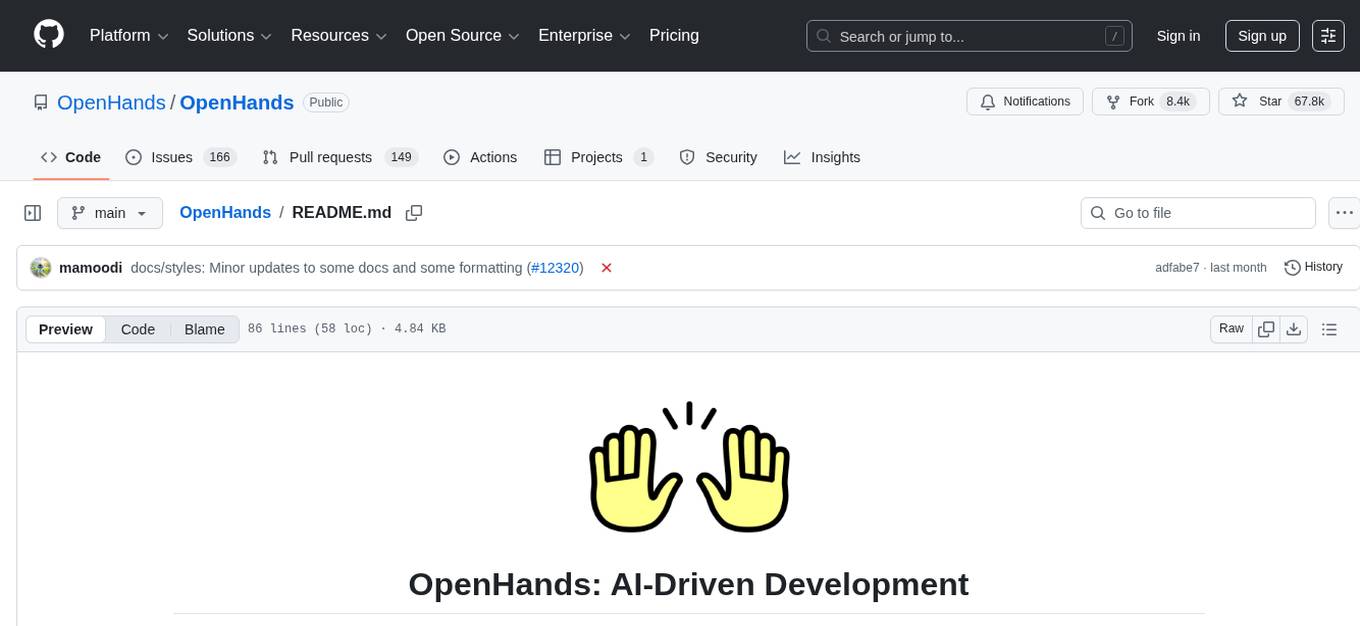
OpenHands
OpenHands is a community focused on AI-driven development, offering a Software Agent SDK, CLI, Local GUI, Cloud deployment, and Enterprise solutions. The SDK is a Python library for defining and running agents, the CLI provides an easy way to start using OpenHands, the Local GUI allows running agents on a laptop with REST API, the Cloud deployment offers hosted infrastructure with integrations, and the Enterprise solution enables self-hosting via Kubernetes with extended support and access to the research team. OpenHands is available under the MIT license.
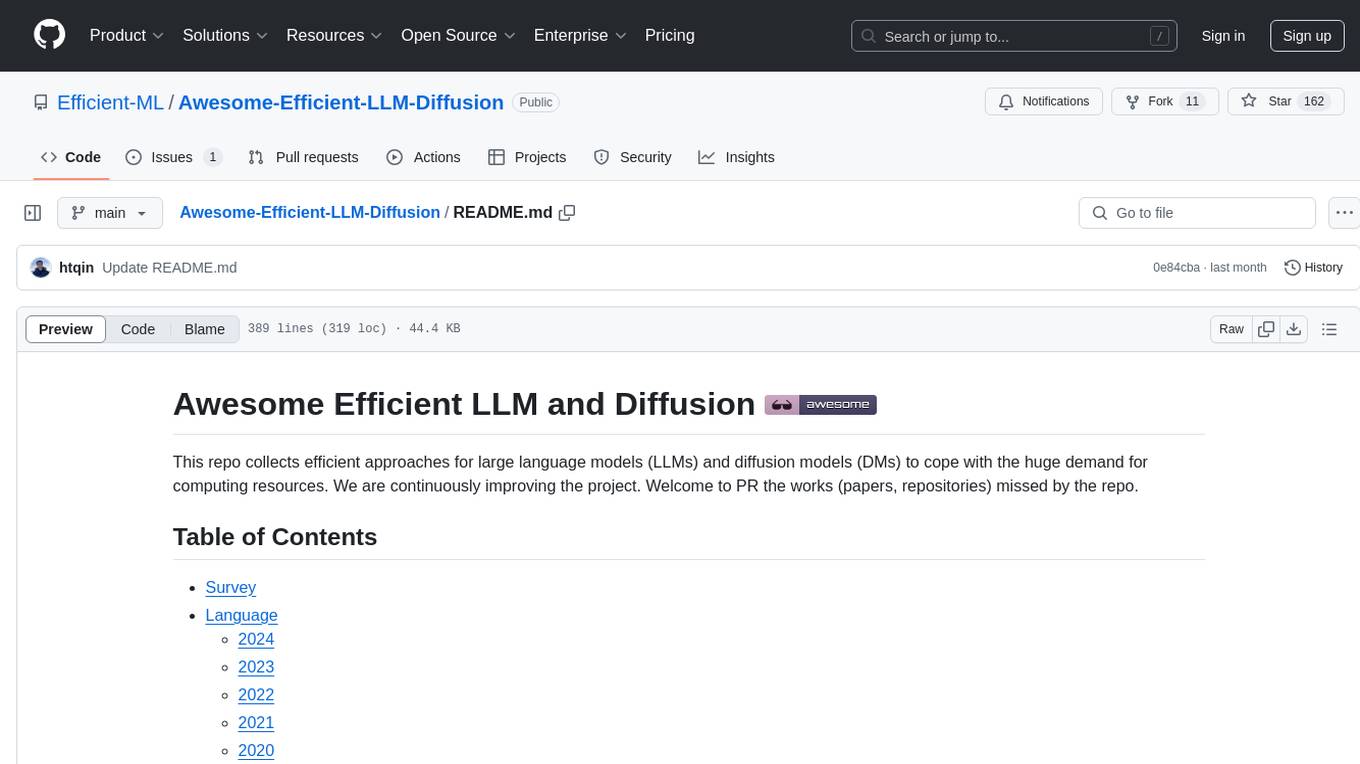
Awesome-Efficient-AIGC
This repository, Awesome Efficient AIGC, collects efficient approaches for AI-generated content (AIGC) to cope with its huge demand for computing resources. It includes efficient Large Language Models (LLMs), Diffusion Models (DMs), and more. The repository is continuously improving and welcomes contributions of works like papers and repositories that are missed by the collection.
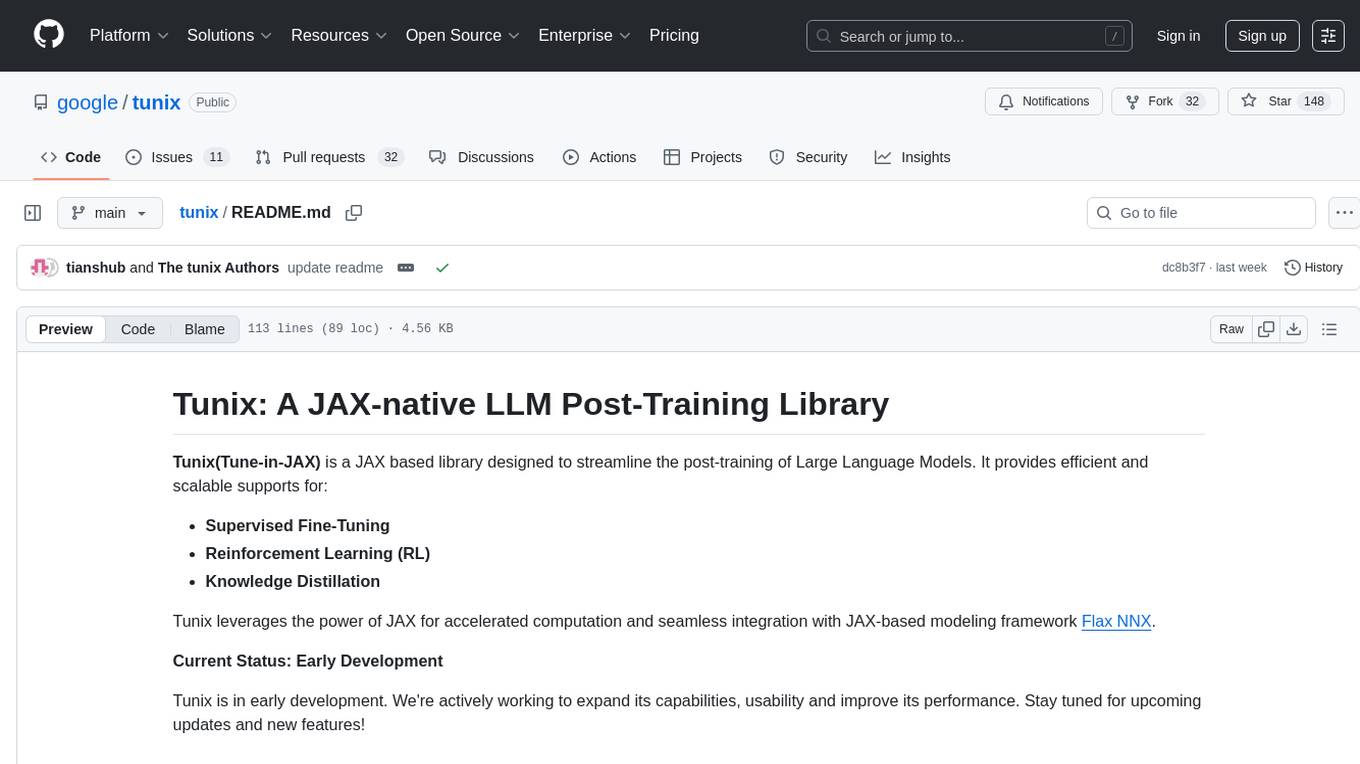
tunix
Tunix is a JAX-based library designed for post-training Large Language Models. It provides efficient support for supervised fine-tuning, reinforcement learning, and knowledge distillation. Tunix leverages JAX for accelerated computation and integrates seamlessly with the Flax NNX modeling framework. The library is modular, efficient, and designed for distributed training on accelerators like TPUs. Currently in early development, Tunix aims to expand its capabilities, usability, and performance.
For similar jobs

sweep
Sweep is an AI junior developer that turns bugs and feature requests into code changes. It automatically handles developer experience improvements like adding type hints and improving test coverage.

teams-ai
The Teams AI Library is a software development kit (SDK) that helps developers create bots that can interact with Teams and Microsoft 365 applications. It is built on top of the Bot Framework SDK and simplifies the process of developing bots that interact with Teams' artificial intelligence capabilities. The SDK is available for JavaScript/TypeScript, .NET, and Python.

ai-guide
This guide is dedicated to Large Language Models (LLMs) that you can run on your home computer. It assumes your PC is a lower-end, non-gaming setup.

classifai
Supercharge WordPress Content Workflows and Engagement with Artificial Intelligence. Tap into leading cloud-based services like OpenAI, Microsoft Azure AI, Google Gemini and IBM Watson to augment your WordPress-powered websites. Publish content faster while improving SEO performance and increasing audience engagement. ClassifAI integrates Artificial Intelligence and Machine Learning technologies to lighten your workload and eliminate tedious tasks, giving you more time to create original content that matters.

chatbot-ui
Chatbot UI is an open-source AI chat app that allows users to create and deploy their own AI chatbots. It is easy to use and can be customized to fit any need. Chatbot UI is perfect for businesses, developers, and anyone who wants to create a chatbot.

BricksLLM
BricksLLM is a cloud native AI gateway written in Go. Currently, it provides native support for OpenAI, Anthropic, Azure OpenAI and vLLM. BricksLLM aims to provide enterprise level infrastructure that can power any LLM production use cases. Here are some use cases for BricksLLM: * Set LLM usage limits for users on different pricing tiers * Track LLM usage on a per user and per organization basis * Block or redact requests containing PIIs * Improve LLM reliability with failovers, retries and caching * Distribute API keys with rate limits and cost limits for internal development/production use cases * Distribute API keys with rate limits and cost limits for students

uAgents
uAgents is a Python library developed by Fetch.ai that allows for the creation of autonomous AI agents. These agents can perform various tasks on a schedule or take action on various events. uAgents are easy to create and manage, and they are connected to a fast-growing network of other uAgents. They are also secure, with cryptographically secured messages and wallets.

griptape
Griptape is a modular Python framework for building AI-powered applications that securely connect to your enterprise data and APIs. It offers developers the ability to maintain control and flexibility at every step. Griptape's core components include Structures (Agents, Pipelines, and Workflows), Tasks, Tools, Memory (Conversation Memory, Task Memory, and Meta Memory), Drivers (Prompt and Embedding Drivers, Vector Store Drivers, Image Generation Drivers, Image Query Drivers, SQL Drivers, Web Scraper Drivers, and Conversation Memory Drivers), Engines (Query Engines, Extraction Engines, Summary Engines, Image Generation Engines, and Image Query Engines), and additional components (Rulesets, Loaders, Artifacts, Chunkers, and Tokenizers). Griptape enables developers to create AI-powered applications with ease and efficiency.