


parse_hub_bot
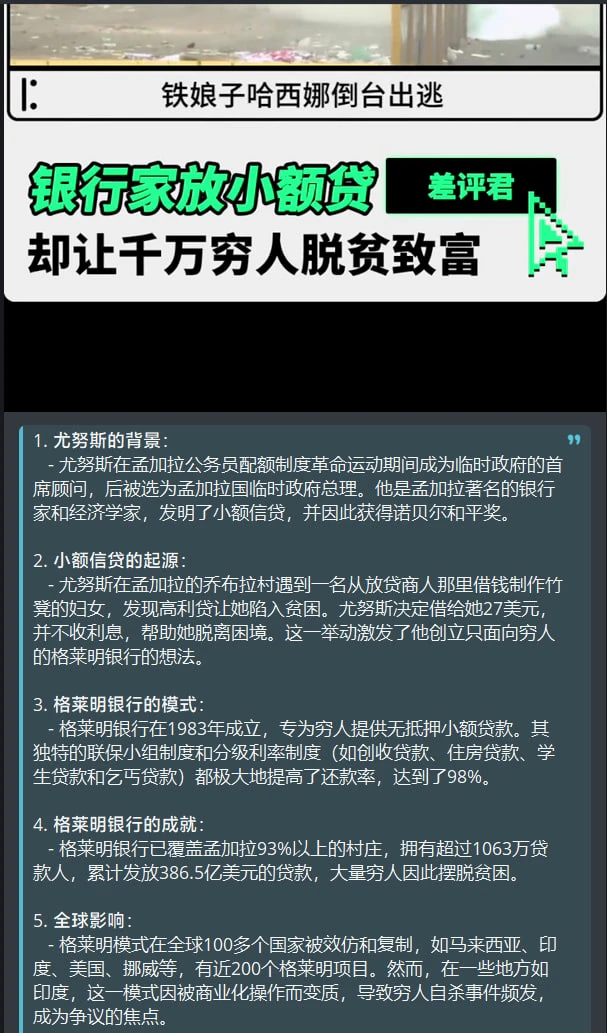
支持 AI 总结和内联模式的多平台解析 Bot
Stars: 268
ParseHubBot is a Telegram aggregation analysis Bot that supports AI summary and inline mode. It currently supports various platforms like Douyin, Bilibili, YouTube, TikTok, Twitter, Baidu Tieba, Facebook, Weibo, Instagram, etc. Users can deploy the bot by modifying environment variables and platform configurations. Deployment can be done using Docker or by running the bot directly. The bot can be started by running a script in the project root directory. Users can interact with the bot by sending share links or using the command '/jx' for regular use, and by mentioning the bot username followed by a link for inline use.
README:
Telegram聚合解析Bot, 支持AI总结, 支持内联模式
Telegram aggregation analysis Bot, supports AI summary, supports inline mode
实例: @ParseHubBot
目前支持的平台:
抖音视频|图文哔哩哔哩视频|动态YouTubeYouTube MusicTikTok视频|图文小红书视频|图文Twitter视频|图文百度贴吧图文|视频Facebook视频微博视频|图文Instagram视频|图文- 查看更多...

配置优先级: 平台配置 > 环境变量
修改环境变量:
将 .env.exa 复制为 .env, 并修改配置
| 参数 | 说明 |
|---|---|
API_HASH, API_ID
|
登录 https://my.telegram.org 获取 |
BOT_TOKEN |
在 @BotFather 获取 |
BOT_PROXY |
海外服务器无需填写 |
PARSER_PROXY |
解析时使用的代理 |
DOWNLOADER_PROXY |
下载时使用的代理 |
DOUYIN_API |
你部署的抖音API地址, 默认: https://douyin.wtf |
AI_SUMMARY |
是否开启AI总结 |
API_KEY |
openai 密钥 |
BASE_URL |
openai api地址 |
MODEL |
AI总结使用的模型 |
PROMPT |
AI总结提示词 |
TRANSCRIPTIONS_PROVIDER |
语音转文本模型提供商 支持: openai,azure,fast_whisper
|
TRANSCRIPTIONS_BASE_URL |
语音转文本 API端点 |
TRANSCRIPTIONS_API_KEY |
语音转文本 API密钥 |
CACHE_TIME |
解析结果缓存时间, 单位: 秒, 0为不缓存, 默认缓存 24 小时 |
修改平台配置:
将 platform_config.yaml.exa 复制为 platform_config.yaml
配置说明:
platforms:
  twitter: # 平台id
    disable_parser_proxy: false # 解析时是否禁用代理
    disable_downloader_proxy: false # 下载时是否禁用代理
    parser_proxies: [ ] # 解析代理池, 多个代理会随机选择
    downloader_proxies: [ ] # 下载代理池, 多个代理会随机选择
    cookies: [ ] # 平台 cookies, 部分平台的部分帖子需要登录后才能获取到内容
配置示例:
platforms:
  twitter:
    cookies:
      - auth_token=xxxx; ct0=xxxx
      - auth_token=xxxx; ct0=xxxx

  bilibili:
    disable_parser_proxy: true
    downloader_proxies:
      - http://127.0.0.1:7890
- http://127.0.0.1:7891在项目根目录运行:
sudo sh start.sh # 构建并运行 Bot
# 其他命令:
sudo sh start.sh -h # 查看帮助
sudo sh start.sh stop  # 停止 Bot
sudo sh start.sh restart # 重启 Bot[!IMPORTANT]
注意
Linux用户在导入skia-python包时可能会遇到以下报错
libGL.so.1: cannot open shared object file: No such file or directoryWindows用户在缺少Microsoft Visual C++ Runtime时可能会遇到以下报错
ImportError: DLL load failed while importing skia: The specified module could not be found.ubuntu用户
# Ubuntu 22 安装
apt install libgl1-mesa-glx
# Ubuntu 24 安装
apt install libgl1 libglx-mesa0
ArchLinux用户
pacman -S libglcentos用户
yum install mesa-libGL -yWindows用户
在项目根目录运行:
apt install python3-pip -y
pip install uv --break-system-packages
uv venv --python 3.12
uv sync
启动bot
uv run bot.py设置命令列表
私聊bot发送指令 /menu
普通使用: 发送分享链接给bot或使用指令 /jx
内联使用: 任意聊天窗口输入: @bot用户名 链接

For Tasks:
Click tags to check more tools for each tasksFor Jobs:
Alternative AI tools for parse_hub_bot
Similar Open Source Tools
parse_hub_bot
ParseHubBot is a Telegram aggregation analysis Bot that supports AI summary and inline mode. It currently supports various platforms like Douyin, Bilibili, YouTube, TikTok, Twitter, Baidu Tieba, Facebook, Weibo, Instagram, etc. Users can deploy the bot by modifying environment variables and platform configurations. Deployment can be done using Docker or by running the bot directly. The bot can be started by running a script in the project root directory. Users can interact with the bot by sending share links or using the command '/jx' for regular use, and by mentioning the bot username followed by a link for inline use.
ParseHub
ParseHub is a social media aggregation analyzer supported by AI summarization. It supports various platforms such as Twitter, Instagram, Weibo, Bilibili, and more for analyzing videos and text content. Users can utilize ParseHub to summarize content using the 'whisper-1' model and access a Telegram bot developed based on the project. The tool provides functionalities for parsing and summarizing social media content, making it a valuable resource for extracting insights and information from diverse social media platforms.
chatgpt-web
ChatGPT Web is a web application that provides access to the ChatGPT API. It offers two non-official methods to interact with ChatGPT: through the ChatGPTAPI (using the `gpt-3.5-turbo-0301` model) or through the ChatGPTUnofficialProxyAPI (using a web access token). The ChatGPTAPI method is more reliable but requires an OpenAI API key, while the ChatGPTUnofficialProxyAPI method is free but less reliable. The application includes features such as user registration and login, synchronization of conversation history, customization of API keys and sensitive words, and management of users and keys. It also provides a user interface for interacting with ChatGPT and supports multiple languages and themes.
kubectl-mcp-server
Control your entire Kubernetes infrastructure through natural language conversations with AI. Talk to your clusters like you talk to a DevOps expert. Debug crashed pods, optimize costs, deploy applications, audit security, manage Helm charts, and visualize dashboards—all through natural language. The tool provides 253 powerful tools, 8 workflow prompts, 8 data resources, and works with all major AI assistants. It offers AI-powered diagnostics, built-in cost optimization, enterprise-ready features, zero learning curve, universal compatibility, visual insights, and production-grade deployment options. From debugging crashed pods to optimizing cluster costs, kubectl-mcp-server is your AI-powered DevOps companion.
moonpalace
MoonPalace is a debugging tool for API provided by Moonshot AI. It supports all platforms (Mac, Windows, Linux) and is simple to use by replacing 'base_url' with 'http://localhost:9988'. It captures complete requests, including 'accident scenes' during network errors, and allows quick retrieval and viewing of request information using 'request_id' and 'chatcmpl_id'. It also enables one-click export of BadCase structured reporting data to help improve Kimi model capabilities. MoonPalace is recommended for use as an API 'supplier' during code writing and debugging stages to quickly identify and locate various issues related to API calls and code writing processes, and to export request details for submission to Moonshot AI to improve Kimi model.
fittencode.nvim
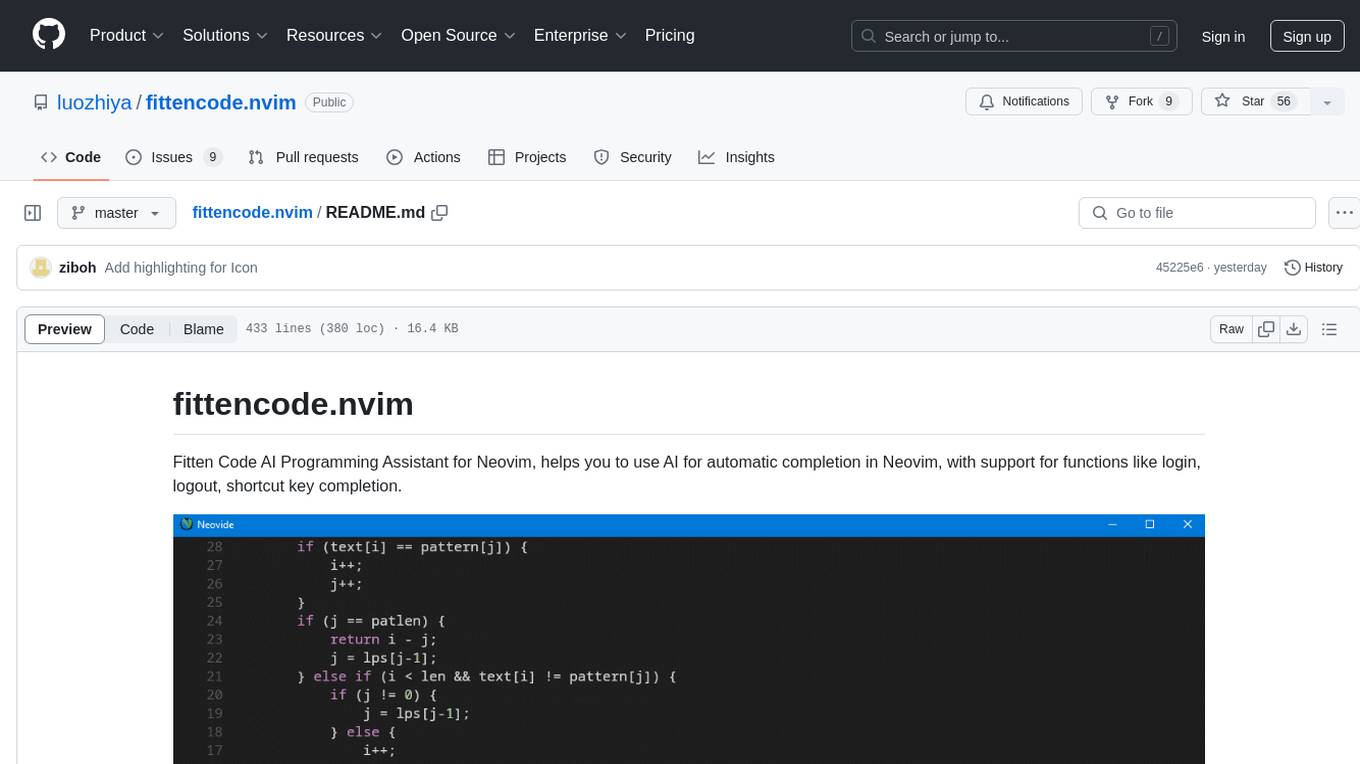
Fitten Code AI Programming Assistant for Neovim provides fast completion using AI, asynchronous I/O, and support for various actions like document code, edit code, explain code, find bugs, generate unit test, implement features, optimize code, refactor code, start chat, and more. It offers features like accepting suggestions with Tab, accepting line with Ctrl + Down, accepting word with Ctrl + Right, undoing accepted text, automatic scrolling, and multiple HTTP/REST backends. It can run as a coc.nvim source or nvim-cmp source.
app-platform
AppPlatform is an advanced large-scale model application engineering aimed at simplifying the development process of AI applications through integrated declarative programming and low-code configuration tools. This project provides a powerful and scalable environment for software engineers and product managers to support the full-cycle development of AI applications from concept to deployment. The backend module is based on the FIT framework, utilizing a plugin-based development approach, including application management and feature extension modules. The frontend module is developed using React framework, focusing on core modules such as application development, application marketplace, intelligent forms, and plugin management. Key features include low-code graphical interface, powerful operators and scheduling platform, and sharing and collaboration capabilities. The project also provides detailed instructions for setting up and running both backend and frontend environments for development and testing.
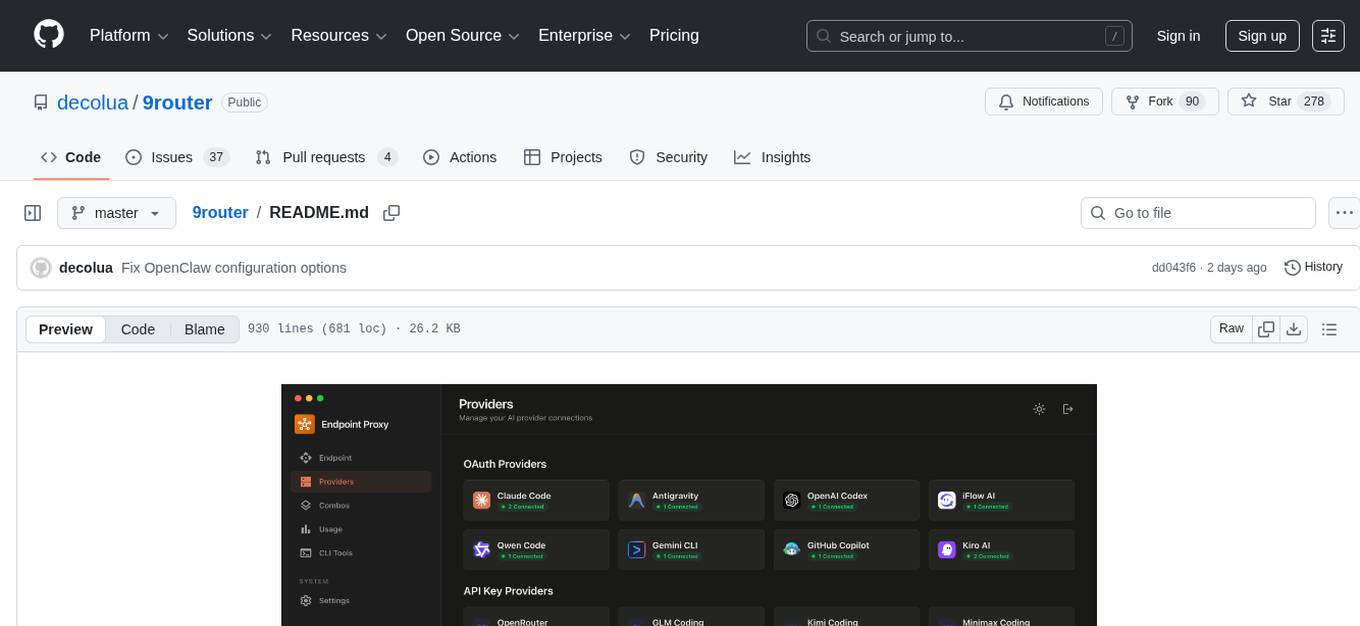
9router
9Router is a free AI router tool designed to help developers maximize their AI subscriptions, auto-route to free and cheap AI models with smart fallback, and avoid hitting limits and wasting money. It offers features like real-time quota tracking, format translation between OpenAI, Claude, and Gemini, multi-account support, auto token refresh, custom model combinations, request logging, cloud sync, usage analytics, and flexible deployment options. The tool supports various providers like Claude Code, Codex, Gemini CLI, GitHub Copilot, GLM, MiniMax, iFlow, Qwen, and Kiro, and allows users to create combos for different scenarios. Users can connect to the tool via CLI tools like Cursor, Claude Code, Codex, OpenClaw, and Cline, and deploy it on VPS, Docker, or Cloudflare Workers.
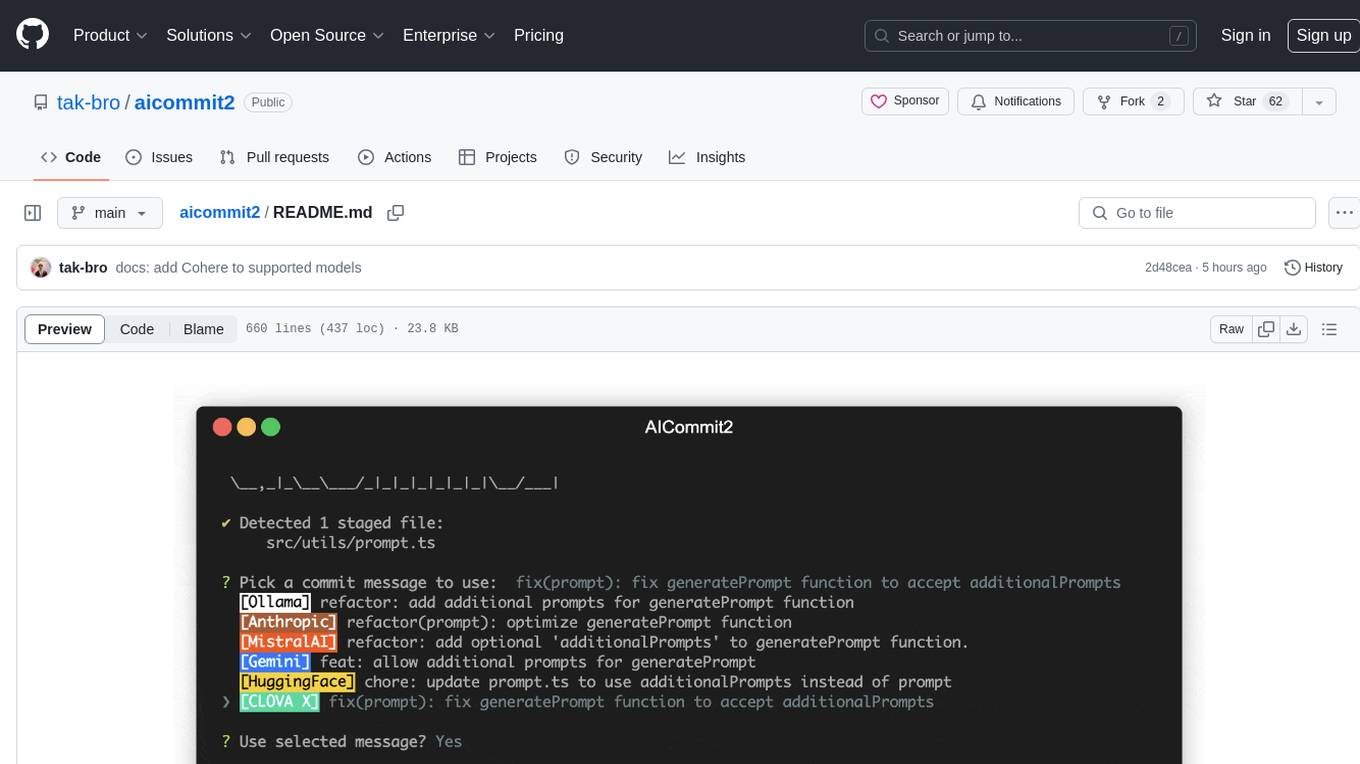
aicommit2
AICommit2 is a Reactive CLI tool that streamlines interactions with various AI providers such as OpenAI, Anthropic Claude, Gemini, Mistral AI, Cohere, and unofficial providers like Huggingface and Clova X. Users can request multiple AI simultaneously to generate git commit messages without waiting for all AI responses. The tool runs 'git diff' to grab code changes, sends them to configured AI, and returns the AI-generated commit message. Users can set API keys or Cookies for different providers and configure options like locale, generate number of messages, commit type, proxy, timeout, max-length, and more. AICommit2 can be used both locally with Ollama and remotely with supported providers, offering flexibility and efficiency in generating commit messages.
nextlint
Nextlint is a rich text editor (WYSIWYG) written in Svelte, using MeltUI headless UI and tailwindcss CSS framework. It is built on top of tiptap editor (headless editor) and prosemirror. Nextlint is easy to use, develop, and maintain. It has a prompt engine that helps to integrate with any AI API and enhance the writing experience. Dark/Light theme is supported and customizable.
onnxruntime-server
ONNX Runtime Server is a server that provides TCP and HTTP/HTTPS REST APIs for ONNX inference. It aims to offer simple, high-performance ML inference and a good developer experience. Users can provide inference APIs for ONNX models without writing additional code by placing the models in the directory structure. Each session can choose between CPU or CUDA, analyze input/output, and provide Swagger API documentation for easy testing. Ready-to-run Docker images are available, making it convenient to deploy the server.
snapai
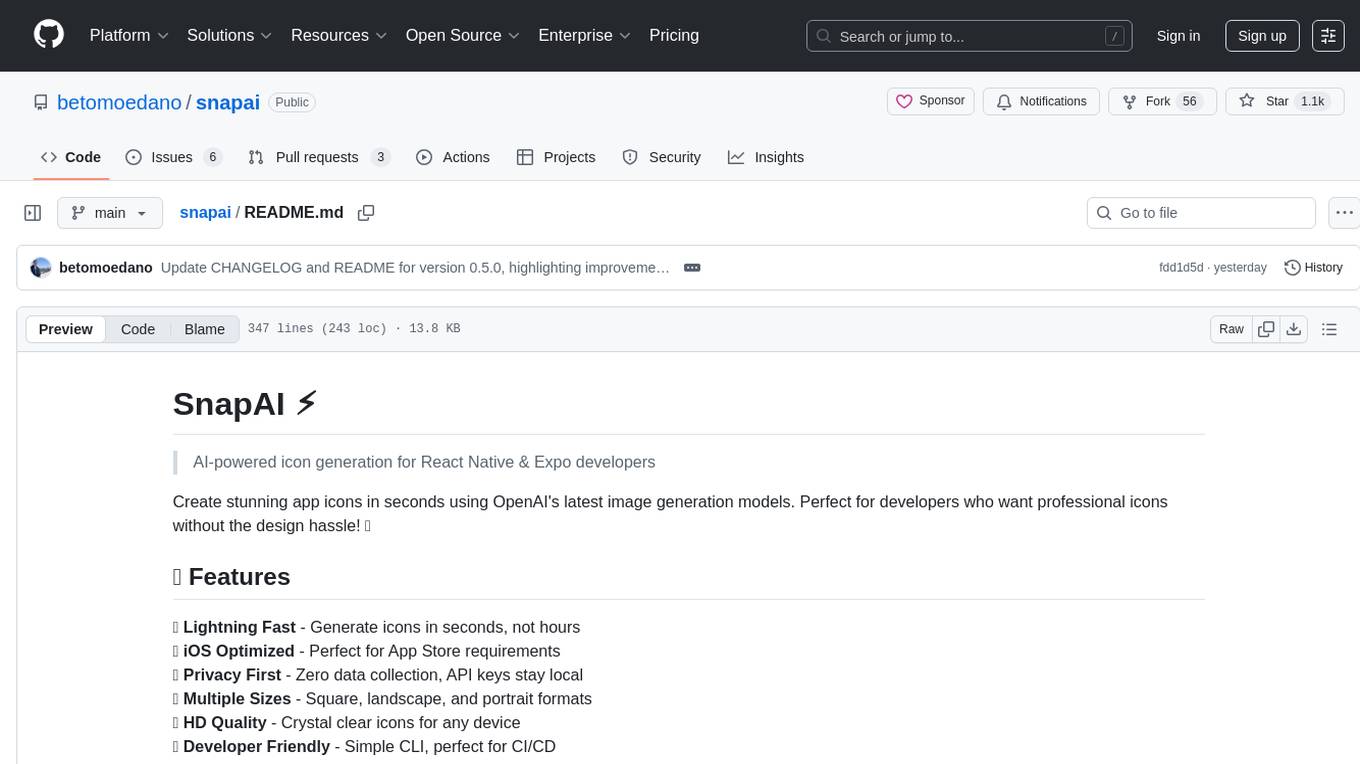
SnapAI is a tool that leverages AI-powered image generation models to create professional app icons for React Native & Expo developers. It offers lightning-fast icon generation, iOS optimized icons, privacy-first approach with local API key storage, multiple sizes and HD quality icons. The tool is developer-friendly with a simple CLI for easy integration into CI/CD pipelines.
Chat-Style-Bot
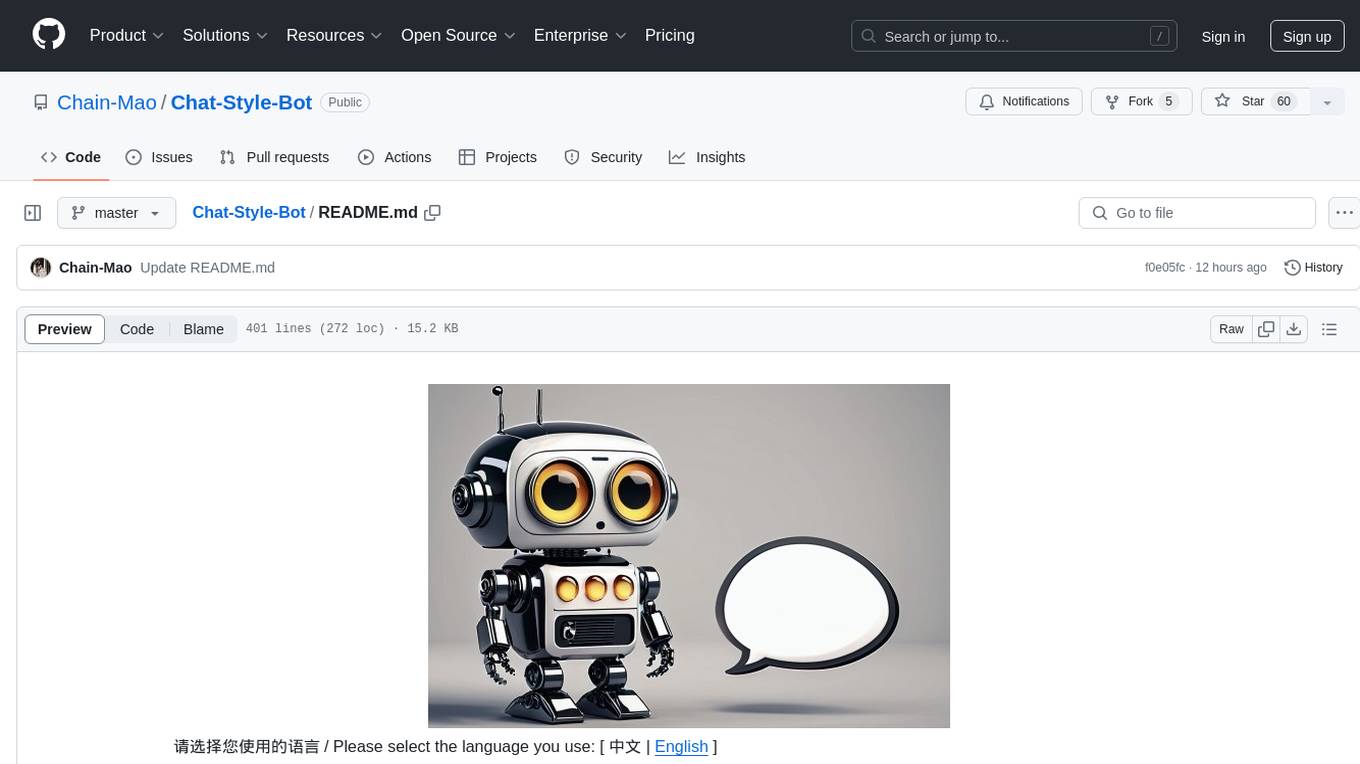
Chat-Style-Bot is an intelligent chatbot designed to mimic the chatting style of a specified individual. By analyzing and learning from WeChat chat records, Chat-Style-Bot can imitate your unique chatting style and become your personal chat assistant. Whether it's communicating with friends or handling daily conversations, Chat-Style-Bot can provide a natural, personalized interactive experience.
HiveChat
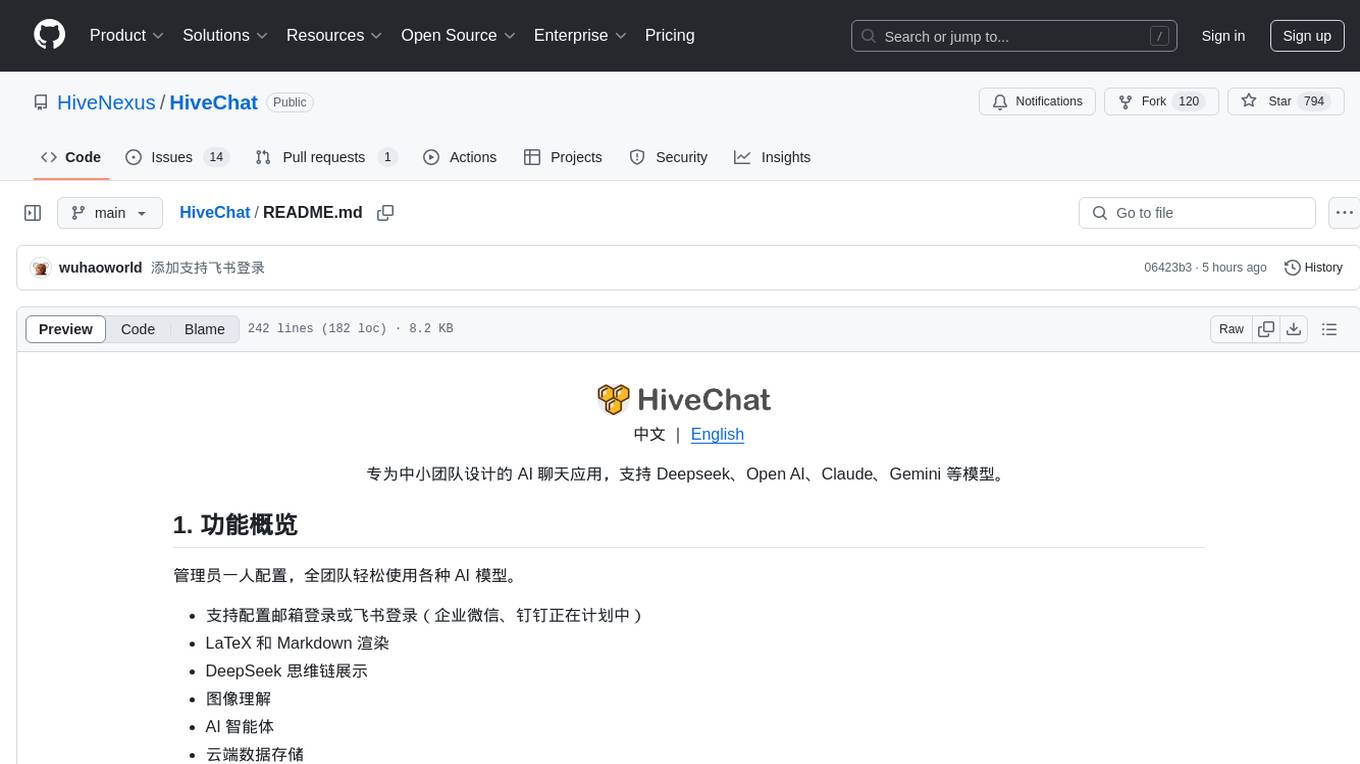
HiveChat is an AI chat application designed for small and medium teams. It supports various models such as DeepSeek, Open AI, Claude, and Gemini. The tool allows easy configuration by one administrator for the entire team to use different AI models. It supports features like email or Feishu login, LaTeX and Markdown rendering, DeepSeek mind map display, image understanding, AI agents, cloud data storage, and integration with multiple large model service providers. Users can engage in conversations by logging in, while administrators can configure AI service providers, manage users, and control account registration. The technology stack includes Next.js, Tailwindcss, Auth.js, PostgreSQL, Drizzle ORM, and Ant Design.
Streamer-Sales
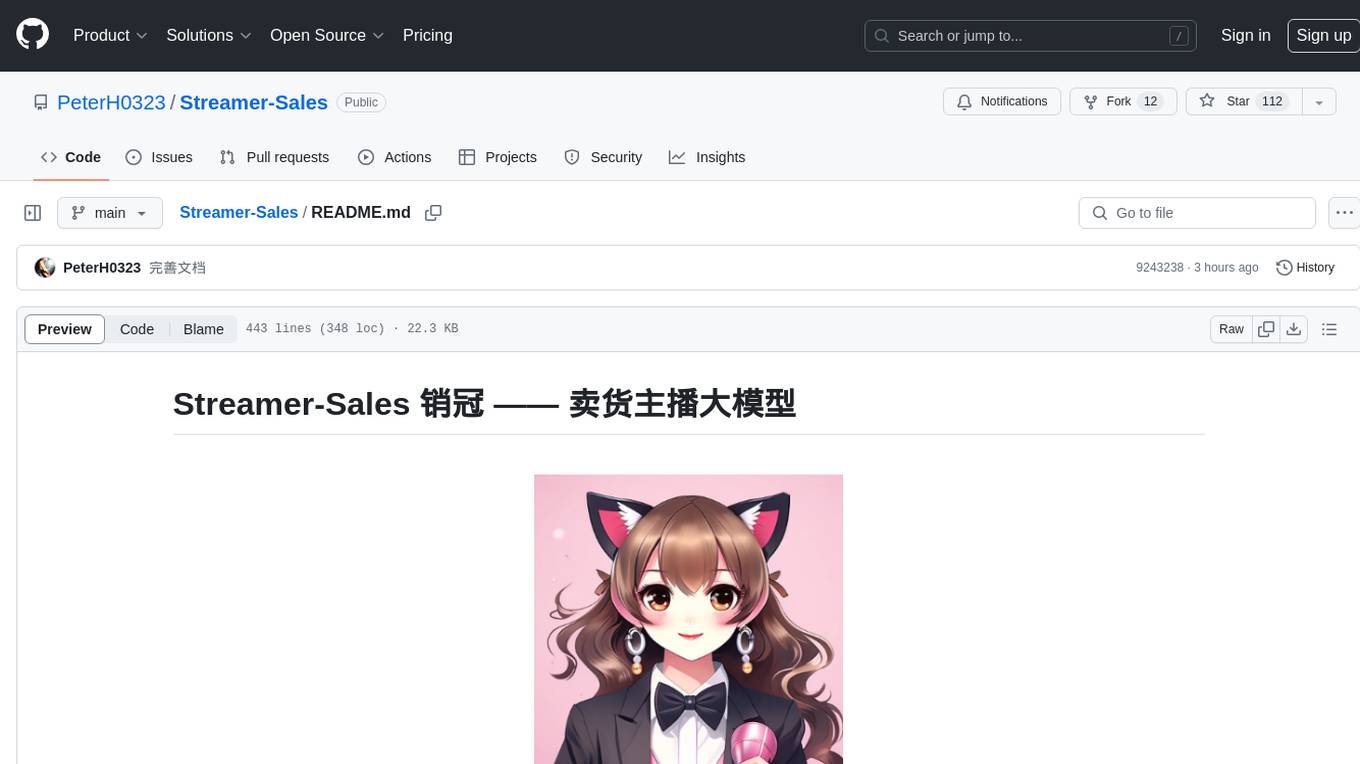
Streamer-Sales is a large model for live streamers that can explain products based on their characteristics and inspire users to make purchases. It is designed to enhance sales efficiency and user experience, whether for online live sales or offline store promotions. The model can deeply understand product features and create tailored explanations in vivid and precise language, sparking user's desire to purchase. It aims to revolutionize the shopping experience by providing detailed and unique product descriptions to engage users effectively.
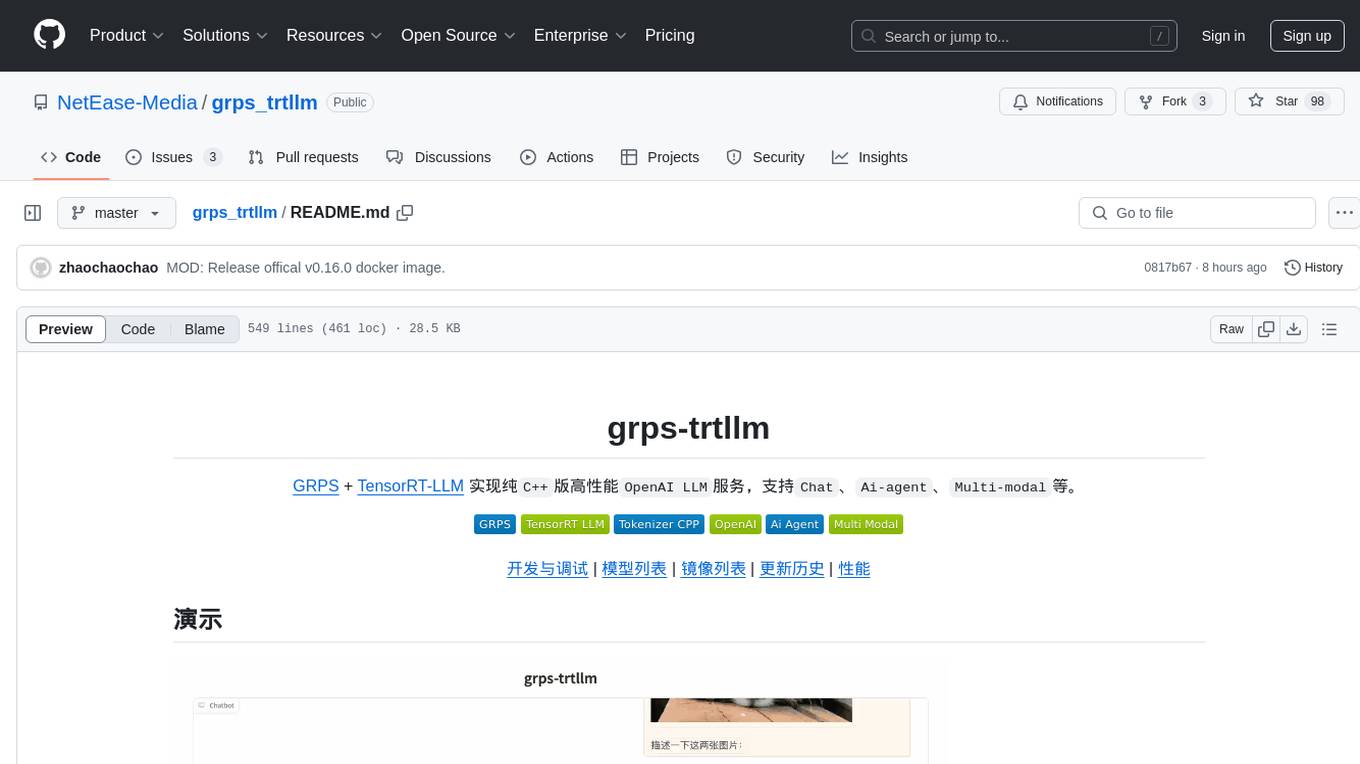
grps_trtllm
The grps-trtllm repository is a C++ implementation of a high-performance OpenAI LLM service, combining GRPS and TensorRT-LLM. It supports functionalities like Chat, Ai-agent, and Multi-modal. The repository offers advantages over triton-trtllm, including a complete LLM service implemented in pure C++, integrated tokenizer supporting huggingface and sentencepiece, custom HTTP functionality for OpenAI interface, support for different LLM prompt styles and result parsing styles, integration with tensorrt backend and opencv library for multi-modal LLM, and stable performance improvement compared to triton-trtllm.
For similar tasks
parse_hub_bot
ParseHubBot is a Telegram aggregation analysis Bot that supports AI summary and inline mode. It currently supports various platforms like Douyin, Bilibili, YouTube, TikTok, Twitter, Baidu Tieba, Facebook, Weibo, Instagram, etc. Users can deploy the bot by modifying environment variables and platform configurations. Deployment can be done using Docker or by running the bot directly. The bot can be started by running a script in the project root directory. Users can interact with the bot by sending share links or using the command '/jx' for regular use, and by mentioning the bot username followed by a link for inline use.
1filellm
1filellm is a command-line data aggregation tool designed for LLM ingestion. It aggregates and preprocesses data from various sources into a single text file, facilitating the creation of information-dense prompts for large language models. The tool supports automatic source type detection, handling of multiple file formats, web crawling functionality, integration with Sci-Hub for research paper downloads, text preprocessing, and token count reporting. Users can input local files, directories, GitHub repositories, pull requests, issues, ArXiv papers, YouTube transcripts, web pages, Sci-Hub papers via DOI or PMID. The tool provides uncompressed and compressed text outputs, with the uncompressed text automatically copied to the clipboard for easy pasting into LLMs.
AudioNotes
AudioNotes is a system built on FunASR and Qwen2 that can quickly extract content from audio and video, and organize it using large models into structured markdown notes for easy reading. Users can interact with the audio and video content, install Ollama, pull models, and deploy services using Docker or locally with a PostgreSQL database. The system provides a seamless way to convert audio and video into structured notes for efficient consumption.
dom-to-semantic-markdown
DOM to Semantic Markdown is a tool that converts HTML DOM to Semantic Markdown for use in Large Language Models (LLMs). It maximizes semantic information, token efficiency, and preserves metadata to enhance LLMs' processing capabilities. The tool captures rich web content structure, including semantic tags, image metadata, table structures, and link destinations. It offers customizable conversion options and supports both browser and Node.js environments.
scrape-it-now
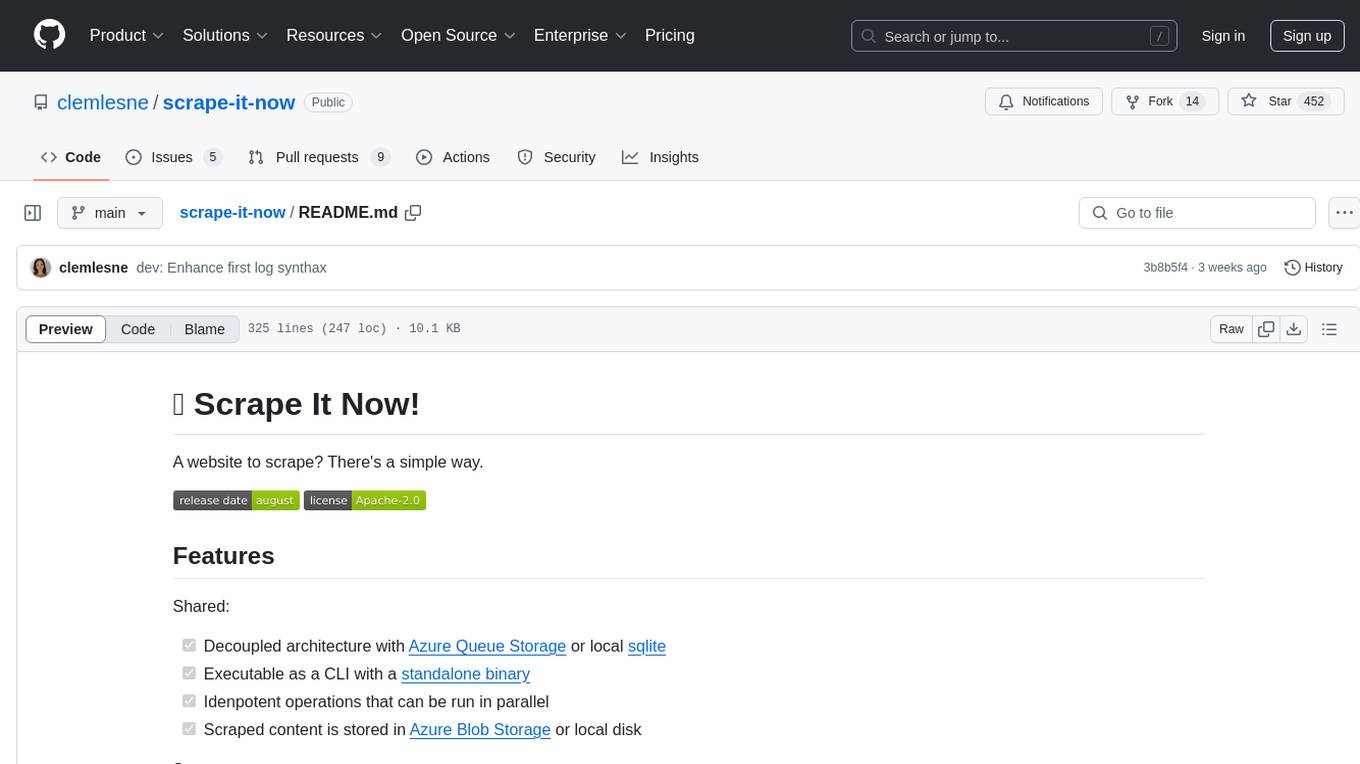
Scrape It Now is a versatile tool for scraping websites with features like decoupled architecture, CLI functionality, idempotent operations, and content storage options. The tool includes a scraper component for efficient scraping, ad blocking, link detection, markdown extraction, dynamic content loading, and anonymity features. It also offers an indexer component for creating AI search indexes, chunking content, embedding chunks, and enabling semantic search. The tool supports various configurations for Azure services and local storage, providing flexibility and scalability for web scraping and indexing tasks.

open-deep-research
Open Deep Research is an open-source tool designed to generate AI-powered reports from web search results efficiently. It combines Bing Search API for search results retrieval, JinaAI for content extraction, and customizable report generation. Users can customize settings, export reports in multiple formats, and benefit from rate limiting for stability. The tool aims to streamline research and report creation in a user-friendly platform.

DevDocs
DevDocs is a platform designed to simplify the process of digesting technical documentation for software engineers and developers. It automates the extraction and conversion of web content into markdown format, making it easier for users to access and understand the information. By crawling through child pages of a given URL, DevDocs provides a streamlined approach to gathering relevant data and integrating it into various tools for software development. The tool aims to save time and effort by eliminating the need for manual research and content extraction, ultimately enhancing productivity and efficiency in the development process.
mcp-omnisearch
mcp-omnisearch is a Model Context Protocol (MCP) server that acts as a unified gateway to multiple search providers and AI tools. It integrates Tavily, Perplexity, Kagi, Jina AI, Brave, Exa AI, and Firecrawl to offer a wide range of search, AI response, content processing, and enhancement features through a single interface. The server provides powerful search capabilities, AI response generation, content extraction, summarization, web scraping, structured data extraction, and more. It is designed to work flexibly with the API keys available, enabling users to activate only the providers they have keys for and easily add more as needed.
For similar jobs

promptflow
**Prompt flow** is a suite of development tools designed to streamline the end-to-end development cycle of LLM-based AI applications, from ideation, prototyping, testing, evaluation to production deployment and monitoring. It makes prompt engineering much easier and enables you to build LLM apps with production quality.

deepeval
DeepEval is a simple-to-use, open-source LLM evaluation framework specialized for unit testing LLM outputs. It incorporates various metrics such as G-Eval, hallucination, answer relevancy, RAGAS, etc., and runs locally on your machine for evaluation. It provides a wide range of ready-to-use evaluation metrics, allows for creating custom metrics, integrates with any CI/CD environment, and enables benchmarking LLMs on popular benchmarks. DeepEval is designed for evaluating RAG and fine-tuning applications, helping users optimize hyperparameters, prevent prompt drifting, and transition from OpenAI to hosting their own Llama2 with confidence.

MegaDetector
MegaDetector is an AI model that identifies animals, people, and vehicles in camera trap images (which also makes it useful for eliminating blank images). This model is trained on several million images from a variety of ecosystems. MegaDetector is just one of many tools that aims to make conservation biologists more efficient with AI. If you want to learn about other ways to use AI to accelerate camera trap workflows, check out our of the field, affectionately titled "Everything I know about machine learning and camera traps".

leapfrogai
LeapfrogAI is a self-hosted AI platform designed to be deployed in air-gapped resource-constrained environments. It brings sophisticated AI solutions to these environments by hosting all the necessary components of an AI stack, including vector databases, model backends, API, and UI. LeapfrogAI's API closely matches that of OpenAI, allowing tools built for OpenAI/ChatGPT to function seamlessly with a LeapfrogAI backend. It provides several backends for various use cases, including llama-cpp-python, whisper, text-embeddings, and vllm. LeapfrogAI leverages Chainguard's apko to harden base python images, ensuring the latest supported Python versions are used by the other components of the stack. The LeapfrogAI SDK provides a standard set of protobuffs and python utilities for implementing backends and gRPC. LeapfrogAI offers UI options for common use-cases like chat, summarization, and transcription. It can be deployed and run locally via UDS and Kubernetes, built out using Zarf packages. LeapfrogAI is supported by a community of users and contributors, including Defense Unicorns, Beast Code, Chainguard, Exovera, Hypergiant, Pulze, SOSi, United States Navy, United States Air Force, and United States Space Force.

llava-docker
This Docker image for LLaVA (Large Language and Vision Assistant) provides a convenient way to run LLaVA locally or on RunPod. LLaVA is a powerful AI tool that combines natural language processing and computer vision capabilities. With this Docker image, you can easily access LLaVA's functionalities for various tasks, including image captioning, visual question answering, text summarization, and more. The image comes pre-installed with LLaVA v1.2.0, Torch 2.1.2, xformers 0.0.23.post1, and other necessary dependencies. You can customize the model used by setting the MODEL environment variable. The image also includes a Jupyter Lab environment for interactive development and exploration. Overall, this Docker image offers a comprehensive and user-friendly platform for leveraging LLaVA's capabilities.

carrot
The 'carrot' repository on GitHub provides a list of free and user-friendly ChatGPT mirror sites for easy access. The repository includes sponsored sites offering various GPT models and services. Users can find and share sites, report errors, and access stable and recommended sites for ChatGPT usage. The repository also includes a detailed list of ChatGPT sites, their features, and accessibility options, making it a valuable resource for ChatGPT users seeking free and unlimited GPT services.

TrustLLM
TrustLLM is a comprehensive study of trustworthiness in LLMs, including principles for different dimensions of trustworthiness, established benchmark, evaluation, and analysis of trustworthiness for mainstream LLMs, and discussion of open challenges and future directions. Specifically, we first propose a set of principles for trustworthy LLMs that span eight different dimensions. Based on these principles, we further establish a benchmark across six dimensions including truthfulness, safety, fairness, robustness, privacy, and machine ethics. We then present a study evaluating 16 mainstream LLMs in TrustLLM, consisting of over 30 datasets. The document explains how to use the trustllm python package to help you assess the performance of your LLM in trustworthiness more quickly. For more details about TrustLLM, please refer to project website.

AI-YinMei
AI-YinMei is an AI virtual anchor Vtuber development tool (N card version). It supports fastgpt knowledge base chat dialogue, a complete set of solutions for LLM large language models: [fastgpt] + [one-api] + [Xinference], supports docking bilibili live broadcast barrage reply and entering live broadcast welcome speech, supports Microsoft edge-tts speech synthesis, supports Bert-VITS2 speech synthesis, supports GPT-SoVITS speech synthesis, supports expression control Vtuber Studio, supports painting stable-diffusion-webui output OBS live broadcast room, supports painting picture pornography public-NSFW-y-distinguish, supports search and image search service duckduckgo (requires magic Internet access), supports image search service Baidu image search (no magic Internet access), supports AI reply chat box [html plug-in], supports AI singing Auto-Convert-Music, supports playlist [html plug-in], supports dancing function, supports expression video playback, supports head touching action, supports gift smashing action, supports singing automatic start dancing function, chat and singing automatic cycle swing action, supports multi scene switching, background music switching, day and night automatic switching scene, supports open singing and painting, let AI automatically judge the content.