


moonpalace
MoonPalace(月宫)是由 Moonshot AI 月之暗面提供的 API 调试工具。
Stars: 52
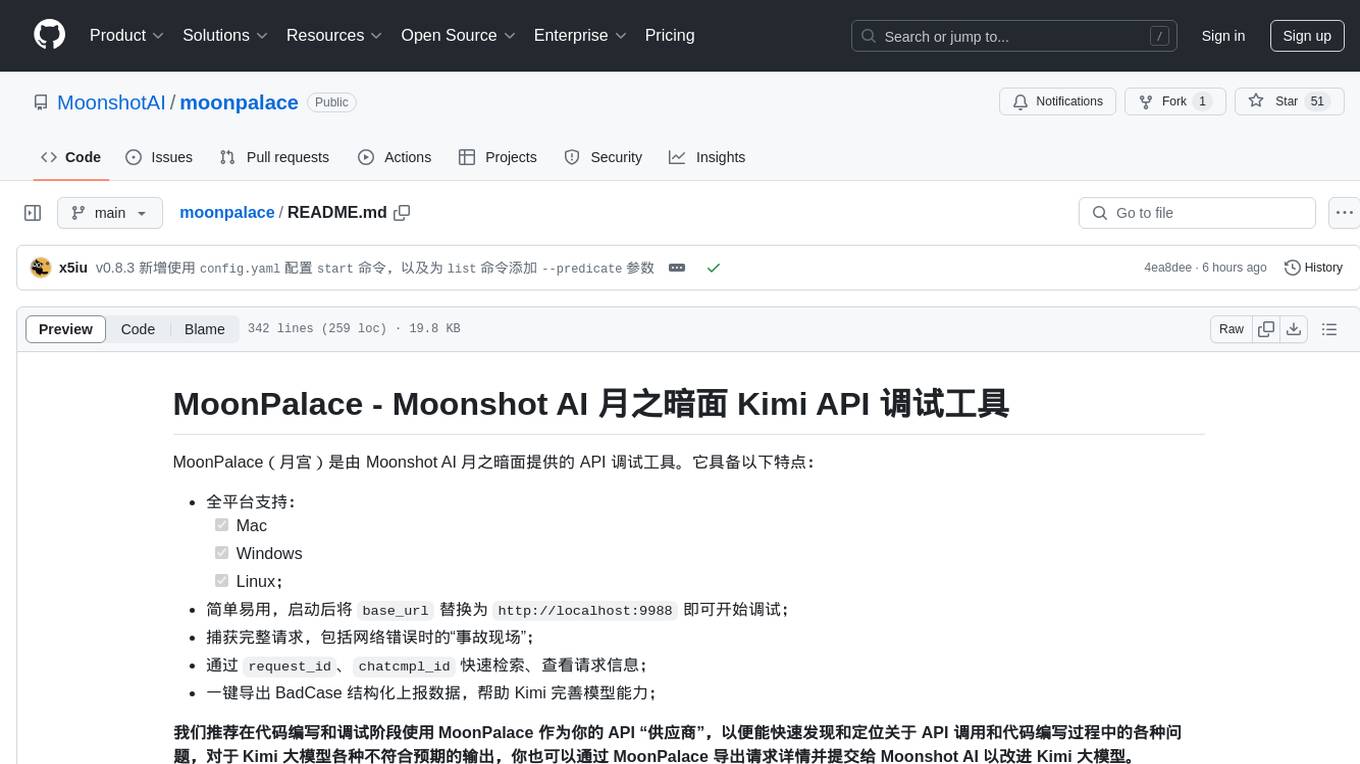
MoonPalace is a debugging tool for API provided by Moonshot AI. It supports all platforms (Mac, Windows, Linux) and is simple to use by replacing 'base_url' with 'http://localhost:9988'. It captures complete requests, including 'accident scenes' during network errors, and allows quick retrieval and viewing of request information using 'request_id' and 'chatcmpl_id'. It also enables one-click export of BadCase structured reporting data to help improve Kimi model capabilities. MoonPalace is recommended for use as an API 'supplier' during code writing and debugging stages to quickly identify and locate various issues related to API calls and code writing processes, and to export request details for submission to Moonshot AI to improve Kimi model.
README:
MoonPalace(月宫)是由 Moonshot AI 月之暗面提供的 API 调试工具。它具备以下特点:
- 全平台支持:
- [x] Mac
- [x] Windows
- [x] Linux;
- 简单易用,启动后将
base_url替换为http://localhost:9988即可开始调试; - 捕获完整请求,包括网络错误时的“事故现场”;
- 通过
request_id、chatcmpl_id快速检索、查看请求信息; - 一键导出 BadCase 结构化上报数据,帮助 Kimi 完善模型能力;
我们推荐在代码编写和调试阶段使用 MoonPalace 作为你的 API “供应商”,以便能快速发现和定位关于 API 调用和代码编写过程中的各种问题,对于 Kimi 大模型各种不符合预期的输出,你也可以通过 MoonPalace 导出请求详情并提交给 Moonshot AI 以改进 Kimi 大模型。
如果你已经安装了 go 工具链,你可以执行以下命令来安装 MoonPalace:
$ go install github.com/MoonshotAI/moonpalace@latest上述命令会在你的 $GOPATH/bin/ 目录安装编译后的二进制文件,运行 moonpalace 命令来检查是否成功安装:
$ moonpalace
MoonPalace is a command-line tool for debugging the Moonshot AI HTTP API.

Usage:
  moonpalace [command]

Available Commands:
  cleanup     Cleanup Moonshot AI requests.
  completion  Generate the autocompletion script for the specified shell
  export      export a Moonshot AI request.
  help        Help about any command
  inspect     Inspect the specific content of a Moonshot AI request.
  list        Query Moonshot AI requests based on conditions.
  start       Start the MoonPalace proxy server.

Flags:
  -h, --help      help for moonpalace
  -v, --version   version for moonpalace

Use "moonpalace [command] --help" for more information about a command.
如果你仍然无法检索到 moonpalace 二进制文件,请尝试将 $GOPATH/bin/ 目录添加到你的 $PATH 环境变量中。
你可以从 Releases 页面下载编译好的二进制(可执行)文件:
- moonpalace-linux
- moonpalace-macos-amd64 => 对应 Intel 版本的 Mac
- moonpalace-macos-arm64 => 对应 Apple Silicon 版本的 Mac
- moonpalace-windows.exe
请根据自己的平台下载对应的二进制(可执行)文件,并将二进制(可执行)文件放置在已被包含在环境变量 $PATH 中的目录中,将其更名为 moonpalace,最后为其赋予可执行权限。
使用以下命令启动 MoonPalace 代理服务器:
$ moonpalace start --port <PORT>MoonPalace 会在本地启动一个 HTTP 服务器,--port 参数指定 MoonPalace 监听的本地端口,默认值为 9988。当 MoonPalace 启动成功时,会输出:
[MoonPalace] 2024/07/29 17:00:29 MoonPalace Starts => change base_url to "http://127.0.0.1:9988/v1"按照要求,我们将 base_url 替换为显示的地址即可,如果你使用默认的端口,那么请设置 base_url=http://127.0.0.1:9988/v1,如果你使用了自定义的端口,请将 base_url 替换为显示的地址。
额外的,如果你想在调试时始终使用一个调试的 api_key,你可以在启动 MoonPalace 时使用 --key 参数为 MoonPalace 设定一个默认的 api_key,这样你就可以不用在请求时手动设置 api_key,MoonPalace 会帮你在请求 Kimi API 时添加你通过 --key 设定的 api_key。
如果你正确设置了 base_url,并成功调用 Kimi API,MoonPalace 会输出如下的信息:
$ moonpalace start --port <PORT>
[MoonPalace] 2024/07/29 17:00:29 MoonPalace Starts => change base_url to "http://127.0.0.1:9988/v1"
[MoonPalace] 2024/07/29 21:30:53 POST   /v1/chat/completions 200 OK
[MoonPalace] 2024/07/29 21:30:53   - Request Headers:
[MoonPalace] 2024/07/29 21:30:53     - Content-Type:   application/json
[MoonPalace] 2024/07/29 21:30:53   - Response Headers:
[MoonPalace] 2024/07/29 21:30:53     - Content-Type:   application/json
[MoonPalace] 2024/07/29 21:30:53     - Msh-Request-Id: c34f3421-4dae-11ef-b237-9620e33511ee
[MoonPalace] 2024/07/29 21:30:53     - Server-Timing:  7134
[MoonPalace] 2024/07/29 21:30:53     - Msh-Uid:        cn0psmmcp7fclnphkcpg
[MoonPalace] 2024/07/29 21:30:53     - Msh-Gid:        enterprise-tier-5
[MoonPalace] 2024/07/29 21:30:53   - Response:
[MoonPalace] 2024/07/29 21:30:53     - id:                cmpl-12be8428ebe74a9e8466a37bee7a9b11
[MoonPalace] 2024/07/29 21:30:53     - prompt_tokens:     1449
[MoonPalace] 2024/07/29 21:30:53     - completion_tokens: 158
[MoonPalace] 2024/07/29 21:30:53     - total_tokens:      1607
[MoonPalace] 2024/07/29 21:30:53   New Row Inserted: last_insert_id=15
MoonPalace 会以日志的形式将请求的细节在命令行中输出(假如你想将日志的内容持久化存储,你可以将 stderr 重定向到文件中)。
注:在日志中,Response Headers 中的 Msh-Request-Id 字段的值对应下文中检索请求、导出请求中的 --requestid 参数的值,Response 中的 id 对应 --chatcmpl 参数的值,last_insert_id 对应 --id 参数的值。
在 $HOME/.moonpalace/ 目录下新建配置文件 config.yaml,即可对 moonpalace start 命令进行配置,免去每次启动时输入复杂命令的烦恼。
配置文件的格式如下:
start:
    port: 8080                             # 对应 --port              命令行参数
    key: sk-xxxxxxxxxxxxxxxxxxxxxxxxxxxxxx # 对应 --key               命令行参数
    detect-repeat:                         # 对应 --detect-repeat     命令行选项
        threshold: 0.5                     # 对应 --repeat-threshold  命令行参数
        min-length: 100                    # 对应 --repeat-min-length 命令行参数
    force-stream: true                     # 对应 --force-stream      命令行选项
    auto-cache:
        min-bytes: 4096                    # 对应 --cache-min-bytes   命令行选项
        ttl: 90                            # 对应 --cache-ttl         命令行选项
        cleanup: 86400                     # 对应 --cache-cleanup     命令行选项
注意:当命令行参数与 config.yaml 配置文件参数同时出现时,会优先使用命令行参数。
MoonPalace 提供了自动缓存功能,你可以通过 --auto-cache 参数启用自动缓存功能,并搭配 --cache-min-bytes/--cache-ttl/--cache-cleanup 参数调节缓存的各项参数:
$ moonpalace start --port <PORT> --auto-cache --cache-min-bytes 4096 --cache-ttl 90 --cache-cleanup 86400--cache-min-bytes 参数指定了当调用 /chat/completions 接口时,请求的内容大小超过 --cache-min-bytes 设定的值时,将会自动启用缓存:
- 若当前请求内容不匹配任何已经创建的缓存时,创建一个新的缓存,有效时间为
--cache-ttl设定的值; - 若当前请求内容匹配了已经创建的缓存时,使用已创建的缓存,并刷新缓存有效时间,有效时间为
--cache-ttl设定的值;
--cache-cleanup 参数指定了缓存何时被清除,若已经创建的缓存在 --cache-cleanup 设定的时间(秒)内没有被使用过,将会被 MoonPalace 清除。
MoonPalace 可以检测当前 Kimi 大模型输出的内容是否被截断、或内容不完整(这一功能默认被启用)。当 MoonPalace 检测到输出的内容被截断或不完整时,会在日志中输出:
[MoonPalace] 2024/08/05 19:06:19 it seems that your max_tokens value is too small, please set a larger value如果当前使用的是非流式输出模式(stream=False),MoonPalace 会给出建议的 max_tokens 值。
MoonPalace 提供了对 Kimi 大模型重复内容输出的检测功能。重复内容输出指的是:**Kimi 大模型会重复不断地输出某一特定字词、句子以及空白字符,并且在达到 max_tokens 限制前不会停下来。**在使用 moonshot-v1-128k 等费用较高的模型时,这种重复输出会导致额外的 Tokens 费用消耗,因此 MoonPalace 提供了 --detect-repeat 选项以启用重复内容输出检测,如下所示:
$ moonpalace start --port <PORT> --detect-repeat --repeat-threshold 0.3 --repeat-min-length 20启用 --detect-repeat 选项后,MoonPalace 会在检测到 Kimi 大模型的重复内容输出行为时,中断 Kimi 大模型输出,并在日志中输出:
[MoonPalace] 2024/08/05 18:20:37 it appears that there is an issue with content repeating in the current response注:启用 --detect-repeat 后,仅在流式输出(stream=True)的场合,MoonPalace 会中断 Kimi 大模型的输出,非流式输出场合不适用。
你可以使用 --repeat-threshold/--repeat-min-length 参数来调整 MoonPalace 的阻断行为:
-
--repeat-threshold参数用于设置 MoonPalace 对重复内容的容忍度,越高的 threshold 表示容忍度越低,重复内容将更快被阻断,0 <= threshold <= 1 -
--repeat-min-length参数用于设置 MoonPalace 检测重复内容输出的起始字符数量,例如:--repeat-min-length=100 表示当输出的 utf-8 字符数超过 100 时开启重复检测,输出字符数小于 100 时不开启重复内容输出检测
MoonPalace 提供了 --force-stream 的选项来强制让所有的 /v1/chat/completions 请求都使用流式输出模式:
$ moonpalace start --port <PORT> --force-streamMoonPalace 会将请求参数中的 stream 字段设置为 True,并在获得响应时,自动根据调用方是否设置了 stream 来决定响应的格式:
- 如果调用方已经设置
stream=True,则按照流式输出的格式返回,MoonPalace 不对响应做特殊处理; - 如果调用方没有设置
stream的值,或设置了stream=False,MoonPalace 会在接收完所有流式数据块后,将数据块拼接成完整的 completion 结构返回给调用方;
对于调用方(开发者)而言,启用 --force-stream 选项不会你获得的 Kimi API 响应内容,你仍然可以使用原先的代码逻辑来调试和运行你的程序,换句话说:开启 --force-stream 选项不会改变和破坏任何事物,你可以放心地开启这个选项。
为什么要提供这样的选项?
我们初步推测常见的网络连接错误、超时等问题(Connection Error/Timeout)出现的原因是,在使用非流式模式进行请求的场合(stream=False),由于各中间层的网关或代理服务器对 read_header_timeout 或 read_timeout 进行了设置,导致当 Kimi API 服务端还在组装响应时,中间层的网关或代理服务器就断开了连接(由于没有收到响应,甚至是响应的 Header),产生 Connection Error/Timeout。
我们尝试给 MoonPalace 添加了
--force-stream参数,通过moonpalace start --force-stream启动时,MoonPalace 会将所有非流式请求(stream=False 或未设置 stream)转换为流式请求,并在接收完所有数据块后,组装成完整的 completion 响应结构返回给调用方。对于调用方而言,仍然可以使用原先的方式使用非流式 API,但经过 MoonPalace 的转换,能一定程度上减少 Connection Error/Timeout 的情况,因为此时 MoonPalace 已经与 Kimi API 服务端建立连接,并开始接收流式数据块。
在 MoonPalace 启动后,所有经过 MoonPalace 中转的请求都将被记录在一个 sqlite 数据库中,数据库所在的位置是 $HOME/.moonpalace/moonpalace.sqlite。你可以直接连接 MoonPalace 数据库以查询请求的具体内容,也可以通过 MoonPalace 命令行工具来查询请求:
$ moonpalace list
+----+--------+-------------------------------------------+--------------------------------------+---------------+---------------------+
| id | status | chatcmpl                                  | request_id                           | server_timing | requested_at        |
+----+--------+-------------------------------------------+--------------------------------------+---------------+---------------------+
| 15 | 200    | cmpl-12be8428ebe74a9e8466a37bee7a9b11     | c34f3421-4dae-11ef-b237-9620e33511ee | 7134          | 2024-07-29 21:30:53 |
| 14 | 200    | cmpl-1bf43a688a2b48eda80042583ff6fe7f     | c13280e0-4dae-11ef-9c01-debcfc72949d | 3479          | 2024-07-29 21:30:46 |
| 13 | 200    | chatcmpl-2e1aa823e2c94ebdad66450a0e6df088 | c07c118e-4dae-11ef-b423-62db244b9277 | 1033          | 2024-07-29 21:30:43 |
| 12 | 200    | cmpl-e7f984b5f80149c3adae46096a6f15c2     | 50d5686c-4d98-11ef-ba65-3613954e2587 | 774           | 2024-07-29 18:50:06 |
| 11 | 200    | chatcmpl-08f7d482b8434a869b001821cf0ee0d9 | 4c20f0a4-4d98-11ef-999a-928b67d58fa8 | 593           | 2024-07-29 18:49:58 |
| 10 | 200    | chatcmpl-6f3cf14db8e044c6bfd19689f6f66eb4 | 49f30295-4d98-11ef-95d0-7a2774525b85 | 738           | 2024-07-29 18:49:55 |
| 9  | 200    | cmpl-2a70a8c9c40e4bcc9564a5296a520431     | 7bd58976-4d8a-11ef-999a-928b67d58fa8 | 40488         | 2024-07-29 17:11:45 |
| 8  | 200    | chatcmpl-59887f868fc247a9a8da13cfbb15d04f | ceb375ea-4d7d-11ef-bd64-3aeb95b9dfac | 867           | 2024-07-29 15:40:21 |
| 7  | 200    | cmpl-36e5e21b1f544a80bf9ce3f8fc1fce57     | cd7f48d6-4d7d-11ef-999a-928b67d58fa8 | 794           | 2024-07-29 15:40:19 |
| 6  | 200    | cmpl-737d27673327465fb4827e3797abb1b3     | cc6613ac-4d7d-11ef-95d0-7a2774525b85 | 670           | 2024-07-29 15:40:17 |
+----+--------+-------------------------------------------+--------------------------------------+---------------+---------------------+
使用 list 命令将查询最近产生的请求内容,默认展示的字段是便于检索的 id/chatcmpl/request_id 以及用于查看请求状态的 status/server_timing/requested_at 信息。如果你想查看某个具体的请求,你可以使用 inspect 命令来检索对应的请求:
# 以下三条命令会检索出相同的请求信息
$ moonpalace inspect --id 13
$ moonpalace inspect --chatcmpl chatcmpl-2e1aa823e2c94ebdad66450a0e6df088
$ moonpalace inspect --requestid c07c118e-4dae-11ef-b423-62db244b9277
+--------------------------------------------------------------+
| metadata                                                     |
+--------------------------------------------------------------+
| {                                                            |
|     "chatcmpl": "chatcmpl-2e1aa823e2c94ebdad66450a0e6df088", |
|     "content_type": "application/json",                      |
|     "group_id": "enterprise-tier-5",                         |
|     "moonpalace_id": "13",                                   |
|     "request_id": "c07c118e-4dae-11ef-b423-62db244b9277",    |
|     "requested_at": "2024-07-29 21:30:43",                   |
|     "server_timing": "1033",                                 |
|     "status": "200 OK",                                      |
|     "user_id": "cn0psmmcp7fclnphkcpg"                        |
| }                                                            |
+--------------------------------------------------------------+在默认情况下,inspect 命令不会打印出请求和响应的 body 信息,如果你想打印出 body,你可以使用如下的命令:
$ moonpalace inspect --chatcmpl chatcmpl-2e1aa823e2c94ebdad66450a0e6df088 --print request_body,response_body
# 由于 body 信息过于冗长,这里不再完整展示 body 详细内容
+--------------------------------------------------+--------------------------------------------------+
| request_body                                     | response_body                                    |
+--------------------------------------------------+--------------------------------------------------+
| ...                                              | ...                                              |
+--------------------------------------------------+--------------------------------------------------+MoonPalace 提供了简单的表达式来筛选被捕获的请求,例如:
$ moonpalace list \
    --predicate "request_body.model == 'moonshot-v1-128k' || request_body.model == 'moonshot-v1-8k'" \
    --predicate "response_body.choices.0.finish_reason == 'length'"
--predicate 支持的表达式形式为:
Field Operator Literal
其中,Field 为 sqlite 数据库表的字段名,详细的表结构请参考 persistence.go;Operator 为运算符,当前支持的运算符为 ==、!=、>、>=、<、<=、~,其中,~ 为近似匹配符,仅适用于字符串近似匹配(等价于 LIKE);Literal 为字面量,支持单双引号字符串、整数和浮点数数值、布尔值和 NULL。
多个表达式之间,可以使用 && 和 || 进行组合,代表“且”和“或”。
对于 JSON 格式的字段,可以使用 . 获取 JSON 的某个字段的值或数组中的某个元素的值,例如 response_body.choices.0.finish_reason。
某些特殊字段的对应关系:
| 展示字段名称 | 存储字段名称 |
|---|---|
status |
request_status_code |
chatcmpl |
moonshot_id |
request_id |
moonshot_request_id |
server_timing |
moonshot_server_timing |
requested_at |
created_at |
当你认为某个请求不符合预期,或是想向 Moonshot AI 报告某个请求时(无论是 Good Case 还是 Bad Case,我们都欢迎),你可以使用 export 命令导出特定的请求:
# id/chatcmpl/requestid 选项只需要任选其一即可检索出对应的请求
$ moonpalace export \
	--id 13 \
	--chatcmpl chatcmpl-2e1aa823e2c94ebdad66450a0e6df088 \
	--requestid c07c118e-4dae-11ef-b423-62db244b9277 \
	--good/--bad \
	--tag "code" --tag "python" \
--directory $HOME/Downloads/其中,id/chatcmpl/requestid 用法与 inspect 命令相同,用于检索一个特定的请求,--good/--bad 用于标记当前请求是 Good Case 或是 Bad Case,--tag 用于为当前请求打上对应的标签,例如在上述例子中,我们假设当前请求内容与编程语言 Python 相关,因此为其添加两个 tag,分别是 code 和 python,--directory 用于指定导出文件存储的目录的路径。
成功导出的文件内容为:
$ cat $HOME/Downloads/chatcmpl-2e1aa823e2c94ebdad66450a0e6df088.json
{
    "metadata":
    {
        "chatcmpl": "chatcmpl-2e1aa823e2c94ebdad66450a0e6df088",
        "content_type": "application/json",
        "group_id": "enterprise-tier-5",
        "moonpalace_id": "13",
        "request_id": "c07c118e-4dae-11ef-b423-62db244b9277",
        "requested_at": "2024-07-29 21:30:43",
        "server_timing": "1033",
        "status": "200 OK",
        "user_id": "cn0psmmcp7fclnphkcpg"
    },
    "request":
    {
        "url": "https://api.moonshot.cn/v1/chat/completions",
        "header": "Accept: application/json\r\nAccept-Encoding: gzip\r\nConnection: keep-alive\r\nContent-Length: 2450\r\nContent-Type: application/json\r\nUser-Agent: OpenAI/Python 1.36.1\r\nX-Stainless-Arch: arm64\r\nX-Stainless-Async: false\r\nX-Stainless-Lang: python\r\nX-Stainless-Os: MacOS\r\nX-Stainless-Package-Version: 1.36.1\r\nX-Stainless-Runtime: CPython\r\nX-Stainless-Runtime-Version: 3.11.6\r\n",
        "body":
        {}
    },
    "response":
    {
        "status": "200 OK",
        "header": "Content-Encoding: gzip\r\nContent-Type: application/json; charset=utf-8\r\nDate: Mon, 29 Jul 2024 13:30:43 GMT\r\nMsh-Cache: updated\r\nMsh-Gid: enterprise-tier-5\r\nMsh-Request-Id: c07c118e-4dae-11ef-b423-62db244b9277\r\nMsh-Trace-Mode: on\r\nMsh-Uid: cn0psmmcp7fclnphkcpg\r\nServer: nginx\r\nServer-Timing: inner; dur=1033\r\nStrict-Transport-Security: max-age=15724800; includeSubDomains\r\nVary: Accept-Encoding\r\nVary: Origin\r\n",
        "body":
        {}
    },
    "category": "goodcase",
    "tags":
    [
        "code",
        "python"
    ]
}
我们推荐开发者使用 Github Issues 提交 Good Case 或 Bad Case,但如果你不想公开你的请求信息,你也可以通过企业微信、电子邮件等方式将 Case 投递给我们。
你可以将导出的文件投递至以下邮箱:
- [ ] 使用 Kimi 大模型解决调试过程中的错误;
- [x] 更多的检索选项,通过请求体或响应体中的 JSON 字段检索请求;
- [ ] 批量导出功能;
- [ ] 自动上报,无需手动投递;
- [ ] 提供 API Server Mock 功能;
- [ ] 提供可视化 Web 管理后台;
For Tasks:
Click tags to check more tools for each tasksFor Jobs:
Alternative AI tools for moonpalace
Similar Open Source Tools
moonpalace
MoonPalace is a debugging tool for API provided by Moonshot AI. It supports all platforms (Mac, Windows, Linux) and is simple to use by replacing 'base_url' with 'http://localhost:9988'. It captures complete requests, including 'accident scenes' during network errors, and allows quick retrieval and viewing of request information using 'request_id' and 'chatcmpl_id'. It also enables one-click export of BadCase structured reporting data to help improve Kimi model capabilities. MoonPalace is recommended for use as an API 'supplier' during code writing and debugging stages to quickly identify and locate various issues related to API calls and code writing processes, and to export request details for submission to Moonshot AI to improve Kimi model.
grps_trtllm
The grps-trtllm repository is a C++ implementation of a high-performance OpenAI LLM service, combining GRPS and TensorRT-LLM. It supports functionalities like Chat, Ai-agent, and Multi-modal. The repository offers advantages over triton-trtllm, including a complete LLM service implemented in pure C++, integrated tokenizer supporting huggingface and sentencepiece, custom HTTP functionality for OpenAI interface, support for different LLM prompt styles and result parsing styles, integration with tensorrt backend and opencv library for multi-modal LLM, and stable performance improvement compared to triton-trtllm.
Muice-Chatbot
Muice-Chatbot is an AI chatbot designed to proactively engage in conversations with users. It is based on the ChatGLM2-6B and Qwen-7B models, with a training dataset of 1.8K+ dialogues. The chatbot has a speaking style similar to a 2D girl, being somewhat tsundere but willing to share daily life details and greet users differently every day. It provides various functionalities, including initiating chats and offering 5 available commands. The project supports model loading through different methods and provides onebot service support for QQ users. Users can interact with the chatbot by running the main.py file in the project directory.
Chat-Style-Bot
Chat-Style-Bot is an intelligent chatbot designed to mimic the chatting style of a specified individual. By analyzing and learning from WeChat chat records, Chat-Style-Bot can imitate your unique chatting style and become your personal chat assistant. Whether it's communicating with friends or handling daily conversations, Chat-Style-Bot can provide a natural, personalized interactive experience.
api-for-open-llm
This project provides a unified backend interface for open large language models (LLMs), offering a consistent experience with OpenAI's ChatGPT API. It supports various open-source LLMs, enabling developers to seamlessly integrate them into their applications. The interface features streaming responses, text embedding capabilities, and support for LangChain, a tool for developing LLM-based applications. By modifying environment variables, developers can easily use open-source models as alternatives to ChatGPT, providing a cost-effective and customizable solution for various use cases.
parse_hub_bot
ParseHubBot is a Telegram aggregation analysis Bot that supports AI summary and inline mode. It currently supports various platforms like Douyin, Bilibili, YouTube, TikTok, Twitter, Baidu Tieba, Facebook, Weibo, Instagram, etc. Users can deploy the bot by modifying environment variables and platform configurations. Deployment can be done using Docker or by running the bot directly. The bot can be started by running a script in the project root directory. Users can interact with the bot by sending share links or using the command '/jx' for regular use, and by mentioning the bot username followed by a link for inline use.
react-native-nitro-mlx
The react-native-nitro-mlx repository allows users to run LLMs, Text-to-Speech, and Speech-to-Text on-device in React Native using MLX Swift. It provides functionalities for downloading models, loading and generating responses, streaming audio, text-to-speech, and speech-to-text capabilities. Users can interact with various MLX-compatible models from Hugging Face, with pre-defined models available for convenience. The repository supports iOS 26.0+ and offers detailed API documentation for each feature.
ChatGLM3
ChatGLM3 is a conversational pretrained model jointly released by Zhipu AI and THU's KEG Lab. ChatGLM3-6B is the open-sourced model in the ChatGLM3 series. It inherits the advantages of its predecessors, such as fluent conversation and low deployment threshold. In addition, ChatGLM3-6B introduces the following features: 1. A stronger foundation model: ChatGLM3-6B's foundation model ChatGLM3-6B-Base employs more diverse training data, more sufficient training steps, and more reasonable training strategies. Evaluation on datasets from different perspectives, such as semantics, mathematics, reasoning, code, and knowledge, shows that ChatGLM3-6B-Base has the strongest performance among foundation models below 10B parameters. 2. More complete functional support: ChatGLM3-6B adopts a newly designed prompt format, which supports not only normal multi-turn dialogue, but also complex scenarios such as tool invocation (Function Call), code execution (Code Interpreter), and Agent tasks. 3. A more comprehensive open-source sequence: In addition to the dialogue model ChatGLM3-6B, the foundation model ChatGLM3-6B-Base, the long-text dialogue model ChatGLM3-6B-32K, and ChatGLM3-6B-128K, which further enhances the long-text comprehension ability, are also open-sourced. All the above weights are completely open to academic research and are also allowed for free commercial use after filling out a questionnaire.
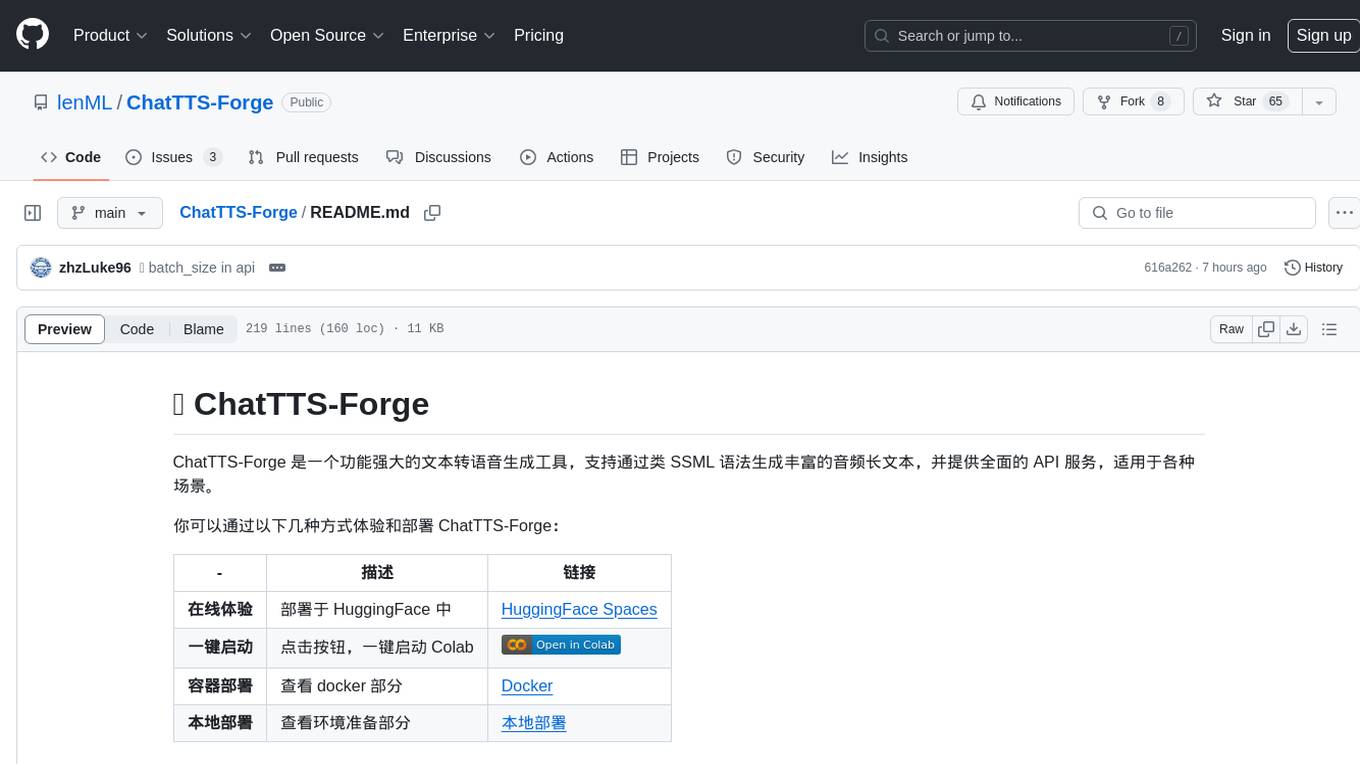
ChatTTS-Forge
ChatTTS-Forge is a powerful text-to-speech generation tool that supports generating rich audio long texts using a SSML-like syntax and provides comprehensive API services, suitable for various scenarios. It offers features such as batch generation, support for generating super long texts, style prompt injection, full API services, user-friendly debugging GUI, OpenAI-style API, Google-style API, support for SSML-like syntax, speaker management, style management, independent refine API, text normalization optimized for ChatTTS, and automatic detection and processing of markdown format text. The tool can be experienced and deployed online through HuggingFace Spaces, launched with one click on Colab, deployed using containers, or locally deployed after cloning the project, preparing models, and installing necessary dependencies.
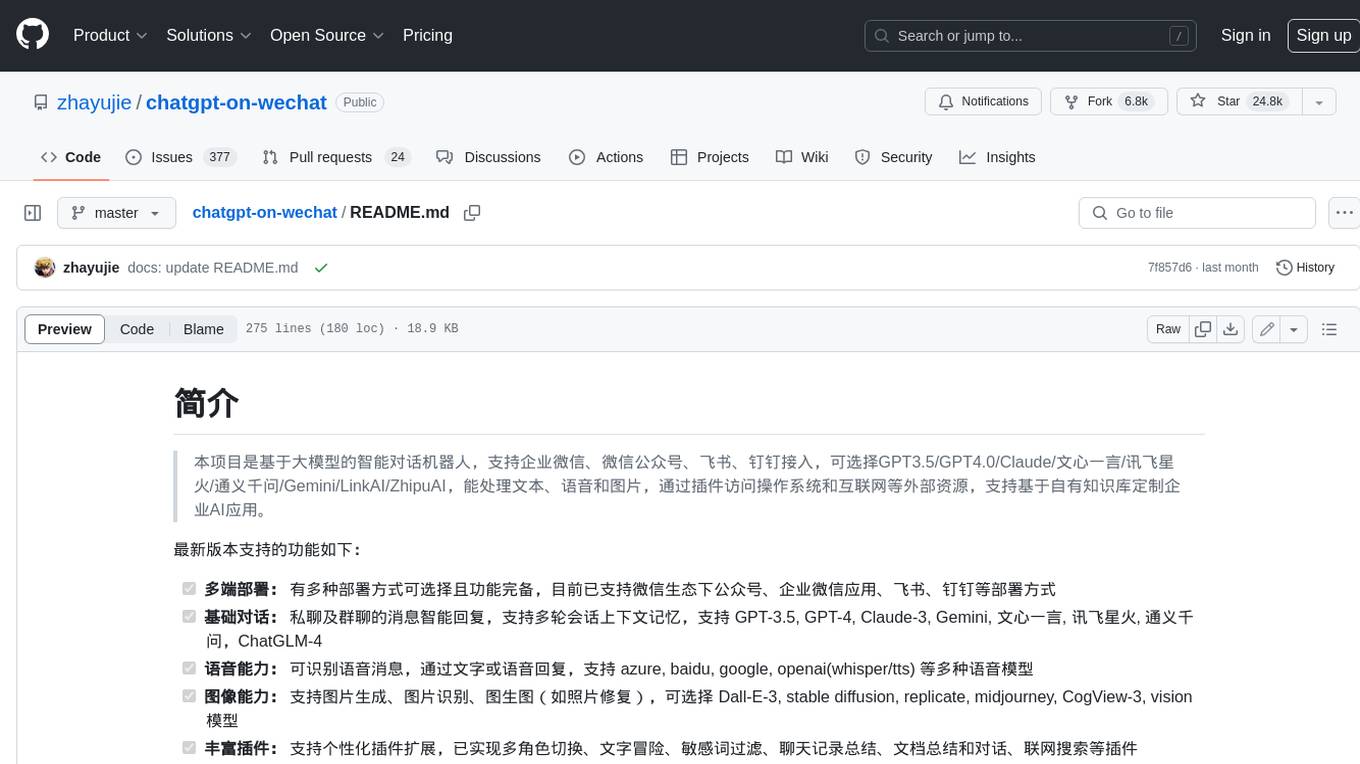
chatgpt-on-wechat
This project is a smart chatbot based on a large model, supporting WeChat, WeChat Official Account, Feishu, and DingTalk access. You can choose from GPT3.5/GPT4.0/Claude/Wenxin Yanyi/Xunfei Xinghuo/Tongyi Qianwen/Gemini/LinkAI/ZhipuAI, which can process text, voice, and images, and access external resources such as operating systems and the Internet through plugins, supporting the development of enterprise AI applications based on proprietary knowledge bases.
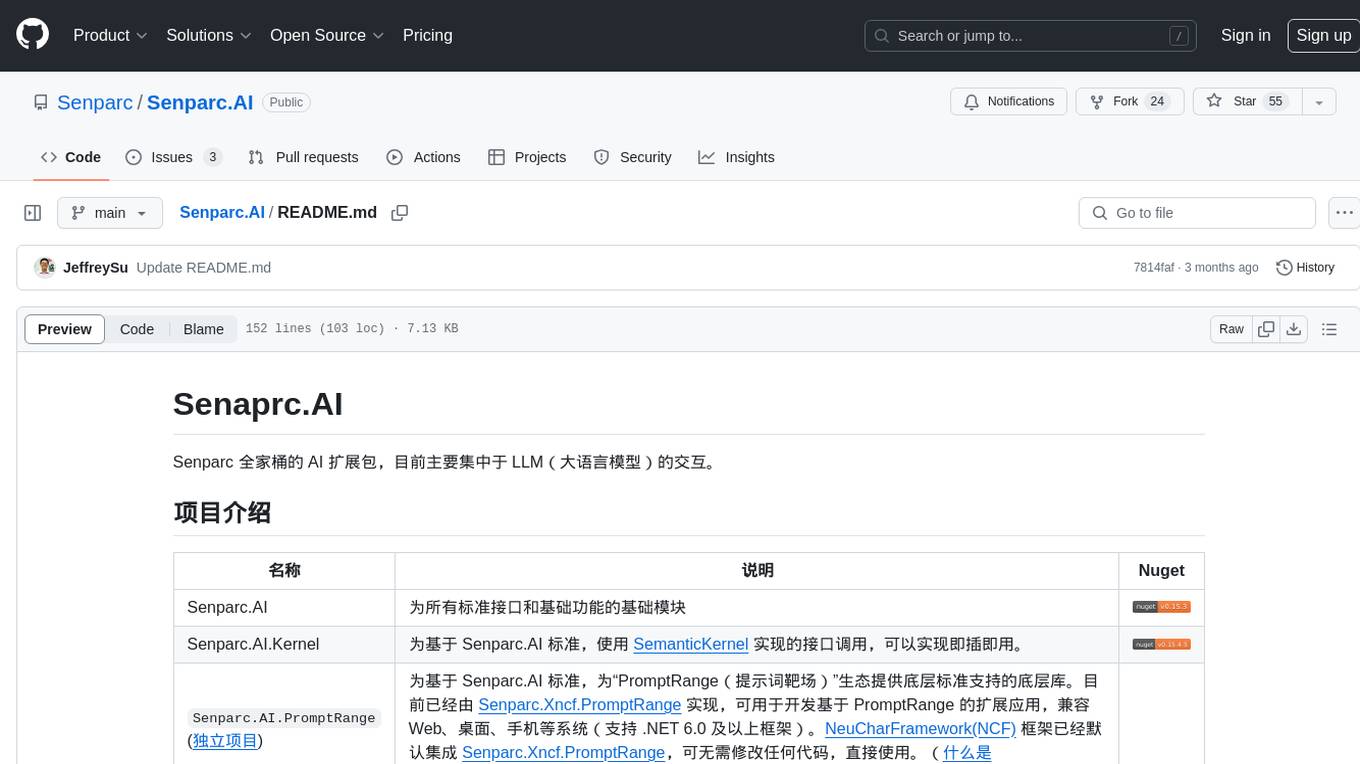
Senparc.AI
Senparc.AI is an AI extension package for the Senparc ecosystem, focusing on LLM (Large Language Models) interaction. It provides modules for standard interfaces and basic functionalities, as well as interfaces using SemanticKernel for plug-and-play capabilities. The package also includes a library for supporting the 'PromptRange' ecosystem, compatible with various systems and frameworks. Users can configure different AI platforms and models, define AI interface parameters, and run AI functions easily. The package offers examples and commands for dialogue, embedding, and DallE drawing operations.
pi-browser
Pi-Browser is a CLI tool for automating browsers based on multiple AI models. It supports various AI models like Google Gemini, OpenAI, Anthropic Claude, and Ollama. Users can control the browser using natural language commands and perform tasks such as web UI management, Telegram bot integration, Notion integration, extension mode for maintaining Chrome login status, parallel processing with multiple browsers, and offline execution with the local AI model Ollama.
ddddocr
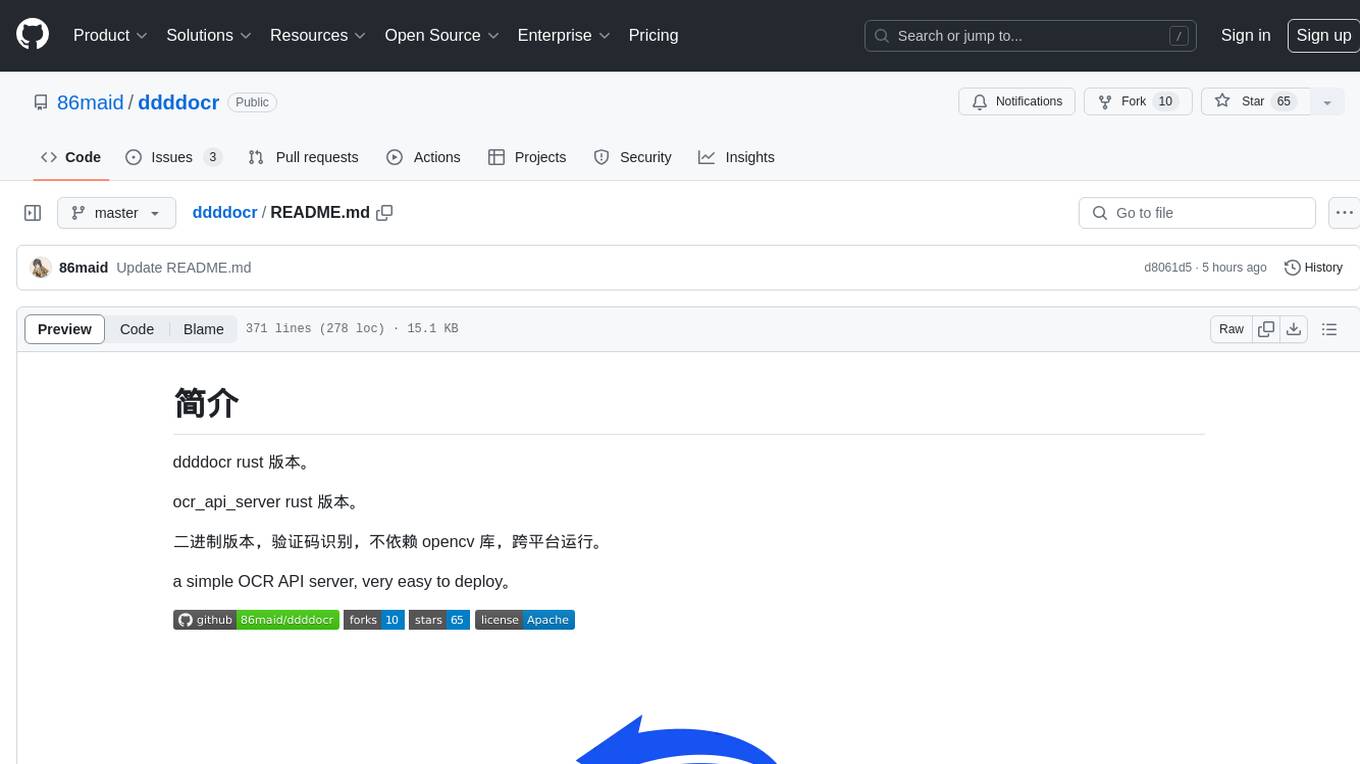
ddddocr is a Rust version of a simple OCR API server that provides easy deployment for captcha recognition without relying on the OpenCV library. It offers a user-friendly general-purpose captcha recognition Rust library. The tool supports recognizing various types of captchas, including single-line text, transparent black PNG images, target detection, and slider matching algorithms. Users can also import custom OCR training models and utilize the OCR API server for flexible OCR result control and range limitation. The tool is cross-platform and can be easily deployed.
Gensokyo-llm
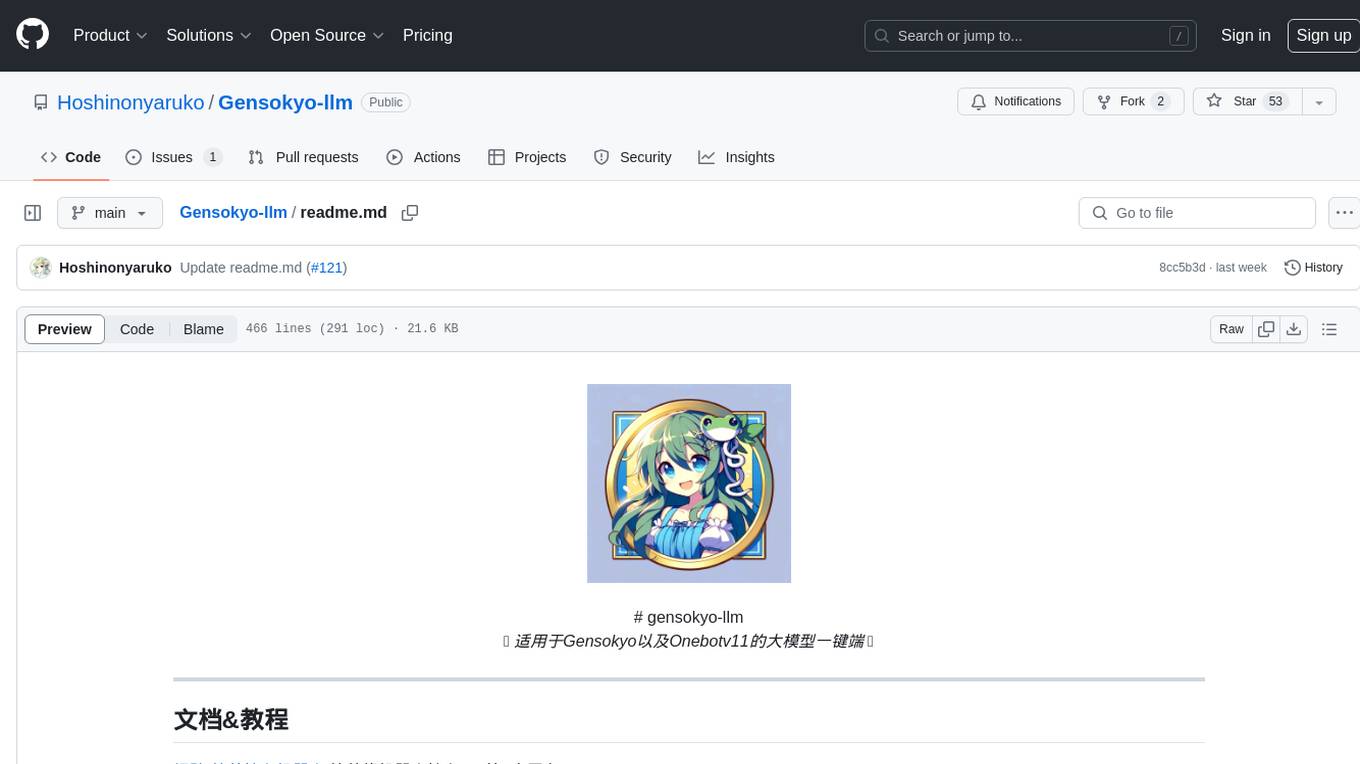
Gensokyo-llm is a tool designed for Gensokyo and Onebotv11, providing a one-click solution for large models. It supports various Onebotv11 standard frameworks, HTTP-API, and reverse WS. The tool is lightweight, with built-in SQLite for context maintenance and proxy support. It allows easy integration with the Gensokyo framework by configuring reverse HTTP and forward HTTP addresses. Users can set system settings, role cards, and context length. Additionally, it offers an openai original flavor API with automatic context. The tool can be used as an API or integrated with QQ channel robots. It supports converting GPT's SSE type and ensures memory safety in concurrent SSE environments. The tool also supports multiple users simultaneously transmitting SSE bidirectionally.
ParseHub
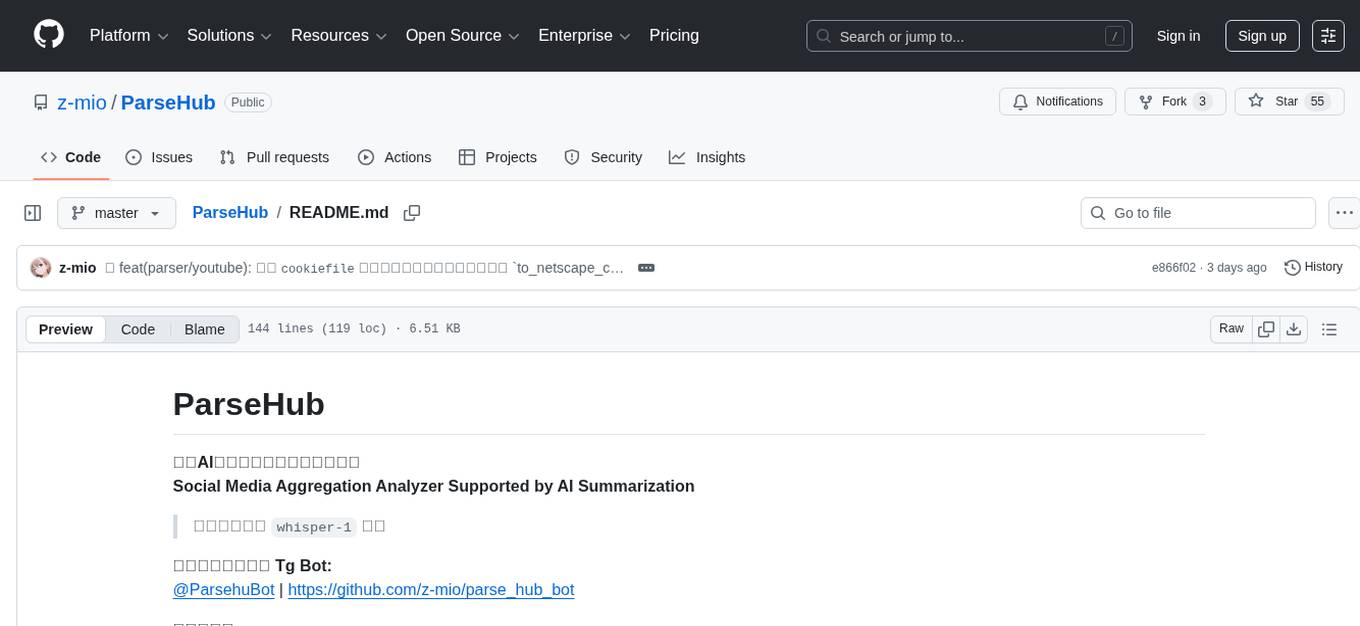
ParseHub is a social media aggregation analyzer supported by AI summarization. It supports various platforms such as Twitter, Instagram, Weibo, Bilibili, and more for analyzing videos and text content. Users can utilize ParseHub to summarize content using the 'whisper-1' model and access a Telegram bot developed based on the project. The tool provides functionalities for parsing and summarizing social media content, making it a valuable resource for extracting insights and information from diverse social media platforms.
AnyCrawl
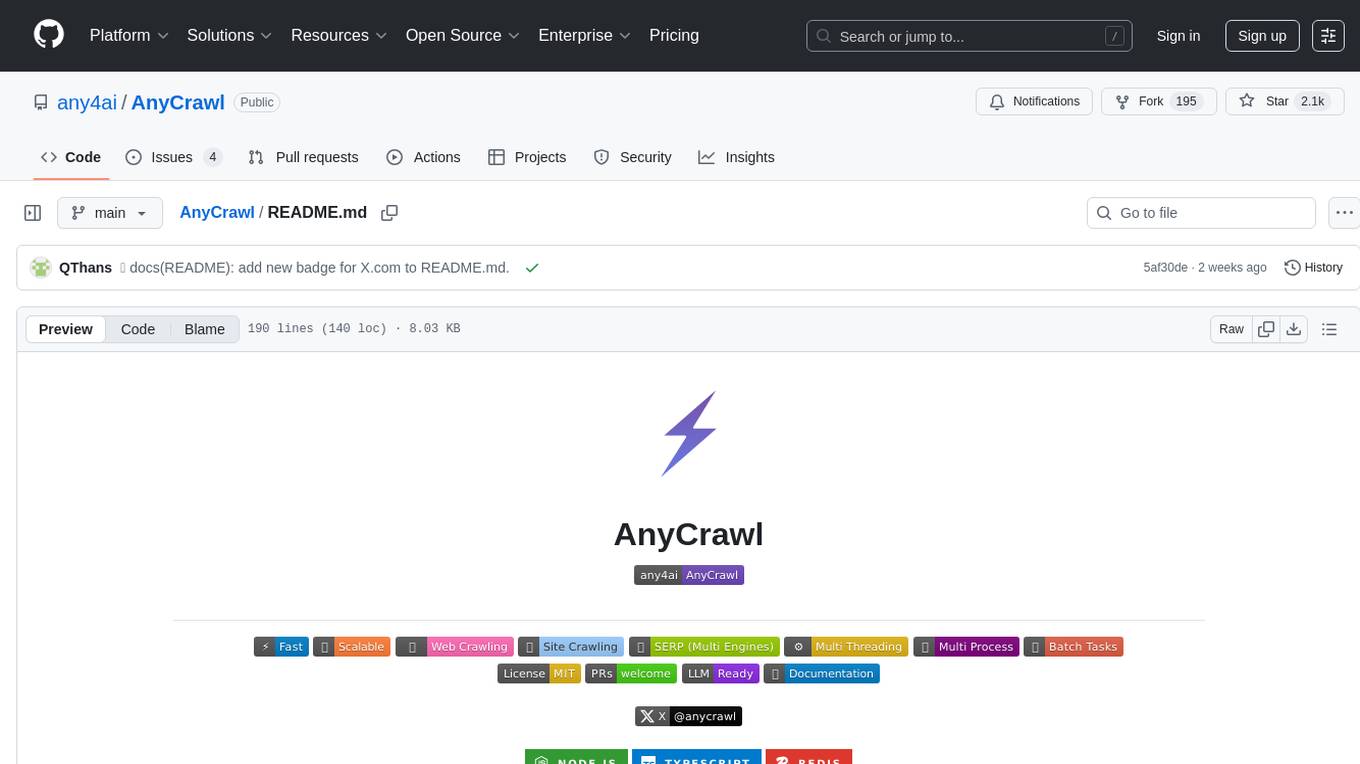
AnyCrawl is a high-performance crawling and scraping toolkit designed for SERP crawling, web scraping, site crawling, and batch tasks. It offers multi-threading and multi-process capabilities for high performance. The tool also provides AI extraction for structured data extraction from pages, making it LLM-friendly and easy to integrate and use.
For similar tasks
moonpalace
MoonPalace is a debugging tool for API provided by Moonshot AI. It supports all platforms (Mac, Windows, Linux) and is simple to use by replacing 'base_url' with 'http://localhost:9988'. It captures complete requests, including 'accident scenes' during network errors, and allows quick retrieval and viewing of request information using 'request_id' and 'chatcmpl_id'. It also enables one-click export of BadCase structured reporting data to help improve Kimi model capabilities. MoonPalace is recommended for use as an API 'supplier' during code writing and debugging stages to quickly identify and locate various issues related to API calls and code writing processes, and to export request details for submission to Moonshot AI to improve Kimi model.
llm_steer
LLM Steer is a Python module designed to steer Large Language Models (LLMs) towards specific topics or subjects by adding steer vectors to different layers of the model. It enhances the model's capabilities, such as providing correct responses to logical puzzles. The tool should be used in conjunction with the transformers library. Users can add steering vectors to specific layers of the model with coefficients and text, retrieve applied steering vectors, and reset all steering vectors to the initial model. Advanced usage involves changing default parameters, but it may lead to the model outputting gibberish in most cases. The tool is meant for experimentation and can be used to enhance role-play characteristics in LLMs.
Self-Iterative-Agent-System-for-Complex-Problem-Solving
The Self-Iterative Agent System for Complex Problem Solving is a solution developed for the Alibaba Mathematical Competition (AI Challenge). It involves multiple LLMs engaging in multi-round 'self-questioning' to iteratively refine the problem-solving process and select optimal solutions. The system consists of main and evaluation models, with a process that includes detailed problem-solving steps, feedback loops, and iterative improvements. The approach emphasizes communication and reasoning between sub-agents, knowledge extraction, and the importance of Agent-like architectures in complex tasks. While effective, there is room for improvement in model capabilities and error prevention mechanisms.
AI_Gen_Novel
AI_Gen_Novel is a project exploring the limits of AI in writing online fiction. Leveraging large language models and multi-agent technology, the tool aims to automatically generate web novels by compressing long texts, optimizing prompts, and enhancing originality. The tool combines the core idea of RecurrentGPT with language-based iterative computation to create texts of any length. Future directions include enhancing model capabilities, optimizing program architecture, and introducing more prior knowledge for structured storytelling.
For similar jobs

sweep
Sweep is an AI junior developer that turns bugs and feature requests into code changes. It automatically handles developer experience improvements like adding type hints and improving test coverage.

teams-ai
The Teams AI Library is a software development kit (SDK) that helps developers create bots that can interact with Teams and Microsoft 365 applications. It is built on top of the Bot Framework SDK and simplifies the process of developing bots that interact with Teams' artificial intelligence capabilities. The SDK is available for JavaScript/TypeScript, .NET, and Python.

ai-guide
This guide is dedicated to Large Language Models (LLMs) that you can run on your home computer. It assumes your PC is a lower-end, non-gaming setup.

classifai
Supercharge WordPress Content Workflows and Engagement with Artificial Intelligence. Tap into leading cloud-based services like OpenAI, Microsoft Azure AI, Google Gemini and IBM Watson to augment your WordPress-powered websites. Publish content faster while improving SEO performance and increasing audience engagement. ClassifAI integrates Artificial Intelligence and Machine Learning technologies to lighten your workload and eliminate tedious tasks, giving you more time to create original content that matters.

chatbot-ui
Chatbot UI is an open-source AI chat app that allows users to create and deploy their own AI chatbots. It is easy to use and can be customized to fit any need. Chatbot UI is perfect for businesses, developers, and anyone who wants to create a chatbot.

BricksLLM
BricksLLM is a cloud native AI gateway written in Go. Currently, it provides native support for OpenAI, Anthropic, Azure OpenAI and vLLM. BricksLLM aims to provide enterprise level infrastructure that can power any LLM production use cases. Here are some use cases for BricksLLM: * Set LLM usage limits for users on different pricing tiers * Track LLM usage on a per user and per organization basis * Block or redact requests containing PIIs * Improve LLM reliability with failovers, retries and caching * Distribute API keys with rate limits and cost limits for internal development/production use cases * Distribute API keys with rate limits and cost limits for students

uAgents
uAgents is a Python library developed by Fetch.ai that allows for the creation of autonomous AI agents. These agents can perform various tasks on a schedule or take action on various events. uAgents are easy to create and manage, and they are connected to a fast-growing network of other uAgents. They are also secure, with cryptographically secured messages and wallets.

griptape
Griptape is a modular Python framework for building AI-powered applications that securely connect to your enterprise data and APIs. It offers developers the ability to maintain control and flexibility at every step. Griptape's core components include Structures (Agents, Pipelines, and Workflows), Tasks, Tools, Memory (Conversation Memory, Task Memory, and Meta Memory), Drivers (Prompt and Embedding Drivers, Vector Store Drivers, Image Generation Drivers, Image Query Drivers, SQL Drivers, Web Scraper Drivers, and Conversation Memory Drivers), Engines (Query Engines, Extraction Engines, Summary Engines, Image Generation Engines, and Image Query Engines), and additional components (Rulesets, Loaders, Artifacts, Chunkers, and Tokenizers). Griptape enables developers to create AI-powered applications with ease and efficiency.