


snapai
AI-powered icon generation CLI for React Native & Expo developers. Generate stunning app icons in seconds using OpenAI's latest models.
Stars: 1567
SnapAI is a tool that leverages AI-powered image generation models to create professional app icons for React Native & Expo developers. It offers lightning-fast icon generation, iOS optimized icons, privacy-first approach with local API key storage, multiple sizes and HD quality icons. The tool is developer-friendly with a simple CLI for easy integration into CI/CD pipelines.
README:

Generate high-quality square app icon artwork from the terminal — built for React Native and Expo.
SnapAI is a developer-friendly CLI that talks directly to:
-
OpenAI Images (
gpt-1.5→gpt-image-1.5,gpt-1→gpt-image-1) -
Google Nano Banana (Gemini image models) — selected via
--model banana
The workflow is intentionally square-only: always 1024x1024 (1:1) to match iOS/Android icon needs and avoid resizing headaches.
- Fast: generate icons in seconds. No UI. No accounts.
-
Latest image models:
- OpenAI:
-
gpt-1.5(usesgpt-image-1.5under the hood) -
gpt-1(usesgpt-image-1under the hood)
-
- Google Nano Banana (Gemini):
- normal:
gemini-2.5-flash-image - pro:
gemini-3-pro-image-preview
- normal:
- OpenAI:
- iOS + Android oriented: prompt enhancement tuned for app-icon style outputs.
-
Quality controls:
- OpenAI:
--quality auto|high|medium|low(aliases:hd→high,standard→medium) - Nano Banana Pro:
--quality 1k|2k|4k
- OpenAI:
- DX-friendly: just a CLI (great for CI/CD too).
- Privacy-first: no telemetry, no tracking. Uses your API keys and sends requests directly to the provider you choose.
Read: Introducing Code With Beto Skills
# Recommended (no install)
npx snapai --help

# Or install globally
npm install -g snapai
Important 🔑
You need at least one API key:
- OpenAI (for
gpt-1.5→gpt-image-1.5,gpt-1→gpt-image-1)- Google AI Studio (for Google Nano Banana / Gemini via
--model banana)SnapAI is CLI-only and sends requests directly to the provider you select.
npx snapai icon --prompt "minimalist weather app with sun and cloud"Output defaults to ./assets (timestamped filenames).
Note 📝
Models can still draw the subject with visual padding (an empty border). This is normal.
SnapAI avoids forcing the words"icon"/"logo"by default to reduce padding.
If you want more “icon-y” framing, opt in with--use-icon-words.
SnapAI exposes providers via --model:
| Provider | SnapAI flag | Underlying model | Notes |
|---|---|---|---|
| OpenAI (latest) | --model gpt-1.5 |
gpt-image-1.5 |
Always 1:1 square 1024x1024, background/output controls |
| OpenAI (previous) | --model gpt-1 |
gpt-image-1 |
Same controls as above |
| Google Nano Banana (normal) | --model banana |
gemini-2.5-flash-image |
Always 1 image, square output |
| Google Nano Banana (pro) | --model banana --pro |
gemini-3-pro-image-preview |
Quality tiers via --quality 1k/2k/4k, multiple via -n
|
Tip 💡
If you want multiple variations quickly, use OpenAI (-n) or Banana Pro (--pro -n ...).
You can store keys locally (developer machine), or provide them at runtime (CI/CD).
snapai config --openai-api-key "sk-your-openai-api-key"
snapai config --google-api-key "your-google-ai-studio-key"

snapai config --showUse environment variables so nothing is written to disk:
export SNAPAI_API_KEY="sk-..."
export SNAPAI_GOOGLE_API_KEY="..."

# Also supported:
# export OPENAI_API_KEY="sk-..."
# export GEMINI_API_KEY="..."
GitHub Actions example:
- name: Generate app icon
  run: npx snapai icon --prompt "minimalist weather app with sun and cloud" --output ./assets/icons
  env:
    SNAPAI_API_KEY: ${{ secrets.SNAPAI_API_KEY }}
You can also pass keys per command (does not persist):
npx snapai icon --openai-api-key "sk-..." --prompt "modern app artwork"
npx snapai icon --model banana --google-api-key "..." --prompt "modern app artwork"# Default (OpenAI)
npx snapai icon --prompt "modern fitness tracker with heart rate monitor"
# Output directory
npx snapai icon --prompt "professional banking app with secure lock" --output ./assets/icons
# Style hint (appended after enhancement)
npx snapai icon --prompt "calculator app" --style minimalism
# Preview the final generated prompt (no image generation)
npx snapai icon --prompt "calculator app" --raw-prompt --prompt-only
npx snapai icon --prompt "calculator app" --prompt-only
npx snapai icon --prompt "calculator app" --style minimalism --prompt-only# Multiple variations
npx snapai icon --prompt "app icon concept" --model gpt-1.5 -n 3
# Higher quality
npx snapai icon --prompt "premium app icon" --quality high
# Transparent background + output format
npx snapai icon --prompt "logo mark" --background transparent --output-format png# Normal (1 image)
npx snapai icon --prompt "modern app artwork" --model banana
# Pro (multiple images + quality tiers)
npx snapai icon --prompt "modern app artwork" --model banana --pro --quality 2k -n 3Nano Banana notes:
-
Normal mode always generates 1 image (no
-n, no--qualitytiers). -
Pro mode supports multiple images (
-n) and HD tiers (--quality 1k|2k|4k). - Output is always square.
-
Describe the product first, then the style:
- “a finance app, shield + checkmark, modern, clean gradients”
- If you see too much empty border:
- remove the words
"icon"/"logo"(default behavior), or keep them off and be explicit about “fill the frame”
- remove the words
- Use
--stylefor rendering/material hints (examples:minimalism,material,pixel,kawaii,cute,glassy,neon)
Note 📝
If you pass--style, the style system is treated as a hard constraint and will take priority over other wording in your prompt.
Try to avoid prompts that conflict with the chosen style (e.g.--style minimalism+ “neon glow”), or the model may produce inconsistent results.
| Flag | Short | Default | Description |
|---|---|---|---|
--prompt |
-p |
required | Description of the icon to generate |
--output |
-o |
./assets |
Output directory |
--model |
-m |
gpt-1.5 |
gpt-1.5/gpt-1 (OpenAI) or banana (Google Nano Banana) |
--quality |
-q |
auto |
GPT: auto/high/medium/low (aliases: hd, standard). Banana Pro: 1k/2k/4k
|
--background |
-b |
auto |
Background (transparent, opaque, auto) (OpenAI only) |
--output-format |
-f |
png |
Output format (png, jpeg, webp) (OpenAI only) |
--n |
-n |
1 |
Number of images (max 10). For Banana normal, must be 1. |
--moderation |
auto |
Content filtering (low, auto) (OpenAI only) |
|
--prompt-only |
false |
Preview final prompt + config without generating images | |
--raw-prompt |
-r |
false |
Send prompt as-is (no SnapAI enhancement/constraints). Style still applies if set |
--style |
-s |
Rendering style hint appended after enhancement | |
--use-icon-words |
-i |
false |
Include "icon" / "logo" in enhancement (may increase padding) |
--pro |
-P |
false |
Enable Nano Banana Pro (banana only) |
--openai-api-key |
-k |
OpenAI API key override (does not persist) | |
--google-api-key |
-g |
Google API key override (does not persist) |
| Prompt | Result | Command |
|---|---|---|
minimalist weather app with sun and cloud |
 |
npx snapai icon --prompt "minimalist weather app with sun and cloud" --model gpt-1.5 |
premium banking app, shield + checkmark, clean gradients |
 |
npx snapai icon --prompt "premium banking app, shield + checkmark, clean gradients" --model gpt-1.5 |
calendar app, simple date grid, clean illustration |
 |
npx snapai icon --prompt "calendar app, simple date grid, clean illustration" --model gpt-1 |
notes app, pen + paper, minimal, friendly |
 |
npx snapai icon --prompt "notes app, pen + paper, minimal, friendly" --model gpt-1 |
music player app, abstract sound wave, clean shapes |
 |
npx snapai icon --prompt "music player app, abstract sound wave, clean shapes" --model banana |
camera app, lens icon, simple concentric circles |
 |
npx snapai icon --prompt "camera app, lens icon, simple concentric circles" --model banana |
finance app, secure lock, clean illustration, bold silhouette |
 |
npx snapai icon --prompt "finance app, secure lock, clean illustration, bold silhouette" --model banana --pro |
photo editor app, magic wand + spark, simple shapes, modern gradients |
 |
npx snapai icon --prompt "photo editor app, magic wand + spark, simple shapes, modern gradients" --model banana --pro |
SnapAI is made by Beto — I build open-source tools and teach React Native. If you're learning React Native, I have a comprehensive course with real-world projects, lifetime access, and a private Discord community. Hundreds of developers are already in.
YouTube · Discord · Newsletter
- SnapAI does not ship telemetry or analytics.
- SnapAI sends requests directly to OpenAI or Google (depending on
--model). - SnapAI does not run a backend and does not collect your prompts/images.
- API keys are stored locally only if you run
snapai config ...(or provided at runtime via env vars/flags).
Warning
⚠️
Never commit API keys to git. Use environment variables in CI.
git clone https://github.com/betomoedano/snapai.git
cd snapai && pnpm install && pnpm run build
./bin/dev.js --help- Report bugs: GitHub Issues
- Suggest features: GitHub Issues
- Improve docs / code: see
CONTRIBUTING.md
MIT
For Tasks:
Click tags to check more tools for each tasksFor Jobs:
Alternative AI tools for snapai
Similar Open Source Tools
snapai
SnapAI is a tool that leverages AI-powered image generation models to create professional app icons for React Native & Expo developers. It offers lightning-fast icon generation, iOS optimized icons, privacy-first approach with local API key storage, multiple sizes and HD quality icons. The tool is developer-friendly with a simple CLI for easy integration into CI/CD pipelines.
code-cli
Autohand Code CLI is an autonomous coding agent in CLI form that uses the ReAct pattern to understand, plan, and execute code changes. It is designed for seamless coding experience without context switching or copy-pasting. The tool is fast, intuitive, and extensible with modular skills. It can be used to automate coding tasks, enforce code quality, and speed up development. Autohand can be integrated into team workflows and CI/CD pipelines to enhance productivity and efficiency.
paperbanana
PaperBanana is an automated academic illustration tool designed for AI scientists. It implements an agentic framework for generating publication-quality academic diagrams and statistical plots from text descriptions. The tool utilizes a two-phase multi-agent pipeline with iterative refinement, Gemini-based VLM planning, and image generation. It offers a CLI, Python API, and MCP server for IDE integration, along with Claude Code skills for generating diagrams, plots, and evaluating diagrams. PaperBanana is not affiliated with or endorsed by the original authors or Google Research, and it may differ from the original system described in the paper.
aicommit2
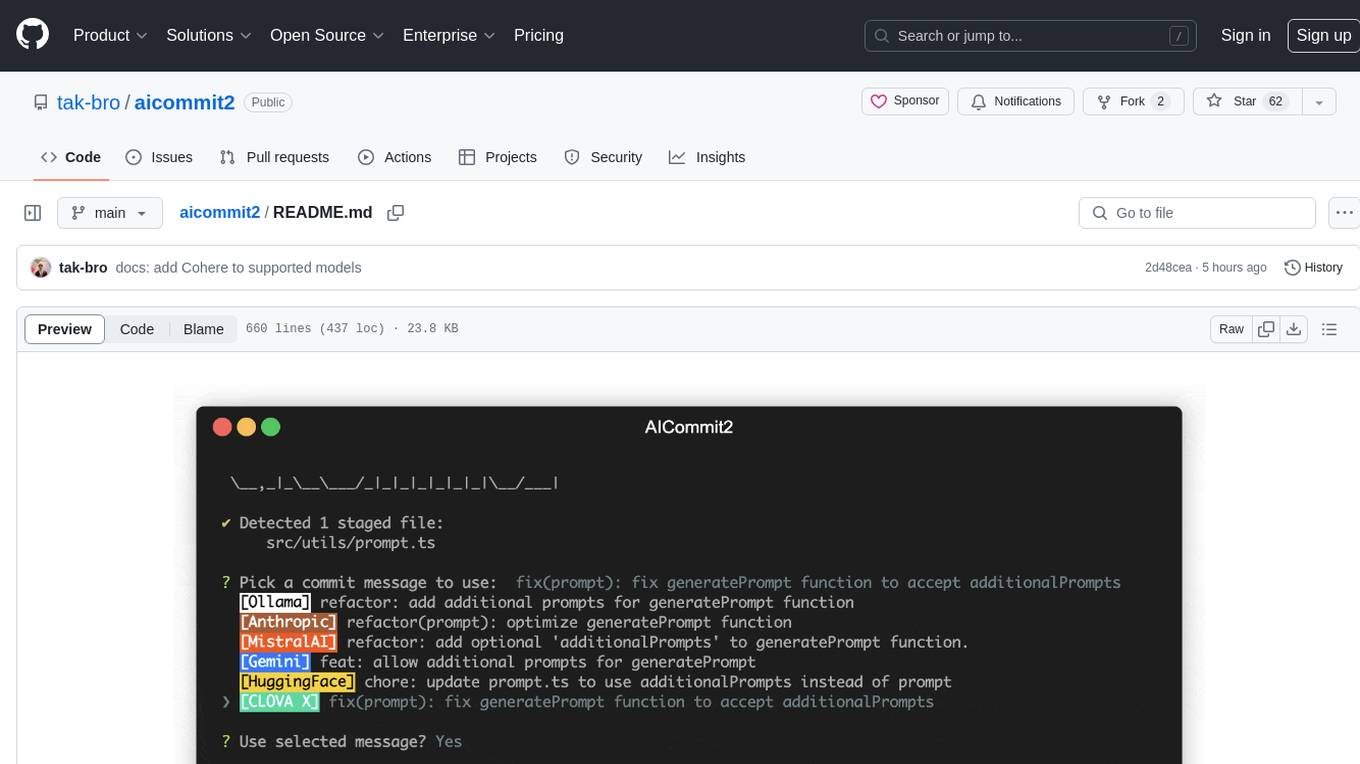
AICommit2 is a Reactive CLI tool that streamlines interactions with various AI providers such as OpenAI, Anthropic Claude, Gemini, Mistral AI, Cohere, and unofficial providers like Huggingface and Clova X. Users can request multiple AI simultaneously to generate git commit messages without waiting for all AI responses. The tool runs 'git diff' to grab code changes, sends them to configured AI, and returns the AI-generated commit message. Users can set API keys or Cookies for different providers and configure options like locale, generate number of messages, commit type, proxy, timeout, max-length, and more. AICommit2 can be used both locally with Ollama and remotely with supported providers, offering flexibility and efficiency in generating commit messages.
9router
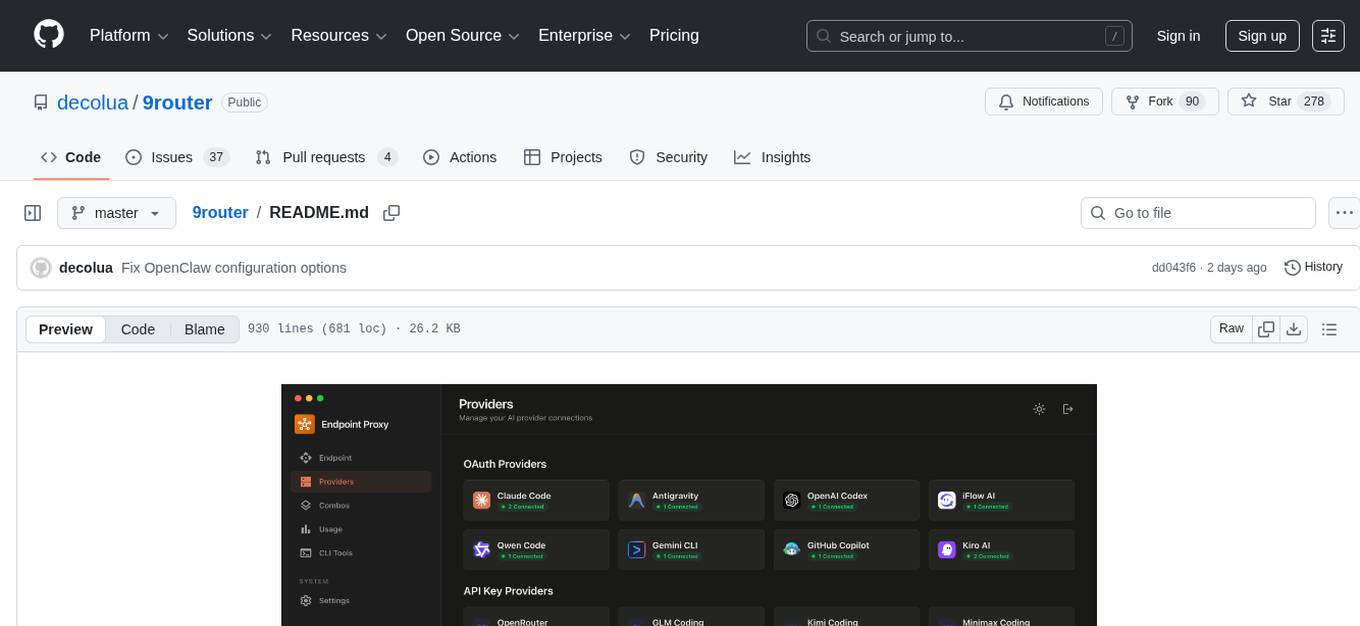
9Router is a free AI router tool designed to help developers maximize their AI subscriptions, auto-route to free and cheap AI models with smart fallback, and avoid hitting limits and wasting money. It offers features like real-time quota tracking, format translation between OpenAI, Claude, and Gemini, multi-account support, auto token refresh, custom model combinations, request logging, cloud sync, usage analytics, and flexible deployment options. The tool supports various providers like Claude Code, Codex, Gemini CLI, GitHub Copilot, GLM, MiniMax, iFlow, Qwen, and Kiro, and allows users to create combos for different scenarios. Users can connect to the tool via CLI tools like Cursor, Claude Code, Codex, OpenClaw, and Cline, and deploy it on VPS, Docker, or Cloudflare Workers.
google_workspace_mcp
The Google Workspace MCP Server is a production-ready server that integrates major Google Workspace services with AI assistants. It supports single-user and multi-user authentication via OAuth 2.1, making it a powerful backend for custom applications. Built with FastMCP for optimal performance, it features advanced authentication handling, service caching, and streamlined development patterns. The server provides full natural language control over Google Calendar, Drive, Gmail, Docs, Sheets, Slides, Forms, Tasks, and Chat through all MCP clients, AI assistants, and developer tools. It supports free Google accounts and Google Workspace plans with expanded app options like Chat & Spaces. The server also offers private cloud instance options.
gollama
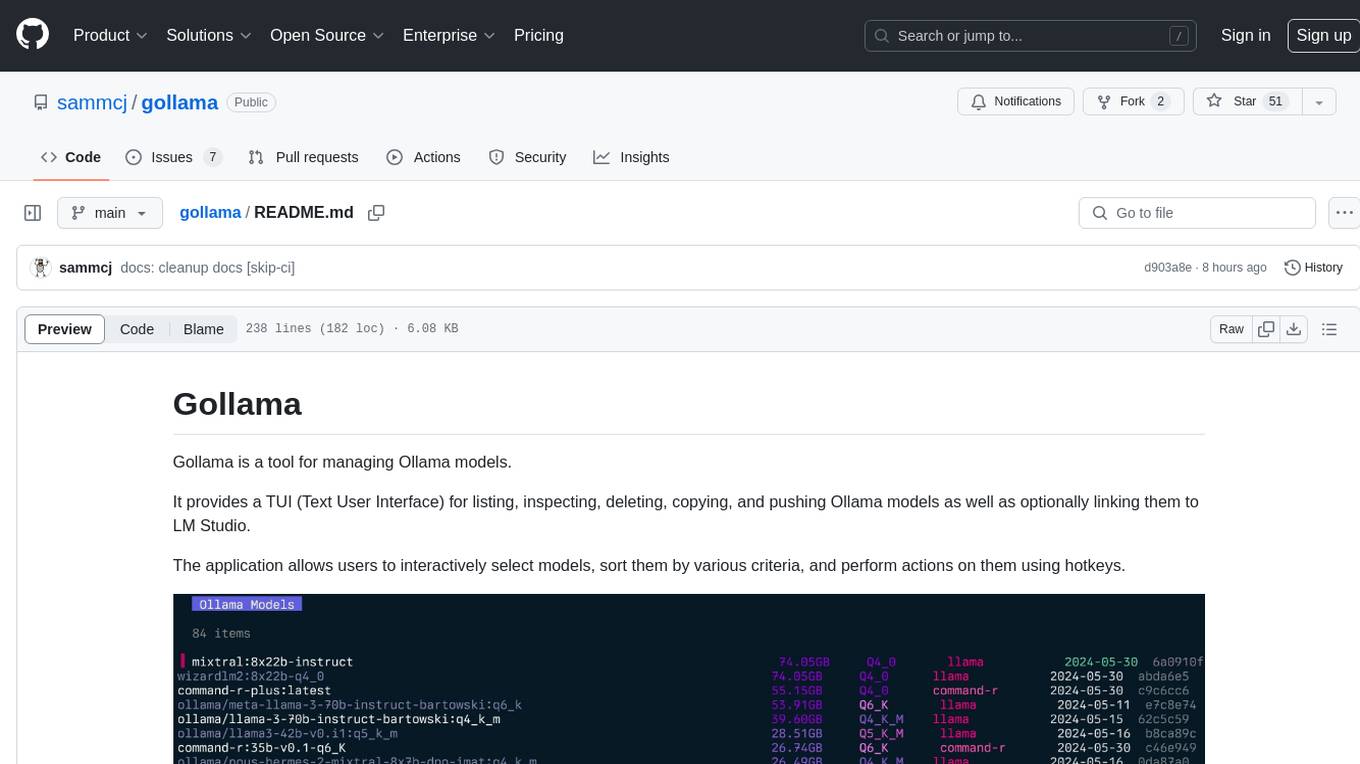
Gollama is a tool designed for managing Ollama models through a Text User Interface (TUI). Users can list, inspect, delete, copy, and push Ollama models, as well as link them to LM Studio. The application offers interactive model selection, sorting by various criteria, and actions using hotkeys. It provides features like sorting and filtering capabilities, displaying model metadata, model linking, copying, pushing, and more. Gollama aims to be user-friendly and useful for managing models, especially for cleaning up old models.

LocalAGI
LocalAGI is a powerful, self-hostable AI Agent platform that allows you to design AI automations without writing code. It provides a complete drop-in replacement for OpenAI's Responses APIs with advanced agentic capabilities. With LocalAGI, you can create customizable AI assistants, automations, chat bots, and agents that run 100% locally, without the need for cloud services or API keys. The platform offers features like no-code agents, web-based interface, advanced agent teaming, connectors for various platforms, comprehensive REST API, short & long-term memory capabilities, planning & reasoning, periodic tasks scheduling, memory management, multimodal support, extensible custom actions, fully customizable models, observability, and more.
atlas-mcp-server
ATLAS (Adaptive Task & Logic Automation System) is a high-performance Model Context Protocol server designed for LLMs to manage complex task hierarchies. Built with TypeScript, it features ACID-compliant storage, efficient task tracking, and intelligent template management. ATLAS provides LLM Agents task management through a clean, flexible tool interface. The server implements the Model Context Protocol (MCP) for standardized communication between LLMs and external systems, offering hierarchical task organization, task state management, smart templates, enterprise features, and performance optimization.

BricksLLM
BricksLLM is a cloud native AI gateway written in Go. Currently, it provides native support for OpenAI, Anthropic, Azure OpenAI and vLLM. BricksLLM aims to provide enterprise level infrastructure that can power any LLM production use cases. Here are some use cases for BricksLLM: * Set LLM usage limits for users on different pricing tiers * Track LLM usage on a per user and per organization basis * Block or redact requests containing PIIs * Improve LLM reliability with failovers, retries and caching * Distribute API keys with rate limits and cost limits for internal development/production use cases * Distribute API keys with rate limits and cost limits for students
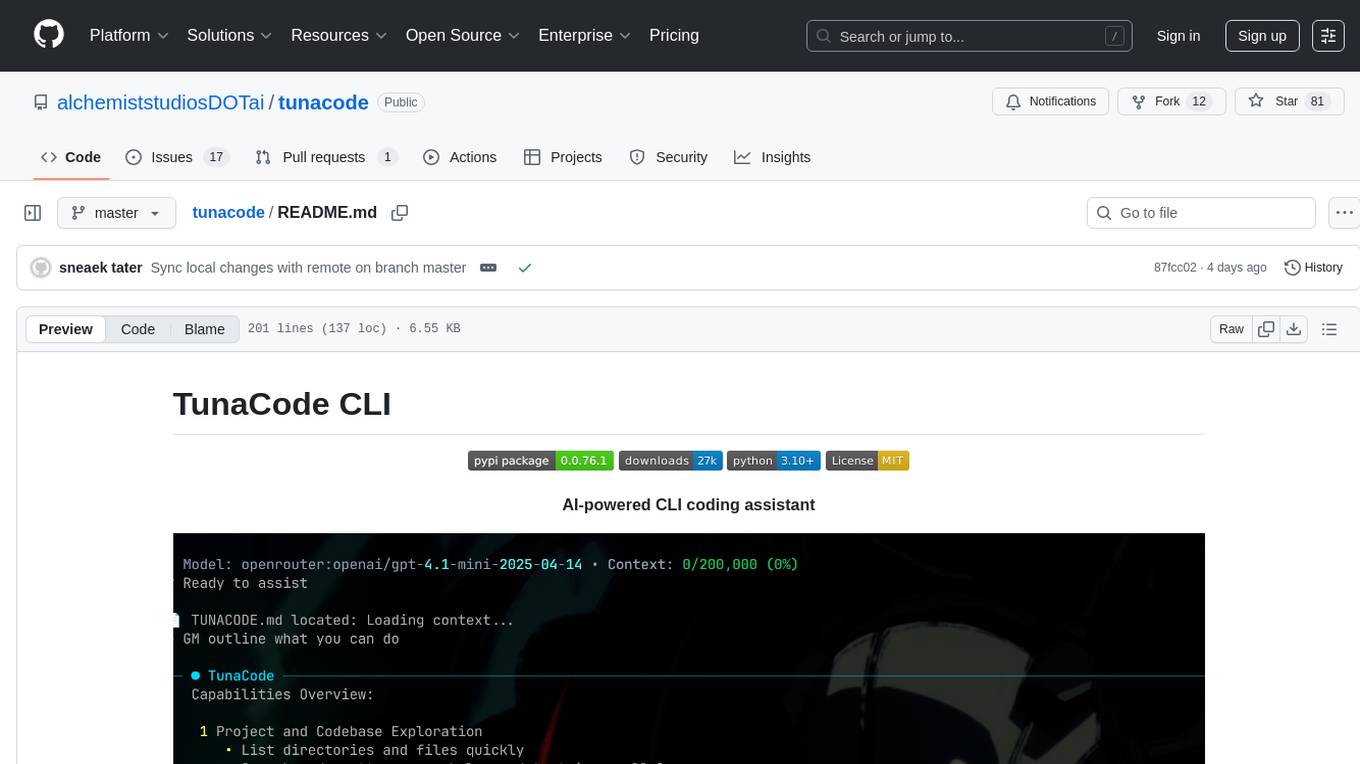
tunacode
TunaCode CLI is an AI-powered coding assistant that provides a command-line interface for developers to enhance their coding experience. It offers features like model selection, parallel execution for faster file operations, and various commands for code management. The tool aims to improve coding efficiency and provide a seamless coding environment for developers.

mcp-devtools
MCP DevTools is a high-performance server written in Go that replaces multiple Node.js and Python-based servers. It provides access to essential developer tools through a unified, modular interface. The server is efficient, with minimal memory footprint and fast response times. It offers a comprehensive tool suite for agentic coding, including 20+ essential developer agent tools. The tool registry allows for easy addition of new tools. The server supports multiple transport modes, including STDIO, HTTP, and SSE. It includes a security framework for multi-layered protection and a plugin system for adding new tools.
opencode.nvim
Opencode.nvim is a neovim frontend for Opencode, a terminal-based AI coding agent. It provides a chat interface between neovim and the Opencode AI agent, capturing editor context to enhance prompts. The plugin maintains persistent sessions for continuous conversations with the AI assistant, similar to Cursor AI.
llm.nvim
llm.nvim is a universal plugin for a large language model (LLM) designed to enable users to interact with LLM within neovim. Users can customize various LLMs such as gpt, glm, kimi, and local LLM. The plugin provides tools for optimizing code, comparing code, translating text, and more. It also supports integration with free models from Cloudflare, Github models, siliconflow, and others. Users can customize tools, chat with LLM, quickly translate text, and explain code snippets. The plugin offers a flexible window interface for easy interaction and customization.
kubectl-mcp-server
Control your entire Kubernetes infrastructure through natural language conversations with AI. Talk to your clusters like you talk to a DevOps expert. Debug crashed pods, optimize costs, deploy applications, audit security, manage Helm charts, and visualize dashboards—all through natural language. The tool provides 253 powerful tools, 8 workflow prompts, 8 data resources, and works with all major AI assistants. It offers AI-powered diagnostics, built-in cost optimization, enterprise-ready features, zero learning curve, universal compatibility, visual insights, and production-grade deployment options. From debugging crashed pods to optimizing cluster costs, kubectl-mcp-server is your AI-powered DevOps companion.
augustus
Augustus is a Go-based LLM vulnerability scanner designed for security professionals to test large language models against a wide range of adversarial attacks. It integrates with 28 LLM providers, covers 210+ adversarial attacks including prompt injection, jailbreaks, encoding exploits, and data extraction, and produces actionable vulnerability reports. The tool is built for production security testing with features like concurrent scanning, rate limiting, retry logic, and timeout handling out of the box.
For similar tasks
snapai
SnapAI is a tool that leverages AI-powered image generation models to create professional app icons for React Native & Expo developers. It offers lightning-fast icon generation, iOS optimized icons, privacy-first approach with local API key storage, multiple sizes and HD quality icons. The tool is developer-friendly with a simple CLI for easy integration into CI/CD pipelines.
For similar jobs
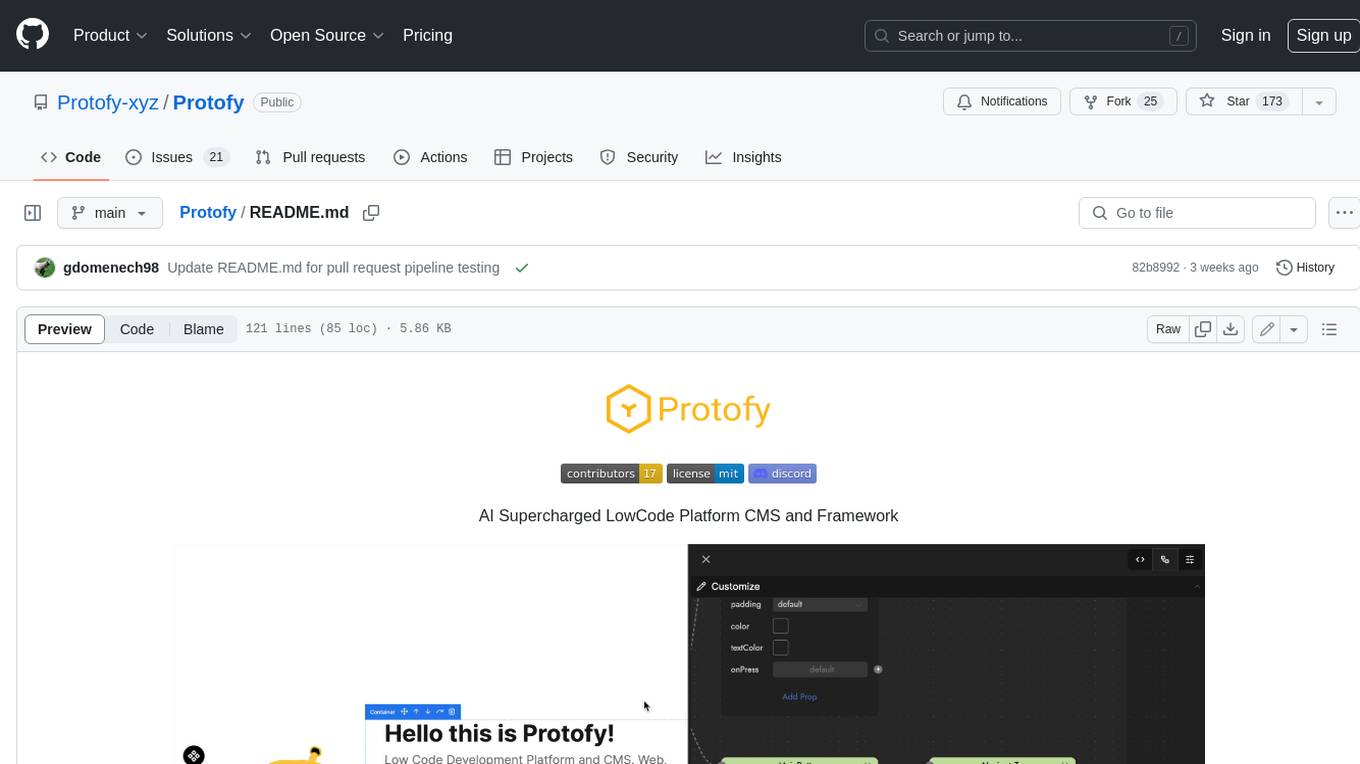
Protofy
Protofy is a full-stack, batteries-included low-code enabled web/app and IoT system with an API system and real-time messaging. It is based on Protofy (protoflow + visualui + protolib + protodevices) + Expo + Next.js + Tamagui + Solito + Express + Aedes + Redbird + Many other amazing packages. Protofy can be used to fast prototype Apps, webs, IoT systems, automations, or APIs. It is a ultra-extensible CMS with supercharged capabilities, mobile support, and IoT support (esp32 thanks to esphome).
generative-ai-dart
The Google Generative AI SDK for Dart enables developers to utilize cutting-edge Large Language Models (LLMs) for creating language applications. It provides access to the Gemini API for generating content using state-of-the-art models. Developers can integrate the SDK into their Dart or Flutter applications to leverage powerful AI capabilities. It is recommended to use the SDK for server-side API calls to ensure the security of API keys and protect against potential key exposure in mobile or web apps.
visionOS-examples
visionOS-examples is a repository containing accelerators for Spatial Computing. It includes examples such as Local Large Language Model, Chat Apple Vision Pro, WebSockets, Anchor To Head, Hand Tracking, Battery Life, Countdown, Plane Detection, Timer Vision, and PencilKit for visionOS. The repository showcases various functionalities and features for Apple Vision Pro, offering tools for developers to enhance their visionOS apps with capabilities like hand tracking, plane detection, and real-time cryptocurrency prices.
gemini-pro-vision-playground
Gemini Pro Vision Playground is a simple project aimed at assisting developers in utilizing the Gemini Pro Vision and Gemini Pro AI models for building applications. It provides a playground environment for experimenting with these models and integrating them into apps. The project includes instructions for setting up the Google AI API key and running the development server to visualize the results. Developers can learn more about the Gemini API documentation and Next.js framework through the provided resources. The project encourages contributions and feedback from the community.
Tiktok_Automation_Bot
TikTok Automation Bot is an Appium-based tool for automating TikTok account creation and video posting on real devices. It offers functionalities such as automated account creation and video posting, along with integrations like Crane tweak, SMSActivate service, and IPQualityScore service. The tool also provides device and automation management system, anti-bot system for human behavior modeling, and IP rotation system for different IP addresses. It is designed to simplify the process of managing TikTok accounts and posting videos efficiently.
general
General is a DART & Flutter library created by AZKADEV to speed up development on various platforms and CLI easily. It allows access to features such as camera, fingerprint, SMS, and MMS. The library is designed for Dart language and provides functionalities for app background, text to speech, speech to text, and more.
shards
Shards is a high-performance, multi-platform, type-safe programming language designed for visual development. It is a dataflow visual programming language that enables building full-fledged apps and games without traditional coding. Shards features automatic type checking, optimized shard implementations for high performance, and an intuitive visual workflow for beginners. The language allows seamless round-trip engineering between code and visual models, empowering users to create multi-platform apps easily. Shards also powers an upcoming AI-powered game creation system, enabling real-time collaboration and game development in a low to no-code environment.
AppFlowy
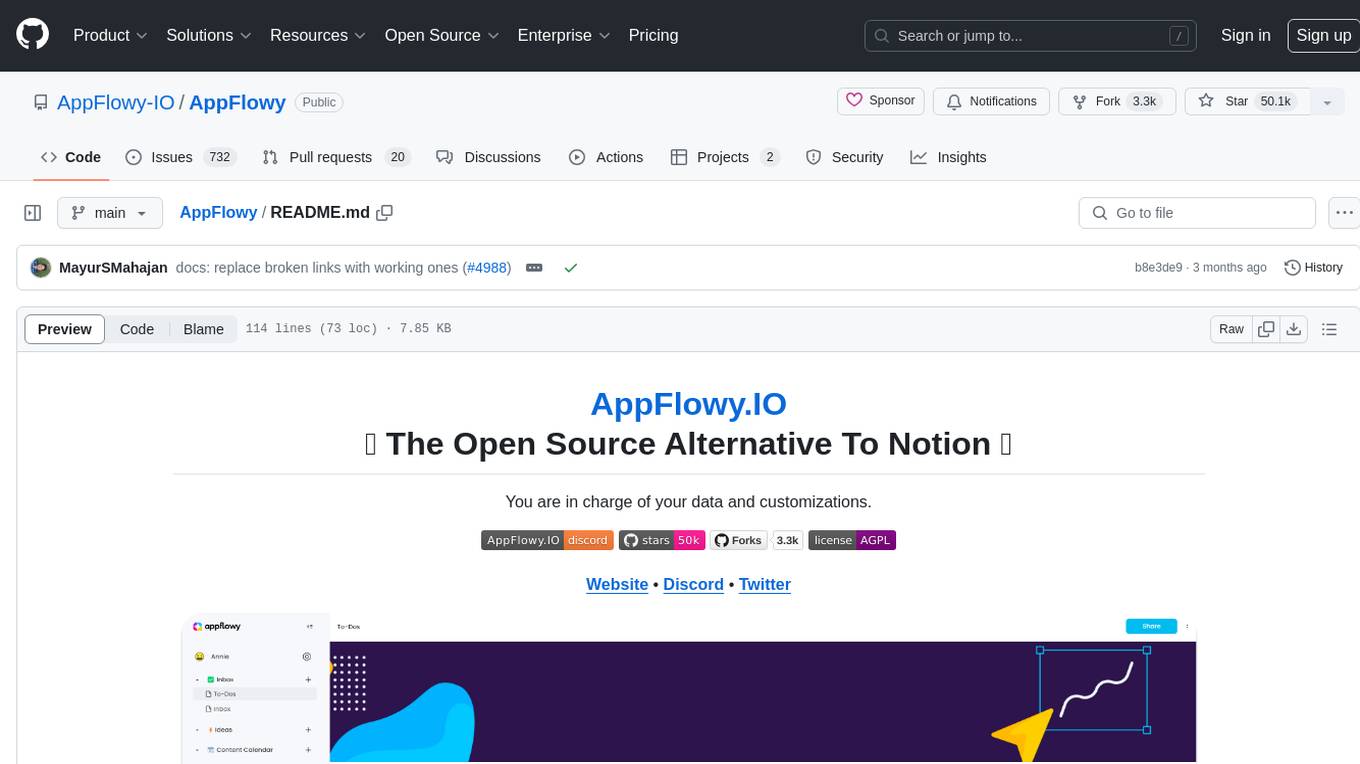
AppFlowy.IO is an open-source alternative to Notion, providing users with control over their data and customizations. It aims to offer functionality, data security, and cross-platform native experience to individuals, as well as building blocks and collaboration infra services to enterprises and hackers. The tool is built with Flutter and Rust, supporting multiple platforms and emphasizing long-term maintainability. AppFlowy prioritizes data privacy, reliable native experience, and community-driven extensibility, aiming to democratize the creation of complex workplace management tools.