


chat
Nuxt AI Chatbot Template made with Nuxt UI and Vercel AI SDK.
Stars: 275
Full-featured AI Chatbot Nuxt application with authentication, chat history, multiple pages, collapsible sidebar, keyboard shortcuts, light & dark mode, command palette and more. Built using Nuxt UI components and integrated with AI SDK v5 for a complete chat experience. Features include streaming AI messages, multiple model support via various AI providers, authentication via nuxt-auth-utils, chat history persistence using PostgreSQL database and Drizzle ORM, easy deploy to Vercel with zero configuration. The application is configured to use Vercel AI Gateway providing a unified API to access hundreds of AI models through a single endpoint with features like high reliability, spend monitoring, load balancing, and automatic retries and fallbacks between providers.
README:

Full-featured AI Chatbot Nuxt application with authentication, chat history, multiple pages, collapsible sidebar, keyboard shortcuts, light & dark mode, command palette and more. Built using Nuxt UI components and integrated with AI SDK for a complete chat experience.
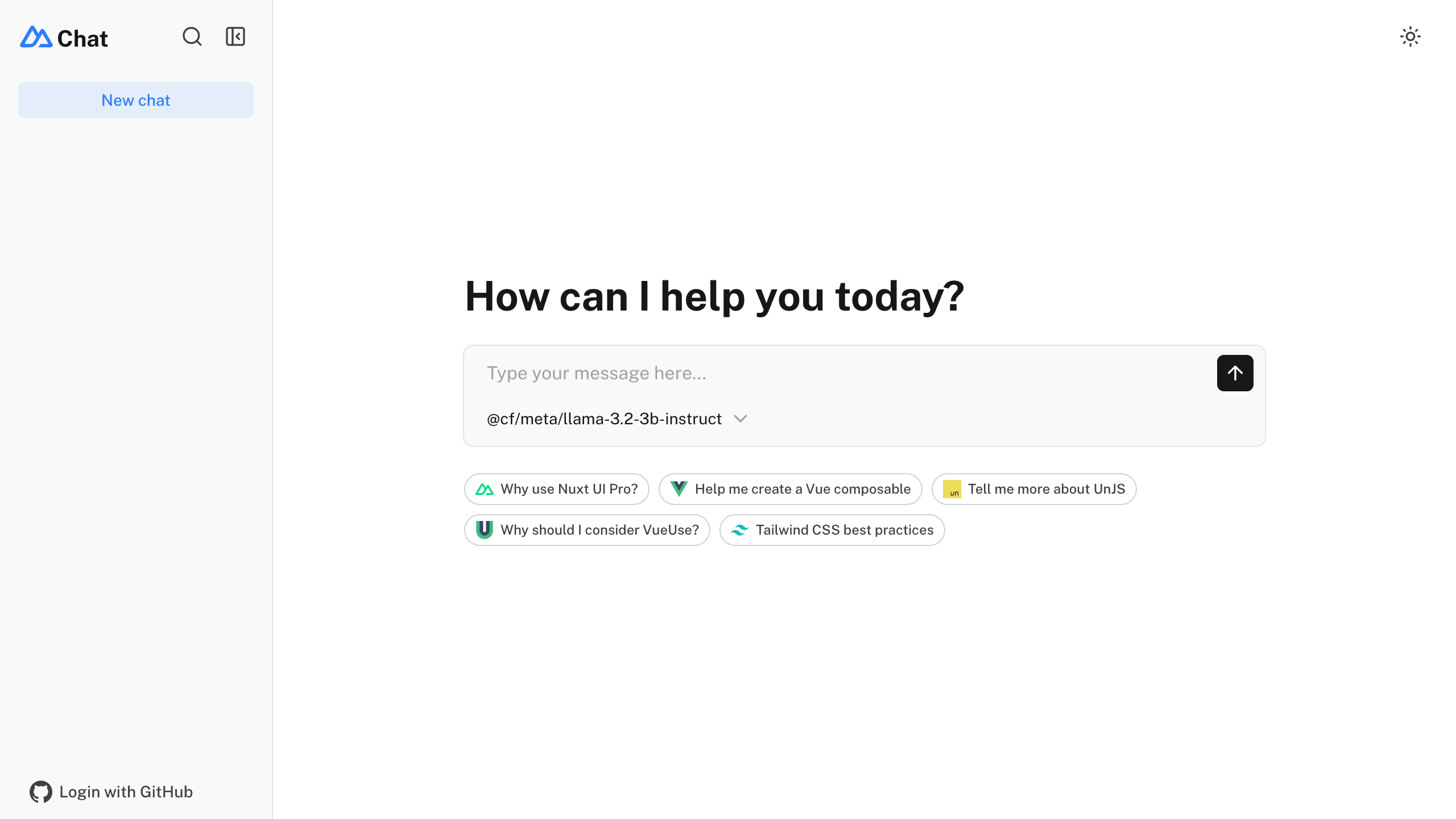
- ⚡️ Streaming AI messages powered by the AI SDK
- 🤖 Multiple model support via various AI providers with built-in AI Gateway support
- 🔐 Authentication via nuxt-auth-utils
- 💾 Chat history persistence using SQLite database (Turso in production) and Drizzle ORM
- 🚀 Easy deploy to Vercel with zero configuration
npm create nuxt@latest -- -t ui/chat
Make sure to install the dependencies:
pnpm installRun database migrations:
pnpm db:migrateThis template uses the Vercel AI SDK for streaming AI responses with support for multiple providers through Vercel AI Gateway.
Set your AI provider configuration in .env:
# AI Configuration via Vercel AI Gateway (unified API for all providers)
AI_GATEWAY_API_KEY=<your-vercel-ai-gateway-api-key>
[!TIP] With Vercel AI Gateway, you don't need individual API keys for OpenAI, Anthropic, etc. The AI Gateway provides a unified API to access hundreds of models through a single endpoint with automatic load balancing, fallbacks, and spend monitoring.
This template uses nuxt-auth-utils for authentication with GitHub OAuth.
To enable authentication, create a GitHub OAuth application and set:
NUXT_OAUTH_GITHUB_CLIENT_ID=<your-github-oauth-app-client-id>
NUXT_OAUTH_GITHUB_CLIENT_SECRET=<your-github-oauth-app-client-secret>
NUXT_SESSION_PASSWORD=<your-password-minimum-32-characters>This template uses NuxtHub Blob for file uploads, which supports multiple storage providers:
- Local filesystem (default for development)
- Vercel Blob (auto-configured when deployed to Vercel)
- Cloudflare R2 (auto-configured when deployed to Cloudflare)
- Amazon S3 (with manual configuration)
For Vercel Blob, assign a Blob Store to your project from the Vercel dashboard (Project → Storage), then set the token for local development:
BLOB_READ_WRITE_TOKEN=<your-vercel-blob-token>For S3-compatible storage, set:
S3_ACCESS_KEY_ID=<your-access-key-id>
S3_SECRET_ACCESS_KEY=<your-secret-access-key>
S3_BUCKET=<your-bucket-name>
S3_REGION=<your-region>
[!NOTE] Without configuration, files are stored locally in
.data/hub/blobduring development.
Start the development server on http://localhost:3000:
pnpm devBuild the application for production:
pnpm buildLocally preview production build:
pnpm previewCheck out the deployment documentation for more information.
Install Renovate GitHub app on your repository and you are good to go.
For Tasks:
Click tags to check more tools for each tasksFor Jobs:
Alternative AI tools for chat
Similar Open Source Tools
chat
Full-featured AI Chatbot Nuxt application with authentication, chat history, multiple pages, collapsible sidebar, keyboard shortcuts, light & dark mode, command palette and more. Built using Nuxt UI components and integrated with AI SDK v5 for a complete chat experience. Features include streaming AI messages, multiple model support via various AI providers, authentication via nuxt-auth-utils, chat history persistence using PostgreSQL database and Drizzle ORM, easy deploy to Vercel with zero configuration. The application is configured to use Vercel AI Gateway providing a unified API to access hundreds of AI models through a single endpoint with features like high reliability, spend monitoring, load balancing, and automatic retries and fallbacks between providers.
gateway
CentralMind Gateway is an AI-first data gateway that securely connects any data source and automatically generates secure, LLM-optimized APIs. It filters out sensitive data, adds traceability, and optimizes for AI workloads. Suitable for companies deploying AI agents for customer support and analytics.
aiaio
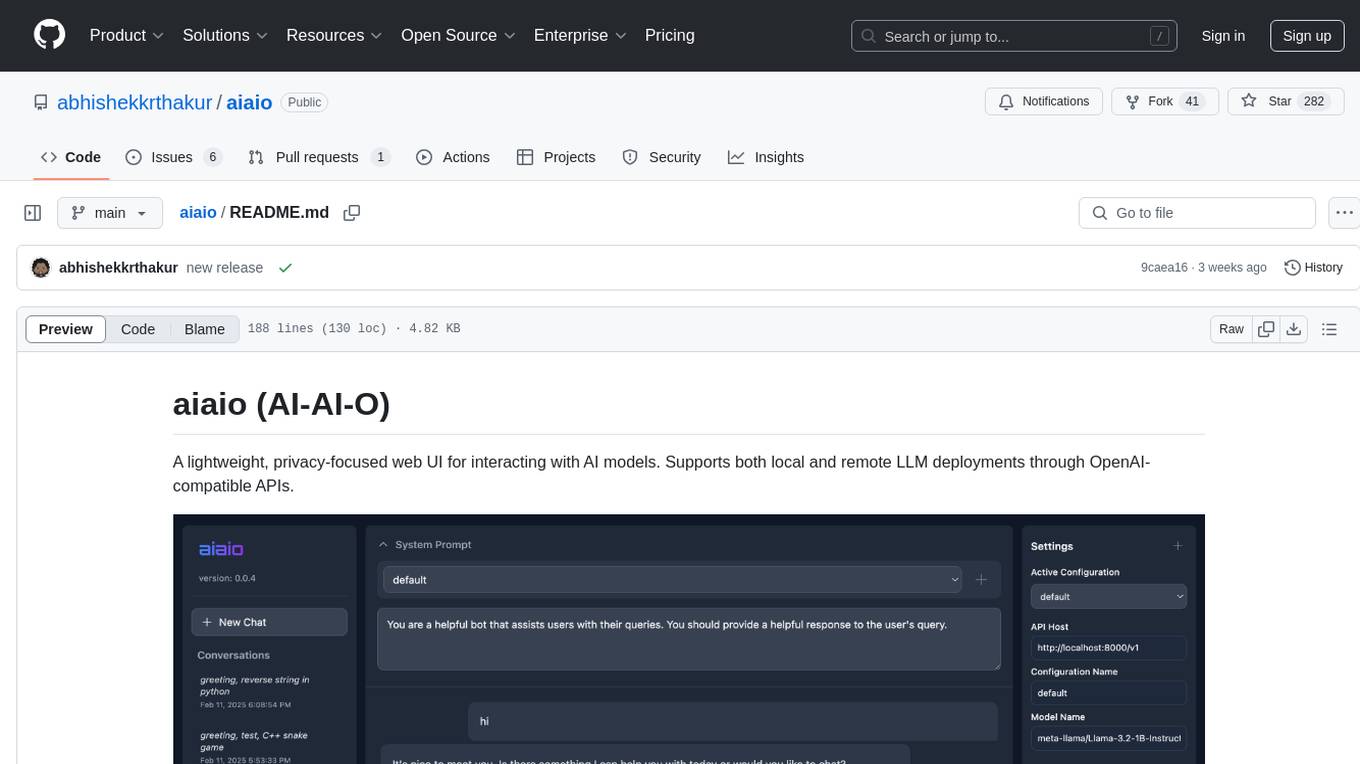
aiaio (AI-AI-O) is a lightweight, privacy-focused web UI for interacting with AI models. It supports both local and remote LLM deployments through OpenAI-compatible APIs. The tool provides features such as dark/light mode support, local SQLite database for conversation storage, file upload and processing, configurable model parameters through UI, privacy-focused design, responsive design for mobile/desktop, syntax highlighting for code blocks, real-time conversation updates, automatic conversation summarization, customizable system prompts, WebSocket support for real-time updates, Docker support for deployment, multiple API endpoint support, and multiple system prompt support. Users can configure model parameters and API settings through the UI, handle file uploads, manage conversations, and use keyboard shortcuts for efficient interaction. The tool uses SQLite for storage with tables for conversations, messages, attachments, and settings. Contributions to the project are welcome under the Apache License 2.0.
opencode-manager
OpenCode Manager is a mobile-first web interface for managing and coding with OpenCode AI agents. It allows users to control and code from any device, including phones, tablets, and desktops. The tool provides features for repository and Git management, file management, chat and sessions, AI configuration, as well as mobile and PWA support. Users can clone and manage multiple git repos, work on multiple branches simultaneously, view changes, commits, and branches in a unified interface, create pull requests, navigate files with tree view and search, preview code with syntax highlighting, and perform various file operations. Additionally, the tool supports real-time streaming, slash commands, file mentions, plan/build modes, Mermaid diagrams, text-to-speech, speech-to-text, model selection, provider management, OAuth support, custom agents creation, and more. It is optimized for mobile devices, installable as a PWA, and offers push notifications for agent events.
editor
Nuxt Editor Template is a Notion-like WYSIWYG editor built with Vue & Nuxt, featuring rich text editing, tables, AI-powered completions, real-time collaboration, and more. It includes features like inline completions, image upload, mentions, emoji picker, and markdown support. Users can deploy their own editor with Vercel and integrate AI assistance for writing. The template also supports Blob storage for image uploads and optional real-time collaboration using Y.js framework with PartyKit.
VibeSurf
VibeSurf is an open-source AI agentic browser that combines workflow automation with intelligent AI agents, offering faster, cheaper, and smarter browser automation. It allows users to create revolutionary browser workflows, run multiple AI agents in parallel, perform intelligent AI automation tasks, maintain privacy with local LLM support, and seamlessly integrate as a Chrome extension. Users can save on token costs, achieve efficiency gains, and enjoy deterministic workflows for consistent and accurate results. VibeSurf also provides a Docker image for easy deployment and offers pre-built workflow templates for common tasks.
qwery-core
Qwery is a platform for querying and visualizing data using natural language without technical knowledge. It seamlessly integrates with various datasources, generates optimized queries, and delivers outcomes like result sets, dashboards, and APIs. Features include natural language querying, multi-database support, AI-powered agents, visual data apps, desktop & cloud options, template library, and extensibility through plugins. The project is under active development and not yet suitable for production use.
sim
Sim is a platform that allows users to build and deploy AI agent workflows quickly and easily. It provides cloud-hosted and self-hosted options, along with support for local AI models. Users can set up the application using Docker Compose, Dev Containers, or manual setup with PostgreSQL and pgvector extension. The platform utilizes technologies like Next.js, Bun, PostgreSQL with Drizzle ORM, Better Auth for authentication, Shadcn and Tailwind CSS for UI, Zustand for state management, ReactFlow for flow editor, Fumadocs for documentation, Turborepo for monorepo management, Socket.io for real-time communication, and Trigger.dev for background jobs.
aomail-app
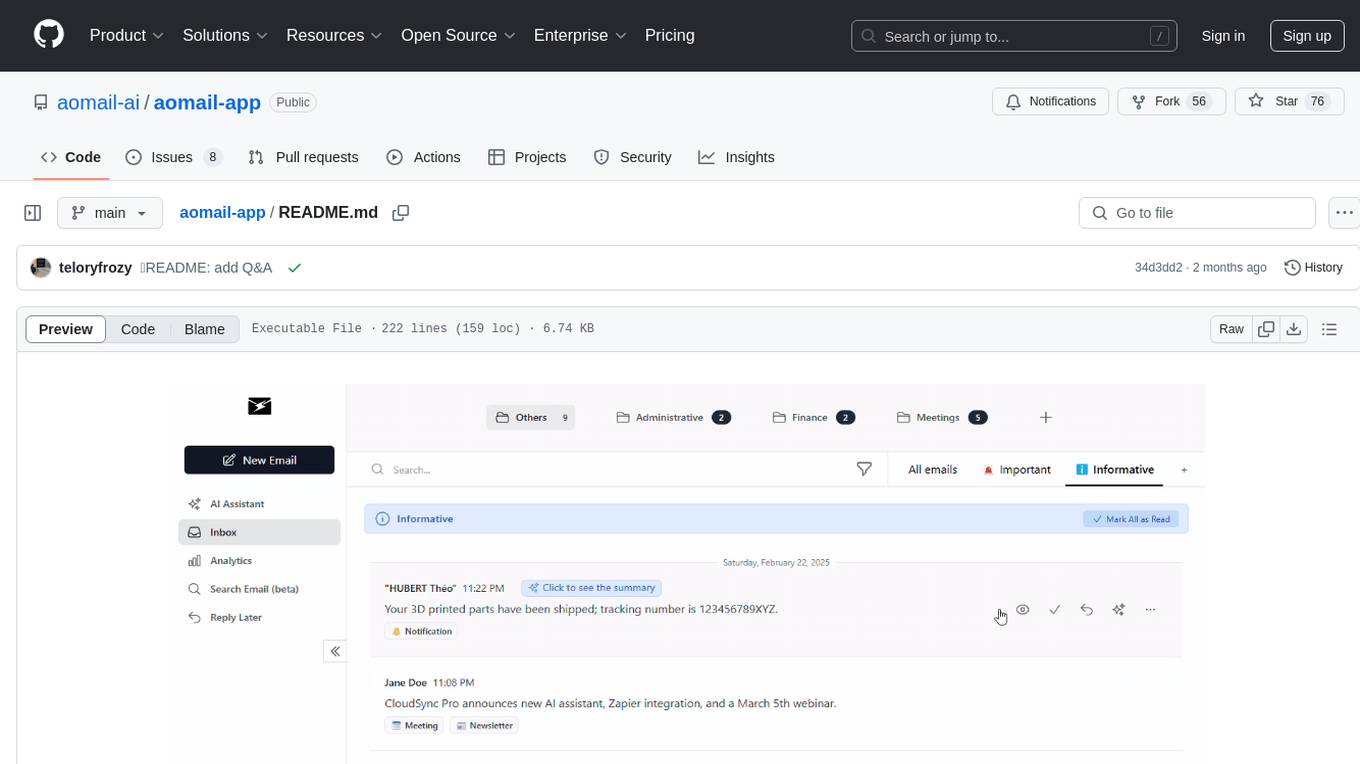
Aomail is an intelligent, open-source email management platform with AI capabilities. It offers email provider integration, AI-powered tools for smart categorization and assistance, analytics and management features. Users can self-host for complete control. Coming soon features include AI custom rules, platform integration with Discord & Slack, and support for various AI providers. The tool is designed to revolutionize email management by providing advanced AI features and analytics.
better-chatbot
Better Chatbot is an open-source AI chatbot designed for individuals and teams, inspired by various AI models. It integrates major LLMs, offers powerful tools like MCP protocol and data visualization, supports automation with custom agents and visual workflows, enables collaboration by sharing configurations, provides a voice assistant feature, and ensures an intuitive user experience. The platform is built with Vercel AI SDK and Next.js, combining leading AI services into one platform for enhanced chatbot capabilities.
enferno
Enferno is a modern Flask framework optimized for AI-assisted development workflows. It combines carefully crafted development patterns, smart Cursor Rules, and modern libraries to enable developers to build sophisticated web applications with unprecedented speed. Enferno's intelligent patterns and contextual guides help create production-ready SAAS applications faster than ever. It includes features like modern stack, authentication, OAuth integration, database support, task queue, frontend components, security measures, Docker readiness, and more.

Zero
Zero is an open-source AI email solution that allows users to self-host their email app while integrating external services like Gmail. It aims to modernize and enhance emails through AI agents, offering features like open-source transparency, AI-driven enhancements, data privacy, self-hosting freedom, unified inbox, customizable UI, and developer-friendly extensibility. Built with modern technologies, Zero provides a reliable tech stack including Next.js, React, TypeScript, TailwindCSS, Node.js, Drizzle ORM, and PostgreSQL. Users can set up Zero using standard setup or Dev Container setup for VS Code users, with detailed environment setup instructions for Better Auth, Google OAuth, and optional GitHub OAuth. Database setup involves starting a local PostgreSQL instance, setting up database connection, and executing database commands for dependencies, tables, migrations, and content viewing.
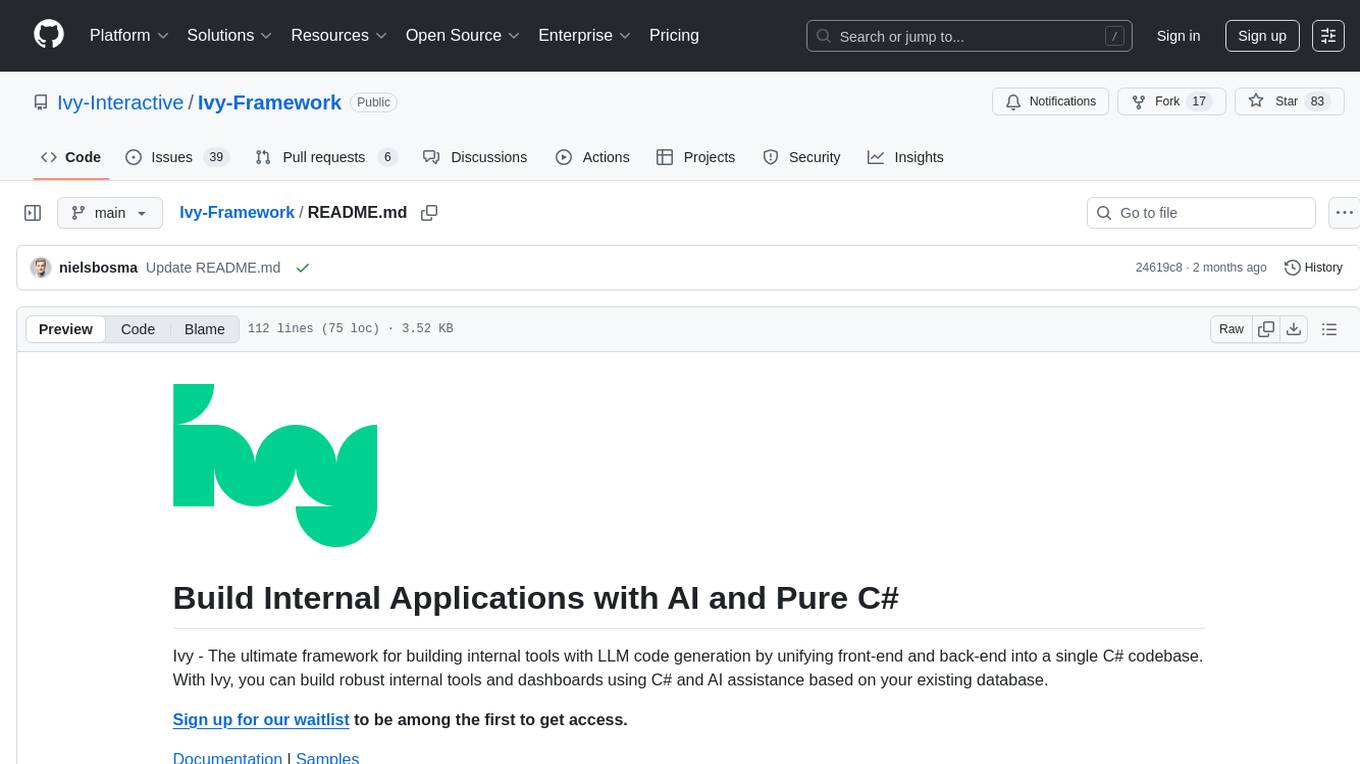
Ivy-Framework
Ivy-Framework is a powerful tool for building internal applications with AI assistance using C# codebase. It provides a CLI for project initialization, authentication integrations, database support, LLM code generation, secrets management, container deployment, hot reload, dependency injection, state management, routing, and external widget framework. Users can easily create data tables for sorting, filtering, and pagination. The framework offers a seamless integration of front-end and back-end development, making it ideal for developing robust internal tools and dashboards.
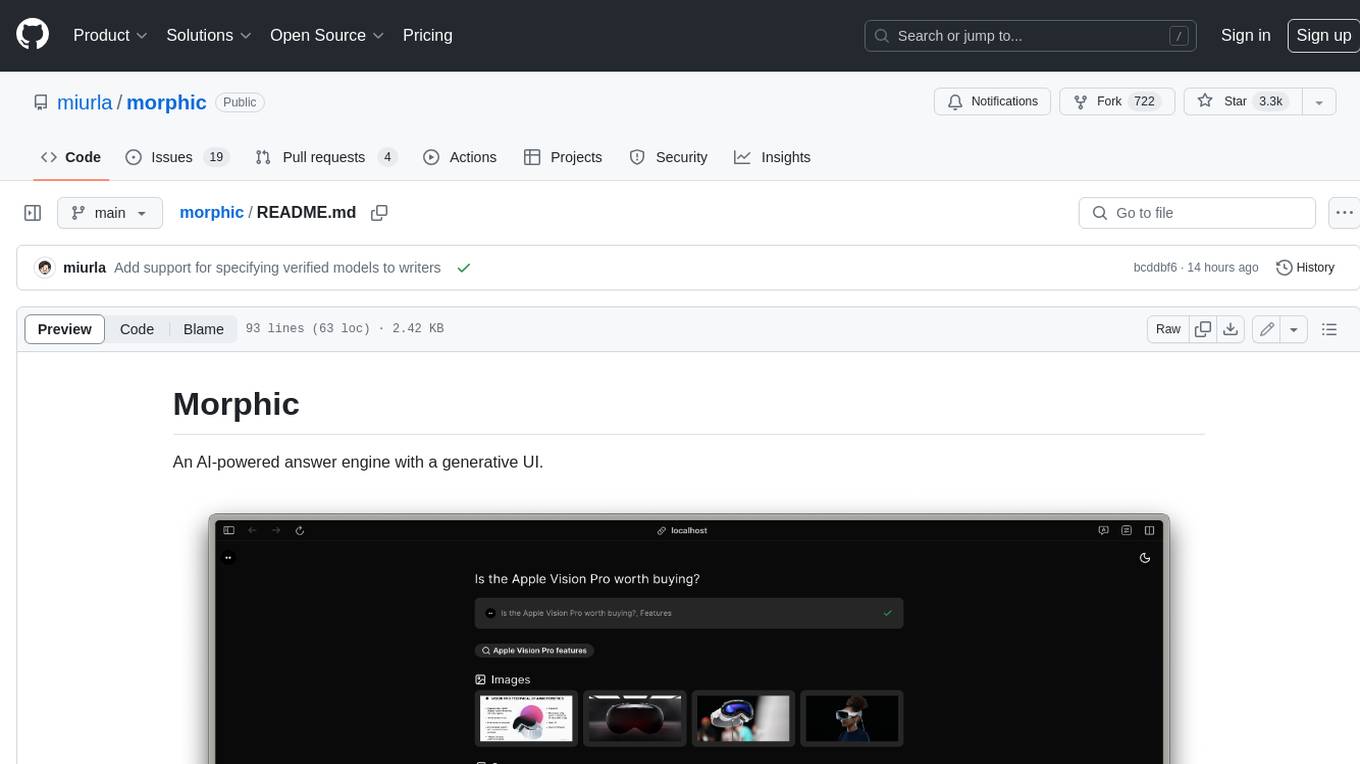
morphic
Morphic is an AI-powered answer engine with a generative UI. It utilizes a stack of Next.js, Vercel AI SDK, OpenAI, Tavily AI, shadcn/ui, Radix UI, and Tailwind CSS. To get started, fork and clone the repo, install dependencies, fill out secrets in the .env.local file, and run the app locally using 'bun dev'. You can also deploy your own live version of Morphic with Vercel. Verified models that can be specified to writers include Groq, LLaMA3 8b, and LLaMA3 70b.
bytechef
ByteChef is an open-source, low-code, extendable API integration and workflow automation platform. It provides an intuitive UI Workflow Editor, event-driven & scheduled workflows, multiple flow controls, built-in code editor supporting Java, JavaScript, Python, and Ruby, rich component ecosystem, extendable with custom connectors, AI-ready with built-in AI components, developer-ready to expose workflows as APIs, version control friendly, self-hosted, scalable, and resilient. It allows users to build and visualize workflows, automate tasks across SaaS apps, internal APIs, and databases, and handle millions of workflows with high availability and fault tolerance.
BodhiApp
Bodhi App runs Open Source Large Language Models locally, exposing LLM inference capabilities as OpenAI API compatible REST APIs. It leverages llama.cpp for GGUF format models and huggingface.co ecosystem for model downloads. Users can run fine-tuned models for chat completions, create custom aliases, and convert Huggingface models to GGUF format. The CLI offers commands for environment configuration, model management, pulling files, serving API, and more.
For similar tasks
chat
Full-featured AI Chatbot Nuxt application with authentication, chat history, multiple pages, collapsible sidebar, keyboard shortcuts, light & dark mode, command palette and more. Built using Nuxt UI components and integrated with AI SDK v5 for a complete chat experience. Features include streaming AI messages, multiple model support via various AI providers, authentication via nuxt-auth-utils, chat history persistence using PostgreSQL database and Drizzle ORM, easy deploy to Vercel with zero configuration. The application is configured to use Vercel AI Gateway providing a unified API to access hundreds of AI models through a single endpoint with features like high reliability, spend monitoring, load balancing, and automatic retries and fallbacks between providers.

promptflow
**Prompt flow** is a suite of development tools designed to streamline the end-to-end development cycle of LLM-based AI applications, from ideation, prototyping, testing, evaluation to production deployment and monitoring. It makes prompt engineering much easier and enables you to build LLM apps with production quality.
unsloth
Unsloth is a tool that allows users to fine-tune large language models (LLMs) 2-5x faster with 80% less memory. It is a free and open-source tool that can be used to fine-tune LLMs such as Gemma, Mistral, Llama 2-5, TinyLlama, and CodeLlama 34b. Unsloth supports 4-bit and 16-bit QLoRA / LoRA fine-tuning via bitsandbytes. It also supports DPO (Direct Preference Optimization), PPO, and Reward Modelling. Unsloth is compatible with Hugging Face's TRL, Trainer, Seq2SeqTrainer, and Pytorch code. It is also compatible with NVIDIA GPUs since 2018+ (minimum CUDA Capability 7.0).
beyondllm
Beyond LLM offers an all-in-one toolkit for experimentation, evaluation, and deployment of Retrieval-Augmented Generation (RAG) systems. It simplifies the process with automated integration, customizable evaluation metrics, and support for various Large Language Models (LLMs) tailored to specific needs. The aim is to reduce LLM hallucination risks and enhance reliability.
aiwechat-vercel
aiwechat-vercel is a tool that integrates AI capabilities into WeChat public accounts using Vercel functions. It requires minimal server setup, low entry barriers, and only needs a domain name that can be bound to Vercel, with almost zero cost. The tool supports various AI models, continuous Q&A sessions, chat functionality, system prompts, and custom commands. It aims to provide a platform for learning and experimentation with AI integration in WeChat public accounts.
hugging-chat-api
Unofficial HuggingChat Python API for creating chatbots, supporting features like image generation, web search, memorizing context, and changing LLMs. Users can log in, chat with the ChatBot, perform web searches, create new conversations, manage conversations, switch models, get conversation info, use assistants, and delete conversations. The API also includes a CLI mode with various commands for interacting with the tool. Users are advised not to use the application for high-stakes decisions or advice and to avoid high-frequency requests to preserve server resources.
microchain
Microchain is a function calling-based LLM agents tool with no bloat. It allows users to define LLM and templates, use various functions like Sum and Product, and create LLM agents for specific tasks. The tool provides a simple and efficient way to interact with OpenAI models and create conversational agents for various applications.
embedchain
Embedchain is an Open Source Framework for personalizing LLM responses. It simplifies the creation and deployment of personalized AI applications by efficiently managing unstructured data, generating relevant embeddings, and storing them in a vector database. With diverse APIs, users can extract contextual information, find precise answers, and engage in interactive chat conversations tailored to their data. The framework follows the design principle of being 'Conventional but Configurable' to cater to both software engineers and machine learning engineers.
For similar jobs
promptflow
**Prompt flow** is a suite of development tools designed to streamline the end-to-end development cycle of LLM-based AI applications, from ideation, prototyping, testing, evaluation to production deployment and monitoring. It makes prompt engineering much easier and enables you to build LLM apps with production quality.

deepeval
DeepEval is a simple-to-use, open-source LLM evaluation framework specialized for unit testing LLM outputs. It incorporates various metrics such as G-Eval, hallucination, answer relevancy, RAGAS, etc., and runs locally on your machine for evaluation. It provides a wide range of ready-to-use evaluation metrics, allows for creating custom metrics, integrates with any CI/CD environment, and enables benchmarking LLMs on popular benchmarks. DeepEval is designed for evaluating RAG and fine-tuning applications, helping users optimize hyperparameters, prevent prompt drifting, and transition from OpenAI to hosting their own Llama2 with confidence.

MegaDetector
MegaDetector is an AI model that identifies animals, people, and vehicles in camera trap images (which also makes it useful for eliminating blank images). This model is trained on several million images from a variety of ecosystems. MegaDetector is just one of many tools that aims to make conservation biologists more efficient with AI. If you want to learn about other ways to use AI to accelerate camera trap workflows, check out our of the field, affectionately titled "Everything I know about machine learning and camera traps".

leapfrogai
LeapfrogAI is a self-hosted AI platform designed to be deployed in air-gapped resource-constrained environments. It brings sophisticated AI solutions to these environments by hosting all the necessary components of an AI stack, including vector databases, model backends, API, and UI. LeapfrogAI's API closely matches that of OpenAI, allowing tools built for OpenAI/ChatGPT to function seamlessly with a LeapfrogAI backend. It provides several backends for various use cases, including llama-cpp-python, whisper, text-embeddings, and vllm. LeapfrogAI leverages Chainguard's apko to harden base python images, ensuring the latest supported Python versions are used by the other components of the stack. The LeapfrogAI SDK provides a standard set of protobuffs and python utilities for implementing backends and gRPC. LeapfrogAI offers UI options for common use-cases like chat, summarization, and transcription. It can be deployed and run locally via UDS and Kubernetes, built out using Zarf packages. LeapfrogAI is supported by a community of users and contributors, including Defense Unicorns, Beast Code, Chainguard, Exovera, Hypergiant, Pulze, SOSi, United States Navy, United States Air Force, and United States Space Force.

llava-docker
This Docker image for LLaVA (Large Language and Vision Assistant) provides a convenient way to run LLaVA locally or on RunPod. LLaVA is a powerful AI tool that combines natural language processing and computer vision capabilities. With this Docker image, you can easily access LLaVA's functionalities for various tasks, including image captioning, visual question answering, text summarization, and more. The image comes pre-installed with LLaVA v1.2.0, Torch 2.1.2, xformers 0.0.23.post1, and other necessary dependencies. You can customize the model used by setting the MODEL environment variable. The image also includes a Jupyter Lab environment for interactive development and exploration. Overall, this Docker image offers a comprehensive and user-friendly platform for leveraging LLaVA's capabilities.

carrot
The 'carrot' repository on GitHub provides a list of free and user-friendly ChatGPT mirror sites for easy access. The repository includes sponsored sites offering various GPT models and services. Users can find and share sites, report errors, and access stable and recommended sites for ChatGPT usage. The repository also includes a detailed list of ChatGPT sites, their features, and accessibility options, making it a valuable resource for ChatGPT users seeking free and unlimited GPT services.

TrustLLM
TrustLLM is a comprehensive study of trustworthiness in LLMs, including principles for different dimensions of trustworthiness, established benchmark, evaluation, and analysis of trustworthiness for mainstream LLMs, and discussion of open challenges and future directions. Specifically, we first propose a set of principles for trustworthy LLMs that span eight different dimensions. Based on these principles, we further establish a benchmark across six dimensions including truthfulness, safety, fairness, robustness, privacy, and machine ethics. We then present a study evaluating 16 mainstream LLMs in TrustLLM, consisting of over 30 datasets. The document explains how to use the trustllm python package to help you assess the performance of your LLM in trustworthiness more quickly. For more details about TrustLLM, please refer to project website.

AI-YinMei
AI-YinMei is an AI virtual anchor Vtuber development tool (N card version). It supports fastgpt knowledge base chat dialogue, a complete set of solutions for LLM large language models: [fastgpt] + [one-api] + [Xinference], supports docking bilibili live broadcast barrage reply and entering live broadcast welcome speech, supports Microsoft edge-tts speech synthesis, supports Bert-VITS2 speech synthesis, supports GPT-SoVITS speech synthesis, supports expression control Vtuber Studio, supports painting stable-diffusion-webui output OBS live broadcast room, supports painting picture pornography public-NSFW-y-distinguish, supports search and image search service duckduckgo (requires magic Internet access), supports image search service Baidu image search (no magic Internet access), supports AI reply chat box [html plug-in], supports AI singing Auto-Convert-Music, supports playlist [html plug-in], supports dancing function, supports expression video playback, supports head touching action, supports gift smashing action, supports singing automatic start dancing function, chat and singing automatic cycle swing action, supports multi scene switching, background music switching, day and night automatic switching scene, supports open singing and painting, let AI automatically judge the content.