


Ivy-Framework
The ultimate framework for building internal tools with LLM code generation by unifying front-end and back-end into a single C# codebase.
Stars: 300
Ivy-Framework is a powerful tool for building internal applications with AI assistance using C# codebase. It provides a CLI for project initialization, authentication integrations, database support, LLM code generation, secrets management, container deployment, hot reload, dependency injection, state management, routing, and external widget framework. Users can easily create data tables for sorting, filtering, and pagination. The framework offers a seamless integration of front-end and back-end development, making it ideal for developing robust internal tools and dashboards.
README:








Ivy is a modern C# framework that lets you build reactive full-stack web applications entirely in pure C# - using familiar React-style components, hooks, and declarative patterns. No frontend/backend split, no HTML/CSS/JS - just write type-safe C# code and ship beautiful, production-ready internal tools at lightning speed.
Quick Start • Docs • Samples • Examples • Current Sprint • Roadmap
Ivy takes a lot of inspiration from frameworks like React. If you know React, you'll feel right at home. Here's a simple counter app built with Ivy:
public class SimpleCounterApp : ViewBase
{
   public override object? Build()
   {
       var count = UseState(0);

       UseEffect(() =>
       {
           Console.WriteLine($"Count changed to: {count.Value}");
       }, [count]);

       return Layout.Vertical(
           Text.Block($"Count: {count.Value}"),
           new Button("Increment", onClick: _ => count.Set(count.Value + 1))
       );
   }
}- Rich Widget Library: Extensive set of pre-built widgets to build any app. If you need more, an external widget framework is coming soon, where you can integrate any React, Angular, or Vue component.
- External Widget Framework: Easily integrate any third-party React component.
- Hooks: Familiar React-style hooks for state management, side effects, and lifecycle events.
- Forms: Create complex CRUD forms with validation and data binding.
- Data Tables: Sort, filter, and paginate data.
- Charts/Dashboards: Build interactive charts and dashboards with ease.
- Hot-Reloading: Full support for hot-reloading with maintained state as much as possible.
- LLM Code-Generation Compatibility: Designed to maximize compatibility with LLM code generation tools.
Ivy maintains state on the server and sends updates over WebSocket. The frontend consists of a pre-built React-based rendering engine. With Ivy, you never need to touch any HTML, CSS, or JavaScript. Only if you want to add your own widgets.
The Ivy.Console CLI provides a suite of tools to streamline your development workflow:
- Project Initialization: Quickly set up new Ivy projects with predefined templates.
- AI-Powered App Generation: Generate applications using AI based on your specifications.
- MCP: Teach any coding agent to use Ivy Framework for building full-stack applications.
- Authentication: Built-in support for popular authentication providers like Supabase, Auth0, Clerk, and Microsoft Entra.
- Database: Easy integration with SQL Server, Postgres, Supabase, MariaDB, MySQL, Airtable, Oracle, Google Spanner, Clickhouse, Snowflake, and BigQuery.
- Deployment Management: Manage deployments to Azure, AWS, Google Cloud, or Sliplane with ease.
- Secrets Management: Securely manage sensitive information within your applications.
⚠️ Note: Ivy.Console is still in beta, and the agentic features require an account. Register for a free account to be among the first to try these features.
Make sure you have the .NET 10 SDK installed.
-
Install Ivy CLI:
dotnet tool install -g Ivy.Console
-
Create a new project:
ivy init --hello
-
Run:
ivy run --browse
-
Open http://localhost:5010 in your browser.
You can also run ivy samples to see all the components that Ivy offers and ivy docs for documentation.
For Tasks:
Click tags to check more tools for each tasksFor Jobs:
Alternative AI tools for Ivy-Framework
Similar Open Source Tools
Ivy-Framework
Ivy-Framework is a powerful tool for building internal applications with AI assistance using C# codebase. It provides a CLI for project initialization, authentication integrations, database support, LLM code generation, secrets management, container deployment, hot reload, dependency injection, state management, routing, and external widget framework. Users can easily create data tables for sorting, filtering, and pagination. The framework offers a seamless integration of front-end and back-end development, making it ideal for developing robust internal tools and dashboards.

airweave
Airweave is an open-core tool that simplifies the process of making data searchable by unifying apps, APIs, and databases into a vector database with minimal configuration. It offers over 120 integrations, simplicity in syncing data from diverse sources, extensibility through 'sources', 'destinations', and 'embedders', and an async-first approach for large-scale data synchronization. With features like no-code setup, white-labeled multi-tenant support, chunk generators, automated sync, versioning & hashing, multi-source support, and scalability, Airweave provides a comprehensive solution for building applications that require semantic search.
AIaW
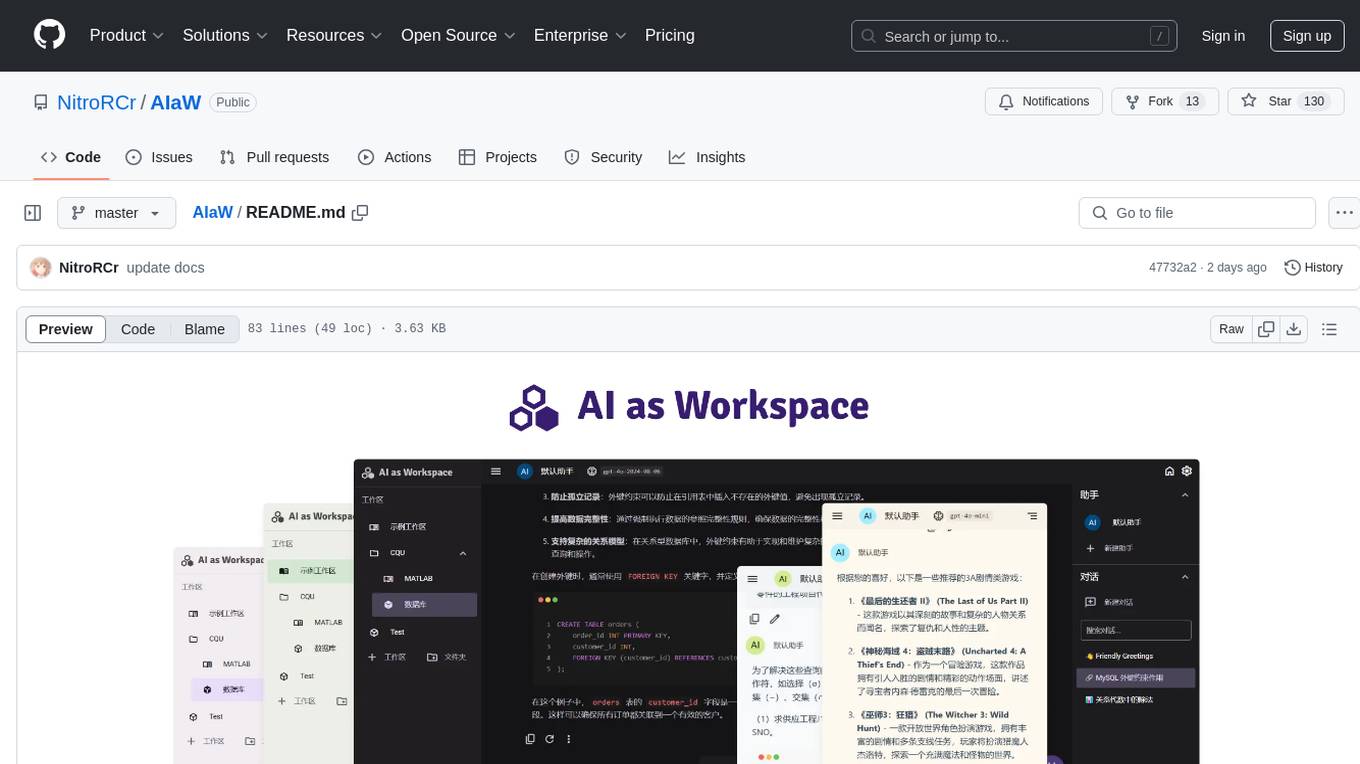
AIaW is a next-generation LLM client with full functionality, lightweight, and extensible. It supports various basic functions such as streaming transfer, image uploading, and latex formulas. The tool is cross-platform with a responsive interface design. It supports multiple service providers like OpenAI, Anthropic, and Google. Users can modify questions, regenerate in a forked manner, and visualize conversations in a tree structure. Additionally, it offers features like file parsing, video parsing, plugin system, assistant market, local storage with real-time cloud sync, and customizable interface themes. Users can create multiple workspaces, use dynamic prompt word variables, extend plugins, and benefit from detailed design elements like real-time content preview, optimized code pasting, and support for various file types.
hyper-mcp
hyper-mcp is a fast and secure MCP server that enables adding AI capabilities to applications through WebAssembly plugins. It supports writing plugins in various languages, distributing them via standard OCI registries, and running them in resource-constrained environments. The tool offers sandboxing with WASM for limiting access, cross-platform compatibility, and deployment flexibility. Security features include sandboxed plugins, memory-safe execution, secure plugin distribution, and fine-grained access control. Users can configure the tool for global or project-specific use, start the server with different transport options, and utilize available plugins for tasks like time calculations, QR code generation, hash generation, IP retrieval, and webpage fetching.
langchain
LangChain is a framework for building LLM-powered applications that simplifies AI application development by chaining together interoperable components and third-party integrations. It helps developers connect LLMs to diverse data sources, swap models easily, and future-proof decisions as technology evolves. LangChain's ecosystem includes tools like LangSmith for agent evals, LangGraph for complex task handling, and LangGraph Platform for deployment and scaling. Additional resources include tutorials, how-to guides, conceptual guides, a forum, API reference, and chat support.
GraphLLM
GraphLLM is a graph-based framework designed to process data using LLMs. It offers a set of tools including a web scraper, PDF parser, YouTube subtitles downloader, Python sandbox, and TTS engine. The framework provides a GUI for building and debugging graphs with advanced features like loops, conditionals, parallel execution, streaming of results, hierarchical graphs, external tool integration, and dynamic scheduling. GraphLLM is a low-level framework that gives users full control over the raw prompt and output of models, with a steeper learning curve. It is tested with llama70b and qwen 32b, under heavy development with breaking changes expected.
traceroot
TraceRoot is a tool that helps engineers debug production issues 10× faster using AI-powered analysis of traces, logs, and code context. It accelerates the debugging process with AI-powered insights, integrates seamlessly into the development workflow, provides real-time trace and log analysis, code context understanding, and intelligent assistance. Features include ease of use, LLM flexibility, distributed services, AI debugging interface, and integration support. Users can get started with TraceRoot Cloud for a 7-day trial or self-host the tool. SDKs are available for Python and JavaScript/TypeScript.
spec-workflow-mcp
Spec Workflow MCP is a Model Context Protocol (MCP) server that offers structured spec-driven development workflow tools for AI-assisted software development. It includes a real-time web dashboard and a VSCode extension for monitoring and managing project progress directly in the development environment. The tool supports sequential spec creation, real-time monitoring of specs and tasks, document management, archive system, task progress tracking, approval workflow, bug reporting, template system, and works on Windows, macOS, and Linux.
nekro-agent
Nekro Agent is an AI chat plugin and proxy execution bot that is highly scalable, offers high freedom, and has minimal deployment requirements. It features context-aware chat for group/private chats, custom character settings, sandboxed execution environment, interactive image resource handling, customizable extension development interface, easy deployment with docker-compose, integration with Stable Diffusion for AI drawing capabilities, support for various file types interaction, hot configuration updates and command control, native multimodal understanding, visual application management control panel, CoT (Chain of Thought) support, self-triggered timers and holiday greetings, event notification understanding, and more. It allows for third-party extensions and AI-generated extensions, and includes features like automatic context trigger based on LLM, and a variety of basic commands for bot administrators.
ai-manus
AI Manus is a general-purpose AI Agent system that supports running various tools and operations in a sandbox environment. It offers deployment with minimal dependencies, supports multiple tools like Terminal, Browser, File, Web Search, and messaging tools, allocates separate sandboxes for tasks, manages session history, supports stopping and interrupting conversations, file upload and download, and is multilingual. The system also provides user login and authentication. The project primarily relies on Docker for development and deployment, with model capability requirements and recommended Deepseek and GPT models.
atomic-agents
The Atomic Agents framework is a modular and extensible tool designed for creating powerful applications. It leverages Pydantic for data validation and serialization. The framework follows the principles of Atomic Design, providing small and single-purpose components that can be combined. It integrates with Instructor for AI agent architecture and supports various APIs like Cohere, Anthropic, and Gemini. The tool includes documentation, examples, and testing features to ensure smooth development and usage.
generator
ctx is a tool designed to automatically generate organized context files from code files, GitHub repositories, Git commits, web pages, and plain text. It aims to efficiently provide necessary context to AI language models like ChatGPT and Claude, enabling users to streamline code refactoring, multiple iteration development, documentation generation, and seamless AI integration. With ctx, users can create structured markdown documents, save context files, and serve context through an MCP server for real-time assistance. The tool simplifies the process of sharing project information with AI assistants, making AI conversations smarter and easier.
edge-ai-libraries
The Edge AI Libraries project is a collection of libraries, microservices, and tools for Edge application development. It includes sample applications showcasing generic AI use cases. Key components include Anomalib, Dataset Management Framework, Deep Learning Streamer, ECAT EnableKit, EtherCAT Masterstack, FLANN, OpenVINO toolkit, Audio Analyzer, ORB Extractor, PCL, PLCopen Servo, Real-time Data Agent, RTmotion, Audio Intelligence, Deep Learning Streamer Pipeline Server, Document Ingestion, Model Registry, Multimodal Embedding Serving, Time Series Analytics, Vector Retriever, Visual-Data Preparation, VLM Inference Serving, Intel Geti, Intel SceneScape, Visual Pipeline and Platform Evaluation Tool, Chat Question and Answer, Document Summarization, PLCopen Benchmark, PLCopen Databus, Video Search and Summarization, Isolation Forest Classifier, Random Forest Microservices. Visit sub-directories for instructions and guides.
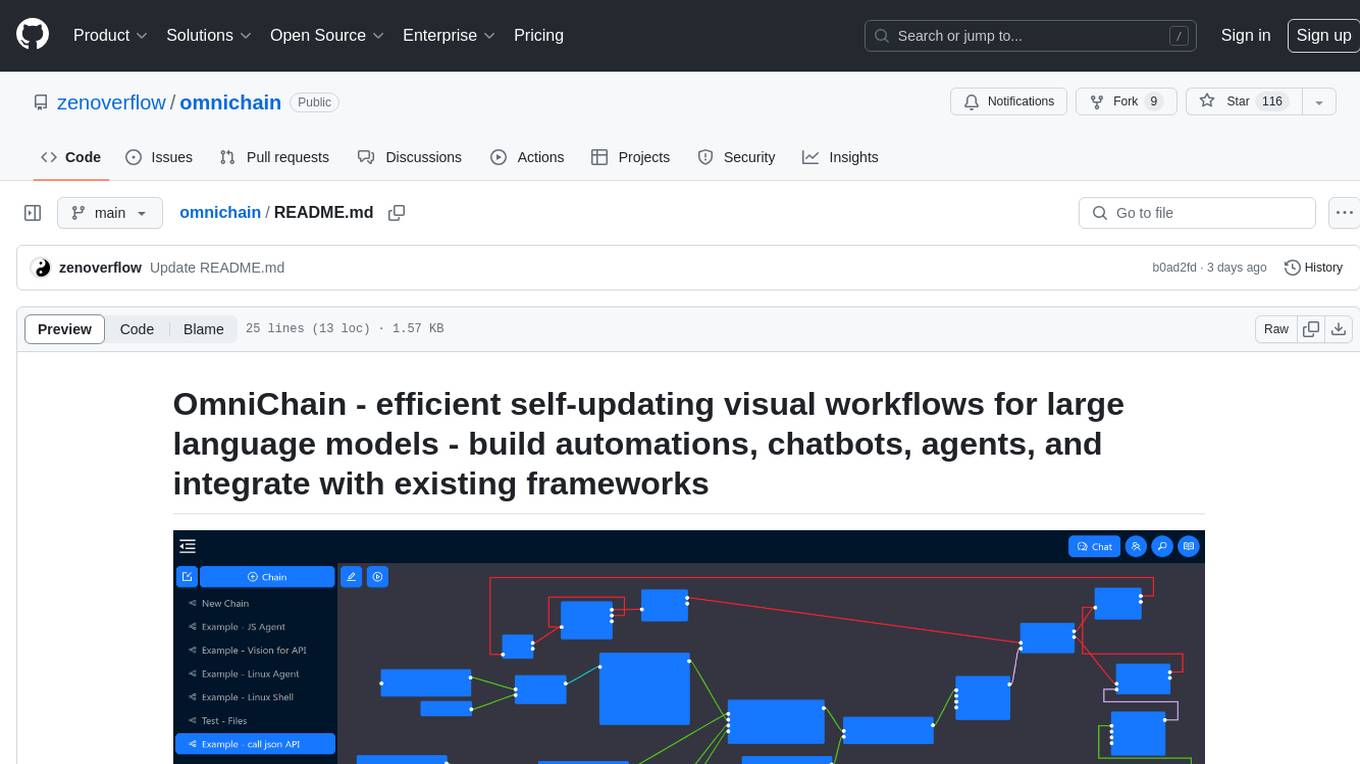
omnichain
OmniChain is a tool for building efficient self-updating visual workflows using AI language models, enabling users to automate tasks, create chatbots, agents, and integrate with existing frameworks. It allows users to create custom workflows guided by logic processes, store and recall information, and make decisions based on that information. The tool enables users to create tireless robot employees that operate 24/7, access the underlying operating system, generate and run NodeJS code snippets, and create custom agents and logic chains. OmniChain is self-hosted, open-source, and available for commercial use under the MIT license, with no coding skills required.
odoo-llm
This repository provides a comprehensive framework for integrating Large Language Models (LLMs) into Odoo. It enables seamless interaction with AI providers like OpenAI, Anthropic, Ollama, and Replicate for chat completions, text embeddings, and more within the Odoo environment. The architecture includes external AI clients connecting via `llm_mcp_server` and Odoo AI Chat with built-in chat interface. The core module `llm` offers provider abstraction, model management, and security, along with tools for CRUD operations and domain-specific tool packs. Various AI providers, infrastructure components, and domain-specific tools are available for different tasks such as content generation, knowledge base management, and AI assistants creation.
arcade-ai
Arcade AI is a developer-focused tooling and API platform designed to enhance the capabilities of LLM applications and agents. It simplifies the process of connecting agentic applications with user data and services, allowing developers to concentrate on building their applications. The platform offers prebuilt toolkits for interacting with various services, supports multiple authentication providers, and provides access to different language models. Users can also create custom toolkits and evaluate their tools using Arcade AI. Contributions are welcome, and self-hosting is possible with the provided documentation.
For similar tasks
supersonic
SuperSonic is a next-generation BI platform that integrates Chat BI (powered by LLM) and Headless BI (powered by semantic layer) paradigms. This integration ensures that Chat BI has access to the same curated and governed semantic data models as traditional BI. Furthermore, the implementation of both paradigms benefits from the integration: * Chat BI's Text2SQL gets augmented with context-retrieval from semantic models. * Headless BI's query interface gets extended with natural language API. SuperSonic provides a Chat BI interface that empowers users to query data using natural language and visualize the results with suitable charts. To enable such experience, the only thing necessary is to build logical semantic models (definition of metric/dimension/tag, along with their meaning and relationships) through a Headless BI interface. Meanwhile, SuperSonic is designed to be extensible and composable, allowing custom implementations to be added and configured with Java SPI. The integration of Chat BI and Headless BI has the potential to enhance the Text2SQL generation in two dimensions: 1. Incorporate data semantics (such as business terms, column values, etc.) into the prompt, enabling LLM to better understand the semantics and reduce hallucination. 2. Offload the generation of advanced SQL syntax (such as join, formula, etc.) from LLM to the semantic layer to reduce complexity. With these ideas in mind, we develop SuperSonic as a practical reference implementation and use it to power our real-world products. Additionally, to facilitate further development we decide to open source SuperSonic as an extensible framework.
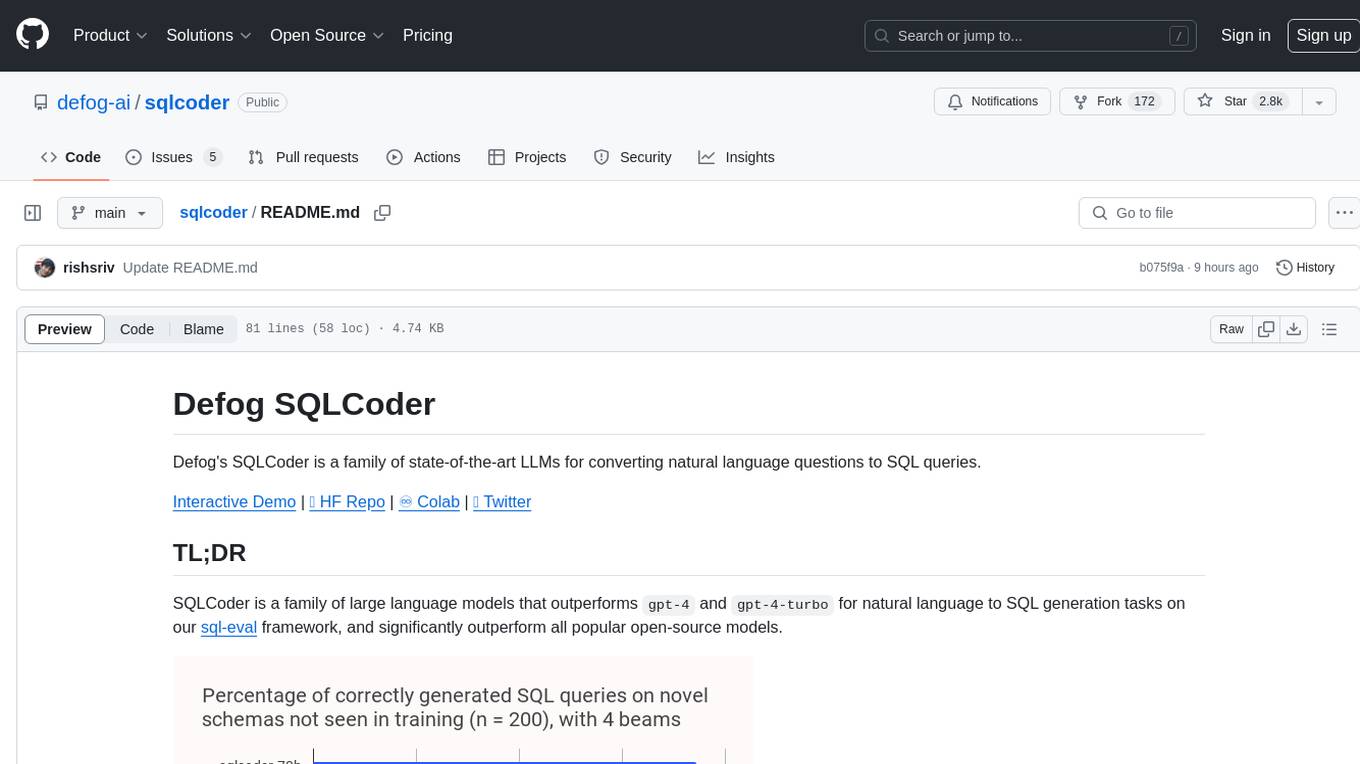
sqlcoder
Defog's SQLCoder is a family of state-of-the-art large language models (LLMs) designed for converting natural language questions into SQL queries. It outperforms popular open-source models like gpt-4 and gpt-4-turbo on SQL generation tasks. SQLCoder has been trained on more than 20,000 human-curated questions based on 10 different schemas, and the model weights are licensed under CC BY-SA 4.0. Users can interact with SQLCoder through the 'transformers' library and run queries using the 'sqlcoder launch' command in the terminal. The tool has been tested on NVIDIA GPUs with more than 16GB VRAM and Apple Silicon devices with some limitations. SQLCoder offers a demo on their website and supports quantized versions of the model for consumer GPUs with sufficient memory.
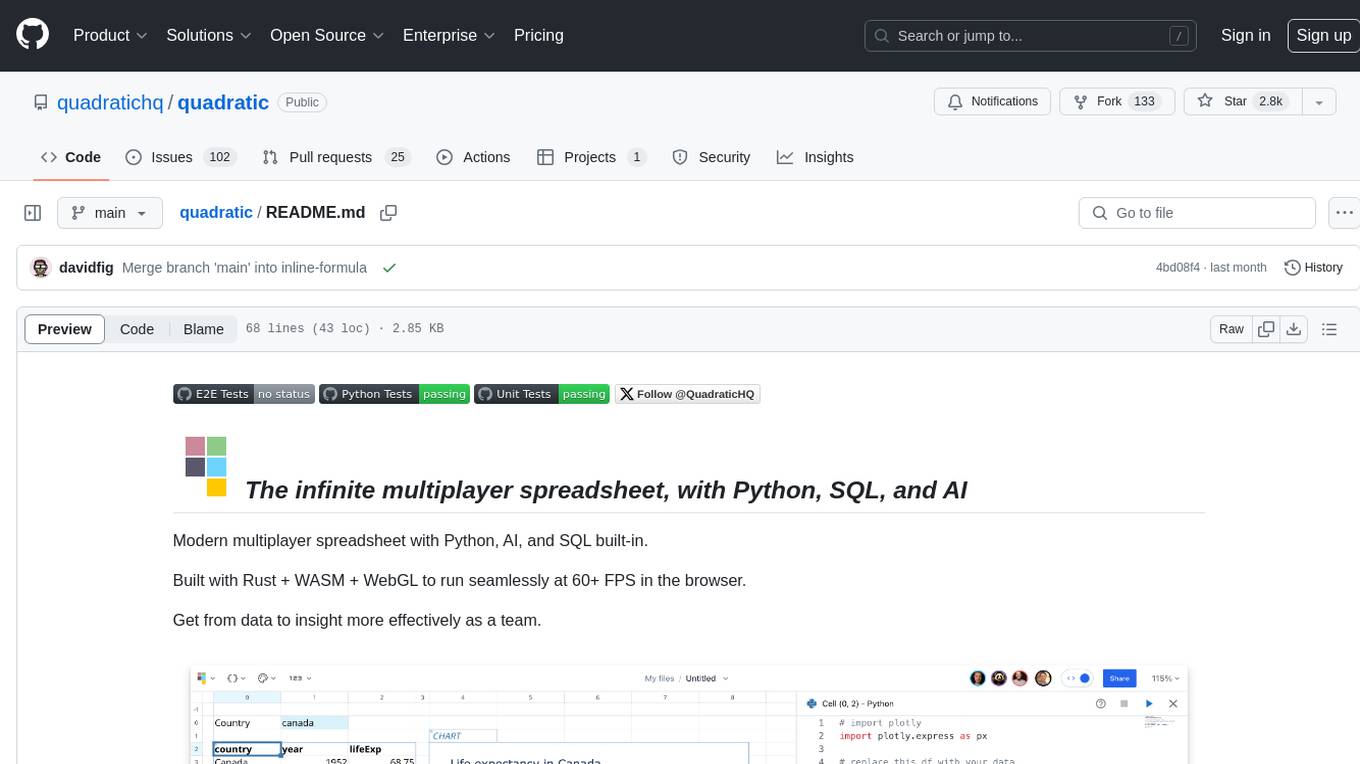
quadratic
Quadratic is a modern multiplayer spreadsheet application that integrates Python, AI, and SQL functionalities. It aims to streamline team collaboration and data analysis by enabling users to pull data from various sources and utilize popular data science tools. The application supports building dashboards, creating internal tools, mixing data from different sources, exploring data for insights, visualizing Python workflows, and facilitating collaboration between technical and non-technical team members. Quadratic is built with Rust + WASM + WebGL to ensure seamless performance in the browser, and it offers features like WebGL Grid, local file management, Python and Pandas support, Excel formula support, multiplayer capabilities, charts and graphs, and team support. The tool is currently in Beta with ongoing development for additional features like JS support, SQL database support, and AI auto-complete.
buster
Buster is a modern analytics platform designed with AI in mind, focusing on self-serve experiences powered by Large Language Models. It addresses pain points in existing tools by advocating for AI-centric app development, cost-effective data warehousing, improved CI/CD processes, and empowering data teams to create powerful, user-friendly data experiences. The platform aims to revolutionize AI analytics by enabling data teams to build deep integrations and own their entire analytics stack.
Ivy-Framework
Ivy-Framework is a powerful tool for building internal applications with AI assistance using C# codebase. It provides a CLI for project initialization, authentication integrations, database support, LLM code generation, secrets management, container deployment, hot reload, dependency injection, state management, routing, and external widget framework. Users can easily create data tables for sorting, filtering, and pagination. The framework offers a seamless integration of front-end and back-end development, making it ideal for developing robust internal tools and dashboards.
doris
Doris is a lightweight and user-friendly data visualization tool designed for quick and easy exploration of datasets. It provides a simple interface for users to upload their data and generate interactive visualizations without the need for coding. With Doris, users can easily create charts, graphs, and dashboards to analyze and present their data in a visually appealing way. The tool supports various data formats and offers customization options to tailor visualizations to specific needs. Whether you are a data analyst, researcher, or student, Doris simplifies the process of data exploration and presentation.
qwery-core
Qwery is a platform for querying and visualizing data using natural language without technical knowledge. It seamlessly integrates with various datasources, generates optimized queries, and delivers outcomes like result sets, dashboards, and APIs. Features include natural language querying, multi-database support, AI-powered agents, visual data apps, desktop & cloud options, template library, and extensibility through plugins. The project is under active development and not yet suitable for production use.
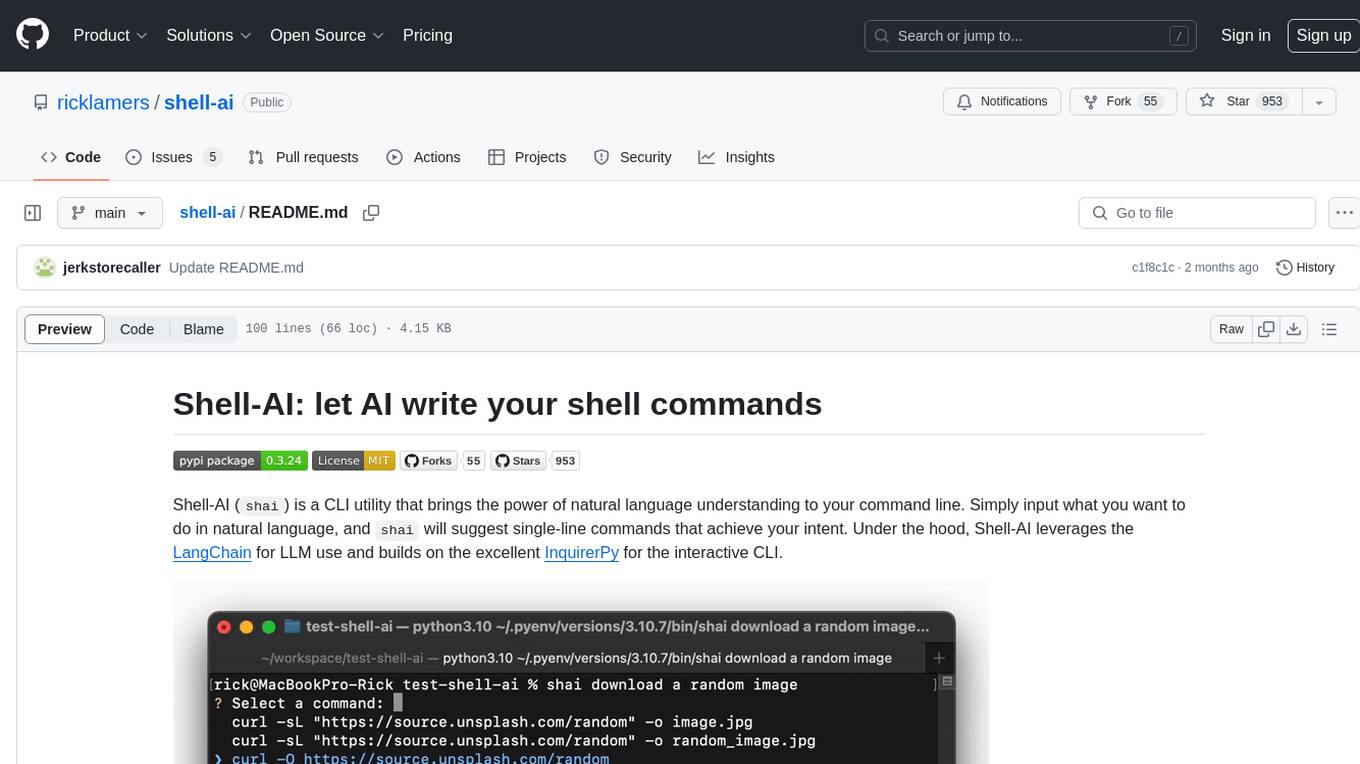
shell-ai
Shell-AI (`shai`) is a CLI utility that enables users to input commands in natural language and receive single-line command suggestions. It leverages natural language understanding and interactive CLI tools to enhance command line interactions. Users can describe tasks in plain English and receive corresponding command suggestions, making it easier to execute commands efficiently. Shell-AI supports cross-platform usage and is compatible with Azure OpenAI deployments, offering a user-friendly and efficient way to interact with the command line.
For similar jobs

sweep
Sweep is an AI junior developer that turns bugs and feature requests into code changes. It automatically handles developer experience improvements like adding type hints and improving test coverage.

teams-ai
The Teams AI Library is a software development kit (SDK) that helps developers create bots that can interact with Teams and Microsoft 365 applications. It is built on top of the Bot Framework SDK and simplifies the process of developing bots that interact with Teams' artificial intelligence capabilities. The SDK is available for JavaScript/TypeScript, .NET, and Python.

ai-guide
This guide is dedicated to Large Language Models (LLMs) that you can run on your home computer. It assumes your PC is a lower-end, non-gaming setup.

classifai
Supercharge WordPress Content Workflows and Engagement with Artificial Intelligence. Tap into leading cloud-based services like OpenAI, Microsoft Azure AI, Google Gemini and IBM Watson to augment your WordPress-powered websites. Publish content faster while improving SEO performance and increasing audience engagement. ClassifAI integrates Artificial Intelligence and Machine Learning technologies to lighten your workload and eliminate tedious tasks, giving you more time to create original content that matters.

chatbot-ui
Chatbot UI is an open-source AI chat app that allows users to create and deploy their own AI chatbots. It is easy to use and can be customized to fit any need. Chatbot UI is perfect for businesses, developers, and anyone who wants to create a chatbot.

BricksLLM
BricksLLM is a cloud native AI gateway written in Go. Currently, it provides native support for OpenAI, Anthropic, Azure OpenAI and vLLM. BricksLLM aims to provide enterprise level infrastructure that can power any LLM production use cases. Here are some use cases for BricksLLM: * Set LLM usage limits for users on different pricing tiers * Track LLM usage on a per user and per organization basis * Block or redact requests containing PIIs * Improve LLM reliability with failovers, retries and caching * Distribute API keys with rate limits and cost limits for internal development/production use cases * Distribute API keys with rate limits and cost limits for students

uAgents
uAgents is a Python library developed by Fetch.ai that allows for the creation of autonomous AI agents. These agents can perform various tasks on a schedule or take action on various events. uAgents are easy to create and manage, and they are connected to a fast-growing network of other uAgents. They are also secure, with cryptographically secured messages and wallets.

griptape
Griptape is a modular Python framework for building AI-powered applications that securely connect to your enterprise data and APIs. It offers developers the ability to maintain control and flexibility at every step. Griptape's core components include Structures (Agents, Pipelines, and Workflows), Tasks, Tools, Memory (Conversation Memory, Task Memory, and Meta Memory), Drivers (Prompt and Embedding Drivers, Vector Store Drivers, Image Generation Drivers, Image Query Drivers, SQL Drivers, Web Scraper Drivers, and Conversation Memory Drivers), Engines (Query Engines, Extraction Engines, Summary Engines, Image Generation Engines, and Image Query Engines), and additional components (Rulesets, Loaders, Artifacts, Chunkers, and Tokenizers). Griptape enables developers to create AI-powered applications with ease and efficiency.