


qwery-core
The Boring query platform - Connect and query anything
Stars: 135
Qwery is a platform for querying and visualizing data using natural language without technical knowledge. It seamlessly integrates with various datasources, generates optimized queries, and delivers outcomes like result sets, dashboards, and APIs. Features include natural language querying, multi-database support, AI-powered agents, visual data apps, desktop & cloud options, template library, and extensibility through plugins. The project is under active development and not yet suitable for production use.
README:





🚧 This project is under active development and not yet suitable for production use. Expect breaking changes, incomplete features, and evolving APIs.
Qwery is the most capable platform for querying and visualizing data without requiring any prior technical knowledge in data engineering. Using natural language in any supported language, Qwery seamlessly integrates with hundreds of datasources, automatically generates optimized queries, and delivers outcomes across multiple targets including result sets, dashboards, data apps, reports, and APIs.
- Choose your environment: Download the desktop application or connect to the Qwery Cloud Platform
- Connect your data: Link to your databases, APIs, or other datasources
- Start querying: Use natural language to query your datasources instantly
-
Work with AI agents: Press
CMD/CTRL + Lto collaborate with intelligent agents that assist with your data workflows
- Natural Language Querying: Ask questions in plain language, get SQL automatically
- Multi-Database Support: PostgreSQL, MySQL, MongoDB, DuckDB, ClickHouse, SQL Server, and more
- AI-Powered Agents: Intelligent assistants that help with data workflows (CMD/CTRL + L)
- Visual Data Apps: Build dashboards and data applications without code
- Desktop & Cloud: Run locally or use our cloud platform
- Template Library: Pre-built notebooks, queries, and dashboards
- Extensible: Plugin system for custom datasources and integrations
- Node.js >= 22.x
- pnpm >= 10.x
# Clone the repository
git clone https://github.com/Guepard-Corp/qwery-core.git
cd qwery-core

# Install dependencies
pnpm install

# Start development server
pnpm server:dev
pnpm web:dev
The web app will be available at http://localhost:3000
Using apps/web with apps/server: To have the web app use the API server (file repositories) instead of in-app API routes, start the server (pnpm --filter server dev, port 4096) and set VITE_API_URL=http://localhost:4096/api in apps/web/.env. Then start the web app (pnpm --filter web dev). Flow: Web Browser → SSR/Loader → apps/server Hono.
# Build and run desktop app
pnpm desktop:devThis is a Turborepo monorepo with the following structure:
-
apps/web- Main React Router SaaS application -
apps/desktop- Desktop application (Electron) -
packages/features/*- Feature packages -
packages/- Shared packages and utilities -
tooling/- Build tools and development scripts
# Start all apps in development mode
pnpm dev

# Start specific app
pnpm --filter server dev     # Server app
pnpm --filter web dev        # Web app (port 3000)
pnpm --filter desktop dev    # Desktop app
pnpm --filter tui dev        # Terminal app

# Code Quality
pnpm format:fix              # Auto-fix formatting
pnpm lint:fix                # Auto-fix linting issues
pnpm typecheck               # Type checking
pnpm check                   # Run all quality checks (format, lint, typecheck, build, test)

# Build
pnpm build                   # Build all packages

# Testing
pnpm test # Run all tests-
TypeScript: Strict type checking, avoid
anytypes - Linting: ESLint with strict rules
- Formatting: Prettier with consistent style
- Testing: Vitest for unit tests, Playwright for E2E
Always run pnpm check before committing to ensure all quality checks pass.
We welcome contributions! Check out our Contributing Guide to get started.
- Run
pnpm checkto ensure all quality checks pass - Make sure your code follows our TypeScript guidelines
- Write tests for new features
- Update documentation as needed
- Review good first issues
- Read our Code of Conduct
- Check AGENTS.md for development guidelines
- Join our Discord community
- Discord: Join our Discord for discussions and support
- GitHub Issues: Report bugs and request features
- YouTube: Watch demos and tutorials
This project uses the Elastic License 2.0 (ELv2). See the LICENSE file for details.
We're grateful to the open source community. See our Thank You page for acknowledgments.
For Tasks:
Click tags to check more tools for each tasksFor Jobs:
Alternative AI tools for qwery-core
Similar Open Source Tools
qwery-core
Qwery is a platform for querying and visualizing data using natural language without technical knowledge. It seamlessly integrates with various datasources, generates optimized queries, and delivers outcomes like result sets, dashboards, and APIs. Features include natural language querying, multi-database support, AI-powered agents, visual data apps, desktop & cloud options, template library, and extensibility through plugins. The project is under active development and not yet suitable for production use.
gemini-cli
Gemini CLI is an open-source AI agent that provides lightweight access to Gemini, offering powerful capabilities like code understanding, generation, automation, integration, and advanced features. It is designed for developers who prefer working in the command line and offers extensibility through MCP support. The tool integrates directly into GitHub workflows and offers various authentication options for individual developers, enterprise teams, and production workloads. With features like code querying, editing, app generation, debugging, and GitHub integration, Gemini CLI aims to streamline development workflows and enhance productivity.
bytebot
Bytebot is an open-source AI desktop agent that provides a virtual employee with its own computer to complete tasks for users. It can use various applications, download and organize files, log into websites, process documents, and perform complex multi-step workflows. By giving AI access to a complete desktop environment, Bytebot unlocks capabilities not possible with browser-only agents or API integrations, enabling complete task autonomy, document processing, and usage of real applications.
VibeSurf
VibeSurf is an open-source AI agentic browser that combines workflow automation with intelligent AI agents, offering faster, cheaper, and smarter browser automation. It allows users to create revolutionary browser workflows, run multiple AI agents in parallel, perform intelligent AI automation tasks, maintain privacy with local LLM support, and seamlessly integrate as a Chrome extension. Users can save on token costs, achieve efficiency gains, and enjoy deterministic workflows for consistent and accurate results. VibeSurf also provides a Docker image for easy deployment and offers pre-built workflow templates for common tasks.
BodhiApp
Bodhi App runs Open Source Large Language Models locally, exposing LLM inference capabilities as OpenAI API compatible REST APIs. It leverages llama.cpp for GGUF format models and huggingface.co ecosystem for model downloads. Users can run fine-tuned models for chat completions, create custom aliases, and convert Huggingface models to GGUF format. The CLI offers commands for environment configuration, model management, pulling files, serving API, and more.
ApeRAG
ApeRAG is a production-ready platform for Retrieval-Augmented Generation (RAG) that combines Graph RAG, vector search, and full-text search with advanced AI agents. It is ideal for building Knowledge Graphs, Context Engineering, and deploying intelligent AI agents for autonomous search and reasoning across knowledge bases. The platform offers features like advanced index types, intelligent AI agents with MCP support, enhanced Graph RAG with entity normalization, multimodal processing, hybrid retrieval engine, MinerU integration for document parsing, production-grade deployment with Kubernetes, enterprise management features, MCP integration, and developer-friendly tools for customization and contribution.
gateway
CentralMind Gateway is an AI-first data gateway that securely connects any data source and automatically generates secure, LLM-optimized APIs. It filters out sensitive data, adds traceability, and optimizes for AI workloads. Suitable for companies deploying AI agents for customer support and analytics.
eliza
Eliza is a versatile AI agent operating system designed to support various models and connectors, enabling users to create chatbots, autonomous agents, handle business processes, create video game NPCs, and engage in trading. It offers multi-agent and room support, document ingestion and interaction, retrievable memory and document store, and extensibility to create custom actions and clients. Eliza is easy to use and provides a comprehensive solution for AI agent development.
aomail-app
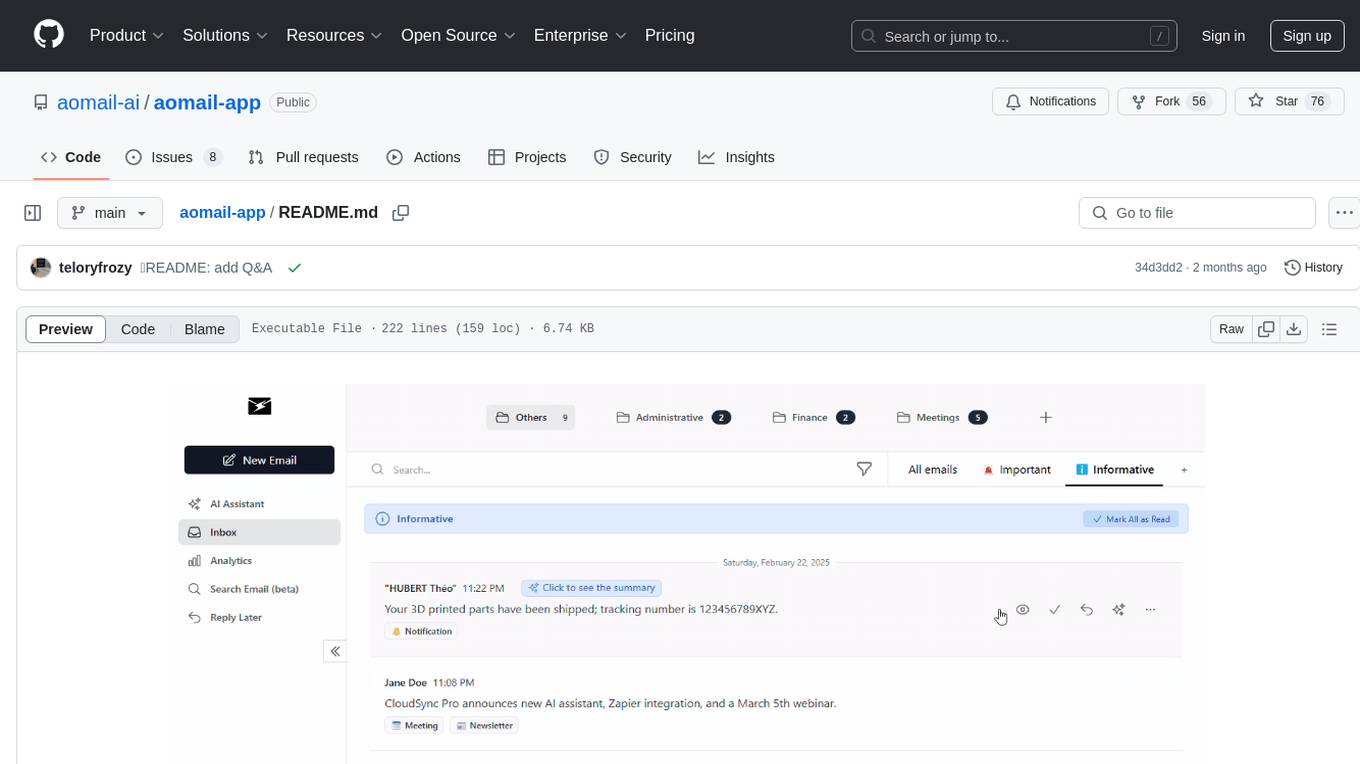
Aomail is an intelligent, open-source email management platform with AI capabilities. It offers email provider integration, AI-powered tools for smart categorization and assistance, analytics and management features. Users can self-host for complete control. Coming soon features include AI custom rules, platform integration with Discord & Slack, and support for various AI providers. The tool is designed to revolutionize email management by providing advanced AI features and analytics.
CrewAI-Studio
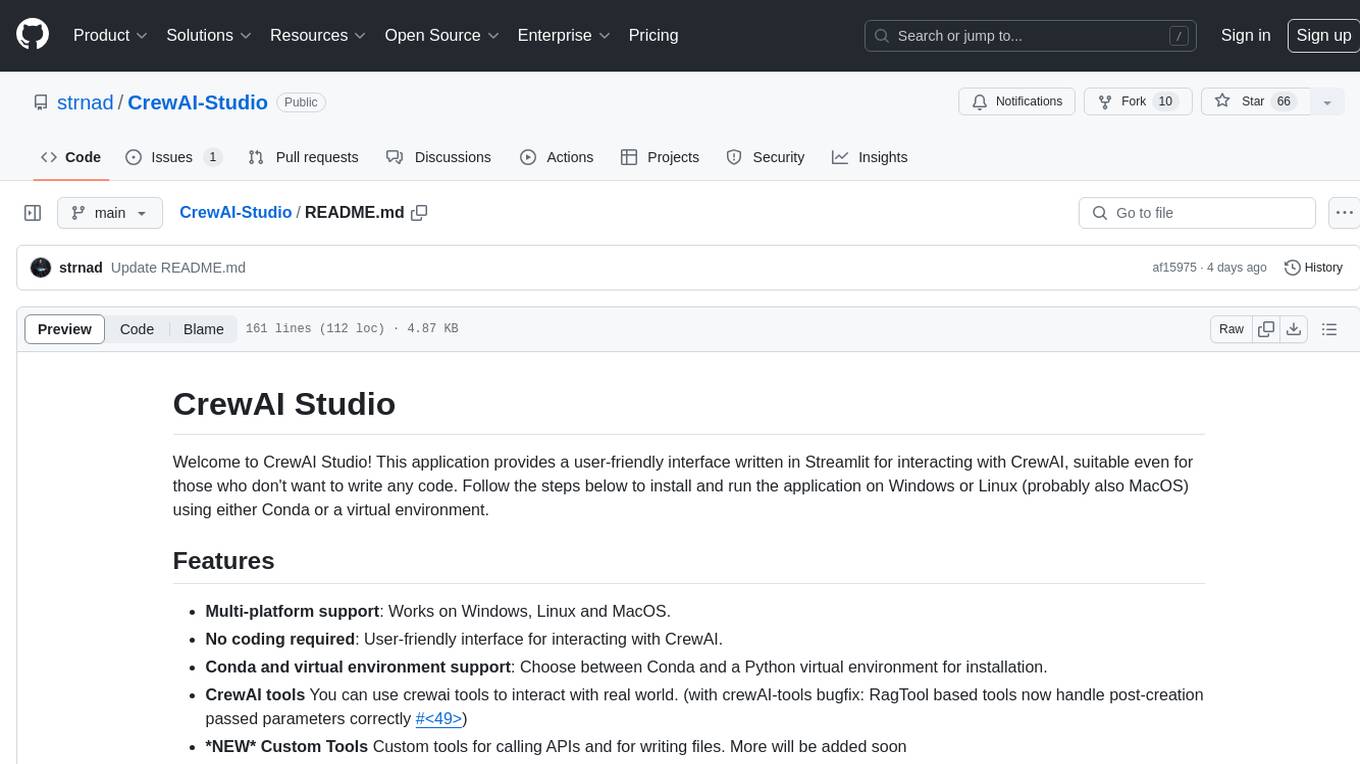
CrewAI Studio is an application with a user-friendly interface for interacting with CrewAI, offering support for multiple platforms and various backend providers. It allows users to run crews in the background, export single-page apps, and use custom tools for APIs and file writing. The roadmap includes features like better import/export, human input, chat functionality, automatic crew creation, and multiuser environment support.
Ivy-Framework
Ivy-Framework is a powerful tool for building internal applications with AI assistance using C# codebase. It provides a CLI for project initialization, authentication integrations, database support, LLM code generation, secrets management, container deployment, hot reload, dependency injection, state management, routing, and external widget framework. Users can easily create data tables for sorting, filtering, and pagination. The framework offers a seamless integration of front-end and back-end development, making it ideal for developing robust internal tools and dashboards.
Mira
Mira is an agentic AI library designed for automating company research by gathering information from various sources like company websites, LinkedIn profiles, and Google Search. It utilizes a multi-agent architecture to collect and merge data points into a structured profile with confidence scores and clear source attribution. The core library is framework-agnostic and can be integrated into applications, pipelines, or custom workflows. Mira offers features such as real-time progress events, confidence scoring, company criteria matching, and built-in services for data gathering. The tool is suitable for users looking to streamline company research processes and enhance data collection efficiency.
vearch
Vearch is a cloud-native distributed vector database designed for efficient similarity search of embedding vectors in AI applications. It supports hybrid search with vector search and scalar filtering, offers fast vector retrieval from millions of objects in milliseconds, and ensures scalability and reliability through replication and elastic scaling out. Users can deploy Vearch cluster on Kubernetes, add charts from the repository or locally, start with Docker-compose, or compile from source code. The tool includes components like Master for schema management, Router for RESTful API, and PartitionServer for hosting document partitions with raft-based replication. Vearch can be used for building visual search systems for indexing images and offers a Python SDK for easy installation and usage. The tool is suitable for AI developers and researchers looking for efficient vector search capabilities in their applications.
coding-agent-template
Coding Agent Template is a versatile tool for building AI-powered coding agents that support various coding tasks using Claude Code, OpenAI's Codex CLI, Cursor CLI, and opencode with Vercel Sandbox. It offers features like multi-agent support, Vercel Sandbox for secure code execution, AI Gateway integration, AI-generated branch names, task management, persistent storage, Git integration, and a modern UI built with Next.js and Tailwind CSS. Users can easily deploy their own version of the template to Vercel and set up the tool by cloning the repository, installing dependencies, configuring environment variables, setting up the database, and starting the development server. The tool simplifies the process of creating tasks, monitoring progress, reviewing results, and managing tasks, making it ideal for developers looking to automate coding tasks with AI agents.
midscene
Midscene.js is an AI-powered automation SDK that allows users to control web pages, perform assertions, and extract data in JSON format using natural language. It offers features such as natural language interaction, understanding UI and providing responses in JSON, intuitive assertion based on AI understanding, compatibility with public multimodal LLMs like GPT-4o, visualization tool for easy debugging, and a brand new experience in automation development.
bagofwords
Bag of words is an open-source AI platform that helps data teams deploy and manage chat-with-your-data agents in a controlled, reliable, and self-learning environment. It enables users to create charts, tables, and dashboards by chatting with their data, capture AI decisions and user feedback, automatically improve AI quality, integrate with various data sources and APIs, and ensure governance and integrations. The platform supports self-hosting in VPC via VMs, Docker/Compose, or Kubernetes, and offers additional integrations for AI Analyst in Slack, Excel, Google Sheets, and more. Users can start in minutes and scale to org-wide analytics.
For similar tasks
supersonic
SuperSonic is a next-generation BI platform that integrates Chat BI (powered by LLM) and Headless BI (powered by semantic layer) paradigms. This integration ensures that Chat BI has access to the same curated and governed semantic data models as traditional BI. Furthermore, the implementation of both paradigms benefits from the integration: * Chat BI's Text2SQL gets augmented with context-retrieval from semantic models. * Headless BI's query interface gets extended with natural language API. SuperSonic provides a Chat BI interface that empowers users to query data using natural language and visualize the results with suitable charts. To enable such experience, the only thing necessary is to build logical semantic models (definition of metric/dimension/tag, along with their meaning and relationships) through a Headless BI interface. Meanwhile, SuperSonic is designed to be extensible and composable, allowing custom implementations to be added and configured with Java SPI. The integration of Chat BI and Headless BI has the potential to enhance the Text2SQL generation in two dimensions: 1. Incorporate data semantics (such as business terms, column values, etc.) into the prompt, enabling LLM to better understand the semantics and reduce hallucination. 2. Offload the generation of advanced SQL syntax (such as join, formula, etc.) from LLM to the semantic layer to reduce complexity. With these ideas in mind, we develop SuperSonic as a practical reference implementation and use it to power our real-world products. Additionally, to facilitate further development we decide to open source SuperSonic as an extensible framework.
sqlcoder
Defog's SQLCoder is a family of state-of-the-art large language models (LLMs) designed for converting natural language questions into SQL queries. It outperforms popular open-source models like gpt-4 and gpt-4-turbo on SQL generation tasks. SQLCoder has been trained on more than 20,000 human-curated questions based on 10 different schemas, and the model weights are licensed under CC BY-SA 4.0. Users can interact with SQLCoder through the 'transformers' library and run queries using the 'sqlcoder launch' command in the terminal. The tool has been tested on NVIDIA GPUs with more than 16GB VRAM and Apple Silicon devices with some limitations. SQLCoder offers a demo on their website and supports quantized versions of the model for consumer GPUs with sufficient memory.
quadratic
Quadratic is a modern multiplayer spreadsheet application that integrates Python, AI, and SQL functionalities. It aims to streamline team collaboration and data analysis by enabling users to pull data from various sources and utilize popular data science tools. The application supports building dashboards, creating internal tools, mixing data from different sources, exploring data for insights, visualizing Python workflows, and facilitating collaboration between technical and non-technical team members. Quadratic is built with Rust + WASM + WebGL to ensure seamless performance in the browser, and it offers features like WebGL Grid, local file management, Python and Pandas support, Excel formula support, multiplayer capabilities, charts and graphs, and team support. The tool is currently in Beta with ongoing development for additional features like JS support, SQL database support, and AI auto-complete.
buster
Buster is a modern analytics platform designed with AI in mind, focusing on self-serve experiences powered by Large Language Models. It addresses pain points in existing tools by advocating for AI-centric app development, cost-effective data warehousing, improved CI/CD processes, and empowering data teams to create powerful, user-friendly data experiences. The platform aims to revolutionize AI analytics by enabling data teams to build deep integrations and own their entire analytics stack.
Ivy-Framework
Ivy-Framework is a powerful tool for building internal applications with AI assistance using C# codebase. It provides a CLI for project initialization, authentication integrations, database support, LLM code generation, secrets management, container deployment, hot reload, dependency injection, state management, routing, and external widget framework. Users can easily create data tables for sorting, filtering, and pagination. The framework offers a seamless integration of front-end and back-end development, making it ideal for developing robust internal tools and dashboards.
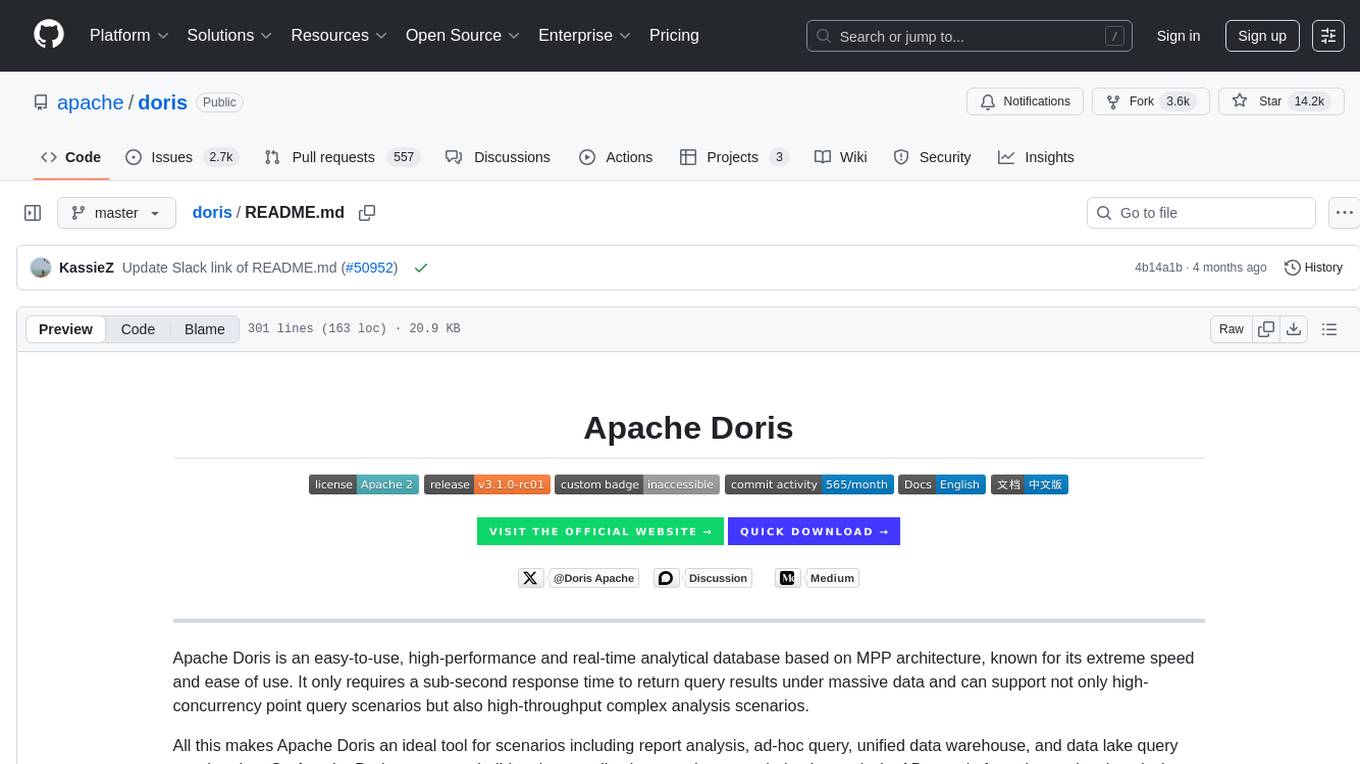
doris
Doris is a lightweight and user-friendly data visualization tool designed for quick and easy exploration of datasets. It provides a simple interface for users to upload their data and generate interactive visualizations without the need for coding. With Doris, users can easily create charts, graphs, and dashboards to analyze and present their data in a visually appealing way. The tool supports various data formats and offers customization options to tailor visualizations to specific needs. Whether you are a data analyst, researcher, or student, Doris simplifies the process of data exploration and presentation.
qwery-core
Qwery is a platform for querying and visualizing data using natural language without technical knowledge. It seamlessly integrates with various datasources, generates optimized queries, and delivers outcomes like result sets, dashboards, and APIs. Features include natural language querying, multi-database support, AI-powered agents, visual data apps, desktop & cloud options, template library, and extensibility through plugins. The project is under active development and not yet suitable for production use.
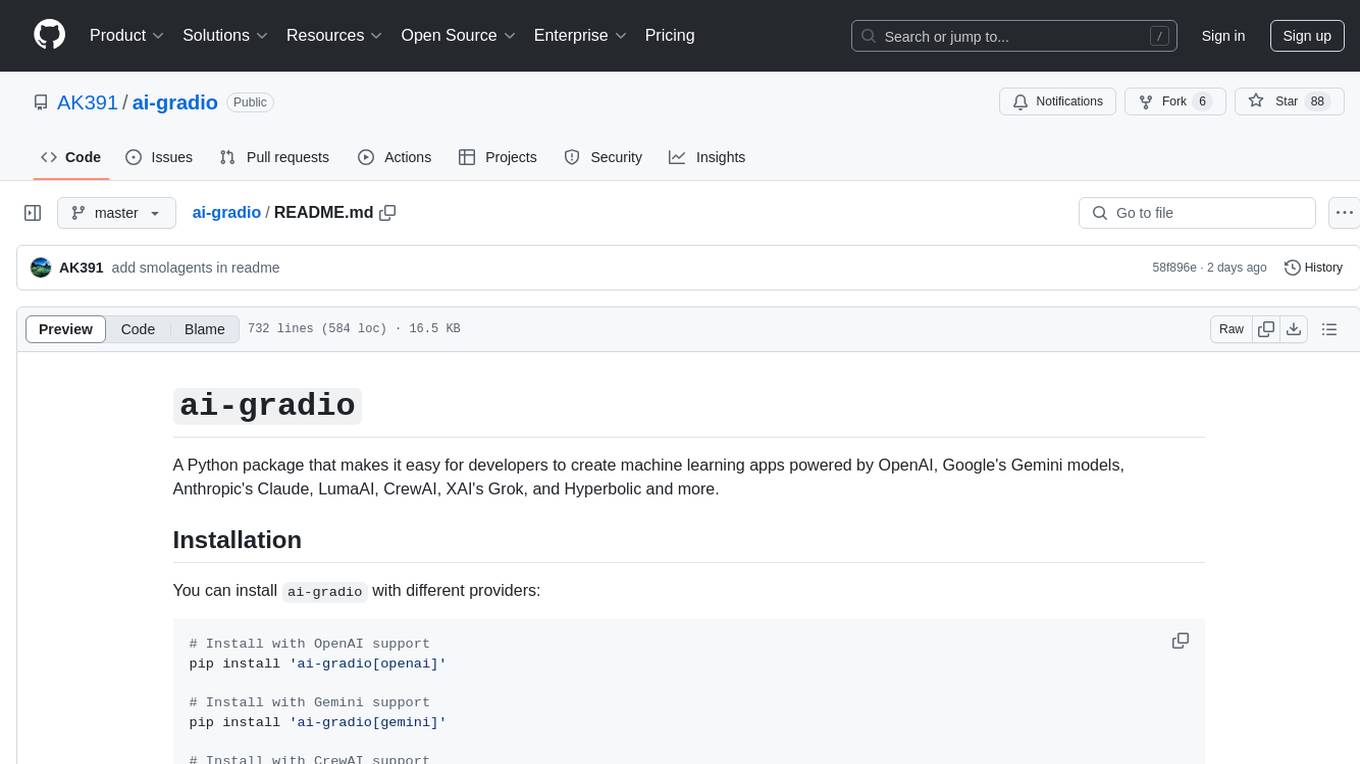
ai-gradio
ai-gradio is a Python package that simplifies the creation of machine learning apps using various models like OpenAI, Google's Gemini, Anthropic's Claude, LumaAI, CrewAI, XAI's Grok, and Hyperbolic. It provides easy installation with support for different providers and offers features like text chat, voice chat, video chat, code generation interfaces, and AI agent teams. Users can set API keys for different providers and customize interfaces for specific tasks.
For similar jobs
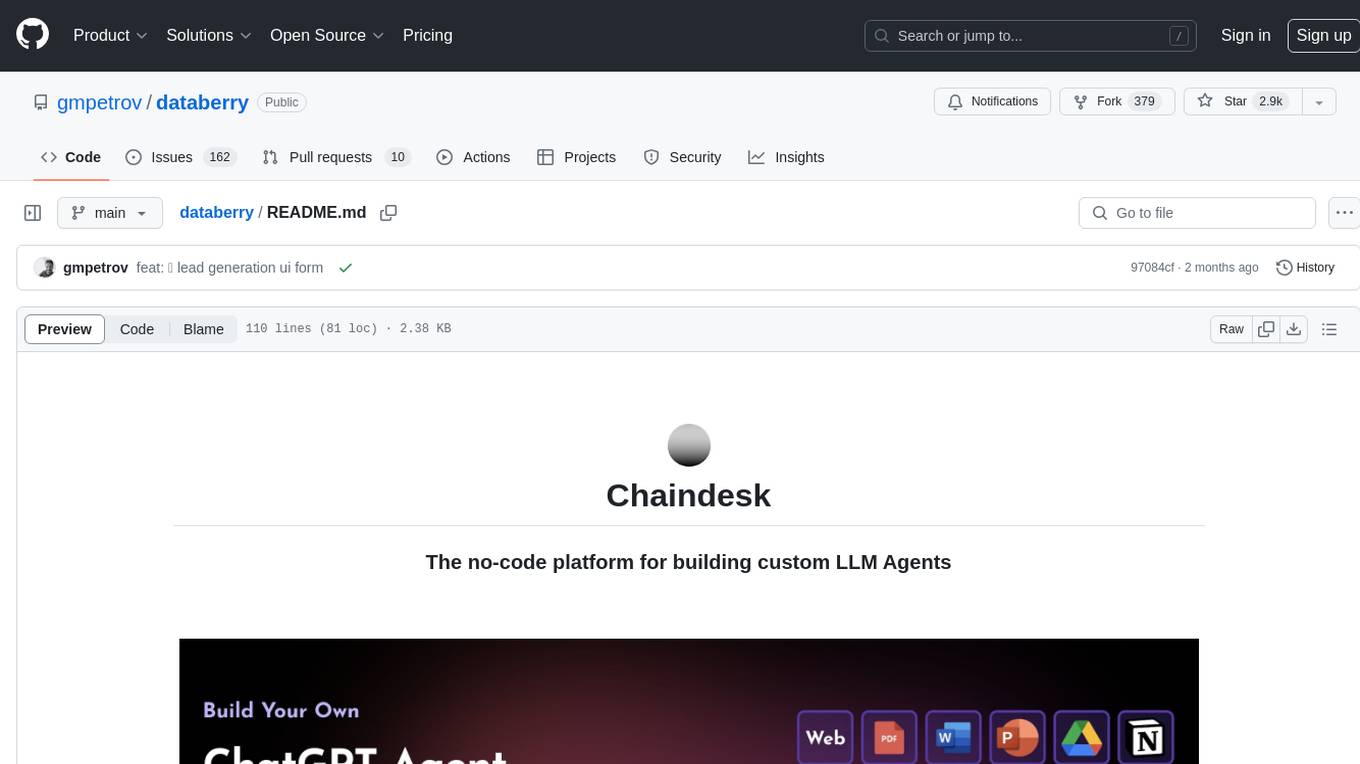
databerry
Chaindesk is a no-code platform that allows users to easily set up a semantic search system for personal data without technical knowledge. It supports loading data from various sources such as raw text, web pages, files (Word, Excel, PowerPoint, PDF, Markdown, Plain Text), and upcoming support for web sites, Notion, and Airtable. The platform offers a user-friendly interface for managing datastores, querying data via a secure API endpoint, and auto-generating ChatGPT Plugins for each datastore. Chaindesk utilizes a Vector Database (Qdrant), Openai's text-embedding-ada-002 for embeddings, and has a chunk size of 1024 tokens. The technology stack includes Next.js, Joy UI, LangchainJS, PostgreSQL, Prisma, and Qdrant, inspired by the ChatGPT Retrieval Plugin.
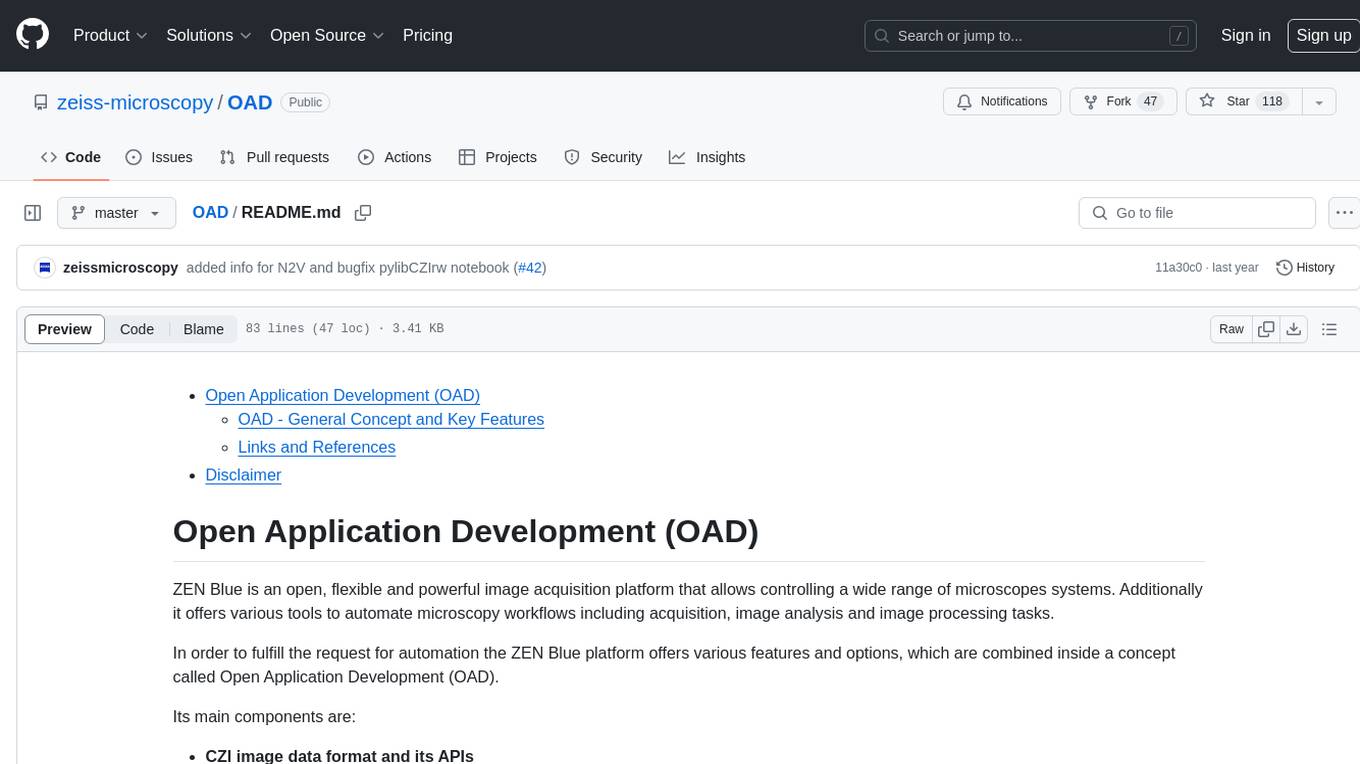
OAD
OAD is a powerful open-source tool for analyzing and visualizing data. It provides a user-friendly interface for exploring datasets, generating insights, and creating interactive visualizations. With OAD, users can easily import data from various sources, clean and preprocess data, perform statistical analysis, and create customizable visualizations to communicate findings effectively. Whether you are a data scientist, analyst, or researcher, OAD can help you streamline your data analysis workflow and uncover valuable insights from your data.
sqlcoder
Defog's SQLCoder is a family of state-of-the-art large language models (LLMs) designed for converting natural language questions into SQL queries. It outperforms popular open-source models like gpt-4 and gpt-4-turbo on SQL generation tasks. SQLCoder has been trained on more than 20,000 human-curated questions based on 10 different schemas, and the model weights are licensed under CC BY-SA 4.0. Users can interact with SQLCoder through the 'transformers' library and run queries using the 'sqlcoder launch' command in the terminal. The tool has been tested on NVIDIA GPUs with more than 16GB VRAM and Apple Silicon devices with some limitations. SQLCoder offers a demo on their website and supports quantized versions of the model for consumer GPUs with sufficient memory.
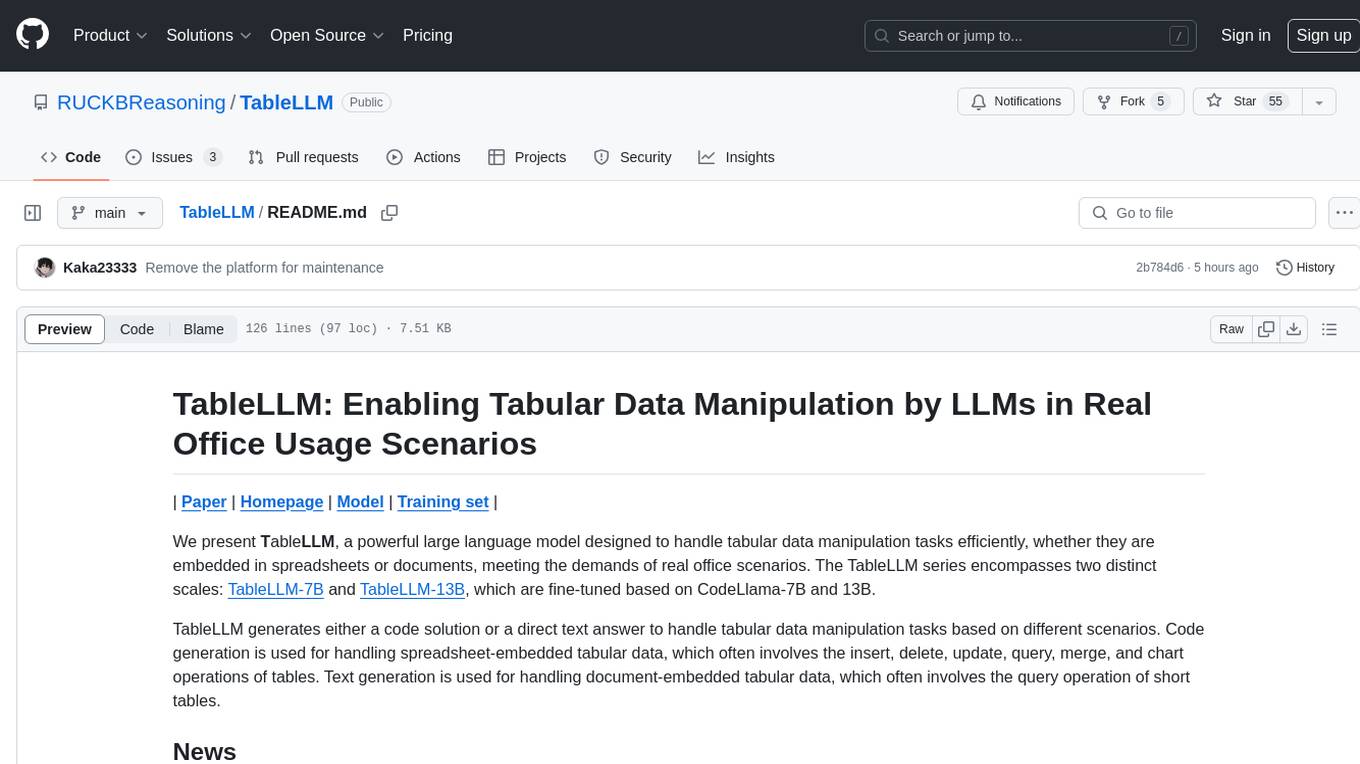
TableLLM
TableLLM is a large language model designed for efficient tabular data manipulation tasks in real office scenarios. It can generate code solutions or direct text answers for tasks like insert, delete, update, query, merge, and chart operations on tables embedded in spreadsheets or documents. The model has been fine-tuned based on CodeLlama-7B and 13B, offering two scales: TableLLM-7B and TableLLM-13B. Evaluation results show its performance on benchmarks like WikiSQL, Spider, and self-created table operation benchmark. Users can use TableLLM for code and text generation tasks on tabular data.
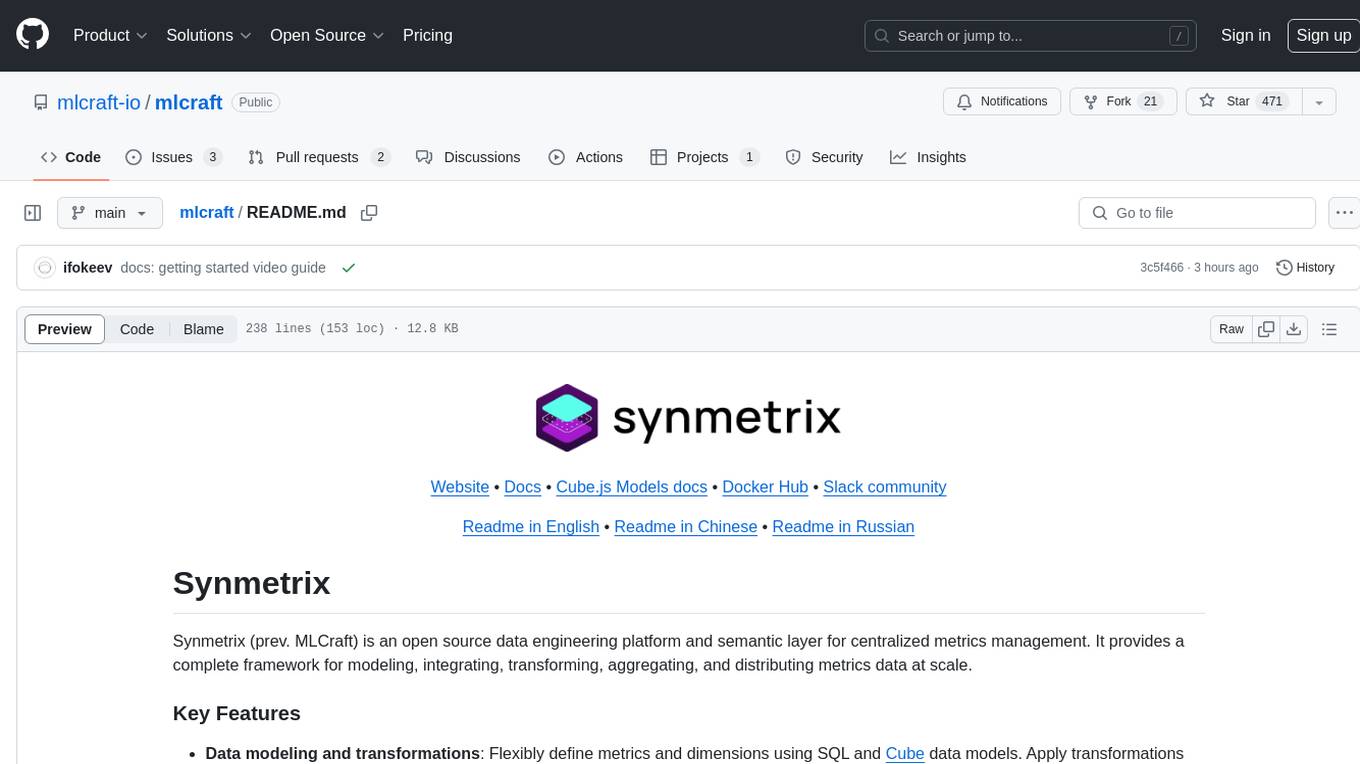
mlcraft
Synmetrix (prev. MLCraft) is an open source data engineering platform and semantic layer for centralized metrics management. It provides a complete framework for modeling, integrating, transforming, aggregating, and distributing metrics data at scale. Key features include data modeling and transformations, semantic layer for unified data model, scheduled reports and alerts, versioning, role-based access control, data exploration, caching, and collaboration on metrics modeling. Synmetrix leverages Cube (Cube.js) for flexible data models that consolidate metrics from various sources, enabling downstream distribution via a SQL API for integration into BI tools, reporting, dashboards, and data science. Use cases include data democratization, business intelligence, embedded analytics, and enhancing accuracy in data handling and queries. The tool speeds up data-driven workflows from metrics definition to consumption by combining data engineering best practices with self-service analytics capabilities.
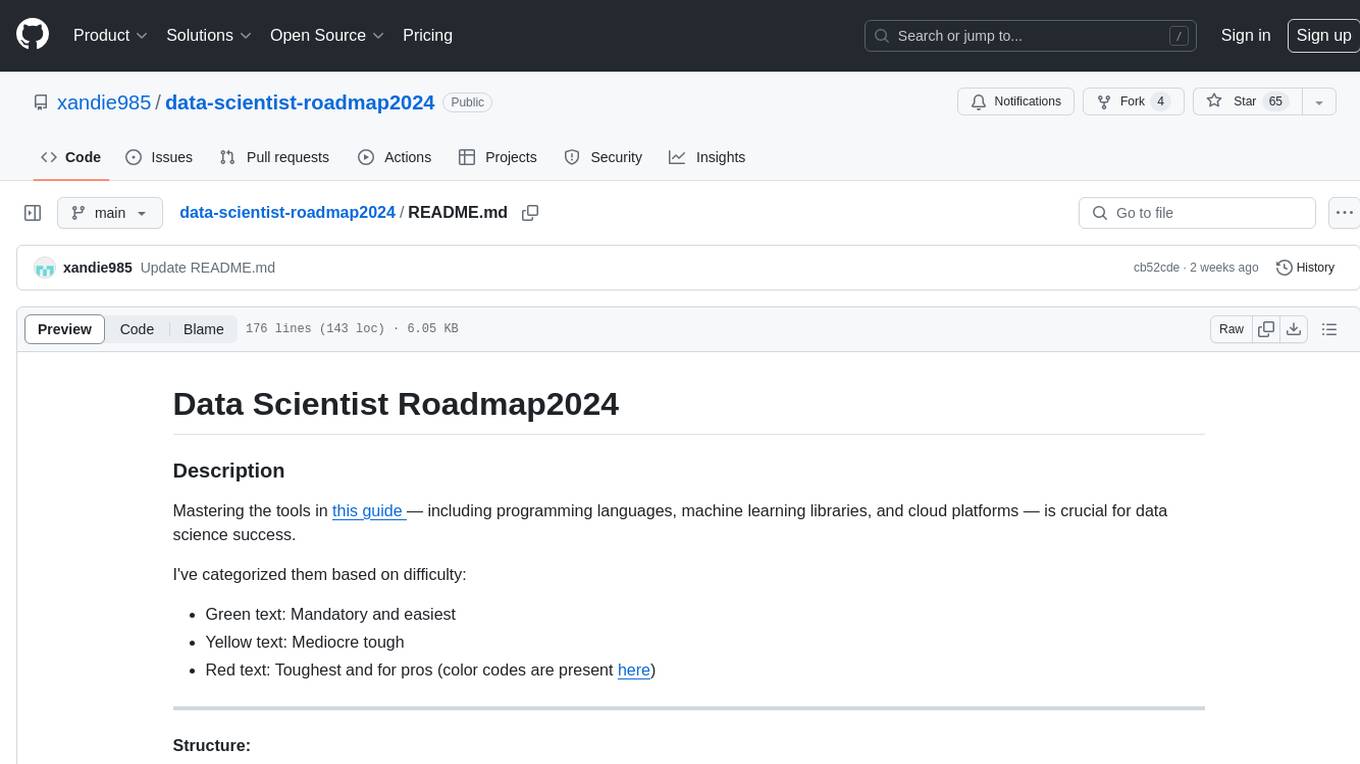
data-scientist-roadmap2024
The Data Scientist Roadmap2024 provides a comprehensive guide to mastering essential tools for data science success. It includes programming languages, machine learning libraries, cloud platforms, and concepts categorized by difficulty. The roadmap covers a wide range of topics from programming languages to machine learning techniques, data visualization tools, and DevOps/MLOps tools. It also includes web development frameworks and specific concepts like supervised and unsupervised learning, NLP, deep learning, reinforcement learning, and statistics. Additionally, it delves into DevOps tools like Airflow and MLFlow, data visualization tools like Tableau and Matplotlib, and other topics such as ETL processes, optimization algorithms, and financial modeling.
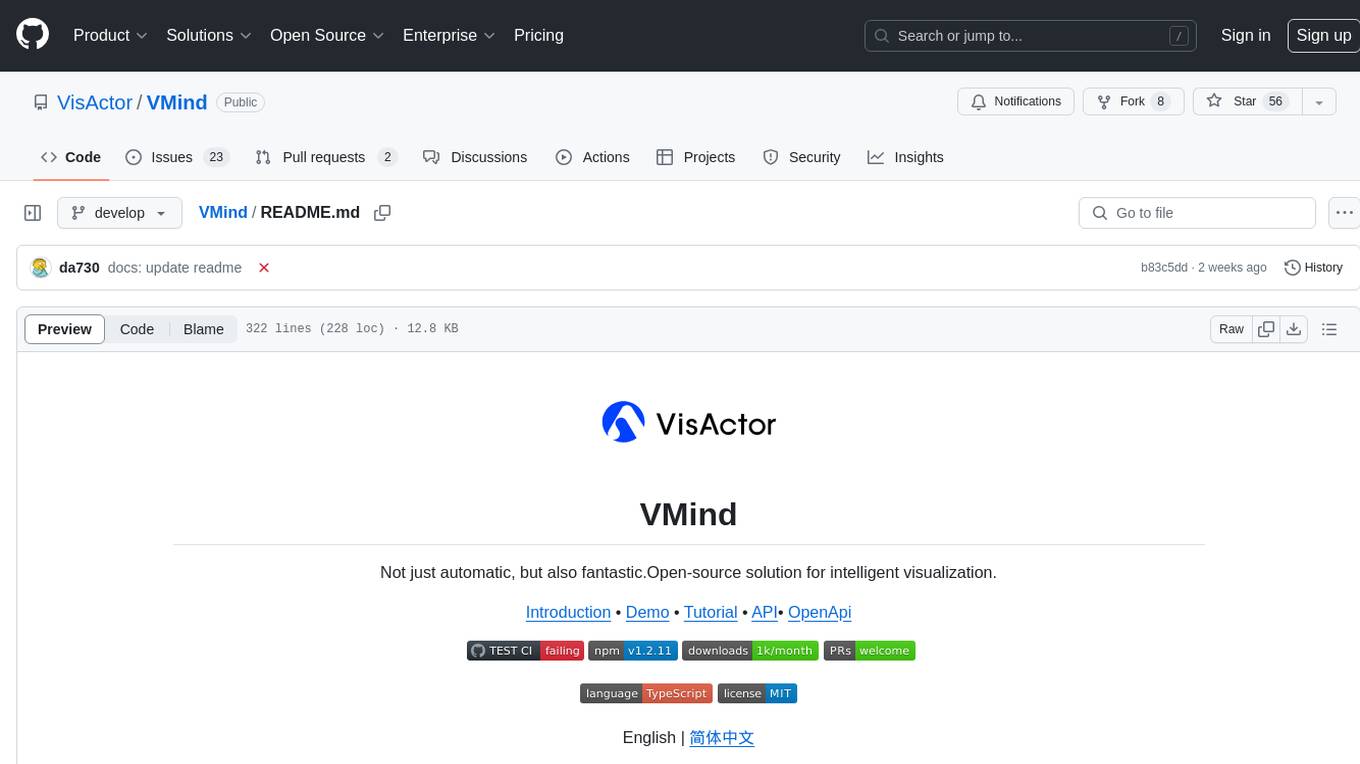
VMind
VMind is an open-source solution for intelligent visualization, providing an intelligent chart component based on LLM by VisActor. It allows users to create chart narrative works with natural language interaction, edit charts through dialogue, and export narratives as videos or GIFs. The tool is easy to use, scalable, supports various chart types, and offers one-click export functionality. Users can customize chart styles, specify themes, and aggregate data using LLM models. VMind aims to enhance efficiency in creating data visualization works through dialogue-based editing and natural language interaction.
quadratic
Quadratic is a modern multiplayer spreadsheet application that integrates Python, AI, and SQL functionalities. It aims to streamline team collaboration and data analysis by enabling users to pull data from various sources and utilize popular data science tools. The application supports building dashboards, creating internal tools, mixing data from different sources, exploring data for insights, visualizing Python workflows, and facilitating collaboration between technical and non-technical team members. Quadratic is built with Rust + WASM + WebGL to ensure seamless performance in the browser, and it offers features like WebGL Grid, local file management, Python and Pandas support, Excel formula support, multiplayer capabilities, charts and graphs, and team support. The tool is currently in Beta with ongoing development for additional features like JS support, SQL database support, and AI auto-complete.