


deepdoctection
A Repo For Document AI
Stars: 2756
**deep** doctection is a Python library that orchestrates document extraction and document layout analysis tasks using deep learning models. It does not implement models but enables you to build pipelines using highly acknowledged libraries for object detection, OCR and selected NLP tasks and provides an integrated framework for fine-tuning, evaluating and running models. For more specific text processing tasks use one of the many other great NLP libraries. **deep** doctection focuses on applications and is made for those who want to solve real world problems related to document extraction from PDFs or scans in various image formats. **deep** doctection provides model wrappers of supported libraries for various tasks to be integrated into pipelines. Its core function does not depend on any specific deep learning library. Selected models for the following tasks are currently supported: * Document layout analysis including table recognition in Tensorflow with **Tensorpack**, or PyTorch with **Detectron2**, * OCR with support of **Tesseract**, **DocTr** (Tensorflow and PyTorch implementations available) and a wrapper to an API for a commercial solution, * Text mining for native PDFs with **pdfplumber**, * Language detection with **fastText**, * Deskewing and rotating images with **jdeskew**. * Document and token classification with all LayoutLM models provided by the **Transformer library**. (Yes, you can use any LayoutLM-model with any of the provided OCR-or pdfplumber tools straight away!). * Table detection and table structure recognition with **table-transformer**. * There is a small dataset for token classification available and a lot of new tutorials to show, how to train and evaluate this dataset using LayoutLMv1, LayoutLMv2, LayoutXLM and LayoutLMv3. * Comprehensive configuration of **analyzer** like choosing different models, output parsing, OCR selection. Check this notebook or the docs for more infos. * Document layout analysis and table recognition now runs with **Torchscript** (CPU) as well and **Detectron2** is not required anymore for basic inference. * [**new**] More angle predictors for determining the rotation of a document based on **Tesseract** and **DocTr** (not contained in the built-in Analyzer). * [**new**] Token classification with **LiLT** via **transformers**. We have added a model wrapper for token classification with LiLT and added a some LiLT models to the model catalog that seem to look promising, especially if you want to train a model on non-english data. The training script for LayoutLM can be used for LiLT as well and we will be providing a notebook on how to train a model on a custom dataset soon. **deep** doctection provides on top of that methods for pre-processing inputs to models like cropping or resizing and to post-process results, like validating duplicate outputs, relating words to detected layout segments or ordering words into contiguous text. You will get an output in JSON format that you can customize even further by yourself. Have a look at the **introduction notebook** in the notebook repo for an easy start. Check the **release notes** for recent updates. **deep** doctection or its support libraries provide pre-trained models that are in most of the cases available at the **Hugging Face Model Hub** or that will be automatically downloaded once requested. For instance, you can find pre-trained object detection models from the Tensorpack or Detectron2 framework for coarse layout analysis, table cell detection and table recognition. Training is a substantial part to get pipelines ready on some specific domain, let it be document layout analysis, document classification or NER. **deep** doctection provides training scripts for models that are based on trainers developed from the library that hosts the model code. Moreover, **deep** doctection hosts code to some well established datasets like **Publaynet** that makes it easy to experiment. It also contains mappings from widely used data formats like COCO and it has a dataset framework (akin to **datasets** so that setting up training on a custom dataset becomes very easy. **This notebook** shows you how to do this. **deep** doctection comes equipped with a framework that allows you to evaluate predictions of a single or multiple models in a pipeline against some ground truth. Check again **here** how it is done. Having set up a pipeline it takes you a few lines of code to instantiate the pipeline and after a for loop all pages will be processed through the pipeline.
README:

deepdoctection is a Python library that orchestrates document extraction and document layout analysis tasks using deep learning models. It does not implement models but enables you to build pipelines using highly acknowledged libraries for object detection, OCR and selected NLP tasks and provides an integrated framework for fine-tuning, evaluating and running models. For more specific text processing tasks use one of the many other great NLP libraries.
deepdoctection focuses on applications and is made for those who want to solve real world problems related to document extraction from PDFs or scans in various image formats.
Check the demo of a document layout analysis pipeline with OCR on :hugs: Hugging Face spaces.
deepdoctection provides model wrappers of supported libraries for various tasks to be integrated into pipelines. Its core function does not depend on any specific deep learning library. Selected models for the following tasks are currently supported:
- Document layout analysis including table recognition in Tensorflow with Tensorpack, or PyTorch with Detectron2,
- OCR with support of Tesseract, DocTr (Tensorflow and PyTorch implementations available) and a wrapper to an API for a commercial solution,
- Text mining for native PDFs with pdfplumber,
- Language detection with fastText,
- Deskewing and rotating images with jdeskew.
- Document and token classification with all LayoutLM models provided by the Transformer library. (Yes, you can use any LayoutLM-model with any of the provided OCR-or pdfplumber tools straight away!).
- Table detection and table structure recognition with table-transformer.
- There is a small dataset for token classification available and a lot of new tutorials to show, how to train and evaluate this dataset using LayoutLMv1, LayoutLMv2, LayoutXLM and LayoutLMv3.
- Comprehensive configuration of analyzer like choosing different models, output parsing, OCR selection. Check this notebook or the docs for more infos.
- Document layout analysis and table recognition now runs with Torchscript (CPU) as well and Detectron2 is not required anymore for basic inference.
- More angle predictors for determining the rotation of a document based on Tesseract and DocTr
- Token classification with LiLT via transformers. We have added a model wrapper for token classification with LiLT and added a some LiLT models to the model catalog that seem to look promising, especially if you want to train a model on non-english data. The training script for LayoutLM can be used for LiLT as well.
- [new] There are two notebooks available that show, how to write a custom predictor based on a third party library that has not been supported yet and how to use advanced configuration to get links between layout segments e.g. captions and tables or figures.
deepdoctection provides on top of that methods for pre-processing inputs to models like cropping or resizing and to post-process results, like validating duplicate outputs, relating words to detected layout segments or ordering words into contiguous text. You will get an output in JSON format that you can customize even further by yourself.
Have a look at the introduction notebook in the notebook repo for an easy start.
Check the release notes for recent updates.
deepdoctection or its support libraries provide pre-trained models that are in most of the cases available at the Hugging Face Model Hub or that will be automatically downloaded once requested. For instance, you can find pre-trained object detection models from the Tensorpack or Detectron2 framework for coarse layout analysis, table cell detection and table recognition.
Training is a substantial part to get pipelines ready on some specific domain, let it be document layout analysis, document classification or NER. deepdoctection provides training scripts for models that are based on trainers developed from the library that hosts the model code. Moreover, deepdoctection hosts code to some well established datasets like Publaynet that makes it easy to experiment. It also contains mappings from widely used data formats like COCO and it has a dataset framework (akin to datasets so that setting up training on a custom dataset becomes very easy. This notebook shows you how to do this.
deepdoctection comes equipped with a framework that allows you to evaluate predictions of a single or multiple models in a pipeline against some ground truth. Check again here how it is done.
Having set up a pipeline it takes you a few lines of code to instantiate the pipeline and after a for loop all pages will be processed through the pipeline.
import deepdoctection as dd
from IPython.core.display import HTML
from matplotlib import pyplot as plt

analyzer = dd.get_dd_analyzer()  # instantiate the built-in analyzer similar to the Hugging Face space demo

df = analyzer.analyze(path = "/path/to/your/doc.pdf")  # setting up pipeline
df.reset_state()                 # Trigger some initialization

doc = iter(df)
page = next(doc)

image = page.viz()
plt.figure(figsize = (25,17))
plt.axis('off')
plt.imshow(image)
HTML(page.tables[0].html)

print(page.text)

There is an extensive documentation available containing tutorials, design concepts and the API. We want to present things as comprehensively and understandably as possible. However, we are aware that there are still many areas where significant improvements can be made in terms of clarity, grammar and correctness. We look forward to every hint and comment that increases the quality of the documentation.

Everything in the overview listed below the deepdoctection layer are necessary requirements and have to be installed separately.
-
Linux or macOS. (Windows is not supported but there is a Dockerfile available)
-
Python >= 3.9
-
1.13 <= PyTorch or 2.11 <= Tensorflow < 2.16. (For lower Tensorflow versions the code will only run on a GPU). In general, if you want to train or fine-tune models, a GPU is required.
-
With respect to the Deep Learning framework, you must decide between Tensorflow and PyTorch.
-
Tesseract OCR engine will be used through a Python wrapper. The core engine has to be installed separately.
-
For release
v.0.34.0and below deepdoctection uses Python wrappers for Poppler to convert PDF documents into images. For releasev.0.35.0this dependency will be optional.
The following overview shows the availability of the models in conjunction with the DL framework.
| Task | PyTorch | Torchscript | Tensorflow |
|---|---|---|---|
| Layout detection via Detectron2/Tensorpack | ✅ | ✅ (CPU only) | ✅ (GPU only) |
| Table recognition via Detectron2/Tensorpack | ✅ | ✅ (CPU only) | ✅ (GPU only) |
| Table transformer via Transformers | ✅ | ❌ | ❌ |
| DocTr | ✅ | ❌ | ✅ |
| LayoutLM (v1, v2, v3, XLM) via Transformers | ✅ | ❌ | ❌ |
We recommend using a virtual environment. You can install the package via pip or from source.
If you want to get started with a minimal setting (e.g. running the deepdoctection analyzer with default configuration or trying the 'Get started notebook'), install deepdoctection with
pip install deepdoctection
If you want to use the Tensorflow framework, please install Tensorpack separately. Detectron2 will not be installed and layout models/ table recognition models will run with Torchscript on a CPU.
The following installation will give you ALL models available within the Deep Learning framework as well as all models that are independent of Tensorflow/PyTorch. Please note, that the dependencies are very complex. We try hard to keep the requirements up to date though.
For Tensorflow, run
pip install deepdoctection[tf]
For PyTorch,
first install Detectron2 separately as it is not distributed via PyPi. Check the instruction here. Then run
pip install deepdoctection[pt]
This will install deepdoctection with all dependencies listed above the deepdoctection layer. Use this setting, if you want to get started or want to explore all features.
If you want to have more control with your installation and are looking for fewer dependencies then install deepdoctection with the basic setup only.
pip install deepdoctection
This will ignore all model libraries (layers above the deepdoctection layer in the diagram) and you will be responsible to install them by yourself. Note, that you will not be able to run any pipeline with this setup.
For further information, please consult the full installation instructions.
Download the repository or clone via
git clone https://github.com/deepdoctection/deepdoctection.git
To get started with Tensorflow, run:
cd deepdoctection
pip install ".[tf]"
Installing the full PyTorch setup from source will also install Detectron2 for you:
cd deepdoctection
pip install ".[source-pt]"
Starting from release v.0.27.0, pre-existing Docker images can be downloaded from the
Docker hub.
docker pull deepdoctection/deepdoctection:<release_tag>
To start the container, you can use the Docker compose file ./docker/pytorch-gpu/docker-compose.yaml.
In the .env file provided, specify the host directory where deepdoctection's cache should be stored.
This directory will be mounted. Additionally, specify a working directory to mount files to be processed into the
container.
docker compose up -d
will start the container.
We thank all libraries that provide high quality code and pre-trained models. Without, it would have been impossible to develop this framework.
We try hard to eliminate bugs. We also know that the code is not free of issues. We welcome all issues relevant to this repo and try to address them as quickly as possible. Bug fixes or enhancements will be deployed in a new release every 10 to 12 weeks.
...you can easily support the project by making it more visible. Leaving a star or a recommendation will help.
Distributed under the Apache 2.0 License. Check LICENSE for additional information.
For Tasks:
Click tags to check more tools for each tasksFor Jobs:
Alternative AI tools for deepdoctection
Similar Open Source Tools
deepdoctection
**deep** doctection is a Python library that orchestrates document extraction and document layout analysis tasks using deep learning models. It does not implement models but enables you to build pipelines using highly acknowledged libraries for object detection, OCR and selected NLP tasks and provides an integrated framework for fine-tuning, evaluating and running models. For more specific text processing tasks use one of the many other great NLP libraries. **deep** doctection focuses on applications and is made for those who want to solve real world problems related to document extraction from PDFs or scans in various image formats. **deep** doctection provides model wrappers of supported libraries for various tasks to be integrated into pipelines. Its core function does not depend on any specific deep learning library. Selected models for the following tasks are currently supported: * Document layout analysis including table recognition in Tensorflow with **Tensorpack**, or PyTorch with **Detectron2**, * OCR with support of **Tesseract**, **DocTr** (Tensorflow and PyTorch implementations available) and a wrapper to an API for a commercial solution, * Text mining for native PDFs with **pdfplumber**, * Language detection with **fastText**, * Deskewing and rotating images with **jdeskew**. * Document and token classification with all LayoutLM models provided by the **Transformer library**. (Yes, you can use any LayoutLM-model with any of the provided OCR-or pdfplumber tools straight away!). * Table detection and table structure recognition with **table-transformer**. * There is a small dataset for token classification available and a lot of new tutorials to show, how to train and evaluate this dataset using LayoutLMv1, LayoutLMv2, LayoutXLM and LayoutLMv3. * Comprehensive configuration of **analyzer** like choosing different models, output parsing, OCR selection. Check this notebook or the docs for more infos. * Document layout analysis and table recognition now runs with **Torchscript** (CPU) as well and **Detectron2** is not required anymore for basic inference. * [**new**] More angle predictors for determining the rotation of a document based on **Tesseract** and **DocTr** (not contained in the built-in Analyzer). * [**new**] Token classification with **LiLT** via **transformers**. We have added a model wrapper for token classification with LiLT and added a some LiLT models to the model catalog that seem to look promising, especially if you want to train a model on non-english data. The training script for LayoutLM can be used for LiLT as well and we will be providing a notebook on how to train a model on a custom dataset soon. **deep** doctection provides on top of that methods for pre-processing inputs to models like cropping or resizing and to post-process results, like validating duplicate outputs, relating words to detected layout segments or ordering words into contiguous text. You will get an output in JSON format that you can customize even further by yourself. Have a look at the **introduction notebook** in the notebook repo for an easy start. Check the **release notes** for recent updates. **deep** doctection or its support libraries provide pre-trained models that are in most of the cases available at the **Hugging Face Model Hub** or that will be automatically downloaded once requested. For instance, you can find pre-trained object detection models from the Tensorpack or Detectron2 framework for coarse layout analysis, table cell detection and table recognition. Training is a substantial part to get pipelines ready on some specific domain, let it be document layout analysis, document classification or NER. **deep** doctection provides training scripts for models that are based on trainers developed from the library that hosts the model code. Moreover, **deep** doctection hosts code to some well established datasets like **Publaynet** that makes it easy to experiment. It also contains mappings from widely used data formats like COCO and it has a dataset framework (akin to **datasets** so that setting up training on a custom dataset becomes very easy. **This notebook** shows you how to do this. **deep** doctection comes equipped with a framework that allows you to evaluate predictions of a single or multiple models in a pipeline against some ground truth. Check again **here** how it is done. Having set up a pipeline it takes you a few lines of code to instantiate the pipeline and after a for loop all pages will be processed through the pipeline.
spacy-llm
This package integrates Large Language Models (LLMs) into spaCy, featuring a modular system for **fast prototyping** and **prompting** , and turning unstructured responses into **robust outputs** for various NLP tasks, **no training data** required. It supports open-source LLMs hosted on Hugging Face 🤗: Falcon, Dolly, Llama 2, OpenLLaMA, StableLM, Mistral. Integration with LangChain 🦜️🔗 - all `langchain` models and features can be used in `spacy-llm`. Tasks available out of the box: Named Entity Recognition, Text classification, Lemmatization, Relationship extraction, Sentiment analysis, Span categorization, Summarization, Entity linking, Translation, Raw prompt execution for maximum flexibility. Soon: Semantic role labeling. Easy implementation of **your own functions** via spaCy's registry for custom prompting, parsing and model integrations. For an example, see here. Map-reduce approach for splitting prompts too long for LLM's context window and fusing the results back together
promptbook
Promptbook is a library designed to build responsible, controlled, and transparent applications on top of large language models (LLMs). It helps users overcome limitations of LLMs like hallucinations, off-topic responses, and poor quality output by offering features such as fine-tuning models, prompt-engineering, and orchestrating multiple prompts in a pipeline. The library separates concerns, establishes a common format for prompt business logic, and handles low-level details like model selection and context size. It also provides tools for pipeline execution, caching, fine-tuning, anomaly detection, and versioning. Promptbook supports advanced techniques like Retrieval-Augmented Generation (RAG) and knowledge utilization to enhance output quality.

kairon
Kairon is an open-source conversational digital transformation platform that helps build LLM-based digital assistants at scale. It provides a no-coding web interface for adapting, training, testing, and maintaining AI assistants. Kairon focuses on pre-processing data for chatbots, including question augmentation, knowledge graph generation, and post-processing metrics. It offers end-to-end lifecycle management, low-code/no-code interface, secure script injection, telemetry monitoring, chat client designer, analytics module, and real-time struggle analytics. Kairon is suitable for teams and individuals looking for an easy interface to create, train, test, and deploy digital assistants.
kollektiv
Kollektiv is a Retrieval-Augmented Generation (RAG) system designed to enable users to chat with their favorite documentation easily. It aims to provide LLMs with access to the most up-to-date knowledge, reducing inaccuracies and improving productivity. The system utilizes intelligent web crawling, advanced document processing, vector search, multi-query expansion, smart re-ranking, AI-powered responses, and dynamic system prompts. The technical stack includes Python/FastAPI for backend, Supabase, ChromaDB, and Redis for storage, OpenAI and Anthropic Claude 3.5 Sonnet for AI/ML, and Chainlit for UI. Kollektiv is licensed under a modified version of the Apache License 2.0, allowing free use for non-commercial purposes.
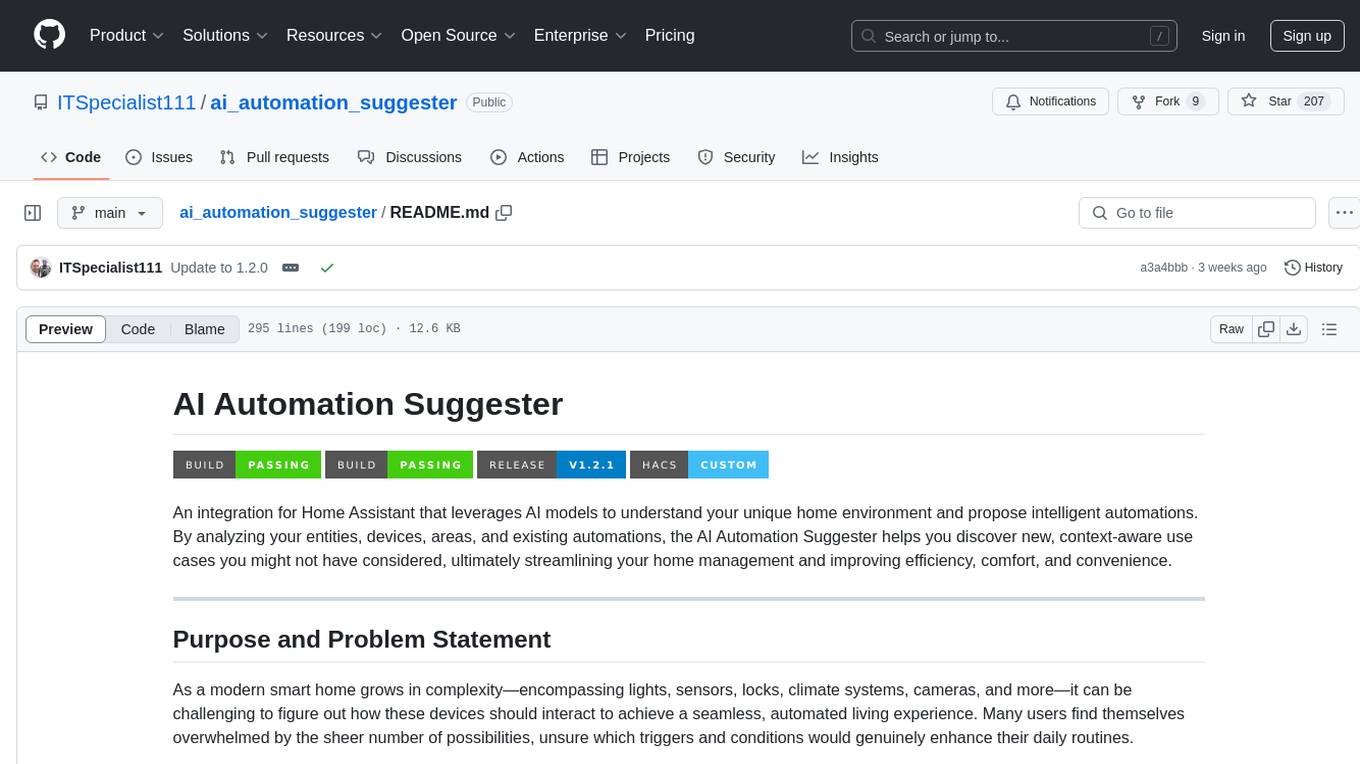
ai_automation_suggester
An integration for Home Assistant that leverages AI models to understand your unique home environment and propose intelligent automations. By analyzing your entities, devices, areas, and existing automations, the AI Automation Suggester helps you discover new, context-aware use cases you might not have considered, ultimately streamlining your home management and improving efficiency, comfort, and convenience. The tool acts as a personal automation consultant, providing actionable YAML-based automations that can save energy, improve security, enhance comfort, and reduce manual intervention. It turns the complexity of a large Home Assistant environment into actionable insights and tangible benefits.
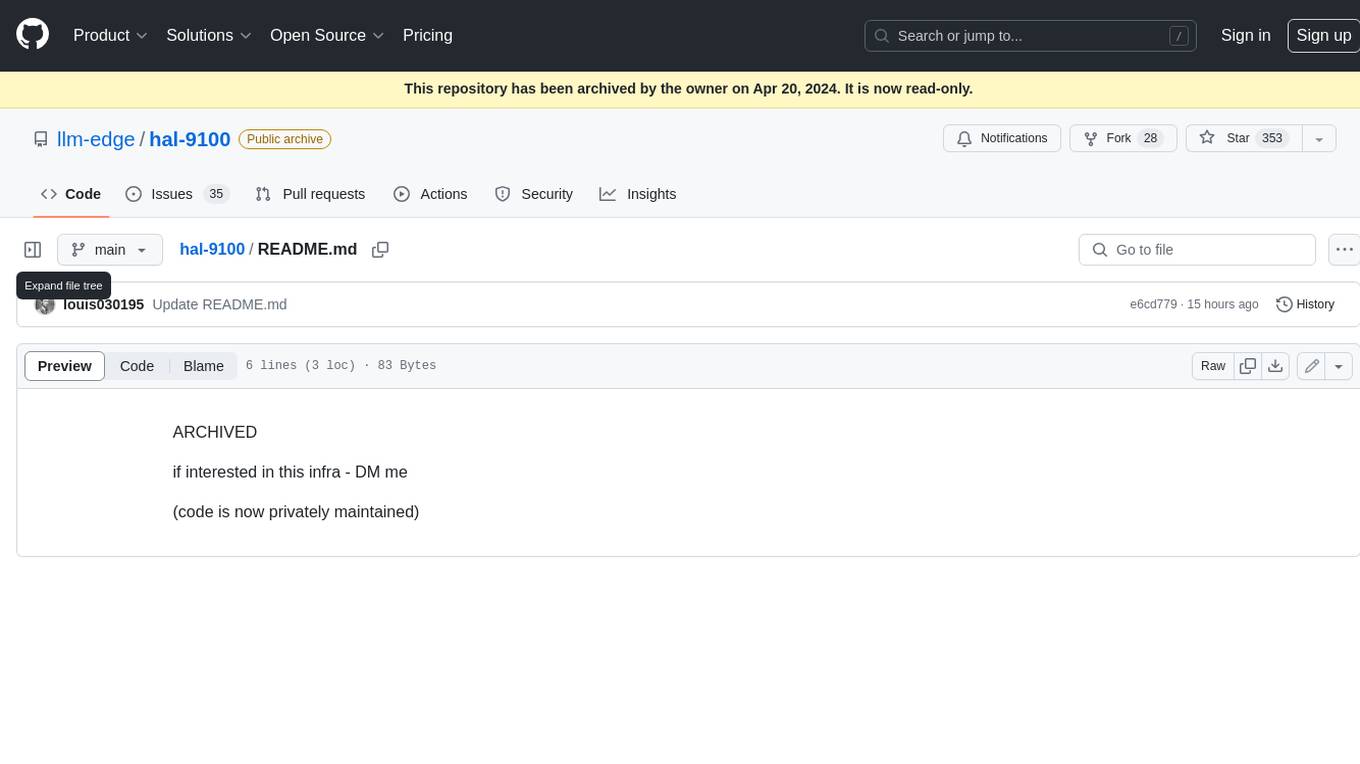
hal-9100
This repository is now archived and the code is privately maintained. If you are interested in this infrastructure, please contact the maintainer directly.
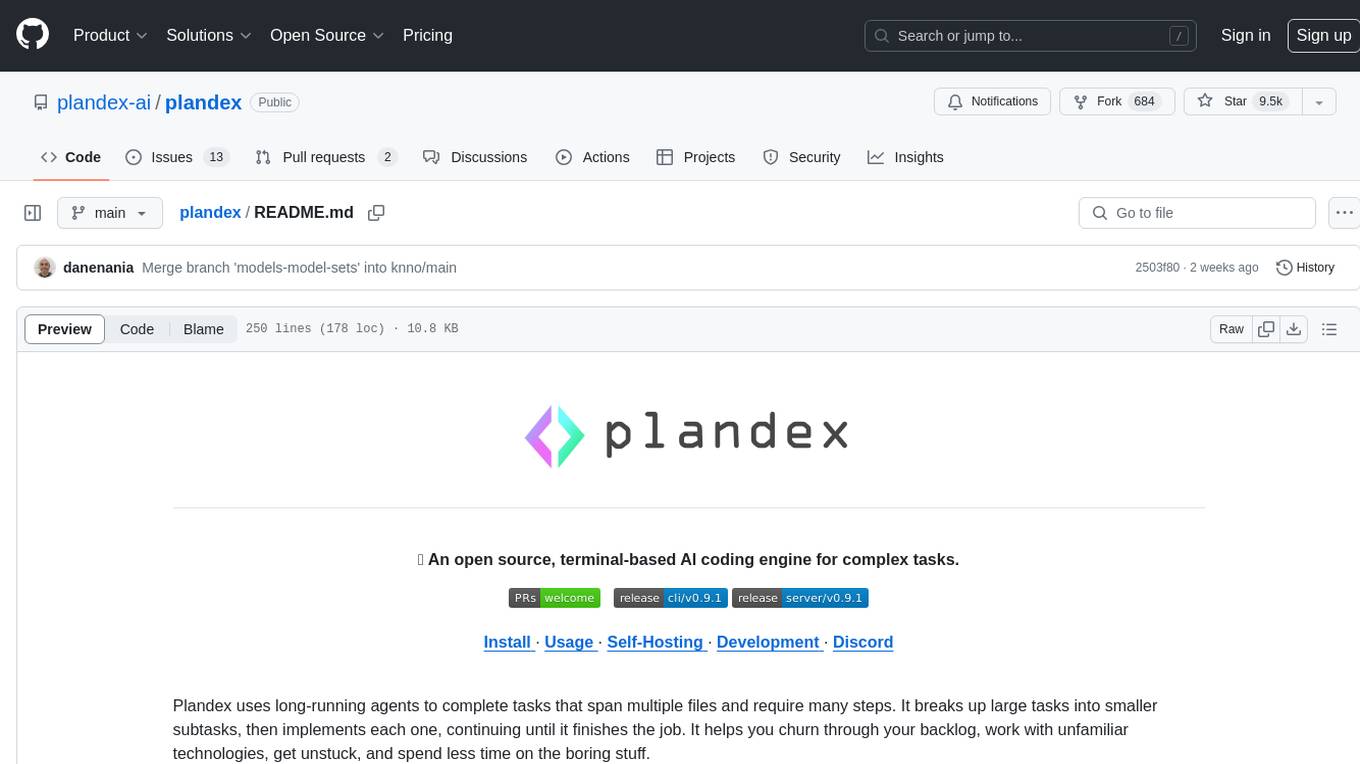
plandex
Plandex is an open source, terminal-based AI coding engine designed for complex tasks. It uses long-running agents to break up large tasks into smaller subtasks, helping users work through backlogs, navigate unfamiliar technologies, and save time on repetitive tasks. Plandex supports various AI models, including OpenAI, Anthropic Claude, Google Gemini, and more. It allows users to manage context efficiently in the terminal, experiment with different approaches using branches, and review changes before applying them. The tool is platform-independent and runs from a single binary with no dependencies.
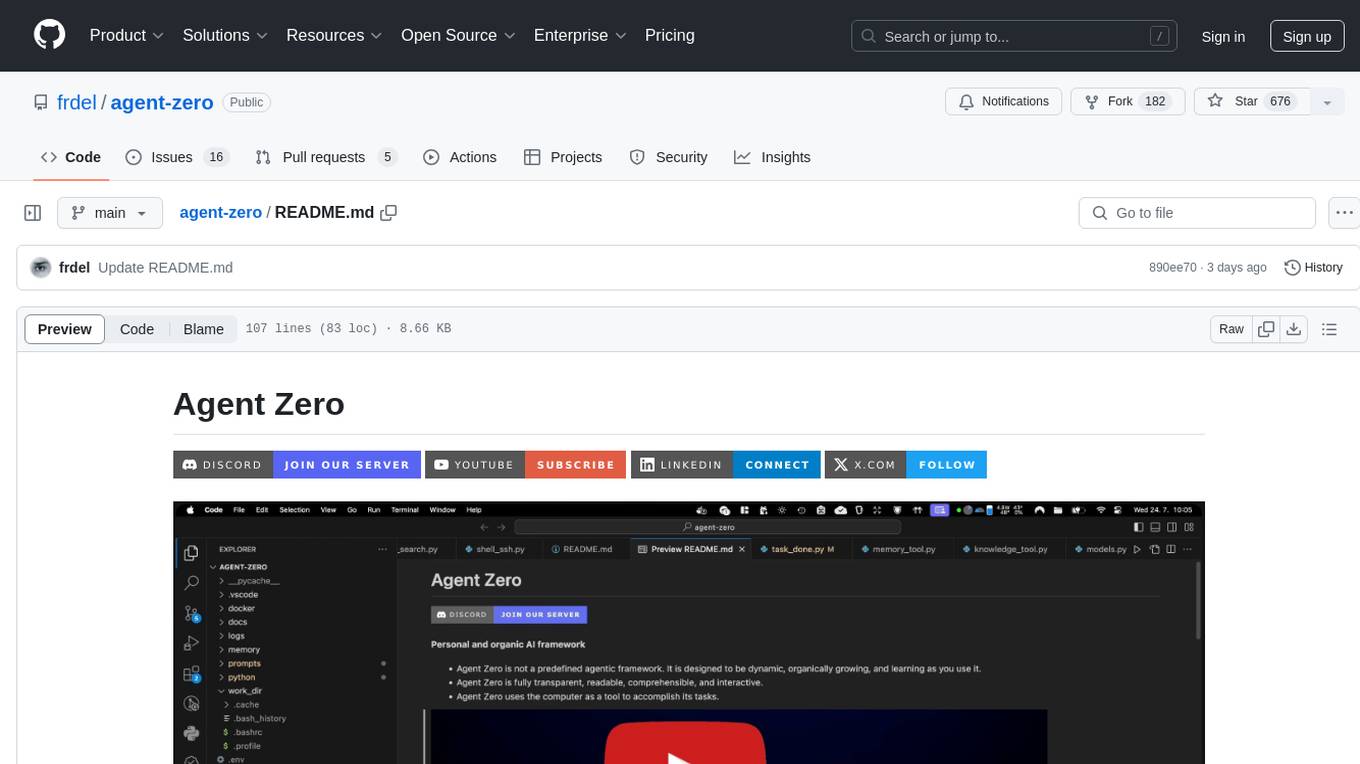
agent-zero
Agent Zero is a personal and organic AI framework designed to be dynamic, organically growing, and learning as you use it. It is fully transparent, readable, comprehensible, customizable, and interactive. The framework uses the computer as a tool to accomplish tasks, with no single-purpose tools pre-programmed. It emphasizes multi-agent cooperation, complete customization, and extensibility. Communication is key in this framework, allowing users to give proper system prompts and instructions to achieve desired outcomes. Agent Zero is capable of dangerous actions and should be run in an isolated environment. The framework is prompt-based, highly customizable, and requires a specific environment to run effectively.
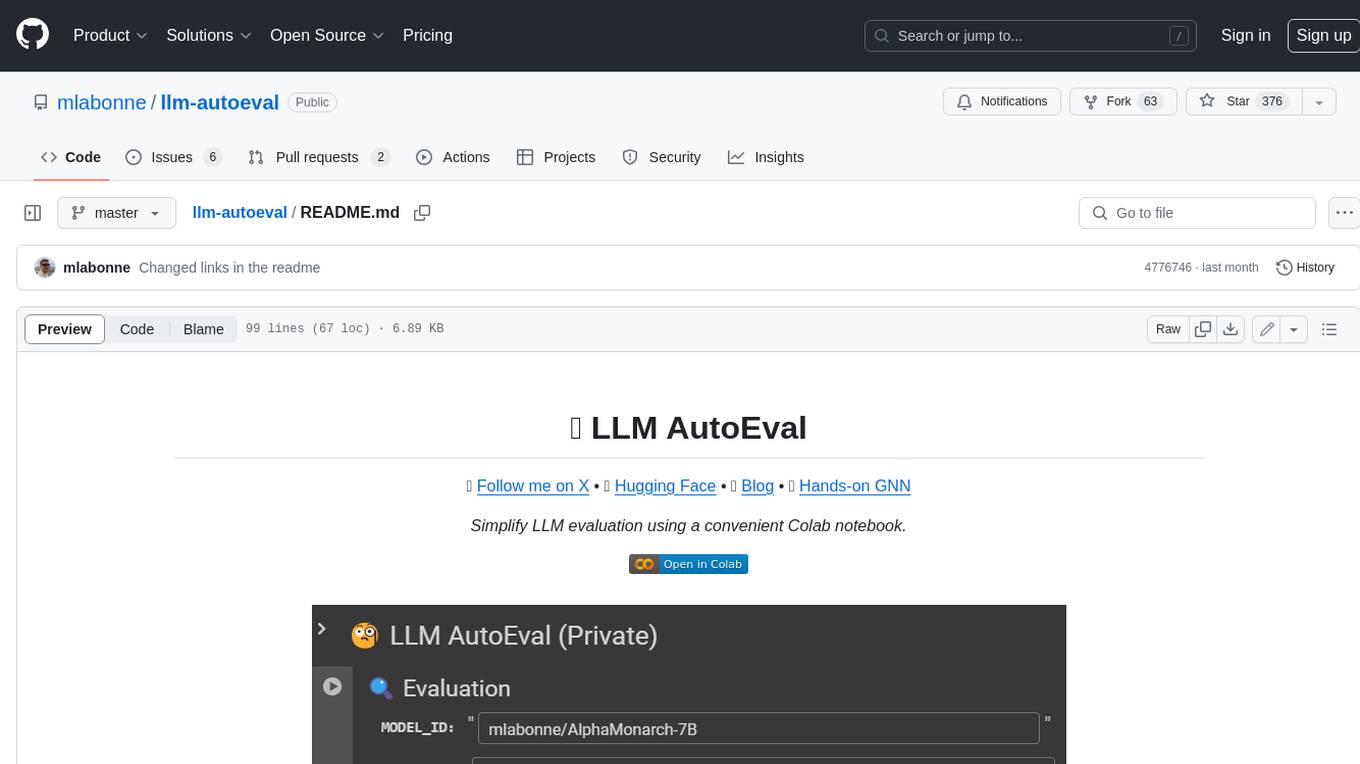
llm-autoeval
LLM AutoEval is a tool that simplifies the process of evaluating Large Language Models (LLMs) using a convenient Colab notebook. It automates the setup and execution of evaluations using RunPod, allowing users to customize evaluation parameters and generate summaries that can be uploaded to GitHub Gist for easy sharing and reference. LLM AutoEval supports various benchmark suites, including Nous, Lighteval, and Open LLM, enabling users to compare their results with existing models and leaderboards.
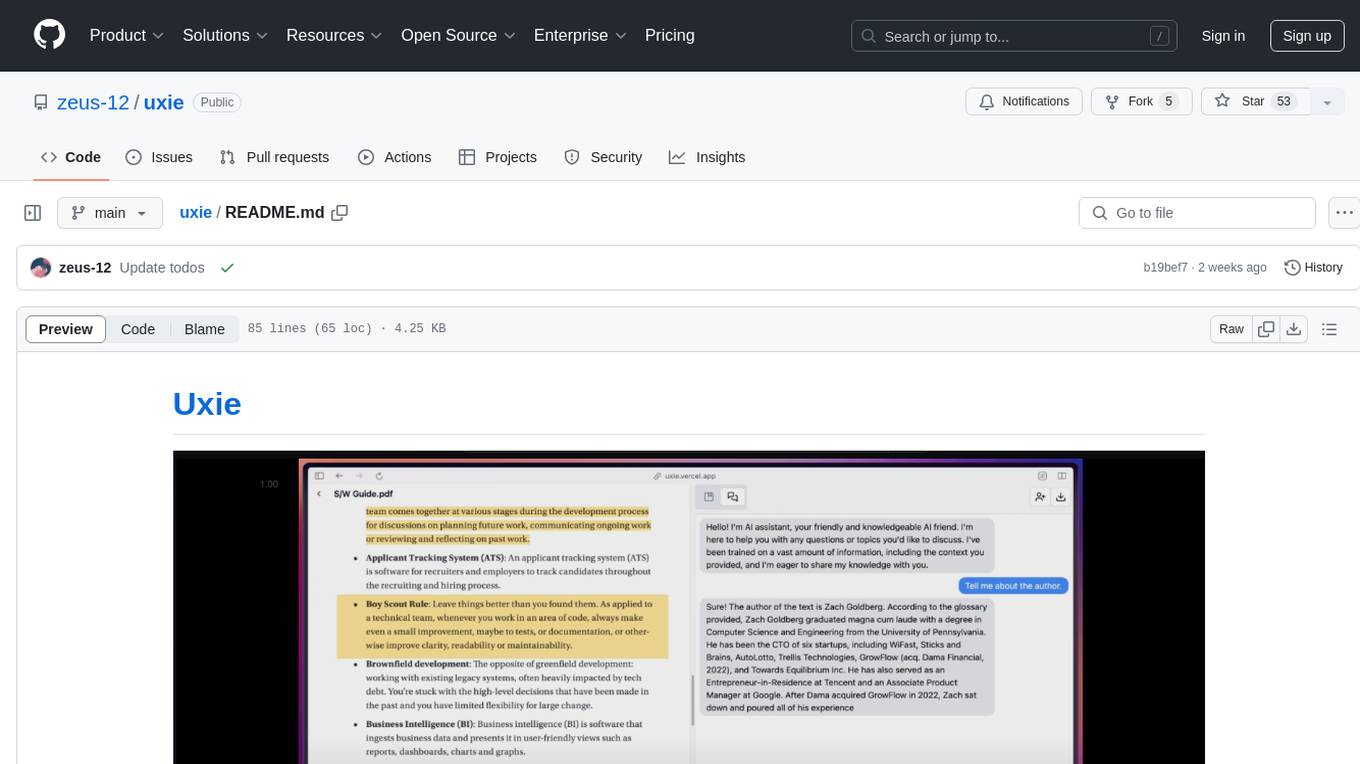
uxie
Uxie is a PDF reader app designed to revolutionize the learning experience. It offers features such as annotation, note-taking, collaboration tools, integration with LLM for enhanced learning, and flashcard generation with LLM feedback. Built using Nextjs, tRPC, Zod, TypeScript, Tailwind CSS, React Query, React Hook Form, Supabase, Prisma, and various other tools. Users can take notes, summarize PDFs, chat and collaborate with others, create custom blocks in the editor, and use AI-powered text autocompletion. The tool allows users to craft simple flashcards, test knowledge, answer questions, and receive instant feedback through AI evaluation.
CogVideo
CogVideo is an open-source repository that provides pretrained text-to-video models for generating videos based on input text. It includes models like CogVideoX-2B and CogVideo, offering powerful video generation capabilities. The repository offers tools for inference, fine-tuning, and model conversion, along with demos showcasing the model's capabilities through CLI, web UI, and online experiences. CogVideo aims to facilitate the creation of high-quality videos from textual descriptions, catering to a wide range of applications.
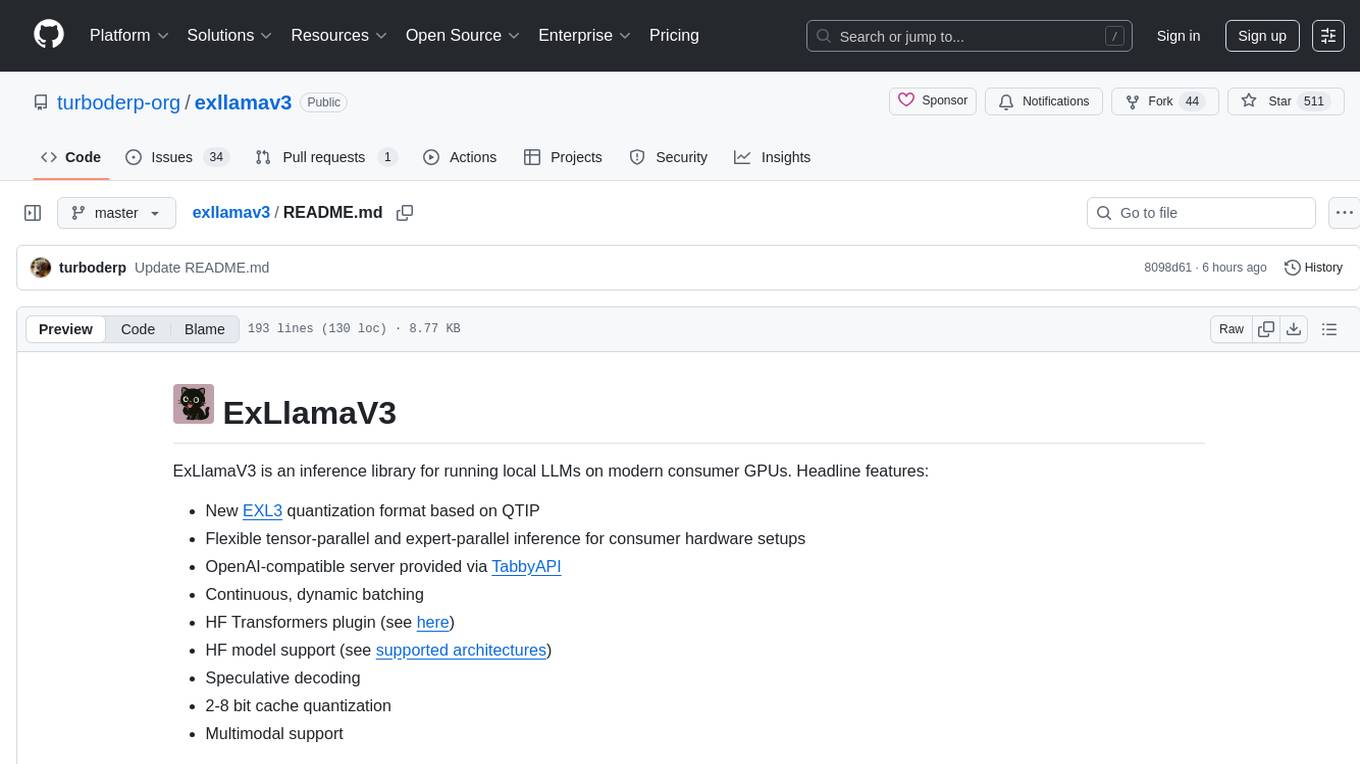
exllamav3
ExLlamaV3 is an inference library for running local LLMs on modern consumer GPUs. It features a new EXL3 quantization format based on QTIP, flexible tensor-parallel and expert-parallel inference, OpenAI-compatible server via TabbyAPI, continuous dynamic batching, HF Transformers plugin, speculative decoding, multimodal support, and more. The library supports various architectures and aims to simplify and optimize the quantization process for large models, offering efficient conversion with reduced GPU-hours and cost. It provides a streamlined variant of QTIP, enabling fast and memory-bound latency for inference on GPUs.
LLMstudio
LLMstudio by TensorOps is a platform that offers prompt engineering tools for accessing models from providers like OpenAI, VertexAI, and Bedrock. It provides features such as Python Client Gateway, Prompt Editing UI, History Management, and Context Limit Adaptability. Users can track past runs, log costs and latency, and export history to CSV. The tool also supports automatic switching to larger-context models when needed. Coming soon features include side-by-side comparison of LLMs, automated testing, API key administration, project organization, and resilience against rate limits. LLMstudio aims to streamline prompt engineering, provide execution history tracking, and enable effortless data export, offering an evolving environment for teams to experiment with advanced language models.
WritingTools
Writing Tools is an Apple Intelligence-inspired application for Windows, Linux, and macOS that supercharges your writing with an AI LLM. It allows users to instantly proofread, optimize text, and summarize content from webpages, YouTube videos, documents, etc. The tool is privacy-focused, open-source, and supports multiple languages. It offers powerful features like grammar correction, content summarization, and LLM chat mode, making it a versatile writing assistant for various tasks.
llm-answer-engine
This repository contains the code and instructions needed to build a sophisticated answer engine that leverages the capabilities of Groq, Mistral AI's Mixtral, Langchain.JS, Brave Search, Serper API, and OpenAI. Designed to efficiently return sources, answers, images, videos, and follow-up questions based on user queries, this project is an ideal starting point for developers interested in natural language processing and search technologies.
For similar tasks
deepdoctection
**deep** doctection is a Python library that orchestrates document extraction and document layout analysis tasks using deep learning models. It does not implement models but enables you to build pipelines using highly acknowledged libraries for object detection, OCR and selected NLP tasks and provides an integrated framework for fine-tuning, evaluating and running models. For more specific text processing tasks use one of the many other great NLP libraries. **deep** doctection focuses on applications and is made for those who want to solve real world problems related to document extraction from PDFs or scans in various image formats. **deep** doctection provides model wrappers of supported libraries for various tasks to be integrated into pipelines. Its core function does not depend on any specific deep learning library. Selected models for the following tasks are currently supported: * Document layout analysis including table recognition in Tensorflow with **Tensorpack**, or PyTorch with **Detectron2**, * OCR with support of **Tesseract**, **DocTr** (Tensorflow and PyTorch implementations available) and a wrapper to an API for a commercial solution, * Text mining for native PDFs with **pdfplumber**, * Language detection with **fastText**, * Deskewing and rotating images with **jdeskew**. * Document and token classification with all LayoutLM models provided by the **Transformer library**. (Yes, you can use any LayoutLM-model with any of the provided OCR-or pdfplumber tools straight away!). * Table detection and table structure recognition with **table-transformer**. * There is a small dataset for token classification available and a lot of new tutorials to show, how to train and evaluate this dataset using LayoutLMv1, LayoutLMv2, LayoutXLM and LayoutLMv3. * Comprehensive configuration of **analyzer** like choosing different models, output parsing, OCR selection. Check this notebook or the docs for more infos. * Document layout analysis and table recognition now runs with **Torchscript** (CPU) as well and **Detectron2** is not required anymore for basic inference. * [**new**] More angle predictors for determining the rotation of a document based on **Tesseract** and **DocTr** (not contained in the built-in Analyzer). * [**new**] Token classification with **LiLT** via **transformers**. We have added a model wrapper for token classification with LiLT and added a some LiLT models to the model catalog that seem to look promising, especially if you want to train a model on non-english data. The training script for LayoutLM can be used for LiLT as well and we will be providing a notebook on how to train a model on a custom dataset soon. **deep** doctection provides on top of that methods for pre-processing inputs to models like cropping or resizing and to post-process results, like validating duplicate outputs, relating words to detected layout segments or ordering words into contiguous text. You will get an output in JSON format that you can customize even further by yourself. Have a look at the **introduction notebook** in the notebook repo for an easy start. Check the **release notes** for recent updates. **deep** doctection or its support libraries provide pre-trained models that are in most of the cases available at the **Hugging Face Model Hub** or that will be automatically downloaded once requested. For instance, you can find pre-trained object detection models from the Tensorpack or Detectron2 framework for coarse layout analysis, table cell detection and table recognition. Training is a substantial part to get pipelines ready on some specific domain, let it be document layout analysis, document classification or NER. **deep** doctection provides training scripts for models that are based on trainers developed from the library that hosts the model code. Moreover, **deep** doctection hosts code to some well established datasets like **Publaynet** that makes it easy to experiment. It also contains mappings from widely used data formats like COCO and it has a dataset framework (akin to **datasets** so that setting up training on a custom dataset becomes very easy. **This notebook** shows you how to do this. **deep** doctection comes equipped with a framework that allows you to evaluate predictions of a single or multiple models in a pipeline against some ground truth. Check again **here** how it is done. Having set up a pipeline it takes you a few lines of code to instantiate the pipeline and after a for loop all pages will be processed through the pipeline.
spaCy
spaCy is an industrial-strength Natural Language Processing (NLP) library in Python and Cython. It incorporates the latest research and is designed for real-world applications. The library offers pretrained pipelines supporting 70+ languages, with advanced neural network models for tasks such as tagging, parsing, named entity recognition, and text classification. It also facilitates multi-task learning with pretrained transformers like BERT, along with a production-ready training system and streamlined model packaging, deployment, and workflow management. spaCy is commercial open-source software released under the MIT license.
document-ai-samples
The Google Cloud Document AI Samples repository contains code samples and Community Samples demonstrating how to analyze, classify, and search documents using Google Cloud Document AI. It includes various projects showcasing different functionalities such as integrating with Google Drive, processing documents using Python, content moderation with Dialogflow CX, fraud detection, language extraction, paper summarization, tax processing pipeline, and more. The repository also provides access to test document files stored in a publicly-accessible Google Cloud Storage Bucket. Additionally, there are codelabs available for optical character recognition (OCR), form parsing, specialized processors, and managing Document AI processors. Community samples, like the PDF Annotator Sample, are also included. Contributions are welcome, and users can seek help or report issues through the repository's issues page. Please note that this repository is not an officially supported Google product and is intended for demonstrative purposes only.
mslearn-ai-language
This repository contains lab files for Azure AI Language modules. It provides hands-on exercises and resources for learning about various AI language technologies on the Azure platform. The labs cover topics such as natural language processing, text analytics, language understanding, and more. By following the exercises in this repository, users can gain practical experience in implementing AI language solutions using Azure services.
binary-mlc-llm-libs
The binary-mlc-llm-libs repository contains model libraries stored in a specific format. The file names include metadata such as context window size, sliding window size, and prefill chunk size. Default configurations are provided for some models, with certain metadata values omitted if they are the same as default choices. Users can access various pre-trained language models for different tasks using this repository.
nlp-zero-to-hero
This repository provides a comprehensive guide to Natural Language Processing (NLP), covering topics from Tokenization to Transformer Architecture. It aims to equip users with a solid understanding of NLP concepts, evolution, and core intuition. The repository includes practical examples and hands-on experience to facilitate learning and exploration in the field of NLP.
azure-ai-document-processing-samples
This repository contains a collection of code samples that demonstrate how to use various Azure AI capabilities to process documents. The samples help engineering teams establish techniques with Azure AI Foundry, Azure OpenAI, Azure AI Document Intelligence, and Azure AI Language services to build solutions for extracting structured data, classifying, and analyzing documents. The techniques simplify custom model training, improve reliability in document processing, and simplify document processing workflows by providing reusable code and patterns that can be easily modified and evaluated for most use cases.
accelerated-intelligent-document-processing-on-aws
Accelerated Intelligent Document Processing on AWS is a scalable, serverless solution for automated document processing and information extraction using AWS services. It combines OCR capabilities with generative AI to convert unstructured documents into structured data at scale. The solution features a serverless architecture built on AWS technologies, modular processing patterns, advanced classification support, few-shot example support, custom business logic integration, high throughput processing, built-in resilience, cost optimization, comprehensive monitoring, web user interface, human-in-the-loop integration, AI-powered evaluation, extraction confidence assessment, and document knowledge base query. The architecture uses nested CloudFormation stacks to support multiple document processing patterns while maintaining common infrastructure for queueing, tracking, and monitoring.
For similar jobs
lollms-webui
LoLLMs WebUI (Lord of Large Language Multimodal Systems: One tool to rule them all) is a user-friendly interface to access and utilize various LLM (Large Language Models) and other AI models for a wide range of tasks. With over 500 AI expert conditionings across diverse domains and more than 2500 fine tuned models over multiple domains, LoLLMs WebUI provides an immediate resource for any problem, from car repair to coding assistance, legal matters, medical diagnosis, entertainment, and more. The easy-to-use UI with light and dark mode options, integration with GitHub repository, support for different personalities, and features like thumb up/down rating, copy, edit, and remove messages, local database storage, search, export, and delete multiple discussions, make LoLLMs WebUI a powerful and versatile tool.

Azure-Analytics-and-AI-Engagement
The Azure-Analytics-and-AI-Engagement repository provides packaged Industry Scenario DREAM Demos with ARM templates (Containing a demo web application, Power BI reports, Synapse resources, AML Notebooks etc.) that can be deployed in a customer’s subscription using the CAPE tool within a matter of few hours. Partners can also deploy DREAM Demos in their own subscriptions using DPoC.
minio
MinIO is a High Performance Object Storage released under GNU Affero General Public License v3.0. It is API compatible with Amazon S3 cloud storage service. Use MinIO to build high performance infrastructure for machine learning, analytics and application data workloads.
mage-ai
Mage is an open-source data pipeline tool for transforming and integrating data. It offers an easy developer experience, engineering best practices built-in, and data as a first-class citizen. Mage makes it easy to build, preview, and launch data pipelines, and provides observability and scaling capabilities. It supports data integrations, streaming pipelines, and dbt integration.
AiTreasureBox
AiTreasureBox is a versatile AI tool that provides a collection of pre-trained models and algorithms for various machine learning tasks. It simplifies the process of implementing AI solutions by offering ready-to-use components that can be easily integrated into projects. With AiTreasureBox, users can quickly prototype and deploy AI applications without the need for extensive knowledge in machine learning or deep learning. The tool covers a wide range of tasks such as image classification, text generation, sentiment analysis, object detection, and more. It is designed to be user-friendly and accessible to both beginners and experienced developers, making AI development more efficient and accessible to a wider audience.

tidb
TiDB is an open-source distributed SQL database that supports Hybrid Transactional and Analytical Processing (HTAP) workloads. It is MySQL compatible and features horizontal scalability, strong consistency, and high availability.
airbyte
Airbyte is an open-source data integration platform that makes it easy to move data from any source to any destination. With Airbyte, you can build and manage data pipelines without writing any code. Airbyte provides a library of pre-built connectors that make it easy to connect to popular data sources and destinations. You can also create your own connectors using Airbyte's no-code Connector Builder or low-code CDK. Airbyte is used by data engineers and analysts at companies of all sizes to build and manage their data pipelines.
labelbox-python
Labelbox is a data-centric AI platform for enterprises to develop, optimize, and use AI to solve problems and power new products and services. Enterprises use Labelbox to curate data, generate high-quality human feedback data for computer vision and LLMs, evaluate model performance, and automate tasks by combining AI and human-centric workflows. The academic & research community uses Labelbox for cutting-edge AI research.