


aiosonic
A very fast Python asyncio http and websockets client
Stars: 170
Aiosonic is a lightweight Python asyncio HTTP/WebSocket client that offers fast and efficient communication with HTTP/1.1, HTTP/2, and WebSocket protocols. It supports keepalive, connection pooling, multipart file uploads, chunked responses, timeouts, automatic decompression, redirect following, type annotations, WebSocket communication, HTTP proxy, cookie sessions, elegant cookies, and nearly 100% test coverage. It requires Python version 3.10 or higher for installation and provides a simple API for making HTTP requests and WebSocket connections. Additionally, it allows API wrapping for customizing response handling and includes a performance benchmark script for comparing its speed with other HTTP clients.
README:



A very fast, lightweight Python asyncio HTTP/1.1, HTTP/2, and WebSocket client.
The repository is hosted on GitHub.
For full documentation, please see aiosonic docs.
- Keepalive support and smart pool of connections
- Multipart file uploads
- Handling of chunked responses and requests
- Connection timeouts and automatic decompression
- Automatic redirect following
- Fully type-annotated
- WebSocket support
- HTTP proxy support
- Sessions with cookie persistence
- Elegant key/value cookies
- (Nearly) 100% test coverage
- HTTP/2 (BETA; enabled with a flag)
- Python >= 3.10 (or PyPy 3.11+)
pip install aiosonicBelow is an example demonstrating basic HTTP client usage:
import asyncio
import aiosonic
import json

async def run():
    client = aiosonic.HTTPClient()

    # Sample GET request
    response = await client.get('https://www.google.com/')
    assert response.status_code == 200
    assert 'Google' in (await response.text())

    # POST data as multipart form
    url = "https://postman-echo.com/post"
    posted_data = {'foo': 'bar'}
    response = await client.post(url, data=posted_data)
    assert response.status_code == 200
    data = json.loads(await response.content())
    assert data['form'] == posted_data

    # POST data as JSON
    response = await client.post(url, json=posted_data)
    assert response.status_code == 200
    data = json.loads(await response.content())
    assert data['json'] == posted_data

    # GET request with timeouts
    from aiosonic.timeout import Timeouts
    timeouts = Timeouts(sock_read=10, sock_connect=3)
    response = await client.get('https://www.google.com/', timeouts=timeouts)
    assert response.status_code == 200
    assert 'Google' in (await response.text())

    print('HTTP client success')

if __name__ == '__main__':
asyncio.run(run())Below is an example demonstrating how to use aiosonic's WebSocket support:
import asyncio
from aiosonic import WebSocketClient

async def main():
    # Replace with your WebSocket server URL
    ws_url = "ws://localhost:8080"
    async with WebSocketClient() as client:
        async with await client.connect(ws_url) as ws:
            # Send a text message
            await ws.send_text("Hello WebSocket")

            # Receive an echo response
            response = await ws.receive_text()
            print("Received:", response)

            # Send a ping and wait for the pong
            await ws.ping(b"keep-alive")
            pong = await ws.receive_pong()
            print("Pong received:", pong)

            # You can have a "reader" task like this:
            async def ws_reader(conn):
                async for msg in conn:
                    # handle the message...
                    # msg is an instance of aiosonic.web_socket_client.Message dataclass.
                    pass

            asyncio.create_task(ws_reader(ws))

            # Gracefully close the connection (optional)
            await ws.close(code=1000, reason="Normal closure")

if __name__ == "__main__":
asyncio.run(main())You can easily wrap APIs with BaseClient and override its hooks to customize the response handling.
import asyncio
import json
from aiosonic import BaseClient

class GitHubAPI(BaseClient):
    base_url = "https://api.github.com"
    default_headers = {
        "Accept": "application/vnd.github+json",
        "X-GitHub-Api-Version": "2022-11-28",
        # "Authorization": "Bearer YOUR_GITHUB_TOKEN",
    }

    async def process_response(self, response):
        body = await response.text()
        return json.loads(body)

    async def users(self, username: str, **kwargs):
        return await self.get(f"/users/{username}", **kwargs)

    async def update_repo(self, owner: str, repo: str, description: str):
        data = {
            "name": repo,
            "description": description,
        }
        return await self.put(f"/repos/{owner}/{repo}", json=data)


async def main():
    # You can pass an existing aiosonic.HTTPClient() instance in the constructor.
    # If not provided, BaseClient will create a new instance automatically.
    github = GitHubAPI()
    # Call the custom 'users' method to get data for user "sonic182"
    user_data = await github.users("sonic182")
    print(json.dumps(user_data, indent=2))


if __name__ == '__main__':
    asyncio.run(main())
Note: You may wanna do a singleton of your clients implementations in order to reuse the internal HTTPClient instance, and it's pool of connections (efficient usage of the client), an example:
class SingletonMixin:
    _instances = {}

    def __new__(cls, *args, **kwargs):
        if cls not in cls._instances:
            cls._instances[cls] = super().__new__(cls)
        return cls._instances[cls]

class GitHubAPI(BaseClient, SingletonMixin):
    base_url = "https://api.github.com"
    # ... the rest of the code

# now, each instance of the class will be the first created
gh = GitHubAPI()
g2 = GitHubAPI()

gh == gh2A simple performance benchmark script is included in the tests folder. For example:
python scripts/performance.pyExample output:
{
  "aiohttp": "5000 requests in 558.31 ms",
  "aiosonic": "5000 requests in 563.95 ms",
  "requests": "5000 requests in 10306.90 ms",
  "aiosonic_cyclic": "5000 requests in 642.15 ms",
  "httpx": "5000 requests in 7920.04 ms"
}
aiosonic is 1457.99% faster than requests aiosonic is -1.38% faster than aiosonic cyclic
Note:
These benchmarks are basic and machine-dependent. They are intended as a rough comparison.
-
HTTP/2:
- [ ] Stable HTTP/2 release
- Better documentation
- International domains and URLs (IDNA + cache)
- Basic/Digest authentication
Install development dependencies with Poetry:
poetry installIt is recommended to install Poetry in a separate virtual environment (via apt, pacman, etc.) rather than in your development environment. You can configure Poetry to use an in-project virtual environment by running:
poetry config virtualenvs.in-project truepoetry run pytest- Fork the repository.
- Create a branch named
feature/your_feature. - Commit your changes, push, and submit a pull request.
Thanks for contributing!
For Tasks:
Click tags to check more tools for each tasksFor Jobs:
Alternative AI tools for aiosonic
Similar Open Source Tools
aiosonic
Aiosonic is a lightweight Python asyncio HTTP/WebSocket client that offers fast and efficient communication with HTTP/1.1, HTTP/2, and WebSocket protocols. It supports keepalive, connection pooling, multipart file uploads, chunked responses, timeouts, automatic decompression, redirect following, type annotations, WebSocket communication, HTTP proxy, cookie sessions, elegant cookies, and nearly 100% test coverage. It requires Python version 3.10 or higher for installation and provides a simple API for making HTTP requests and WebSocket connections. Additionally, it allows API wrapping for customizing response handling and includes a performance benchmark script for comparing its speed with other HTTP clients.
aiotdlib
aiotdlib is a Python asyncio Telegram client based on TDLib. It provides automatic generation of types and functions from tl schema, validation, good IDE type hinting, and high-level API methods for simpler work with tdlib. The package includes prebuilt TDLib binaries for macOS (arm64) and Debian Bullseye (amd64). Users can use their own binary by passing `library_path` argument to `Client` class constructor. Compatibility with other versions of the library is not guaranteed. The tool requires Python 3.9+ and users need to get their `api_id` and `api_hash` from Telegram docs for installation and usage.
aio-pika
Aio-pika is a wrapper around aiormq for asyncio and humans. It provides a completely asynchronous API, object-oriented API, transparent auto-reconnects with complete state recovery, Python 3.7+ compatibility, transparent publisher confirms support, transactions support, and complete type-hints coverage.
llm-sandbox
LLM Sandbox is a lightweight and portable sandbox environment designed to securely execute large language model (LLM) generated code in a safe and isolated manner using Docker containers. It provides an easy-to-use interface for setting up, managing, and executing code in a controlled Docker environment, simplifying the process of running code generated by LLMs. The tool supports multiple programming languages, offers flexibility with predefined Docker images or custom Dockerfiles, and allows scalability with support for Kubernetes and remote Docker hosts.
mcphub.nvim
MCPHub.nvim is a powerful Neovim plugin that integrates MCP (Model Context Protocol) servers into your workflow. It offers a centralized config file for managing servers and tools, with an intuitive UI for testing resources. Ideal for LLM integration, it provides programmatic API access and interactive testing through the `:MCPHub` command.
acte
Acte is a framework designed to build GUI-like tools for AI Agents. It aims to address the issues of cognitive load and freedom degrees when interacting with multiple APIs in complex scenarios. By providing a graphical user interface (GUI) for Agents, Acte helps reduce cognitive load and constraints interaction, similar to how humans interact with computers through GUIs. The tool offers APIs for starting new sessions, executing actions, and displaying screens, accessible via HTTP requests or the SessionManager class.
instructor
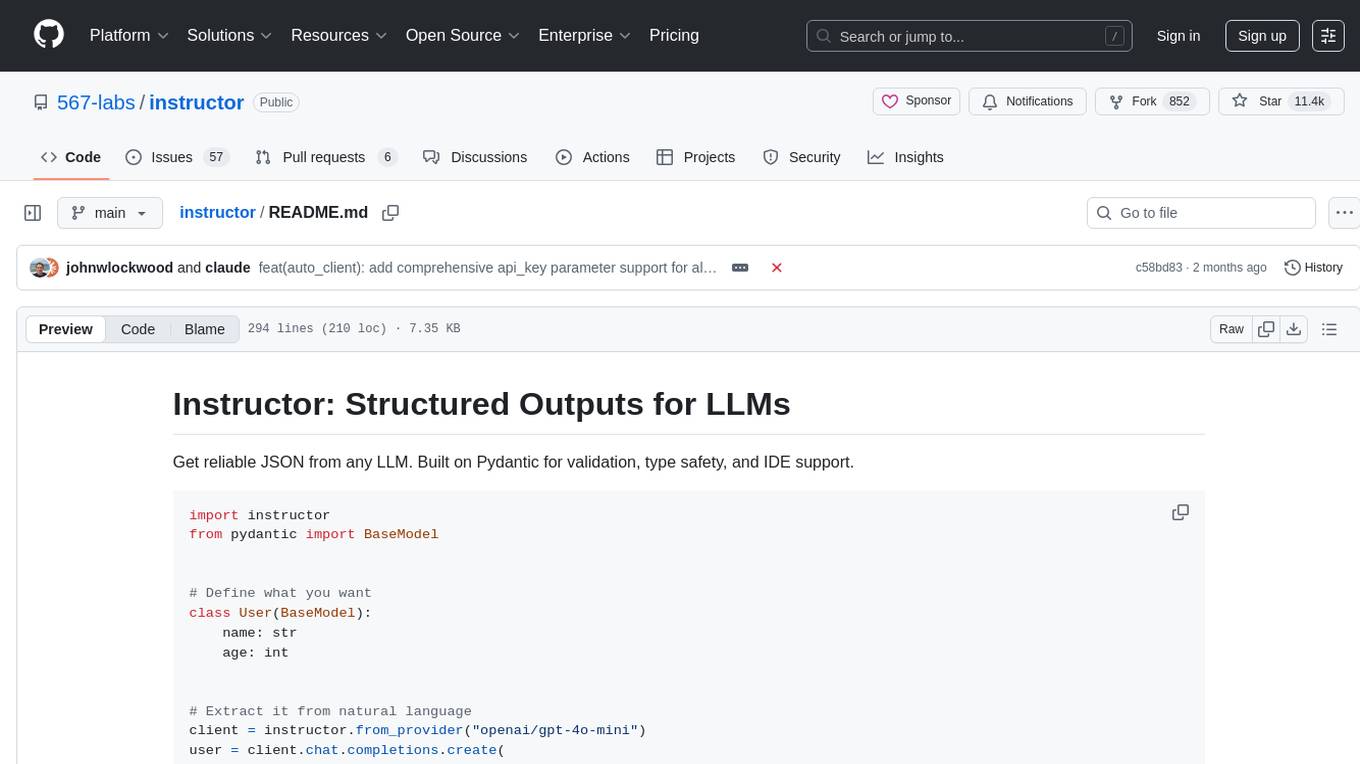
Instructor is a tool that provides structured outputs from Large Language Models (LLMs) in a reliable manner. It simplifies the process of extracting structured data by utilizing Pydantic for validation, type safety, and IDE support. With Instructor, users can define models and easily obtain structured data without the need for complex JSON parsing, error handling, or retries. The tool supports automatic retries, streaming support, and extraction of nested objects, making it production-ready for various AI applications. Trusted by a large community of developers and companies, Instructor is used by teams at OpenAI, Google, Microsoft, AWS, and YC startups.
aioshelly
Aioshelly is an asynchronous library designed to control Shelly devices. It is currently under development and requires Python version 3.11 or higher, along with dependencies like bluetooth-data-tools, aiohttp, and orjson. The library provides examples for interacting with Gen1 devices using CoAP protocol and Gen2/Gen3 devices using RPC and WebSocket protocols. Users can easily connect to Shelly devices, retrieve status information, and perform various actions through the provided APIs. The repository also includes example scripts for quick testing and usage guidelines for contributors to maintain consistency with the Shelly API.
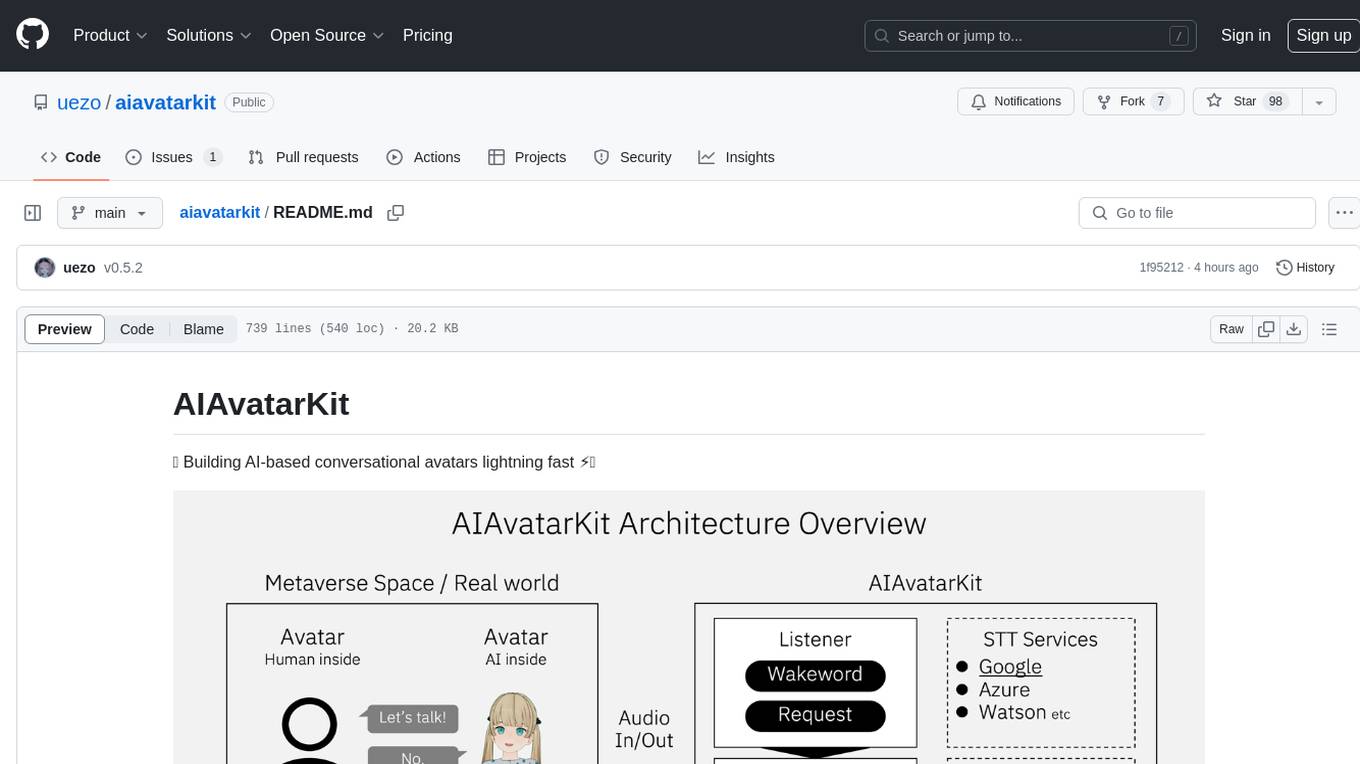
aiavatarkit
AIAvatarKit is a tool for building AI-based conversational avatars quickly. It supports various platforms like VRChat and cluster, along with real-world devices. The tool is extensible, allowing unlimited capabilities based on user needs. It requires VOICEVOX API, Google or Azure Speech Services API keys, and Python 3.10. Users can start conversations out of the box and enjoy seamless interactions with the avatars.
volga
Volga is a general purpose real-time data processing engine in Python for modern AI/ML systems. It aims to be a Python-native alternative to Flink/Spark Streaming with extended functionality for real-time AI/ML workloads. It provides a hybrid push+pull architecture, Entity API for defining data entities and feature pipelines, DataStream API for general data processing, and customizable data connectors. Volga can run on a laptop or a distributed cluster, making it suitable for building custom real-time AI/ML feature platforms or general data pipelines without relying on third-party platforms.
ai-sdk-cpp
The AI SDK CPP is a modern C++ toolkit that provides a unified, easy-to-use API for building AI-powered applications with popular model providers like OpenAI and Anthropic. It bridges the gap for C++ developers by offering a clean, expressive codebase with minimal dependencies. The toolkit supports text generation, streaming content, multi-turn conversations, error handling, tool calling, async tool execution, and configurable retries. Future updates will include additional providers, text embeddings, and image generation models. The project also includes a patched version of nlohmann/json for improved thread safety and consistent behavior in multi-threaded environments.
funcchain
Funcchain is a Python library that allows you to easily write cognitive systems by leveraging Pydantic models as output schemas and LangChain in the backend. It provides a seamless integration of LLMs into your apps, utilizing OpenAI Functions or LlamaCpp grammars (json-schema-mode) for efficient structured output. Funcchain compiles the Funcchain syntax into LangChain runnables, enabling you to invoke, stream, or batch process your pipelines effortlessly.
instructor
Instructor is a Python library that makes it a breeze to work with structured outputs from large language models (LLMs). Built on top of Pydantic, it provides a simple, transparent, and user-friendly API to manage validation, retries, and streaming responses. Get ready to supercharge your LLM workflows!
LightRAG
LightRAG is a repository hosting the code for LightRAG, a system that supports seamless integration of custom knowledge graphs, Oracle Database 23ai, Neo4J for storage, and multiple file types. It includes features like entity deletion, batch insert, incremental insert, and graph visualization. LightRAG provides an API server implementation for RESTful API access to RAG operations, allowing users to interact with it through HTTP requests. The repository also includes evaluation scripts, code for reproducing results, and a comprehensive code structure.
com.openai.unity
com.openai.unity is an OpenAI package for Unity that allows users to interact with OpenAI's API through RESTful requests. It is independently developed and not an official library affiliated with OpenAI. Users can fine-tune models, create assistants, chat completions, and more. The package requires Unity 2021.3 LTS or higher and can be installed via Unity Package Manager or Git URL. Various features like authentication, Azure OpenAI integration, model management, thread creation, chat completions, audio processing, image generation, file management, fine-tuning, batch processing, embeddings, and content moderation are available.
pocketgroq
PocketGroq is a tool that provides advanced functionalities for text generation, web scraping, web search, and AI response evaluation. It includes features like an Autonomous Agent for answering questions, web crawling and scraping capabilities, enhanced web search functionality, and flexible integration with Ollama server. Users can customize the agent's behavior, evaluate responses using AI, and utilize various methods for text generation, conversation management, and Chain of Thought reasoning. The tool offers comprehensive methods for different tasks, such as initializing RAG, error handling, and tool management. PocketGroq is designed to enhance development processes and enable the creation of AI-powered applications with ease.
For similar tasks
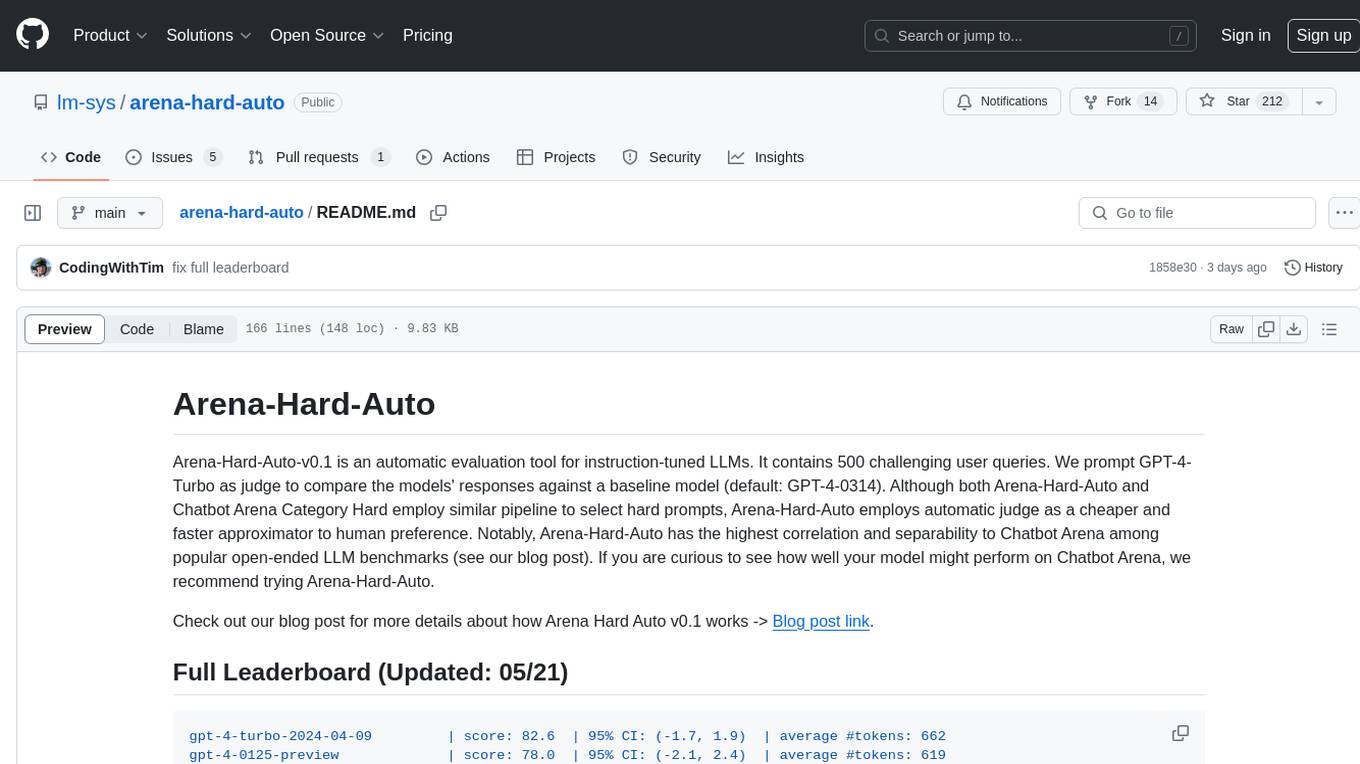
arena-hard-auto
Arena-Hard-Auto-v0.1 is an automatic evaluation tool for instruction-tuned LLMs. It contains 500 challenging user queries. The tool prompts GPT-4-Turbo as a judge to compare models' responses against a baseline model (default: GPT-4-0314). Arena-Hard-Auto employs an automatic judge as a cheaper and faster approximator to human preference. It has the highest correlation and separability to Chatbot Arena among popular open-ended LLM benchmarks. Users can evaluate their models' performance on Chatbot Arena by using Arena-Hard-Auto.
max
The Modular Accelerated Xecution (MAX) platform is an integrated suite of AI libraries, tools, and technologies that unifies commonly fragmented AI deployment workflows. MAX accelerates time to market for the latest innovations by giving AI developers a single toolchain that unlocks full programmability, unparalleled performance, and seamless hardware portability.
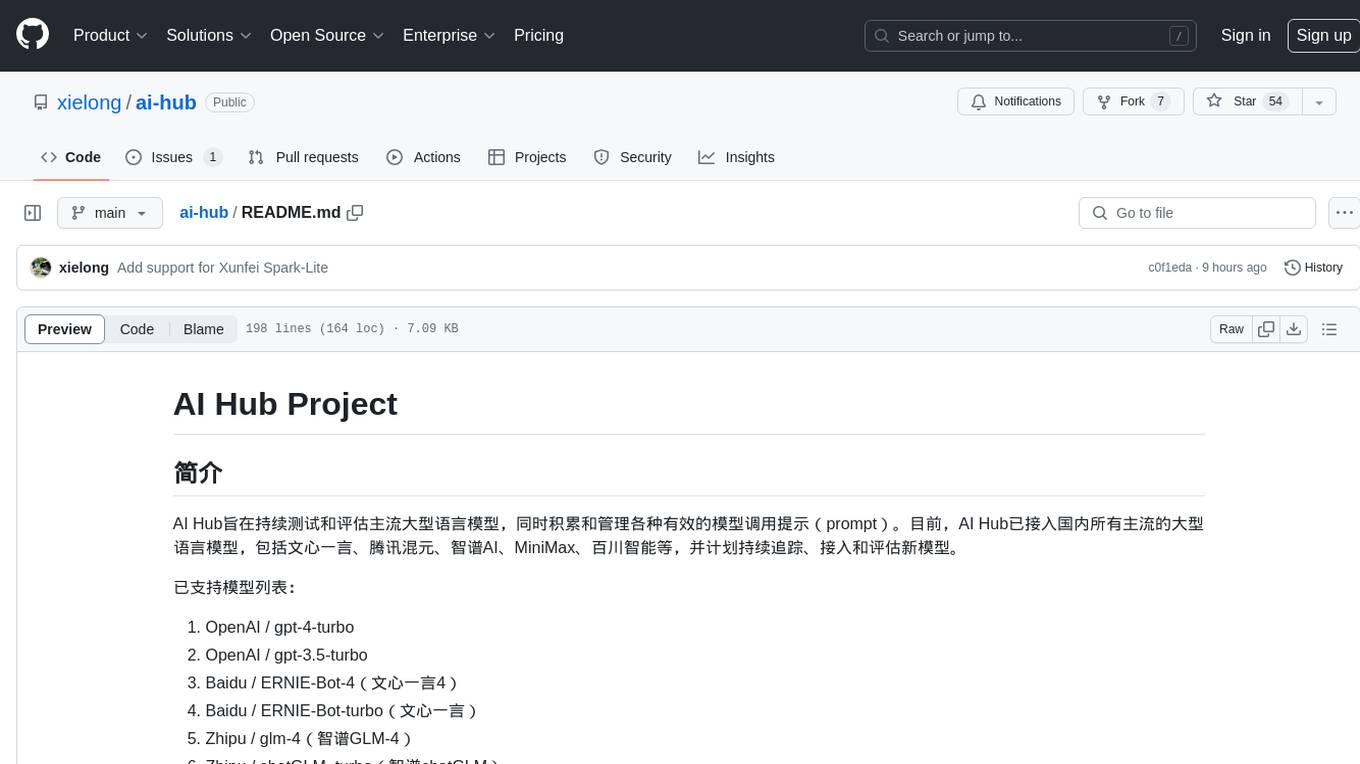
ai-hub
AI Hub Project aims to continuously test and evaluate mainstream large language models, while accumulating and managing various effective model invocation prompts. It has integrated all mainstream large language models in China, including OpenAI GPT-4 Turbo, Baidu ERNIE-Bot-4, Tencent ChatPro, MiniMax abab5.5-chat, and more. The project plans to continuously track, integrate, and evaluate new models. Users can access the models through REST services or Java code integration. The project also provides a testing suite for translation, coding, and benchmark testing.
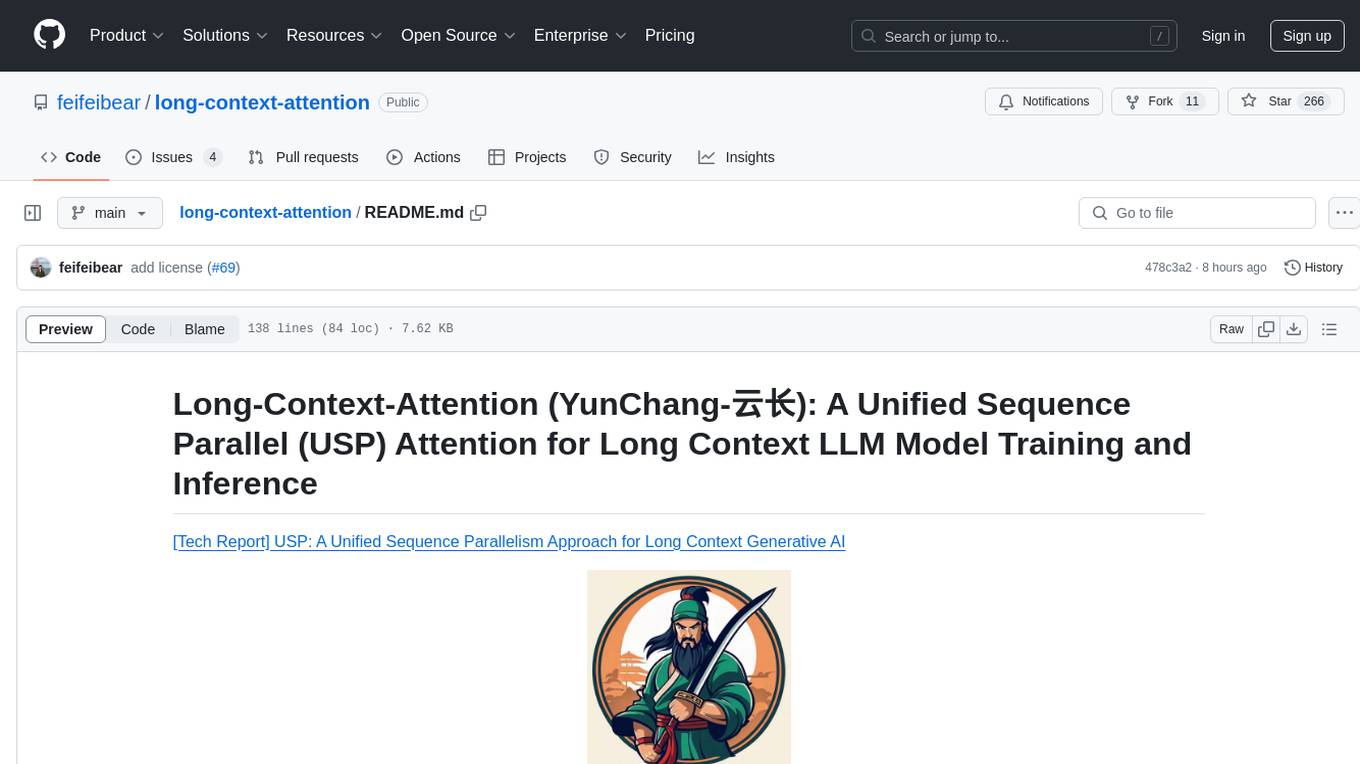
long-context-attention
Long-Context-Attention (YunChang) is a unified sequence parallel approach that combines the strengths of DeepSpeed-Ulysses-Attention and Ring-Attention to provide a versatile and high-performance solution for long context LLM model training and inference. It addresses the limitations of both methods by offering no limitation on the number of heads, compatibility with advanced parallel strategies, and enhanced performance benchmarks. The tool is verified in Megatron-LM and offers best practices for 4D parallelism, making it suitable for various attention mechanisms and parallel computing advancements.
marlin
Marlin is a highly optimized FP16xINT4 matmul kernel designed for large language model (LLM) inference, offering close to ideal speedups up to batchsizes of 16-32 tokens. It is suitable for larger-scale serving, speculative decoding, and advanced multi-inference schemes like CoT-Majority. Marlin achieves optimal performance by utilizing various techniques and optimizations to fully leverage GPU resources, ensuring efficient computation and memory management.
MMC
This repository, MMC, focuses on advancing multimodal chart understanding through large-scale instruction tuning. It introduces a dataset supporting various tasks and chart types, a benchmark for evaluating reasoning capabilities over charts, and an assistant achieving state-of-the-art performance on chart QA benchmarks. The repository provides data for chart-text alignment, benchmarking, and instruction tuning, along with existing datasets used in experiments. Additionally, it offers a Gradio demo for the MMCA model.
Tiktoken
Tiktoken is a high-performance implementation focused on token count operations. It provides various encodings like o200k_base, cl100k_base, r50k_base, p50k_base, and p50k_edit. Users can easily encode and decode text using the provided API. The repository also includes a benchmark console app for performance tracking. Contributions in the form of PRs are welcome.
ppl.llm.serving
ppl.llm.serving is a serving component for Large Language Models (LLMs) within the PPL.LLM system. It provides a server based on gRPC and supports inference for LLaMA. The repository includes instructions for prerequisites, quick start guide, model exporting, server setup, client usage, benchmarking, and offline inference. Users can refer to the LLaMA Guide for more details on using this serving component.
For similar jobs
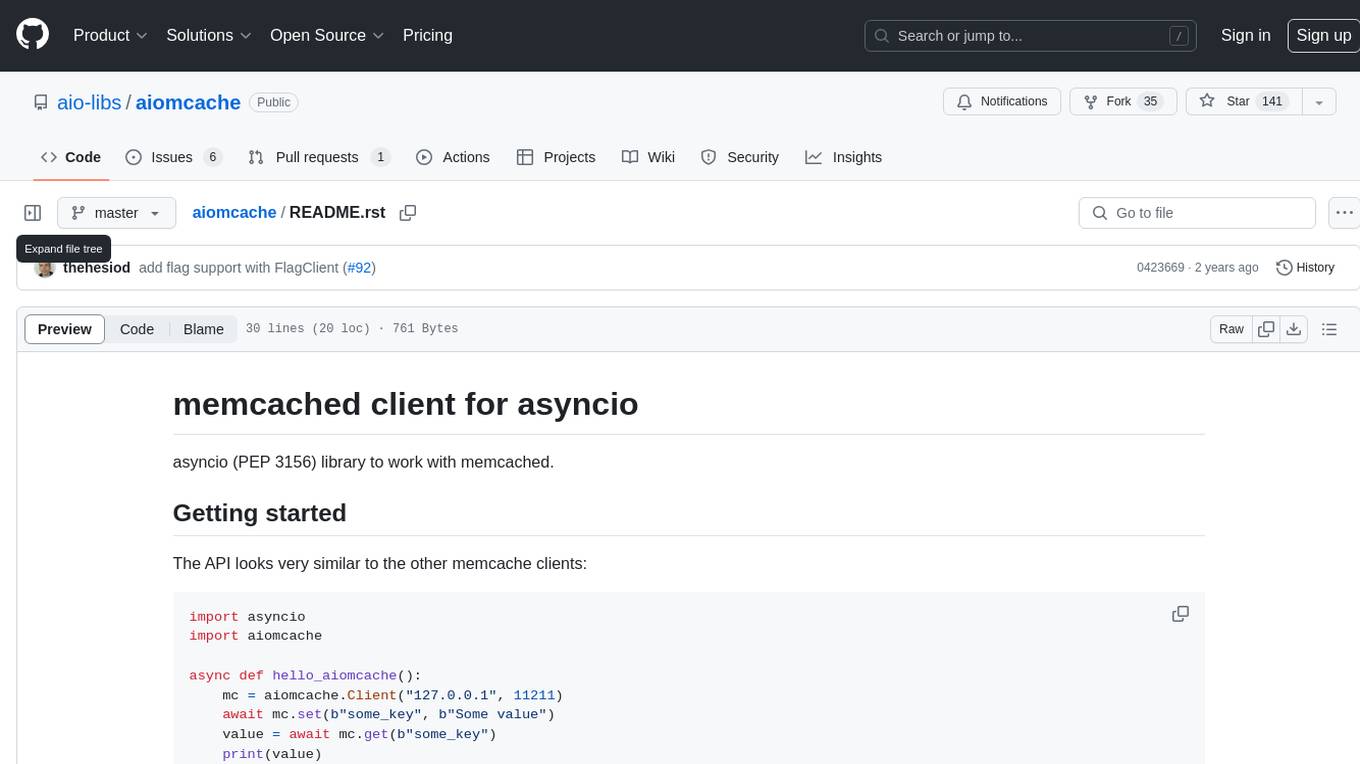
aiomcache
aiomcache is a Python library that provides an asyncio (PEP 3156) interface to work with memcached. It allows users to interact with memcached servers asynchronously, making it suitable for high-performance applications that require non-blocking I/O operations. The library offers similar functionality to other memcache clients and includes features like setting and getting values, multi-get operations, and deleting keys. Version 0.8 introduces the `FlagClient` class, which enables users to register callbacks for setting or processing flags, providing additional flexibility and customization options for working with memcached servers.
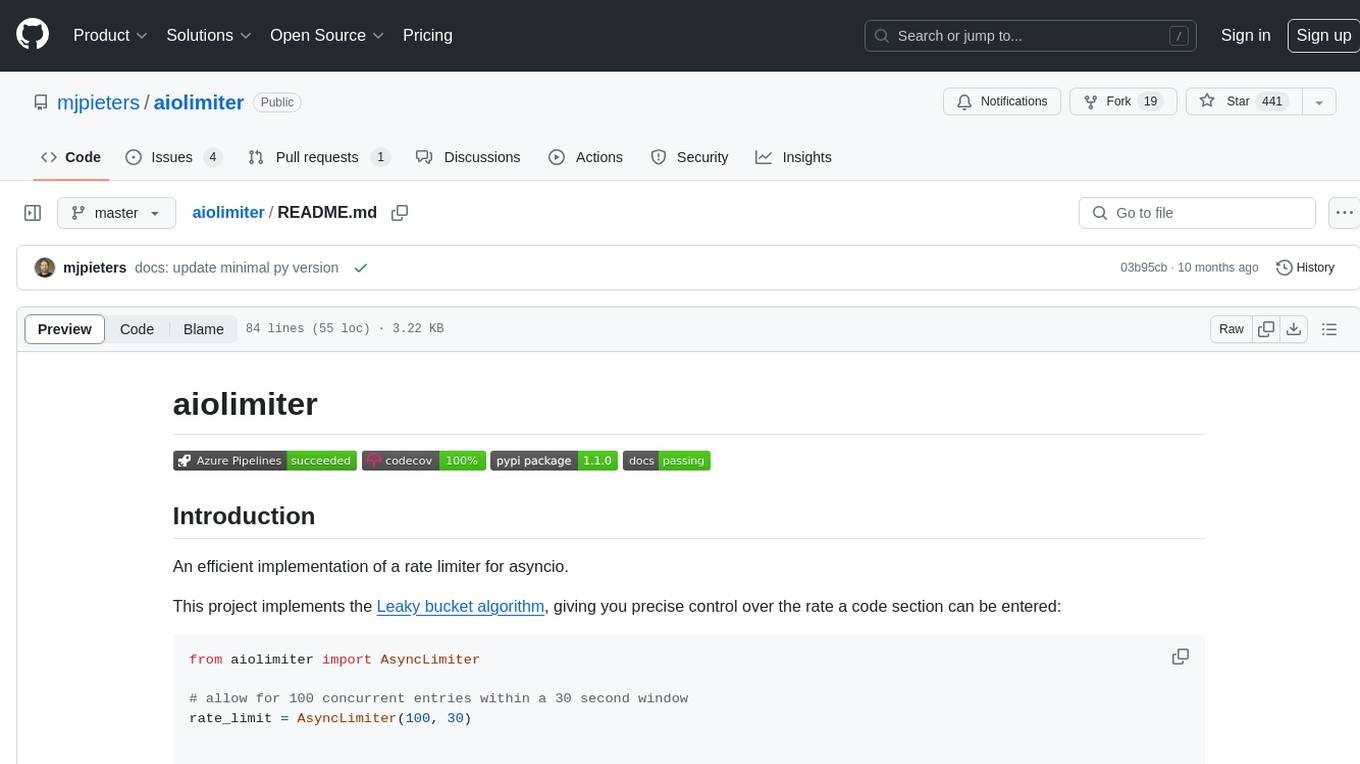
aiolimiter
An efficient implementation of a rate limiter for asyncio using the Leaky bucket algorithm, providing precise control over the rate a code section can be entered. It allows for limiting the number of concurrent entries within a specified time window, ensuring that a section of code is executed a maximum number of times in that period.
bee
Bee is an easy and high efficiency ORM framework that simplifies database operations by providing a simple interface and eliminating the need to write separate DAO code. It supports various features such as automatic filtering of properties, partial field queries, native statement pagination, JSON format results, sharding, multiple database support, and more. Bee also offers powerful functionalities like dynamic query conditions, transactions, complex queries, MongoDB ORM, cache management, and additional tools for generating distributed primary keys, reading Excel files, and more. The newest versions introduce enhancements like placeholder precompilation, default date sharding, ElasticSearch ORM support, and improved query capabilities.
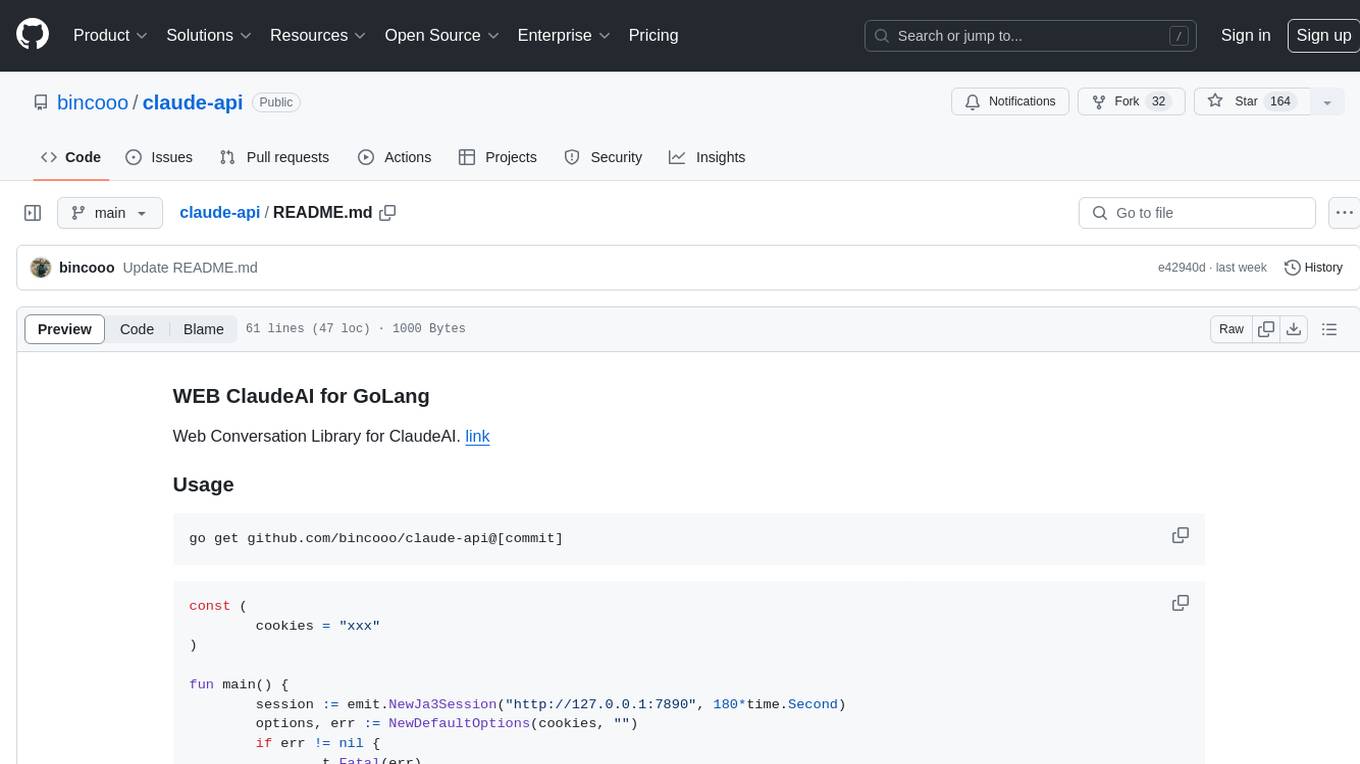
claude-api
claude-api is a web conversation library for ClaudeAI implemented in GoLang. It provides functionalities to interact with ClaudeAI for web-based conversations. Users can easily integrate this library into their Go projects to enable chatbot capabilities and handle conversations with ClaudeAI. The library includes features for sending messages, receiving responses, and managing chat sessions, making it a valuable tool for developers looking to incorporate AI-powered chatbots into their applications.
aide
Aide is a code-first API documentation and utility library for Rust, along with other related utility crates for web-servers. It provides tools for creating API documentation and handling JSON request validation. The repository contains multiple crates that offer drop-in replacements for existing libraries, ensuring compatibility with Aide. Contributions are welcome, and the code is dual licensed under MIT and Apache-2.0. If Aide does not meet your requirements, you can explore similar libraries like paperclip, utoipa, and okapi.
amadeus-java
Amadeus Java SDK provides a rich set of APIs for the travel industry, allowing developers to access various functionalities such as flight search, booking, airport information, and more. The SDK simplifies interaction with the Amadeus API by providing self-contained code examples and detailed documentation. Developers can easily make API calls, handle responses, and utilize features like pagination and logging. The SDK supports various endpoints for tasks like flight search, booking management, airport information retrieval, and travel analytics. It also offers functionalities for hotel search, booking, and sentiment analysis. Overall, the Amadeus Java SDK is a comprehensive tool for integrating Amadeus APIs into Java applications.
rig
Rig is a Rust library designed for building scalable, modular, and user-friendly applications powered by large language models (LLMs). It provides full support for LLM completion and embedding workflows, offers simple yet powerful abstractions for LLM providers like OpenAI and Cohere, as well as vector stores such as MongoDB and in-memory storage. With Rig, users can easily integrate LLMs into their applications with minimal boilerplate code.
celery-aio-pool
Celery AsyncIO Pool is a free software tool licensed under GNU Affero General Public License v3+. It provides an AsyncIO worker pool for Celery, enabling users to leverage the power of AsyncIO in their Celery applications. The tool allows for easy installation using Poetry, pip, or directly from GitHub. Users can configure Celery to use the AsyncIO pool provided by celery-aio-pool, or they can wait for the upcoming support for out-of-tree worker pools in Celery 5.3. The tool is actively maintained and welcomes contributions from the community.