


ai-sdk-cpp
The AI Toolkit for Modern C++. From the engineers at ClickHouse, ai-sdk-cpp is a free, open‑source library for building AI‑powered applications and agents.
Stars: 94
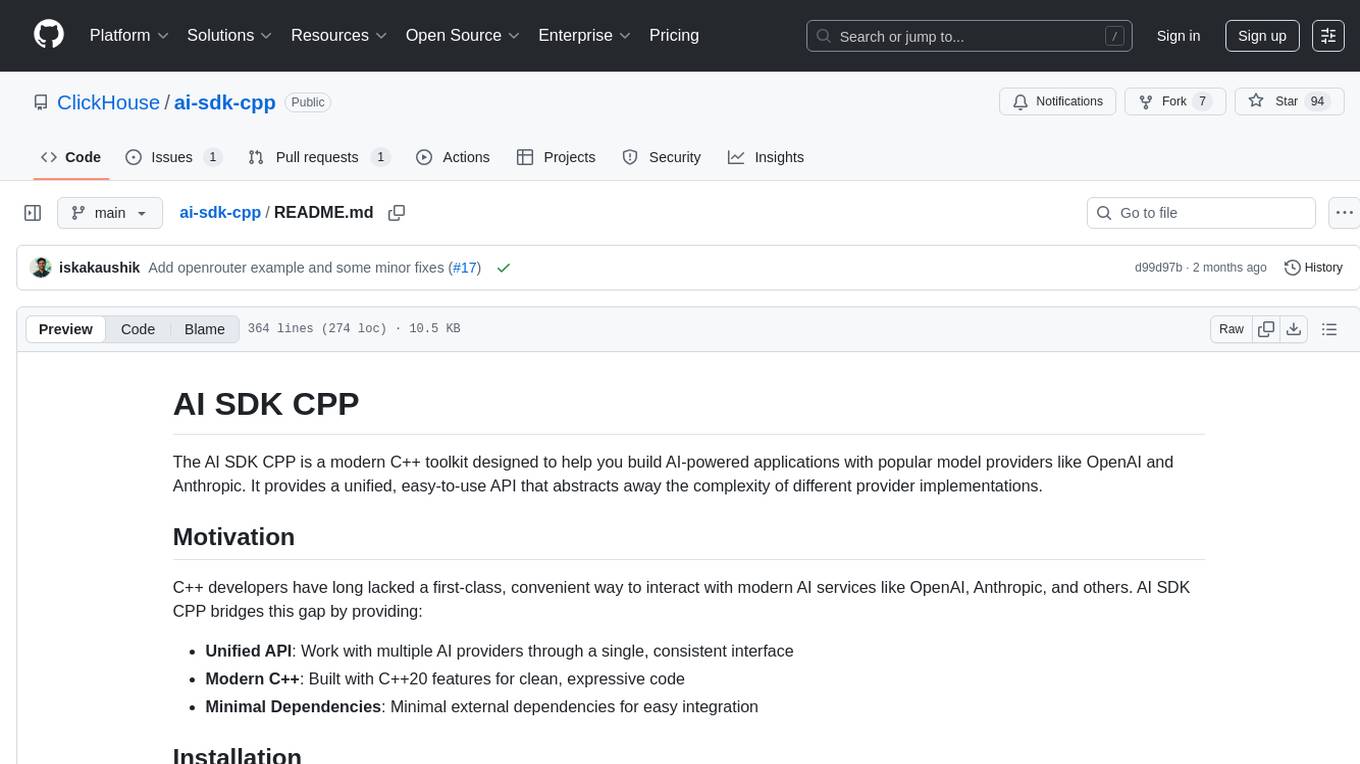
The AI SDK CPP is a modern C++ toolkit that provides a unified, easy-to-use API for building AI-powered applications with popular model providers like OpenAI and Anthropic. It bridges the gap for C++ developers by offering a clean, expressive codebase with minimal dependencies. The toolkit supports text generation, streaming content, multi-turn conversations, error handling, tool calling, async tool execution, and configurable retries. Future updates will include additional providers, text embeddings, and image generation models. The project also includes a patched version of nlohmann/json for improved thread safety and consistent behavior in multi-threaded environments.
README:
The AI SDK CPP is a modern C++ toolkit designed to help you build AI-powered applications with popular model providers like OpenAI and Anthropic. It provides a unified, easy-to-use API that abstracts away the complexity of different provider implementations.
C++ developers have long lacked a first-class, convenient way to interact with modern AI services like OpenAI, Anthropic, and others. AI SDK CPP bridges this gap by providing:
- Unified API: Work with multiple AI providers through a single, consistent interface
- Modern C++: Built with C++20 features for clean, expressive code
- Minimal Dependencies: Minimal external dependencies for easy integration
You will need a C++20 compatible compiler and CMake 3.16+ installed on your development machine.
The AI SDK CPP Core module provides a unified API to interact with model providers like OpenAI and Anthropic.
#include <ai/openai.h>
#include <ai/generate.h>
#include <iostream>

int main() {
    // Ensure OPENAI_API_KEY environment variable is set
    auto client = ai::openai::create_client();

    auto result = client.generate_text({
        .model = ai::openai::models::kGpt4o, // this can also be a string like "gpt-4o"
        .system = "You are a friendly assistant!",
        .prompt = "Why is the sky blue?"
    });

    if (result) {
        std::cout << result->text << std::endl;
    }

    return 0;
}#include <ai/anthropic.h>
#include <ai/generate.h>
#include <iostream>
int main() {
// Ensure ANTHROPIC_API_KEY environment variable is set
auto client = ai::anthropic::create_client();
auto result = client.generate_text({
.model = ai::anthropic::models::kClaude35Sonnet,
.system = "You are a helpful assistant.",
.prompt = "Explain quantum computing in simple terms."
});
if (result) {
std::cout << result->text << std::endl;
}
return 0;
}#include <ai/openai.h>
#include <ai/stream.h>
#include <iostream>
int main() {
auto client = ai::openai::create_client();
auto stream = client.stream_text({
.model = ai::openai::models::kGpt4o, // this can also be a string like "gpt-4o"
.system = "You are a helpful assistant.",
.prompt = "Write a short story about a robot."
});
for (const auto& chunk : stream) {
if (chunk.text) {
std::cout << chunk.text.value() << std::flush;
}
}
return 0;
}#include <ai/openai.h>
#include <ai/generate.h>
#include <iostream>
int main() {
auto client = ai::openai::create_client();
ai::Messages messages = {
{"system", "You are a helpful math tutor."},
{"user", "What is 2 + 2?"},
{"assistant", "2 + 2 equals 4."},
{"user", "Now what is 4 + 4?"}
};
auto result = client.generate_text({
.model = ai::openai::models::kGpt4o, // this can also be a string like "gpt-4o"
.messages = messages
});
if (result) {
std::cout << result->text << std::endl;
}
return 0;
}The AI SDK CPP supports function calling, allowing models to interact with external systems and APIs.
#include <ai/openai.h>
#include <ai/generate.h>
#include <ai/tools.h>
#include <iostream>

// Define a tool function
ai::JsonValue get_weather(const ai::JsonValue& args, const ai::ToolExecutionContext& context) {
    std::string location = args["location"].get<std::string>();

    // Your weather API logic here
    return ai::JsonValue{
        {"location", location},
        {"temperature", 72},
        {"condition", "Sunny"}
    };
}

int main() {
    auto client = ai::openai::create_client();

    // Create tools
    ai::ToolSet tools = {
        {"weather", ai::create_simple_tool(
            "weather",
            "Get current weather for a location",
            {{"location", "string"}},
            get_weather
        )}
    };

    auto result = client.generate_text({
        .model = ai::openai::models::kGpt4o,
        .prompt = "What's the weather like in San Francisco?",
        .tools = tools,
        .max_steps = 3  // Enable multi-step tool calling
    });

    if (result) {
        std::cout << result->text << std::endl;

        // Inspect tool calls and results
        for (const auto& call : result->tool_calls) {
            std::cout << "Tool: " << call.tool_name
                      << ", Args: " << call.arguments.dump() << std::endl;
        }
    }

    return 0;
}For long-running operations, you can define asynchronous tools:
#include <future>
#include <thread>
#include <chrono>

// Async tool that returns a future
std::future<ai::JsonValue> fetch_data_async(const ai::JsonValue& args, const ai::ToolExecutionContext& context) {
    return std::async(std::launch::async, [args]() {
        // Simulate async operation
        std::this_thread::sleep_for(std::chrono::seconds(1));

        return ai::JsonValue{
            {"data", "Fetched from API"},
            {"timestamp", std::time(nullptr)}
        };
    });
}

int main() {
    auto client = ai::openai::create_client();

    ai::ToolSet tools = {
        {"fetch_data", ai::create_simple_async_tool(
            "fetch_data",
            "Fetch data from external API",
            {{"endpoint", "string"}},
            fetch_data_async
        )}
    };

    // Multiple async tools will execute in parallel
    auto result = client.generate_text({
        .model = ai::openai::models::kGpt4o,
        .prompt = "Fetch data from the user and product APIs",
        .tools = tools
    });

    return 0;
}Configure retry behavior for handling transient failures:
#include <ai/openai.h>
#include <ai/retry/retry_policy.h>

int main() {
    // Configure custom retry behavior
    ai::retry::RetryConfig retry_config;
    retry_config.max_retries = 5;        // More retries for unreliable networks
    retry_config.initial_delay = std::chrono::milliseconds(1000);
    retry_config.backoff_factor = 1.5;   // Gentler backoff

    // Create client with custom retry configuration
    auto client = ai::openai::create_client(
        "your-api-key",
        "https://api.openai.com",
        retry_config
    );

    // The client will automatically retry on transient failures:
    // - Network errors
    // - HTTP 408, 409, 429 (rate limits), and 5xx errors
    auto result = client.generate_text({
        .model = ai::openai::models::kGpt4o,
        .prompt = "Hello, world!"
    });

    return 0;
}The OpenAI client can be used with any OpenAI-compatible API by specifying a custom base URL. This allows you to use alternative providers like OpenRouter, which offers access to multiple models through a unified API.
#include <ai/openai.h>
#include <ai/generate.h>
#include <iostream>
#include <cstdlib>

int main() {
    // Get API key from environment variable
    const char* api_key = std::getenv("OPENROUTER_API_KEY");
    if (!api_key) {
        std::cerr << "Please set OPENROUTER_API_KEY environment variable\n";
        return 1;
    }

    // Create client with OpenRouter's base URL
    auto client = ai::openai::create_client(
        api_key,
        "https://openrouter.ai/api"  // OpenRouter's OpenAI-compatible endpoint
    );

    // Use any model available on OpenRouter
    auto result = client.generate_text({
        .model = "anthropic/claude-3.5-sonnet",  // or "meta-llama/llama-3.1-8b-instruct", etc.
        .system = "You are a helpful assistant.",
        .prompt = "What are the benefits of using OpenRouter?"
    });

    if (result) {
        std::cout << result->text << std::endl;
    }

    return 0;
}
This approach works with any OpenAI-compatible API provider. Simply provide:
- Your provider's API key
- The provider's base URL endpoint
- Model names as specified by your provider
See the OpenRouter example for a complete demonstration.
- ✅ Text Generation: Generate text completions with OpenAI and Anthropic models
- ✅ Streaming: Real-time streaming of generated content
- ✅ Multi-turn Conversations: Support for conversation history
- ✅ Error Handling: Comprehensive error handling with optional types
- ✅ Tool Calling: Function calling and tool integration with multi-step support
- ✅ Async Tools: Asynchronous tool execution with parallel processing
- ✅ Configurable Retries: Customizable retry behavior with exponential backoff
- 🚧 Additional Providers: Google, Cohere, and other providers
- 🚧 Embeddings: Text embedding support
- 🚧 Image Generation: Support for image generation models
Check out our examples directory for more comprehensive usage examples:
- Basic Chat Application
- Streaming Chat
- Multi-provider Comparison
- Error Handling
- Retry Configuration
- Basic Tool Calling
- Multi-Step Tool Workflows
- Async Tool Execution
- OpenRouter Integration - Using OpenAI-compatible APIs
- C++ Standard: C++20 or higher
- CMake: 3.16 or higher
This project uses a patched version of nlohmann/json to remove the dependency on localeconv(), which is not thread-safe. The patch ensures:
-
Thread Safety: Eliminates calls to the non-thread-safe
localeconv()function, allowing downstream users to safely use the library in multi-threaded environments without worrying about locale-related race conditions - Consistent Behavior: Always uses '.' as the decimal point separator regardless of system locale
- Simplified Integration: Downstream users don't need to implement locale synchronization or worry about thread safety issues
This modification improves both safety and portability of the JSON library in concurrent applications.
Inspired by the excellent Vercel AI SDK for TypeScript/JavaScript developers.
For Tasks:
Click tags to check more tools for each tasksFor Jobs:
Alternative AI tools for ai-sdk-cpp
Similar Open Source Tools
ai-sdk-cpp
The AI SDK CPP is a modern C++ toolkit that provides a unified, easy-to-use API for building AI-powered applications with popular model providers like OpenAI and Anthropic. It bridges the gap for C++ developers by offering a clean, expressive codebase with minimal dependencies. The toolkit supports text generation, streaming content, multi-turn conversations, error handling, tool calling, async tool execution, and configurable retries. Future updates will include additional providers, text embeddings, and image generation models. The project also includes a patched version of nlohmann/json for improved thread safety and consistent behavior in multi-threaded environments.
agent-sdk-go
Agent Go SDK is a powerful Go framework for building production-ready AI agents that seamlessly integrates memory management, tool execution, multi-LLM support, and enterprise features into a flexible, extensible architecture. It offers core capabilities like multi-model intelligence, modular tool ecosystem, advanced memory management, and MCP integration. The SDK is enterprise-ready with built-in guardrails, complete observability, and support for enterprise multi-tenancy. It provides a structured task framework, declarative configuration, and zero-effort bootstrapping for development experience. The SDK supports environment variables for configuration and includes features like creating agents with YAML configuration, auto-generating agent configurations, using MCP servers with an agent, and CLI tool for headless usage.
agent-prism
AgentPrism is an open source library of React components designed for visualizing traces from AI agents. It helps in turning complex JSON data into clear and visual diagrams for debugging AI agents. By plugging in OpenTelemetry data, users can visualize LLM calls, tool executions, and agent workflows in a hierarchical timeline. The library is currently in alpha release and under active development, with APIs subject to change. Users can try out AgentPrism live at agent-prism.evilmartians.io to visualize and debug their own agent traces.
llm.nvim
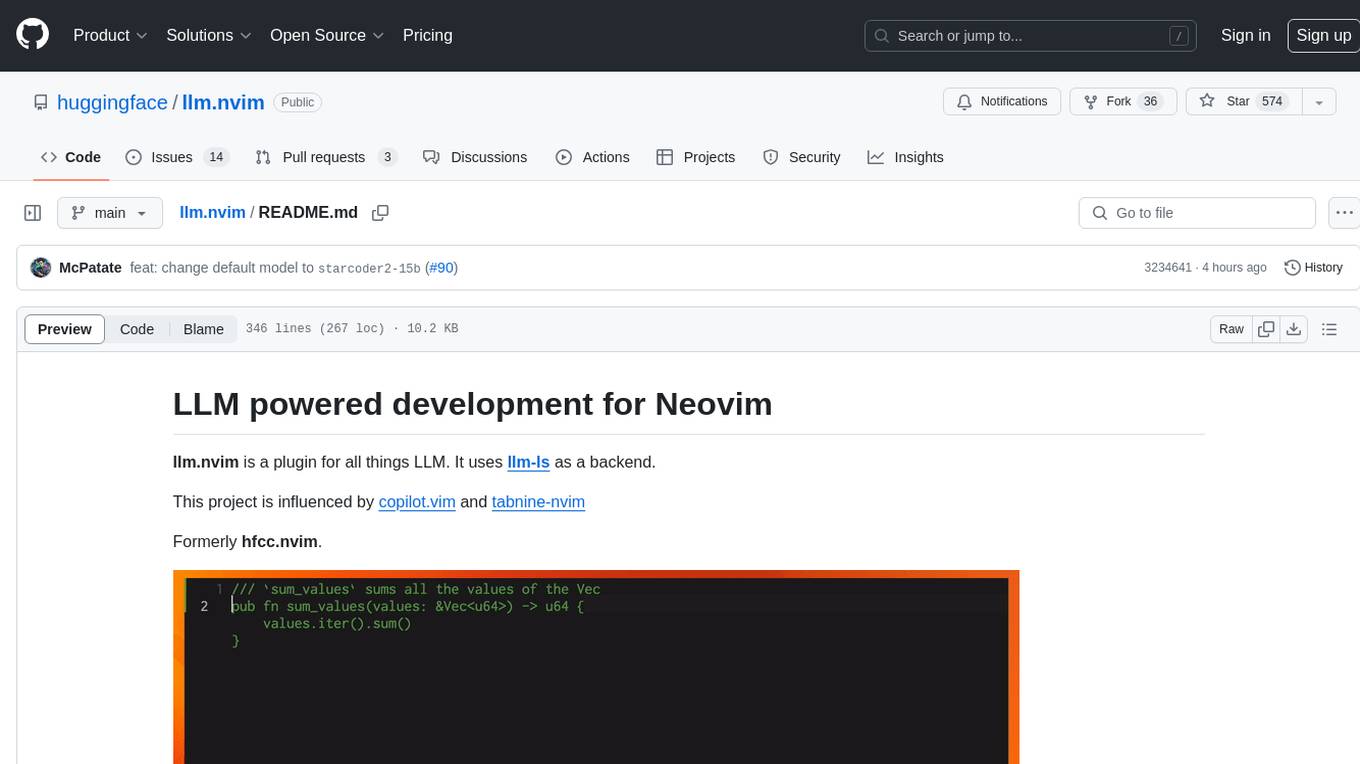
llm.nvim is a plugin for Neovim that enables code completion using LLM models. It supports 'ghost-text' code completion similar to Copilot and allows users to choose their model for code generation via HTTP requests. The plugin interfaces with multiple backends like Hugging Face, Ollama, Open AI, and TGI, providing flexibility in model selection and configuration. Users can customize the behavior of suggestions, tokenization, and model parameters to enhance their coding experience. llm.nvim also includes commands for toggling auto-suggestions and manually requesting suggestions, making it a versatile tool for developers using Neovim.
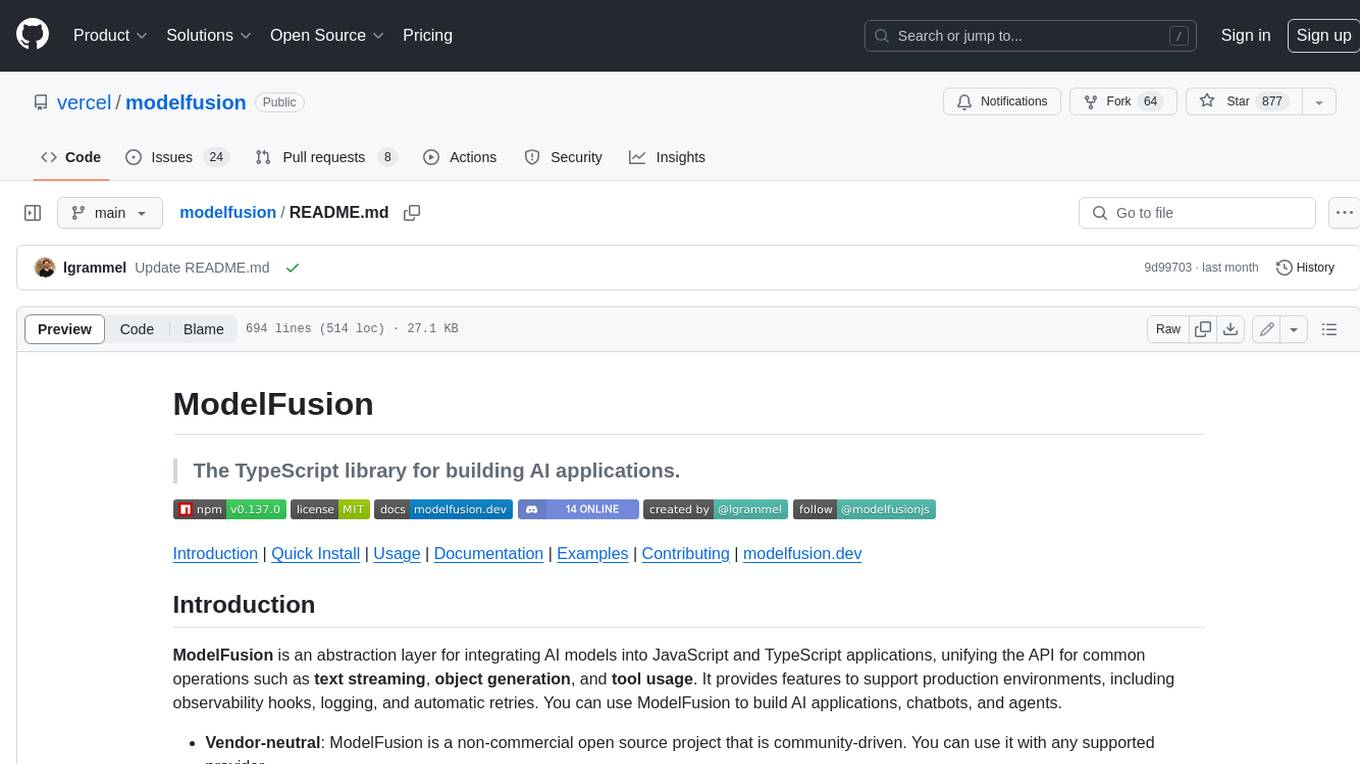
modelfusion
ModelFusion is an abstraction layer for integrating AI models into JavaScript and TypeScript applications, unifying the API for common operations such as text streaming, object generation, and tool usage. It provides features to support production environments, including observability hooks, logging, and automatic retries. You can use ModelFusion to build AI applications, chatbots, and agents. ModelFusion is a non-commercial open source project that is community-driven. You can use it with any supported provider. ModelFusion supports a wide range of models including text generation, image generation, vision, text-to-speech, speech-to-text, and embedding models. ModelFusion infers TypeScript types wherever possible and validates model responses. ModelFusion provides an observer framework and logging support. ModelFusion ensures seamless operation through automatic retries, throttling, and error handling mechanisms. ModelFusion is fully tree-shakeable, can be used in serverless environments, and only uses a minimal set of dependencies.
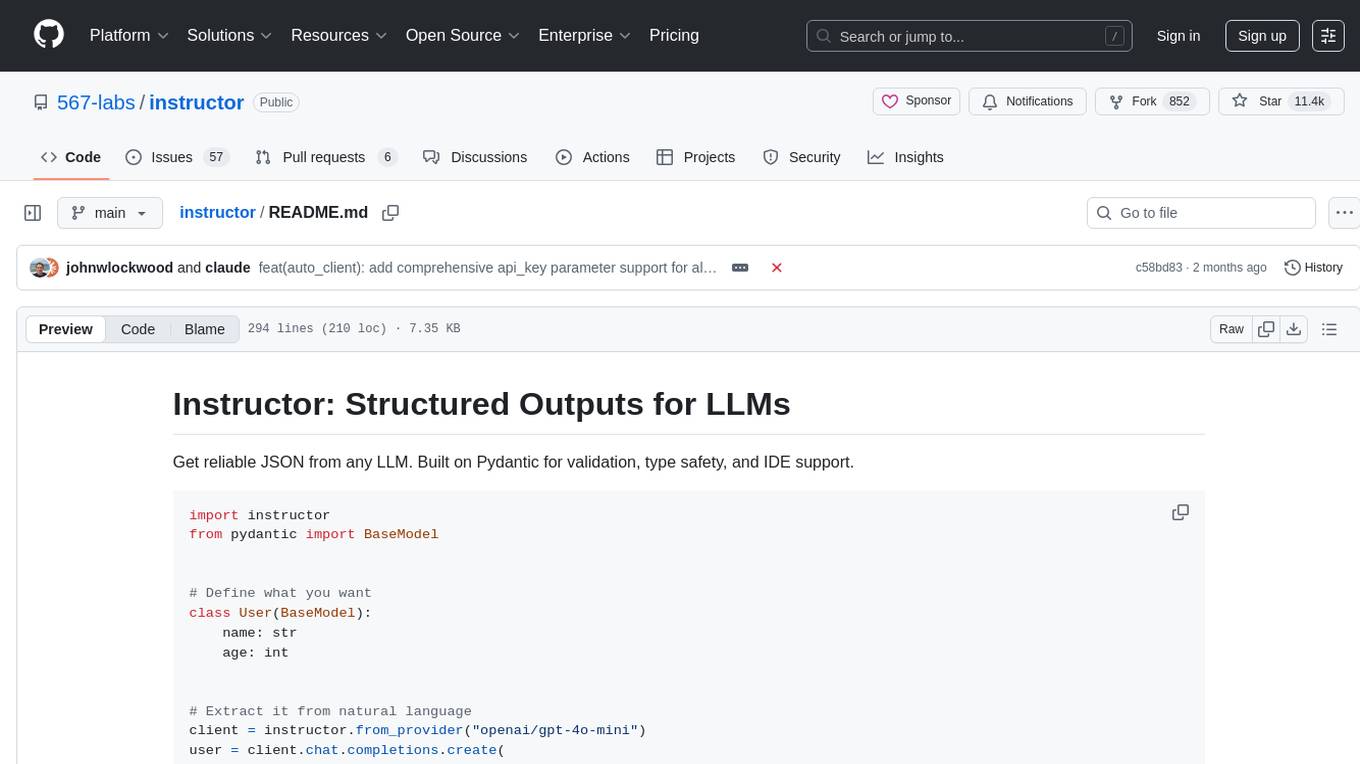
instructor
Instructor is a tool that provides structured outputs from Large Language Models (LLMs) in a reliable manner. It simplifies the process of extracting structured data by utilizing Pydantic for validation, type safety, and IDE support. With Instructor, users can define models and easily obtain structured data without the need for complex JSON parsing, error handling, or retries. The tool supports automatic retries, streaming support, and extraction of nested objects, making it production-ready for various AI applications. Trusted by a large community of developers and companies, Instructor is used by teams at OpenAI, Google, Microsoft, AWS, and YC startups.
aiosonic
Aiosonic is a lightweight Python asyncio HTTP/WebSocket client that offers fast and efficient communication with HTTP/1.1, HTTP/2, and WebSocket protocols. It supports keepalive, connection pooling, multipart file uploads, chunked responses, timeouts, automatic decompression, redirect following, type annotations, WebSocket communication, HTTP proxy, cookie sessions, elegant cookies, and nearly 100% test coverage. It requires Python version 3.10 or higher for installation and provides a simple API for making HTTP requests and WebSocket connections. Additionally, it allows API wrapping for customizing response handling and includes a performance benchmark script for comparing its speed with other HTTP clients.
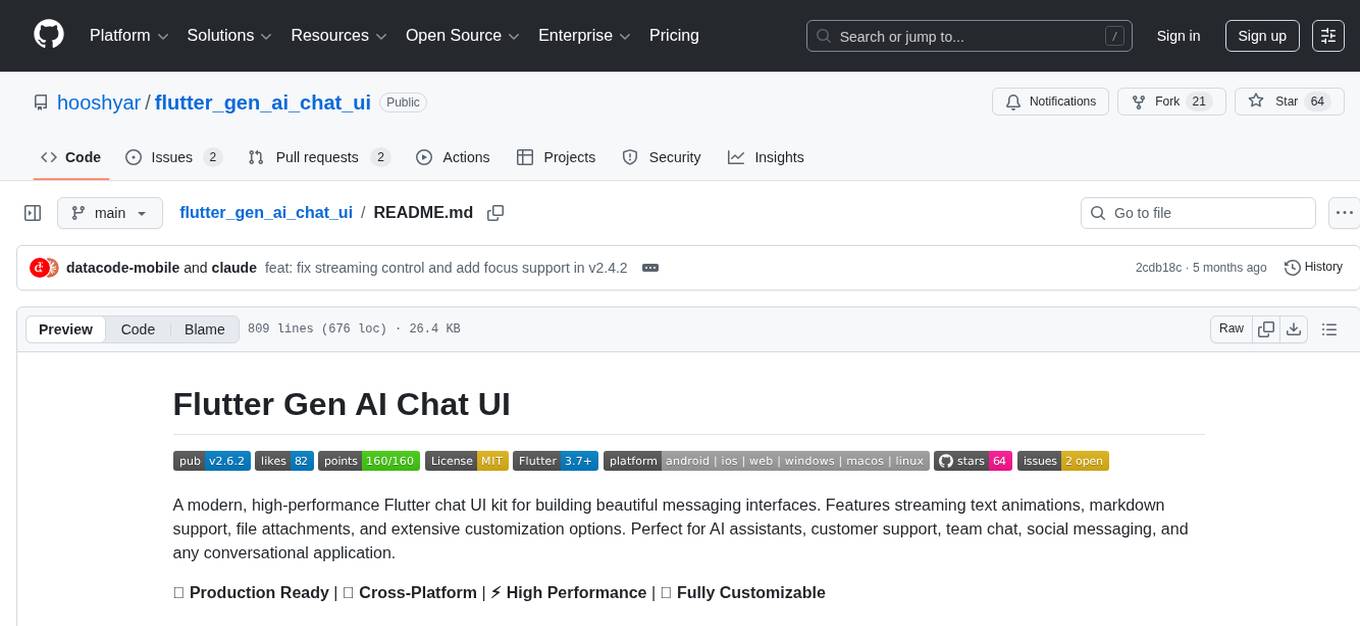
flutter_gen_ai_chat_ui
A modern, high-performance Flutter chat UI kit for building beautiful messaging interfaces. Features streaming text animations, markdown support, file attachments, and extensive customization options. Perfect for AI assistants, customer support, team chat, social messaging, and any conversational application. Production Ready, Cross-Platform, High Performance, Fully Customizable. Core features include dark/light mode, word-by-word streaming with animations, enhanced markdown support, speech-to-text integration, responsive layout, RTL language support, high performance message handling, improved pagination support. AI-specific features include customizable welcome message, example questions component, persistent example questions, AI typing indicators, streaming markdown rendering. New AI Actions System with function calling support, generative UI, human-in-the-loop confirmation dialogs, real-time status updates, type-safe parameters, event streaming, error handling. UI components include customizable message bubbles, custom bubble builder, multiple input field styles, loading indicators, smart scroll management, enhanced theme customization, better code block styling.
deepgram-js-sdk
Deepgram JavaScript SDK. Power your apps with world-class speech and Language AI models.
LightRAG
LightRAG is a repository hosting the code for LightRAG, a system that supports seamless integration of custom knowledge graphs, Oracle Database 23ai, Neo4J for storage, and multiple file types. It includes features like entity deletion, batch insert, incremental insert, and graph visualization. LightRAG provides an API server implementation for RESTful API access to RAG operations, allowing users to interact with it through HTTP requests. The repository also includes evaluation scripts, code for reproducing results, and a comprehensive code structure.
acte
Acte is a framework designed to build GUI-like tools for AI Agents. It aims to address the issues of cognitive load and freedom degrees when interacting with multiple APIs in complex scenarios. By providing a graphical user interface (GUI) for Agents, Acte helps reduce cognitive load and constraints interaction, similar to how humans interact with computers through GUIs. The tool offers APIs for starting new sessions, executing actions, and displaying screens, accessible via HTTP requests or the SessionManager class.
nexus
Nexus is a tool that acts as a unified gateway for multiple LLM providers and MCP servers. It allows users to aggregate, govern, and control their AI stack by connecting multiple servers and providers through a single endpoint. Nexus provides features like MCP Server Aggregation, LLM Provider Routing, Context-Aware Tool Search, Protocol Support, Flexible Configuration, Security features, Rate Limiting, and Docker readiness. It supports tool calling, tool discovery, and error handling for STDIO servers. Nexus also integrates with AI assistants, Cursor, Claude Code, and LangChain for seamless usage.
magma
Magma is a powerful and flexible framework for building scalable and efficient machine learning pipelines. It provides a simple interface for creating complex workflows, enabling users to easily experiment with different models and data processing techniques. With Magma, users can streamline the development and deployment of machine learning projects, saving time and resources.
llm-sandbox
LLM Sandbox is a lightweight and portable sandbox environment designed to securely execute large language model (LLM) generated code in a safe and isolated manner using Docker containers. It provides an easy-to-use interface for setting up, managing, and executing code in a controlled Docker environment, simplifying the process of running code generated by LLMs. The tool supports multiple programming languages, offers flexibility with predefined Docker images or custom Dockerfiles, and allows scalability with support for Kubernetes and remote Docker hosts.
genaiscript
GenAIScript is a scripting environment designed to facilitate file ingestion, prompt development, and structured data extraction. Users can define metadata and model configurations, specify data sources, and define tasks to extract specific information. The tool provides a convenient way to analyze files and extract desired content in a structured format. It offers a user-friendly interface for working with data and automating data extraction processes, making it suitable for various data processing tasks.
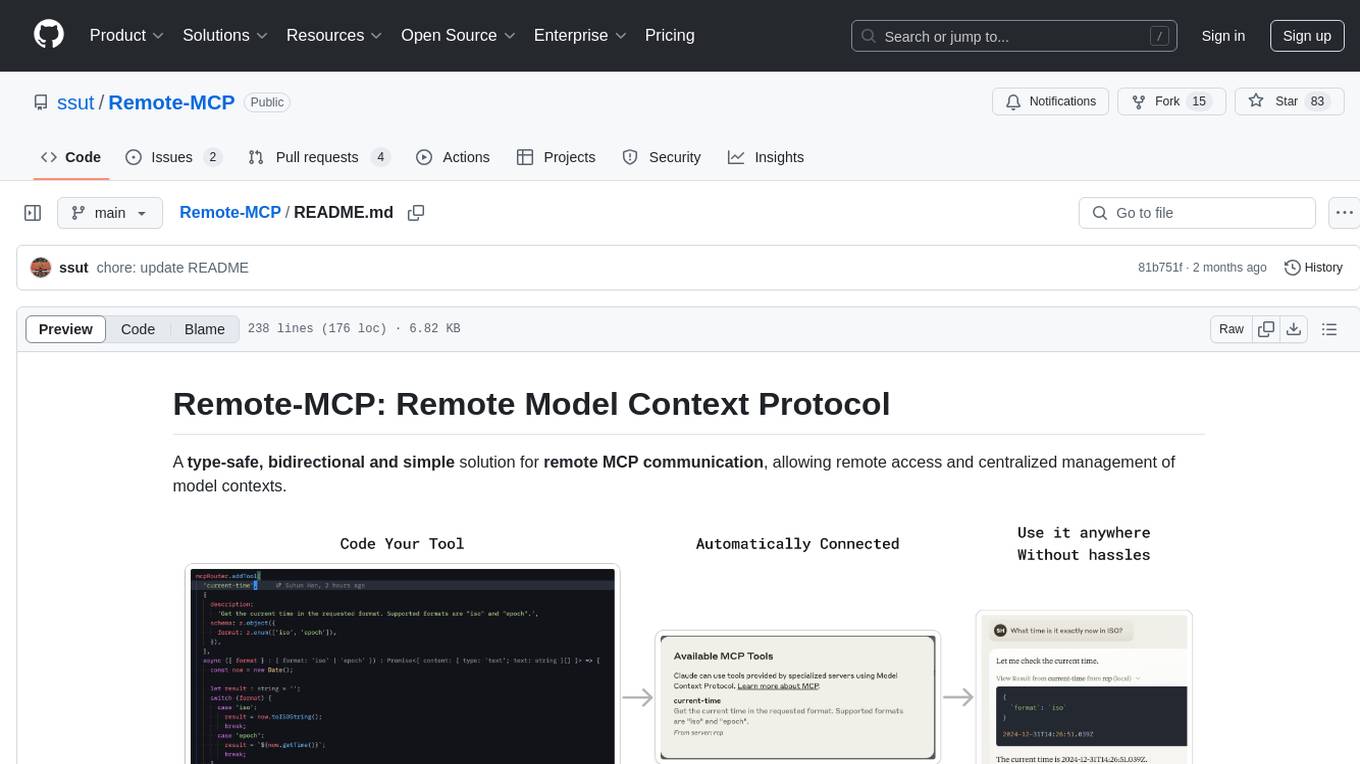
Remote-MCP
Remote-MCP is a type-safe, bidirectional, and simple solution for remote MCP communication, enabling remote access and centralized management of model contexts. It provides a bridge for immediate remote access to a remote MCP server from a local MCP client, without waiting for future official implementations. The repository contains client and server libraries for creating and connecting to remotely accessible MCP services. The core features include basic type-safe client/server communication, MCP command/tool/prompt support, custom headers, and ongoing work on crash-safe handling and event subscription system.
For similar tasks
LLM-Tool-Survey
This repository contains a collection of papers related to tool learning with large language models (LLMs). The papers are organized according to the survey paper 'Tool Learning with Large Language Models: A Survey'. The survey focuses on the benefits and implementation of tool learning with LLMs, covering aspects such as task planning, tool selection, tool calling, response generation, benchmarks, evaluation, challenges, and future directions in the field. It aims to provide a comprehensive understanding of tool learning with LLMs and inspire further exploration in this emerging area.
tool-ahead-of-time
Tool-Ahead-of-Time (TAoT) is a Python package that enables tool calling for any model available through Langchain's ChatOpenAI library, even before official support is provided. It reformats model output into a JSON parser for tool calling. The package supports OpenAI and non-OpenAI models, following LangChain's syntax for tool calling. Users can start using the tool without waiting for official support, providing a more robust solution for tool calling.
mcphub.nvim
MCPHub.nvim is a powerful Neovim plugin that integrates MCP (Model Context Protocol) servers into your workflow. It offers a centralized config file for managing servers and tools, with an intuitive UI for testing resources. Ideal for LLM integration, it provides programmatic API access and interactive testing through the `:MCPHub` command.
go-utcp
The Universal Tool Calling Protocol (UTCP) is a modern, flexible, and scalable standard for defining and interacting with tools across various communication protocols. It emphasizes scalability, interoperability, and ease of use. It provides built-in transports for HTTP, CLI, Server-Sent Events, streaming HTTP, GraphQL, MCP, and UDP. Users can use the library to construct a client and call tools using the available transports. The library also includes utilities for variable substitution, in-memory repository for storing providers and tools, and OpenAPI conversion to UTCP manuals.
utcp-specification
The Universal Tool Calling Protocol (UTCP) Specification repository contains the official documentation for a modern and scalable standard that enables AI systems and clients to discover and interact with tools across different communication protocols. It defines tool discovery mechanisms, call formats, provider configuration, authentication methods, and response handling.
ailoy
Ailoy is a lightweight library for building AI applications such as agent systems or RAG pipelines with ease. It enables AI features effortlessly, supporting AI models locally or via cloud APIs, multi-turn conversation, system message customization, reasoning-based workflows, tool calling capabilities, and built-in vector store support. It also supports running native-equivalent functionality in web browsers using WASM. The library is in early development stages and provides examples in the `examples` directory for inspiration on building applications with Agents.
LocalLLMClient
LocalLLMClient is a Swift package designed to interact with local Large Language Models (LLMs) on Apple platforms. It supports GGUF, MLX models, and the FoundationModels framework, providing streaming API, multimodal capabilities, and tool calling functionalities. Users can easily integrate this tool to work with various models for text generation and processing. The package also includes advanced features for low-level API control and multimodal image processing. LocalLLMClient is experimental and subject to API changes, offering support for iOS, macOS, and Linux platforms.
ai-sdk-cpp
The AI SDK CPP is a modern C++ toolkit that provides a unified, easy-to-use API for building AI-powered applications with popular model providers like OpenAI and Anthropic. It bridges the gap for C++ developers by offering a clean, expressive codebase with minimal dependencies. The toolkit supports text generation, streaming content, multi-turn conversations, error handling, tool calling, async tool execution, and configurable retries. Future updates will include additional providers, text embeddings, and image generation models. The project also includes a patched version of nlohmann/json for improved thread safety and consistent behavior in multi-threaded environments.
For similar jobs

sweep
Sweep is an AI junior developer that turns bugs and feature requests into code changes. It automatically handles developer experience improvements like adding type hints and improving test coverage.

teams-ai
The Teams AI Library is a software development kit (SDK) that helps developers create bots that can interact with Teams and Microsoft 365 applications. It is built on top of the Bot Framework SDK and simplifies the process of developing bots that interact with Teams' artificial intelligence capabilities. The SDK is available for JavaScript/TypeScript, .NET, and Python.

ai-guide
This guide is dedicated to Large Language Models (LLMs) that you can run on your home computer. It assumes your PC is a lower-end, non-gaming setup.

classifai
Supercharge WordPress Content Workflows and Engagement with Artificial Intelligence. Tap into leading cloud-based services like OpenAI, Microsoft Azure AI, Google Gemini and IBM Watson to augment your WordPress-powered websites. Publish content faster while improving SEO performance and increasing audience engagement. ClassifAI integrates Artificial Intelligence and Machine Learning technologies to lighten your workload and eliminate tedious tasks, giving you more time to create original content that matters.

chatbot-ui
Chatbot UI is an open-source AI chat app that allows users to create and deploy their own AI chatbots. It is easy to use and can be customized to fit any need. Chatbot UI is perfect for businesses, developers, and anyone who wants to create a chatbot.

BricksLLM
BricksLLM is a cloud native AI gateway written in Go. Currently, it provides native support for OpenAI, Anthropic, Azure OpenAI and vLLM. BricksLLM aims to provide enterprise level infrastructure that can power any LLM production use cases. Here are some use cases for BricksLLM: * Set LLM usage limits for users on different pricing tiers * Track LLM usage on a per user and per organization basis * Block or redact requests containing PIIs * Improve LLM reliability with failovers, retries and caching * Distribute API keys with rate limits and cost limits for internal development/production use cases * Distribute API keys with rate limits and cost limits for students

uAgents
uAgents is a Python library developed by Fetch.ai that allows for the creation of autonomous AI agents. These agents can perform various tasks on a schedule or take action on various events. uAgents are easy to create and manage, and they are connected to a fast-growing network of other uAgents. They are also secure, with cryptographically secured messages and wallets.

griptape
Griptape is a modular Python framework for building AI-powered applications that securely connect to your enterprise data and APIs. It offers developers the ability to maintain control and flexibility at every step. Griptape's core components include Structures (Agents, Pipelines, and Workflows), Tasks, Tools, Memory (Conversation Memory, Task Memory, and Meta Memory), Drivers (Prompt and Embedding Drivers, Vector Store Drivers, Image Generation Drivers, Image Query Drivers, SQL Drivers, Web Scraper Drivers, and Conversation Memory Drivers), Engines (Query Engines, Extraction Engines, Summary Engines, Image Generation Engines, and Image Query Engines), and additional components (Rulesets, Loaders, Artifacts, Chunkers, and Tokenizers). Griptape enables developers to create AI-powered applications with ease and efficiency.