


manim-generator
Automatic LLM-based video generation using the manim library. Usage of a code-writer and code-reviewer feedback loop with execution logs.
Stars: 76
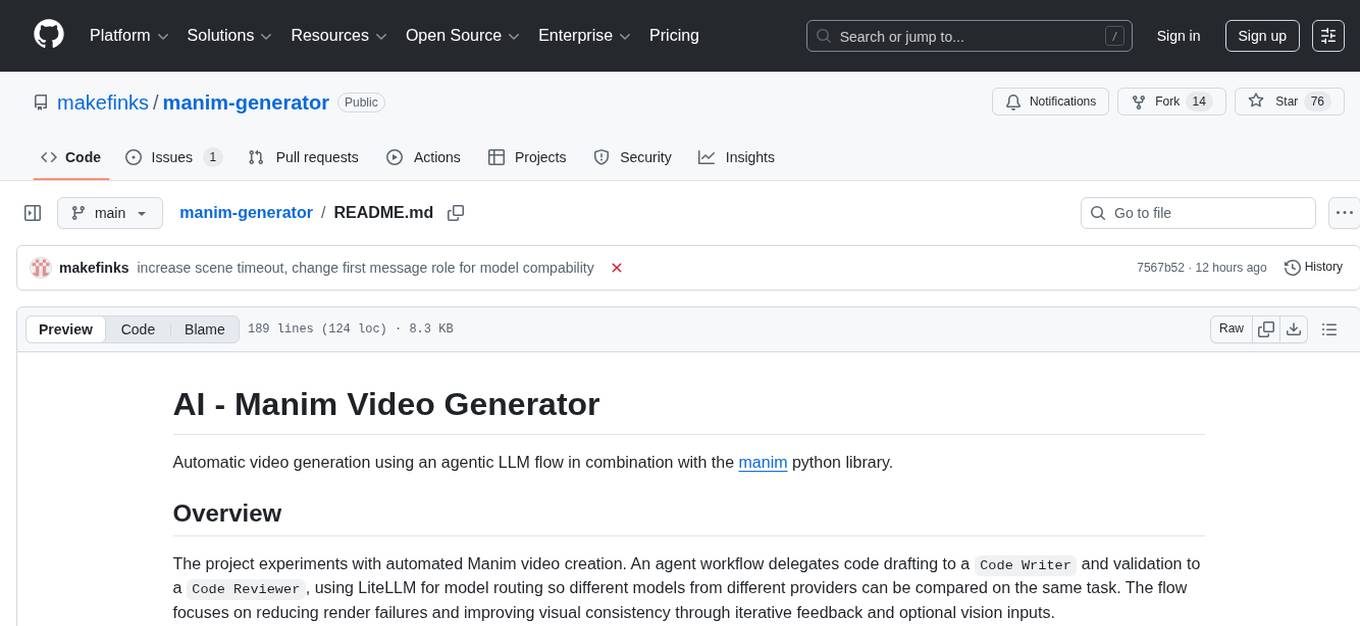
The 'manim-generator' repository focuses on automatic video generation using an agentic LLM flow combined with the manim python library. It experiments with automated Manim video creation by delegating code drafting and validation to specific roles, reducing render failures, and improving visual consistency through iterative feedback and vision inputs. The project also includes 'Manim Bench' for comparing AI models on full Manim video generation.
README:
Automatic video generation using an agentic LLM flow in combination with the manim python library.
The project experiments with automated Manim video creation. An agent workflow delegates code drafting to a Code Writer and validation to a Code Reviewer, using LiteLLM for model routing so different models from different providers can be compared on the same task. The flow focuses on reducing render failures and improving visual consistency through iterative feedback and optional vision inputs.

The manim-generator harness now drives Manim Bench, a public leaderboard showcasing how latest AI models compare on full Manim video generation.
If you want to see examples of videos created with this project, or are interested in how different models stack up, visit the link above. Feedback appreciated!

git clone https://github.com/makefinks/manim-generator.git
cd manim-generatorWith uv (recommended):
uv syncOr using pip directly:
python -m venv .venv
source .venv/bin/activate # or .venv/scripts/activate on windows
pip install -e .Install ffmpeg and, if you plan to render LaTeX, a LaTeX distribution.
Windows (using Chocolatey):
choco install ffmpeg
choco install miktex
macOS (using Homebrew):
brew install ffmpeg
brew install --cask mactex
Linux (Debian/Ubuntu):
sudo apt-get update
sudo apt-get install texlive texlive-latex-extra texlive-fonts-extra texlive-scienceCreate a .env file from the provided template:
cp .env.example .envThen edit .env and add your API keys. Providers available via openrouter are supported through LiteLLM with the prefix openrouter.
For example openrouter/openai/gpt-5.1
If you configure or have an openai/anthropic API key already configured you can use their respective APIs directly: openai/gpt-5.1 / anthropic/claude-sonnet-4-5
With uv (recommended):
uv run manim-generateOr if you've activated the virtual environment:
source .venv/bin/activate
manim-generate
Or using Python directly:
python -m manim_generator.mainThe script supports the following command-line arguments:
| Argument | Description | Default |
|---|---|---|
--video-data |
Description of the video to generate (text string) | - |
--video-data-file |
Path to file containing video description | "video_data.txt" |
| Argument | Description | Default |
|---|---|---|
--manim-model |
Model to use for generating Manim code | "openrouter/anthropic/claude-sonnet-4" |
--review-model |
Model to use for reviewing code | "openrouter/anthropic/claude-sonnet-4" |
--streaming |
Enable streaming responses from the model | False |
--temperature |
Temperature for the LLM Model | 0.4 |
--force-vision |
Adds images to the review process, regardless if LiteLLM reports vision is not supported | - |
--provider |
Specific provider to use for OpenRouter requests (e.g., 'anthropic', 'openai') | - |
| Argument | Description | Default |
|---|---|---|
--review-cycles |
Number of review cycles to perform | 5 |
--manim-logs |
Show Manim execution logs | False |
--output-dir |
Directory for generated artifacts (overrides auto-naming) | Auto (e.g., manim_animation_20250101_120000) |
--success-threshold |
Percentage of scenes that must render successfully to trigger enhanced visual review mode | 100 |
--frame-extraction-mode |
Frame extraction mode: highest_density (single best frame) or fixed_count (multiple frames) | "highest_density" |
--frame-count |
Number of frames to extract when using fixed_count mode | 3 |
--scene-timeout |
Maximum seconds allowed for a single scene render (set to 0 to disable) | 400 |
--headless |
Suppress most output and show only a single progress bar | False |
| Argument | Description | Default |
|---|---|---|
--reasoning-effort |
Reasoning effort level for OpenAI-style models (choices: "none", "minimal", "low", "medium", "high", "xhigh") | - |
--reasoning-max-tokens |
Maximum tokens for reasoning (Anthropic-style) | - |
--hide-reasoning |
Hide reasoning tokens from response output (model still uses reasoning internally). | - |
Note: You cannot use both
--reasoning-effortand--reasoning-max-tokensat the same time.
Providing --output-dir skips the automatic descriptor-based folder name and uses the supplied path instead.
uv run manim-generate --video-data "Explain the concept of neural networks with visual examples" --manim-model "openrouter/anthropic/claude-sonnet-4" --review-model "openrouter/anthropic/claude-sonnet-4" --review-cycles 3Or with the command directly (if virtual environment is activated):
manim-generate --video-data "Explain the concept of neural networks with visual examples" --manim-model "openrouter/anthropic/claude-sonnet-4" --review-model "openrouter/anthropic/claude-sonnet-4" --review-cycles 3Some standard prompts for benchmarking different models are in the directoy bench_prompts/
manim-generate --video-data-file bench_prompts/llm_explainer.txt
Images are available only when the reviewer model supports multimodal input.
- https://openrouter.ai/models?modality=text+image-%3Etext
- https://github.com/BerriAI/litellm/blob/main/model_prices_and_context_window.json
Focus areas include prompt improvements, review loop refinements, code quality, and new features or optimizations.
- Streaming: current streaming implementation does not provide syntax highlighting
- Prompting / environment setup: the selected LLM version may not match the local installation.
For Tasks:
Click tags to check more tools for each tasksFor Jobs:
Alternative AI tools for manim-generator
Similar Open Source Tools
manim-generator
The 'manim-generator' repository focuses on automatic video generation using an agentic LLM flow combined with the manim python library. It experiments with automated Manim video creation by delegating code drafting and validation to specific roles, reducing render failures, and improving visual consistency through iterative feedback and vision inputs. The project also includes 'Manim Bench' for comparing AI models on full Manim video generation.
optillm
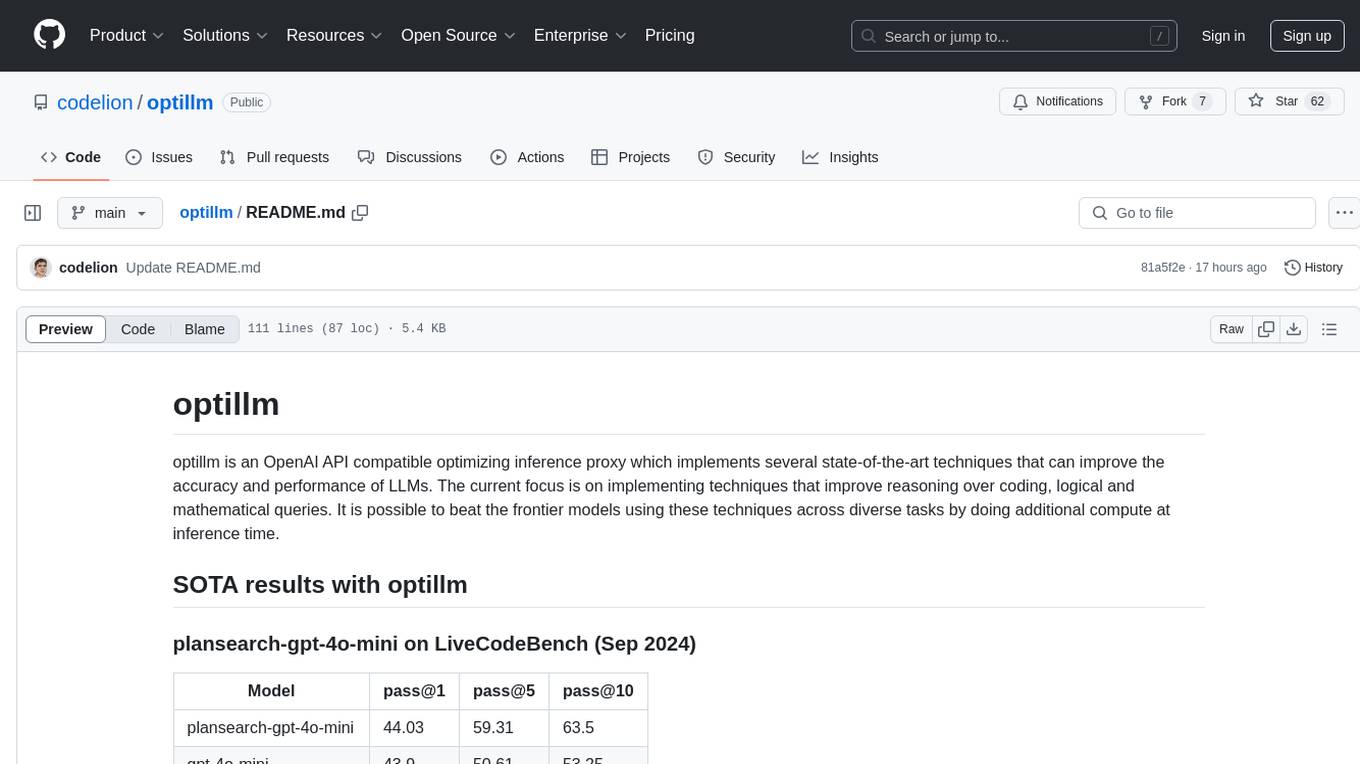
optillm is an OpenAI API compatible optimizing inference proxy implementing state-of-the-art techniques to enhance accuracy and performance of LLMs, focusing on reasoning over coding, logical, and mathematical queries. By leveraging additional compute at inference time, it surpasses frontier models across diverse tasks.
TinyLLM
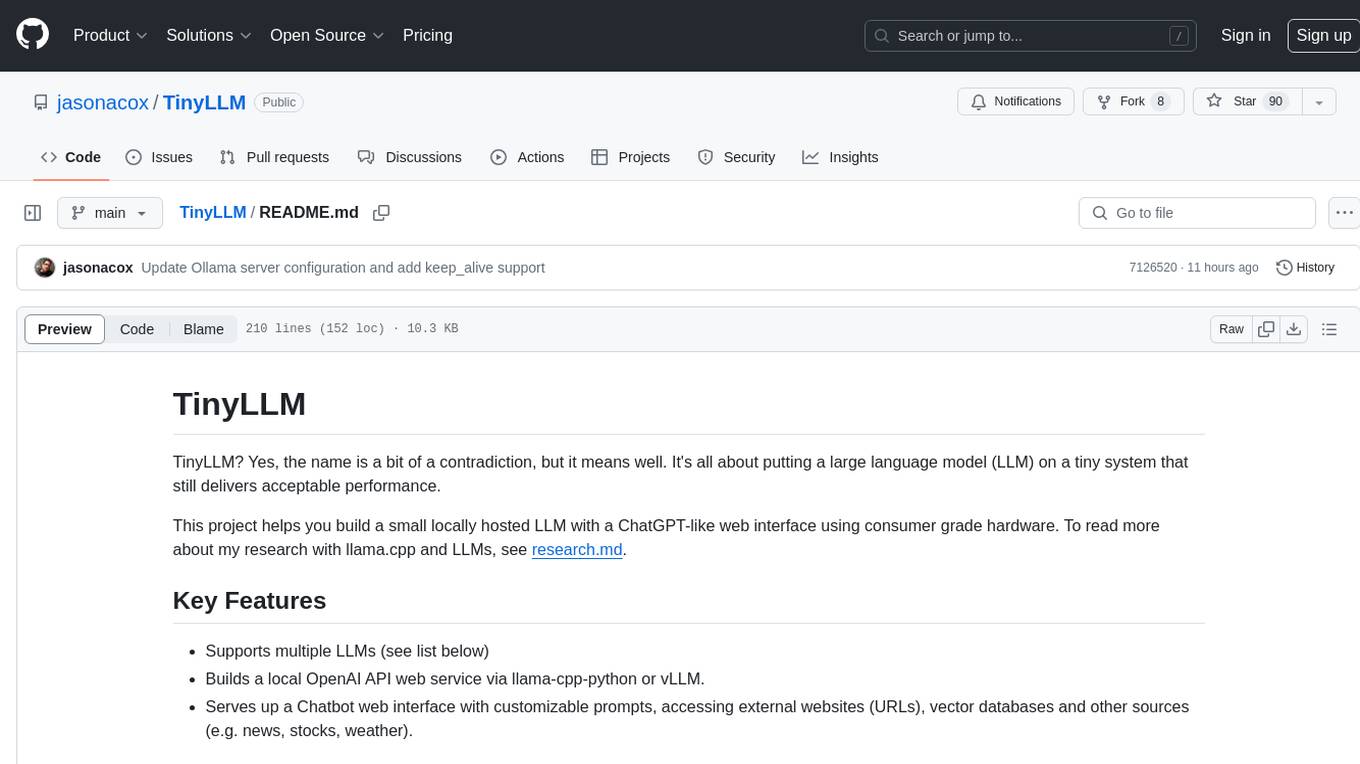
TinyLLM is a project that helps build a small locally hosted language model with a web interface using consumer-grade hardware. It supports multiple language models, builds a local OpenAI API web service, and serves a Chatbot web interface with customizable prompts. The project requires specific hardware and software configurations for optimal performance. Users can run a local language model using inference servers like vLLM, llama-cpp-python, and Ollama. The Chatbot feature allows users to interact with the language model through a web-based interface, supporting features like summarizing websites, displaying news headlines, stock prices, weather conditions, and using vector databases for queries.
vscode-unify-chat-provider
The 'vscode-unify-chat-provider' repository is a tool that integrates multiple LLM API providers into VS Code's GitHub Copilot Chat using the Language Model API. It offers free tier access to mainstream models, perfect compatibility with major LLM API formats, deep adaptation to API features, best performance with built-in parameters, out-of-the-box configuration, import/export support, great UX, and one-click use of various models. The tool simplifies model setup, migration, and configuration for users, providing a seamless experience within VS Code for utilizing different language models.
AQLM
AQLM is the official PyTorch implementation for Extreme Compression of Large Language Models via Additive Quantization. It includes prequantized AQLM models without PV-Tuning and PV-Tuned models for LLaMA, Mistral, and Mixtral families. The repository provides inference examples, model details, and quantization setups. Users can run prequantized models using Google Colab examples, work with different model families, and install the necessary inference library. The repository also offers detailed instructions for quantization, fine-tuning, and model evaluation. AQLM quantization involves calibrating models for compression, and users can improve model accuracy through finetuning. Additionally, the repository includes information on preparing models for inference and contributing guidelines.
gollama
Gollama is a delightful tool that brings Ollama, your offline conversational AI companion, directly into your terminal. It provides a fun and interactive way to generate responses from various models without needing internet connectivity. Whether you're brainstorming ideas, exploring creative writing, or just looking for inspiration, Gollama is here to assist you. The tool offers an interactive interface, customizable prompts, multiple models selection, and visual feedback to enhance user experience. It can be installed via different methods like downloading the latest release, using Go, running with Docker, or building from source. Users can interact with Gollama through various options like specifying a custom base URL, prompt, model, and enabling raw output mode. The tool supports different modes like interactive, piped, CLI with image, and TUI with image. Gollama relies on third-party packages like bubbletea, glamour, huh, and lipgloss. The roadmap includes implementing piped mode, support for extracting codeblocks, copying responses/codeblocks to clipboard, GitHub Actions for automated releases, and downloading models directly from Ollama using the rest API. Contributions are welcome, and the project is licensed under the MIT License.
llm-gateway
llm-gateway is a gateway tool designed for interacting with third-party LLM providers such as OpenAI, Cohere, etc. It tracks data exchanged with these providers in a postgres database, applies PII scrubbing heuristics, and ensures safe communication with OpenAI's services. The tool supports various models from different providers and offers API and Python usage examples. Developers can set up the tool using Poetry, Pyenv, npm, and yarn for dependency management. The project also includes Docker setup for backend and frontend development.
google-cloud-gcp-openai-api
This project provides a drop-in replacement REST API for Google Cloud Vertex AI (PaLM 2, Codey, Gemini) that is compatible with the OpenAI API specifications. It aims to make Google Cloud Platform Vertex AI more accessible by translating OpenAI API calls to Vertex AI. The software is developed in Python and based on FastAPI and LangChain, designed to be simple and customizable for individual needs. It includes step-by-step guides for deployment, supports various OpenAI API services, and offers configuration through environment variables. Additionally, it provides examples for running locally and usage instructions consistent with the OpenAI API format.

everything-claude-code
The 'Everything Claude Code' repository is a comprehensive collection of production-ready agents, skills, hooks, commands, rules, and MCP configurations developed over 10+ months. It includes guides for setup, foundations, and philosophy, as well as detailed explanations of various topics such as token optimization, memory persistence, continuous learning, verification loops, parallelization, and subagent orchestration. The repository also provides updates on bug fixes, multi-language rules, installation wizard, PM2 support, OpenCode plugin integration, unified commands and skills, and cross-platform support. It offers a quick start guide for installation, ecosystem tools like Skill Creator and Continuous Learning v2, requirements for CLI version compatibility, key concepts like agents, skills, hooks, and rules, running tests, contributing guidelines, OpenCode support, background information, important notes on context window management and customization, star history chart, and relevant links.
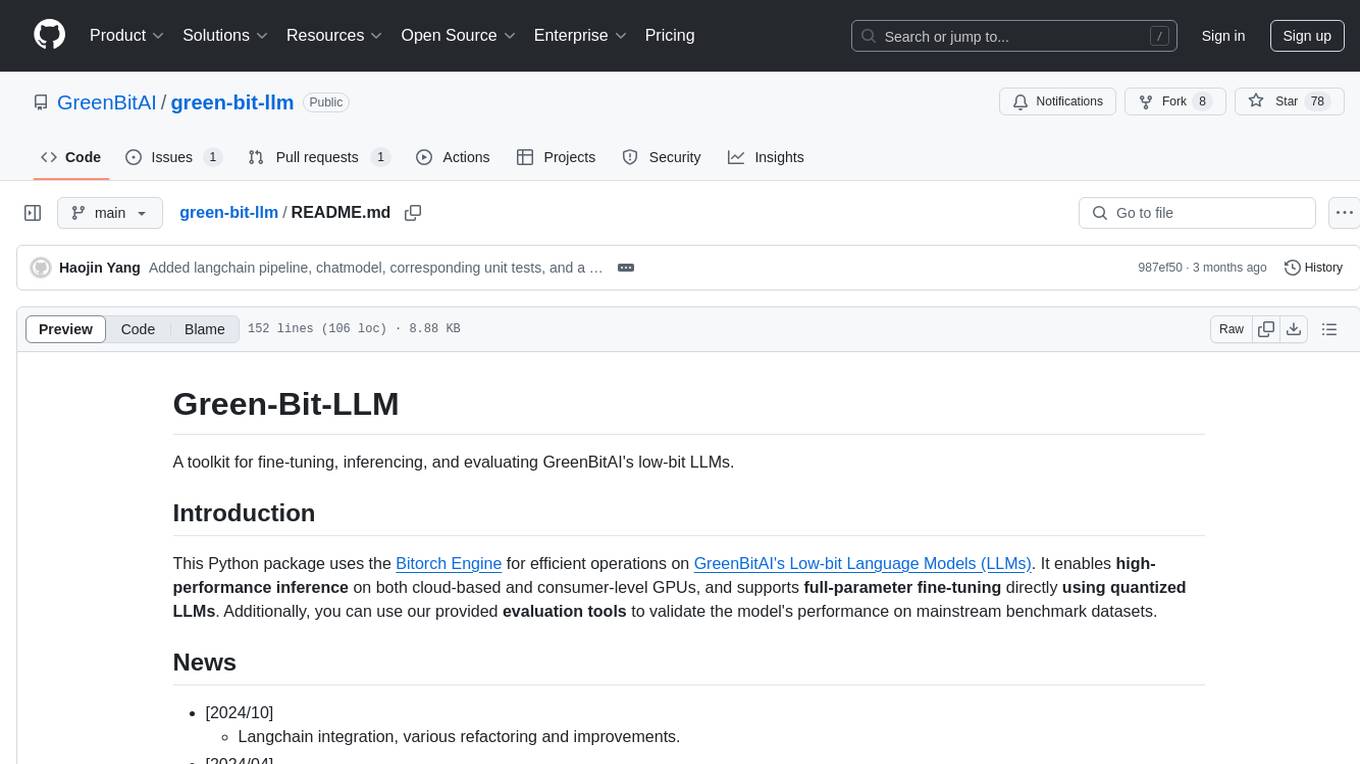
green-bit-llm
Green-Bit-LLM is a Python toolkit designed for fine-tuning, inferencing, and evaluating GreenBitAI's low-bit Language Models (LLMs). It utilizes the Bitorch Engine for efficient operations on low-bit LLMs, enabling high-performance inference on various GPUs and supporting full-parameter fine-tuning using quantized LLMs. The toolkit also provides evaluation tools to validate model performance on benchmark datasets. Green-Bit-LLM is compatible with AutoGPTQ series of 4-bit quantization and compression models.
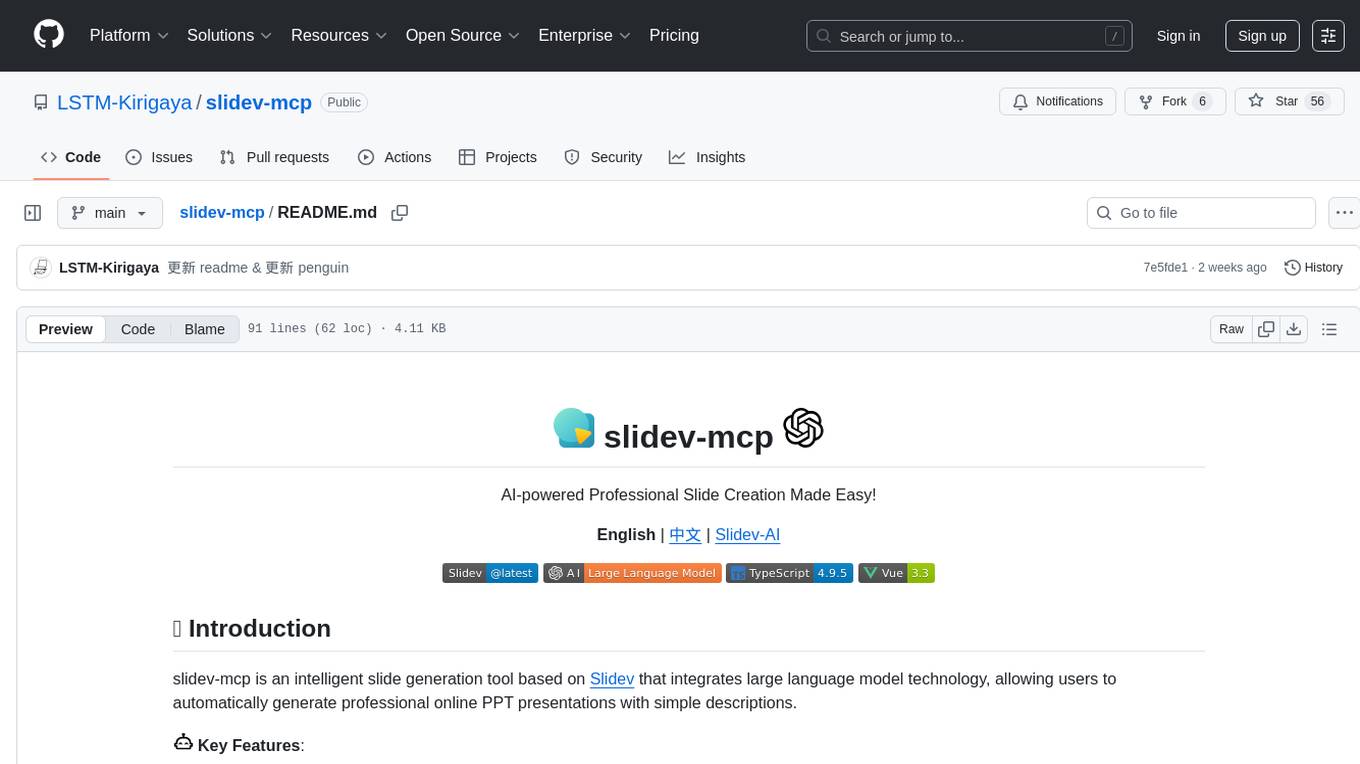
slidev-mcp
slidev-mcp is an intelligent slide generation tool based on Slidev that integrates large language model technology, allowing users to automatically generate professional online PPT presentations with simple descriptions. It dramatically lowers the barrier to using Slidev, provides natural language interactive slide creation, and offers automated generation of professional presentations. The tool also includes various features for environment and project management, slide content management, and utility tools to enhance the slide creation process.

llava-docker
This Docker image for LLaVA (Large Language and Vision Assistant) provides a convenient way to run LLaVA locally or on RunPod. LLaVA is a powerful AI tool that combines natural language processing and computer vision capabilities. With this Docker image, you can easily access LLaVA's functionalities for various tasks, including image captioning, visual question answering, text summarization, and more. The image comes pre-installed with LLaVA v1.2.0, Torch 2.1.2, xformers 0.0.23.post1, and other necessary dependencies. You can customize the model used by setting the MODEL environment variable. The image also includes a Jupyter Lab environment for interactive development and exploration. Overall, this Docker image offers a comprehensive and user-friendly platform for leveraging LLaVA's capabilities.
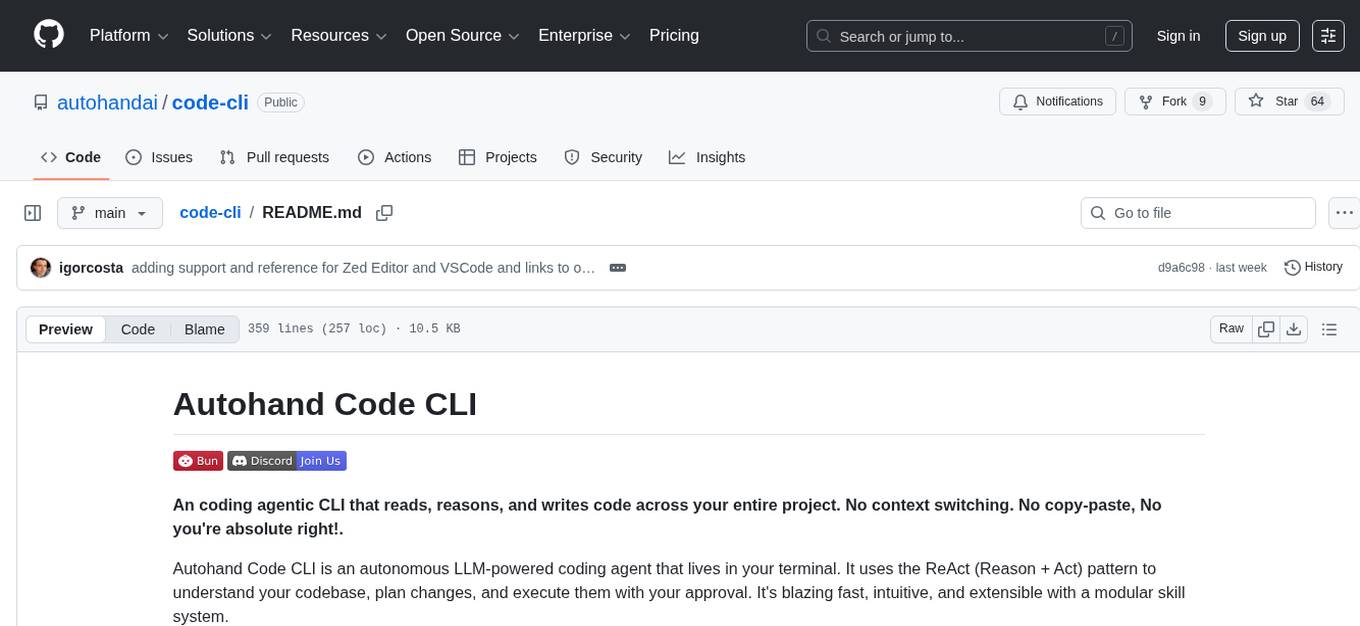
code-cli
Autohand Code CLI is an autonomous coding agent in CLI form that uses the ReAct pattern to understand, plan, and execute code changes. It is designed for seamless coding experience without context switching or copy-pasting. The tool is fast, intuitive, and extensible with modular skills. It can be used to automate coding tasks, enforce code quality, and speed up development. Autohand can be integrated into team workflows and CI/CD pipelines to enhance productivity and efficiency.
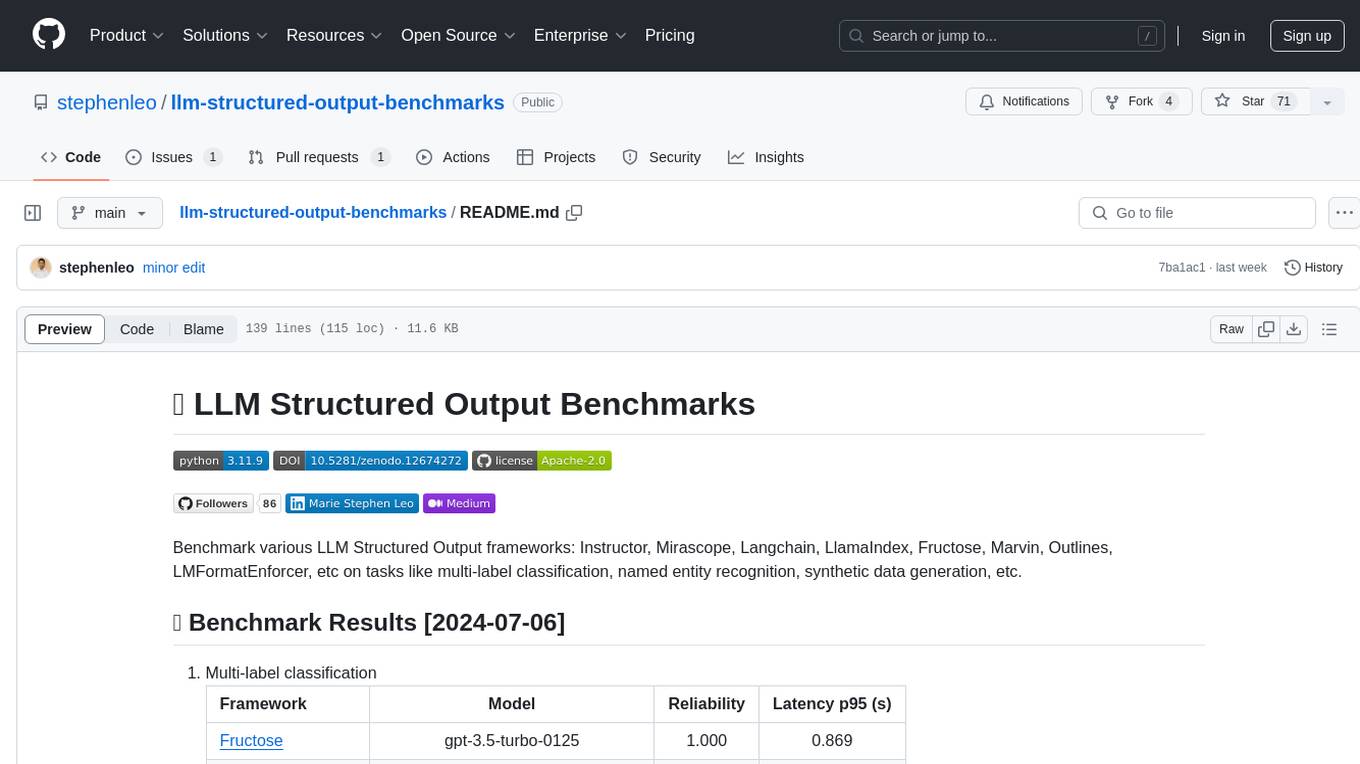
llm-structured-output-benchmarks
Benchmark various LLM Structured Output frameworks like Instructor, Mirascope, Langchain, LlamaIndex, Fructose, Marvin, Outlines, LMFormatEnforcer, etc on tasks like multi-label classification, named entity recognition, synthetic data generation. The tool provides benchmark results, methodology, instructions to run the benchmark, add new data, and add a new framework. It also includes a roadmap for framework-related tasks, contribution guidelines, citation information, and feedback request.
ai-elements
AI Elements is a component library built on top of shadcn/ui to help build AI-native applications faster. It provides pre-built, customizable React components specifically designed for AI applications, including conversations, messages, code blocks, reasoning displays, and more. The CLI makes it easy to add these components to your Next.js project.
SimpleAICV_pytorch_training_examples
SimpleAICV_pytorch_training_examples is a repository that provides simple training and testing examples for various computer vision tasks such as image classification, object detection, semantic segmentation, instance segmentation, knowledge distillation, contrastive learning, masked image modeling, OCR text detection, OCR text recognition, human matting, salient object detection, interactive segmentation, image inpainting, and diffusion model tasks. The repository includes support for multiple datasets and networks, along with instructions on how to prepare datasets, train and test models, and use gradio demos. It also offers pretrained models and experiment records for download from huggingface or Baidu-Netdisk. The repository requires specific environments and package installations to run effectively.
For similar tasks
explain-openclaw
Explain OpenClaw is a comprehensive documentation repository for the OpenClaw framework, a self-hosted AI assistant platform. It covers various aspects such as plain English explanations, technical architecture, deployment scenarios, privacy and safety measures, security audits, worst-case security scenarios, optimizations, and AI model comparisons. The repository serves as a living knowledge base with beginner-friendly explanations and detailed technical insights for contributors.
manim-generator
The 'manim-generator' repository focuses on automatic video generation using an agentic LLM flow combined with the manim python library. It experiments with automated Manim video creation by delegating code drafting and validation to specific roles, reducing render failures, and improving visual consistency through iterative feedback and vision inputs. The project also includes 'Manim Bench' for comparing AI models on full Manim video generation.
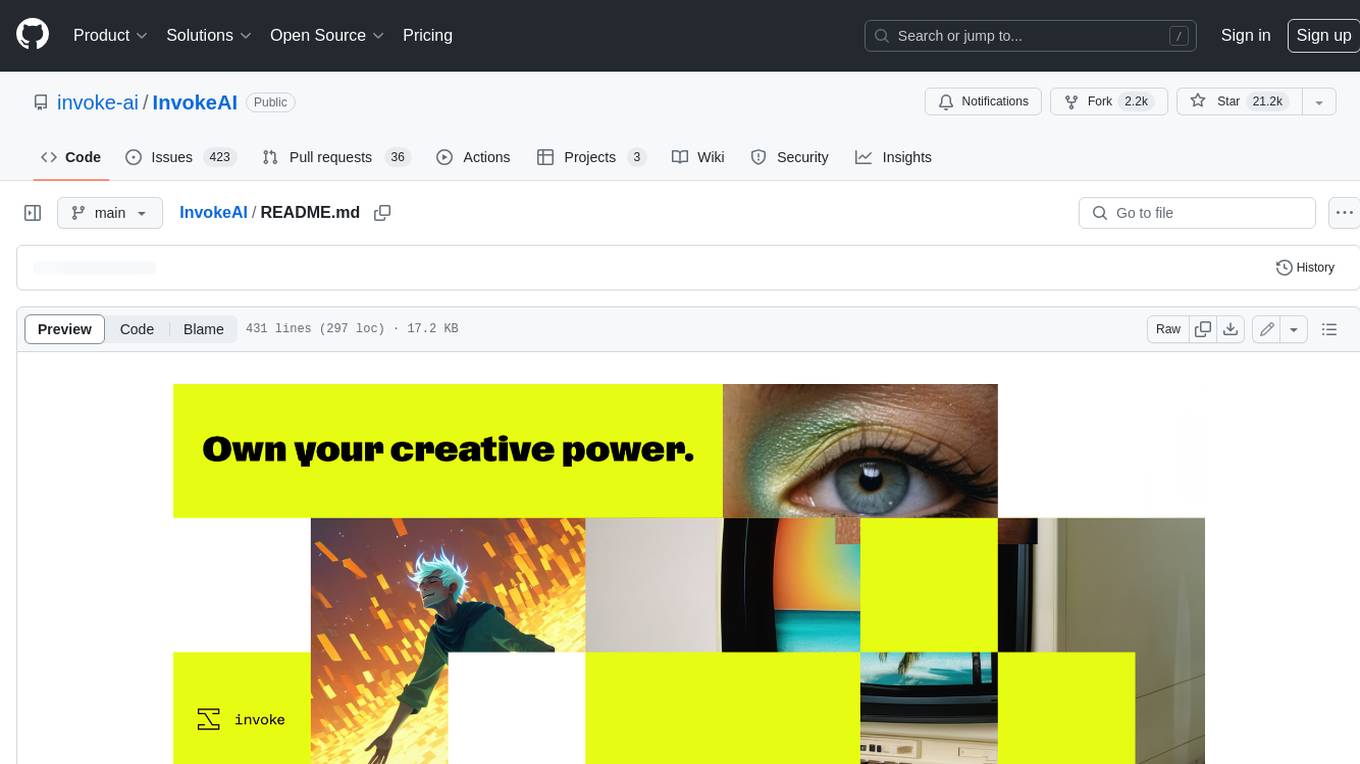
InvokeAI
InvokeAI is a leading creative engine built to empower professionals and enthusiasts alike. Generate and create stunning visual media using the latest AI-driven technologies. InvokeAI offers an industry leading Web Interface, interactive Command Line Interface, and also serves as the foundation for multiple commercial products.
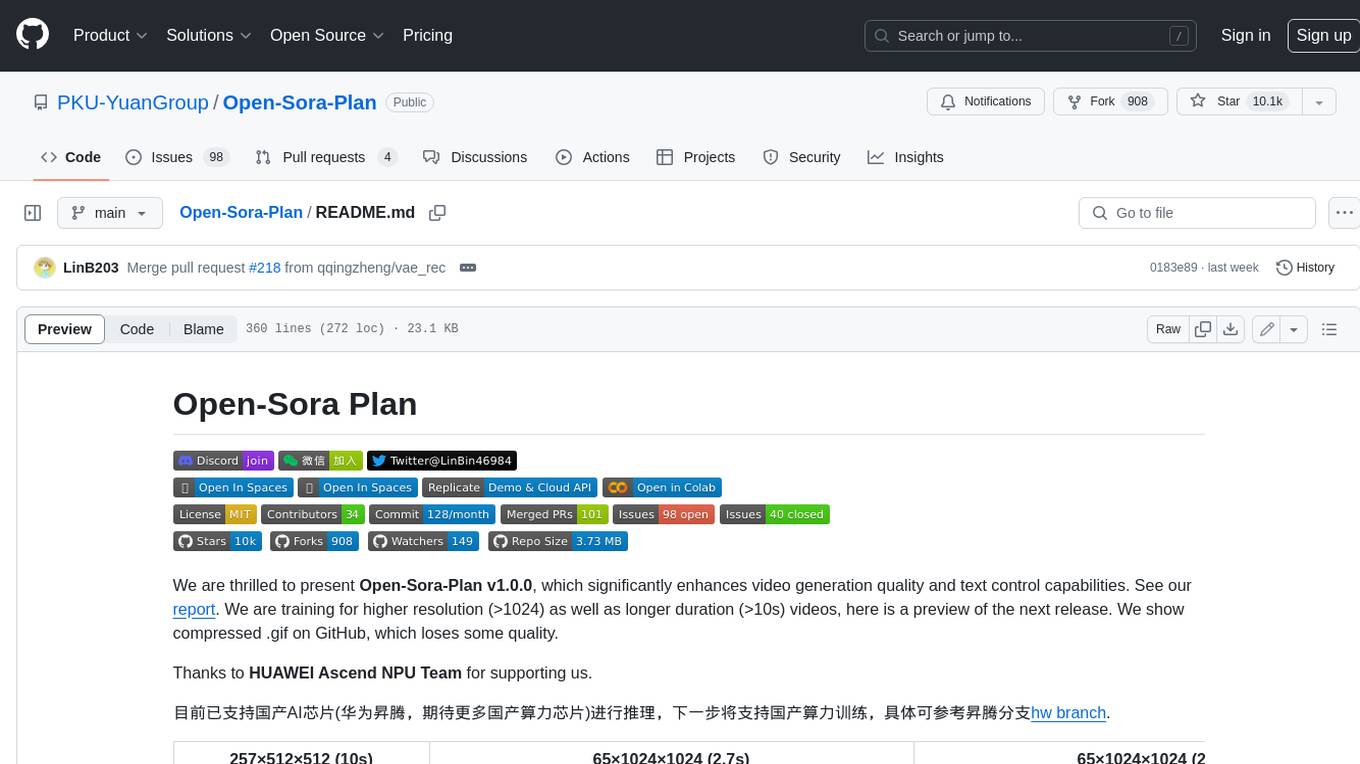
Open-Sora-Plan
Open-Sora-Plan is a project that aims to create a simple and scalable repo to reproduce Sora (OpenAI, but we prefer to call it "ClosedAI"). The project is still in its early stages, but the team is working hard to improve it and make it more accessible to the open-source community. The project is currently focused on training an unconditional model on a landscape dataset, but the team plans to expand the scope of the project in the future to include text2video experiments, training on video2text datasets, and controlling the model with more conditions.
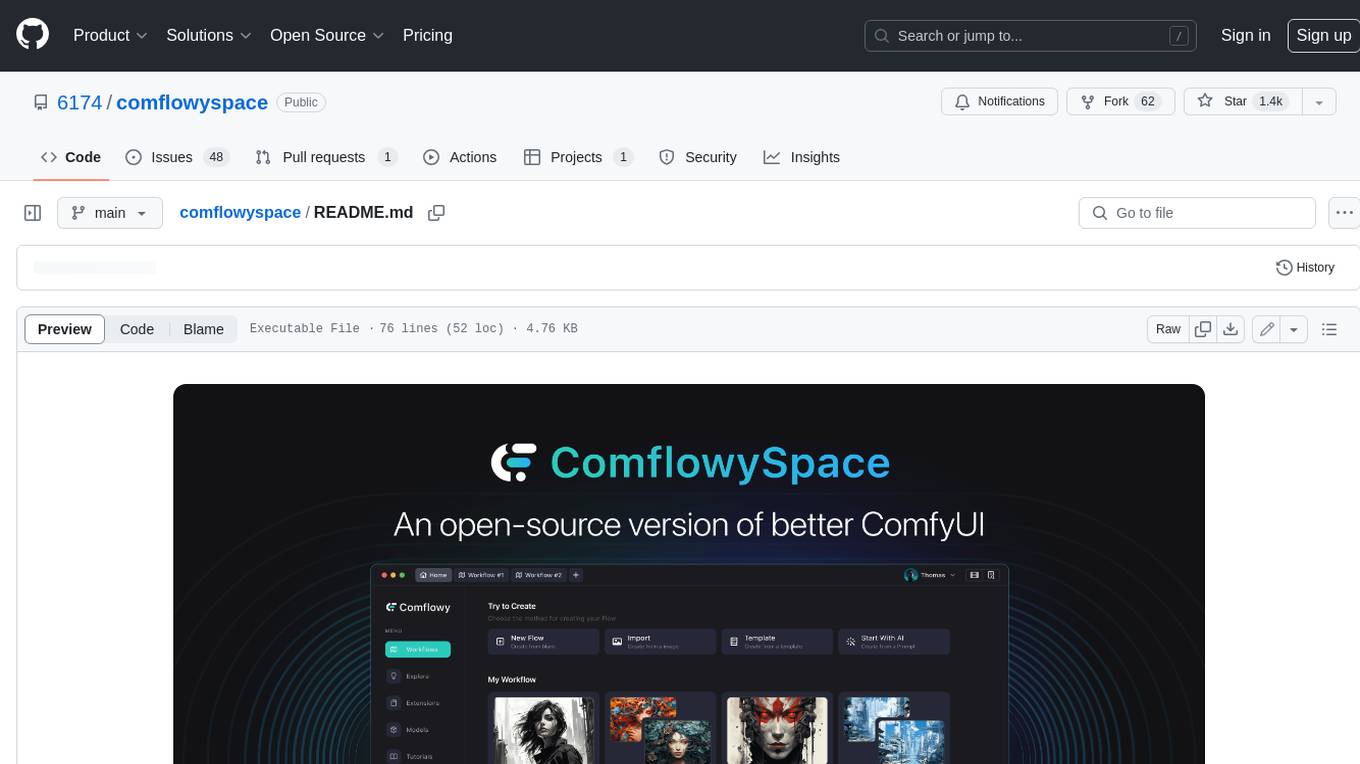
comflowyspace
Comflowyspace is an open-source AI image and video generation tool that aims to provide a more user-friendly and accessible experience than existing tools like SDWebUI and ComfyUI. It simplifies the installation, usage, and workflow management of AI image and video generation, making it easier for users to create and explore AI-generated content. Comflowyspace offers features such as one-click installation, workflow management, multi-tab functionality, workflow templates, and an improved user interface. It also provides tutorials and documentation to lower the learning curve for users. The tool is designed to make AI image and video generation more accessible and enjoyable for a wider range of users.
Rewind-AI-Main
Rewind AI is a free and open-source AI-powered video editing tool that allows users to easily create and edit videos. It features a user-friendly interface, a wide range of editing tools, and support for a variety of video formats. Rewind AI is perfect for beginners and experienced video editors alike.
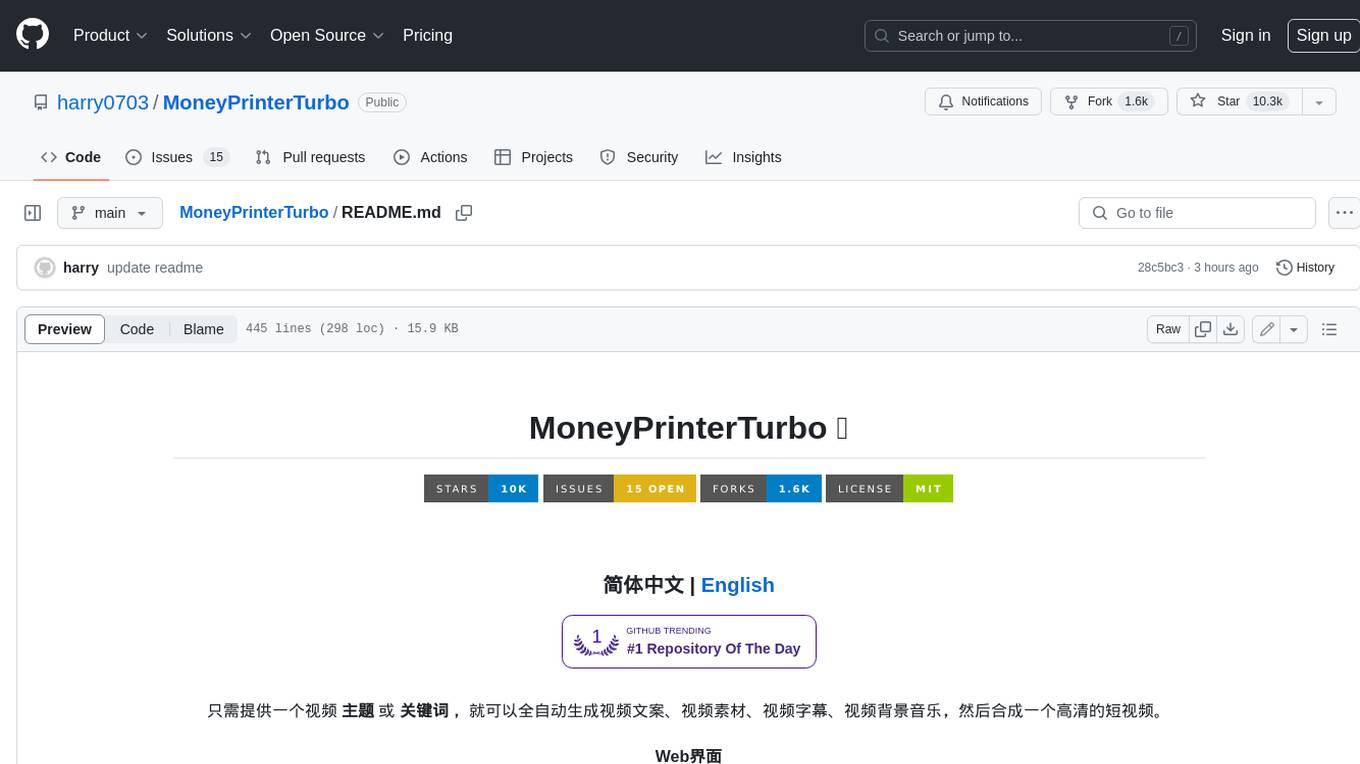
MoneyPrinterTurbo
MoneyPrinterTurbo is a tool that can automatically generate video content based on a provided theme or keyword. It can create video scripts, materials, subtitles, and background music, and then compile them into a high-definition short video. The tool features a web interface and an API interface, supporting AI-generated video scripts, customizable scripts, multiple HD video sizes, batch video generation, customizable video segment duration, multilingual video scripts, multiple voice synthesis options, subtitle generation with font customization, background music selection, access to high-definition and copyright-free video materials, and integration with various AI models like OpenAI, moonshot, Azure, and more. The tool aims to simplify the video creation process and offers future plans to enhance voice synthesis, add video transition effects, provide more video material sources, offer video length options, include free network proxies, enable real-time voice and music previews, support additional voice synthesis services, and facilitate automatic uploads to YouTube platform.
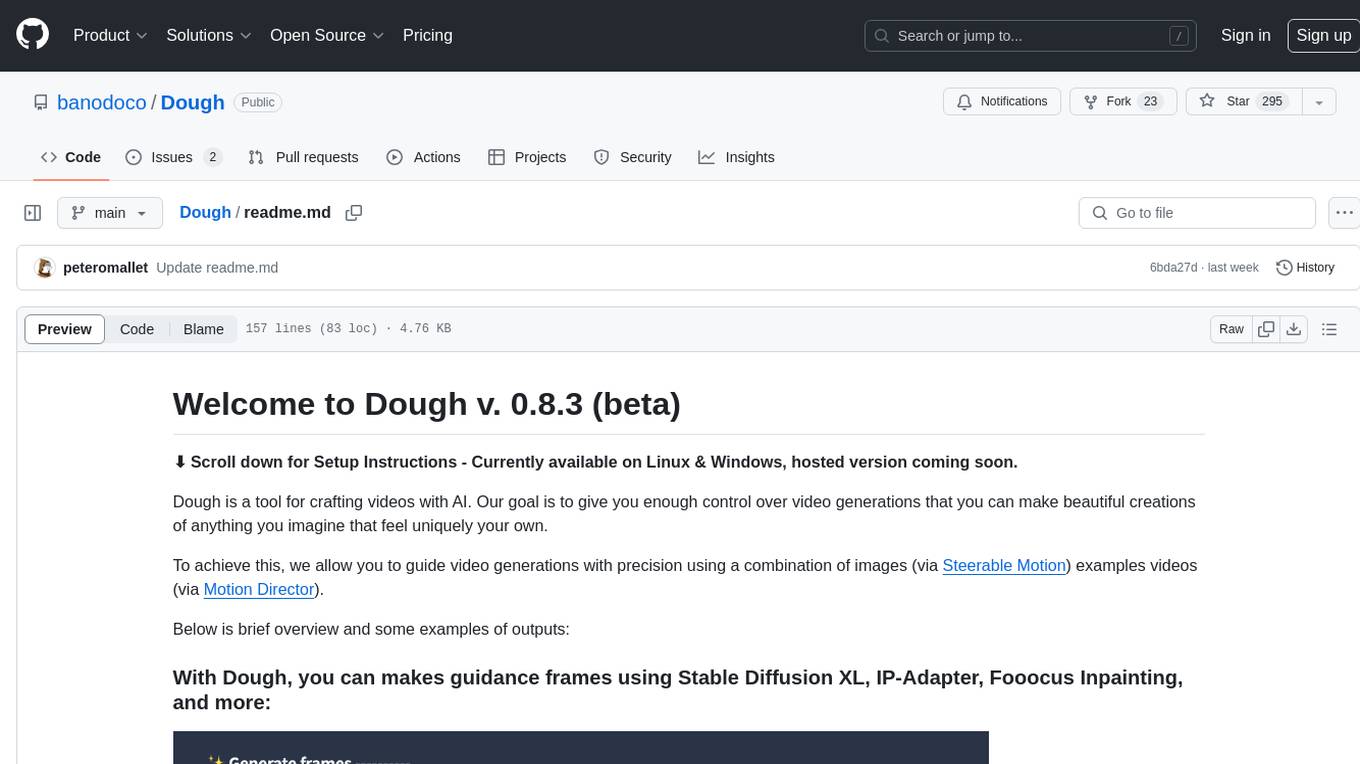
Dough
Dough is a tool for crafting videos with AI, allowing users to guide video generations with precision using images and example videos. Users can create guidance frames, assemble shots, and animate them by defining parameters and selecting guidance videos. The tool aims to help users make beautiful and unique video creations, providing control over the generation process. Setup instructions are available for Linux and Windows platforms, with detailed steps for installation and running the app.
For similar jobs

sweep
Sweep is an AI junior developer that turns bugs and feature requests into code changes. It automatically handles developer experience improvements like adding type hints and improving test coverage.

teams-ai
The Teams AI Library is a software development kit (SDK) that helps developers create bots that can interact with Teams and Microsoft 365 applications. It is built on top of the Bot Framework SDK and simplifies the process of developing bots that interact with Teams' artificial intelligence capabilities. The SDK is available for JavaScript/TypeScript, .NET, and Python.

ai-guide
This guide is dedicated to Large Language Models (LLMs) that you can run on your home computer. It assumes your PC is a lower-end, non-gaming setup.

classifai
Supercharge WordPress Content Workflows and Engagement with Artificial Intelligence. Tap into leading cloud-based services like OpenAI, Microsoft Azure AI, Google Gemini and IBM Watson to augment your WordPress-powered websites. Publish content faster while improving SEO performance and increasing audience engagement. ClassifAI integrates Artificial Intelligence and Machine Learning technologies to lighten your workload and eliminate tedious tasks, giving you more time to create original content that matters.

chatbot-ui
Chatbot UI is an open-source AI chat app that allows users to create and deploy their own AI chatbots. It is easy to use and can be customized to fit any need. Chatbot UI is perfect for businesses, developers, and anyone who wants to create a chatbot.

BricksLLM
BricksLLM is a cloud native AI gateway written in Go. Currently, it provides native support for OpenAI, Anthropic, Azure OpenAI and vLLM. BricksLLM aims to provide enterprise level infrastructure that can power any LLM production use cases. Here are some use cases for BricksLLM: * Set LLM usage limits for users on different pricing tiers * Track LLM usage on a per user and per organization basis * Block or redact requests containing PIIs * Improve LLM reliability with failovers, retries and caching * Distribute API keys with rate limits and cost limits for internal development/production use cases * Distribute API keys with rate limits and cost limits for students

uAgents
uAgents is a Python library developed by Fetch.ai that allows for the creation of autonomous AI agents. These agents can perform various tasks on a schedule or take action on various events. uAgents are easy to create and manage, and they are connected to a fast-growing network of other uAgents. They are also secure, with cryptographically secured messages and wallets.

griptape
Griptape is a modular Python framework for building AI-powered applications that securely connect to your enterprise data and APIs. It offers developers the ability to maintain control and flexibility at every step. Griptape's core components include Structures (Agents, Pipelines, and Workflows), Tasks, Tools, Memory (Conversation Memory, Task Memory, and Meta Memory), Drivers (Prompt and Embedding Drivers, Vector Store Drivers, Image Generation Drivers, Image Query Drivers, SQL Drivers, Web Scraper Drivers, and Conversation Memory Drivers), Engines (Query Engines, Extraction Engines, Summary Engines, Image Generation Engines, and Image Query Engines), and additional components (Rulesets, Loaders, Artifacts, Chunkers, and Tokenizers). Griptape enables developers to create AI-powered applications with ease and efficiency.