


comflowyspace
Comflowyspace is an intuitive, user-friendly, open-source AI tool for generating images and videos, democratizing access to AI technology.
Stars: 1838
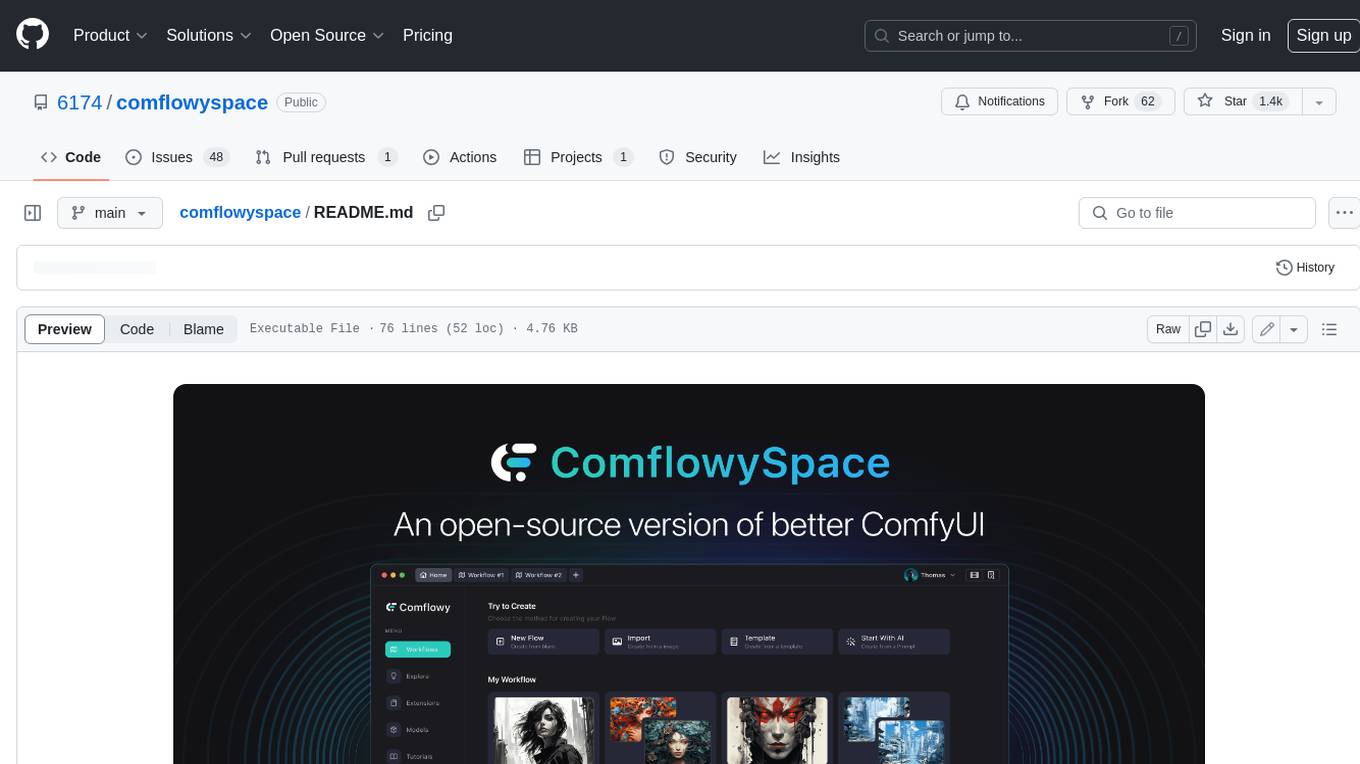
Comflowyspace is an open-source AI image and video generation tool that aims to provide a more user-friendly and accessible experience than existing tools like SDWebUI and ComfyUI. It simplifies the installation, usage, and workflow management of AI image and video generation, making it easier for users to create and explore AI-generated content. Comflowyspace offers features such as one-click installation, workflow management, multi-tab functionality, workflow templates, and an improved user interface. It also provides tutorials and documentation to lower the learning curve for users. The tool is designed to make AI image and video generation more accessible and enjoyable for a wider range of users.
README:


Comflowyspace is an open-source AI image and video generation tool committed to providing a better, interactive experience than the standard SDWebUI and ComfyUI.
You can go to our official website for more detials.
If you like ComflowySpace, give our repo a ⭐ Star and 👀 Watch our repository to stay updated.
- MacOS:
- Windows
If your computer's performance isn't sufficient for the local version, you can also try our cloud version.
The differences between cloud version and the local open-source version are:
- It's pre-installed with various common extensions, so you don't have to worry about environment conflicts.
- You can directly choose and use models from Civitai, eliminating the need to download them to your local machine.
- Cloud GPU operation enables the execution of more complex workflows.


We are grateful to the community for contributing bug fixes and improvements. For more information please read:
Please report all bugs! We are happy to fix the issues you have discovered. We also welcome you to join us in resolving the problem.
If you think we are missing a feature, please feel free to submit an Issue. We will take it into serious consideration.
We also outline our development plans in the Project. We also welcome everyone to build with us. If you are interested in this, please join our Discord and get in touch with us.
This project exists thanks to all the people who contributed:
Additionally, I am very grateful for the contributions of the open-source community:


For Tasks:
Click tags to check more tools for each tasksFor Jobs:
Alternative AI tools for comflowyspace
Similar Open Source Tools
comflowyspace
Comflowyspace is an open-source AI image and video generation tool that aims to provide a more user-friendly and accessible experience than existing tools like SDWebUI and ComfyUI. It simplifies the installation, usage, and workflow management of AI image and video generation, making it easier for users to create and explore AI-generated content. Comflowyspace offers features such as one-click installation, workflow management, multi-tab functionality, workflow templates, and an improved user interface. It also provides tutorials and documentation to lower the learning curve for users. The tool is designed to make AI image and video generation more accessible and enjoyable for a wider range of users.
CodeProject.AI-Server
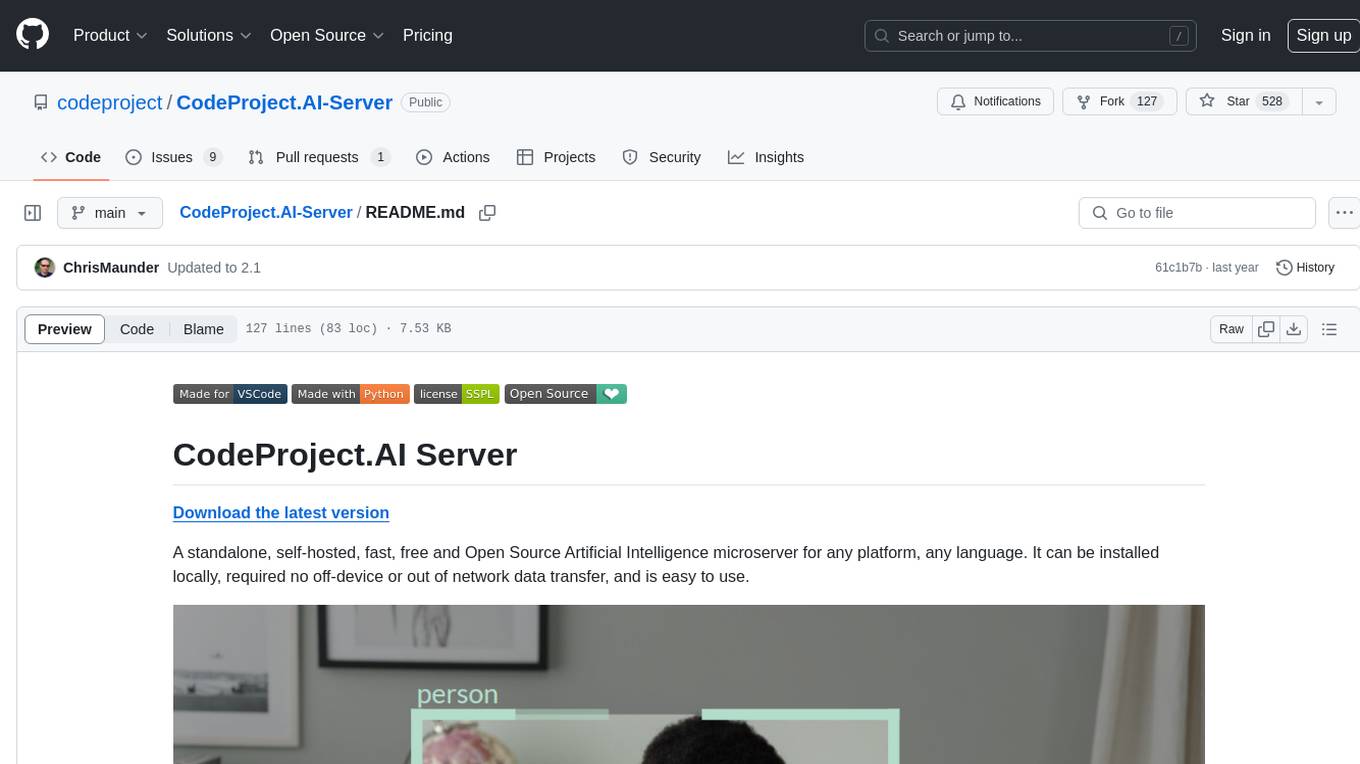
CodeProject.AI Server is a standalone, self-hosted, fast, free, and open-source Artificial Intelligence microserver designed for any platform and language. It can be installed locally without the need for off-device or out-of-network data transfer, providing an easy-to-use solution for developers interested in AI programming. The server includes a HTTP REST API server, backend analysis services, and the source code, enabling users to perform various AI tasks locally without relying on external services or cloud computing. Current capabilities include object detection, face detection, scene recognition, sentiment analysis, and more, with ongoing feature expansions planned. The project aims to promote AI development, simplify AI implementation, focus on core use-cases, and leverage the expertise of the developer community.
Second-Me
Second Me is an open-source prototype that allows users to craft their own AI self, preserving their identity, context, and interests. It is locally trained and hosted, yet globally connected, scaling intelligence across an AI network. It serves as an AI identity interface, fostering collaboration among AI selves and enabling the development of native AI apps. The tool prioritizes individuality and privacy, ensuring that user information and intelligence remain local and completely private.
AppFlowy
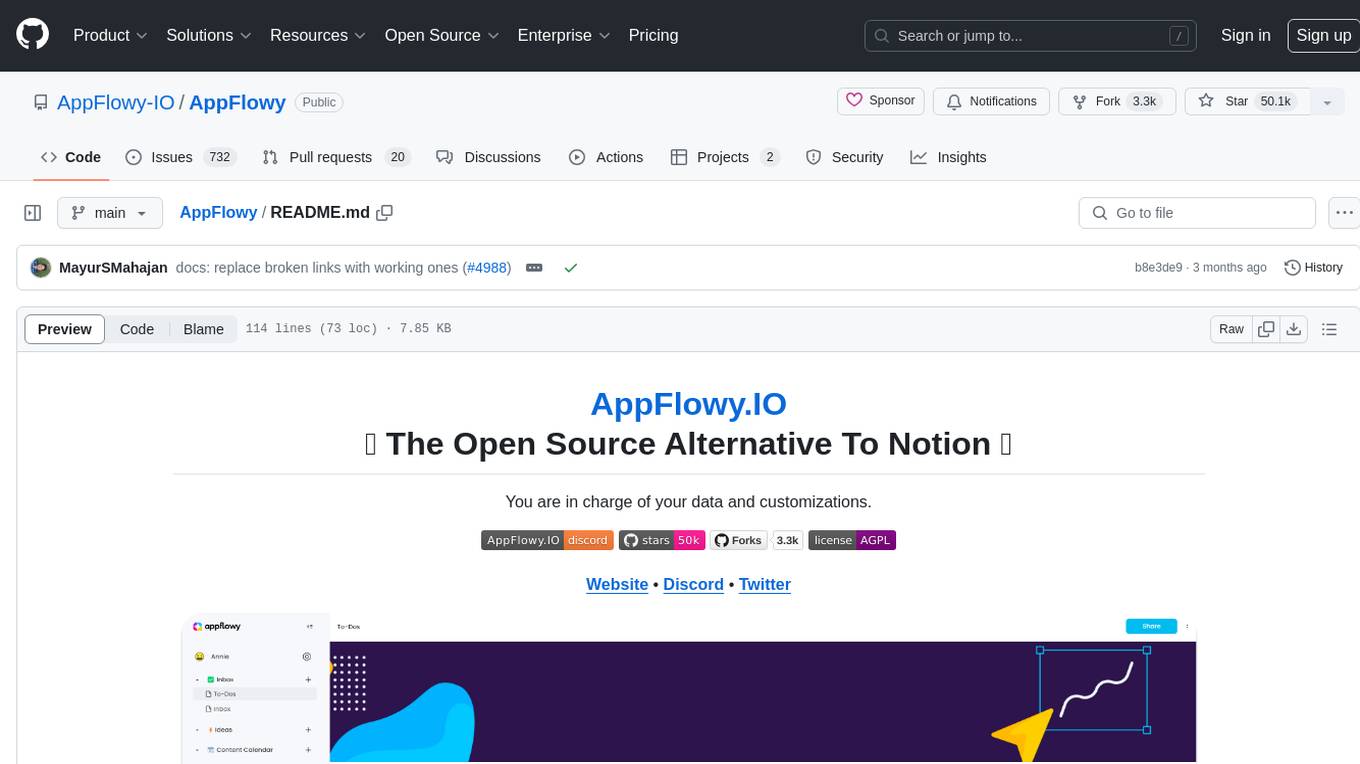
AppFlowy.IO is an open-source alternative to Notion, providing users with control over their data and customizations. It aims to offer functionality, data security, and cross-platform native experience to individuals, as well as building blocks and collaboration infra services to enterprises and hackers. The tool is built with Flutter and Rust, supporting multiple platforms and emphasizing long-term maintainability. AppFlowy prioritizes data privacy, reliable native experience, and community-driven extensibility, aiming to democratize the creation of complex workplace management tools.
Aimmy
Aimmy is a universal AI-Based Aim Alignment Mechanism developed by BabyHamsta, MarsQQ & Taylor to make gaming more accessible for users who have difficulty aiming. It utilizes DirectML, ONNX, and YOLOV8 for player detection, offering high accuracy and fast performance. Aimmy features an easy-to-use UI, extensive customizability, and is free of ads and paywalls. It is designed for gamers facing challenges like physical or mental disabilities, poor hand-eye coordination, or aiming difficulties due to environmental factors. Aimmy provides various features like AI detection, customizability, anti-recoil system, mouse movement methods, hotswappability, and a model/configuration store with repository support.
recognize
Recognize is a smart media tagging tool for Nextcloud that automatically categorizes photos and music by recognizing faces, animals, landscapes, food, vehicles, buildings, landmarks, monuments, music genres, and human actions in videos. It uses pre-trained models for object detection, landmark recognition, face comparison, music genre classification, and video classification. The tool ensures privacy by processing images locally without sending data to cloud providers. However, it cannot process end-to-end encrypted files. Recognize is rated positively for ethical AI practices in terms of open-source software, freely available models, and training data transparency, except for music genre recognition due to limited access to training data.
ollama-app
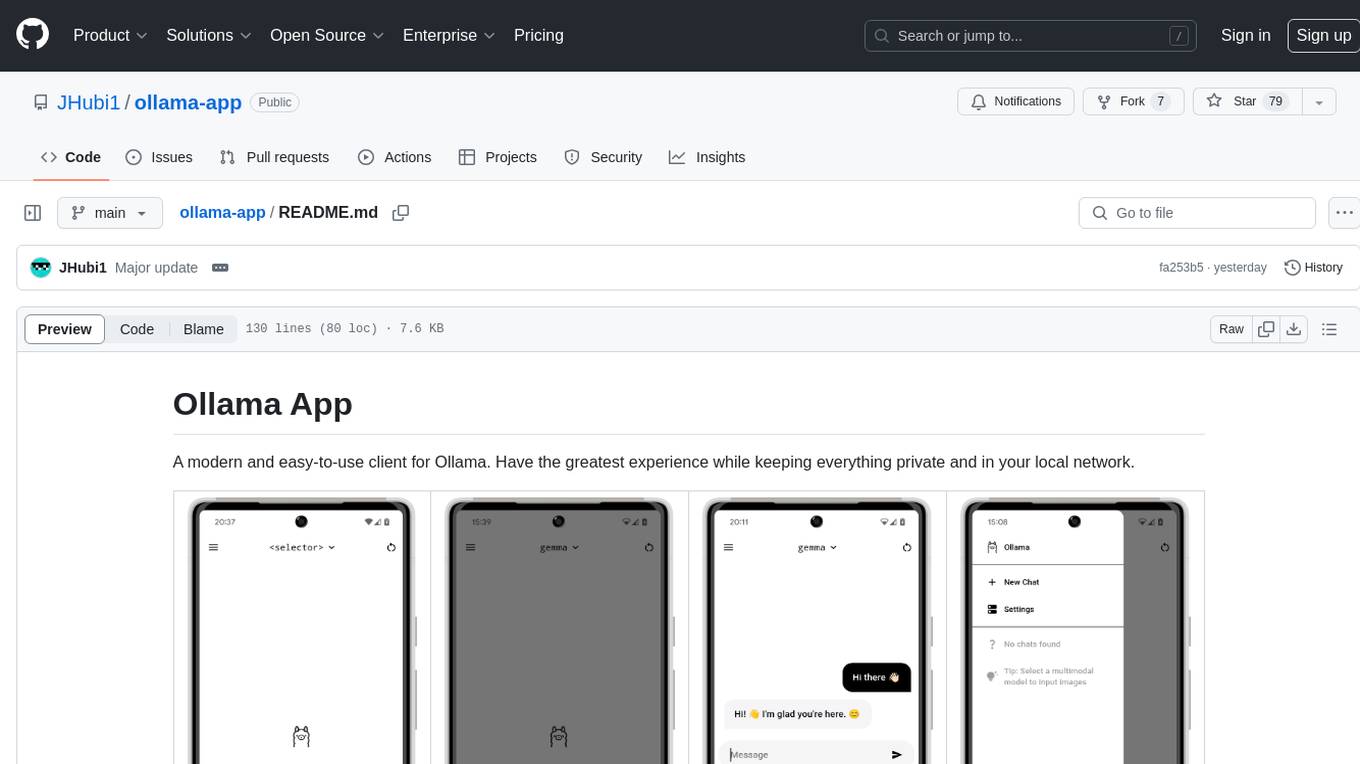
Ollama App is a modern and easy-to-use client for Ollama, allowing users to have a private experience within their local network. The app connects to an Ollama server using its API endpoint, enabling users to chat and interact with various models. It supports multimodal model input, a multilingual interface, and custom builds for personalized experiences. Users can easily set up the app, navigate through the side menu, select models, and create custom builds to tailor the app to their needs.
wunjo.wladradchenko.ru
Wunjo AI is a comprehensive tool that empowers users to explore the realm of speech synthesis, deepfake animations, video-to-video transformations, and more. Its user-friendly interface and privacy-first approach make it accessible to both beginners and professionals alike. With Wunjo AI, you can effortlessly convert text into human-like speech, clone voices from audio files, create multi-dialogues with distinct voice profiles, and perform real-time speech recognition. Additionally, you can animate faces using just one photo combined with audio, swap faces in videos, GIFs, and photos, and even remove unwanted objects or enhance the quality of your deepfakes using the AI Retouch Tool. Wunjo AI is an all-in-one solution for your voice and visual AI needs, offering endless possibilities for creativity and expression.
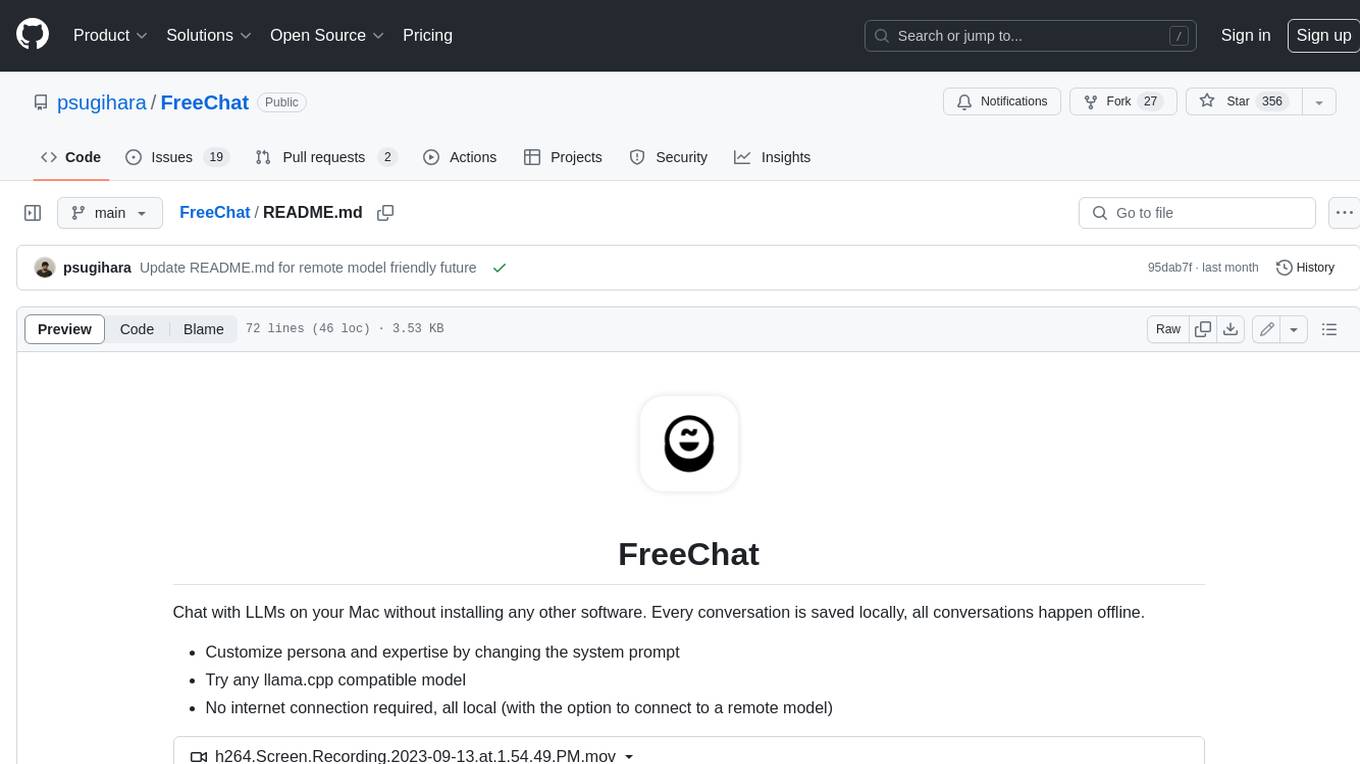
FreeChat
FreeChat is a native LLM appliance for macOS that runs completely locally. Download it and ask your LLM a question without doing any configuration. A local/llama version of OpenAI's chat without login or tracking. You should be able to install from the Mac App Store and use it immediately.
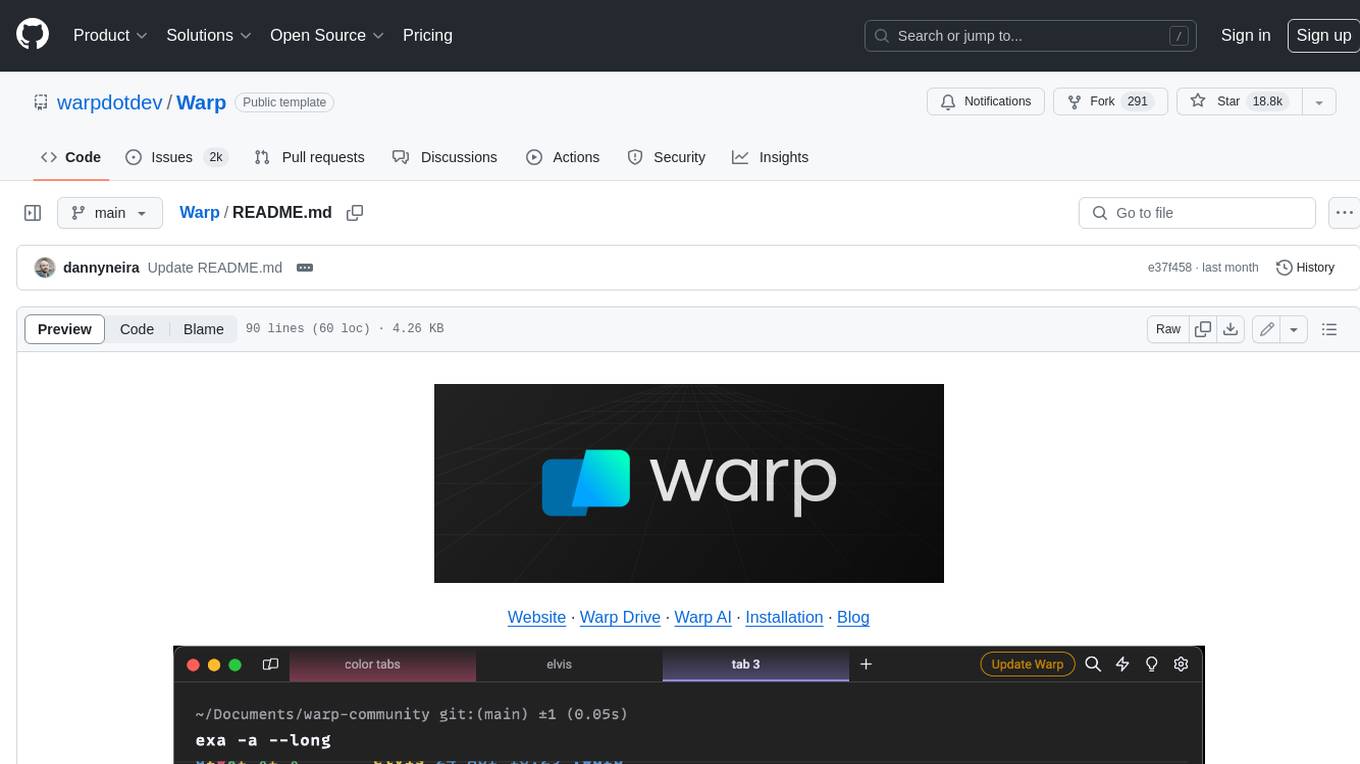
Warp
Warp is a blazingly-fast modern Rust based GPU-accelerated terminal built to make you and your team more productive. It is available for macOS and Linux users, with plans to support Windows and the Web (WASM) in the future. Warp has a community search page where you can find solutions to common issues, and you can file issue requests in the repo if you can't find a solution. Warp is open-source, and the team is planning to first open-source their Rust UI framework, and then parts and potentially all of their client codebase.
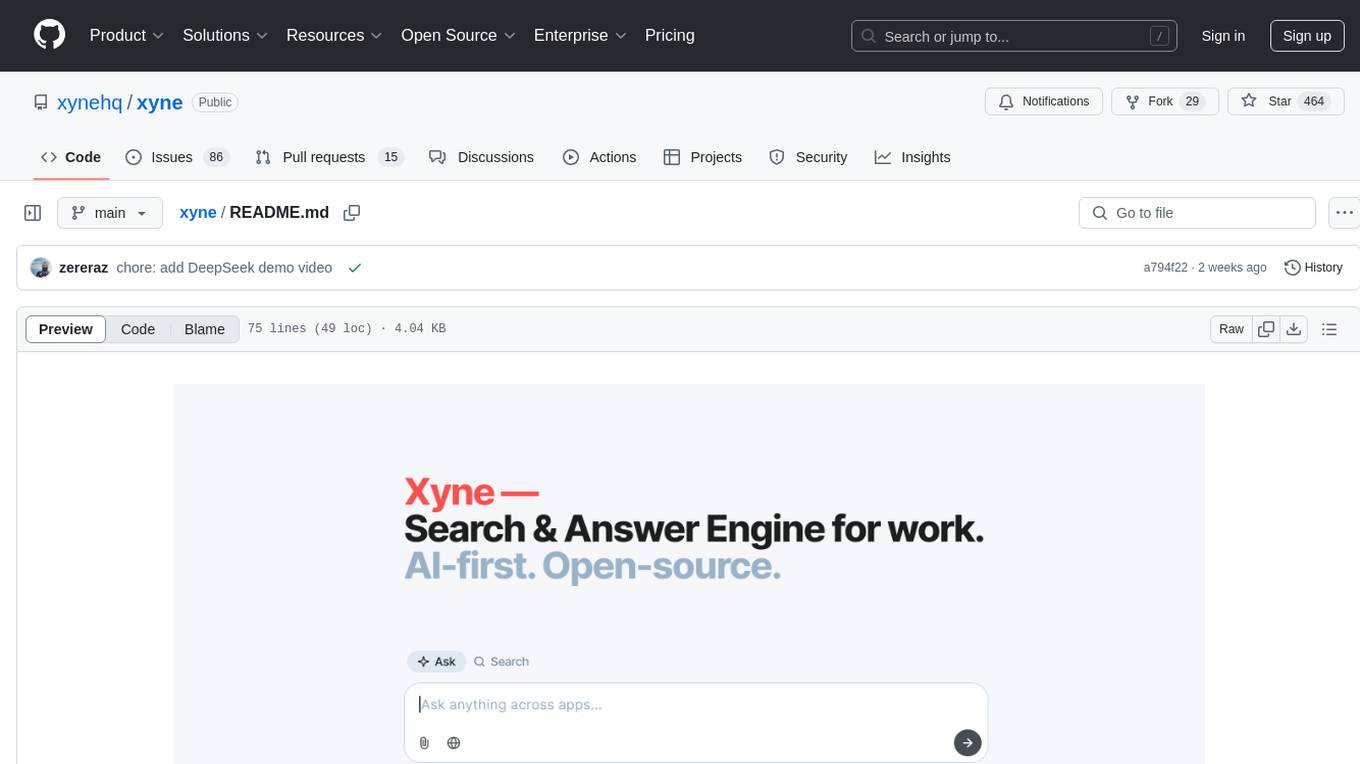
xyne
Xyne is an AI-first Search & Answer Engine for work, serving as an OSS alternative to Glean, Gemini, and MS Copilot. It securely indexes data from various applications like Google Workspace, Atlassian suite, Slack, and Github, providing a Google + ChatGPT-like experience to find information and get up-to-date answers. Users can easily locate files, triage issues, inquire about customers/deals/features/tickets, and discover relevant contacts. Xyne enhances AI models by providing contextual information in a secure, private, and responsible manner, making it the most secure and future-proof solution for integrating AI into work environments.
RapidRAG
RapidRAG is a project focused on Knowledge QA with LLM, combining Questions & Answers based on local knowledge base with a large language model. The project aims to provide a flexible and deployment-friendly solution for building a knowledge question answering system. It is modularized, allowing easy replacement of parts and simple code understanding. The tool supports various document formats and can utilize CPU for most parts, with the large language model interface requiring separate deployment.
aitools_client
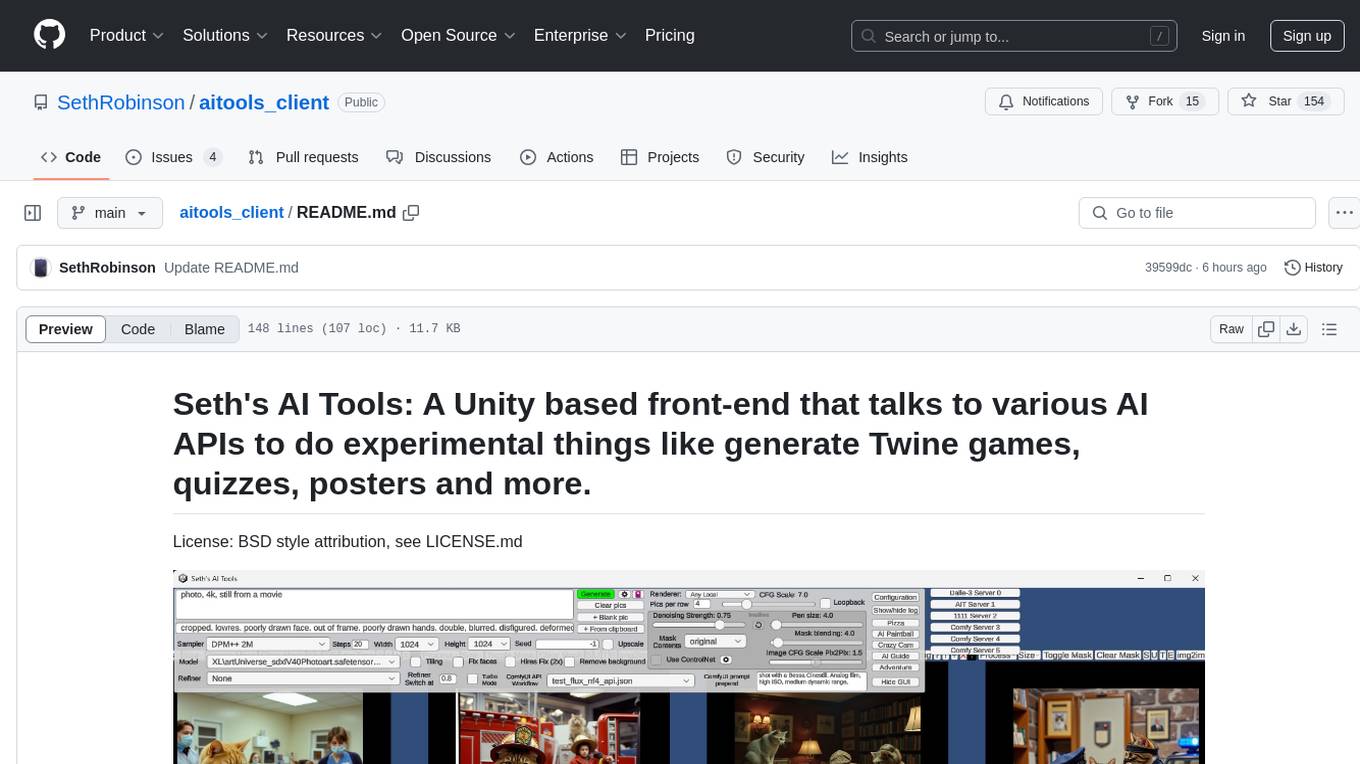
Seth's AI Tools is a Unity-based front-end that interfaces with various AI APIs to perform tasks such as generating Twine games, quizzes, posters, and more. The tool is a native Windows application that supports features like live update integration with image editors, text-to-image conversion, image processing, mask painting, and more. It allows users to connect to multiple servers for fast generation using GPUs and offers a neat workflow for evolving images in real-time. The tool respects user privacy by operating locally and includes built-in games and apps to test AI/SD capabilities. Additionally, it features an AI Guide for creating motivational posters and illustrated stories, as well as an Adventure mode with presets for generating web quizzes and Twine game projects.

MagicMirror
MagicMirror is an AI-powered tool that allows users to instantly try on new faces, hairstyles, and outfits with a simple drag and drop interface. It runs smoothly on standard computers without the need for dedicated GPU hardware, ensuring privacy with completely offline processing. The tool is ultra-lightweight with a small installer size and model files, providing a fun and easy way to experiment with different looks.
leon
Leon is an open-source personal assistant who can live on your server. He does stuff when you ask him to. You can talk to him and he can talk to you. You can also text him and he can also text you. If you want to, Leon can communicate with you by being offline to protect your privacy.
promptbuddy
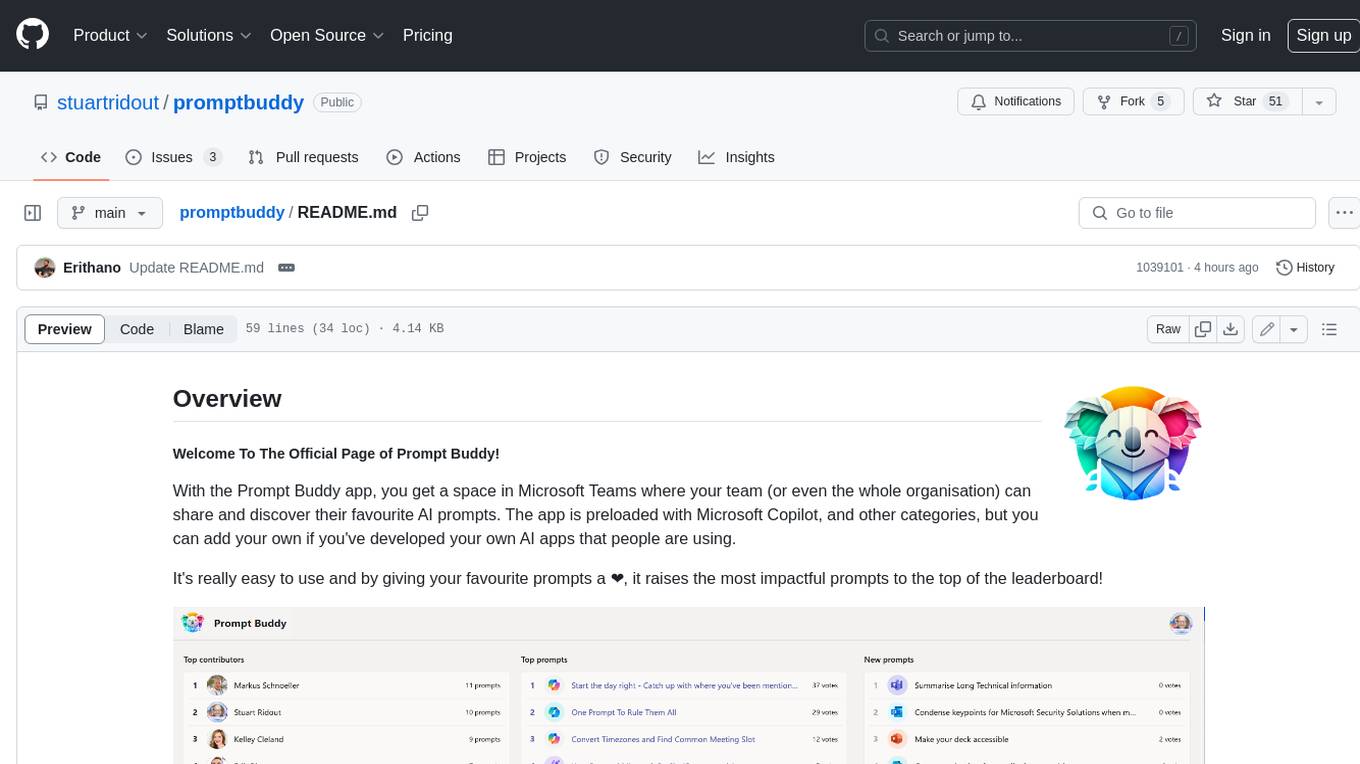
Prompt Buddy is a Microsoft Teams app that provides a central location for teams to share and discover their favorite AI prompts. It comes preloaded with Microsoft Copilot and other categories, but users can also add their own custom prompts. The app is easy to use and allows users to upvote their favorite prompts, which raises them to the top of the leaderboard. Prompt Buddy also supports dark mode and offers a mobile layout for use on phones. It is built on the Power Platform and can be customized and extended by the installer.
For similar tasks
InvokeAI
InvokeAI is a leading creative engine built to empower professionals and enthusiasts alike. Generate and create stunning visual media using the latest AI-driven technologies. InvokeAI offers an industry leading Web Interface, interactive Command Line Interface, and also serves as the foundation for multiple commercial products.
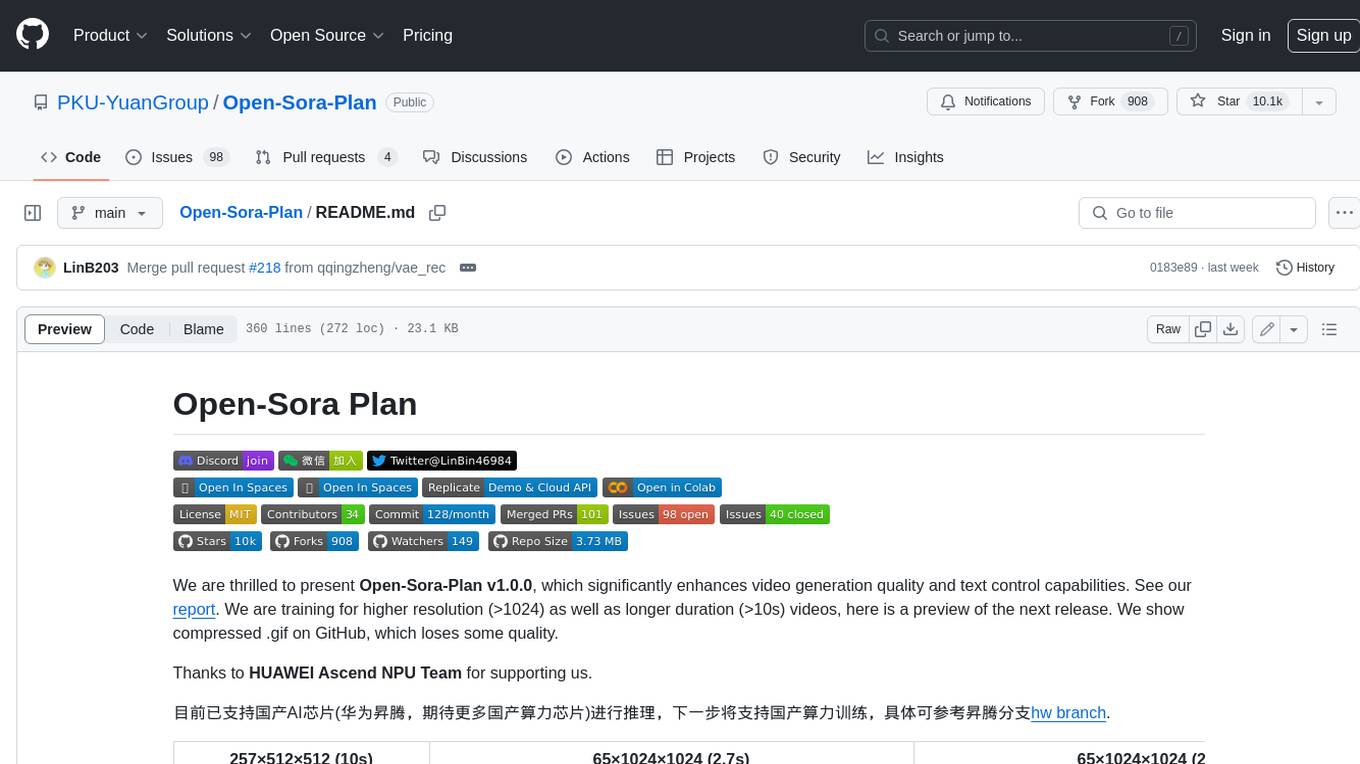
Open-Sora-Plan
Open-Sora-Plan is a project that aims to create a simple and scalable repo to reproduce Sora (OpenAI, but we prefer to call it "ClosedAI"). The project is still in its early stages, but the team is working hard to improve it and make it more accessible to the open-source community. The project is currently focused on training an unconditional model on a landscape dataset, but the team plans to expand the scope of the project in the future to include text2video experiments, training on video2text datasets, and controlling the model with more conditions.
comflowyspace
Comflowyspace is an open-source AI image and video generation tool that aims to provide a more user-friendly and accessible experience than existing tools like SDWebUI and ComfyUI. It simplifies the installation, usage, and workflow management of AI image and video generation, making it easier for users to create and explore AI-generated content. Comflowyspace offers features such as one-click installation, workflow management, multi-tab functionality, workflow templates, and an improved user interface. It also provides tutorials and documentation to lower the learning curve for users. The tool is designed to make AI image and video generation more accessible and enjoyable for a wider range of users.
Rewind-AI-Main
Rewind AI is a free and open-source AI-powered video editing tool that allows users to easily create and edit videos. It features a user-friendly interface, a wide range of editing tools, and support for a variety of video formats. Rewind AI is perfect for beginners and experienced video editors alike.
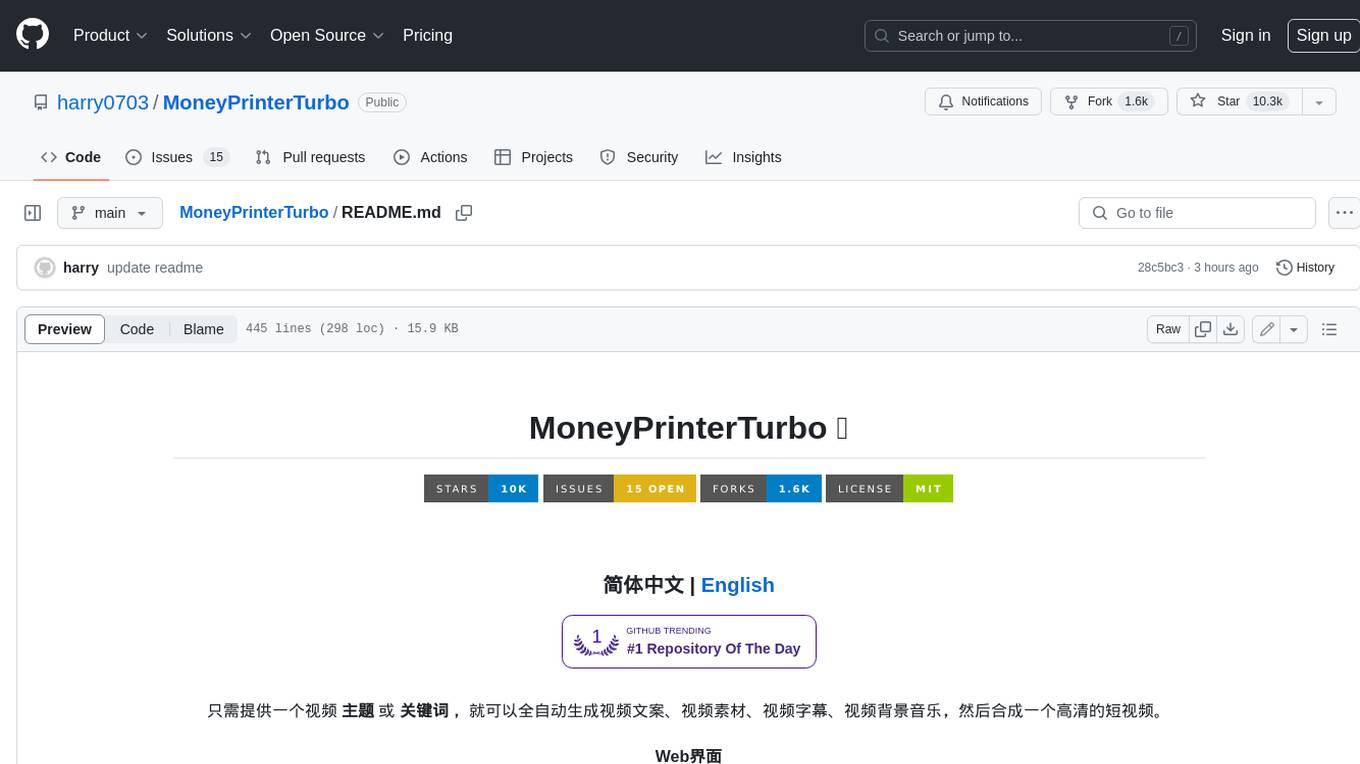
MoneyPrinterTurbo
MoneyPrinterTurbo is a tool that can automatically generate video content based on a provided theme or keyword. It can create video scripts, materials, subtitles, and background music, and then compile them into a high-definition short video. The tool features a web interface and an API interface, supporting AI-generated video scripts, customizable scripts, multiple HD video sizes, batch video generation, customizable video segment duration, multilingual video scripts, multiple voice synthesis options, subtitle generation with font customization, background music selection, access to high-definition and copyright-free video materials, and integration with various AI models like OpenAI, moonshot, Azure, and more. The tool aims to simplify the video creation process and offers future plans to enhance voice synthesis, add video transition effects, provide more video material sources, offer video length options, include free network proxies, enable real-time voice and music previews, support additional voice synthesis services, and facilitate automatic uploads to YouTube platform.
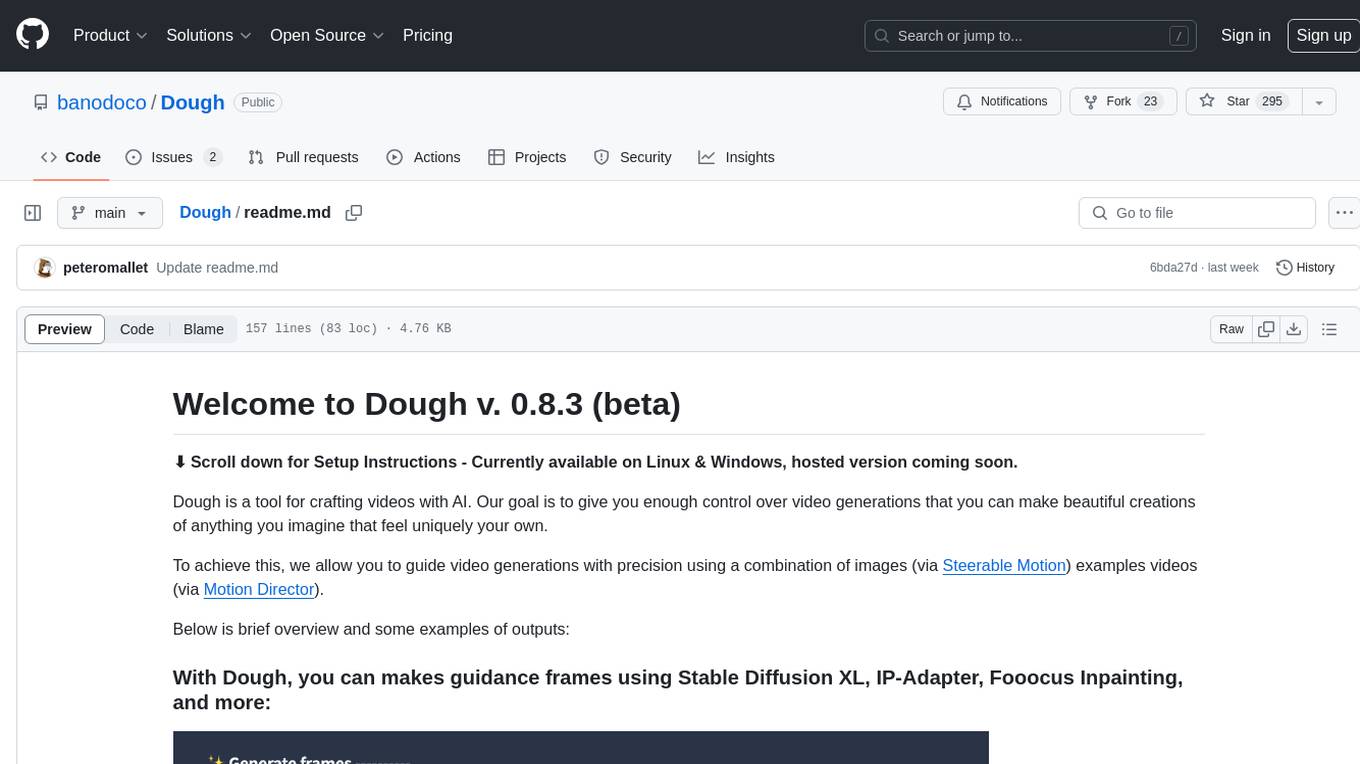
Dough
Dough is a tool for crafting videos with AI, allowing users to guide video generations with precision using images and example videos. Users can create guidance frames, assemble shots, and animate them by defining parameters and selecting guidance videos. The tool aims to help users make beautiful and unique video creations, providing control over the generation process. Setup instructions are available for Linux and Windows platforms, with detailed steps for installation and running the app.
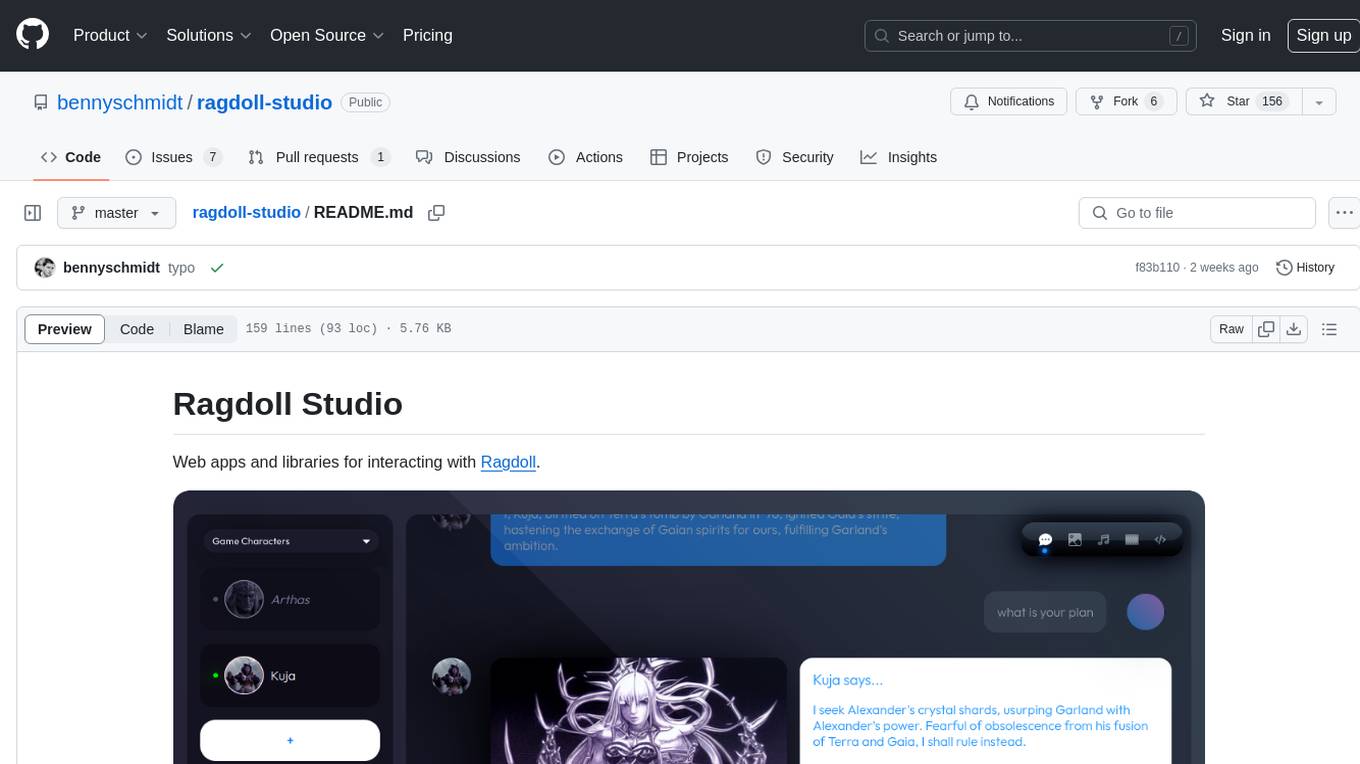
ragdoll-studio
Ragdoll Studio is a platform offering web apps and libraries for interacting with Ragdoll, enabling users to go beyond fine-tuning and create flawless creative deliverables, rich multimedia, and engaging experiences. It provides various modes such as Story Mode for creating and chatting with characters, Vector Mode for producing vector art, Raster Mode for producing raster art, Video Mode for producing videos, Audio Mode for producing audio, and 3D Mode for producing 3D objects. Users can export their content in various formats and share their creations on the community site. The platform consists of a Ragdoll API and a front-end React application for seamless usage.
Whisper-TikTok
Discover Whisper-TikTok, an innovative AI-powered tool that leverages the prowess of Edge TTS, OpenAI-Whisper, and FFMPEG to craft captivating TikTok videos. Whisper-TikTok effortlessly generates accurate transcriptions from audio files and integrates Microsoft Edge Cloud Text-to-Speech API for vibrant voiceovers. The program orchestrates the synthesis of videos using a structured JSON dataset, generating mesmerizing TikTok content in minutes.
For similar jobs
ap-plugin
AP-PLUGIN is an AI drawing plugin for the Yunzai series robot framework, allowing you to have a convenient AI drawing experience in the input box. It uses the open source Stable Diffusion web UI as the backend, deploys it for free, and generates a variety of images with richer functions.
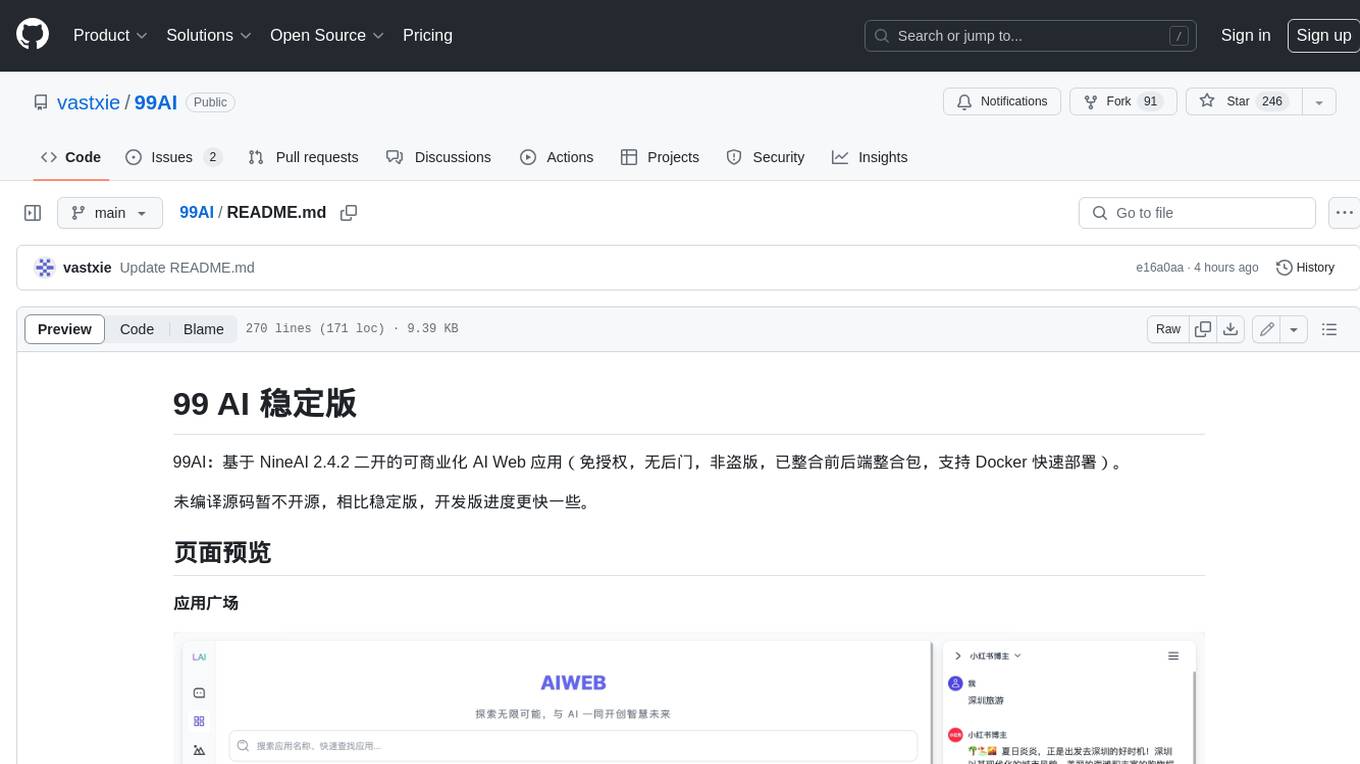
99AI
99AI is a commercializable AI web application based on NineAI 2.4.2 (no authorization, no backdoors, no piracy, integrated front-end and back-end integration packages, supports Docker rapid deployment). The uncompiled source code is temporarily closed. Compared with the stable version, the development version is faster.
midjourney-proxy
Midjourney-proxy is a proxy for the Discord channel of MidJourney, enabling API-based calls for AI drawing. It supports Imagine instructions, adding image base64 as a placeholder, Blend and Describe commands, real-time progress tracking, Chinese prompt translation, prompt sensitive word pre-detection, user-token connection to WSS, multi-account configuration, and more. For more advanced features, consider using midjourney-proxy-plus, which includes Shorten, focus shifting, image zooming, local redrawing, nearly all associated button actions, Remix mode, seed value retrieval, account pool persistence, dynamic maintenance, /info and /settings retrieval, account settings configuration, Niji bot robot, InsightFace face replacement robot, and an embedded management dashboard.
comflowyspace
Comflowyspace is an open-source AI image and video generation tool that aims to provide a more user-friendly and accessible experience than existing tools like SDWebUI and ComfyUI. It simplifies the installation, usage, and workflow management of AI image and video generation, making it easier for users to create and explore AI-generated content. Comflowyspace offers features such as one-click installation, workflow management, multi-tab functionality, workflow templates, and an improved user interface. It also provides tutorials and documentation to lower the learning curve for users. The tool is designed to make AI image and video generation more accessible and enjoyable for a wider range of users.
comflowy
Comflowy is a community dedicated to providing comprehensive tutorials, fostering discussions, and building a database of workflows and models for ComfyUI and Stable Diffusion. Our mission is to lower the entry barrier for ComfyUI users, promote its mainstream adoption, and contribute to the growth of the AI generative graphics community.
stability-sdk
The stability-sdk is a Python package that provides a client implementation for interacting with the Stability API. This API allows users to generate images, upscale images, and animate images using a variety of different models and settings. The stability-sdk makes it easy to use the Stability API from Python code, and it provides a number of helpful features such as command line usage, support for multiple models, and the ability to filter artifacts by type.
awesome-generative-ai
A curated list of Generative AI projects, tools, artworks, and models
comfyui_fk_server
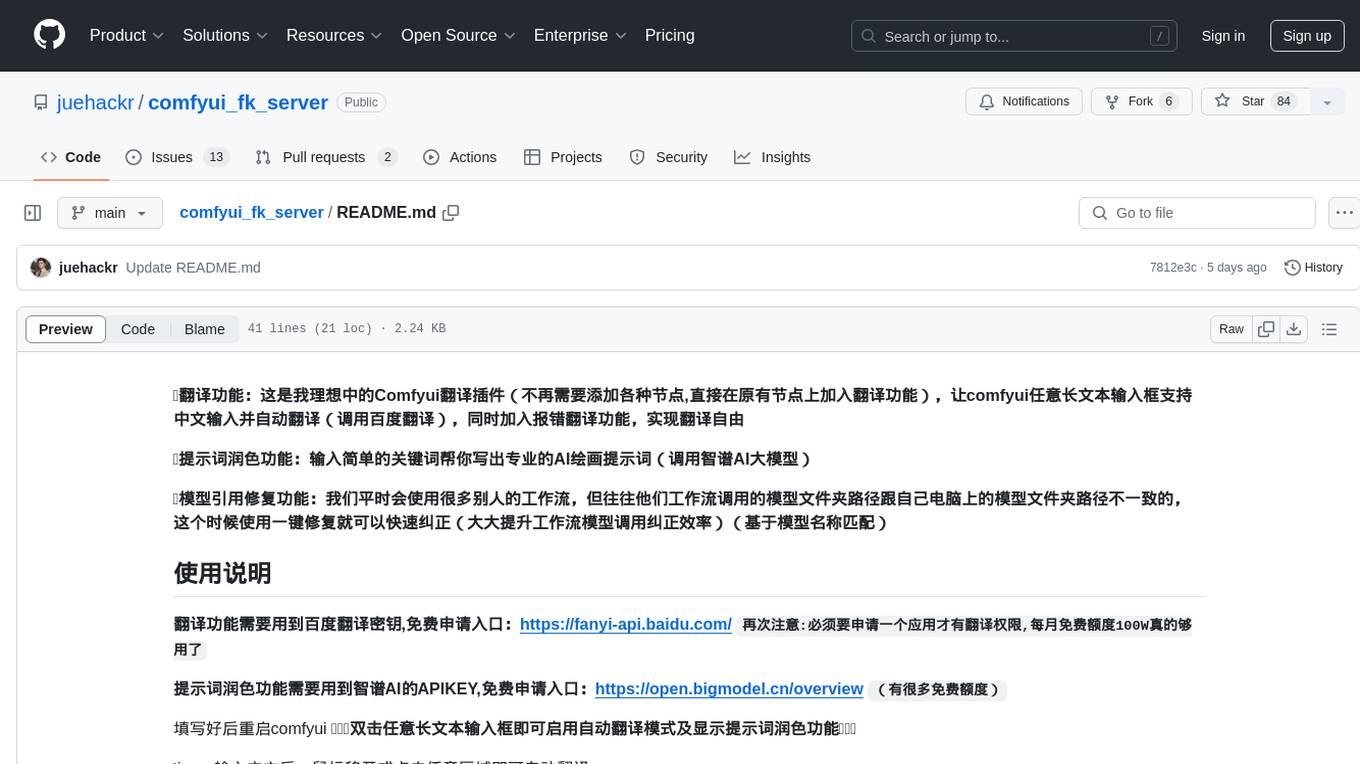
This is an ideal Comfyui translation plugin that allows any long text input box in Comfyui to support Chinese input and automatic translation (using Baidu translation). It also includes error correction translation feature and keyword polishing feature for generating professional AI drawing prompts (using Zhipu AI big model). Additionally, it provides a one-click fix feature for correcting model references in workflows, greatly improving workflow model call correction efficiency (based on model name matching). The plugin requires Baidu translation API key for translation functionality and Zhipu AI API key for keyword polishing functionality. After installation, users can enable automatic translation mode and keyword polishing feature by double-clicking any long text input box in Comfyui.