


kubewall
kubewall - Single-Binary Kubernetes Dashboard with Multi-Cluster Management & AI Integration. (OpenAI / Claude 4 / Gemini / DeepSeek / OpenRouter / Ollama / Qwen / LMStudio)
Stars: 1815
kubewall is an open-source, single-binary Kubernetes dashboard with multi-cluster management and AI integration. It provides a simple and rich real-time interface to manage and investigate your clusters. With features like multi-cluster management, AI-powered troubleshooting, real-time monitoring, single-binary deployment, in-depth resource views, browser-based access, search and filter capabilities, privacy by default, port forwarding, live refresh, aggregated pod logs, and clean resource management, kubewall offers a comprehensive solution for Kubernetes cluster management.
README:
Install | Guide | Releases | Source Code
kubewall is a Open-Source, Single-Binary Kubernetes Dashboard with Multi-Cluster Management & AI Integration.
It provides a simple and rich realtime interface to manage and investigate your clusters.
| Feature | Benefit |
|---|---|
| 🔗 Multi-Cluster Management | Control unlimited Kubernetes clusters from one intuitive interface, saving time on tool-switching and boosting productivity for DevOps teams. |
| 🤖 AI-Powered | Leverage AI (OpenAI / Claude 4 / Gemini / DeepSeek / OpenRouter / Ollama / Qwen / LMStudio) for automated troubleshooting, config optimization, and smart recommendations - a game-changer for complex environments. |
| 📊 Real-Time Monitoring | Get live views of cluster, pods, services, and metrics, enabling quick issue detection without manual queries. |
| 🚀 Single-Binary Deployment | Install effortlessly as a lightweight binary on Mac, Windows, or Linux - no dependencies, zero config. |
| 🔍 In-Depth Resource Views | Dive into detailed manifests, logs, and configurations through an intuitive dashboard, making debugging a breeze for novices and pros alike. |
| 🌐 Browser-Based Access | Access securely via any browser with optional HTTPS setup, perfect for remote teams managing on-premises or cloud clusters. |
| 🧭 Search & Filter | Instantly locate namespaces, labels, images, nodes, and workloads with powerful search and filtering—streamlining navigation across large clusters. |
| 🛡 Privacy by Default | Maintain full control with zero cloud dependency, ensuring your cluster data stays local and secure by design. |
| 🔌 Port Forwarding | Instantly access in-cluster services on your local machine with secure, one-click port forwarding. No complex CLI commands or YAML edits required, enabling faster debugging and testing. |
| 🔄 Live Refresh | Experience seamless auto-updates for resources, eliminating manual refresh cycles and keeping your dashboard perpetually current. |
| 📜 Aggregated Pod Logs | Stream logs across pods and containers with advanced search and tail options—perfect for monitoring multi-replica applications with ease. |
| 🖥️ Clean Resource Management | Enjoy streamlined views for Deployments, Pods, Services, ConfigMaps, and more scale deployments, restart pods, perform rollout restarts, and apply manifests with a single click for unmatched efficiency. |

[!Important] Please keep in mind that kubewall is still under active development.
docker run -p 7080:7080 -v kubewall:/.kubewall ghcr.io/kubewall/kubewall:latest💡 To access local kind cluster you can use "--network host" docker flag.
helm install kubewall oci://ghcr.io/kubewall/charts/kubewall -n kubewall-system --create-namespace🛡️ With helm kubewall runs on port
8443with self-signed certificates. View chart →
brew install --cask kubewall/tap/kubewallsudo snap install kubewallyay -S kubewall-binwinget install --id=kubewall.kubewall -escoop bucket add kubewall https://github.com/kubewall/scoop-bucket.git
scoop install kubewallMacOS Binary ( Multi-Architecture )
Linux (Binaries) amd64 | arm64 | i386
Windows (exe) amd64 | arm64 | i386
Manually 📂 Download the pre-compiled binaries from the Release! page and copy them to the desired location or system path.
[!TIP] After installation, you can access kubewall at
http://localhost:7080If you're running it in a Kubernetes cluster or on an on-premises server, we recommend using HTTPS. When not used over HTTP/2 SSE suffers from a limitation to the maximum number of open connections. Mozilla⤴
You can start kubewall with HTTPS using the following command:
$ kubewall --certFile=/path/to/cert.pem --keyFile=/path/to/key.pem
Since kubewall runs as binary there are few of flag you can use.
> kubewall --help

Usage:
  kubewall [flags]
  kubewall [command]

Available Commands:
  completion  Generate the autocompletion script for the specified shell
  help        Help about any command
  version     Print the version of kubewall

Flags:
      --certFile string        absolute path to certificate file
  -h, --help                   help for kubewall
      --k8s-client-burst int   Maximum burst for throttle (default 200)
      --k8s-client-qps int     maximum QPS to the master from client (default 100)
      --keyFile string         absolute path to key file
  -l, --listen string          IP and port to listen on (e.g., 127.0.0.1:7080 or :7080) (default "127.0.0.1:7080")
--no-open-browser Do not open the default browserYou can use your own certificates or create new local trusted certificates using mkcert⤴.
[!Important] You'll need to install mkcert⤴ separately.
- Install mkcert on your computer.
- Run the following command in your terminal or command prompt:
mkcert kubewall.test localhost 127.0.0.1 ::1
- This command will generate two files: a certificate file and a key file (the key file will have
-key.pemat the end of its name). - To use these files with kubewall, use
--certFile=and--keyFile=flags.
kubewall --certFile=kubewall.test+3.pem --keyFile=kubewall.test+3-key.pemWhen using Docker
When using Docker, you can attach volumes and provide certificates by using specific flags.
In the following example, we mount the current directory from your host to the /.certs directory inside the Docker container:
docker run -p 7080:7080 \
    -v kubewall:/.kubewall \
    -v $(pwd):/.certs \
    ghcr.io/kubewall/kubewall:latest \
    --certFile=/.certs/kubewall.test+3.pem \
--keyFile=/.certs/kubewall.test+3-key.pemYou can run kubewall on any IP and port combination using the --listen flag.
This flag controls which interface and port the application binds to.
🔓 Bind to all interfaces
kubewall --listen :7080🌐 Bind to a specific network interface
kubewall --listen 192.168.1.10:8080Useful when exposing kubewall to a known private subnet or container network.


This project welcomes your PR and issues. For example, refactoring, adding features, correcting English, etc.
If you need any help, you can contact us from the above Developers sections.
Thanks to all the people who already contributed and using the project.
kubewall is licensed under Apache License, Version 2.0
For Tasks:
Click tags to check more tools for each tasksFor Jobs:
Alternative AI tools for kubewall
Similar Open Source Tools
kubewall
kubewall is an open-source, single-binary Kubernetes dashboard with multi-cluster management and AI integration. It provides a simple and rich real-time interface to manage and investigate your clusters. With features like multi-cluster management, AI-powered troubleshooting, real-time monitoring, single-binary deployment, in-depth resource views, browser-based access, search and filter capabilities, privacy by default, port forwarding, live refresh, aggregated pod logs, and clean resource management, kubewall offers a comprehensive solution for Kubernetes cluster management.
CodeNomad
CodeNomad is a fast, multi-instance workspace designed for users who spend extended hours in OpenCode. It provides a premium, low-latency environment with features like managing multiple OpenCode sessions side-by-side, global command palette for keyboard-first control, rich media previews, and browser support via CodeNomad Server. Users can choose between a Desktop App (Electron-based) with global shortcuts and deeper system integration, a Tauri App for lightweight high-performance experience, or run CodeNomad as a local server accessed via web browser. The tool supports multi-instance workspace, long-session native scrolling, command palette for easy navigation, and deep task awareness to monitor background tasks and child sessions without interruptions.
bytebot
Bytebot is an open-source AI desktop agent that provides a virtual employee with its own computer to complete tasks for users. It can use various applications, download and organize files, log into websites, process documents, and perform complex multi-step workflows. By giving AI access to a complete desktop environment, Bytebot unlocks capabilities not possible with browser-only agents or API integrations, enabling complete task autonomy, document processing, and usage of real applications.
VibeSurf
VibeSurf is an open-source AI agentic browser that combines workflow automation with intelligent AI agents, offering faster, cheaper, and smarter browser automation. It allows users to create revolutionary browser workflows, run multiple AI agents in parallel, perform intelligent AI automation tasks, maintain privacy with local LLM support, and seamlessly integrate as a Chrome extension. Users can save on token costs, achieve efficiency gains, and enjoy deterministic workflows for consistent and accurate results. VibeSurf also provides a Docker image for easy deployment and offers pre-built workflow templates for common tasks.
verifywise
VerifyWise is an open-source AI governance platform designed to help businesses harness the power of AI safely and responsibly. The platform ensures compliance and robust AI management without compromising on security. It offers additional products like MaskWise for data redaction, EvalWise for AI model evaluation, and FlagWise for security threat monitoring. VerifyWise simplifies AI governance for organizations, aiding in risk management, regulatory compliance, and promoting responsible AI practices. It features options for on-premises or private cloud hosting, open-source with AGPLv3 license, AI-generated answers for compliance audits, source code transparency, Docker deployment, user registration, role-based access control, and various AI governance tools like risk management, bias & fairness checks, evidence center, AI trust center, and more.
better-chatbot
Better Chatbot is an open-source AI chatbot designed for individuals and teams, inspired by various AI models. It integrates major LLMs, offers powerful tools like MCP protocol and data visualization, supports automation with custom agents and visual workflows, enables collaboration by sharing configurations, provides a voice assistant feature, and ensures an intuitive user experience. The platform is built with Vercel AI SDK and Next.js, combining leading AI services into one platform for enhanced chatbot capabilities.
mmore
MMORE is an open-source, end-to-end pipeline for ingesting, processing, indexing, and retrieving knowledge from various file types such as PDFs, Office docs, images, audio, video, and web pages. It standardizes content into a unified multimodal format, supports distributed CPU/GPU processing, and offers hybrid dense+sparse retrieval with an integrated RAG service through CLI and APIs.
aegis-stack
Aegis Stack is a system for creating and evolving modular Python applications quickly, without the need for extensive testing or clean architecture. It allows users to go from idea to working prototype rapidly, using familiar tools. The stack includes a CLI, a built-in system dashboard called Overseer, and an optional conversational interface named Illiana. Users can start with basic components and add or remove features as needed, without being locked into initial choices. Aegis Stack aims to provide a flexible and efficient development environment for Python applications.
openlit
OpenLIT is an OpenTelemetry-native GenAI and LLM Application Observability tool. It's designed to make the integration process of observability into GenAI projects as easy as pie – literally, with just **a single line of code**. Whether you're working with popular LLM Libraries such as OpenAI and HuggingFace or leveraging vector databases like ChromaDB, OpenLIT ensures your applications are monitored seamlessly, providing critical insights to improve performance and reliability.
RWKV-Runner
RWKV Runner is a project designed to simplify the usage of large language models by automating various processes. It provides a lightweight executable program and is compatible with the OpenAI API. Users can deploy the backend on a server and use the program as a client. The project offers features like model management, VRAM configurations, user-friendly chat interface, WebUI option, parameter configuration, model conversion tool, download management, LoRA Finetune, and multilingual localization. It can be used for various tasks such as chat, completion, composition, and model inspection.
Windows-Use
Windows-Use is a powerful automation agent that interacts directly with the Windows OS at the GUI layer. It bridges the gap between AI agents and Windows to perform tasks such as opening apps, clicking buttons, typing, executing shell commands, and capturing UI state without relying on traditional computer vision models. It enables any large language model (LLM) to perform computer automation instead of relying on specific models for it.
noether
Noether is Emmi AI's open software framework for Engineering AI. It is built on transformer building blocks, delivering the full engineering stack for building, training, and operating industrial simulation models across engineering verticals. The framework eliminates the need for component re-engineering or an in-house deep learning team. Noether features a modular transformer architecture optimized for physical systems, hardware agnostic execution across CPU, MPS, and NVIDIA GPUs, industrial-grade design for high-fidelity simulations, and built-in support for Multi-GPU and SLURM cluster environments.
glide
Glide is a cloud-native LLM gateway that provides a unified REST API for accessing various large language models (LLMs) from different providers. It handles LLMOps tasks such as model failover, caching, key management, and more, making it easy to integrate LLMs into applications. Glide supports popular LLM providers like OpenAI, Anthropic, Azure OpenAI, AWS Bedrock (Titan), Cohere, Google Gemini, OctoML, and Ollama. It offers high availability, performance, and observability, and provides SDKs for Python and NodeJS to simplify integration.
xpander.ai
xpander.ai is a Backend-as-a-Service for autonomous agents that abstracts the ops layer, allowing AI engineers to focus on behavior and outcomes. It provides managed agent hosting with version control and CI/CD, a fully managed PostgreSQL memory layer, and a library of 2,000+ functions. The platform features an AI native triggering system that processes inputs from various sources and delivers unified messages to agents. With support for any agent framework or SDK, including Agno and OpenAI, xpander.ai enables users to build intelligent, production-ready AI agents without dealing with infrastructure complexity.
swift-chat
SwiftChat is a fast and responsive AI chat application developed with React Native and powered by Amazon Bedrock. It offers real-time streaming conversations, AI image generation, multimodal support, conversation history management, and cross-platform compatibility across Android, iOS, and macOS. The app supports multiple AI models like Amazon Bedrock, Ollama, DeepSeek, and OpenAI, and features a customizable system prompt assistant. With a minimalist design philosophy and robust privacy protection, SwiftChat delivers a seamless chat experience with various features like rich Markdown support, comprehensive multimodal analysis, creative image suite, and quick access tools. The app prioritizes speed in launch, request, render, and storage, ensuring a fast and efficient user experience. SwiftChat also emphasizes app privacy and security by encrypting API key storage, minimal permission requirements, local-only data storage, and a privacy-first approach.
EvoAgentX
EvoAgentX is an open-source framework for building, evaluating, and evolving LLM-based agents or agentic workflows in an automated, modular, and goal-driven manner. It enables developers and researchers to move beyond static prompt chaining or manual workflow orchestration by introducing a self-evolving agent ecosystem. The framework includes features such as agent workflow autoconstruction, built-in evaluation, self-evolution engine, plug-and-play compatibility, comprehensive built-in tools, memory module support, and human-in-the-loop interactions.
For similar tasks
kubewall
kubewall is an open-source, single-binary Kubernetes dashboard with multi-cluster management and AI integration. It provides a simple and rich real-time interface to manage and investigate your clusters. With features like multi-cluster management, AI-powered troubleshooting, real-time monitoring, single-binary deployment, in-depth resource views, browser-based access, search and filter capabilities, privacy by default, port forwarding, live refresh, aggregated pod logs, and clean resource management, kubewall offers a comprehensive solution for Kubernetes cluster management.
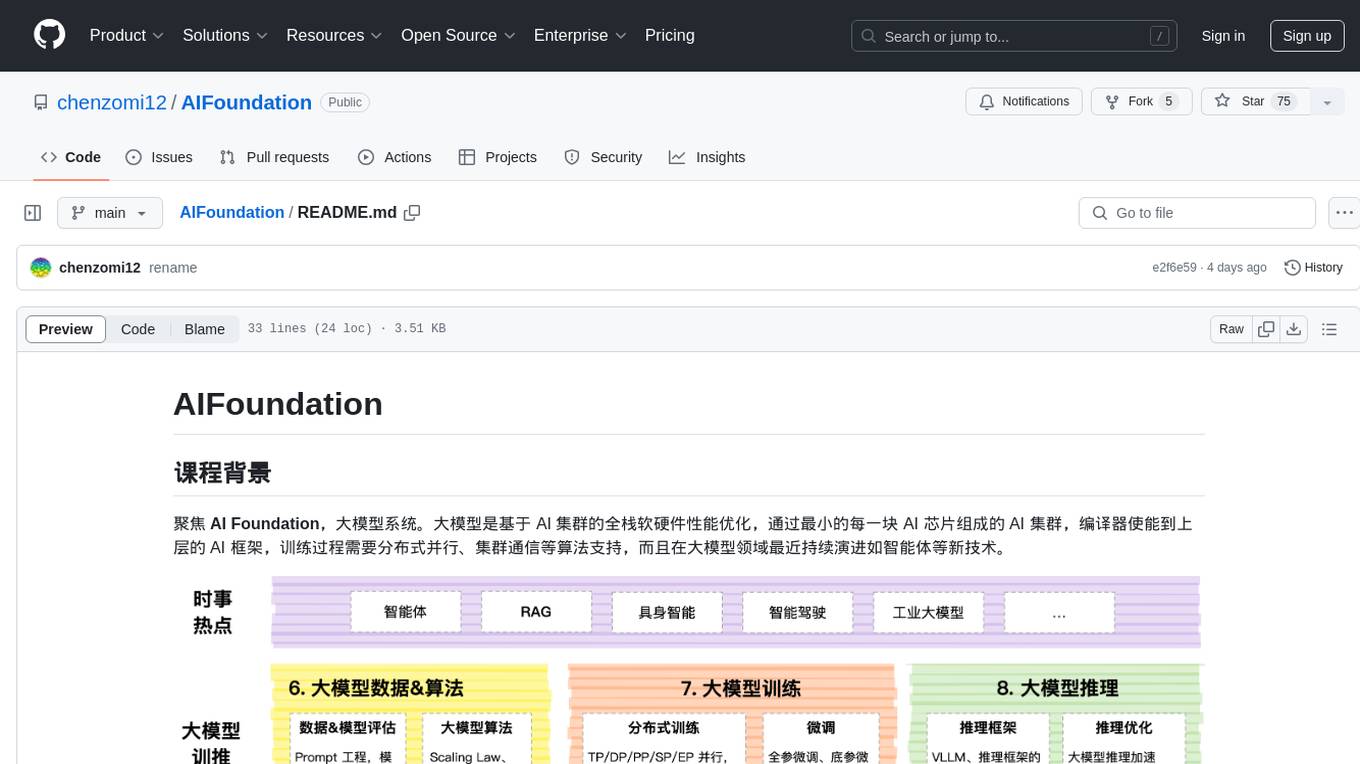
AIFoundation
AIFoundation focuses on AI Foundation, large model systems. Large models optimize the performance of full-stack hardware and software based on AI clusters. The training process requires distributed parallelism, cluster communication algorithms, and continuous evolution in the field of large models such as intelligent agents. The course covers modules like AI chip principles, communication & storage, AI clusters, computing architecture, communication architecture, large model algorithms, training, inference, and analysis of hot technologies in the large model field.
compute-blade
Compute Blade is a feature-rich carrier board designed for the Raspberry Pi Compute Module 4 and compatible alternatives, aimed at simplifying and automating the development and management of on-premise cluster environments. The solution streamlines complex processes, making cluster setup and management efficient and manageable for users, from homelabs to advanced AI clusters at scale.
bigtop-manager
Apache Bigtop Manager is a modern, AI-driven web application designed to simplify the complexity of bigdata cluster management. It provides an easy deployment solution not only for Apache Bigtop components, but also other community version bigdata components. The platform aims to streamline the management of bigdata clusters by leveraging AI technology and user-friendly interfaces.
ksail
KSail is a tool that bundles common Kubernetes tooling into a single binary, providing a unified workflow for creating clusters, deploying workloads, and operating cloud-native stacks across different distributions and providers. It eliminates the need for multiple CLI tools and bespoke scripts, offering features like one binary for provisioning and deployment, support for various cluster configurations, mirror registries, GitOps integration, customizable stack selection, built-in SOPS for secrets management, AI assistant for interactive chat, and a VSCode extension for cluster management.
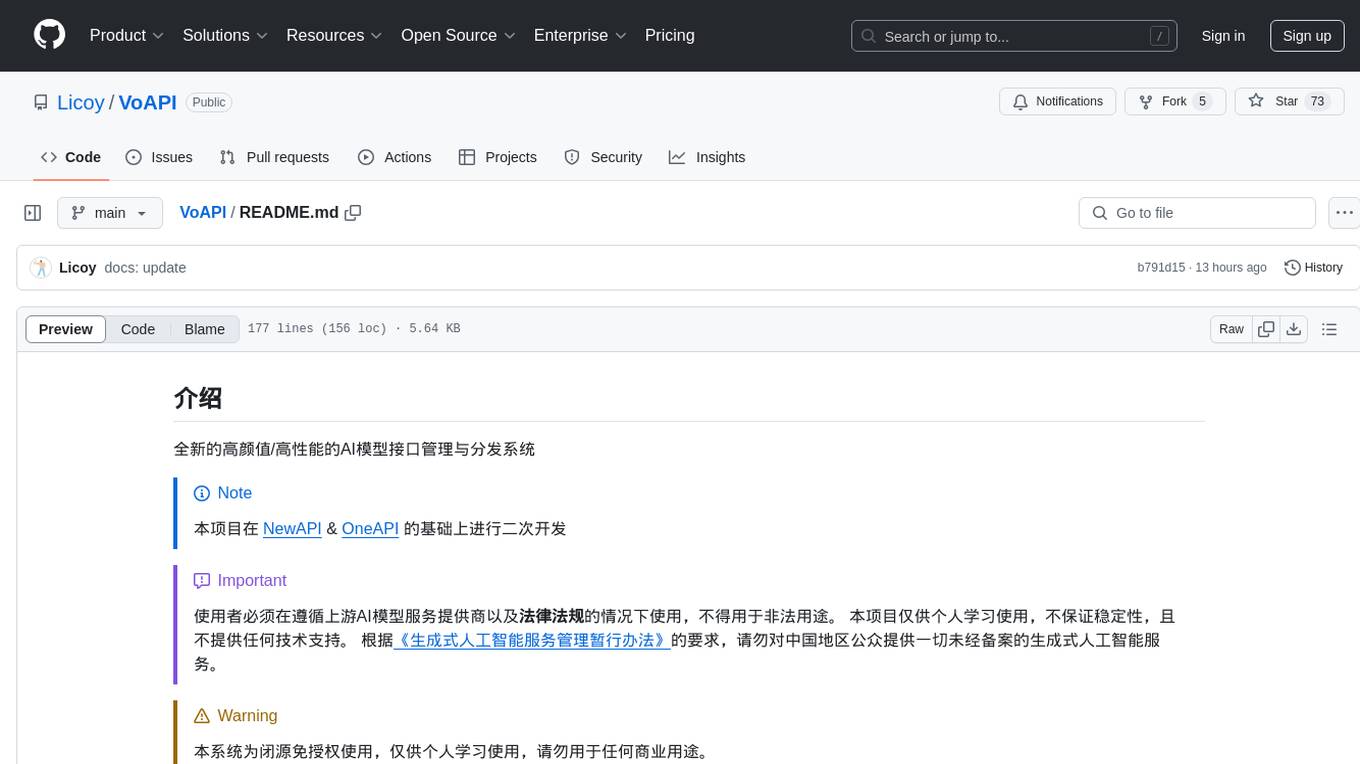
VoAPI
VoAPI is a new high-value/high-performance AI model interface management and distribution system. It is a closed-source tool for personal learning use only, not for commercial purposes. Users must comply with upstream AI model service providers and legal regulations. The system offers a visually appealing interface, independent development documentation page support, service monitoring page configuration support, and third-party login support. It also optimizes interface elements, user registration time support, data operation button positioning, and more.
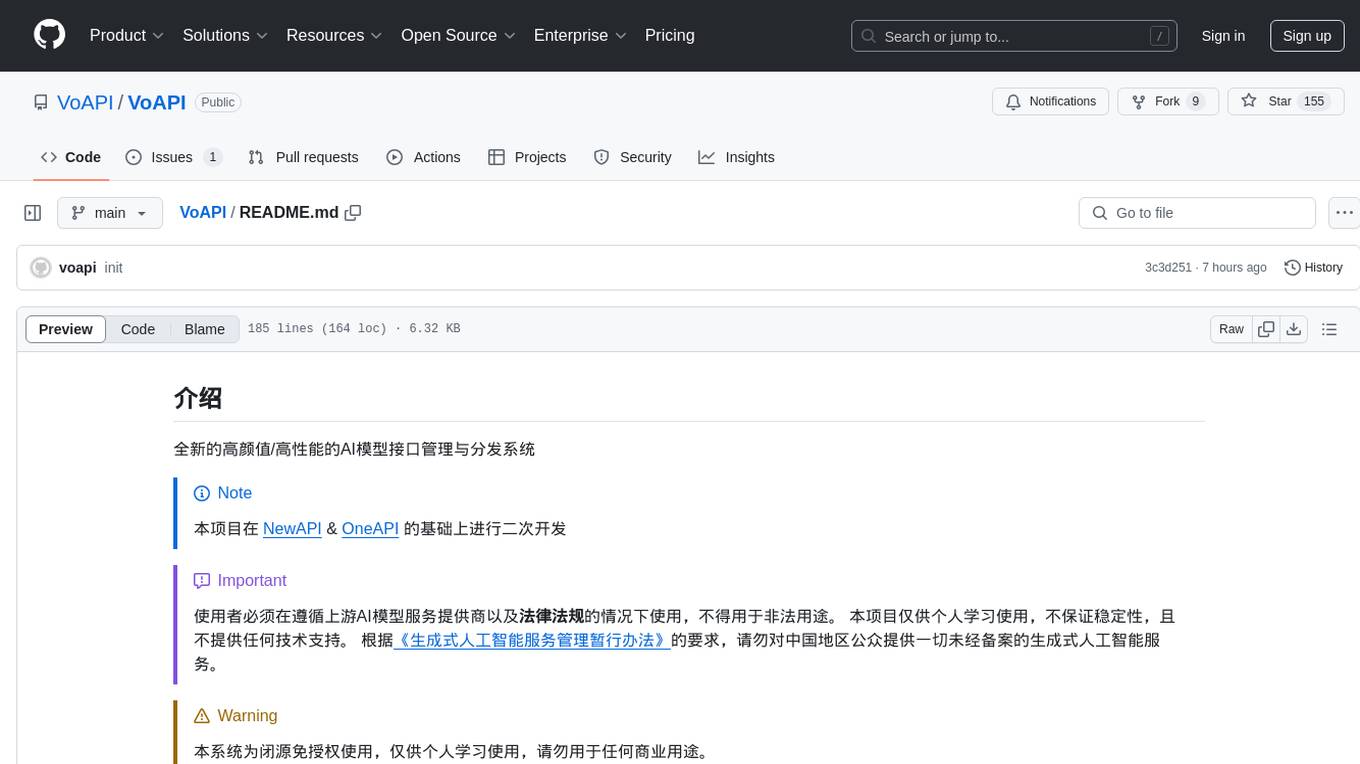
VoAPI
VoAPI is a new high-value/high-performance AI model interface management and distribution system. It is a closed-source tool for personal learning use only, not for commercial purposes. Users must comply with upstream AI model service providers and legal regulations. The system offers a visually appealing interface with features such as independent development documentation page support, service monitoring page configuration support, and third-party login support. Users can manage user registration time, optimize interface elements, and support features like online recharge, model pricing display, and sensitive word filtering. VoAPI also provides support for various AI models and platforms, with the ability to configure homepage templates, model information, and manufacturer information.
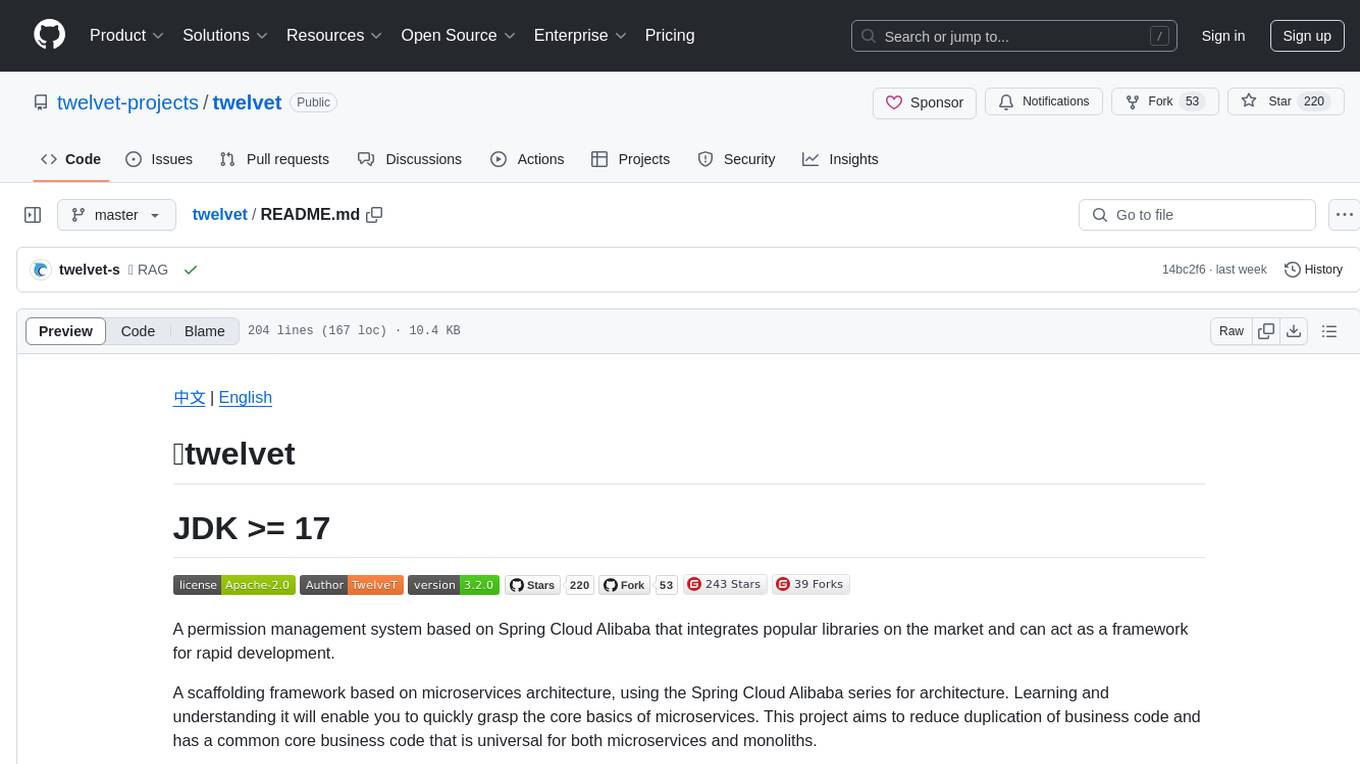
twelvet
Twelvet is a permission management system based on Spring Cloud Alibaba that serves as a framework for rapid development. It is a scaffolding framework based on microservices architecture, aiming to reduce duplication of business code and provide a common core business code for both microservices and monoliths. It is designed for learning microservices concepts and development, suitable for website management, CMS, CRM, OA, and other system development. The system is intended to quickly meet business needs, improve user experience, and save time by incubating practical functional points in lightweight, highly portable functional plugins.
For similar jobs
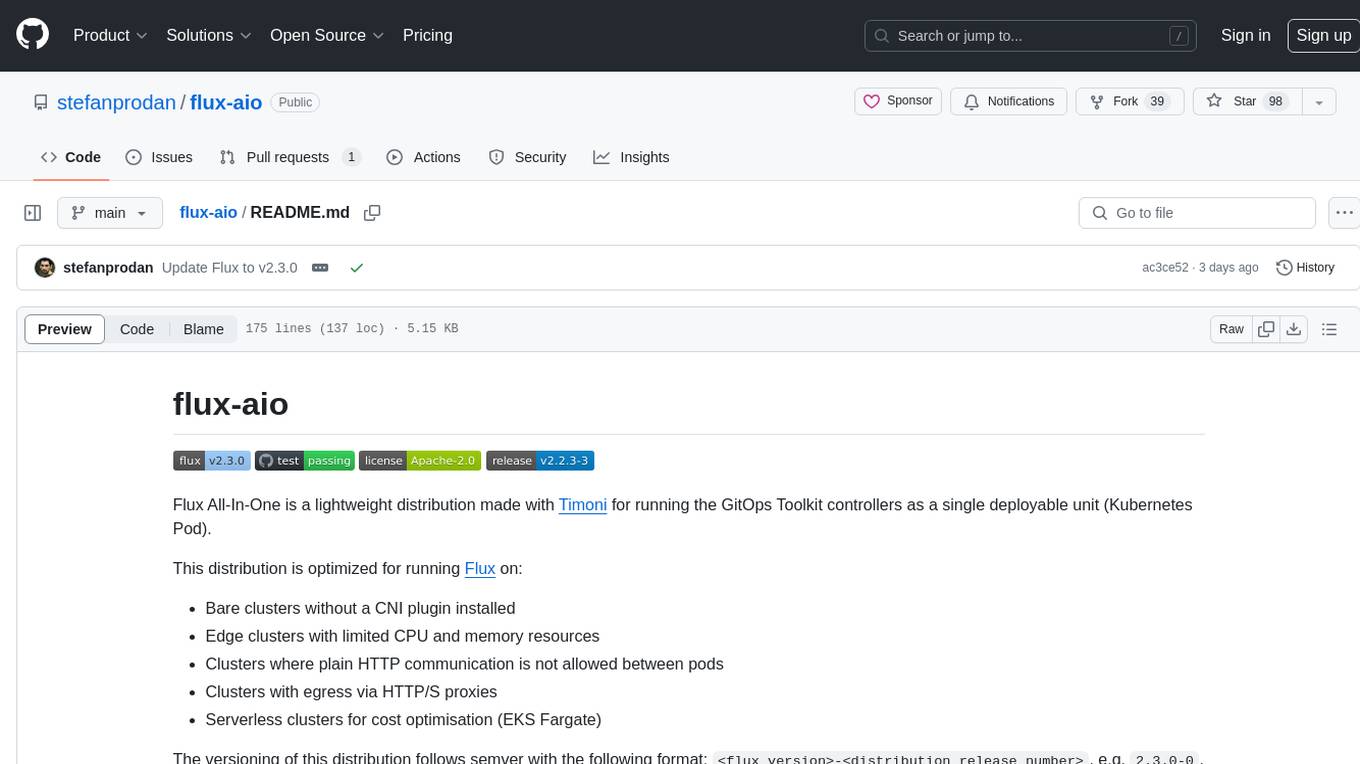
flux-aio
Flux All-In-One is a lightweight distribution optimized for running the GitOps Toolkit controllers as a single deployable unit on Kubernetes clusters. It is designed for bare clusters, edge clusters, clusters with restricted communication, clusters with egress via proxies, and serverless clusters. The distribution follows semver versioning and provides documentation for specifications, installation, upgrade, OCI sync configuration, Git sync configuration, and multi-tenancy configuration. Users can deploy Flux using Timoni CLI and a Timoni Bundle file, fine-tune installation options, sync from public Git repositories, bootstrap repositories, and uninstall Flux without affecting reconciled workloads.
paddler
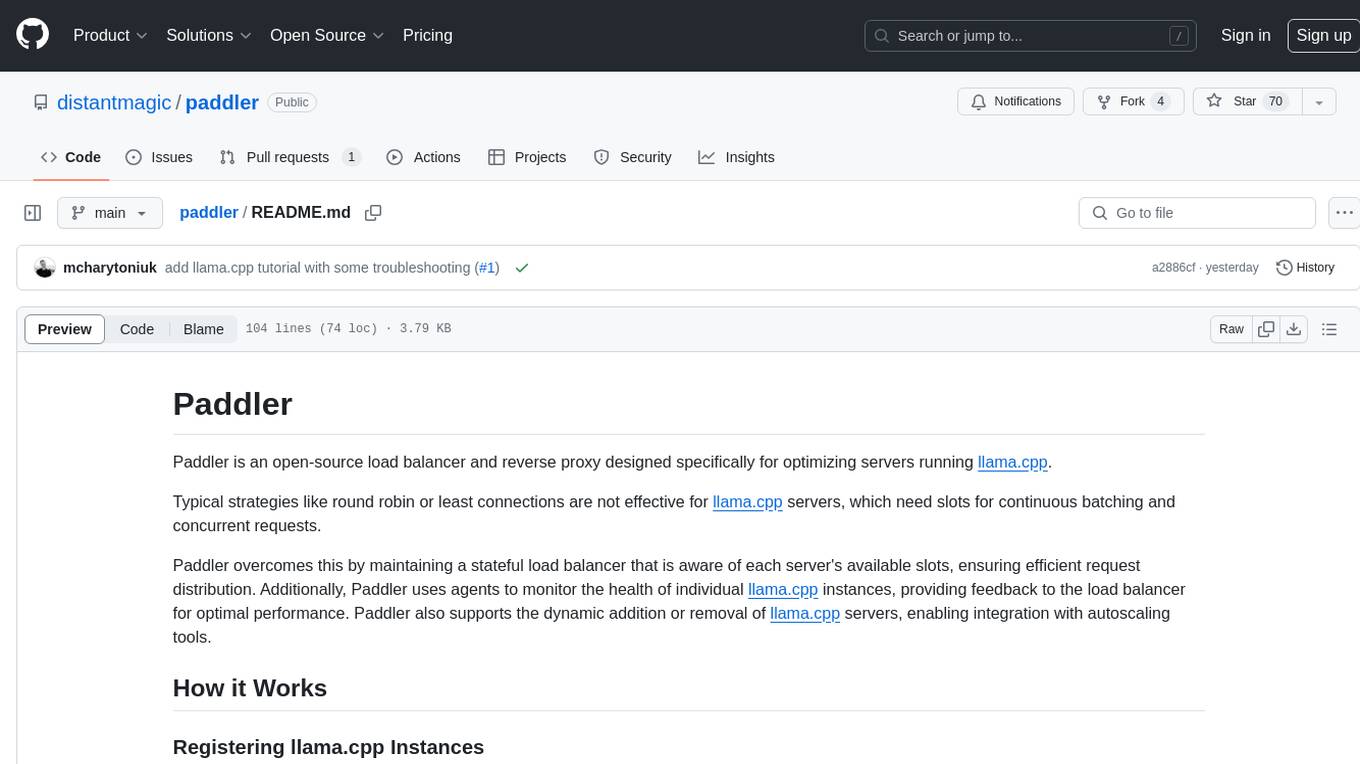
Paddler is an open-source load balancer and reverse proxy designed specifically for optimizing servers running llama.cpp. It overcomes typical load balancing challenges by maintaining a stateful load balancer that is aware of each server's available slots, ensuring efficient request distribution. Paddler also supports dynamic addition or removal of servers, enabling integration with autoscaling tools.
DaoCloud-docs
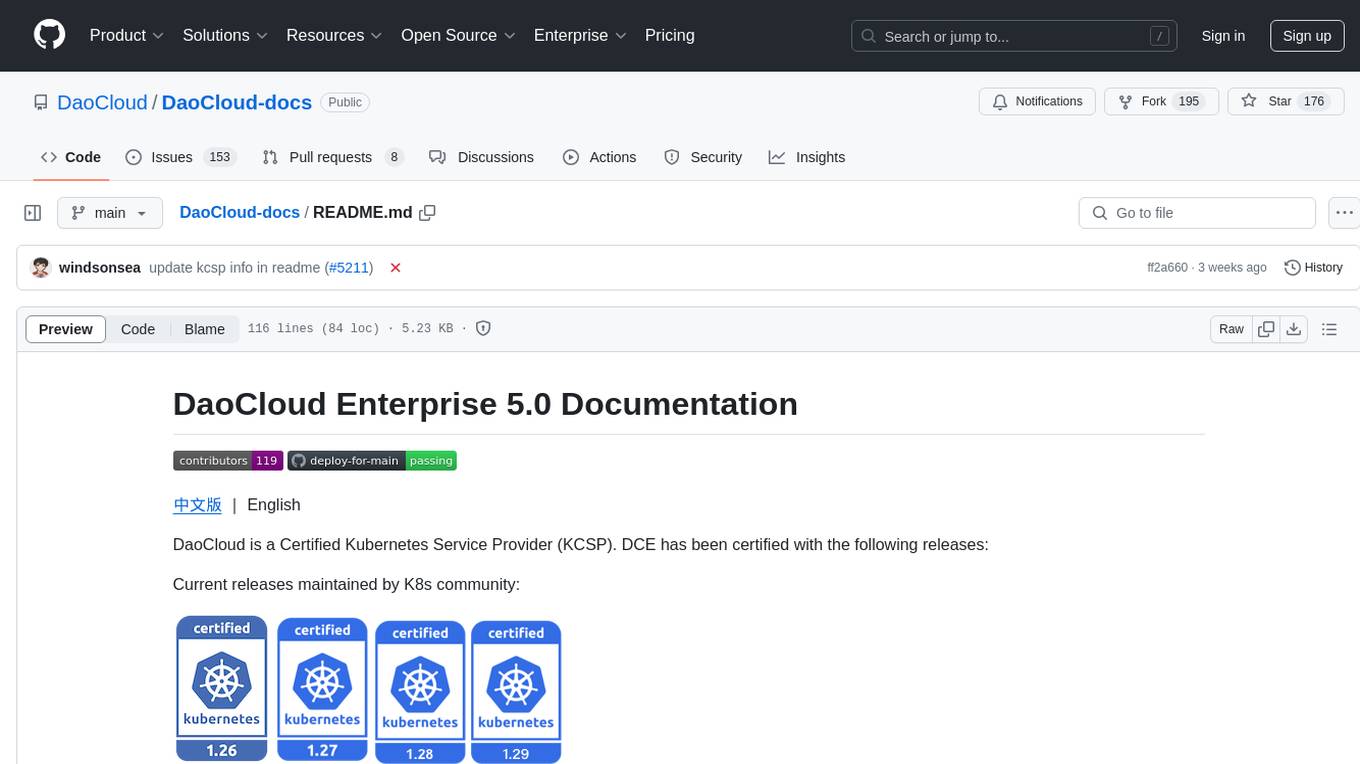
DaoCloud Enterprise 5.0 Documentation provides detailed information on using DaoCloud, a Certified Kubernetes Service Provider. The documentation covers current and legacy versions, workflow control using GitOps, and instructions for opening a PR and previewing changes locally. It also includes naming conventions, writing tips, references, and acknowledgments to contributors. Users can find guidelines on writing, contributing, and translating pages, along with using tools like MkDocs, Docker, and Poetry for managing the documentation.
ztncui-aio
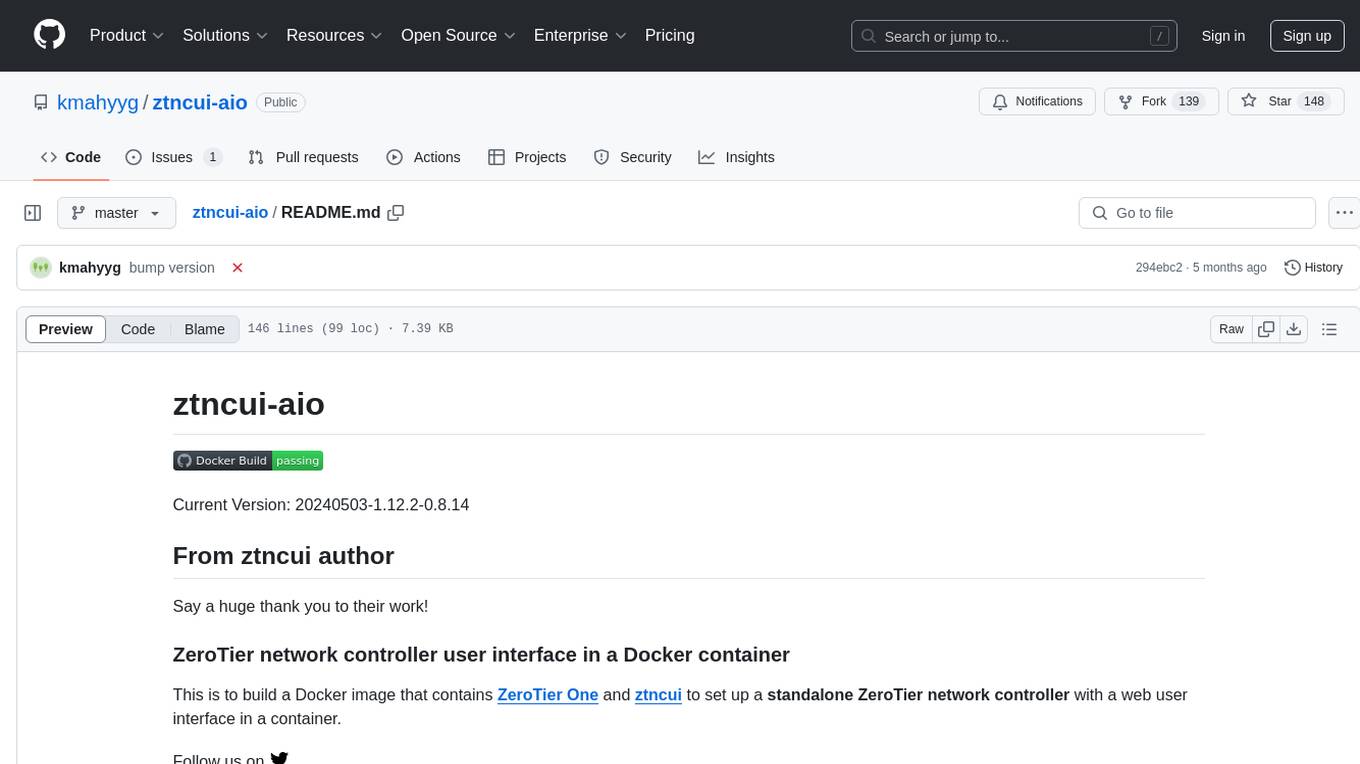
This repository contains a Docker image with ZeroTier One and ztncui to set up a standalone ZeroTier network controller with a web user interface. It provides features like Golang auto-mkworld for generating a planet file, supports local persistent storage configuration, and includes a public file server. Users can build the Docker image, set up the container with specific environment variables, and manage the ZeroTier network controller through the web interface.
devops-gpt
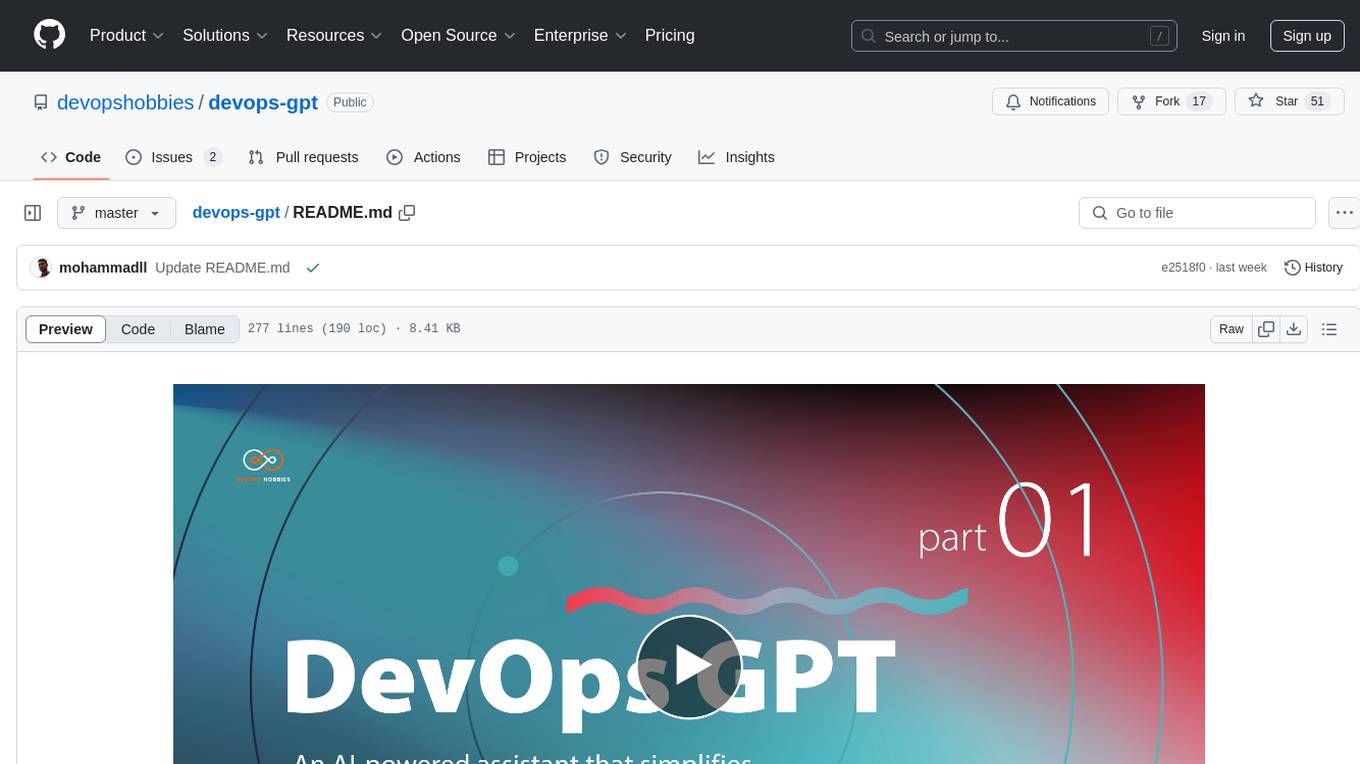
DevOpsGPT is a revolutionary tool designed to streamline your workflow and empower you to build systems and automate tasks with ease. Tired of spending hours on repetitive DevOps tasks? DevOpsGPT is here to help! Whether you're setting up infrastructure, speeding up deployments, or tackling any other DevOps challenge, our app can make your life easier and more productive. With DevOpsGPT, you can expect faster task completion, simplified workflows, and increased efficiency. Ready to experience the DevOpsGPT difference? Visit our website, sign in or create an account, start exploring the features, and share your feedback to help us improve. DevOpsGPT will become an essential tool in your DevOps toolkit.
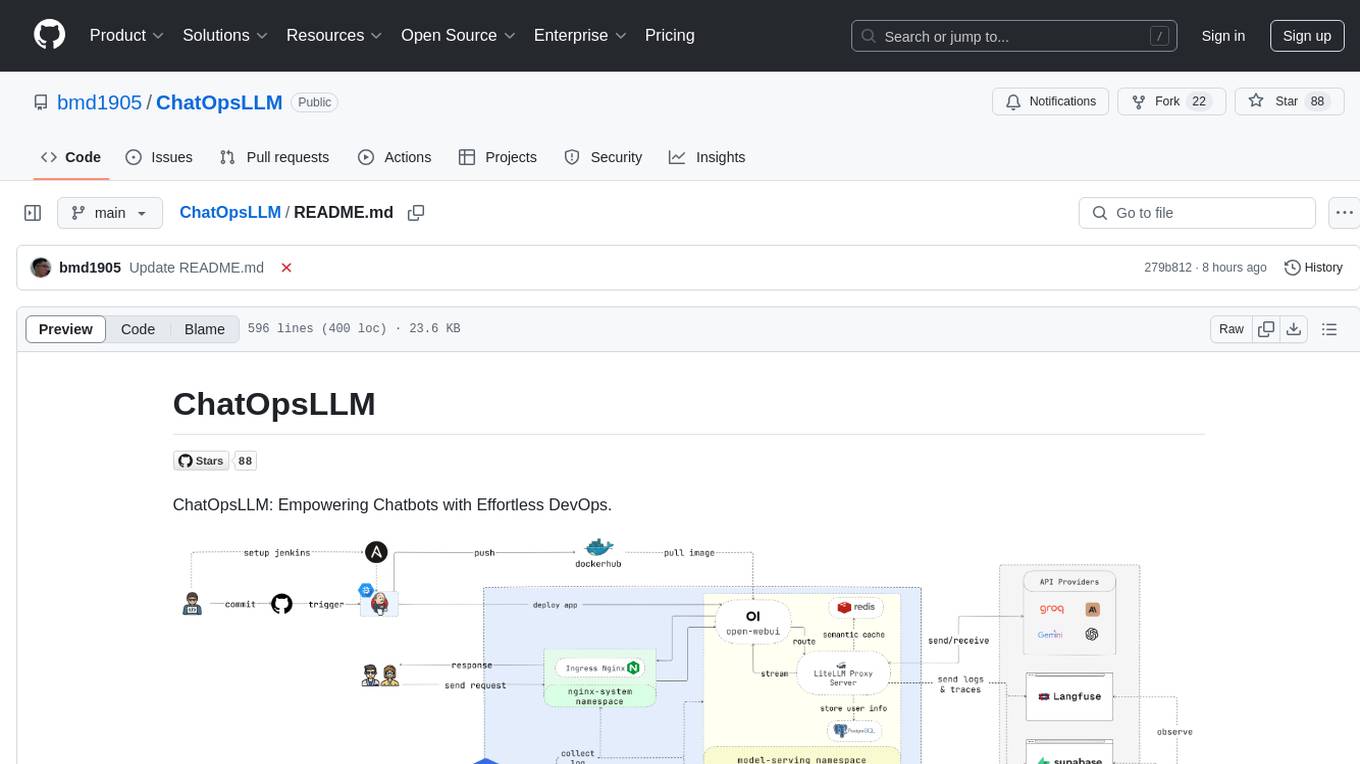
ChatOpsLLM
ChatOpsLLM is a project designed to empower chatbots with effortless DevOps capabilities. It provides an intuitive interface and streamlined workflows for managing and scaling language models. The project incorporates robust MLOps practices, including CI/CD pipelines with Jenkins and Ansible, monitoring with Prometheus and Grafana, and centralized logging with the ELK stack. Developers can find detailed documentation and instructions on the project's website.
aiops-modules
AIOps Modules is a collection of reusable Infrastructure as Code (IAC) modules that work with SeedFarmer CLI. The modules are decoupled and can be aggregated using GitOps principles to achieve desired use cases, removing heavy lifting for end users. They must be generic for reuse in Machine Learning and Foundation Model Operations domain, adhering to SeedFarmer Guide structure. The repository includes deployment steps, project manifests, and various modules for SageMaker, Mlflow, FMOps/LLMOps, MWAA, Step Functions, EKS, and example use cases. It also supports Industry Data Framework (IDF) and Autonomous Driving Data Framework (ADDF) Modules.
3FS
The Fire-Flyer File System (3FS) is a high-performance distributed file system designed for AI training and inference workloads. It leverages modern SSDs and RDMA networks to provide a shared storage layer that simplifies development of distributed applications. Key features include performance, disaggregated architecture, strong consistency, file interfaces, data preparation, dataloaders, checkpointing, and KVCache for inference. The system is well-documented with design notes, setup guide, USRBIO API reference, and P specifications. Performance metrics include peak throughput, GraySort benchmark results, and KVCache optimization. The source code is available on GitHub for cloning and installation of dependencies. Users can build 3FS and run test clusters following the provided instructions. Issues can be reported on the GitHub repository.