


CodeNomad
CodeNomad: The command center that puts AI coding on steroids.
Stars: 659
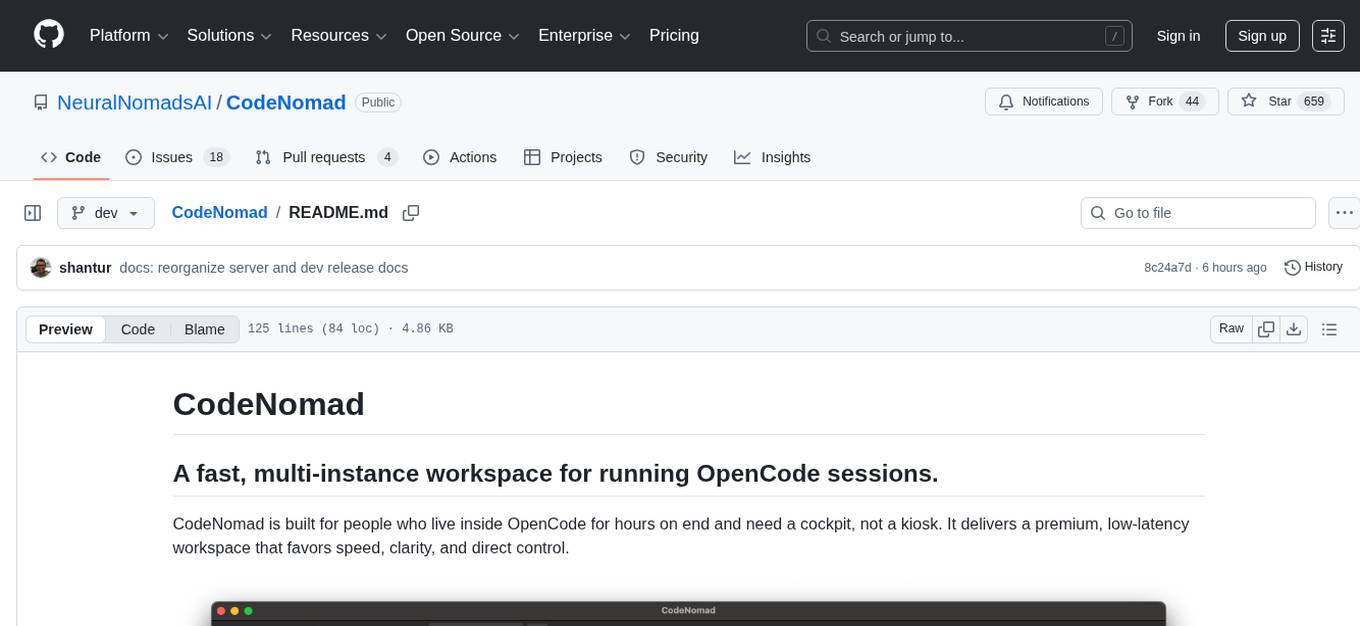
CodeNomad is a fast, multi-instance workspace designed for users who spend extended hours in OpenCode. It provides a premium, low-latency environment with features like managing multiple OpenCode sessions side-by-side, global command palette for keyboard-first control, rich media previews, and browser support via CodeNomad Server. Users can choose between a Desktop App (Electron-based) with global shortcuts and deeper system integration, a Tauri App for lightweight high-performance experience, or run CodeNomad as a local server accessed via web browser. The tool supports multi-instance workspace, long-session native scrolling, command palette for easy navigation, and deep task awareness to monitor background tasks and child sessions without interruptions.
README:
CodeNomad is built for people who live inside OpenCode for hours on end and need a cockpit, not a kiosk. It delivers a premium, low-latency workspace that favors speed, clarity, and direct control.
 Manage multiple OpenCode sessions side-by-side.
📸 More Screenshots
 Global command palette for keyboard-first control.
 Rich media previews for images and assets.
 Browser support via CodeNomad Server.
Choose the way that fits your workflow:
The best experience. A native application (Electron-based) with global shortcuts, deeper system integration, and a dedicated window.
- Download: Grab the latest installer for macOS, Windows, or Linux from the Releases Page.
- Run: Install and launch like any other app.
We are also working on a lightweight, high-performance version built with Tauri. It is currently in active development.
- Download: Experimental builds are available on the Releases Page.
-
Source: Check out
packages/tauri-appif you're interested in contributing.
Run CodeNomad as a local server and access it via your web browser. Perfect for remote development (SSH/VPN) or running as a service.
npx @neuralnomads/codenomad --launchFull server/CLI documentation (flags + env vars, TLS, auth, remote access):
To see all available options:
npx @neuralnomads/codenomad --helpBleeding-edge builds are published as GitHub pre-releases and are generated automatically from the dev branch.
npx @neuralnomads/codenomad-dev --launch- Multi-Instance: Juggle several OpenCode sessions side-by-side with tabs.
- Long-Session Native: Scroll through massive transcripts without hitches.
- Command Palette: A single global palette to jump tabs, launch tools, and control everything.
- Deep Task Awareness: Monitor background tasks and child sessions without losing flow.
-
OpenCode CLI: Must be installed and available in your
PATH. - Node.js 18+: Required if running the CLI server or building from source.
If macOS reports that "CodeNomad.app is damaged and can't be opened," Gatekeeper flagged the download because the app is not yet notarized. You can clear the quarantine flag after moving CodeNomad into /Applications:
xattr -l /Applications/CodeNomad.app
xattr -dr com.apple.quarantine /Applications/CodeNomad.app
After removing the quarantine attribute, launch the app normally. On Intel Macs you may also need to approve CodeNomad from System Settings → Privacy & Security the first time you run it.
On some Wayland compositor + NVIDIA driver setups, WebKitGTK can fail to initialize its DMA-BUF/GBM path and the Tauri build may exit right away.
Try running with one of these environment variables:
# Most reliable workaround (can reduce rendering performance)
WEBKIT_DISABLE_DMABUF_RENDERER=1 codenomad

# Alternative for some Wayland setups
__NV_DISABLE_EXPLICIT_SYNC=1 codenomad
If you're running the Tauri AppImage and want the workaround applied every time, create a tiny wrapper script on your PATH:
#!/bin/bash
export WEBKIT_DISABLE_DMABUF_RENDERER=1
exec ~/.local/share/bauh/appimage/installed/codenomad/CodeNomad-Tauri-0.4.0-linux-x64.AppImage "$@"
Upstream tracking: https://github.com/tauri-apps/tauri/issues/10702
CodeNomad is a monorepo split into specialized packages. If you want to contribute or build from source, check out the individual package documentation:
| Package | Description |
|---|---|
| packages/electron-app | The native desktop application shell. Wraps the UI and Server. |
| packages/server | The core logic and CLI. Manages workspaces, proxies OpenCode, and serves the API. |
| packages/ui | The SolidJS-based frontend. Fast, reactive, and beautiful. |
To build the Desktop App from source:
- Clone the repo.
- Run
npm install(requires pnpm or npm 7+ for workspaces). - Run
npm run build --workspace @neuralnomads/codenomad-electron-app.
For Tasks:
Click tags to check more tools for each tasksFor Jobs:
Alternative AI tools for CodeNomad
Similar Open Source Tools
CodeNomad
CodeNomad is a fast, multi-instance workspace designed for users who spend extended hours in OpenCode. It provides a premium, low-latency environment with features like managing multiple OpenCode sessions side-by-side, global command palette for keyboard-first control, rich media previews, and browser support via CodeNomad Server. Users can choose between a Desktop App (Electron-based) with global shortcuts and deeper system integration, a Tauri App for lightweight high-performance experience, or run CodeNomad as a local server accessed via web browser. The tool supports multi-instance workspace, long-session native scrolling, command palette for easy navigation, and deep task awareness to monitor background tasks and child sessions without interruptions.
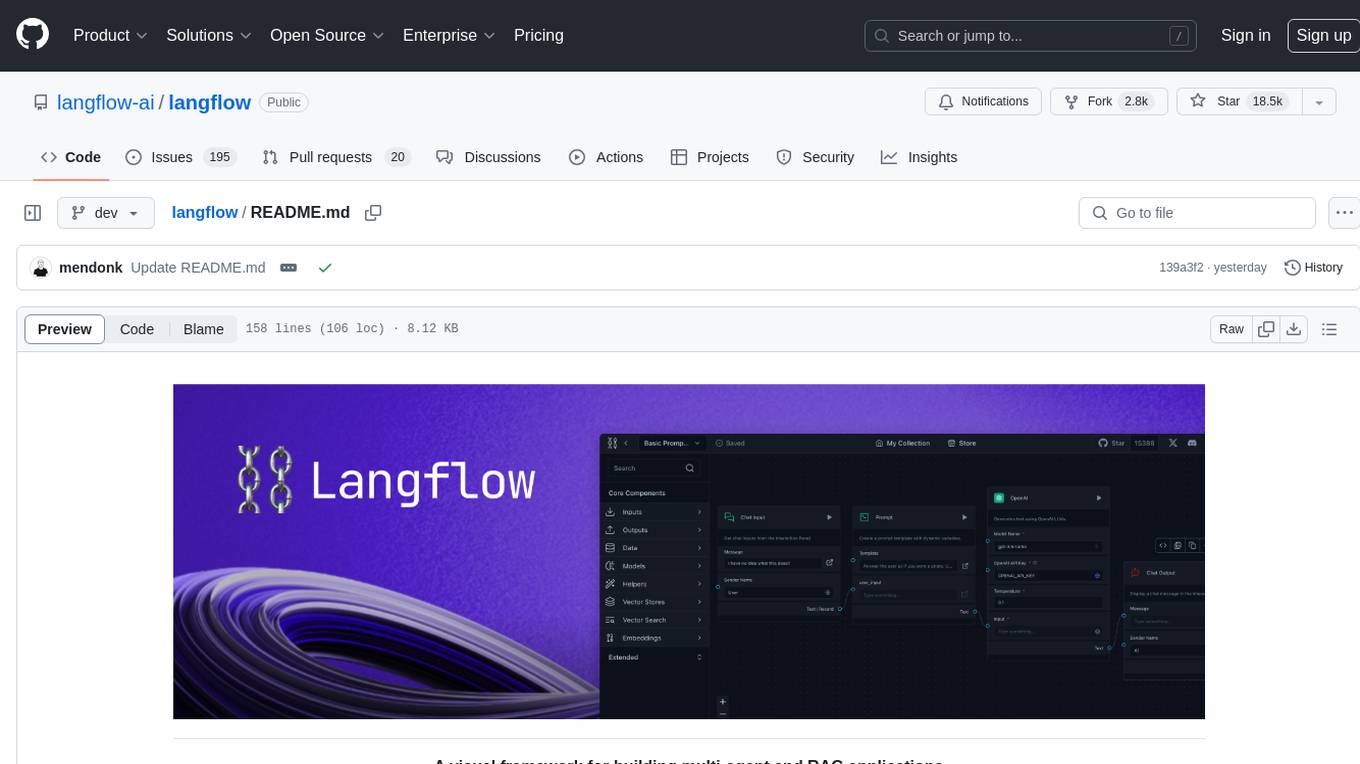
langflow
Langflow is an open-source Python-powered visual framework designed for building multi-agent and RAG applications. It is fully customizable, language model agnostic, and vector store agnostic. Users can easily create flows by dragging components onto the canvas, connect them, and export the flow as a JSON file. Langflow also provides a command-line interface (CLI) for easy management and configuration, allowing users to customize the behavior of Langflow for development or specialized deployment scenarios. The tool can be deployed on various platforms such as Google Cloud Platform, Railway, and Render. Contributors are welcome to enhance the project on GitHub by following the contributing guidelines.
vision-agent
AskUI Vision Agent is a powerful automation framework that enables you and AI agents to control your desktop, mobile, and HMI devices and automate tasks. It supports multiple AI models, multi-platform compatibility, and enterprise-ready features. The tool provides support for Windows, Linux, MacOS, Android, and iOS device automation, single-step UI automation commands, in-background automation on Windows machines, flexible model use, and secure deployment of agents in enterprise environments.
gptme
GPTMe is a tool that allows users to interact with an LLM assistant directly in their terminal in a chat-style interface. The tool provides features for the assistant to run shell commands, execute code, read/write files, and more, making it suitable for various development and terminal-based tasks. It serves as a local alternative to ChatGPT's 'Code Interpreter,' offering flexibility and privacy when using a local model. GPTMe supports code execution, file manipulation, context passing, self-correction, and works with various AI models like GPT-4. It also includes a GitHub Bot for requesting changes and operates entirely in GitHub Actions. In progress features include handling long contexts intelligently, a web UI and API for conversations, web and desktop vision, and a tree-based conversation structure.
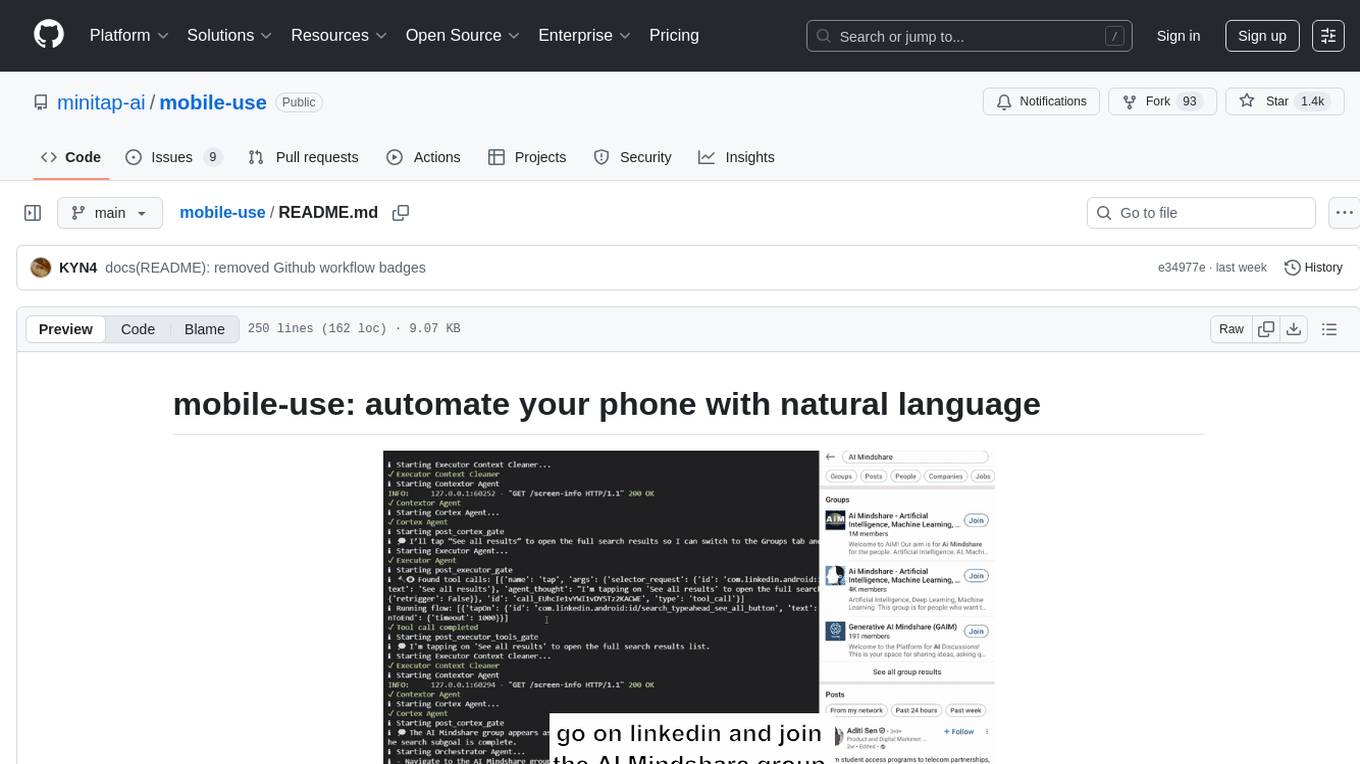
mobile-use
Mobile-use is an open-source AI agent that controls Android or IOS devices using natural language. It understands commands to perform tasks like sending messages and navigating apps. Features include natural language control, UI-aware automation, data scraping, and extensibility. Users can automate their mobile experience by setting up environment variables, customizing LLM configurations, and launching the tool via Docker or manually for development. The tool supports physical Android phones, Android simulators, and iOS simulators. Contributions are welcome, and the project is licensed under MIT.
Newelle
Newelle is an advanced virtual assistant application that offers a wide range of features, including advanced customization, flexible model support, terminal command execution, voice support, long-term memory, chat with documents, web search, website reading, profile manager, file manager, rich formatting, and chat editing. It also supports extensions to enhance its functionality, such as the Mini Window Mode. Users can install Newelle using various methods like install.sh, GNOME Builder, Nix, or Flathub. However, the Flathub version has restricted permissions to ensure security. Newelle's forks include Newelle Lite for aarch64 and Nyarch Assistant, a Waifu AI Assistant.
minimal-chat
MinimalChat is a minimal and lightweight open-source chat application with full mobile PWA support that allows users to interact with various language models, including GPT-4 Omni, Claude Opus, and various Local/Custom Model Endpoints. It focuses on simplicity in setup and usage while being fully featured and highly responsive. The application supports features like fully voiced conversational interactions, multiple language models, markdown support, code syntax highlighting, DALL-E 3 integration, conversation importing/exporting, and responsive layout for mobile use.
codebox-api
CodeBox is a cloud infrastructure tool designed for running Python code in an isolated environment. It also offers simple file input/output capabilities and will soon support vector database operations. Users can install CodeBox using pip and utilize it by setting up an API key. The tool allows users to execute Python code snippets and interact with the isolated environment. CodeBox is currently in early development stages and requires manual handling for certain operations like refunds and cancellations. The tool is open for contributions through issue reporting and pull requests. It is licensed under MIT and can be contacted via email at [email protected].

opencode
Opencode is an AI coding agent designed for the terminal. It is a tool that allows users to interact with AI models for coding tasks in a terminal-based environment. Opencode is open source, provider-agnostic, and focuses on a terminal user interface (TUI) for coding. It offers features such as client/server architecture, support for various AI models, and a strong emphasis on community contributions and feedback.

agentcloud
AgentCloud is an open-source platform that enables companies to build and deploy private LLM chat apps, empowering teams to securely interact with their data. It comprises three main components: Agent Backend, Webapp, and Vector Proxy. To run this project locally, clone the repository, install Docker, and start the services. The project is licensed under the GNU Affero General Public License, version 3 only. Contributions and feedback are welcome from the community.
appwrite
Appwrite is a best-in-class, developer-first platform that provides everything needed to create scalable, stable, and production-ready software quickly. It is an end-to-end platform for building Web, Mobile, Native, or Backend apps, packaged as Docker microservices. Appwrite abstracts the complexity of building modern apps and allows users to build secure, full-stack applications faster. It offers features like user authentication, database management, storage, file management, image manipulation, Cloud Functions, messaging, and more services.
intense-rp-next
IntenseRP Next v2 is a local OpenAI-compatible API + desktop app that bridges an OpenAI-style client (like SillyTavern) with provider web apps (DeepSeek, GLM Chat, Moonshot) by starting a local FastAPI server, launching a real Chromium session, intercepting streaming network responses, and re-emitting them as OpenAI-style SSE deltas for the client. It provides free-ish access to provider web models via the official web apps, a clicky desktop app experience, and occasional wait times due to web app changes. The tool is designed for local or LAN use and comes with built-in logging, update flows, and support for DeepSeek, GLM Chat, and Moonshot provider apps.
steel-browser
Steel is an open-source browser API designed for AI agents and applications, simplifying the process of building live web agents and browser automation tools. It serves as a core building block for a production-ready, containerized browser sandbox with features like stealth capabilities, text-to-markdown session management, UI for session viewing/debugging, and full browser control through popular automation frameworks. Steel allows users to control, run, and manage a production-ready browser environment via a REST API, offering features such as full browser control, session management, proxy support, extension support, debugging tools, anti-detection mechanisms, resource management, and various browser tools. It aims to streamline complex browsing tasks programmatically, enabling users to focus on their AI applications while Steel handles the underlying complexity.
next-money
Next Money Stripe Starter is a SaaS Starter project that empowers your next project with a stack of Next.js, Prisma, Supabase, Clerk Auth, Resend, React Email, Shadcn/ui, and Stripe. It seamlessly integrates these technologies to accelerate your development and SaaS journey. The project includes frameworks, platforms, UI components, hooks and utilities, code quality tools, and miscellaneous features to enhance the development experience. Created by @koyaguo in 2023 and released under the MIT license.
glide
Glide is a cloud-native LLM gateway that provides a unified REST API for accessing various large language models (LLMs) from different providers. It handles LLMOps tasks such as model failover, caching, key management, and more, making it easy to integrate LLMs into applications. Glide supports popular LLM providers like OpenAI, Anthropic, Azure OpenAI, AWS Bedrock (Titan), Cohere, Google Gemini, OctoML, and Ollama. It offers high availability, performance, and observability, and provides SDKs for Python and NodeJS to simplify integration.
SecureAI-Tools
SecureAI Tools is a private and secure AI tool that allows users to chat with AI models, chat with documents (PDFs), and run AI models locally. It comes with built-in authentication and user management, making it suitable for family members or coworkers. The tool is self-hosting optimized and provides necessary scripts and docker-compose files for easy setup in under 5 minutes. Users can customize the tool by editing the .env file and enabling GPU support for faster inference. SecureAI Tools also supports remote OpenAI-compatible APIs, with lower hardware requirements for using remote APIs only. The tool's features wishlist includes chat sharing, mobile-friendly UI, and support for more file types and markdown rendering.
For similar tasks
CodeNomad
CodeNomad is a fast, multi-instance workspace designed for users who spend extended hours in OpenCode. It provides a premium, low-latency environment with features like managing multiple OpenCode sessions side-by-side, global command palette for keyboard-first control, rich media previews, and browser support via CodeNomad Server. Users can choose between a Desktop App (Electron-based) with global shortcuts and deeper system integration, a Tauri App for lightweight high-performance experience, or run CodeNomad as a local server accessed via web browser. The tool supports multi-instance workspace, long-session native scrolling, command palette for easy navigation, and deep task awareness to monitor background tasks and child sessions without interruptions.
For similar jobs

weave
Weave is a toolkit for developing Generative AI applications, built by Weights & Biases. With Weave, you can log and debug language model inputs, outputs, and traces; build rigorous, apples-to-apples evaluations for language model use cases; and organize all the information generated across the LLM workflow, from experimentation to evaluations to production. Weave aims to bring rigor, best-practices, and composability to the inherently experimental process of developing Generative AI software, without introducing cognitive overhead.
agentcloud
AgentCloud is an open-source platform that enables companies to build and deploy private LLM chat apps, empowering teams to securely interact with their data. It comprises three main components: Agent Backend, Webapp, and Vector Proxy. To run this project locally, clone the repository, install Docker, and start the services. The project is licensed under the GNU Affero General Public License, version 3 only. Contributions and feedback are welcome from the community.
oss-fuzz-gen
This framework generates fuzz targets for real-world `C`/`C++` projects with various Large Language Models (LLM) and benchmarks them via the `OSS-Fuzz` platform. It manages to successfully leverage LLMs to generate valid fuzz targets (which generate non-zero coverage increase) for 160 C/C++ projects. The maximum line coverage increase is 29% from the existing human-written targets.

LLMStack
LLMStack is a no-code platform for building generative AI agents, workflows, and chatbots. It allows users to connect their own data, internal tools, and GPT-powered models without any coding experience. LLMStack can be deployed to the cloud or on-premise and can be accessed via HTTP API or triggered from Slack or Discord.

VisionCraft
The VisionCraft API is a free API for using over 100 different AI models. From images to sound.

kaito
Kaito is an operator that automates the AI/ML inference model deployment in a Kubernetes cluster. It manages large model files using container images, avoids tuning deployment parameters to fit GPU hardware by providing preset configurations, auto-provisions GPU nodes based on model requirements, and hosts large model images in the public Microsoft Container Registry (MCR) if the license allows. Using Kaito, the workflow of onboarding large AI inference models in Kubernetes is largely simplified.

PyRIT
PyRIT is an open access automation framework designed to empower security professionals and ML engineers to red team foundation models and their applications. It automates AI Red Teaming tasks to allow operators to focus on more complicated and time-consuming tasks and can also identify security harms such as misuse (e.g., malware generation, jailbreaking), and privacy harms (e.g., identity theft). The goal is to allow researchers to have a baseline of how well their model and entire inference pipeline is doing against different harm categories and to be able to compare that baseline to future iterations of their model. This allows them to have empirical data on how well their model is doing today, and detect any degradation of performance based on future improvements.

Azure-Analytics-and-AI-Engagement
The Azure-Analytics-and-AI-Engagement repository provides packaged Industry Scenario DREAM Demos with ARM templates (Containing a demo web application, Power BI reports, Synapse resources, AML Notebooks etc.) that can be deployed in a customer’s subscription using the CAPE tool within a matter of few hours. Partners can also deploy DREAM Demos in their own subscriptions using DPoC.