


intense-rp-next
Desktop app + OpenAI-compatible API that proxies LLM web UIs for unofficial integration of LLMs into SillyTavern and other clients.
Stars: 60
IntenseRP Next v2 is a local OpenAI-compatible API + desktop app that bridges an OpenAI-style client (like SillyTavern) with provider web apps (DeepSeek, GLM Chat, Moonshot) by starting a local FastAPI server, launching a real Chromium session, intercepting streaming network responses, and re-emitting them as OpenAI-style SSE deltas for the client. It provides free-ish access to provider web models via the official web apps, a clicky desktop app experience, and occasional wait times due to web app changes. The tool is designed for local or LAN use and comes with built-in logging, update flows, and support for DeepSeek, GLM Chat, and Moonshot provider apps.
README:

It's a local OpenAI-compatible API + desktop app that drives various web LLM chat UI (via Playwright), so you can use it from SillyTavern and other clients without paying for the official API. Slightly cursed yet surprisingly effective.







What is this? · Quick start · Client setup · Documentation · Releases · Issues
https://github.com/user-attachments/assets/ebf1bfcd-3b23-4614-b584-174791bcb004
If you're here because you want DeepSeek / GLM / Moonshot in SillyTavern without wiring up the paid official API: Welcome to the club! IntenseRP Next v2 drives the official DeepSeek / GLM / Moonshot (Kimi) web apps in a real browser, and re-exposes them as an OpenAI-compatible endpoint.
Unlike the official API, this is usually free (DeepSeek / GLM / Kimi are free to use with limits, and paid plans aren't added yet) and it gives you access to the full web UI experience (including reasoning toggles, search, file uploads, and more). Not without tradeoffs, of course - see below.
- Download a release (see Releases) and run it (or run from source)
- Click Start and log in when the browser opens
- Point your SillyTavern client at
http://127.0.0.1:7777/v1(default) and pickdeepseek-*/glm-*/moonshot-*mode IDs
And it's done! It should Just Work™️.
IntenseRP Next v2 (sometimes shortened to "IRP Next v2") is a local bridge between:
- an OpenAI-style client (like SillyTavern), and
- a provider web app (currently: DeepSeek, GLM Chat, Moonshot)
Under the hood it:
- Starts a local FastAPI server (OpenAI-compatible routes under
/v1) - Launches a real Chromium session (Patchright/Playwright)
- Logs in (manual or auto-login)
- Intercepts the provider's streaming network responses
- Re-emits them as OpenAI-style SSE deltas for your client
In normal human terms: it makes "use DeepSeek/GLM/Kimi from SillyTavern" feel like a normal API connection, even though they are web apps.
DeepSeek / GLM / Moonshot also have official APIs (paid), but not everyone can pay for them, so this is kind of a free alternative. 🙂
If you read this far, you probably have a use case in mind! But here's the objective truth:
It would work well for you if you:
- want free-ish access to provider web models via the official web apps
- prefer a clicky desktop app over a pile of scripts
- are OK with the occasional wait or hiccup (web apps change)
Not the best fit if you:
- need high throughput / parallel requests (this uses one live browser session)
- want to run headless on a server
- want something that never breaks (that's perhaps the biggest caveat)
[!NOTE]
- Provider web apps change. When they do, a driver can break until it's updated.
- IntenseRP currently processes one request at a time (requests are queued). This is on purpose (single live browser session).
- This project is not affiliated with DeepSeek, ZhipuAI, SillyTavern, or any provider.
v2 is a full rewrite based on lessons learned from the original IntenseRP API (by Omega-Slender) and my own IntenseRP Next v1. The focus is less on a pile of features and more on making it sane to maintain and hard to break.
It's a more modular codebase with a Playwright-first approach (network interception, no scraping), a better UI (PySide6), and a cleaner settings model, plus built-in update and migration flows.
If you want to compare, have a look:
| Area | IntenseRP API / Next v1 | IntenseRP Next v2 |
|---|---|---|
| Backend | Python (Flask) | Python (FastAPI) |
| UI | customtkinter | PySide6 (Qt) |
| Automation | Selenium-based | Playwright (Patchright) |
| Scraping | HTML parsing (plus workarounds for NI) | Native Network interception |
[!TIP] First launch can take a bit - v2 will verify/download its browser components.
Windows (recommended)
- Download the latest
intenserp-next-v2-win32-x64.zipfrom Releases - Extract it anywhere
- Open the
intense-rp-nextfolder and runintenserp-next-v2.exe - Click Start and wait for the browser to open
Linux
- Download the latest
intenserp-next-v2-linux-x64.tar.gzfrom Releases - Extract and run:
tar -xzf intenserp-next-v2-linux-x64.tar.gz
cd intense-rp-next
chmod +x intenserp-next-v2
./intenserp-next-v2
If it complains about missing libraries, you may need Qt6 deps installed on your system. The best way is to install the qt6-base package via your package manager, but if it doesn't stop you can just install the missing libs manually.
From source (for devs)
Requirements: Python 3.12+ (3.13 recommended)
git clone https://github.com/LyubomirT/intense-rp-next.git
cd intense-rp-next

python -m venv venv

source venv/bin/activate  # Linux/Mac
# or: venv\\Scripts\\activate  # Windows

pip install -r requirements.txt
python main.pyOnce the app says Running (Port 7777):
| Setting | Value |
|---|---|
| Endpoint | http://127.0.0.1:7777/v1 |
| API | OpenAI-compatible chat completions |
| API key | Leave blank (unless you enabled API keys) |
| Model |
deepseek-* / glm-* / moonshot-*
|
Available model IDs (depends on provider):
- DeepSeek:
-
deepseek-auto(uses your IntenseRP settings) -
deepseek-chat(forces DeepThink off) -
deepseek-reasoner(forces DeepThink on, Send DeepThink follows your setting)
-
- GLM Chat:
-
glm-auto(uses your IntenseRP settings) -
glm-chat(forces Deep Think off) -
glm-reasoner(forces Deep Think on, Send Deep Think follows your setting)
-
- Moonshot:
-
moonshot-auto(uses your IntenseRP settings) -
moonshot-chat(forces Thinking off, Send Thinking off) -
moonshot-reasoner(forces Thinking on, Send Thinking follows your setting)
-
Note: these IDs are behavior presets (modes). GLM has separate real model selection in Settings. Moonshot moonshot-* IDs are still behavior presets, not a separate backend model selector.
If you change the port in Settings, update the endpoint to match (example: http://127.0.0.1:YOUR_PORT/v1).
- Browser takes forever on first run: it may be downloading/verifying Chromium. Let it cook, then try again.
-
Client cannot connect: confirm the app says Running, and the endpoint matches your port (
http://127.0.0.1:7777/v1by default). - 401 Unauthorized: you probably enabled API keys in Settings. Either disable them or add a key in your client.
- Login loops / stuck sign-in: try disabling Persistent Sessions, or clear the profile in Settings (it wipes saved cookies).
- Slow responses: requests are queued (one at a time), and DeepThink can add extra time.
Tip: enable the console and/or logfiles before reporting issues. Logs help a lot when diagnosing!
There are a few highlights I think are worth calling out. Most have been in v1 as well, but v2 has them all better and in a cleaner way.
- 🖥️ A desktop UI that starts/stops everything for you (and doesn't require terminal work)
- 🔌 An OpenAI-compatible API under
/v1for SillyTavern and other OpenAI-compatibles - 🧩 A formatting pipeline: templates, divider, injection, name detection
- 🧠 Provider behavior toggles: DeepSeek, GLM Chat, and Moonshot behavior controls
- 🔐 Optional LAN mode and API keys
- 🪵 Built-in extensive logging: console window, log files, console dump
- ♻️ Built-in v1 migrator + built-in update flow (when running packaged builds)
Current:
- DeepSeek (usable; in "verification" stage)
- GLM Chat (usable; beta-like, Search supported)
- Moonshot (usable; first integration stage)
More detail lives in docs/ (best viewed as the docs site - see below).
There is a full docs site with screenshots and details if you want to dig a bit deeper:
Check out the docs site here.
Local preview (Zensical):
python3 -m pip install -r docs/requirements.txt
zensical serveIf IntenseRP Next v2 is useful to you, and you wish to help, thank you!! The easiest support is a star and a quick issue report / feature request when something is missing or broken.
If you want to help financially as well (optional, but appreciated), see: Support the Project in the docs.
- IntenseRP is designed for local or LAN use. Do not expose it to the public internet unless you know what you're doing.
- If you enable Available on LAN, consider enabling API Keys too.
- Your config directory contains sensitive data (credentials, API keys, session cookies). Treat it like a password vault.
Bug reports, suggestions, and PRs are welcome!! 💖
Just note a few things:
- This is still a fast-moving codebase. A PR can become outdated quickly.
- Provider behavior changes are inevitable (web UIs are a moving target).
- I move this in a very "me" way due to how fast things change, meaning not every idea will align with my vision even if it's objectively good.
If you're not sure where to start, open an issue first - it saves everyone time.
 |
 |
 |
 |
 |
 |
|---|---|---|---|---|---|
| LyubomirT | Omega-Slender | Deaquay | Targren | fushigipururin | Vova12344weq |
| Project Maintainer | Original Creator | Contributor to OG | Feedback & Proposals, Code | Code and Concept Contributor | Early Testing, Bug Reports, Suggestions |
Full list: https://github.com/LyubomirT/intense-rp-next/graphs/contributors
IntenseRP Next v2 is licensed under the MIT License. See the LICENSE file for details.
[!NOTE] Original IntenseRP API by Omega-Slender is also MIT-licensed, but previously was a CC BY-NC-SA 4.0 project. This v2 rewrite is a new codebase and is not a derivative work, so the license has been switched to MIT for simplicity. I'm not affiliated with Omega-Slender, even if I'm the official successor to their project (starting from v1).
- FastAPI, Pydantic, Uvicorn
- PySide6 (Qt)
- Playwright + Patchright
- Feather Icons / Lucide Icons
- SillyTavern (client ecosystem)
- IntenseRP API (Omega-Slender) - original inspiration
- Me (LyubomirT) - for doing all the work :D
- RossAscends (for STMP)
- Developers of Zensical (docs generator)
For Tasks:
Click tags to check more tools for each tasksFor Jobs:
Alternative AI tools for intense-rp-next
Similar Open Source Tools
intense-rp-next
IntenseRP Next v2 is a local OpenAI-compatible API + desktop app that bridges an OpenAI-style client (like SillyTavern) with provider web apps (DeepSeek, GLM Chat, Moonshot) by starting a local FastAPI server, launching a real Chromium session, intercepting streaming network responses, and re-emitting them as OpenAI-style SSE deltas for the client. It provides free-ish access to provider web models via the official web apps, a clicky desktop app experience, and occasional wait times due to web app changes. The tool is designed for local or LAN use and comes with built-in logging, update flows, and support for DeepSeek, GLM Chat, and Moonshot provider apps.
anything-llm
AnythingLLM is a full-stack application that enables you to turn any document, resource, or piece of content into context that any LLM can use as references during chatting. This application allows you to pick and choose which LLM or Vector Database you want to use as well as supporting multi-user management and permissions.
coreply
Coreply is an open-source Android app that provides texting suggestions while typing, enhancing the typing experience with intelligent, context-aware suggestions. It supports various texting apps and offers real-time AI suggestions, customizable LLM settings, and ensures no data collection. Users can install the app, configure it with an API key, and start receiving suggestions while typing in messaging apps. The tool supports different AI models from providers like OpenAI, Google AI Studio, Openrouter, Groq, and Codestral for chat completion and fill-in-the-middle tasks.
upscayl
Upscayl is a free and open-source AI image upscaler that uses advanced AI algorithms to enlarge and enhance low-resolution images without losing quality. It is a cross-platform application built with the Linux-first philosophy, available on all major desktop operating systems. Upscayl utilizes Real-ESRGAN and Vulkan architecture for image enhancement, and its backend is fully open-source under the AGPLv3 license. It is important to note that a Vulkan compatible GPU is required for Upscayl to function effectively.
ChatGPT-desktop
ChatGPT Desktop Application is a multi-platform tool that provides a powerful AI wrapper for generating text. It offers features like text-to-speech, exporting chat history in various formats, automatic application upgrades, system tray hover window, support for slash commands, customization of global shortcuts, and pop-up search. The application is built using Tauri and aims to enhance user experience by simplifying text generation tasks. It is available for Mac, Windows, and Linux, and is designed for personal learning and research purposes.
glide
Glide is a cloud-native LLM gateway that provides a unified REST API for accessing various large language models (LLMs) from different providers. It handles LLMOps tasks such as model failover, caching, key management, and more, making it easy to integrate LLMs into applications. Glide supports popular LLM providers like OpenAI, Anthropic, Azure OpenAI, AWS Bedrock (Titan), Cohere, Google Gemini, OctoML, and Ollama. It offers high availability, performance, and observability, and provides SDKs for Python and NodeJS to simplify integration.
llm-x
LLM X is a ChatGPT-style UI for the niche group of folks who run Ollama (think of this like an offline chat gpt server) locally. It supports sending and receiving images and text and works offline through PWA (Progressive Web App) standards. The project utilizes React, Typescript, Lodash, Mobx State Tree, Tailwind css, DaisyUI, NextUI, Highlight.js, React Markdown, kbar, Yet Another React Lightbox, Vite, and Vite PWA plugin. It is inspired by ollama-ui's project and Perplexity.ai's UI advancements in the LLM UI space. The project is still under development, but it is already a great way to get started with building your own LLM UI.
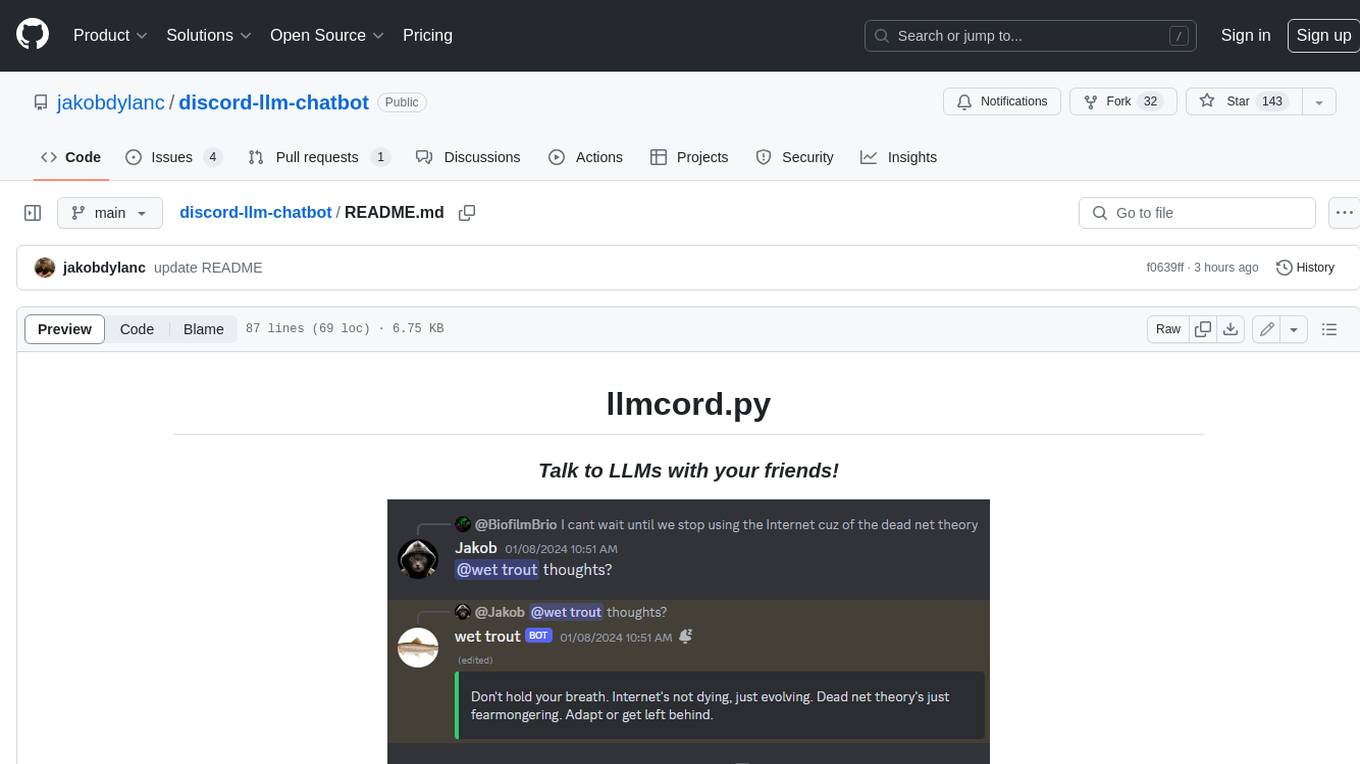
discord-llm-chatbot
llmcord.py enables collaborative LLM prompting in your Discord server. It works with practically any LLM, remote or locally hosted. ### Features ### Reply-based chat system Just @ the bot to start a conversation and reply to continue. Build conversations with reply chains! You can do things like: - Build conversations together with your friends - "Rewind" a conversation simply by replying to an older message - @ the bot while replying to any message in your server to ask a question about it Additionally: - Back-to-back messages from the same user are automatically chained together. Just reply to the latest one and the bot will see all of them. - You can seamlessly move any conversation into a thread. Just create a thread from any message and @ the bot inside to continue. ### Choose any LLM Supports remote models from OpenAI API, Mistral API, Anthropic API and many more thanks to LiteLLM. Or run a local model with ollama, oobabooga, Jan, LM Studio or any other OpenAI compatible API server. ### And more: - Supports image attachments when using a vision model - Customizable system prompt - DM for private access (no @ required) - User identity aware (OpenAI API only) - Streamed responses (turns green when complete, automatically splits into separate messages when too long, throttled to prevent Discord ratelimiting) - Displays helpful user warnings when appropriate (like "Only using last 20 messages", "Max 5 images per message", etc.) - Caches message data in a size-managed (no memory leaks) and per-message mutex-protected (no race conditions) global dictionary to maximize efficiency and minimize Discord API calls - Fully asynchronous - 1 Python file, ~200 lines of code
oh-my-opencode
OhMyOpenCode is a free and open-source tool that enhances coding productivity by providing an agent harness for orchestrating multiple models and tools. It offers features like background agents, LSP/AST tools, curated MCPs, and compatibility with various agents like Claude Code. The tool aims to boost productivity, automate tasks, and streamline the coding process for users. It is highly extensible and customizable, catering to both hackers and non-hackers alike, with a focus on enhancing the development experience and performance.
portia-sdk-python
Portia AI is an open source developer framework for predictable, stateful, authenticated agentic workflows. It allows developers to have oversight over their multi-agent deployments and focuses on production readiness. The framework supports iterating on agents' reasoning, extensive tool support including MCP support, authentication for API and web agents, and is production-ready with features like attribute multi-agent runs, large inputs and outputs storage, and connecting any LLM. Portia AI aims to provide a flexible and reliable platform for developing AI agents with tools, authentication, and smart control.
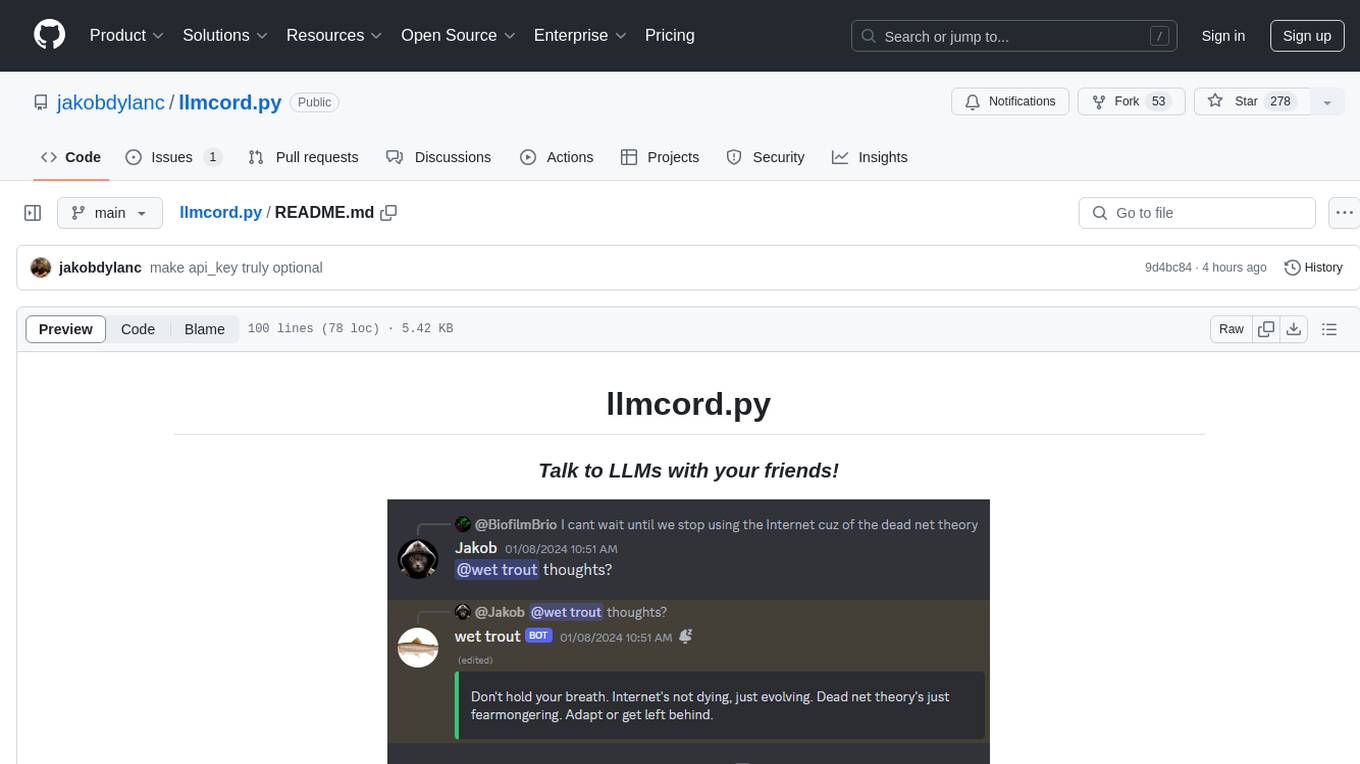
llmcord.py
llmcord.py is a tool that allows users to chat with Language Model Models (LLMs) directly in Discord. It supports various LLM providers, both remote and locally hosted, and offers features like reply-based chat system, choosing any LLM, support for image and text file attachments, customizable system prompt, private access via DM, user identity awareness, streamed responses, warning messages, efficient message data caching, and asynchronous operation. The tool is designed to facilitate seamless conversations with LLMs and enhance user experience on Discord.
PySpur
PySpur is a graph-based editor designed for LLM workflows, offering modular building blocks for easy workflow creation and debugging at node level. It allows users to evaluate final performance and promises self-improvement features in the future. PySpur is easy-to-hack, supports JSON configs for workflow graphs, and is lightweight with minimal dependencies, making it a versatile tool for workflow management in the field of AI and machine learning.
tts-generation-webui
TTS Generation WebUI is a comprehensive tool that provides a user-friendly interface for text-to-speech and voice cloning tasks. It integrates various AI models such as Bark, MusicGen, AudioGen, Tortoise, RVC, Vocos, Demucs, SeamlessM4T, and MAGNeT. The tool offers one-click installers, Google Colab demo, videos for guidance, and extra voices for Bark. Users can generate audio outputs, manage models, caches, and system space for AI projects. The project is open-source and emphasizes ethical and responsible use of AI technology.
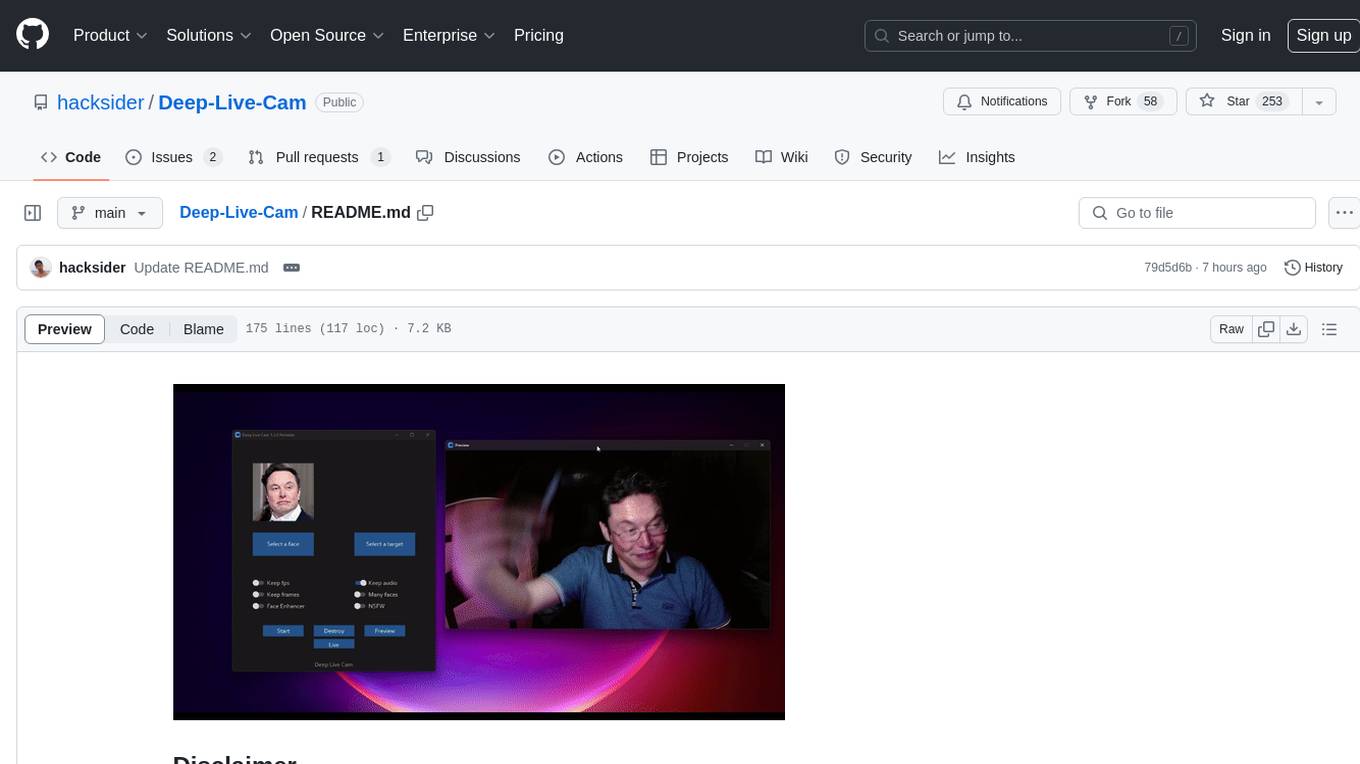
Deep-Live-Cam
Deep-Live-Cam is a software tool designed to assist artists in tasks such as animating custom characters or using characters as models for clothing. The tool includes built-in checks to prevent unethical applications, such as working on inappropriate media. Users are expected to use the tool responsibly and adhere to local laws, especially when using real faces for deepfake content. The tool supports both CPU and GPU acceleration for faster processing and provides a user-friendly GUI for swapping faces in images or videos.
esp-ai
ESP-AI provides a complete AI conversation solution for your development board, including IAT+LLM+TTS integration solutions for ESP32 series development boards. It can be injected into projects without affecting existing ones. By providing keys from platforms like iFlytek, Jiling, and local services, you can run the services without worrying about interactions between services or between development boards and services. The project's server-side code is based on Node.js, and the hardware code is based on Arduino IDE.
RWKV-Runner
RWKV Runner is a project designed to simplify the usage of large language models by automating various processes. It provides a lightweight executable program and is compatible with the OpenAI API. Users can deploy the backend on a server and use the program as a client. The project offers features like model management, VRAM configurations, user-friendly chat interface, WebUI option, parameter configuration, model conversion tool, download management, LoRA Finetune, and multilingual localization. It can be used for various tasks such as chat, completion, composition, and model inspection.
For similar tasks
intense-rp-next
IntenseRP Next v2 is a local OpenAI-compatible API + desktop app that bridges an OpenAI-style client (like SillyTavern) with provider web apps (DeepSeek, GLM Chat, Moonshot) by starting a local FastAPI server, launching a real Chromium session, intercepting streaming network responses, and re-emitting them as OpenAI-style SSE deltas for the client. It provides free-ish access to provider web models via the official web apps, a clicky desktop app experience, and occasional wait times due to web app changes. The tool is designed for local or LAN use and comes with built-in logging, update flows, and support for DeepSeek, GLM Chat, and Moonshot provider apps.
For similar jobs

promptflow
**Prompt flow** is a suite of development tools designed to streamline the end-to-end development cycle of LLM-based AI applications, from ideation, prototyping, testing, evaluation to production deployment and monitoring. It makes prompt engineering much easier and enables you to build LLM apps with production quality.

deepeval
DeepEval is a simple-to-use, open-source LLM evaluation framework specialized for unit testing LLM outputs. It incorporates various metrics such as G-Eval, hallucination, answer relevancy, RAGAS, etc., and runs locally on your machine for evaluation. It provides a wide range of ready-to-use evaluation metrics, allows for creating custom metrics, integrates with any CI/CD environment, and enables benchmarking LLMs on popular benchmarks. DeepEval is designed for evaluating RAG and fine-tuning applications, helping users optimize hyperparameters, prevent prompt drifting, and transition from OpenAI to hosting their own Llama2 with confidence.

MegaDetector
MegaDetector is an AI model that identifies animals, people, and vehicles in camera trap images (which also makes it useful for eliminating blank images). This model is trained on several million images from a variety of ecosystems. MegaDetector is just one of many tools that aims to make conservation biologists more efficient with AI. If you want to learn about other ways to use AI to accelerate camera trap workflows, check out our of the field, affectionately titled "Everything I know about machine learning and camera traps".

leapfrogai
LeapfrogAI is a self-hosted AI platform designed to be deployed in air-gapped resource-constrained environments. It brings sophisticated AI solutions to these environments by hosting all the necessary components of an AI stack, including vector databases, model backends, API, and UI. LeapfrogAI's API closely matches that of OpenAI, allowing tools built for OpenAI/ChatGPT to function seamlessly with a LeapfrogAI backend. It provides several backends for various use cases, including llama-cpp-python, whisper, text-embeddings, and vllm. LeapfrogAI leverages Chainguard's apko to harden base python images, ensuring the latest supported Python versions are used by the other components of the stack. The LeapfrogAI SDK provides a standard set of protobuffs and python utilities for implementing backends and gRPC. LeapfrogAI offers UI options for common use-cases like chat, summarization, and transcription. It can be deployed and run locally via UDS and Kubernetes, built out using Zarf packages. LeapfrogAI is supported by a community of users and contributors, including Defense Unicorns, Beast Code, Chainguard, Exovera, Hypergiant, Pulze, SOSi, United States Navy, United States Air Force, and United States Space Force.

llava-docker
This Docker image for LLaVA (Large Language and Vision Assistant) provides a convenient way to run LLaVA locally or on RunPod. LLaVA is a powerful AI tool that combines natural language processing and computer vision capabilities. With this Docker image, you can easily access LLaVA's functionalities for various tasks, including image captioning, visual question answering, text summarization, and more. The image comes pre-installed with LLaVA v1.2.0, Torch 2.1.2, xformers 0.0.23.post1, and other necessary dependencies. You can customize the model used by setting the MODEL environment variable. The image also includes a Jupyter Lab environment for interactive development and exploration. Overall, this Docker image offers a comprehensive and user-friendly platform for leveraging LLaVA's capabilities.

carrot
The 'carrot' repository on GitHub provides a list of free and user-friendly ChatGPT mirror sites for easy access. The repository includes sponsored sites offering various GPT models and services. Users can find and share sites, report errors, and access stable and recommended sites for ChatGPT usage. The repository also includes a detailed list of ChatGPT sites, their features, and accessibility options, making it a valuable resource for ChatGPT users seeking free and unlimited GPT services.

TrustLLM
TrustLLM is a comprehensive study of trustworthiness in LLMs, including principles for different dimensions of trustworthiness, established benchmark, evaluation, and analysis of trustworthiness for mainstream LLMs, and discussion of open challenges and future directions. Specifically, we first propose a set of principles for trustworthy LLMs that span eight different dimensions. Based on these principles, we further establish a benchmark across six dimensions including truthfulness, safety, fairness, robustness, privacy, and machine ethics. We then present a study evaluating 16 mainstream LLMs in TrustLLM, consisting of over 30 datasets. The document explains how to use the trustllm python package to help you assess the performance of your LLM in trustworthiness more quickly. For more details about TrustLLM, please refer to project website.

AI-YinMei
AI-YinMei is an AI virtual anchor Vtuber development tool (N card version). It supports fastgpt knowledge base chat dialogue, a complete set of solutions for LLM large language models: [fastgpt] + [one-api] + [Xinference], supports docking bilibili live broadcast barrage reply and entering live broadcast welcome speech, supports Microsoft edge-tts speech synthesis, supports Bert-VITS2 speech synthesis, supports GPT-SoVITS speech synthesis, supports expression control Vtuber Studio, supports painting stable-diffusion-webui output OBS live broadcast room, supports painting picture pornography public-NSFW-y-distinguish, supports search and image search service duckduckgo (requires magic Internet access), supports image search service Baidu image search (no magic Internet access), supports AI reply chat box [html plug-in], supports AI singing Auto-Convert-Music, supports playlist [html plug-in], supports dancing function, supports expression video playback, supports head touching action, supports gift smashing action, supports singing automatic start dancing function, chat and singing automatic cycle swing action, supports multi scene switching, background music switching, day and night automatic switching scene, supports open singing and painting, let AI automatically judge the content.