


steel-browser
🔥 Open Source Browser API for AI Agents & Apps. Steel Browser is a batteries-included browser instance that lets you automate the web without worrying about infrastructure.
Stars: 4056
Steel is an open-source browser API designed for AI agents and applications, simplifying the process of building live web agents and browser automation tools. It serves as a core building block for a production-ready, containerized browser sandbox with features like stealth capabilities, text-to-markdown session management, UI for session viewing/debugging, and full browser control through popular automation frameworks. Steel allows users to control, run, and manage a production-ready browser environment via a REST API, offering features such as full browser control, session management, proxy support, extension support, debugging tools, anti-detection mechanisms, resource management, and various browser tools. It aims to streamline complex browsing tasks programmatically, enabling users to focus on their AI applications while Steel handles the underlying complexity.
README:

The open-source browser API for AI agents & apps.
The best way to build live web agents and browser automation tools.






Steel.dev is an open-source browser API that makes it easy to build AI apps and agents that interact with the web. Instead of building automation infrastructure from scratch, you can focus on your AI application while Steel handles the complexity.
Under the hood, it manages sessions, pages, and browser processes, allowing you to perform complex browsing tasks programmatically without any of the headaches:
- Full Browser Control: Uses Puppeteer and CDP for complete control over Chrome instances -- allowing you to connect using Puppeteer, Playwright, or Selenium.
- Session Management: Maintains browser state, cookies, and local storage across requests
- Proxy Support: Built-in proxy chain management for IP rotation
- Extension Support: Load custom Chrome extensions for enhanced functionality
- Debugging Tools: Built-in request logging and a UI to view/debug sessions with
- Anti-Detection: Includes stealth plugins and fingerprint management
- Resource Management: Automatic cleanup and browser lifecycle management
- Browser Tools: Exposes APIs to quick convert pages to markdown, readability, screenshots, or PDFs.
For detailed API documentation and examples, check out our API reference or explore the Swagger UI directly at http://0.0.0.0:3000/documentation.
Steel is in public beta and evolving every day. Your suggestions, ideas, and reported bugs help us immensely. Do not hesitate to join in the conversation on Discord or raise a GitHub issue. We read everything, respond to most, and love you.
If you love open-source, AI, and dev tools, we're hiring across the stack!

The easiest way to get started with Steel is by creating a Steel Cloud account. Otherwise, you can deploy this Steel browser instance to a cloud provider or run it locally.
If you're looking to deploy to a cloud provider, we've got you covered.
| Deployment methods | Link |
|---|---|
| Pre-built Docker Image (API only) |  |
| 1-click deploy to Railway |  |
| 1-click deploy to Render |  |
The simplest way to run a Steel browser instance locally is to run the pre-built Docker images:
# Clone and build the Docker image
git clone https://github.com/steel-dev/steel-browser
cd steel-browser
docker compose up
This will start the Steel server on port 3000 (http://localhost:3000) and the UI on port 5173 (http://localhost:5173).
You can now create sessions, scrape pages, take screenshots, and more. Jump to the Usage section for some quick examples on how you can do that.
When developing locally, you will need to run the docker-compose.dev.yml file instead of the default docker-compose.yml file so that your local changes are reflected. Doing this will build the Docker images from the api and ui directories and run the server and UI on port 3000 and 5173 respectively.
docker compose -f docker-compose.dev.yml upYou will also need to run it with --build to ensure the Docker images are re-built every time you make changes:
docker compose -f docker-compose.dev.yml up --buildIn case you run on a custom host, you need to copy .env.example to .env while changing the host or modify the environment variables used by the docker-compose.dev.yml to use your host.
Alternatively, if you have Node.js and Chrome installed, you can run the server directly:
npm install
npm run dev
This will also start the Steel server on port 3000 and the UI on port 5173.
Make sure you have the Chrome executable installed and in one of these paths:
-
Linux:
/usr/bin/google-chrome -
MacOS:
/Applications/Google Chrome.app/Contents/MacOS/Google Chrome -
Windows:
-
C:\Program Files\Google\Chrome\Application\chrome.exeOR C:\Program Files (x86)\Google\Chrome\Application\chrome.exe
-
If you have a custom Chrome executable or a different path, you can set the CHROME_EXECUTABLE_PATH environment variable to the path of your Chrome executable:
export CHROME_EXECUTABLE_PATH=/path/to/your/chrome
npm run dev
For more details on where this is checked look at api/src/utils/browser.ts.
If you're looking for quick examples on how to use Steel, check out the Cookbook.
Alternatively you can play with the REPL package too
cd replandnpm run start
There are two main ways to interact with the Steel browser API:
In these examples, we assume your custom Steel API endpoint is http://localhost:3000.
The full REST API documentation can be found on your Steel instance at /documentation (e.g., http://localhost:3000/documentation).
If you prefer to use the our Python and Node SDKs, you can install the steel-sdk package for Node or Python.
These SDKs are built on top of the REST API and provide a more convenient way to interact with the Steel browser API. They are fully typed, and are compatible with both Steel Cloud and self-hosted Steel instances (changeable using the baseUrl option on Node and base_url on Python).
For more details on installing and using the SDKs, please see the Node SDK Reference and the Python SDK Reference.
The /sessions endpoint lets you relaunch the browser with custom options or extensions (e.g. with a custom proxy) and also reset the browser state. Perfect for complex, stateful workflows that need fine-grained control.
Once you have a session, you can use the session ID or the root URL to interact with the browser. To do this, you will need to use Puppeteer or Playwright. You can find some examples of how to use Puppeteer and Playwright with Steel in the docs below:
Creating a Session using the Node SDK
import Steel from 'steel-sdk';

const client = new Steel({
  baseUrl: "http://localhost:3000", // Custom API Base URL override
});

(async () => {
  try {
    // Create a new browser session with custom options
    const session = await client.sessions.create({
      sessionTimeout: 1800000, // 30 minutes
      blockAds: true,
    });
    console.log("Created session with ID:", session.id);
  } catch (error) {
    console.error("Error creating session:", error);
  }
})();
Creating a Session using the Python SDK
import os
from steel import Steel

client = Steel(
    base_url="http://localhost:3000",  # Custom API Base URL override
)

try:
    # Create a new browser session with custom options
    session = client.sessions.create(
        session_timeout=1800000,  # 30 minutes
        block_ads=True,
    )
    print("Created session with ID:", session.id)
except Exception as e:
    print("Error creating session:", e)
Creating a Session using Curl
# Launch a new browser session
curl -X POST http://localhost:3000/v1/sessions \
  -H "Content-Type: application/json" \
  -d '{
    "options": {
      "proxy": "user:pass@host:port",
      // Custom launch options
    }
}'Note: This integration does not support all the features of the CDP-based browser sessions API.
For teams with existing Selenium workflows, the Steel browser provides a drop-in replacement that adds enhanced features while maintaining compatibility. You can simply use the isSelenium option to create a Selenium session:
// Using the Node SDK
const session = await client.sessions.create({ isSelenium: true });
# Using the Python SDK
session = client.sessions.create(is_selenium=True)Using Curl
# Launch a Selenium session
curl -X POST http://localhost:3000/v1/sessions \
  -H "Content-Type: application/json" \
  -d '{
    "options": {
      "isSelenium": true,
      // Selenium-compatible options
    }
  }'
The Selenium API is fully compatible with Selenium's WebDriver protocol, so you can use any existing Selenium clients to connect to the Steel browser. For more details on using Selenium with Steel, refer to the Selenium Docs.
The /scrape, /screenshot, and /pdf endpoints let you quickly extract clean, well-formatted data from any webpage using the running Steel server. Ideal for simple, read-only, on-demand jobs:
Scrape a Web Page
Extract the HTML content of a web page.
# Example using the Actions API
curl -X POST http://0.0.0.0:3000/v1/scrape \
  -H "Content-Type: application/json" \
  -d '{
    "url": "https://example.com",
    "waitFor": 1000
  }'
Take a Screenshot
Take a screenshot of a web page.
# Example using the Actions API
curl -X POST http://0.0.0.0:3000/v1/screenshot \
  -H "Content-Type: application/json" \
  -d '{
    "url": "https://example.com",
    "fullPage": true
  }' --output screenshot.png
Download a PDF
Download a PDF of a web page.
# Example using the Actions API
curl -X POST http://0.0.0.0:3000/v1/pdf \
  -H "Content-Type: application/json" \
  -d '{
    "url": "https://example.com",
    "fullPage": true
}' --output output.pdfSteel browser is an open-source project, and we welcome contributions!
Made with ❤️ by the Steel team.
For Tasks:
Click tags to check more tools for each tasksFor Jobs:
Alternative AI tools for steel-browser
Similar Open Source Tools
steel-browser
Steel is an open-source browser API designed for AI agents and applications, simplifying the process of building live web agents and browser automation tools. It serves as a core building block for a production-ready, containerized browser sandbox with features like stealth capabilities, text-to-markdown session management, UI for session viewing/debugging, and full browser control through popular automation frameworks. Steel allows users to control, run, and manage a production-ready browser environment via a REST API, offering features such as full browser control, session management, proxy support, extension support, debugging tools, anti-detection mechanisms, resource management, and various browser tools. It aims to streamline complex browsing tasks programmatically, enabling users to focus on their AI applications while Steel handles the underlying complexity.
gitingest
GitIngest is a tool that allows users to turn any Git repository into a prompt-friendly text ingest for LLMs. It provides easy code context by generating a text digest from a git repository URL or directory. The tool offers smart formatting for optimized output format for LLM prompts and provides statistics about file and directory structure, size of the extract, and token count. GitIngest can be used as a CLI tool on Linux and as a Python package for code integration. The tool is built using Tailwind CSS for frontend, FastAPI for backend framework, tiktoken for token estimation, and apianalytics.dev for simple analytics. Users can self-host GitIngest by building the Docker image and running the container. Contributions to the project are welcome, and the tool aims to be beginner-friendly for first-time contributors with a simple Python and HTML codebase.
tiledesk-dashboard
Tiledesk is an open-source live chat platform with integrated chatbots written in Node.js and Express. It is designed to be a multi-channel platform for web, Android, and iOS, and it can be used to increase sales or provide post-sales customer service. Tiledesk's chatbot technology allows for automation of conversations, and it also provides APIs and webhooks for connecting external applications. Additionally, it offers a marketplace for apps and features such as CRM, ticketing, and data export.
lexido
Lexido is an innovative assistant for the Linux command line, designed to boost your productivity and efficiency. Powered by Gemini Pro 1.0 and utilizing the free API, Lexido offers smart suggestions for commands based on your prompts and importantly your current environment. Whether you're installing software, managing files, or configuring system settings, Lexido streamlines the process, making it faster and more intuitive.
joinly
joinly.ai is a connector middleware designed to enable AI agents to actively participate in video calls, providing essential meeting tools for AI agents to perform tasks and interact in real time. It supports live interaction, conversational flow, cross-platform compatibility, bring-your-own-LLM, and choose-your-preferred-TTS/STT services. The tool is 100% open-source, self-hosted, and privacy-first, aiming to make meetings accessible to AI agents by joining and participating in video calls.
fast-mcp
Fast MCP is a Ruby gem that simplifies the integration of AI models with your Ruby applications. It provides a clean implementation of the Model Context Protocol, eliminating complex communication protocols, integration challenges, and compatibility issues. With Fast MCP, you can easily connect AI models to your servers, share data resources, choose from multiple transports, integrate with frameworks like Rails and Sinatra, and secure your AI-powered endpoints. The gem also offers real-time updates and authentication support, making AI integration a seamless experience for developers.
react-grab
React Grab is a tool that allows users to select context for coding agents directly from a website by pointing at any element and copying the file name, React component, and HTML source code. It enhances the performance of tools like Cursor, Claude Code, and Copilot by making them run up to 3 times faster and more accurately. Users can install React Grab, connect it to coding agents, and easily copy element contexts for pasting into their coding environment. The tool can be manually installed in various React frameworks and build tools, and it also provides an API for extending functionality with plugins, hooks, actions, themes, and custom agents.
ChatOpsLLM
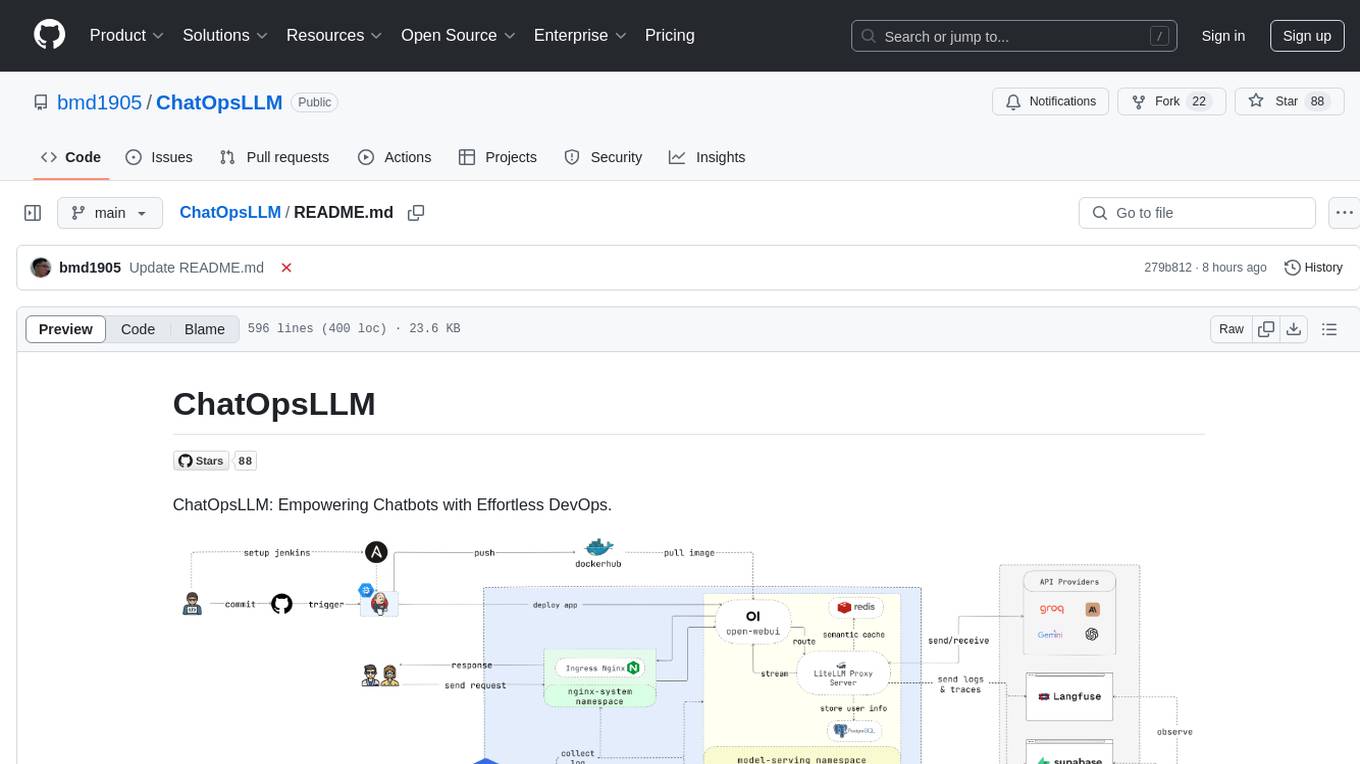
ChatOpsLLM is a project designed to empower chatbots with effortless DevOps capabilities. It provides an intuitive interface and streamlined workflows for managing and scaling language models. The project incorporates robust MLOps practices, including CI/CD pipelines with Jenkins and Ansible, monitoring with Prometheus and Grafana, and centralized logging with the ELK stack. Developers can find detailed documentation and instructions on the project's website.
recommendarr
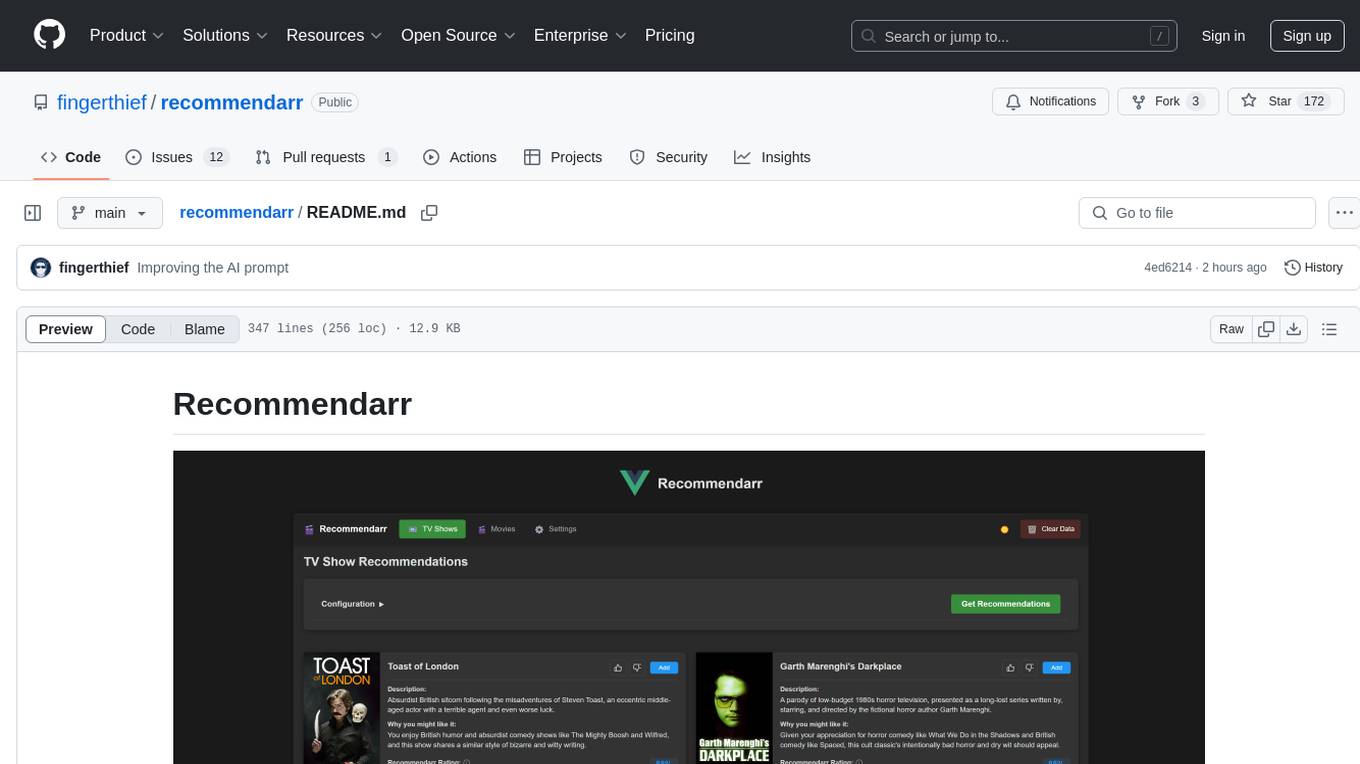
Recommendarr is a tool that generates personalized TV show and movie recommendations based on your Sonarr, Radarr, Plex, and Jellyfin libraries using AI. It offers AI-powered recommendations, media server integration, flexible AI support, watch history analysis, customization options, and dark/light mode toggle. Users can connect their media libraries and watch history services, configure AI service settings, and get personalized recommendations based on genre, language, and mood/vibe preferences. The tool works with any OpenAI-compatible API and offers various recommended models for different cost options and performance levels. It provides personalized suggestions, detailed information, filter options, watch history analysis, and one-click adding of recommended content to Sonarr/Radarr.
web-ui
WebUI is a user-friendly tool built on Gradio that enhances website accessibility for AI agents. It supports various Large Language Models (LLMs) and allows custom browser integration for seamless interaction. The tool eliminates the need for re-login and authentication challenges, offering high-definition screen recording capabilities.
trieve
Trieve is an advanced relevance API for hybrid search, recommendations, and RAG. It offers a range of features including self-hosting, semantic dense vector search, typo tolerant full-text/neural search, sub-sentence highlighting, recommendations, convenient RAG API routes, the ability to bring your own models, hybrid search with cross-encoder re-ranking, recency biasing, tunable popularity-based ranking, filtering, duplicate detection, and grouping. Trieve is designed to be flexible and customizable, allowing users to tailor it to their specific needs. It is also easy to use, with a simple API and well-documented features.
cursor-tools
cursor-tools is a CLI tool designed to enhance AI agents with advanced skills, such as web search, repository context, documentation generation, GitHub integration, Xcode tools, and browser automation. It provides features like Perplexity for web search, Gemini 2.0 for codebase context, and Stagehand for browser operations. The tool requires API keys for Perplexity AI and Google Gemini, and supports global installation for system-wide access. It offers various commands for different tasks and integrates with Cursor Composer for AI agent usage.
openai-kotlin
OpenAI Kotlin API client is a Kotlin client for OpenAI's API with multiplatform and coroutines capabilities. It allows users to interact with OpenAI's API using Kotlin programming language. The client supports various features such as models, chat, images, embeddings, files, fine-tuning, moderations, audio, assistants, threads, messages, and runs. It also provides guides on getting started, chat & function call, file source guide, and assistants. Sample apps are available for reference, and troubleshooting guides are provided for common issues. The project is open-source and licensed under the MIT license, allowing contributions from the community.
sosumi.ai
sosumi.ai provides Apple Developer documentation in an AI-readable format by converting JavaScript-rendered pages into Markdown. It offers an HTTP API to access Apple docs, supports external Swift-DocC sites, integrates with MCP server, and provides tools like searchAppleDocumentation and fetchAppleDocumentation. The project can be self-hosted and is currently hosted on Cloudflare Workers. It is built with Hono and supports various runtimes. The application is designed for accessibility-first, on-demand rendering of Apple Developer pages to Markdown.
ollama4j-web-ui
Ollama4j Web UI is a Java-based web interface built using Spring Boot and Vaadin framework for Ollama users with Java and Spring background. It allows users to interact with various models running on Ollama servers, providing a fully functional web UI experience. The project offers multiple ways to run the application, including via Docker, Docker Compose, or as a standalone JAR. Users can configure the environment variables and access the web UI through a browser. The project also includes features for error handling on the UI and settings pane for customizing default parameters.
browser
Lightpanda Browser is an open-source headless browser designed for fast web automation, AI agents, LLM training, scraping, and testing. It features ultra-low memory footprint, exceptionally fast execution, and compatibility with Playwright and Puppeteer through CDP. Built for performance, Lightpanda offers Javascript execution, support for Web APIs, and is optimized for minimal memory usage. It is a modern solution for web scraping and automation tasks, providing a lightweight alternative to traditional browsers like Chrome.
For similar tasks
steel-browser
Steel is an open-source browser API designed for AI agents and applications, simplifying the process of building live web agents and browser automation tools. It serves as a core building block for a production-ready, containerized browser sandbox with features like stealth capabilities, text-to-markdown session management, UI for session viewing/debugging, and full browser control through popular automation frameworks. Steel allows users to control, run, and manage a production-ready browser environment via a REST API, offering features such as full browser control, session management, proxy support, extension support, debugging tools, anti-detection mechanisms, resource management, and various browser tools. It aims to streamline complex browsing tasks programmatically, enabling users to focus on their AI applications while Steel handles the underlying complexity.
desktop
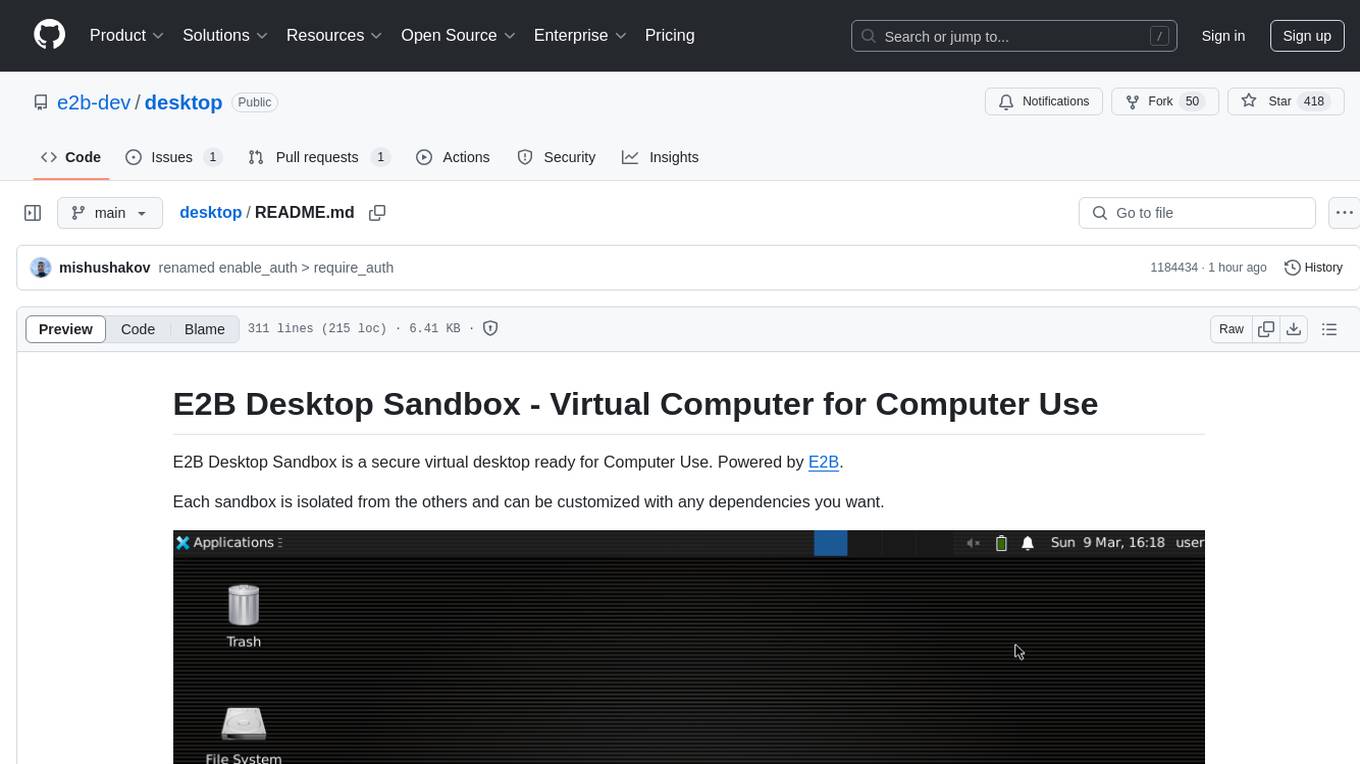
E2B Desktop Sandbox is a secure virtual desktop environment powered by E2B, allowing users to create isolated sandboxes with customizable dependencies. It provides features such as streaming the desktop screen, mouse and keyboard control, taking screenshots, opening files, and running bash commands. The environment is based on Linux and Xfce, offering a fast and lightweight experience that can be fully customized to create unique desktop environments.
For similar jobs

promptflow
**Prompt flow** is a suite of development tools designed to streamline the end-to-end development cycle of LLM-based AI applications, from ideation, prototyping, testing, evaluation to production deployment and monitoring. It makes prompt engineering much easier and enables you to build LLM apps with production quality.

deepeval
DeepEval is a simple-to-use, open-source LLM evaluation framework specialized for unit testing LLM outputs. It incorporates various metrics such as G-Eval, hallucination, answer relevancy, RAGAS, etc., and runs locally on your machine for evaluation. It provides a wide range of ready-to-use evaluation metrics, allows for creating custom metrics, integrates with any CI/CD environment, and enables benchmarking LLMs on popular benchmarks. DeepEval is designed for evaluating RAG and fine-tuning applications, helping users optimize hyperparameters, prevent prompt drifting, and transition from OpenAI to hosting their own Llama2 with confidence.

MegaDetector
MegaDetector is an AI model that identifies animals, people, and vehicles in camera trap images (which also makes it useful for eliminating blank images). This model is trained on several million images from a variety of ecosystems. MegaDetector is just one of many tools that aims to make conservation biologists more efficient with AI. If you want to learn about other ways to use AI to accelerate camera trap workflows, check out our of the field, affectionately titled "Everything I know about machine learning and camera traps".

leapfrogai
LeapfrogAI is a self-hosted AI platform designed to be deployed in air-gapped resource-constrained environments. It brings sophisticated AI solutions to these environments by hosting all the necessary components of an AI stack, including vector databases, model backends, API, and UI. LeapfrogAI's API closely matches that of OpenAI, allowing tools built for OpenAI/ChatGPT to function seamlessly with a LeapfrogAI backend. It provides several backends for various use cases, including llama-cpp-python, whisper, text-embeddings, and vllm. LeapfrogAI leverages Chainguard's apko to harden base python images, ensuring the latest supported Python versions are used by the other components of the stack. The LeapfrogAI SDK provides a standard set of protobuffs and python utilities for implementing backends and gRPC. LeapfrogAI offers UI options for common use-cases like chat, summarization, and transcription. It can be deployed and run locally via UDS and Kubernetes, built out using Zarf packages. LeapfrogAI is supported by a community of users and contributors, including Defense Unicorns, Beast Code, Chainguard, Exovera, Hypergiant, Pulze, SOSi, United States Navy, United States Air Force, and United States Space Force.

llava-docker
This Docker image for LLaVA (Large Language and Vision Assistant) provides a convenient way to run LLaVA locally or on RunPod. LLaVA is a powerful AI tool that combines natural language processing and computer vision capabilities. With this Docker image, you can easily access LLaVA's functionalities for various tasks, including image captioning, visual question answering, text summarization, and more. The image comes pre-installed with LLaVA v1.2.0, Torch 2.1.2, xformers 0.0.23.post1, and other necessary dependencies. You can customize the model used by setting the MODEL environment variable. The image also includes a Jupyter Lab environment for interactive development and exploration. Overall, this Docker image offers a comprehensive and user-friendly platform for leveraging LLaVA's capabilities.

carrot
The 'carrot' repository on GitHub provides a list of free and user-friendly ChatGPT mirror sites for easy access. The repository includes sponsored sites offering various GPT models and services. Users can find and share sites, report errors, and access stable and recommended sites for ChatGPT usage. The repository also includes a detailed list of ChatGPT sites, their features, and accessibility options, making it a valuable resource for ChatGPT users seeking free and unlimited GPT services.

TrustLLM
TrustLLM is a comprehensive study of trustworthiness in LLMs, including principles for different dimensions of trustworthiness, established benchmark, evaluation, and analysis of trustworthiness for mainstream LLMs, and discussion of open challenges and future directions. Specifically, we first propose a set of principles for trustworthy LLMs that span eight different dimensions. Based on these principles, we further establish a benchmark across six dimensions including truthfulness, safety, fairness, robustness, privacy, and machine ethics. We then present a study evaluating 16 mainstream LLMs in TrustLLM, consisting of over 30 datasets. The document explains how to use the trustllm python package to help you assess the performance of your LLM in trustworthiness more quickly. For more details about TrustLLM, please refer to project website.

AI-YinMei
AI-YinMei is an AI virtual anchor Vtuber development tool (N card version). It supports fastgpt knowledge base chat dialogue, a complete set of solutions for LLM large language models: [fastgpt] + [one-api] + [Xinference], supports docking bilibili live broadcast barrage reply and entering live broadcast welcome speech, supports Microsoft edge-tts speech synthesis, supports Bert-VITS2 speech synthesis, supports GPT-SoVITS speech synthesis, supports expression control Vtuber Studio, supports painting stable-diffusion-webui output OBS live broadcast room, supports painting picture pornography public-NSFW-y-distinguish, supports search and image search service duckduckgo (requires magic Internet access), supports image search service Baidu image search (no magic Internet access), supports AI reply chat box [html plug-in], supports AI singing Auto-Convert-Music, supports playlist [html plug-in], supports dancing function, supports expression video playback, supports head touching action, supports gift smashing action, supports singing automatic start dancing function, chat and singing automatic cycle swing action, supports multi scene switching, background music switching, day and night automatic switching scene, supports open singing and painting, let AI automatically judge the content.