


ComparIA
Interroger à l'aveugle deux modèles de langage conversationnels sur des tâches exprimées en français et comparer les résultats.
Stars: 61
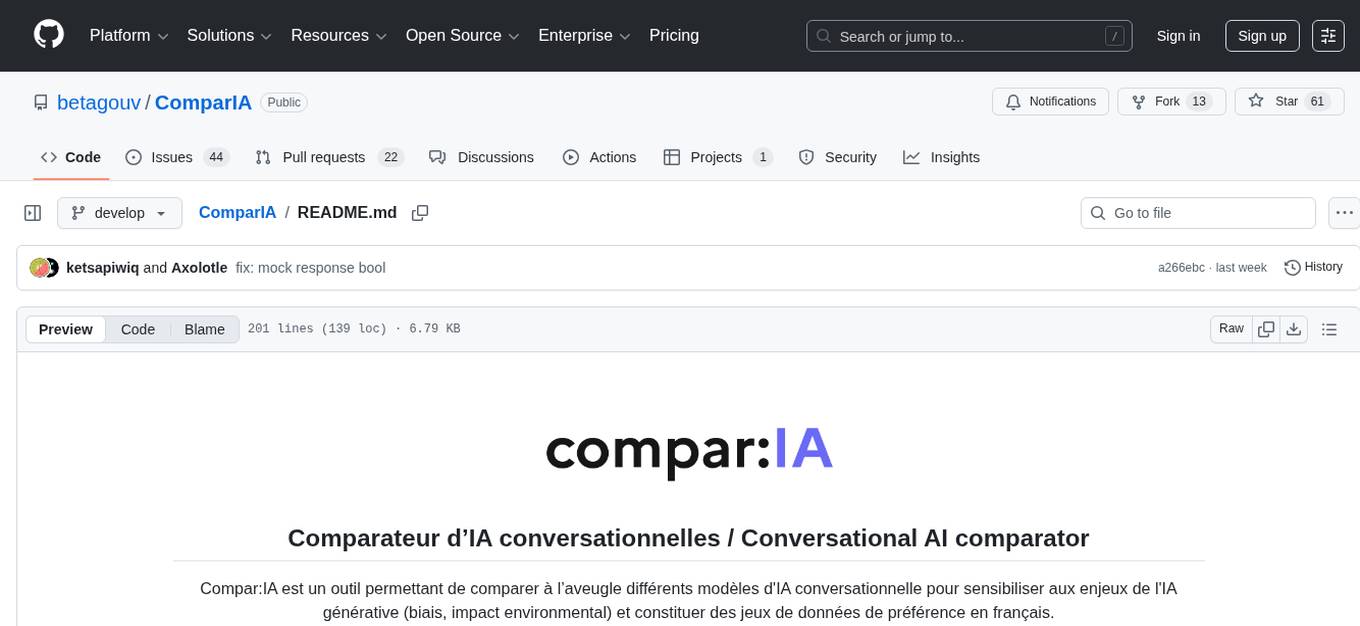
Compar:IA is a tool for blindly comparing different conversational AI models to raise awareness about the challenges of generative AI (bias, environmental impact) and to build up French-language preference datasets. It provides a platform for testing with real providers, enabling mock responses for testing purposes. The tool includes backend (FastAPI + Gradio) and frontend (SvelteKit) components, with Docker support for easy setup. Users can run the tool using provided Makefile commands or manually set up the backend and frontend. Additionally, the tool offers functionalities for database initialization, migrations, model generation, dataset export, and ranking methods.
README:
Compar:IA est un outil permettant de comparer à l’aveugle différents modèles d'IA conversationnelle pour sensibiliser aux enjeux de l'IA générative (biais, impact environmental) et constituer des jeux de données de préférence en français.
Compar:IA is a tool for blindly comparing different conversational AI models to raise awareness about the challenges of generative AI (bias, environmental impact) and to build up French-language preference datasets.
🌐 comparia.beta.gouv.fr · 📚 À propos · 🚀 Description de la startup d'Etat
We rely heavily on OpenRouter, so if you want to test with real providers, in your environment variables, you need to have OPENROUTER_API_KEY set according to the configured models located in utils/models/generated_models.json.
For testing purposes, you can enable mock responses by setting the MOCK_RESPONSE environment variable to true in your .env file:
MOCK_RESPONSE=Truedocker compose -f docker/docker-compose.yml up backend frontend
The easiest way to run Languia is using the provided Makefile:
# Install all dependencies (backend + frontend)
make install

# Run both backend and frontend in development mode
make dev
This will start:
- Backend (FastAPI + Gradio) on http://localhost:8001
- Frontend (SvelteKit) on http://localhost:5173
Backend:
- Install
uv:curl -LsSf https://astral.sh/uv/install.sh | sh - Install dependencies:
uv sync - Run the server:
uv run uvicorn main:app --reload --timeout-graceful-shutdown 1 --port 8001
Frontend:
- Install Node.js and yarn
- Navigate to frontend:
cd frontend/ - Install dependencies:
yarn install - Run dev server:
vite devornpm run devornpx vite dev
(optional) Dashboard:
uv run uvicorn controller:app --reload --port 21001make help # Display all available commands
make install # Install all dependencies
make install-backend # Install backend dependencies only
make install-frontend # Install frontend dependencies only
make dev # Run backend + frontend (parallel)
make dev-backend # Run backend only
make dev-frontend # Run frontend only
make dev-controller # Run the dashboard controller
make build-frontend # Build frontend for production
make test-backend # Run backend tests
make test-frontend # Run frontend tests
make clean # Clean generated files
make db-schema-init # Initializes the database schema
make db-migrate # Applies migrations
make models-build # Generates model files from JSON sources
make models-maintenance # Launches the model maintenance script
make dataset-export # Exports datasets to HuggingFace
Prerequisites: DATABASE_URI environment variable configured
# Initialize database schema
psql $DATABASE_URI -f utils/schemas/conversations.sql
psql $DATABASE_URI -f utils/schemas/votes.sql
psql $DATABASE_URI -f utils/schemas/reactions.sql
psql $DATABASE_URI -f utils/schemas/logs.sql

# Apply database migrations
psql $DATABASE_URI -f utils/schemas/migrations/conversations_13102025.sql
psql $DATABASE_URI -f utils/schemas/migrations/reactions_13102025.sqlThese commands generate utils/models/generated-models.json and update translations in frontend/locales/messages/fr.json.
# Generate model files from JSON sources
uv run python utils/models/build_models.py

# Run the models maintenance script
uv run python utils/models/maintenance.pyIf you don't have access to an API, you can enable mock responses by uncommenting in .env file:
MOCK_RESPONSE=True
Prerequisites: DATABASE_URI and HF_PUSH_DATASET_KEY environment variables configured
# Export datasets to HuggingFace
uv run python utils/export_dataset.py# Install ranking_methods project dependencies (via uv)
cd utils/ranking_methods && uv pip install -e .
For more details, consult utils/ranking_methods/README.md and the notebooks in utils/ranking_methods/notebooks/.
-
frontend/: main code for frontend. Frontend is Sveltekit. It lives infrontend/and runs on port 5173 in dev env, which is Vite's default. -
main.py: the Python file for the main FastAPI app -
languia: backend code. Most of the Gradio code is split betweenlanguia/block_arena.pyandlanguia/listeners.pywithlanguia/config.pyfor config. It runs on port 8001 by default. Backend is a mountedgradio.Blockswithin a FastAPI app. -
docker/: Docker config -
utils/: utilities for models generation and maintenance, ranking methods (Elo, maximum likelihood), database schemas, and dataset export to HuggingFace -
controller.py: a simplistic dashboard You can run it with FastAPI:uv run uvicorn controller:app --reload --port 21001 -
templates: Jinja2 template for the dashboard -
pyproject.toml: Python requirements -
sonar-project.propertiesSonarQube configuration
We want to get rid of that Gradio code by transforming it into async FastAPI code and Redis session handling.

For Tasks:
Click tags to check more tools for each tasksFor Jobs:
Alternative AI tools for ComparIA
Similar Open Source Tools
ComparIA
Compar:IA is a tool for blindly comparing different conversational AI models to raise awareness about the challenges of generative AI (bias, environmental impact) and to build up French-language preference datasets. It provides a platform for testing with real providers, enabling mock responses for testing purposes. The tool includes backend (FastAPI + Gradio) and frontend (SvelteKit) components, with Docker support for easy setup. Users can run the tool using provided Makefile commands or manually set up the backend and frontend. Additionally, the tool offers functionalities for database initialization, migrations, model generation, dataset export, and ranking methods.
backend.ai-webui
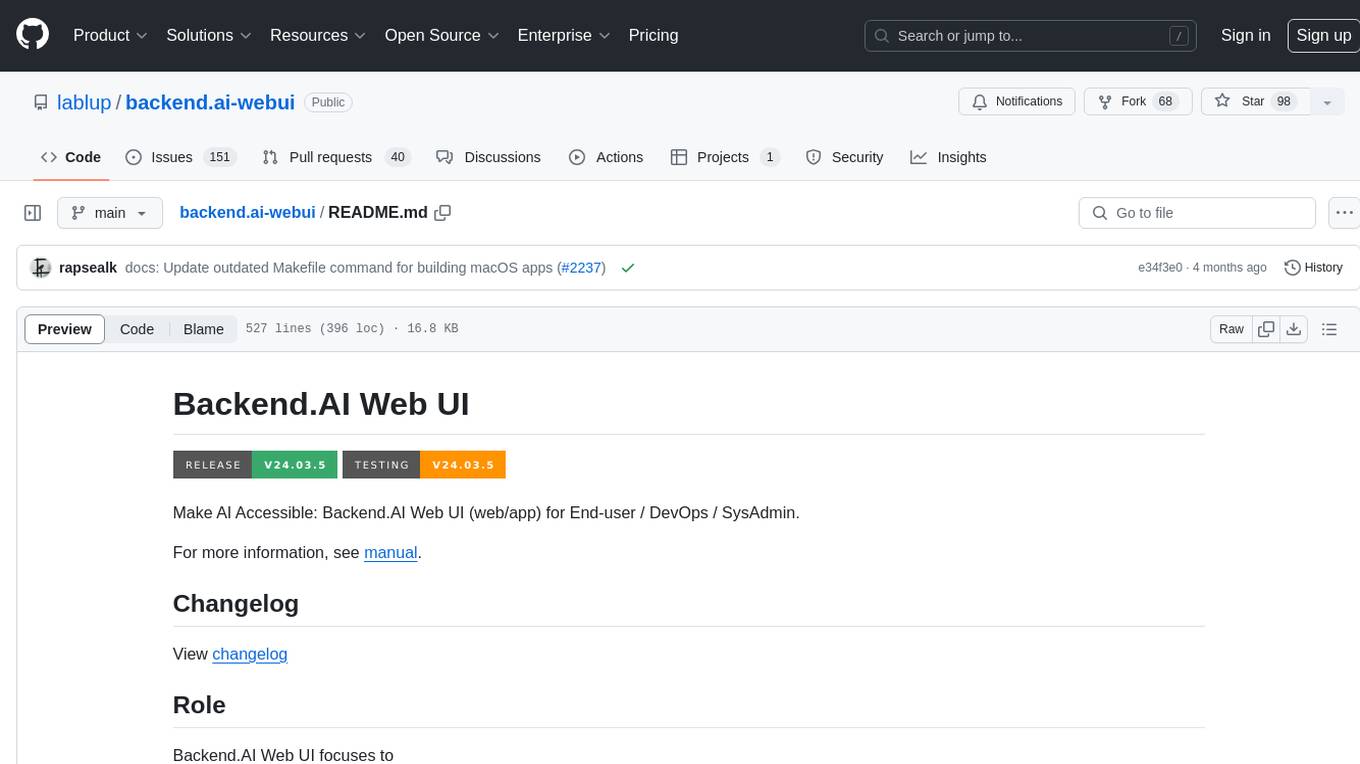
Backend.AI Web UI is a user-friendly web and app interface designed to make AI accessible for end-users, DevOps, and SysAdmins. It provides features for session management, inference service management, pipeline management, storage management, node management, statistics, configurations, license checking, plugins, help & manuals, kernel management, user management, keypair management, manager settings, proxy mode support, service information, and integration with the Backend.AI Web Server. The tool supports various devices, offers a built-in websocket proxy feature, and allows for versatile usage across different platforms. Users can easily manage resources, run environment-supported apps, access a web-based terminal, use Visual Studio Code editor, manage experiments, set up autoscaling, manage pipelines, handle storage, monitor nodes, view statistics, configure settings, and more.
ai-code-fusion
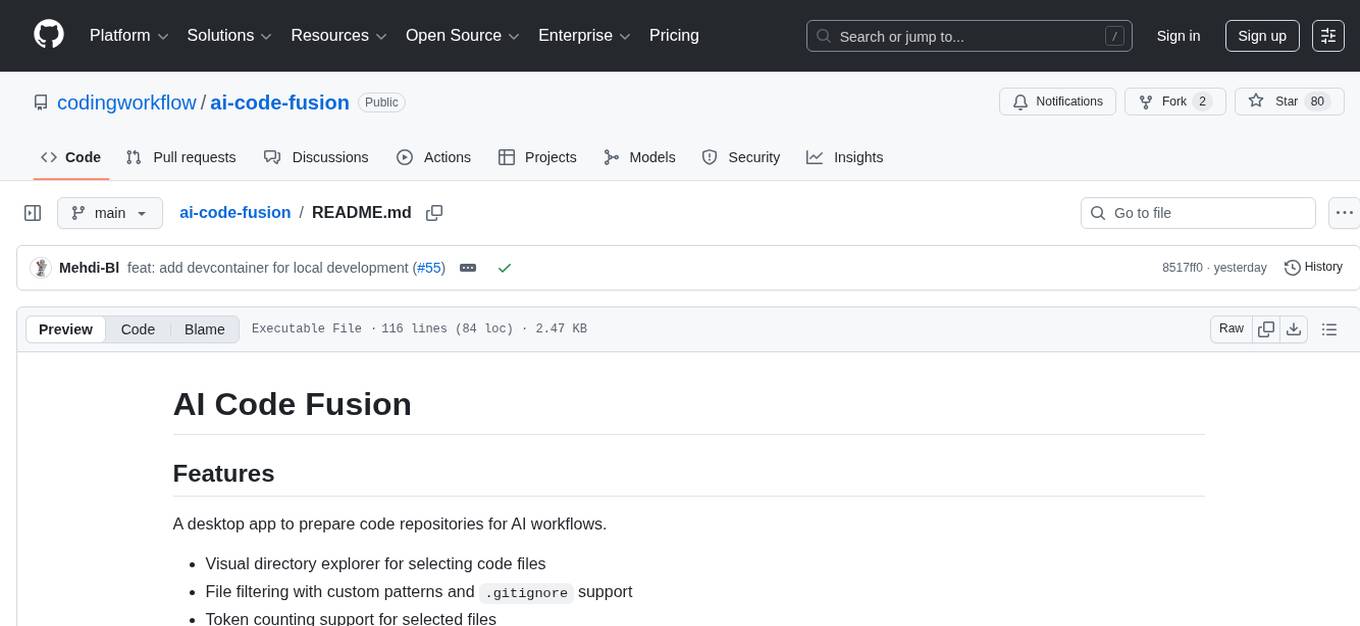
AI Code Fusion is a desktop application designed to streamline the preparation of code repositories for AI workflows. It features a visual directory explorer for selecting code files, file filtering with custom patterns and .gitignore support, token counting support for selected files, and processed output ready for copying or exporting to AI tools. The tool offers cross-platform support for Windows, macOS, and Linux, making it a versatile solution for developers working on AI projects.
comp
Comp AI is an open-source compliance automation platform designed to assist companies in achieving compliance with standards like SOC 2, ISO 27001, and GDPR. It transforms compliance into an engineering problem solved through code, automating evidence collection, policy management, and control implementation while maintaining data and infrastructure control.
Flowise
Flowise is a tool that allows users to build customized LLM flows with a drag-and-drop UI. It is open-source and self-hostable, and it supports various deployments, including AWS, Azure, Digital Ocean, GCP, Railway, Render, HuggingFace Spaces, Elestio, Sealos, and RepoCloud. Flowise has three different modules in a single mono repository: server, ui, and components. The server module is a Node backend that serves API logics, the ui module is a React frontend, and the components module contains third-party node integrations. Flowise supports different environment variables to configure your instance, and you can specify these variables in the .env file inside the packages/server folder.
mcpd
mcpd is a tool developed by Mozilla AI to declaratively manage Model Context Protocol (MCP) servers, enabling consistent interface for defining and running tools across different environments. It bridges the gap between local development and enterprise deployment by providing secure secrets management, declarative configuration, and seamless environment promotion. mcpd simplifies the developer experience by offering zero-config tool setup, language-agnostic tooling, version-controlled configuration files, enterprise-ready secrets management, and smooth transition from local to production environments.
ocode
OCode is a sophisticated terminal-native AI coding assistant that provides deep codebase intelligence and autonomous task execution. It seamlessly works with local Ollama models, bringing enterprise-grade AI assistance directly to your development workflow. OCode offers core capabilities such as terminal-native workflow, deep codebase intelligence, autonomous task execution, direct Ollama integration, and an extensible plugin layer. It can perform tasks like code generation & modification, project understanding, development automation, data processing, system operations, and interactive operations. The tool includes specialized tools for file operations, text processing, data processing, system operations, development tools, and integration. OCode enhances conversation parsing, offers smart tool selection, and provides performance improvements for coding tasks.
pacha
Pacha is an AI tool designed for retrieving context for natural language queries using a SQL interface and Python programming environment. It is optimized for working with Hasura DDN for multi-source querying. Pacha is used in conjunction with language models to produce informed responses in AI applications, agents, and chatbots.
swarmauri-sdk
Swarmauri SDK is a repository containing core interfaces, standard ABCs, and standard concrete references of the SwarmaURI Framework. It provides a set of tools and functionalities for developers to work with the SwarmaURI ecosystem. The SDK aims to streamline the development process and enhance the interoperability of applications within the framework. Developers can easily integrate SwarmaURI features into their projects by leveraging the resources available in this repository.
QA-Pilot
QA-Pilot is an interactive chat project that leverages online/local LLM for rapid understanding and navigation of GitHub code repository. It allows users to chat with GitHub public repositories using a git clone approach, store chat history, configure settings easily, manage multiple chat sessions, and quickly locate sessions with a search function. The tool integrates with `codegraph` to view Python files and supports various LLM models such as ollama, openai, mistralai, and localai. The project is continuously updated with new features and improvements, such as converting from `flask` to `fastapi`, adding `localai` API support, and upgrading dependencies like `langchain` and `Streamlit` to enhance performance.
pentagi
PentAGI is an innovative tool for automated security testing that leverages cutting-edge artificial intelligence technologies. It is designed for information security professionals, researchers, and enthusiasts who need a powerful and flexible solution for conducting penetration tests. The tool provides secure and isolated operations in a sandboxed Docker environment, fully autonomous AI-powered agent for penetration testing steps, a suite of 20+ professional security tools, smart memory system for storing research results, web intelligence for gathering information, integration with external search systems, team delegation system, comprehensive monitoring and reporting, modern interface, API integration, persistent storage, scalable architecture, self-hosted solution, flexible authentication, and quick deployment through Docker Compose.
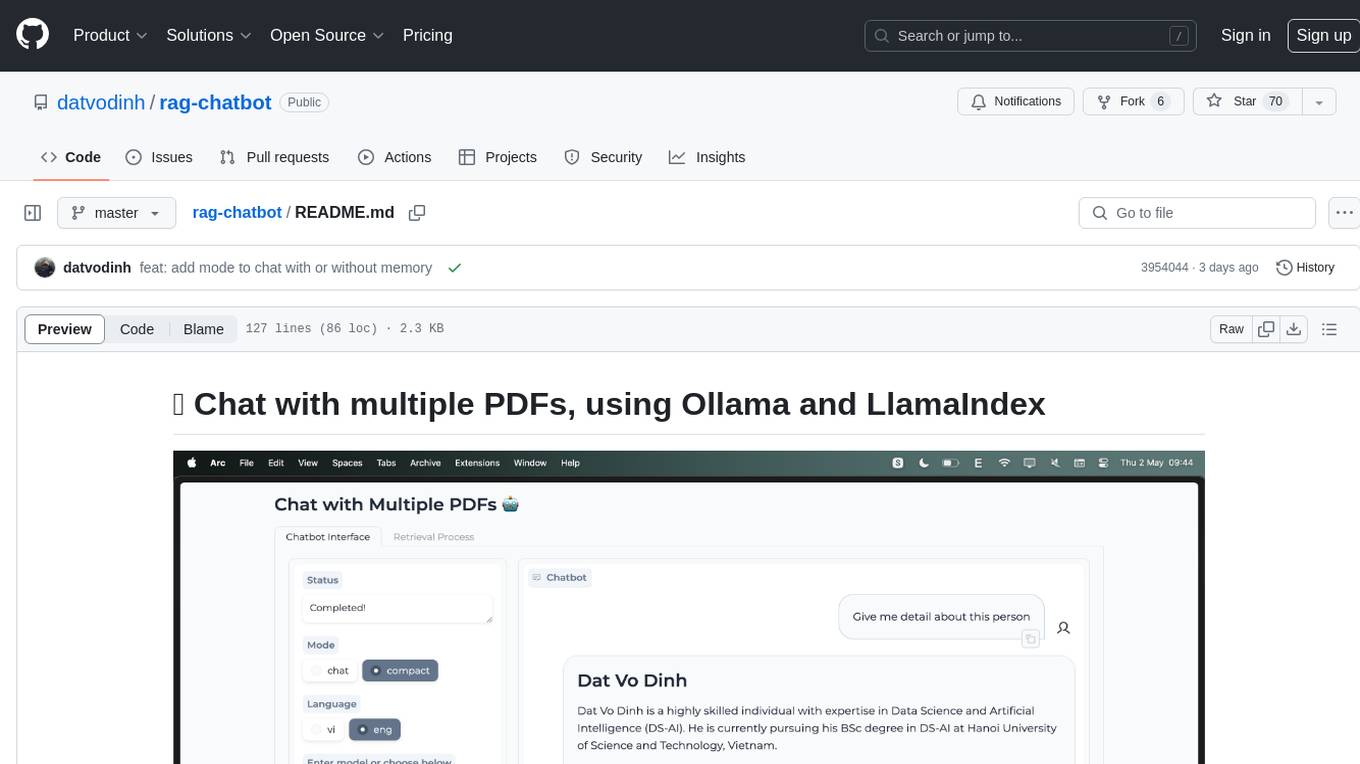
rag-chatbot
rag-chatbot is a tool that allows users to chat with multiple PDFs using Ollama and LlamaIndex. It provides an easy setup for running on local machines or Kaggle notebooks. Users can leverage models from Huggingface and Ollama, process multiple PDF inputs, and chat in multiple languages. The tool offers a simple UI with Gradio, supporting chat with history and QA modes. Setup instructions are provided for both Kaggle and local environments, including installation steps for Docker, Ollama, Ngrok, and the rag_chatbot package. Users can run the tool locally and access it via a web interface. Future enhancements include adding evaluation, better embedding models, knowledge graph support, improved document processing, MLX model integration, and Corrective RAG.
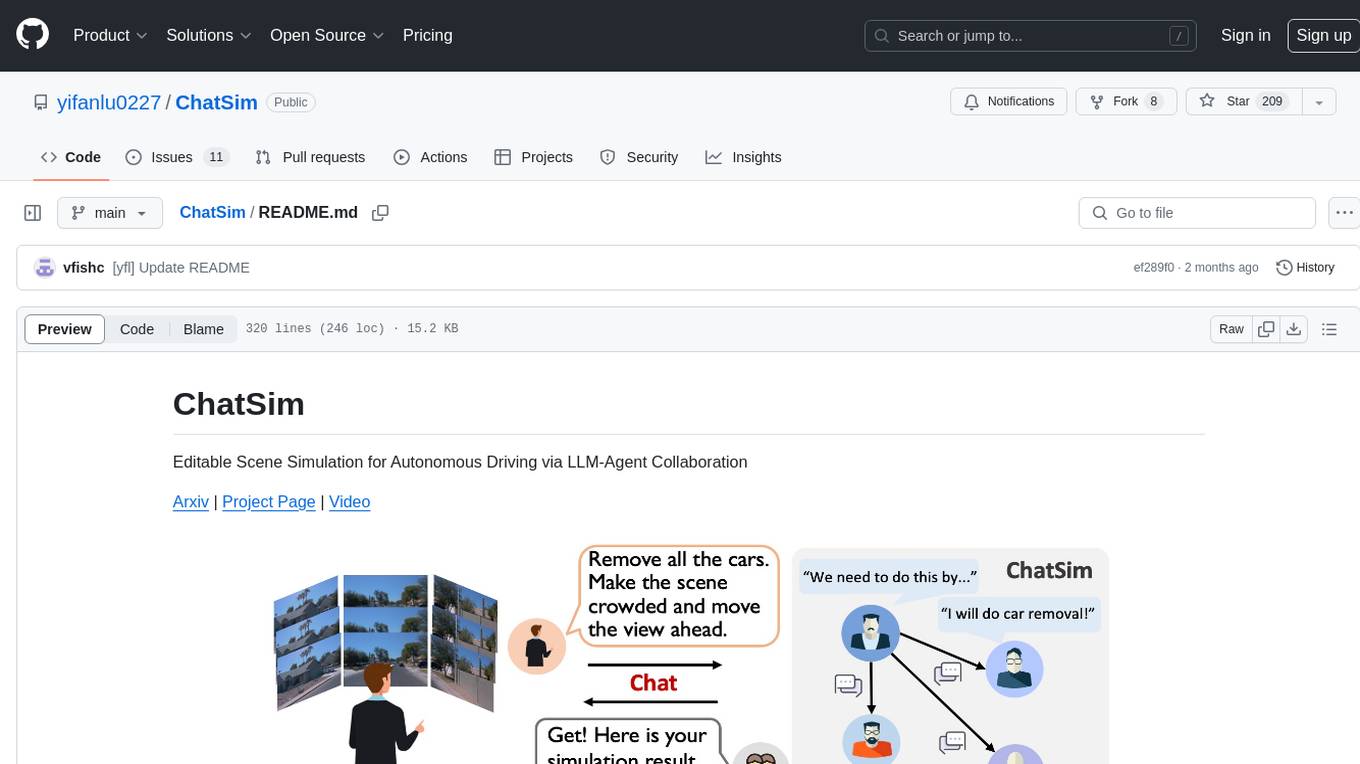
ChatSim
ChatSim is a tool designed for editable scene simulation for autonomous driving via LLM-Agent collaboration. It provides functionalities for setting up the environment, installing necessary dependencies like McNeRF and Inpainting tools, and preparing data for simulation. Users can train models, simulate scenes, and track trajectories for smoother and more realistic results. The tool integrates with Blender software and offers options for training McNeRF models and McLight's skydome estimation network. It also includes a trajectory tracking module for improved trajectory tracking. ChatSim aims to facilitate the simulation of autonomous driving scenarios with collaborative LLM-Agents.
model_baseline
This repository contains code for testing model baselines on ARC-AGI tasks. Users can test model baselines on ARC-AGI-1 and ARC-AGI-2 tasks, run single tasks, run tasks with concurrency, score submissions, and view historical results. Contributors can add more model adapters to the `src/adapters` folder. The repository also provides CLI usage for validation, uploading model outputs, bulk uploading, and Hugging Face integration for model submissions. Contributors can test new providers using the `test_providers.sh` script before submitting pull requests.
UCAgent
UCAgent is an AI-powered automated UT verification agent for chip design. It automates chip verification workflow, supports functional and code coverage analysis, ensures consistency among documentation, code, and reports, and collaborates with mainstream Code Agents via MCP protocol. It offers three intelligent interaction modes and requires Python 3.11+, Linux/macOS OS, 4GB+ memory, and access to an AI model API. Users can clone the repository, install dependencies, configure qwen, and start verification. UCAgent supports various verification quality improvement options and basic operations through TUI shortcuts and stage color indicators. It also provides documentation build and preview using MkDocs, PDF manual build using Pandoc + XeLaTeX, and resources for further help and contribution.
For similar tasks
explain-openclaw
Explain OpenClaw is a comprehensive documentation repository for the OpenClaw framework, a self-hosted AI assistant platform. It covers various aspects such as plain English explanations, technical architecture, deployment scenarios, privacy and safety measures, security audits, worst-case security scenarios, optimizations, and AI model comparisons. The repository serves as a living knowledge base with beginner-friendly explanations and detailed technical insights for contributors.
manim-generator
The 'manim-generator' repository focuses on automatic video generation using an agentic LLM flow combined with the manim python library. It experiments with automated Manim video creation by delegating code drafting and validation to specific roles, reducing render failures, and improving visual consistency through iterative feedback and vision inputs. The project also includes 'Manim Bench' for comparing AI models on full Manim video generation.
ComparIA
Compar:IA is a tool for blindly comparing different conversational AI models to raise awareness about the challenges of generative AI (bias, environmental impact) and to build up French-language preference datasets. It provides a platform for testing with real providers, enabling mock responses for testing purposes. The tool includes backend (FastAPI + Gradio) and frontend (SvelteKit) components, with Docker support for easy setup. Users can run the tool using provided Makefile commands or manually set up the backend and frontend. Additionally, the tool offers functionalities for database initialization, migrations, model generation, dataset export, and ranking methods.
easy-dataset
Easy Dataset is a specialized application designed to streamline the creation of fine-tuning datasets for Large Language Models (LLMs). It offers an intuitive interface for uploading domain-specific files, intelligently splitting content, generating questions, and producing high-quality training data for model fine-tuning. With Easy Dataset, users can transform domain knowledge into structured datasets compatible with all OpenAI-format compatible LLM APIs, making the fine-tuning process accessible and efficient.
For similar jobs
LLM-and-Law
This repository is dedicated to summarizing papers related to large language models with the field of law. It includes applications of large language models in legal tasks, legal agents, legal problems of large language models, data resources for large language models in law, law LLMs, and evaluation of large language models in the legal domain.
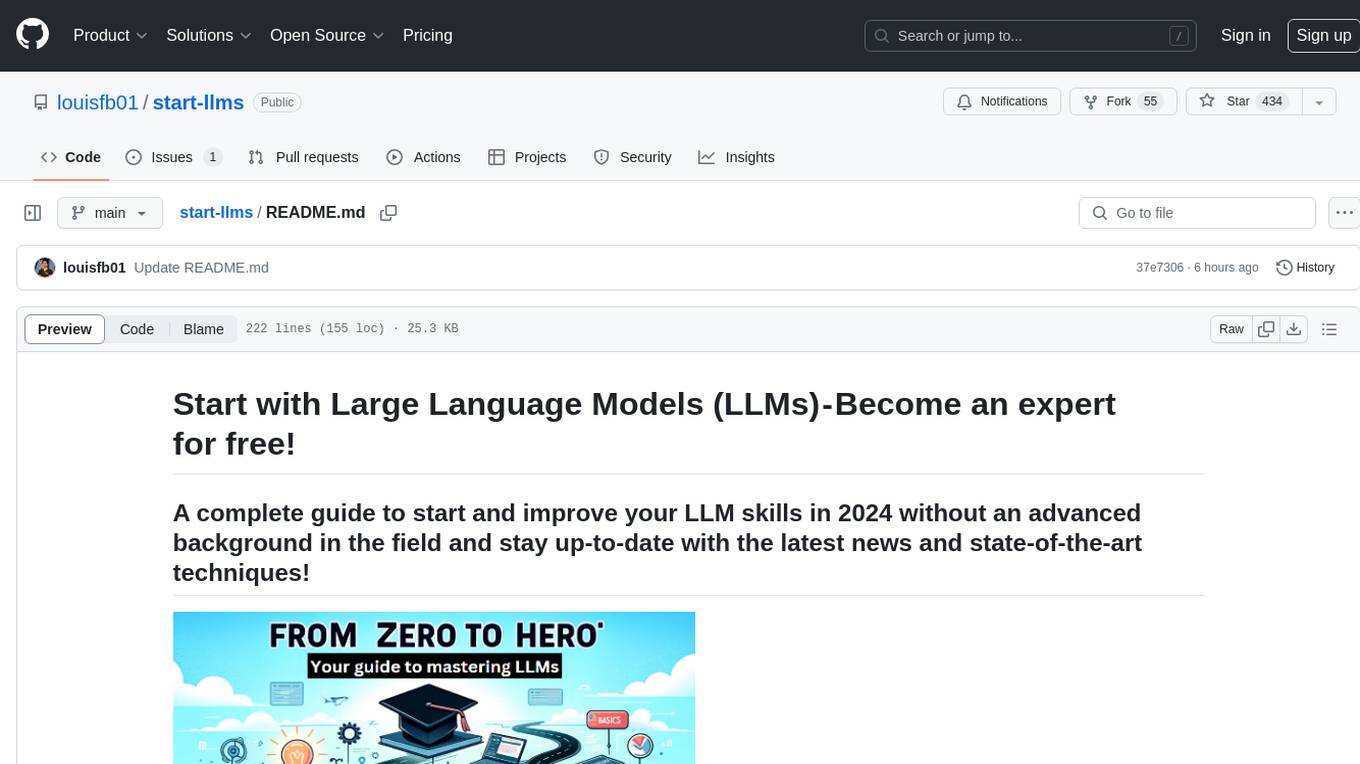
start-llms
This repository is a comprehensive guide for individuals looking to start and improve their skills in Large Language Models (LLMs) without an advanced background in the field. It provides free resources, online courses, books, articles, and practical tips to become an expert in machine learning. The guide covers topics such as terminology, transformers, prompting, retrieval augmented generation (RAG), and more. It also includes recommendations for podcasts, YouTube videos, and communities to stay updated with the latest news in AI and LLMs.
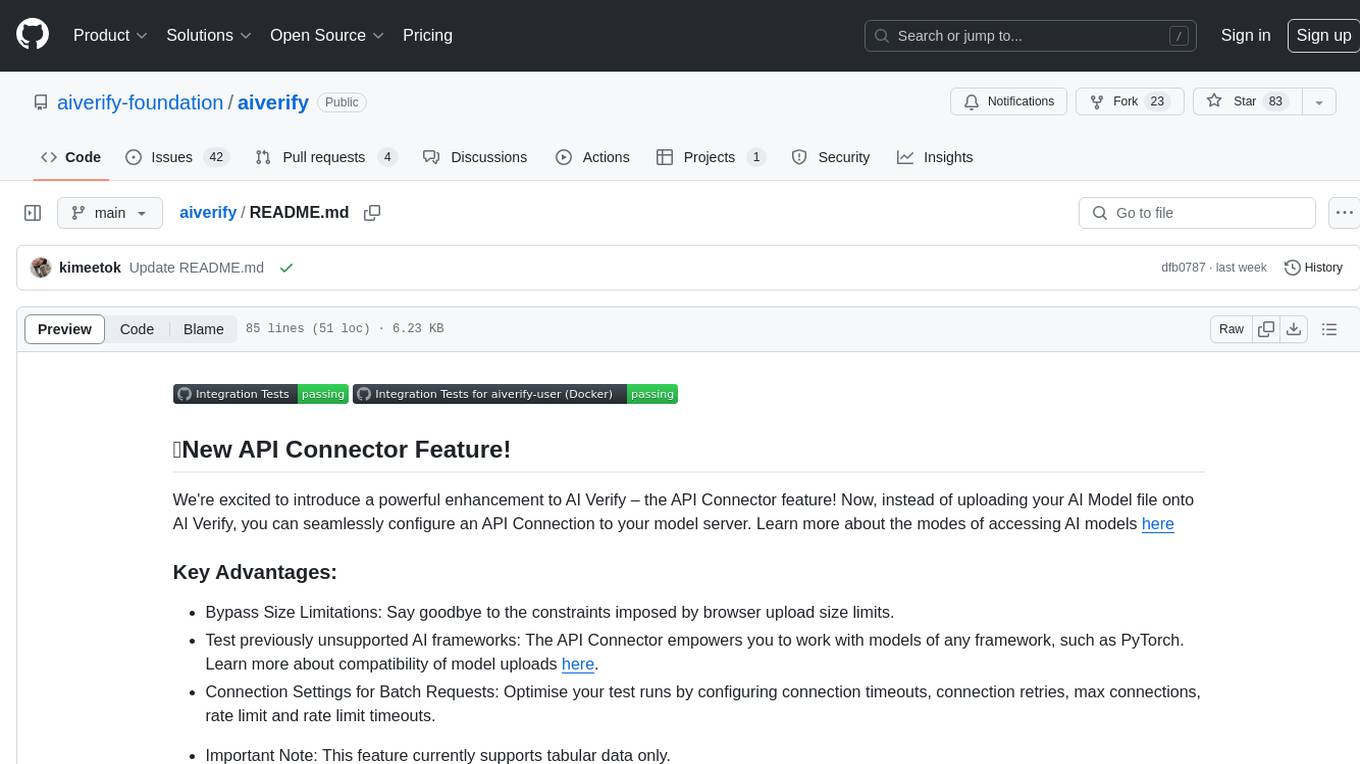
aiverify
AI Verify is an AI governance testing framework and software toolkit that validates the performance of AI systems against internationally recognised principles through standardised tests. It offers a new API Connector feature to bypass size limitations, test various AI frameworks, and configure connection settings for batch requests. The toolkit operates within an enterprise environment, conducting technical tests on common supervised learning models for tabular and image datasets. It does not define AI ethical standards or guarantee complete safety from risks or biases.
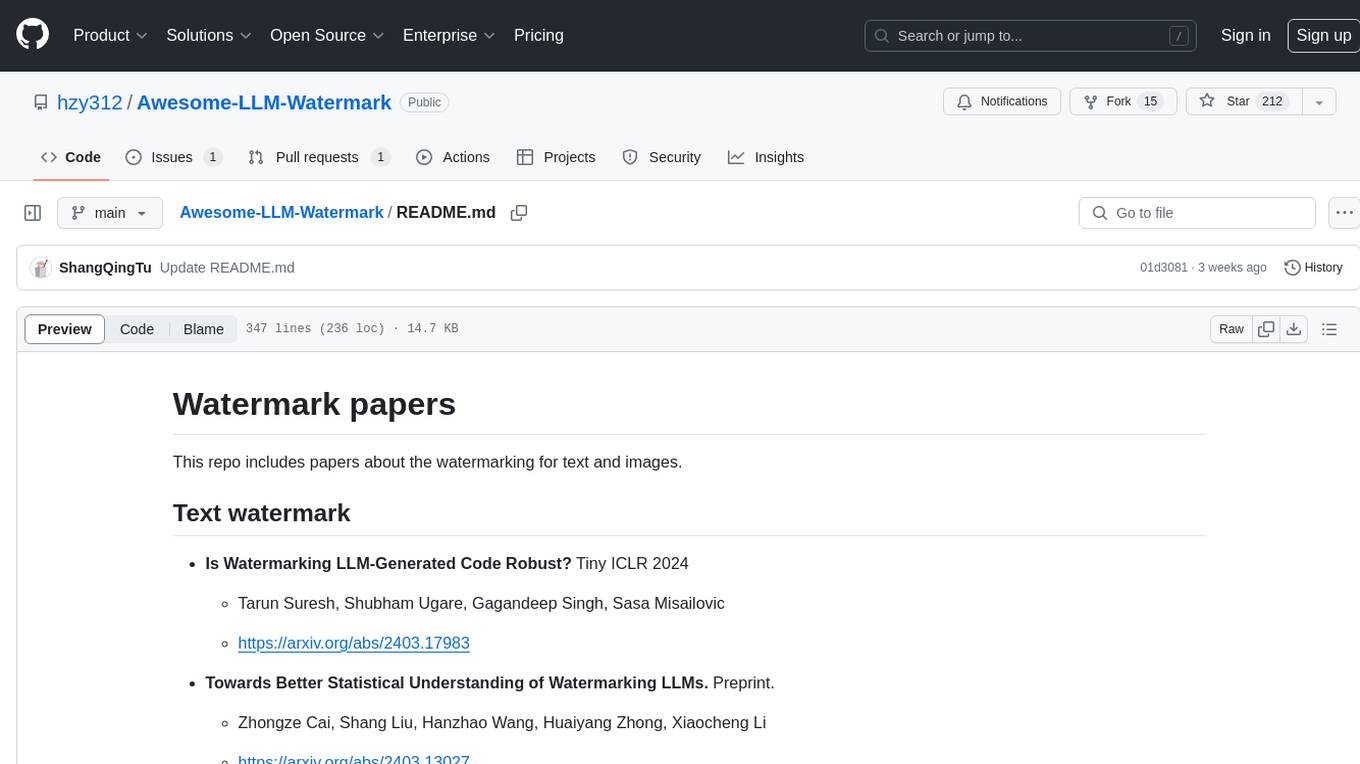
Awesome-LLM-Watermark
This repository contains a collection of research papers related to watermarking techniques for text and images, specifically focusing on large language models (LLMs). The papers cover various aspects of watermarking LLM-generated content, including robustness, statistical understanding, topic-based watermarks, quality-detection trade-offs, dual watermarks, watermark collision, and more. Researchers have explored different methods and frameworks for watermarking LLMs to protect intellectual property, detect machine-generated text, improve generation quality, and evaluate watermarking techniques. The repository serves as a valuable resource for those interested in the field of watermarking for LLMs.
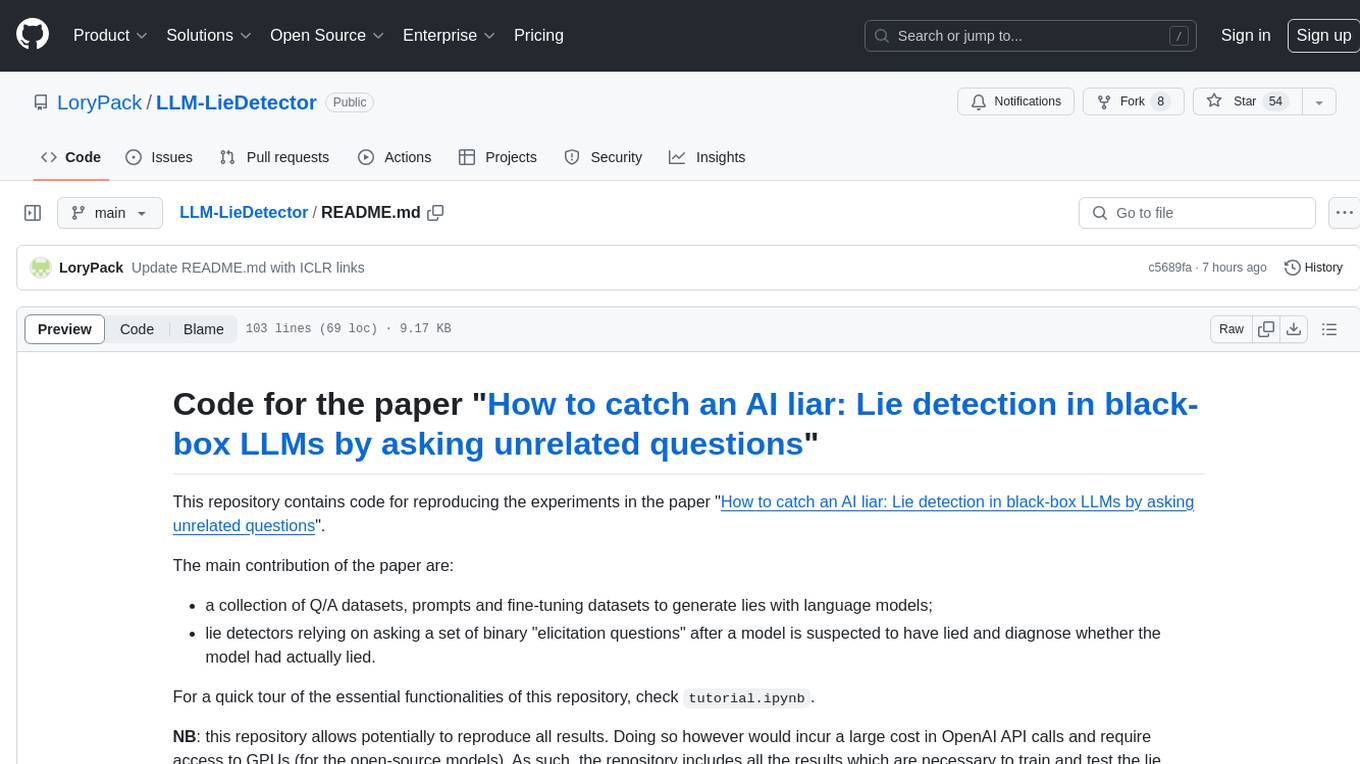
LLM-LieDetector
This repository contains code for reproducing experiments on lie detection in black-box LLMs by asking unrelated questions. It includes Q/A datasets, prompts, and fine-tuning datasets for generating lies with language models. The lie detectors rely on asking binary 'elicitation questions' to diagnose whether the model has lied. The code covers generating lies from language models, training and testing lie detectors, and generalization experiments. It requires access to GPUs and OpenAI API calls for running experiments with open-source models. Results are stored in the repository for reproducibility.
graphrag
The GraphRAG project is a data pipeline and transformation suite designed to extract meaningful, structured data from unstructured text using LLMs. It enhances LLMs' ability to reason about private data. The repository provides guidance on using knowledge graph memory structures to enhance LLM outputs, with a warning about the potential costs of GraphRAG indexing. It offers contribution guidelines, development resources, and encourages prompt tuning for optimal results. The Responsible AI FAQ addresses GraphRAG's capabilities, intended uses, evaluation metrics, limitations, and operational factors for effective and responsible use.
langtest
LangTest is a comprehensive evaluation library for custom LLM and NLP models. It aims to deliver safe and effective language models by providing tools to test model quality, augment training data, and support popular NLP frameworks. LangTest comes with benchmark datasets to challenge and enhance language models, ensuring peak performance in various linguistic tasks. The tool offers more than 60 distinct types of tests with just one line of code, covering aspects like robustness, bias, representation, fairness, and accuracy. It supports testing LLMS for question answering, toxicity, clinical tests, legal support, factuality, sycophancy, and summarization.
Awesome-Jailbreak-on-LLMs
Awesome-Jailbreak-on-LLMs is a collection of state-of-the-art, novel, and exciting jailbreak methods on Large Language Models (LLMs). The repository contains papers, codes, datasets, evaluations, and analyses related to jailbreak attacks on LLMs. It serves as a comprehensive resource for researchers and practitioners interested in exploring various jailbreak techniques and defenses in the context of LLMs. Contributions such as additional jailbreak-related content, pull requests, and issue reports are welcome, and contributors are acknowledged. For any inquiries or issues, contact [email protected]. If you find this repository useful for your research or work, consider starring it to show appreciation.