


swarmauri-sdk
a monorepo featuring modular microkernel frameworks and single purpose extensions
Stars: 104
Swarmauri SDK is a repository containing core interfaces, standard ABCs, and standard concrete references of the SwarmaURI Framework. It provides a set of tools and functionalities for developers to work with the SwarmaURI ecosystem. The SDK aims to streamline the development process and enhance the interoperability of applications within the framework. Developers can easily integrate SwarmaURI features into their projects by leveraging the resources available in this repository.
README:






The Swarmauri SDK provides a powerful, extensible framework for building AI-powered applications. This repository includes core interfaces, standard abstract base classes, and concrete reference implementations.
Swarmauri offers multiple installation options to suit different needs:
For a full-featured experience with all standard components:
# Install the main namespace package with standard components
pip install swarmauri

# Install the main namespace package with extra standard components
pip install "swarmauri[full]"

# Or with uv for faster installation
uv pip install swarmauri
uv pip install "swarmauri[full]"For a minimal installation with just the core interfaces:
# Install only the core components
pip install swarmauri_core

# Or with uv for faster installation
uv pip install swarmauri_coreInstall specific packages for targeted functionality:
# Install only the vector store implementations you need
pip install swarmauri_vectorstore_pinecone
pip install swarmauri_vectorstore_annoy

# Install specific tools
pip install swarmauri_tool_jupyterexportlatex

# Or with uv for faster installation
uv pip install swarmauri_vectorstore_pinecone
uv pip install swarmauri_vectorstore_annoy
uv pip install swarmauri_tool_jupyterexportlatexFor contributors or those wanting the latest features:
# Clone the repository
git clone https://github.com/swarmauri/swarmauri-sdk.git
cd swarmauri-sdk

# Install in development mode
pip install -e .

# Or with UV for faster installation
pip install uv
uv pip install -e .The swarmauri package acts as a namespace microkernel. Importing swarmauri
registers a custom importer that resolves classes from installed first-party and
community plugins.
import swarmauri

# import concrete implementations through the unified namespace
from swarmauri.documents import Document
from swarmauri.tools import AdditionTool
from swarmauri.messages import HumanMessage

doc = Document(content="Hello from the namespace package")
tool = AdditionTool()
msg = HumanMessage(content="Run a quick tool check")

print(doc.type)
print(tool("2+2"))
print(msg.content)Use the plugin citizenship registry as an index of resource paths to concrete module locations.
from swarmauri.plugin_citizenship_registry import PluginCitizenshipRegistry

# Full index across first-, second-, and third-class plugins
index = PluginCitizenshipRegistry.total_registry()
print(f"Indexed resources: {len(index)}")

# Example: inspect a few tool entries
tool_rows = sorted(
    (resource, module)
    for resource, module in index.items()
    if resource.startswith("swarmauri.tools.")
)
for resource, module in tool_rows[:5]:
    print(f"{resource} -> {module}")

# Optional: inspect by citizenship class
first_class_only = PluginCitizenshipRegistry.list_registry("first")
print(f"First-class resources: {len(first_class_only)}")For explicit dependency control, import classes directly from their package.
from swarmauri_standard.documents import Document
from swarmauri_standard.tools import AdditionTool

doc = Document(content="Direct package import")
tool = AdditionTool()The Swarmauri SDK is organized into several key packages:
-
swarmauri_core: Core interfaces and constants -
swarmauri_base: Abstract base classes for extensibility -
swarmauri_standard: Standard implementations of common components -
swarmauri: Main namespace package that unifies all components -
pkgs/community: Community-maintained packages and integrations -
pkgs/deprecated: Retired packages that remain for historical reference
Individual components follow these naming conventions:
-
swarmauri_vectorstore_*: Vector database integrations -
swarmauri_embedding_*: Embedding model implementations -
swarmauri_tool_*: Task-specific tools -
swarmauri_parser_*: Text parsing utilities -
swarmauri_distance_*: Distance calculation methods
If you want to contribute to the Swarmauri SDK, please read our guidelines for contributing and style guide to get started.
Swarmauri uses Python's entry point system for plugin discovery. Here's how to register your component:
# In your pyproject.toml
[project.entry-points.'swarmauri.vectorstores']
YourVectorStore = "swarmauri_vectorstore_yourplugin:YourVectorStore"

# In your implementation file
@ComponentBase.register_type(VectorStoreBase, "YourVectorStore")
class YourVectorStore(VectorStoreBase):
# Your implementationThe Swarmauri SDK is licensed under the Apache License 2.0. See the LICENSE file for details.
For Tasks:
Click tags to check more tools for each tasksFor Jobs:
Alternative AI tools for swarmauri-sdk
Similar Open Source Tools
swarmauri-sdk
Swarmauri SDK is a repository containing core interfaces, standard ABCs, and standard concrete references of the SwarmaURI Framework. It provides a set of tools and functionalities for developers to work with the SwarmaURI ecosystem. The SDK aims to streamline the development process and enhance the interoperability of applications within the framework. Developers can easily integrate SwarmaURI features into their projects by leveraging the resources available in this repository.
pastemax
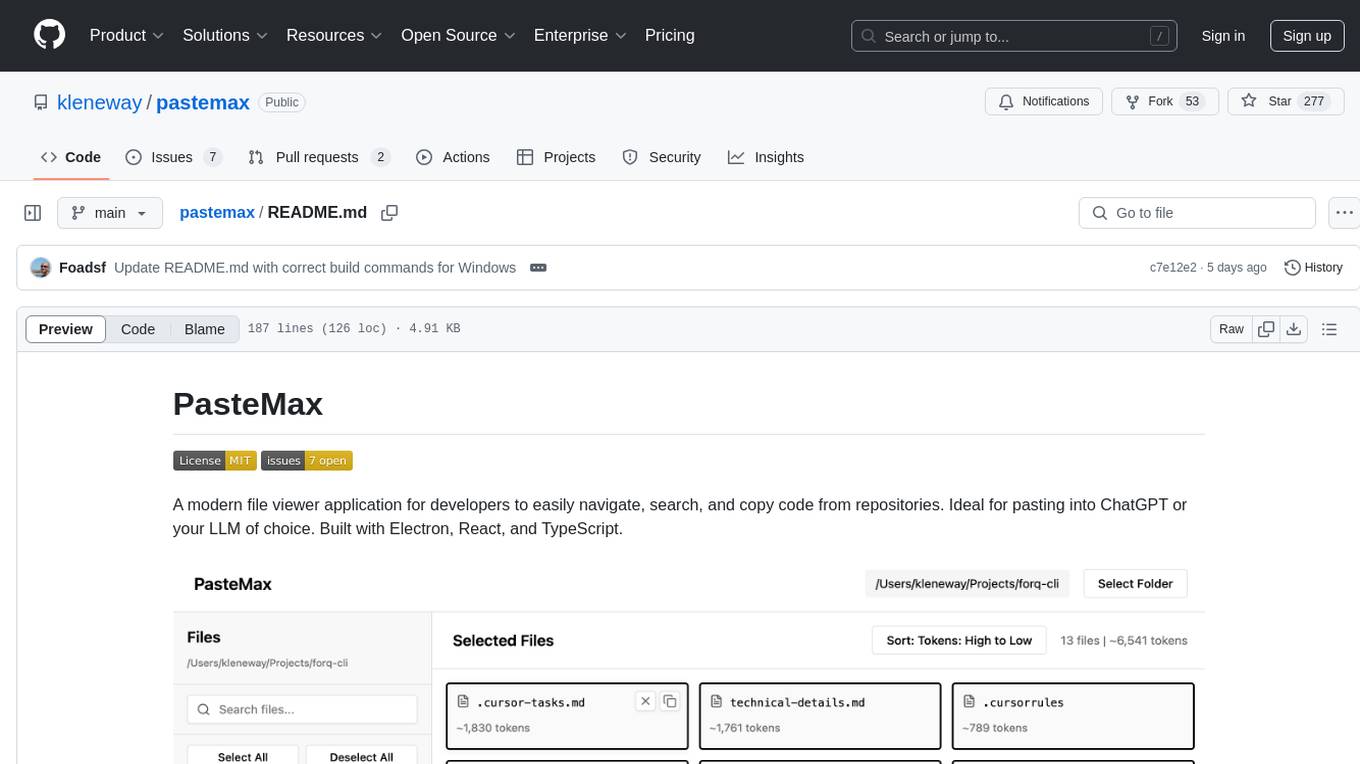
PasteMax is a modern file viewer application designed for developers to easily navigate, search, and copy code from repositories. It provides features such as file tree navigation, token counting, search capabilities, selection management, sorting options, dark mode, binary file detection, and smart file exclusion. Built with Electron, React, and TypeScript, PasteMax is ideal for pasting code into ChatGPT or other language models. Users can download the application or build it from source, and customize file exclusions. Troubleshooting steps are provided for common issues, and contributions to the project are welcome under the MIT License.
backend.ai-webui
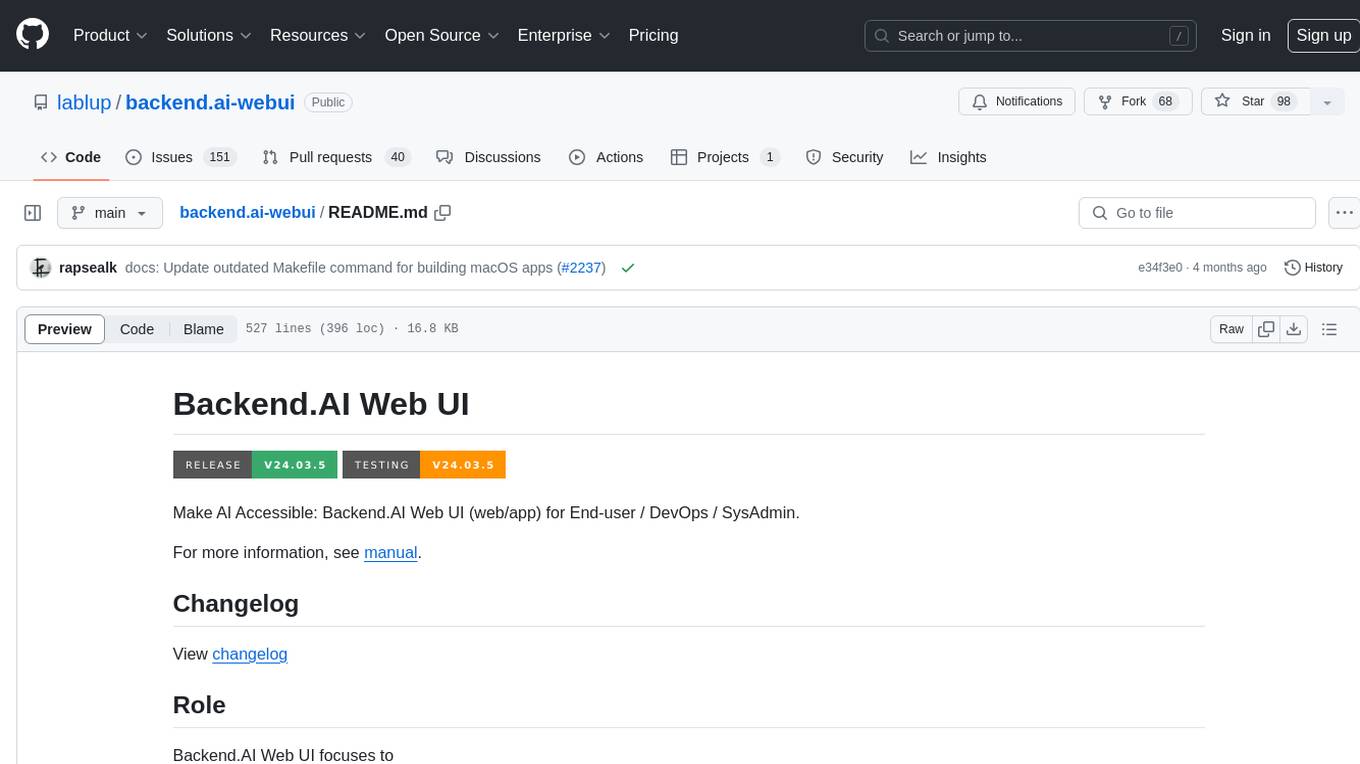
Backend.AI Web UI is a user-friendly web and app interface designed to make AI accessible for end-users, DevOps, and SysAdmins. It provides features for session management, inference service management, pipeline management, storage management, node management, statistics, configurations, license checking, plugins, help & manuals, kernel management, user management, keypair management, manager settings, proxy mode support, service information, and integration with the Backend.AI Web Server. The tool supports various devices, offers a built-in websocket proxy feature, and allows for versatile usage across different platforms. Users can easily manage resources, run environment-supported apps, access a web-based terminal, use Visual Studio Code editor, manage experiments, set up autoscaling, manage pipelines, handle storage, monitor nodes, view statistics, configure settings, and more.
mcpd
mcpd is a tool developed by Mozilla AI to declaratively manage Model Context Protocol (MCP) servers, enabling consistent interface for defining and running tools across different environments. It bridges the gap between local development and enterprise deployment by providing secure secrets management, declarative configuration, and seamless environment promotion. mcpd simplifies the developer experience by offering zero-config tool setup, language-agnostic tooling, version-controlled configuration files, enterprise-ready secrets management, and smooth transition from local to production environments.
mlir-aie
This repository contains an MLIR-based toolchain for AI Engine-enabled devices, such as AMD Ryzen™ AI and Versal™. This repository can be used to generate low-level configurations for the AI Engine portion of these devices. AI Engines are organized as a spatial array of tiles, where each tile contains AI Engine cores and/or memories. The spatial array is connected by stream switches that can be configured to route data between AI Engine tiles scheduled by their programmable Data Movement Accelerators (DMAs). This repository contains MLIR representations, with multiple levels of abstraction, to target AI Engine devices. This enables compilers and developers to program AI Engine cores, as well as describe data movements and array connectivity. A Python API is made available as a convenient interface for generating MLIR design descriptions. Backend code generation is also included, targeting the aie-rt library. This toolchain uses the AI Engine compiler tool which is part of the AMD Vitis™ software installation: these tools require a free license for use from the Product Licensing Site.
comp
Comp AI is an open-source compliance automation platform designed to assist companies in achieving compliance with standards like SOC 2, ISO 27001, and GDPR. It transforms compliance into an engineering problem solved through code, automating evidence collection, policy management, and control implementation while maintaining data and infrastructure control.
elyra
Elyra is a set of AI-centric extensions to JupyterLab Notebooks that includes features like Visual Pipeline Editor, running notebooks/scripts as batch jobs, reusable code snippets, hybrid runtime support, script editors with execution capabilities, debugger, version control using Git, and more. It provides a comprehensive environment for data scientists and AI practitioners to develop, test, and deploy machine learning models and workflows efficiently.
mcp-llm-bridge
The MCP LLM Bridge is a tool that acts as a bridge connecting Model Context Protocol (MCP) servers to OpenAI-compatible LLMs. It provides a bidirectional protocol translation layer between MCP and OpenAI's function-calling interface, enabling any OpenAI-compatible language model to leverage MCP-compliant tools through a standardized interface. The tool supports primary integration with the OpenAI API and offers additional compatibility for local endpoints that implement the OpenAI API specification. Users can configure the tool for different endpoints and models, facilitating the execution of complex queries and tasks using cloud-based or local models like Ollama and LM Studio.
tgpt
tgpt is a cross-platform command-line interface (CLI) tool that allows users to interact with AI chatbots in the Terminal without needing API keys. It supports various AI providers such as KoboldAI, Phind, Llama2, Blackbox AI, and OpenAI. Users can generate text, code, and images using different flags and options. The tool can be installed on GNU/Linux, MacOS, FreeBSD, and Windows systems. It also supports proxy configurations and provides options for updating and uninstalling the tool.
AirCasting
AirCasting is a platform for gathering, visualizing, and sharing environmental data. It aims to provide a central hub for environmental data, making it easier for people to access and use this information to make informed decisions about their environment.
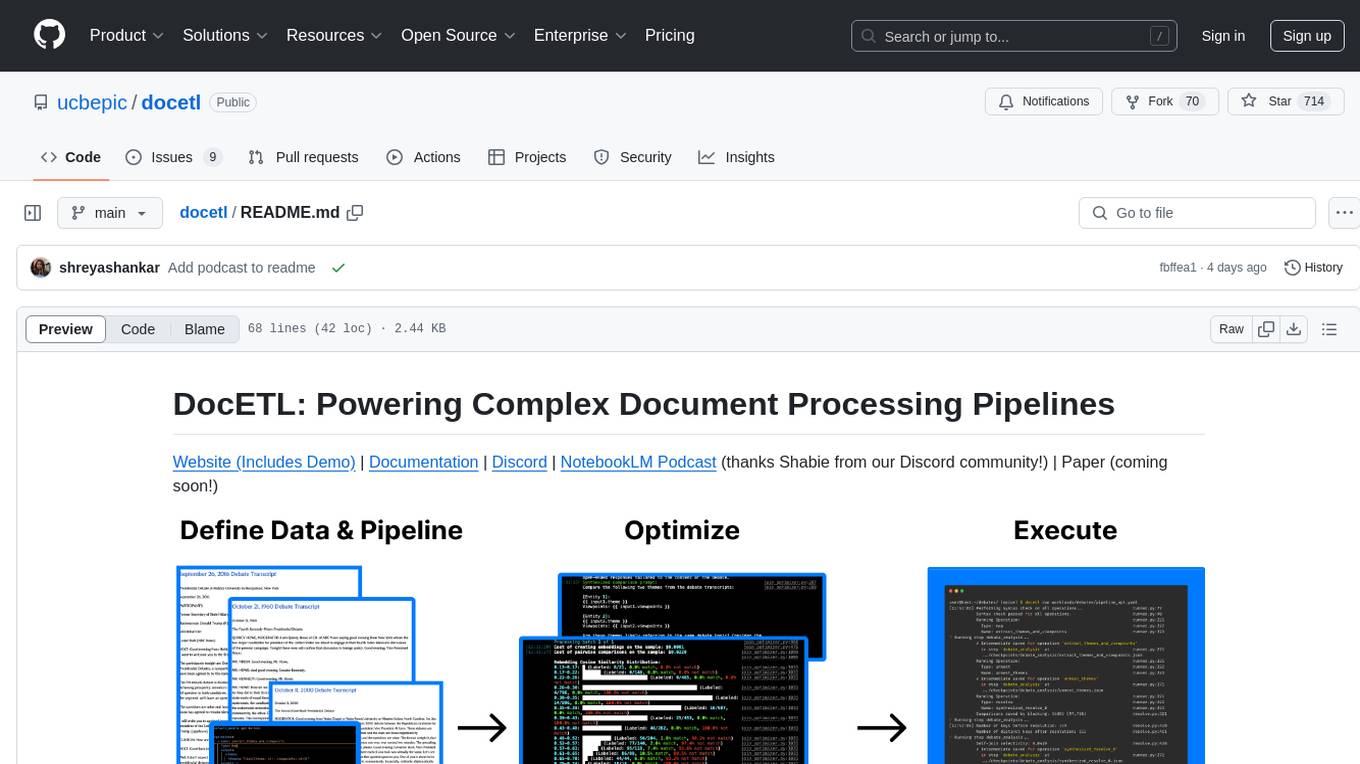
docetl
DocETL is a tool for creating and executing data processing pipelines, especially suited for complex document processing tasks. It offers a low-code, declarative YAML interface to define LLM-powered operations on complex data. Ideal for maximizing correctness and output quality for semantic processing on a collection of data, representing complex tasks via map-reduce, maximizing LLM accuracy, handling long documents, and automating task retries based on validation criteria.
desktop
ComfyUI Desktop is a packaged desktop application that allows users to easily use ComfyUI with bundled features like ComfyUI source code, ComfyUI-Manager, and uv. It automatically installs necessary Python dependencies and updates with stable releases. The app comes with Electron, Chromium binaries, and node modules. Users can store ComfyUI files in a specified location and manage model paths. The tool requires Python 3.12+ and Visual Studio with Desktop C++ workload for Windows. It uses nvm to manage node versions and yarn as the package manager. Users can install ComfyUI and dependencies using comfy-cli, download uv, and build/launch the code. Troubleshooting steps include rebuilding modules and installing missing libraries. The tool supports debugging in VSCode and provides utility scripts for cleanup. Crash reports can be sent to help debug issues, but no personal data is included.
ai
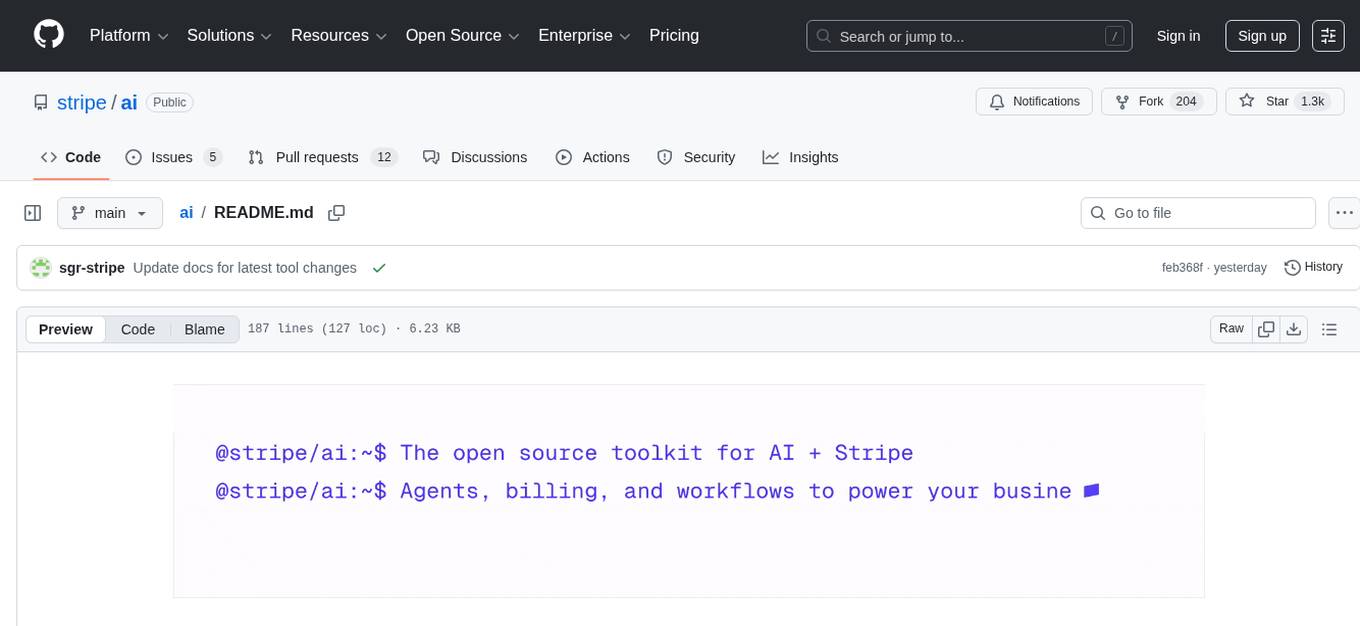
Stripe AI is a repository that serves as a hub for building AI-powered products and businesses on top of Stripe. It provides SDKs for integrating Stripe with LLMs and agent frameworks, including tools like @stripe/agent-toolkit, @stripe/ai-sdk, and @stripe/token-meter. The Model Context Protocol (MCP) server hosted by Stripe allows secure client access via OAuth, and the Agent Toolkit enables integration with popular agent frameworks like OpenAI's Agent SDK, LangChain, CrewAI, and Vercel's AI SDK through function calling. The toolkit supports Python and TypeScript and is built on top of the Stripe Python and Node SDKs.
go-embeddings
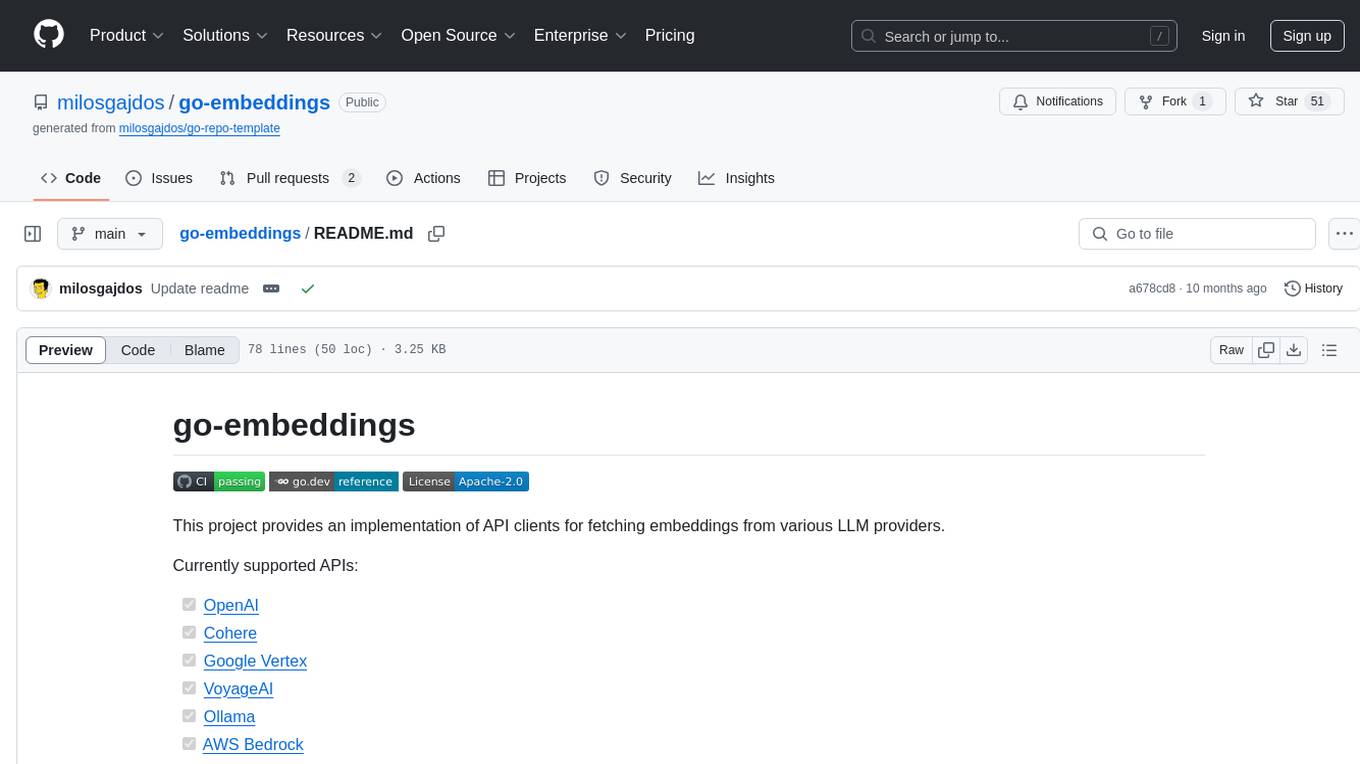
This project provides API clients for fetching embeddings from various LLM providers. It includes implementations for OpenAI, Cohere, Google Vertex, VoyageAI, Ollama, and AWS Bedrock. Sample programs demonstrate how to use the client packages. The 'document' package offers text splitters inspired by Langchain framework. Environment variables are used to initialize API clients for each provider. Contributions are welcome.
xlang
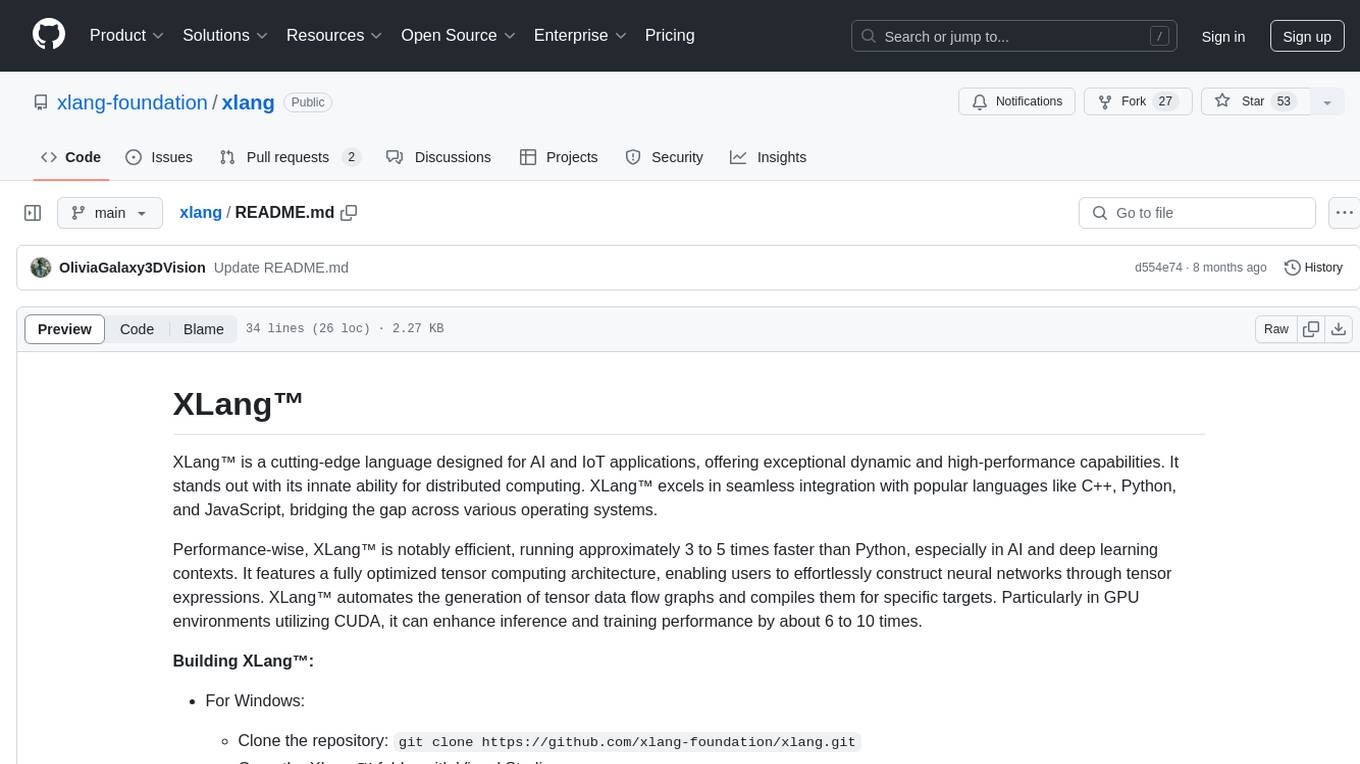
XLang™ is a cutting-edge language designed for AI and IoT applications, offering exceptional dynamic and high-performance capabilities. It excels in distributed computing and seamless integration with popular languages like C++, Python, and JavaScript. Notably efficient, running 3 to 5 times faster than Python in AI and deep learning contexts. Features optimized tensor computing architecture for constructing neural networks through tensor expressions. Automates tensor data flow graph generation and compilation for specific targets, enhancing GPU performance by 6 to 10 times in CUDA environments.
For similar tasks
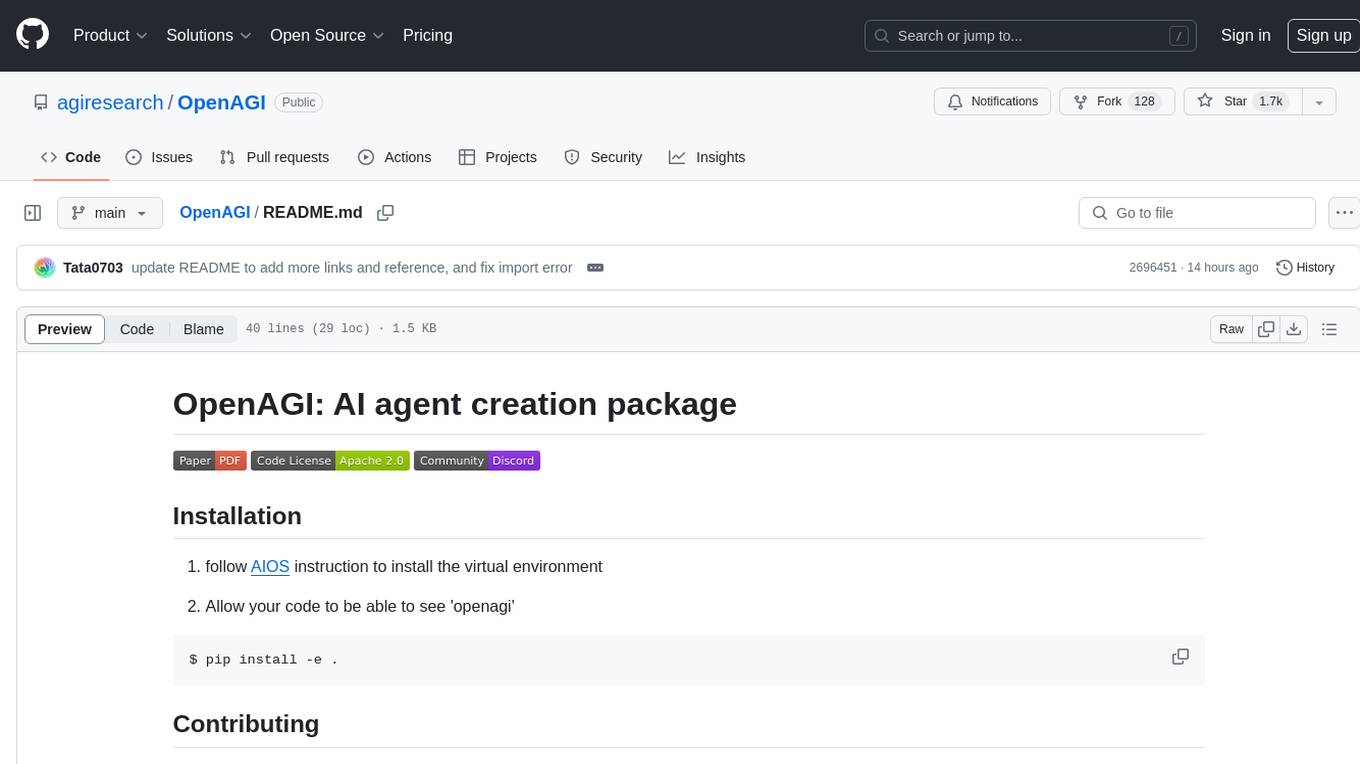
OpenAGI
OpenAGI is an AI agent creation package designed for researchers and developers to create intelligent agents using advanced machine learning techniques. The package provides tools and resources for building and training AI models, enabling users to develop sophisticated AI applications. With a focus on collaboration and community engagement, OpenAGI aims to facilitate the integration of AI technologies into various domains, fostering innovation and knowledge sharing among experts and enthusiasts.
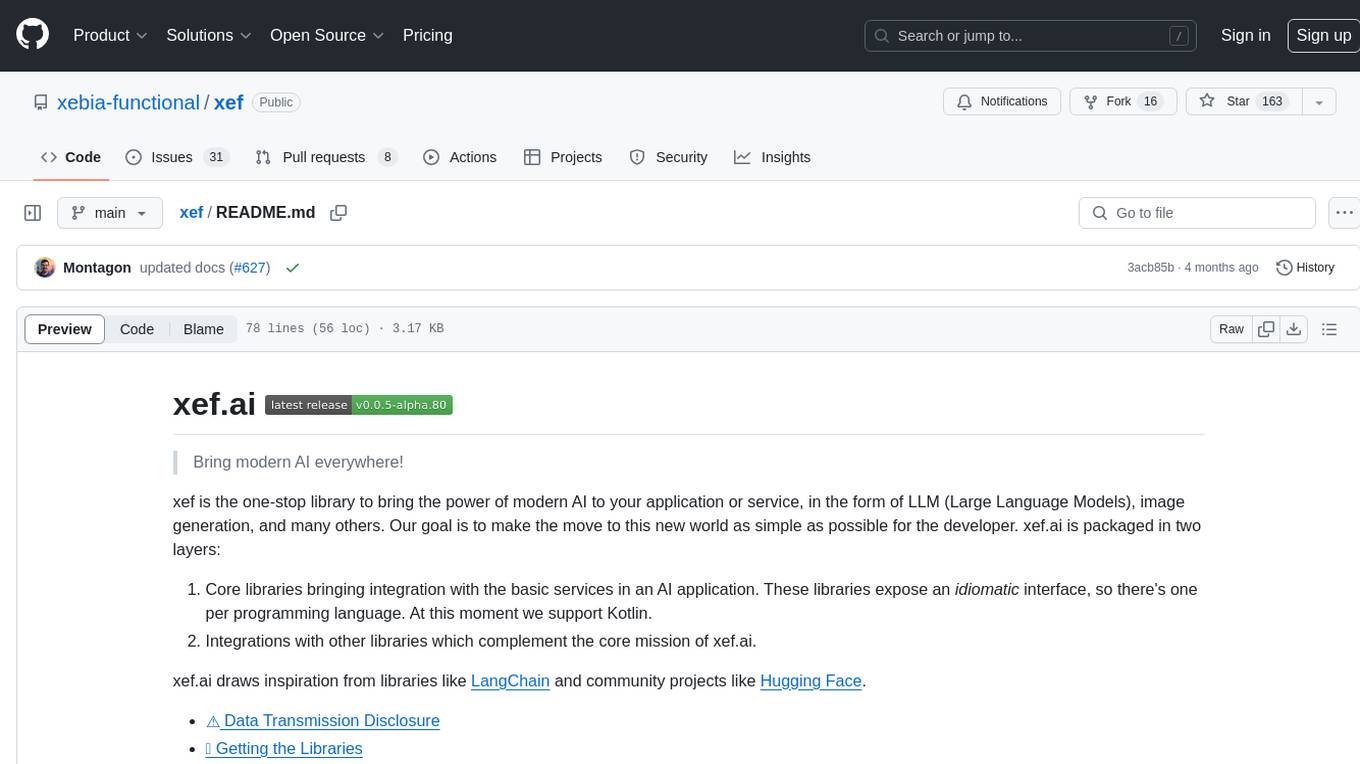
xef
xef.ai is a one-stop library designed to bring the power of modern AI to applications and services. It offers integration with Large Language Models (LLM), image generation, and other AI services. The library is packaged in two layers: core libraries for basic AI services integration and integrations with other libraries. xef.ai aims to simplify the transition to modern AI for developers by providing an idiomatic interface, currently supporting Kotlin. Inspired by LangChain and Hugging Face, xef.ai may transmit source code and user input data to third-party services, so users should review privacy policies and take precautions. Libraries are available in Maven Central under the `com.xebia` group, with `xef-core` as the core library. Developers can add these libraries to their projects and explore examples to understand usage.
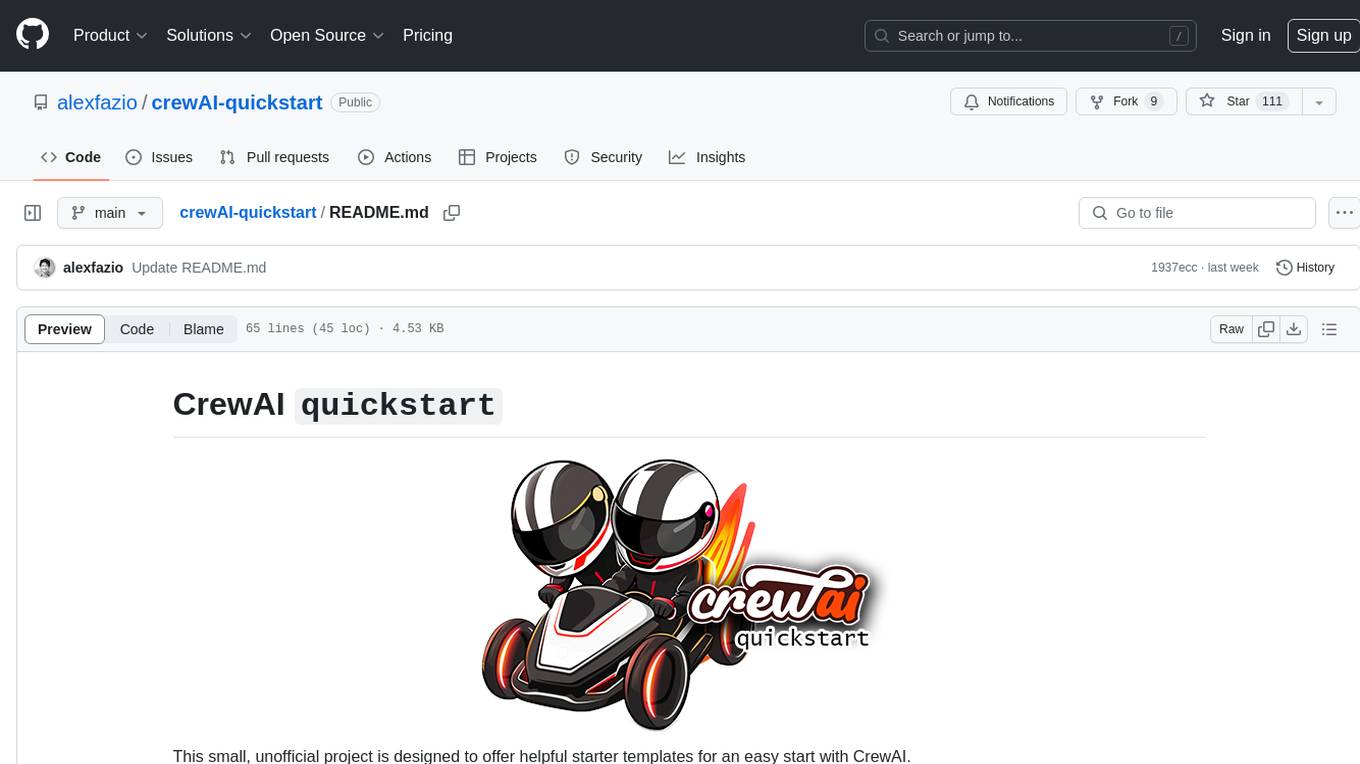
crewAI-quickstart
CrewAI quickstart is a small project providing starter templates for an easy start with CrewAI. It includes notebooks, Python scripts, GUI with Streamlit, and Local LLMs for various tasks like web search, CSV lookup, web scraping, PDF search, and more. Contributions are welcome to enhance the project.
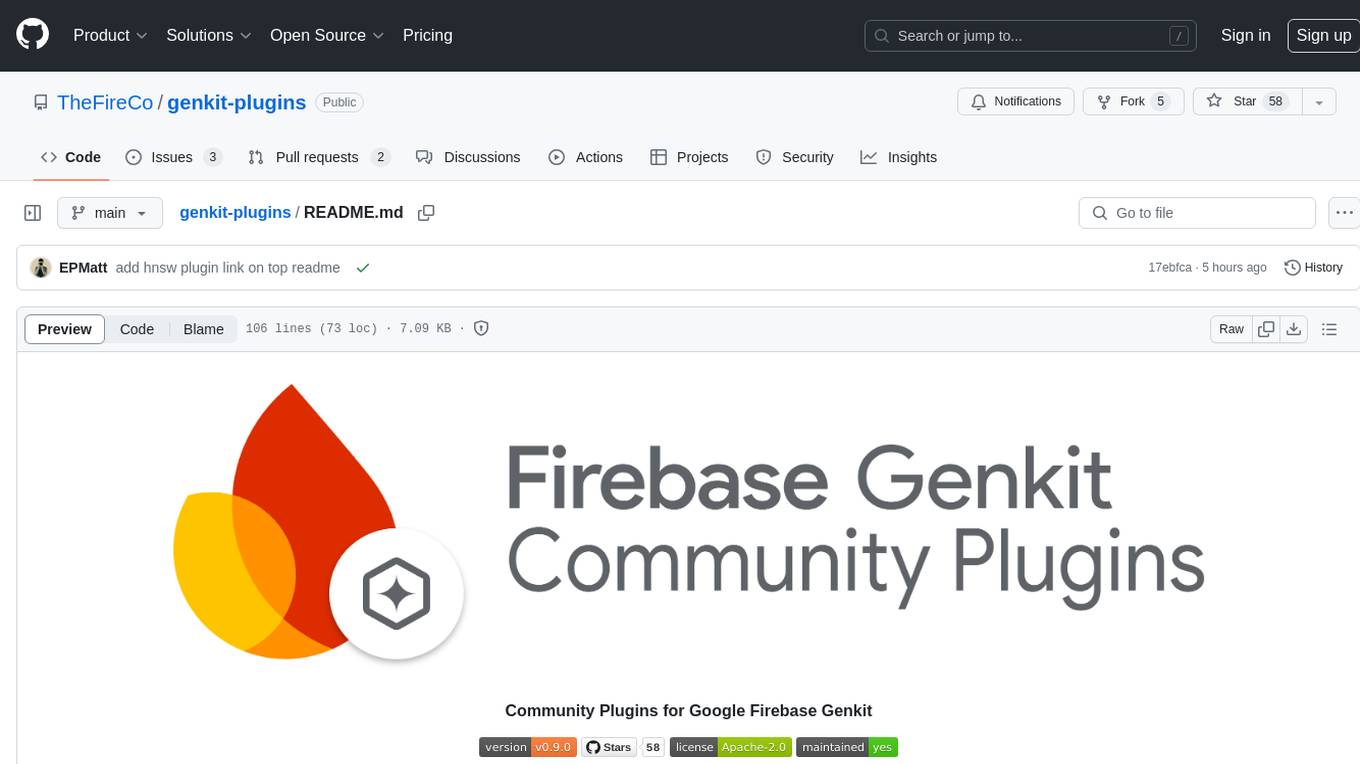
genkit-plugins
Community plugins repository for Google Firebase Genkit, containing various plugins for AI APIs and Vector Stores. Developed by The Fire Company, this repository offers plugins like genkitx-anthropic, genkitx-cohere, genkitx-groq, genkitx-mistral, genkitx-openai, genkitx-convex, and genkitx-hnsw. Users can easily install and use these plugins in their projects, with examples provided in the documentation. The repository also showcases products like Fireview and Giftit built using these plugins, and welcomes contributions from the community.
awesome-chatgpt-zh
The Awesome ChatGPT Chinese Guide project aims to help Chinese users understand and use ChatGPT. It collects various free and paid ChatGPT resources, as well as methods to communicate more effectively with ChatGPT in Chinese. The repository contains a rich collection of ChatGPT tools, applications, and examples.
hume-python-sdk
The Hume AI Python SDK allows users to integrate Hume APIs directly into their Python applications. Users can access complete documentation, quickstart guides, and example notebooks to get started. The SDK is designed to provide support for Hume's expressive communication platform built on scientific research. Users are encouraged to create an account at beta.hume.ai and stay updated on changes through Discord. The SDK may undergo breaking changes to improve tooling and ensure reliable releases in the future.
sdxl-lightning-demo-app
This repository contains a demo application showcasing the usage of the SDXL Lightning API by fal.ai. The application also demonstrates the functionality of the fal.realtime client. To get started, users need to have a Fal AI API key for model access. The setup involves adding the API key to the .env.local file, installing dependencies using 'npm install', and running the application with 'npm run dev'.
orcish-ai-nextjs-framework
The Orcish AI Next.js Framework is a powerful tool that leverages OpenAI API to seamlessly integrate AI functionalities into Next.js applications. It allows users to generate text, images, and text-to-speech based on specified input. The framework provides an easy-to-use interface for utilizing AI capabilities in application development.
For similar jobs

sweep
Sweep is an AI junior developer that turns bugs and feature requests into code changes. It automatically handles developer experience improvements like adding type hints and improving test coverage.

teams-ai
The Teams AI Library is a software development kit (SDK) that helps developers create bots that can interact with Teams and Microsoft 365 applications. It is built on top of the Bot Framework SDK and simplifies the process of developing bots that interact with Teams' artificial intelligence capabilities. The SDK is available for JavaScript/TypeScript, .NET, and Python.

ai-guide
This guide is dedicated to Large Language Models (LLMs) that you can run on your home computer. It assumes your PC is a lower-end, non-gaming setup.

classifai
Supercharge WordPress Content Workflows and Engagement with Artificial Intelligence. Tap into leading cloud-based services like OpenAI, Microsoft Azure AI, Google Gemini and IBM Watson to augment your WordPress-powered websites. Publish content faster while improving SEO performance and increasing audience engagement. ClassifAI integrates Artificial Intelligence and Machine Learning technologies to lighten your workload and eliminate tedious tasks, giving you more time to create original content that matters.

chatbot-ui
Chatbot UI is an open-source AI chat app that allows users to create and deploy their own AI chatbots. It is easy to use and can be customized to fit any need. Chatbot UI is perfect for businesses, developers, and anyone who wants to create a chatbot.

BricksLLM
BricksLLM is a cloud native AI gateway written in Go. Currently, it provides native support for OpenAI, Anthropic, Azure OpenAI and vLLM. BricksLLM aims to provide enterprise level infrastructure that can power any LLM production use cases. Here are some use cases for BricksLLM: * Set LLM usage limits for users on different pricing tiers * Track LLM usage on a per user and per organization basis * Block or redact requests containing PIIs * Improve LLM reliability with failovers, retries and caching * Distribute API keys with rate limits and cost limits for internal development/production use cases * Distribute API keys with rate limits and cost limits for students

uAgents
uAgents is a Python library developed by Fetch.ai that allows for the creation of autonomous AI agents. These agents can perform various tasks on a schedule or take action on various events. uAgents are easy to create and manage, and they are connected to a fast-growing network of other uAgents. They are also secure, with cryptographically secured messages and wallets.

griptape
Griptape is a modular Python framework for building AI-powered applications that securely connect to your enterprise data and APIs. It offers developers the ability to maintain control and flexibility at every step. Griptape's core components include Structures (Agents, Pipelines, and Workflows), Tasks, Tools, Memory (Conversation Memory, Task Memory, and Meta Memory), Drivers (Prompt and Embedding Drivers, Vector Store Drivers, Image Generation Drivers, Image Query Drivers, SQL Drivers, Web Scraper Drivers, and Conversation Memory Drivers), Engines (Query Engines, Extraction Engines, Summary Engines, Image Generation Engines, and Image Query Engines), and additional components (Rulesets, Loaders, Artifacts, Chunkers, and Tokenizers). Griptape enables developers to create AI-powered applications with ease and efficiency.