


ai
One-stop shop for building AI-powered products and businesses with Stripe.
Stars: 1265
Stripe AI is a repository that serves as a hub for building AI-powered products and businesses on top of Stripe. It provides SDKs for integrating Stripe with LLMs and agent frameworks, including tools like @stripe/agent-toolkit, @stripe/ai-sdk, and @stripe/token-meter. The Model Context Protocol (MCP) server hosted by Stripe allows secure client access via OAuth, and the Agent Toolkit enables integration with popular agent frameworks like OpenAI's Agent SDK, LangChain, CrewAI, and Vercel's AI SDK through function calling. The toolkit supports Python and TypeScript and is built on top of the Stripe Python and Node SDKs.
README:

This repo is the one-stop shop for building AI-powered products and businesses on top of Stripe.
It contains a collection of SDKs to help you integrate Stripe with LLMs and agent frameworks, including:
-
@stripe/agent-toolkit- for integrating Stripe APIs with popular agent frameworks through function calling—available in Python and TypeScript. -
@stripe/ai-sdk- for integrating Stripe's billing infrastructure with Vercel'saiand@ai-sdklibraries. -
@stripe/token-meter- for integrating Stripe's billing infrastructure with native SDKs from OpenAI, Anthropic, and Google Gemini, without any framework dependencies.
Stripe hosts a remote MCP server at https://mcp.stripe.com. This allows secure MCP client access via OAuth. View the docs here.
The Stripe Agent Toolkit also exposes tools in the Model Context Protocol (MCP) format. Or, to run a local Stripe MCP server using npx, use the following command:
npx -y @stripe/mcp --api-key=YOUR_STRIPE_SECRET_KEYTool permissions are controlled by your Restricted API Key (RAK). Create a RAK with the desired permissions at https://dashboard.stripe.com/apikeys
See MCP for more details.
Stripe's Agent Toolkit enables popular agent frameworks including OpenAI's Agent SDK, LangChain, CrewAI, and Vercel's AI SDK to integrate with Stripe APIs through function calling. The library is not exhaustive of the entire Stripe API. It includes support for Python and TypeScript, and is built directly on top of the Stripe Python and Node SDKs.
Included below are basic instructions, but refer to Python and TypeScript packages for more information.
You don't need this source code unless you want to modify the package. If you just want to use the package run:
pip install stripe-agent-toolkit- Python 3.11+
The library needs to be configured with your account's secret key which is
available in your Stripe Dashboard. We strongly recommend using a Restricted API Key (rk_*) for better security and granular permissions. Tool availability is determined by the permissions you configure on the restricted key.
from stripe_agent_toolkit.openai.toolkit import create_stripe_agent_toolkit

async def main():
    toolkit = await create_stripe_agent_toolkit(secret_key="rk_test_...")
    tools = toolkit.get_tools()
    # ... use tools ...
    await toolkit.close()  # Clean up when done
The toolkit works with OpenAI's Agent SDK, LangChain, and CrewAI and can be passed as a list of tools. For example:
from agents import Agent

async def main():
    toolkit = await create_stripe_agent_toolkit(secret_key="rk_test_...")

    stripe_agent = Agent(
        name="Stripe Agent",
        instructions="You are an expert at integrating with Stripe",
        tools=toolkit.get_tools()
    )
    # ... use agent ...
    await toolkit.close()
Examples for OpenAI's Agent SDK,LangChain, and CrewAI are included in /examples.
In some cases you will want to provide values that serve as defaults when making requests. Currently, the account context value enables you to make API calls for your connected accounts.
toolkit = await create_stripe_agent_toolkit(
    secret_key="rk_test_...",
    configuration={
        "context": {
            "account": "acct_123"
        }
    }
)You don't need this source code unless you want to modify the package. If you just want to use the package run:
npm install @stripe/agent-toolkit- Node 18+
If you're upgrading from v0.8.x, see the Migration Guide for breaking changes.
The library needs to be configured with your account's secret key which is available in your Stripe Dashboard. We strongly recommend using a Restricted API Key (rk_*) for better security and granular permissions. Tool availability is determined by the permissions you configure on the restricted key.
import { createStripeAgentToolkit } from "@stripe/agent-toolkit/langchain";

const toolkit = await createStripeAgentToolkit({
  secretKey: process.env.STRIPE_SECRET_KEY!,
  configuration: {},
});

const tools = toolkit.getTools();
// ... use tools ...

await toolkit.close(); // Clean up when doneThe toolkit works with LangChain and Vercel's AI SDK and can be passed as a list of tools. For example:
import { AgentExecutor, createStructuredChatAgent } from "langchain/agents";
import { createStripeAgentToolkit } from "@stripe/agent-toolkit/langchain";

const toolkit = await createStripeAgentToolkit({
  secretKey: process.env.STRIPE_SECRET_KEY!,
  configuration: {},
});

const tools = toolkit.getTools();

const agent = await createStructuredChatAgent({
  llm,
  tools,
  prompt,
});

const agentExecutor = new AgentExecutor({
  agent,
  tools,
});In some cases you will want to provide values that serve as defaults when making requests. Currently, the account context value enables you to make API calls for your connected accounts.
const toolkit = await createStripeAgentToolkit({
  secretKey: process.env.STRIPE_SECRET_KEY!,
  configuration: {
    context: {
      account: "acct_123",
    },
  },
});See the Stripe MCP docs for a list of supported methods.
For Tasks:
Click tags to check more tools for each tasksFor Jobs:
Alternative AI tools for ai
Similar Open Source Tools
ai
Stripe AI is a repository that serves as a hub for building AI-powered products and businesses on top of Stripe. It provides SDKs for integrating Stripe with LLMs and agent frameworks, including tools like @stripe/agent-toolkit, @stripe/ai-sdk, and @stripe/token-meter. The Model Context Protocol (MCP) server hosted by Stripe allows secure client access via OAuth, and the Agent Toolkit enables integration with popular agent frameworks like OpenAI's Agent SDK, LangChain, CrewAI, and Vercel's AI SDK through function calling. The toolkit supports Python and TypeScript and is built on top of the Stripe Python and Node SDKs.
Biomni
Biomni is a general-purpose biomedical AI agent designed to autonomously execute a wide range of research tasks across diverse biomedical subfields. By integrating cutting-edge large language model (LLM) reasoning with retrieval-augmented planning and code-based execution, Biomni helps scientists dramatically enhance research productivity and generate testable hypotheses.
llama_index
LlamaIndex is a data framework for building LLM applications. It provides tools for ingesting, structuring, and querying data, as well as integrating with LLMs and other tools. LlamaIndex is designed to be easy to use for both beginner and advanced users, and it provides a comprehensive set of features for building LLM applications.
graphiti
Graphiti is a framework for building and querying temporally-aware knowledge graphs, tailored for AI agents in dynamic environments. It continuously integrates user interactions, structured and unstructured data, and external information into a coherent, queryable graph. The framework supports incremental data updates, efficient retrieval, and precise historical queries without complete graph recomputation, making it suitable for developing interactive, context-aware AI applications.
labo
LABO is a time series forecasting and analysis framework that integrates pre-trained and fine-tuned LLMs with multi-domain agent-based systems. It allows users to create and tune agents easily for various scenarios, such as stock market trend prediction and web public opinion analysis. LABO requires a specific runtime environment setup, including system requirements, Python environment, dependency installations, and configurations. Users can fine-tune their own models using LABO's Low-Rank Adaptation (LoRA) for computational efficiency and continuous model updates. Additionally, LABO provides a Python library for building model training pipelines and customizing agents for specific tasks.
ControlLLM
ControlLLM is a framework that empowers large language models to leverage multi-modal tools for solving complex real-world tasks. It addresses challenges like ambiguous user prompts, inaccurate tool selection, and inefficient tool scheduling by utilizing a task decomposer, a Thoughts-on-Graph paradigm, and an execution engine with a rich toolbox. The framework excels in tasks involving image, audio, and video processing, showcasing superior accuracy, efficiency, and versatility compared to existing methods.
AutoDocs
AutoDocs by Sita is a tool designed to automate documentation for any repository. It parses the repository using tree-sitter and SCIP, constructs a code dependency graph, and generates repository-wide, dependency-aware documentation and summaries. It provides a FastAPI backend for ingestion/search and a Next.js web UI for chat and exploration. Additionally, it includes an MCP server for deep search capabilities. The tool aims to simplify the process of generating accurate and high-signal documentation for codebases.
fast-mcp
Fast MCP is a Ruby gem that simplifies the integration of AI models with your Ruby applications. It provides a clean implementation of the Model Context Protocol, eliminating complex communication protocols, integration challenges, and compatibility issues. With Fast MCP, you can easily connect AI models to your servers, share data resources, choose from multiple transports, integrate with frameworks like Rails and Sinatra, and secure your AI-powered endpoints. The gem also offers real-time updates and authentication support, making AI integration a seamless experience for developers.
action_mcp
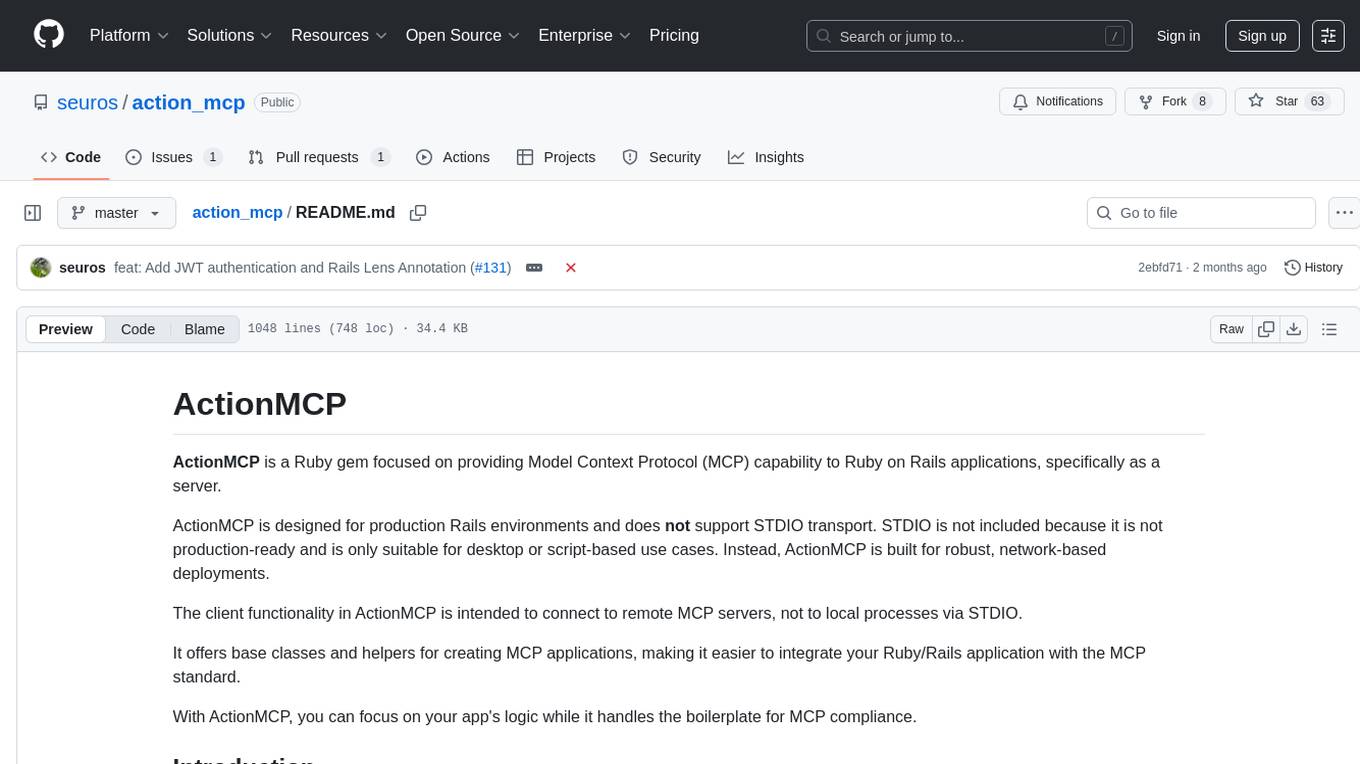
Action MCP is a powerful tool for managing and automating your cloud infrastructure. It provides a user-friendly interface to easily create, update, and delete resources on popular cloud platforms. With Action MCP, you can streamline your deployment process, reduce manual errors, and improve overall efficiency. The tool supports various cloud providers and offers a wide range of features to meet your infrastructure management needs. Whether you are a developer, system administrator, or DevOps engineer, Action MCP can help you simplify and optimize your cloud operations.
manifold
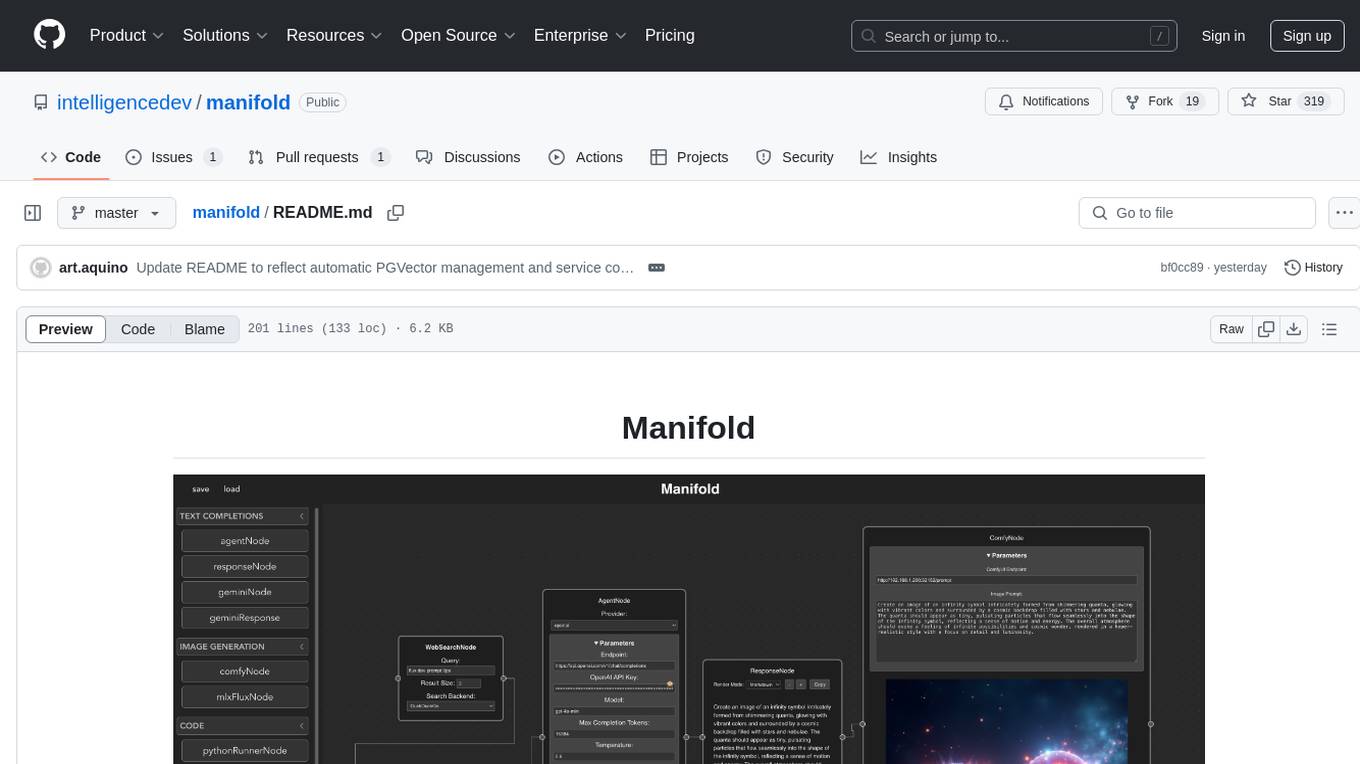
Manifold is a powerful platform for workflow automation using AI models. It supports text generation, image generation, and retrieval-augmented generation, integrating seamlessly with popular AI endpoints. Additionally, Manifold provides robust semantic search capabilities using PGVector combined with the SEFII engine. It is under active development and not production-ready.
odoo-expert
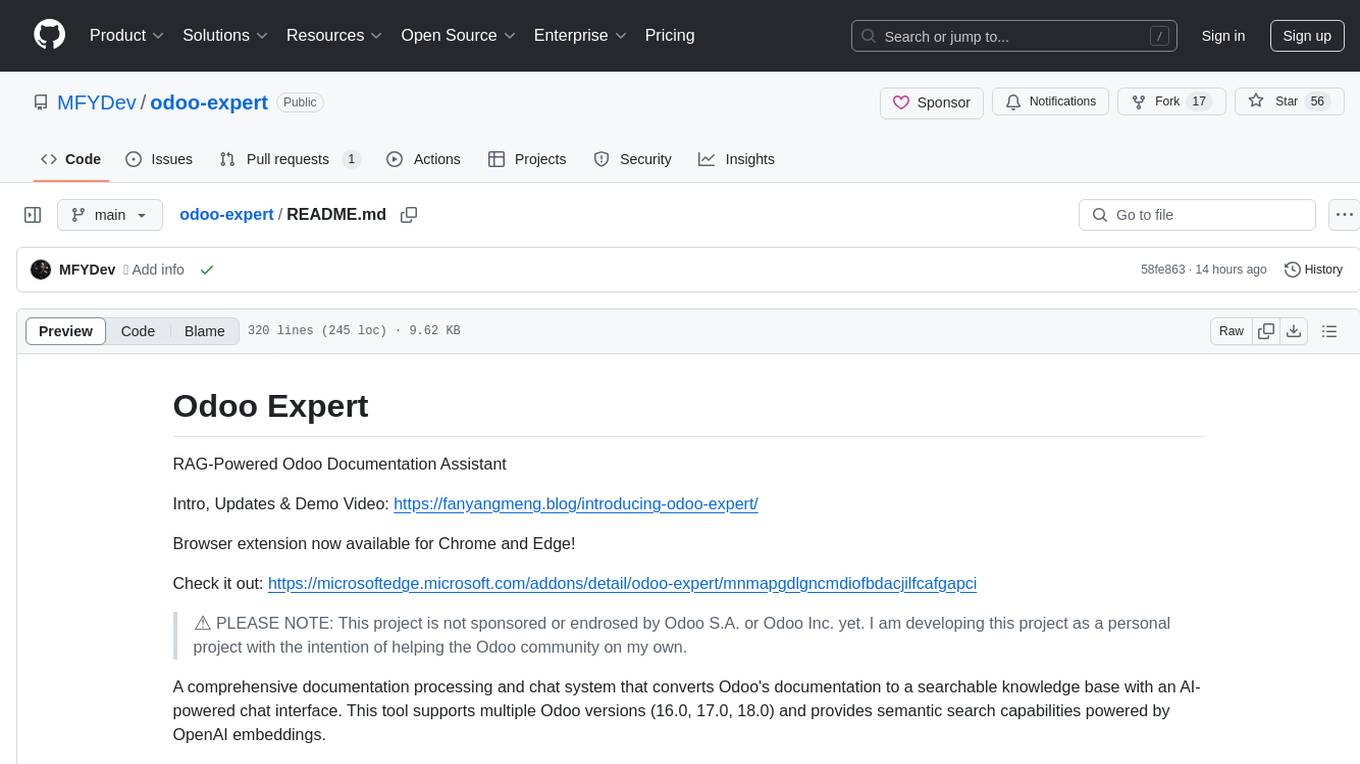
RAG-Powered Odoo Documentation Assistant is a comprehensive documentation processing and chat system that converts Odoo's documentation to a searchable knowledge base with an AI-powered chat interface. It supports multiple Odoo versions (16.0, 17.0, 18.0) and provides semantic search capabilities powered by OpenAI embeddings. The tool automates the conversion of RST to Markdown, offers real-time semantic search, context-aware AI-powered chat responses, and multi-version support. It includes a Streamlit-based web UI, REST API for programmatic access, and a CLI for document processing and chat. The system operates through a pipeline of data processing steps and an interface layer for UI and API access to the knowledge base.
director
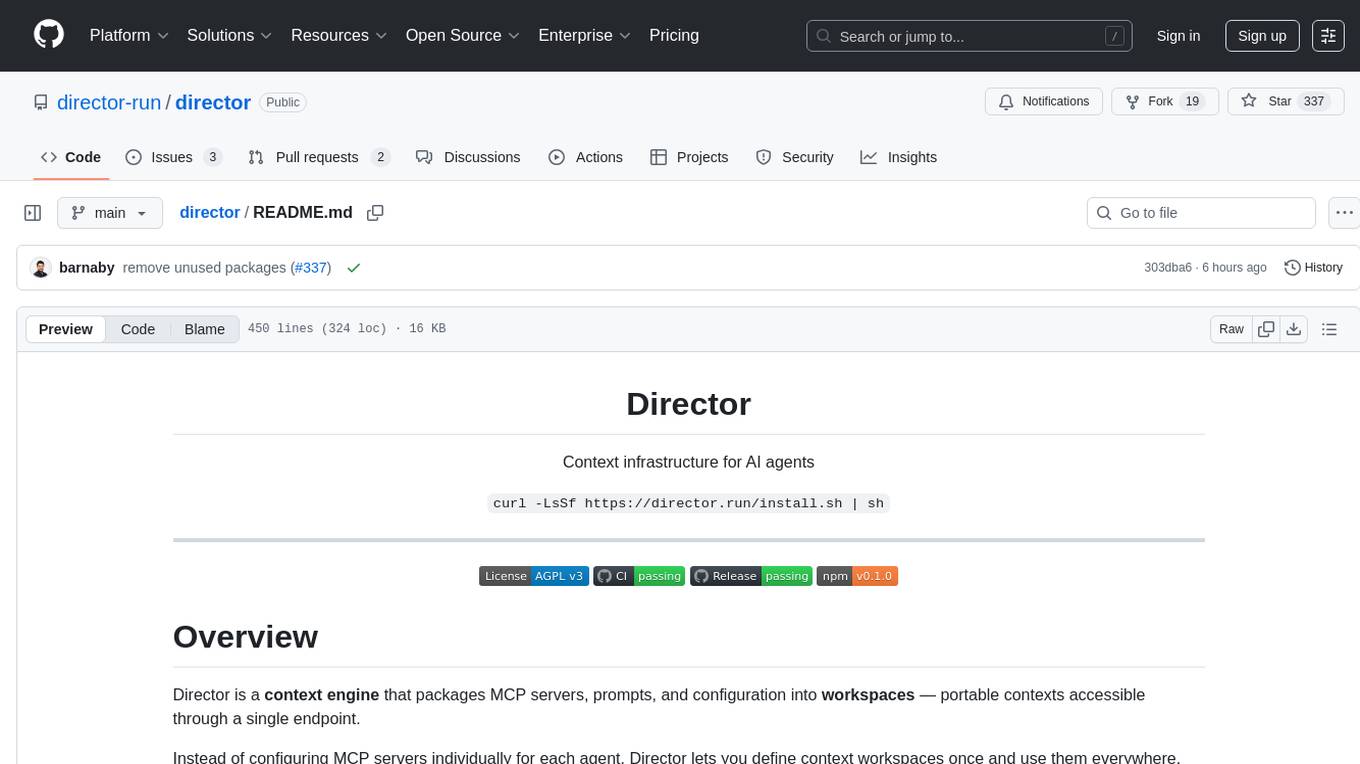
Director is a context infrastructure tool for AI agents that simplifies managing MCP servers, prompts, and configurations by packaging them into portable workspaces accessible through a single endpoint. It allows users to define context workspaces once and share them across different AI clients, enabling seamless collaboration, instant context switching, and secure isolation of untrusted servers without cloud dependencies or API keys. Director offers features like workspaces, universal portability, local-first architecture, sandboxing, smart filtering, unified OAuth, observability, multiple interfaces, and compatibility with all MCP clients and servers.
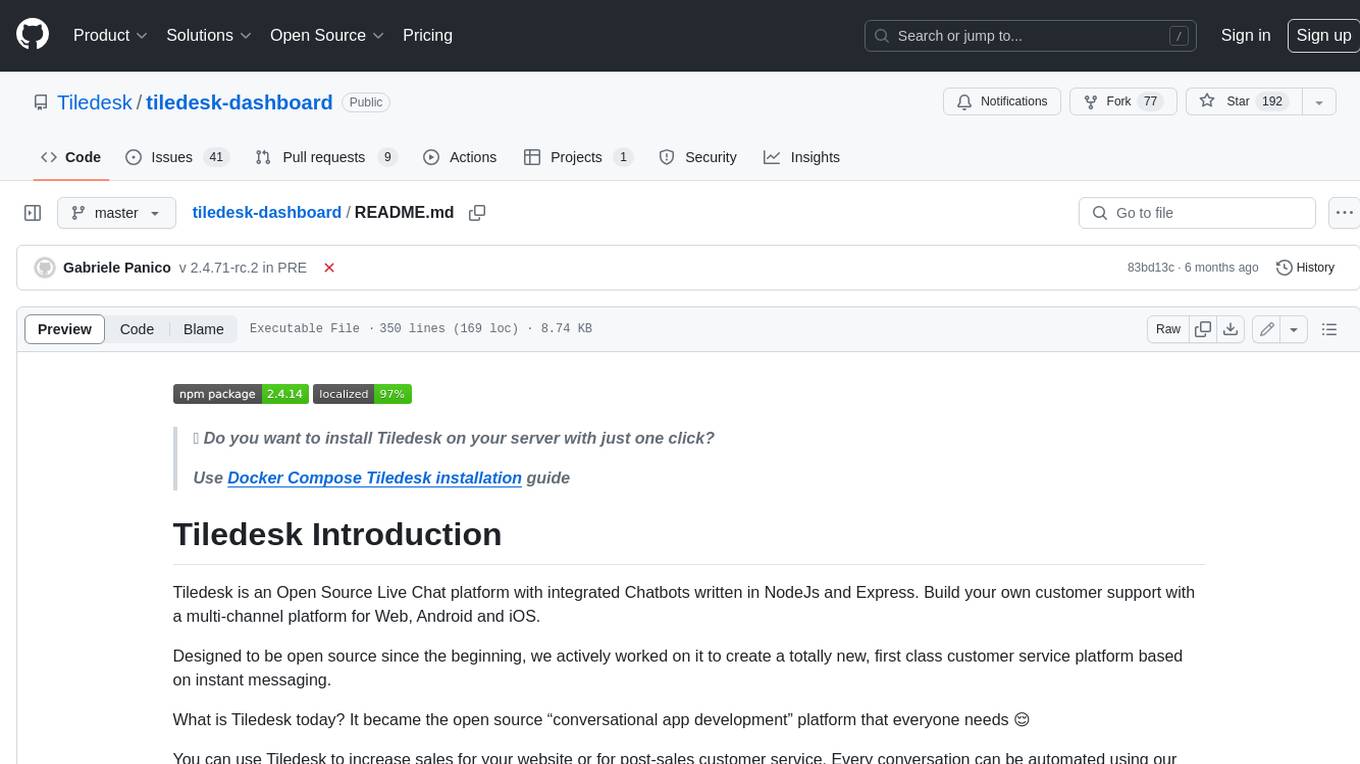
tiledesk-dashboard
Tiledesk is an open-source live chat platform with integrated chatbots written in Node.js and Express. It is designed to be a multi-channel platform for web, Android, and iOS, and it can be used to increase sales or provide post-sales customer service. Tiledesk's chatbot technology allows for automation of conversations, and it also provides APIs and webhooks for connecting external applications. Additionally, it offers a marketplace for apps and features such as CRM, ticketing, and data export.
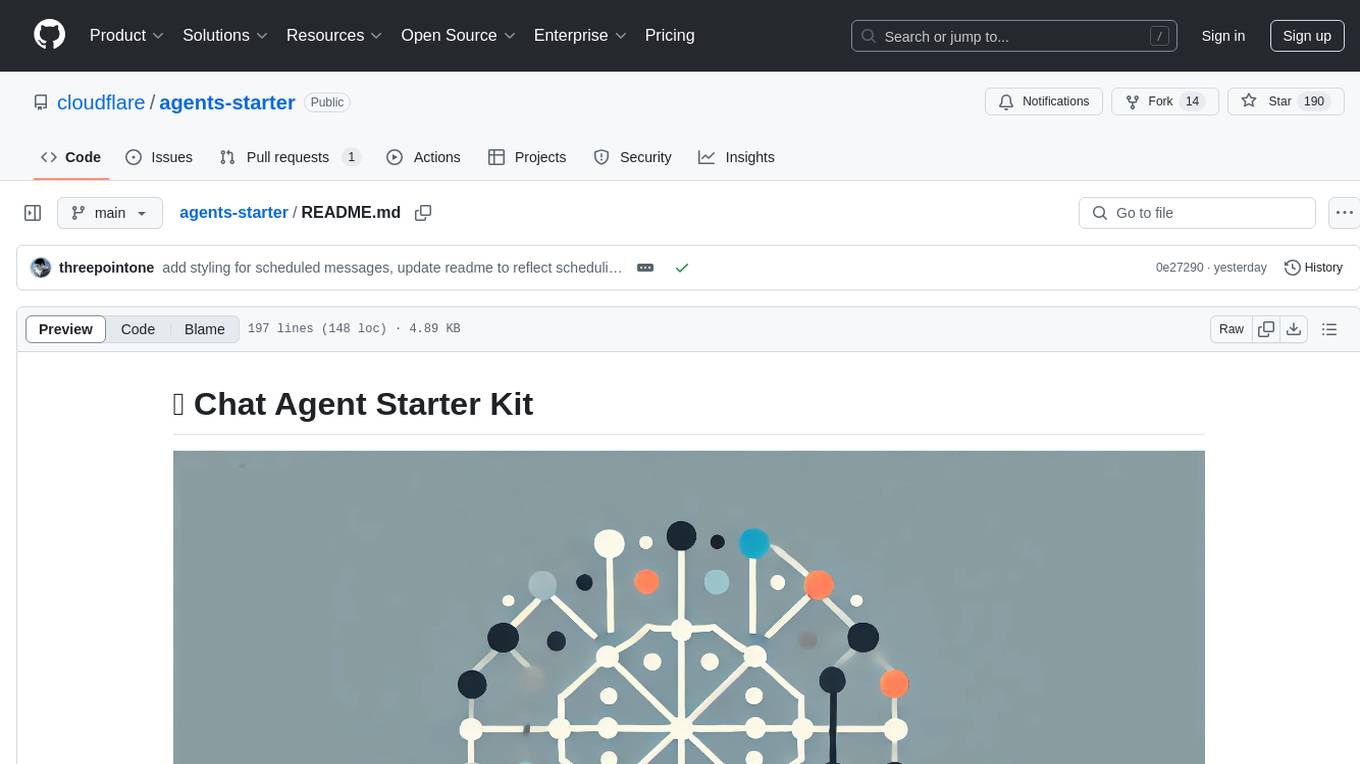
agents-starter
A starter template for building AI-powered chat agents using Cloudflare's Agent platform, powered by agents-sdk. It provides a foundation for creating interactive chat experiences with AI, complete with a modern UI and tool integration capabilities. Features include interactive chat interface with AI, built-in tool system with human-in-the-loop confirmation, advanced task scheduling, dark/light theme support, real-time streaming responses, state management, and chat history. Prerequisites include a Cloudflare account and OpenAI API key. The project structure includes components for chat UI implementation, chat agent logic, tool definitions, and helper functions. Customization guide covers adding new tools, modifying the UI, and example use cases for customer support, development assistant, data analysis assistant, personal productivity assistant, and scheduling assistant.
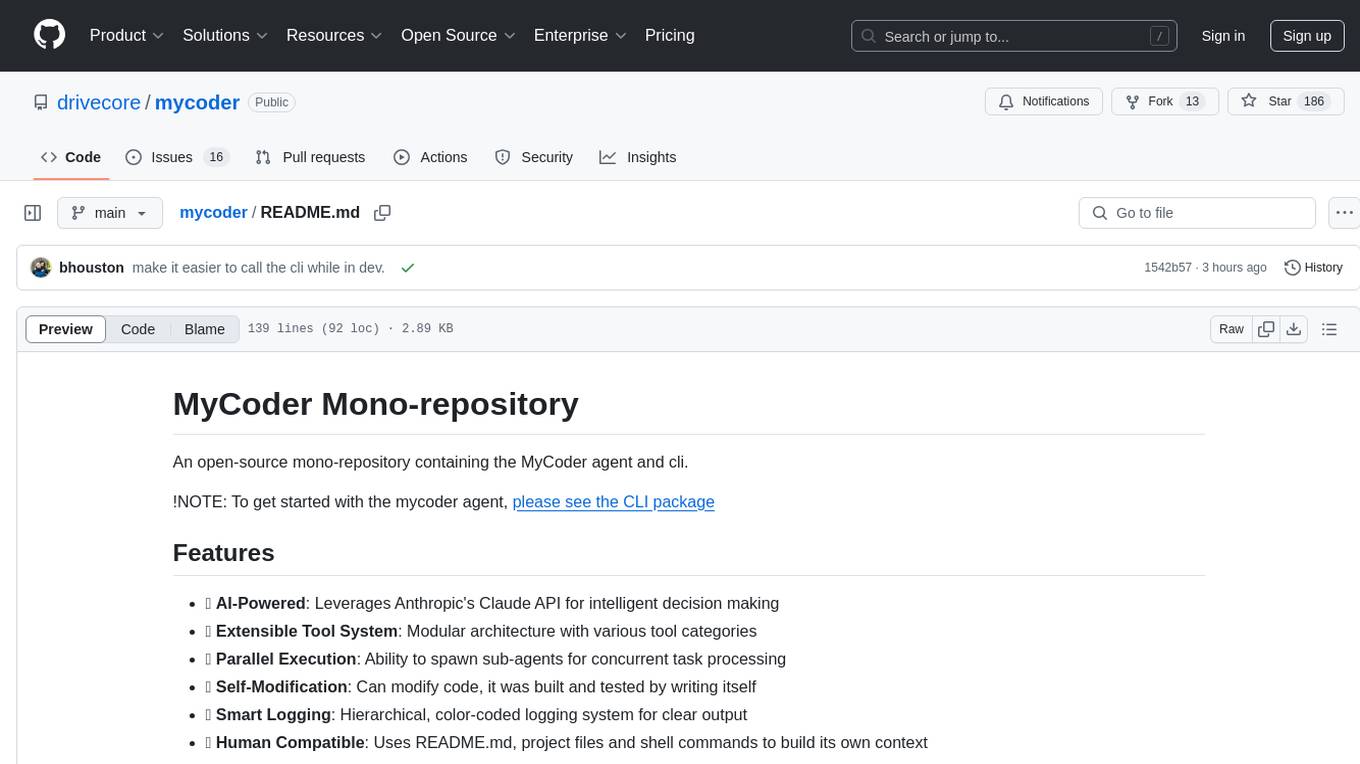
mycoder
An open-source mono-repository containing the MyCoder agent and CLI. It leverages Anthropic's Claude API for intelligent decision making, has a modular architecture with various tool categories, supports parallel execution with sub-agents, can modify code by writing itself, features a smart logging system for clear output, and is human-compatible using README.md, project files, and shell commands to build its own context.
golf
Golf is a simple command-line tool for calculating the distance between two geographic coordinates. It uses the Haversine formula to accurately determine the distance between two points on the Earth's surface. This tool is useful for developers working on location-based applications or projects that require distance calculations. With Golf, users can easily input latitude and longitude coordinates and get the precise distance in kilometers or miles. The tool is lightweight, easy to use, and can be integrated into various programming workflows.
For similar tasks
ai
Stripe AI is a repository that serves as a hub for building AI-powered products and businesses on top of Stripe. It provides SDKs for integrating Stripe with LLMs and agent frameworks, including tools like @stripe/agent-toolkit, @stripe/ai-sdk, and @stripe/token-meter. The Model Context Protocol (MCP) server hosted by Stripe allows secure client access via OAuth, and the Agent Toolkit enables integration with popular agent frameworks like OpenAI's Agent SDK, LangChain, CrewAI, and Vercel's AI SDK through function calling. The toolkit supports Python and TypeScript and is built on top of the Stripe Python and Node SDKs.
LLM-And-More
LLM-And-More is a one-stop solution for training and applying large models, covering the entire process from data processing to model evaluation, from training to deployment, and from idea to service. In this project, users can easily train models through this project and generate the required product services with one click.
For similar jobs

sweep
Sweep is an AI junior developer that turns bugs and feature requests into code changes. It automatically handles developer experience improvements like adding type hints and improving test coverage.

teams-ai
The Teams AI Library is a software development kit (SDK) that helps developers create bots that can interact with Teams and Microsoft 365 applications. It is built on top of the Bot Framework SDK and simplifies the process of developing bots that interact with Teams' artificial intelligence capabilities. The SDK is available for JavaScript/TypeScript, .NET, and Python.

ai-guide
This guide is dedicated to Large Language Models (LLMs) that you can run on your home computer. It assumes your PC is a lower-end, non-gaming setup.

classifai
Supercharge WordPress Content Workflows and Engagement with Artificial Intelligence. Tap into leading cloud-based services like OpenAI, Microsoft Azure AI, Google Gemini and IBM Watson to augment your WordPress-powered websites. Publish content faster while improving SEO performance and increasing audience engagement. ClassifAI integrates Artificial Intelligence and Machine Learning technologies to lighten your workload and eliminate tedious tasks, giving you more time to create original content that matters.

chatbot-ui
Chatbot UI is an open-source AI chat app that allows users to create and deploy their own AI chatbots. It is easy to use and can be customized to fit any need. Chatbot UI is perfect for businesses, developers, and anyone who wants to create a chatbot.

BricksLLM
BricksLLM is a cloud native AI gateway written in Go. Currently, it provides native support for OpenAI, Anthropic, Azure OpenAI and vLLM. BricksLLM aims to provide enterprise level infrastructure that can power any LLM production use cases. Here are some use cases for BricksLLM: * Set LLM usage limits for users on different pricing tiers * Track LLM usage on a per user and per organization basis * Block or redact requests containing PIIs * Improve LLM reliability with failovers, retries and caching * Distribute API keys with rate limits and cost limits for internal development/production use cases * Distribute API keys with rate limits and cost limits for students

uAgents
uAgents is a Python library developed by Fetch.ai that allows for the creation of autonomous AI agents. These agents can perform various tasks on a schedule or take action on various events. uAgents are easy to create and manage, and they are connected to a fast-growing network of other uAgents. They are also secure, with cryptographically secured messages and wallets.

griptape
Griptape is a modular Python framework for building AI-powered applications that securely connect to your enterprise data and APIs. It offers developers the ability to maintain control and flexibility at every step. Griptape's core components include Structures (Agents, Pipelines, and Workflows), Tasks, Tools, Memory (Conversation Memory, Task Memory, and Meta Memory), Drivers (Prompt and Embedding Drivers, Vector Store Drivers, Image Generation Drivers, Image Query Drivers, SQL Drivers, Web Scraper Drivers, and Conversation Memory Drivers), Engines (Query Engines, Extraction Engines, Summary Engines, Image Generation Engines, and Image Query Engines), and additional components (Rulesets, Loaders, Artifacts, Chunkers, and Tokenizers). Griptape enables developers to create AI-powered applications with ease and efficiency.