


comp
AI Native platform to get companies compliant - Vanta & Drata Alternative
Stars: 1363
Comp AI is an open-source compliance automation platform designed to assist companies in achieving compliance with standards like SOC 2, ISO 27001, and GDPR. It transforms compliance into an engineering problem solved through code, automating evidence collection, policy management, and control implementation while maintaining data and infrastructure control.
README:

The open-source compliance platform.
Learn more »
Discord
·
Website
·
Documentation
·
Issues
·
Roadmap





Comp AI is the fastest way to get compliant with frameworks like SOC 2, ISO 27001, HIPAA and GDPR. Comp AI automates evidence collection, policy management, and control implementation while keeping you in control of your data and infrastructure.


Contact our founders at [email protected] to learn more about how we can help you achieve compliance.
Get access to the cloud hosted version of Comp AI.
To get a local copy up and running, please follow these simple steps.
Here is what you need to be able to run Comp AI.
- Node.js (Version: >=20.x)
- Bun (Version: >=1.1.36)
- Postgres (Version: >=15.x)
To get the project working locally with all integrations, follow these extended development steps
cp apps/app/.env.example apps/app/.env
cp apps/portal/.env.example apps/portal/.env
cp packages/db/.env.example packages/db/.env- Clone the repo
git clone https://github.com/trycompai/comp.git- Navigate to the project directory
cd comp- Install dependencies using Bun
bun install- Get Database Running
cd packages/db
bun run docker:up # Spin up docker container
bun run db:migrate # Run migrations- Generate Prisma Types for each app
cd apps/app
bun run db:generate
cd ../portal
bun run db:generate
cd ../api
bun run db:generate- Run all apps in parallel from the root directory
bun run devCreate the following .env files and fill them out with your credentials
comp/apps/app/.envcomp/apps/portal/.envcomp/packages/db/.env
You can copy from the .env.example files:
cp apps/app/.env.example apps/app/.env
cp apps/portal/.env.example apps/portal/.env
cp packages/db/.env.example packages/db/.envcopy apps\app\.env.example apps\app\.env
copy apps\portal\.env.example apps\portal\.env
copy packages\db\.env.example packages\db\.envCopy-Item apps\app\.env.example -Destination apps\app\.env
Copy-Item apps\portal\.env.example -Destination apps\portal\.env
Copy-Item packages\db\.env.example -Destination packages\db\.envAdditionally, ensure the following required environment variables are added to .env in comp/apps/app/.env:
AUTH_SECRET=""                  # Use `openssl rand -base64 32` to generate
DATABASE_URL="postgresql://user:password@host:port/database"
RESEND_API_KEY="" # Resend (https://resend.com/api-keys) - Resend Dashboard -> API Keys
NEXT_PUBLIC_PORTAL_URL="http://localhost:3002"
REVALIDATION_SECRET=""         # Use `openssl rand -base64 32` to generate
✅ Make sure you have all of these variables in your
.envfile. If you're copying from.env.example, it might be missing the last two (NEXT_PUBLIC_PORTAL_URLandREVALIDATION_SECRET), so be sure to add them manually.
Some environment variables may not load correctly from .env — in such cases, hard-code the values directly in the relevant files (see Hardcoding section below).
- Create an account on https://cloud.trigger.dev
- Create a project and copy the Project ID
- In
comp/apps/app/trigger.config.ts, set:project: 'proj_****az***ywb**ob*';
-
Create an OAuth client:
- Type: Web Application
- Name:
comp_app# You can choose a different name if you prefer!
-
Add these Authorized Redirect URIs:
http://localhost http://localhost:3000 http://localhost:3002 http://localhost:3000/api/auth/callback/google http://localhost:3002/api/auth/callback/google http://localhost:3000/auth http://localhost:3002/auth -
After creating the app, copy the
GOOGLE_IDandGOOGLE_SECRET- Add them to your
.envfiles - If that doesn’t work, hard-code them in:
comp/apps/portal/src/app/lib/auth.ts
- Add them to your
- Go to https://console.upstash.com
- Create a Redis database
- Copy the Redis URL and TOKEN
- Add them to your
.envfile, or hard-code them if the environment variables are not being recognized in:comp/packages/kv/src/index.ts
Start and initialize the PostgreSQL database using Docker:
-
Start the database:
cd packages/db bun docker:up -
Default credentials:
- Database name:
comp - Username:
postgres - Password:
postgres
- Database name:
-
To change the default password:
ALTER USER postgres WITH PASSWORD 'new_password';
-
If you encounter the following error:
HINT: No function matches the given name and argument types...Run the fix:
psql "postgresql://postgres:<your_password>@localhost:5432/comp" -f ./packages/db/prisma/functionDefinition.sqlExpected output:
CREATE FUNCTION💡
compis the database name. Make sure to use the correct port and database name for your setup. -
Apply schema and seed:
 # Generate Prisma client
 bun db:generate

 # Push the schema to the database
 bun db:push

 # Optional: Seed the database with initial data
 bun db:seed
Other useful database commands:
# Open Prisma Studio to view/edit data
bun db:studio

# Run database migrations
bun db:migrate

# Stop the database container
bun docker:down

# Remove the database container and volume
bun docker:cleanOnce everything is configured:
bun run devOr use the Turbo repo script:
turbo dev💡 Make sure you have Turbo installed. If not, you can install it using Bun:
bun add -g turbo🎉 Yay! You now have a working local instance of Comp AI! 🚀
Steps to deploy Comp AI on Docker are coming soon.
Steps to deploy Comp AI on Vercel are coming soon.
This repository uses semantic-release to automatically publish packages to npm when merging to the release branch. The following packages are published:
-
@comp/db- Database utilities with Prisma client -
@comp/email- Email templates and components -
@comp/kv- Key-value store utilities using Upstash Redis -
@comp/ui- UI component library with Tailwind CSS
-
NPM Token: Add your npm token as
NPM_TOKENin GitHub repository secrets -
Release Branch: Create and merge PRs into the
releasebranch to trigger publishing - Versioning: Uses conventional commits for automatic version bumping
# Install a published package
npm install @comp/ui

# Use in your project
import { Button } from '@comp/ui/button'
import { client } from '@comp/kv'# Build all packages
bun run build
# Build specific package
bun run -F @comp/ui build
# Test packages locally
bun run release:packages --dry-run
Comp AI, Inc. is a commercial open source company, which means some parts of this open source repository require a commercial license. The concept is called "Open Core" where the core technology (99%) is fully open source, licensed under AGPLv3 and the last 1% is covered under a commercial license (["/ee" Enterprise Edition"]).
[!TIP] We work closely with the community and always invite feedback about what should be open and what is fine to be commercial. This list is not set and stone and we have moved things from commercial to open in the past. Please open a discussion if you feel like something is wrong.
For Tasks:
Click tags to check more tools for each tasksFor Jobs:
Alternative AI tools for comp
Similar Open Source Tools
comp
Comp AI is an open-source compliance automation platform designed to assist companies in achieving compliance with standards like SOC 2, ISO 27001, and GDPR. It transforms compliance into an engineering problem solved through code, automating evidence collection, policy management, and control implementation while maintaining data and infrastructure control.
Flowise
Flowise is a tool that allows users to build customized LLM flows with a drag-and-drop UI. It is open-source and self-hostable, and it supports various deployments, including AWS, Azure, Digital Ocean, GCP, Railway, Render, HuggingFace Spaces, Elestio, Sealos, and RepoCloud. Flowise has three different modules in a single mono repository: server, ui, and components. The server module is a Node backend that serves API logics, the ui module is a React frontend, and the components module contains third-party node integrations. Flowise supports different environment variables to configure your instance, and you can specify these variables in the .env file inside the packages/server folder.
backend.ai-webui
Backend.AI Web UI is a user-friendly web and app interface designed to make AI accessible for end-users, DevOps, and SysAdmins. It provides features for session management, inference service management, pipeline management, storage management, node management, statistics, configurations, license checking, plugins, help & manuals, kernel management, user management, keypair management, manager settings, proxy mode support, service information, and integration with the Backend.AI Web Server. The tool supports various devices, offers a built-in websocket proxy feature, and allows for versatile usage across different platforms. Users can easily manage resources, run environment-supported apps, access a web-based terminal, use Visual Studio Code editor, manage experiments, set up autoscaling, manage pipelines, handle storage, monitor nodes, view statistics, configure settings, and more.

Zero
Zero is an open-source AI email solution that allows users to self-host their email app while integrating external services like Gmail. It aims to modernize and enhance emails through AI agents, offering features like open-source transparency, AI-driven enhancements, data privacy, self-hosting freedom, unified inbox, customizable UI, and developer-friendly extensibility. Built with modern technologies, Zero provides a reliable tech stack including Next.js, React, TypeScript, TailwindCSS, Node.js, Drizzle ORM, and PostgreSQL. Users can set up Zero using standard setup or Dev Container setup for VS Code users, with detailed environment setup instructions for Better Auth, Google OAuth, and optional GitHub OAuth. Database setup involves starting a local PostgreSQL instance, setting up database connection, and executing database commands for dependencies, tables, migrations, and content viewing.
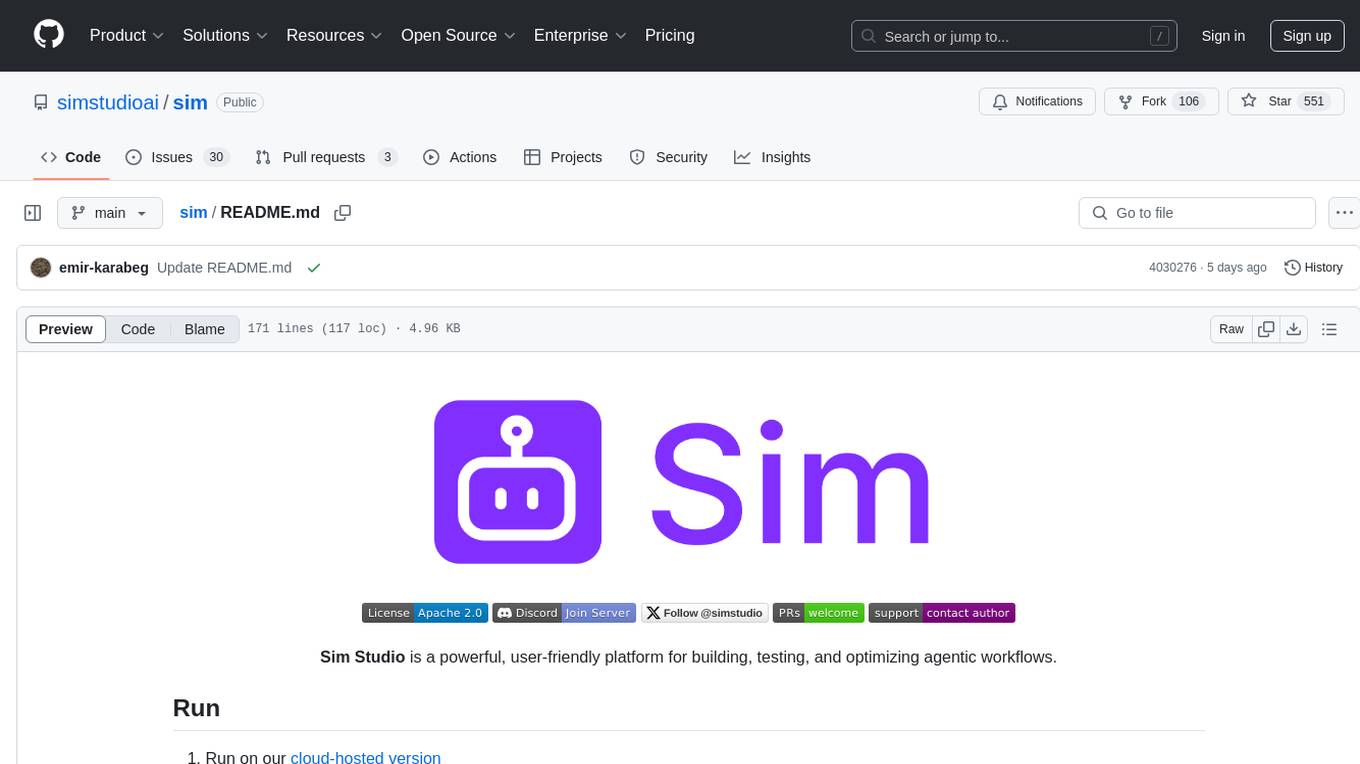
sim
Sim is a platform that allows users to build and deploy AI agent workflows quickly and easily. It provides cloud-hosted and self-hosted options, along with support for local AI models. Users can set up the application using Docker Compose, Dev Containers, or manual setup with PostgreSQL and pgvector extension. The platform utilizes technologies like Next.js, Bun, PostgreSQL with Drizzle ORM, Better Auth for authentication, Shadcn and Tailwind CSS for UI, Zustand for state management, ReactFlow for flow editor, Fumadocs for documentation, Turborepo for monorepo management, Socket.io for real-time communication, and Trigger.dev for background jobs.
AirCasting
AirCasting is a platform for gathering, visualizing, and sharing environmental data. It aims to provide a central hub for environmental data, making it easier for people to access and use this information to make informed decisions about their environment.
nosia
Nosia is a self-hosted AI RAG + MCP platform that allows users to run AI models on their own data with complete privacy and control. It integrates the Model Context Protocol (MCP) to connect AI models with external tools, services, and data sources. The platform is designed to be easy to install and use, providing OpenAI-compatible APIs that work seamlessly with existing AI applications. Users can augment AI responses with their documents, perform real-time streaming, support multi-format data, enable semantic search, and achieve easy deployment with Docker Compose. Nosia also offers multi-tenancy for secure data separation.
openai-kotlin
OpenAI Kotlin API client is a Kotlin client for OpenAI's API with multiplatform and coroutines capabilities. It allows users to interact with OpenAI's API using Kotlin programming language. The client supports various features such as models, chat, images, embeddings, files, fine-tuning, moderations, audio, assistants, threads, messages, and runs. It also provides guides on getting started, chat & function call, file source guide, and assistants. Sample apps are available for reference, and troubleshooting guides are provided for common issues. The project is open-source and licensed under the MIT license, allowing contributions from the community.
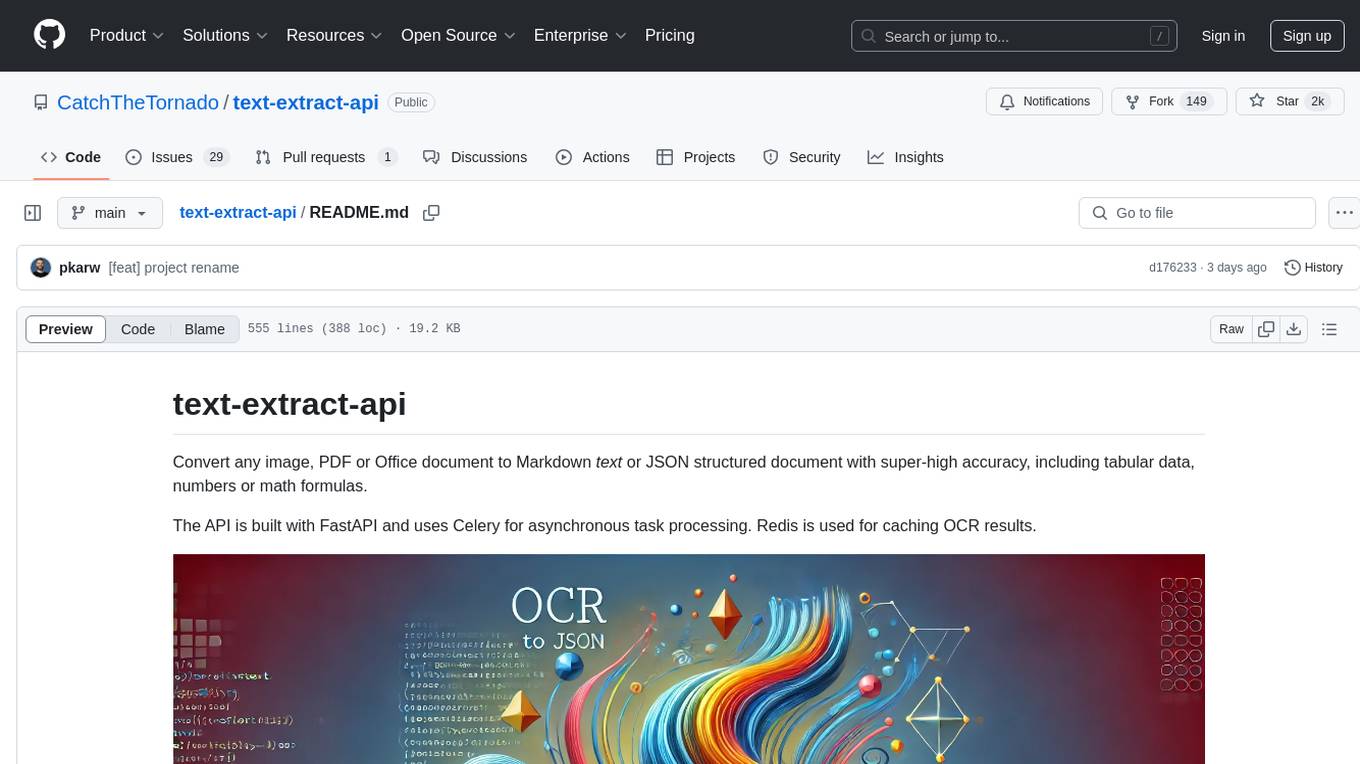
text-extract-api
The text-extract-api is a powerful tool that allows users to convert images, PDFs, or Office documents to Markdown text or JSON structured documents with high accuracy. It is built using FastAPI and utilizes Celery for asynchronous task processing, with Redis for caching OCR results. The tool provides features such as PDF/Office to Markdown and JSON conversion, improving OCR results with LLama, removing Personally Identifiable Information from documents, distributed queue processing, caching using Redis, switchable storage strategies, and a CLI tool for task management. Users can run the tool locally or on cloud services, with support for GPU processing. The tool also offers an online demo for testing purposes.
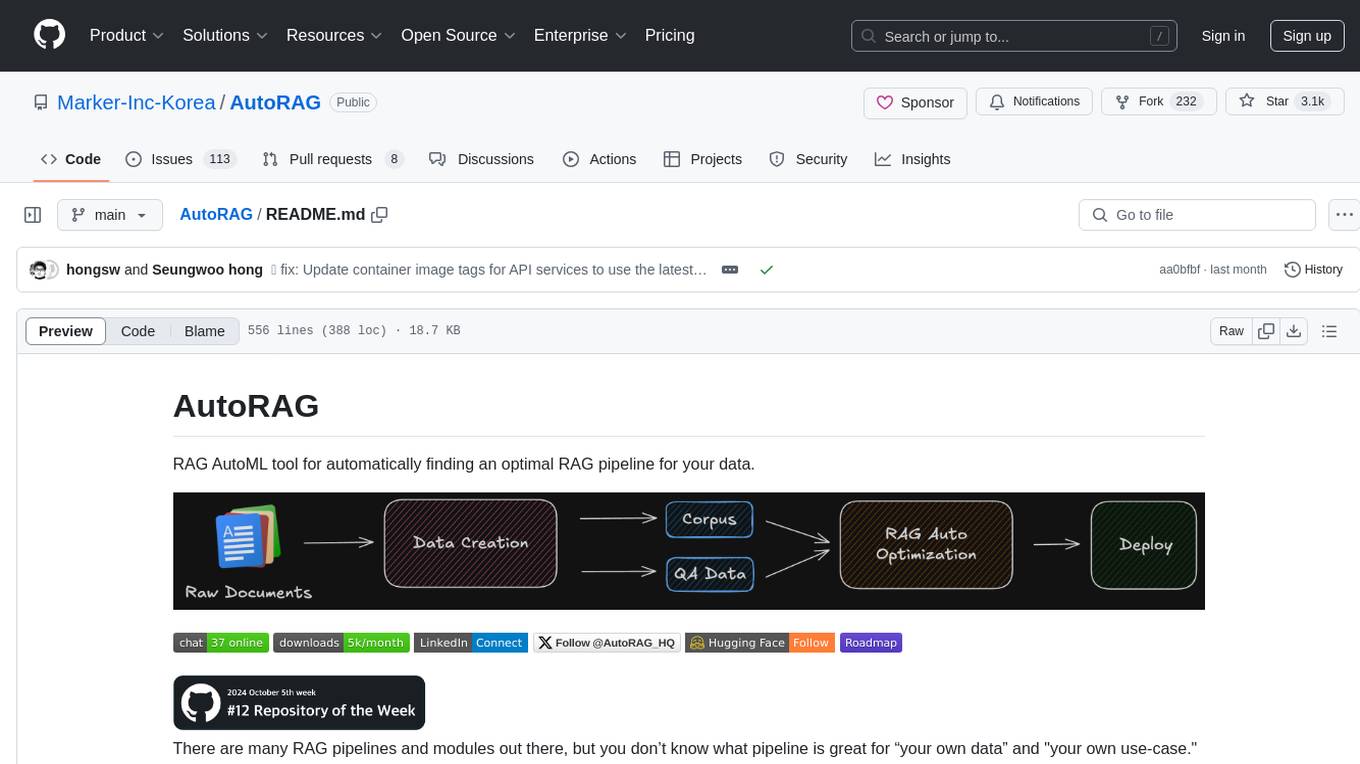
AutoRAG
AutoRAG is an AutoML tool designed to automatically find the optimal RAG pipeline for your data. It simplifies the process of evaluating various RAG modules to identify the best pipeline for your specific use-case. The tool supports easy evaluation of different module combinations, making it efficient to find the most suitable RAG pipeline for your needs. AutoRAG also offers a cloud beta version to assist users in running and optimizing the tool, along with building RAG evaluation datasets for a starting price of $9.99 per optimization.

LEANN
LEANN is an innovative vector database that democratizes personal AI, transforming your laptop into a powerful RAG system that can index and search through millions of documents using 97% less storage than traditional solutions without accuracy loss. It achieves this through graph-based selective recomputation and high-degree preserving pruning, computing embeddings on-demand instead of storing them all. LEANN allows semantic search of file system, emails, browser history, chat history, codebase, or external knowledge bases on your laptop with zero cloud costs and complete privacy. It is a drop-in semantic search MCP service fully compatible with Claude Code, enabling intelligent retrieval without changing your workflow.
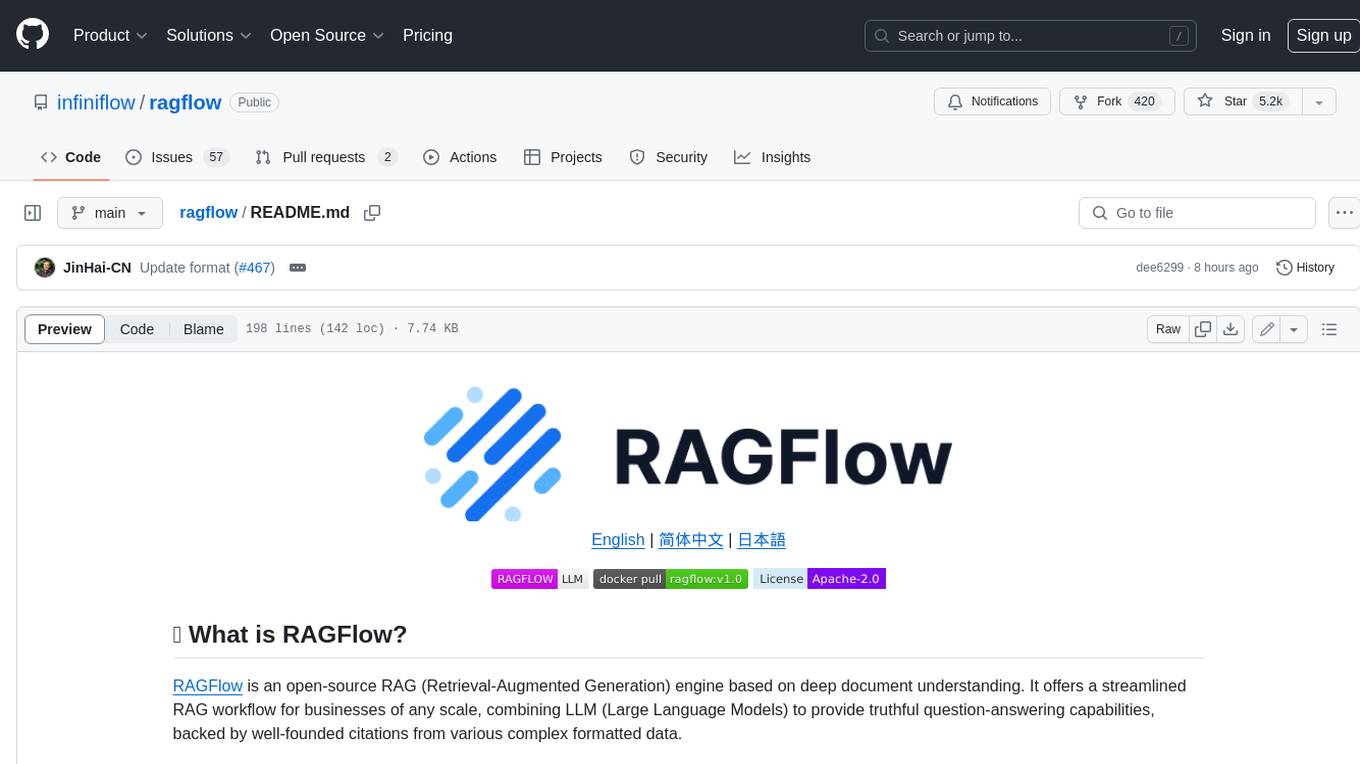
ragflow
RAGFlow is an open-source Retrieval-Augmented Generation (RAG) engine that combines deep document understanding with Large Language Models (LLMs) to provide accurate question-answering capabilities. It offers a streamlined RAG workflow for businesses of all sizes, enabling them to extract knowledge from unstructured data in various formats, including Word documents, slides, Excel files, images, and more. RAGFlow's key features include deep document understanding, template-based chunking, grounded citations with reduced hallucinations, compatibility with heterogeneous data sources, and an automated and effortless RAG workflow. It supports multiple recall paired with fused re-ranking, configurable LLMs and embedding models, and intuitive APIs for seamless integration with business applications.
UCAgent
UCAgent is an AI-powered automated UT verification agent for chip design. It automates chip verification workflow, supports functional and code coverage analysis, ensures consistency among documentation, code, and reports, and collaborates with mainstream Code Agents via MCP protocol. It offers three intelligent interaction modes and requires Python 3.11+, Linux/macOS OS, 4GB+ memory, and access to an AI model API. Users can clone the repository, install dependencies, configure qwen, and start verification. UCAgent supports various verification quality improvement options and basic operations through TUI shortcuts and stage color indicators. It also provides documentation build and preview using MkDocs, PDF manual build using Pandoc + XeLaTeX, and resources for further help and contribution.

TalkWithGemini
Talk With Gemini is a web application that allows users to deploy their private Gemini application for free with one click. It supports Gemini Pro and Gemini Pro Vision models. The application features talk mode for direct communication with Gemini, visual recognition for understanding picture content, full Markdown support, automatic compression of chat records, privacy and security with local data storage, well-designed UI with responsive design, fast loading speed, and multi-language support. The tool is designed to be user-friendly and versatile for various deployment options and language preferences.
pentagi
PentAGI is an innovative tool for automated security testing that leverages cutting-edge artificial intelligence technologies. It is designed for information security professionals, researchers, and enthusiasts who need a powerful and flexible solution for conducting penetration tests. The tool provides secure and isolated operations in a sandboxed Docker environment, fully autonomous AI-powered agent for penetration testing steps, a suite of 20+ professional security tools, smart memory system for storing research results, web intelligence for gathering information, integration with external search systems, team delegation system, comprehensive monitoring and reporting, modern interface, API integration, persistent storage, scalable architecture, self-hosted solution, flexible authentication, and quick deployment through Docker Compose.
obsei
Obsei is an open-source, low-code, AI powered automation tool that consists of an Observer to collect unstructured data from various sources, an Analyzer to analyze the collected data with various AI tasks, and an Informer to send analyzed data to various destinations. The tool is suitable for scheduled jobs or serverless applications as all Observers can store their state in databases. Obsei is still in alpha stage, so caution is advised when using it in production. The tool can be used for social listening, alerting/notification, automatic customer issue creation, extraction of deeper insights from feedbacks, market research, dataset creation for various AI tasks, and more based on creativity.
For similar tasks
comp
Comp AI is an open-source compliance automation platform designed to assist companies in achieving compliance with standards like SOC 2, ISO 27001, and GDPR. It transforms compliance into an engineering problem solved through code, automating evidence collection, policy management, and control implementation while maintaining data and infrastructure control.
agentfield
AgentField is an open-source control plane designed for autonomous AI agents, providing infrastructure for agents to make decisions beyond chatbots. It offers features like scaling infrastructure, routing & discovery, async execution, durable state, observability, trust infrastructure with cryptographic identity, verifiable credentials, and policy enforcement. Users can write agents in Python, Go, TypeScript, or interact via REST APIs. The tool enables the creation of AI backends that reason autonomously within defined boundaries, offering predictability and flexibility. AgentField aims to bridge the gap between AI frameworks and production-ready infrastructure for AI agents.
For similar jobs
moonshot
Moonshot is a simple and modular tool developed by the AI Verify Foundation to evaluate Language Model Models (LLMs) and LLM applications. It brings Benchmarking and Red-Teaming together to assist AI developers, compliance teams, and AI system owners in assessing LLM performance. Moonshot can be accessed through various interfaces including User-friendly Web UI, Interactive Command Line Interface, and seamless integration into MLOps workflows via Library APIs or Web APIs. It offers features like benchmarking LLMs from popular model providers, running relevant tests, creating custom cookbooks and recipes, and automating Red Teaming to identify vulnerabilities in AI systems.
comp
Comp AI is an open-source compliance automation platform designed to assist companies in achieving compliance with standards like SOC 2, ISO 27001, and GDPR. It transforms compliance into an engineering problem solved through code, automating evidence collection, policy management, and control implementation while maintaining data and infrastructure control.
iffy
Iffy is a tool for intelligent content moderation at scale, allowing users to keep unwanted content off their platform without the need to manage a team of moderators. It provides features such as a Moderation Dashboard to view and manage all moderation activity, User Lifecycle to automatically suspend users with flagged content, Appeals Management for efficient handling of user appeals, and Powerful Rules & Presets to create custom moderation rules. Users can choose between the managed Iffy Cloud or the free self-hosted Iffy Community version, each offering different features and setup requirements.
iffy
Iffy is a tool for intelligent content moderation at scale, allowing users to keep unwanted content off their platform without the need to manage a team of moderators. It features a Moderation Dashboard to view and manage all moderation activities, User Lifecycle for automatically suspending users with flagged content, Appeals Management for efficient handling of user appeals, and Powerful Rules & Presets to create custom moderation rules based on unique business needs. Users can choose between the managed Iffy Cloud or the free self-hosted Iffy Community version, each offering different features and setups.
fraim
Fraim is an AI-powered toolkit designed for security engineers to enhance their workflows by leveraging AI capabilities. It offers solutions to find, detect, fix, and flag vulnerabilities throughout the development lifecycle. The toolkit includes features like Risk Flagger for identifying risks in code changes, Code Security Analysis for context-aware vulnerability detection, and Infrastructure as Code Analysis for spotting misconfigurations in cloud environments. Fraim can be run as a CLI tool or integrated into Github Actions, making it a versatile solution for security teams and organizations looking to enhance their security practices with AI technology.
cli
Entire CLI is a tool that integrates into your git workflow to capture AI agent sessions on every push. It indexes sessions alongside commits, creating a searchable record of code changes in your repository. It helps you understand why code changed, recover instantly, keep Git history clean, onboard faster, and maintain traceability. Entire offers features like enabling in your project, working with your AI agent, rewinding to a previous checkpoint, resuming a previous session, and disabling Entire. It also explains key concepts like sessions and checkpoints, how it works, strategies, Git worktrees, and concurrent sessions. The tool provides commands for cleaning up data, enabling/disabling hooks, fixing stuck sessions, explaining sessions/commits, resetting state, and showing status/version. Entire uses configuration files for project and local settings, with options for enabling/disabling Entire, setting log levels, strategy, telemetry, and auto-summarization. It supports Gemini CLI in preview alongside Claude Code.
compl-ai
COMPL-AI is a compliance-centered evaluation framework for LLMs created by ETH Zurich, INSAIT, and LatticeFlow AI. It includes a technical interpretation of the EU AI Act and an open-source benchmarking suite. The framework offers tailored benchmarks covering various technical aspects of the EU AI Act, a public Hugging Face leaderboard, and support for multiple providers. Users can run evaluations using a custom CLI tool and contribute to expanding benchmark coverage. The framework is undergoing updates to enhance coverage over the EU AI Act principles and technical requirements, with a focus on risk management, data quality, and cybersecurity measures.
aide
AIDE (Advanced Intrusion Detection Environment) is a tool for monitoring file system changes. It can be used to detect unauthorized changes to monitored files and directories. AIDE was written to be a simple and free alternative to Tripwire. Features currently included in AIDE are as follows: o File attributes monitored: permissions, inode, user, group file size, mtime, atime, ctime, links and growing size. o Checksums and hashes supported: SHA1, MD5, RMD160, and TIGER. CRC32, HAVAL and GOST if Mhash support is compiled in. o Plain text configuration files and database for simplicity. o Rules, variables and macros that can be customized to local site or system policies. o Powerful regular expression support to selectively include or exclude files and directories to be monitored. o gzip database compression if zlib support is compiled in. o Free software licensed under the GNU General Public License v2.