


ai-code-fusion
Desktop app to process repository content into one file
Stars: 80
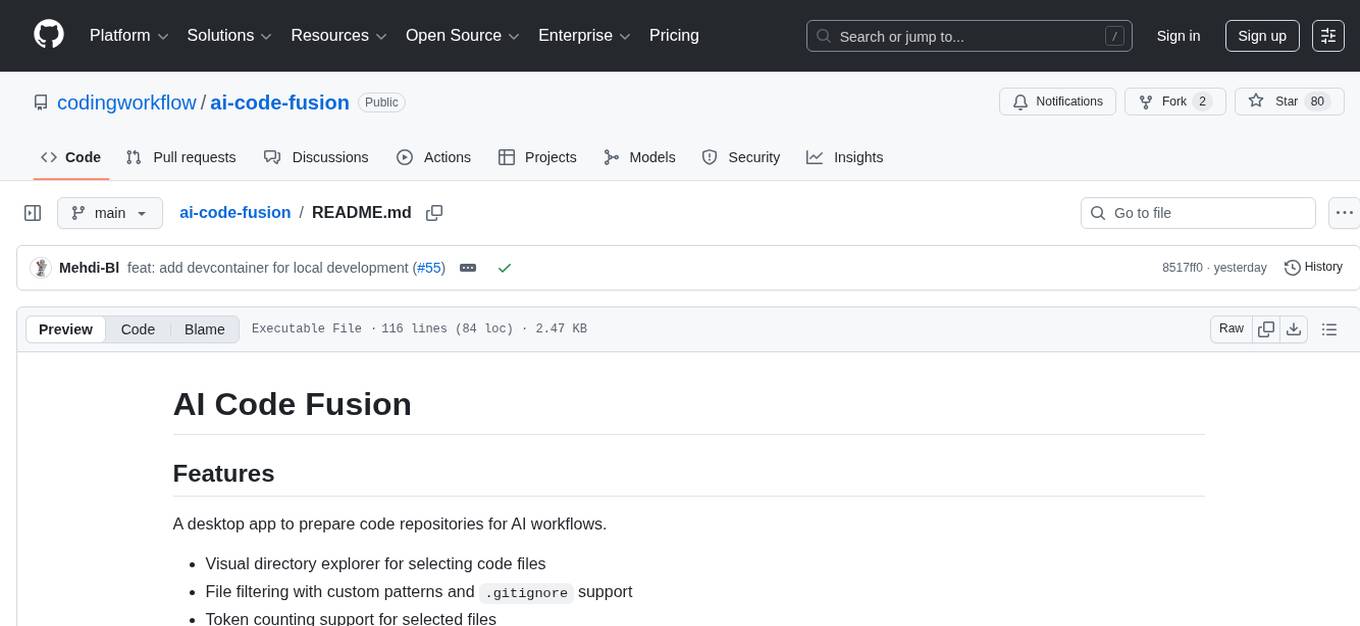
AI Code Fusion is a desktop application designed to streamline the preparation of code repositories for AI workflows. It features a visual directory explorer for selecting code files, file filtering with custom patterns and .gitignore support, token counting support for selected files, and processed output ready for copying or exporting to AI tools. The tool offers cross-platform support for Windows, macOS, and Linux, making it a versatile solution for developers working on AI projects.
README:
A desktop app to prepare code repositories for AI workflows.
- Visual directory explorer for selecting code files
- File filtering with custom patterns and
.gitignoresupport - Token counting support for selected files
- Processed output ready to copy/export for AI tools
- Export format selector: Markdown or XML
- Cross-platform support (Windows, macOS, Linux)
- UI panel screenshots:
docs/APP_VIEWS.md

Full sample files:
- Markdown:
docs/examples/output-markdown.md - XML:
docs/examples/output.xml
# Repository Analysis

## src/App.tsx

```ts
export function App() {
  return <main>Hello AI Code Fusion</main>;
}
```

Tokens: 120<?xml version="1.0" encoding="UTF-8"?>
<repository totalFiles="1" totalTokens="120">
<file path="src/App.tsx" tokens="120"><![CDATA[
export function App() {
return <main>Hello AI Code Fusion</main>;
}
]]></file>
</repository>Download the latest packaged build from GitHub Releases: https://github.com/codingworkflow/ai-code-fusion/releases
- Windows: download and run the
.exeinstaller - macOS: download the
.dmg, drag app to Applications - Linux: download the
.AppImage, then run:
chmod +x *.AppImage
./*.AppImageRequirements:
- Node.js (v20 or later)
- npm
- Git
git clone https://github.com/codingworkflow/ai-code-fusion
cd ai-code-fusion

npm ci
npm run build:webpack
npm run build
Optional platform-specific builds:
npm run build:win
npm run build:linux
npm run build:macThis repo includes .devcontainer/ for a reproducible local environment.
- Node.js: 20 (matches CI)
- npm: bundled with Node 20 (currently 10.x)
- Container user:
vscode - UID/GID is aligned by Dev Containers defaults for bind-mount compatibility
- No host home or SSH key directory is mounted in the container by default
Smoke test with Dev Containers CLI:
devcontainer read-configuration --workspace-folder .
devcontainer build --workspace-folder .
devcontainer up --workspace-folder .
devcontainer exec --workspace-folder . node -v
devcontainer exec --workspace-folder . npm -v
devcontainer exec --workspace-folder . id -u
devcontainer exec --workspace-folder . npm run lintGPL 3.0
For Tasks:
Click tags to check more tools for each tasksFor Jobs:
Alternative AI tools for ai-code-fusion
Similar Open Source Tools
ai-code-fusion
AI Code Fusion is a desktop application designed to streamline the preparation of code repositories for AI workflows. It features a visual directory explorer for selecting code files, file filtering with custom patterns and .gitignore support, token counting support for selected files, and processed output ready for copying or exporting to AI tools. The tool offers cross-platform support for Windows, macOS, and Linux, making it a versatile solution for developers working on AI projects.
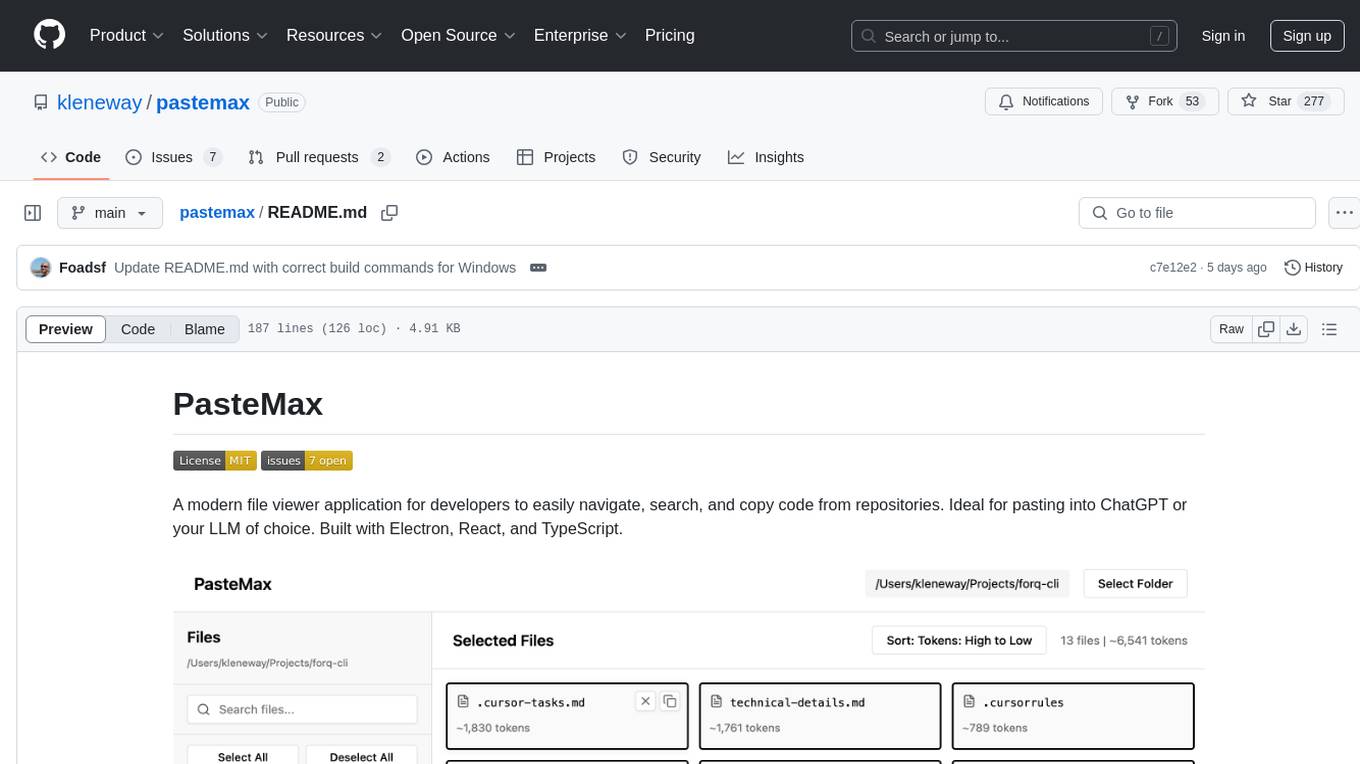
pastemax
PasteMax is a modern file viewer application designed for developers to easily navigate, search, and copy code from repositories. It provides features such as file tree navigation, token counting, search capabilities, selection management, sorting options, dark mode, binary file detection, and smart file exclusion. Built with Electron, React, and TypeScript, PasteMax is ideal for pasting code into ChatGPT or other language models. Users can download the application or build it from source, and customize file exclusions. Troubleshooting steps are provided for common issues, and contributions to the project are welcome under the MIT License.
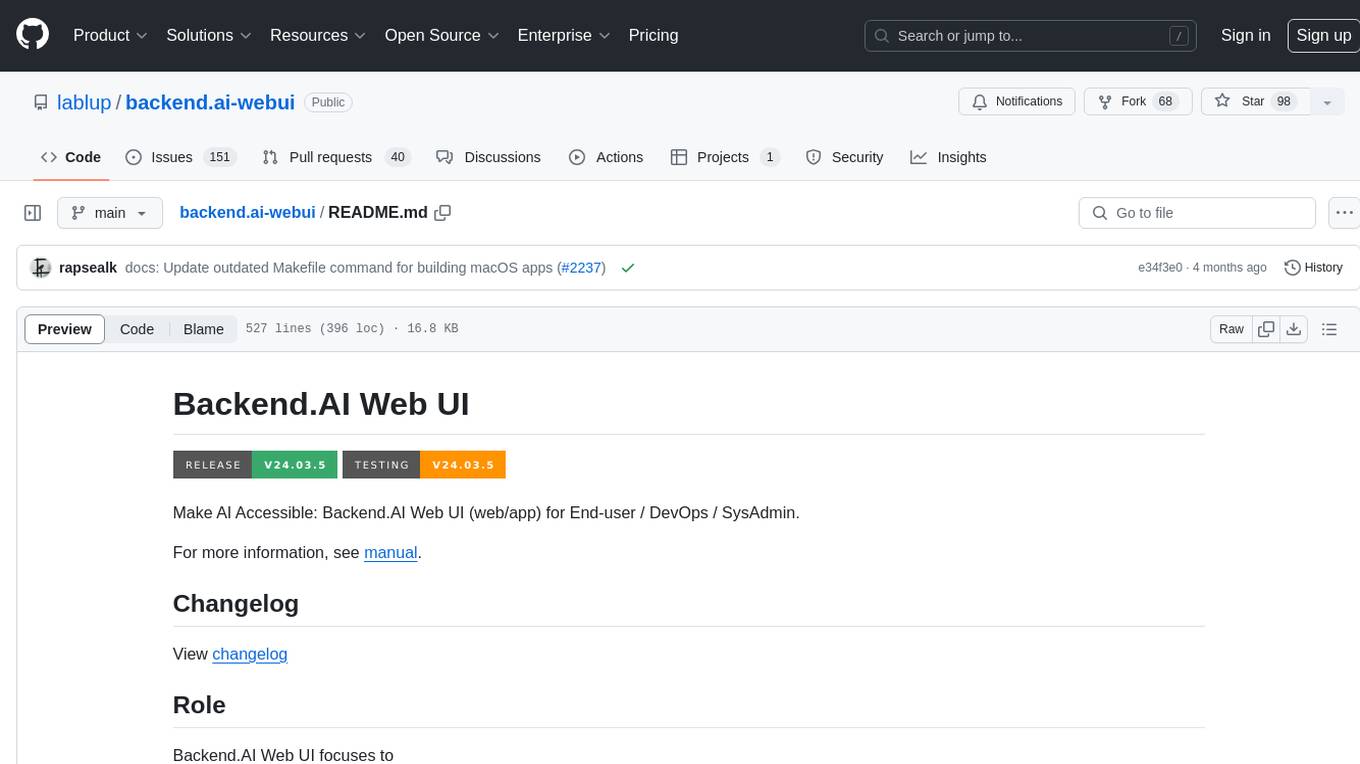
backend.ai-webui
Backend.AI Web UI is a user-friendly web and app interface designed to make AI accessible for end-users, DevOps, and SysAdmins. It provides features for session management, inference service management, pipeline management, storage management, node management, statistics, configurations, license checking, plugins, help & manuals, kernel management, user management, keypair management, manager settings, proxy mode support, service information, and integration with the Backend.AI Web Server. The tool supports various devices, offers a built-in websocket proxy feature, and allows for versatile usage across different platforms. Users can easily manage resources, run environment-supported apps, access a web-based terminal, use Visual Studio Code editor, manage experiments, set up autoscaling, manage pipelines, handle storage, monitor nodes, view statistics, configure settings, and more.
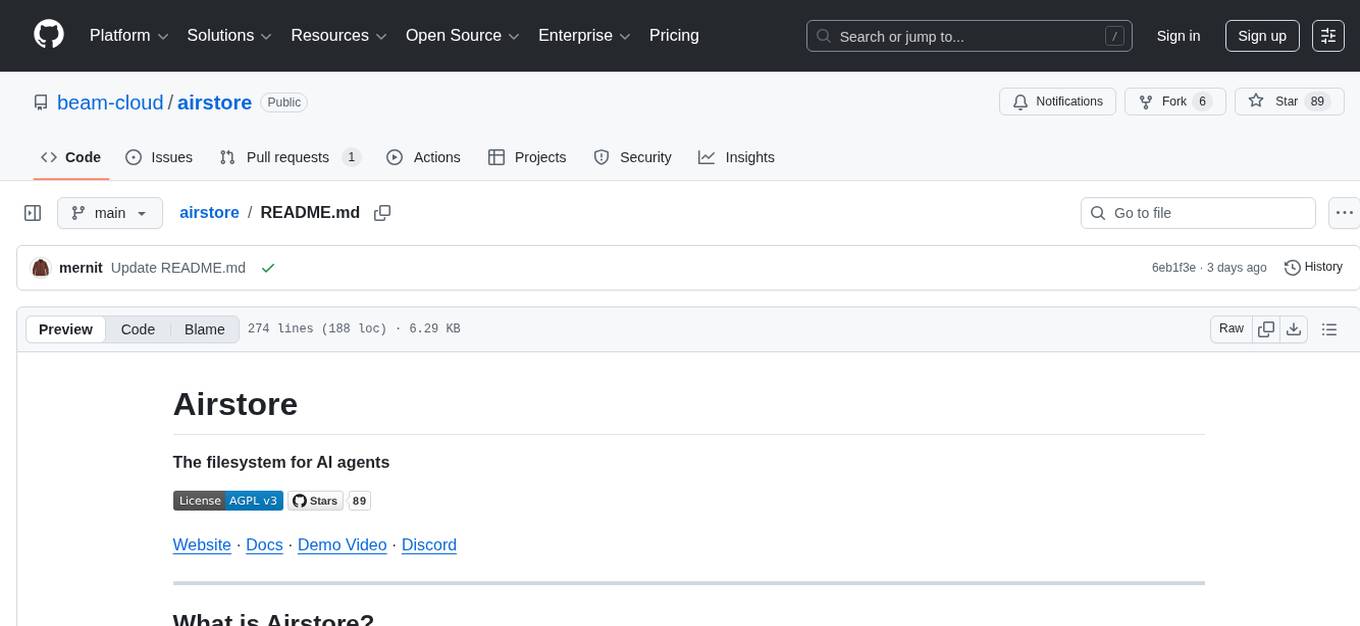
airstore
Airstore is a filesystem for AI agents that adds any source of data into a virtual filesystem, allowing users to connect services like Gmail, GitHub, Linear, and more, and describe data needs in plain English. Results are presented as files that can be read by Claude Code. Features include smart folders for natural language queries, integrations with various services, executable MCP servers, team workspaces, and local mode operation on user infrastructure. Users can sign up, connect integrations, create smart folders, install the CLI, mount the filesystem, and use with Claude Code to perform tasks like summarizing invoices, identifying unpaid invoices, and extracting data into CSV format.
sim
Sim is a platform that allows users to build and deploy AI agent workflows quickly and easily. It provides cloud-hosted and self-hosted options, along with support for local AI models. Users can set up the application using Docker Compose, Dev Containers, or manual setup with PostgreSQL and pgvector extension. The platform utilizes technologies like Next.js, Bun, PostgreSQL with Drizzle ORM, Better Auth for authentication, Shadcn and Tailwind CSS for UI, Zustand for state management, ReactFlow for flow editor, Fumadocs for documentation, Turborepo for monorepo management, Socket.io for real-time communication, and Trigger.dev for background jobs.
Flowise
Flowise is a tool that allows users to build customized LLM flows with a drag-and-drop UI. It is open-source and self-hostable, and it supports various deployments, including AWS, Azure, Digital Ocean, GCP, Railway, Render, HuggingFace Spaces, Elestio, Sealos, and RepoCloud. Flowise has three different modules in a single mono repository: server, ui, and components. The server module is a Node backend that serves API logics, the ui module is a React frontend, and the components module contains third-party node integrations. Flowise supports different environment variables to configure your instance, and you can specify these variables in the .env file inside the packages/server folder.
ai-commits-intellij-plugin
AI Commits is a plugin for IntelliJ-based IDEs and Android Studio that generates commit messages using git diff and OpenAI. It offers features such as generating commit messages from diff using OpenAI API, computing diff only from selected files and lines in the commit dialog, creating custom prompts for commit message generation, using predefined variables and hints to customize prompts, choosing any of the models available in OpenAI API, setting OpenAI network proxy, and setting custom OpenAI compatible API endpoint.
mcpd
mcpd is a tool developed by Mozilla AI to declaratively manage Model Context Protocol (MCP) servers, enabling consistent interface for defining and running tools across different environments. It bridges the gap between local development and enterprise deployment by providing secure secrets management, declarative configuration, and seamless environment promotion. mcpd simplifies the developer experience by offering zero-config tool setup, language-agnostic tooling, version-controlled configuration files, enterprise-ready secrets management, and smooth transition from local to production environments.
BuildCLI
BuildCLI is a command-line interface (CLI) tool designed for managing and automating common tasks in Java project development. It simplifies the development process by allowing users to create, compile, manage dependencies, run projects, generate documentation, manage configuration profiles, dockerize projects, integrate CI/CD tools, and generate structured changelogs. The tool aims to enhance productivity and streamline Java project management by providing a range of functionalities accessible directly from the terminal.
ppt2desc
ppt2desc is a command-line tool that converts PowerPoint presentations into detailed textual descriptions using vision language models. It interprets and describes visual elements, capturing the full semantic meaning of each slide in a machine-readable format. The tool supports various model providers and offers features like converting PPT/PPTX files to semantic descriptions, processing individual files or directories, visual elements interpretation, rate limiting for API calls, customizable prompts, and JSON output format for easy integration.
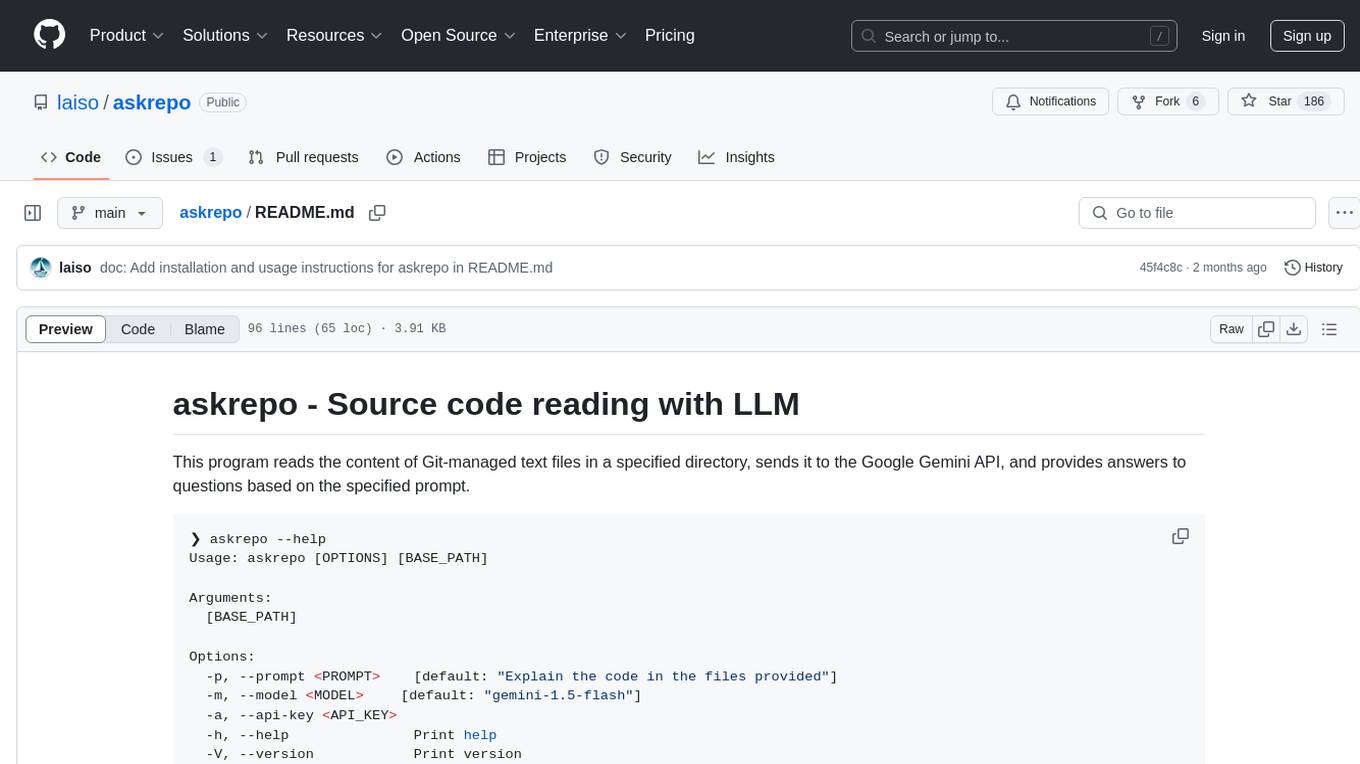
askrepo
askrepo is a tool that reads the content of Git-managed text files in a specified directory, sends it to the Google Gemini API, and provides answers to questions based on a specified prompt. It acts as a question-answering tool for source code by using a Google AI model to analyze and provide answers based on the provided source code files. The tool leverages modules for file processing, interaction with the Google AI API, and orchestrating the entire process of extracting information from source code files.
HuggingFaceModelDownloader
The HuggingFace Model Downloader is a utility tool for downloading models and datasets from the HuggingFace website. It offers multithreaded downloading for LFS files and ensures the integrity of downloaded models with SHA256 checksum verification. The tool provides features such as nested file downloading, filter downloads for specific LFS model files, support for HuggingFace Access Token, and configuration file support. It can be used as a library or a single binary for easy model downloading and inference in projects.
comp
Comp AI is an open-source compliance automation platform designed to assist companies in achieving compliance with standards like SOC 2, ISO 27001, and GDPR. It transforms compliance into an engineering problem solved through code, automating evidence collection, policy management, and control implementation while maintaining data and infrastructure control.
company-research-agent
Agentic Company Researcher is a multi-agent tool that generates comprehensive company research reports by utilizing a pipeline of AI agents to gather, curate, and synthesize information from various sources. It features multi-source research, AI-powered content filtering, real-time progress streaming, dual model architecture, modern React frontend, and modular architecture. The tool follows an agentic framework with specialized research and processing nodes, leverages separate models for content generation, uses a content curation system for relevance scoring and document processing, and implements a real-time communication system via WebSocket connections. Users can set up the tool quickly using the provided setup script or manually, and it can also be deployed using Docker and Docker Compose. The application can be used for local development and deployed to various cloud platforms like AWS Elastic Beanstalk, Docker, Heroku, and Google Cloud Run.
ai-containers
This repository contains Dockerfiles, scripts, yaml files, Helm charts, etc. used to scale out AI containers with versions of TensorFlow and PyTorch optimized for Intel platforms. Scaling is done with python, Docker, kubernetes, kubeflow, cnvrg.io, Helm, and other container orchestration frameworks for use in the cloud and on-premise.
For similar tasks
ai-code-fusion
AI Code Fusion is a desktop application designed to streamline the preparation of code repositories for AI workflows. It features a visual directory explorer for selecting code files, file filtering with custom patterns and .gitignore support, token counting support for selected files, and processed output ready for copying or exporting to AI tools. The tool offers cross-platform support for Windows, macOS, and Linux, making it a versatile solution for developers working on AI projects.
tokencost
Tokencost is a clientside tool for calculating the USD cost of using major Large Language Model (LLMs) APIs by estimating the cost of prompts and completions. It helps track the latest price changes of major LLM providers, accurately count prompt tokens before sending OpenAI requests, and easily integrate to get the cost of a prompt or completion with a single function. Users can calculate prompt and completion costs using OpenAI requests, count tokens in prompts formatted as message lists or string prompts, and refer to a cost table with updated prices for various LLM models. The tool also supports callback handlers for LLM wrapper/framework libraries like LlamaIndex and Langchain.
llm
The 'llm' package for Emacs provides an interface for interacting with Large Language Models (LLMs). It abstracts functionality to a higher level, concealing API variations and ensuring compatibility with various LLMs. Users can set up providers like OpenAI, Gemini, Vertex, Claude, Ollama, GPT4All, and a fake client for testing. The package allows for chat interactions, embeddings, token counting, and function calling. It also offers advanced prompt creation and logging capabilities. Users can handle conversations, create prompts with placeholders, and contribute by creating providers.
gigachat
GigaChat is a Python library that allows GigaChain to interact with GigaChat, a neural network model capable of engaging in dialogue, writing code, creating texts, and images on demand. Data exchange with the service is facilitated through the GigaChat API. The library supports processing token streaming, as well as working in synchronous or asynchronous mode. It enables precise token counting in text using the GigaChat API.
client
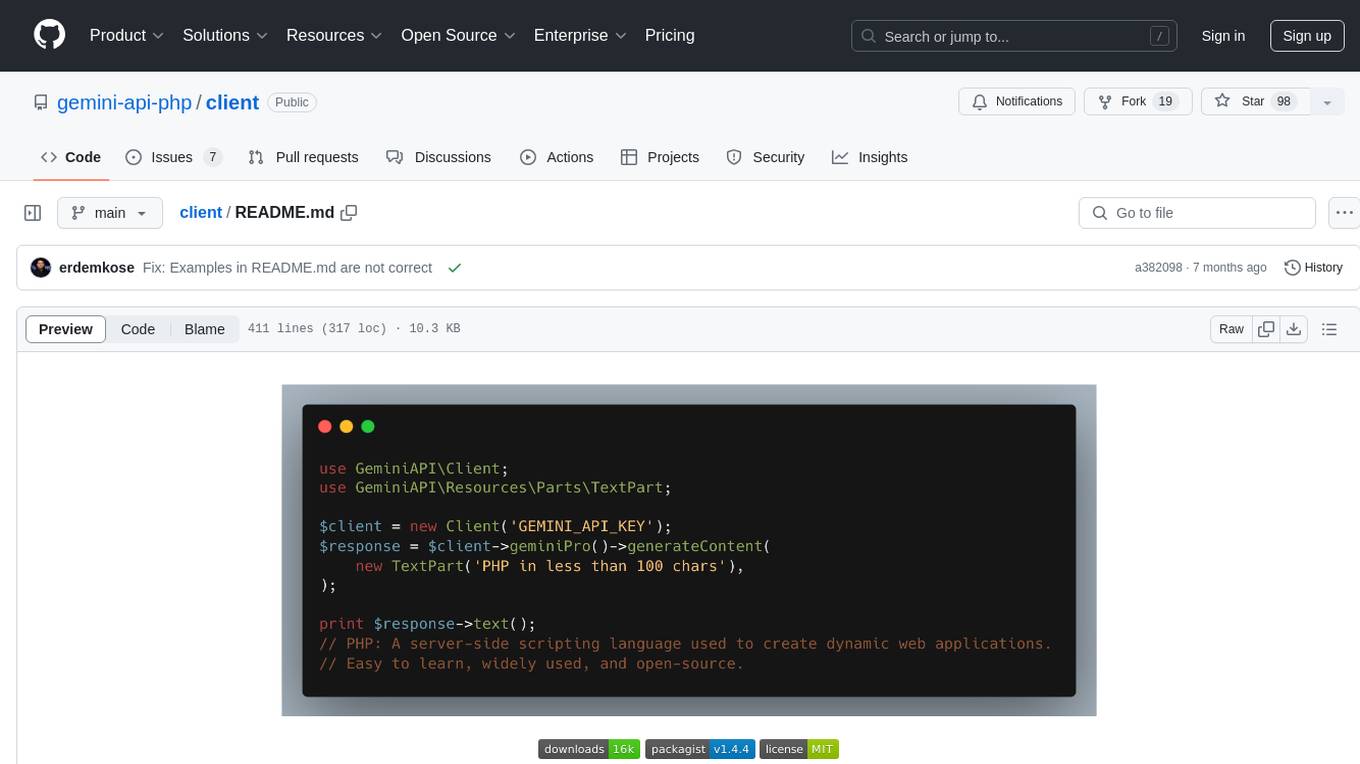
Gemini API PHP Client is a library that allows you to interact with Google's generative AI models, such as Gemini Pro and Gemini Pro Vision. It provides functionalities for basic text generation, multimodal input, chat sessions, streaming responses, tokens counting, listing models, and advanced usages like safety settings and custom HTTP client usage. The library requires an API key to access Google's Gemini API and can be installed using Composer. It supports various features like generating content, starting chat sessions, embedding content, counting tokens, and listing available models.
gemini-cli
gemini-cli is a versatile command-line interface for Google's Gemini LLMs, written in Go. It includes tools for chatting with models, generating/comparing embeddings, and storing data in SQLite for analysis. Users can interact with Gemini models through various subcommands like prompt, chat, counttok, embed content, embed db, and embed similar.
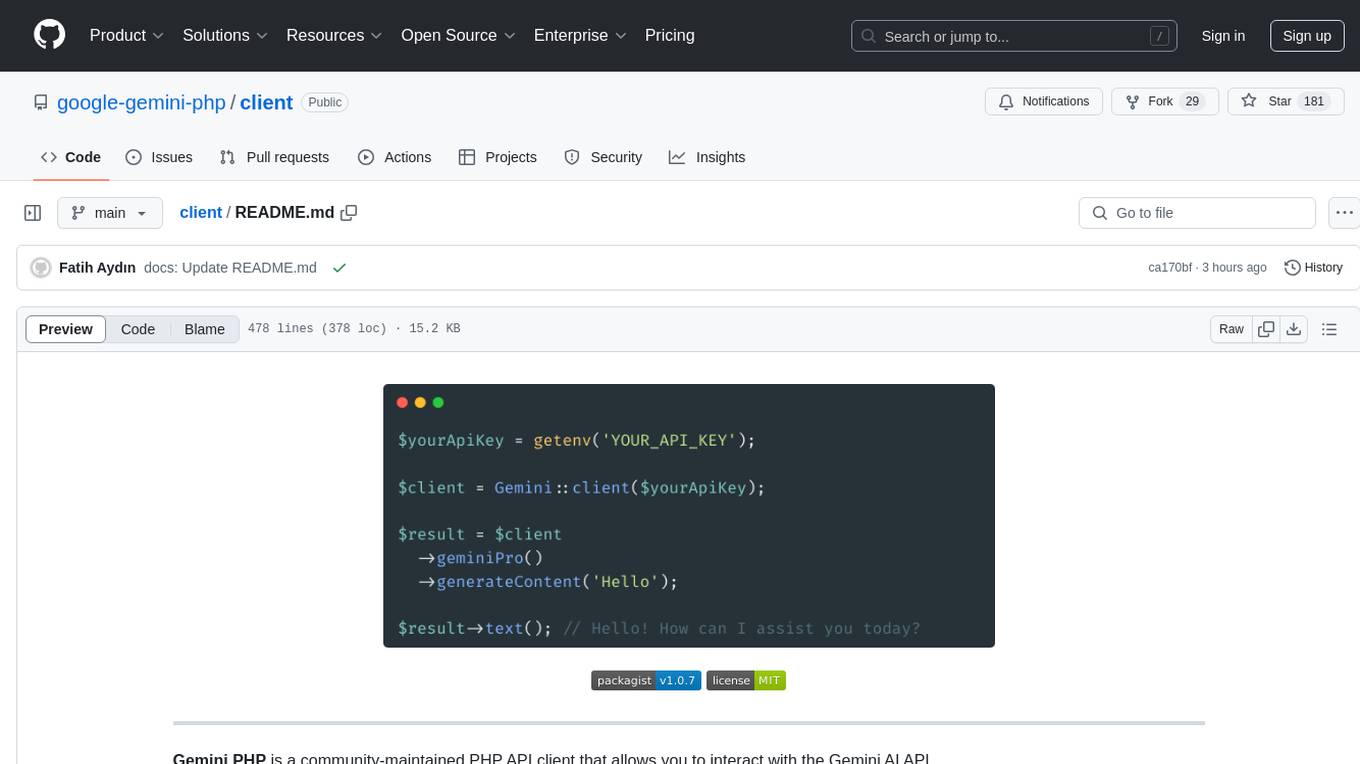
client
Gemini PHP is a PHP API client for interacting with the Gemini AI API. It allows users to generate content, chat, count tokens, configure models, embed resources, list models, get model information, troubleshoot timeouts, and test API responses. The client supports various features such as text-only input, text-and-image input, multi-turn conversations, streaming content generation, token counting, model configuration, and embedding techniques. Users can interact with Gemini's API to perform tasks related to natural language generation and text analysis.
ai21-python
The AI21 Labs Python SDK is a comprehensive tool for interacting with the AI21 API. It provides functionalities for chat completions, conversational RAG, token counting, error handling, and support for various cloud providers like AWS, Azure, and Vertex. The SDK offers both synchronous and asynchronous usage, along with detailed examples and documentation. Users can quickly get started with the SDK to leverage AI21's powerful models for various natural language processing tasks.
For similar jobs

sweep
Sweep is an AI junior developer that turns bugs and feature requests into code changes. It automatically handles developer experience improvements like adding type hints and improving test coverage.

teams-ai
The Teams AI Library is a software development kit (SDK) that helps developers create bots that can interact with Teams and Microsoft 365 applications. It is built on top of the Bot Framework SDK and simplifies the process of developing bots that interact with Teams' artificial intelligence capabilities. The SDK is available for JavaScript/TypeScript, .NET, and Python.

ai-guide
This guide is dedicated to Large Language Models (LLMs) that you can run on your home computer. It assumes your PC is a lower-end, non-gaming setup.

classifai
Supercharge WordPress Content Workflows and Engagement with Artificial Intelligence. Tap into leading cloud-based services like OpenAI, Microsoft Azure AI, Google Gemini and IBM Watson to augment your WordPress-powered websites. Publish content faster while improving SEO performance and increasing audience engagement. ClassifAI integrates Artificial Intelligence and Machine Learning technologies to lighten your workload and eliminate tedious tasks, giving you more time to create original content that matters.

chatbot-ui
Chatbot UI is an open-source AI chat app that allows users to create and deploy their own AI chatbots. It is easy to use and can be customized to fit any need. Chatbot UI is perfect for businesses, developers, and anyone who wants to create a chatbot.

BricksLLM
BricksLLM is a cloud native AI gateway written in Go. Currently, it provides native support for OpenAI, Anthropic, Azure OpenAI and vLLM. BricksLLM aims to provide enterprise level infrastructure that can power any LLM production use cases. Here are some use cases for BricksLLM: * Set LLM usage limits for users on different pricing tiers * Track LLM usage on a per user and per organization basis * Block or redact requests containing PIIs * Improve LLM reliability with failovers, retries and caching * Distribute API keys with rate limits and cost limits for internal development/production use cases * Distribute API keys with rate limits and cost limits for students

uAgents
uAgents is a Python library developed by Fetch.ai that allows for the creation of autonomous AI agents. These agents can perform various tasks on a schedule or take action on various events. uAgents are easy to create and manage, and they are connected to a fast-growing network of other uAgents. They are also secure, with cryptographically secured messages and wallets.

griptape
Griptape is a modular Python framework for building AI-powered applications that securely connect to your enterprise data and APIs. It offers developers the ability to maintain control and flexibility at every step. Griptape's core components include Structures (Agents, Pipelines, and Workflows), Tasks, Tools, Memory (Conversation Memory, Task Memory, and Meta Memory), Drivers (Prompt and Embedding Drivers, Vector Store Drivers, Image Generation Drivers, Image Query Drivers, SQL Drivers, Web Scraper Drivers, and Conversation Memory Drivers), Engines (Query Engines, Extraction Engines, Summary Engines, Image Generation Engines, and Image Query Engines), and additional components (Rulesets, Loaders, Artifacts, Chunkers, and Tokenizers). Griptape enables developers to create AI-powered applications with ease and efficiency.