


gemini-cli
Access Gemini LLMs from the command-line
Stars: 95
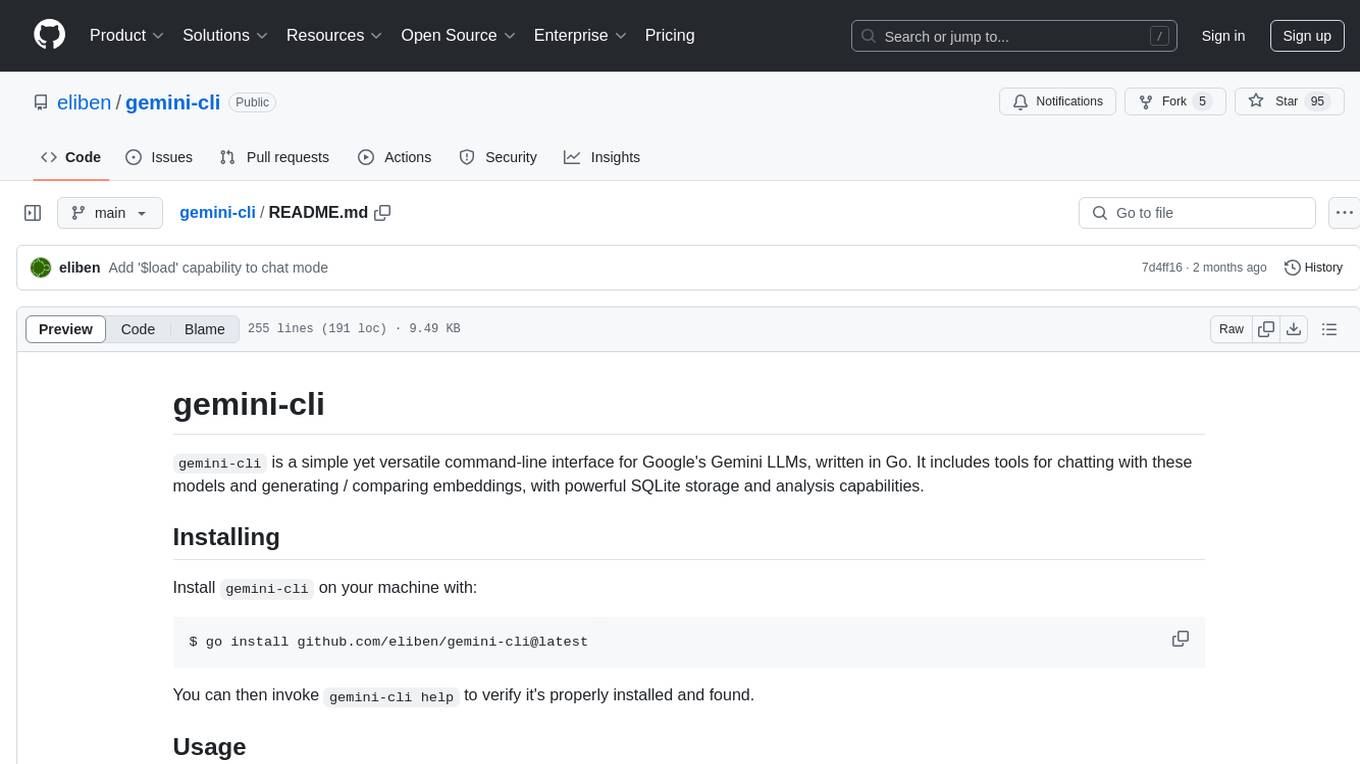
gemini-cli is a versatile command-line interface for Google's Gemini LLMs, written in Go. It includes tools for chatting with models, generating/comparing embeddings, and storing data in SQLite for analysis. Users can interact with Gemini models through various subcommands like prompt, chat, counttok, embed content, embed db, and embed similar.
README:
gemini-cli is a simple yet versatile command-line interface for Google's
Gemini LLMs, written in Go. It includes tools for chatting with these models and
generating / comparing embeddings, with powerful SQLite storage and analysis
capabilities.
Install gemini-cli on your machine with:
$ go install github.com/eliben/gemini-cli@latest
You can then invoke gemini-cli help to verify it's properly installed and
found.
All gemini-cli invocations require an API key for https://ai.google.dev/ to be
provided, either via the --key flag or an environment variable called
GEMINI_API_KEY. You can visit that page to obtain a key - there's a generous
free tier!
From here on, all examples assume the environment variable was set earlier to a valid key.
gemini-cli has a nested tree of subcommands to perform various tasks. You can
always run gemini-cli help <command> [subcommand]... to get usage; e.g.
gemini-cli help chat or gemini-cli help embed similar. The printed help
information will describe every subcommand and its flags.
This guide will discuss some of the more common use cases.
The list of Gemini models supported by the backend is available on this
page. You can run gemini-cli models to
ask the tool to print a list of model names it's familiar with. These are the
names you can pass in with the --model flag (see the default model name by
running gemini-cli help), and you can always omit the models/ prefix.
The prompt command allows one to send queries consisting of text or images to
the LLM. This is a single-shot interaction; the LLM will have no memory of
previous prompts (see the chat command for with-memory interactions).
$ gemini-cli prompt <prompt or '-'>... [flags]
The prompt can be provided as a sequence of parts, each one a command-line argument.
The arguments are sent as a sequence to the model in the order provided.
If --system is provided, it's prepended to the other arguments. An argument
can be some quoted text, a name of an image file on the local filesystem or
a URL pointing directly to an image file online. A special argument with
the value - instructs the tool to read this prompt part from standard input.
It can only appear once in a single invocation.
Some examples:
# Simple single prompt
$ gemini-cli prompt "why is the sky blue?"

# Multi-modal prompt with image file. Note that we have to ask for a
# vision-capable model explicitly
$ gemini-cli prompt --model gemini-pro-vision "describe this image:" test/datafiles/puppies.png
Running gemini-cli chat starts an interactive terminal chat with a model. You
write prompts following the > character and the model prints its replies. In
this mode, the model has a memory of your previous prompts and its own replies
(within the model's context length limit). Example:
$ gemini-cli chat
Chatting with gemini-1.5-flash
Type 'exit' or 'quit' to exit
> name 3 dog breeds
1. Golden Retriever
2. Labrador Retriever
3. German Shepherd
> which of these is the heaviest?
German Shepherd

German Shepherds are typically the heaviest of the three breeds, with males
[...]
> and which are considered best for kids?
**Golden Retrievers** and **Labrador Retrievers** are both considered excellent
[...]
>
During the chat, it's possible to ask gemini-cli to load a file's contents
to the model instead of sending a textual message; Do this with the
$load <path> command, pointing to an existing file.
We can ask the Gemini API to count the number of tokens in a given prompt or
list of prompts. gemini-cli supports this with the counttok command.
Examples:
$ gemini-cli counttok "why is the sky blue?"

$ cat textfile.txt | gemini-cli counttok -
Some of gemini-cli's most advanced capabilities are in interacting with
Gemini's embedding models. gemini-cli uses SQLite to store embeddings for a
potentially large number of inputs and query these embeddings for similarity.
This is all done through subcommands of the embed command.
Useful for kicking the tires of embeddings, this subcommand embeds a single
prompt taken from the command-line or a file, and prints out its embedding in
various formats (controlled with the --format flag). Examples:
$ gemini-cli embed content "why is the sky blue?"

$ cat textfile.txt | gemini-cli embed content -
embed db is a swiss-army knife subcommand for embedding multiple pieces of
text and storing the results in a SQLite DB. It supports different kinds of
inputs: a textual table, the file system or the DB itself.
All variations of embed db take the path of a DB file to use as output. If the
file exists, it's expected to be a valid SQLite DB; otherwise, a new DB is
created in that path. gemini-cli will store the results of embedding
calculations in this DB in the embeddings table (this name can be configured
with the --table flag), with this SQL schema:
id TEXT PRIMARY KEY
embedding BLOB
The id is taken from the input, based on its type. We'll go through the
different variants of input next.
Filesystem input: when passed the --files or --files-list flag,
gemini-cli takes inputs as files from the filesystem. Each file is one input:
its path is the ID, and its contents are passed to the embedding model.
With --files, the flag value is a comma-separated pair of
<root directory>,<glob pattern>; the root directory is walked recursively
and every file matching the glob pattern is included in the input. For example:
$ gemini-cli embed db out.db --files somedir,*.txt
Embeds every .txt file found in somedir or any of its sub-directories. The
ID for each file will be its path starting with somedir/.
With --files-list, the flag value is a comma-separated pair of filenames. Each
name becomes an ID and the file's contents are passed to the embedding model.
This can be useful for more sophisticated patterns that are difficult to express
using a simple glob; for example, using pss
and the paste command, this embeds any file that looks like a C++ file (i.e.
ending with .h, .hpp, .cpp, .cxx and so on) in the current directory:
$ gemini-cli embed db out-db --files-list $(pss -f --cpp | paste -sd,)
SQLite DB input: when passed the --sql flag, gemini-cli takes inputs
from the SQLite DB itself, or any other SQLite DB file. The flag value is a SQL
select statement that should select at least two columns; the first one will
be taken as the ID, and the others are concatenated to become the value passed
to the embedding model.
For example, if out.db already has a table named docs with the column names
id and content, this call will embed the contents of each row and place the
output in the embeddings table:
$ gemini-cli embed db out.db --sql "select id, content from docs"
With the --attach flag, we can also ask gemini-cli to read inputs from other
SQLite DB files. For example:
$ gemini-cli embed db out.db --attach inp,input.db --sql "select id, content from inp.docs"
Will read the inputs from input.db and write embedding outputs to out.db.
Tabular input: without additional flags, gemini-cli will expect a filename
or - following the output DB name. This file (or data piped from standard
input in case of -) is expected to be in either CSV, TSV (tab-separated
values), JSON or JSONLines format and include a list
of records that has an ID field and some arbitrary number of other fields that
are all concatenated to create the content for the record. The content is
embedded and the result is associated with the ID in the output SQLite DB.
For example:
$ cat input.csv
id,name,age
3,luci,23
4,merene,29
5,pat,52
$ cat input.csv | gemini-cli embed db out.db -
Will embed each record from the input file and create 3 rows in the embeddings
table associated with the IDs 3, 4 and 5. In this mode, gemini-cli
auto-detects the format of the file passed into it without relying on its
extension (note that it's unaware of the extension when the input is piped
through standard input).
Other flags: embed db has some additional flags that affect its behavior
for all input modes. Run gemini help embed db details.
Once an embeddings table was computed with embed db, we can use the embed similar command to find values that are most similar (in terms of distance in
embedding vector space) to some content. For example:
$ gemini-cli embed similar out.db somefile.txt
Will embed the contents of somefile.txt, then compare its embedding vector
with the embeddings stored in the embeddings table of out.db, and print out
the 5 closest entries (this number can be controlled with the --topk flag).
By default, embed similar will emit the ID of the similar entry and the
similarity score for each record. The --show flag can be used to control which
columns from the DB are printed out.
gemini-cli is inspired by Simon Willison's llm tool, but
aimed at the Go ecosystem. Simon's website is a treasure trove of
information about LLMs, embeddings and building tools that use them - check it out!
For Tasks:
Click tags to check more tools for each tasksFor Jobs:
Alternative AI tools for gemini-cli
Similar Open Source Tools
gemini-cli
gemini-cli is a versatile command-line interface for Google's Gemini LLMs, written in Go. It includes tools for chatting with models, generating/comparing embeddings, and storing data in SQLite for analysis. Users can interact with Gemini models through various subcommands like prompt, chat, counttok, embed content, embed db, and embed similar.
vectorflow
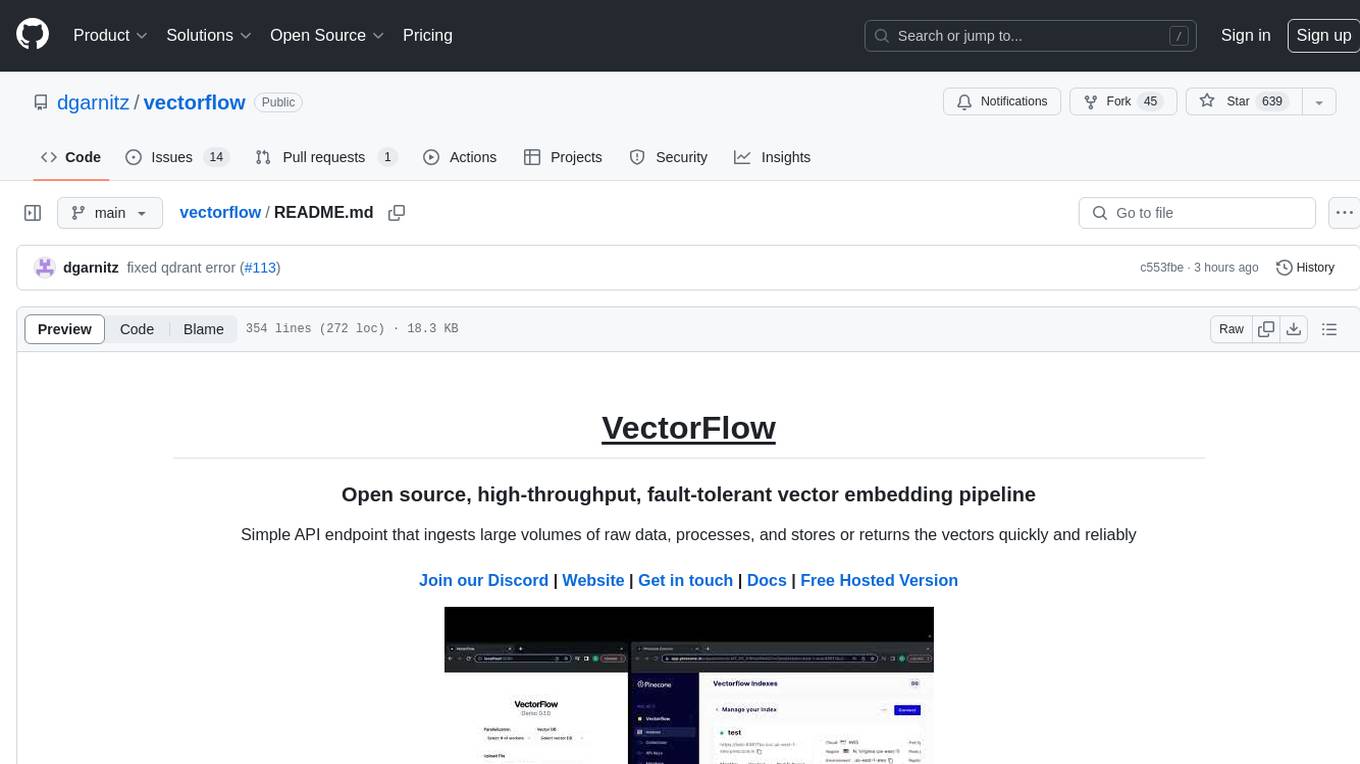
VectorFlow is an open source, high throughput, fault tolerant vector embedding pipeline. It provides a simple API endpoint for ingesting large volumes of raw data, processing, and storing or returning the vectors quickly and reliably. The tool supports text-based files like TXT, PDF, HTML, and DOCX, and can be run locally with Kubernetes in production. VectorFlow offers functionalities like embedding documents, running chunking schemas, custom chunking, and integrating with vector databases like Pinecone, Qdrant, and Weaviate. It enforces a standardized schema for uploading data to a vector store and supports features like raw embeddings webhook, chunk validation webhook, S3 endpoint, and telemetry. The tool can be used with the Python client and provides detailed instructions for running and testing the functionalities.
mlx-lm
MLX LM is a Python package designed for generating text and fine-tuning large language models on Apple silicon using MLX. It offers integration with the Hugging Face Hub for easy access to thousands of LLMs, support for quantizing and uploading models to the Hub, low-rank and full model fine-tuning capabilities, and distributed inference and fine-tuning with `mx.distributed`. Users can interact with the package through command line options or the Python API, enabling tasks such as text generation, chatting with language models, model conversion, streaming generation, and sampling. MLX LM supports various Hugging Face models and provides tools for efficient scaling to long prompts and generations, including a rotating key-value cache and prompt caching. It requires macOS 15.0 or higher for optimal performance.
qb
QANTA is a system and dataset for question answering tasks. It provides a script to download datasets, preprocesses questions, and matches them with Wikipedia pages. The system includes various datasets, training, dev, and test data in JSON and SQLite formats. Dependencies include Python 3.6, `click`, and NLTK models. Elastic Search 5.6 is needed for the Guesser component. Configuration is managed through environment variables and YAML files. QANTA supports multiple guesser implementations that can be enabled/disabled. Running QANTA involves using `cli.py` and Luigi pipelines. The system accesses raw Wikipedia dumps for data processing. The QANTA ID numbering scheme categorizes datasets based on events and competitions.
illume
Illume is a scriptable command line program designed for interfacing with an OpenAI-compatible LLM API. It acts as a unix filter, sending standard input to the LLM and streaming its response to standard output. Users can interact with the LLM through text editors like Vim or Emacs, enabling seamless communication with the AI model for various tasks.
ain
Ain is a terminal HTTP API client designed for scripting input and processing output via pipes. It allows flexible organization of APIs using files and folders, supports shell-scripts and executables for common tasks, handles url-encoding, and enables sharing the resulting curl, wget, or httpie command-line. Users can put things that change in environment variables or .env-files, and pipe the API output for further processing. Ain targets users who work with many APIs using a simple file format and uses curl, wget, or httpie to make the actual calls.
garak
Garak is a vulnerability scanner designed for LLMs (Large Language Models) that checks for various weaknesses such as hallucination, data leakage, prompt injection, misinformation, toxicity generation, and jailbreaks. It combines static, dynamic, and adaptive probes to explore vulnerabilities in LLMs. Garak is a free tool developed for red-teaming and assessment purposes, focusing on making LLMs or dialog systems fail. It supports various LLM models and can be used to assess their security and robustness.
garak
Garak is a free tool that checks if a Large Language Model (LLM) can be made to fail in a way that is undesirable. It probes for hallucination, data leakage, prompt injection, misinformation, toxicity generation, jailbreaks, and many other weaknesses. Garak's a free tool. We love developing it and are always interested in adding functionality to support applications.
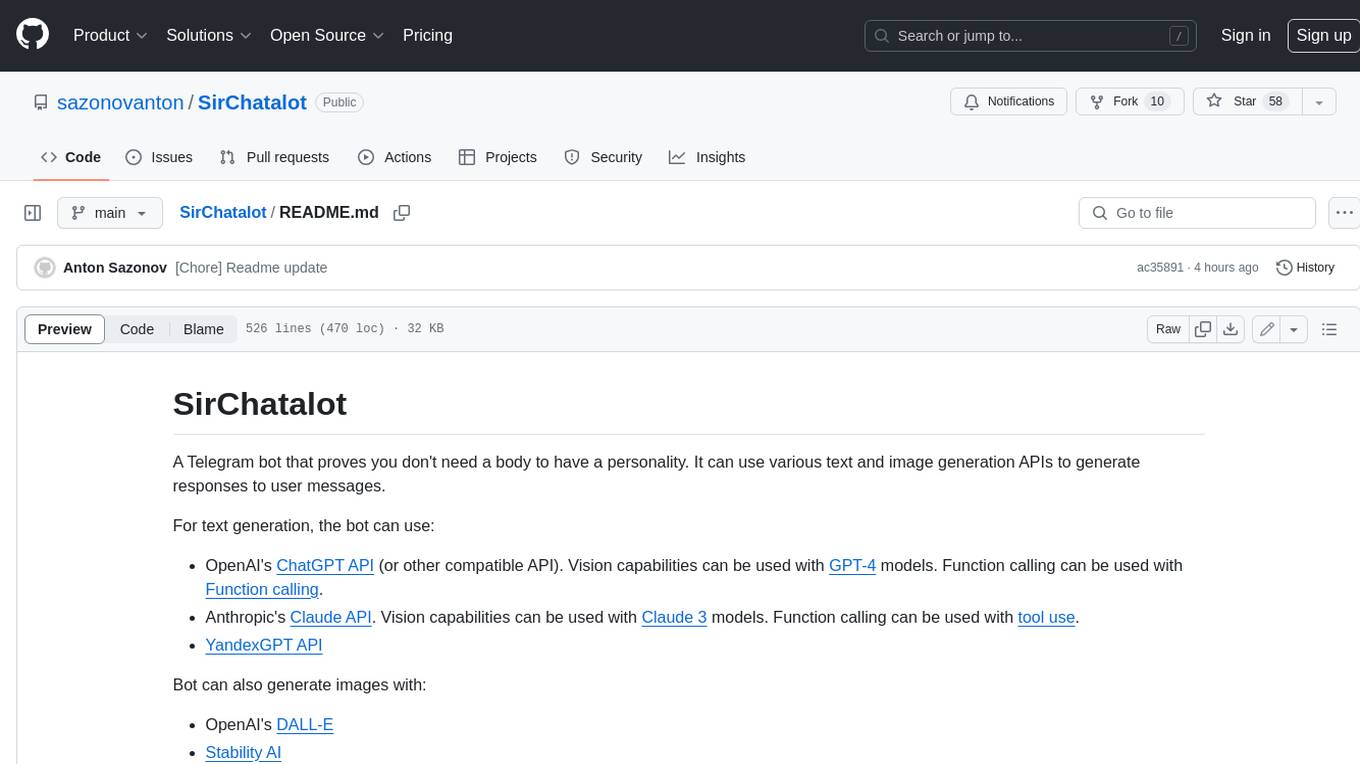
SirChatalot
A Telegram bot that proves you don't need a body to have a personality. It can use various text and image generation APIs to generate responses to user messages. For text generation, the bot can use: * OpenAI's ChatGPT API (or other compatible API). Vision capabilities can be used with GPT-4 models. Function calling can be used with Function calling. * Anthropic's Claude API. Vision capabilities can be used with Claude 3 models. Function calling can be used with tool use. * YandexGPT API Bot can also generate images with: * OpenAI's DALL-E * Stability AI * Yandex ART This bot can also be used to generate responses to voice messages. Bot will convert the voice message to text and will then generate a response. Speech recognition can be done using the OpenAI's Whisper model. To use this feature, you need to install the ffmpeg library. This bot is also support working with files, see Files section for more details. If function calling is enabled, bot can generate images and search the web (limited).
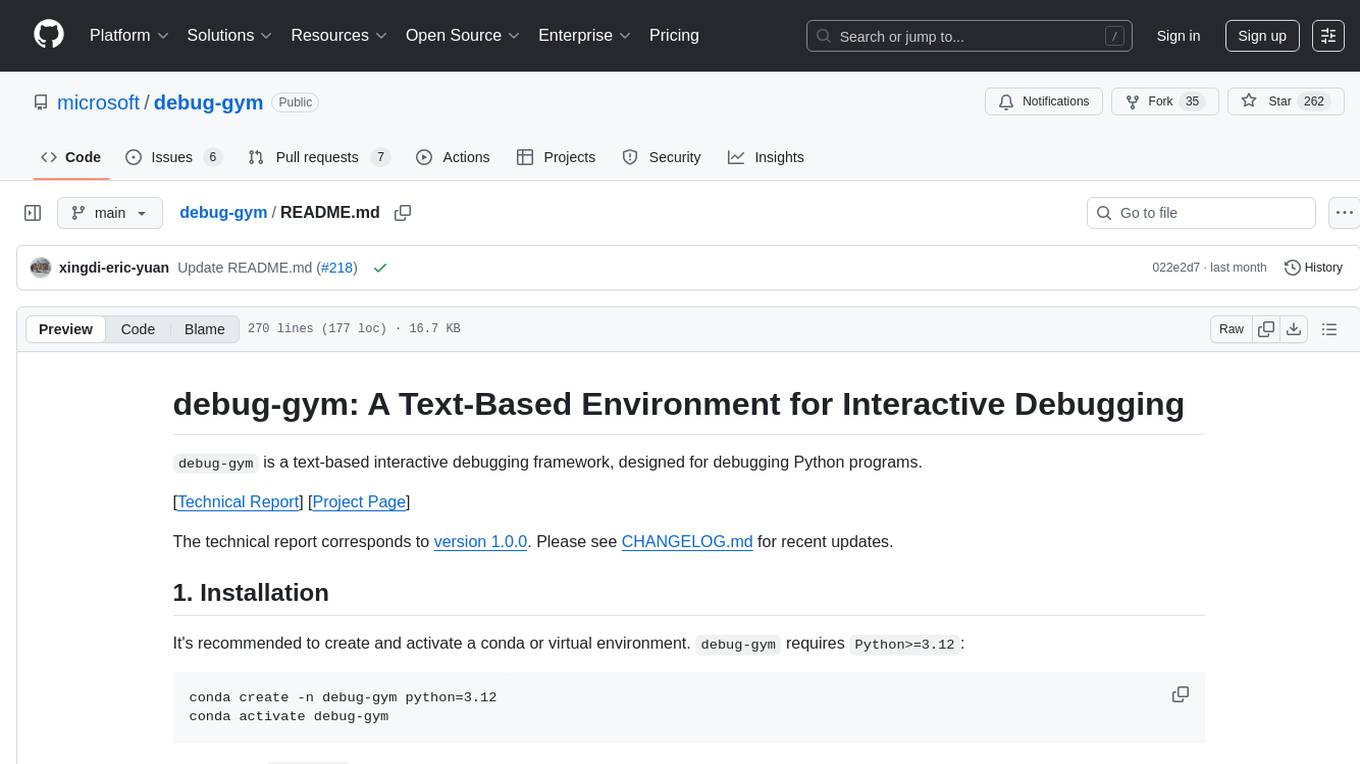
debug-gym
debug-gym is a text-based interactive debugging framework designed for debugging Python programs. It provides an environment where agents can interact with code repositories, use various tools like pdb and grep to investigate and fix bugs, and propose code patches. The framework supports different LLM backends such as OpenAI, Azure OpenAI, and Anthropic. Users can customize tools, manage environment states, and run agents to debug code effectively. debug-gym is modular, extensible, and suitable for interactive debugging tasks in a text-based environment.
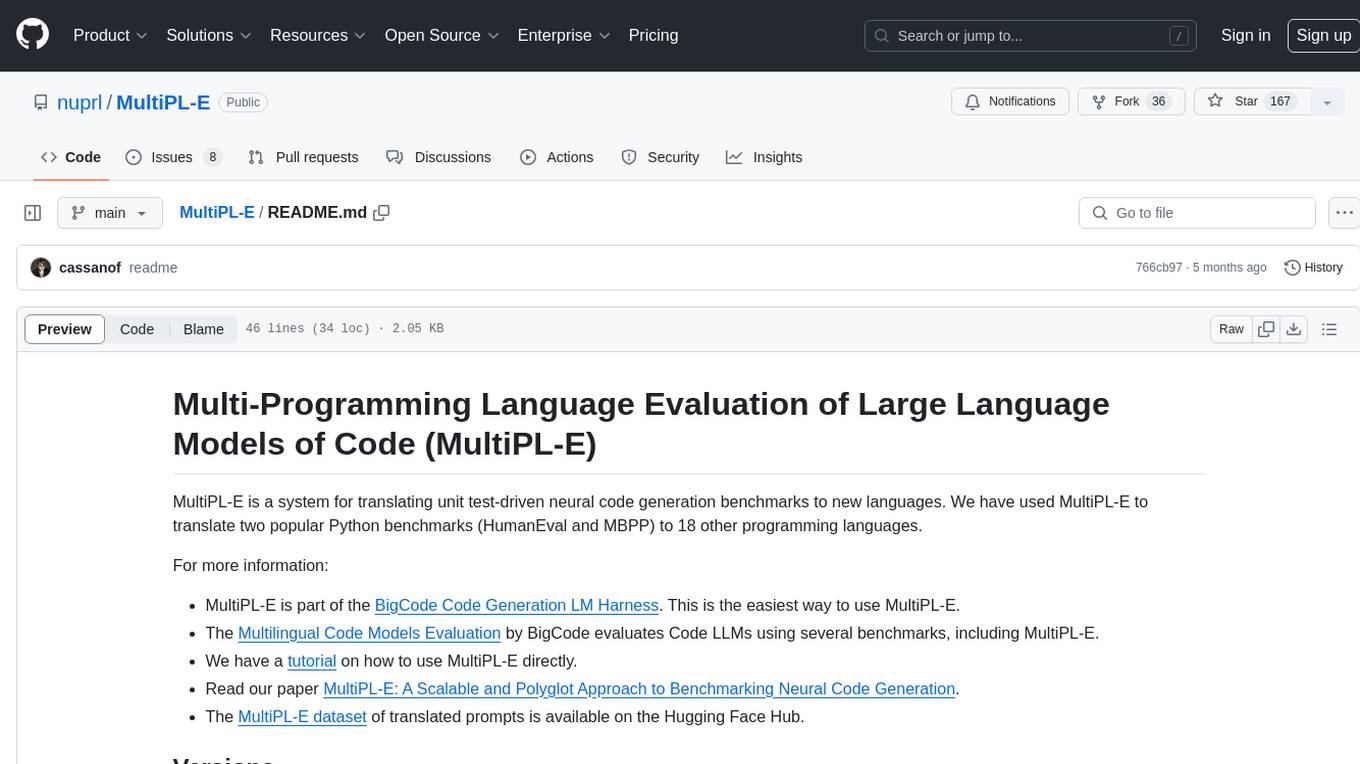
MultiPL-E
MultiPL-E is a system for translating unit test-driven neural code generation benchmarks to new languages. It is part of the BigCode Code Generation LM Harness and allows for evaluating Code LLMs using various benchmarks. The tool supports multiple versions with improvements and new language additions, providing a scalable and polyglot approach to benchmarking neural code generation. Users can access a tutorial for direct usage and explore the dataset of translated prompts on the Hugging Face Hub.
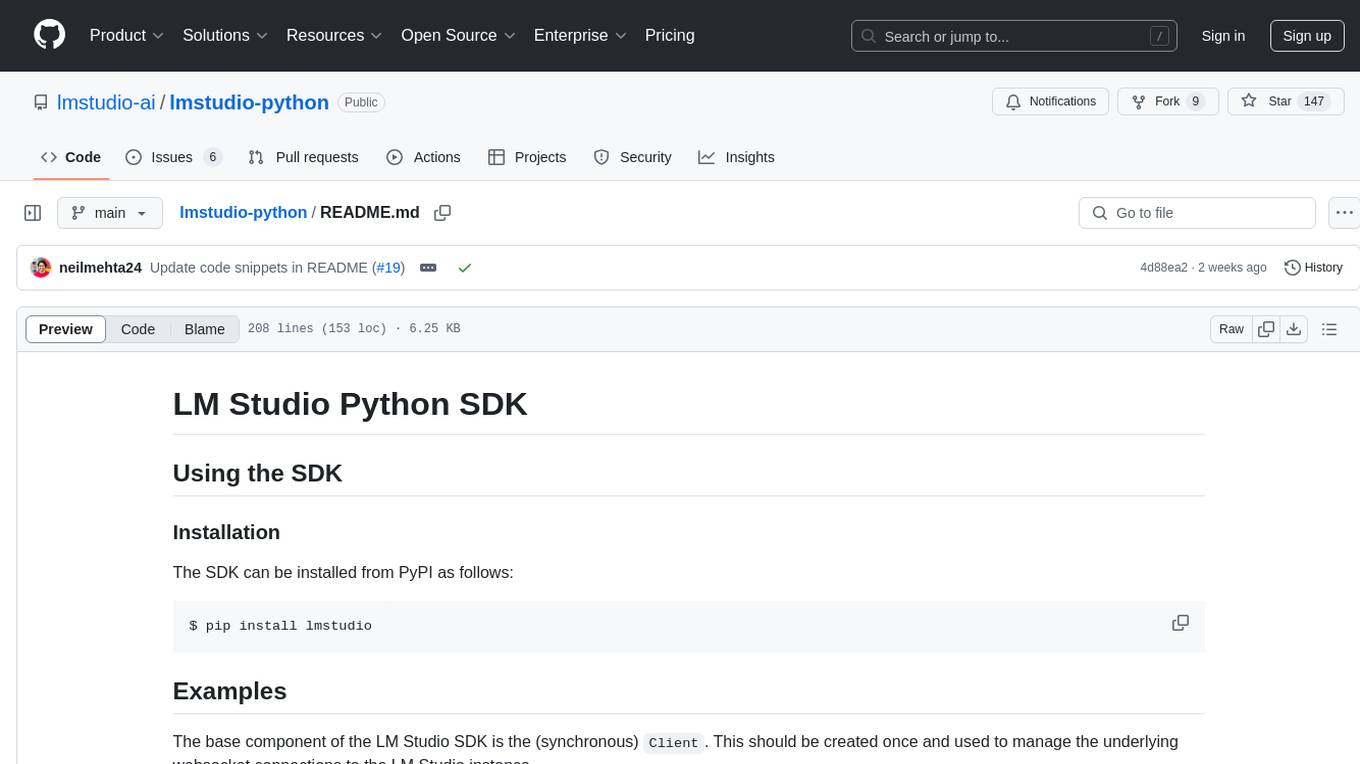
lmstudio-python
LM Studio Python SDK provides a convenient API for interacting with LM Studio instance, including text completion and chat response functionalities. The SDK allows users to manage websocket connections and chat history easily. It also offers tools for code consistency checks, automated testing, and expanding the API.
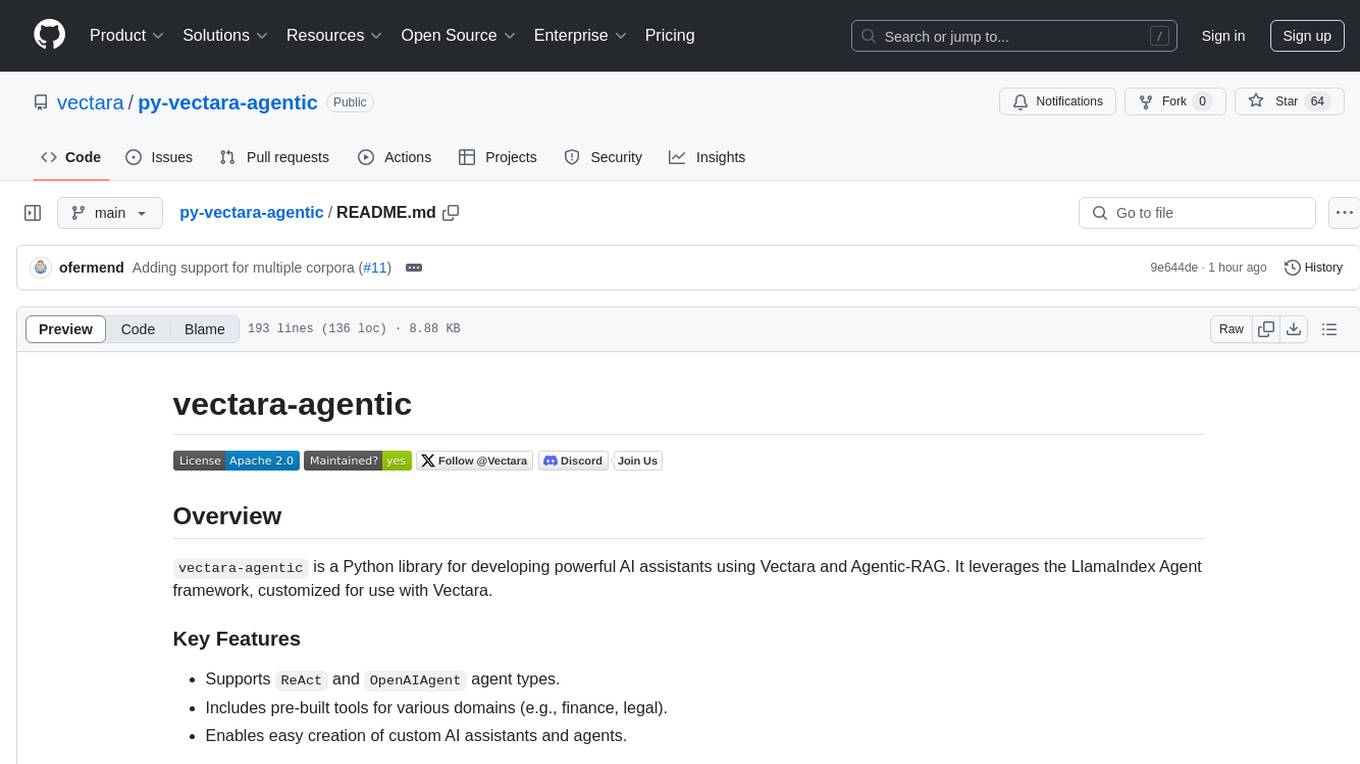
py-vectara-agentic
The `vectara-agentic` Python library is designed for developing powerful AI assistants using Vectara and Agentic-RAG. It supports various agent types, includes pre-built tools for domains like finance and legal, and enables easy creation of custom AI assistants and agents. The library provides tools for summarizing text, rephrasing text, legal tasks like summarizing legal text and critiquing as a judge, financial tasks like analyzing balance sheets and income statements, and database tools for inspecting and querying databases. It also supports observability via LlamaIndex and Arize Phoenix integration.
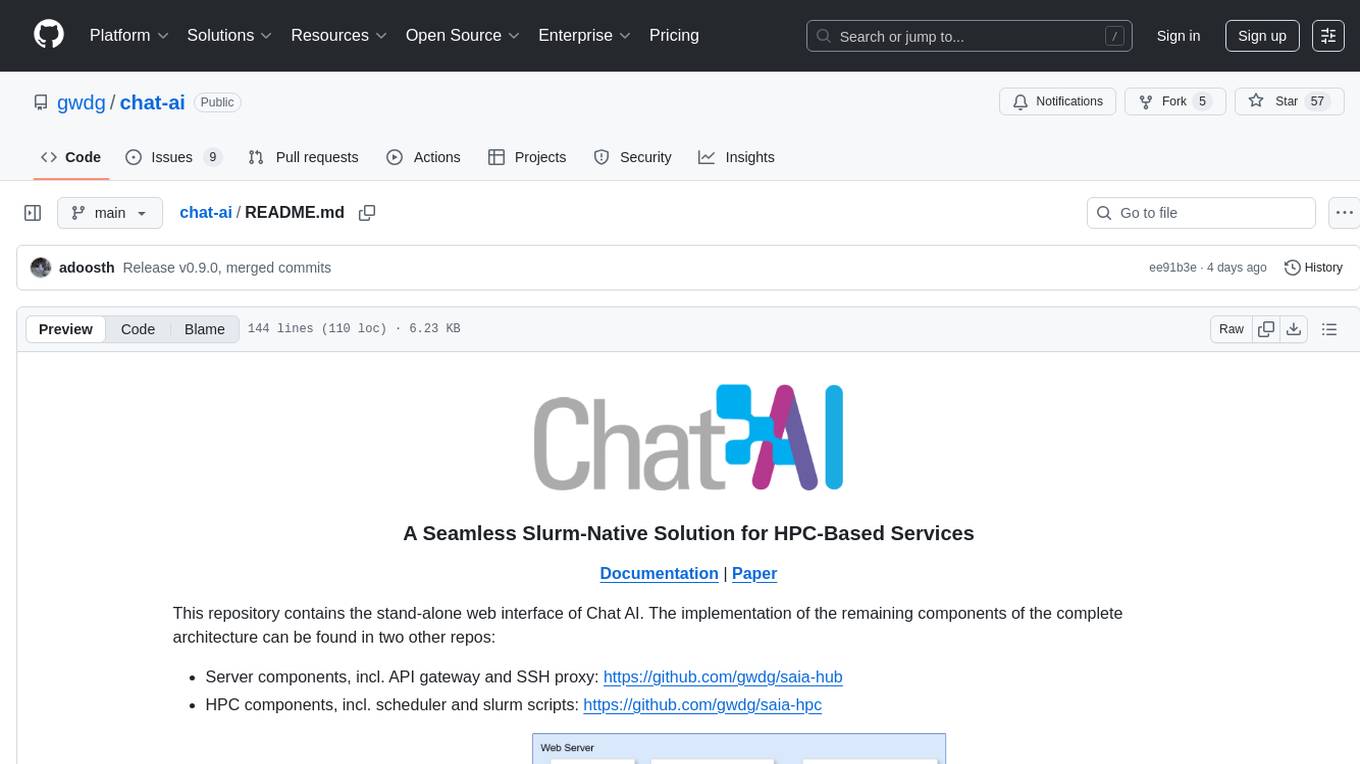
chat-ai
A Seamless Slurm-Native Solution for HPC-Based Services. This repository contains the stand-alone web interface of Chat AI, which can be set up independently to act as a wrapper for an OpenAI-compatible API endpoint. It consists of two Docker containers, 'front' and 'back', providing a ReactJS app served by ViteJS and a wrapper for message requests to prevent CORS errors. Configuration files allow setting port numbers, backend paths, models, user data, default conversation settings, and more. The 'back' service interacts with an OpenAI-compatible API endpoint using configurable attributes in 'back.json'. Customization options include creating a path for available models and setting the 'modelsPath' in 'front.json'. Acknowledgements to contributors and the Chat AI community are included.
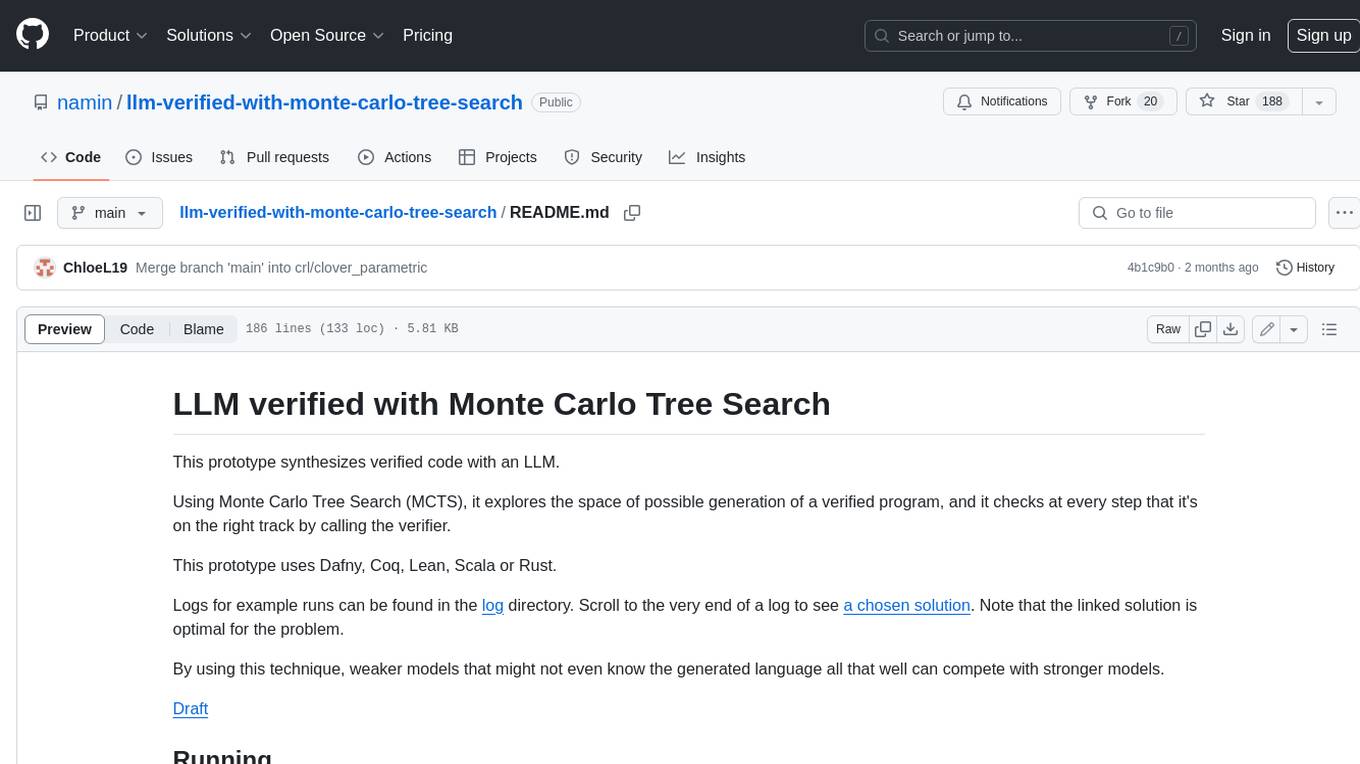
llm-verified-with-monte-carlo-tree-search
This prototype synthesizes verified code with an LLM using Monte Carlo Tree Search (MCTS). It explores the space of possible generation of a verified program and checks at every step that it's on the right track by calling the verifier. This prototype uses Dafny, Coq, Lean, Scala, or Rust. By using this technique, weaker models that might not even know the generated language all that well can compete with stronger models.
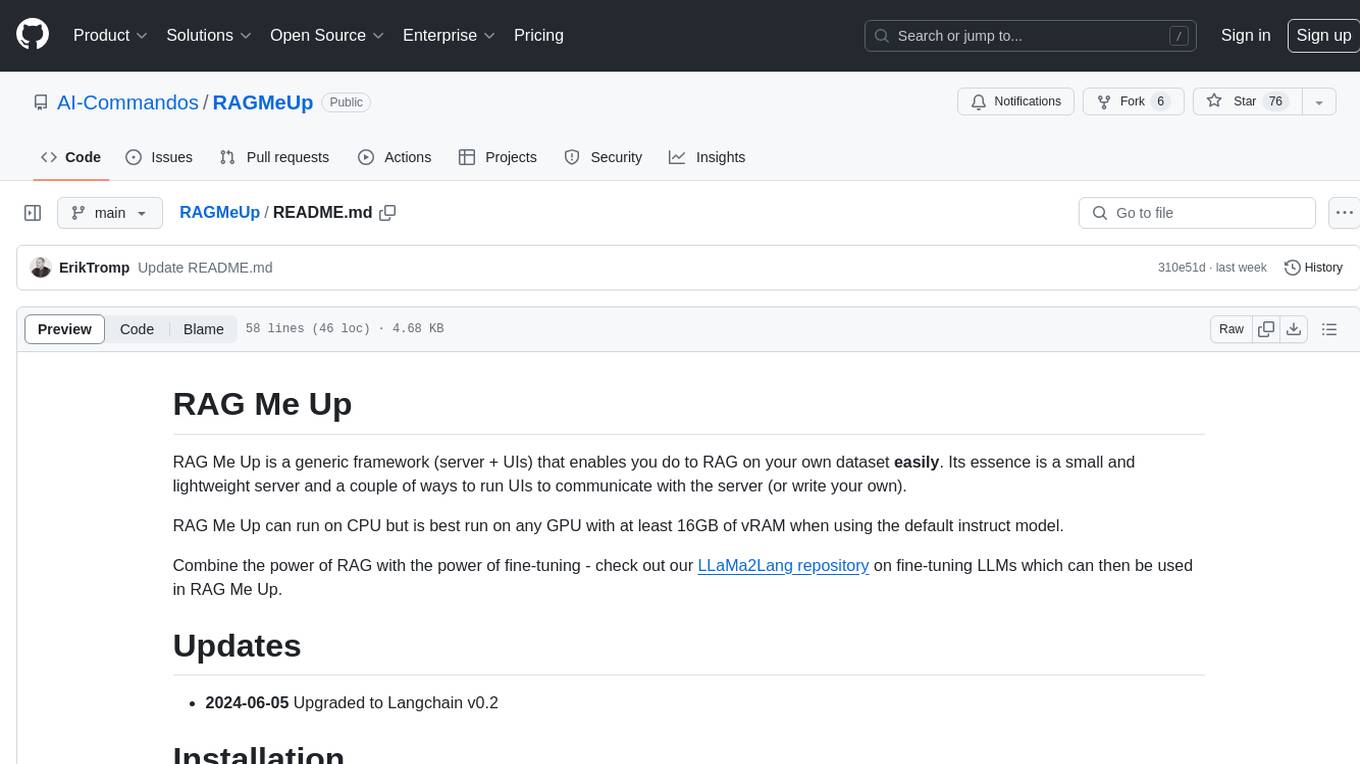
RAGMeUp
RAG Me Up is a generic framework that enables users to perform Retrieve and Generate (RAG) on their own dataset easily. It consists of a small server and UIs for communication. Best run on GPU with 16GB vRAM. Users can combine RAG with fine-tuning using LLaMa2Lang repository. The tool allows configuration for LLM, data, LLM parameters, prompt, and document splitting. Funding is sought to democratize AI and advance its applications.
For similar tasks
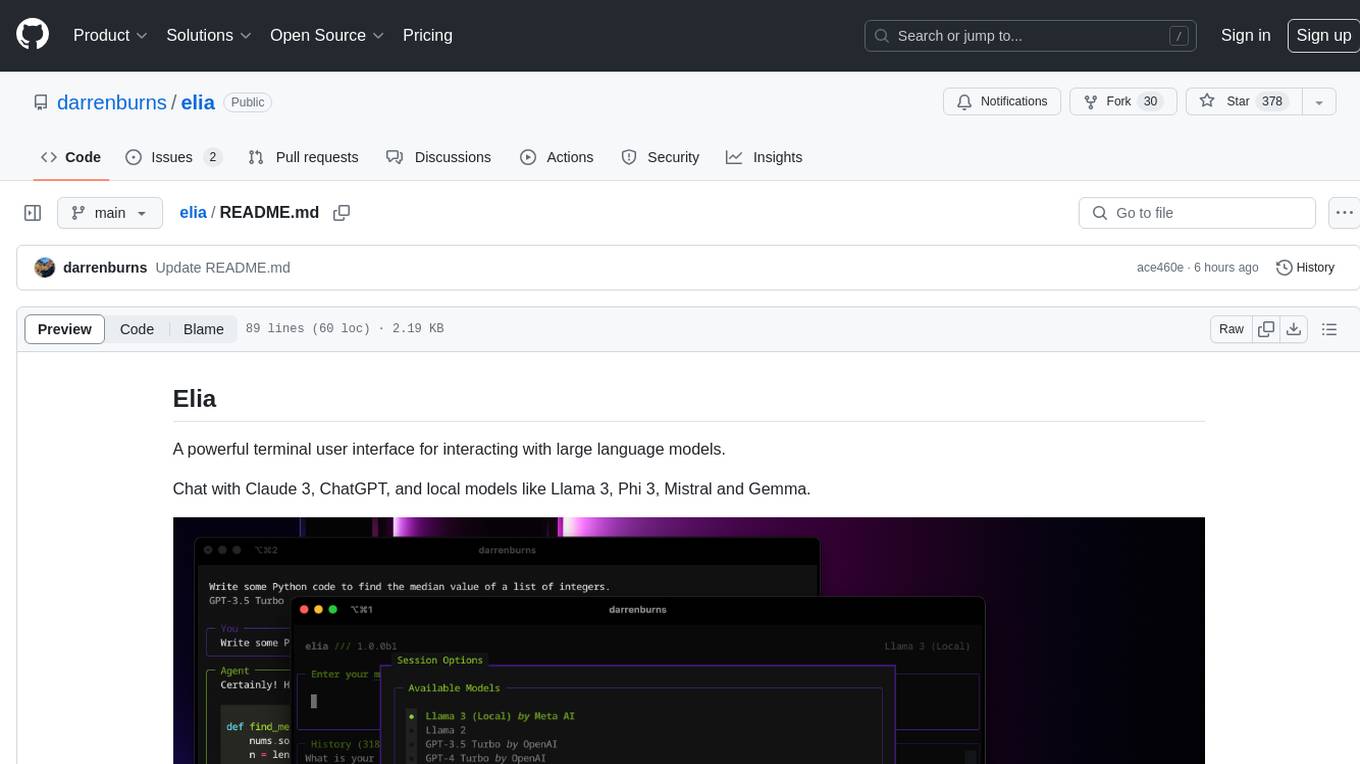
elia
Elia is a powerful terminal user interface designed for interacting with large language models. It allows users to chat with models like Claude 3, ChatGPT, Llama 3, Phi 3, Mistral, and Gemma. Conversations are stored locally in a SQLite database, ensuring privacy. Users can run local models through 'ollama' without data leaving their machine. Elia offers easy installation with pipx and supports various environment variables for different models. It provides a quick start to launch chats and manage local models. Configuration options are available to customize default models, system prompts, and add new models. Users can import conversations from ChatGPT and wipe the database when needed. Elia aims to enhance user experience in interacting with language models through a user-friendly interface.
mistral-inference
Mistral Inference repository contains minimal code to run 7B, 8x7B, and 8x22B models. It provides model download links, installation instructions, and usage guidelines for running models via CLI or Python. The repository also includes information on guardrailing, model platforms, deployment, and references. Users can interact with models through commands like mistral-demo, mistral-chat, and mistral-common. Mistral AI models support function calling and chat interactions for tasks like testing models, chatting with models, and using Codestral as a coding assistant. The repository offers detailed documentation and links to blogs for further information.
LLMFlex
LLMFlex is a python package designed for developing AI applications with local Large Language Models (LLMs). It provides classes to load LLM models, embedding models, and vector databases to create AI-powered solutions with prompt engineering and RAG techniques. The package supports multiple LLMs with different generation configurations, embedding toolkits, vector databases, chat memories, prompt templates, custom tools, and a chatbot frontend interface. Users can easily create LLMs, load embeddings toolkit, use tools, chat with models in a Streamlit web app, and serve an OpenAI API with a GGUF model. LLMFlex aims to offer a simple interface for developers to work with LLMs and build private AI solutions using local resources.
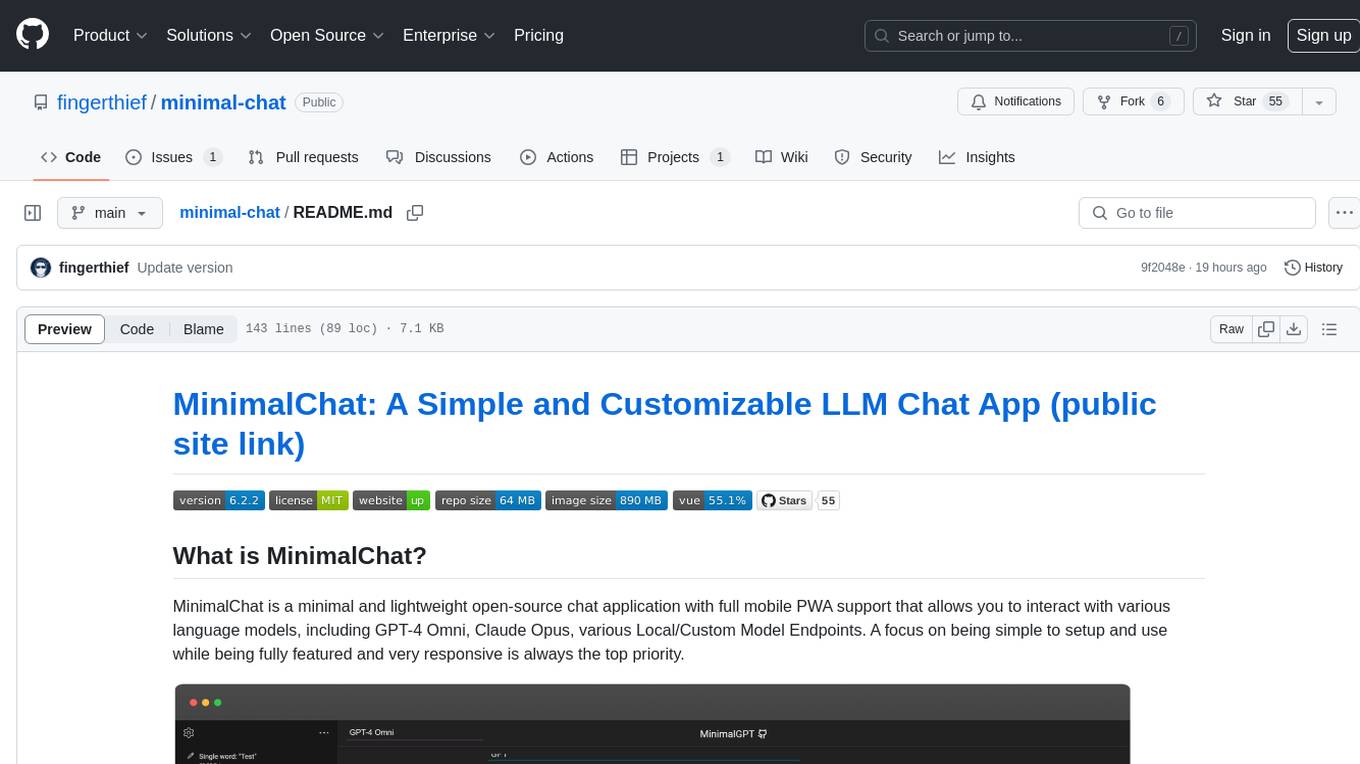
minimal-chat
MinimalChat is a minimal and lightweight open-source chat application with full mobile PWA support that allows users to interact with various language models, including GPT-4 Omni, Claude Opus, and various Local/Custom Model Endpoints. It focuses on simplicity in setup and usage while being fully featured and highly responsive. The application supports features like fully voiced conversational interactions, multiple language models, markdown support, code syntax highlighting, DALL-E 3 integration, conversation importing/exporting, and responsive layout for mobile use.
chat-with-mlx
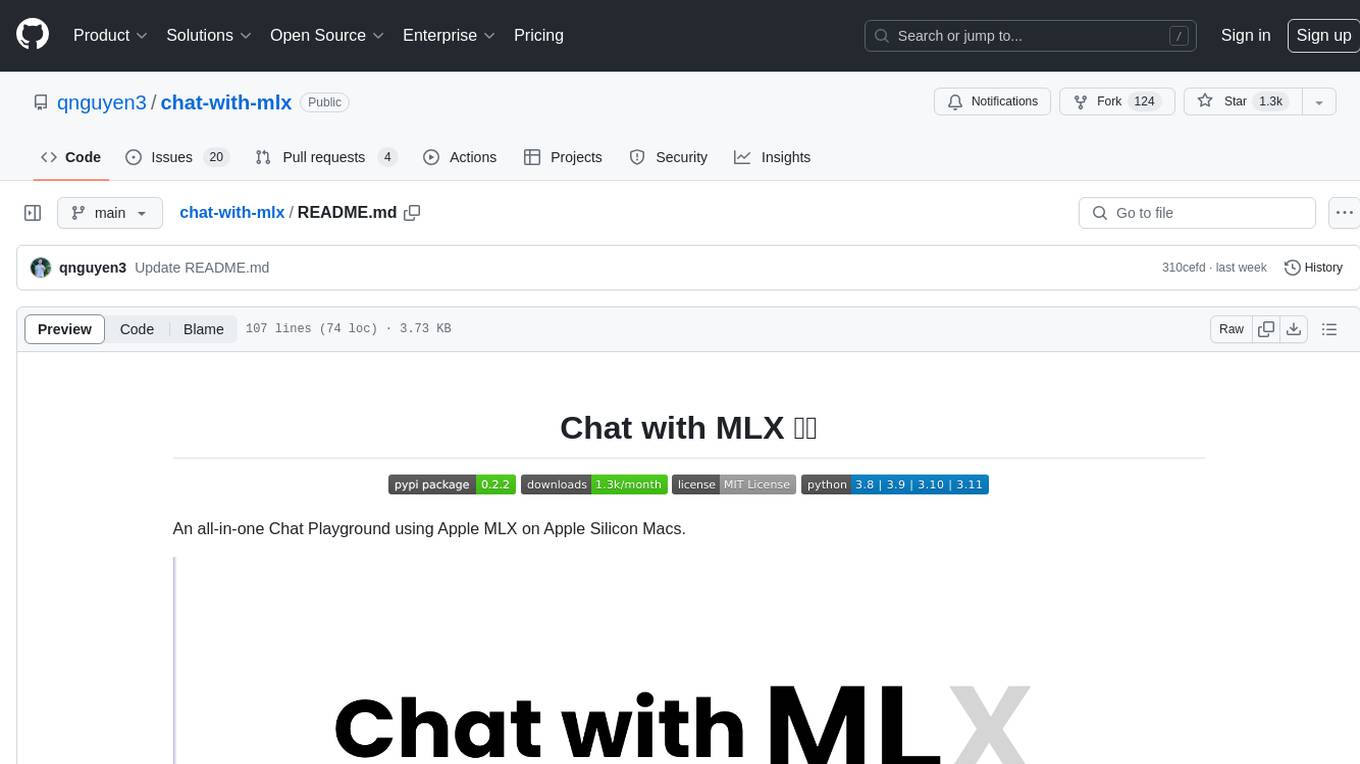
Chat with MLX is an all-in-one Chat Playground using Apple MLX on Apple Silicon Macs. It provides privacy-enhanced AI for secure conversations with various models, easy integration of HuggingFace and MLX Compatible Open-Source Models, and comes with default models like Llama-3, Phi-3, Yi, Qwen, Mistral, Codestral, Mixtral, StableLM. The tool is designed for developers and researchers working with machine learning models on Apple Silicon.
transformerlab-app
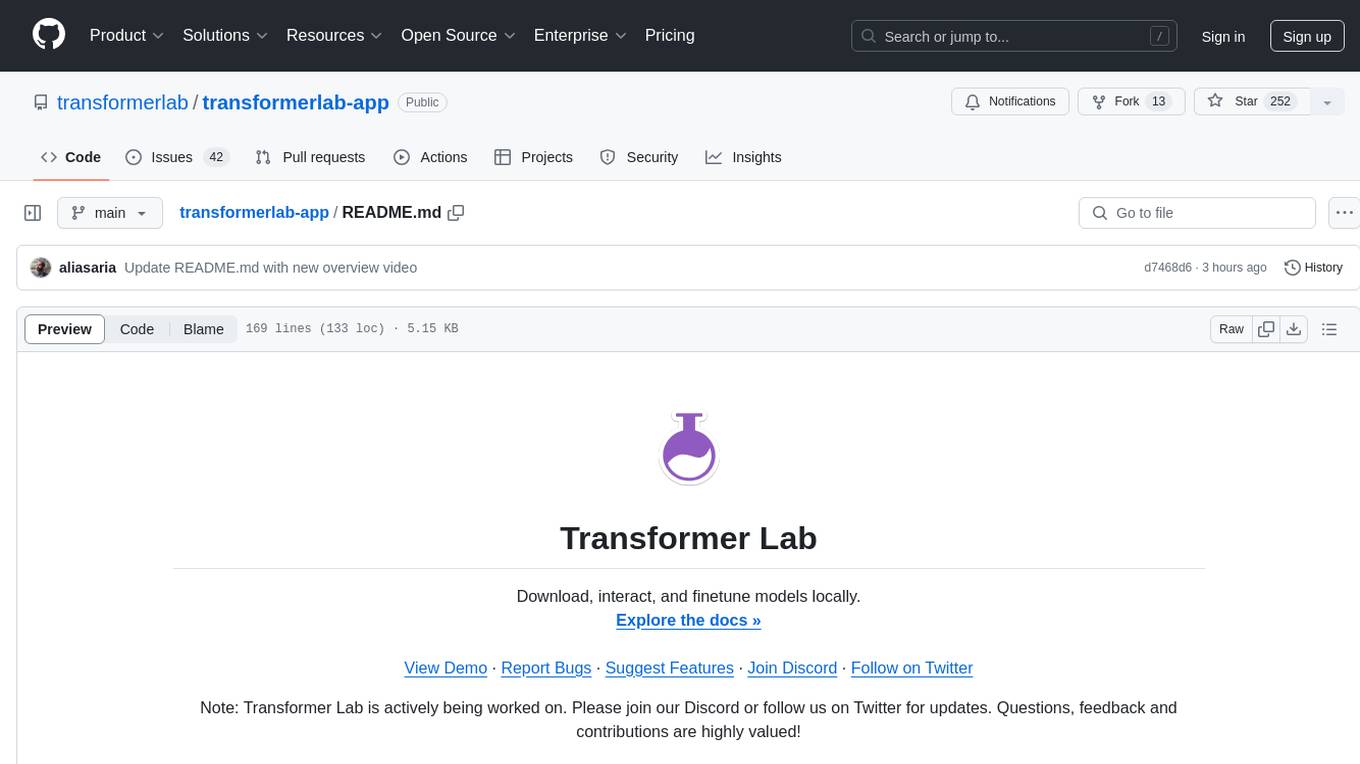
Transformer Lab is an app that allows users to experiment with Large Language Models by providing features such as one-click download of popular models, finetuning across different hardware, RLHF and Preference Optimization, working with LLMs across different operating systems, chatting with models, using different inference engines, evaluating models, building datasets for training, calculating embeddings, providing a full REST API, running in the cloud, converting models across platforms, supporting plugins, embedded Monaco code editor, prompt editing, inference logs, all through a simple cross-platform GUI.
ell
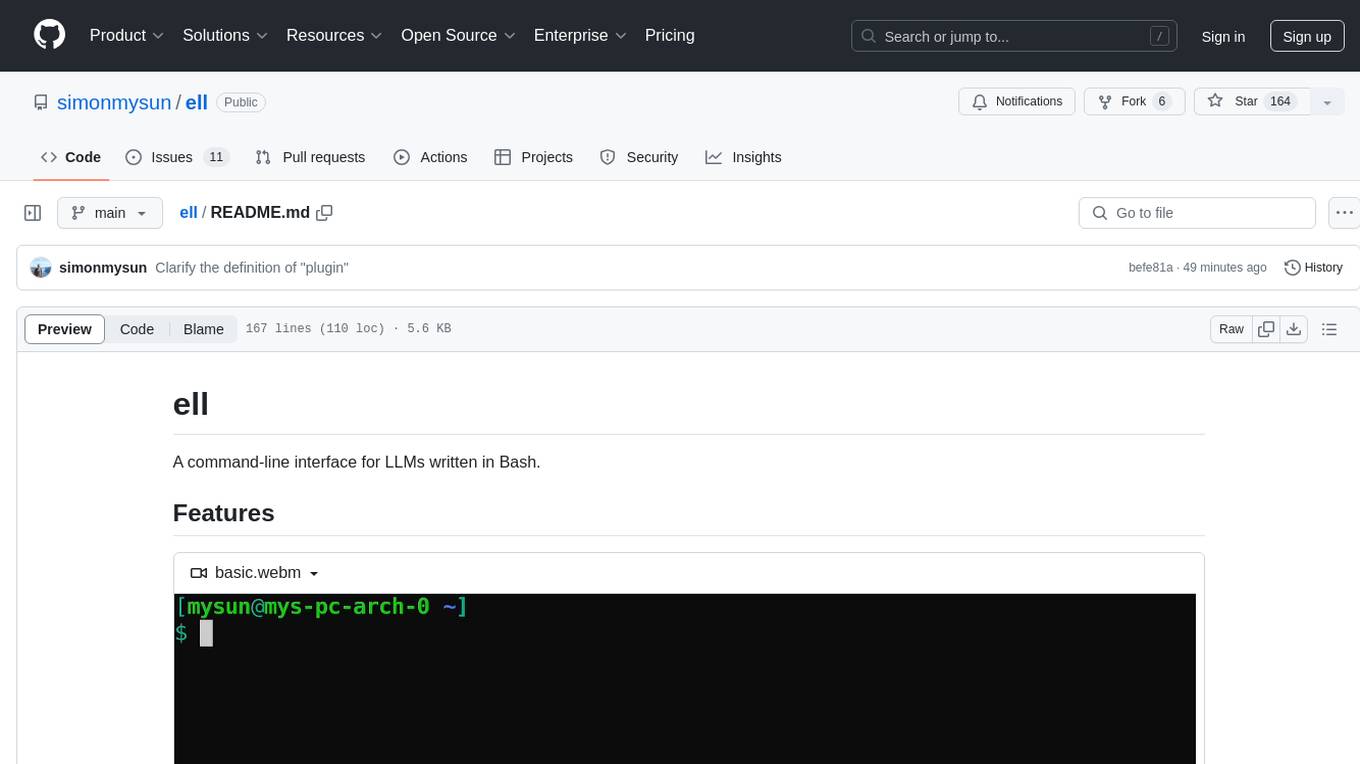
ell is a command-line interface for Language Model Models (LLMs) written in Bash. It allows users to interact with LLMs from the terminal, supports piping, context bringing, and chatting with LLMs. Users can also call functions and use templates. The tool requires bash, jq for JSON parsing, curl for HTTPS requests, and perl for PCRE. Configuration involves setting variables for different LLM models and APIs. Usage examples include asking questions, specifying models, recording input/output, running in interactive mode, and using templates. The tool is lightweight, easy to install, and pipe-friendly, making it suitable for interacting with LLMs in a terminal environment.
Ollama-SwiftUI
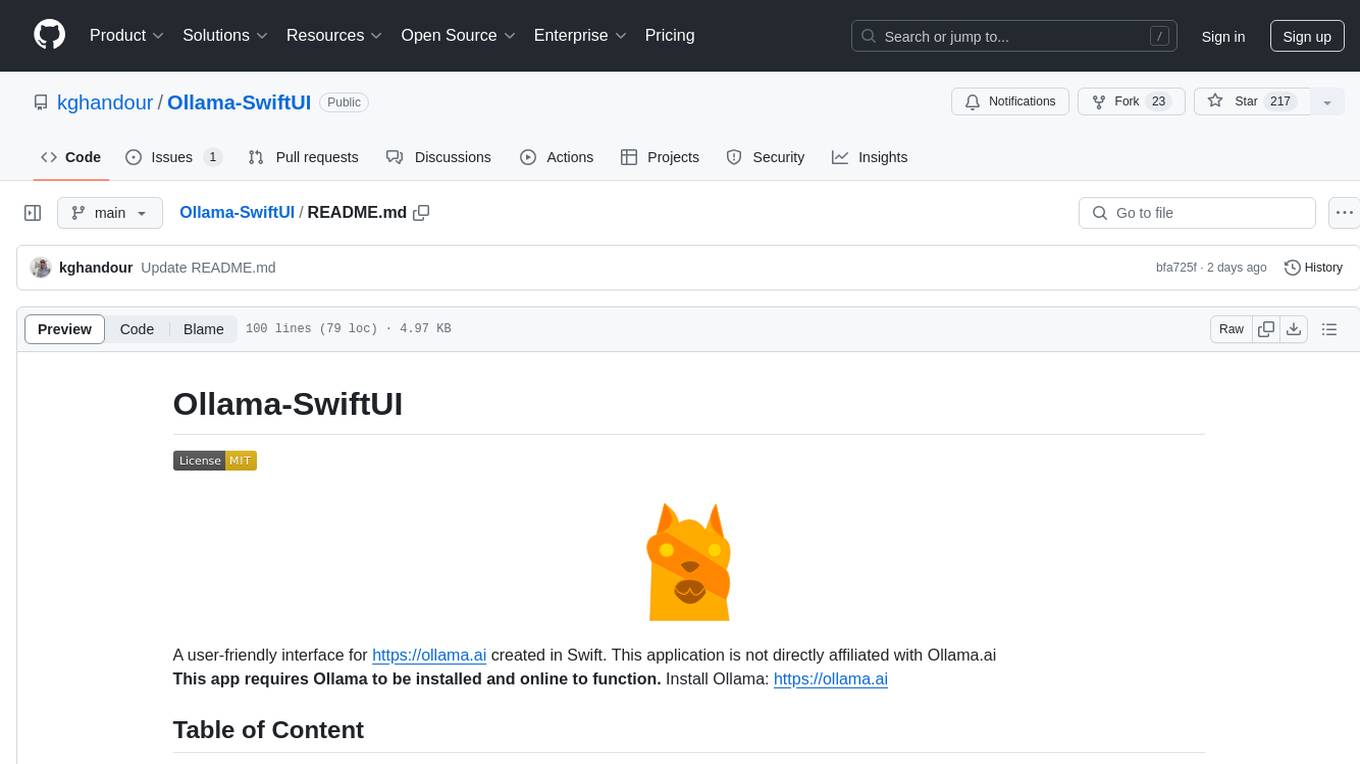
Ollama-SwiftUI is a user-friendly interface for Ollama.ai created in Swift. It allows seamless chatting with local Large Language Models on Mac. Users can change models mid-conversation, restart conversations, send system prompts, and use multimodal models with image + text. The app supports managing models, including downloading, deleting, and duplicating them. It offers light and dark mode, multiple conversation tabs, and a localized interface in English and Arabic.
For similar jobs

weave
Weave is a toolkit for developing Generative AI applications, built by Weights & Biases. With Weave, you can log and debug language model inputs, outputs, and traces; build rigorous, apples-to-apples evaluations for language model use cases; and organize all the information generated across the LLM workflow, from experimentation to evaluations to production. Weave aims to bring rigor, best-practices, and composability to the inherently experimental process of developing Generative AI software, without introducing cognitive overhead.

LLMStack
LLMStack is a no-code platform for building generative AI agents, workflows, and chatbots. It allows users to connect their own data, internal tools, and GPT-powered models without any coding experience. LLMStack can be deployed to the cloud or on-premise and can be accessed via HTTP API or triggered from Slack or Discord.

VisionCraft
The VisionCraft API is a free API for using over 100 different AI models. From images to sound.

kaito
Kaito is an operator that automates the AI/ML inference model deployment in a Kubernetes cluster. It manages large model files using container images, avoids tuning deployment parameters to fit GPU hardware by providing preset configurations, auto-provisions GPU nodes based on model requirements, and hosts large model images in the public Microsoft Container Registry (MCR) if the license allows. Using Kaito, the workflow of onboarding large AI inference models in Kubernetes is largely simplified.

PyRIT
PyRIT is an open access automation framework designed to empower security professionals and ML engineers to red team foundation models and their applications. It automates AI Red Teaming tasks to allow operators to focus on more complicated and time-consuming tasks and can also identify security harms such as misuse (e.g., malware generation, jailbreaking), and privacy harms (e.g., identity theft). The goal is to allow researchers to have a baseline of how well their model and entire inference pipeline is doing against different harm categories and to be able to compare that baseline to future iterations of their model. This allows them to have empirical data on how well their model is doing today, and detect any degradation of performance based on future improvements.

tabby
Tabby is a self-hosted AI coding assistant, offering an open-source and on-premises alternative to GitHub Copilot. It boasts several key features: * Self-contained, with no need for a DBMS or cloud service. * OpenAPI interface, easy to integrate with existing infrastructure (e.g Cloud IDE). * Supports consumer-grade GPUs.

spear
SPEAR (Simulator for Photorealistic Embodied AI Research) is a powerful tool for training embodied agents. It features 300 unique virtual indoor environments with 2,566 unique rooms and 17,234 unique objects that can be manipulated individually. Each environment is designed by a professional artist and features detailed geometry, photorealistic materials, and a unique floor plan and object layout. SPEAR is implemented as Unreal Engine assets and provides an OpenAI Gym interface for interacting with the environments via Python.

Magick
Magick is a groundbreaking visual AIDE (Artificial Intelligence Development Environment) for no-code data pipelines and multimodal agents. Magick can connect to other services and comes with nodes and templates well-suited for intelligent agents, chatbots, complex reasoning systems and realistic characters.