


illume
scriptable command line program for LLM interfacing
Stars: 78
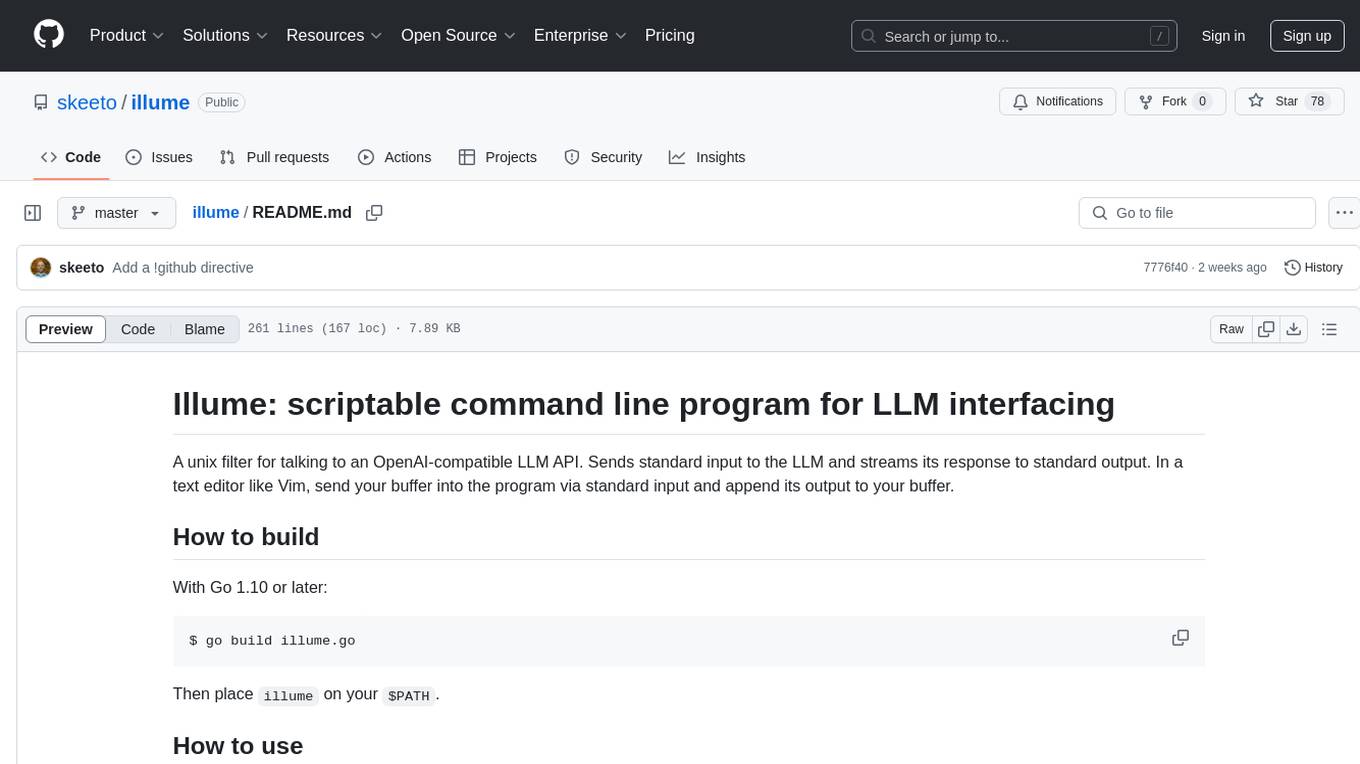
Illume is a scriptable command line program designed for interfacing with an OpenAI-compatible LLM API. It acts as a unix filter, sending standard input to the LLM and streaming its response to standard output. Users can interact with the LLM through text editors like Vim or Emacs, enabling seamless communication with the AI model for various tasks.
README:
A unix filter for talking to an OpenAI-compatible LLM API. Sends standard input to the LLM and streams its response to standard output. In a text editor like Vim, send your buffer into the program via standard input and append its output to your buffer.
With Go 1.10 or later:
$ go build illume.go
Then place illume on your $PATH.
A couple of examples running outside of a text editor:
$ illume <request.md >response.md
$ illume <chat.md | tee -a chat.md
illume.vim has a Vim configuration for interacting with live output:
-
Illume(): complete the end the buffer (chat,!completion) -
IllumeInfill(): generate code at the cursor -
IllumeStop(): stop generation in this buffer
illume.el is similar for Emacs: M-x illume and M-x illume-stop.
Use !context to select files to upload as context. These are uploaded in
full, mind the token limit and narrow the context as needed by pointing to
subdirectories or temporarily deleting files. Put !user on its own line,
then your question:
!context /path/to/repository .py .sql

!user

Do you suggest any additional indexes?
Sending this to illume retrieves a reply:
!context /path/to/repository .py .sql

!user

Do you suggest any additional indexes?

!assistant

Yes, your XYZ table...
Add your response with another !user:
!context /path/to/repository .py .sql

!user

Do you suggest any additional indexes?

!assistant

Yes, your XYZ table...

!user

But what about ...?
Rinse and repeat. The text file is the entire state of the conversation.
Alternatively the LLM can continue from text of your input using the
!complete directive.
!completion
The meaning of life is
Do not use !user nor !assistant in this mode, but the other options
still work.
If the input contains !infill by itself, Illume operates in infill mode.
Output is to be inserted in place of !infill, i.e. code generation. By
default it will use the llama.cpp /infill endpoint, which requires a
FIM-trained model with metadata declaring its FIM tokens. This excludes
most models, including most "coder" models due to missing metadata. There
are currently no standards and few conventions around FIM, and every model
implements it differently.
Given an argument, it is memorized as the template, replacing {prefix}
and {suffix} with the surrounding input. For example, including a
leading space in the template:
!infill <PRE> {prefix} <SUF>{suffix} <MID>
Write this template according to the model's FIM documentation. Illume
includes built-in fim:MODEL templates for several popular models. This
form of !infill only configures, and does not activate infill mode on
its own. Put it in a profile.
For example, to generate FIM completions on a remote DeepSeek model running on llama.cpp, your Illume profile file might be something like:
!profile llama.cpp
!profile fim:deepseek
!api http://myllama:8080/
With illume.vim, do not type a no-argument !infill directive yourself.
The configuration automatically inserts it into Illume's input at the
cursor position.
Recommendation: DeepSeek produces the best FIM output, followed by
Qwen and Granite. All three work out-of-the-box with llama.cpp /infill,
but work best with an Illume FIM profile.
$ILLUME_PROFILE sets the default profile. The default profile is like an
implicit !profile when none is specified. A profile sets the URL, extra
keys, HTTP headers, or even a system prompt. Illume supplies many built-in
profiles: see Profiles in the source. If the profile name contains a
slash, the profile is read from that file. Otherwise it's matched against
a built-in profile, or a file with a .profile suffix next to the Illume
executable.
An !error "directive" appears in error output, but it's not processed on
input. Everything before !user and !assistant are in the "system"
role, which is where you can write a system prompt.
Load a profile. JSON !:KEY directives in the profile do not override
user-set keys. If no !profile is given, Illume loads $ILLUME_PROFILE
if set, otherwise it loads the default profile.
Sets the API base URL. When not llama.cpp, it typically ends with /v1 or
/v2. Illume interpolates {…} in the URL from !:KEY directives. It's
done just before making the request, and so may reference keys set after
the !api directive. Examples:
!api https://api-inference.huggingface.co/models/{model}/v1
!:model mistralai/Mistral-Nemo-Instruct-2407
If the URL is wrapped in quotes, it will be used literally as provided without modification.
Insert a file at this position in the conversation.
Include all files under DIR with matching file name suffixes. Only
relative names are sent, but the last element of DIR is included in this
relative path if it does not end with a slash. Files can be included in
any role, not just the system prompt.
Marks the following lines as belonging to a user message. You can modify these to trick the LLM into thinking you said something different in the past.
Marks the following lines as belonging to an assistant message. You can modify these to trick the LLM into thinking it said something different.
These lines are not sent to the LLM. Used to annotate conversations.
Discard all messages before this line. Used to "comment out" headers in the input, e.g. when composing email. Directives before this line are still effective.
Stop processing directives and ignore the rest of the input.
Insert an arbitrary JSON value into the query object. Examples:
!:temperature 0.3
!:model mistralai/Mistral-Nemo-Instruct-2407
!:stop ["<|im_end|>"]
If VALUE is missing, the key is deleted instead. If it cannot be parsed
as JSON, it's passed through as a string. If it looks like JSON but should
be sent as string data, wrap it in quotes to turn it into a JSON string.
Insert an arbitrary HTTP header into the request. Examples:
!>x-use-cache false
!>user-agent My LLM Client 1.0
!>authorization
If VALUE is missing, the header is deleted. This is, for instance, a
second for disabling the API token, as shown in the example. If the value
contains $VAR then Illume will expand it from the environment.
Use completion mode instead of conversational. The LLM will continue
writing from the end of the document. Cannot be used with !user or
!assistant, which are for the (default) chat mode.
With no template, activate infill mode, and generate code to be inserted at this position. Given a template, use that template to generate the prompt when infill mode is active.
Like !context but embed a reddit post from its JSON representation
(append .json to the URL and then download it). Includes all comments
with threading.
!reddit some-reddit-post.json
Please summarize this reddit post and its comments.
Like !reddit but just the post with no comments.
Like !reddit but insert a GitHub issue for inspection, and optionally
the issue comments. You can download these in the GitHub API.
https://api.github.com/repos/USER/REPO/issues/ID
https://api.github.com/repos/USER/REPO/issues/ID/comments
Combine it with !context on GitHub's "patch" output to embed the entire
context of a pull request.
https://github.com/USER/REPO/pull/ID.patch
On response completion, inserts a !note with timing statistics.
Dry run: "reply" with the raw HTTP request instead of querying the API. For inspecting the exact query parameters.
For Tasks:
Click tags to check more tools for each tasksFor Jobs:
Alternative AI tools for illume
Similar Open Source Tools
illume
Illume is a scriptable command line program designed for interfacing with an OpenAI-compatible LLM API. It acts as a unix filter, sending standard input to the LLM and streaming its response to standard output. Users can interact with the LLM through text editors like Vim or Emacs, enabling seamless communication with the AI model for various tasks.
vectorflow
VectorFlow is an open source, high throughput, fault tolerant vector embedding pipeline. It provides a simple API endpoint for ingesting large volumes of raw data, processing, and storing or returning the vectors quickly and reliably. The tool supports text-based files like TXT, PDF, HTML, and DOCX, and can be run locally with Kubernetes in production. VectorFlow offers functionalities like embedding documents, running chunking schemas, custom chunking, and integrating with vector databases like Pinecone, Qdrant, and Weaviate. It enforces a standardized schema for uploading data to a vector store and supports features like raw embeddings webhook, chunk validation webhook, S3 endpoint, and telemetry. The tool can be used with the Python client and provides detailed instructions for running and testing the functionalities.
smartcat
Smartcat is a CLI interface that brings language models into the Unix ecosystem, allowing power users to leverage the capabilities of LLMs in their daily workflows. It features a minimalist design, seamless integration with terminal and editor workflows, and customizable prompts for specific tasks. Smartcat currently supports OpenAI, Mistral AI, and Anthropic APIs, providing access to a range of language models. With its ability to manipulate file and text streams, integrate with editors, and offer configurable settings, Smartcat empowers users to automate tasks, enhance code quality, and explore creative possibilities.
ain
Ain is a terminal HTTP API client designed for scripting input and processing output via pipes. It allows flexible organization of APIs using files and folders, supports shell-scripts and executables for common tasks, handles url-encoding, and enables sharing the resulting curl, wget, or httpie command-line. Users can put things that change in environment variables or .env-files, and pipe the API output for further processing. Ain targets users who work with many APIs using a simple file format and uses curl, wget, or httpie to make the actual calls.
vectara-answer
Vectara Answer is a sample app for Vectara-powered Summarized Semantic Search (or question-answering) with advanced configuration options. For examples of what you can build with Vectara Answer, check out Ask News, LegalAid, or any of the other demo applications.

reader
Reader is a tool that converts any URL to an LLM-friendly input with a simple prefix `https://r.jina.ai/`. It improves the output for your agent and RAG systems at no cost. Reader supports image reading, captioning all images at the specified URL and adding `Image [idx]: [caption]` as an alt tag. This enables downstream LLMs to interact with the images in reasoning, summarizing, etc. Reader offers a streaming mode, useful when the standard mode provides an incomplete result. In streaming mode, Reader waits a bit longer until the page is fully rendered, providing more complete information. Reader also supports a JSON mode, which contains three fields: `url`, `title`, and `content`. Reader is backed by Jina AI and licensed under Apache-2.0.
SirChatalot
A Telegram bot that proves you don't need a body to have a personality. It can use various text and image generation APIs to generate responses to user messages. For text generation, the bot can use: * OpenAI's ChatGPT API (or other compatible API). Vision capabilities can be used with GPT-4 models. Function calling can be used with Function calling. * Anthropic's Claude API. Vision capabilities can be used with Claude 3 models. Function calling can be used with tool use. * YandexGPT API Bot can also generate images with: * OpenAI's DALL-E * Stability AI * Yandex ART This bot can also be used to generate responses to voice messages. Bot will convert the voice message to text and will then generate a response. Speech recognition can be done using the OpenAI's Whisper model. To use this feature, you need to install the ffmpeg library. This bot is also support working with files, see Files section for more details. If function calling is enabled, bot can generate images and search the web (limited).
aiac
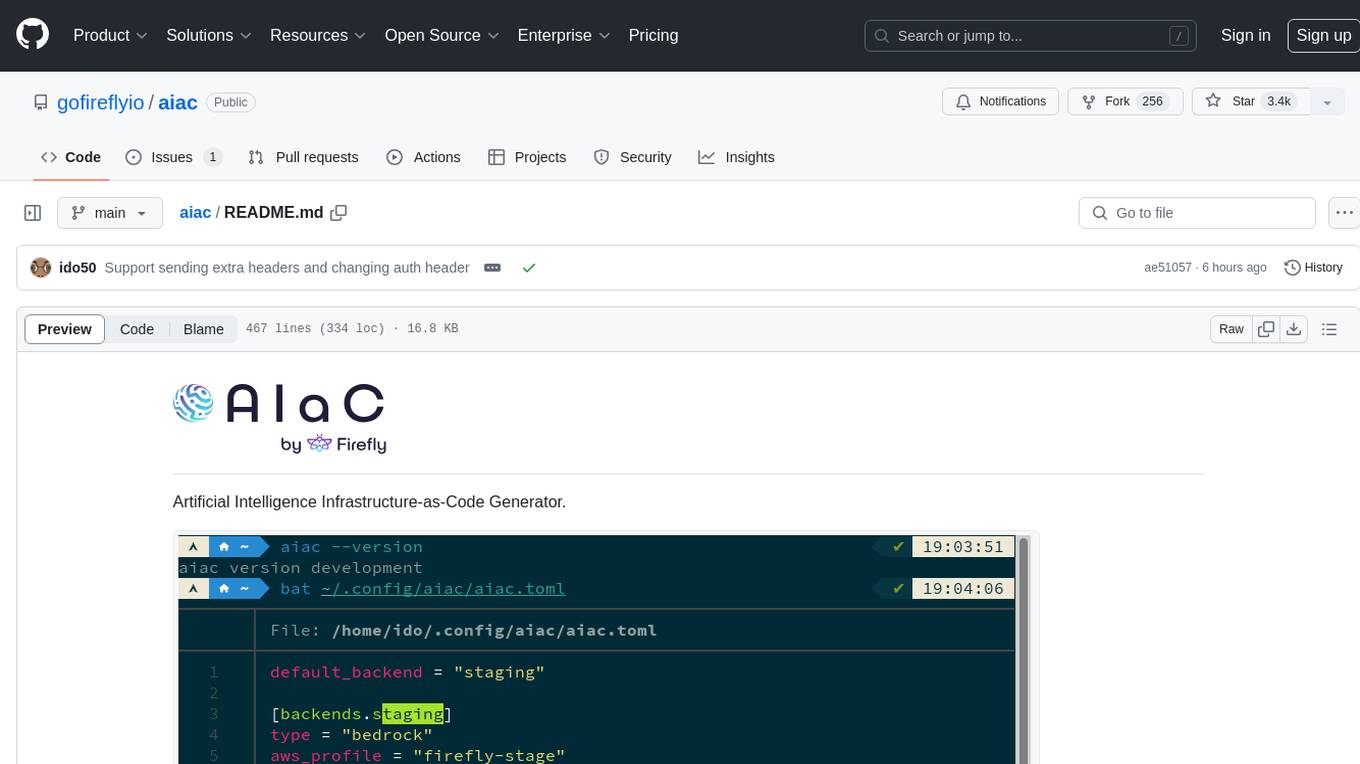
AIAC is a library and command line tool to generate Infrastructure as Code (IaC) templates, configurations, utilities, queries, and more via LLM providers such as OpenAI, Amazon Bedrock, and Ollama. Users can define multiple 'backends' targeting different LLM providers and environments using a simple configuration file. The tool allows users to ask a model to generate templates for different scenarios and composes an appropriate request to the selected provider, storing the resulting code to a file and/or printing it to standard output.
MultiPL-E
MultiPL-E is a system for translating unit test-driven neural code generation benchmarks to new languages. It is part of the BigCode Code Generation LM Harness and allows for evaluating Code LLMs using various benchmarks. The tool supports multiple versions with improvements and new language additions, providing a scalable and polyglot approach to benchmarking neural code generation. Users can access a tutorial for direct usage and explore the dataset of translated prompts on the Hugging Face Hub.
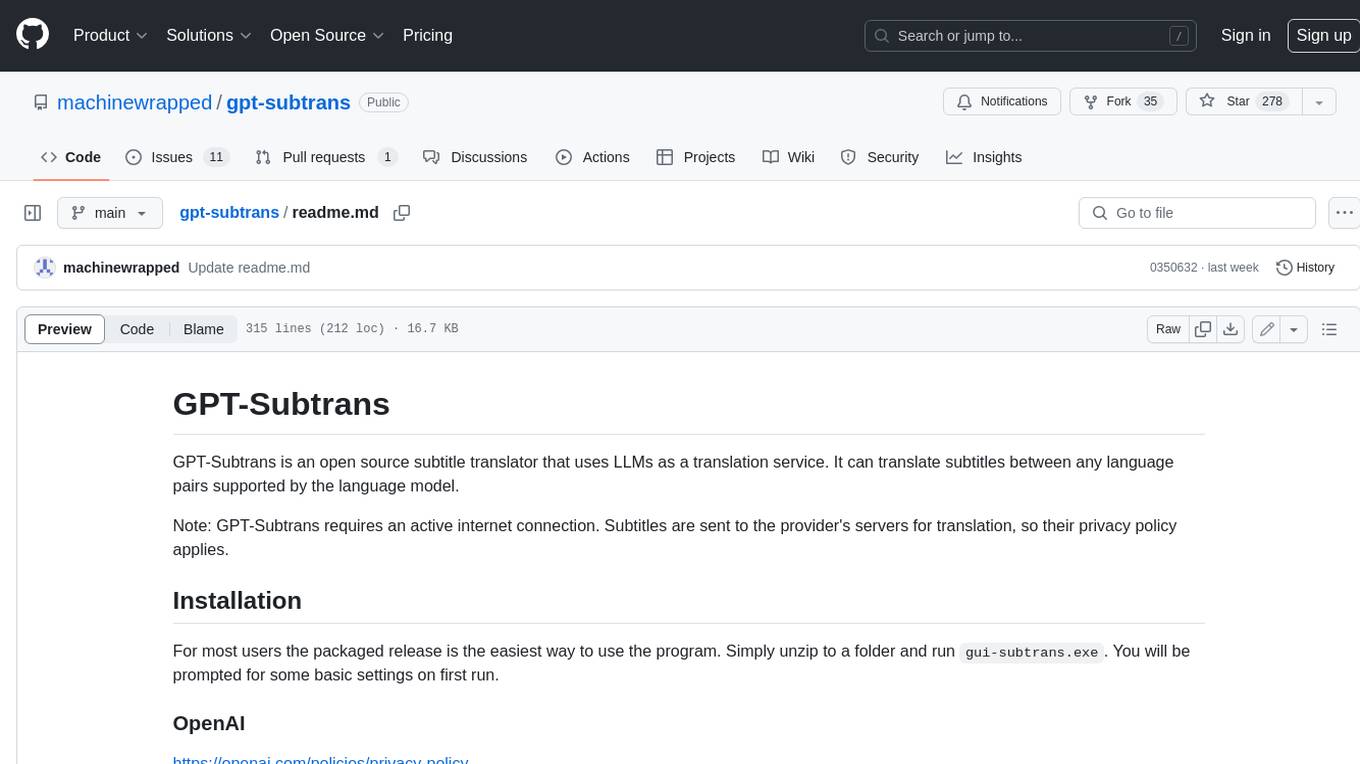
gpt-subtrans
GPT-Subtrans is an open-source subtitle translator that utilizes large language models (LLMs) as translation services. It supports translation between any language pairs that the language model supports. Note that GPT-Subtrans requires an active internet connection, as subtitles are sent to the provider's servers for translation, and their privacy policy applies.
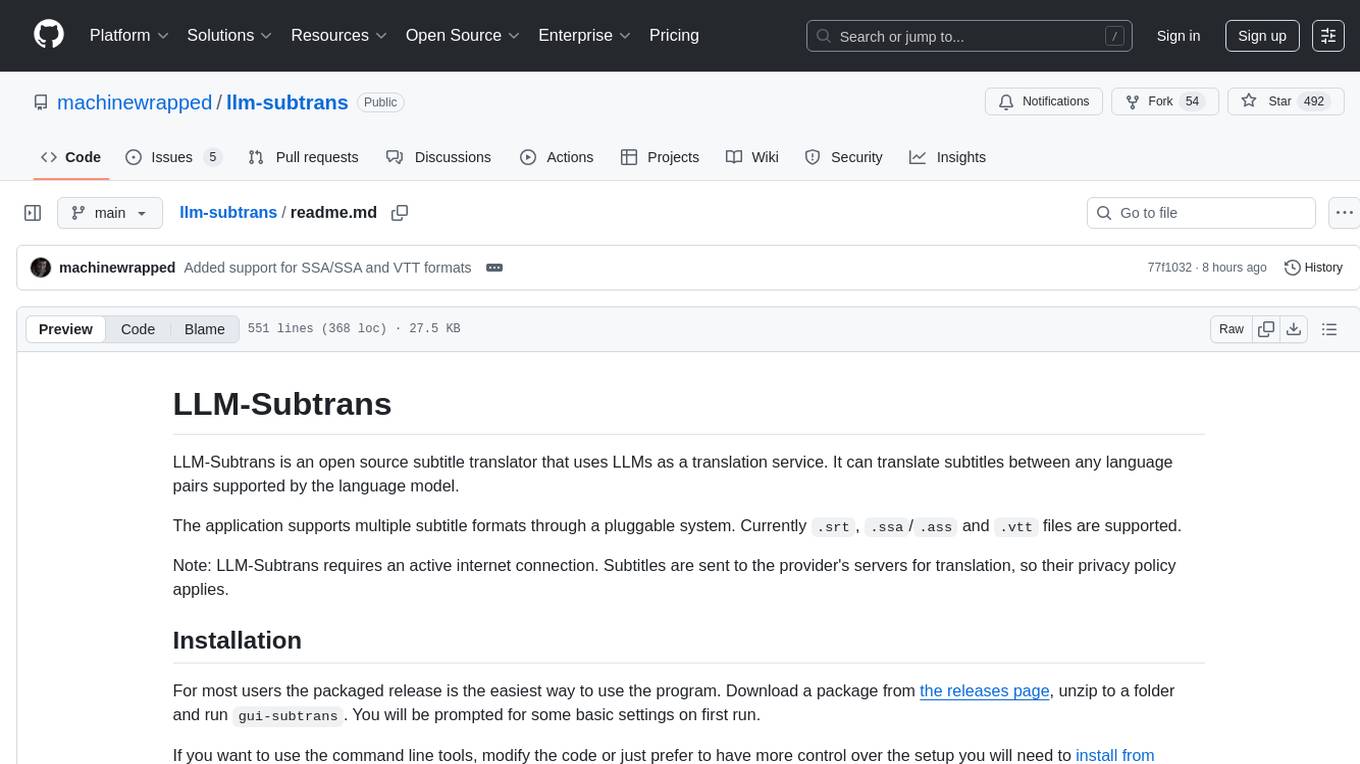
llm-subtrans
LLM-Subtrans is an open source subtitle translator that utilizes LLMs as a translation service. It supports translating subtitles between any language pairs supported by the language model. The application offers multiple subtitle formats support through a pluggable system, including .srt, .ssa/.ass, and .vtt files. Users can choose to use the packaged release for easy usage or install from source for more control over the setup. The tool requires an active internet connection as subtitles are sent to translation service providers' servers for translation.
fabric
Fabric is an open-source framework for augmenting humans using AI. It provides a structured approach to breaking down problems into individual components and applying AI to them one at a time. Fabric includes a collection of pre-defined Patterns (prompts) that can be used for a variety of tasks, such as extracting the most interesting parts of YouTube videos and podcasts, writing essays, summarizing academic papers, creating AI art prompts, and more. Users can also create their own custom Patterns. Fabric is designed to be easy to use, with a command-line interface and a variety of helper apps. It is also extensible, allowing users to integrate it with their own AI applications and infrastructure.
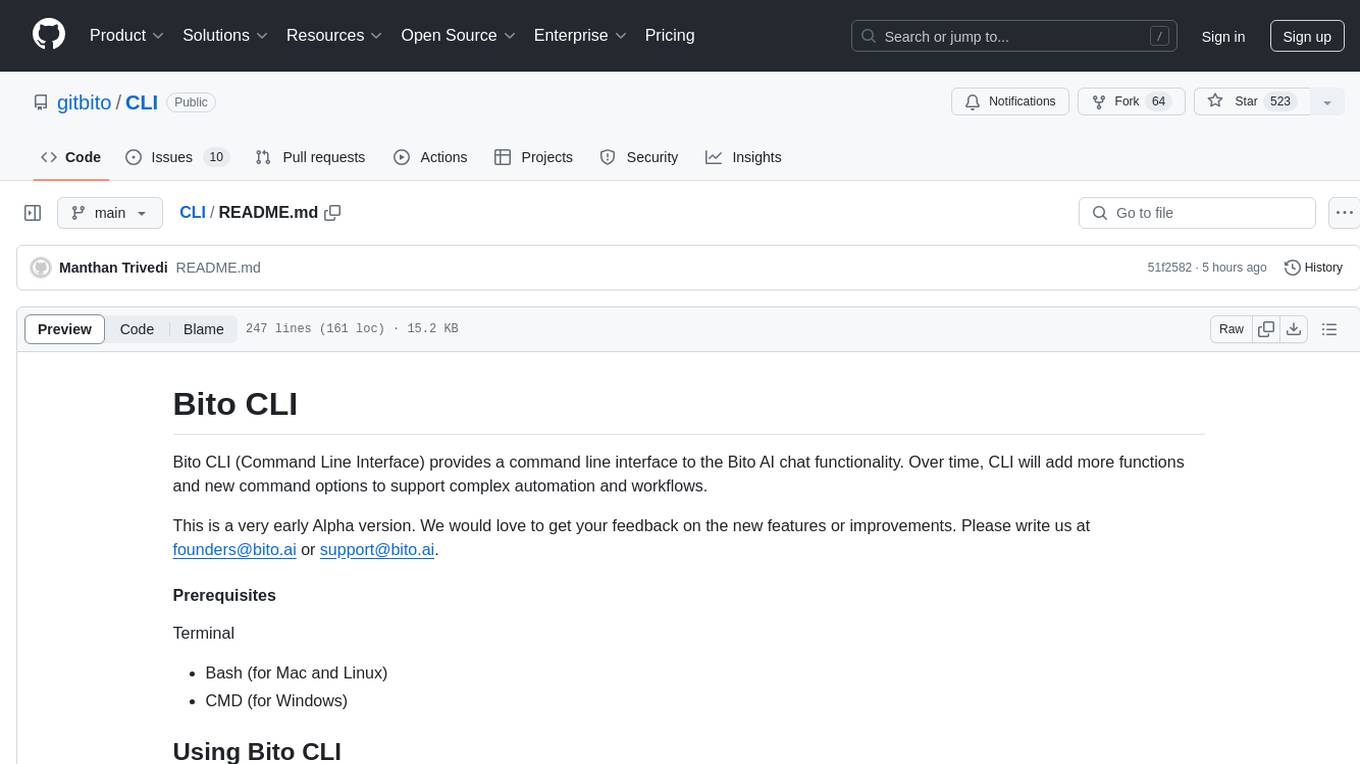
CLI
Bito CLI provides a command line interface to the Bito AI chat functionality, allowing users to interact with the AI through commands. It supports complex automation and workflows, with features like long prompts and slash commands. Users can install Bito CLI on Mac, Linux, and Windows systems using various methods. The tool also offers configuration options for AI model type, access key management, and output language customization. Bito CLI is designed to enhance user experience in querying AI models and automating tasks through the command line interface.
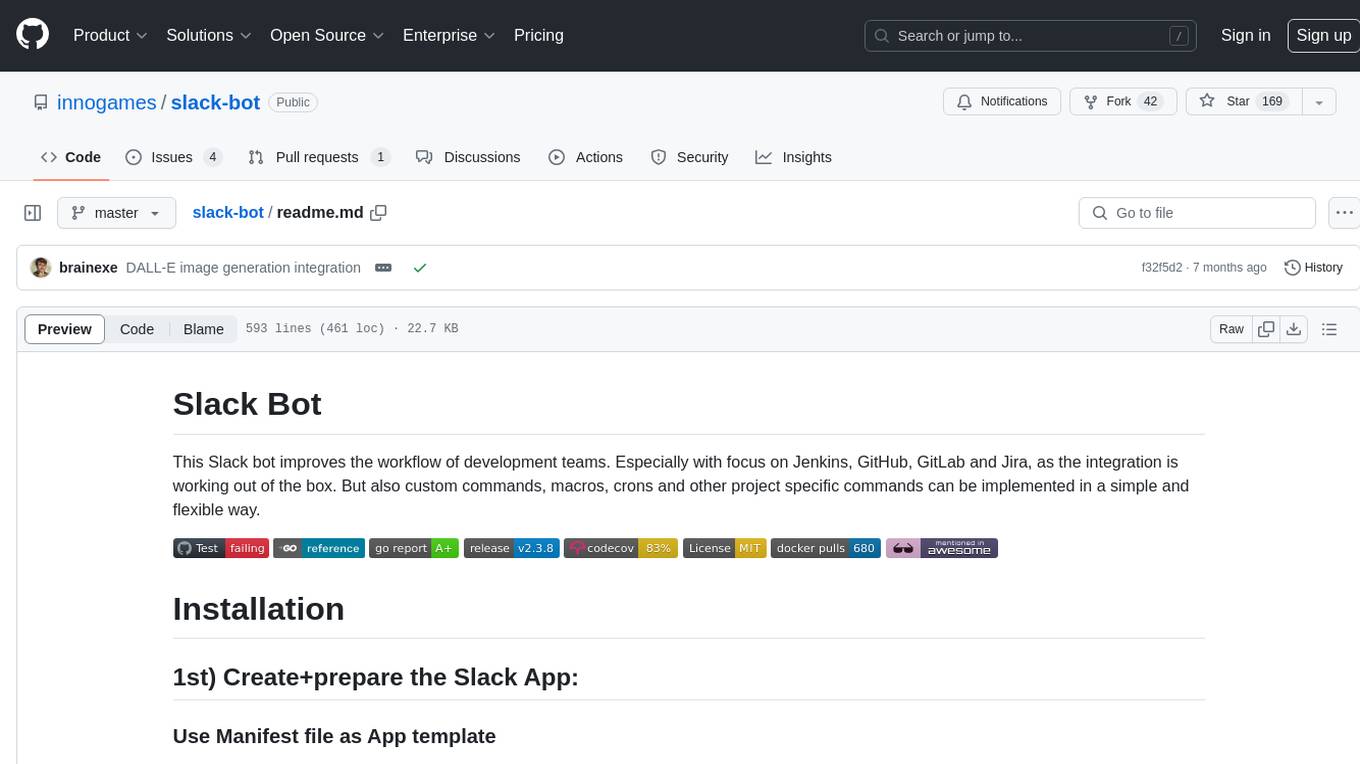
slack-bot
The Slack Bot is a tool designed to enhance the workflow of development teams by integrating with Jenkins, GitHub, GitLab, and Jira. It allows for custom commands, macros, crons, and project-specific commands to be implemented easily. Users can interact with the bot through Slack messages, execute commands, and monitor job progress. The bot supports features like starting and monitoring Jenkins jobs, tracking pull requests, querying Jira information, creating buttons for interactions, generating images with DALL-E, playing quiz games, checking weather, defining custom commands, and more. Configuration is managed via YAML files, allowing users to set up credentials for external services, define custom commands, schedule cron jobs, and configure VCS systems like Bitbucket for automated branch lookup in Jenkins triggers.
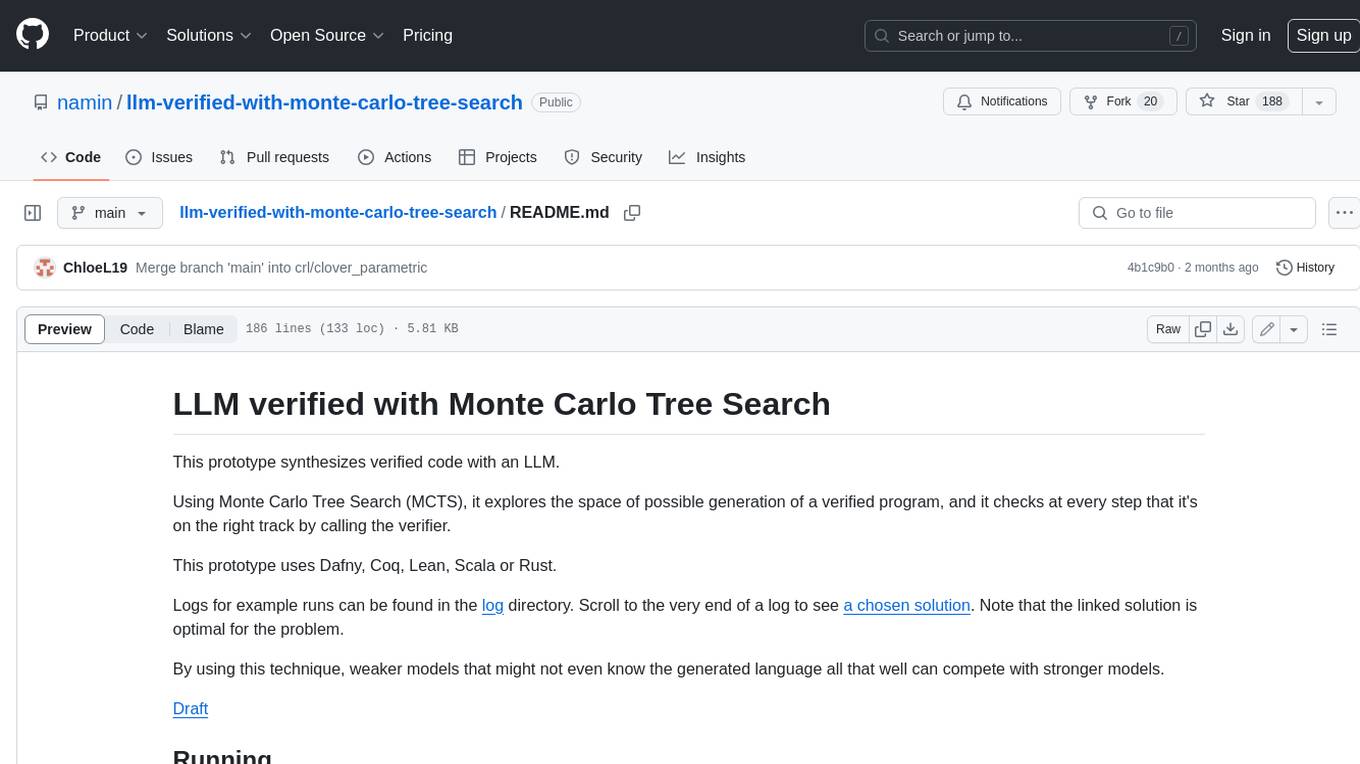
llm-verified-with-monte-carlo-tree-search
This prototype synthesizes verified code with an LLM using Monte Carlo Tree Search (MCTS). It explores the space of possible generation of a verified program and checks at every step that it's on the right track by calling the verifier. This prototype uses Dafny, Coq, Lean, Scala, or Rust. By using this technique, weaker models that might not even know the generated language all that well can compete with stronger models.
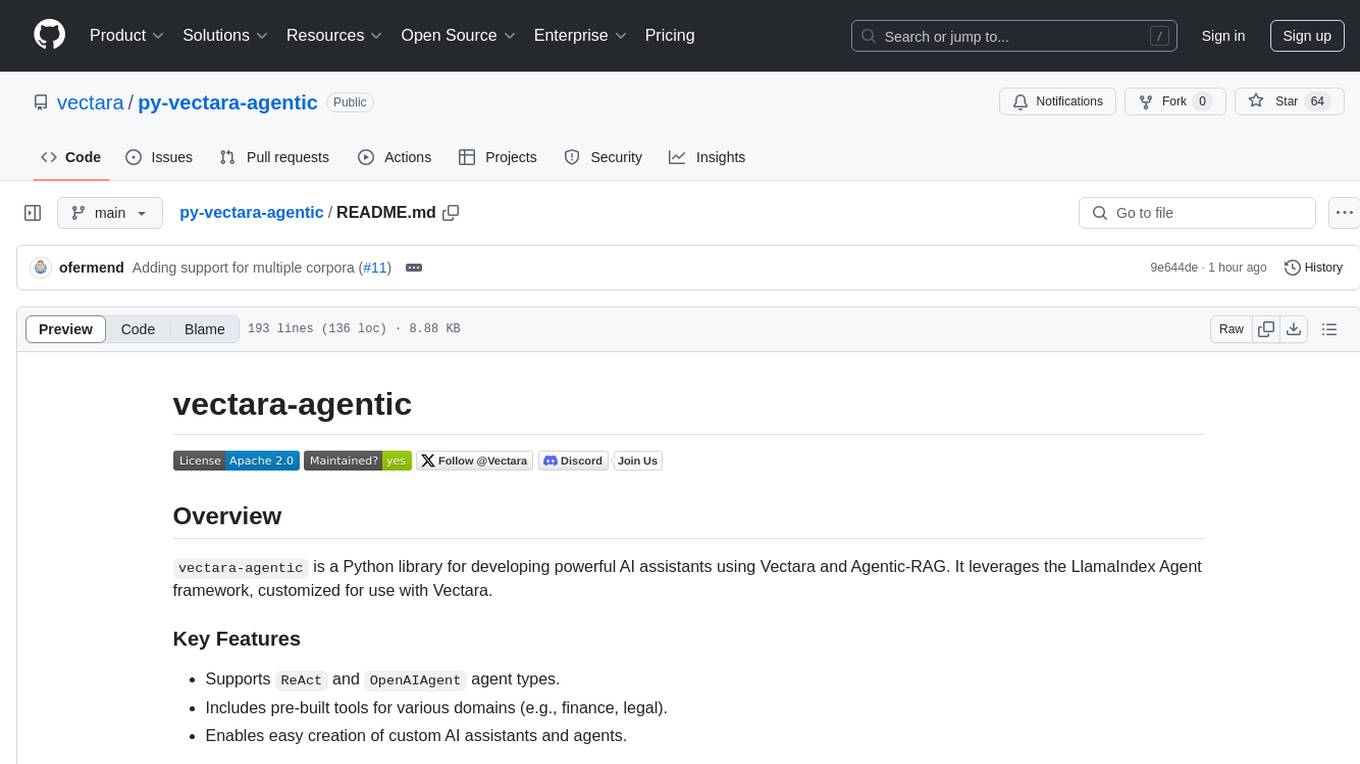
py-vectara-agentic
The `vectara-agentic` Python library is designed for developing powerful AI assistants using Vectara and Agentic-RAG. It supports various agent types, includes pre-built tools for domains like finance and legal, and enables easy creation of custom AI assistants and agents. The library provides tools for summarizing text, rephrasing text, legal tasks like summarizing legal text and critiquing as a judge, financial tasks like analyzing balance sheets and income statements, and database tools for inspecting and querying databases. It also supports observability via LlamaIndex and Arize Phoenix integration.
For similar tasks
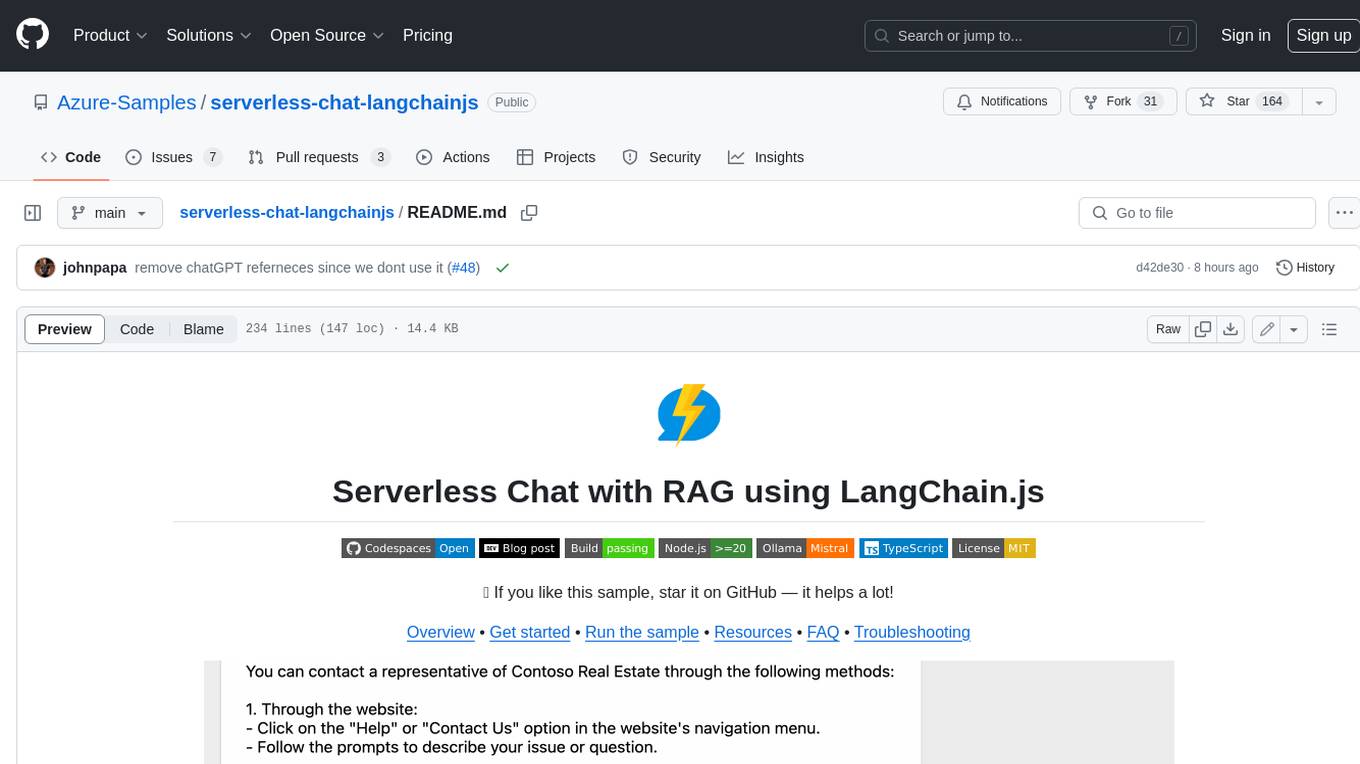
serverless-chat-langchainjs
This sample shows how to build a serverless chat experience with Retrieval-Augmented Generation using LangChain.js and Azure. The application is hosted on Azure Static Web Apps and Azure Functions, with Azure Cosmos DB for MongoDB vCore as the vector database. You can use it as a starting point for building more complex AI applications.
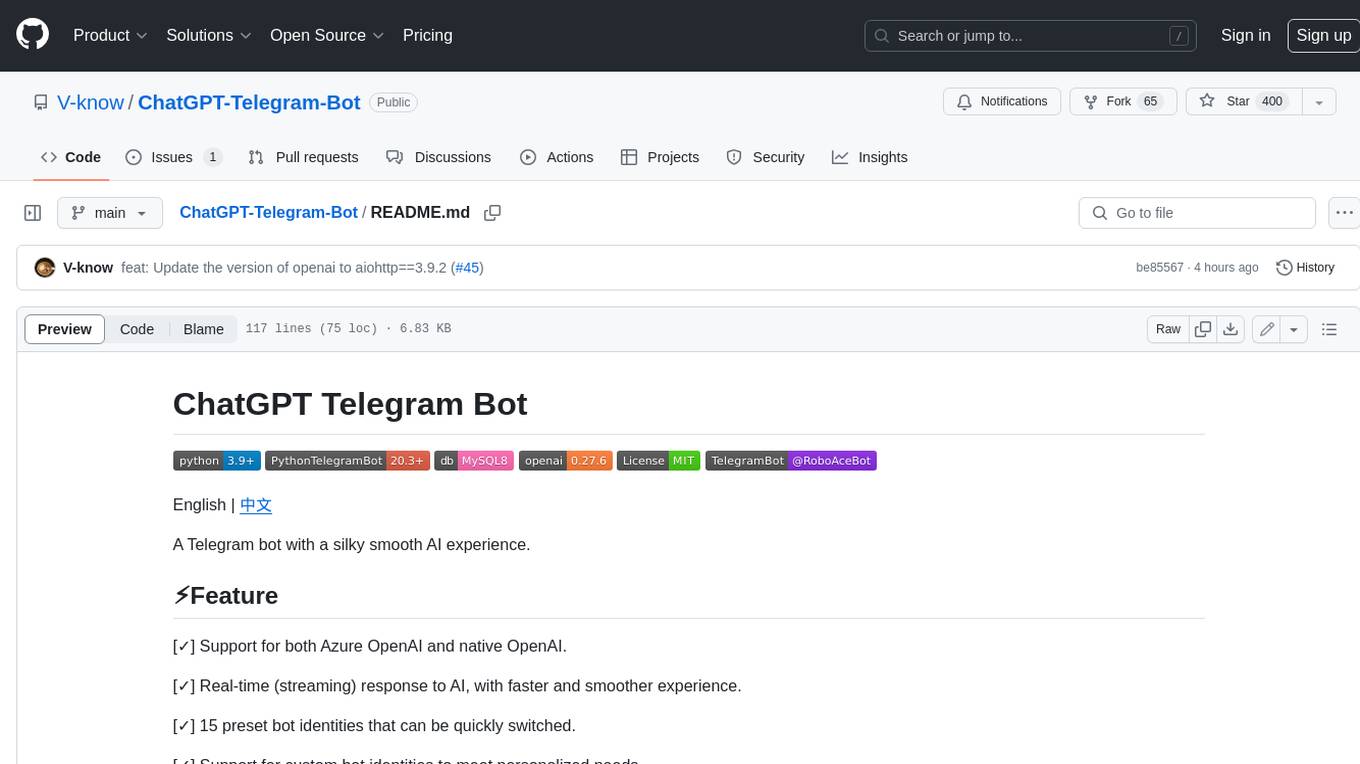
ChatGPT-Telegram-Bot
ChatGPT Telegram Bot is a Telegram bot that provides a smooth AI experience. It supports both Azure OpenAI and native OpenAI, and offers real-time (streaming) response to AI, with a faster and smoother experience. The bot also has 15 preset bot identities that can be quickly switched, and supports custom bot identities to meet personalized needs. Additionally, it supports clearing the contents of the chat with a single click, and restarting the conversation at any time. The bot also supports native Telegram bot button support, making it easy and intuitive to implement required functions. User level division is also supported, with different levels enjoying different single session token numbers, context numbers, and session frequencies. The bot supports English and Chinese on UI, and is containerized for easy deployment.
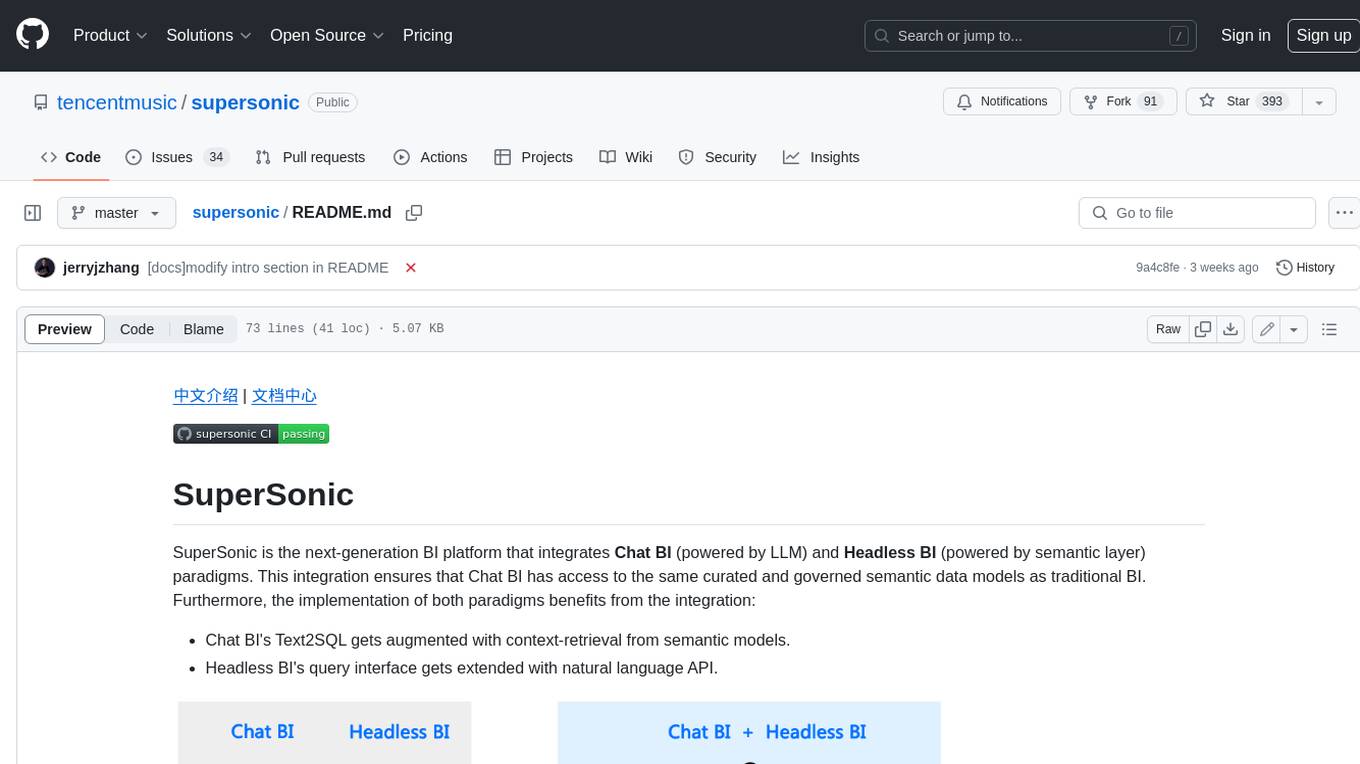
supersonic
SuperSonic is a next-generation BI platform that integrates Chat BI (powered by LLM) and Headless BI (powered by semantic layer) paradigms. This integration ensures that Chat BI has access to the same curated and governed semantic data models as traditional BI. Furthermore, the implementation of both paradigms benefits from the integration: * Chat BI's Text2SQL gets augmented with context-retrieval from semantic models. * Headless BI's query interface gets extended with natural language API. SuperSonic provides a Chat BI interface that empowers users to query data using natural language and visualize the results with suitable charts. To enable such experience, the only thing necessary is to build logical semantic models (definition of metric/dimension/tag, along with their meaning and relationships) through a Headless BI interface. Meanwhile, SuperSonic is designed to be extensible and composable, allowing custom implementations to be added and configured with Java SPI. The integration of Chat BI and Headless BI has the potential to enhance the Text2SQL generation in two dimensions: 1. Incorporate data semantics (such as business terms, column values, etc.) into the prompt, enabling LLM to better understand the semantics and reduce hallucination. 2. Offload the generation of advanced SQL syntax (such as join, formula, etc.) from LLM to the semantic layer to reduce complexity. With these ideas in mind, we develop SuperSonic as a practical reference implementation and use it to power our real-world products. Additionally, to facilitate further development we decide to open source SuperSonic as an extensible framework.
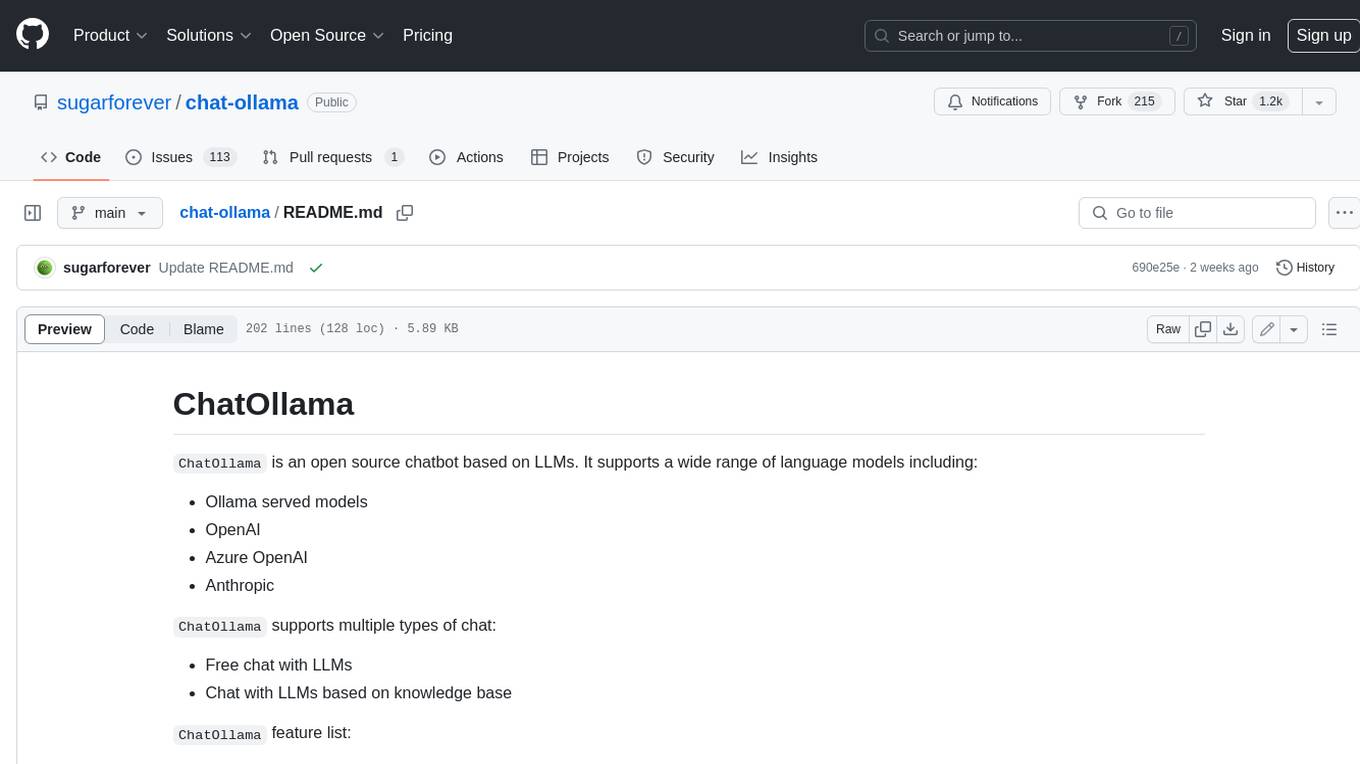
chat-ollama
ChatOllama is an open-source chatbot based on LLMs (Large Language Models). It supports a wide range of language models, including Ollama served models, OpenAI, Azure OpenAI, and Anthropic. ChatOllama supports multiple types of chat, including free chat with LLMs and chat with LLMs based on a knowledge base. Key features of ChatOllama include Ollama models management, knowledge bases management, chat, and commercial LLMs API keys management.
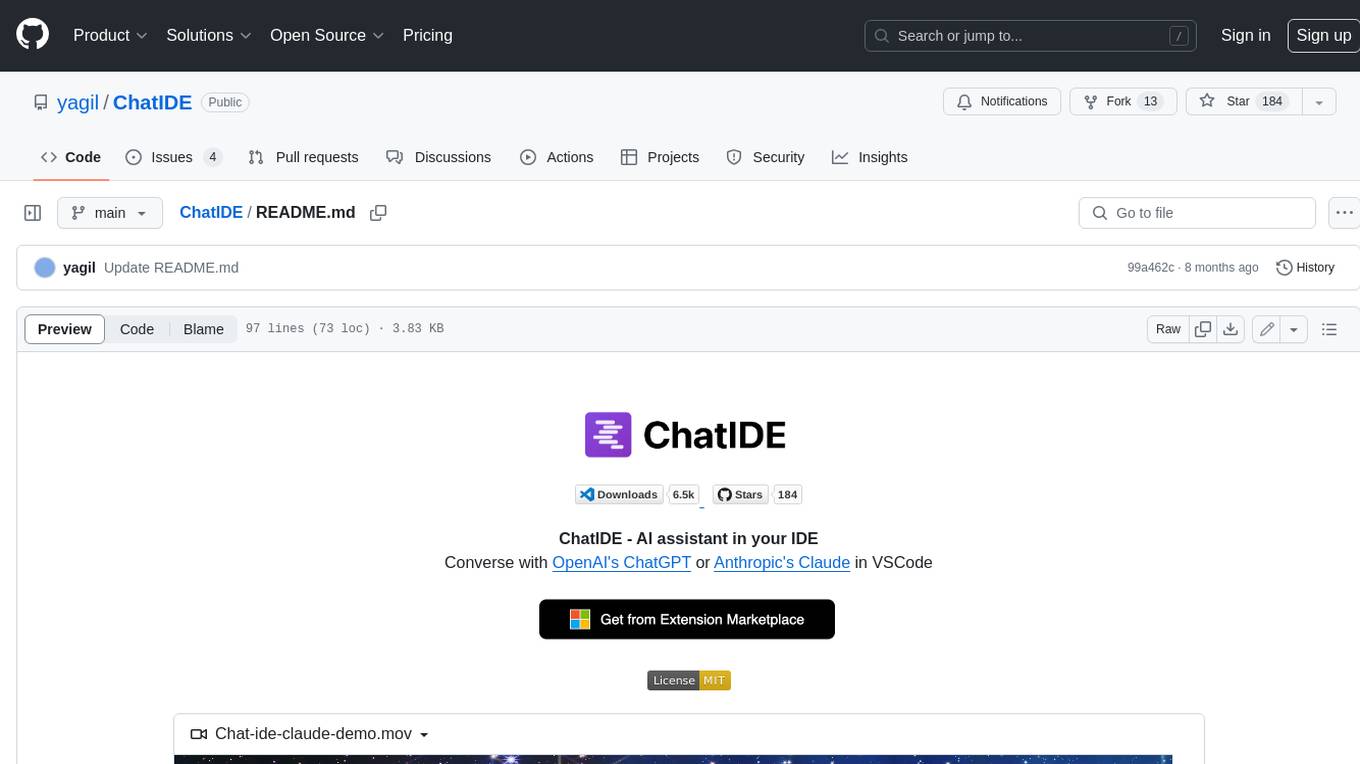
ChatIDE
ChatIDE is an AI assistant that integrates with your IDE, allowing you to converse with OpenAI's ChatGPT or Anthropic's Claude within your development environment. It provides a seamless way to access AI-powered assistance while coding, enabling you to get real-time help, generate code snippets, debug errors, and brainstorm ideas without leaving your IDE.
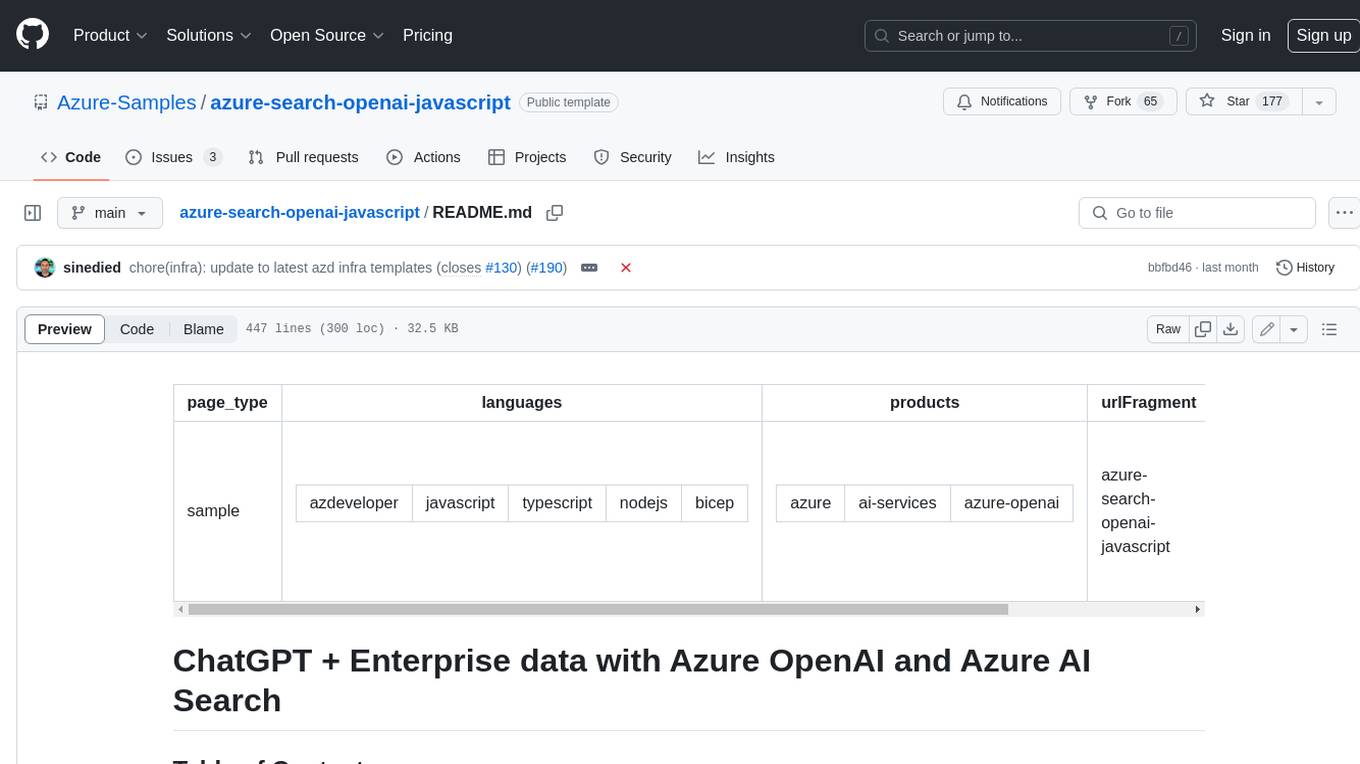
azure-search-openai-javascript
This sample demonstrates a few approaches for creating ChatGPT-like experiences over your own data using the Retrieval Augmented Generation pattern. It uses Azure OpenAI Service to access the ChatGPT model (gpt-35-turbo), and Azure AI Search for data indexing and retrieval.
xiaogpt
xiaogpt is a tool that allows you to play ChatGPT and other LLMs with Xiaomi AI Speaker. It supports ChatGPT, New Bing, ChatGLM, Gemini, Doubao, and Tongyi Qianwen. You can use it to ask questions, get answers, and have conversations with AI assistants. xiaogpt is easy to use and can be set up in a few minutes. It is a great way to experience the power of AI and have fun with your Xiaomi AI Speaker.
googlegpt
GoogleGPT is a browser extension that brings the power of ChatGPT to Google Search. With GoogleGPT, you can ask ChatGPT questions and get answers directly in your search results. You can also use GoogleGPT to generate text, translate languages, and more. GoogleGPT is compatible with all major browsers, including Chrome, Firefox, Edge, and Safari.
For similar jobs

sweep
Sweep is an AI junior developer that turns bugs and feature requests into code changes. It automatically handles developer experience improvements like adding type hints and improving test coverage.

teams-ai
The Teams AI Library is a software development kit (SDK) that helps developers create bots that can interact with Teams and Microsoft 365 applications. It is built on top of the Bot Framework SDK and simplifies the process of developing bots that interact with Teams' artificial intelligence capabilities. The SDK is available for JavaScript/TypeScript, .NET, and Python.

ai-guide
This guide is dedicated to Large Language Models (LLMs) that you can run on your home computer. It assumes your PC is a lower-end, non-gaming setup.

classifai
Supercharge WordPress Content Workflows and Engagement with Artificial Intelligence. Tap into leading cloud-based services like OpenAI, Microsoft Azure AI, Google Gemini and IBM Watson to augment your WordPress-powered websites. Publish content faster while improving SEO performance and increasing audience engagement. ClassifAI integrates Artificial Intelligence and Machine Learning technologies to lighten your workload and eliminate tedious tasks, giving you more time to create original content that matters.

chatbot-ui
Chatbot UI is an open-source AI chat app that allows users to create and deploy their own AI chatbots. It is easy to use and can be customized to fit any need. Chatbot UI is perfect for businesses, developers, and anyone who wants to create a chatbot.

BricksLLM
BricksLLM is a cloud native AI gateway written in Go. Currently, it provides native support for OpenAI, Anthropic, Azure OpenAI and vLLM. BricksLLM aims to provide enterprise level infrastructure that can power any LLM production use cases. Here are some use cases for BricksLLM: * Set LLM usage limits for users on different pricing tiers * Track LLM usage on a per user and per organization basis * Block or redact requests containing PIIs * Improve LLM reliability with failovers, retries and caching * Distribute API keys with rate limits and cost limits for internal development/production use cases * Distribute API keys with rate limits and cost limits for students

uAgents
uAgents is a Python library developed by Fetch.ai that allows for the creation of autonomous AI agents. These agents can perform various tasks on a schedule or take action on various events. uAgents are easy to create and manage, and they are connected to a fast-growing network of other uAgents. They are also secure, with cryptographically secured messages and wallets.

griptape
Griptape is a modular Python framework for building AI-powered applications that securely connect to your enterprise data and APIs. It offers developers the ability to maintain control and flexibility at every step. Griptape's core components include Structures (Agents, Pipelines, and Workflows), Tasks, Tools, Memory (Conversation Memory, Task Memory, and Meta Memory), Drivers (Prompt and Embedding Drivers, Vector Store Drivers, Image Generation Drivers, Image Query Drivers, SQL Drivers, Web Scraper Drivers, and Conversation Memory Drivers), Engines (Query Engines, Extraction Engines, Summary Engines, Image Generation Engines, and Image Query Engines), and additional components (Rulesets, Loaders, Artifacts, Chunkers, and Tokenizers). Griptape enables developers to create AI-powered applications with ease and efficiency.