


seer
Seer is a service that provides AI capabilities to Sentry, running inference on Sentry issues and providing insights to users.
Stars: 87
Seer is a service that provides AI capabilities to Sentry by running inference on Sentry issues and providing user insights. It is currently in early development and not yet compatible with self-hosted Sentry instances. The tool requires access to internal Sentry resources and is intended for internal Sentry employees. Users can set up the environment, download model artifacts, integrate with local Sentry, run evaluations for Autofix AI agent, and deploy to a sandbox staging environment. Development commands include applying database migrations, creating new migrations, running tests, and more. The tool also supports VCRs for recording and replaying HTTP requests.
README:

Seer is a service that provides AI capabilities to Sentry by running inference on Sentry issues and providing user insights.
📣 Seer is currently in early development and not yet compatible with self-hosted Sentry instances. Stay tuned for updates!
These instructions require access to internal Sentry resources and are intended for internal Sentry employees.
pyenv install 3.11
pyenv local 3.11- Install Docker. Note that if you want to install Docker from brew instead of Docker Desktop, then you would need to install docker-compose as well.
- Install Google Cloud SDK and authenticate.
- Clone the repository and navigate to the project root
- Run
direnv allowto set up the Python environment - Create a
.envfile based on.env.exampleand set the required values - (Optional) Add
SENTRY_AUTH_TOKEN=<your token>to your.envfile
Download model artifacts:
gsutil cp -r gs://sentry-ml/seer/models .If you see a prompt "Reauthentication required. Please insert your security key and press enter...", re-authenticate using the command gcloud auth login and set the project id to the one for Seer.
-
Start the development environment:
make dev
-
If you encounter database errors, run:
make update
-
If you encounter authentication errors, run:
gcloud auth application-default login
-
Expose port 9091 in your local Sentry configuration
-
Add the following to
~/.sentry/sentry.conf.py:SEER_RPC_SHARED_SECRET = ["seers-also-very-long-value-haha"] SENTRY_FEATURES['projects:ai-autofix'] = True SENTRY_FEATURES['organizations:issue-details-autofix-ui'] = True
-
For local development, you may need to bypass certain checks in the Sentry codebase
-
Restart both Sentry and Seer
[!NOTE] Set
NO_SENTRY_INTEGRATION=1in.envto ignore Local Sentry Integration
- Apply database migrations:
make update - Create new migrations:
make migration - Run type checker:
make mypy - Run tests:
make test - Open a shell:
make shell - Update
requirements.txtbased onrequirements-constraints.txt:make upgrade-package-versions
To start fresh:
bash
docker compose down --volumes
make update && make devTo run multiple instances of Seer, you should set unique port values for each instance in the .env file.
RABBITMQ_PORT=...
RABBITMQ_CONFIG_PORT=...
DB_PORT=...
APP_PORT=...
To enable Langfuse tracing, set these environment variables:
LANGFUSE_SECRET_KEY=...
LANGFUSE_PUBLIC_KEY=...
LANGFUSE_HOST=...
Autofix is an AI agent that identifies root causes of Sentry issues and suggests fixes.
Send a POST request to /v1/automation/autofix/evaluations/start with the following JSON body:
Note: Currently, only internal datasets are available.
It is possible to run and deploy seer to a sandbox staging environment. An example of such a deployment is in this PR.
To get started, use the #proj-tf-sandbox channel and request direction or help on scaffolding a new sandbox in the
sandbox repo.
You then can use the iap,
and seer-staging
modules to scaffold a public load balancer pointing to a compute running the docker-compose.staging.yml file.
After scaffolding your environment, you'll want to set your SBX_PROJECT environment variable in your .env file, and
run make push-staging to submit a cloud build for your image.
!!!!NOTE!!!!
The staging cloud build uses your current local environment to build the image, not CI, which means it will use all your
src files and your local .env file to configure the image that will be hosted in your sandbox. Make sure you don't
accidentally include any sensitive personal files in your source tree before using this.
Each time you push with make push-staging there will be a period of time while the VM polls and unpacks the new image
before it is loaded. If you have a SENTRY_DSN and SENTRY_ENVIRONMENT set, a release will be created by the push,
allowing you to track when the server has loaded that release version.
You can run all tests with make test.
Make sure you have the test database running when running individual tests, do that via docker compose up --remove-orphans -d test-db.
To run a single test, make sure you're in a shell, by doing make shell, and then run pytest tests/path/to/test.py::test_name.
VCRs are a way to record and replay HTTP requests. They are useful for recording requests from external services that you don't control instead of mocking them.
To use VCRs, add the @pytest.mark.vcr() decorator to your test.
To record new VCRs, delete the existing cassettes and run the test. Subsequent test runs will use the cassette instead of making requests.
You must not commit the raw VCRs to the repo. Instead, you must encrypt them using make vcr-encrypt and decrypt them using make vcr-decrypt.
Before first time running encryption or decryption, you will need to run make vcr-encrypt-prep to install the required libraries and authenticate with GCP.
Before committing the VCRs, you must run make vcr-encrypt to encrypt them.
By default, the
CLEAN=1flag is set, so the encrypted cassettes will match exactly what you have in your local. If you want to not overwrite files, runmake vcr-encrypt CLEAN=0.
If you want to run tests with VCRs enabled, you must run make vcr-decrypt to decrypt them.
By default, the
CLEANflag is not set, so files in your local that don't exist in the repo will not be deleted. If you want your local to match exactly what is in the encrypted cassettes, run withCLEAN=1.
In CI, we split the tests into groups to run in parallel. The groups are divided by the test durations.
The durations are stored in the .test_durations file.
To update the durations, run in a make shell:
pip install pytest-split
pytest --store-durationsThe durations should be updated every once in a while or especially when you add potentially slow tests.
You can set the queue that the celery worker listens on via the CELERY_WORKER_QUEUE environment variable.
If not set, the default queue name is "seer".
For Tasks:
Click tags to check more tools for each tasksFor Jobs:
Alternative AI tools for seer
Similar Open Source Tools
seer
Seer is a service that provides AI capabilities to Sentry by running inference on Sentry issues and providing user insights. It is currently in early development and not yet compatible with self-hosted Sentry instances. The tool requires access to internal Sentry resources and is intended for internal Sentry employees. Users can set up the environment, download model artifacts, integrate with local Sentry, run evaluations for Autofix AI agent, and deploy to a sandbox staging environment. Development commands include applying database migrations, creating new migrations, running tests, and more. The tool also supports VCRs for recording and replaying HTTP requests.
aiarena-web
aiarena-web is a website designed for running the aiarena.net infrastructure. It consists of different modules such as core functionality, web API endpoints, frontend templates, and a module for linking users to their Patreon accounts. The website serves as a platform for obtaining new matches, reporting results, featuring match replays, and connecting with Patreon supporters. The project is licensed under GPLv3 in 2019.
polis
Polis is an AI powered sentiment gathering platform that offers a more organic approach than surveys and requires less effort than focus groups. It provides a comprehensive wiki, main deployment at https://pol.is, discussions, issue tracking, and project board for users. Polis can be set up using Docker infrastructure and offers various commands for building and running containers. Users can test their instance, update the system, and deploy Polis for production. The tool also provides developer conveniences for code reloading, type checking, and database connections. Additionally, Polis supports end-to-end browser testing using Cypress and offers troubleshooting tips for common Docker and npm issues.
ai-town
AI Town is a virtual town where AI characters live, chat, and socialize. This project provides a deployable starter kit for building and customizing your own version of AI Town. It features a game engine, database, vector search, auth, text model, deployment, pixel art generation, background music generation, and local inference. You can customize your own simulation by creating characters and stories, updating spritesheets, changing the background, and modifying the background music.
0chain
Züs is a high-performance cloud on a fast blockchain offering privacy and configurable uptime. It uses erasure code to distribute data between data and parity servers, allowing flexibility for IT managers to design for security and uptime. Users can easily share encrypted data with business partners through a proxy key sharing protocol. The ecosystem includes apps like Blimp for cloud migration, Vult for personal cloud storage, and Chalk for NFT artists. Other apps include Bolt for secure wallet and staking, Atlus for blockchain explorer, and Chimney for network participation. The QoS protocol challenges providers based on response time, while the privacy protocol enables secure data sharing. Züs supports hybrid and multi-cloud architectures, allowing users to improve regulatory compliance and security requirements.
fasttrackml
FastTrackML is an experiment tracking server focused on speed and scalability, fully compatible with MLFlow. It provides a user-friendly interface to track and visualize your machine learning experiments, making it easy to compare different models and identify the best performing ones. FastTrackML is open source and can be easily installed and run with pip or Docker. It is also compatible with the MLFlow Python package, making it easy to integrate with your existing MLFlow workflows.
ray-llm
RayLLM (formerly known as Aviary) is an LLM serving solution that makes it easy to deploy and manage a variety of open source LLMs, built on Ray Serve. It provides an extensive suite of pre-configured open source LLMs, with defaults that work out of the box. RayLLM supports Transformer models hosted on Hugging Face Hub or present on local disk. It simplifies the deployment of multiple LLMs, the addition of new LLMs, and offers unique autoscaling support, including scale-to-zero. RayLLM fully supports multi-GPU & multi-node model deployments and offers high performance features like continuous batching, quantization and streaming. It provides a REST API that is similar to OpenAI's to make it easy to migrate and cross test them. RayLLM supports multiple LLM backends out of the box, including vLLM and TensorRT-LLM.
CLI
Bito CLI provides a command line interface to the Bito AI chat functionality, allowing users to interact with the AI through commands. It supports complex automation and workflows, with features like long prompts and slash commands. Users can install Bito CLI on Mac, Linux, and Windows systems using various methods. The tool also offers configuration options for AI model type, access key management, and output language customization. Bito CLI is designed to enhance user experience in querying AI models and automating tasks through the command line interface.
llamafile
llamafile is a tool that enables users to distribute and run Large Language Models (LLMs) with a single file. It combines llama.cpp with Cosmopolitan Libc to create a framework that simplifies the complexity of LLMs into a single-file executable called a 'llamafile'. Users can run these executable files locally on most computers without the need for installation, making open LLMs more accessible to developers and end users. llamafile also provides example llamafiles for various LLM models, allowing users to try out different LLMs locally. The tool supports multiple CPU microarchitectures, CPU architectures, and operating systems, making it versatile and easy to use.
openui
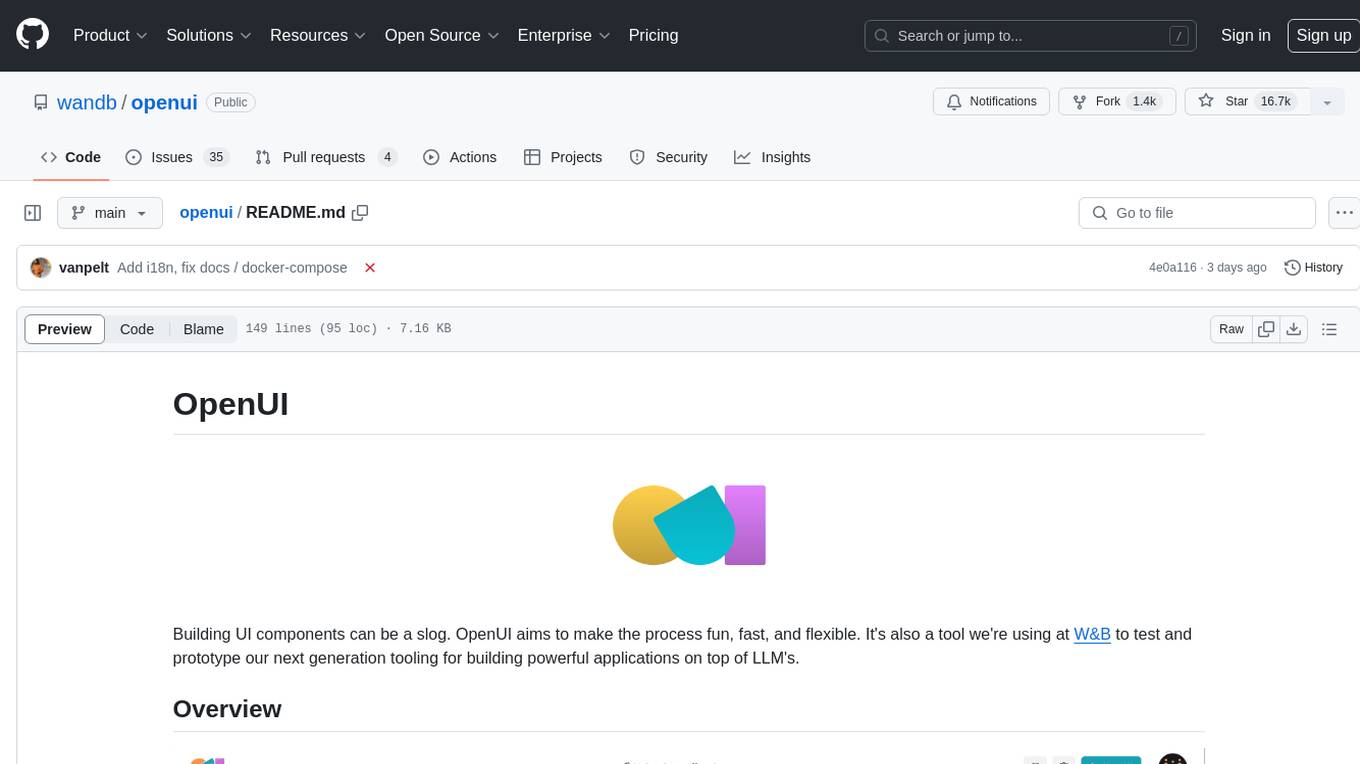
OpenUI is a tool designed to simplify the process of building UI components by allowing users to describe UI using their imagination and see it rendered live. It supports converting HTML to React, Svelte, Web Components, etc. The tool is open source and aims to make UI development fun, fast, and flexible. It integrates with various AI services like OpenAI, Groq, Gemini, Anthropic, Cohere, and Mistral, providing users with the flexibility to use different models. OpenUI also supports LiteLLM for connecting to various LLM services and allows users to create custom proxy configs. The tool can be run locally using Docker or Python, and it offers a development environment for quick setup and testing.
vectorflow
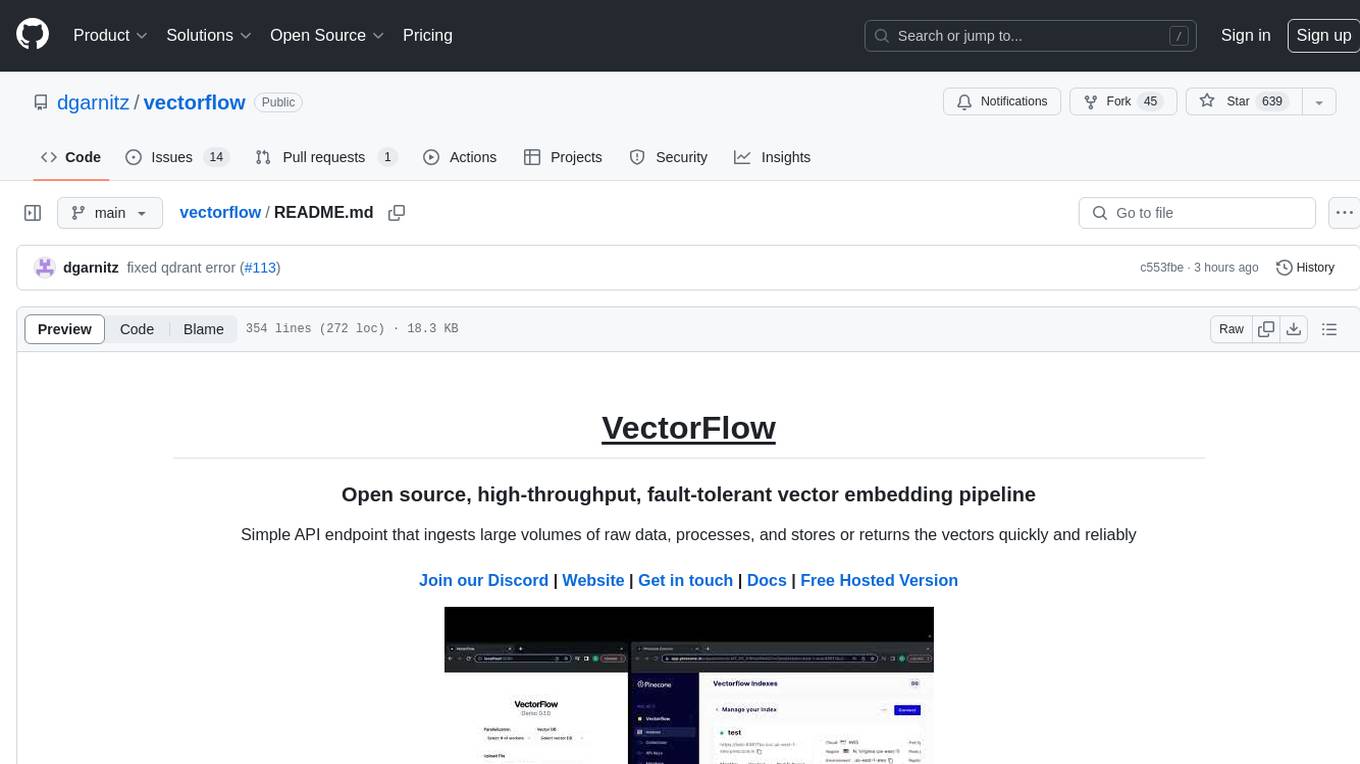
VectorFlow is an open source, high throughput, fault tolerant vector embedding pipeline. It provides a simple API endpoint for ingesting large volumes of raw data, processing, and storing or returning the vectors quickly and reliably. The tool supports text-based files like TXT, PDF, HTML, and DOCX, and can be run locally with Kubernetes in production. VectorFlow offers functionalities like embedding documents, running chunking schemas, custom chunking, and integrating with vector databases like Pinecone, Qdrant, and Weaviate. It enforces a standardized schema for uploading data to a vector store and supports features like raw embeddings webhook, chunk validation webhook, S3 endpoint, and telemetry. The tool can be used with the Python client and provides detailed instructions for running and testing the functionalities.
ai-starter-kit
SambaNova AI Starter Kits is a collection of open-source examples and guides designed to facilitate the deployment of AI-driven use cases for developers and enterprises. The kits cover various categories such as Data Ingestion & Preparation, Model Development & Optimization, Intelligent Information Retrieval, and Advanced AI Capabilities. Users can obtain a free API key using SambaNova Cloud or deploy models using SambaStudio. Most examples are written in Python but can be applied to any programming language. The kits provide resources for tasks like text extraction, fine-tuning embeddings, prompt engineering, question-answering, image search, post-call analysis, and more.
gpt-subtrans
GPT-Subtrans is an open-source subtitle translator that utilizes large language models (LLMs) as translation services. It supports translation between any language pairs that the language model supports. Note that GPT-Subtrans requires an active internet connection, as subtitles are sent to the provider's servers for translation, and their privacy policy applies.
WindowsAgentArena
Windows Agent Arena (WAA) is a scalable Windows AI agent platform designed for testing and benchmarking multi-modal, desktop AI agents. It provides researchers and developers with a reproducible and realistic Windows OS environment for AI research, enabling testing of agentic AI workflows across various tasks. WAA supports deploying agents at scale using Azure ML cloud infrastructure, allowing parallel running of multiple agents and delivering quick benchmark results for hundreds of tasks in minutes.
airbyte_serverless
AirbyteServerless is a lightweight tool designed to simplify the management of Airbyte connectors. It offers a serverless mode for running connectors, allowing users to easily move data from any source to their data warehouse. Unlike the full Airbyte-Open-Source-Platform, AirbyteServerless focuses solely on the Extract-Load process without a UI, database, or transform layer. It provides a CLI tool, 'abs', for managing connectors, creating connections, running jobs, selecting specific data streams, handling secrets securely, and scheduling remote runs. The tool is scalable, allowing independent deployment of multiple connectors. It aims to streamline the connector management process and provide a more agile alternative to the comprehensive Airbyte platform.
aides-jeunes
The user interface (and the main server) of the simulator of aids and social benefits for young people. It is based on the free socio-fiscal simulator Openfisca.
For similar tasks
seer
Seer is a service that provides AI capabilities to Sentry by running inference on Sentry issues and providing user insights. It is currently in early development and not yet compatible with self-hosted Sentry instances. The tool requires access to internal Sentry resources and is intended for internal Sentry employees. Users can set up the environment, download model artifacts, integrate with local Sentry, run evaluations for Autofix AI agent, and deploy to a sandbox staging environment. Development commands include applying database migrations, creating new migrations, running tests, and more. The tool also supports VCRs for recording and replaying HTTP requests.
ai-rag-chat-evaluator
This repository contains scripts and tools for evaluating a chat app that uses the RAG architecture. It provides parameters to assess the quality and style of answers generated by the chat app, including system prompt, search parameters, and GPT model parameters. The tools facilitate running evaluations, with examples of evaluations on a sample chat app. The repo also offers guidance on cost estimation, setting up the project, deploying a GPT-4 model, generating ground truth data, running evaluations, and measuring the app's ability to say 'I don't know'. Users can customize evaluations, view results, and compare runs using provided tools.
LLM-RGB
LLM-RGB is a repository containing a collection of detailed test cases designed to evaluate the reasoning and generation capabilities of Language Learning Models (LLMs) in complex scenarios. The benchmark assesses LLMs' performance in understanding context, complying with instructions, and handling challenges like long context lengths, multi-step reasoning, and specific response formats. Each test case evaluates an LLM's output based on context length difficulty, reasoning depth difficulty, and instruction compliance difficulty, with a final score calculated for each test case. The repository provides a score table, evaluation details, and quick start guide for running evaluations using promptfoo testing tools.
mastra
Mastra is an opinionated Typescript framework designed to help users quickly build AI applications and features. It provides primitives such as workflows, agents, RAG, integrations, syncs, and evals. Users can run Mastra locally or deploy it to a serverless cloud. The framework supports various LLM providers, offers tools for building language models, workflows, and accessing knowledge bases. It includes features like durable graph-based state machines, retrieval-augmented generation, integrations, syncs, and automated tests for evaluating LLM outputs.
SWELancer-Benchmark
SWE-Lancer is a benchmark repository containing datasets and code for the paper 'SWE-Lancer: Can Frontier LLMs Earn $1 Million from Real-World Freelance Software Engineering?'. It provides instructions for package management, building Docker images, configuring environment variables, and running evaluations. Users can use this tool to assess the performance of language models in real-world freelance software engineering tasks.
inspect_evals
Inspect Evals is a repository of community-contributed LLM evaluations for Inspect AI, created in collaboration by the UK AISI, Arcadia Impact, and the Vector Institute. It supports many model providers including OpenAI, Anthropic, Google, Mistral, Azure AI, AWS Bedrock, Together AI, Groq, Hugging Face, vLLM, and Ollama. Users can contribute evaluations, install necessary dependencies, and run evaluations for various models. The repository covers a wide range of evaluation tasks across different domains such as coding, assistants, cybersecurity, safeguards, mathematics, reasoning, knowledge, scheming, multimodal tasks, bias evaluation, personality assessment, and writing tasks.
commanddash
Dash AI is an open-source coding assistant for Flutter developers. It is designed to not only write code but also run and debug it, allowing it to assist beyond code completion and automate routine tasks. Dash AI is powered by Gemini, integrated with the Dart Analyzer, and specifically tailored for Flutter engineers. The vision for Dash AI is to create a single-command assistant that can automate tedious development tasks, enabling developers to focus on creativity and innovation. It aims to assist with the entire process of engineering a feature for an app, from breaking down the task into steps to generating exploratory tests and iterating on the code until the feature is complete. To achieve this vision, Dash AI is working on providing LLMs with the same access and information that human developers have, including full contextual knowledge, the latest syntax and dependencies data, and the ability to write, run, and debug code. Dash AI welcomes contributions from the community, including feature requests, issue fixes, and participation in discussions. The project is committed to building a coding assistant that empowers all Flutter developers.
ollama4j
Ollama4j is a Java library that serves as a wrapper or binding for the Ollama server. It facilitates communication with the Ollama server and provides models for deployment. The tool requires Java 11 or higher and can be installed locally or via Docker. Users can integrate Ollama4j into Maven projects by adding the specified dependency. The tool offers API specifications and supports various development tasks such as building, running unit tests, and integration tests. Releases are automated through GitHub Actions CI workflow. Areas of improvement include adhering to Java naming conventions, updating deprecated code, implementing logging, using lombok, and enhancing request body creation. Contributions to the project are encouraged, whether reporting bugs, suggesting enhancements, or contributing code.
For similar jobs

sweep
Sweep is an AI junior developer that turns bugs and feature requests into code changes. It automatically handles developer experience improvements like adding type hints and improving test coverage.

teams-ai
The Teams AI Library is a software development kit (SDK) that helps developers create bots that can interact with Teams and Microsoft 365 applications. It is built on top of the Bot Framework SDK and simplifies the process of developing bots that interact with Teams' artificial intelligence capabilities. The SDK is available for JavaScript/TypeScript, .NET, and Python.

ai-guide
This guide is dedicated to Large Language Models (LLMs) that you can run on your home computer. It assumes your PC is a lower-end, non-gaming setup.

classifai
Supercharge WordPress Content Workflows and Engagement with Artificial Intelligence. Tap into leading cloud-based services like OpenAI, Microsoft Azure AI, Google Gemini and IBM Watson to augment your WordPress-powered websites. Publish content faster while improving SEO performance and increasing audience engagement. ClassifAI integrates Artificial Intelligence and Machine Learning technologies to lighten your workload and eliminate tedious tasks, giving you more time to create original content that matters.

chatbot-ui
Chatbot UI is an open-source AI chat app that allows users to create and deploy their own AI chatbots. It is easy to use and can be customized to fit any need. Chatbot UI is perfect for businesses, developers, and anyone who wants to create a chatbot.

BricksLLM
BricksLLM is a cloud native AI gateway written in Go. Currently, it provides native support for OpenAI, Anthropic, Azure OpenAI and vLLM. BricksLLM aims to provide enterprise level infrastructure that can power any LLM production use cases. Here are some use cases for BricksLLM: * Set LLM usage limits for users on different pricing tiers * Track LLM usage on a per user and per organization basis * Block or redact requests containing PIIs * Improve LLM reliability with failovers, retries and caching * Distribute API keys with rate limits and cost limits for internal development/production use cases * Distribute API keys with rate limits and cost limits for students

uAgents
uAgents is a Python library developed by Fetch.ai that allows for the creation of autonomous AI agents. These agents can perform various tasks on a schedule or take action on various events. uAgents are easy to create and manage, and they are connected to a fast-growing network of other uAgents. They are also secure, with cryptographically secured messages and wallets.

griptape
Griptape is a modular Python framework for building AI-powered applications that securely connect to your enterprise data and APIs. It offers developers the ability to maintain control and flexibility at every step. Griptape's core components include Structures (Agents, Pipelines, and Workflows), Tasks, Tools, Memory (Conversation Memory, Task Memory, and Meta Memory), Drivers (Prompt and Embedding Drivers, Vector Store Drivers, Image Generation Drivers, Image Query Drivers, SQL Drivers, Web Scraper Drivers, and Conversation Memory Drivers), Engines (Query Engines, Extraction Engines, Summary Engines, Image Generation Engines, and Image Query Engines), and additional components (Rulesets, Loaders, Artifacts, Chunkers, and Tokenizers). Griptape enables developers to create AI-powered applications with ease and efficiency.
{
"dataset_name": "string", // Name of the dataset to run on (currently only internal datasets available)
"run_name": "string", // Custom name for your evaluation run
"run_description": "string", // Description of your evaluation run
"run_type": "full | root_cause | execution", // Type of evaluation to perform
"test": boolean, // Set to true to run on a single item (for testing)
"random_for_test": boolean, // Set to true to use a random item when testing (requires "test": true)
"run_on_item_id": "string", // Specific item ID to run on (optional)
"n_runs_per_item": int // Number of runs to perform per item (optional, default 1)
}