


usage_rules
A tool for synchronizing LLM rules files with your dependencies.
Stars: 76
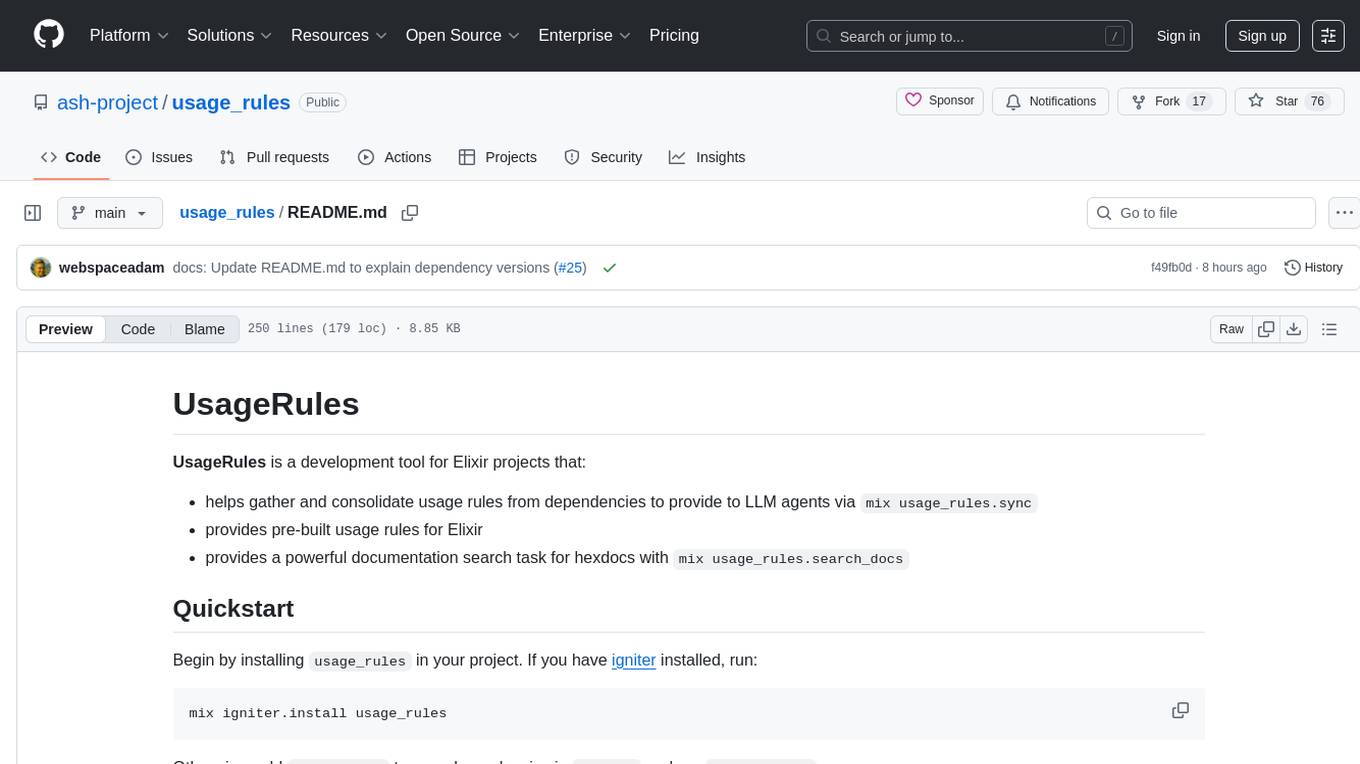
UsageRules is a development tool for Elixir projects that helps gather and consolidate usage rules from dependencies to provide to LLM agents. It provides pre-built usage rules for Elixir and a powerful documentation search task for hexdocs. The tool scans project dependencies, looks for `usage-rules.md` files, consolidates rules into a target file, and maintains sections that can be updated independently. It is useful for projects using frameworks like Ash, Phoenix, or other packages that provide specific usage guidelines, coding patterns, or best practices.
README:
UsageRules is a development tool for Elixir projects that:
- helps gather and consolidate usage rules from dependencies to provide to LLM agents via
mix usage_rules.sync - provides pre-built usage rules for Elixir
- provides a powerful documentation search task for hexdocs with
mix usage_rules.search_docs
Begin by installing usage_rules in your project.
If you have igniter installed, run:
mix igniter.install usage_rulesOtherwise, add usage_rules to your dependencies in mix.exs and run mix deps.get:
{:usage_rules, "~> 0.1"}Then, use the usage_rules.sync mix task to gather rules from your dependencies:
# swap AGENTS.md out for any file you like, e.g `CLAUDE.md`
# sync projects as links to their usage rules
# to save tokens. Agent can view them on demand.
# Existing rules in the file are retained.
mix usage_rules.sync AGENTS.md --all \
  --inline usage_rules:all \
--link-to-folder depsYes, and we have data to back it up: https://github.com/ash-project/evals/blob/main/reports/flagship.md
You'll note this package itself doesn't have a usage-rules.md. Its a simple tool that likely would not benefit from having a usage-rules.md file.
usage-rules.md is not an existing standard, rather it is a community initiative that may evolve over time as adoption grows and feedback is gathered. We encourage experimentation and welcome input on how to make this approach more useful for the broader Elixir ecosystem.
Even if you don't want to use LLMs, its very possible that your users will, and they will often come to you with hallucinations from their LLMs and try to get your help with it. Writing a usage-rules.md file is a great way to stop this sort of thing 😁
We don't really know what makes great usage-rules.md files yet. Ash Framework is experimenting with quite fleshed out usage rules which seems to be working quite well. See Ash Framework's usage-rules.md for one such large example. Perhaps for your package or framework only a few lines are necessary. We will all have to adjust over time.
One quick tip is to have an agent begin the work of writing rules for you, by pointing it at your docs and asking it to write a usage-rules.md file in a condensed format that would be useful for agents to work with your tool. Then, aggressively prune and edit it to your taste.
Make sure that your usage-rules.md file is included in your hex package's files option, so that it is distributed with your package.
A package can have a package-rules.md and/or sub-rule files, each of which is referred to separately.
For example:
package-rules.md # general rules
package-rules/
  html.md # html specific rules
  database.md # database specific rules
When synchronizing, these are stated separately, like so:
mix usage_rules.sync AGENTS.md package package:html package:database
-
Dependency Rules Collection: Automatically discovers and collects usage rules from dependencies that provide
usage-rules.mdfiles in their package directory - Rules Consolidation: Combines multiple package rules into a single file with proper sectioning and markers
- Status Tracking: Can list dependencies with usage rules and check if your consolidated file is up-to-date
- Selective Management: Allows adding/removing specific packages from your rules file
-
Documentation Search: Search hexdocs with human-readable markdown output using
mix usage_rules.search_docs- designed to help AI agents find relevant documentation
- The tool scans your project's dependencies (in
deps/directory) - Looks for
usage-rules.mdfiles in each dependency - Consolidates these rules into a target file with special markers like
<-- package-name-start -->and<-- package-name-end --> - Maintains sections that can be updated independently as dependencies change
This is particularly useful for projects using frameworks like Ash, Phoenix, or other packages that provide specific usage guidelines, coding patterns, or best practices that should be followed consistently across your project.
Note: UsageRules can only discover
usage-rules.mdfiles from dependency versions that actually include them. If a package has added usage rules in a newer version than what your project uses, you'll need to update that dependency to access its rules.
The main task mix usage_rules.sync provides several modes of operation:
There are two standard ways to use usage_rules. The first, is to copy usage rules into your project. This allows customization and visibility into the rules. The second is to use the rules files directly from the deps in your deps/ folder. In both cases, your rules file is modified to link to the usage rules files, as a breadcrumb to the agent.
This will create a folder called rules, with a file per package that has a usage-rules.md file. Then it will link
to those from you rules file.
mix usage_rules.sync AGENTS.md --all \
  --link-to-folder deps \
--inline usage_rules:allThis will add a section in your rules file for each of your top level dependencies that have a usage-rules.md. It is
simply a breadcrumb to tell the agent that it should look
in deps/<package-name>/usage-rules.md when working with
that package. This will not overwrite your existing rules, but will append to it, and future calls will synchronize those contents.
mix usage_rules.sync CLAUDE.md --all --link-to-folder depsmix usage_rules.sync rules.md ash phoenixmix usage_rules.sync CLAUDE.md --allmix usage_rules.sync --listmix usage_rules.sync CLAUDE.md --listmix usage_rules.sync CLAUDE.md ash --removemix usage_rules.sync CLAUDE.md ash phoenix --link-to-folder rulesmix usage_rules.sync CLAUDE.md ash phoenix --link-to-folder rules --link-style atmix usage_rules.sync CLAUDE.md ash phoenix --link-to-folder depsmix usage_rules.sync CLAUDE.md --all --link-to-folder docsThe mix usage_rules.search_docs task searches hexdocs with human-readable markdown output, specifically designed to help AI agents find relevant documentation.
# Search documentation for all dependencies in the current mix project
mix usage_rules.search_docs "search term"

# Search documentation for specific packages
mix usage_rules.search_docs "search term" -p ecto -p ash

# Search documentation for specific versions
mix usage_rules.search_docs "search term" -p [email protected] -p [email protected]

# Control output format and pagination
mix usage_rules.search_docs "search term" --output json --page 2 --per-page 20

# Search across all packages on hex
mix usage_rules.search_docs "search term" --everywhere

# Search only in titles (useful for finding specific functions/modules)
mix usage_rules.search_docs "Enum.zip" --query-by title

# Search in specific fields (available: doc, title, type)
mix usage_rules.search_docs "validation" --query-by "doc,title"Organizes usage rules into separate files for better management of large rule sets.
Options:
-
--link-style markdown(default):[ash usage rules](docs/ash.md) -
--link-style at:@docs/ash.md(optimized for Claude AI) -
--link-to-folder deps: Links directly todeps/package/usage-rules.md(no file copying)
Examples:
# Create individual files with markdown links
mix usage_rules.sync CLAUDE.md ash phoenix --link-to-folder docs

# Use @-style links for Claude AI
mix usage_rules.sync CLAUDE.md ash phoenix --link-to-folder docs --link-style at

# Link directly to deps without copying
mix usage_rules.sync CLAUDE.md ash phoenix --link-to-folder depsmix igniter.install usage_rules.
Add the dependency manually
def deps do
  [
    # should only ever be used as a dev dependency
    # requires igniter as a dev dependency
    {:usage_rules, "~> 0.1", only: [:dev]},
    {:igniter, "~> 0.6", only: [:dev]}
  ]
end defp aliases do
[
"usage_rules.update": [
"""
usage_rules.sync AGENTS.md --all \
--inline usage_rules:all \
--link-to-folder deps
"""
|> String.trim()
]
]
endFor Tasks:
Click tags to check more tools for each tasksFor Jobs:
Alternative AI tools for usage_rules
Similar Open Source Tools
usage_rules
UsageRules is a development tool for Elixir projects that helps gather and consolidate usage rules from dependencies to provide to LLM agents. It provides pre-built usage rules for Elixir and a powerful documentation search task for hexdocs. The tool scans project dependencies, looks for `usage-rules.md` files, consolidates rules into a target file, and maintains sections that can be updated independently. It is useful for projects using frameworks like Ash, Phoenix, or other packages that provide specific usage guidelines, coding patterns, or best practices.
fabric
Fabric is an open-source framework for augmenting humans using AI. It provides a structured approach to breaking down problems into individual components and applying AI to them one at a time. Fabric includes a collection of pre-defined Patterns (prompts) that can be used for a variety of tasks, such as extracting the most interesting parts of YouTube videos and podcasts, writing essays, summarizing academic papers, creating AI art prompts, and more. Users can also create their own custom Patterns. Fabric is designed to be easy to use, with a command-line interface and a variety of helper apps. It is also extensible, allowing users to integrate it with their own AI applications and infrastructure.
vectara-answer
Vectara Answer is a sample app for Vectara-powered Summarized Semantic Search (or question-answering) with advanced configuration options. For examples of what you can build with Vectara Answer, check out Ask News, LegalAid, or any of the other demo applications.
llm-subtrans
LLM-Subtrans is an open source subtitle translator that utilizes LLMs as a translation service. It supports translating subtitles between any language pairs supported by the language model. The application offers multiple subtitle formats support through a pluggable system, including .srt, .ssa/.ass, and .vtt files. Users can choose to use the packaged release for easy usage or install from source for more control over the setup. The tool requires an active internet connection as subtitles are sent to translation service providers' servers for translation.
debug-gym
debug-gym is a text-based interactive debugging framework designed for debugging Python programs. It provides an environment where agents can interact with code repositories, use various tools like pdb and grep to investigate and fix bugs, and propose code patches. The framework supports different LLM backends such as OpenAI, Azure OpenAI, and Anthropic. Users can customize tools, manage environment states, and run agents to debug code effectively. debug-gym is modular, extensible, and suitable for interactive debugging tasks in a text-based environment.
dravid
Dravid (DRD) is an advanced, AI-powered CLI coding framework designed to follow user instructions until the job is completed, including fixing errors. It can generate code, fix errors, handle image queries, manage file operations, integrate with external APIs, and provide a development server with error handling. Dravid is extensible and requires Python 3.7+ and CLAUDE_API_KEY. Users can interact with Dravid through CLI commands for various tasks like creating projects, asking questions, generating content, handling metadata, and file-specific queries. It supports use cases like Next.js project development, working with existing projects, exploring new languages, Ruby on Rails project development, and Python project development. Dravid's project structure includes directories for source code, CLI modules, API interaction, utility functions, AI prompt templates, metadata management, and tests. Contributions are welcome, and development setup involves cloning the repository, installing dependencies with Poetry, setting up environment variables, and using Dravid for project enhancements.

aider-composer
Aider Composer is a VSCode extension that integrates Aider into your development workflow. It allows users to easily add and remove files, toggle between read-only and editable modes, review code changes, use different chat modes, and reference files in the chat. The extension supports multiple models, code generation, code snippets, and settings customization. It has limitations such as lack of support for multiple workspaces, Git repository features, linting, testing, voice features, in-chat commands, and configuration options.
ai-starter-kit
SambaNova AI Starter Kits is a collection of open-source examples and guides designed to facilitate the deployment of AI-driven use cases for developers and enterprises. The kits cover various categories such as Data Ingestion & Preparation, Model Development & Optimization, Intelligent Information Retrieval, and Advanced AI Capabilities. Users can obtain a free API key using SambaNova Cloud or deploy models using SambaStudio. Most examples are written in Python but can be applied to any programming language. The kits provide resources for tasks like text extraction, fine-tuning embeddings, prompt engineering, question-answering, image search, post-call analysis, and more.
gpt-subtrans
GPT-Subtrans is an open-source subtitle translator that utilizes large language models (LLMs) as translation services. It supports translation between any language pairs that the language model supports. Note that GPT-Subtrans requires an active internet connection, as subtitles are sent to the provider's servers for translation, and their privacy policy applies.
fasttrackml
FastTrackML is an experiment tracking server focused on speed and scalability, fully compatible with MLFlow. It provides a user-friendly interface to track and visualize your machine learning experiments, making it easy to compare different models and identify the best performing ones. FastTrackML is open source and can be easily installed and run with pip or Docker. It is also compatible with the MLFlow Python package, making it easy to integrate with your existing MLFlow workflows.
vectorflow
VectorFlow is an open source, high throughput, fault tolerant vector embedding pipeline. It provides a simple API endpoint for ingesting large volumes of raw data, processing, and storing or returning the vectors quickly and reliably. The tool supports text-based files like TXT, PDF, HTML, and DOCX, and can be run locally with Kubernetes in production. VectorFlow offers functionalities like embedding documents, running chunking schemas, custom chunking, and integrating with vector databases like Pinecone, Qdrant, and Weaviate. It enforces a standardized schema for uploading data to a vector store and supports features like raw embeddings webhook, chunk validation webhook, S3 endpoint, and telemetry. The tool can be used with the Python client and provides detailed instructions for running and testing the functionalities.
hordelib
horde-engine is a wrapper around ComfyUI designed to run inference pipelines visually designed in the ComfyUI GUI. It enables users to design inference pipelines in ComfyUI and then call them programmatically, maintaining compatibility with the existing horde implementation. The library provides features for processing Horde payloads, initializing the library, downloading and validating models, and generating images based on input data. It also includes custom nodes for preprocessing and tasks such as face restoration and QR code generation. The project depends on various open source projects and bundles some dependencies within the library itself. Users can design ComfyUI pipelines, convert them to the backend format, and run them using the run_image_pipeline() method in hordelib.comfy.Comfy(). The project is actively developed and tested using git, tox, and a specific model directory structure.
torchchat
torchchat is a codebase showcasing the ability to run large language models (LLMs) seamlessly. It allows running LLMs using Python in various environments such as desktop, server, iOS, and Android. The tool supports running models via PyTorch, chatting, generating text, running chat in the browser, and running models on desktop/server without Python. It also provides features like AOT Inductor for faster execution, running in C++ using the runner, and deploying and running on iOS and Android. The tool supports popular hardware and OS including Linux, Mac OS, Android, and iOS, with various data types and execution modes available.
bia-bob
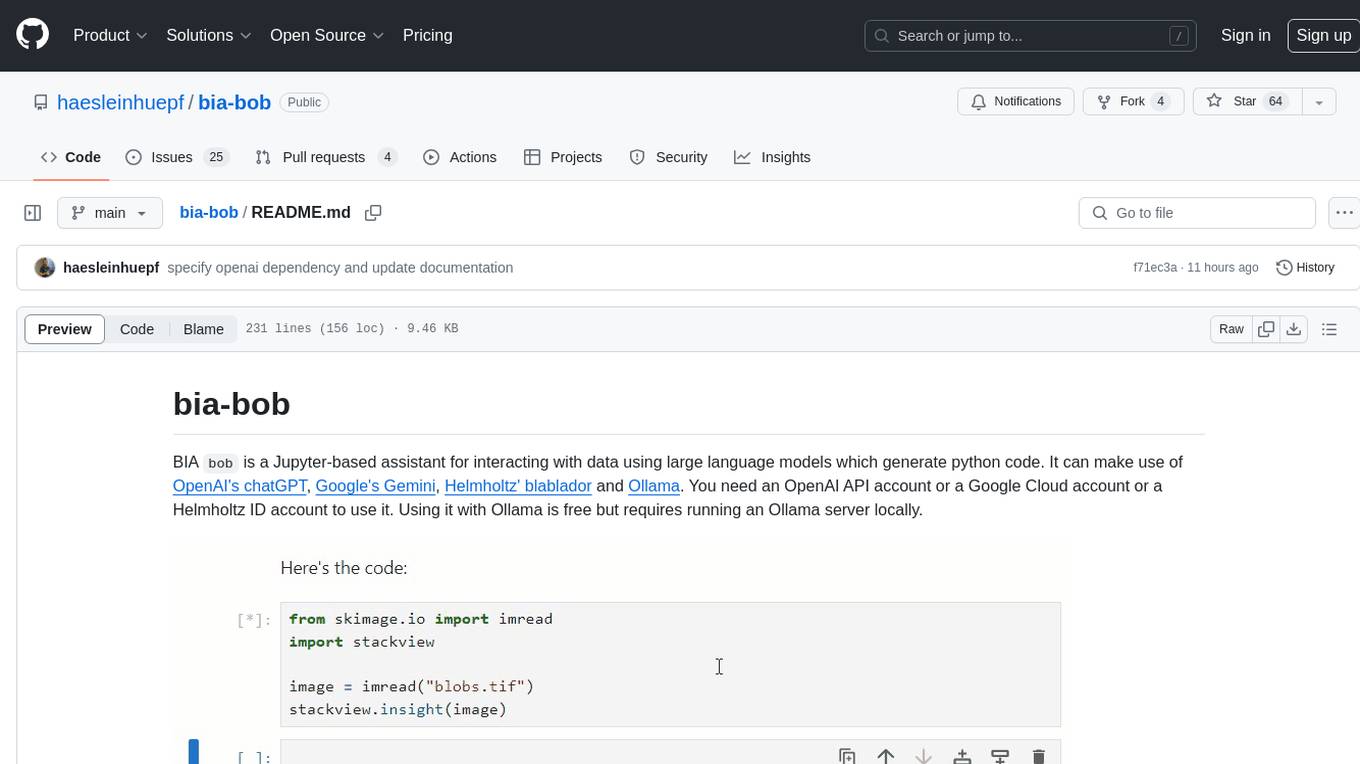
BIA `bob` is a Jupyter-based assistant for interacting with data using large language models to generate Python code. It can utilize OpenAI's chatGPT, Google's Gemini, Helmholtz' blablador, and Ollama. Users need respective accounts to access these services. Bob can assist in code generation, bug fixing, code documentation, GPU-acceleration, and offers a no-code custom Jupyter Kernel. It provides example notebooks for various tasks like bio-image analysis, model selection, and bug fixing. Installation is recommended via conda/mamba environment. Custom endpoints like blablador and ollama can be used. Google Cloud AI API integration is also supported. The tool is extensible for Python libraries to enhance Bob's functionality.
paper-qa
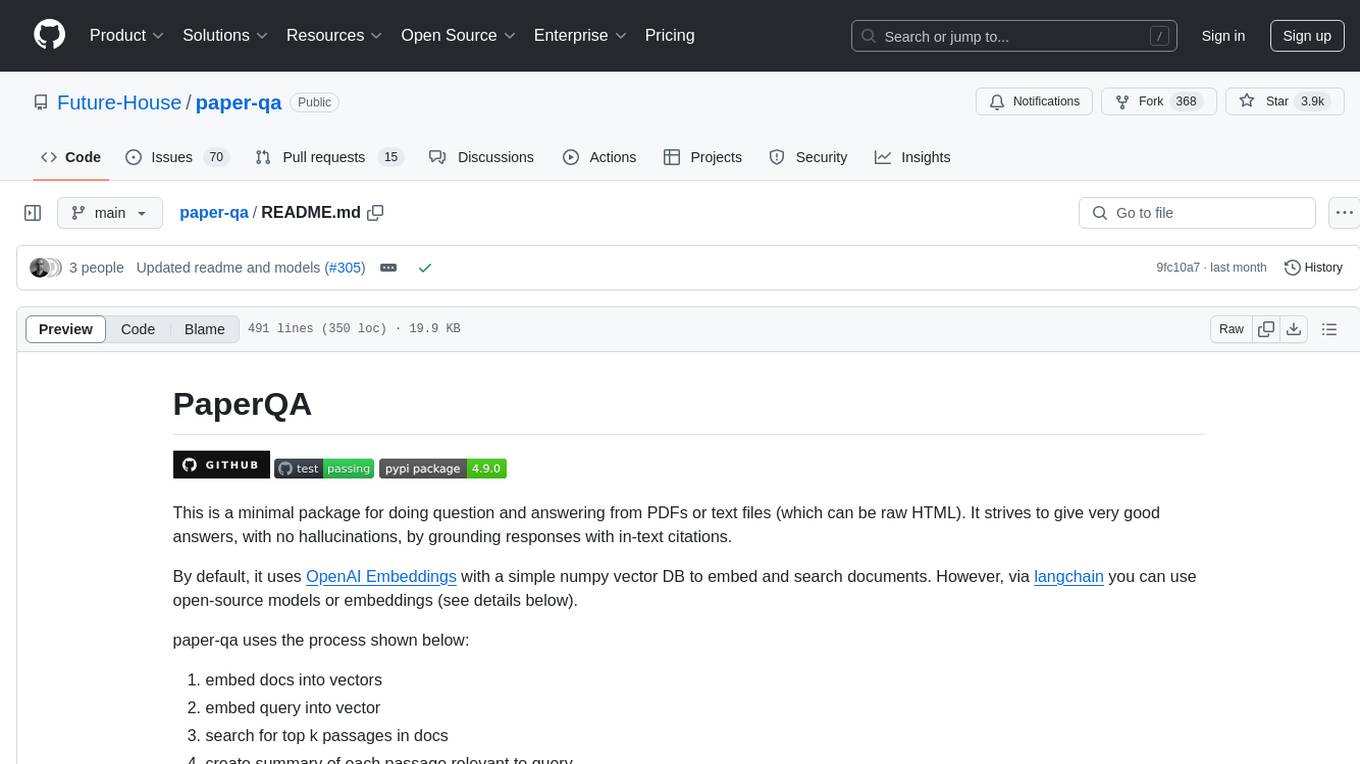
PaperQA is a minimal package for question and answering from PDFs or text files, providing very good answers with in-text citations. It uses OpenAI Embeddings to embed and search documents, and includes a process of embedding docs, queries, searching for top passages, creating summaries, using an LLM to re-score and select relevant summaries, putting summaries into prompt, and generating answers. The tool can be used to answer specific questions related to scientific research by leveraging citations and relevant passages from documents.
CLI
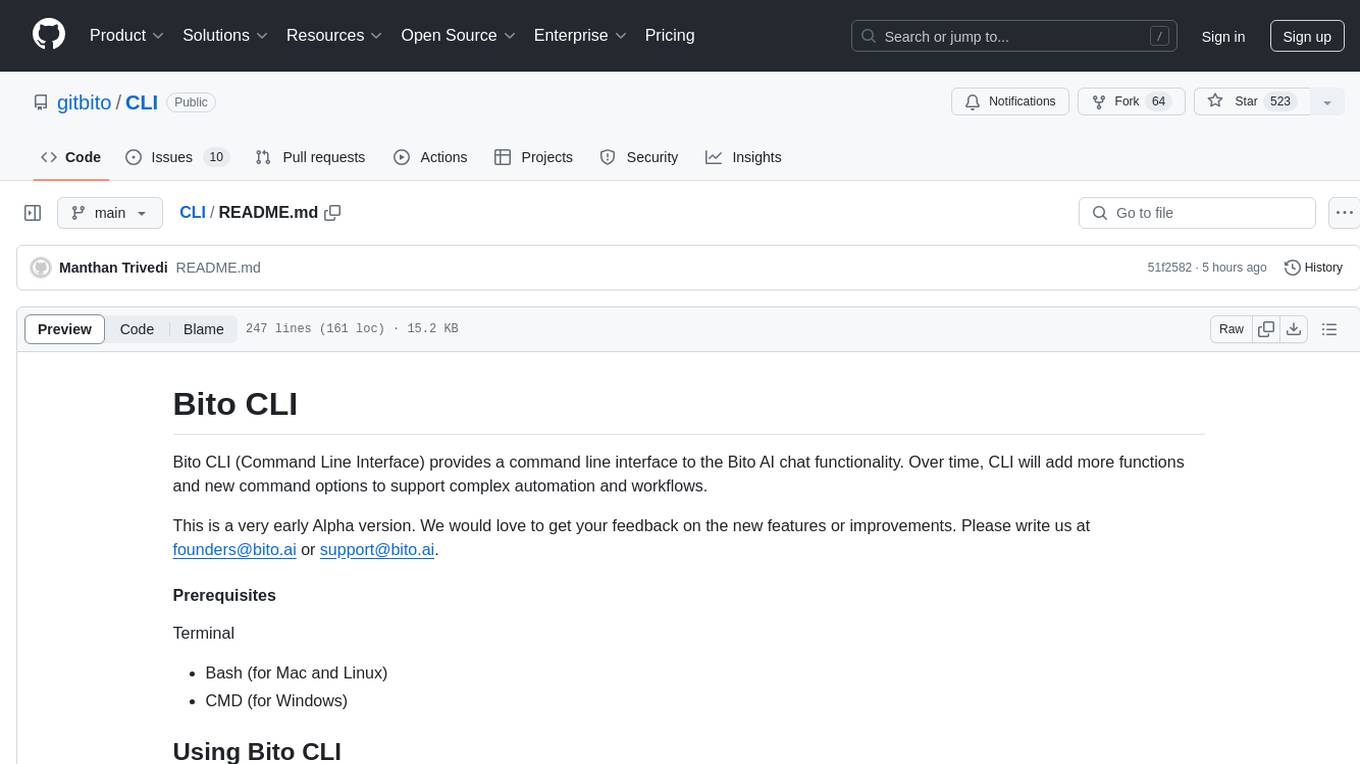
Bito CLI provides a command line interface to the Bito AI chat functionality, allowing users to interact with the AI through commands. It supports complex automation and workflows, with features like long prompts and slash commands. Users can install Bito CLI on Mac, Linux, and Windows systems using various methods. The tool also offers configuration options for AI model type, access key management, and output language customization. Bito CLI is designed to enhance user experience in querying AI models and automating tasks through the command line interface.
For similar tasks
usage_rules
UsageRules is a development tool for Elixir projects that helps gather and consolidate usage rules from dependencies to provide to LLM agents. It provides pre-built usage rules for Elixir and a powerful documentation search task for hexdocs. The tool scans project dependencies, looks for `usage-rules.md` files, consolidates rules into a target file, and maintains sections that can be updated independently. It is useful for projects using frameworks like Ash, Phoenix, or other packages that provide specific usage guidelines, coding patterns, or best practices.
metaflow
Metaflow is a user-friendly library designed to assist scientists and engineers in developing and managing real-world data science projects. Initially created at Netflix, Metaflow aimed to enhance the productivity of data scientists working on diverse projects ranging from traditional statistics to cutting-edge deep learning. For further information, refer to Metaflow's website and documentation.
ck
Collective Mind (CM) is a collection of portable, extensible, technology-agnostic and ready-to-use automation recipes with a human-friendly interface (aka CM scripts) to unify and automate all the manual steps required to compose, run, benchmark and optimize complex ML/AI applications on any platform with any software and hardware: see online catalog and source code. CM scripts require Python 3.7+ with minimal dependencies and are continuously extended by the community and MLCommons members to run natively on Ubuntu, MacOS, Windows, RHEL, Debian, Amazon Linux and any other operating system, in a cloud or inside automatically generated containers while keeping backward compatibility - please don't hesitate to report encountered issues here and contact us via public Discord Server to help this collaborative engineering effort! CM scripts were originally developed based on the following requirements from the MLCommons members to help them automatically compose and optimize complex MLPerf benchmarks, applications and systems across diverse and continuously changing models, data sets, software and hardware from Nvidia, Intel, AMD, Google, Qualcomm, Amazon and other vendors: * must work out of the box with the default options and without the need to edit some paths, environment variables and configuration files; * must be non-intrusive, easy to debug and must reuse existing user scripts and automation tools (such as cmake, make, ML workflows, python poetry and containers) rather than substituting them; * must have a very simple and human-friendly command line with a Python API and minimal dependencies; * must require minimal or zero learning curve by using plain Python, native scripts, environment variables and simple JSON/YAML descriptions instead of inventing new workflow languages; * must have the same interface to run all automations natively, in a cloud or inside containers. CM scripts were successfully validated by MLCommons to modularize MLPerf inference benchmarks and help the community automate more than 95% of all performance and power submissions in the v3.1 round across more than 120 system configurations (models, frameworks, hardware) while reducing development and maintenance costs.
client-python
The Mistral Python Client is a tool inspired by cohere-python that allows users to interact with the Mistral AI API. It provides functionalities to access and utilize the AI capabilities offered by Mistral. Users can easily install the client using pip and manage dependencies using poetry. The client includes examples demonstrating how to use the API for various tasks, such as chat interactions. To get started, users need to obtain a Mistral API Key and set it as an environment variable. Overall, the Mistral Python Client simplifies the integration of Mistral AI services into Python applications.
ComposeAI
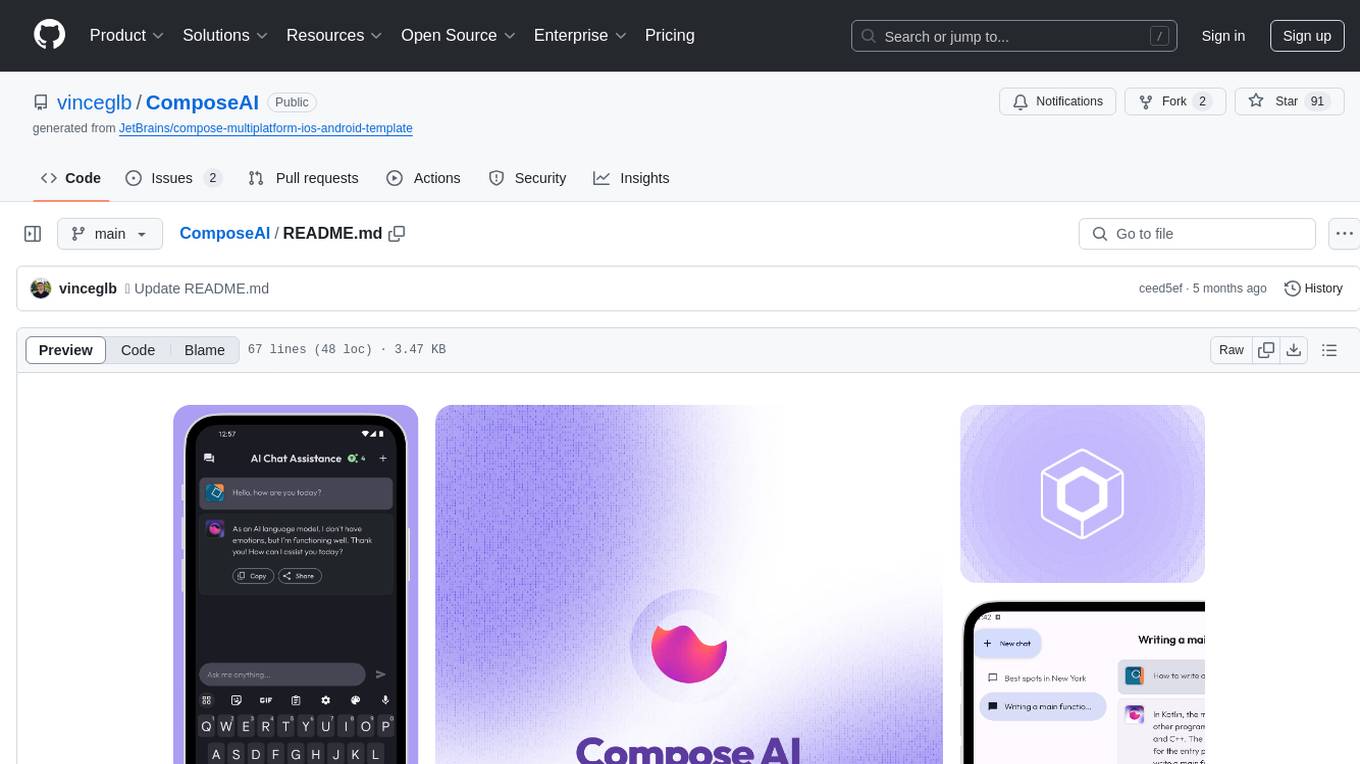
ComposeAI is an Android & iOS application similar to ChatGPT, built using Compose Multiplatform. It utilizes various technologies such as Compose Multiplatform, Material 3, OpenAI Kotlin, Voyager, Koin, SQLDelight, Multiplatform Settings, Coil3, Napier, BuildKonfig, Firebase Analytics & Crashlytics, and AdMob. The app architecture follows Google's latest guidelines. Users need to set up their own OpenAI API key before using the app.
aiohttp-devtools
aiohttp-devtools provides dev tools for developing applications with aiohttp and associated libraries. It includes CLI commands for running a local server with live reloading and serving static files. The tools aim to simplify the development process by automating tasks such as setting up a new application and managing dependencies. Developers can easily create and run aiohttp applications, manage static files, and utilize live reloading for efficient development.

minefield
BitBom Minefield is a tool that uses roaring bit maps to graph Software Bill of Materials (SBOMs) with a focus on speed, air-gapped operation, scalability, and customizability. It is optimized for rapid data processing, operates securely in isolated environments, supports millions of nodes effortlessly, and allows users to extend the project without relying on upstream changes. The tool enables users to manage and explore software dependencies within isolated environments by offline processing and analyzing SBOMs.
gez
Gez is a high-performance micro frontend framework based on ESM. It uses Rspack compilation and maps modules to URLs with strong caching and content-based hashing. Gez embraces modern micro frontend architecture by leveraging ESM and importmap for dependency management, providing reliable isolation with module scope, seamless integration with any modern frontend framework, intuitive development experience, and optimal performance with zero runtime overhead and reliable caching strategies.
For similar jobs

sweep
Sweep is an AI junior developer that turns bugs and feature requests into code changes. It automatically handles developer experience improvements like adding type hints and improving test coverage.

teams-ai
The Teams AI Library is a software development kit (SDK) that helps developers create bots that can interact with Teams and Microsoft 365 applications. It is built on top of the Bot Framework SDK and simplifies the process of developing bots that interact with Teams' artificial intelligence capabilities. The SDK is available for JavaScript/TypeScript, .NET, and Python.

ai-guide
This guide is dedicated to Large Language Models (LLMs) that you can run on your home computer. It assumes your PC is a lower-end, non-gaming setup.

classifai
Supercharge WordPress Content Workflows and Engagement with Artificial Intelligence. Tap into leading cloud-based services like OpenAI, Microsoft Azure AI, Google Gemini and IBM Watson to augment your WordPress-powered websites. Publish content faster while improving SEO performance and increasing audience engagement. ClassifAI integrates Artificial Intelligence and Machine Learning technologies to lighten your workload and eliminate tedious tasks, giving you more time to create original content that matters.

chatbot-ui
Chatbot UI is an open-source AI chat app that allows users to create and deploy their own AI chatbots. It is easy to use and can be customized to fit any need. Chatbot UI is perfect for businesses, developers, and anyone who wants to create a chatbot.

BricksLLM
BricksLLM is a cloud native AI gateway written in Go. Currently, it provides native support for OpenAI, Anthropic, Azure OpenAI and vLLM. BricksLLM aims to provide enterprise level infrastructure that can power any LLM production use cases. Here are some use cases for BricksLLM: * Set LLM usage limits for users on different pricing tiers * Track LLM usage on a per user and per organization basis * Block or redact requests containing PIIs * Improve LLM reliability with failovers, retries and caching * Distribute API keys with rate limits and cost limits for internal development/production use cases * Distribute API keys with rate limits and cost limits for students

uAgents
uAgents is a Python library developed by Fetch.ai that allows for the creation of autonomous AI agents. These agents can perform various tasks on a schedule or take action on various events. uAgents are easy to create and manage, and they are connected to a fast-growing network of other uAgents. They are also secure, with cryptographically secured messages and wallets.

griptape
Griptape is a modular Python framework for building AI-powered applications that securely connect to your enterprise data and APIs. It offers developers the ability to maintain control and flexibility at every step. Griptape's core components include Structures (Agents, Pipelines, and Workflows), Tasks, Tools, Memory (Conversation Memory, Task Memory, and Meta Memory), Drivers (Prompt and Embedding Drivers, Vector Store Drivers, Image Generation Drivers, Image Query Drivers, SQL Drivers, Web Scraper Drivers, and Conversation Memory Drivers), Engines (Query Engines, Extraction Engines, Summary Engines, Image Generation Engines, and Image Query Engines), and additional components (Rulesets, Loaders, Artifacts, Chunkers, and Tokenizers). Griptape enables developers to create AI-powered applications with ease and efficiency.