


reader
Convert any URL to an LLM-friendly input with a simple prefix https://r.jina.ai/
Stars: 8465

Reader is a tool that converts any URL to an LLM-friendly input with a simple prefix `https://r.jina.ai/`. It improves the output for your agent and RAG systems at no cost. Reader supports image reading, captioning all images at the specified URL and adding `Image [idx]: [caption]` as an alt tag. This enables downstream LLMs to interact with the images in reasoning, summarizing, etc. Reader offers a streaming mode, useful when the standard mode provides an incomplete result. In streaming mode, Reader waits a bit longer until the page is fully rendered, providing more complete information. Reader also supports a JSON mode, which contains three fields: `url`, `title`, and `content`. Reader is backed by Jina AI and licensed under Apache-2.0.
README:
Your LLMs deserve better input.
Reader does two things:
-
Read: It converts any URL to an LLM-friendly input with
https://r.jina.ai/https://your.url. Get improved output for your agent and RAG systems at no cost. -
Search: It searches the web for a given query with
https://s.jina.ai/your+query. This allows your LLMs to access the latest world knowledge from the web.
Check out the live demo
Or just visit these URLs (Read) https://r.jina.ai/https://github.com/jina-ai/reader, (Search) https://s.jina.ai/Who%20will%20win%202024%20US%20presidential%20election%3F and see yourself.
Feel free to use Reader API in production. It is free, stable and scalable. We are maintaining it actively as one of the core products of Jina AI. Check out rate limit
-
2024-10-08: Introduced an
adaptive crawler. It can recursively crawl the website and extract the most relevant pages for a given webpage. -
2024-07-15: To restrict the results of
s.jina.aito certain domain/website, you can set e.g.site=jina.aiin the query parameters, which enables in-site search. For more options, try our updated live-demo. - 2024-07-01: We have resolved a DDoS attack and other traffic abusing since June 27th. We also found a bug introduced on June 28th which may cause higher latency for some websites. The attack and the bug have been solved; if you have experienced high latency of r.jina.ai between June 27th-30th, it should back to normal now.
- 2024-05-30: Reader can now read abitrary PDF from any URL! Check out this PDF result from NASA.gov vs the original.
-
2024-05-15: We introduced a new endpoint
s.jina.aithat searches on the web and return top-5 results, each in a LLM-friendly format. Read more about this new feature here. -
2024-05-08: Image caption is off by default for better latency. To turn it on, set
x-with-generated-alt: truein the request header. - 2024-05-03: We finally resolved a DDoS attack since April 29th. Now our API is much more reliable and scalable than ever!
- 2024-04-24: You now have more fine-grained control over Reader API using headers, e.g. forwarding cookies, using HTTP proxy.
-
2024-04-15: Reader now supports image reading! It captions all images at the specified URL and adds
Image [idx]: [caption]as an alt tag (if they initially lack one). This enables downstream LLMs to interact with the images in reasoning, summarizing etc. See example here.
Simply prepend https://r.jina.ai/ to any URL. For example, to convert the URL https://en.wikipedia.org/wiki/Artificial_intelligence to an LLM-friendly input, use the following URL:
https://r.jina.ai/https://en.wikipedia.org/wiki/Artificial_intelligence
Simply prepend https://s.jina.ai/ to your search query. Note that if you are using this in the code, make sure to encode your search query first, e.g. if your query is Who will win 2024 US presidential election? then your url should look like:
https://s.jina.ai/Who%20will%20win%202024%20US%20presidential%20election%3F
Behind the scenes, Reader searches the web, fetches the top 5 results, visits each URL, and applies r.jina.ai to it. This is different from many web search function-calling in agent/RAG frameworks, which often return only the title, URL, and description provided by the search engine API. If you want to read one result more deeply, you have to fetch the content yourself from that URL. With Reader, http://s.jina.ai automatically fetches the content from the top 5 search result URLs for you (reusing the tech stack behind http://r.jina.ai). This means you don't have to handle browser rendering, blocking, or any issues related to JavaScript and CSS yourself.
Simply specify site in the query parameters such as:
curl 'https://s.jina.ai/When%20was%20Jina%20AI%20founded%3F?site=jina.ai&site=github.com'We highly recommend using the code builder to explore different parameter combinations of the Reader API.
As you have already seen above, one can control the behavior of the Reader API using request headers. Here is a complete list of supported headers.
- You can enable the image caption feature via the
x-with-generated-alt: trueheader. - You can ask the Reader API to forward cookies settings via the
x-set-cookieheader.- Note that requests with cookies will not be cached.
- You can bypass
readabilityfiltering via thex-respond-withheader, specifically:-
x-respond-with: markdownreturns markdown without going throughreability -
x-respond-with: htmlreturnsdocumentElement.outerHTML -
x-respond-with: textreturnsdocument.body.innerText -
x-respond-with: screenshotreturns the URL of the webpage's screenshot
-
- You can specify a proxy server via the
x-proxy-urlheader. - You can customize cache tolerance via the
x-cache-toleranceheader (integer in seconds). - You can bypass the cached page (lifetime 3600s) via the
x-no-cache: trueheader (equivalent ofx-cache-tolerance: 0). - If you already know the HTML structure of your target page, you may specify
x-target-selectororx-wait-for-selectorto direct the Reader API to focus on a specific part of the page.- By setting
x-target-selectorheader to a CSS selector, the Reader API return the content within the matched element, instead of the full HTML. Setting this header is useful when the automatic content extraction fails to capture the desired content and you can manually select the correct target. - By setting
x-wait-for-selectorheader to a CSS selector, the Reader API will wait until the matched element is rendered before returning the content. If you already specifiedx-wait-for-selector, this header can be omitted if you plan to wait for the same element.
- By setting
Many websites nowadays rely on JavaScript frameworks and client-side rendering. Usually known as Single Page Application (SPA). Thanks to Puppeteer and headless Chrome browser, Reader natively supports fetching these websites. However, due to specific approach some SPA are developed, there may be some extra precautions to take.
By definition of the web standards, content come after # in a URL is not sent to the server. To mitigate this issue, use POST method with url parameter in body.
curl -X POST 'https://r.jina.ai/' -d 'url=https://example.com/#/route' Some SPAs, or even some websites that are not strictly SPAs, may show preload contents before later loading the main content dynamically. In this case, Reader may be capturing the preload content instead of the main content. To mitigate this issue, here are some possible solutions:
When timeout is explicitly specified, Reader will not attempt to return early and will wait for network idle until the timeout is reached. This is useful when the target website will eventually come to a network idle.
curl 'https://example.com/' -H 'x-timeout: 30'When wait-for-selector is explicitly specified, Reader will wait for the appearance of the specified CSS selector until timeout is reached. This is useful when you know exactly what element to wait for.
curl 'https://example.com/' -H 'x-wait-for-selector: #content'Streaming mode is useful when you find that the standard mode provides an incomplete result. This is because the Reader will wait a bit longer until the page is stablely rendered. Use the accept-header to toggle the streaming mode:
curl -H "Accept: text/event-stream" https://r.jina.ai/https://en.m.wikipedia.org/wiki/Main_PageThe data comes in a stream; each subsequent chunk contains more complete information. The last chunk should provide the most complete and final result. If you come from LLMs, please note that it is a different behavior than the LLMs' text-generation streaming.
For example, compare these two curl commands below. You can see streaming one gives you complete information at last, whereas standard mode does not. This is because the content loading on this particular site is triggered by some js after the page is fully loaded, and standard mode returns the page "too soon".
curl -H 'x-no-cache: true' https://access.redhat.com/security/cve/CVE-2023-45853
curl -H "Accept: text/event-stream" -H 'x-no-cache: true' https://r.jina.ai/https://access.redhat.com/security/cve/CVE-2023-45853
Note:
-H 'x-no-cache: true'is used only for demonstration purposes to bypass the cache.
Streaming mode is also useful if your downstream LLM/agent system requires immediate content delivery or needs to process data in chunks to interleave I/O and LLM processing times. This allows for quicker access and more efficient data handling:
Reader API:  streamContent1 ----> streamContent2 ----> streamContent3 ---> ...
                          |                    |                     |
                          v                    |                     |
Your LLM:                 LLM(streamContent1)  |                     |
                                               v                     |
                                               LLM(streamContent2)   |
                                                                     v
                                                                     LLM(streamContent3)
Note that in terms of completeness: ... > streamContent3 > streamContent2 > streamContent1, each subsequent chunk contains more complete information.
This is still very early and the result is not really a "useful" JSON. It contains three fields url, title and content only. Nonetheless, you can use accept-header to control the output format:
curl -H "Accept: application/json" https://r.jina.ai/https://en.m.wikipedia.org/wiki/Main_PageJSON mode is probably more useful in s.jina.ai than r.jina.ai. For s.jina.ai with JSON mode, it returns 5 results in a list, each in the structure of {'title', 'content', 'url'}.
All images in that page that lack alt tag can be auto-captioned by a VLM (vision langauge model) and formatted as !(Image [idx]: [VLM_caption])[img_URL]. This should give your downstream text-only LLM just enough hints to include those images into reasoning, selecting, and summarization. Use the x-with-generated-alt header to toggle the streaming mode:
curl -H "X-With-Generated-Alt: true" https://r.jina.ai/https://en.m.wikipedia.org/wiki/Main_PageYou will need the following tools to run the project:
- Node v18 (The build fails for Node version >18)
git clone [email protected]:jina-ai/reader.git
npm installYou might notice a reference to thinapps-shared submodule, an internal package we use to share code across our products. While it’s not open-sourced and isn't integral to the Reader's functions, it mainly helps with decorators, logging, secrets management, etc. Feel free to ignore it for now.
That said, this is the single codebase behind https://r.jina.ai, so everytime we commit here, we will deploy the new version to the https://r.jina.ai.
Please raise an issue with the URL you are having trouble with. We will look into it and try to fix it.
Reader is backed by Jina AI and licensed under Apache-2.0.
For Tasks:
Click tags to check more tools for each tasksFor Jobs:
Alternative AI tools for reader
Similar Open Source Tools
reader
Reader is a tool that converts any URL to an LLM-friendly input with a simple prefix `https://r.jina.ai/`. It improves the output for your agent and RAG systems at no cost. Reader supports image reading, captioning all images at the specified URL and adding `Image [idx]: [caption]` as an alt tag. This enables downstream LLMs to interact with the images in reasoning, summarizing, etc. Reader offers a streaming mode, useful when the standard mode provides an incomplete result. In streaming mode, Reader waits a bit longer until the page is fully rendered, providing more complete information. Reader also supports a JSON mode, which contains three fields: `url`, `title`, and `content`. Reader is backed by Jina AI and licensed under Apache-2.0.
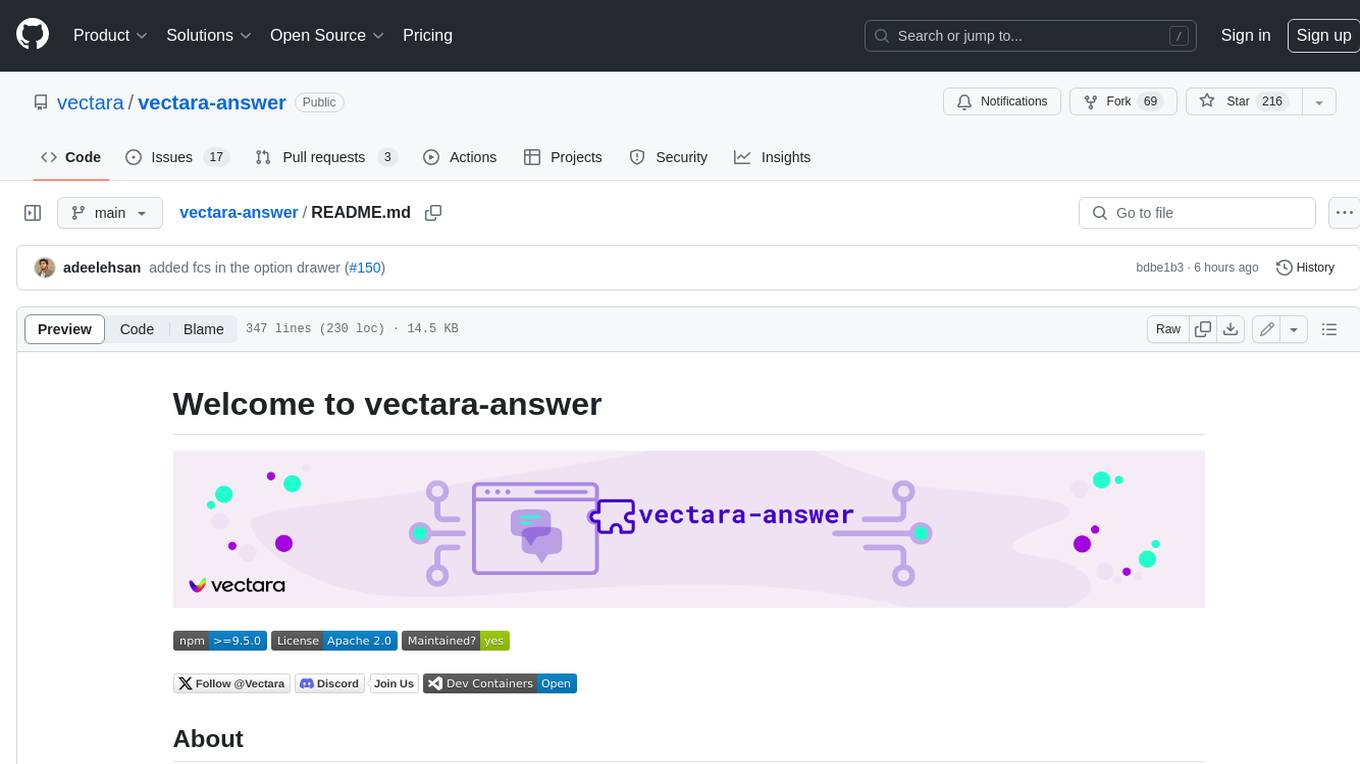
vectara-answer
Vectara Answer is a sample app for Vectara-powered Summarized Semantic Search (or question-answering) with advanced configuration options. For examples of what you can build with Vectara Answer, check out Ask News, LegalAid, or any of the other demo applications.
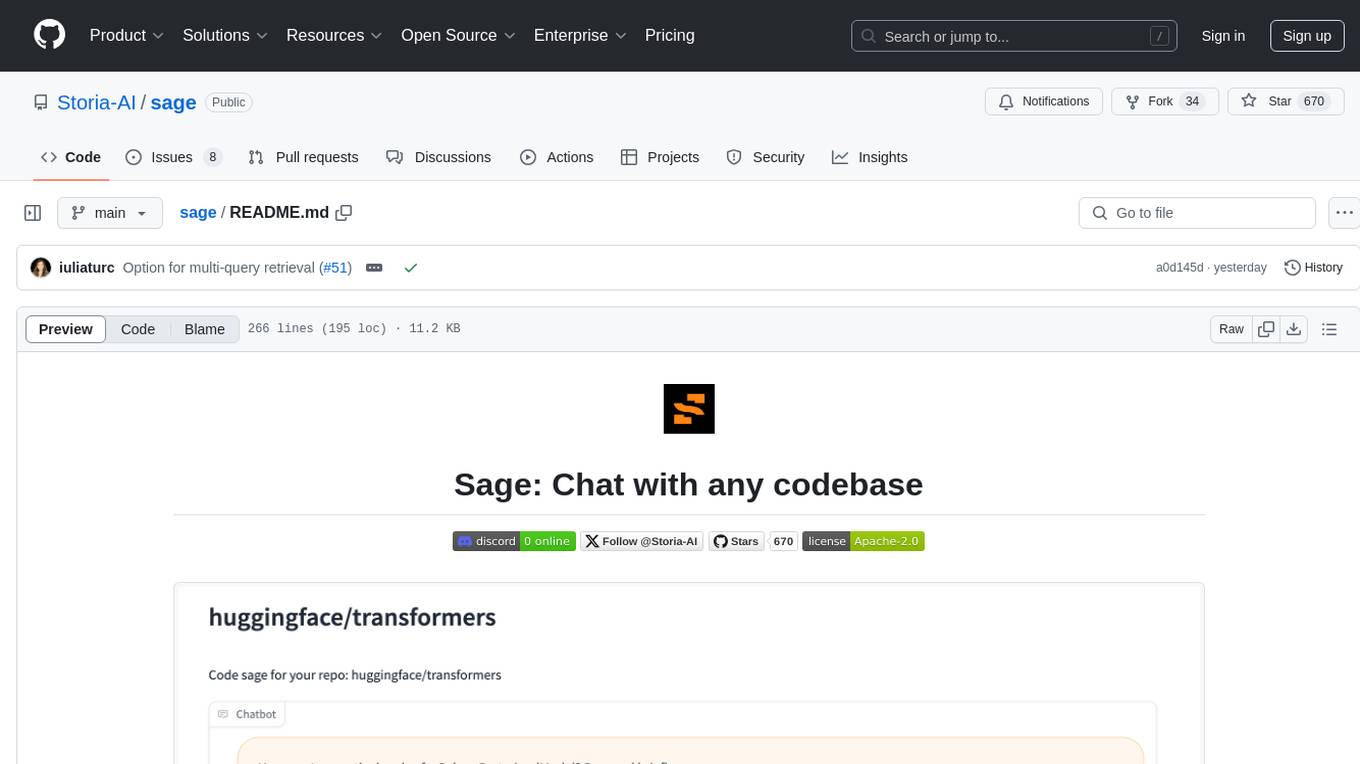
sage
Sage is a tool that allows users to chat with any codebase, providing a chat interface for code understanding and integration. It simplifies the process of learning how a codebase works by offering heavily documented answers sourced directly from the code. Users can set up Sage locally or on the cloud with minimal effort. The tool is designed to be easily customizable, allowing users to swap components of the pipeline and improve the algorithms powering code understanding and generation.
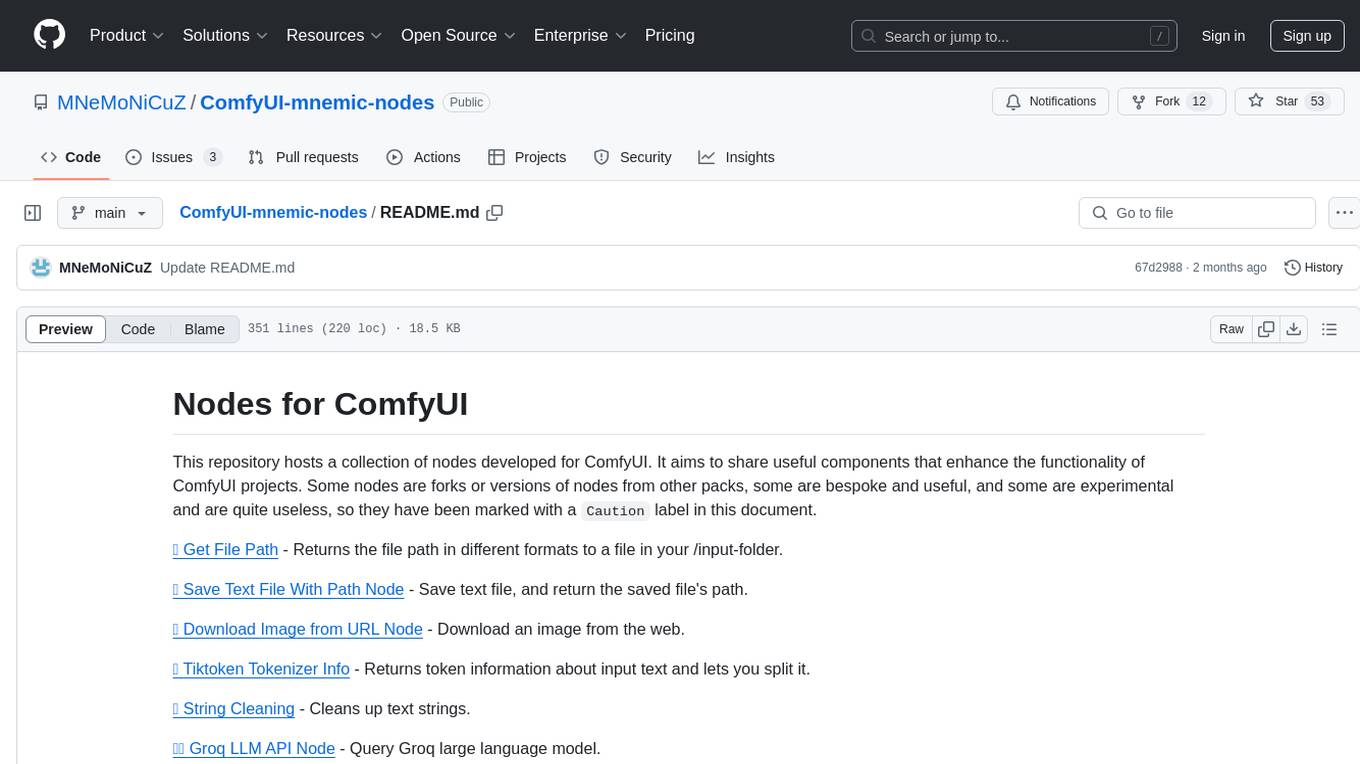
ComfyUI-mnemic-nodes
ComfyUI-mnemic-nodes is a repository hosting a collection of nodes developed for ComfyUI, providing useful components to enhance project functionality. The nodes include features like returning file paths, saving text files, downloading images from URLs, tokenizing text, cleaning strings, querying Groq language models, generating negative prompts, and more. Some nodes are experimental and marked with a 'Caution' label. Installation instructions and setup details are provided for each node, along with examples and presets for different tasks.
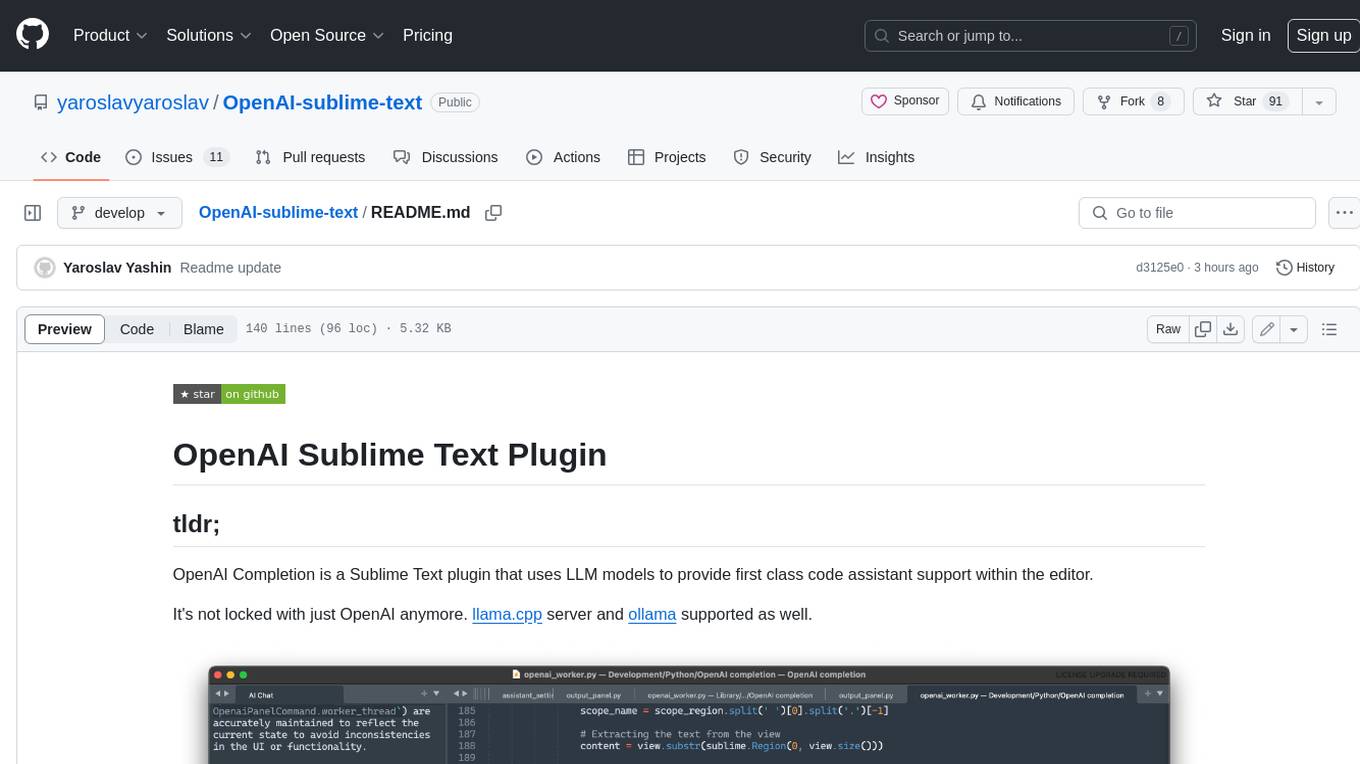
OpenAI-sublime-text
The OpenAI Completion plugin for Sublime Text provides first-class code assistant support within the editor. It utilizes LLM models to manipulate code, engage in chat mode, and perform various tasks. The plugin supports OpenAI, llama.cpp, and ollama models, allowing users to customize their AI assistant experience. It offers separated chat histories and assistant settings for different projects, enabling context-specific interactions. Additionally, the plugin supports Markdown syntax with code language syntax highlighting, server-side streaming for faster response times, and proxy support for secure connections. Users can configure the plugin's settings to set their OpenAI API key, adjust assistant modes, and manage chat history. Overall, the OpenAI Completion plugin enhances the Sublime Text editor with powerful AI capabilities, streamlining coding workflows and fostering collaboration with AI assistants.
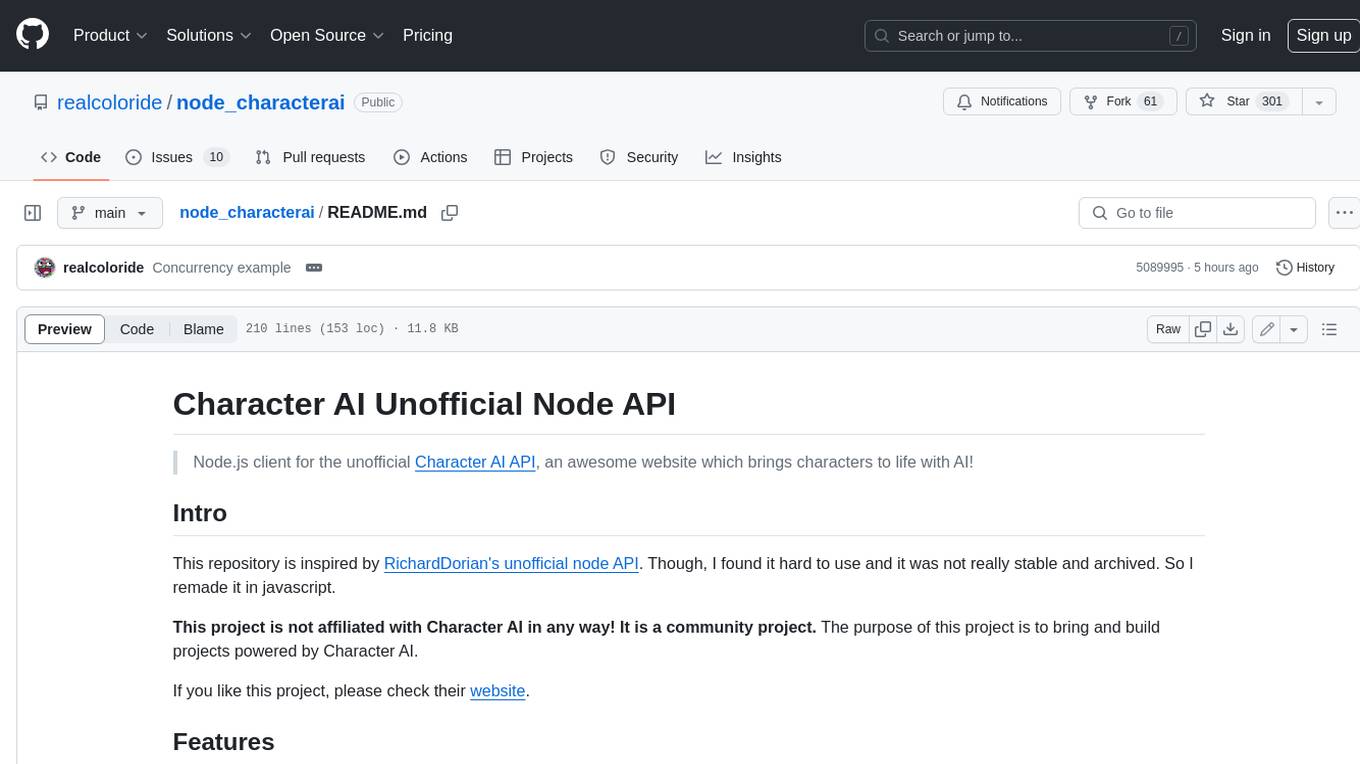
node_characterai
Node.js client for the unofficial Character AI API, an awesome website which brings characters to life with AI! This repository is inspired by RichardDorian's unofficial node API. Though, I found it hard to use and it was not really stable and archived. So I remade it in javascript. This project is not affiliated with Character AI in any way! It is a community project. The purpose of this project is to bring and build projects powered by Character AI. If you like this project, please check their website.
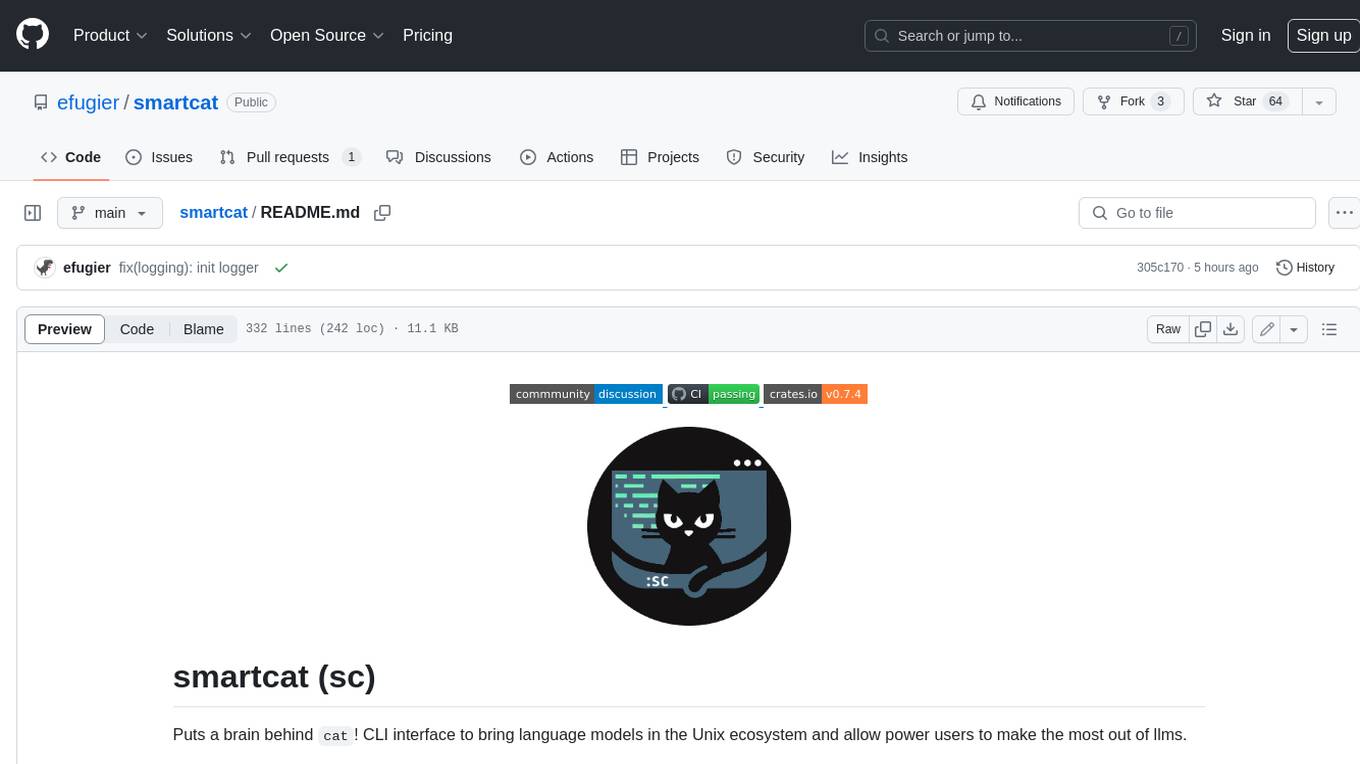
smartcat
Smartcat is a CLI interface that brings language models into the Unix ecosystem, allowing power users to leverage the capabilities of LLMs in their daily workflows. It features a minimalist design, seamless integration with terminal and editor workflows, and customizable prompts for specific tasks. Smartcat currently supports OpenAI, Mistral AI, and Anthropic APIs, providing access to a range of language models. With its ability to manipulate file and text streams, integrate with editors, and offer configurable settings, Smartcat empowers users to automate tasks, enhance code quality, and explore creative possibilities.
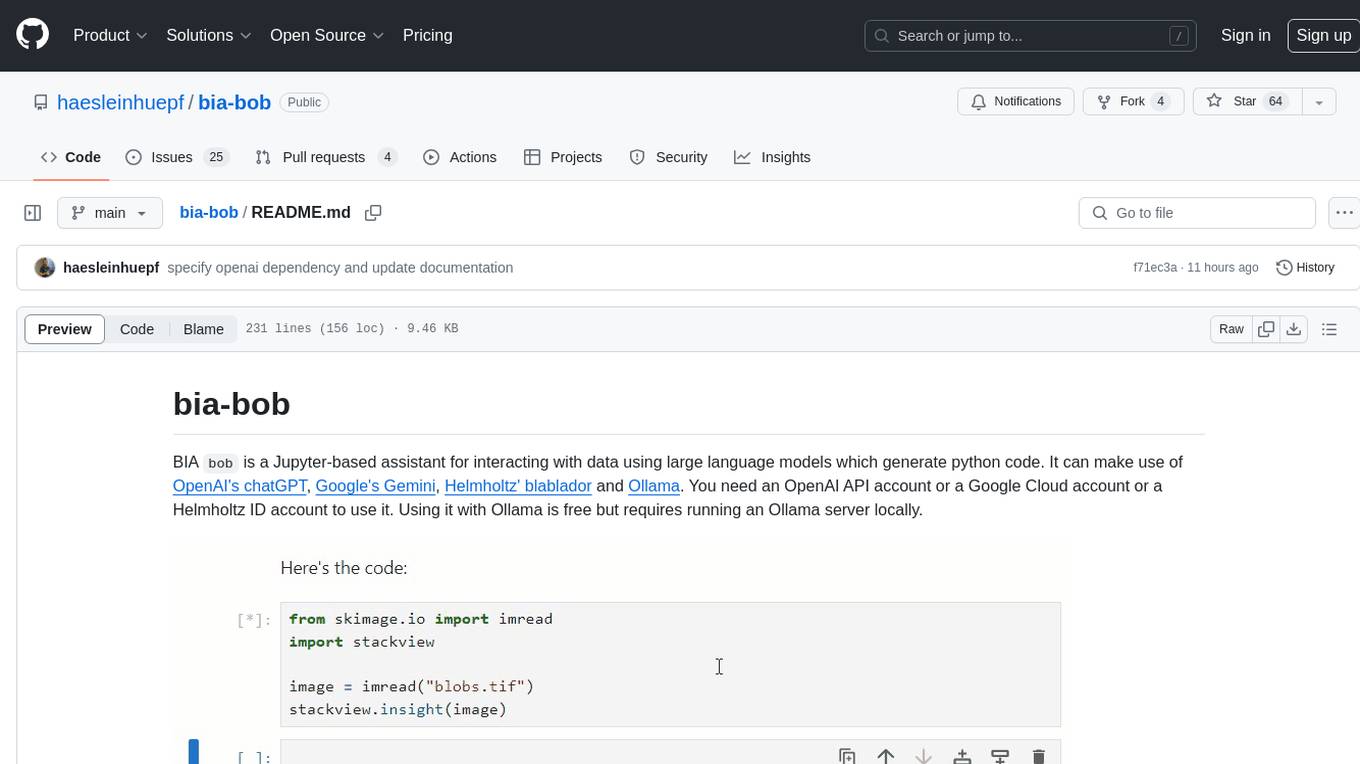
bia-bob
BIA `bob` is a Jupyter-based assistant for interacting with data using large language models to generate Python code. It can utilize OpenAI's chatGPT, Google's Gemini, Helmholtz' blablador, and Ollama. Users need respective accounts to access these services. Bob can assist in code generation, bug fixing, code documentation, GPU-acceleration, and offers a no-code custom Jupyter Kernel. It provides example notebooks for various tasks like bio-image analysis, model selection, and bug fixing. Installation is recommended via conda/mamba environment. Custom endpoints like blablador and ollama can be used. Google Cloud AI API integration is also supported. The tool is extensible for Python libraries to enhance Bob's functionality.
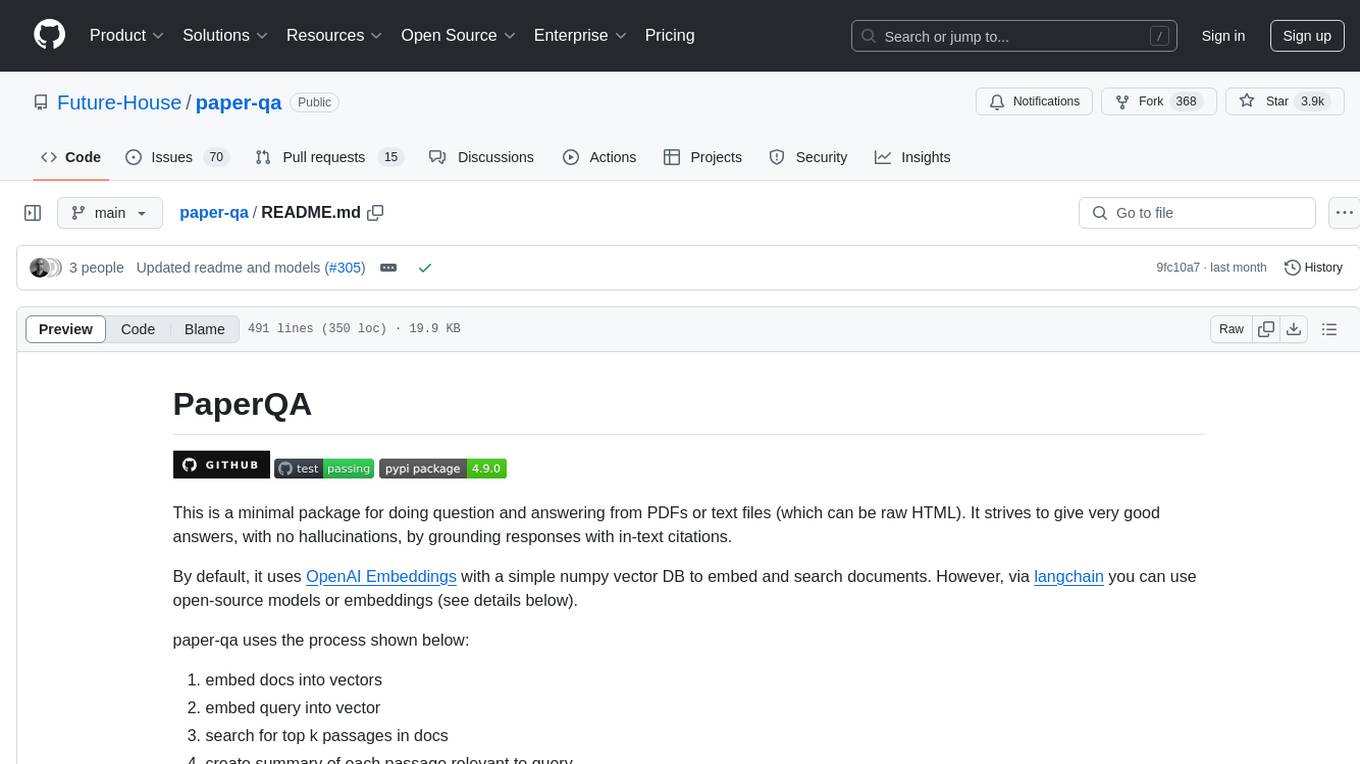
paper-qa
PaperQA is a minimal package for question and answering from PDFs or text files, providing very good answers with in-text citations. It uses OpenAI Embeddings to embed and search documents, and includes a process of embedding docs, queries, searching for top passages, creating summaries, using an LLM to re-score and select relevant summaries, putting summaries into prompt, and generating answers. The tool can be used to answer specific questions related to scientific research by leveraging citations and relevant passages from documents.
illume
Illume is a scriptable command line program designed for interfacing with an OpenAI-compatible LLM API. It acts as a unix filter, sending standard input to the LLM and streaming its response to standard output. Users can interact with the LLM through text editors like Vim or Emacs, enabling seamless communication with the AI model for various tasks.
tonic_validate
Tonic Validate is a framework for the evaluation of LLM outputs, such as Retrieval Augmented Generation (RAG) pipelines. Validate makes it easy to evaluate, track, and monitor your LLM and RAG applications. Validate allows you to evaluate your LLM outputs through the use of our provided metrics which measure everything from answer correctness to LLM hallucination. Additionally, Validate has an optional UI to visualize your evaluation results for easy tracking and monitoring.
vectorflow
VectorFlow is an open source, high throughput, fault tolerant vector embedding pipeline. It provides a simple API endpoint for ingesting large volumes of raw data, processing, and storing or returning the vectors quickly and reliably. The tool supports text-based files like TXT, PDF, HTML, and DOCX, and can be run locally with Kubernetes in production. VectorFlow offers functionalities like embedding documents, running chunking schemas, custom chunking, and integrating with vector databases like Pinecone, Qdrant, and Weaviate. It enforces a standardized schema for uploading data to a vector store and supports features like raw embeddings webhook, chunk validation webhook, S3 endpoint, and telemetry. The tool can be used with the Python client and provides detailed instructions for running and testing the functionalities.
fabric
Fabric is an open-source framework for augmenting humans using AI. It provides a structured approach to breaking down problems into individual components and applying AI to them one at a time. Fabric includes a collection of pre-defined Patterns (prompts) that can be used for a variety of tasks, such as extracting the most interesting parts of YouTube videos and podcasts, writing essays, summarizing academic papers, creating AI art prompts, and more. Users can also create their own custom Patterns. Fabric is designed to be easy to use, with a command-line interface and a variety of helper apps. It is also extensible, allowing users to integrate it with their own AI applications and infrastructure.
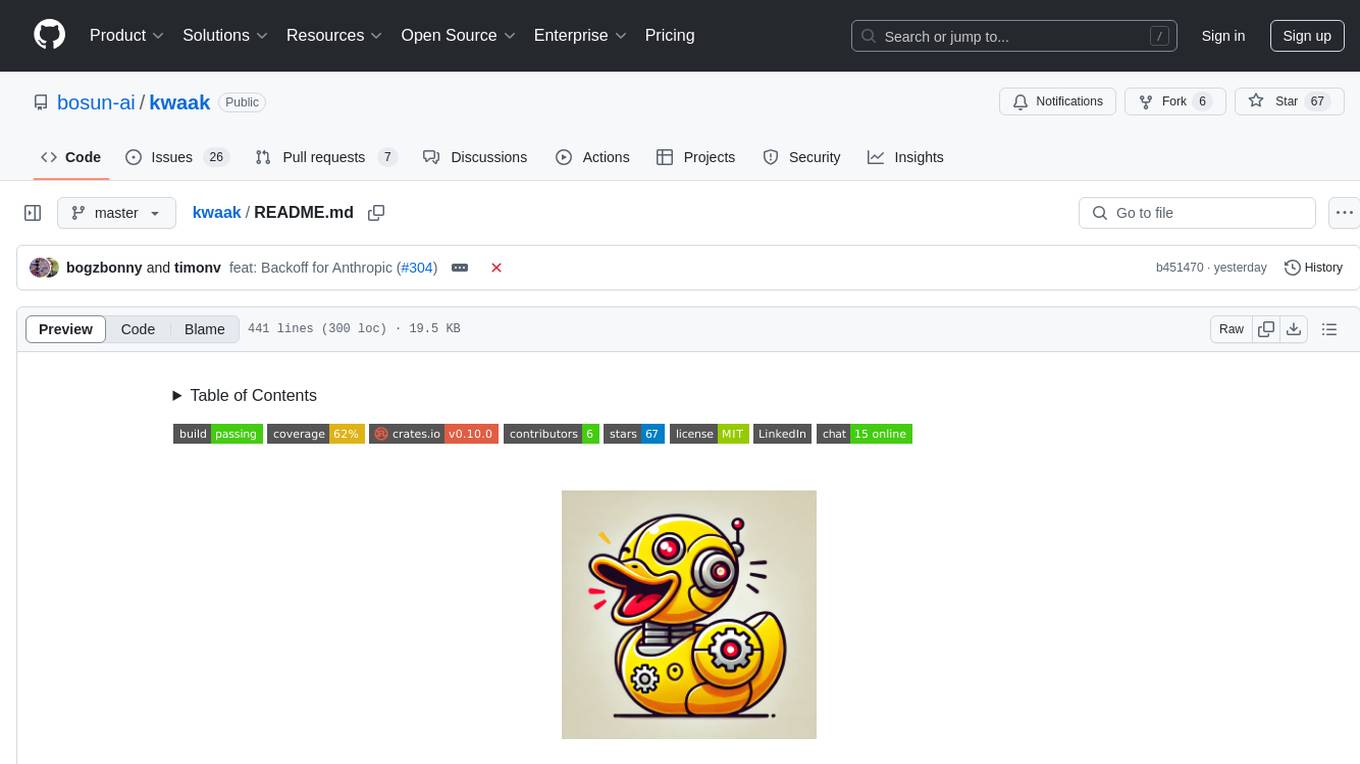
kwaak
Kwaak is a tool that allows users to run a team of autonomous AI agents locally from their own machine. It enables users to write code, improve test coverage, update documentation, and enhance code quality while focusing on building innovative projects. Kwaak is designed to run multiple agents in parallel, interact with codebases, answer questions about code, find examples, write and execute code, create pull requests, and more. It is free and open-source, allowing users to bring their own API keys or models via Ollama. Kwaak is part of the bosun.ai project, aiming to be a platform for autonomous code improvement.
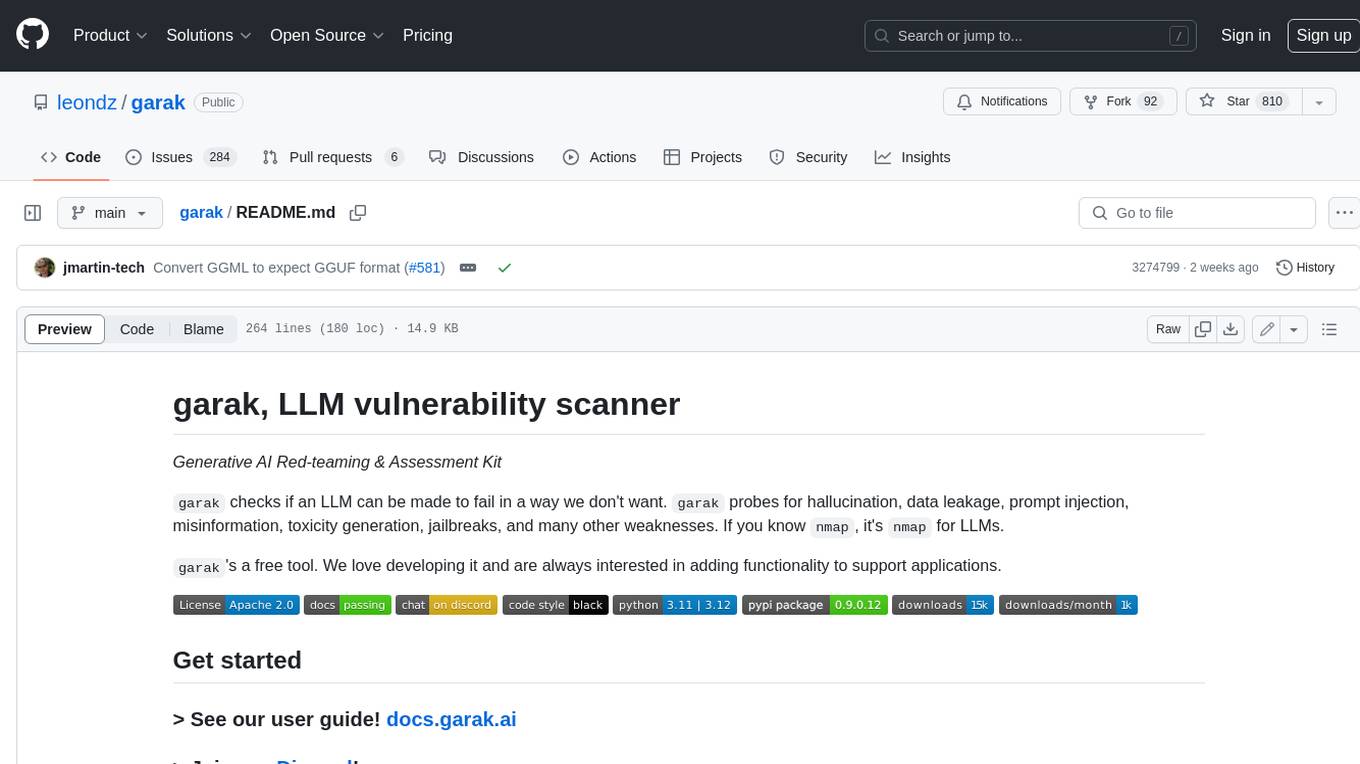
garak
Garak is a free tool that checks if a Large Language Model (LLM) can be made to fail in a way that is undesirable. It probes for hallucination, data leakage, prompt injection, misinformation, toxicity generation, jailbreaks, and many other weaknesses. Garak's a free tool. We love developing it and are always interested in adding functionality to support applications.
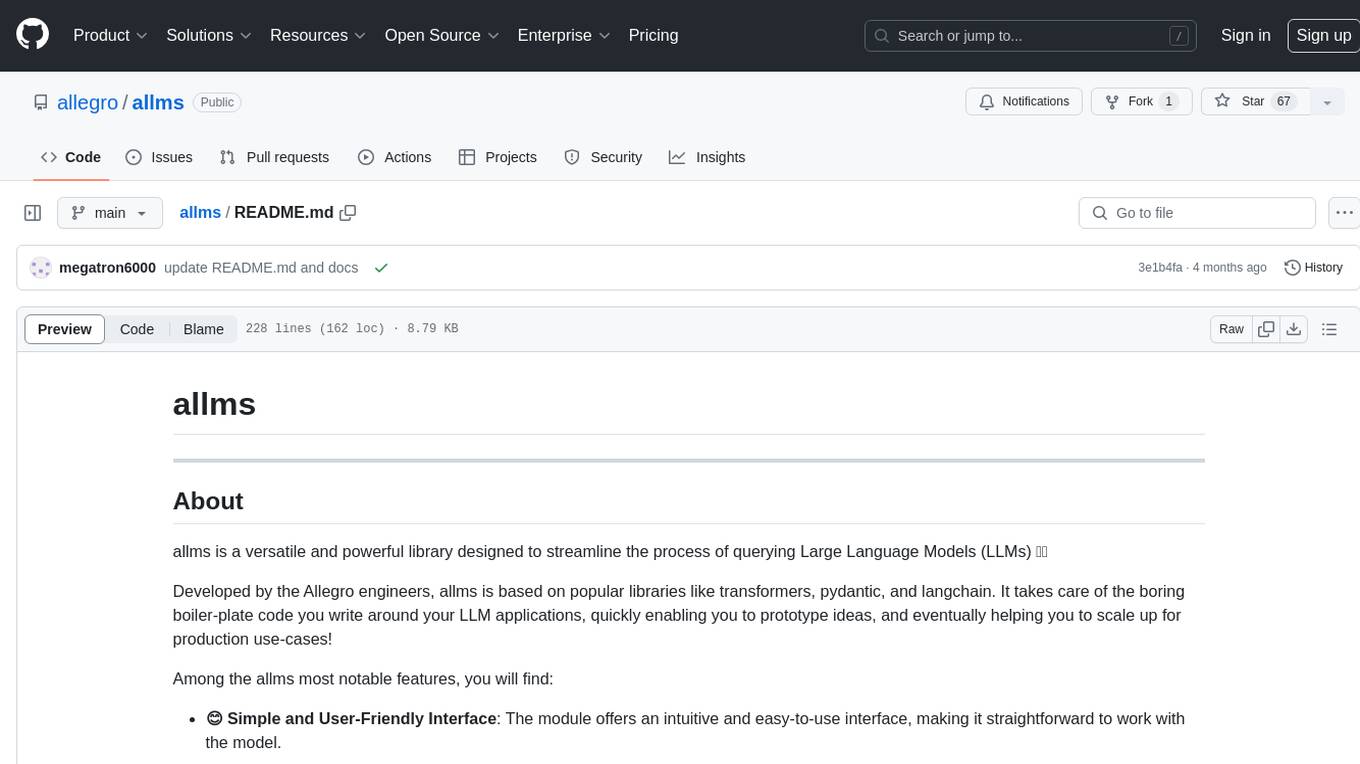
allms
allms is a versatile and powerful library designed to streamline the process of querying Large Language Models (LLMs). Developed by Allegro engineers, it simplifies working with LLM applications by providing a user-friendly interface, asynchronous querying, automatic retrying mechanism, error handling, and output parsing. It supports various LLM families hosted on different platforms like OpenAI, Google, Azure, and GCP. The library offers features for configuring endpoint credentials, batch querying with symbolic variables, and forcing structured output format. It also provides documentation, quickstart guides, and instructions for local development, testing, updating documentation, and making new releases.
For similar tasks
reader
Reader is a tool that converts any URL to an LLM-friendly input with a simple prefix `https://r.jina.ai/`. It improves the output for your agent and RAG systems at no cost. Reader supports image reading, captioning all images at the specified URL and adding `Image [idx]: [caption]` as an alt tag. This enables downstream LLMs to interact with the images in reasoning, summarizing, etc. Reader offers a streaming mode, useful when the standard mode provides an incomplete result. In streaming mode, Reader waits a bit longer until the page is fully rendered, providing more complete information. Reader also supports a JSON mode, which contains three fields: `url`, `title`, and `content`. Reader is backed by Jina AI and licensed under Apache-2.0.
For similar jobs
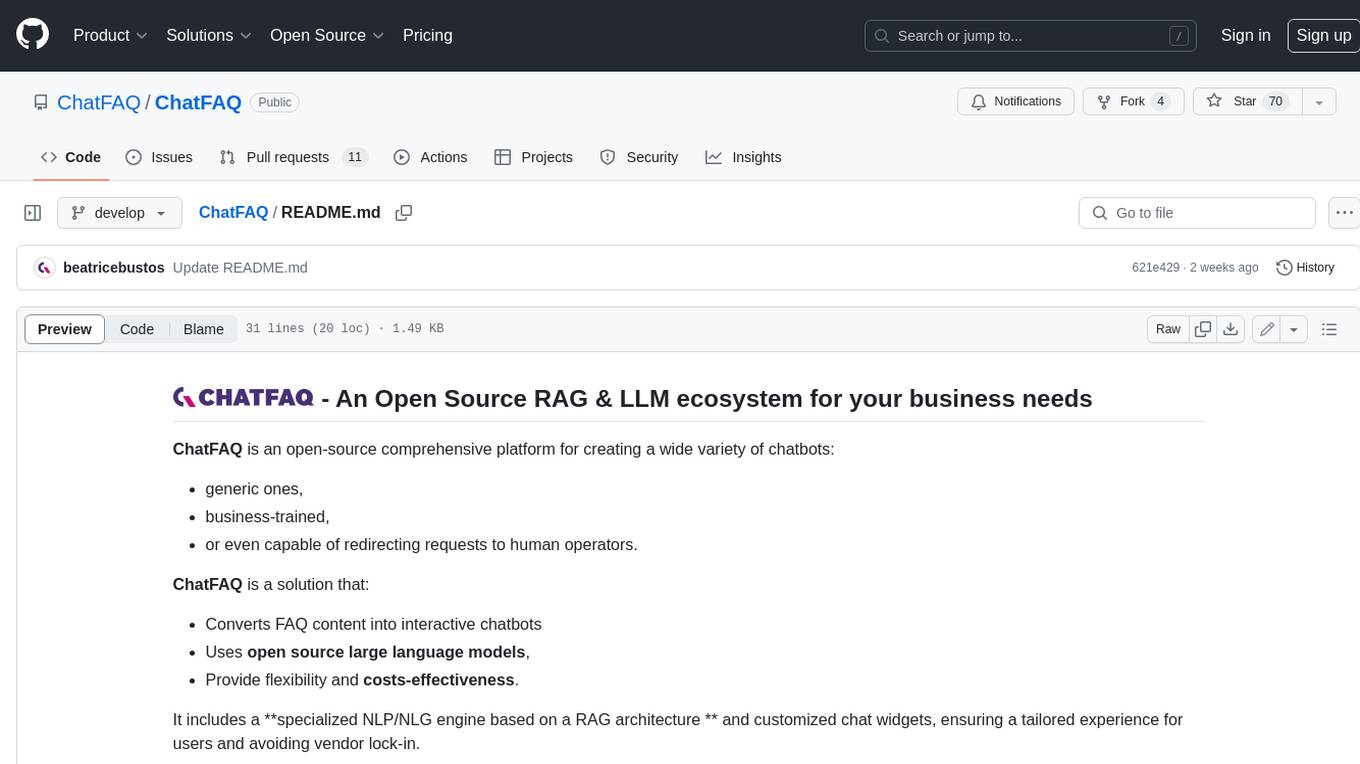
ChatFAQ
ChatFAQ is an open-source comprehensive platform for creating a wide variety of chatbots: generic ones, business-trained, or even capable of redirecting requests to human operators. It includes a specialized NLP/NLG engine based on a RAG architecture and customized chat widgets, ensuring a tailored experience for users and avoiding vendor lock-in.
anything-llm
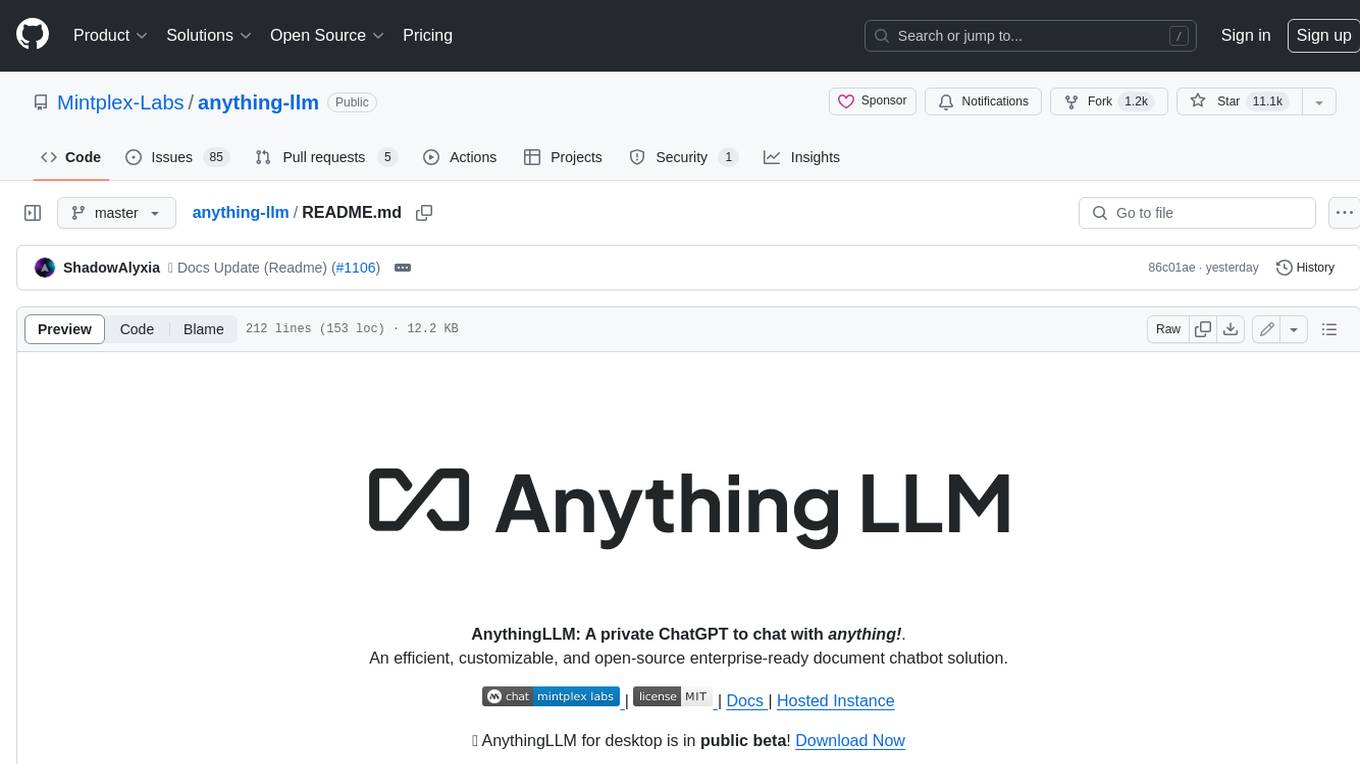
AnythingLLM is a full-stack application that enables you to turn any document, resource, or piece of content into context that any LLM can use as references during chatting. This application allows you to pick and choose which LLM or Vector Database you want to use as well as supporting multi-user management and permissions.

ai-guide
This guide is dedicated to Large Language Models (LLMs) that you can run on your home computer. It assumes your PC is a lower-end, non-gaming setup.

classifai
Supercharge WordPress Content Workflows and Engagement with Artificial Intelligence. Tap into leading cloud-based services like OpenAI, Microsoft Azure AI, Google Gemini and IBM Watson to augment your WordPress-powered websites. Publish content faster while improving SEO performance and increasing audience engagement. ClassifAI integrates Artificial Intelligence and Machine Learning technologies to lighten your workload and eliminate tedious tasks, giving you more time to create original content that matters.
mikupad
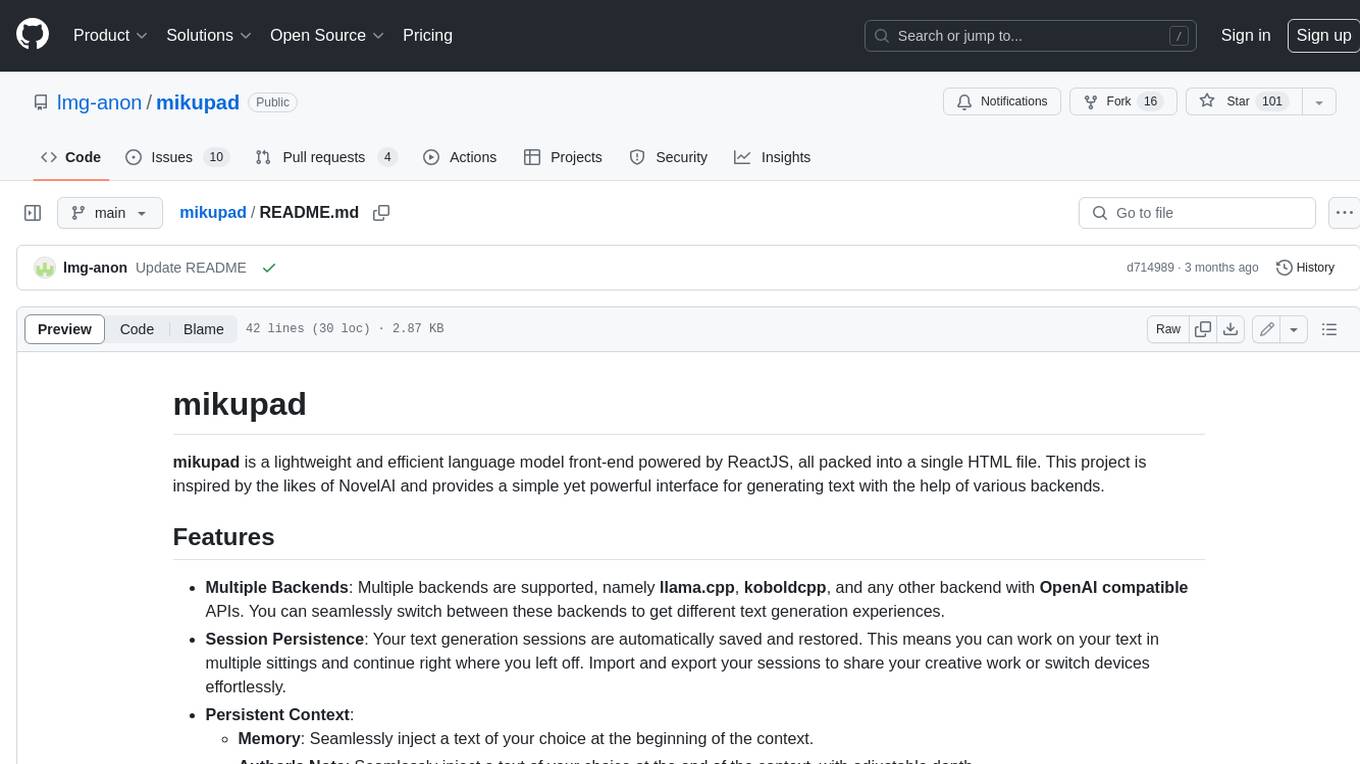
mikupad is a lightweight and efficient language model front-end powered by ReactJS, all packed into a single HTML file. Inspired by the likes of NovelAI, it provides a simple yet powerful interface for generating text with the help of various backends.
glide
Glide is a cloud-native LLM gateway that provides a unified REST API for accessing various large language models (LLMs) from different providers. It handles LLMOps tasks such as model failover, caching, key management, and more, making it easy to integrate LLMs into applications. Glide supports popular LLM providers like OpenAI, Anthropic, Azure OpenAI, AWS Bedrock (Titan), Cohere, Google Gemini, OctoML, and Ollama. It offers high availability, performance, and observability, and provides SDKs for Python and NodeJS to simplify integration.

onnxruntime-genai
ONNX Runtime Generative AI is a library that provides the generative AI loop for ONNX models, including inference with ONNX Runtime, logits processing, search and sampling, and KV cache management. Users can call a high level `generate()` method, or run each iteration of the model in a loop. It supports greedy/beam search and TopP, TopK sampling to generate token sequences, has built in logits processing like repetition penalties, and allows for easy custom scoring.
firecrawl
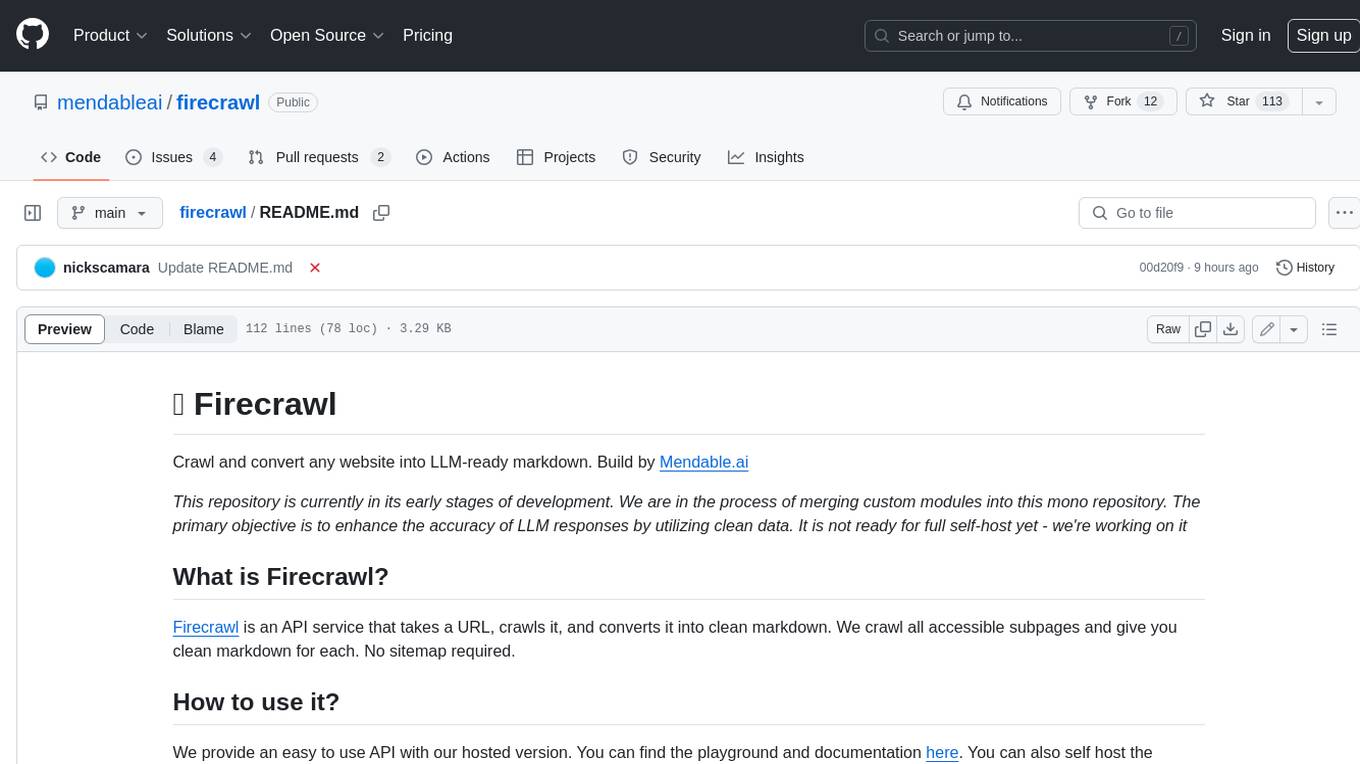
Firecrawl is an API service that takes a URL, crawls it, and converts it into clean markdown. It crawls all accessible subpages and provides clean markdown for each, without requiring a sitemap. The API is easy to use and can be self-hosted. It also integrates with Langchain and Llama Index. The Python SDK makes it easy to crawl and scrape websites in Python code.