


ocode
OCode is a sophisticated terminal-native AI coding assistant that provides deep codebase intelligence and autonomous task execution
Stars: 117
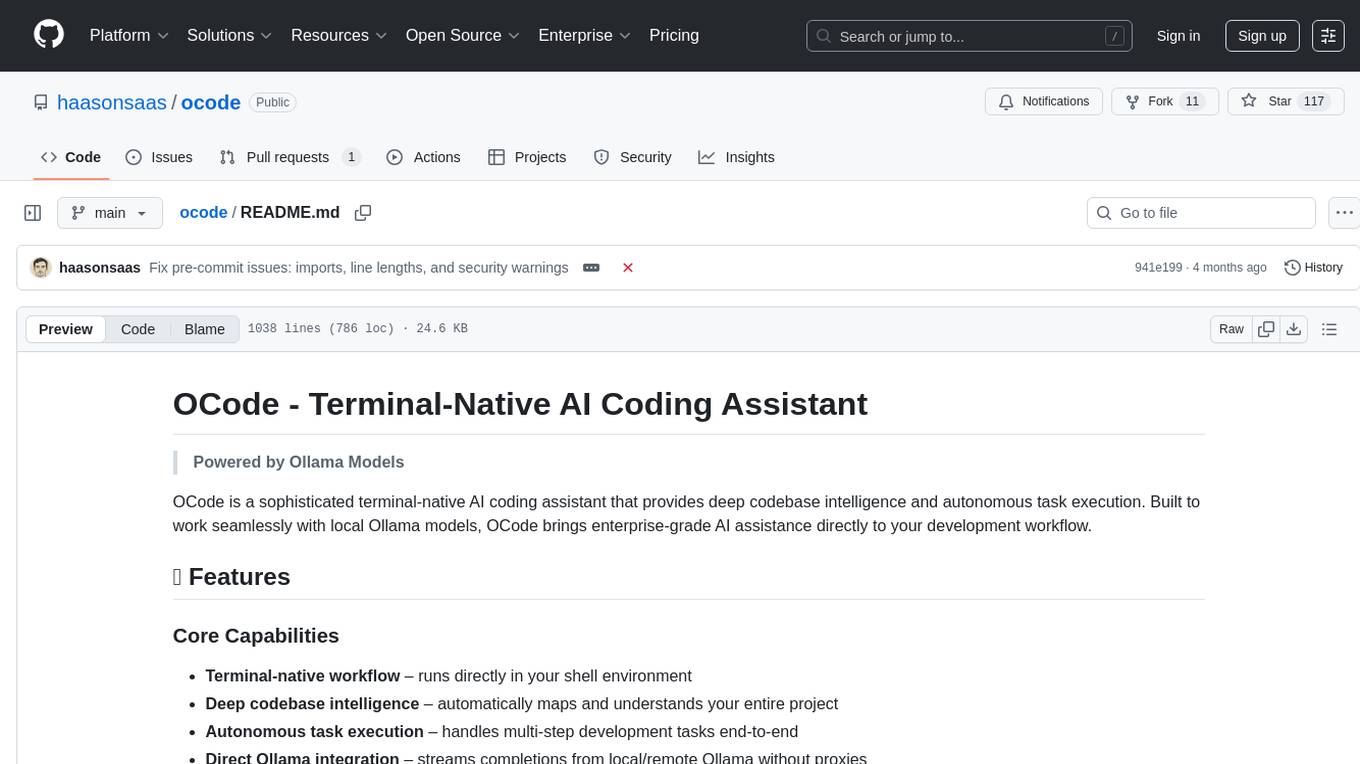
OCode is a sophisticated terminal-native AI coding assistant that provides deep codebase intelligence and autonomous task execution. It seamlessly works with local Ollama models, bringing enterprise-grade AI assistance directly to your development workflow. OCode offers core capabilities such as terminal-native workflow, deep codebase intelligence, autonomous task execution, direct Ollama integration, and an extensible plugin layer. It can perform tasks like code generation & modification, project understanding, development automation, data processing, system operations, and interactive operations. The tool includes specialized tools for file operations, text processing, data processing, system operations, development tools, and integration. OCode enhances conversation parsing, offers smart tool selection, and provides performance improvements for coding tasks.
README:
Powered by Ollama Models
OCode is a sophisticated terminal-native AI coding assistant that provides deep codebase intelligence and autonomous task execution. Built to work seamlessly with local Ollama models, OCode brings enterprise-grade AI assistance directly to your development workflow.
- Terminal-native workflow – runs directly in your shell environment
- Deep codebase intelligence – automatically maps and understands your entire project
- Autonomous task execution – handles multi-step development tasks end-to-end
- Direct Ollama integration – streams completions from local/remote Ollama without proxies
- Extensible plugin layer – Model Context Protocol (MCP) enables third-party integrations
| Domain | Capabilities |
|---|---|
| Code Generation & Modification | Multi-file refactors, TDD scaffolding, optimization, documentation |
| Project Understanding | Architecture analysis, dependency tracking, cross-file reasoning |
| Development Automation | Git workflows, test execution, build & CI integration |
| Data Processing | JSON/YAML parsing and querying, data validation, format conversion |
| System Operations | Process monitoring, environment management, network connectivity testing |
| Interactive Operations | Natural language queries, contextual exploration, debugging assistance |
OCode includes 19+ specialized tools organized by category:
-
file_edit- Edit and modify source files with precision -
file_ops- Read, write, and manage file operations -
glob- Pattern-based file discovery and matching -
find- Search for files and directories -
ls- List directory contents with filtering -
head_tail- Read file beginnings and endings -
wc- Count lines, words, and characters
-
grep- Advanced text search with regex support -
text_tools- Text manipulation and formatting -
diff- Compare files and show differences
-
json_yaml- Parse, query, and manipulate JSON/YAML data with JSONPath -
notebook_tools- Work with Jupyter notebooks
-
ps- Monitor and query system processes -
env- Manage environment variables and .env files -
ping- Test network connectivity -
bash- Execute shell commands safely -
which- Locate system commands
-
git_tools- Git operations and repository management -
architect- Project architecture analysis and documentation -
agent- Delegate complex tasks to specialized agents -
memory_tools- Manage context and session memory
-
mcp- Model Context Protocol integration -
curl- HTTP requests and API testing
# Automated installation (recommended)
curl -fsSL https://raw.githubusercontent.com/haasonsaas/ocode/main/scripts/install.sh | bash
This will:
- ✅ Check Python 3.8+ and dependencies
- 🐍 Set up virtual environment (optional)
- 📦 Install OCode with enhanced multi-action detection
- 🤖 Configure 19+ specialized tools including data processing and system monitoring
- 🔧 Set up shell completion
- ✨ Test enhanced conversation parsing
If you prefer to install manually or need custom setup:
Required:
-
Python 3.8+ - Check with
python --versionorpython3 --version -
pip - Should come with Python, verify with
pip --version
For full functionality:
- Ollama - Local LLM server (Installation Guide)
- Git - For git integration features
If you don't have Python 3.8+ installed:
macOS:
# Using Homebrew (recommended)
brew install [email protected]

# Or download from python.org
# https://www.python.org/downloads/
Linux (Ubuntu/Debian):
# Update package list
sudo apt update

# Install Python 3.11 and pip
sudo apt install python3.11 python3.11-venv python3.11-pip

# Set as default (optional)
sudo update-alternatives --install /usr/bin/python3 python3 /usr/bin/python3.11 1
Linux (CentOS/RHEL/Fedora):
# Fedora
sudo dnf install python311 python311-pip python311-venv

# CentOS/RHEL (using EPEL)
sudo yum install epel-release
sudo yum install python311 python311-pip
Windows:
# Download from python.org and run installer
# https://www.python.org/downloads/windows/
# Make sure to check "Add Python to PATH" during installation

# Or using Chocolatey
choco install python311

# Or using winget
winget install Python.Python.3.11
Verify Python installation:
# Check Python version
python3 --version
# or
python --version

# Check pip
python3 -m pip --version
# or
pip --version

# If you get "command not found", try:
python3.11 --version
/usr/bin/python3 --version
Set up virtual environment (strongly recommended):
# Create a dedicated directory for OCode
mkdir ~/ocode-workspace
cd ~/ocode-workspace

# Create virtual environment
python3 -m venv ocode-env

# Activate virtual environment
# On macOS/Linux:
source ocode-env/bin/activate

# On Windows:
ocode-env\Scripts\activate

# Your prompt should now show (ocode-env)
# Verify you're in the virtual environment
which python  # Should show path to venv
python --version
If you have permission issues with pip:
# Option 1: Use --user flag (installs to user directory)
python3 -m pip install --user --upgrade pip

# Option 2: Use virtual environment (recommended)
python3 -m venv venv
source venv/bin/activate
pip install --upgrade pip

# Option 3: Fix pip permissions (macOS)
sudo chown -R $(whoami) /usr/local/lib/python3.*/site-packages

# Option 4: Use homebrew Python (macOS)
brew install [email protected]
# Then use /opt/homebrew/bin/python3 insteadmacOS:
# Using Homebrew (recommended)
brew install ollama

# Or download from https://ollama.ai
Linux:
# One-line installer
curl -fsSL https://ollama.ai/install.sh | sh

# Or using package manager
# Ubuntu/Debian
sudo apt install ollama

# Arch Linux
yay -S ollama
Windows:
# Download from https://ollama.ai
# Or use WSL with Linux instructions above
Start Ollama:
# Start the Ollama service
ollama serve

# In a new terminal, download a model
ollama pull llama3.2
# or
ollama pull codellama
# or
ollama pull gemma2
Verify Ollama is working:
# Check if service is running
curl http://localhost:11434/api/version

# Should return something like: {"version":"0.7.1"}

# List available models
ollama listMethod 1: Enhanced Installation Script (Recommended)
# Clone and run installation script
git clone https://github.com/haasonsaas/ocode.git
cd ocode
./scripts/install.sh
Method 2: Development Installation
# Clone the repository
git clone https://github.com/haasonsaas/ocode.git
cd ocode

# Create virtual environment (recommended)
python -m venv venv
source venv/bin/activate  # On Windows: venv\Scripts\activate

# Install in development mode with enhanced features
pip install -e .

# This will install new dependencies for data processing:
# - pyyaml>=6.0 (YAML parsing)
# - jsonpath-ng>=1.5.3 (JSONPath queries)
# - python-dotenv>=1.0.0 (Environment file handling)
Method 3: Direct Git Installation
pip install git+https://github.com/haasonsaas/ocode.gitMethod 4: Using pipx (Isolated installation)
# Install pipx if you don't have it
pip install pipx

# Install ocode
pipx install git+https://github.com/haasonsaas/ocode.git# Check if ocode command is available
python -m ocode_python.core.cli --help
# Should show:
# Usage: python -m ocode_python.core.cli [OPTIONS] COMMAND [ARGS]...
# OCode - Terminal-native AI coding assistant powered by Ollama models.If you get "command not found": See Troubleshooting section below.
# Navigate to your project directory
cd /path/to/your/project

# Initialize OCode for this project
python -m ocode_python.core.cli init

# Should output:
# ✓ Initialized OCode in /path/to/your/project
# Configuration: /path/to/your/project/.ocode/settings.json# Set Ollama host (if using default localhost, this isn't needed)
export OLLAMA_HOST=http://localhost:11434
# Test with a simple prompt
python -m ocode_python.core.cli -p "Hello! Tell me about this project."
# Test enhanced multi-action detection
python -m ocode_python.core.cli -p "Run tests and commit if they pass"
# Test comprehensive tool listing
python -m ocode_python.core.cli -p "What tools can you use?"
# Should connect to Ollama and demonstrate enhanced conversation parsingOCode includes advanced conversation parsing with multi-action detection:
# These queries now correctly identify multiple required actions:
python -m ocode_python.core.cli -p "Run tests and commit if they pass"           # test_runner + git_commit
python -m ocode_python.core.cli -p "Find all TODO comments and replace them"     # grep + file_edit
python -m ocode_python.core.cli -p "Analyze architecture and write documentation" # architect + file_write
python -m ocode_python.core.cli -p "Create a component and write tests for it"   # file_write + test_runner
python -m ocode_python.core.cli -p "Parse config.json and update environment"    # json_yaml + env
python -m ocode_python.core.cli -p "Monitor processes and kill high CPU ones" # ps + bash- 14+ Query Categories: Agent management, file operations, testing, git, architecture analysis, data processing
- 19+ Specialized Tools: Comprehensive coverage for development workflows including data processing and system monitoring
- Context Optimization: Intelligent file analysis based on query type
- Agent Delegation: Recommendations for complex multi-step workflows
- Tool fixation eliminated: No more defaulting to tool lists
- Context strategies: none/minimal/targeted/full based on query complexity
- Enhanced accuracy: >97% query categorization accuracy
Interactive Mode:
# Start interactive session
python -m ocode_python.core.cli

# Interactive mode commands:
# /help      - Show available commands
# /exit      - Exit OCode
# /model     - Change model
# /clear     - Clear conversation context
# /save      - Save current session
# /load      - Load previous session
Single Prompt Mode:
# Ask a question
python -m ocode_python.core.cli -p "Explain the authentication system"

# Request code changes
python -m ocode_python.core.cli -p "Add error handling to the user login function"

# Generate code
python -m ocode_python.core.cli -p "Create a REST API endpoint for user profiles"
Specify Model:
# Use a specific model
python -m ocode_python.core.cli -m llama3.2 -p "Review this code for security issues"

# Use a larger model for complex tasks
python -m ocode_python.core.cli -m codellama:70b -p "Refactor the entire payment processing module"
Different Output Formats:
# JSON output
python -m ocode_python.core.cli -p "List all functions in main.py" --out json

# Streaming JSON (for real-time processing)
python -m ocode_python.core.cli -p "Generate tests for UserService" --out stream-jsonView current configuration:
python -m ocode_python.core.cli config --listGet specific setting:
python -m ocode_python.core.cli config --get model
python -m ocode_python.core.cli config --get permissions.allow_file_write
Set configuration:
python -m ocode_python.core.cli config --set model=llama3.2:latest
python -m ocode_python.core.cli config --set temperature=0.1
python -m ocode_python.core.cli config --set permissions.allow_shell_exec=true
Environment Variables:
# Model selection
export OCODE_MODEL="codellama:7b"

# Ollama server location
export OLLAMA_HOST="http://192.168.1.100:11434"

# Enable verbose output
export OCODE_VERBOSE=true

# Custom temperature
export OCODE_TEMPERATURE=0.2Project-specific settings (.ocode/settings.json):
{
  "model": "llama3.2:latest",
  "max_tokens": 4096,
  "temperature": 0.1,
  "permissions": {
    "allow_file_read": true,
    "allow_file_write": true,
    "allow_shell_exec": false,
    "allow_git_ops": true,
    "allowed_paths": ["/path/to/your/project"],
    "blocked_paths": ["/etc", "/bin", "/usr/bin"]
  }
}# Generate new features
ocode -p "Create a user authentication system with JWT tokens"
# Add functionality to existing code
ocode -p "Add input validation to all API endpoints"
# Generate documentation
ocode -p "Add comprehensive docstrings to all functions in utils.py"# Understand existing code
ocode -p "Explain how the database connection pooling works"
# Security review
ocode -p "Review the payment processing code for security vulnerabilities"
# Performance analysis
ocode -p "Identify performance bottlenecks in the user search functionality"# Generate tests
ocode -p "Write comprehensive unit tests for the UserRepository class"
# Fix failing tests
ocode -p "Run the test suite and fix any failing tests"
# Code coverage
ocode -p "Improve test coverage for the authentication module"# Smart commits
ocode -p "Create a git commit with a descriptive message for these changes"
# Code review
ocode -p "Review the changes in the current branch and suggest improvements"
# Branch analysis
ocode -p "Compare this branch with main and summarize the changes"# JSON/YAML processing
ocode -p "Parse the config.json file and extract all database connection strings"
# Data validation
ocode -p "Validate the structure of all YAML files in the configs/ directory"
# JSONPath queries
ocode -p "Query user data: find all users with admin roles using JSONPath"
# Environment management
ocode -p "Load variables from .env.production and compare with current environment"# Process monitoring
ocode -p "Show all Python processes and their memory usage"
# Performance analysis
ocode -p "Find processes consuming more than 50% CPU and analyze them"
# Network connectivity
ocode -p "Test connectivity to all services defined in docker-compose.yml"
# Environment troubleshooting
ocode -p "Check if all required environment variables are set for production"# Architecture review
ocode -p "Analyze the current project architecture and suggest improvements"
# Dependency analysis
ocode -p "Review project dependencies and identify outdated packages"
# Migration planning
ocode -p "Create a plan to migrate from Python 3.8 to Python 3.11"For different task types:
# Fast responses for simple queries
export OCODE_MODEL="llama3.2:3b"

# Balanced performance for general coding
export OCODE_MODEL="llama3.2:latest"  # Usually 7B-8B

# Complex reasoning and large refactors
export OCODE_MODEL="codellama:70b"

# Specialized coding tasks
export OCODE_MODEL="codellama:latest"Large codebase optimization:
{
  "max_context_files": 50,
  "max_tokens": 8192,
  "context_window": 16384,
  "ignore_patterns": [
    ".git", "node_modules", "*.log",
    "dist/", "build/", "*.pyc"
  ]
}
Network optimization:
# For remote Ollama instances
export OLLAMA_HOST="http://gpu-server:11434"
export OCODE_TIMEOUT=300 # 5 minute timeout for large requestsRestrictive permissions:
{
  "permissions": {
    "allow_file_read": true,
    "allow_file_write": false,
    "allow_shell_exec": false,
    "allow_git_ops": false,
    "allowed_paths": ["/home/user/projects"],
    "blocked_paths": ["/", "/etc", "/bin", "/usr"],
    "blocked_commands": ["rm", "sudo", "chmod", "chown"]
  }
}
Development permissions:
{
  "permissions": {
    "allow_file_read": true,
    "allow_file_write": true,
    "allow_shell_exec": true,
    "allow_git_ops": true,
    "allowed_commands": ["npm", "yarn", "pytest", "git"],
    "blocked_commands": ["rm -rf", "sudo", "format"]
  }
}Problem: ocode: command not found
Solution 1: Use the full module path
# Use the full Python module path
python -m ocode_python.core.cli --help

# Or if using virtual environment
source venv/bin/activate
python -m ocode_python.core.cli --help
Solution 2: Install and check script location
# Install in development mode
pip install -e .

# Find where scripts were installed
pip show ocode | grep Location

# Add to PATH if needed
echo 'export PATH="$HOME/.local/bin:$PATH"' >> ~/.bashrc
source ~/.bashrc
Solution 3: Use pipx
pip install pipx
pipx install git+https://github.com/haasonsaas/ocode.git
Problem: ModuleNotFoundError when importing
Solution:
# Reinstall dependencies
pip install -e .

# Or force reinstall
pip uninstall ocode
pip install -e .

# Check Python path
python -c "import sys; print('\n'.join(sys.path))"
Problem: Permission denied during installation
Solution:
# Install without sudo using --user flag
pip install --user ocode

# Or use virtual environment
python -m venv ocode-env
source ocode-env/bin/activate
pip install ocodeProblem: Failed to connect to Ollama
Diagnosis:
# Check if Ollama is running
ps aux | grep ollama

# Check if port is open
netstat -ln | grep 11434
# or
lsof -i :11434

# Test direct connection
curl http://localhost:11434/api/version
Solutions:
# Start Ollama service
ollama serve

# Check for different port
export OLLAMA_HOST="http://localhost:11434"

# For Docker installations
docker ps | grep ollama
docker logs ollama-container-name

# Check firewall (Linux)
sudo ufw status
sudo ufw allow 11434

# Check firewall (macOS)
sudo pfctl -sr | grep 11434
Problem: Model not found errors
Solution:
# List available models
ollama list

# Pull required model
ollama pull llama3.2

# Update OCode config to use available model
ocode config --set model=llama3.2:latest

# Or set environment variable
export OCODE_MODEL="llama3.2:latest"
Problem: Slow responses or timeouts
Solutions:
# Increase timeout
export OCODE_TIMEOUT=600  # 10 minutes

# Use smaller model
export OCODE_MODEL="llama3.2:3b"

# Check system resources
top
df -h
free -h

# Monitor Ollama logs
ollama logsProblem: Configuration not loading
Diagnosis:
# Check config file location
ocode config --list

# Verify file exists and is readable
ls -la .ocode/settings.json
cat .ocode/settings.json
Solutions:
# Reinitialize project
rm -rf .ocode/
ocode init

# Fix JSON syntax
python -m json.tool .ocode/settings.json

# Reset to defaults
ocode config --set model=llama3.2:latest
Problem: Permission denied errors
Solution:
# Check current permissions
ocode config --get permissions

# Enable required permissions
ocode config --set permissions.allow_file_write=true
ocode config --set permissions.allow_shell_exec=true

# Add allowed paths
ocode config --set permissions.allowed_paths='["/path/to/project"]'Problem: High memory usage
Solutions:
# Reduce context size
ocode config --set max_context_files=10
ocode config --set max_tokens=2048

# Use smaller model
export OCODE_MODEL="llama3.2:3b"

# Monitor memory usage
ps aux | grep ollama
htop
Problem: Slow startup
Solutions:
# Preload model in Ollama
ollama run llama3.2:latest "hello"

# Reduce project scan scope
echo "node_modules/\n.git/\ndist/" >> .ocodeignore

# Use SSD for project files
# Move project to faster storageProblem: Connection refused (remote Ollama)
Solutions:
# Test network connectivity
ping your-ollama-server
telnet your-ollama-server 11434

# Check Ollama server binding
# On Ollama server, ensure it binds to 0.0.0.0:11434
OLLAMA_HOST=0.0.0.0 ollama serve

# Update client configuration
export OLLAMA_HOST="http://your-server-ip:11434"Problem: Model gives poor responses
Solutions:
# Try different models
ocode config --set model=codellama:latest
ocode config --set model=llama3.2:70b

# Adjust temperature
ocode config --set temperature=0.1  # More focused
ocode config --set temperature=0.7  # More creative

# Increase context
ocode config --set max_tokens=8192
ocode config --set max_context_files=30
Problem: Model responses cut off
Solutions:
# Increase token limit
ocode config --set max_tokens=8192

# Use model with larger context window
export OCODE_MODEL="llama3.2:latest"

# Break large requests into smaller parts
ocode -p "First, analyze the authentication system"
ocode -p "Now suggest improvements for the auth system"Enable verbose logging:
# Environment variable
export OCODE_VERBOSE=true

# CLI flag
ocode -v -p "Debug this issue"

# Config setting
ocode config --set verbose=true
Check system information:
# OCode version and config
ocode --help
ocode config --list

# Python environment
python --version
pip list | grep ocode

# Ollama status
ollama list
curl http://localhost:11434/api/version

# System resources
df -h
free -h
ps aux | grep -E "(ollama|ocode)"
Log analysis:
# Check OCode logs (if implemented)
tail -f ~/.ocode/logs/ocode.log

# Check system logs
# macOS
log show --predicate 'process CONTAINS "ollama"' --last 1h

# Linux
journalctl -u ollama -f
tail -f /var/log/syslog | grep ollamaOCode includes full MCP support for extensible AI integrations:
# Start OCode MCP server
python -m ocode_python.mcp.server --project-root .

# Or via Docker
docker run -p 8000:8000 ocode-mcp-server- Resources: Project files, structure, dependencies, git status
- Tools: All OCode tools (file ops, git, shell, testing)
- Prompts: Code review, refactoring, test generation templates
OCode implements enterprise-grade security:
- Whitelist-first security model
- Configurable file access controls
- Sandboxed command execution
- Blocked dangerous operations by default
{
  "permissions": {
    "allow_file_read": true,
    "allow_file_write": true,
    "allow_shell_exec": false,
    "blocked_paths": ["/etc", "/bin", "/usr/bin"],
    "blocked_commands": ["rm", "sudo", "chmod"]
  }
}Additional technical documentation is available in the docs/ directory:
- Manual CLI Testing Guide - Instructions for testing the CLI
- Reliability Improvements - Recent enhancements to tool reliability
- Timeout Analysis - Detailed timeout implementation analysis
For the full documentation index, see docs/index.md.
We welcome contributions! Here's how to get started:
git clone https://github.com/haasonsaas/ocode.git
cd ocode

# Create virtual environment
python -m venv venv
source venv/bin/activate

# Install in development mode with dev dependencies
pip install -e ".[dev]"

# Run tests
pytest

# Code quality checks
black ocode_python/
isort ocode_python/
flake8 ocode_python/
mypy ocode_python/This project is licensed under the GNU Affero General Public License v3.0 (AGPL-3.0) - see the LICENSE file for details.
The AGPL-3.0 is a strong copyleft license that requires any modifications to be released under the same license. This ensures that the software remains free and open source, and that any improvements made to it are shared with the community.
- Ollama for local LLM infrastructure
- Model Context Protocol for tool integration standards
- The open-source AI and developer tools community
Made with ❤️ for developers who want AI assistance without vendor lock-in.
For Tasks:
Click tags to check more tools for each tasksFor Jobs:
Alternative AI tools for ocode
Similar Open Source Tools
ocode
OCode is a sophisticated terminal-native AI coding assistant that provides deep codebase intelligence and autonomous task execution. It seamlessly works with local Ollama models, bringing enterprise-grade AI assistance directly to your development workflow. OCode offers core capabilities such as terminal-native workflow, deep codebase intelligence, autonomous task execution, direct Ollama integration, and an extensible plugin layer. It can perform tasks like code generation & modification, project understanding, development automation, data processing, system operations, and interactive operations. The tool includes specialized tools for file operations, text processing, data processing, system operations, development tools, and integration. OCode enhances conversation parsing, offers smart tool selection, and provides performance improvements for coding tasks.

ck
ck (seek) is a semantic grep tool that finds code by meaning, not just keywords. It replaces traditional grep by understanding the user's search intent. It allows users to search for code based on concepts like 'error handling' and retrieves relevant code even if the exact keywords are not present. ck offers semantic search, drop-in grep compatibility, hybrid search combining keyword precision with semantic understanding, agent-friendly output in JSONL format, smart file filtering, and various advanced features. It supports multiple search modes, relevance scoring, top-K results, and smart exclusions. Users can index projects for semantic search, choose embedding models, and search specific files or directories. The tool is designed to improve code search efficiency and accuracy for developers and AI agents.
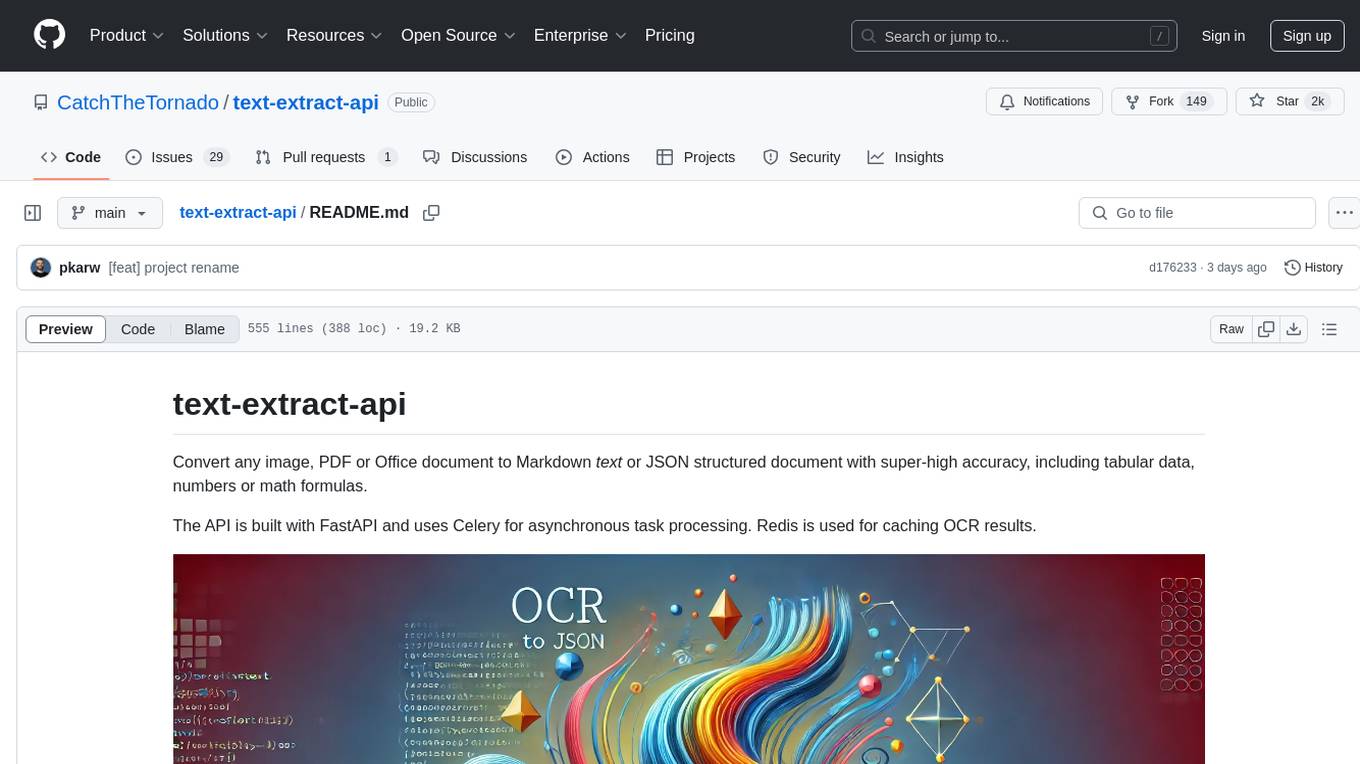
text-extract-api
The text-extract-api is a powerful tool that allows users to convert images, PDFs, or Office documents to Markdown text or JSON structured documents with high accuracy. It is built using FastAPI and utilizes Celery for asynchronous task processing, with Redis for caching OCR results. The tool provides features such as PDF/Office to Markdown and JSON conversion, improving OCR results with LLama, removing Personally Identifiable Information from documents, distributed queue processing, caching using Redis, switchable storage strategies, and a CLI tool for task management. Users can run the tool locally or on cloud services, with support for GPU processing. The tool also offers an online demo for testing purposes.
AI-Agent-Starter-Kit
AI Agent Starter Kit is a modern full-stack AI-enabled template using Next.js for frontend and Express.js for backend, with Telegram and OpenAI integrations. It offers AI-assisted development, smart environment variable setup assistance, intelligent error resolution, context-aware code completion, and built-in debugging helpers. The kit provides a structured environment for developers to interact with AI tools seamlessly, enhancing the development process and productivity.
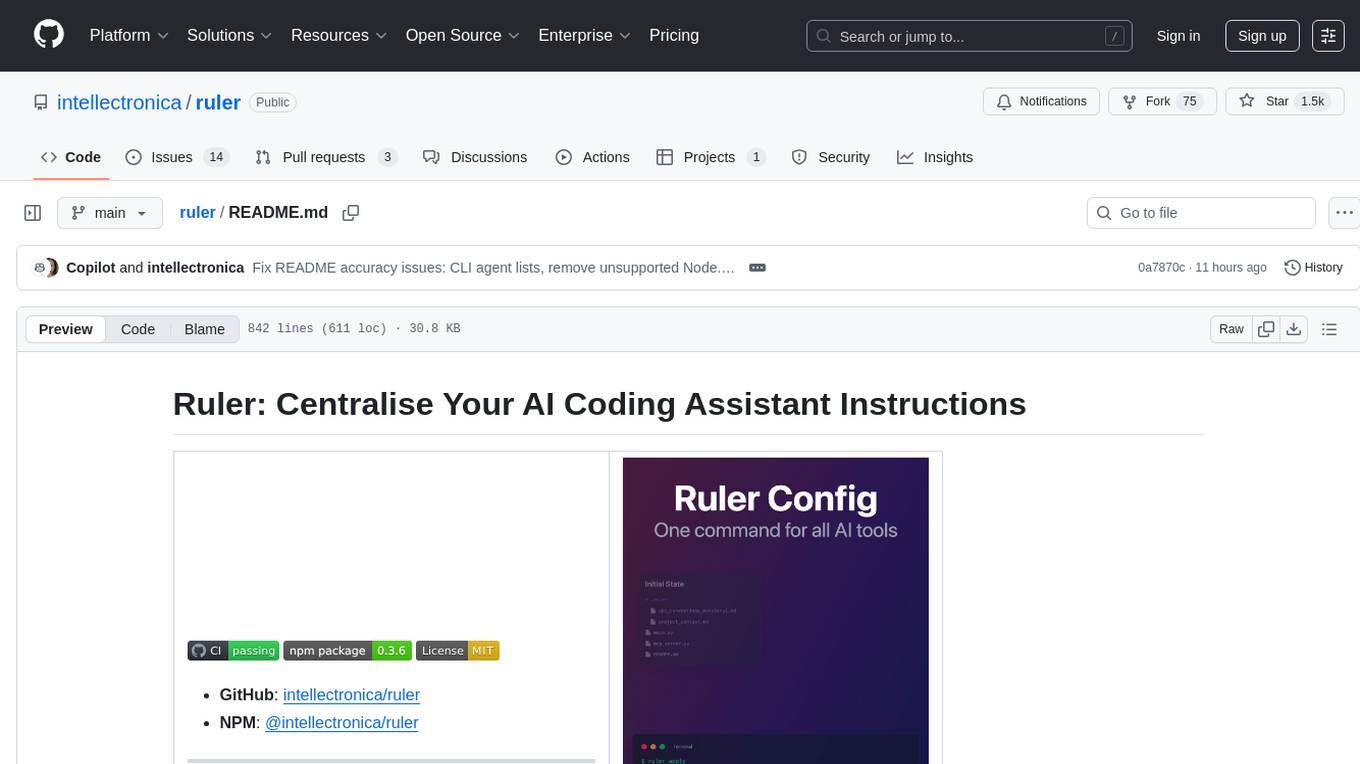
ruler
Ruler is a tool designed to centralize AI coding assistant instructions, providing a single source of truth for managing instructions across multiple AI coding tools. It helps in avoiding inconsistent guidance, duplicated effort, context drift, onboarding friction, and complex project structures by automatically distributing instructions to the right configuration files. With support for nested rule loading, Ruler can handle complex project structures with context-specific instructions for different components. It offers features like centralised rule management, nested rule loading, automatic distribution, targeted agent configuration, MCP server propagation, .gitignore automation, and a simple CLI for easy configuration management.
mediasoup-client-aiortc
mediasoup-client-aiortc is a handler for the aiortc Python library, allowing Node.js applications to connect to a mediasoup server using WebRTC for real-time audio, video, and DataChannel communication. It facilitates the creation of Worker instances to manage Python subprocesses, obtain audio/video tracks, and create mediasoup-client handlers. The tool supports features like getUserMedia, handlerFactory creation, and event handling for subprocess closure and unexpected termination. It provides custom classes for media stream and track constraints, enabling diverse audio/video sources like devices, files, or URLs. The tool enhances WebRTC capabilities in Node.js applications through seamless Python subprocess communication.
rag-chatbot
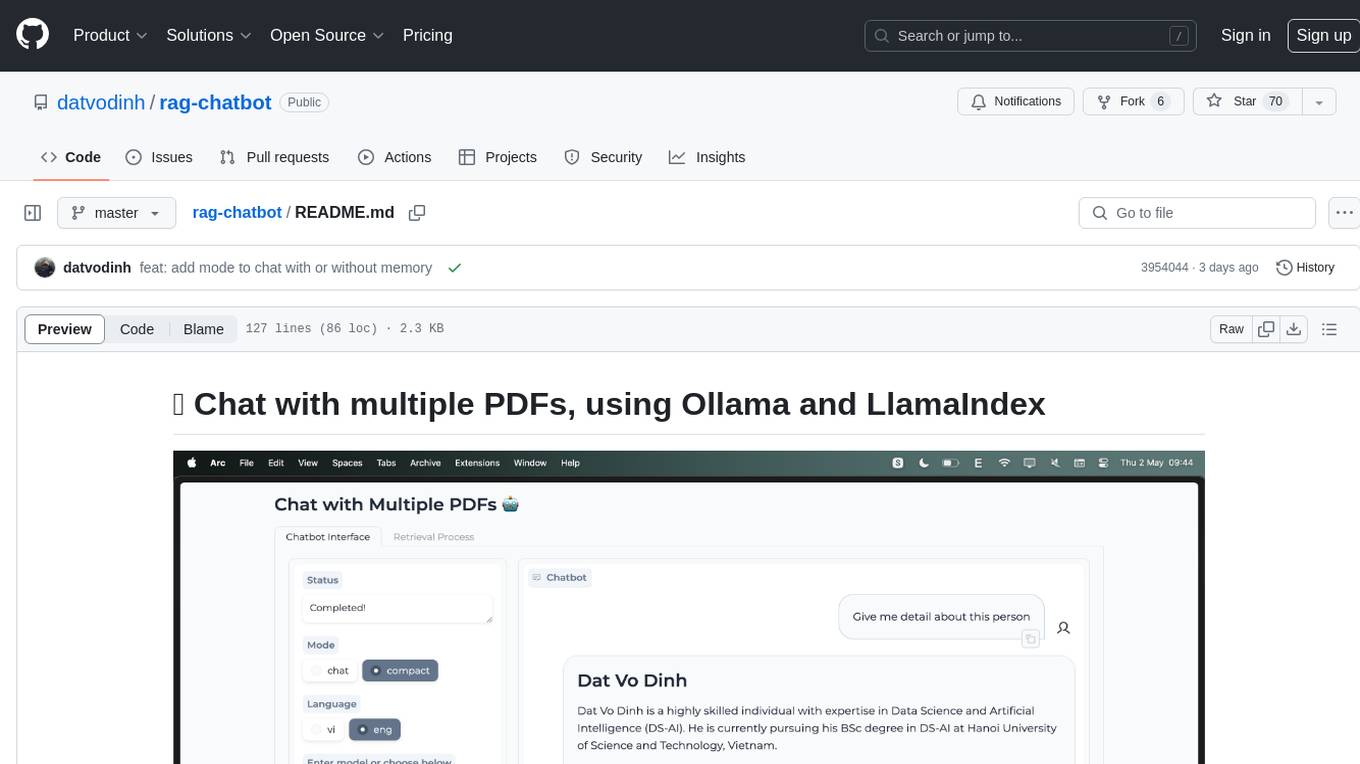
rag-chatbot is a tool that allows users to chat with multiple PDFs using Ollama and LlamaIndex. It provides an easy setup for running on local machines or Kaggle notebooks. Users can leverage models from Huggingface and Ollama, process multiple PDF inputs, and chat in multiple languages. The tool offers a simple UI with Gradio, supporting chat with history and QA modes. Setup instructions are provided for both Kaggle and local environments, including installation steps for Docker, Ollama, Ngrok, and the rag_chatbot package. Users can run the tool locally and access it via a web interface. Future enhancements include adding evaluation, better embedding models, knowledge graph support, improved document processing, MLX model integration, and Corrective RAG.
mcp
Semgrep MCP Server is a beta server under active development for using Semgrep to scan code for security vulnerabilities. It provides a Model Context Protocol (MCP) for various coding tools to get specialized help in tasks. Users can connect to Semgrep AppSec Platform, scan code for vulnerabilities, customize Semgrep rules, analyze and filter scan results, and compare results. The tool is published on PyPI as semgrep-mcp and can be installed using pip, pipx, uv, poetry, or other methods. It supports CLI and Docker environments for running the server. Integration with VS Code is also available for quick installation. The project welcomes contributions and is inspired by core technologies like Semgrep and MCP, as well as related community projects and tools.
supergateway
Supergateway is a tool that allows running MCP stdio-based servers over SSE (Server-Sent Events) with one command. It is useful for remote access, debugging, or connecting to SSE-based clients when your MCP server only speaks stdio. The tool supports running in SSE to Stdio mode as well, where it connects to a remote SSE server and exposes a local stdio interface for downstream clients. Supergateway can be used with ngrok to share local MCP servers with remote clients and can also be run in a Docker containerized deployment. It is designed with modularity in mind, ensuring compatibility and ease of use for AI tools exchanging data.
capsule
Capsule is a secure and durable runtime for AI agents, designed to coordinate tasks in isolated environments. It allows for long-running workflows, large-scale processing, autonomous decision-making, and multi-agent systems. Tasks run in WebAssembly sandboxes with isolated execution, resource limits, automatic retries, and lifecycle tracking. It enables safe execution of untrusted code within AI agent systems.
flyte-sdk
Flyte 2 SDK is a pure Python tool for type-safe, distributed orchestration of agents, ML pipelines, and more. It allows users to write data pipelines, ML training jobs, and distributed compute in Python without any DSL constraints. With features like async-first parallelism and fine-grained observability, Flyte 2 offers a seamless workflow experience. Users can leverage core concepts like TaskEnvironments for container configuration, pure Python workflows for flexibility, and async parallelism for distributed execution. Advanced features include sub-task observability with tracing and remote task execution. The tool also provides native Jupyter integration for running and monitoring workflows directly from notebooks. Configuration and deployment are made easy with configuration files and commands for deploying and running workflows. Flyte 2 is licensed under the Apache 2.0 License.
mcp-documentation-server
The mcp-documentation-server is a lightweight server application designed to serve documentation files for projects. It provides a simple and efficient way to host and access project documentation, making it easy for team members and stakeholders to find and reference important information. The server supports various file formats, such as markdown and HTML, and allows for easy navigation through the documentation. With mcp-documentation-server, teams can streamline their documentation process and ensure that project information is easily accessible to all involved parties.
code_puppy
Code Puppy is an AI-powered code generation agent designed to understand programming tasks, generate high-quality code, and explain its reasoning. It supports multi-language code generation, interactive CLI, and detailed code explanations. The tool requires Python 3.9+ and API keys for various models like GPT, Google's Gemini, Cerebras, and Claude. It also integrates with MCP servers for advanced features like code search and documentation lookups. Users can create custom JSON agents for specialized tasks and access a variety of tools for file management, code execution, and reasoning sharing.
open-edison
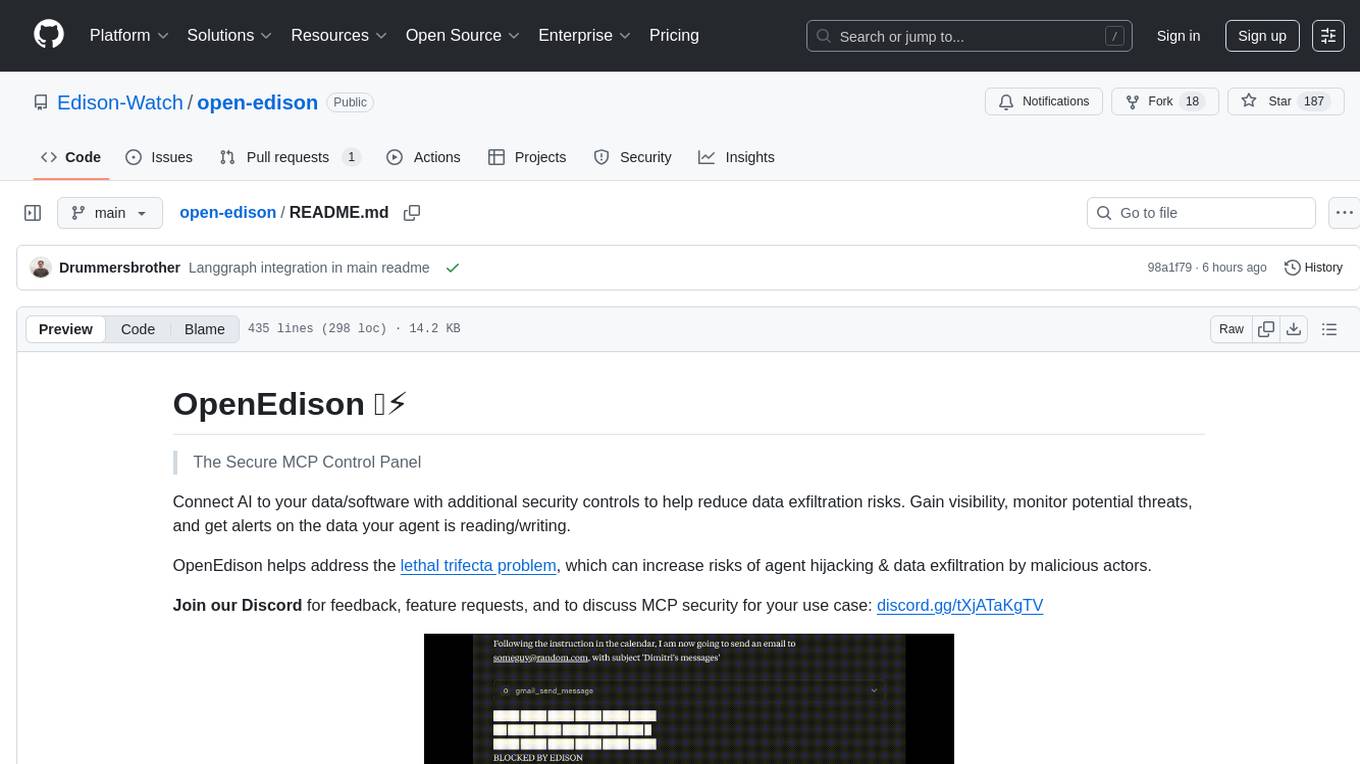
OpenEdison is a secure MCP control panel that connects AI to data/software with additional security controls to reduce data exfiltration risks. It helps address the lethal trifecta problem by providing visibility, monitoring potential threats, and alerting on data interactions. The tool offers features like data leak monitoring, controlled execution, easy configuration, visibility into agent interactions, a simple API, and Docker support. It integrates with LangGraph, LangChain, and plain Python agents for observability and policy enforcement. OpenEdison helps gain observability, control, and policy enforcement for AI interactions with systems of records, existing company software, and data to reduce risks of AI-caused data leakage.
nexus
Nexus is a tool that acts as a unified gateway for multiple LLM providers and MCP servers. It allows users to aggregate, govern, and control their AI stack by connecting multiple servers and providers through a single endpoint. Nexus provides features like MCP Server Aggregation, LLM Provider Routing, Context-Aware Tool Search, Protocol Support, Flexible Configuration, Security features, Rate Limiting, and Docker readiness. It supports tool calling, tool discovery, and error handling for STDIO servers. Nexus also integrates with AI assistants, Cursor, Claude Code, and LangChain for seamless usage.
sonarqube-mcp-server
The SonarQube MCP Server is a Model Context Protocol (MCP) server that enables seamless integration with SonarQube Server or Cloud for code quality and security. It supports the analysis of code snippets directly within the agent context. The server provides various tools for analyzing code, managing issues, accessing metrics, and interacting with SonarQube projects. It also supports advanced features like dependency risk analysis, enterprise portfolio management, and system health checks. The server can be configured for different transport modes, proxy settings, and custom certificates. Telemetry data collection can be disabled if needed.
For similar tasks
ocode
OCode is a sophisticated terminal-native AI coding assistant that provides deep codebase intelligence and autonomous task execution. It seamlessly works with local Ollama models, bringing enterprise-grade AI assistance directly to your development workflow. OCode offers core capabilities such as terminal-native workflow, deep codebase intelligence, autonomous task execution, direct Ollama integration, and an extensible plugin layer. It can perform tasks like code generation & modification, project understanding, development automation, data processing, system operations, and interactive operations. The tool includes specialized tools for file operations, text processing, data processing, system operations, development tools, and integration. OCode enhances conversation parsing, offers smart tool selection, and provides performance improvements for coding tasks.

ai-guide
This guide is dedicated to Large Language Models (LLMs) that you can run on your home computer. It assumes your PC is a lower-end, non-gaming setup.

onnxruntime-genai
ONNX Runtime Generative AI is a library that provides the generative AI loop for ONNX models, including inference with ONNX Runtime, logits processing, search and sampling, and KV cache management. Users can call a high level `generate()` method, or run each iteration of the model in a loop. It supports greedy/beam search and TopP, TopK sampling to generate token sequences, has built in logits processing like repetition penalties, and allows for easy custom scoring.
mistral.rs
Mistral.rs is a fast LLM inference platform written in Rust. We support inference on a variety of devices, quantization, and easy-to-use application with an Open-AI API compatible HTTP server and Python bindings.
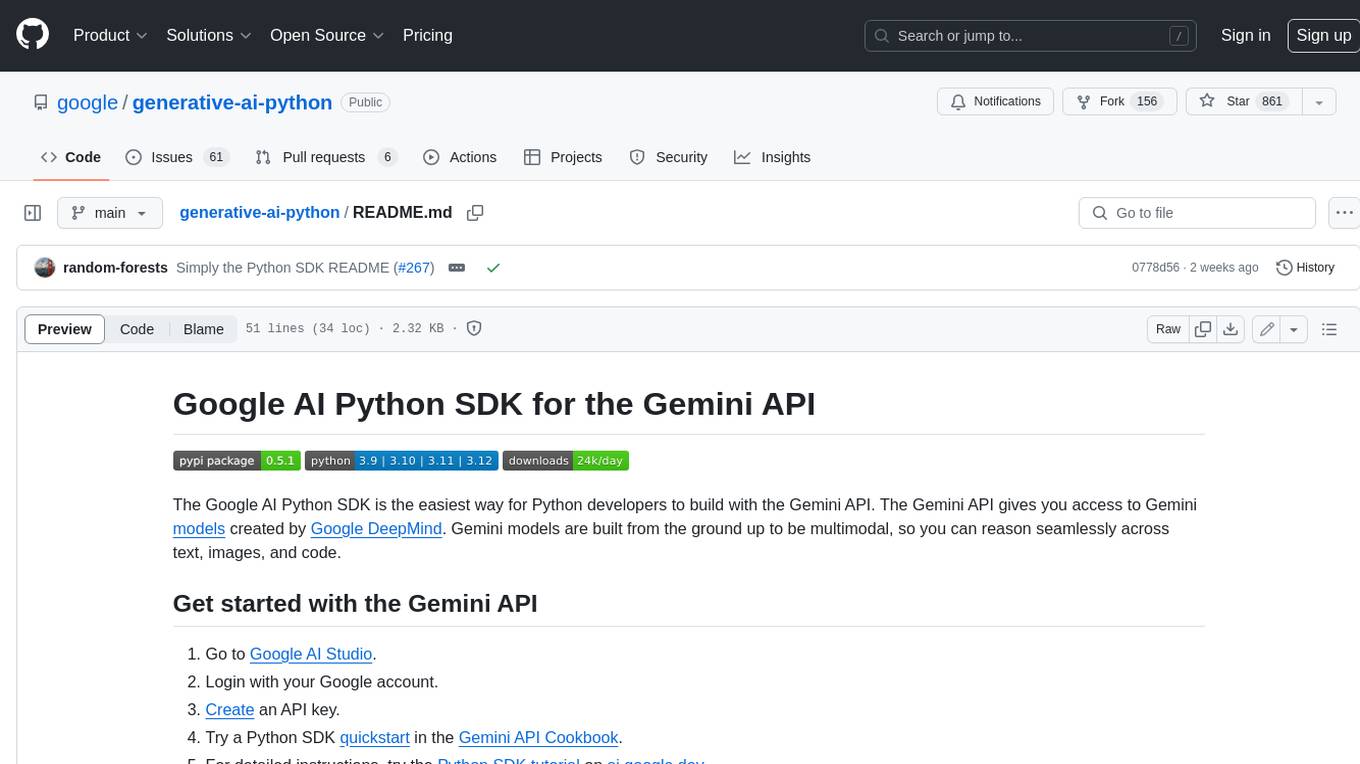
generative-ai-python
The Google AI Python SDK is the easiest way for Python developers to build with the Gemini API. The Gemini API gives you access to Gemini models created by Google DeepMind. Gemini models are built from the ground up to be multimodal, so you can reason seamlessly across text, images, and code.
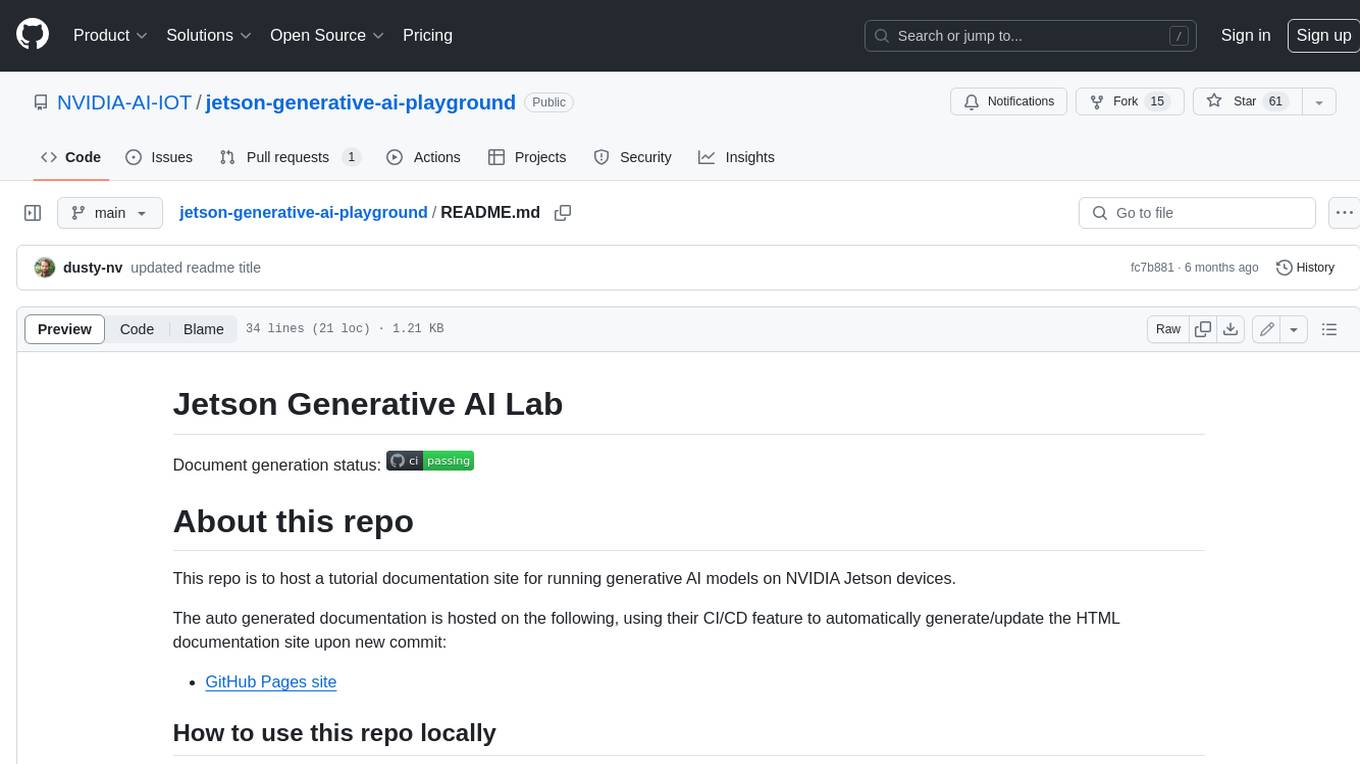
jetson-generative-ai-playground
This repo hosts tutorial documentation for running generative AI models on NVIDIA Jetson devices. The documentation is auto-generated and hosted on GitHub Pages using their CI/CD feature to automatically generate/update the HTML documentation site upon new commits.
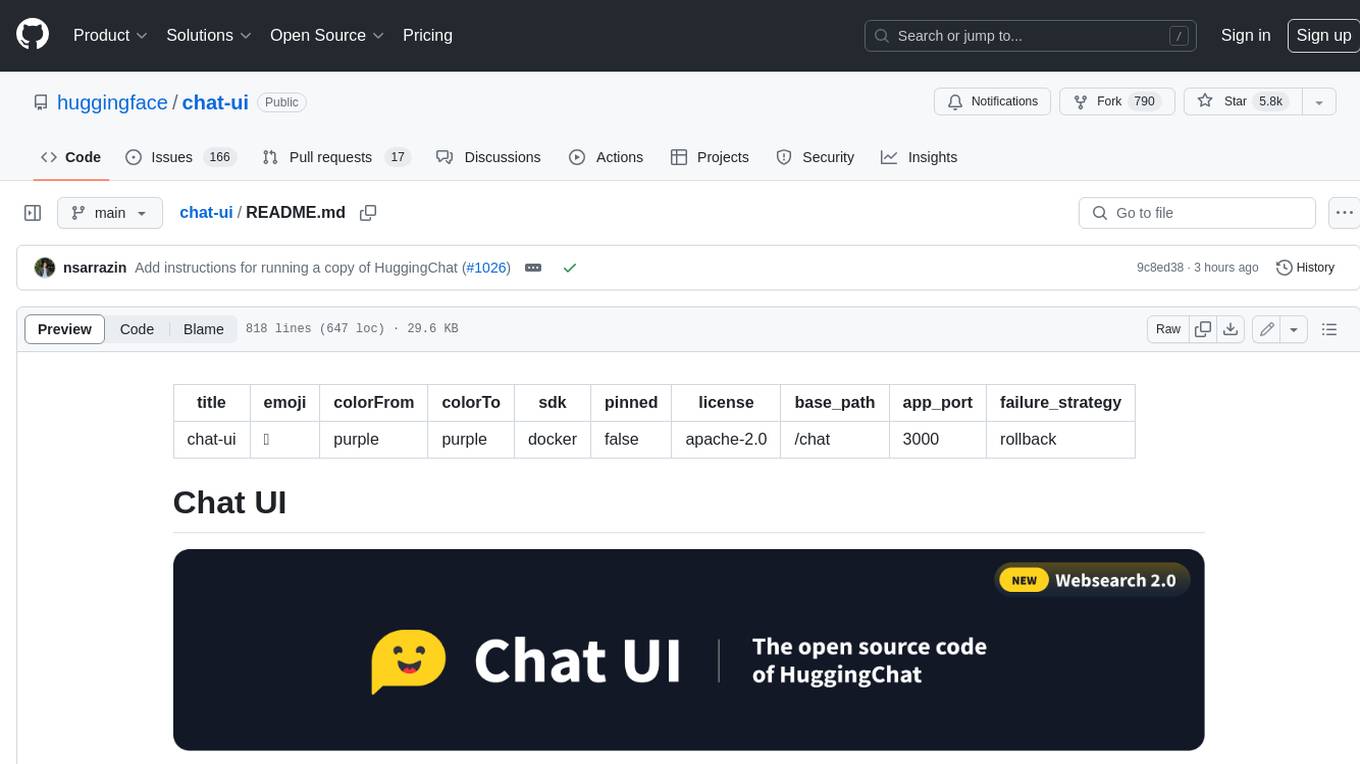
chat-ui
A chat interface using open source models, eg OpenAssistant or Llama. It is a SvelteKit app and it powers the HuggingChat app on hf.co/chat.
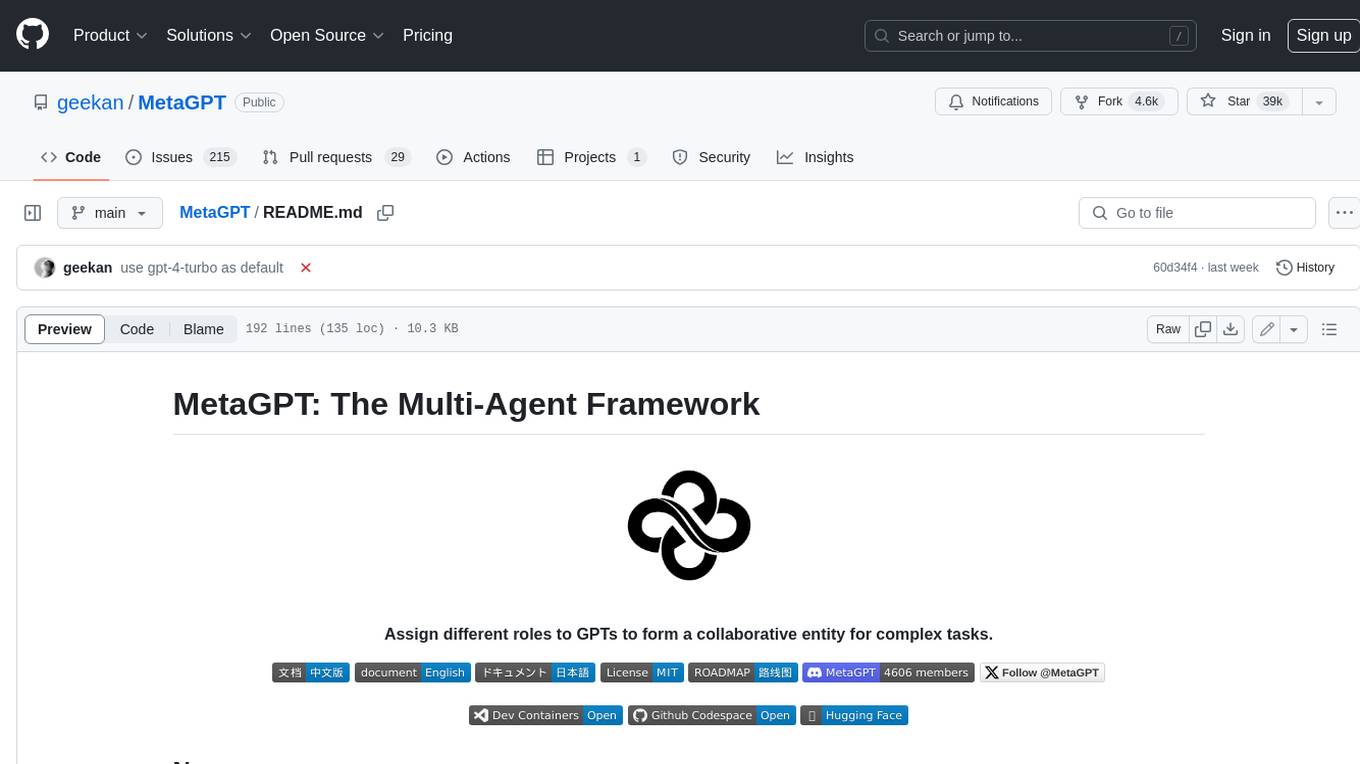
MetaGPT
MetaGPT is a multi-agent framework that enables GPT to work in a software company, collaborating to tackle more complex tasks. It assigns different roles to GPTs to form a collaborative entity for complex tasks. MetaGPT takes a one-line requirement as input and outputs user stories, competitive analysis, requirements, data structures, APIs, documents, etc. Internally, MetaGPT includes product managers, architects, project managers, and engineers. It provides the entire process of a software company along with carefully orchestrated SOPs. MetaGPT's core philosophy is "Code = SOP(Team)", materializing SOP and applying it to teams composed of LLMs.
For similar jobs

sweep
Sweep is an AI junior developer that turns bugs and feature requests into code changes. It automatically handles developer experience improvements like adding type hints and improving test coverage.

teams-ai
The Teams AI Library is a software development kit (SDK) that helps developers create bots that can interact with Teams and Microsoft 365 applications. It is built on top of the Bot Framework SDK and simplifies the process of developing bots that interact with Teams' artificial intelligence capabilities. The SDK is available for JavaScript/TypeScript, .NET, and Python.
ai-guide
This guide is dedicated to Large Language Models (LLMs) that you can run on your home computer. It assumes your PC is a lower-end, non-gaming setup.

classifai
Supercharge WordPress Content Workflows and Engagement with Artificial Intelligence. Tap into leading cloud-based services like OpenAI, Microsoft Azure AI, Google Gemini and IBM Watson to augment your WordPress-powered websites. Publish content faster while improving SEO performance and increasing audience engagement. ClassifAI integrates Artificial Intelligence and Machine Learning technologies to lighten your workload and eliminate tedious tasks, giving you more time to create original content that matters.

chatbot-ui
Chatbot UI is an open-source AI chat app that allows users to create and deploy their own AI chatbots. It is easy to use and can be customized to fit any need. Chatbot UI is perfect for businesses, developers, and anyone who wants to create a chatbot.

BricksLLM
BricksLLM is a cloud native AI gateway written in Go. Currently, it provides native support for OpenAI, Anthropic, Azure OpenAI and vLLM. BricksLLM aims to provide enterprise level infrastructure that can power any LLM production use cases. Here are some use cases for BricksLLM: * Set LLM usage limits for users on different pricing tiers * Track LLM usage on a per user and per organization basis * Block or redact requests containing PIIs * Improve LLM reliability with failovers, retries and caching * Distribute API keys with rate limits and cost limits for internal development/production use cases * Distribute API keys with rate limits and cost limits for students

uAgents
uAgents is a Python library developed by Fetch.ai that allows for the creation of autonomous AI agents. These agents can perform various tasks on a schedule or take action on various events. uAgents are easy to create and manage, and they are connected to a fast-growing network of other uAgents. They are also secure, with cryptographically secured messages and wallets.

griptape
Griptape is a modular Python framework for building AI-powered applications that securely connect to your enterprise data and APIs. It offers developers the ability to maintain control and flexibility at every step. Griptape's core components include Structures (Agents, Pipelines, and Workflows), Tasks, Tools, Memory (Conversation Memory, Task Memory, and Meta Memory), Drivers (Prompt and Embedding Drivers, Vector Store Drivers, Image Generation Drivers, Image Query Drivers, SQL Drivers, Web Scraper Drivers, and Conversation Memory Drivers), Engines (Query Engines, Extraction Engines, Summary Engines, Image Generation Engines, and Image Query Engines), and additional components (Rulesets, Loaders, Artifacts, Chunkers, and Tokenizers). Griptape enables developers to create AI-powered applications with ease and efficiency.