


lumen
Instant AI Git Commit message, Git changes summary from the CLI (no API key required)
Stars: 681
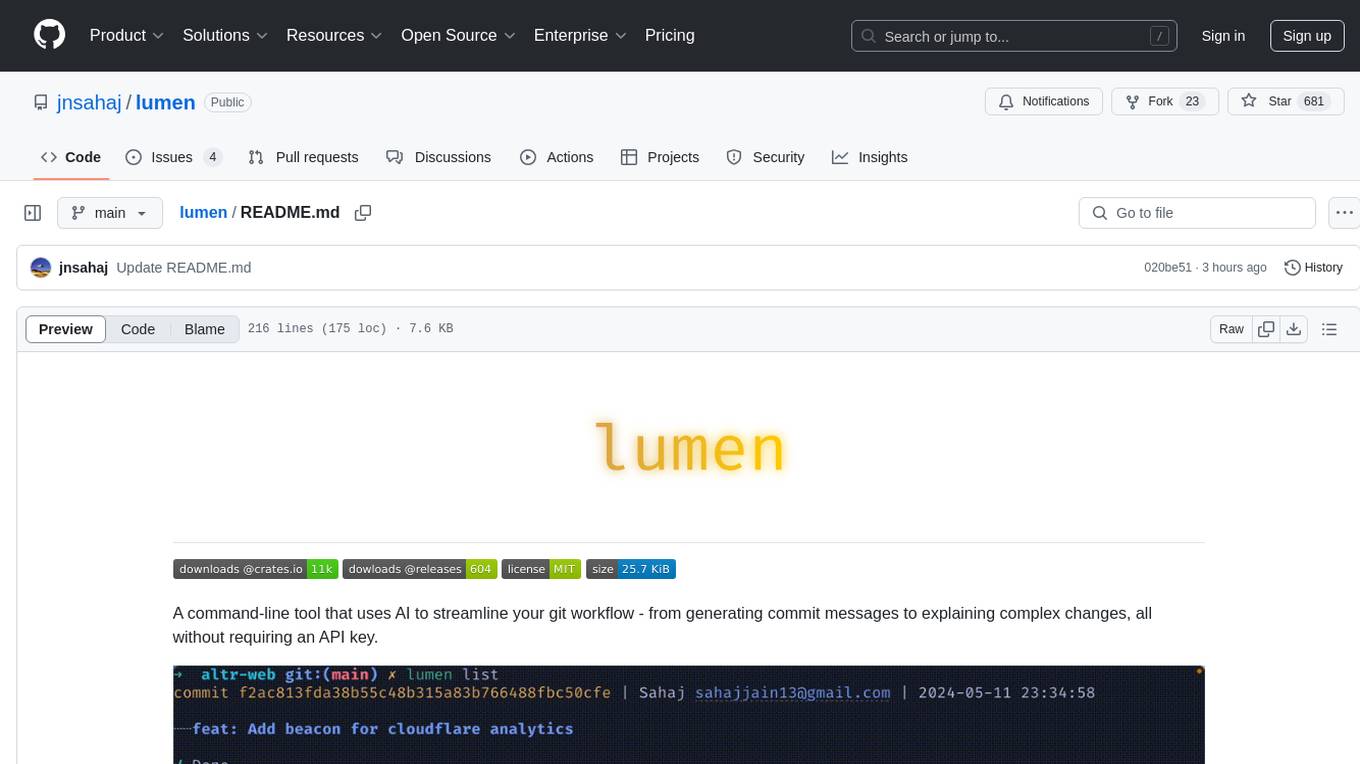
Lumen is a command-line tool that leverages AI to enhance your git workflow. It assists in generating commit messages, understanding changes, interactive searching, and analyzing impacts without the need for an API key. With smart commit messages, git history insights, interactive search, change analysis, and rich markdown output, Lumen offers a seamless and flexible experience for users across various git workflows.
README:



A command-line tool that uses AI to streamline your git workflow - from generating commit messages to explaining complex changes, all without requiring an API key.
- Smart Commit Messages: Generate conventional commit messages for your staged changes
- Git History Insights: Understand what changed in any commit, branch, or your current work
- Interactive Search: Find and explore commits using fuzzy search
- Change Analysis: Ask questions about specific changes and their impact
- Zero Config: Works instantly without an API key, using Phind by default
- Flexible: Works with any git workflow and supports multiple AI providers
- Rich Output: Markdown support for readable explanations and diffs (requires: mdcat)
Before you begin, ensure you have:
-
gitinstalled on your system -
fzf (optional) - Required for
lumen listcommand - mdcat (optional) - Required for pretty output formatting
brew install jnsahaj/lumen/lumen[!IMPORTANT]
cargois a package manager forrust, and is installed automatically when you installrust. See installation guide
cargo install lumenCreate meaningful commit messages for your staged changes:
# Basic usage - generates a commit message based on staged changes
lumen draft
# Output: "feat(button.tsx): Update button color to blue"

# Add context for more meaningful messages
lumen draft --context "match brand guidelines"
# Output: "feat(button.tsx): Update button color to align with brand identity guidelines"Understand what changed and why:
# Explain current changes in your working directory
lumen explain --diff                  # All changes
lumen explain --diff --staged         # Only staged changes

# Explain specific commits
lumen explain HEAD                    # Latest commit
lumen explain abc123f                 # Specific commit
lumen explain HEAD~3..HEAD            # Last 3 commits
lumen explain main..feature/A         # Branch comparison
lumen explain main...feature/A        # Branch comparison (merge base)

# Ask specific questions about changes
lumen explain --diff --query "What's the performance impact of these changes?"
lumen explain HEAD --query "What are the potential side effects?"# Launch interactive fuzzy finder to search through commits (requires: fzf)
lumen list# Copy commit message to clipboard
lumen draft | pbcopy # macOS
lumen draft | xclip -selection c # Linux
# View the commit message and copy it
lumen draft | tee >(pbcopy)
# Open in your favorite editor
lumen draft | code -
# Directly commit using the generated message
lumen draft | git commit -F - Configure your preferred AI provider:
# Using CLI arguments
lumen -p openai -k "your-api-key" -m "gpt-4o" draft

# Using environment variables
export LUMEN_AI_PROVIDER="openai"
export LUMEN_API_KEY="your-api-key"
export LUMEN_AI_MODEL="gpt-4o"| Provider | API Key Required | Models |
|---|---|---|
Phind phind (Default) |
No | Phind-70B |
Groq groq
|
Yes (free) |
llama2-70b-4096, mixtral-8x7b-32768 (default: mixtral-8x7b-32768) |
OpenAI openai
|
Yes |
gpt-4o, gpt-4o-mini, gpt-4, gpt-3.5-turbo (default: gpt-4o-mini) |
Claude claude
|
Yes |
see list (default: claude-3-5-sonnet-20241022) |
Ollama ollama
|
No (local) | see list (required) |
OpenRouter openrouter
|
Yes |
see list (default: anthropic/claude-3.5-sonnet) |
Create a lumen.config.json at your project root or specify a custom path with --config:
{
  "provider": "openai",
  "model": "gpt-4o",
  "api_key": "sk-xxxxxxxxxxxxxxxxxxxxxxxxxxxxxxxxxxxxxxx",
  "draft": {
    "commit_types": {
      "docs": "Documentation only changes",
      "style": "Changes that do not affect the meaning of the code",
      "refactor": "A code change that neither fixes a bug nor adds a feature",
      "perf": "A code change that improves performance",
      "test": "Adding missing tests or correcting existing tests",
      "build": "Changes that affect the build system or external dependencies",
      "ci": "Changes to our CI configuration files and scripts",
      "chore": "Other changes that don't modify src or test files",
      "revert": "Reverts a previous commit",
      "feat": "A new feature",
      "fix": "A bug fix"
    }
  }
}Options are applied in the following order (highest to lowest priority):
- CLI Flags
- Configuration File
- Environment Variables
- Default options
Example: Using different providers for different projects:
# Set global defaults in .zshrc/.bashrc
export LUMEN_AI_PROVIDER="openai"
export LUMEN_AI_MODEL="gpt-4o"
export LUMEN_API_KEY="sk-xxxxxxxxxxxxxxxxxxxxxxxx"

# Override per project using config file
{
  "provider": "ollama",
  "model": "llama3.2"
}

# Or override using CLI flags
lumen -p "ollama" -m "llama3.2" draft
For Tasks:
Click tags to check more tools for each tasksFor Jobs:
Alternative AI tools for lumen
Similar Open Source Tools
lumen
Lumen is a command-line tool that leverages AI to enhance your git workflow. It assists in generating commit messages, understanding changes, interactive searching, and analyzing impacts without the need for an API key. With smart commit messages, git history insights, interactive search, change analysis, and rich markdown output, Lumen offers a seamless and flexible experience for users across various git workflows.
dotnet-slopwatch
Slopwatch is a .NET tool designed to detect LLM 'reward hacking' behaviors in code changes. It runs as a Claude Code hook or in CI/CD pipelines to catch when AI coding assistants take shortcuts instead of properly fixing issues. Slopwatch identifies patterns such as disabling tests, suppressing warnings, swallowing exceptions, adding delays, project-level warning suppression, and bypassing central package management. By analyzing code changes, Slopwatch helps prevent these shortcuts from making it into the codebase, ensuring code quality and adherence to best practices.
ai-gateway
LangDB AI Gateway is an open-source enterprise AI gateway built in Rust. It provides a unified interface to all LLMs using the OpenAI API format, focusing on high performance, enterprise readiness, and data control. The gateway offers features like comprehensive usage analytics, cost tracking, rate limiting, data ownership, and detailed logging. It supports various LLM providers and provides OpenAI-compatible endpoints for chat completions, model listing, embeddings generation, and image generation. Users can configure advanced settings, such as rate limiting, cost control, dynamic model routing, and observability with OpenTelemetry tracing. The gateway can be run with Docker Compose and integrated with MCP tools for server communication.
agentpress
AgentPress is a collection of simple but powerful utilities that serve as building blocks for creating AI agents. It includes core components for managing threads, registering tools, processing responses, state management, and utilizing LLMs. The tool provides a modular architecture for handling messages, LLM API calls, response processing, tool execution, and results management. Users can easily set up the environment, create custom tools with OpenAPI or XML schema, and manage conversation threads with real-time interaction. AgentPress aims to be agnostic, simple, and flexible, allowing users to customize and extend functionalities as needed.
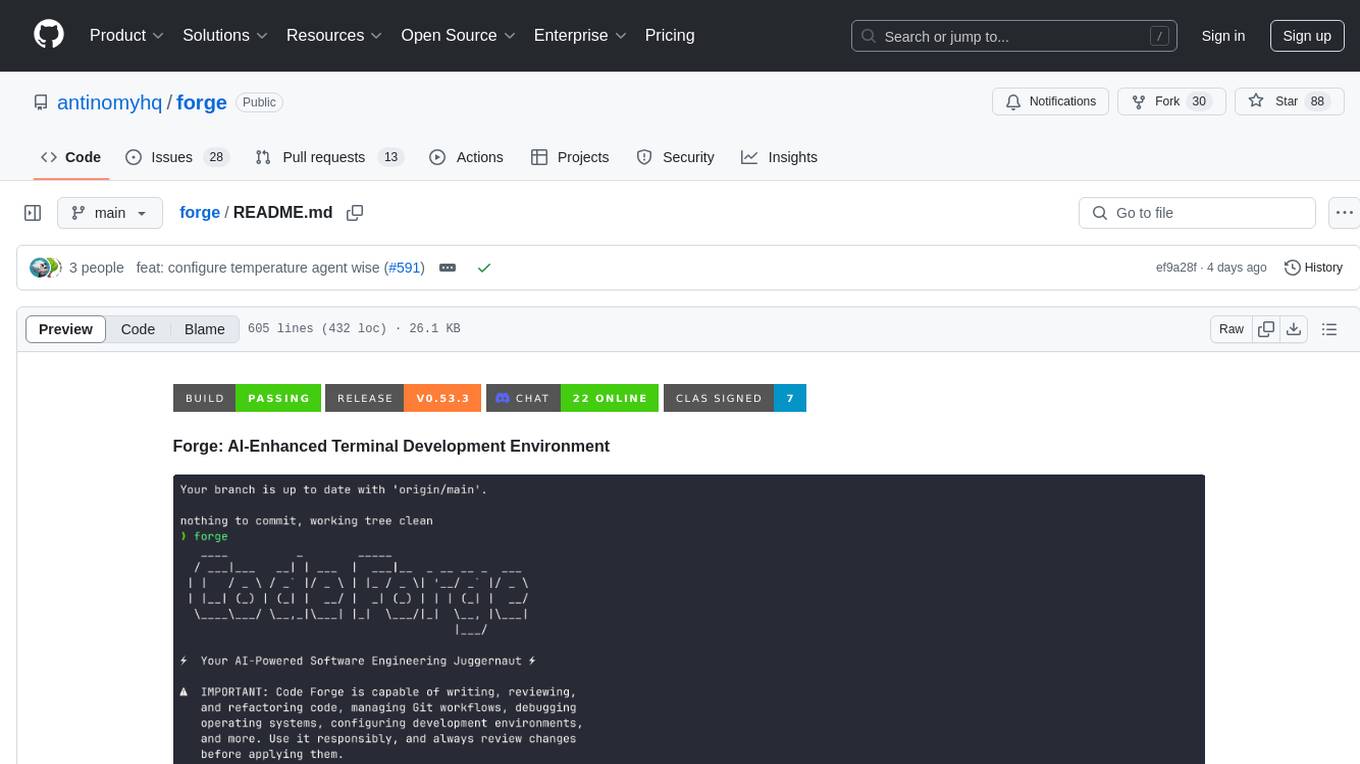
forge
Forge is a powerful open-source tool for building modern web applications. It provides a simple and intuitive interface for developers to quickly scaffold and deploy projects. With Forge, you can easily create custom components, manage dependencies, and streamline your development workflow. Whether you are a beginner or an experienced developer, Forge offers a flexible and efficient solution for your web development needs.
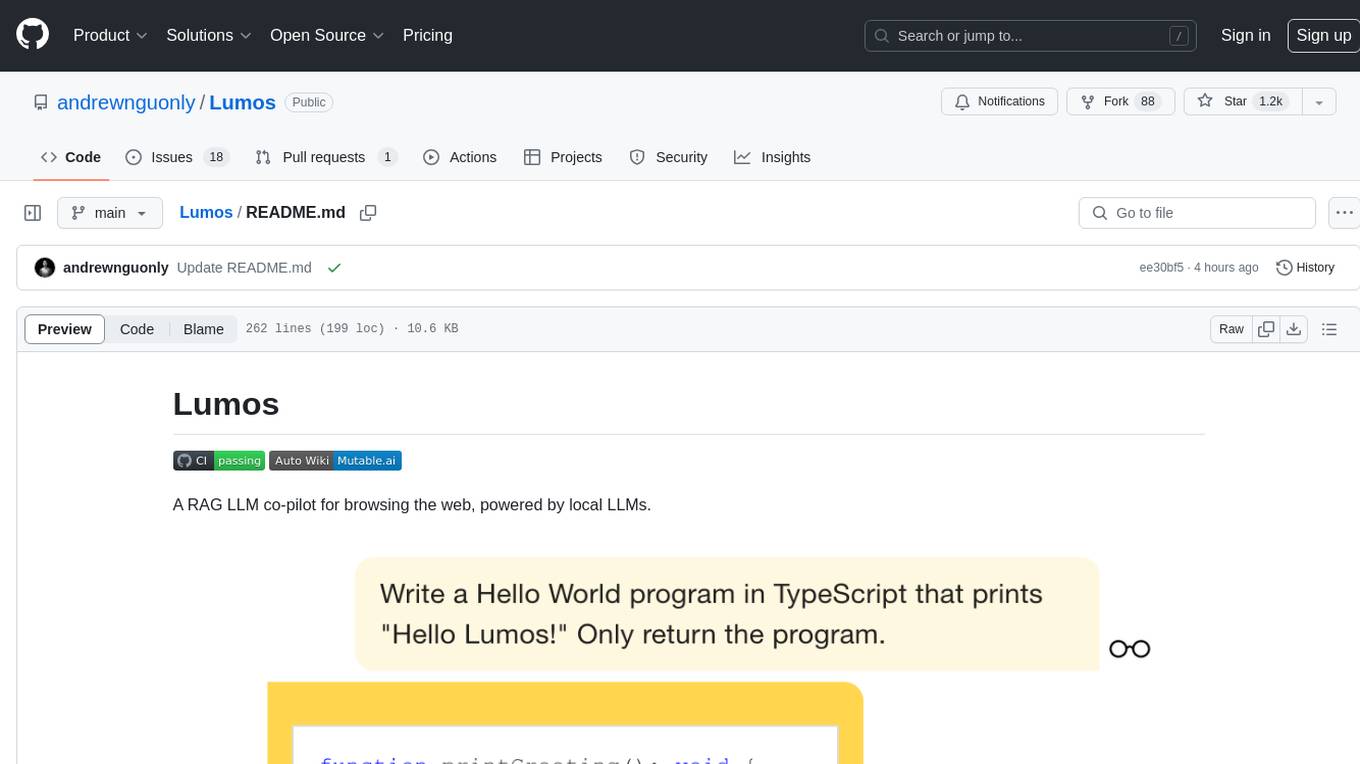
Lumos
Lumos is a Chrome extension powered by a local LLM co-pilot for browsing the web. It allows users to summarize long threads, news articles, and technical documentation. Users can ask questions about reviews and product pages. The tool requires a local Ollama server for LLM inference and embedding database. Lumos supports multimodal models and file attachments for processing text and image content. It also provides options to customize models, hosts, and content parsers. The extension can be easily accessed through keyboard shortcuts and offers tools for automatic invocation based on prompts.
instructor
Instructor is a popular Python library for managing structured outputs from large language models (LLMs). It offers a user-friendly API for validation, retries, and streaming responses. With support for various LLM providers and multiple languages, Instructor simplifies working with LLM outputs. The library includes features like response models, retry management, validation, streaming support, and flexible backends. It also provides hooks for logging and monitoring LLM interactions, and supports integration with Anthropic, Cohere, Gemini, Litellm, and Google AI models. Instructor facilitates tasks such as extracting user data from natural language, creating fine-tuned models, managing uploaded files, and monitoring usage of OpenAI models.
metis
Metis is an open-source, AI-driven tool for deep security code review, created by Arm's Product Security Team. It helps engineers detect subtle vulnerabilities, improve secure coding practices, and reduce review fatigue. Metis uses LLMs for semantic understanding and reasoning, RAG for context-aware reviews, and supports multiple languages and vector store backends. It provides a plugin-friendly and extensible architecture, named after the Greek goddess of wisdom, Metis. The tool is designed for large, complex, or legacy codebases where traditional tooling falls short.
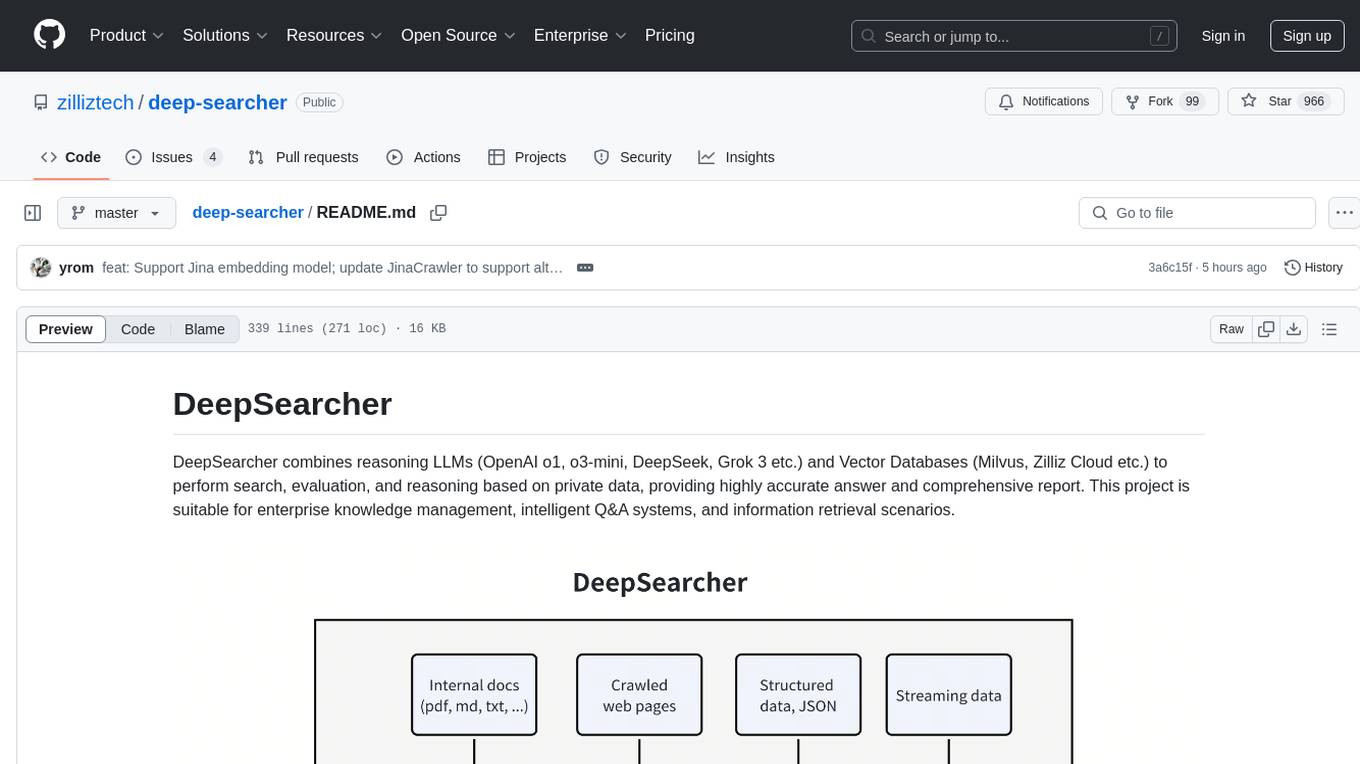
deep-searcher
DeepSearcher is a tool that combines reasoning LLMs and Vector Databases to perform search, evaluation, and reasoning based on private data. It is suitable for enterprise knowledge management, intelligent Q&A systems, and information retrieval scenarios. The tool maximizes the utilization of enterprise internal data while ensuring data security, supports multiple embedding models, and provides support for multiple LLMs for intelligent Q&A and content generation. It also includes features like private data search, vector database management, and document loading with web crawling capabilities under development.
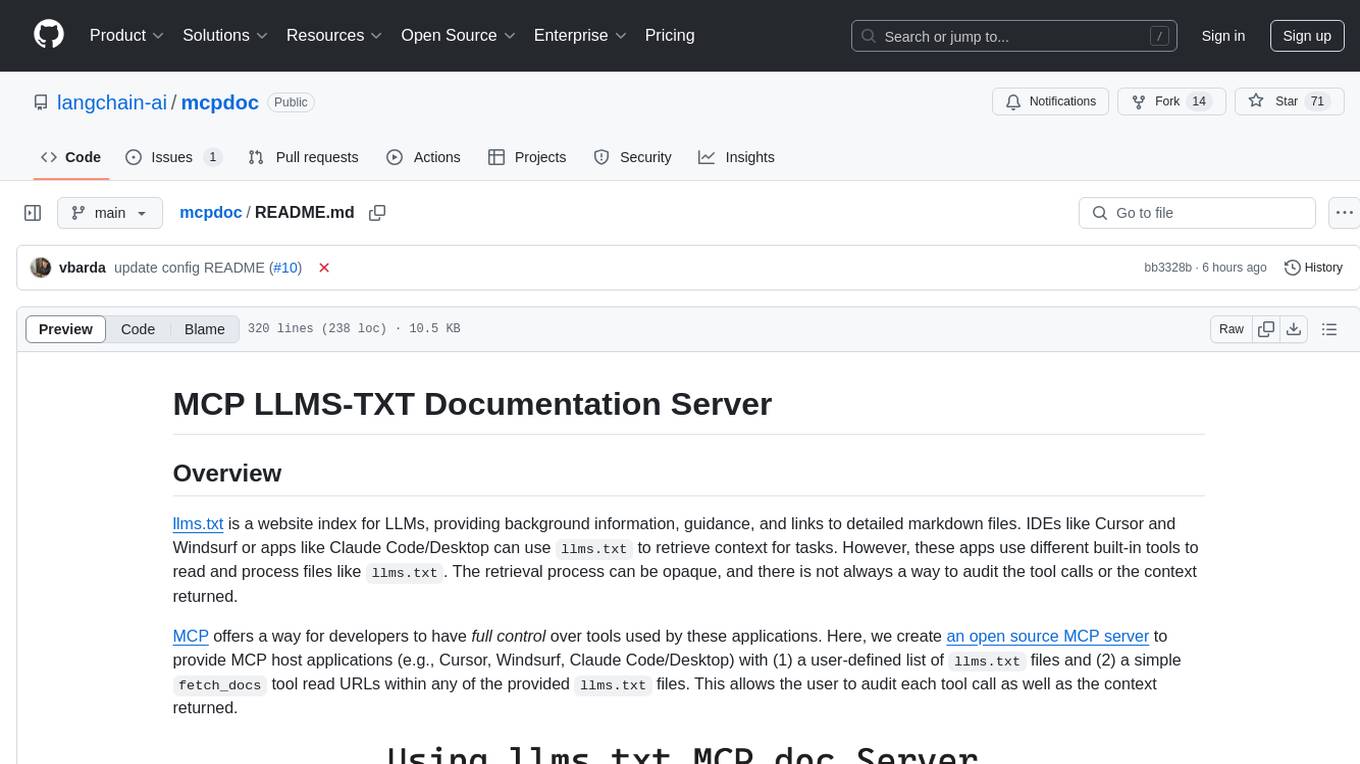
mcpdoc
The MCP LLMS-TXT Documentation Server is an open-source server that provides developers full control over tools used by applications like Cursor, Windsurf, and Claude Code/Desktop. It allows users to create a user-defined list of `llms.txt` files and use a `fetch_docs` tool to read URLs within these files, enabling auditing of tool calls and context returned. The server supports various applications and provides a way to connect to them, configure rules, and test tool calls for tasks related to documentation retrieval and processing.
bot-on-anything
The 'bot-on-anything' repository allows developers to integrate various AI models into messaging applications, enabling the creation of intelligent chatbots. By configuring the connections between models and applications, developers can easily switch between multiple channels within a project. The architecture is highly scalable, allowing the reuse of algorithmic capabilities for each new application and model integration. Supported models include ChatGPT, GPT-3.0, New Bing, and Google Bard, while supported applications range from terminals and web platforms to messaging apps like WeChat, Telegram, QQ, and more. The repository provides detailed instructions for setting up the environment, configuring the models and channels, and running the chatbot for various tasks across different messaging platforms.
swarmzero
SwarmZero SDK is a library that simplifies the creation and execution of AI Agents and Swarms of Agents. It supports various LLM Providers such as OpenAI, Azure OpenAI, Anthropic, MistralAI, Gemini, Nebius, and Ollama. Users can easily install the library using pip or poetry, set up the environment and configuration, create and run Agents, collaborate with Swarms, add tools for complex tasks, and utilize retriever tools for semantic information retrieval. Sample prompts are provided to help users explore the capabilities of the agents and swarms. The SDK also includes detailed examples and documentation for reference.
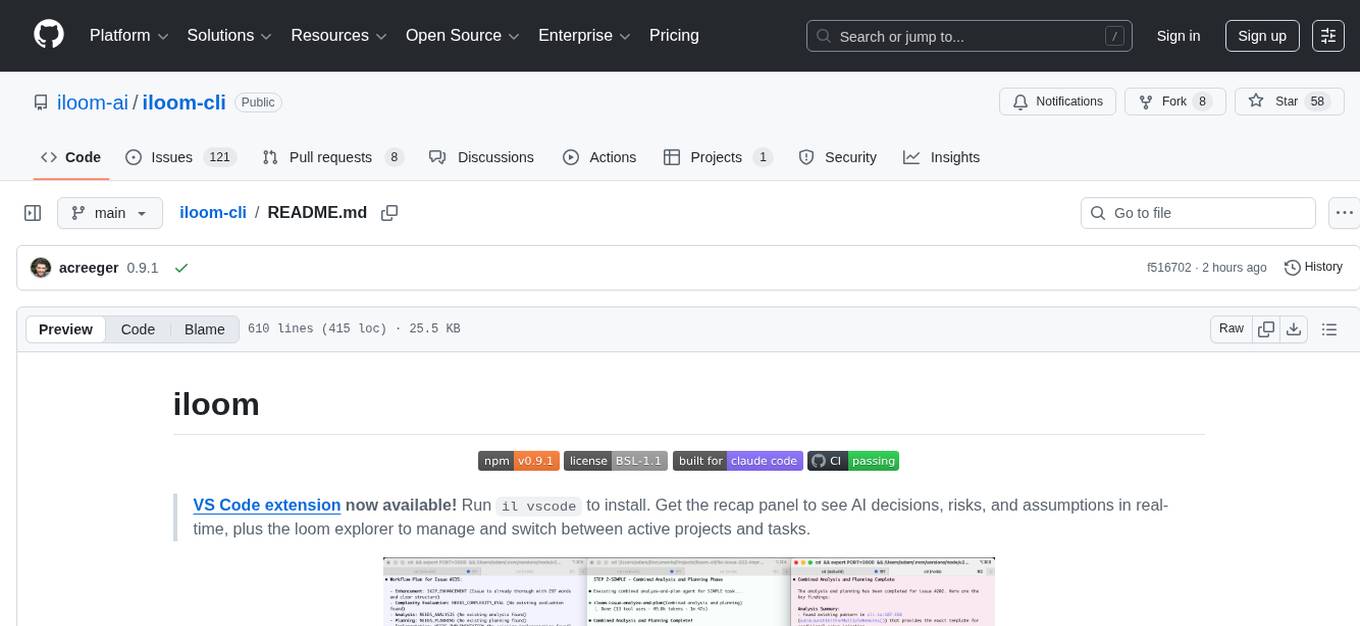
iloom-cli
iloom is a tool designed to streamline AI-assisted development by focusing on maintaining alignment between human developers and AI agents. It treats context as a first-class concern, persisting AI reasoning in issue comments rather than temporary chats. The tool allows users to collaborate with AI agents in an isolated environment, switch between complex features without losing context, document AI decisions publicly, and capture key insights and lessons learned from AI sessions. iloom is not just a tool for managing git worktrees, but a control plane for maintaining alignment between users and their AI assistants.
ruby_llm-monitoring
RubyLLM::Monitoring is a tool designed to monitor the LLM (Live-Link Monitoring) usage within a Rails application. It provides a dashboard to display metrics such as Throughput, Cost, Response Time, and Error Rate. Users can customize the displayed metrics and add their own custom metrics. The tool also supports setting up alerts based on predefined conditions, such as monitoring cost and errors. Authentication and authorization are left to the user, allowing for flexibility in securing the monitoring dashboard. Overall, RubyLLM::Monitoring aims to provide a comprehensive solution for monitoring and analyzing the performance of a Rails application.
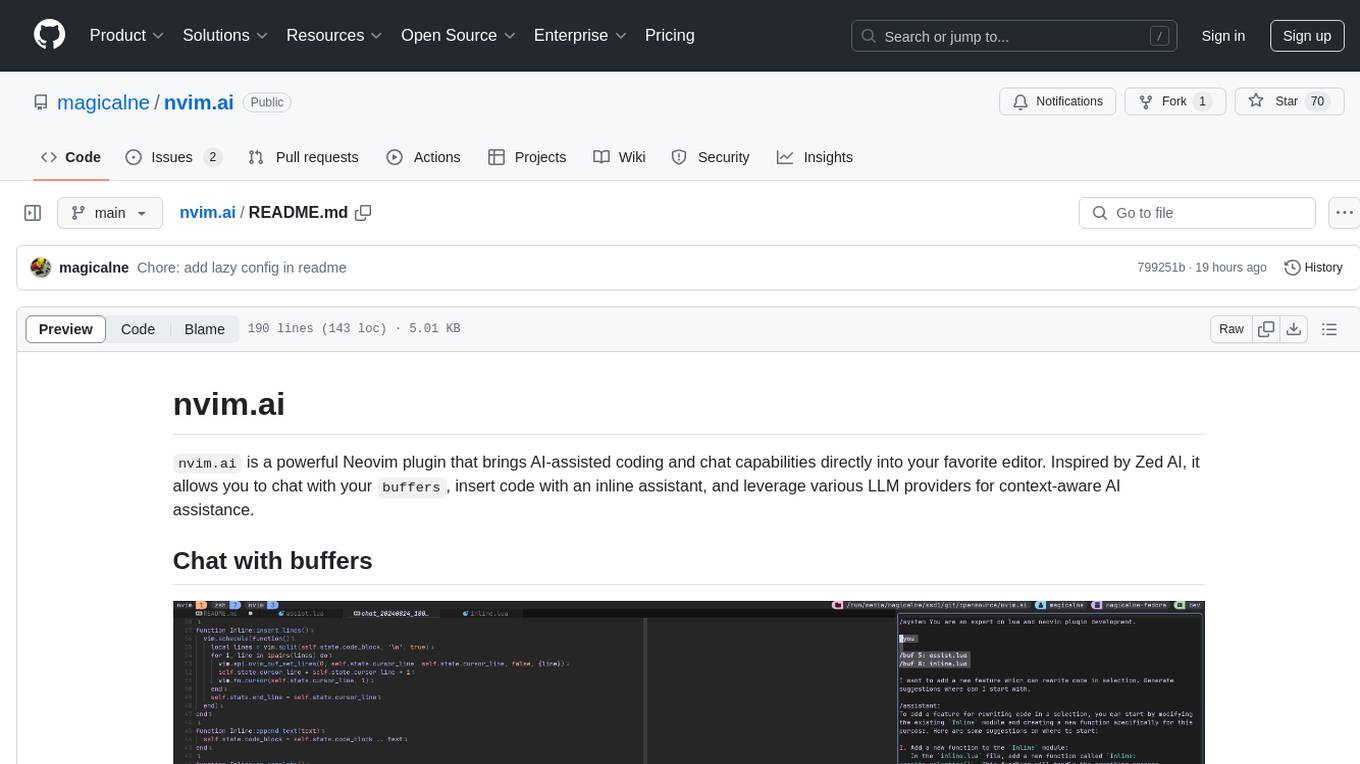
nvim.ai
nvim.ai is a powerful Neovim plugin that enables AI-assisted coding and chat capabilities within the editor. Users can chat with buffers, insert code with an inline assistant, and utilize various LLM providers for context-aware AI assistance. The plugin supports features like interacting with AI about code and documents, receiving relevant help based on current work, code insertion, code rewriting (Work in Progress), and integration with multiple LLM providers. Users can configure the plugin, add API keys to dotfiles, and integrate with nvim-cmp for command autocompletion. Keymaps are available for chat and inline assist functionalities. The chat dialog allows parsing content with keywords and supports roles like /system, /you, and /assistant. Context-aware assistance can be accessed through inline assist by inserting code blocks anywhere in the file.
sonarqube-mcp-server
The SonarQube MCP Server is a Model Context Protocol (MCP) server that enables seamless integration with SonarQube Server or Cloud for code quality and security. It supports the analysis of code snippets directly within the agent context. The server provides various tools for analyzing code, managing issues, accessing metrics, and interacting with SonarQube projects. It also supports advanced features like dependency risk analysis, enterprise portfolio management, and system health checks. The server can be configured for different transport modes, proxy settings, and custom certificates. Telemetry data collection can be disabled if needed.
For similar tasks
lumen
Lumen is a command-line tool that leverages AI to enhance your git workflow. It assists in generating commit messages, understanding changes, interactive searching, and analyzing impacts without the need for an API key. With smart commit messages, git history insights, interactive search, change analysis, and rich markdown output, Lumen offers a seamless and flexible experience for users across various git workflows.
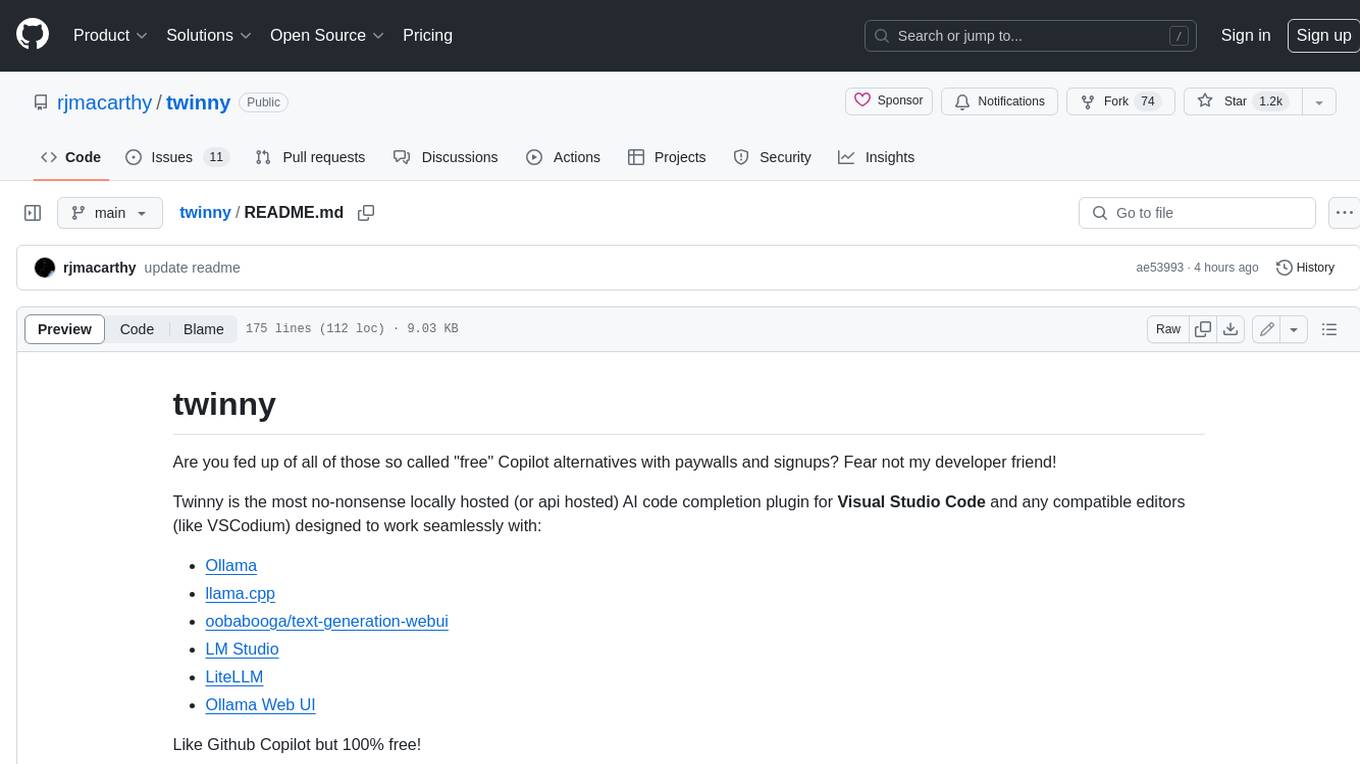
twinny
Twinny is a free and open-source AI code completion plugin for Visual Studio Code and compatible editors. It integrates with various tools and frameworks, including Ollama, llama.cpp, oobabooga/text-generation-webui, LM Studio, LiteLLM, and Open WebUI. Twinny offers features such as fill-in-the-middle code completion, chat with AI about your code, customizable API endpoints, and support for single or multiline fill-in-middle completions. It is easy to install via the Visual Studio Code extensions marketplace and provides a range of customization options. Twinny supports both online and offline operation and conforms to the OpenAI API standard.
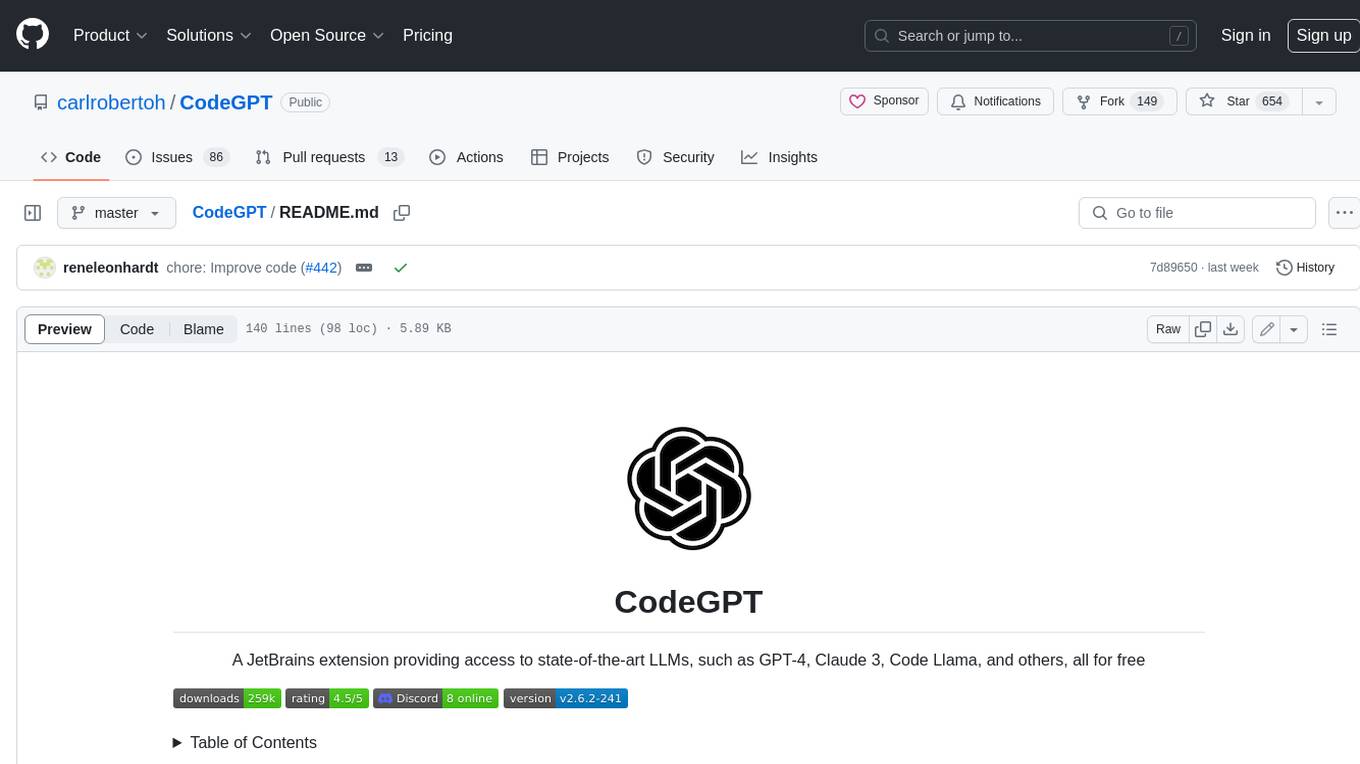
CodeGPT
CodeGPT is an extension for JetBrains IDEs that provides access to state-of-the-art large language models (LLMs) for coding assistance. It offers a range of features to enhance the coding experience, including code completions, a ChatGPT-like interface for instant coding advice, commit message generation, reference file support, name suggestions, and offline development support. CodeGPT is designed to keep privacy in mind, ensuring that user data remains secure and private.
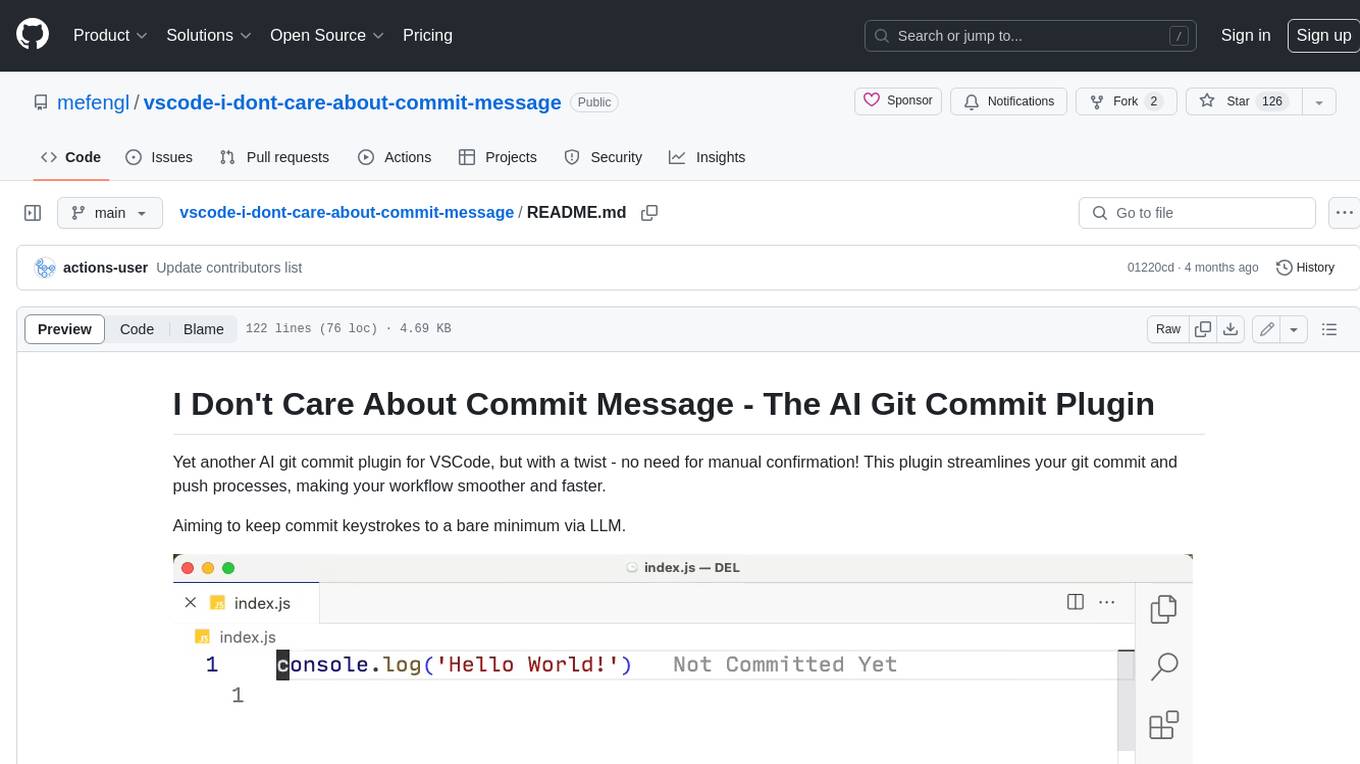
vscode-i-dont-care-about-commit-message
This AI-powered git commit plugin for VSCode streamlines your commit and push processes, eliminating the need for manual confirmation. With a focus on minimizing keystrokes, the plugin leverages LLM to generate commit messages and automate the entire process. Key features include AI-assisted git commit and push, eliminating the need for the 'git add .' command, and customizable OpenAI model selection. The plugin supports multiple languages, making it accessible to developers worldwide. Additionally, it offers advanced settings for specifying the OpenAI API key, base URL, and conventional commit format. Developers can contribute to the project by following the provided development instructions.
ai-commits-intellij-plugin
AI Commits is a plugin for IntelliJ-based IDEs and Android Studio that generates commit messages using git diff and OpenAI. It offers features such as generating commit messages from diff using OpenAI API, computing diff only from selected files and lines in the commit dialog, creating custom prompts for commit message generation, using predefined variables and hints to customize prompts, choosing any of the models available in OpenAI API, setting OpenAI network proxy, and setting custom OpenAI compatible API endpoint.
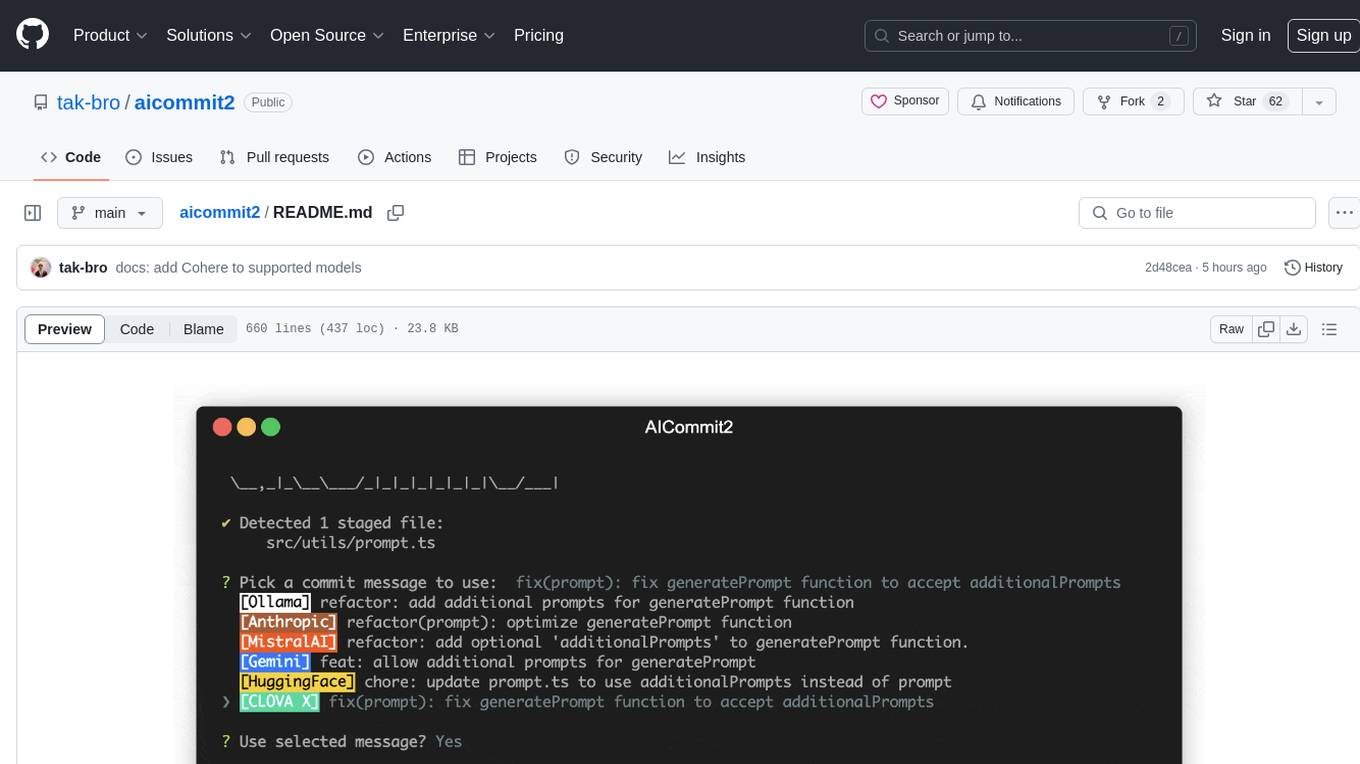
aicommit2
AICommit2 is a Reactive CLI tool that streamlines interactions with various AI providers such as OpenAI, Anthropic Claude, Gemini, Mistral AI, Cohere, and unofficial providers like Huggingface and Clova X. Users can request multiple AI simultaneously to generate git commit messages without waiting for all AI responses. The tool runs 'git diff' to grab code changes, sends them to configured AI, and returns the AI-generated commit message. Users can set API keys or Cookies for different providers and configure options like locale, generate number of messages, commit type, proxy, timeout, max-length, and more. AICommit2 can be used both locally with Ollama and remotely with supported providers, offering flexibility and efficiency in generating commit messages.
lobe-cli-toolbox
Lobe CLI Toolbox is an AI CLI Toolbox designed to enhance git commit and i18n workflow efficiency. It includes tools like Lobe Commit for generating Gitmoji-based commit messages and Lobe i18n for automating the i18n translation process. The toolbox also features Lobe label for automatically copying issues labels from a template repo. It supports features such as automatic splitting of large files, incremental updates, and customization options for the OpenAI model, API proxy, and temperature.
opencommit
OpenCommit is a tool that auto-generates meaningful commits using AI, allowing users to quickly create commit messages for their staged changes. It provides a CLI interface for easy usage and supports customization of commit descriptions, emojis, and AI models. Users can configure local and global settings, switch between different AI providers, and set up Git hooks for integration with IDE Source Control. Additionally, OpenCommit can be used as a GitHub Action to automatically improve commit messages on push events, ensuring all commits are meaningful and not generic. Payments for OpenAI API requests are handled by the user, with the tool storing API keys locally.
For similar jobs

sweep
Sweep is an AI junior developer that turns bugs and feature requests into code changes. It automatically handles developer experience improvements like adding type hints and improving test coverage.

teams-ai
The Teams AI Library is a software development kit (SDK) that helps developers create bots that can interact with Teams and Microsoft 365 applications. It is built on top of the Bot Framework SDK and simplifies the process of developing bots that interact with Teams' artificial intelligence capabilities. The SDK is available for JavaScript/TypeScript, .NET, and Python.

ai-guide
This guide is dedicated to Large Language Models (LLMs) that you can run on your home computer. It assumes your PC is a lower-end, non-gaming setup.

classifai
Supercharge WordPress Content Workflows and Engagement with Artificial Intelligence. Tap into leading cloud-based services like OpenAI, Microsoft Azure AI, Google Gemini and IBM Watson to augment your WordPress-powered websites. Publish content faster while improving SEO performance and increasing audience engagement. ClassifAI integrates Artificial Intelligence and Machine Learning technologies to lighten your workload and eliminate tedious tasks, giving you more time to create original content that matters.

chatbot-ui
Chatbot UI is an open-source AI chat app that allows users to create and deploy their own AI chatbots. It is easy to use and can be customized to fit any need. Chatbot UI is perfect for businesses, developers, and anyone who wants to create a chatbot.

BricksLLM
BricksLLM is a cloud native AI gateway written in Go. Currently, it provides native support for OpenAI, Anthropic, Azure OpenAI and vLLM. BricksLLM aims to provide enterprise level infrastructure that can power any LLM production use cases. Here are some use cases for BricksLLM: * Set LLM usage limits for users on different pricing tiers * Track LLM usage on a per user and per organization basis * Block or redact requests containing PIIs * Improve LLM reliability with failovers, retries and caching * Distribute API keys with rate limits and cost limits for internal development/production use cases * Distribute API keys with rate limits and cost limits for students

uAgents
uAgents is a Python library developed by Fetch.ai that allows for the creation of autonomous AI agents. These agents can perform various tasks on a schedule or take action on various events. uAgents are easy to create and manage, and they are connected to a fast-growing network of other uAgents. They are also secure, with cryptographically secured messages and wallets.

griptape
Griptape is a modular Python framework for building AI-powered applications that securely connect to your enterprise data and APIs. It offers developers the ability to maintain control and flexibility at every step. Griptape's core components include Structures (Agents, Pipelines, and Workflows), Tasks, Tools, Memory (Conversation Memory, Task Memory, and Meta Memory), Drivers (Prompt and Embedding Drivers, Vector Store Drivers, Image Generation Drivers, Image Query Drivers, SQL Drivers, Web Scraper Drivers, and Conversation Memory Drivers), Engines (Query Engines, Extraction Engines, Summary Engines, Image Generation Engines, and Image Query Engines), and additional components (Rulesets, Loaders, Artifacts, Chunkers, and Tokenizers). Griptape enables developers to create AI-powered applications with ease and efficiency.