


metis
Metis is an open-source, AI-driven tool for deep security code review
Stars: 470
Metis is an open-source, AI-driven tool for deep security code review, created by Arm's Product Security Team. It helps engineers detect subtle vulnerabilities, improve secure coding practices, and reduce review fatigue. Metis uses LLMs for semantic understanding and reasoning, RAG for context-aware reviews, and supports multiple languages and vector store backends. It provides a plugin-friendly and extensible architecture, named after the Greek goddess of wisdom, Metis. The tool is designed for large, complex, or legacy codebases where traditional tooling falls short.
README:






Metis is an open-source, AI-driven tool for deep security code review, created by Arm's Product Security Team. It helps engineers detect subtle vulnerabilities, improve secure coding practices, and reduce review fatigue. This is especially valuable in large, complex, or legacy codebases where traditional tooling often falls short.
The tool is named after Metis, the Greek goddess of wisdom, deep thought and counsel.
-
Deep Reasoning Unlike linters or traditional static analysis tools, Metis doesn’t rely on hardcoded rules. It uses LLMs capable of semantic understanding and reasoning.
-
Context-Aware Reviews RAG ensures that the model has access to broader code context and related logic, resulting in more accurate and actionable suggestions.
-
Plugin-Friendly and Extensible Designed with extensibility in mind: support for additional languages, models, and new prompts is straightforward.
-
Provider Flexibility Works with OpenAI and other OpenAI-compatible endpoints (vLLM, Ollama, LiteLLM etc.). See the vLLM guide and the Ollama guide for local setup examples.

Metis includes support for the following languages:
| Language | Status | Notes |
|---|---|---|
| C | Stable | Built-in plugin |
| C++ | Stable | Built-in plugin |
| Python | Stable | Built-in plugin |
| Rust | Stable | Built-in plugin |
| TypeScript | Stable | Built-in plugin |
| Terraform | Stable | Built-in plugin |
| Go | Stable | Built-in plugin |
| Solidity | Stable | Built-in plugin |
| TableGen | Stable | Built-in plugin |
Metis uses a plugin-based language system, making it easy to extend support to additional languages.
It also supports multiple vector store backends, including PostgreSQL with pgvector and ChromaDB.
By default, Metis uses ChromaDB for local, no-setup usage. You can also use PostgreSQL (with pgvector) for scalable indexing and multi-project support.
After cloning the repository, you can either create a virtual environment or install dependencies system-wide.
To use a virtual environment (recommended):
uv venv
uv pip install .
or install system wide using --system:
uv pip install . --systemTo install with PostgreSQL (pgvector) backend support:
uv pip install '.[postgres]'git clone https://github.com/arm/metis.git
cd metis
docker build -t metis .OpenAI
Export your OpenAI API key before using Metis:
export OPENAI_API_KEY="your-key-here"Run metis by also providing the path to the source you want to analyse:
uv run metis --codebase-path <path_to_src>
Then, index your codebase using:
index
Finally, run the security analysis across the entire codebase with:
review_code
Go to your codebase path and run:
docker run --rm -it -v `pwd`:/metis metisTo pass environment variables use -e:
docker run --rm -it -v `pwd`:/metis -e "OPENAI_API_KEY=${OPENAI_API_KEY}" metisYou can pass arguments to metis:
docker run --rm -it -v `pwd`:/metis metis --non-interactive --command 'review_code' --output-file results/review_code_results.jsonMetis Configuration (metis.yaml)
Metis configuration can be over-ridden using a YAML configuration file (metis.yaml) in the working directory when running metis. The default configuration is in src/metis/metis.yaml. This file defines all runtime parameters including:
- LLM provider: OpenAI model names, embedding models, token limits
- Engine behavior: max workers, max token length, similarity top-k
- Database connection: In the case of PostgreSQL: host, port, credentials, and schema name
-
Vector indexing: HNSW parameters for
pgvector
This file is required to run Metis and should be customized per deployment.
Prompt Configuration (plugins.yaml)
Metis uses a plugins.yaml file to define language-specific behavior, including LLM prompt templates and document splitting logic.
Each language plugin (e.g., C) references this file to load:
You can customize a number of prompts like the following prompts:
-
security_review: Guides the LLM to perform a security audit of code or diffs. -
validation_review: Asks the LLM to assess the correctness or quality of a generated review. -
security_review_checks: A list of all the security issues the LLM will try to search for.
These prompts provide natural language context for the LLM and can be tailored to your use case (e.g., stricter audits, privacy reviews, compliance).
You can also configure the chunking parameters for source code and documentation:
-
chunk_lines: Number of lines per chunk -
chunk_lines_overlap: Overlap between chunks -
max_chars: Max characters per chunk
Metis discovers language plugins using Setuptools entry points. Packages can expose plugins by declaring the group metis.plugins in their packaging metadata. Each entry should resolve to a class implementing metis.plugins.base.BaseLanguagePlugin and optionally accept plugin_config in the constructor.
Example pyproject.toml for a third-party plugin:
[project.entry-points."metis.plugins"]
my_lang = "my_pkg.my_module:MyLanguagePlugin"
Metis provides an interactive CLI with several built-in commands. After launching, you can run the following:
-
--custom-prompt PATH– optional.mdor.txtfile that contains additional guidance. When provided, Metis loads it once and weaves the text into every security-review prompt. If the flag is omitted, Metis looks for.metis.mdin your project root and uses it when present. Use this to inject organization-specific policy or security requirements without editingplugins.yaml. -
--backend chroma|postgres– choose vector-store backend (defaultchroma). -
--project-schema/--chroma-dir– backend-specific knobs. -
--verbose,--quiet,--output-file,--output-files– control logging and export formats.
Indexes your codebase into a vector database. Must be run before any analysis.
Performs a full security review of the indexed codebase.
Performs a targeted security review of a single file.
Reviews a diff/patch file and highlights potential security issues introduced by the change.
Incrementally updates the index using a diff. Avoids full reindexing.
Ask Metis anything about the indexed codebase. Useful for exploring architecture, identifying design patterns, or clarifying logic.
Metis also supports a non-interactive mode, useful for automation, CI/CD pipelines, or scripted usage.
To use Metis in non-interactive mode, use the --non-interactive flag along with --command:
metis --non-interactive --command "<command> [args...]" [--output-file <file.json>]metis --codebase-path <path_to_src>If you prefer not to use the default ChromaDB backend, you can switch to PostgreSQL either using a local installation or the provided Docker setup.
To get started quickly, run:
docker compose up -dThis will launch a PostgreSQL instance with the pgvector extension enabled, using the credentials specified in your docker-compose.yml.
Then, run Metis with the PostgreSQL backend:
metis \
  --project-schema myproject_main \
  --codebase-path <path_to_src> \
--backend postgres> review_file src/memory/remap.cVulnerable source code:
// Remap memory addresses from one region to another
for (uint32_t* ptr = start; ptr < end; ptr++) {
    uint32_t value = *ptr;
    if (value >= OLD_REGION_BASE && value < OLD_REGION_BASE + REGION_SIZE) {
        value = value - OLD_REGION_BASE + NEW_REGION_BASE;
    }
}
Example output:
File: src/memory/remap.c
Identified issue 1: Address Remapping Loop Does Not Update Memory
Snippet:
for (uint32_t* ptr = start; ptr < end; ptr++) {
    uint32_t value = *ptr;
    if...
Why: In the remap_address_table function, the code is intended to adjust address references from an old memory region to a new one. However, the updated value stored in the local variable 'value' is never written back into memory at the pointer location (*ptr). This means the address entries remain unchanged, which can lead to unintended behavior if the system relies on those values being relocated correctly.
Mitigation: Update the loop so that after computing the new address, the value is written back. For example:
for (uint32_t* ptr = start; ptr < end; ptr++) {
    uint32_t value = *ptr;
    if (value >= OLD_REGION_BASE && value < OLD_REGION_BASE + REGION_SIZE) {
        value = ((value - OLD_REGION_BASE) + NEW_REGION_BASE);
        *ptr = value;
    }
}
This ensures that each entry is properly updated to point to the relocated memory region.
Confidence: 1.0metis --non-interactive --command "review_code" --output-file results/full_review.json# metis.yaml
metis_engine:
metisignore_file: .metisignore # you can also use .gitignore
llm_provider:
name: "ollama"
model: "llama3.1"
base_url: "http://localhost:11434/v1"
code_embedding_model: "all-minilm"
docs_embedding_model: "all-minilm"uv run metis --codebase-path src -v --log-level DEBUGMetis is distributed under Apache v2.0 License.
For Tasks:
Click tags to check more tools for each tasksFor Jobs:
Alternative AI tools for metis
Similar Open Source Tools
metis
Metis is an open-source, AI-driven tool for deep security code review, created by Arm's Product Security Team. It helps engineers detect subtle vulnerabilities, improve secure coding practices, and reduce review fatigue. Metis uses LLMs for semantic understanding and reasoning, RAG for context-aware reviews, and supports multiple languages and vector store backends. It provides a plugin-friendly and extensible architecture, named after the Greek goddess of wisdom, Metis. The tool is designed for large, complex, or legacy codebases where traditional tooling falls short.
graphiti
Graphiti is a framework for building and querying temporally-aware knowledge graphs, tailored for AI agents in dynamic environments. It continuously integrates user interactions, structured and unstructured data, and external information into a coherent, queryable graph. The framework supports incremental data updates, efficient retrieval, and precise historical queries without complete graph recomputation, making it suitable for developing interactive, context-aware AI applications.
uLoopMCP
uLoopMCP is a Unity integration tool designed to let AI drive your Unity project forward with minimal human intervention. It provides a 'self-hosted development loop' where an AI can compile, run tests, inspect logs, and fix issues using tools like compile, run-tests, get-logs, and clear-console. It also allows AI to operate the Unity Editor itself—creating objects, calling menu items, inspecting scenes, and refining UI layouts from screenshots via tools like execute-dynamic-code, execute-menu-item, and capture-window. The tool enables AI-driven development loops to run autonomously inside existing Unity projects.
xFasterTransformer
xFasterTransformer is an optimized solution for Large Language Models (LLMs) on the X86 platform, providing high performance and scalability for inference on mainstream LLM models. It offers C++ and Python APIs for easy integration, along with example codes and benchmark scripts. Users can prepare models in a different format, convert them, and use the APIs for tasks like encoding input prompts, generating token ids, and serving inference requests. The tool supports various data types and models, and can run in single or multi-rank modes using MPI. A web demo based on Gradio is available for popular LLM models like ChatGLM and Llama2. Benchmark scripts help evaluate model inference performance quickly, and MLServer enables serving with REST and gRPC interfaces.
iloom-cli
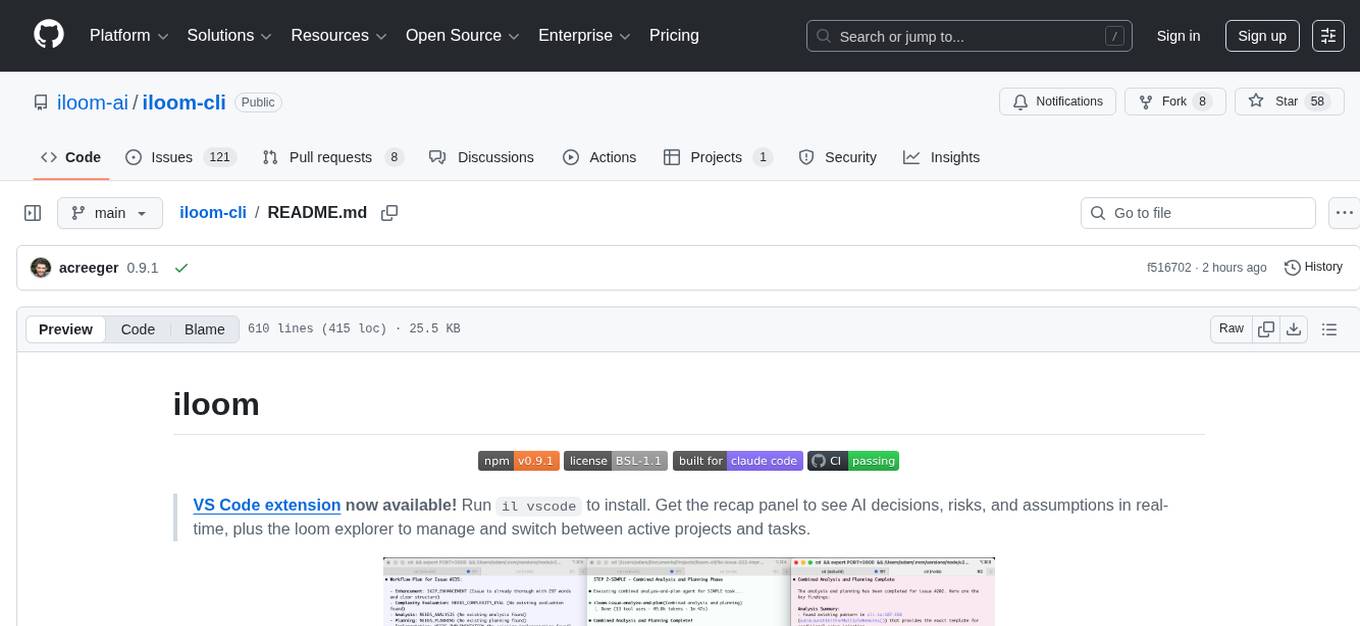
iloom is a tool designed to streamline AI-assisted development by focusing on maintaining alignment between human developers and AI agents. It treats context as a first-class concern, persisting AI reasoning in issue comments rather than temporary chats. The tool allows users to collaborate with AI agents in an isolated environment, switch between complex features without losing context, document AI decisions publicly, and capture key insights and lessons learned from AI sessions. iloom is not just a tool for managing git worktrees, but a control plane for maintaining alignment between users and their AI assistants.
UCAgent
UCAgent is an AI-powered automated UT verification agent for chip design. It automates chip verification workflow, supports functional and code coverage analysis, ensures consistency among documentation, code, and reports, and collaborates with mainstream Code Agents via MCP protocol. It offers three intelligent interaction modes and requires Python 3.11+, Linux/macOS OS, 4GB+ memory, and access to an AI model API. Users can clone the repository, install dependencies, configure qwen, and start verification. UCAgent supports various verification quality improvement options and basic operations through TUI shortcuts and stage color indicators. It also provides documentation build and preview using MkDocs, PDF manual build using Pandoc + XeLaTeX, and resources for further help and contribution.

LEANN
LEANN is an innovative vector database that democratizes personal AI, transforming your laptop into a powerful RAG system that can index and search through millions of documents using 97% less storage than traditional solutions without accuracy loss. It achieves this through graph-based selective recomputation and high-degree preserving pruning, computing embeddings on-demand instead of storing them all. LEANN allows semantic search of file system, emails, browser history, chat history, codebase, or external knowledge bases on your laptop with zero cloud costs and complete privacy. It is a drop-in semantic search MCP service fully compatible with Claude Code, enabling intelligent retrieval without changing your workflow.
consult-llm-mcp
Consult LLM MCP is an MCP server that enables users to consult powerful AI models like GPT-5.2, Gemini 3.0 Pro, and DeepSeek Reasoner for complex problem-solving. It supports multi-turn conversations, direct queries with optional file context, git changes inclusion for code review, comprehensive logging with cost estimation, and various CLI modes for Gemini and Codex. The tool is designed to simplify the process of querying AI models for assistance in resolving coding issues and improving code quality.
langserve
LangServe helps developers deploy `LangChain` runnables and chains as a REST API. This library is integrated with FastAPI and uses pydantic for data validation. In addition, it provides a client that can be used to call into runnables deployed on a server. A JavaScript client is available in LangChain.js.

raglite
RAGLite is a Python toolkit for Retrieval-Augmented Generation (RAG) with PostgreSQL or SQLite. It offers configurable options for choosing LLM providers, database types, and rerankers. The toolkit is fast and permissive, utilizing lightweight dependencies and hardware acceleration. RAGLite provides features like PDF to Markdown conversion, multi-vector chunk embedding, optimal semantic chunking, hybrid search capabilities, adaptive retrieval, and improved output quality. It is extensible with a built-in Model Context Protocol server, customizable ChatGPT-like frontend, document conversion to Markdown, and evaluation tools. Users can configure RAGLite for various tasks like configuring, inserting documents, running RAG pipelines, computing query adapters, evaluating performance, running MCP servers, and serving frontends.
golf
Golf is a simple command-line tool for calculating the distance between two geographic coordinates. It uses the Haversine formula to accurately determine the distance between two points on the Earth's surface. This tool is useful for developers working on location-based applications or projects that require distance calculations. With Golf, users can easily input latitude and longitude coordinates and get the precise distance in kilometers or miles. The tool is lightweight, easy to use, and can be integrated into various programming workflows.
fast-mcp
Fast MCP is a Ruby gem that simplifies the integration of AI models with your Ruby applications. It provides a clean implementation of the Model Context Protocol, eliminating complex communication protocols, integration challenges, and compatibility issues. With Fast MCP, you can easily connect AI models to your servers, share data resources, choose from multiple transports, integrate with frameworks like Rails and Sinatra, and secure your AI-powered endpoints. The gem also offers real-time updates and authentication support, making AI integration a seamless experience for developers.
ragflow
RAGFlow is an open-source Retrieval-Augmented Generation (RAG) engine that combines deep document understanding with Large Language Models (LLMs) to provide accurate question-answering capabilities. It offers a streamlined RAG workflow for businesses of all sizes, enabling them to extract knowledge from unstructured data in various formats, including Word documents, slides, Excel files, images, and more. RAGFlow's key features include deep document understanding, template-based chunking, grounded citations with reduced hallucinations, compatibility with heterogeneous data sources, and an automated and effortless RAG workflow. It supports multiple recall paired with fused re-ranking, configurable LLMs and embedding models, and intuitive APIs for seamless integration with business applications.
ps-fuzz
The Prompt Fuzzer is an open-source tool that helps you assess the security of your GenAI application's system prompt against various dynamic LLM-based attacks. It provides a security evaluation based on the outcome of these attack simulations, enabling you to strengthen your system prompt as needed. The Prompt Fuzzer dynamically tailors its tests to your application's unique configuration and domain. The Fuzzer also includes a Playground chat interface, giving you the chance to iteratively improve your system prompt, hardening it against a wide spectrum of generative AI attacks.
effective_llm_alignment
This is a super customizable, concise, user-friendly, and efficient toolkit for training and aligning LLMs. It provides support for various methods such as SFT, Distillation, DPO, ORPO, CPO, SimPO, SMPO, Non-pair Reward Modeling, Special prompts basket format, Rejection Sampling, Scoring using RM, Effective FAISS Map-Reduce Deduplication, LLM scoring using RM, NER, CLIP, Classification, and STS. The toolkit offers key libraries like PyTorch, Transformers, TRL, Accelerate, FSDP, DeepSpeed, and tools for result logging with wandb or clearml. It allows mixing datasets, generation and logging in wandb/clearml, vLLM batched generation, and aligns models using the SMPO method.

mLoRA
mLoRA (Multi-LoRA Fine-Tune) is an open-source framework for efficient fine-tuning of multiple Large Language Models (LLMs) using LoRA and its variants. It allows concurrent fine-tuning of multiple LoRA adapters with a shared base model, efficient pipeline parallelism algorithm, support for various LoRA variant algorithms, and reinforcement learning preference alignment algorithms. mLoRA helps save computational and memory resources when training multiple adapters simultaneously, achieving high performance on consumer hardware.
For similar tasks
watchtower
AIShield Watchtower is a tool designed to fortify the security of AI/ML models and Jupyter notebooks by automating model and notebook discoveries, conducting vulnerability scans, and categorizing risks into 'low,' 'medium,' 'high,' and 'critical' levels. It supports scanning of public GitHub repositories, Hugging Face repositories, AWS S3 buckets, and local systems. The tool generates comprehensive reports, offers a user-friendly interface, and aligns with industry standards like OWASP, MITRE, and CWE. It aims to address the security blind spots surrounding Jupyter notebooks and AI models, providing organizations with a tailored approach to enhancing their security efforts.
LLM-PLSE-paper
LLM-PLSE-paper is a repository focused on the applications of Large Language Models (LLMs) in Programming Language and Software Engineering (PL/SE) domains. It covers a wide range of topics including bug detection, specification inference and verification, code generation, fuzzing and testing, code model and reasoning, code understanding, IDE technologies, prompting for reasoning tasks, and agent/tool usage and planning. The repository provides a comprehensive collection of research papers, benchmarks, empirical studies, and frameworks related to the capabilities of LLMs in various PL/SE tasks.
invariant
Invariant Analyzer is an open-source scanner designed for LLM-based AI agents to find bugs, vulnerabilities, and security threats. It scans agent execution traces to identify issues like looping behavior, data leaks, prompt injections, and unsafe code execution. The tool offers a library of built-in checkers, an expressive policy language, data flow analysis, real-time monitoring, and extensible architecture for custom checkers. It helps developers debug AI agents, scan for security violations, and prevent security issues and data breaches during runtime. The analyzer leverages deep contextual understanding and a purpose-built rule matching engine for security policy enforcement.
OpenRedTeaming
OpenRedTeaming is a repository focused on red teaming for generative models, specifically large language models (LLMs). The repository provides a comprehensive survey on potential attacks on GenAI and robust safeguards. It covers attack strategies, evaluation metrics, benchmarks, and defensive approaches. The repository also implements over 30 auto red teaming methods. It includes surveys, taxonomies, attack strategies, and risks related to LLMs. The goal is to understand vulnerabilities and develop defenses against adversarial attacks on large language models.
Awesome-LLM4Cybersecurity
The repository 'Awesome-LLM4Cybersecurity' provides a comprehensive overview of the applications of Large Language Models (LLMs) in cybersecurity. It includes a systematic literature review covering topics such as constructing cybersecurity-oriented domain LLMs, potential applications of LLMs in cybersecurity, and research directions in the field. The repository analyzes various benchmarks, datasets, and applications of LLMs in cybersecurity tasks like threat intelligence, fuzzing, vulnerabilities detection, insecure code generation, program repair, anomaly detection, and LLM-assisted attacks.
quark-engine
Quark Engine is an AI-powered tool designed for analyzing Android APK files. It focuses on enhancing the detection process for auto-suggestion, enabling users to create detection workflows without coding. The tool offers an intuitive drag-and-drop interface for workflow adjustments and updates. Quark Agent, the core component, generates Quark Script code based on natural language input and feedback. The project is committed to providing a user-friendly experience for designing detection workflows through textual and visual methods. Various features are still under development and will be rolled out gradually.
vulnerability-analysis
The NVIDIA AI Blueprint for Vulnerability Analysis for Container Security showcases accelerated analysis on common vulnerabilities and exposures (CVE) at an enterprise scale, reducing mitigation time from days to seconds. It enables security analysts to determine software package vulnerabilities using large language models (LLMs) and retrieval-augmented generation (RAG). The blueprint is designed for security analysts, IT engineers, and AI practitioners in cybersecurity. It requires NVAIE developer license and API keys for vulnerability databases, search engines, and LLM model services. Hardware requirements include L40 GPU for pipeline operation and optional LLM NIM and Embedding NIM. The workflow involves LLM pipeline for CVE impact analysis, utilizing LLM planner, agent, and summarization nodes. The blueprint uses NVIDIA NIM microservices and Morpheus Cybersecurity AI SDK for vulnerability analysis.
CodeAsk
CodeAsk is a code analysis tool designed to tackle complex issues such as code that seems to self-replicate, cryptic comments left by predecessors, messy and unclear code, and long-lasting temporary solutions. It offers intelligent code organization and analysis, security vulnerability detection, code quality assessment, and other interesting prompts to help users understand and work with legacy code more efficiently. The tool aims to translate 'legacy code mountains' into understandable language, creating an illusion of comprehension and facilitating knowledge transfer to new team members.
For similar jobs
sourcegraph
Sourcegraph is a code search and navigation tool that helps developers read, write, and fix code in large, complex codebases. It provides features such as code search across all repositories and branches, code intelligence for navigation and refactoring, and the ability to fix and refactor code across multiple repositories at once.
pr-agent
PR-Agent is a tool that helps to efficiently review and handle pull requests by providing AI feedbacks and suggestions. It supports various commands such as generating PR descriptions, providing code suggestions, answering questions about the PR, and updating the CHANGELOG.md file. PR-Agent can be used via CLI, GitHub Action, GitHub App, Docker, and supports multiple git providers and models. It emphasizes real-life practical usage, with each tool having a single GPT-4 call for quick and affordable responses. The PR Compression strategy enables effective handling of both short and long PRs, while the JSON prompting strategy allows for modular and customizable tools. PR-Agent Pro, the hosted version by CodiumAI, provides additional benefits such as full management, improved privacy, priority support, and extra features.
code-review-gpt
Code Review GPT uses Large Language Models to review code in your CI/CD pipeline. It helps streamline the code review process by providing feedback on code that may have issues or areas for improvement. It should pick up on common issues such as exposed secrets, slow or inefficient code, and unreadable code. It can also be run locally in your command line to review staged files. Code Review GPT is in alpha and should be used for fun only. It may provide useful feedback but please check any suggestions thoroughly.
DevoxxGenieIDEAPlugin
Devoxx Genie is a Java-based IntelliJ IDEA plugin that integrates with local and cloud-based LLM providers to aid in reviewing, testing, and explaining project code. It supports features like code highlighting, chat conversations, and adding files/code snippets to context. Users can modify REST endpoints and LLM parameters in settings, including support for cloud-based LLMs. The plugin requires IntelliJ version 2023.3.4 and JDK 17. Building and publishing the plugin is done using Gradle tasks. Users can select an LLM provider, choose code, and use commands like review, explain, or generate unit tests for code analysis.
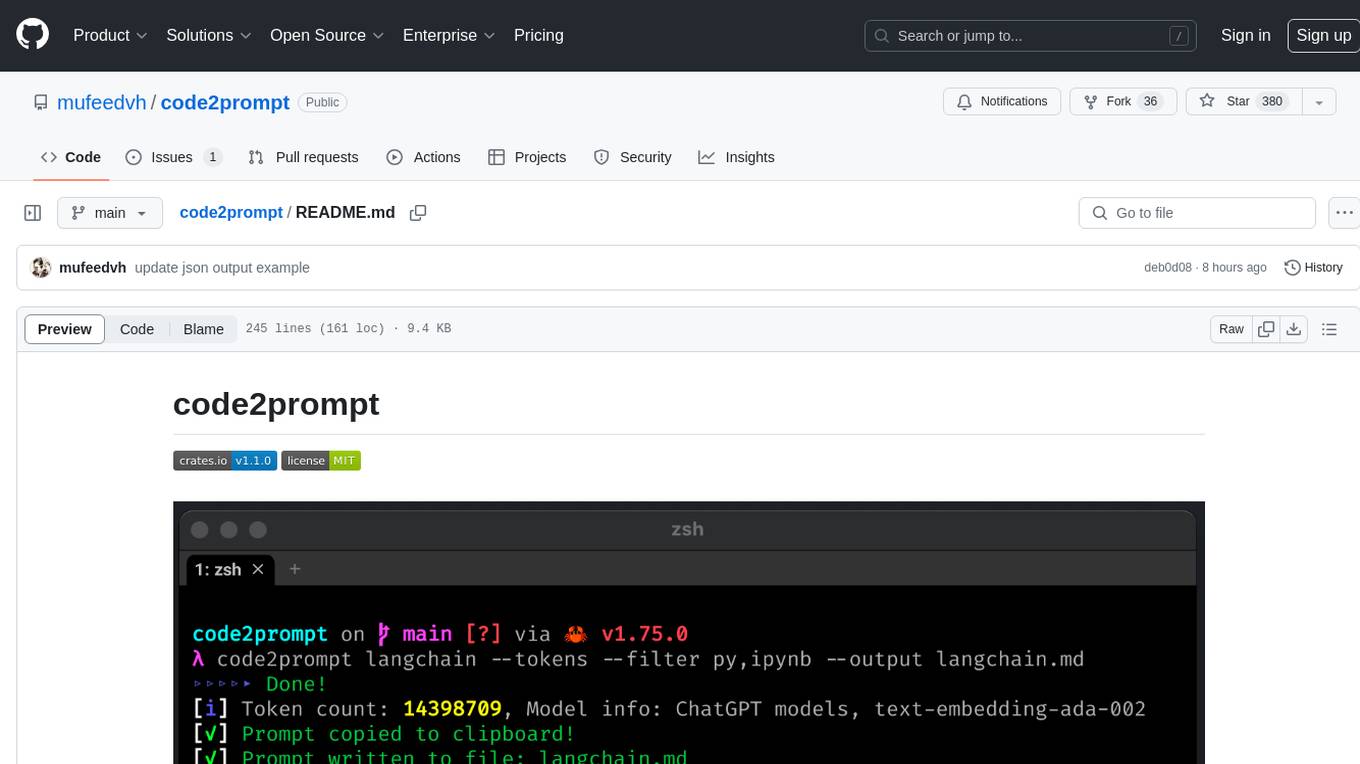
code2prompt
code2prompt is a command-line tool that converts your codebase into a single LLM prompt with a source tree, prompt templating, and token counting. It automates generating LLM prompts from codebases of any size, customizing prompt generation with Handlebars templates, respecting .gitignore, filtering and excluding files using glob patterns, displaying token count, including Git diff output, copying prompt to clipboard, saving prompt to an output file, excluding files and folders, adding line numbers to source code blocks, and more. It helps streamline the process of creating LLM prompts for code analysis, generation, and other tasks.
ai-codereviewer
AI Code Reviewer is a GitHub Action that utilizes OpenAI's GPT-4 API to provide intelligent feedback and suggestions on pull requests. It helps enhance code quality and streamline the code review process by offering insightful comments and filtering out specified files. The tool is easy to set up and integrate into GitHub workflows.
github-pr-summary
github-pr-summary is a bot designed to summarize GitHub Pull Requests, helping open source contributors make faster decisions. It automatically summarizes commits and changed files in PRs, triggered by new commits or a magic trigger phrase. Users can deploy their own code review bot in 3 steps: create a bot from their GitHub repo, configure it to review PRs, and connect to GitHub for access to the target repo. The bot runs on flows.network using Rust and WasmEdge Runtimes. It utilizes ChatGPT/4 to review and summarize PR content, posting the result back as a comment on the PR. The bot can be used on multiple repos by creating new flows and importing the source code repo, specifying the target repo using flow config. Users can also change the magic phrase to trigger a review from a PR comment.
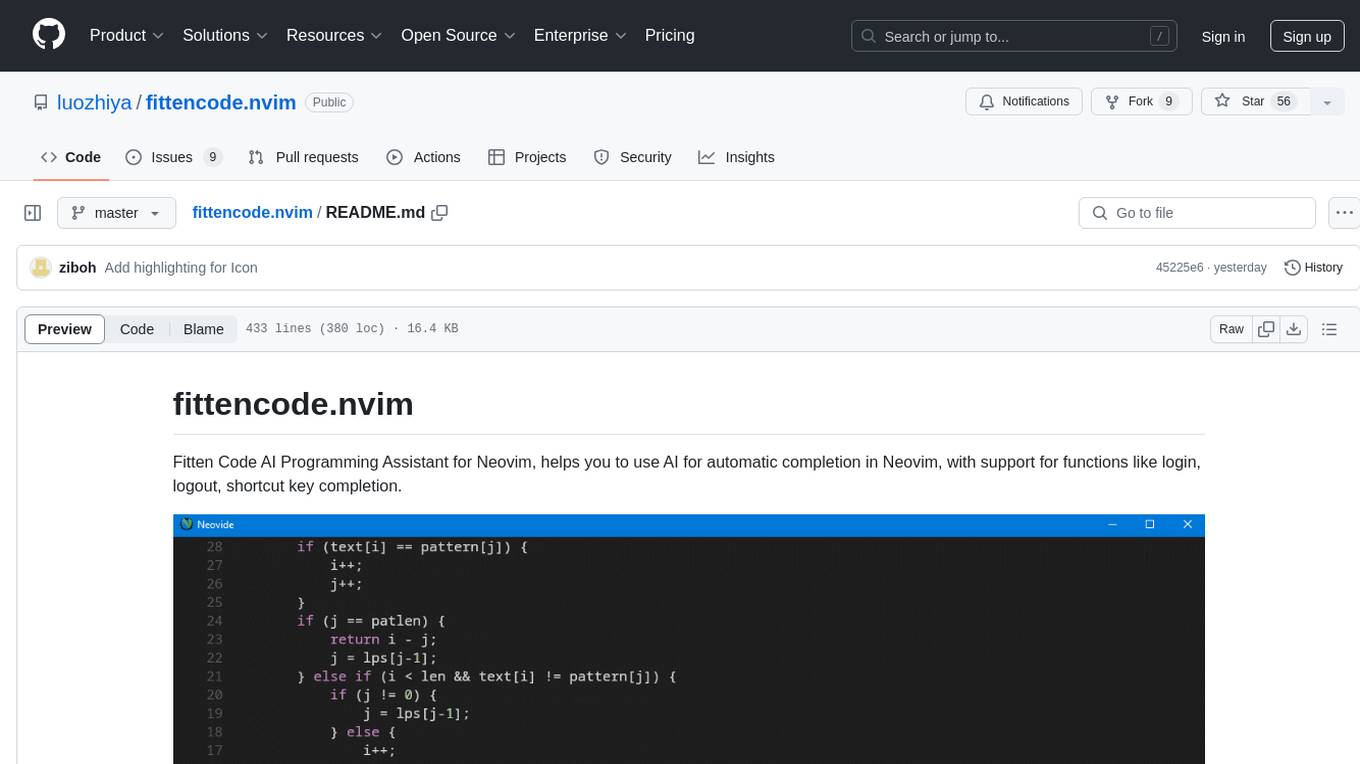
fittencode.nvim
Fitten Code AI Programming Assistant for Neovim provides fast completion using AI, asynchronous I/O, and support for various actions like document code, edit code, explain code, find bugs, generate unit test, implement features, optimize code, refactor code, start chat, and more. It offers features like accepting suggestions with Tab, accepting line with Ctrl + Down, accepting word with Ctrl + Right, undoing accepted text, automatic scrolling, and multiple HTTP/REST backends. It can run as a coc.nvim source or nvim-cmp source.