


airbyte-agent-connectors
🐙 Drop-in tools that give AI agents reliable, permission-aware access to external systems.
Stars: 107
Airbyte Agent Connectors is a collection of connectors that enable Airbyte agents to connect to various data sources and destinations. These connectors are designed to facilitate data integration and synchronization processes by providing seamless connectivity between different systems. With a wide range of supported connectors, users can easily configure and manage data pipelines to extract, transform, and load data from diverse sources into their preferred destinations. The connectors are built with scalability, reliability, and performance in mind, ensuring efficient data transfer and processing. Airbyte Agent Connectors simplifies the data integration workflow, allowing users to focus on analyzing and deriving insights from their data without worrying about connectivity issues.
README:






Airbyte Agent Connectors are packages that let AI agents call third‑party APIs through strongly typed, well‑documented tools. Each connector is a standalone Python package that you can use directly in your app, plug into an agent framework, or expose through MCP and APIs (coming soon).
- Python SDKs for specific SaaS APIs (for example Gong, Stripe, GitHub).
- A consistent connector layout so you can understand and extend any connector quickly.
- Ready‑to-use clients that validate auth, handle schemas, and expose typed methods for each operation.
Each connector is a standalone Python package:
connectors/
├── gong/
│   ├── airbyte_agent_gong/
│   ├── pyproject.toml
│   ├── CHANGELOG.md
│   ├── README.md
│   └── REFERENCE.md
├── github/
│   └── ...
└── ...
Inside each connector folder, you’ll find:
- Generated Python client
- Connector-specific README with supported operations
- Typed methods generated from Airbyte’s connector definitions
- Validation + error handling
Use Airbyte Agent Connectors when you want:
- Agent‑friendly data access: Let AI agents call real SaaS APIs (e.g., CRM, billing, analytics) with guardrails and typed responses.
- Consistent auth and schemas: Reuse a uniform configuration and error‑handling pattern across many APIs. Use connectors inside frameworks like PydanticAI, LangChain, or any custom agent loop.
- Composable building blocks: Combine multiple connectors in a single agent to orchestrate multi‑system workflows. Compared to building ad‑hoc API wrappers, these connectors give you a shared structure, generated clients, and alignment with the rest of the Airbyte ecosystem.
We are actively expanding AI Connectors. Coming soon:
- Writes!
- MCP support (Model Context Protocol)
- Hosted execution, authentication, and search
- Demo apps + starter templates
- More connectors added weekly
We actively welcome feedback, ideas, and bug reports. If you're building AI agents with Airbyte Agent Connectors and want to share ideas or get help, join our community on slack. We'd love to hear what you're building and what connectors or capabilities you'd like to see next.
This repo includes a Claude Code skill that provides documentation and setup guidance for all 21 connectors.
Install via plugin marketplace:
In Claude Code, run:
/plugin marketplace add airbytehq/airbyte-agent-connectors
Then install the plugin:
/plugin install airbyte-agent-connectors@airbyte-agent-connectors
Or install manually:
mkdir -p .claude/skills
git clone --depth 1 https://github.com/airbytehq/airbyte-agent-connectors.git /tmp/airbyte-skills
cp -r /tmp/airbyte-skills/skills/airbyte-agent-connectors .claude/skills/
rm -rf /tmp/airbyte-skills
Once installed, invoke it in Claude Code with /airbyte-agent-connectors.
See the full skill documentation for setup patterns, authentication guides, and code examples.
In this tutorial, you'll create a new Python project with uv, add a Pydantic AI agent, equip it to use one of Airbyte's agent connectors, and use natural language to explore your data. This tutorial uses GitHub, but if you don't have a GitHub account, you can use one of Airbyte's other agent connectors and perform different operations.
This tutorial is for AI engineers and other technical users who work with data and AI tools. You can complete it in about 15 minutes.
The tutorial assumes you have basic knowledge of the following tools, but most software engineers shouldn't struggle with anything that follows.
- Python and package management with uv
- Pydantic AI
- GitHub, or a different third-party service you want to connect to
Before you begin this tutorial, ensure you have the following.
- Python version 3.13 or later
- uv
- A GitHub personal access token. For this tutorial, a classic token with
reposcope is sufficient. - An OpenAI API key. This tutorial uses OpenAI, but Pydantic AI supports other LLM providers if you prefer.
In this tutorial you initialize a basic Python project to work in. However, if you have an existing project you want to work with, feel free to use that instead.
-
Create a new project using uv:
uv init my-ai-agent --app
cd my-ai-agent
This creates a project with the following structure:
my-ai-agent/ ├── .gitignore ├── .python-version ├── README.md ├── main.py └── pyproject.toml -
Create an
agent.pyfile for your agent definition:touch agent.py
You create .env and uv.lock files in later steps, so don't worry about them yet.
Install the GitHub connector and Pydantic AI. This tutorial uses OpenAI as the LLM provider, but Pydantic AI supports many other providers.
uv add airbyte-agent-github pydantic-aiThis command installs:
-
airbyte-agent-github: The Airbyte agent connector for GitHub, which provides type-safe access to GitHub's API. -
pydantic-ai: The AI agent framework, which includes support for multiple LLM providers including OpenAI, Anthropic, and Google.
The GitHub connector also includes python-dotenv, which you can use to load environment variables from a .env file.
Add the following imports to agent.py:
import os

from dotenv import load_dotenv
from pydantic_ai import Agent
from airbyte_agent_github import GithubConnector
from airbyte_agent_github.models import GithubAuthConfig
These imports provide:
-
os: Access environment variables for your GitHub token and LLM API key. -
load_dotenv: Load environment variables from your.envfile. -
Agent: The Pydantic AI agent class that orchestrates LLM interactions and tool calls. -
GithubConnector: The Airbyte agent connector that provides type-safe access to GitHub's API. -
GithubAuthConfig: The authentication configuration for the GitHub connector.
-
Create a
.envfile in your project root and add your secrets to it. Replace the placeholder values with your actual credentials.GITHUB_ACCESS_TOKEN=your-github-personal-access-token OPENAI_API_KEY=your-openai-api-key -
Add the following line to
agent.pyafter your imports to load the environment variables:load_dotenv()This makes your secrets available via
os.environ. Pydantic AI automatically readsOPENAI_API_KEYfrom the environment, and you'll useos.environ["GITHUB_ACCESS_TOKEN"]to configure the connector in the next section.
Now that your environment is set up, add the following code to agent.py to create the GitHub connector and Pydantic AI agent.
Define the agent connector for GitHub. It authenticates using your personal access token.
connector = GithubConnector(
    auth_config=GithubAuthConfig(
        access_token=os.environ["GITHUB_ACCESS_TOKEN"]
    )
)
Create a Pydantic AI agent with a system prompt that describes its purpose:
agent = Agent(
    "openai:gpt-4o",
    system_prompt=(
        "You are a helpful assistant that can access GitHub repositories, issues, "
        "and pull requests. Use the available tools to answer questions about "
        "GitHub data. Be concise and accurate in your responses."
    ),
)- The
"openai:gpt-4o"string specifies the model to use. You can use a different model by changing the model string. For example, use"openai:gpt-4o-mini"to lower costs, or see the Pydantic AI models documentation for other providers like Anthropic or Google. - The
system_promptparameter tells the LLM what role it should play and how to behave.
Tools let your agent fetch real data from GitHub using Airbyte's agent connector. Without tools, the agent can only respond based on its training data. By registering connector operations as tools, the agent can decide when to call them based on natural language questions.
Add the following code to agent.py.
# Tool to list issues in a repository
@agent.tool_plain
async def list_issues(owner: str, repo: str, limit: int = 10) -> str:
    """List open issues in a GitHub repository."""
    result = await connector.issues.list(owner=owner, repo=repo, states=["OPEN"], per_page=limit)
    return str(result.data)


# Tool to list pull requests in a repository
@agent.tool_plain
async def list_pull_requests(owner: str, repo: str, limit: int = 10) -> str:
    """List open pull requests in a GitHub repository."""
    result = await connector.pull_requests.list(owner=owner, repo=repo, states=["OPEN"], per_page=limit)
    return str(result.data)
The @agent.tool_plain decorator registers each function as a tool the agent can call. The docstring becomes the tool's description, which helps the LLM understand when to use it. The function parameters become the tool's input schema, so the LLM knows what arguments to provide.
With these two tools, your agent can answer questions about issues, pull requests, or both. For example, it can compare open issues against pending PRs to identify which issues might be resolved soon.
Now that your agent is configured with tools, update main.py and run your project.
-
Update
main.py. This code creates a simple chat interface in your command line tool and allows your agent to remember your conversation history between prompts.import asyncio from agent import agent async def main(): print("GitHub Agent Ready! Ask questions about GitHub repositories.") print("Type 'quit' to exit.\n") history = None while True: prompt = input("You: ") if prompt.lower() in ('quit', 'exit', 'q'): break result = await agent.run(prompt, message_history=history) history = result.all_messages() # Call the method print(f"\nAgent: {result.output}\n") if __name__ == "__main__": asyncio.run(main())
-
Run the project.
uv run main.py
The agent waits for your input. Once you prompt it, the agent decides which tools to call based on your question, fetches the data from GitHub, and returns a natural language response. Try prompts like:
- "List the 10 most recent open issues in airbytehq/airbyte"
- "What are the 10 most recent pull requests that are still open in airbytehq/airbyte?"
- "Are there any open issues that might be fixed by a pending PR?"
The agent has basic message history within each session, and you can ask followup questions based on its responses.
If your agent fails to retrieve GitHub data, check the following:
-
HTTP 401 errors: Your
GITHUB_ACCESS_TOKENis invalid or expired. Generate a new token and update your.envfile. -
HTTP 403 errors: Your token doesn't have the required scopes. Ensure your token has
reposcope for accessing repository data. -
OpenAI errors: Verify your
OPENAI_API_KEYis valid, has available credits, and won't exceed rate limits.
In this tutorial, you learned how to:
- Set up a new Python project with
uv - Add Pydantic AI and Airbyte's GitHub agent connector to your project
- Configure environment variables and authentication
- Add tools to your agent using the GitHub connector
- Run your project and use natural language to interact with GitHub data
- Add more tools and agent connectors to your project. For GitHub, you can wrap additional operations (like search, comments, or commits) as tools. Explore other agent connectors in the repository to give your agent access to more services.
- Consider how you might like to expand your agent's capabilities. For example, you might want to trigger effects like sending a Slack message or an email based on the agent's findings. You aren't limited to the capabilities of Airbyte's agent connectors. You can use other libraries and integrations to build an increasingly robust agent ecosystem.
For Tasks:
Click tags to check more tools for each tasksFor Jobs:
Alternative AI tools for airbyte-agent-connectors
Similar Open Source Tools
airbyte-agent-connectors
Airbyte Agent Connectors is a collection of connectors that enable Airbyte agents to connect to various data sources and destinations. These connectors are designed to facilitate data integration and synchronization processes by providing seamless connectivity between different systems. With a wide range of supported connectors, users can easily configure and manage data pipelines to extract, transform, and load data from diverse sources into their preferred destinations. The connectors are built with scalability, reliability, and performance in mind, ensuring efficient data transfer and processing. Airbyte Agent Connectors simplifies the data integration workflow, allowing users to focus on analyzing and deriving insights from their data without worrying about connectivity issues.
airbyte
Airbyte is an open-source data integration platform that makes it easy to move data from any source to any destination. With Airbyte, you can build and manage data pipelines without writing any code. Airbyte provides a library of pre-built connectors that make it easy to connect to popular data sources and destinations. You can also create your own connectors using Airbyte's no-code Connector Builder or low-code CDK. Airbyte is used by data engineers and analysts at companies of all sizes to build and manage their data pipelines.
xorq
Xorq (formerly LETSQL) is a data processing library built on top of Ibis and DataFusion to write multi-engine data workflows. It provides a flexible and powerful tool for processing and analyzing data from various sources, enabling users to create complex data pipelines and perform advanced data transformations.
datahub
DataHub is an open-source data catalog designed for the modern data stack. It provides a platform for managing metadata, enabling users to discover, understand, and collaborate on data assets within their organization. DataHub offers features such as data lineage tracking, data quality monitoring, and integration with various data sources. It is built with contributions from Acryl Data and LinkedIn, aiming to streamline data management processes and enhance data discoverability across different teams and departments.
agent-pod
Agent POD is a project focused on capturing and storing personal digital data in a user-controlled environment, with the goal of enabling agents to interact with the data. It explores questions related to structuring information, creating an efficient data capture system, integrating with protocols like SOLID, and enabling data storage for groups. The project aims to transition from traditional data-storing apps to a system where personal data is owned and controlled by the user, facilitating the creation of 'solid-first' apps.
Aimer_WT
Aimer_WT is a web scraping tool designed to extract data from websites efficiently and accurately. It provides a user-friendly interface for users to specify the data they want to scrape and offers various customization options. With Aimer_WT, users can easily automate the process of collecting data from multiple web pages, saving time and effort. The tool is suitable for both beginners and experienced users who need to gather data for research, analysis, or other purposes. Aimer_WT supports various data formats and allows users to export the extracted data for further processing.
arconia
Arconia is a powerful open-source tool for managing and visualizing data in a user-friendly way. It provides a seamless experience for data analysts and scientists to explore, clean, and analyze datasets efficiently. With its intuitive interface and robust features, Arconia simplifies the process of data manipulation and visualization, making it an essential tool for anyone working with data.

upgini
Upgini is an intelligent data search engine with a Python library that helps users find and add relevant features to their ML pipeline from various public, community, and premium external data sources. It automates the optimization of connected data sources by generating an optimal set of machine learning features using large language models, GraphNNs, and recurrent neural networks. The tool aims to simplify feature search and enrichment for external data to make it a standard approach in machine learning pipelines. It democratizes access to data sources for the data science community.
NadirClaw
NadirClaw is a powerful open-source tool designed for web scraping and data extraction. It provides a user-friendly interface for extracting data from websites with ease. With NadirClaw, users can easily scrape text, images, and other content from web pages for various purposes such as data analysis, research, and automation. The tool offers flexibility and customization options to cater to different scraping needs, making it a versatile solution for extracting data from the web. Whether you are a data scientist, researcher, or developer, NadirClaw can streamline your data extraction process and help you gather valuable insights from online sources.
distill
Distill is a reliability layer for LLM context that provides deterministic deduplication to remove redundancy before reaching the model. It aims to reduce redundant data, lower costs, provide faster responses, and offer more efficient and deterministic results. The tool works by deduplicating, compressing, summarizing, and caching context to ensure reliable outputs. It offers various installation methods, including binary download, Go install, Docker usage, and building from source. Distill can be used for tasks like deduplicating chunks, connecting to vector databases, integrating with AI assistants, analyzing files for duplicates, syncing vectors to Pinecone, querying from the command line, and managing configuration files. The tool supports self-hosting via Docker, Docker Compose, building from source, Fly.io deployment, Render deployment, and Railway integration. Distill also provides monitoring capabilities with Prometheus-compatible metrics, Grafana dashboard, and OpenTelemetry tracing.
End-to-End-Data-Pipeline
End-to-End-Data-Pipeline is a comprehensive tool for building and managing data pipelines from data ingestion to data visualization. It provides a seamless workflow for processing, transforming, and analyzing data at scale. The tool supports various data sources and formats, making it versatile for different data processing needs. With End-to-End-Data-Pipeline, users can easily automate data workflows, monitor pipeline performance, and collaborate on data projects efficiently.
ROGRAG
ROGRAG is a powerful open-source tool designed for data analysis and visualization. It provides a user-friendly interface for exploring and manipulating datasets, making it ideal for researchers, data scientists, and analysts. With ROGRAG, users can easily import, clean, analyze, and visualize data to gain valuable insights and make informed decisions. The tool supports a wide range of data formats and offers a variety of statistical and visualization tools to help users uncover patterns, trends, and relationships in their data. Whether you are working on exploratory data analysis, statistical modeling, or data visualization, ROGRAG is a versatile tool that can streamline your workflow and enhance your data analysis capabilities.
redb-open
reDB Node is a distributed, policy-driven data mesh platform that enables True Data Portability across various databases, warehouses, clouds, and environments. It unifies data access, data mobility, and schema transformation into one open platform. Built for developers, architects, and AI systems, reDB addresses the challenges of fragmented data ecosystems in modern enterprises by providing multi-database interoperability, automated schema versioning, zero-downtime migration, real-time developer data environments with obfuscation, quantum-resistant encryption, and policy-based access control. The project aims to build a foundation for future-proof data infrastructure.
HyperAgent
HyperAgent is a powerful tool for automating repetitive tasks in web scraping and data extraction. It provides a user-friendly interface to create custom web scraping scripts without the need for extensive coding knowledge. With HyperAgent, users can easily extract data from websites, transform it into structured formats, and save it for further analysis. The tool supports various data formats and offers scheduling options for automated data extraction at regular intervals. HyperAgent is suitable for individuals and businesses looking to streamline their data collection processes and improve efficiency in extracting information from the web.
data-juicer
Data-Juicer is a one-stop data processing system to make data higher-quality, juicier, and more digestible for LLMs. It is a systematic & reusable library of 80+ core OPs, 20+ reusable config recipes, and 20+ feature-rich dedicated toolkits, designed to function independently of specific LLM datasets and processing pipelines. Data-Juicer allows detailed data analyses with an automated report generation feature for a deeper understanding of your dataset. Coupled with multi-dimension automatic evaluation capabilities, it supports a timely feedback loop at multiple stages in the LLM development process. Data-Juicer offers tens of pre-built data processing recipes for pre-training, fine-tuning, en, zh, and more scenarios. It provides a speedy data processing pipeline requiring less memory and CPU usage, optimized for maximum productivity. Data-Juicer is flexible & extensible, accommodating most types of data formats and allowing flexible combinations of OPs. It is designed for simplicity, with comprehensive documentation, easy start guides and demo configs, and intuitive configuration with simple adding/removing OPs from existing configs.
datatune
Datatune is a data analysis tool designed to help users explore and analyze datasets efficiently. It provides a user-friendly interface for importing, cleaning, visualizing, and modeling data. With Datatune, users can easily perform tasks such as data preprocessing, feature engineering, model selection, and evaluation. The tool offers a variety of statistical and machine learning algorithms to support data analysis tasks. Whether you are a data scientist, analyst, or researcher, Datatune can streamline your data analysis workflow and help you derive valuable insights from your data.
For similar tasks
airbyte-agent-connectors
Airbyte Agent Connectors is a collection of connectors that enable Airbyte agents to connect to various data sources and destinations. These connectors are designed to facilitate data integration and synchronization processes by providing seamless connectivity between different systems. With a wide range of supported connectors, users can easily configure and manage data pipelines to extract, transform, and load data from diverse sources into their preferred destinations. The connectors are built with scalability, reliability, and performance in mind, ensuring efficient data transfer and processing. Airbyte Agent Connectors simplifies the data integration workflow, allowing users to focus on analyzing and deriving insights from their data without worrying about connectivity issues.
skyvern
Skyvern automates browser-based workflows using LLMs and computer vision. It provides a simple API endpoint to fully automate manual workflows, replacing brittle or unreliable automation solutions. Traditional approaches to browser automations required writing custom scripts for websites, often relying on DOM parsing and XPath-based interactions which would break whenever the website layouts changed. Instead of only relying on code-defined XPath interactions, Skyvern adds computer vision and LLMs to the mix to parse items in the viewport in real-time, create a plan for interaction and interact with them. This approach gives us a few advantages: 1. Skyvern can operate on websites it’s never seen before, as it’s able to map visual elements to actions necessary to complete a workflow, without any customized code 2. Skyvern is resistant to website layout changes, as there are no pre-determined XPaths or other selectors our system is looking for while trying to navigate 3. Skyvern leverages LLMs to reason through interactions to ensure we can cover complex situations. Examples include: 1. If you wanted to get an auto insurance quote from Geico, the answer to a common question “Were you eligible to drive at 18?” could be inferred from the driver receiving their license at age 16 2. If you were doing competitor analysis, it’s understanding that an Arnold Palmer 22 oz can at 7/11 is almost definitely the same product as a 23 oz can at Gopuff (even though the sizes are slightly different, which could be a rounding error!) Want to see examples of Skyvern in action? Jump to #real-world-examples-of- skyvern

airbyte-connectors
This repository contains Airbyte connectors used in Faros and Faros Community Edition platforms as well as Airbyte Connector Development Kit (CDK) for JavaScript/TypeScript.
open-parse
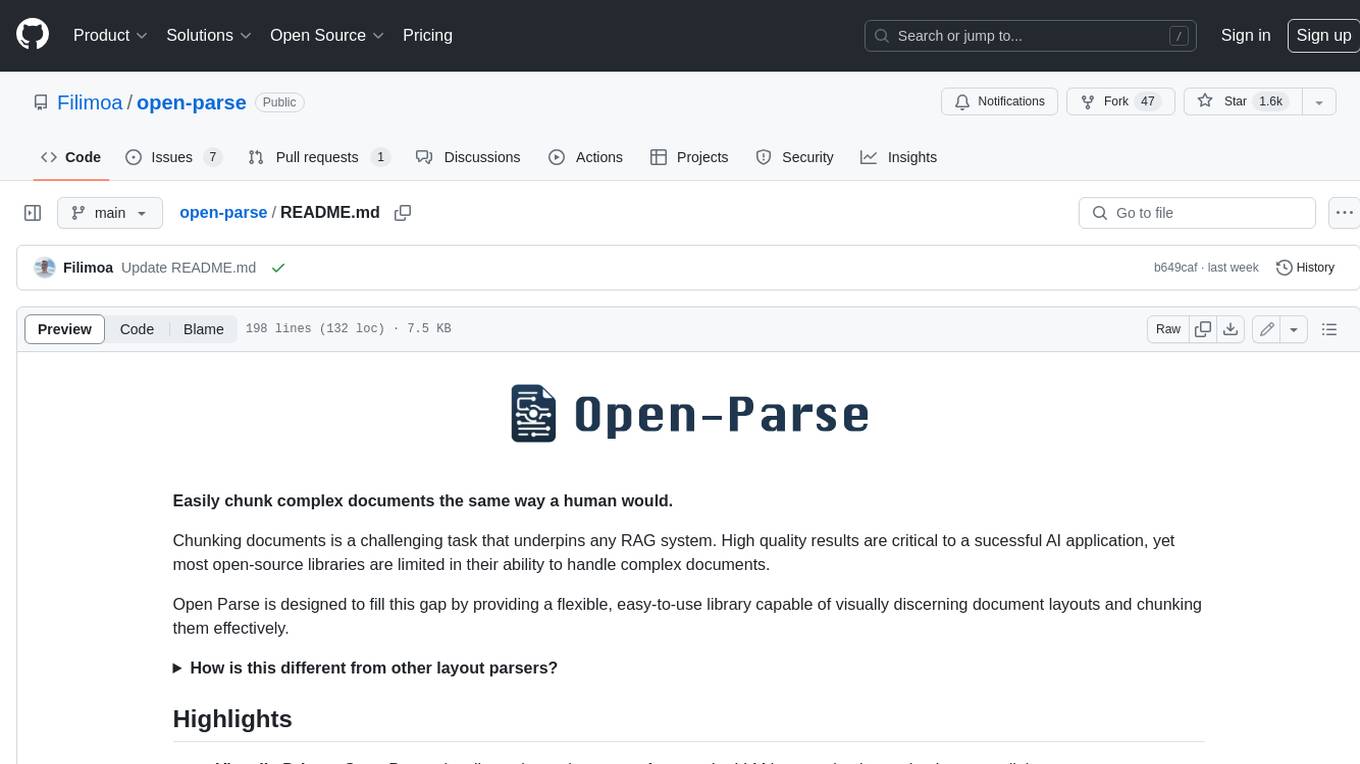
Open Parse is a Python library for visually discerning document layouts and chunking them effectively. It is designed to fill the gap in open-source libraries for handling complex documents. Unlike text splitting, which converts a file to raw text and slices it up, Open Parse visually analyzes documents for superior LLM input. It also supports basic markdown for parsing headings, bold, and italics, and has high-precision table support, extracting tables into clean Markdown formats with accuracy that surpasses traditional tools. Open Parse is extensible, allowing users to easily implement their own post-processing steps. It is also intuitive, with great editor support and completion everywhere, making it easy to use and learn.
unstract
Unstract is a no-code platform that enables users to launch APIs and ETL pipelines to structure unstructured documents. With Unstract, users can go beyond co-pilots by enabling machine-to-machine automation. Unstract's Prompt Studio provides a simple, no-code approach to creating prompts for LLMs, vector databases, embedding models, and text extractors. Users can then configure Prompt Studio projects as API deployments or ETL pipelines to automate critical business processes that involve complex documents. Unstract supports a wide range of LLM providers, vector databases, embeddings, text extractors, ETL sources, and ETL destinations, providing users with the flexibility to choose the best tools for their needs.
Dot
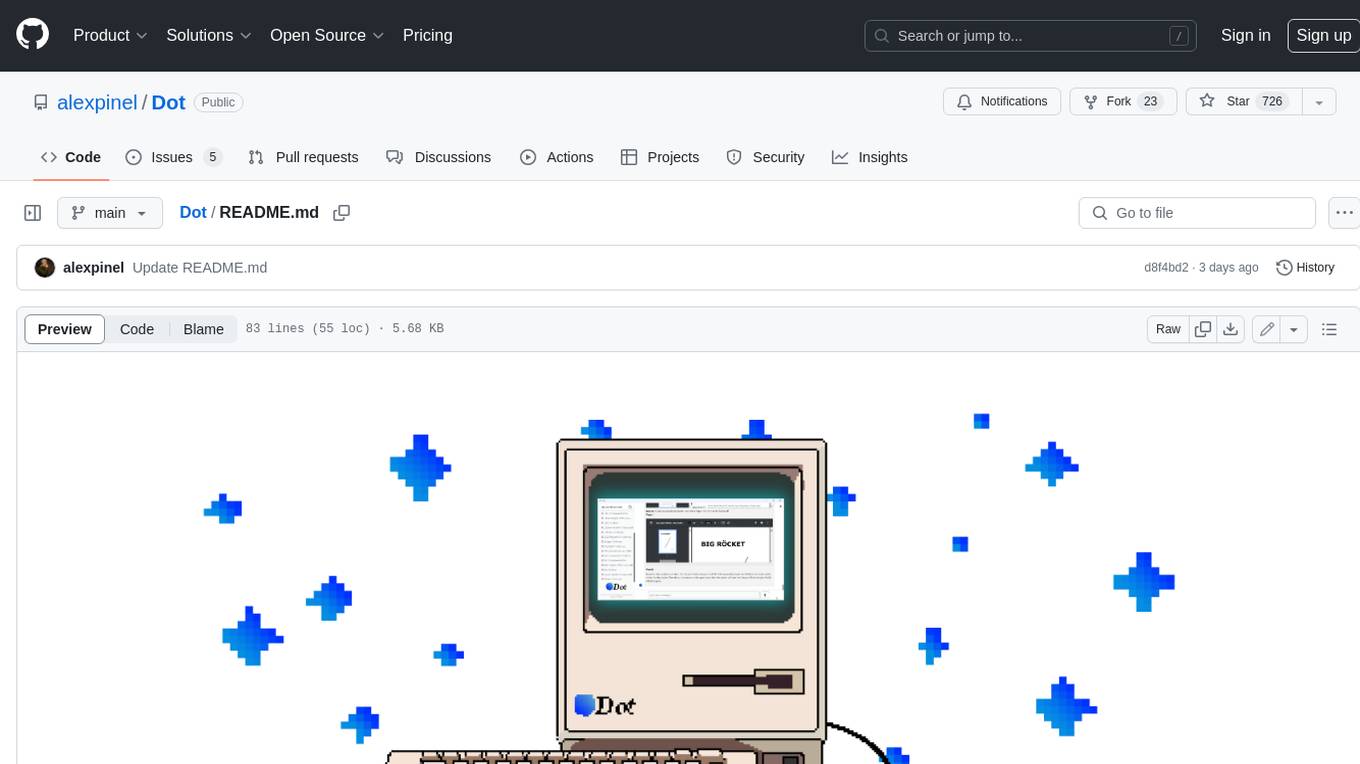
Dot is a standalone, open-source application designed for seamless interaction with documents and files using local LLMs and Retrieval Augmented Generation (RAG). It is inspired by solutions like Nvidia's Chat with RTX, providing a user-friendly interface for those without a programming background. Pre-packaged with Mistral 7B, Dot ensures accessibility and simplicity right out of the box. Dot allows you to load multiple documents into an LLM and interact with them in a fully local environment. Supported document types include PDF, DOCX, PPTX, XLSX, and Markdown. Users can also engage with Big Dot for inquiries not directly related to their documents, similar to interacting with ChatGPT. Built with Electron JS, Dot encapsulates a comprehensive Python environment that includes all necessary libraries. The application leverages libraries such as FAISS for creating local vector stores, Langchain, llama.cpp & Huggingface for setting up conversation chains, and additional tools for document management and interaction.
instructor
Instructor is a Python library that makes it a breeze to work with structured outputs from large language models (LLMs). Built on top of Pydantic, it provides a simple, transparent, and user-friendly API to manage validation, retries, and streaming responses. Get ready to supercharge your LLM workflows!
sparrow
Sparrow is an innovative open-source solution for efficient data extraction and processing from various documents and images. It seamlessly handles forms, invoices, receipts, and other unstructured data sources. Sparrow stands out with its modular architecture, offering independent services and pipelines all optimized for robust performance. One of the critical functionalities of Sparrow - pluggable architecture. You can easily integrate and run data extraction pipelines using tools and frameworks like LlamaIndex, Haystack, or Unstructured. Sparrow enables local LLM data extraction pipelines through Ollama or Apple MLX. With Sparrow solution you get API, which helps to process and transform your data into structured output, ready to be integrated with custom workflows. Sparrow Agents - with Sparrow you can build independent LLM agents, and use API to invoke them from your system. **List of available agents:** * **llamaindex** - RAG pipeline with LlamaIndex for PDF processing * **vllamaindex** - RAG pipeline with LLamaIndex multimodal for image processing * **vprocessor** - RAG pipeline with OCR and LlamaIndex for image processing * **haystack** - RAG pipeline with Haystack for PDF processing * **fcall** - Function call pipeline * **unstructured-light** - RAG pipeline with Unstructured and LangChain, supports PDF and image processing * **unstructured** - RAG pipeline with Weaviate vector DB query, Unstructured and LangChain, supports PDF and image processing * **instructor** - RAG pipeline with Unstructured and Instructor libraries, supports PDF and image processing. Works great for JSON response generation
For similar jobs
databerry
Chaindesk is a no-code platform that allows users to easily set up a semantic search system for personal data without technical knowledge. It supports loading data from various sources such as raw text, web pages, files (Word, Excel, PowerPoint, PDF, Markdown, Plain Text), and upcoming support for web sites, Notion, and Airtable. The platform offers a user-friendly interface for managing datastores, querying data via a secure API endpoint, and auto-generating ChatGPT Plugins for each datastore. Chaindesk utilizes a Vector Database (Qdrant), Openai's text-embedding-ada-002 for embeddings, and has a chunk size of 1024 tokens. The technology stack includes Next.js, Joy UI, LangchainJS, PostgreSQL, Prisma, and Qdrant, inspired by the ChatGPT Retrieval Plugin.
OAD
OAD is a powerful open-source tool for analyzing and visualizing data. It provides a user-friendly interface for exploring datasets, generating insights, and creating interactive visualizations. With OAD, users can easily import data from various sources, clean and preprocess data, perform statistical analysis, and create customizable visualizations to communicate findings effectively. Whether you are a data scientist, analyst, or researcher, OAD can help you streamline your data analysis workflow and uncover valuable insights from your data.
sqlcoder
Defog's SQLCoder is a family of state-of-the-art large language models (LLMs) designed for converting natural language questions into SQL queries. It outperforms popular open-source models like gpt-4 and gpt-4-turbo on SQL generation tasks. SQLCoder has been trained on more than 20,000 human-curated questions based on 10 different schemas, and the model weights are licensed under CC BY-SA 4.0. Users can interact with SQLCoder through the 'transformers' library and run queries using the 'sqlcoder launch' command in the terminal. The tool has been tested on NVIDIA GPUs with more than 16GB VRAM and Apple Silicon devices with some limitations. SQLCoder offers a demo on their website and supports quantized versions of the model for consumer GPUs with sufficient memory.
TableLLM
TableLLM is a large language model designed for efficient tabular data manipulation tasks in real office scenarios. It can generate code solutions or direct text answers for tasks like insert, delete, update, query, merge, and chart operations on tables embedded in spreadsheets or documents. The model has been fine-tuned based on CodeLlama-7B and 13B, offering two scales: TableLLM-7B and TableLLM-13B. Evaluation results show its performance on benchmarks like WikiSQL, Spider, and self-created table operation benchmark. Users can use TableLLM for code and text generation tasks on tabular data.
mlcraft
Synmetrix (prev. MLCraft) is an open source data engineering platform and semantic layer for centralized metrics management. It provides a complete framework for modeling, integrating, transforming, aggregating, and distributing metrics data at scale. Key features include data modeling and transformations, semantic layer for unified data model, scheduled reports and alerts, versioning, role-based access control, data exploration, caching, and collaboration on metrics modeling. Synmetrix leverages Cube (Cube.js) for flexible data models that consolidate metrics from various sources, enabling downstream distribution via a SQL API for integration into BI tools, reporting, dashboards, and data science. Use cases include data democratization, business intelligence, embedded analytics, and enhancing accuracy in data handling and queries. The tool speeds up data-driven workflows from metrics definition to consumption by combining data engineering best practices with self-service analytics capabilities.
data-scientist-roadmap2024
The Data Scientist Roadmap2024 provides a comprehensive guide to mastering essential tools for data science success. It includes programming languages, machine learning libraries, cloud platforms, and concepts categorized by difficulty. The roadmap covers a wide range of topics from programming languages to machine learning techniques, data visualization tools, and DevOps/MLOps tools. It also includes web development frameworks and specific concepts like supervised and unsupervised learning, NLP, deep learning, reinforcement learning, and statistics. Additionally, it delves into DevOps tools like Airflow and MLFlow, data visualization tools like Tableau and Matplotlib, and other topics such as ETL processes, optimization algorithms, and financial modeling.
VMind
VMind is an open-source solution for intelligent visualization, providing an intelligent chart component based on LLM by VisActor. It allows users to create chart narrative works with natural language interaction, edit charts through dialogue, and export narratives as videos or GIFs. The tool is easy to use, scalable, supports various chart types, and offers one-click export functionality. Users can customize chart styles, specify themes, and aggregate data using LLM models. VMind aims to enhance efficiency in creating data visualization works through dialogue-based editing and natural language interaction.
quadratic
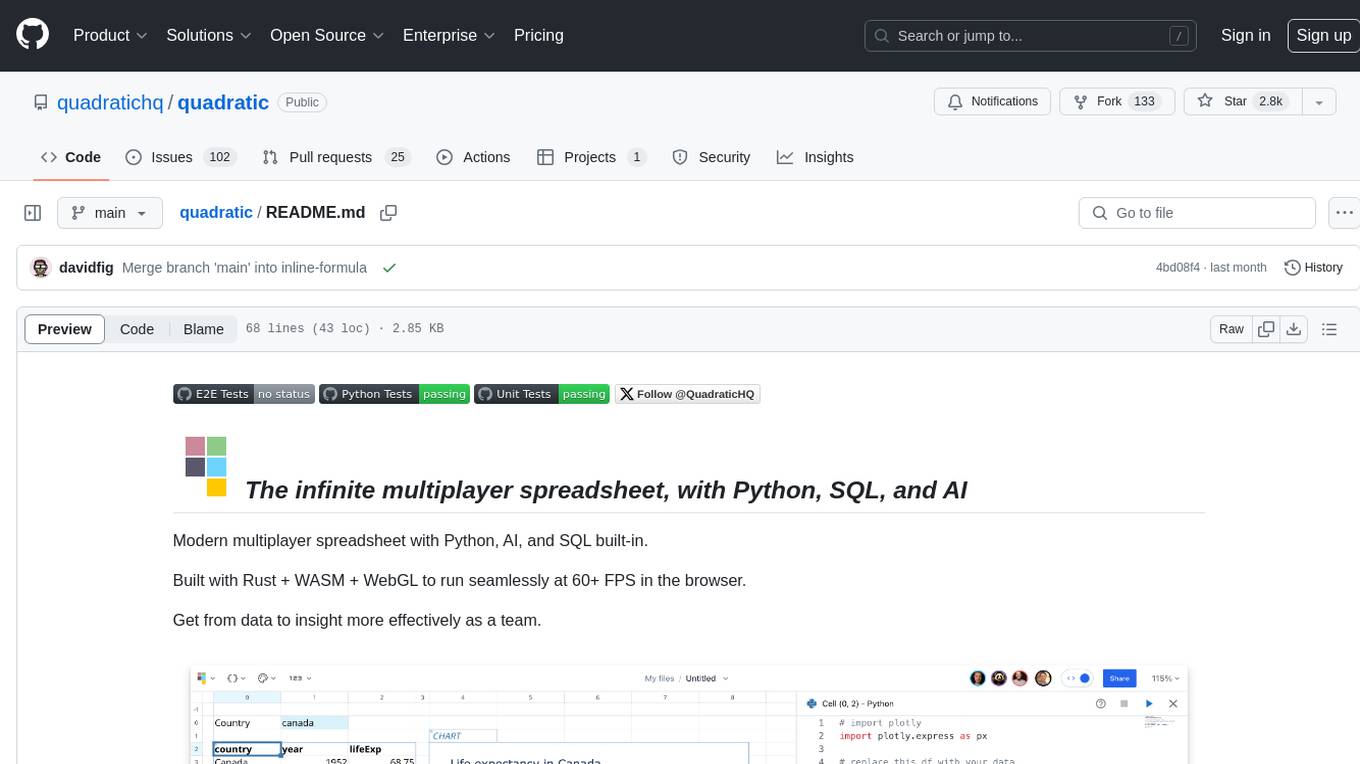
Quadratic is a modern multiplayer spreadsheet application that integrates Python, AI, and SQL functionalities. It aims to streamline team collaboration and data analysis by enabling users to pull data from various sources and utilize popular data science tools. The application supports building dashboards, creating internal tools, mixing data from different sources, exploring data for insights, visualizing Python workflows, and facilitating collaboration between technical and non-technical team members. Quadratic is built with Rust + WASM + WebGL to ensure seamless performance in the browser, and it offers features like WebGL Grid, local file management, Python and Pandas support, Excel formula support, multiplayer capabilities, charts and graphs, and team support. The tool is currently in Beta with ongoing development for additional features like JS support, SQL database support, and AI auto-complete.